
Powered by 8+ Leading AI Models
Loved by 10,000+ users
Your All-in-One AI Video Studio
Create, Edit & Ship Faster
One Platform, Multiple Creative Paths
Turn ideas into videos with AI built for creators
•Start from text, an image or an existing clip
•Swap faces and bodies or clean up footage
•Or just describe it to the AI Video Agent
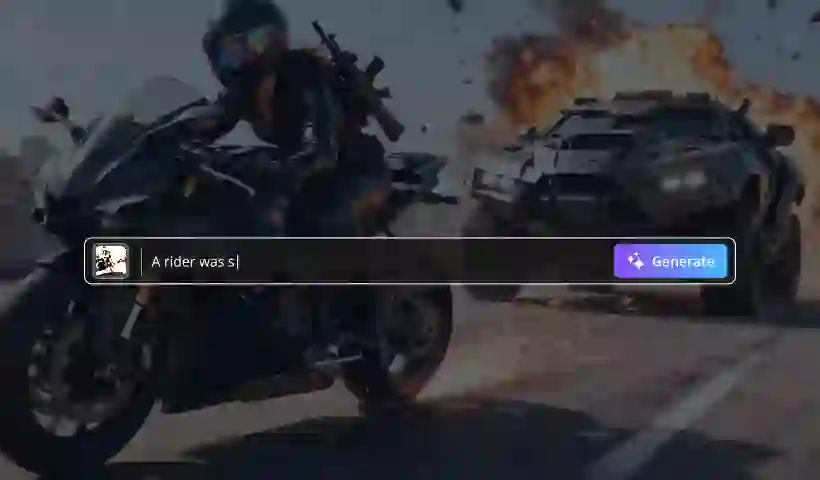
Text-Driven Video Generation
Turn words into cinematic videos in minutes. Describe your scene, camera movement, and mood, then generate clips for marketing, storytelling, and creative projects.
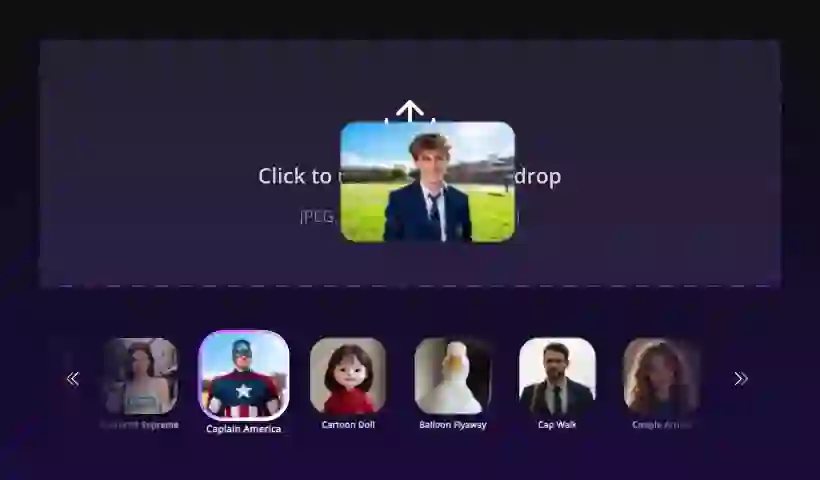
Bring Your Images to Life
Upload a source image and transform it into dynamic motion. AI adds natural movement, depth, and cinematic flow to your stills.
AI Effects, No Timeline Editing
Apply cinematic transitions and artistic effects from the browser. Generate visual variations without opening a traditional video editor.
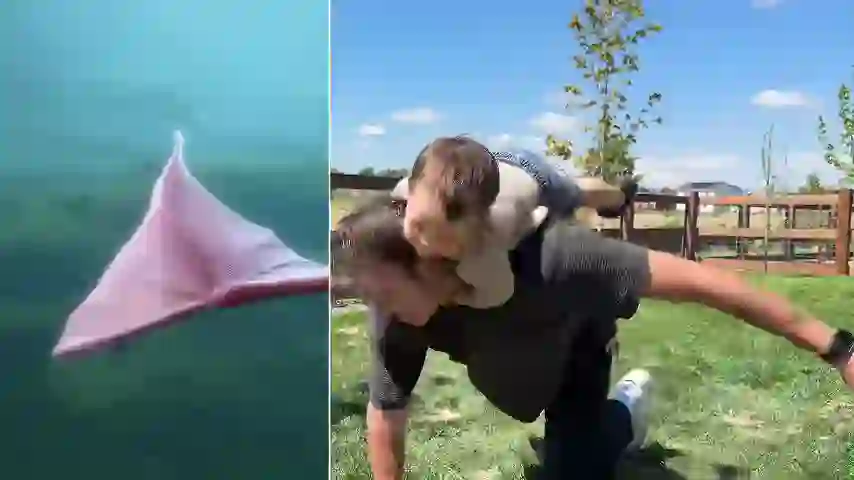
Create from Multiple Images
Upload 2-3 images with different subjects and AI merges them into one video. Mix products, people, and places to create unique scenes.

Reimagine Video Footage with AI
Use video-to-video generation to create fresh variations from existing footage. Change styles, moods, or scene direction while keeping your original clip as the input.
Stop picking tools.
Just say it.
Bring the photos and clips you already have. Tell the agent what to change — it picks the model, shows what it costs, and waits for your nod.
Other AI Tools
Video Effects
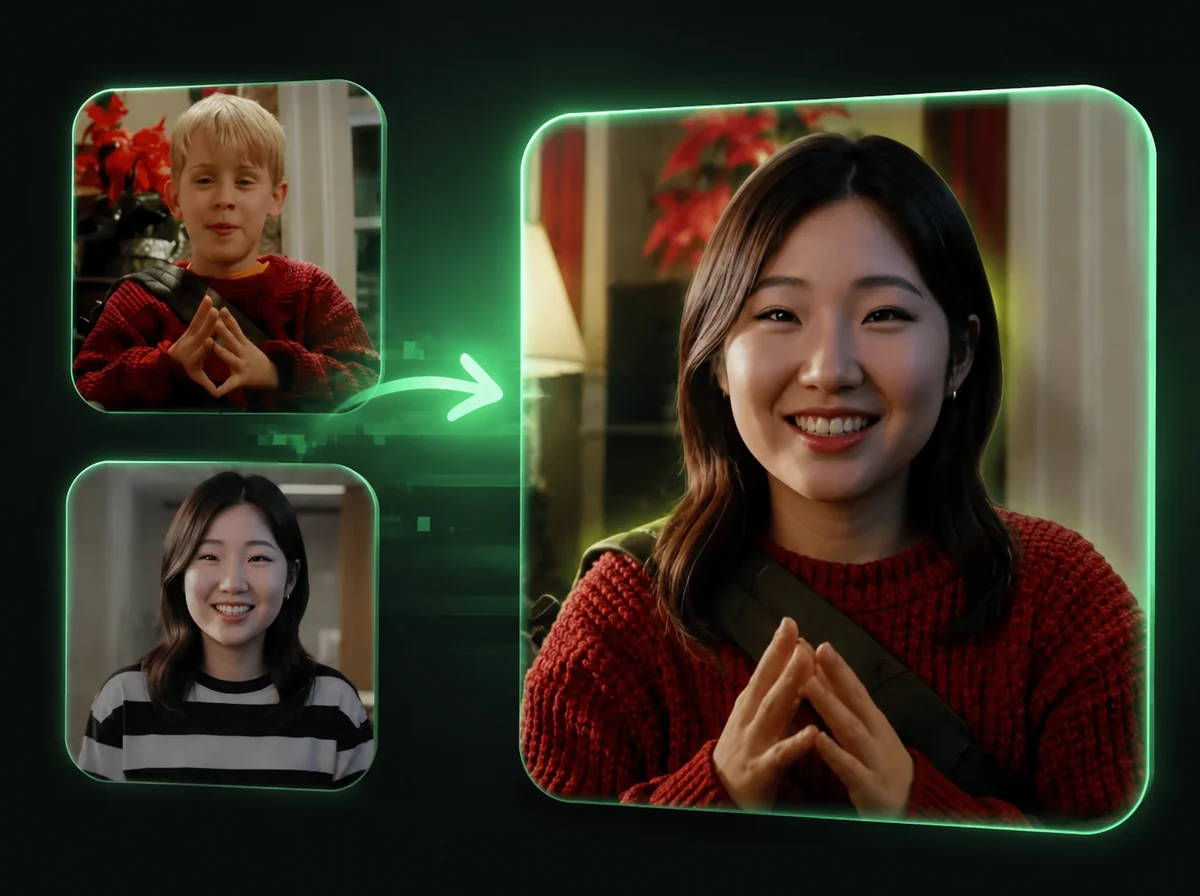
AI Video Head Swap
Replace the entire head in any video, frame by frame, with AI.
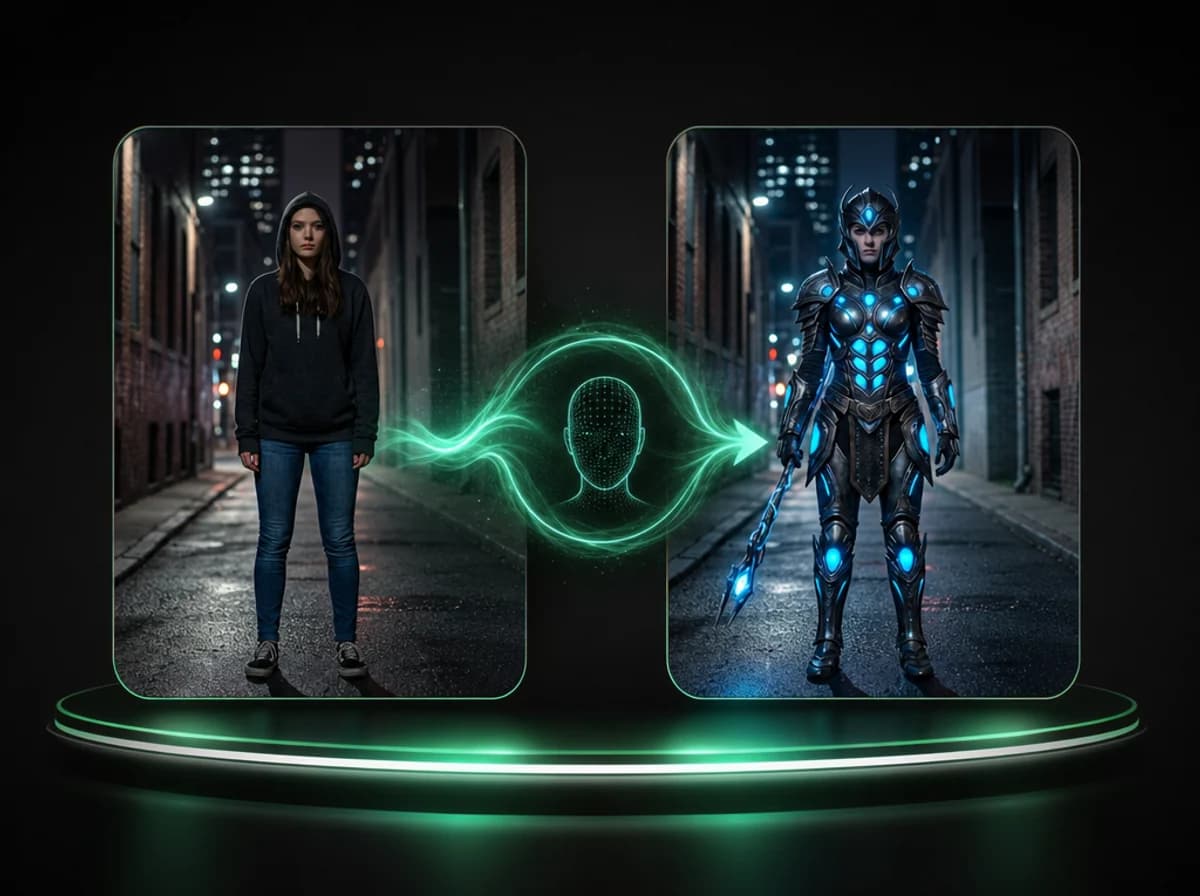
AI Video Body Swap
Swap the full body appearance in any video using a reference image, frame by frame.
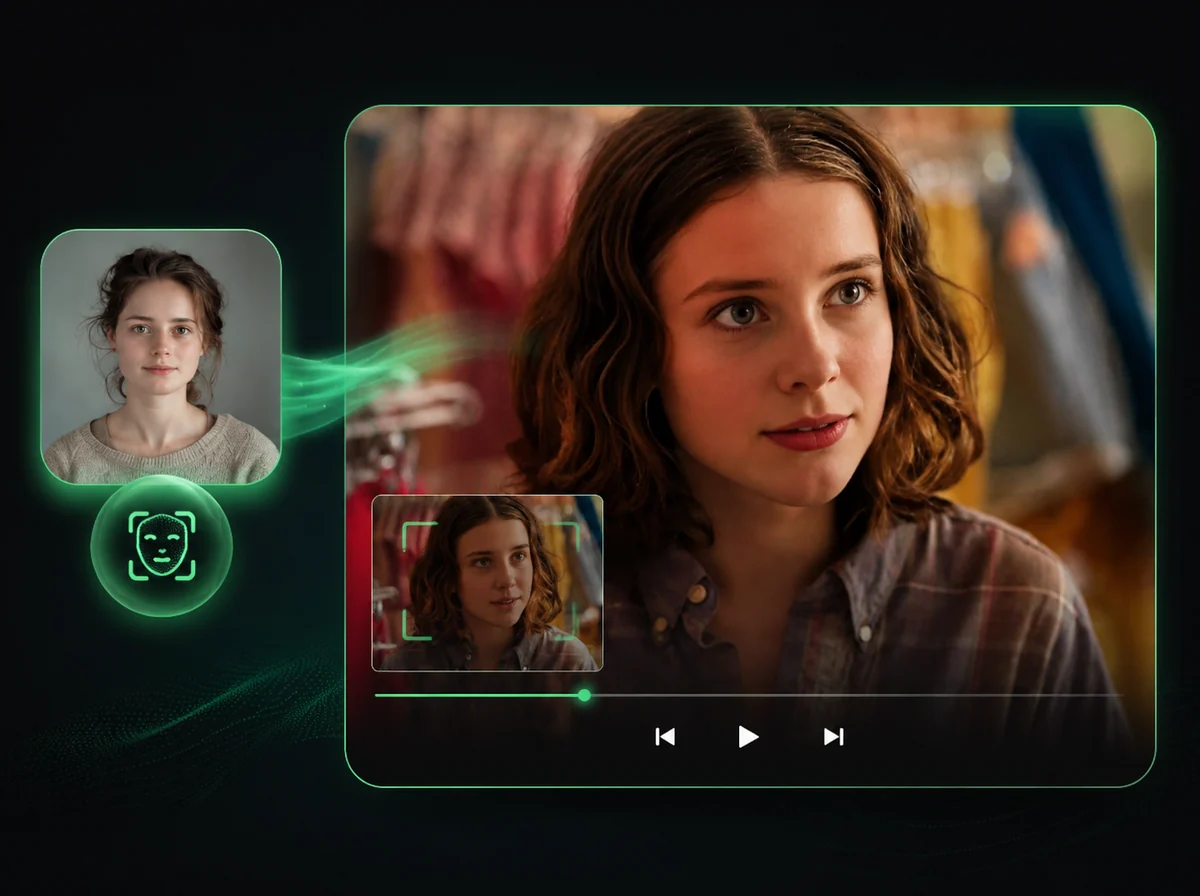
AI Video Face Swap
Swap faces in videos with AI precision.
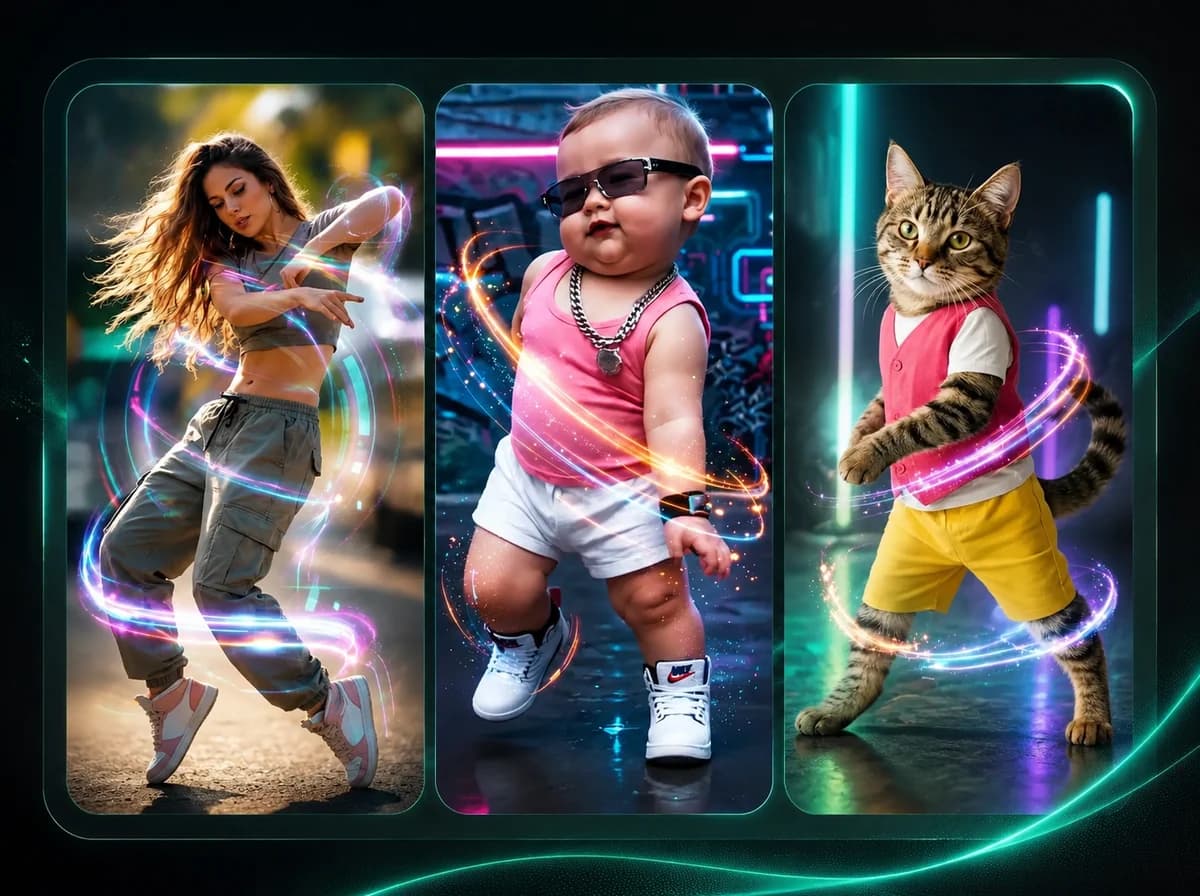
AI Dance Generator
Make any character dance with motion transfer AI.
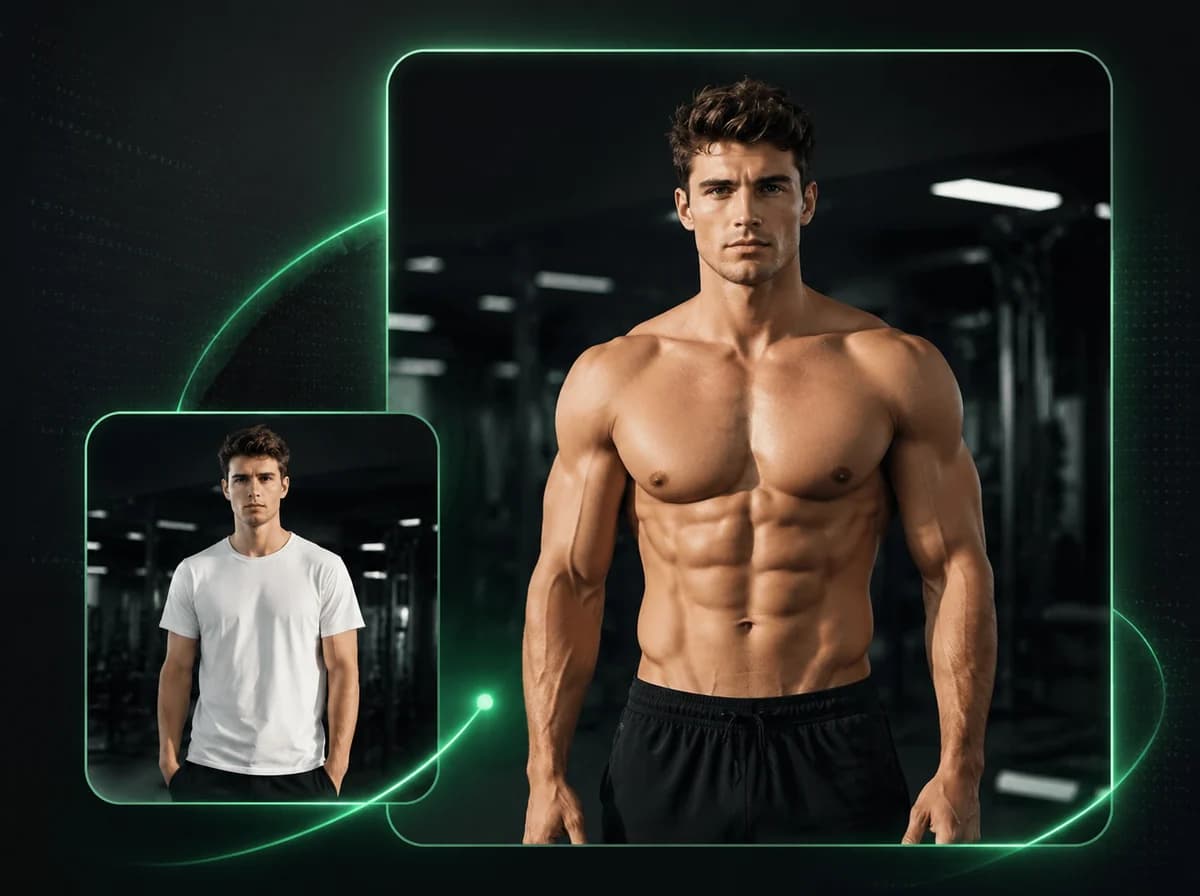
AI Muscle Generator
Animate any photo into a powerful muscle flex video with AI.

AI Bikini Generator
Turn any photo into a stunning bikini showcase video with AI.
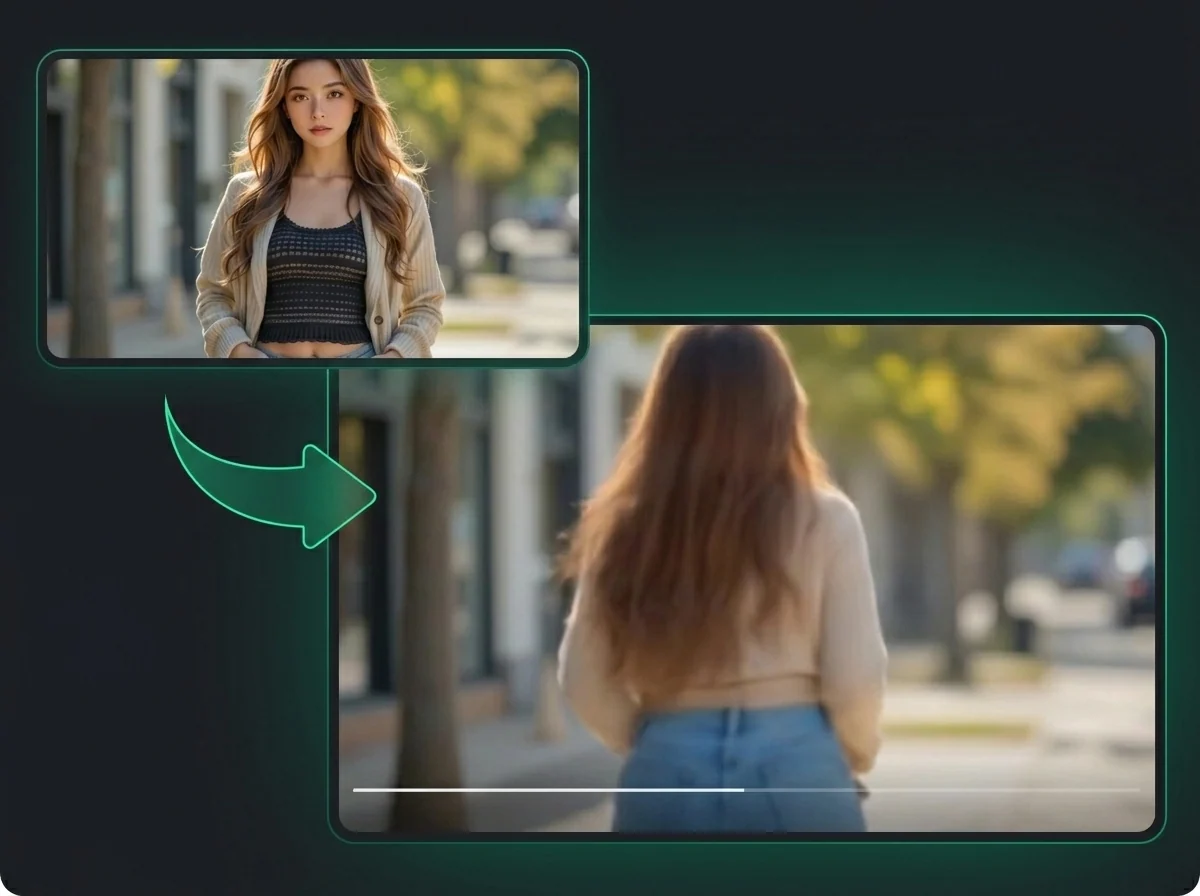
AI Twerk Generator
Animate any photo into a realistic twerking dance video with AI.
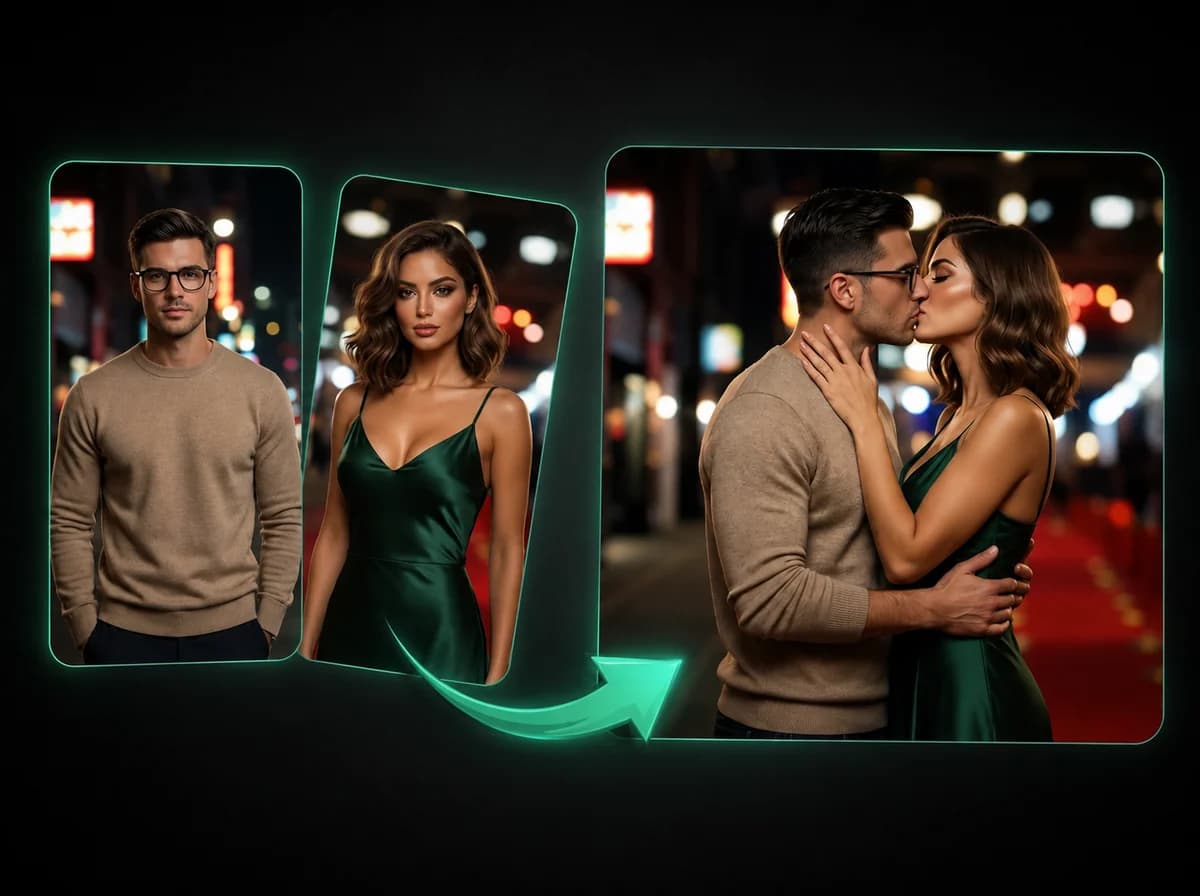
AI Kissing Video Generator
Turn two photos into a realistic kissing scene with AI.
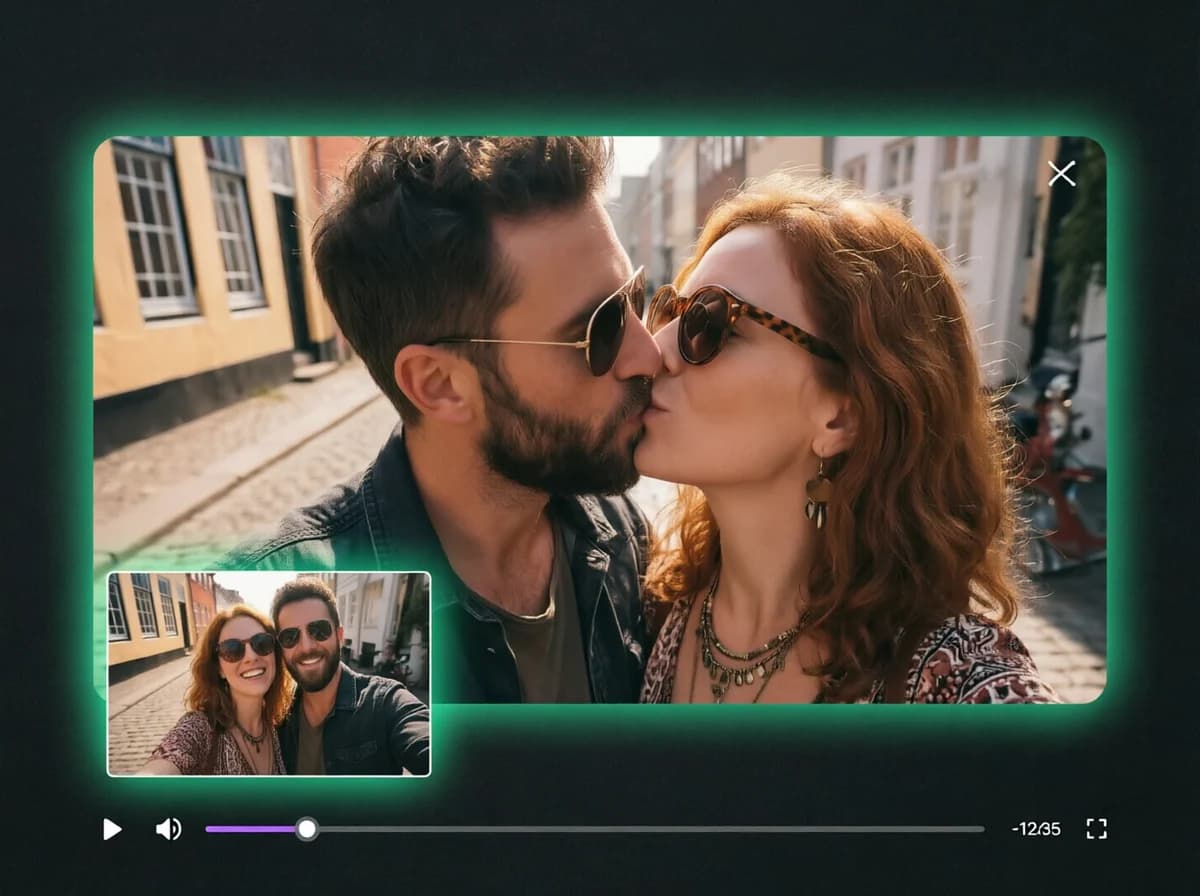
AI French Kiss Generator
Animate any photo into a realistic french kiss video with AI.

Hotel Lobby AI Video Generator
Put you and a friend in the orange booth, trading bars at one hanging mic.

Zombie Couple Video Generator
Two photos become a zombie love story: one hug in the ruins, one sunny ending.

AI ASMR Generator
One photo becomes a slime face ASMR video: glossy slime, kneading hands, real squish sounds.
Image Effects
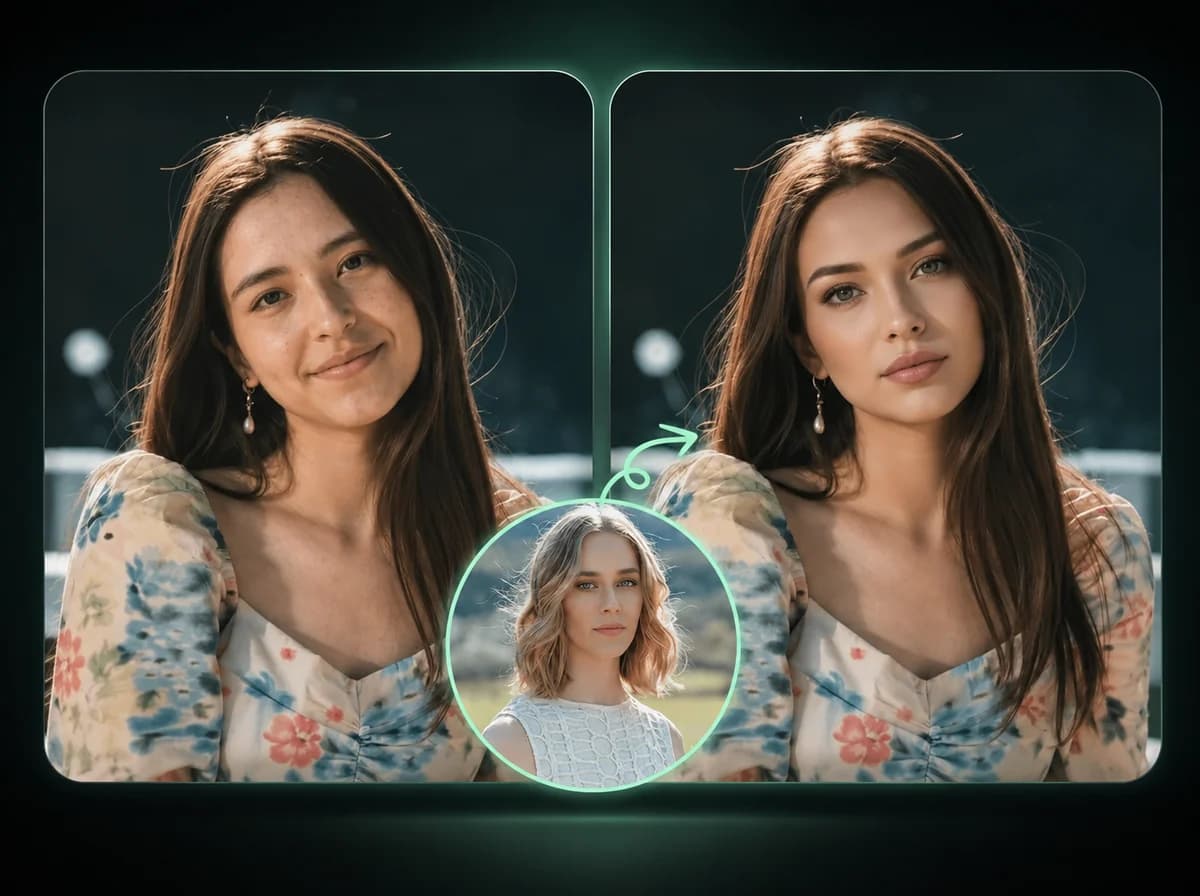
AI Image Face Swap
Swap faces in photos with AI precision.
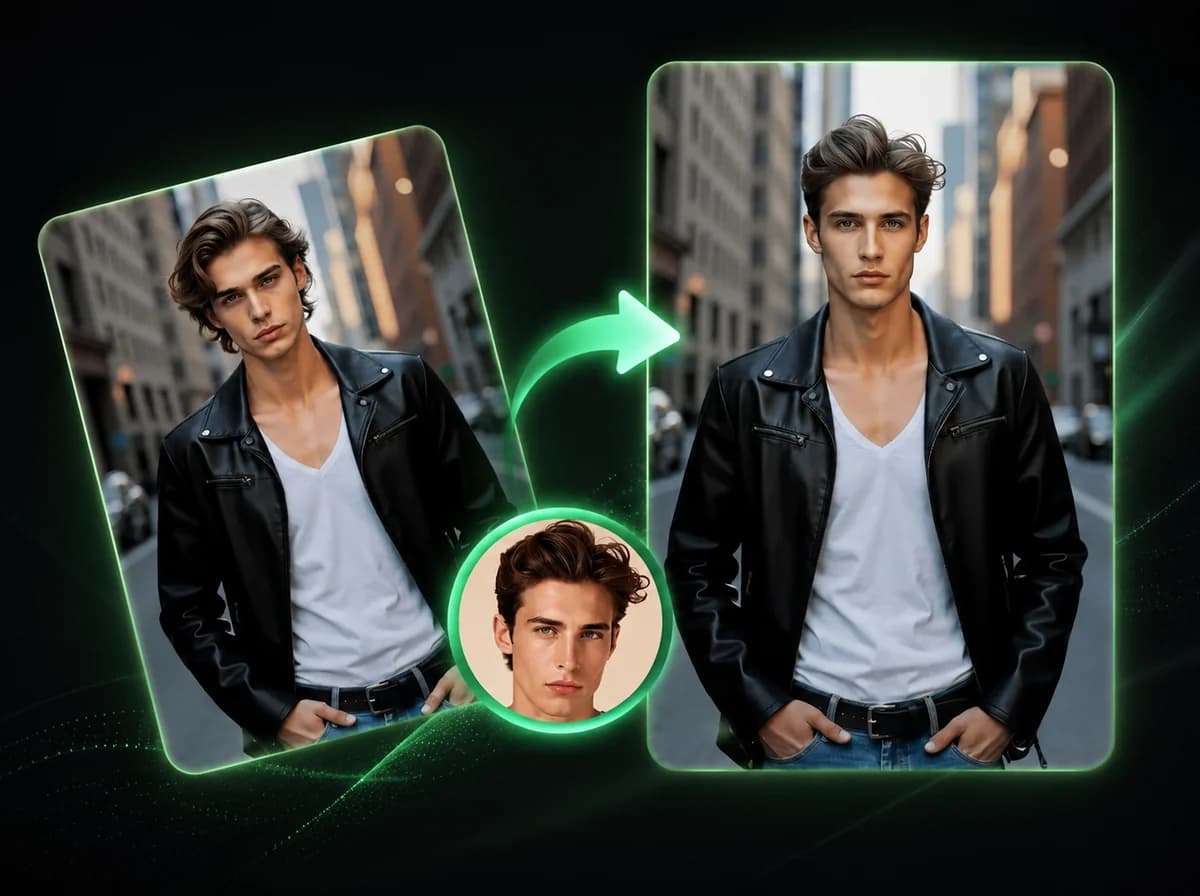
AI Image Head Swap
Replace entire head including hair and hairstyle in 10 seconds with AI.
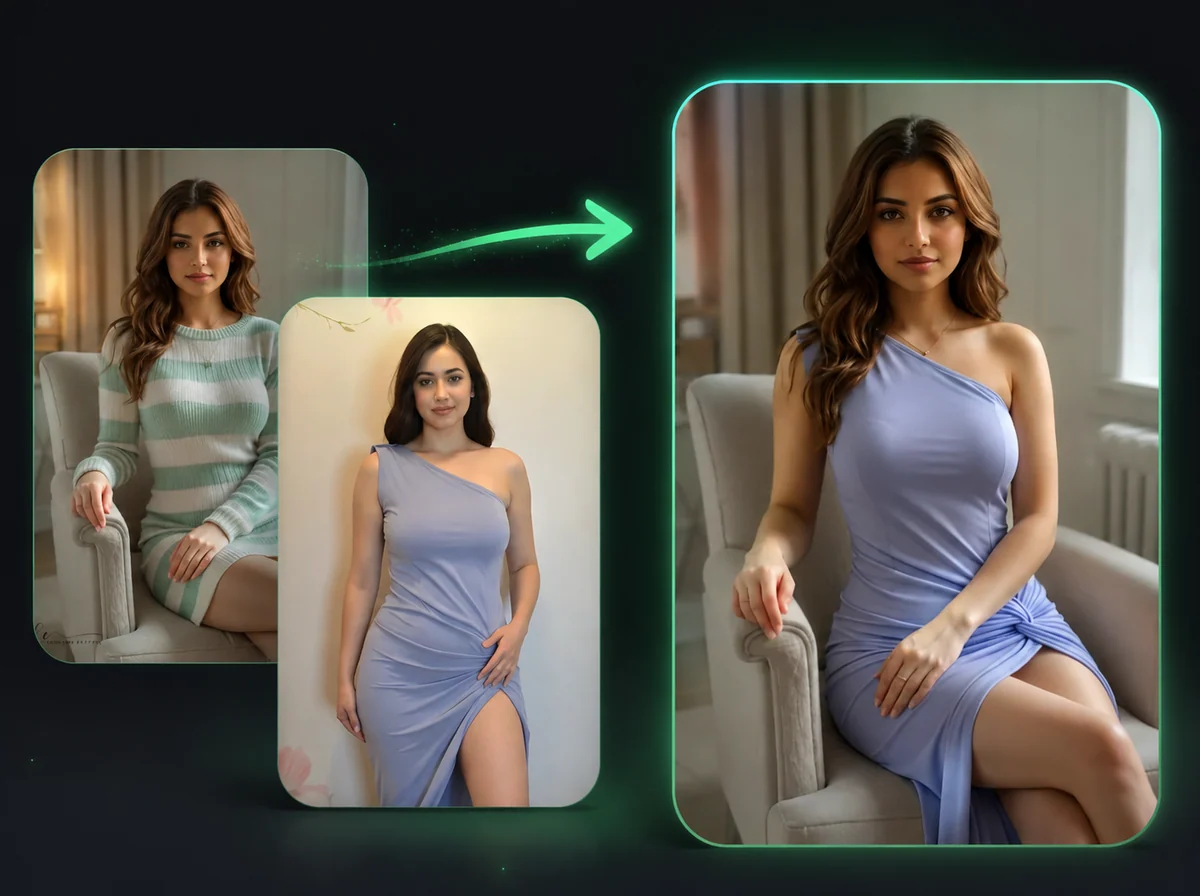
AI Image Body Swap
Swap bodies in photos while keeping your face unchanged.
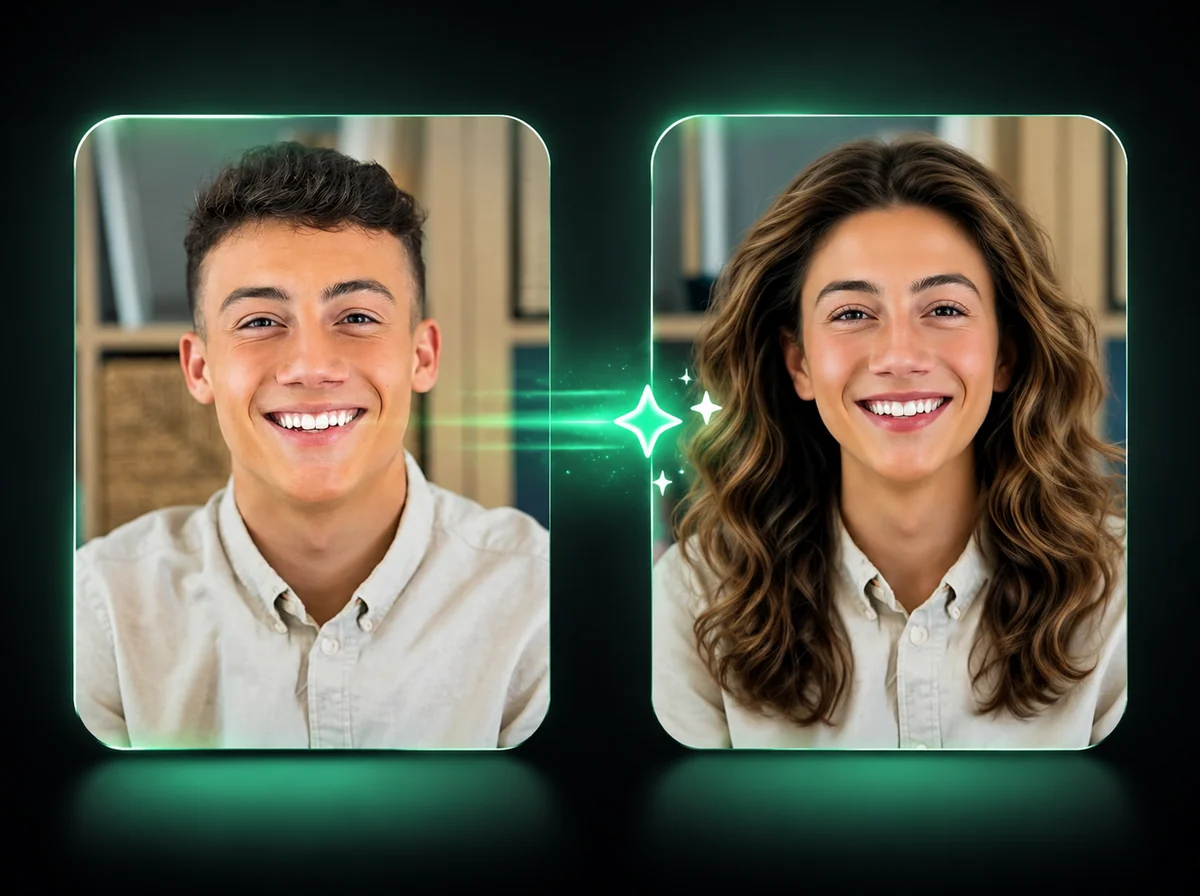
AI Gender Swap
Change gender presentation in one portrait while keeping expression, clothing, and background aligned.
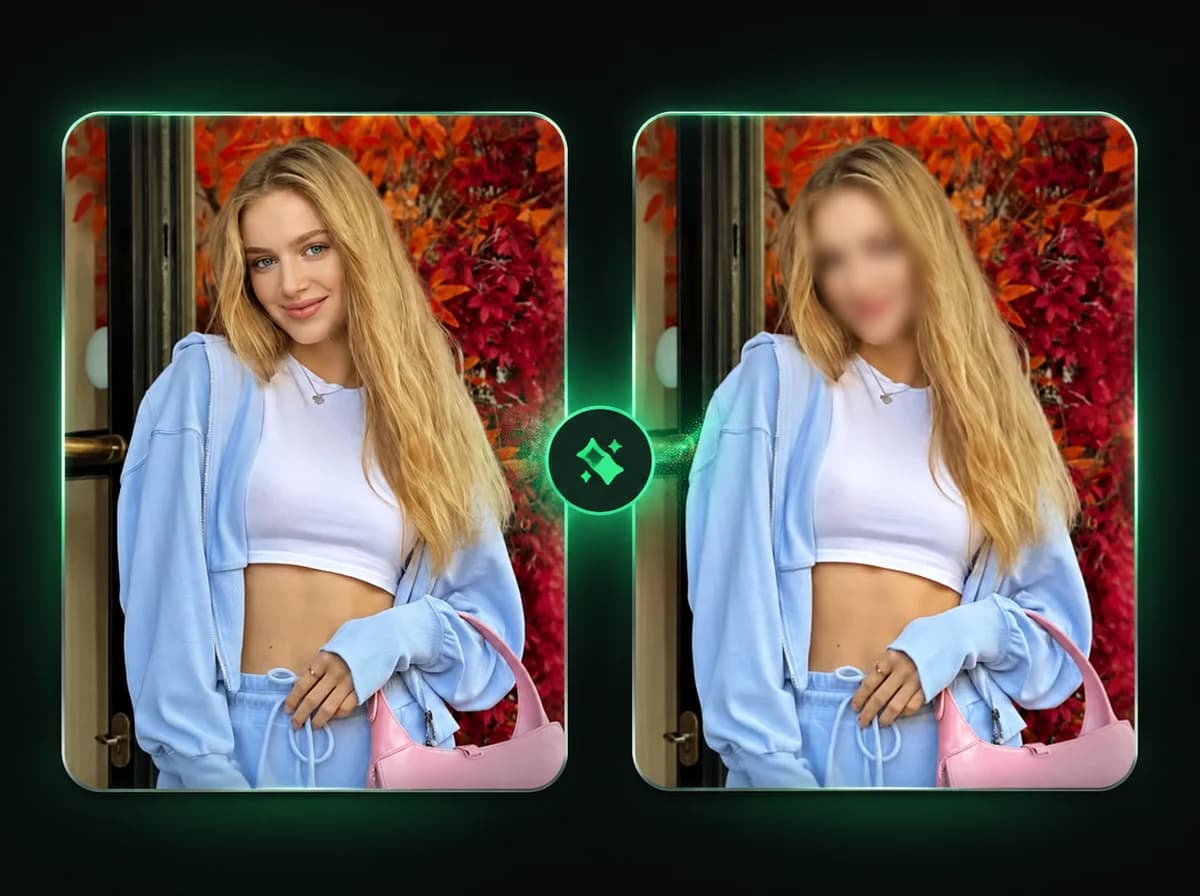
AI Image Face Blur
Blur visible faces in one photo while keeping clothing, pose, background, and scene context.
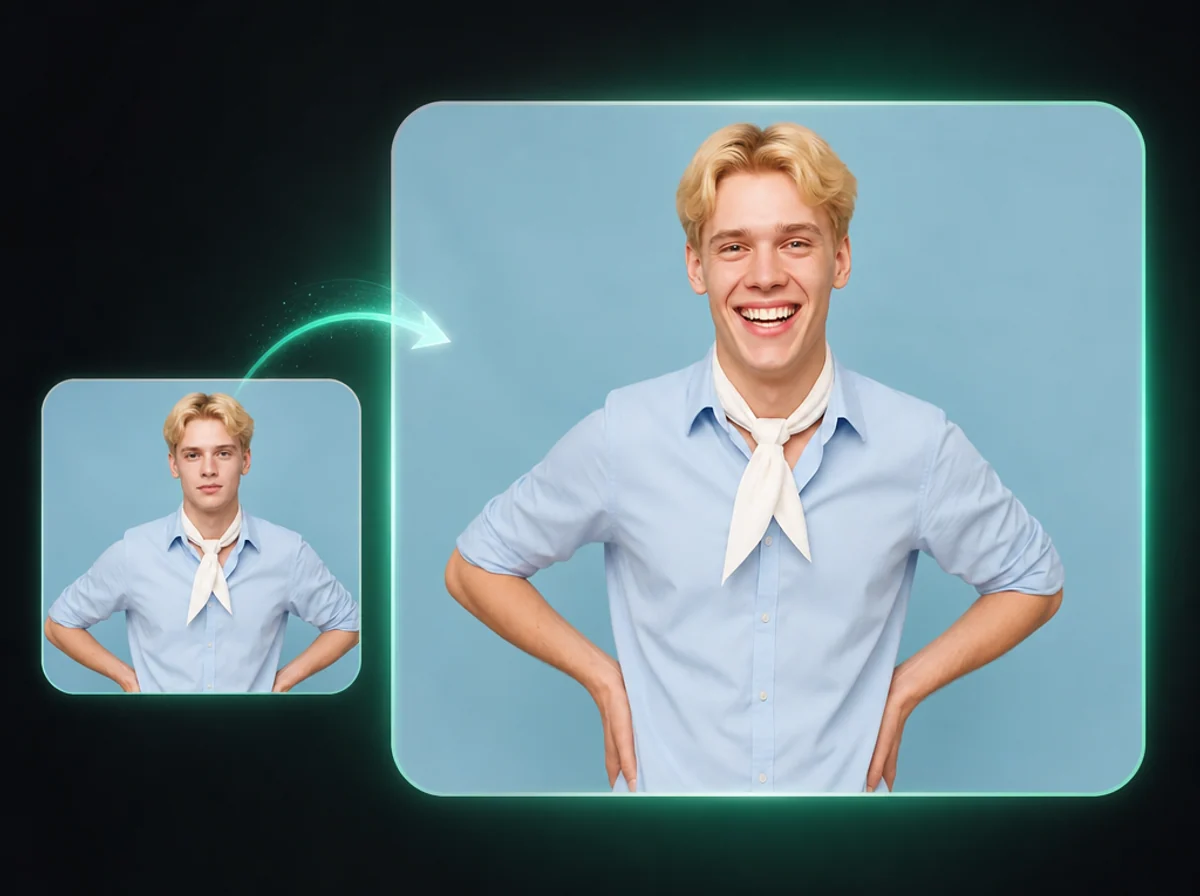
AI Smile Filter
Add a natural smile to one portrait while keeping identity, pose, outfit, and background aligned.
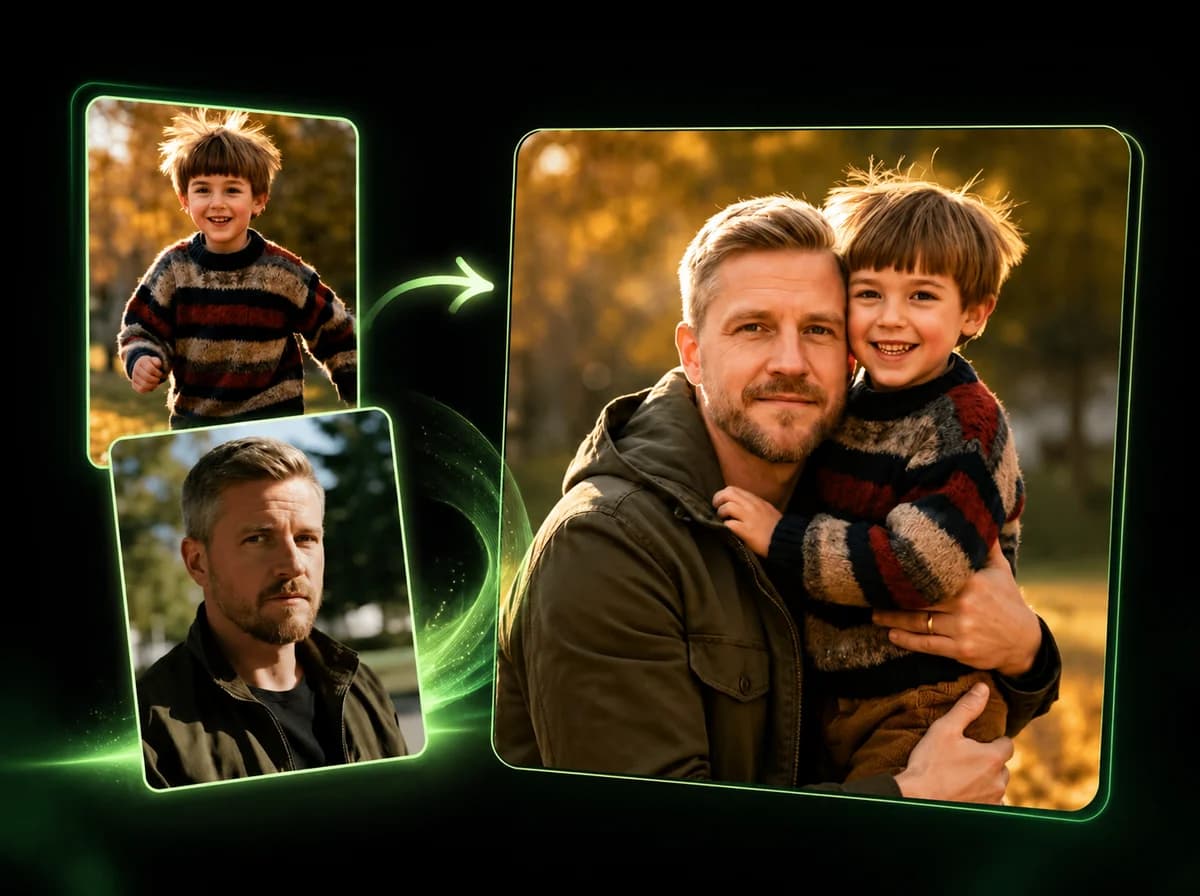
AI Image Combiner
Merge 2–14 photos into one natural-looking image with AI.
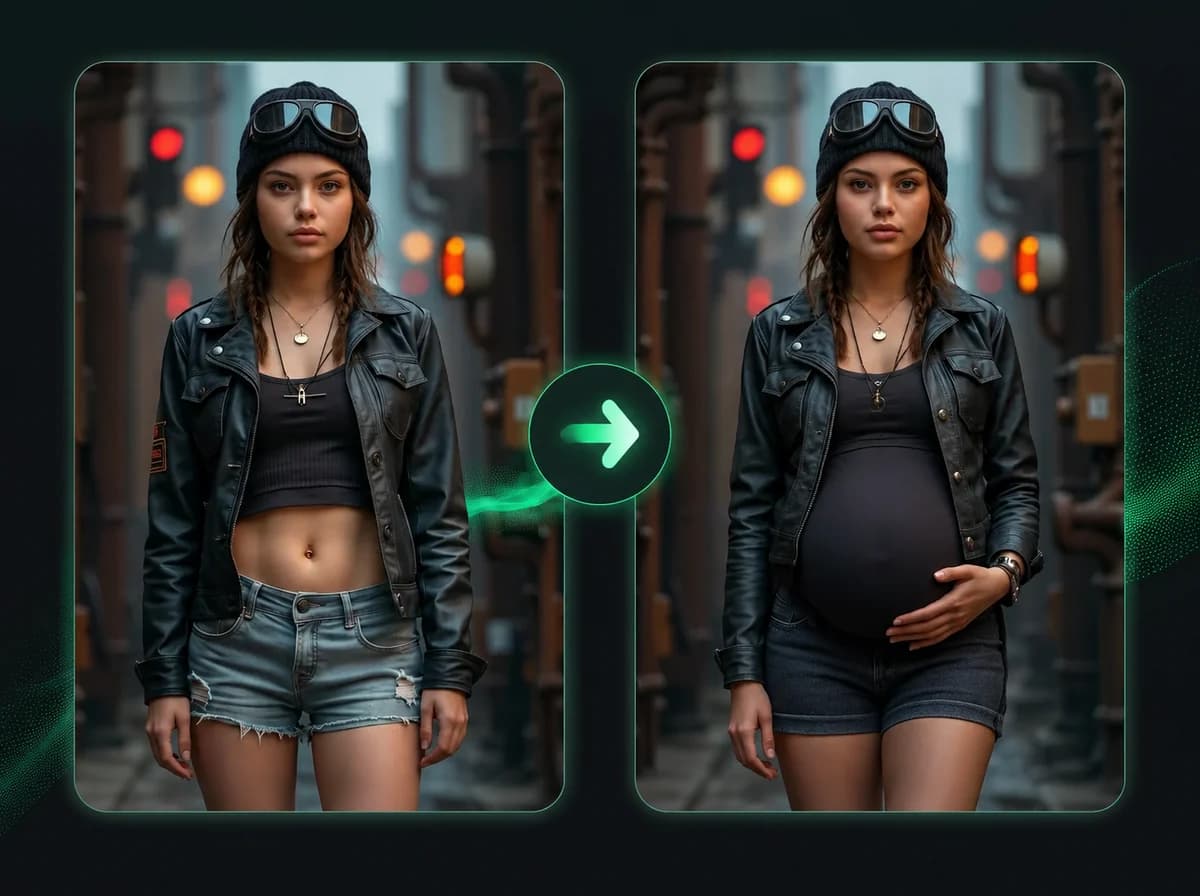
Pregnant AI
Add a realistic 8-month baby bump to any photo.
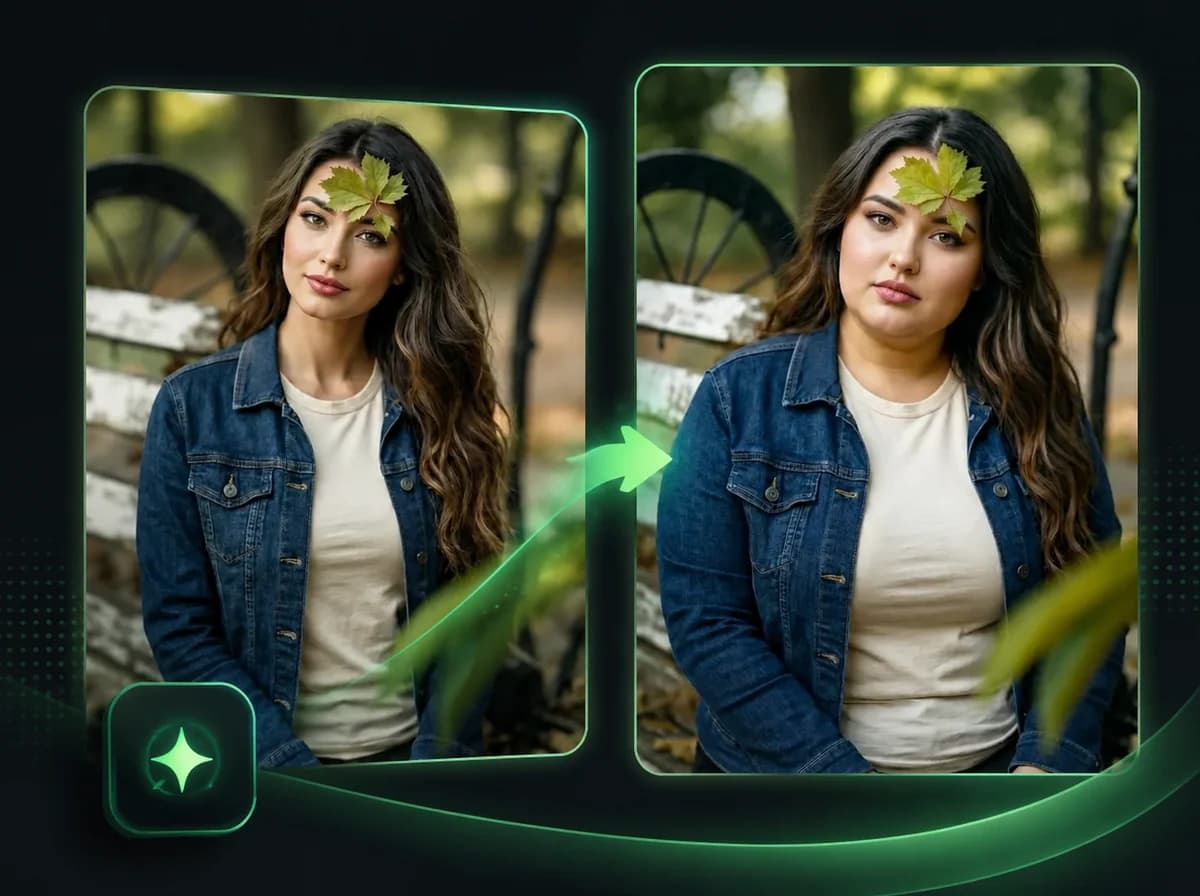
Fat AI Generator
See yourself overweight. AI transforms any photo with a realistic heavy body — outfit and face unchanged.
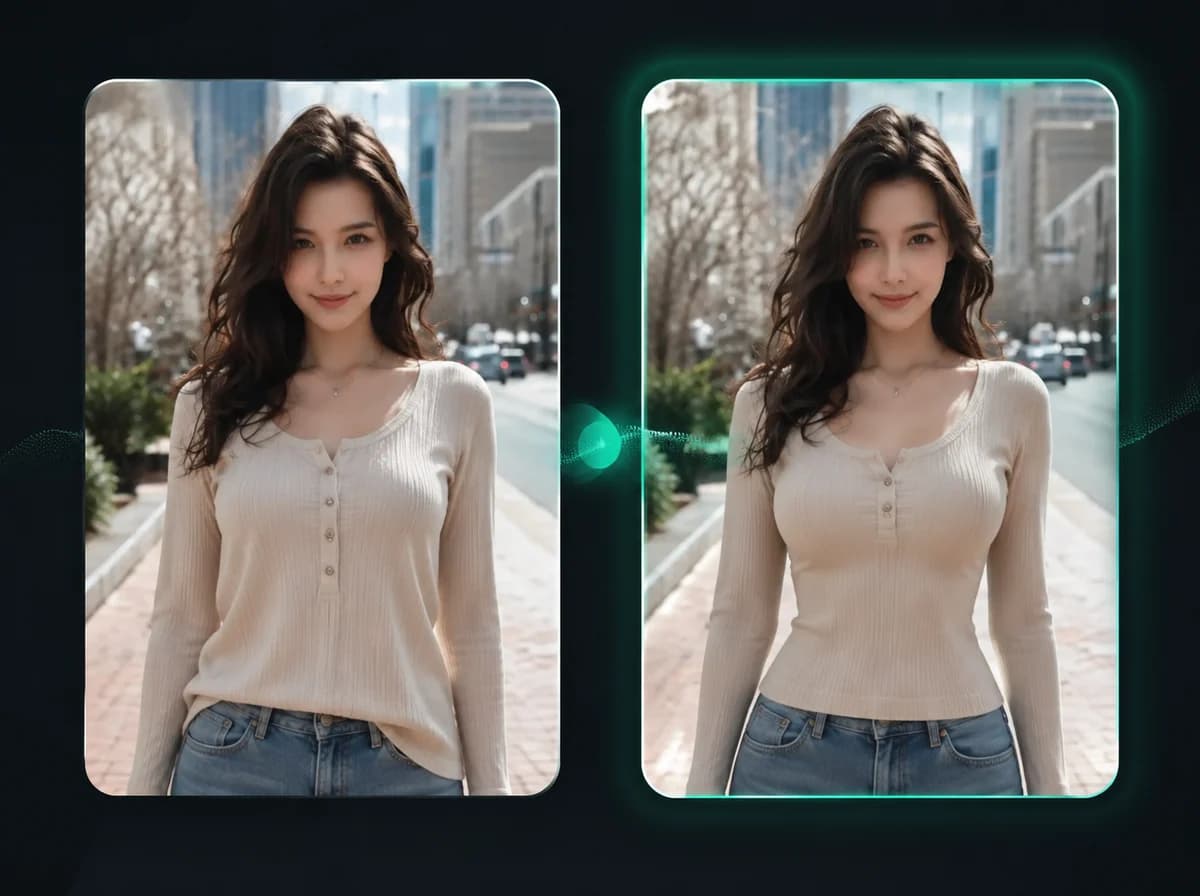
AI Breast Expansion
Adjust breast size in clothed photos — choose from C to G cup.
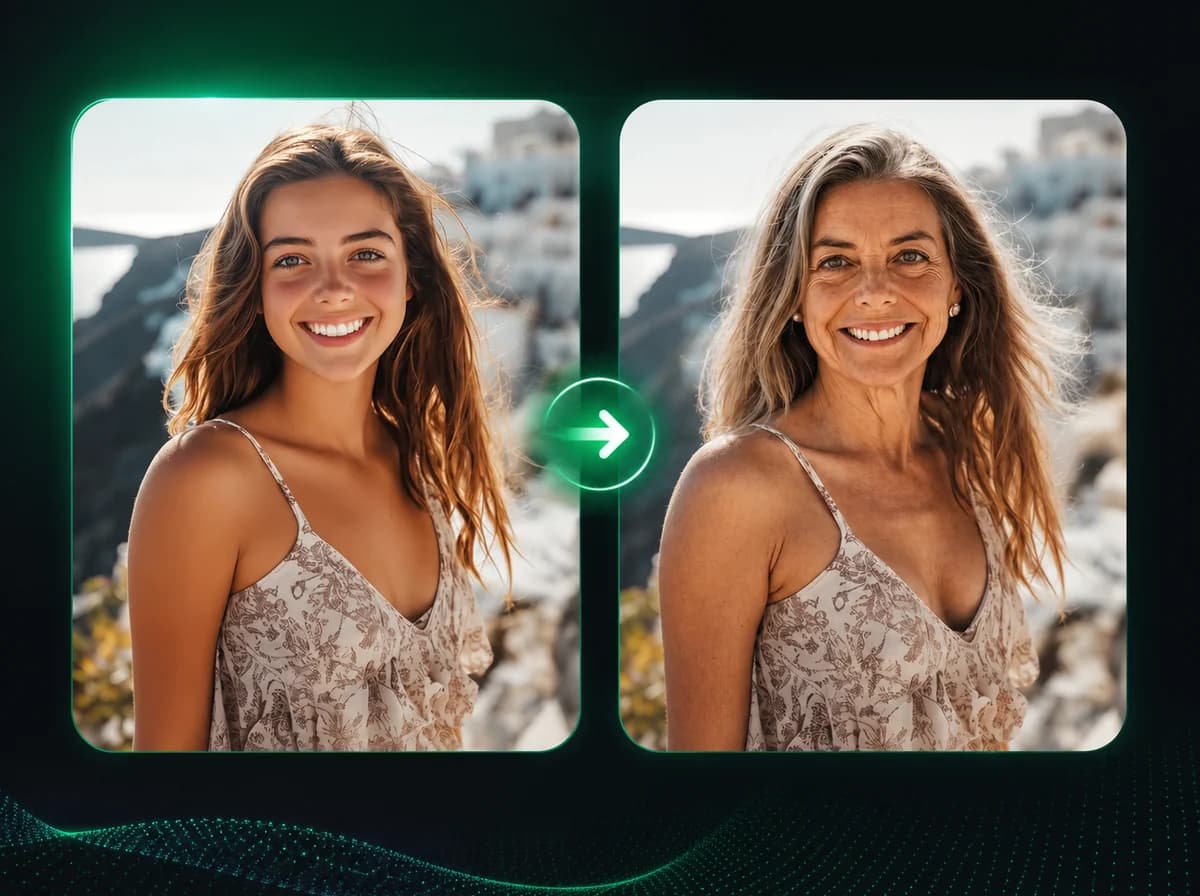
AI Age Progression
See what you'll look like at 60 — upload one photo, get a realistic aging prediction.
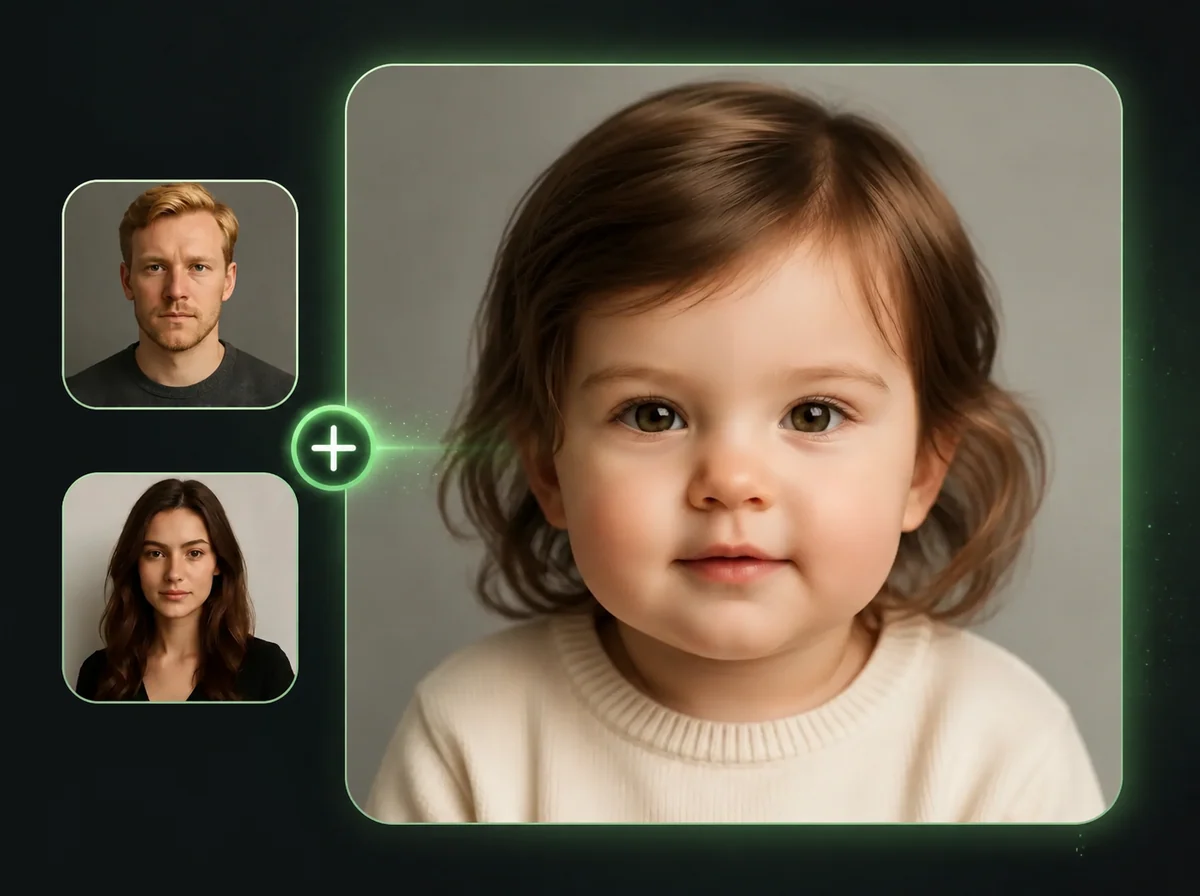
AI Baby Generator
Upload two parent photos, choose boy or girl, and see what your baby will look like.
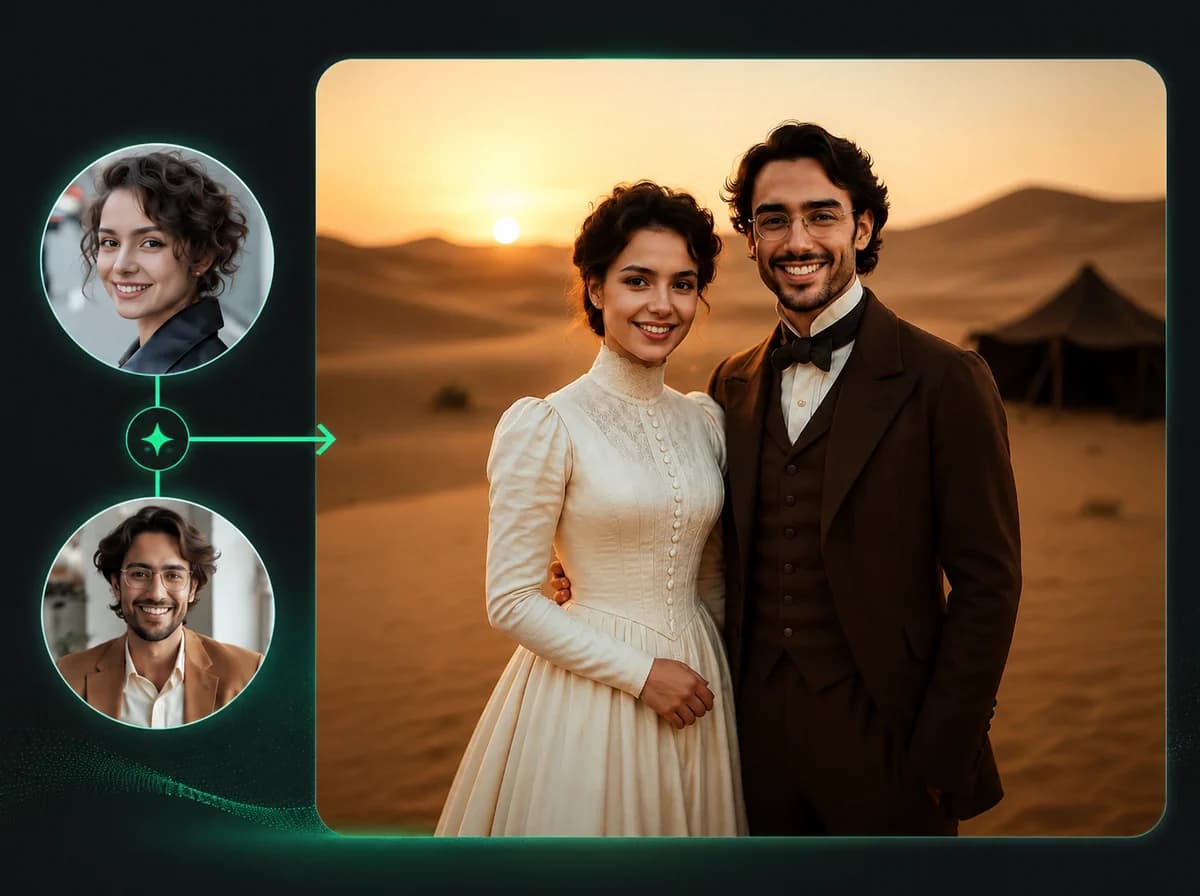
AI Wedding Photo Generator
Upload one or two photos and AI builds a polished wedding portrait — couple combine, identity preserved, ready.

Mugshot Generator
Turn any portrait into a staged booking-photo image with height chart, neutral pose, and flat flash light. Same face, mugshot drama.
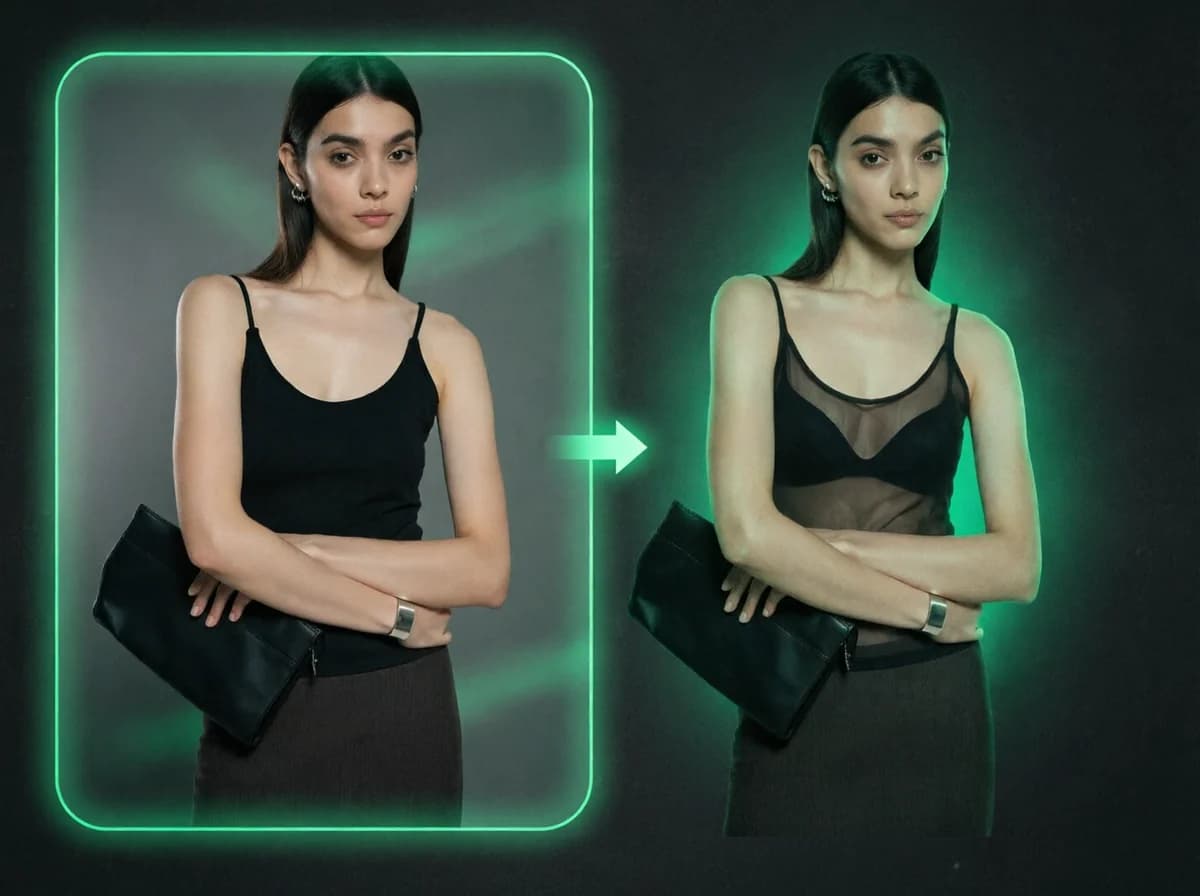
AI X-Ray Clothes
Redraw the upper-body fabric of any portrait as chiffon-thin or see-through. No prompt typing, no manual masking. Face and pose stay put.
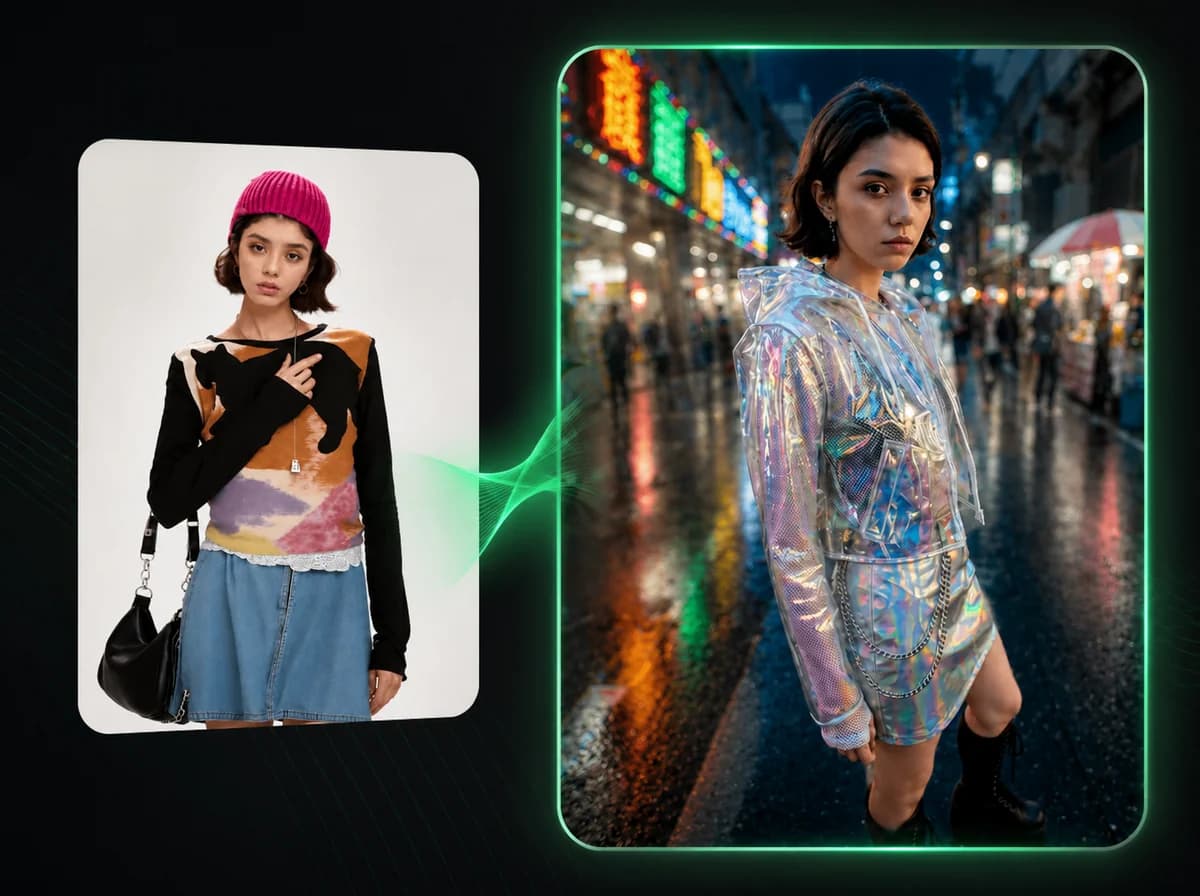
AI Futuristic Elegance
Drop any selfie into a Harajuku PVC cinematic scene with holographic and prismatic light. Same face, cyberpunk editorial wardrobe.
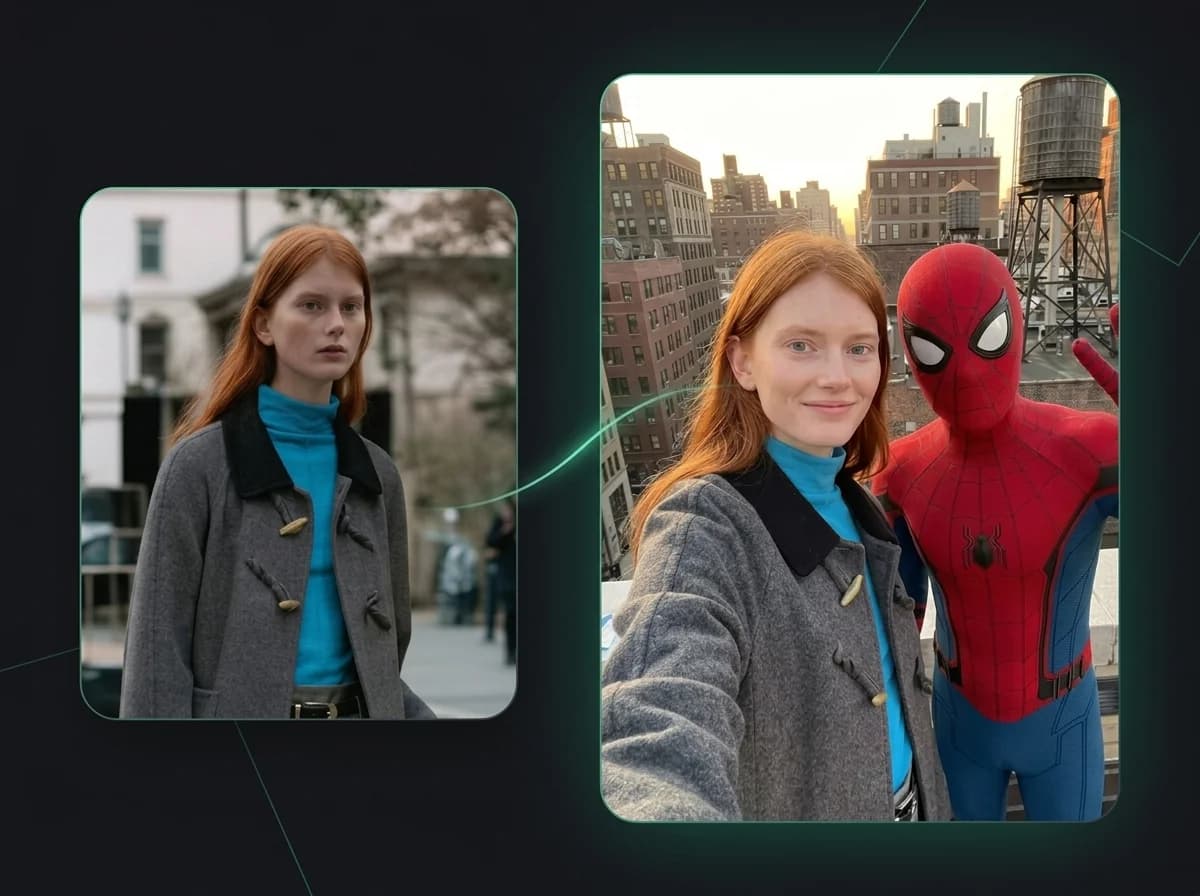
AI Celeb
Drop your selfie into a believable arm-stretched co-star photo with the star or character you name in the prompt. Same face, red-carpet drama.
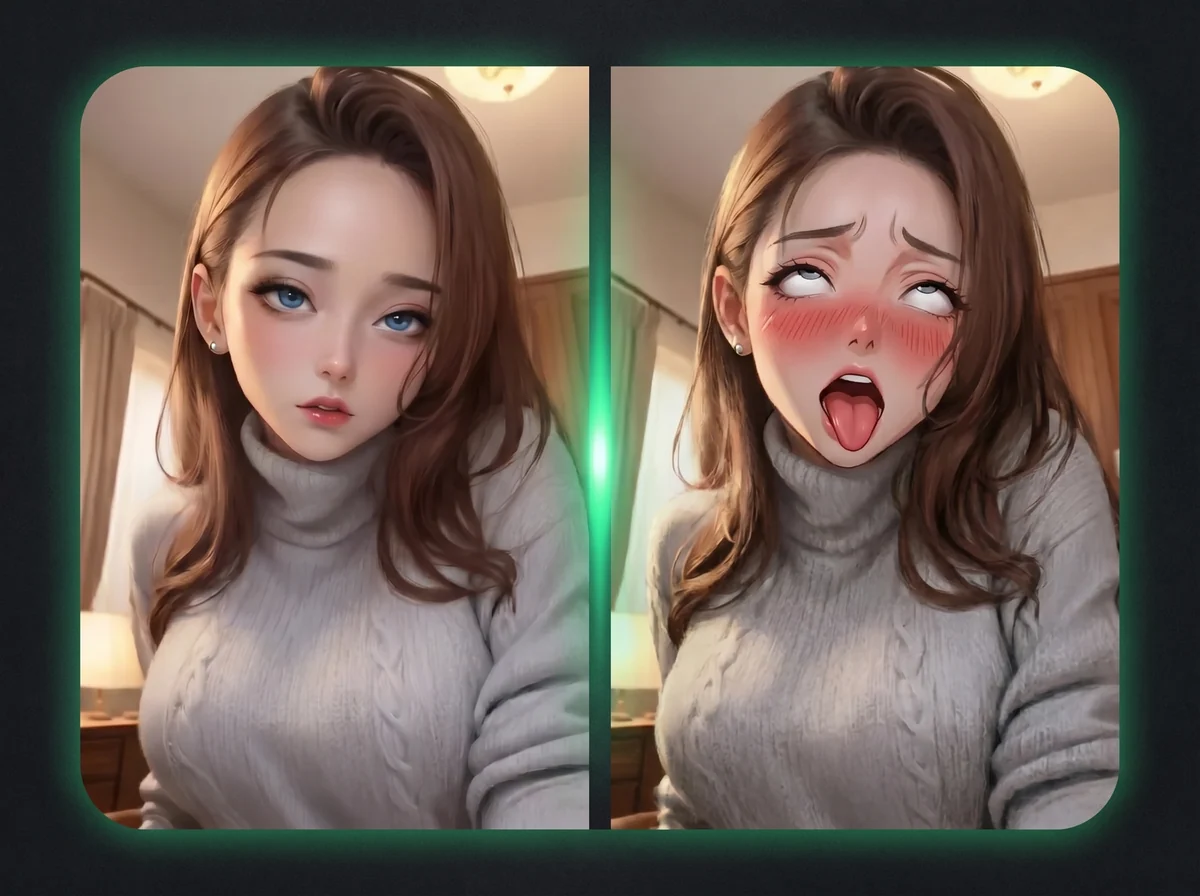
AI Ahegao Generator
Turn any portrait into an anime-style ahegao reaction face — tongue out, eyes rolled up.
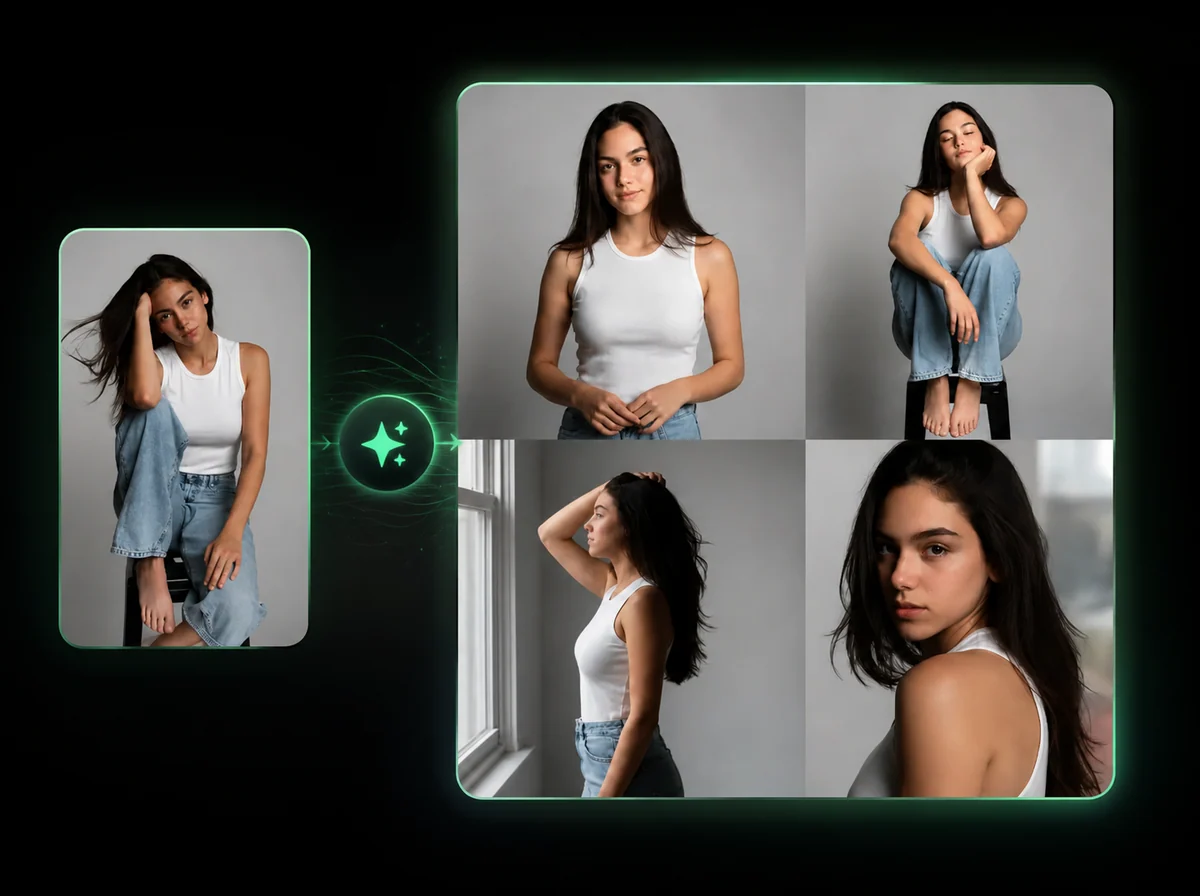
AI Pose Generator
Change a model's pose. Outfit, product, and background stay locked — describe the pose in plain English.
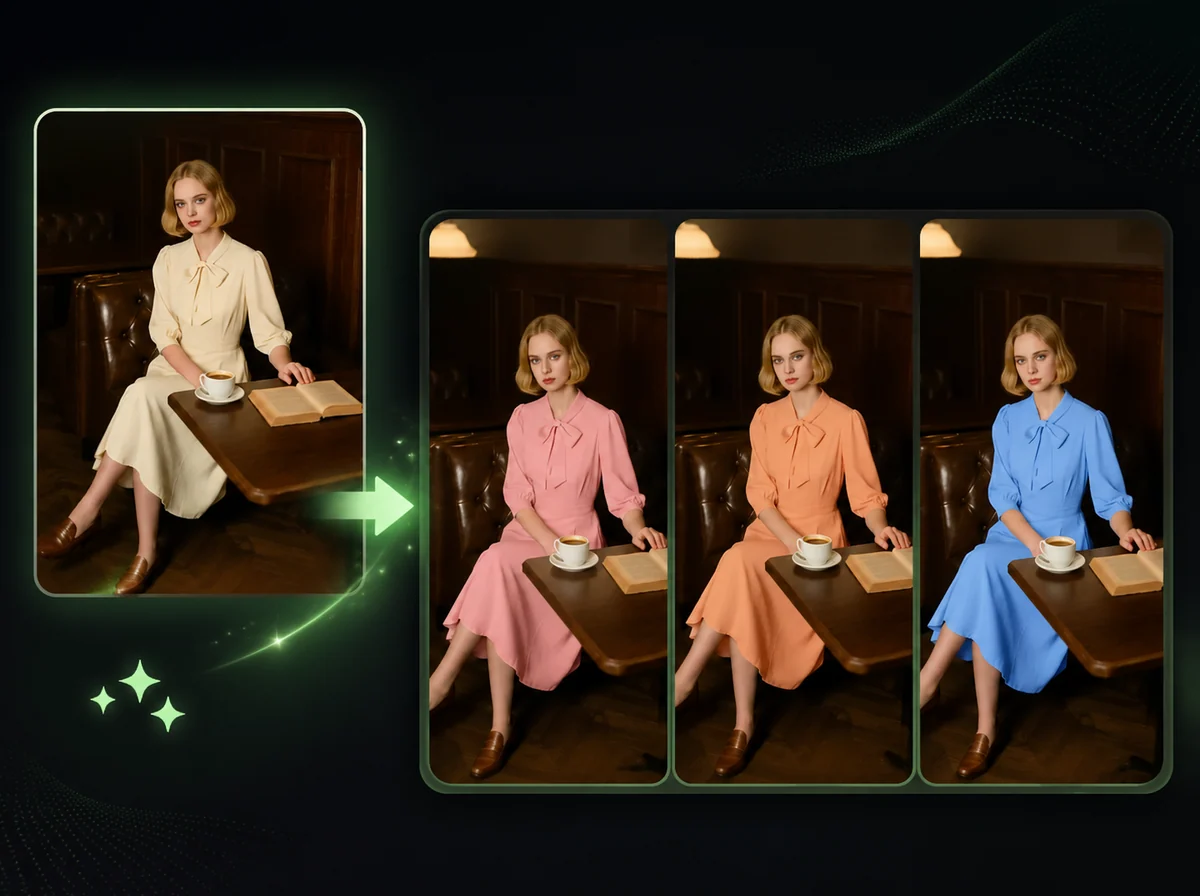
AI Photo Recolor
Recolor any product photo to a new HEX color, keeping fabric and shadows intact.

AI Halloween Costume Generator
Upload a photo and become a zombie, witch or vampire, with your face kept.
Video Tools

AI Music Video Generator
Your song is ready. Give it a scene: upload the audio, add optional character references, and describe the music video you have in mind.
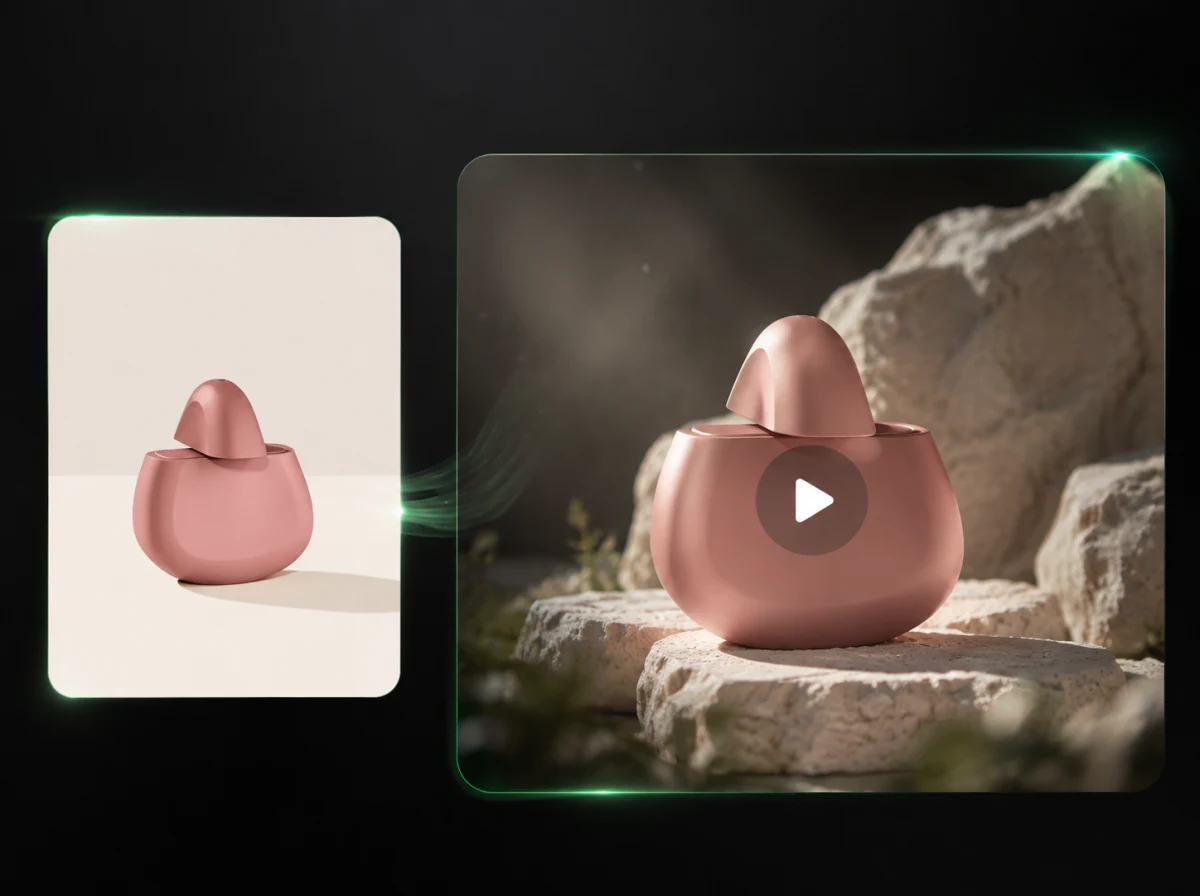
AI Product Video Generator
Turn a product photo and an optional scene into a 3–15 second video with editable camera direction.
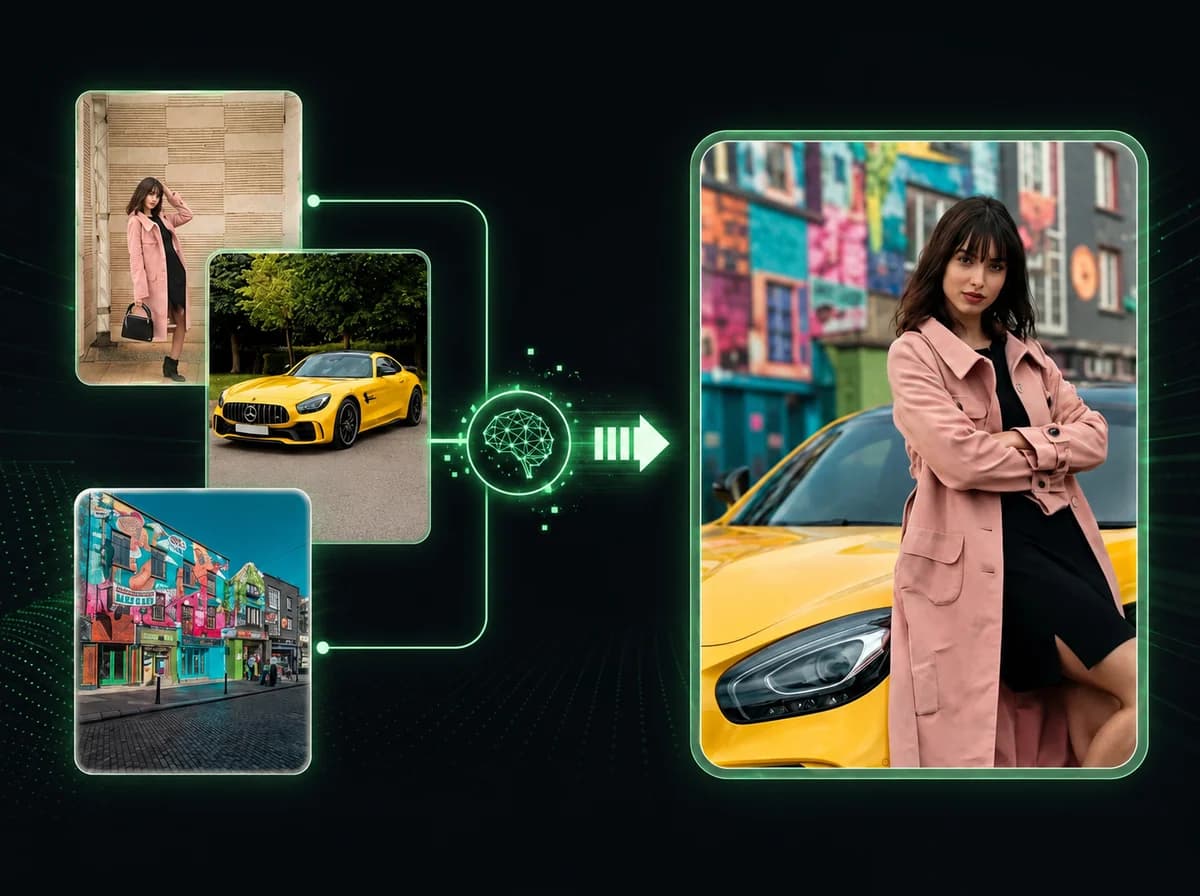
Reference to Video AI
Blend multiple images into one cohesive video in 2-3 minutes.
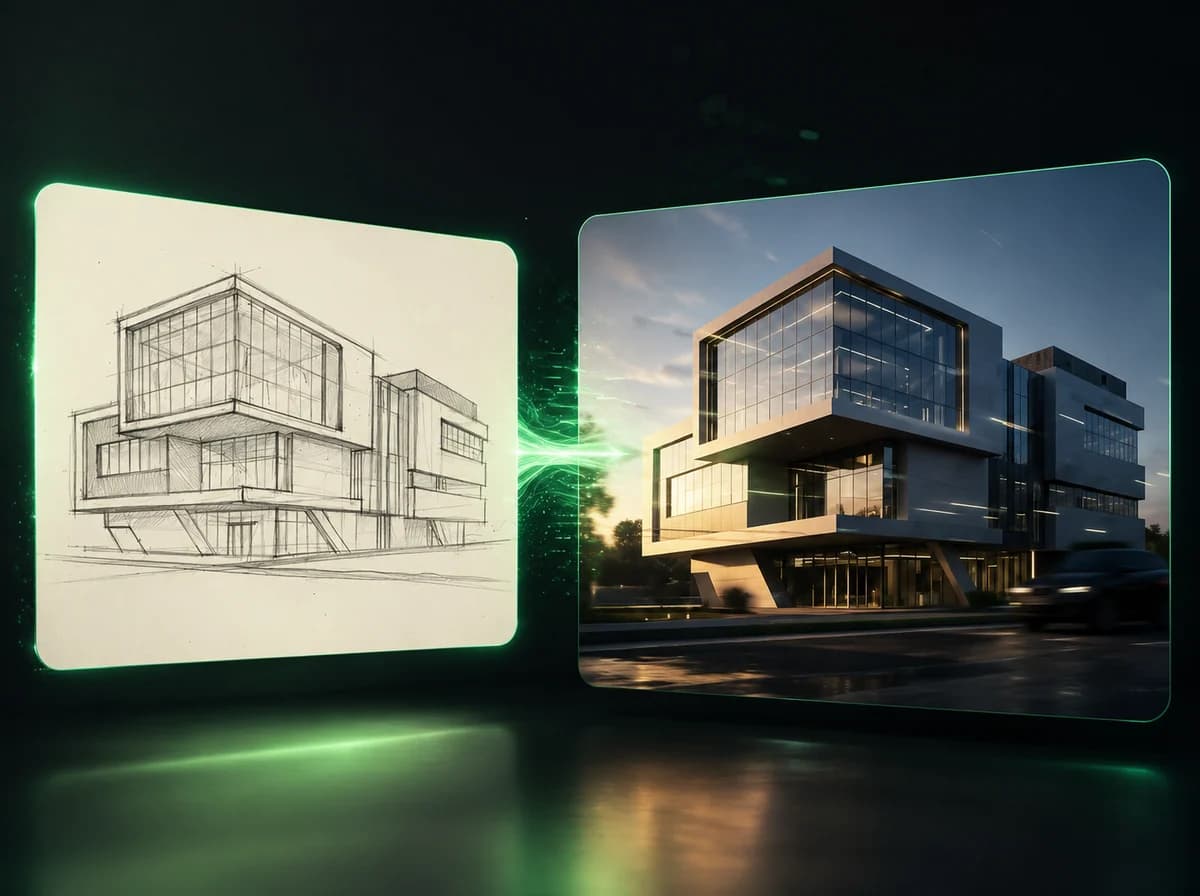
Sketch to Video AI
Turn one sketch, storyboard frame, or concept drawing into a short motion preview anchored to the uploaded image.
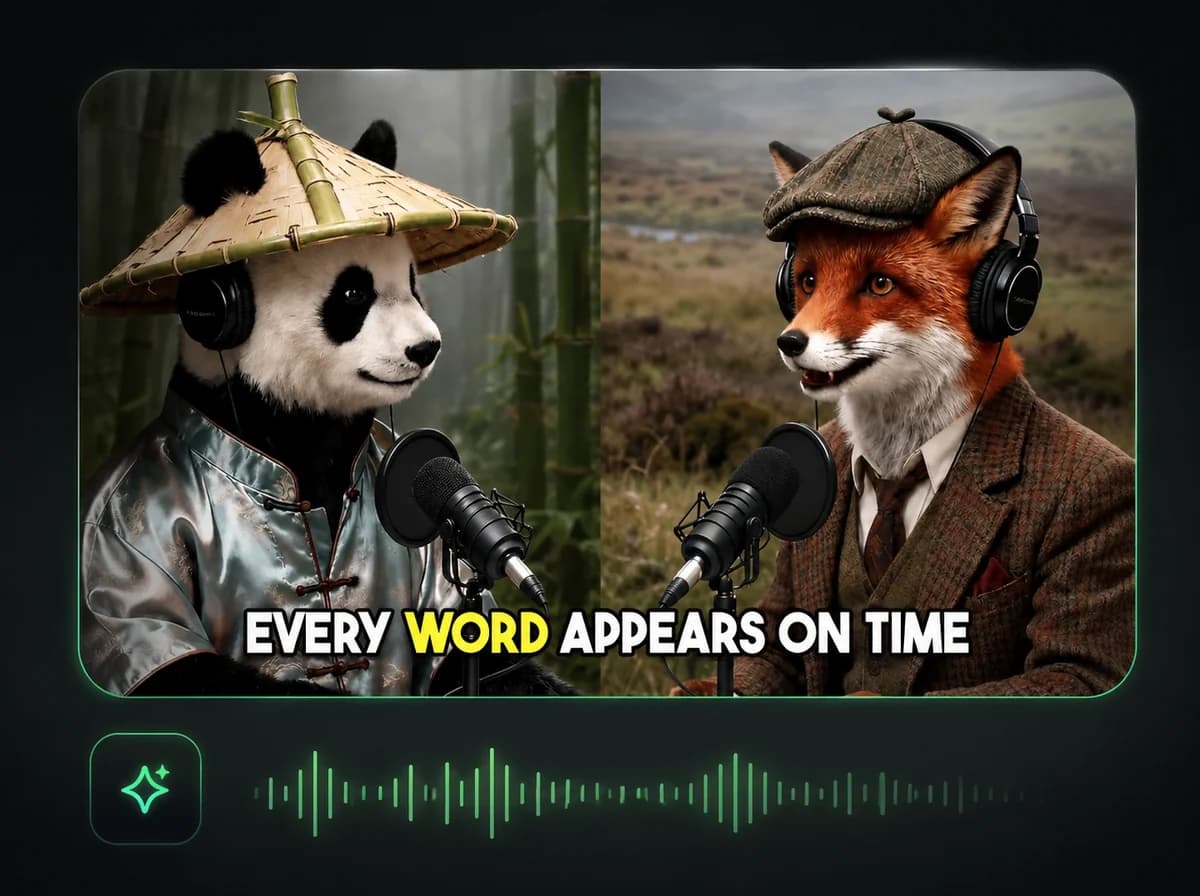
Auto Subtitle Generator
Generate accurate subtitles in 100+ languages with 95% AI accuracy.

AI Talking Avatar Generator
Create professional talking avatars from any photo with synchronized speech instantly.
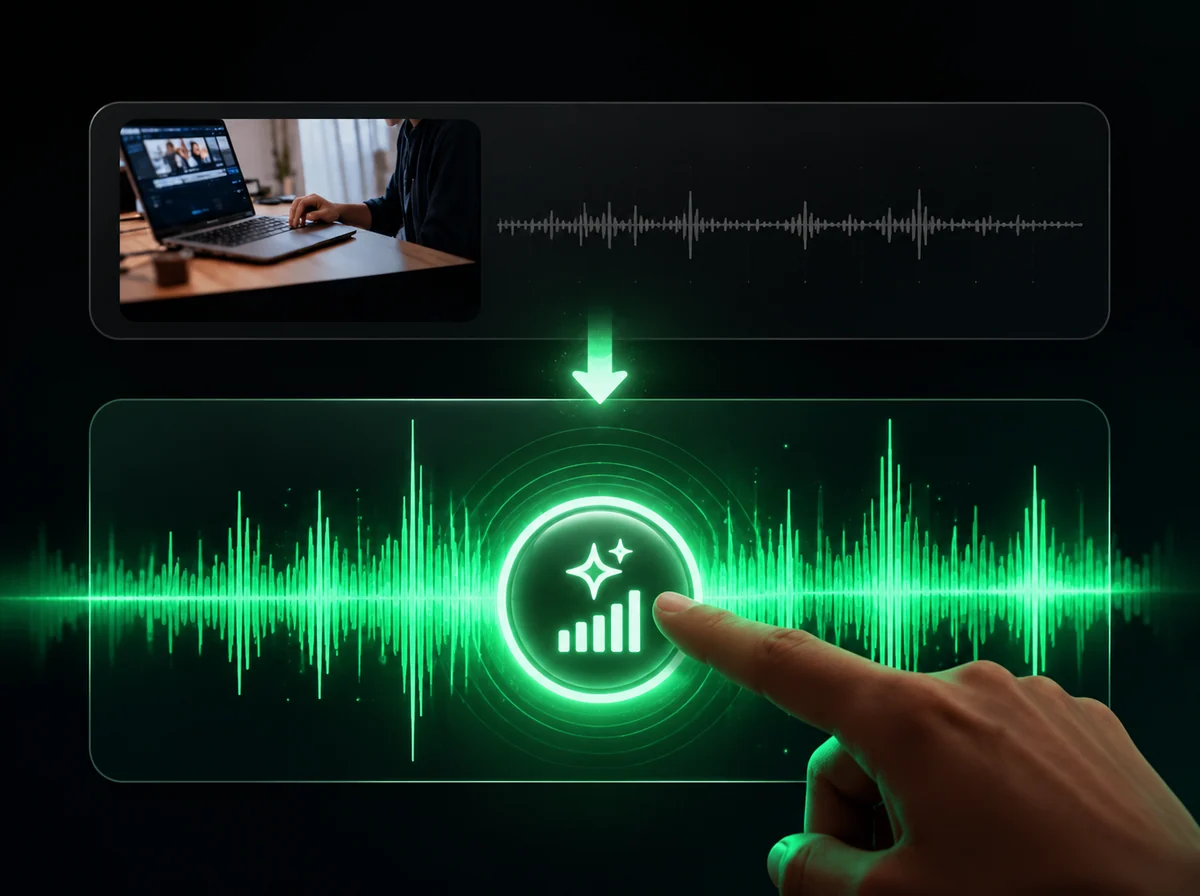
AI Sound Effects Generator
Add cinematic sound effects to any video instantly with AI.
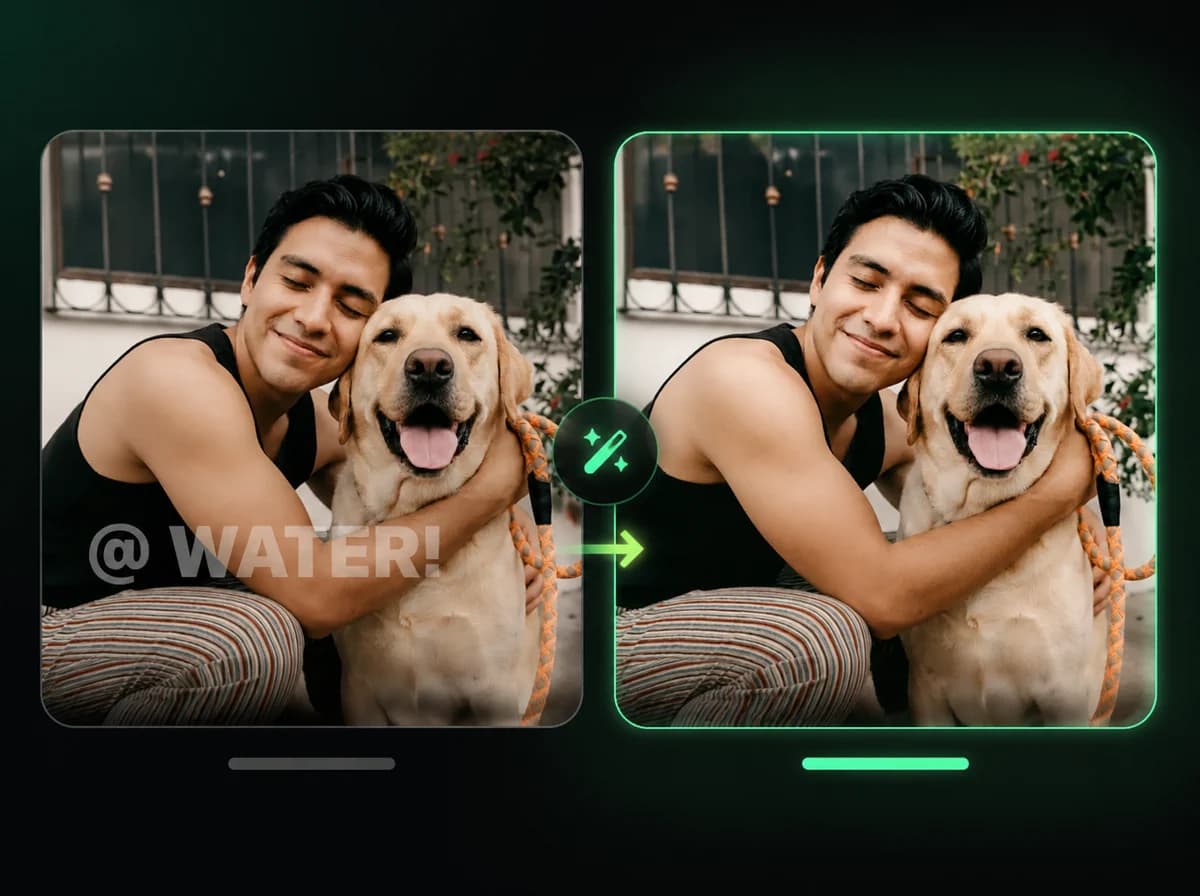
AI Watermark Remover
Remove logos and watermarks instantly while maintaining quality.
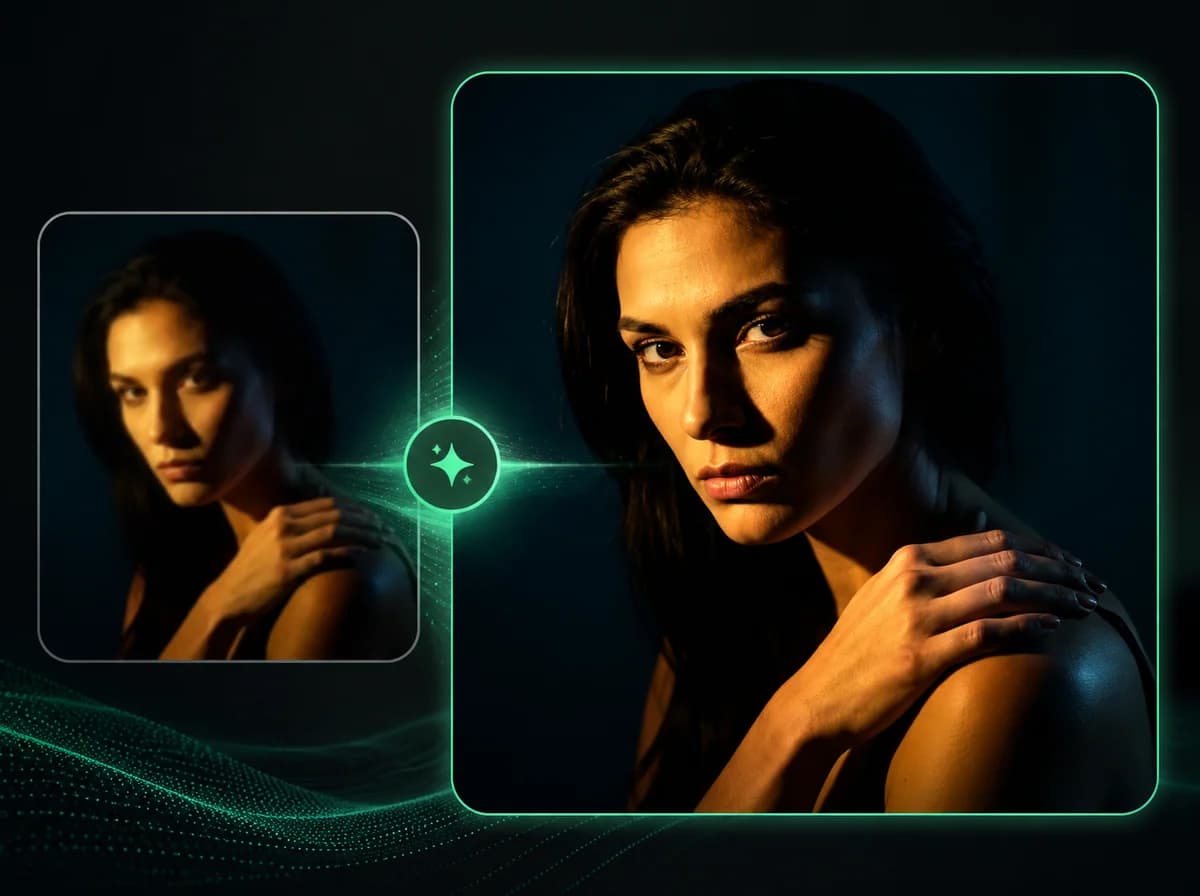
AI Video Upscaler
Upscale videos to crisp 4K instantly with AI.
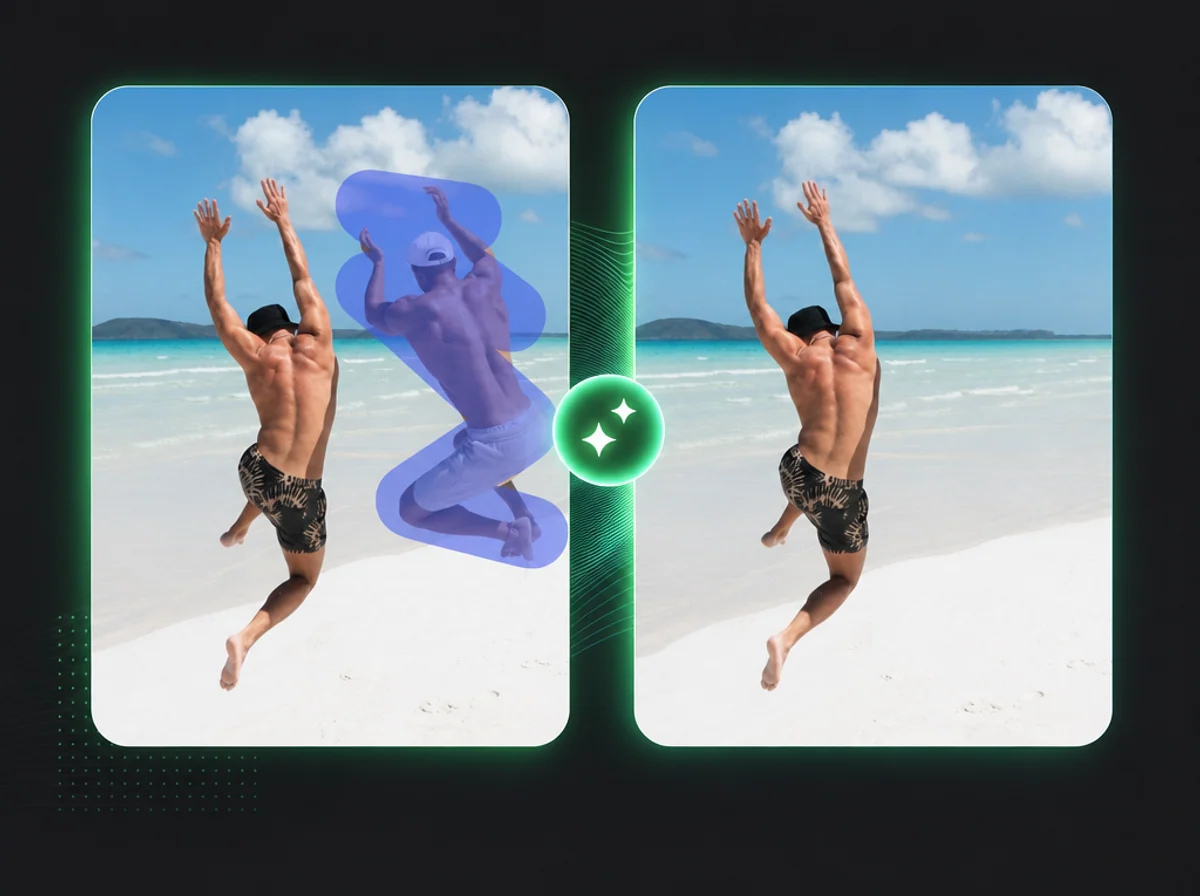
AI Video Object Remover
Erase any object or person from video with one brush stroke.
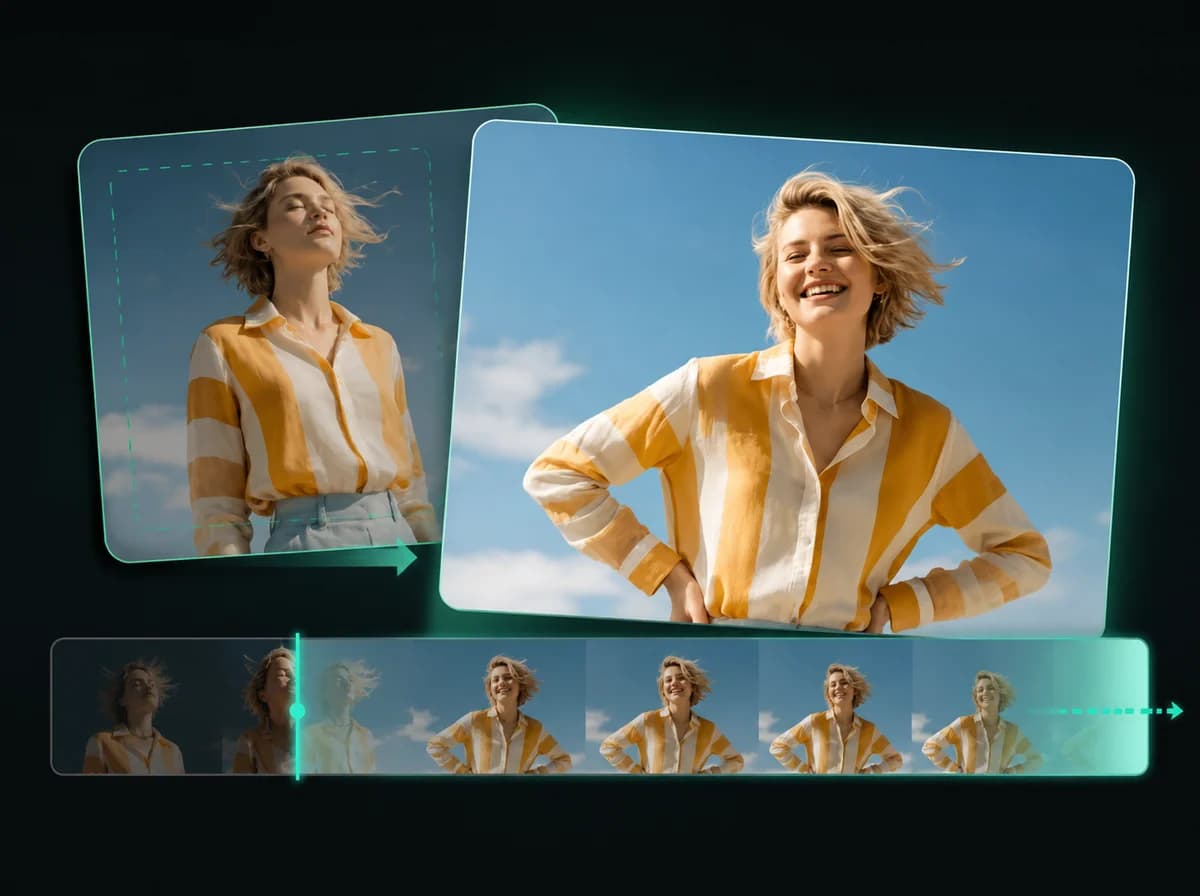
AI Video Extender
Extend video duration with AI-powered frame generation.
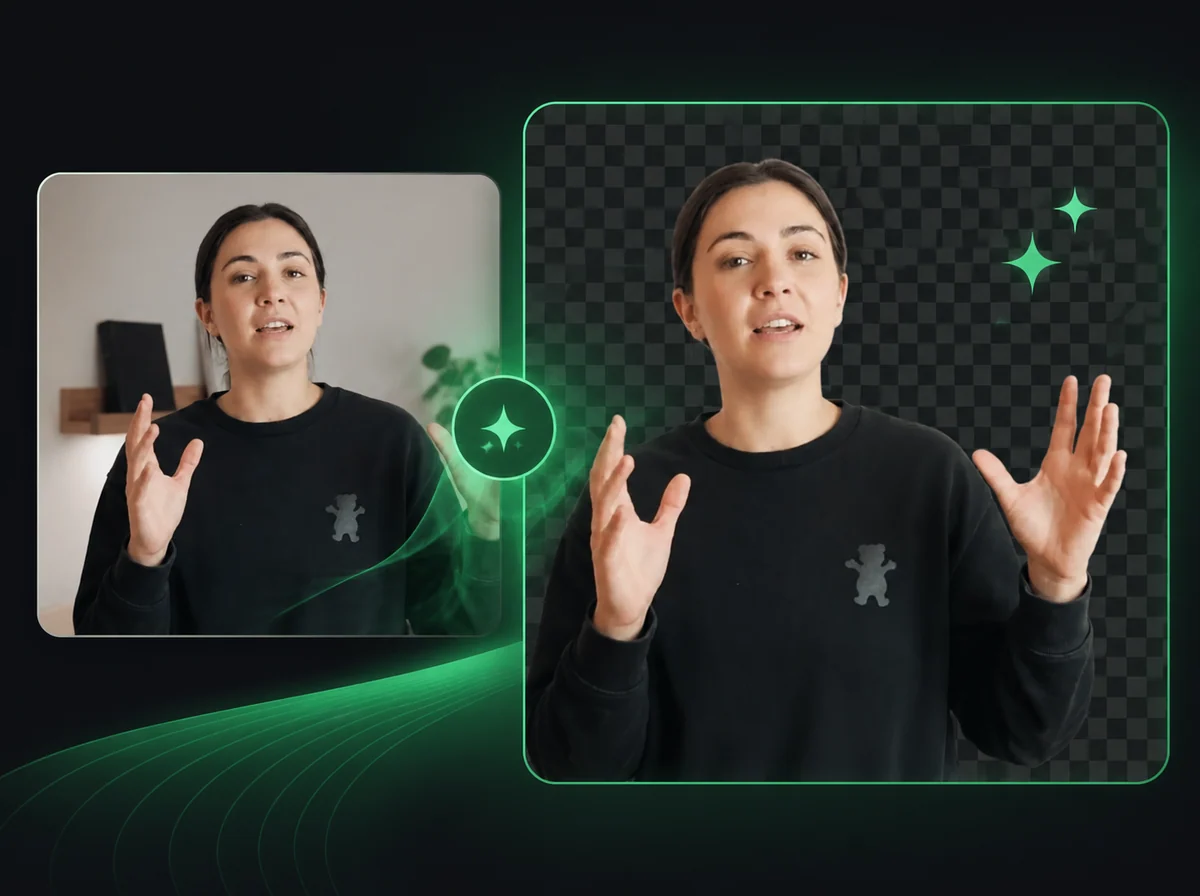
Video Background Remover
Remove or replace video backgrounds automatically with AI precision.
Image Tools
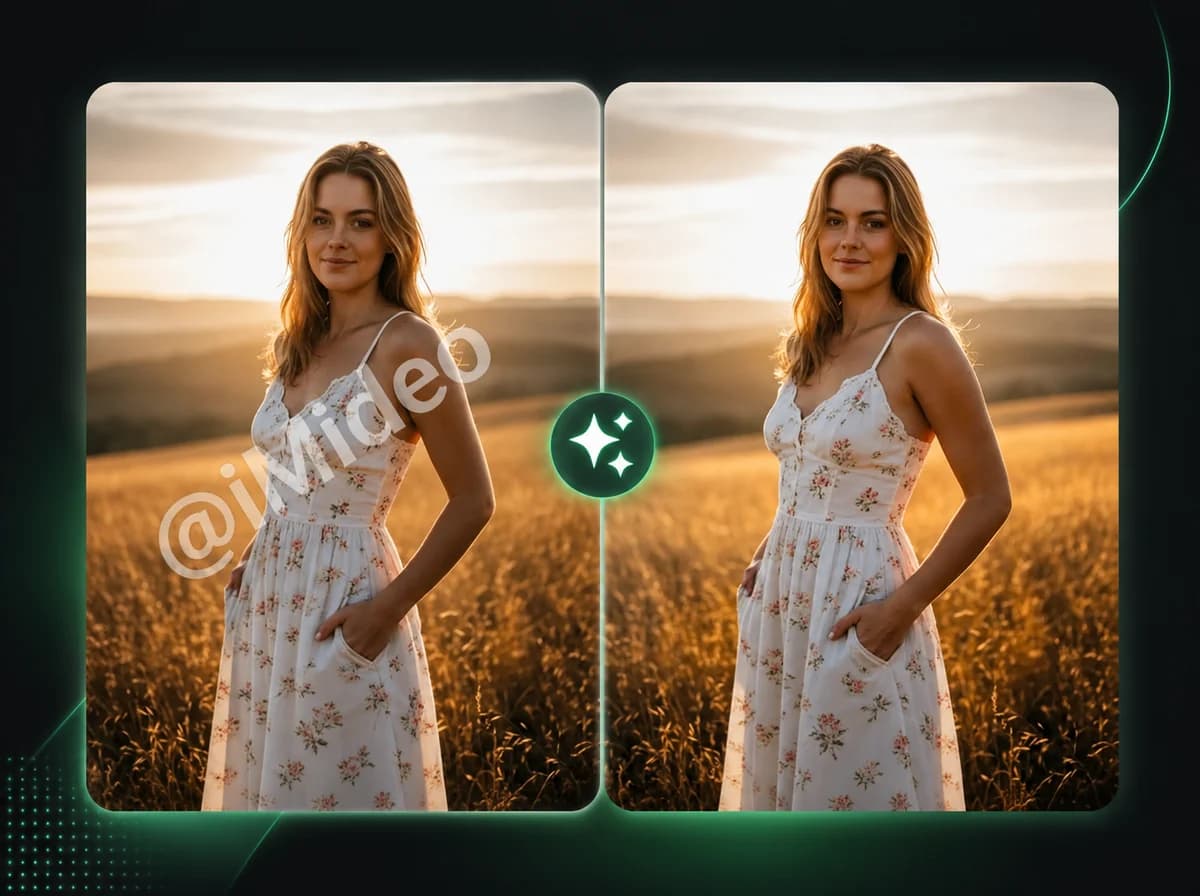
AI Image Watermark Remover
Remove watermarks from any image instantly with AI precision.
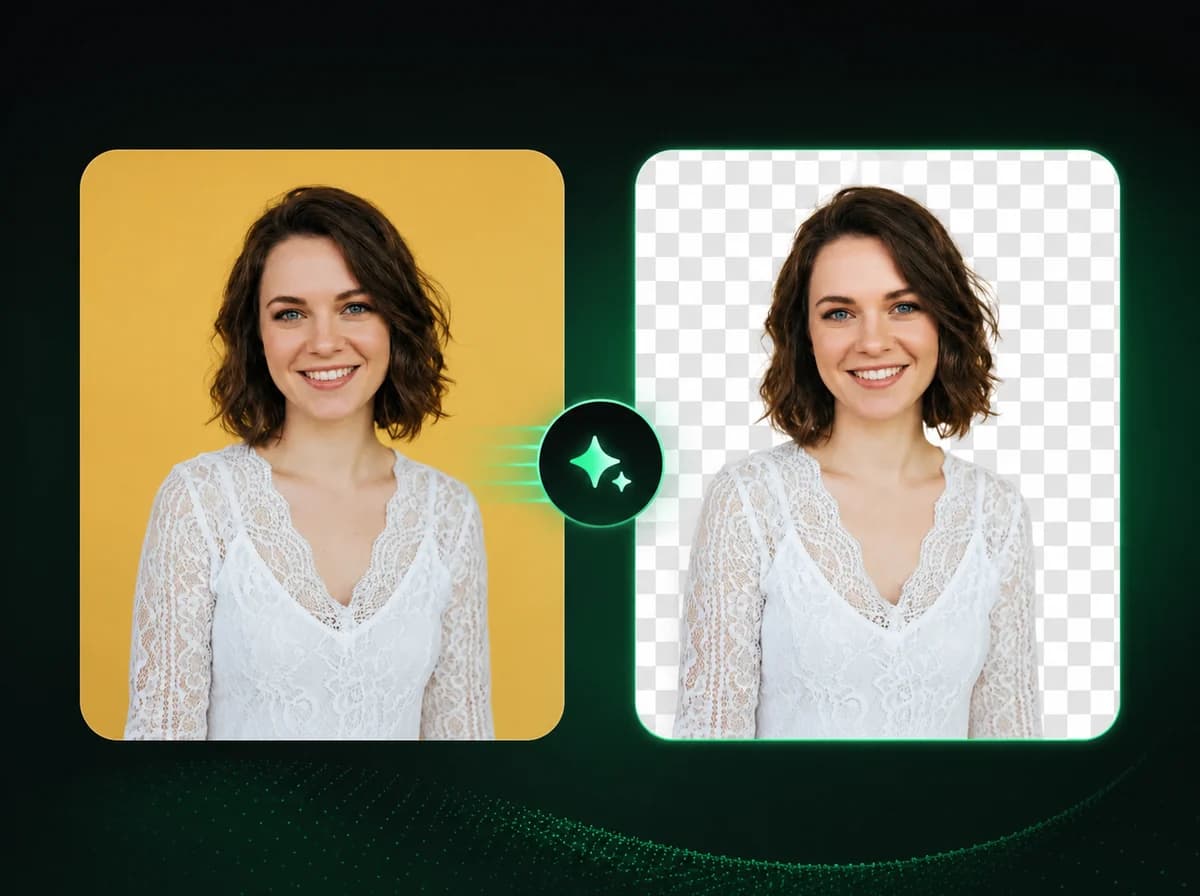
AI Image Background Remover
Remove or replace image backgrounds instantly with AI precision.
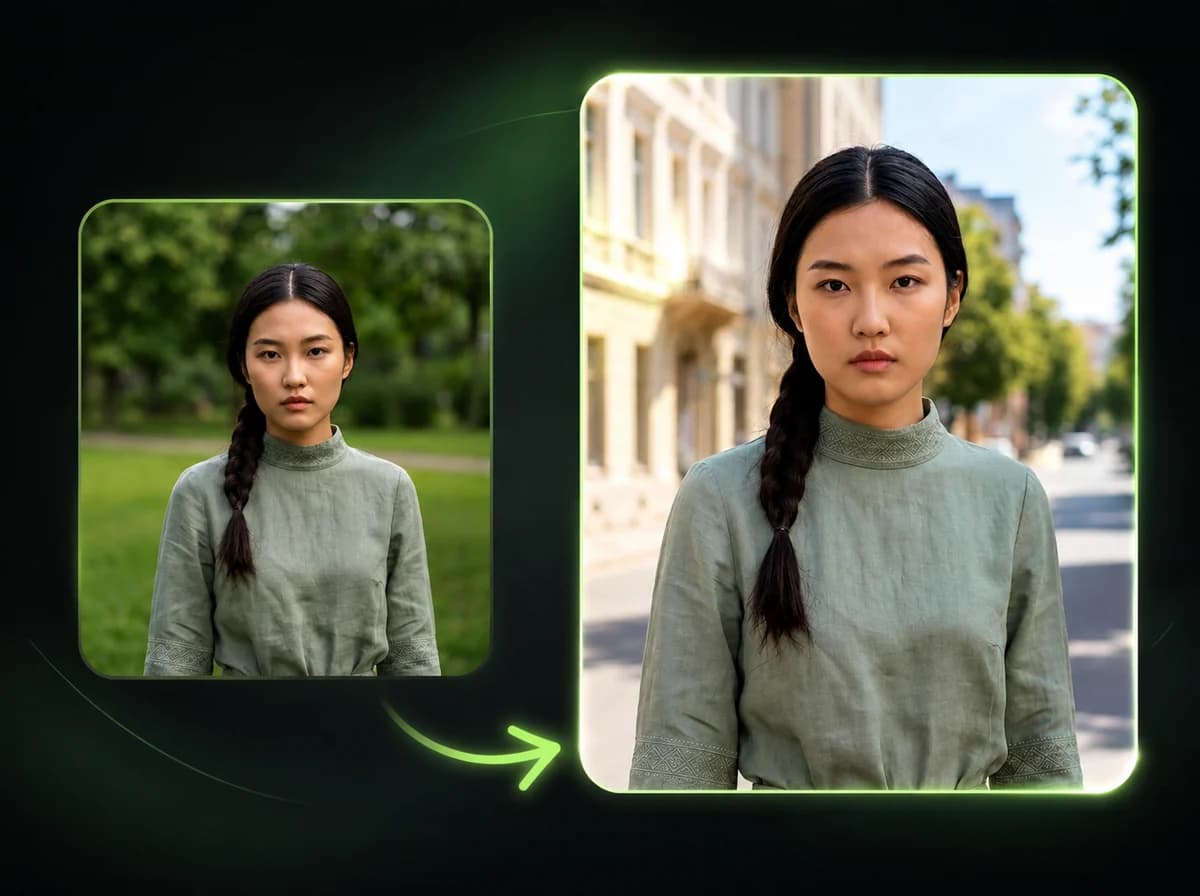
AI Image Background Changer
Change any image background to a new scene, color, or style instantly with AI.

AI Image Upscaler
Upscale images to crisp 4K resolution instantly with AI enhancement.
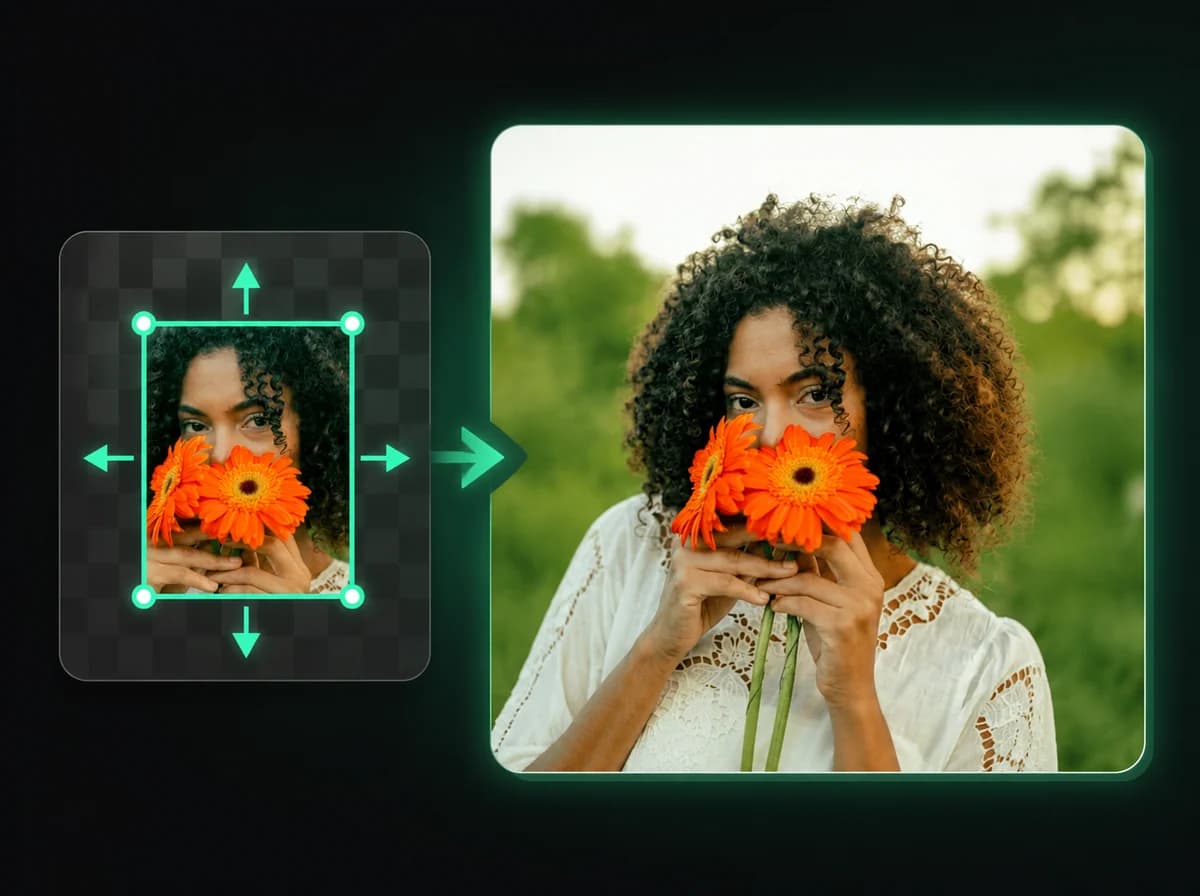
AI Image Expander
Expand any photo beyond its edges with AI-generated content.
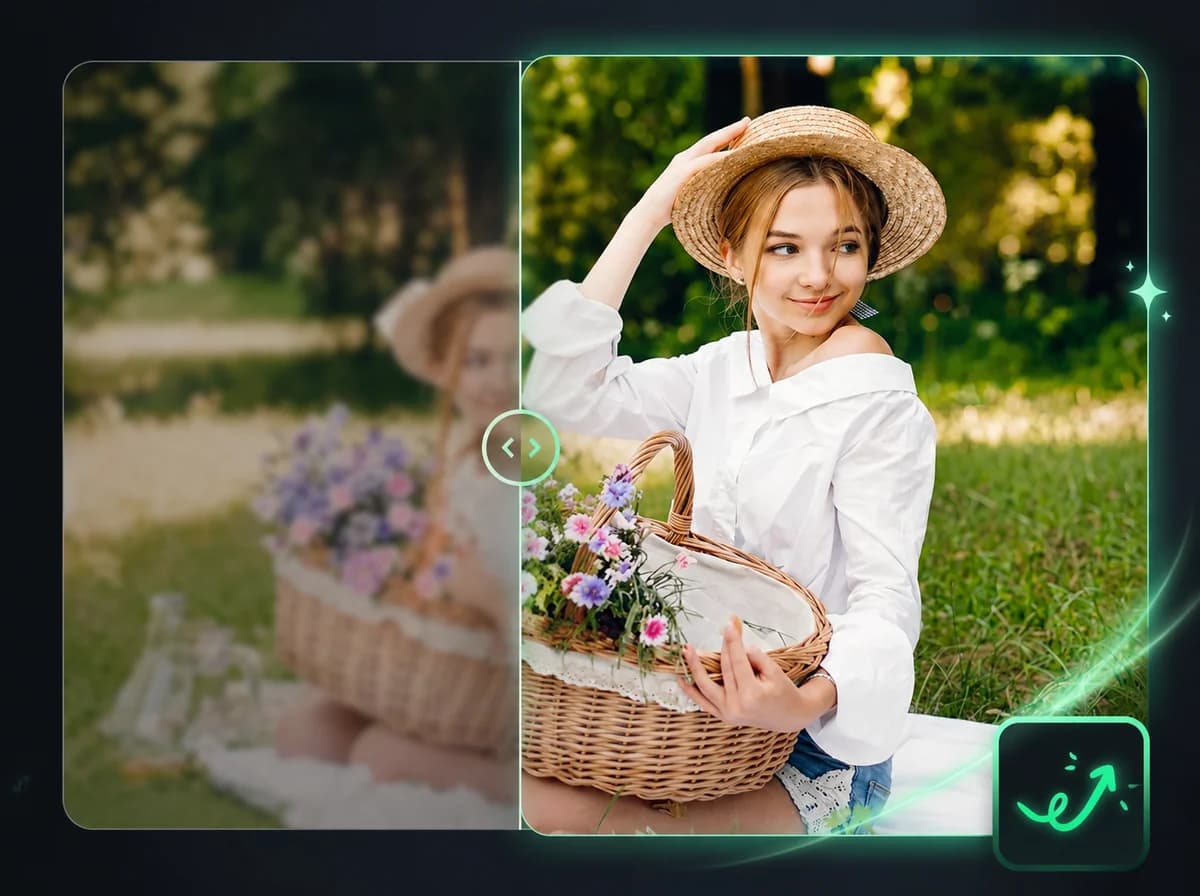
AI Image Enhancer
Fix blur, noise, and low quality in any photo automatically with AI.
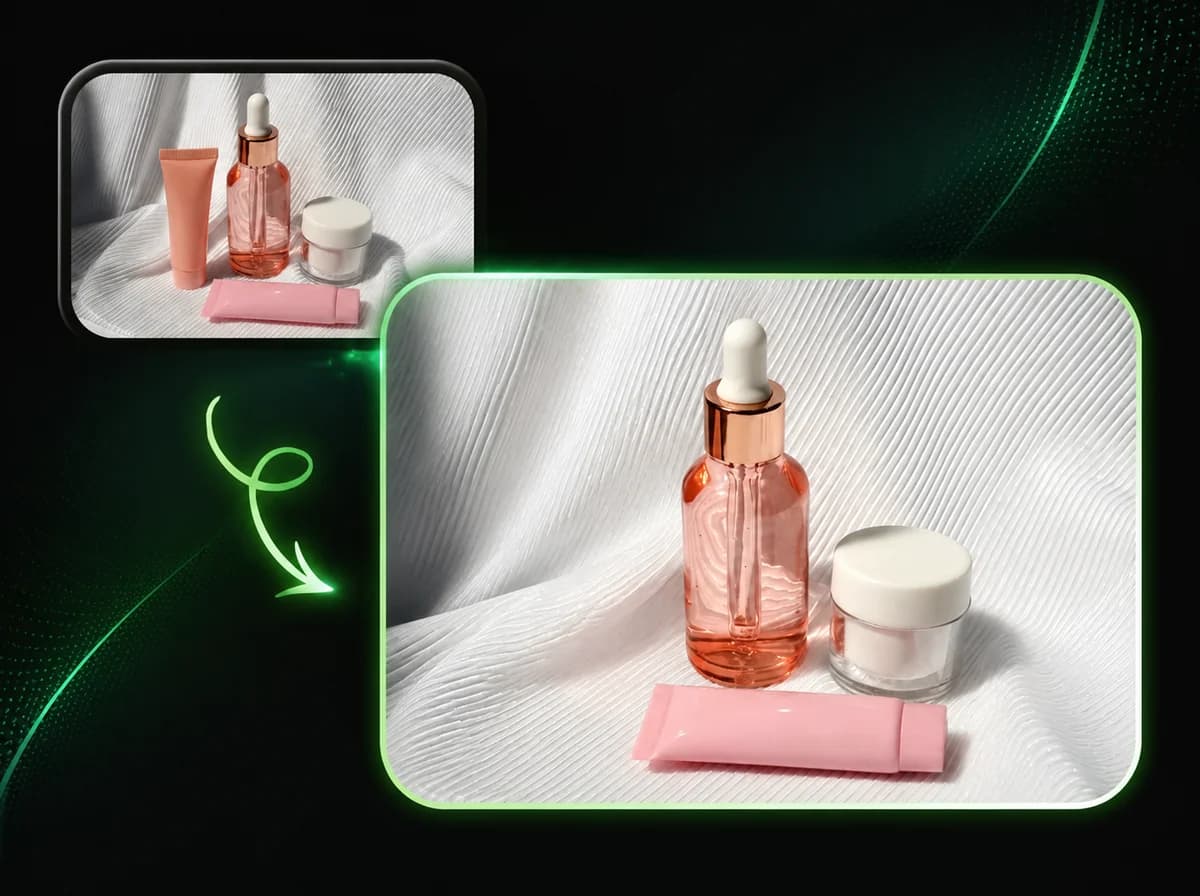
AI Object Remover
Erase any unwanted object from photos cleanly with AI.
Loved by Creators Worldwide

Emily R.
Freelance Designer
iMideo completely changed my workflow. I turned static art into motion content in under a minute — no editing skills needed. Love it!

Jason M.
Marketing Lead at Brightly
We used iMideo for a product launch teaser. It took 15 minutes from idea to final video — clients thought we hired a motion designer.

Nina K.
Indie Game Developer
Honestly didn't expect much, but wow — the video quality is crisp, and it even understood my vague prompts. Super intuitive.

Leo H.
Content Creator
I make daily shorts on social. This saves me hours. Upload a sketch, type a mood, and done. Couldn't be easier.

Vanessa T.
Social Media Manager
Tried a bunch of AI video tools — iMideo has one of the cleanest workflows I have used. The cloud processing makes iteration feel fast.

Daniel C.
Founder at PixelNest
Our team uses iMideo to test visual concepts fast. It's become part of our creative prototyping toolkit.

Aliyah S.
Student / Animator
As a student with zero budget, I love that iMideo gives you credits to start. And it actually looks good!

Tom R.
Startup Founder
Great UX, fast generation, and useful outputs for pitch decks and ads. I barely needed a tutorial.

Kaitlyn Y.
Fashion Illustrator
My designs came to life! Seeing my sketches animated gave me chills. It's like having a mini studio on standby.

Andre P.
YouTuber (Tech & Tools)
iMideo is the definition of plug-and-play creativity. If you're a solo creator, this is gold.
Frequently Asked Questions
Quick answers about what iMideo does, what it costs and how to get started
1What is iMideo?
iMideo is an online AI video platform. You can turn text or images into short videos, swap faces, heads or bodies in photos and clips, and clean up footage by removing objects or watermarks. It also includes an AI Video Agent that creates and edits clips through chat, so you can describe a change instead of hunting for the right tool.
2What can I make with it?
The most popular uses are character swaps and video cleanup. Video body swap puts your face on a different body or outfit, while video head swap replaces the whole head including hair. To fix footage you already have, remove objects from video erases people, logos or text across every frame. We also add trend formats as they take off, such as the hotel lobby AI video.
3Can I do the same with photos?
Yes. Image body swap keeps your face and hair and replaces everything below the neck, and image head swap moves a whole head, hairstyle included, onto another photo. Photo tasks usually finish in under a minute and cost far fewer credits than video.
4How much does it cost?
iMideo runs on credits. Each task costs a set number of credits depending on the tool, resolution and length, and photo tasks cost much less than video. New accounts in most regions get a few starter credits to try a photo tool. After that you can buy a one-time credit pack or a monthly or yearly plan. Monthly credits reset each billing cycle, while yearly credits keep adding up while the plan is active. See pricing for current rates.
5How long does generation take?
Most photo tools finish in under a minute. Video tasks usually take a few minutes, and higher resolutions or longer clips take longer. You can leave the page while a task runs, and the result is saved to your account.
6Can I use the results commercially?
Yes, as long as you own or have the rights to the images, footage and brand assets you upload, and your use follows our terms of service. Only upload photos of people who have agreed to it. We recommend labelling AI-generated content where platforms ask for it.
7How do I get started?
Sign up, then pick a tool. Start with text to video or image to video to create a clip from scratch, or try AI video face swap to put a face into an existing video. Need help? Email support@imideo.io.
Turn Your Ideas into Videos Start Now
Join 10,000+ creators transforming ideas into videos. Start creating for free—no credit card required.