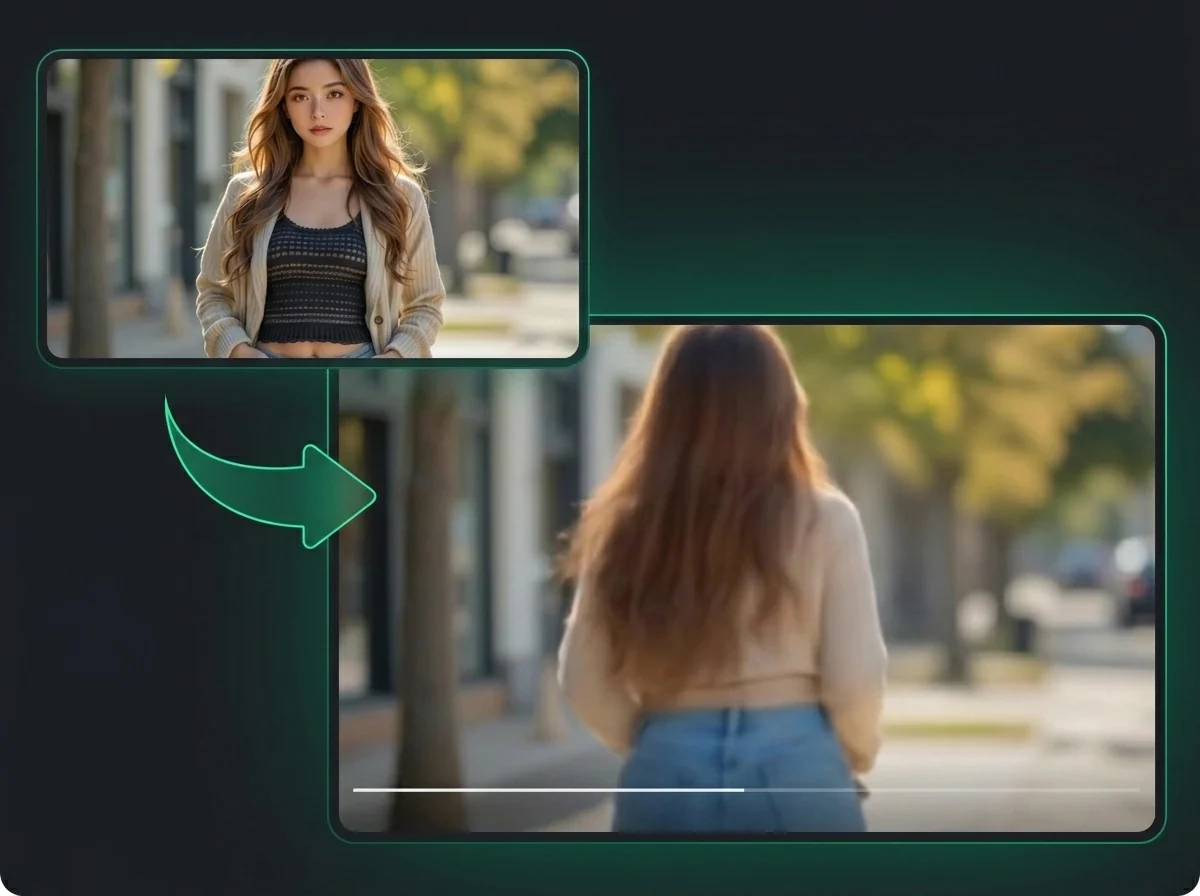
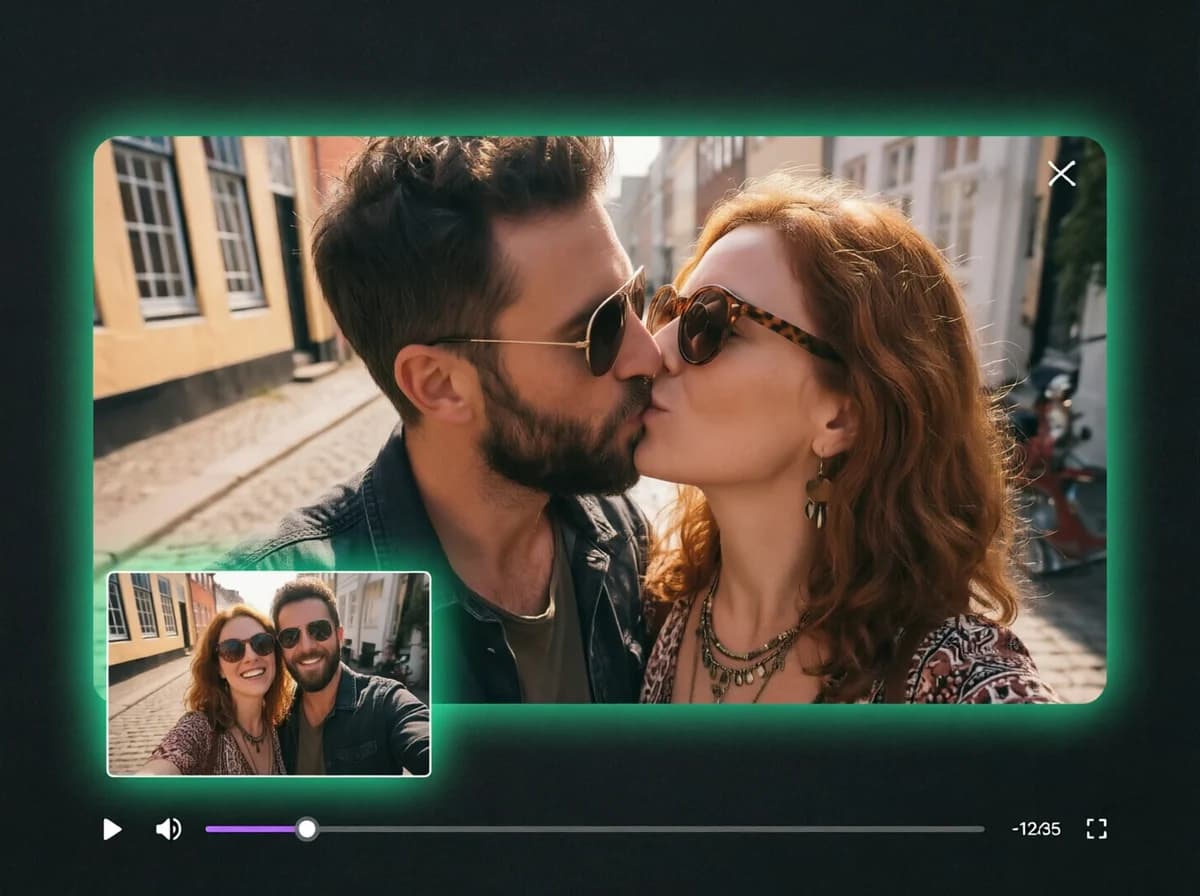
AI Ahegao Generator — Turn a Portrait Into a Reaction Face
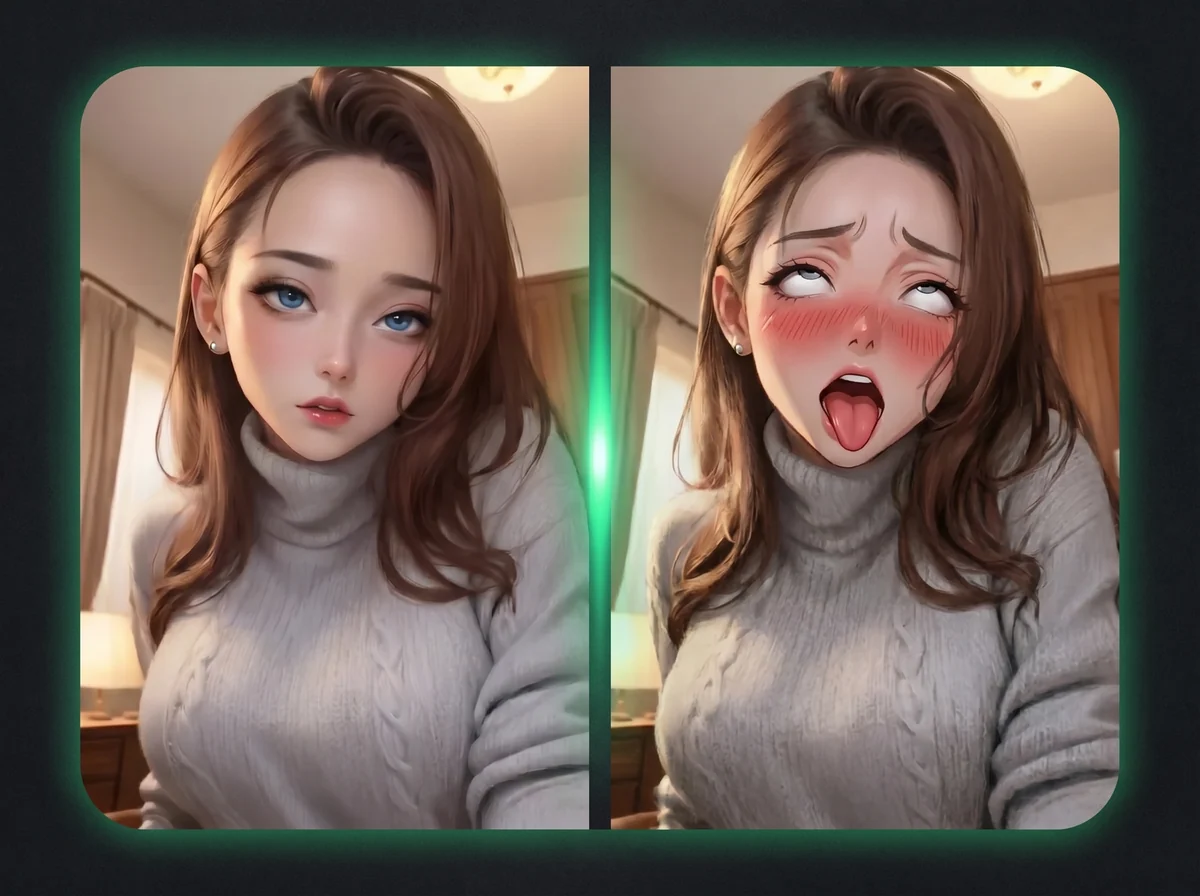
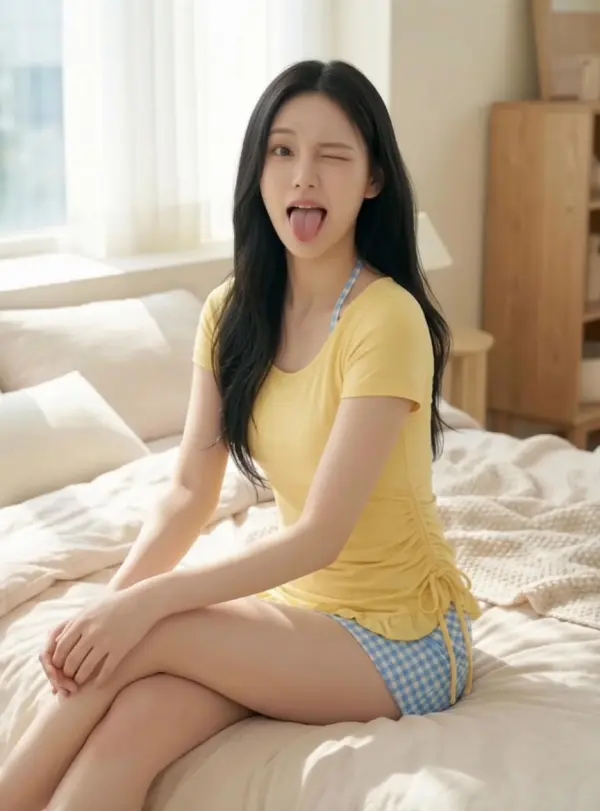
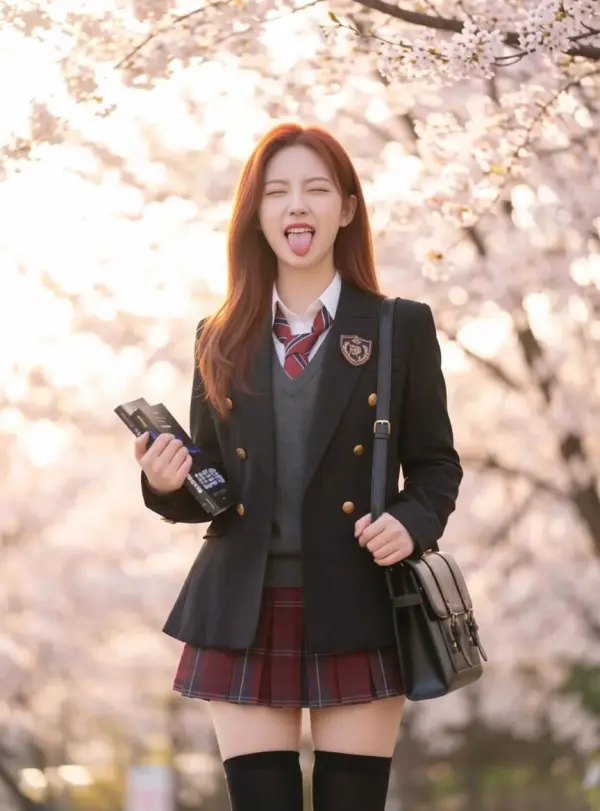
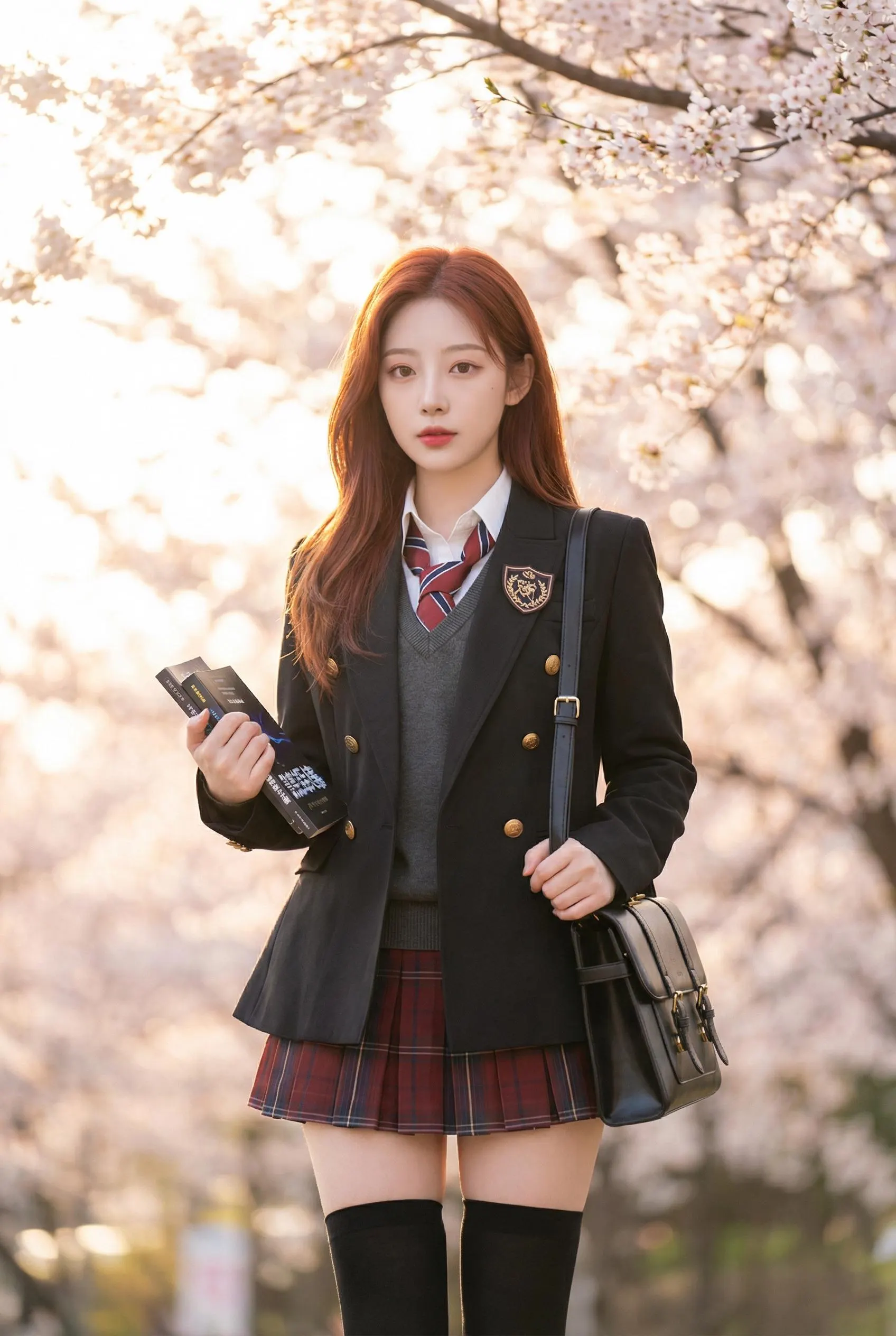
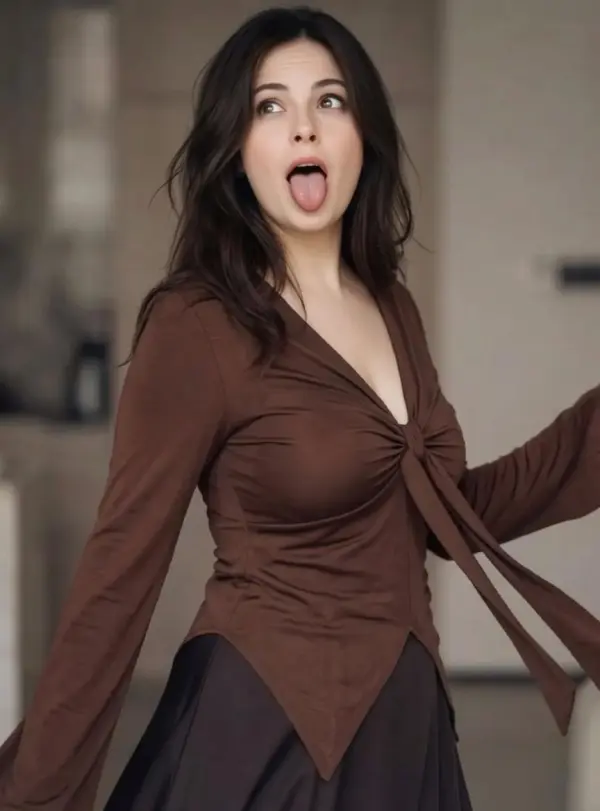
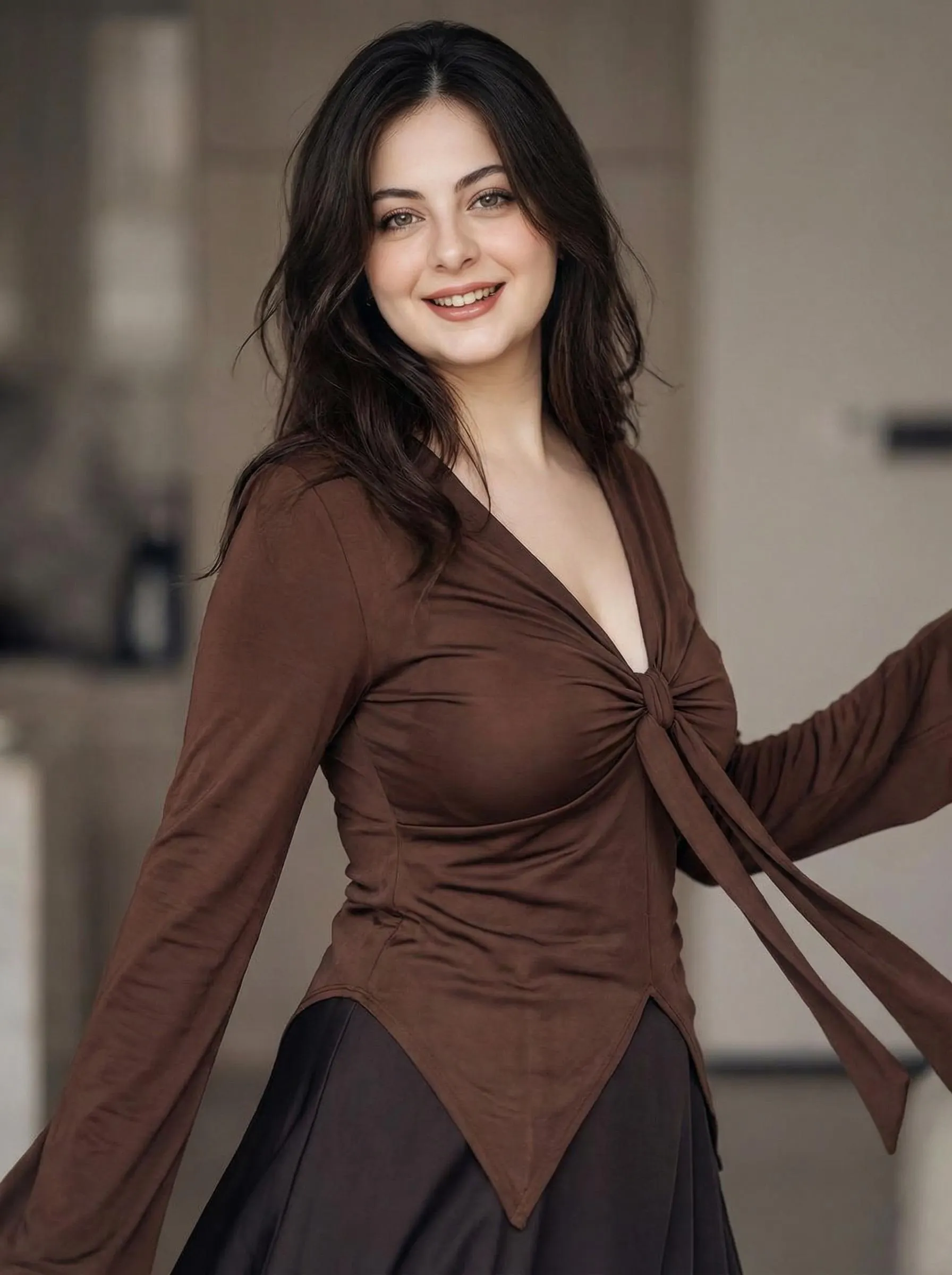
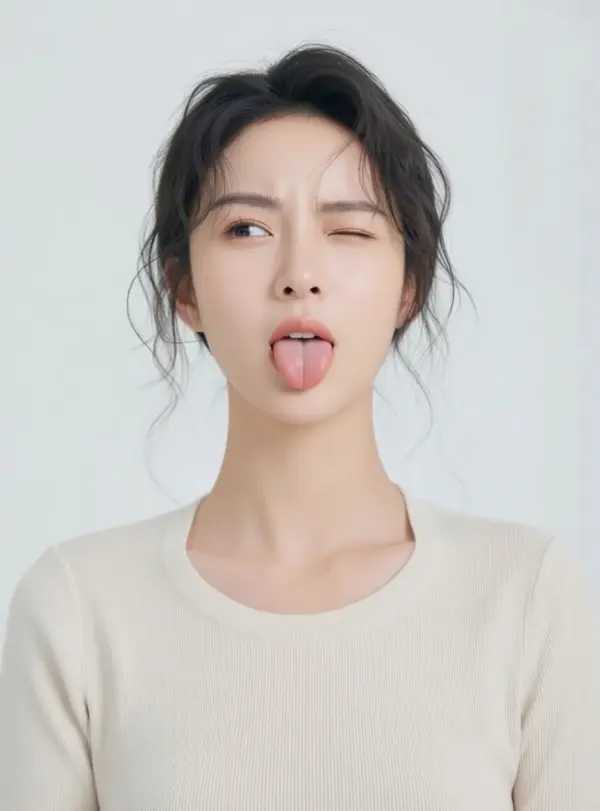
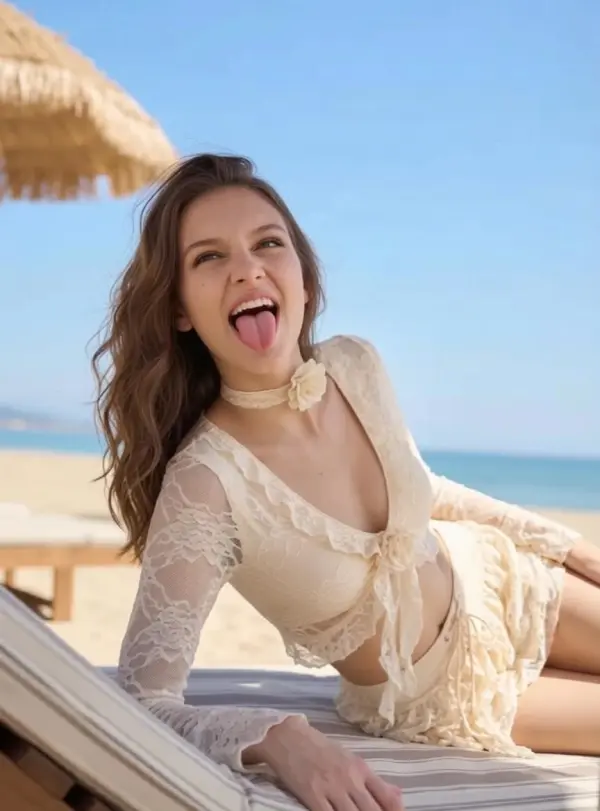
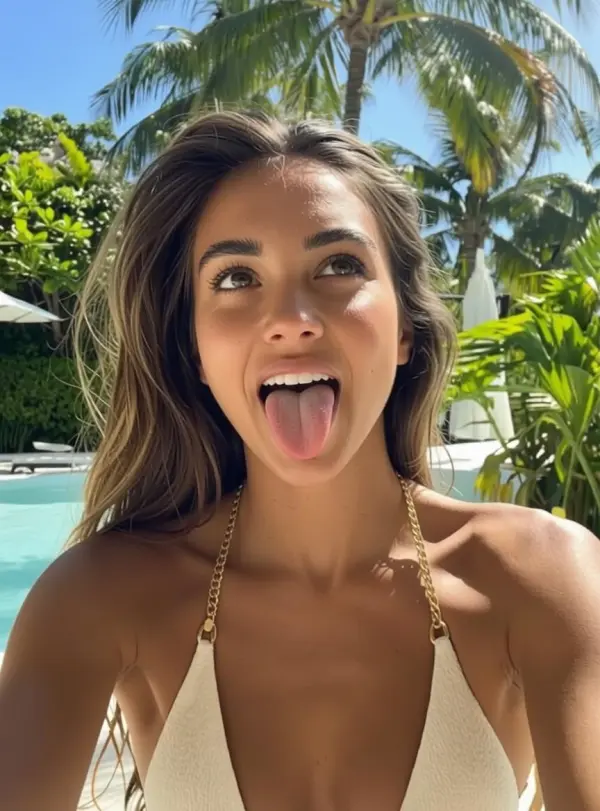
Upload one photo and get an anime-style ahegao reaction — tongue out, eyes rolled up. No watermark, original pose and outfit untouched.
Upload
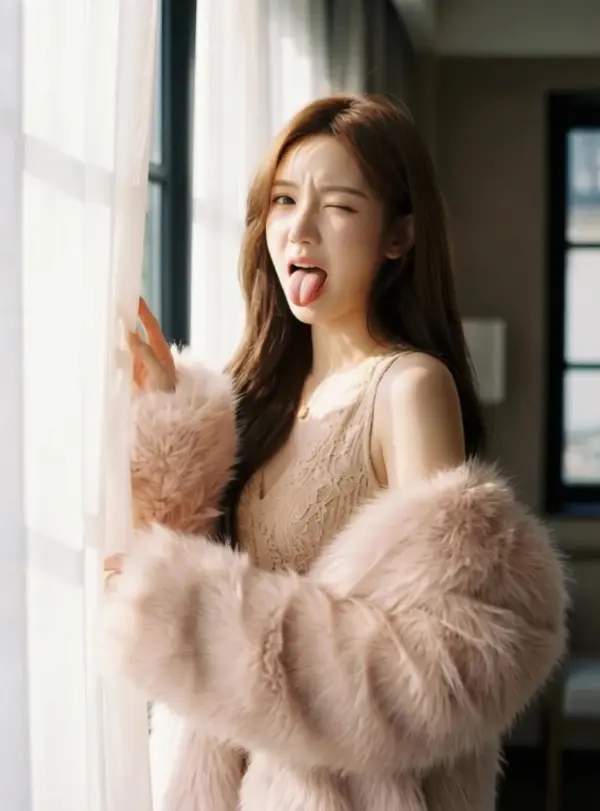
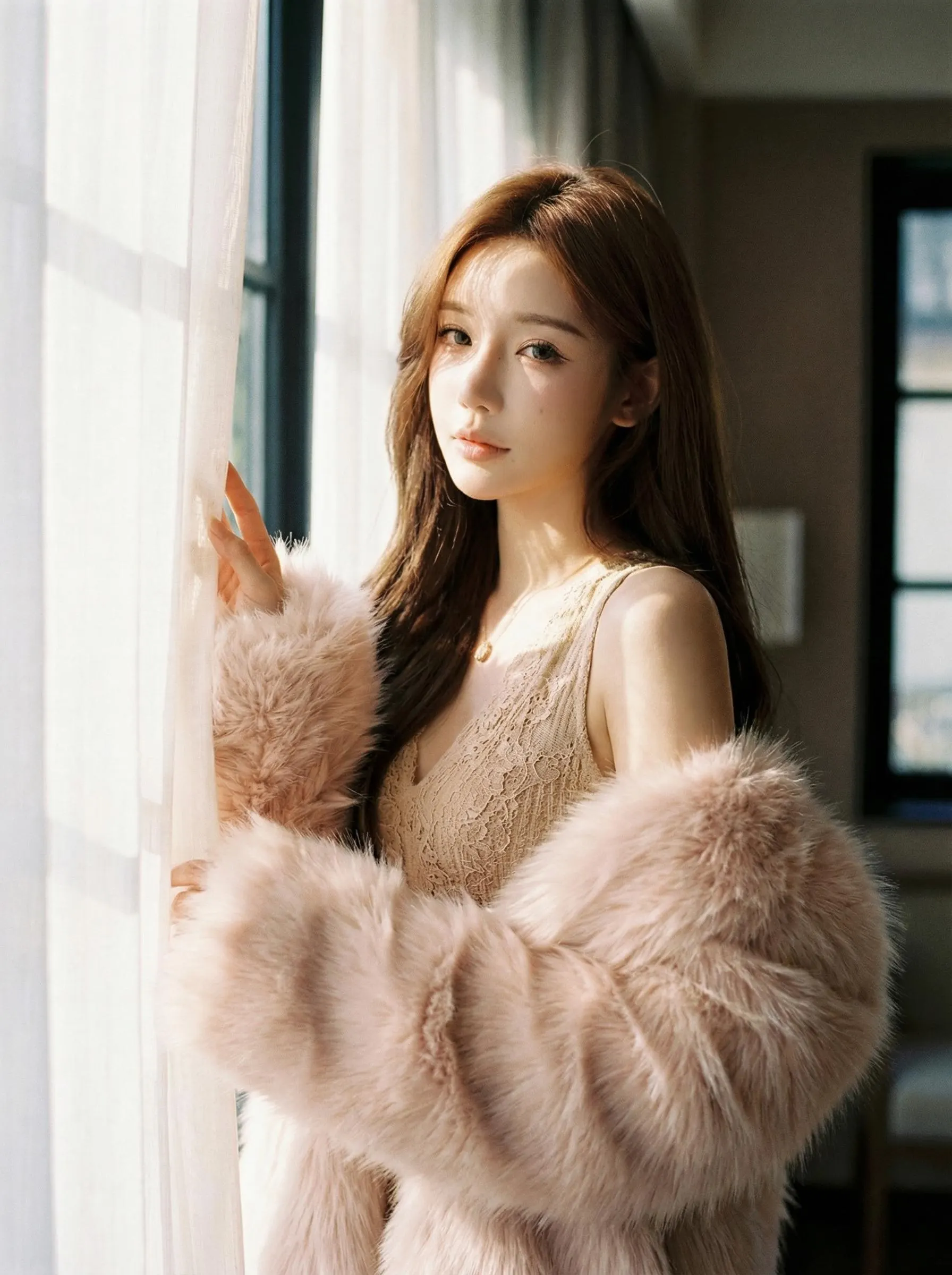
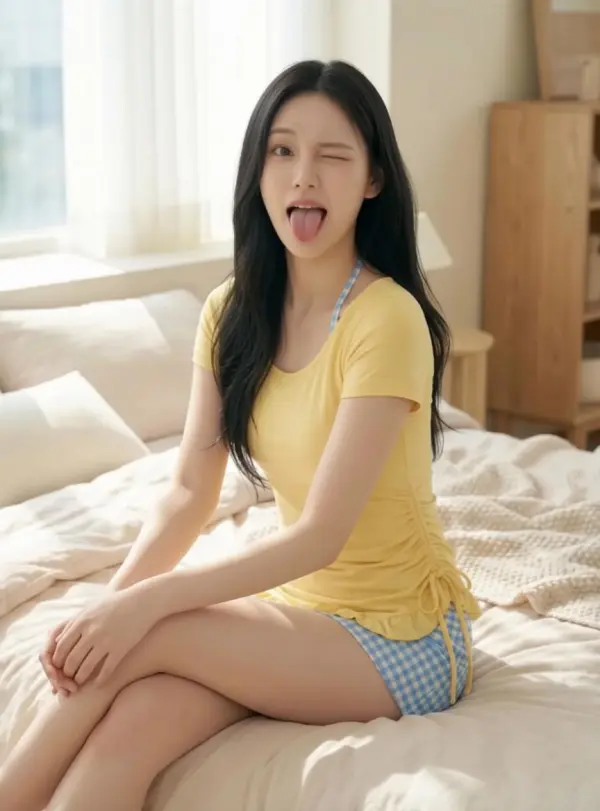
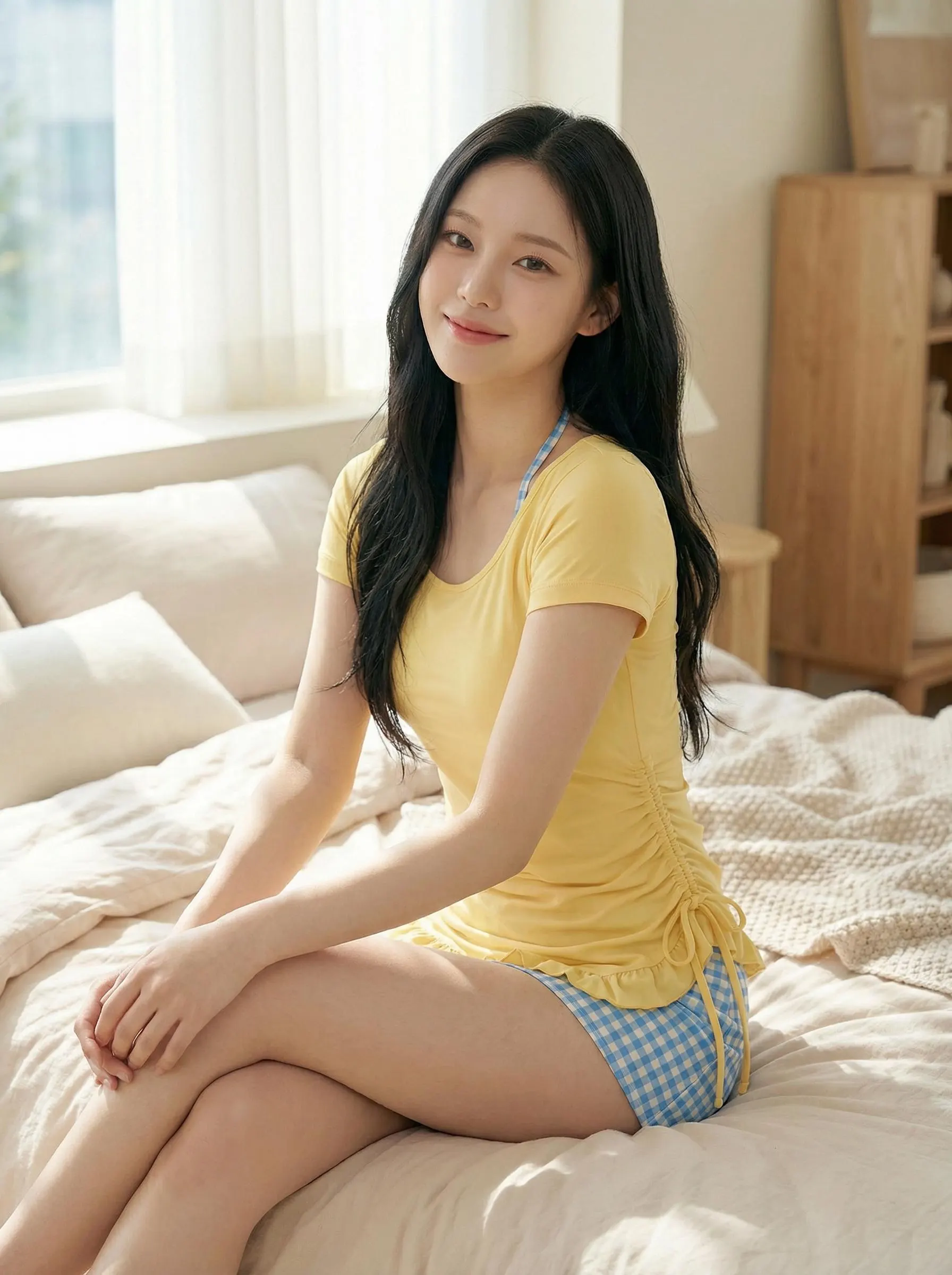
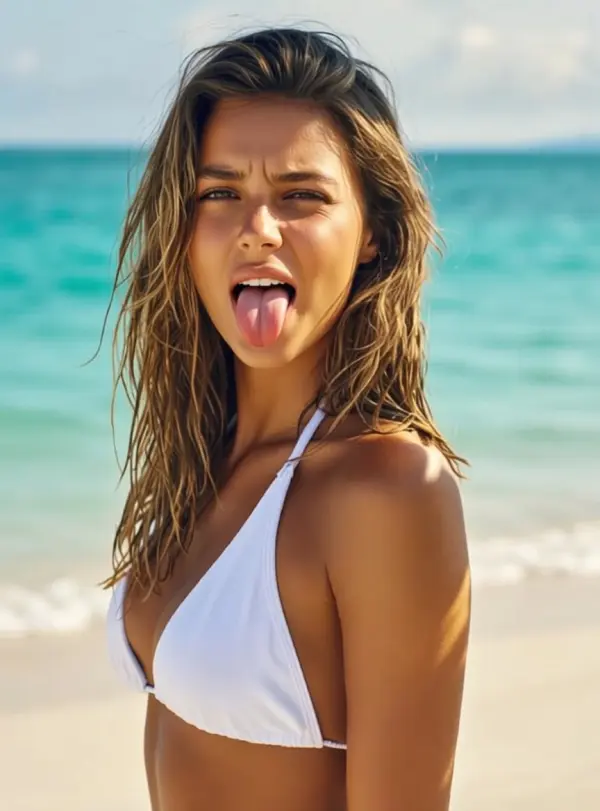
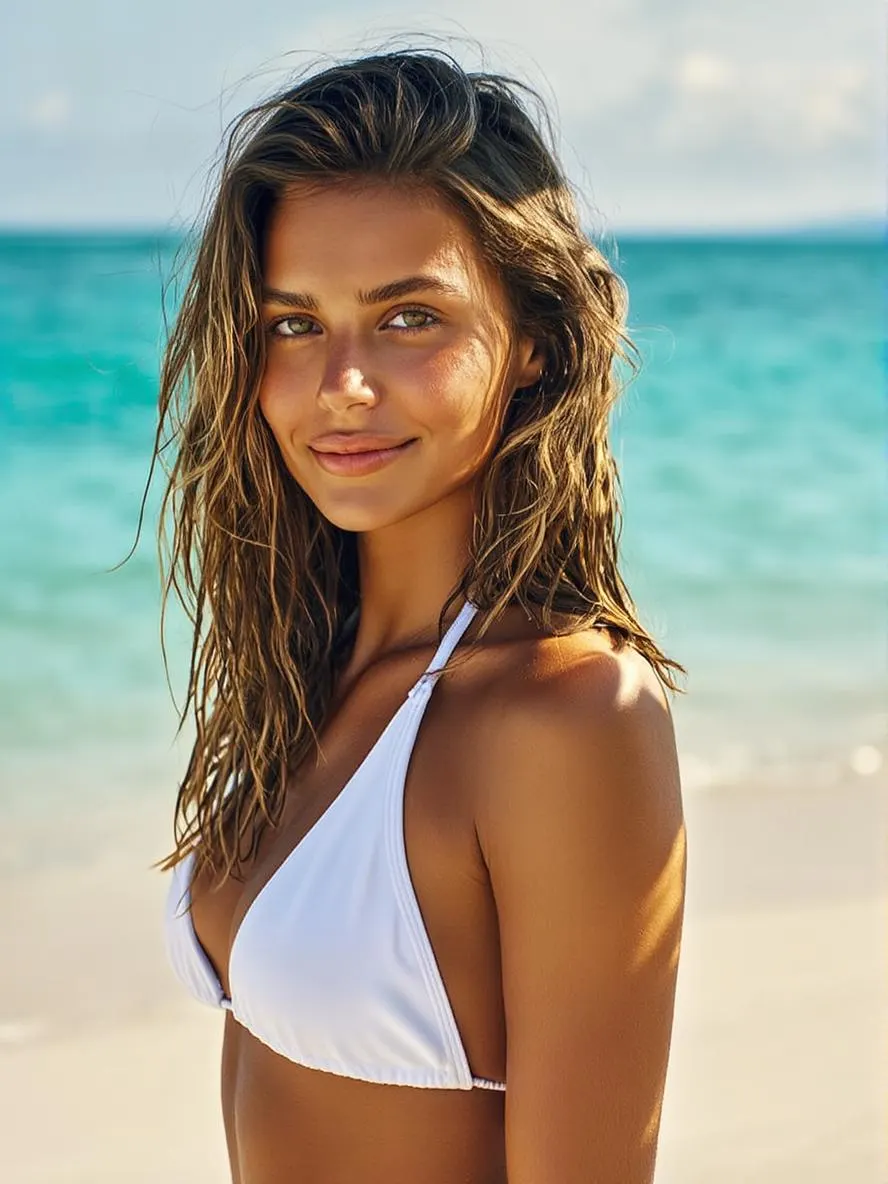
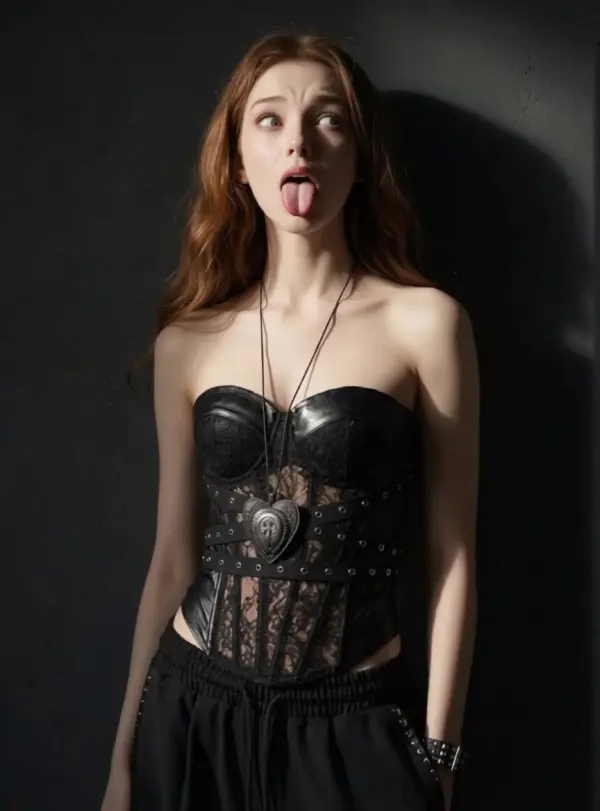
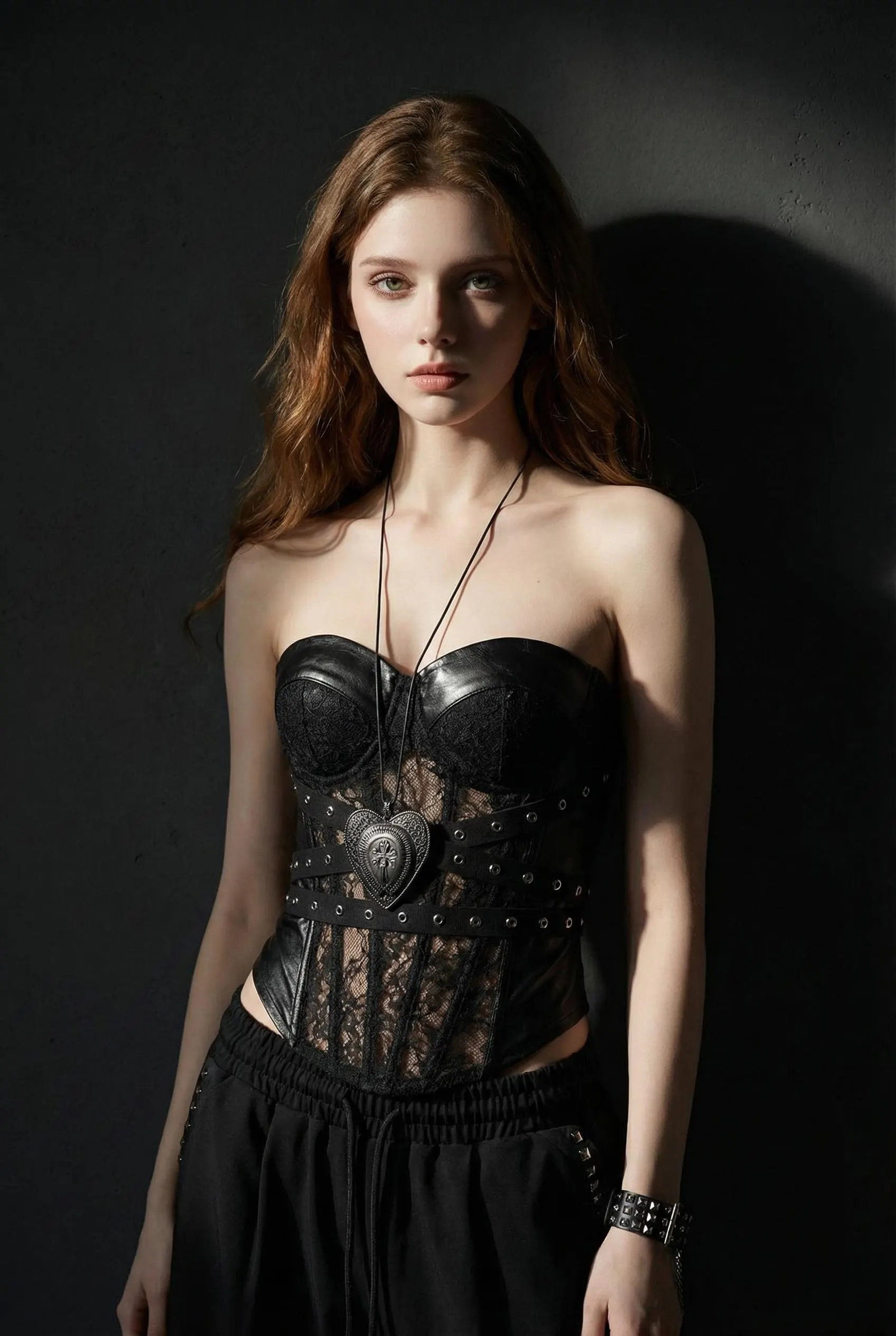
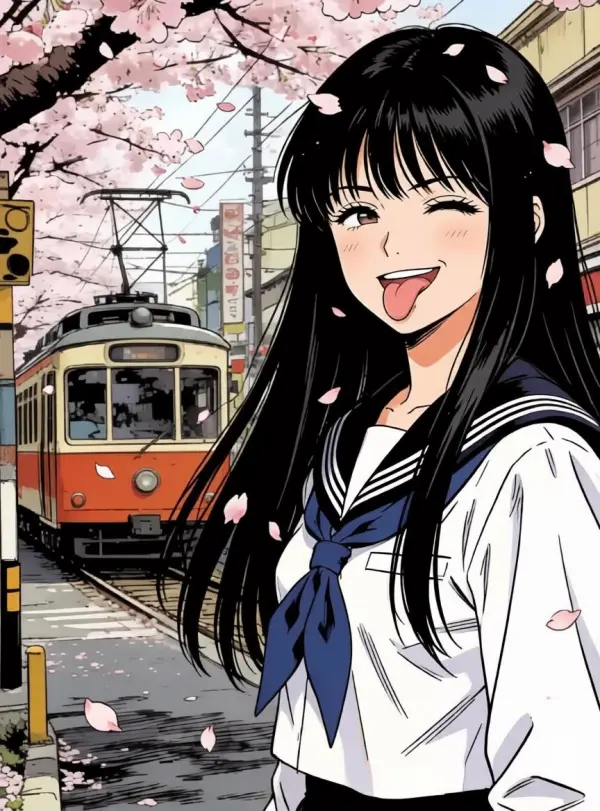
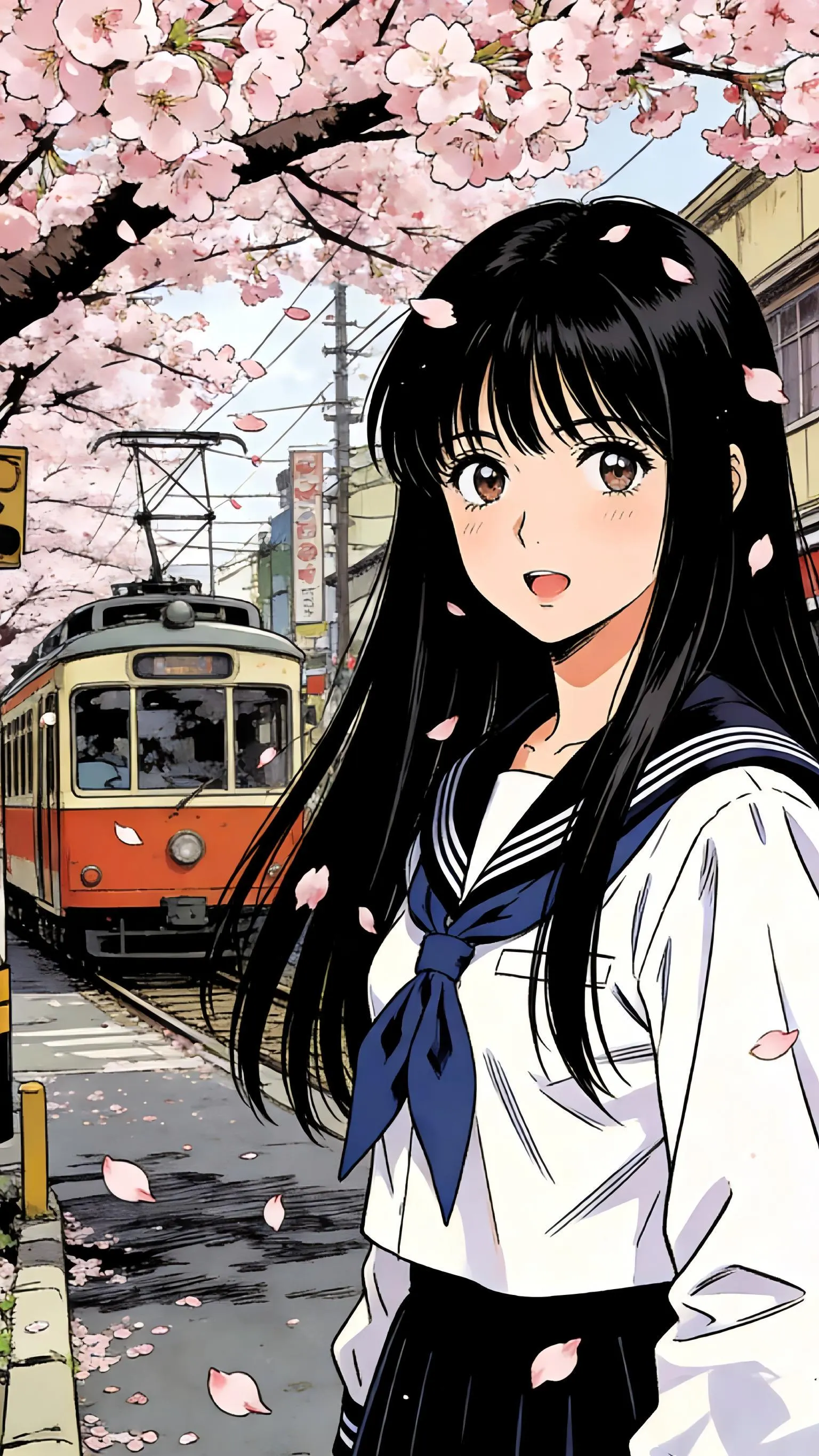
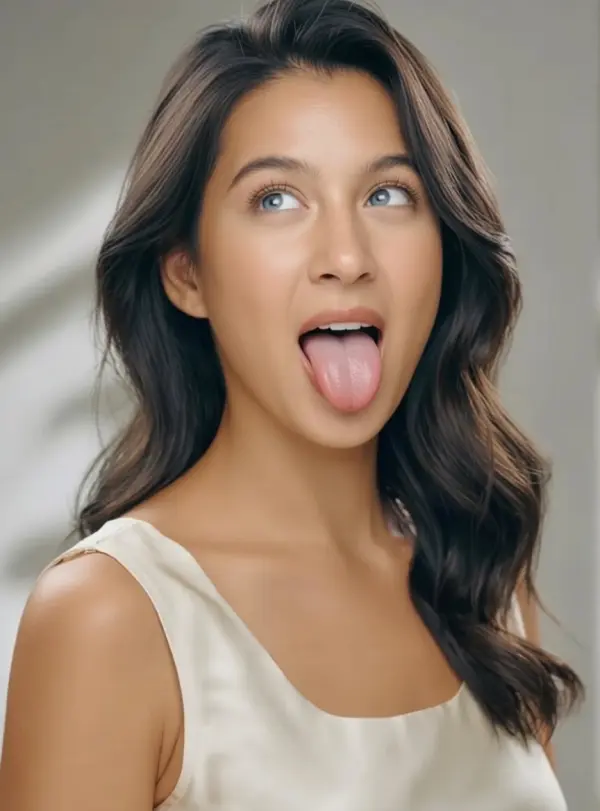
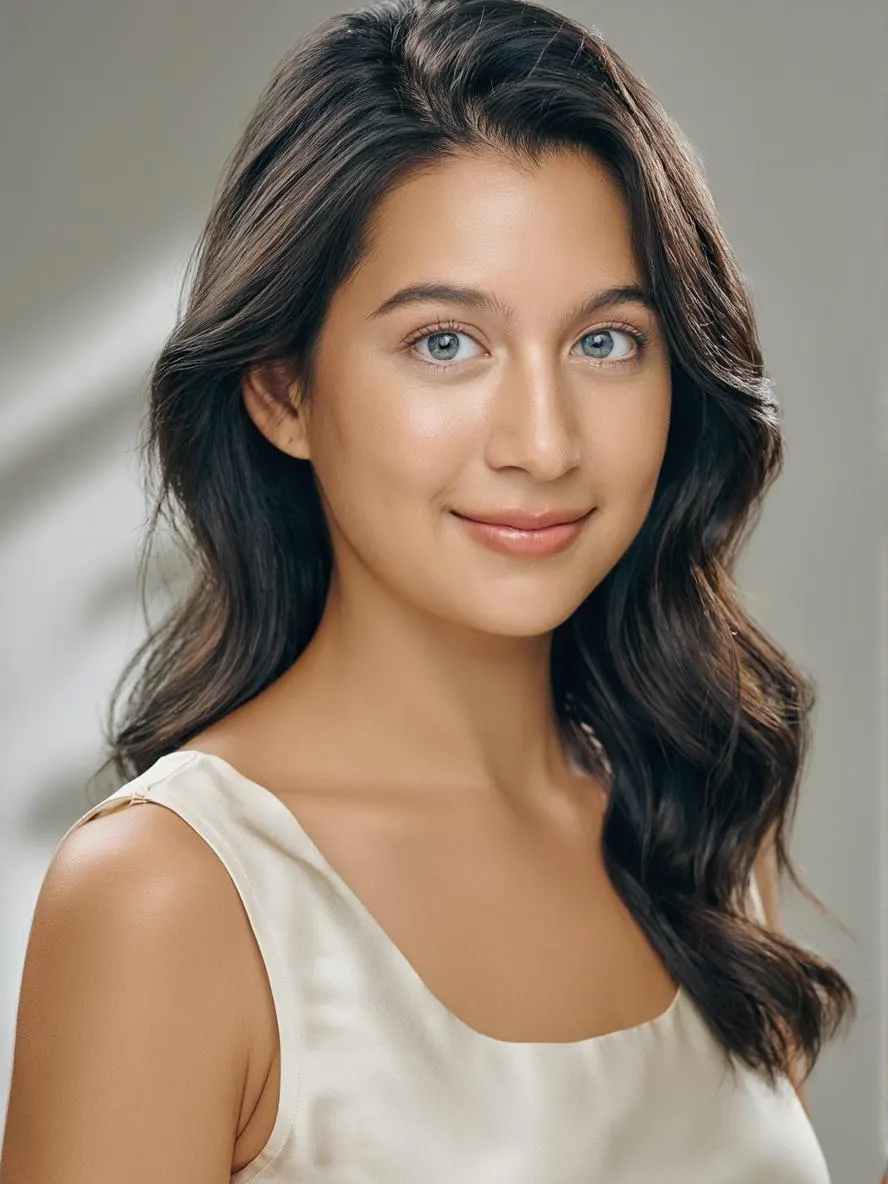
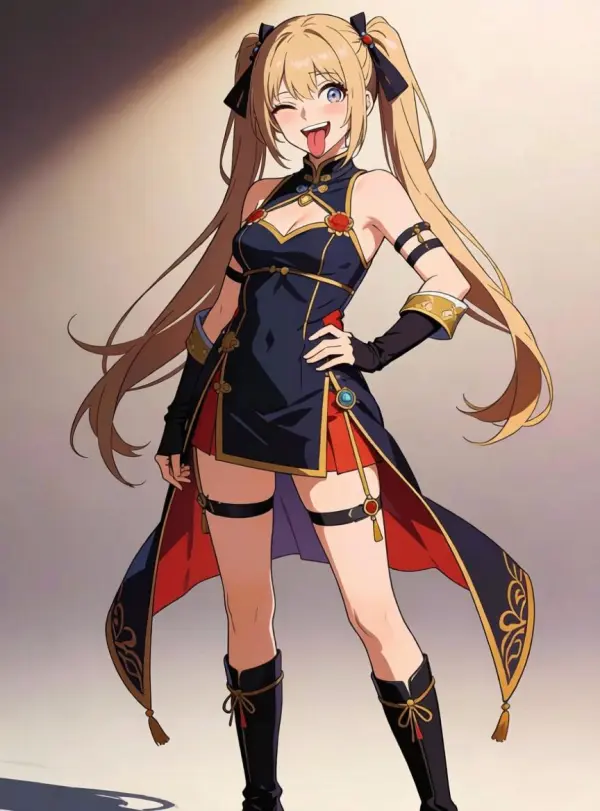
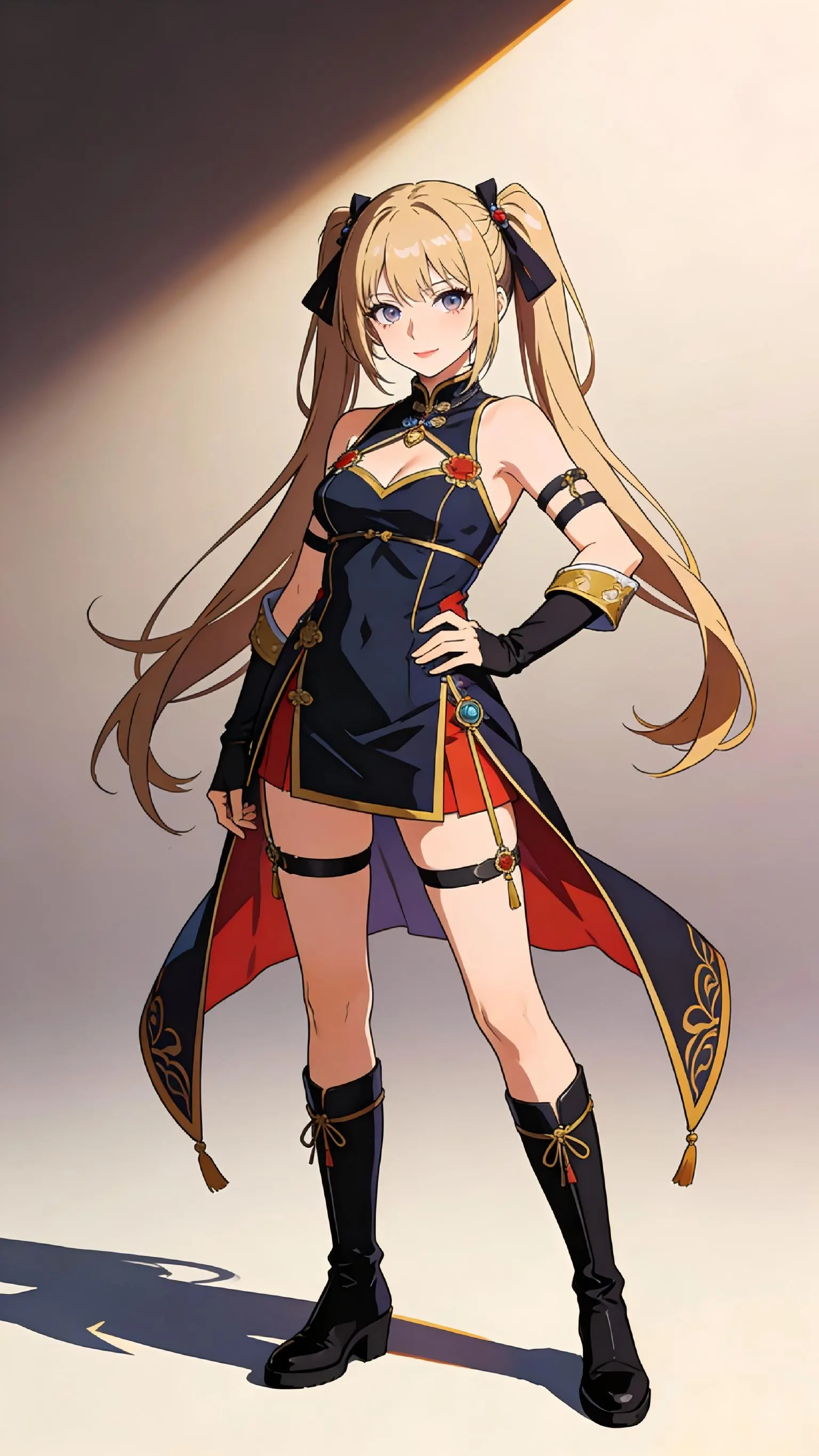
How to Make an Ahegao Face in 3 Steps
Upload one portrait, generate the expression edit, then download
Upload a Portrait
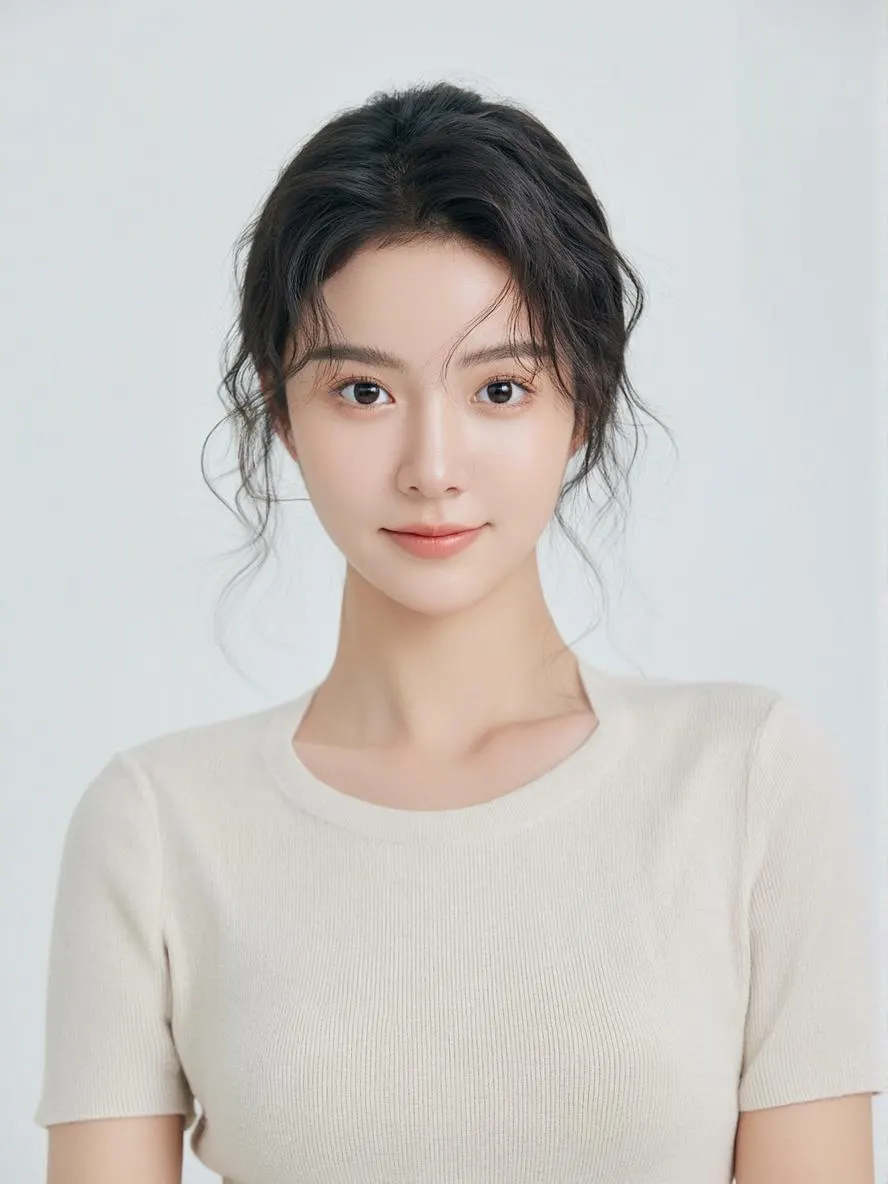
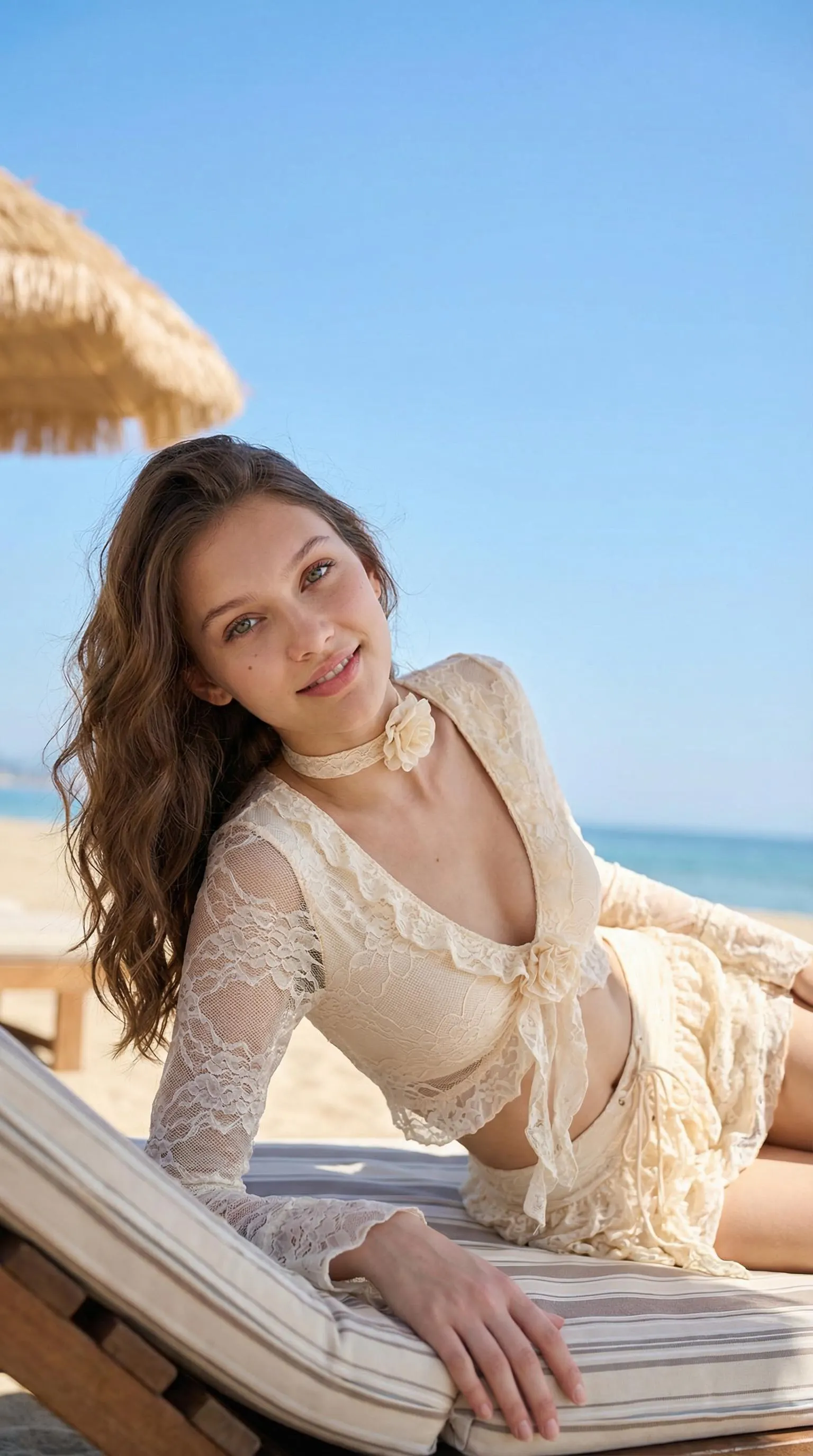
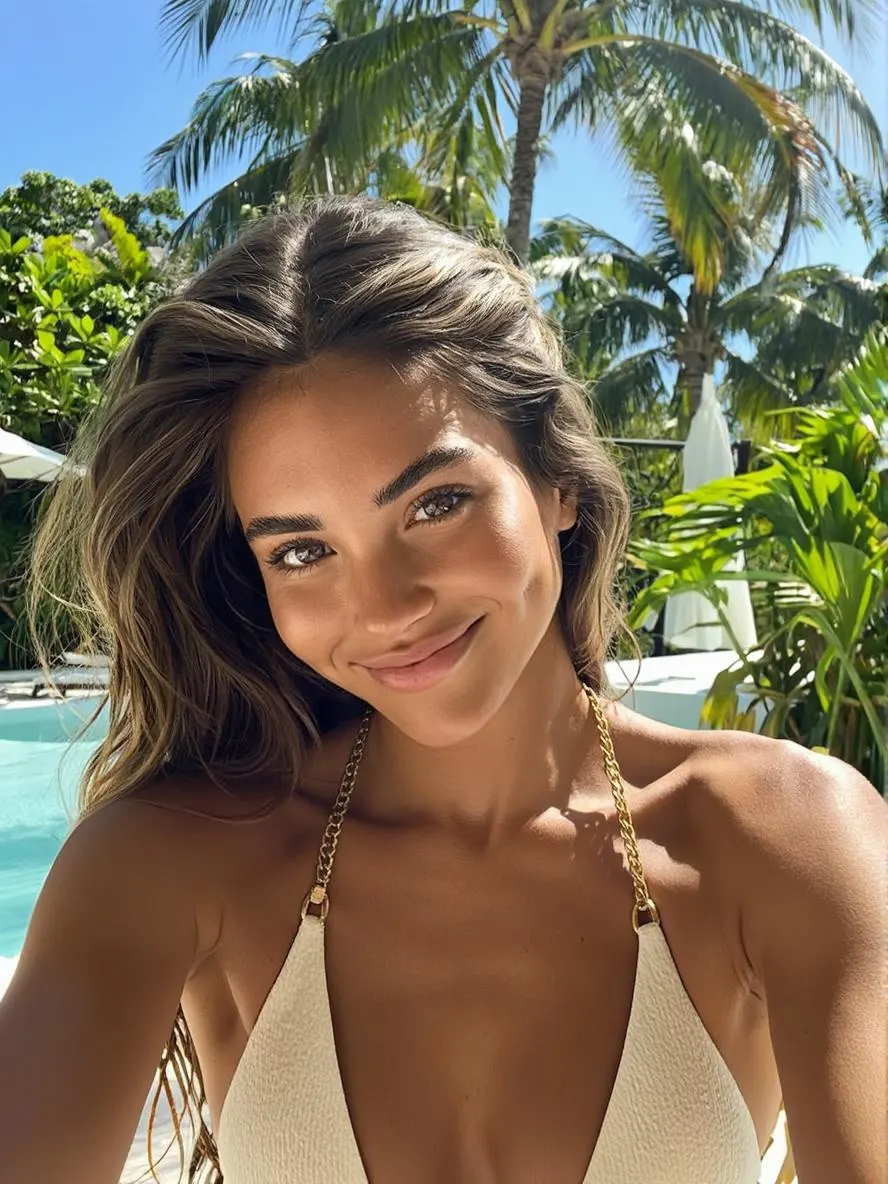
Drop in one photo of the face you want to transform — real photo, anime screenshot, or OC reference. Front-facing or three-quarter angle works best. PNG, JPG, or WebP up to 10MB.
AI Rewrites the Expression
The model sticks the tongue out, rolls the eyes up, and adjusts the mouth shape — then re-renders the face so lighting and skin tone still match. Pose, hair, outfit, and background stay locked in place.
Download and Post
Review the generated result after processing, then save the PNG with no watermark for Discord, Twitter, Twitch chat, or your meme folder.
Why Creators Pick iMideo for Ahegao Edits
Identity-Preserving Edit
The eyes and mouth are edited while face shape, hair, glasses, and skin tone are preserved where possible, so the result still resembles the original character.
Fast Reaction Workflow
Upload one photo, generate the ahegao version, and download the result after processing completes.
Real Photos and Anime Both Work
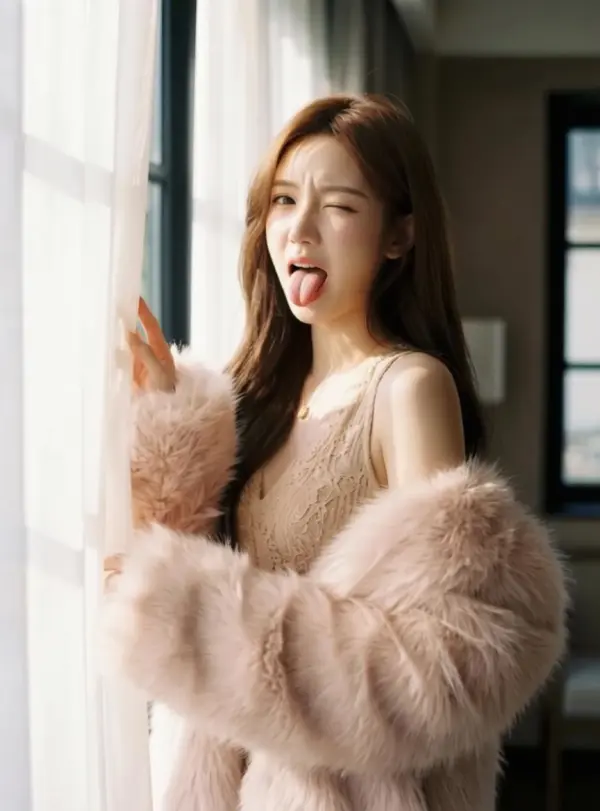
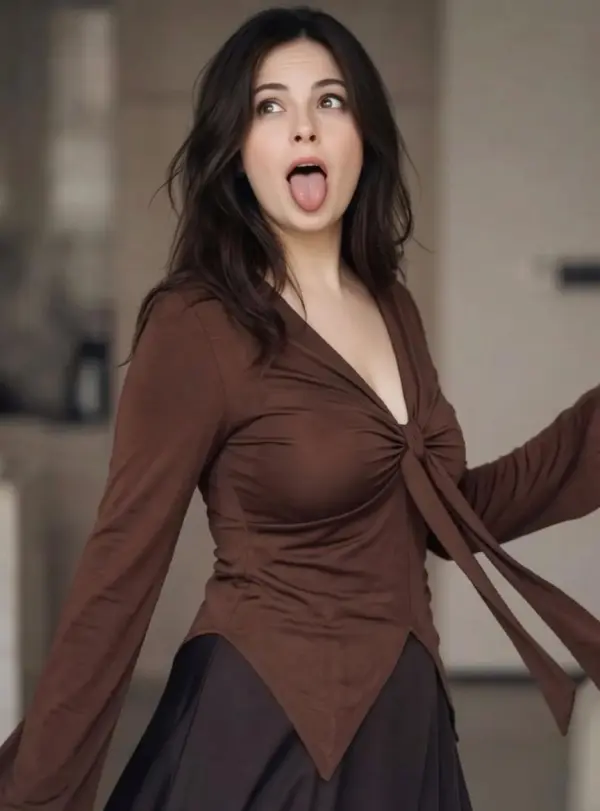
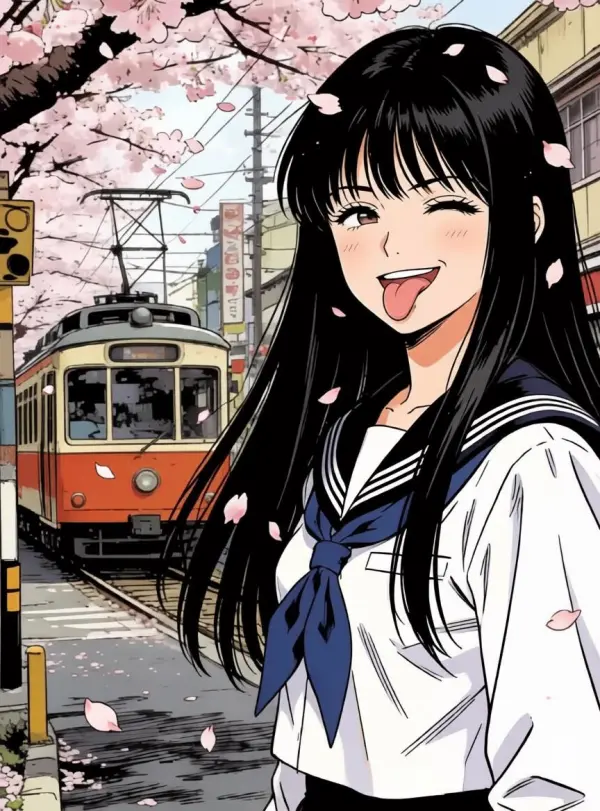
Selfies, VTuber renders, anime screenshots, OC art — the model adapts to the input style instead of forcing one anime look.
Clean PNG, No Watermark
Output downloads as a transparent-ready PNG with no logo or watermark after sign-in.
Photos Not Used for Training
Uploads are processed to make your render and handled according to the product retention policy. They are not used for AI model training.
Fast Reaction Variations
Create expressive reaction looks for memes, thumbnails, edits, roleplay concepts, and private character experiments without rebuilding the whole portrait.
What Creators Say About iMideo Ahegao
Kira V.
Twitch Streamer
I needed an ahegao emote for sub tier 2 and didn't want to wait on a commission. Generated a few variants, picked one, and the mods uploaded it before the next stream. Chat got the joke right away.
Daichi S.
Discord Server Mod
Our server runs a meme channel that needs constant reaction images. This helped us make a batch of ahegao reactions from regulars' approved photos. The face still looks like them, that's the part most filters get wrong.
Yuki M.
VTuber
Tried it on my Live2D model screenshot and the ahegao output kept the lineart and color palette recognizable. I use it now for quick reaction tweets when something cursed happens on my timeline.
Marcus T.
Meme Page Admin
I run an anime meme account. Custom ahegao edits used to mean opening Photoshop. Now I screenshot, upload, and use the generated version as a quick first pass for reaction posts.
Lena P.
Cosplay Photographer
Cosplayers ask me for joke reaction shots from their shoots. Instead of staging another set, I run their hero photo through this and hand them an ahegao version they can post. Clients laugh, I save shoot time.
Hayato K.
Fan Artist
I draw OC reaction sheets for commissions and used to paint each expression by hand. The AI handles the messy ahegao panel for me now. Saves the bracket on my wrist and the sheet still looks consistent.
Sam R.
DnD Group Organizer
We make custom token reactions for our D&D group's Discord. Running party portraits through this gives us ahegao versions when the rogue rolls another nat 1. The whole table uses them now.
Aiko H.
Manga Translation Lead
Our scanlation group makes reaction templates in our private chat. This generates ahegao versions of character panels without us needing to redraw them manually.
Ready to Generate Your Ahegao Reaction?
Upload one photo and get an anime-style ahegao face with no watermark after sign-in.