Upscale Images to 4K and 8K with AI
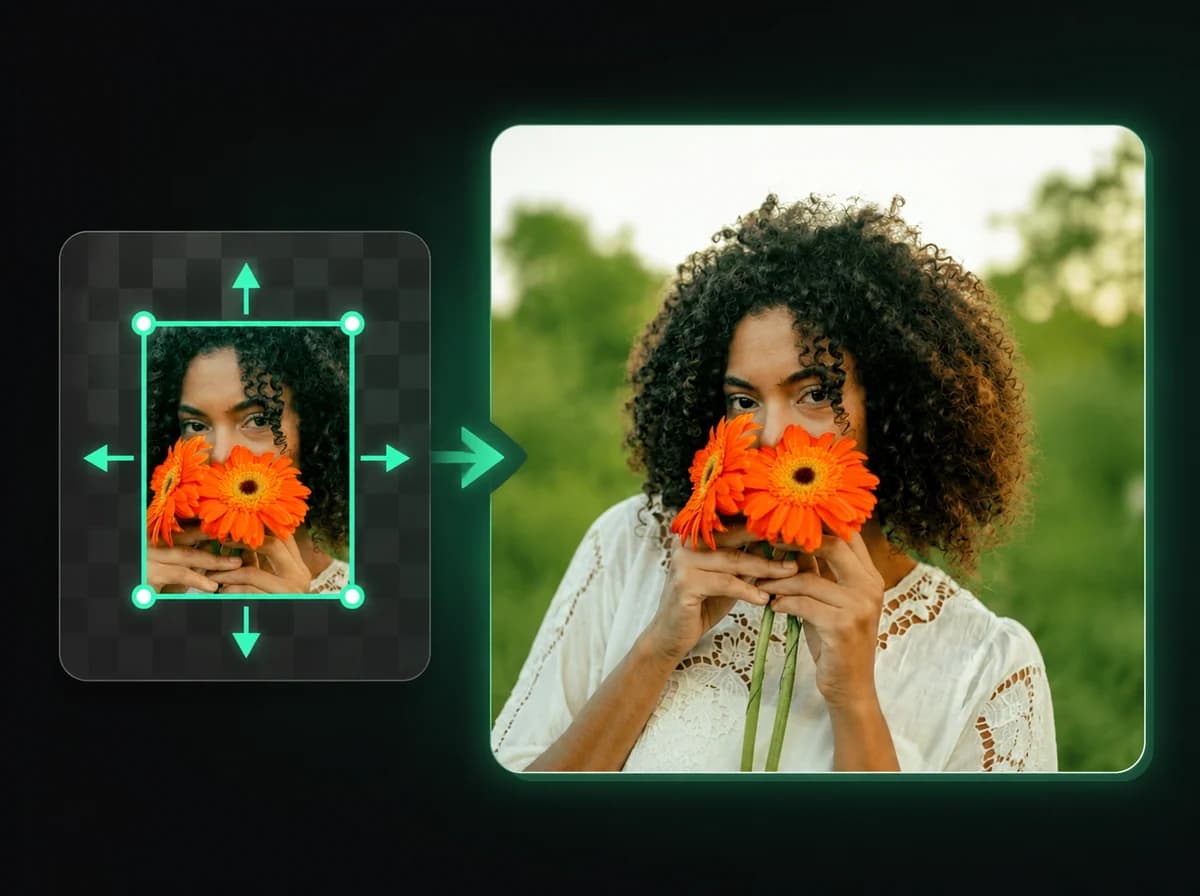
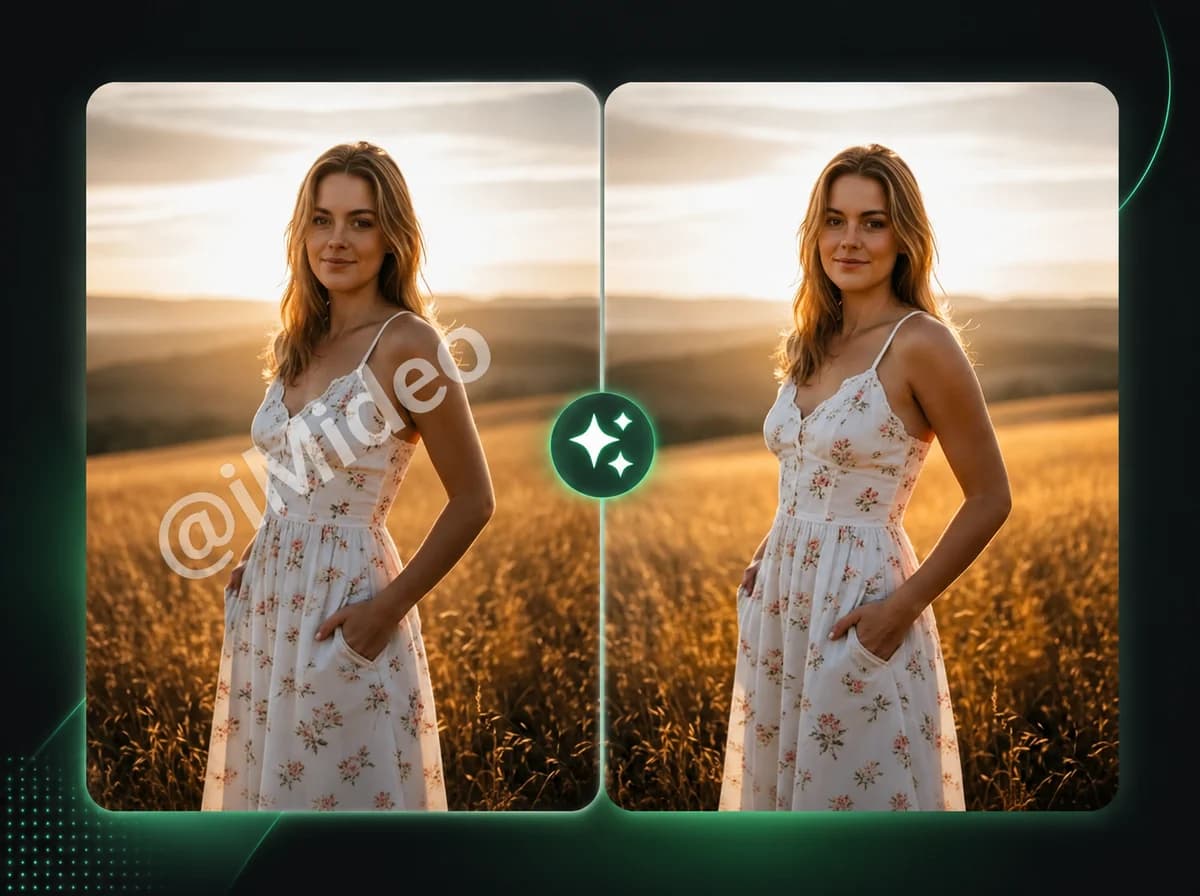
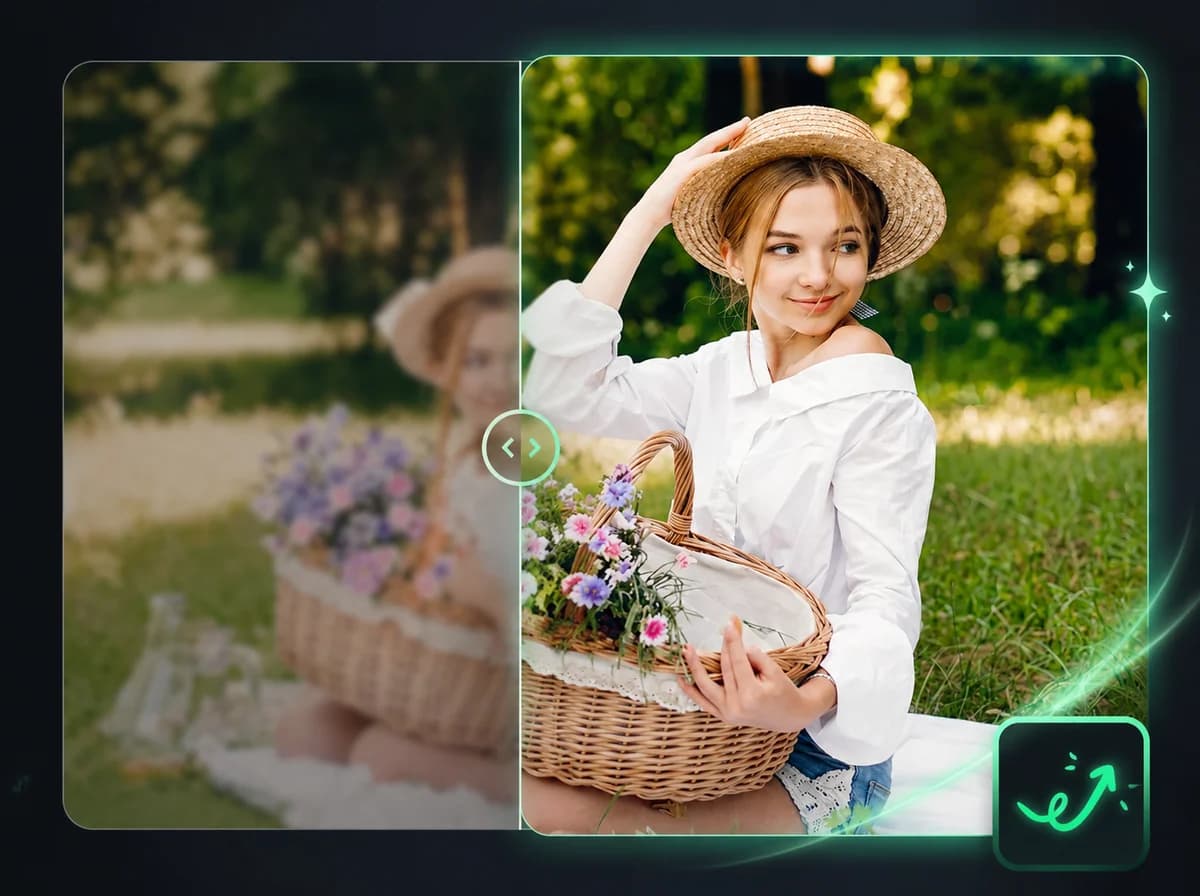
Upload a photo and AI enhances its resolution to 2K, 4K, or 8K — improving detail and sharpness without manual editing or Photoshop.
Click to upload or drag and drop
PNG, JPG, WebP (Max 10MB)
Upscale an Image in 3 Steps
Increase your image resolution to 4K or 8K with one upload
Upload Your Image
Select the photo you want to upscale. We support PNG, JPG, and WebP files up to 10 MB. Click to browse or drag and drop directly into the upload area. Higher-quality source images produce sharper upscaled results.
Choose Your Target Resolution
Select the output resolution that fits your use case: 2K for digital screens, 4K for high-resolution displays and print, or 8K for large-format printing and professional production. The AI adjusts its enhancement to match the selected scale.
Download Your High-Res Image
Once processing completes, download your upscaled image at the full target resolution. The output is a high-resolution file with recovered sharpness and detail — ready for immediate use in any workflow.
Why Use iMideo Image Upscaler
Fast Processing
Upscaling is designed for quick online processing, with progress shown while the AI prepares the higher-resolution result.
Fully Automatic
Upload your image, select a resolution, and the AI handles the rest. No settings to configure.
Three Resolution Options
Choose 2K, 4K, or 8K output depending on your use case — from digital display to large-format print.
Multiple Input Formats
Accepts PNG, JPG, and WebP images up to 10 MB — the formats used in most photo and design workflows.
Secure Processing
Images are processed for upscaling and handled according to the product retention policy. They are not used for AI model training.
Simple Credit Pricing
New users receive free credits to try the upscaler. Credits scale by resolution — see the pricing page for details.
What Our Users Say
Sophie Andersen
E-Commerce Seller
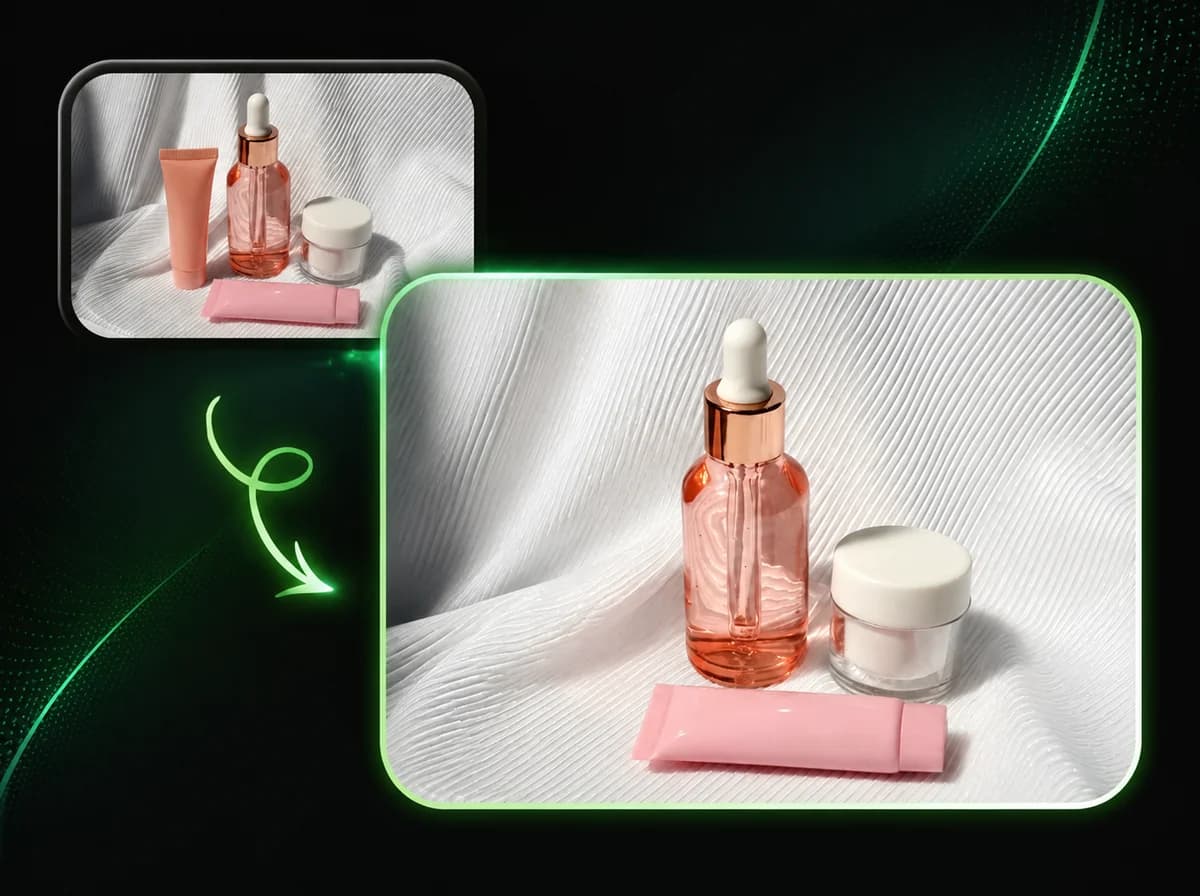
Supplier images at 400px were unusable for our product listings. I upscaled them to 4K and the edge sharpness held up. Product detail looks clean without artifacts. Saves a lot of time over manual retouching.
Marcus Bell
Graphic Designer
Old client logos from the archives — low resolution, nothing to work from. Upscaled to 4K and the edges came back clean enough to trace. The AI handles text and vector-like shapes better than I expected.
Yuna Park
Photographer
A client asked for large prints from older phone shots. Upscaled to 8K and the portrait details — skin texture, hair — stayed natural. No halo artifacts around edges. Print quality was well within acceptable range.
Carlos Rivera
Content Creator
I produce YouTube thumbnails and need crisp visuals. Old screenshots at 720p upscale to 4K without the blurry mess I used to get from Photoshop's basic resize. The AI consistently delivers sharper results.
Lena Fischer
Interior Designer
I use reference images from various sources for mood boards and client presentations. Upscaling brings everything to consistent quality. The AI recovers enough material texture detail that the images work well at A3 size.
David Osei
Marketing Manager
Campaign assets sourced from different vendors often varied in resolution. Upscaling brings them to a more consistent 4K baseline for our slide decks and banners. Clean output, practical turnaround.
Emma Nakamura
Freelance Illustrator
I scan traditional artwork and the scans come out at 300dpi but at a small physical size. Upscaling to 4K lets me work with the digital file at a usable canvas size without losing line quality.
Tom Whitfield
Real Estate Agent
Property photos from older listings were too small for new marketing material. Upscaled to 4K and they looked sharp enough to use in printed brochures. Quick processing, no manual work required.
Upscale Images Online
Upscale photos to 4K or 8K with AI — no manual editing, with results depending on source image quality.