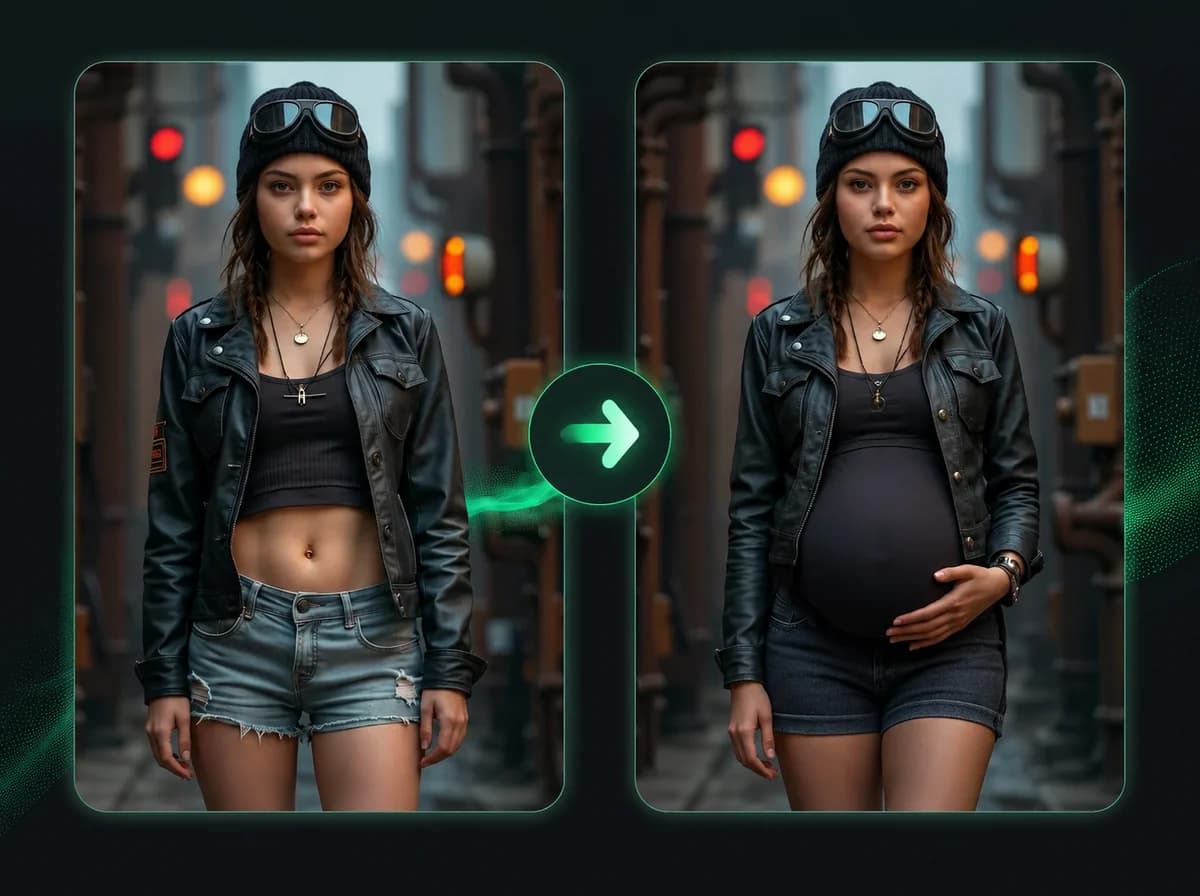
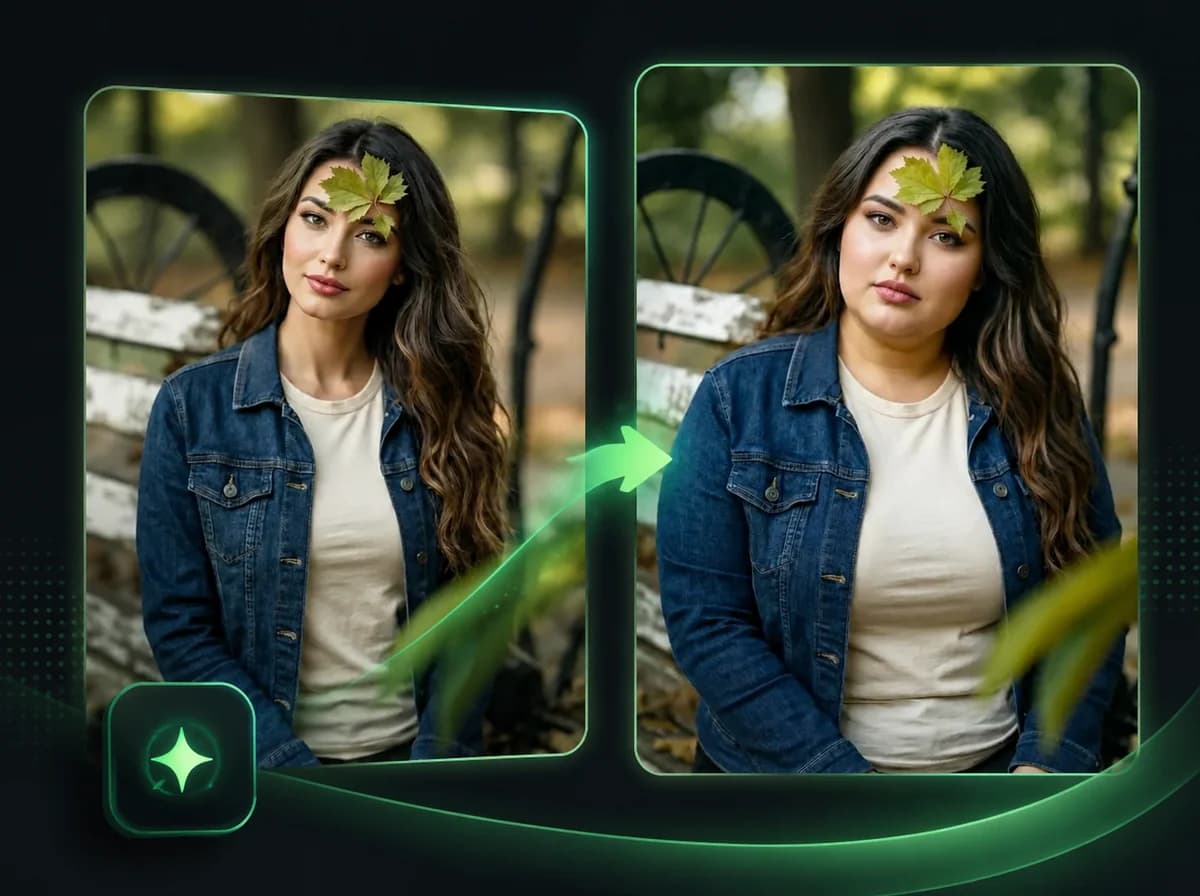
AI Gender Swap - Opposite Gender, Same Portrait
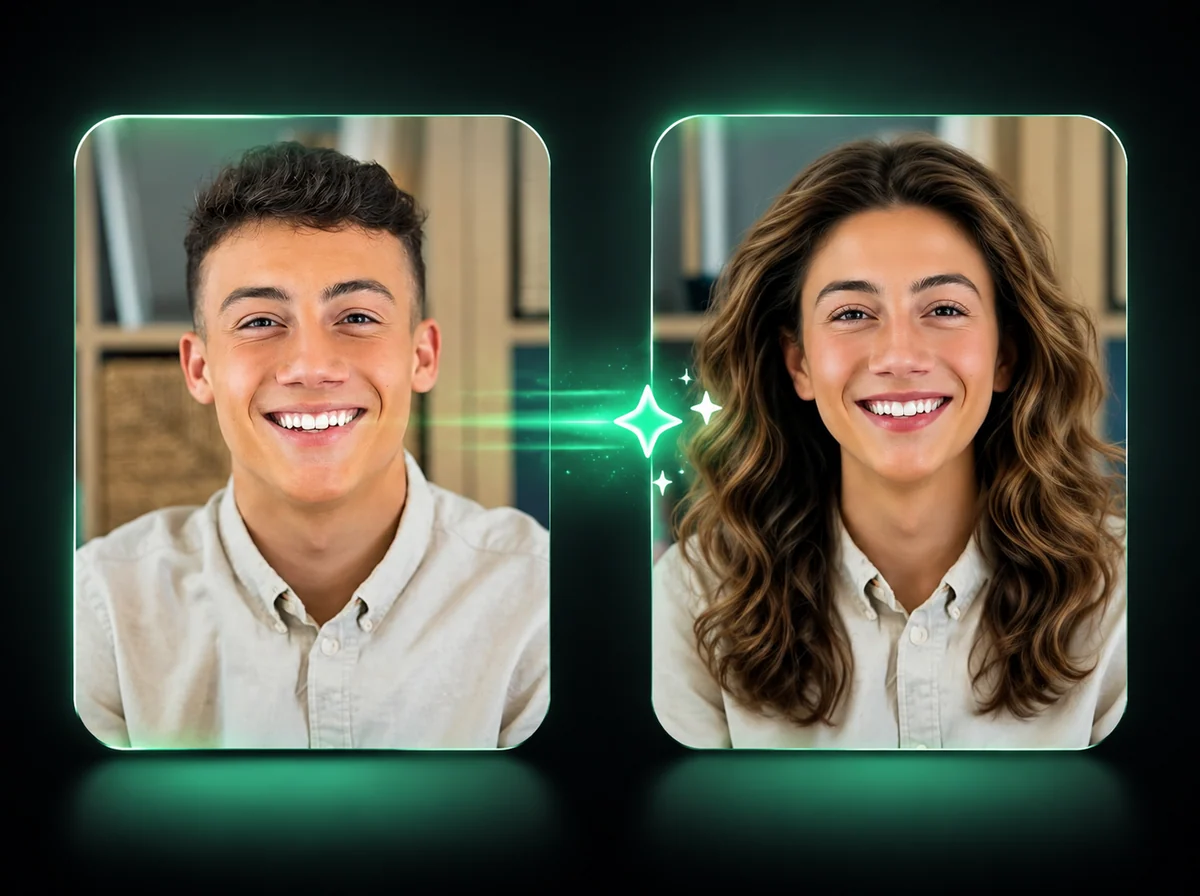
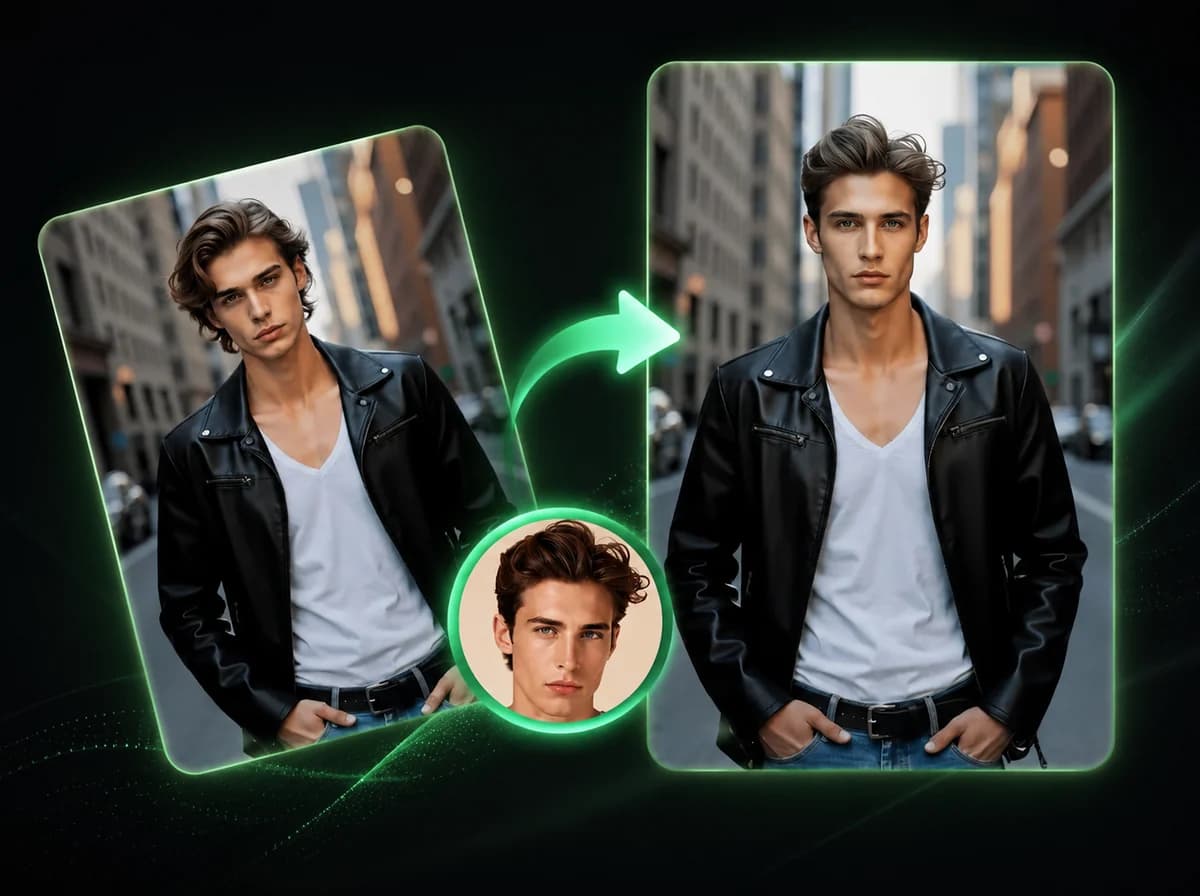
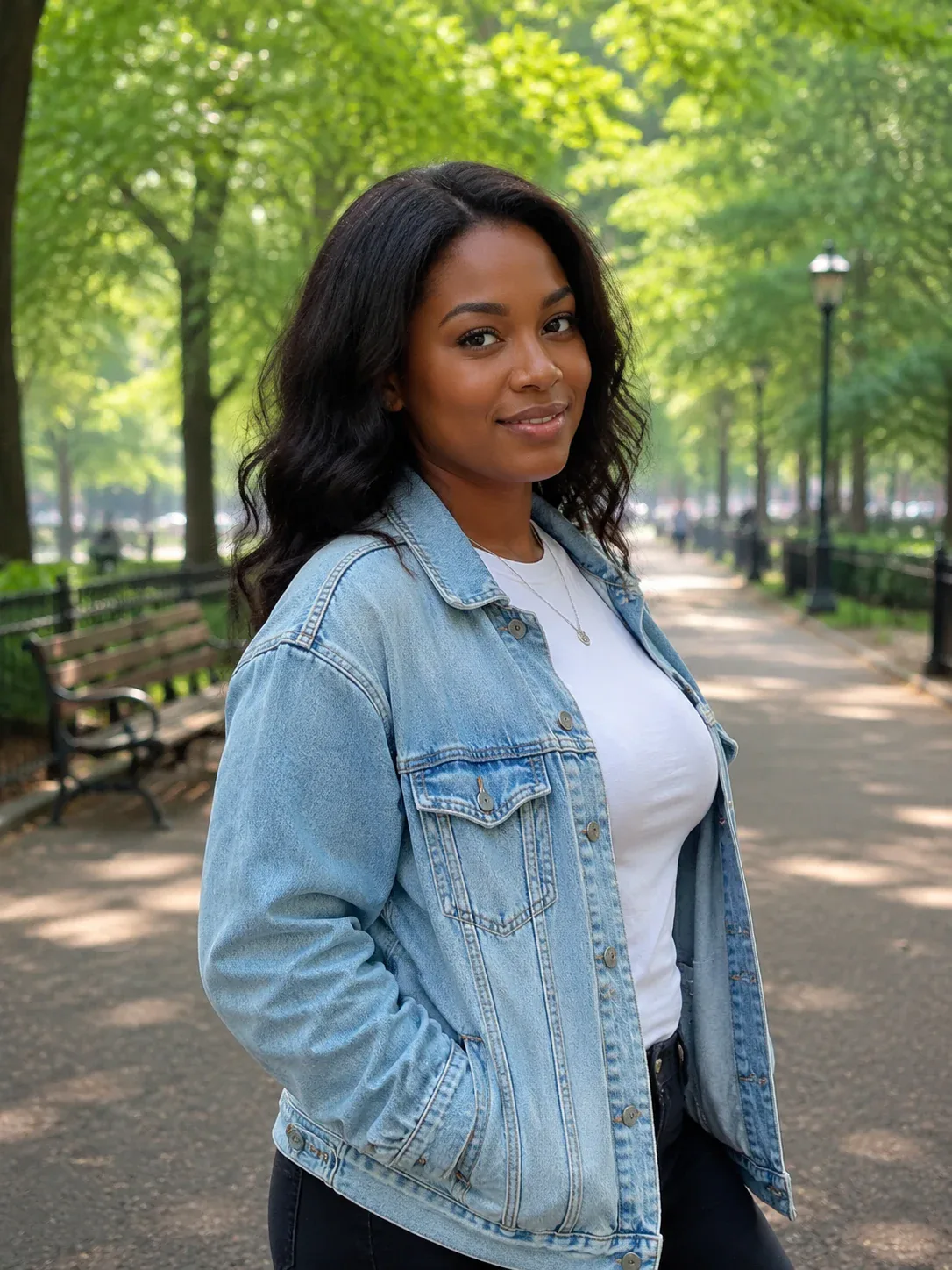
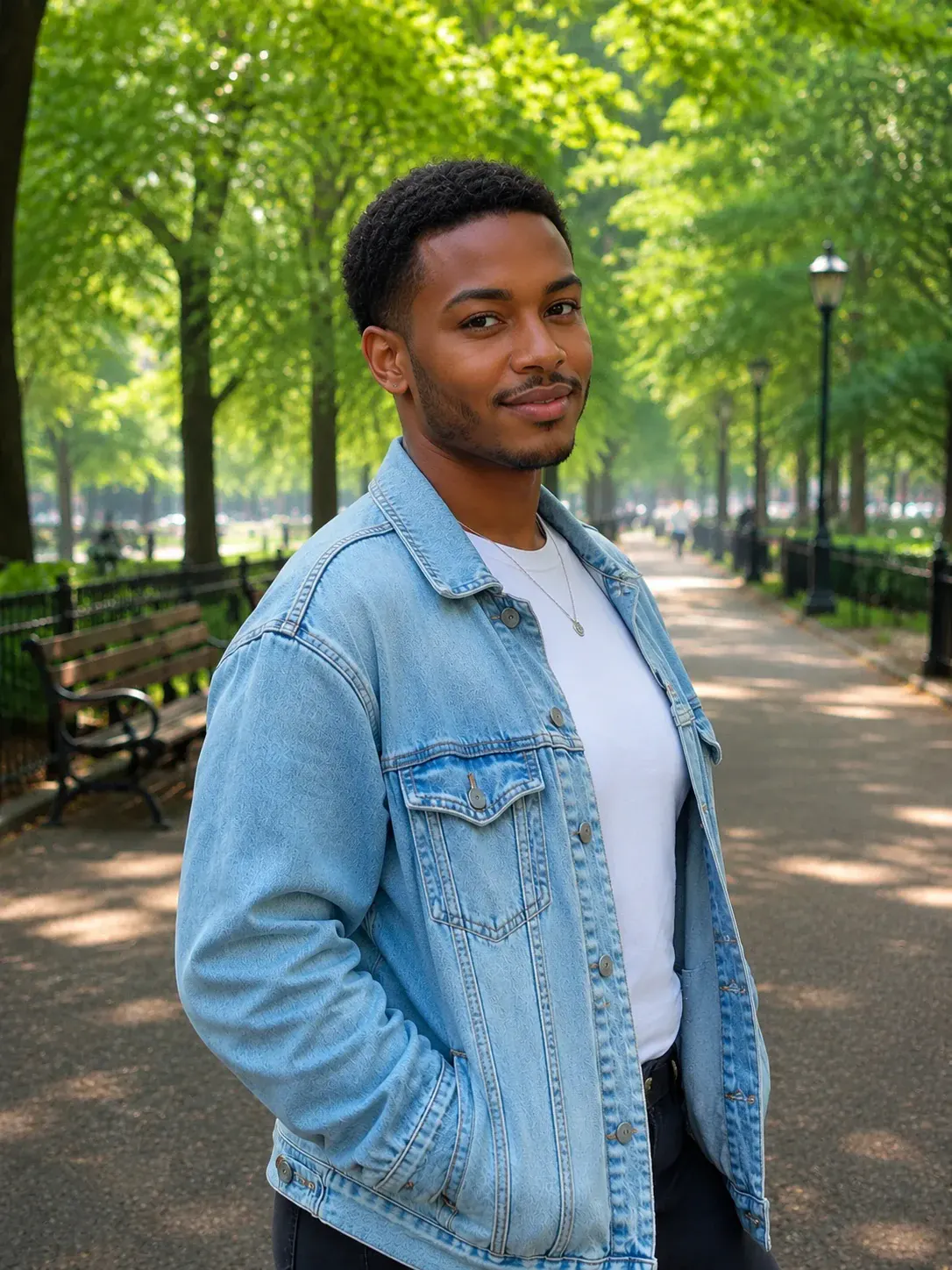
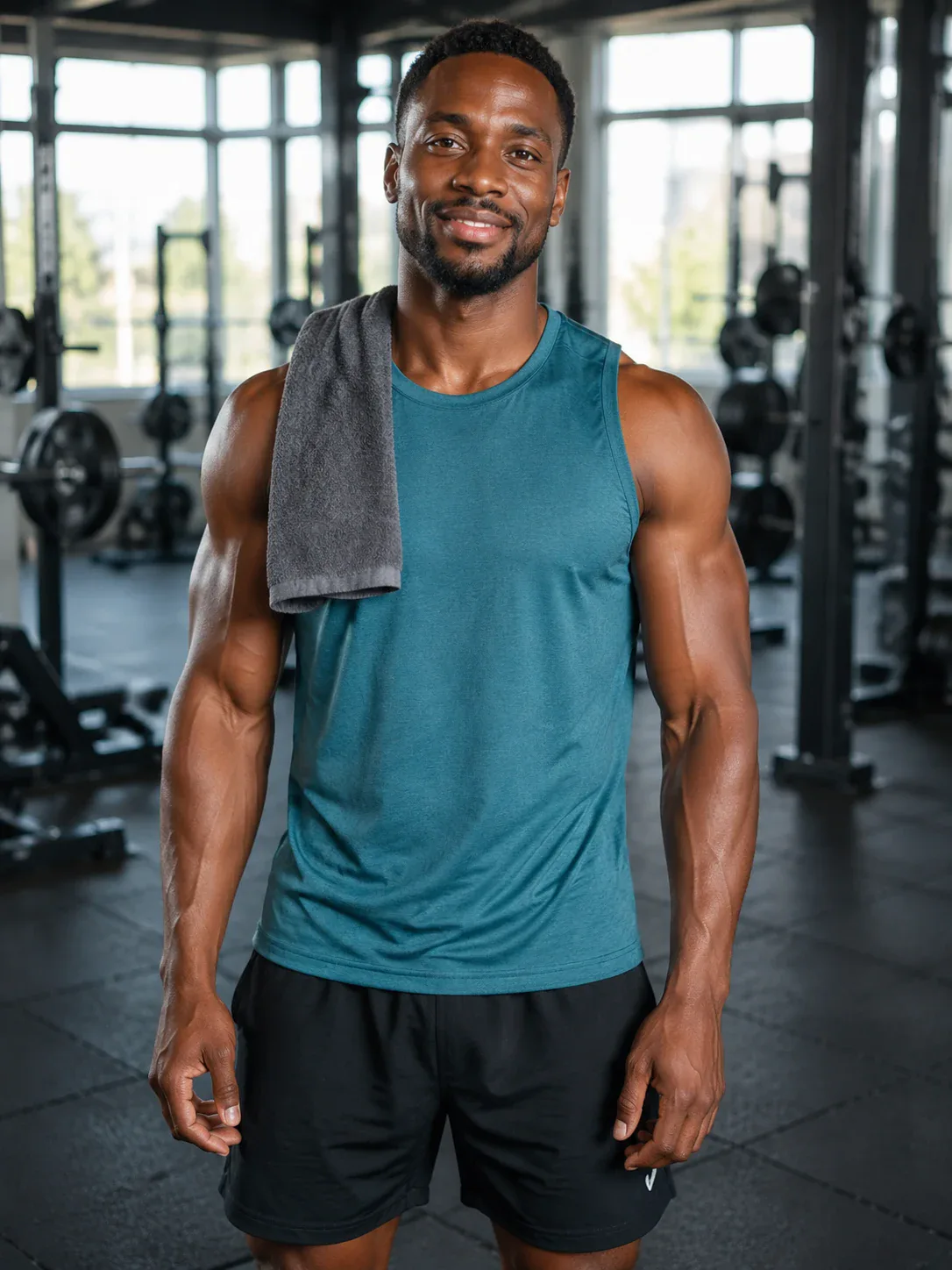
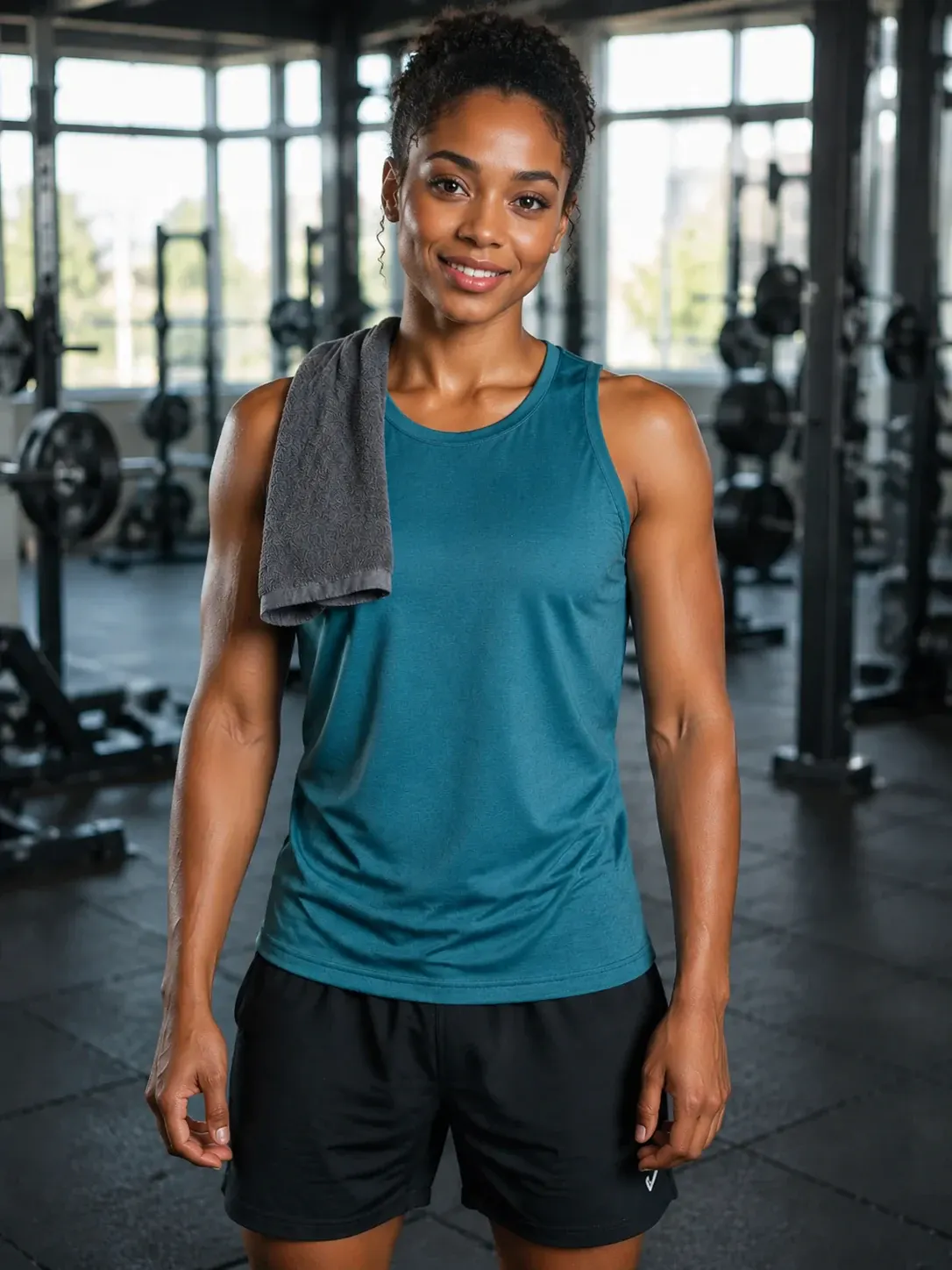
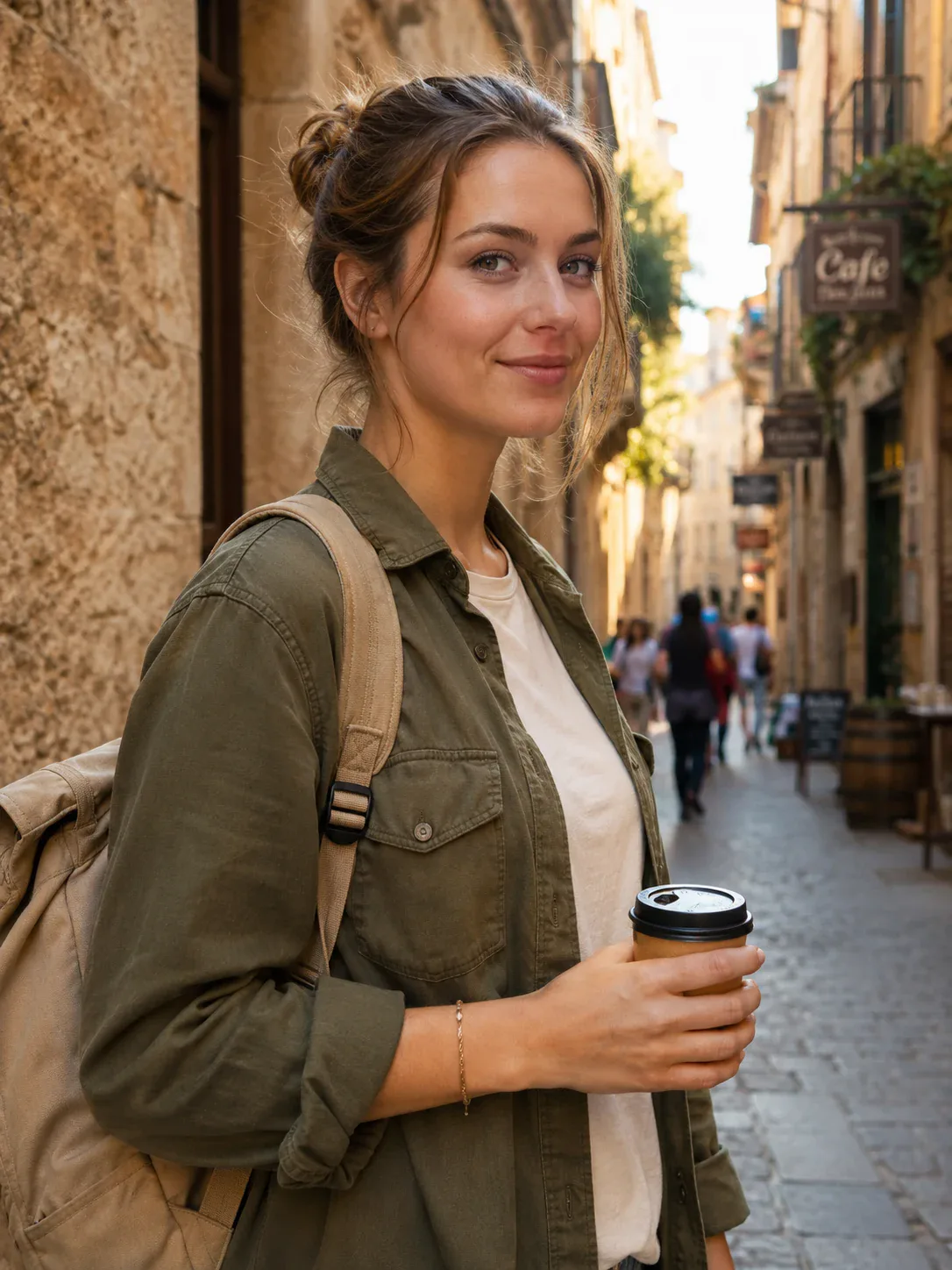
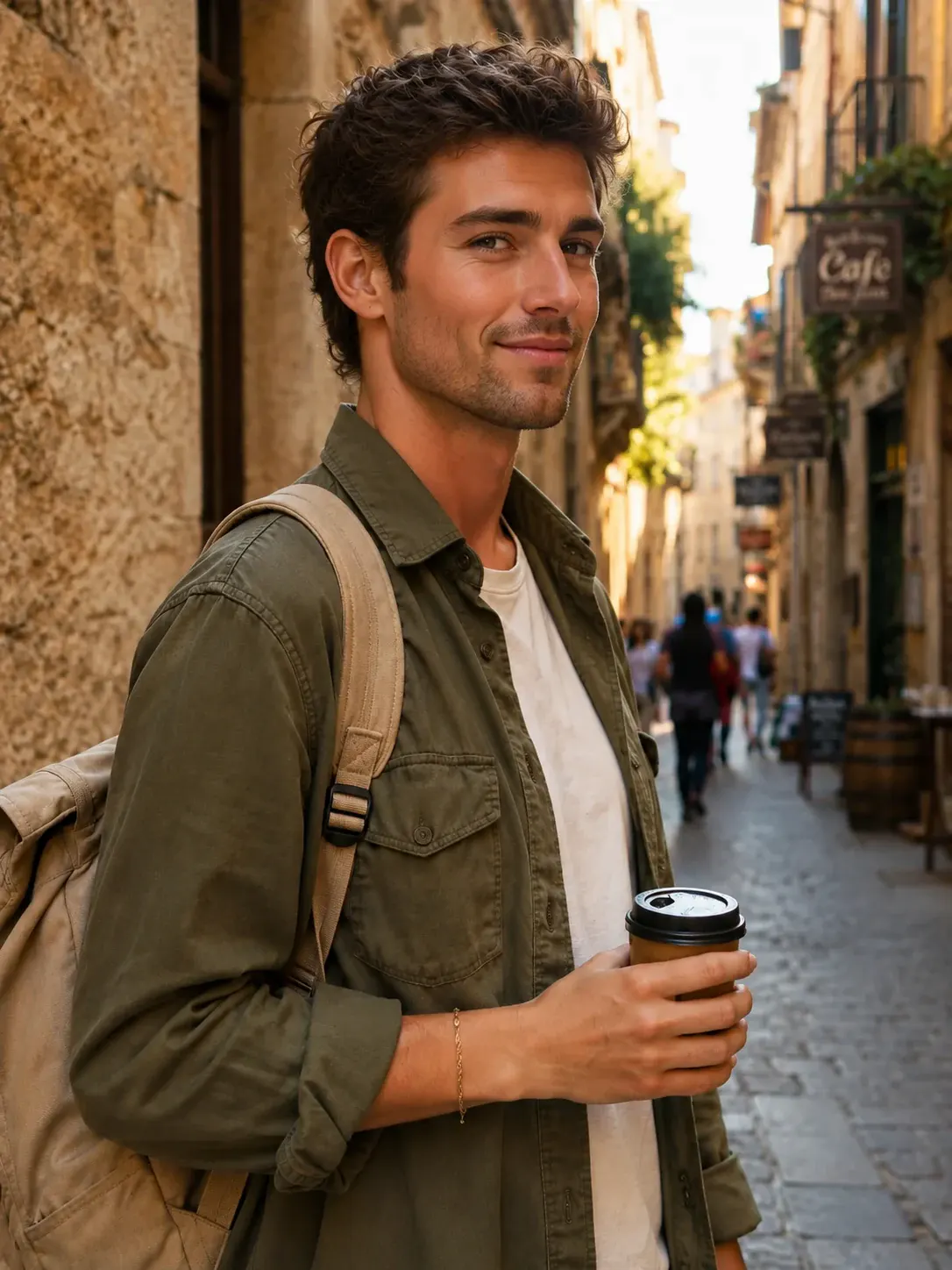
Upload one portrait to change gender presentation while keeping the same expression, pose, clothing, and background.
Click to upload image
PNG, JPG, WebP · Max 10MB
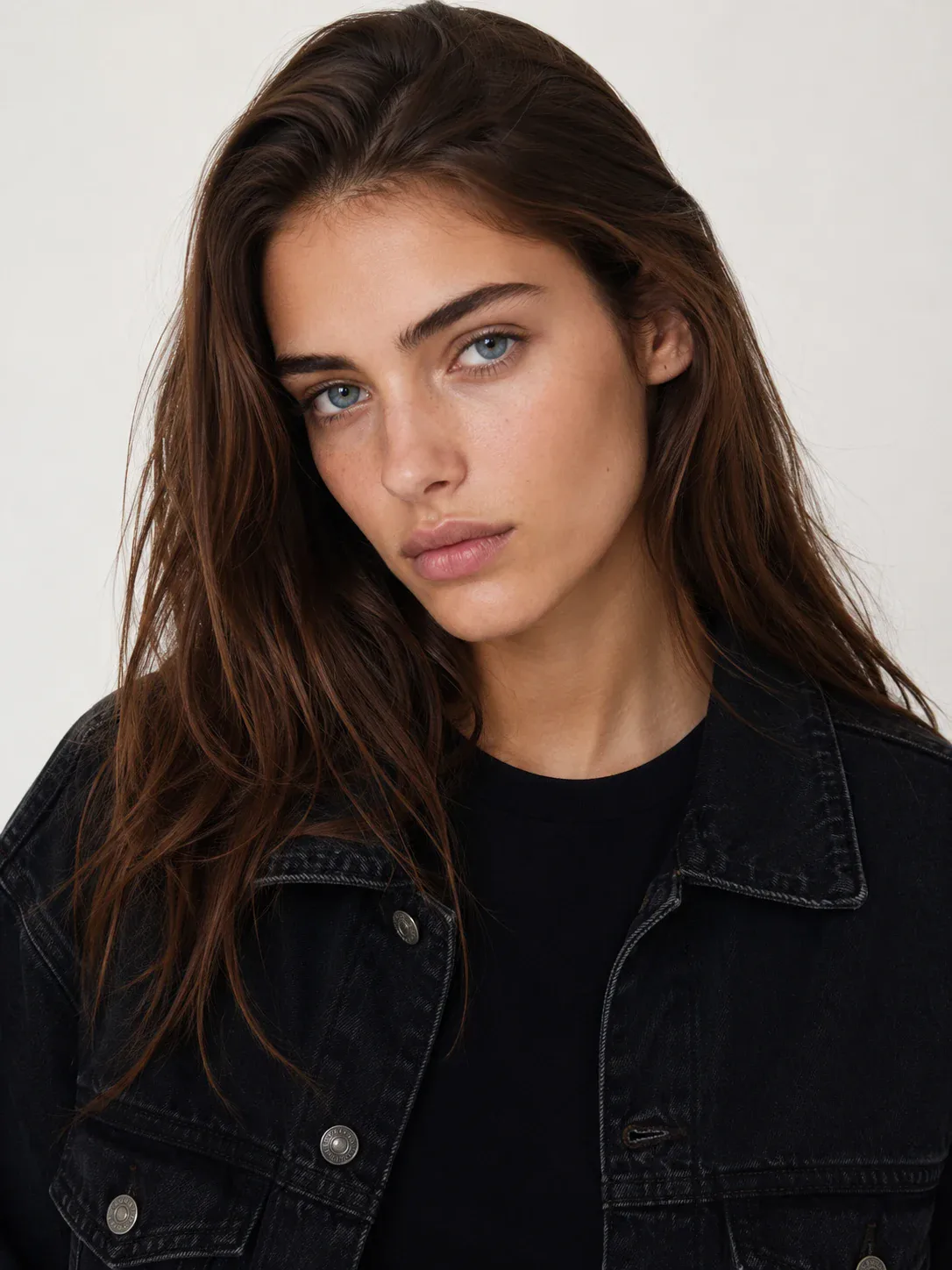
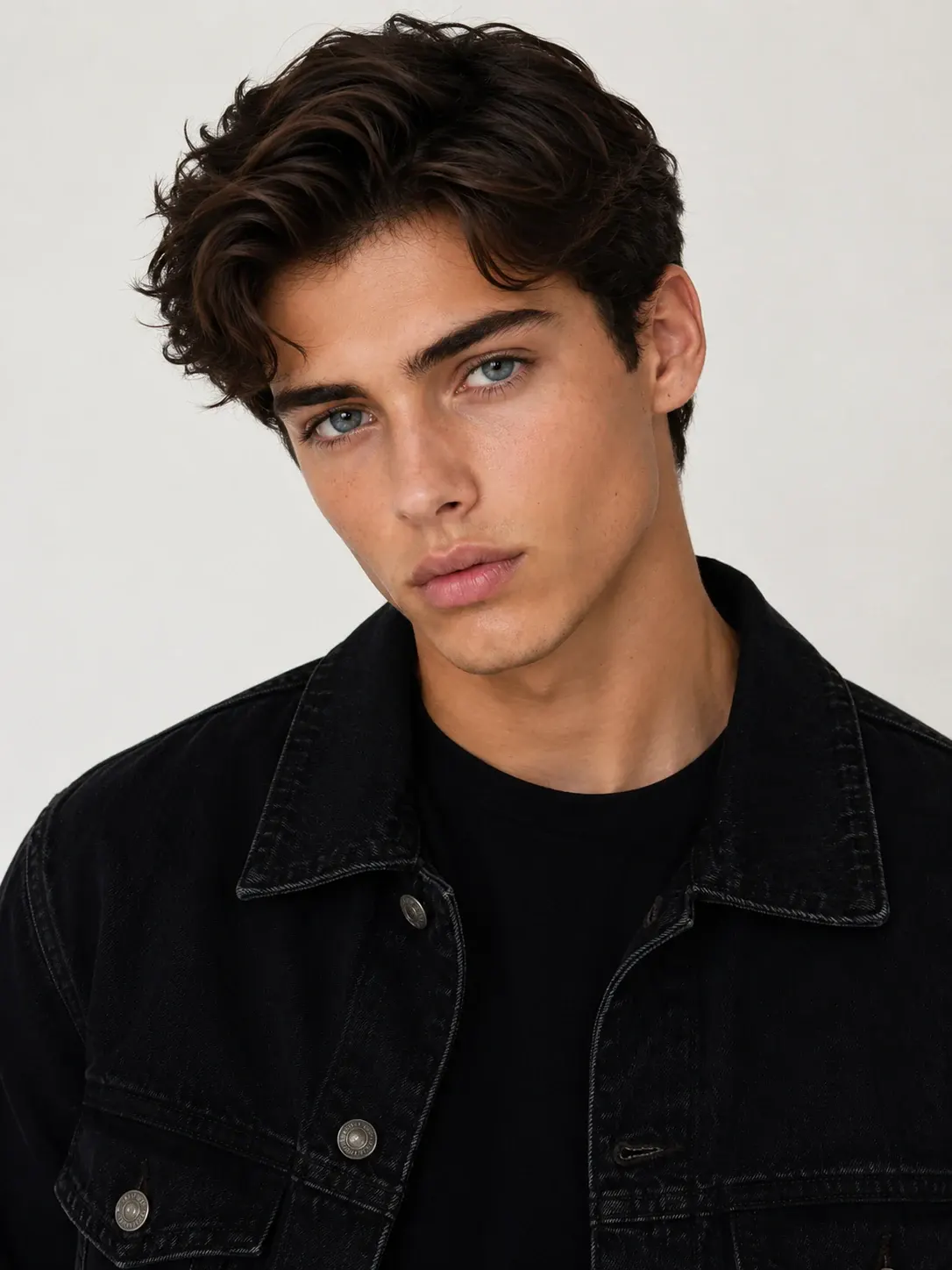

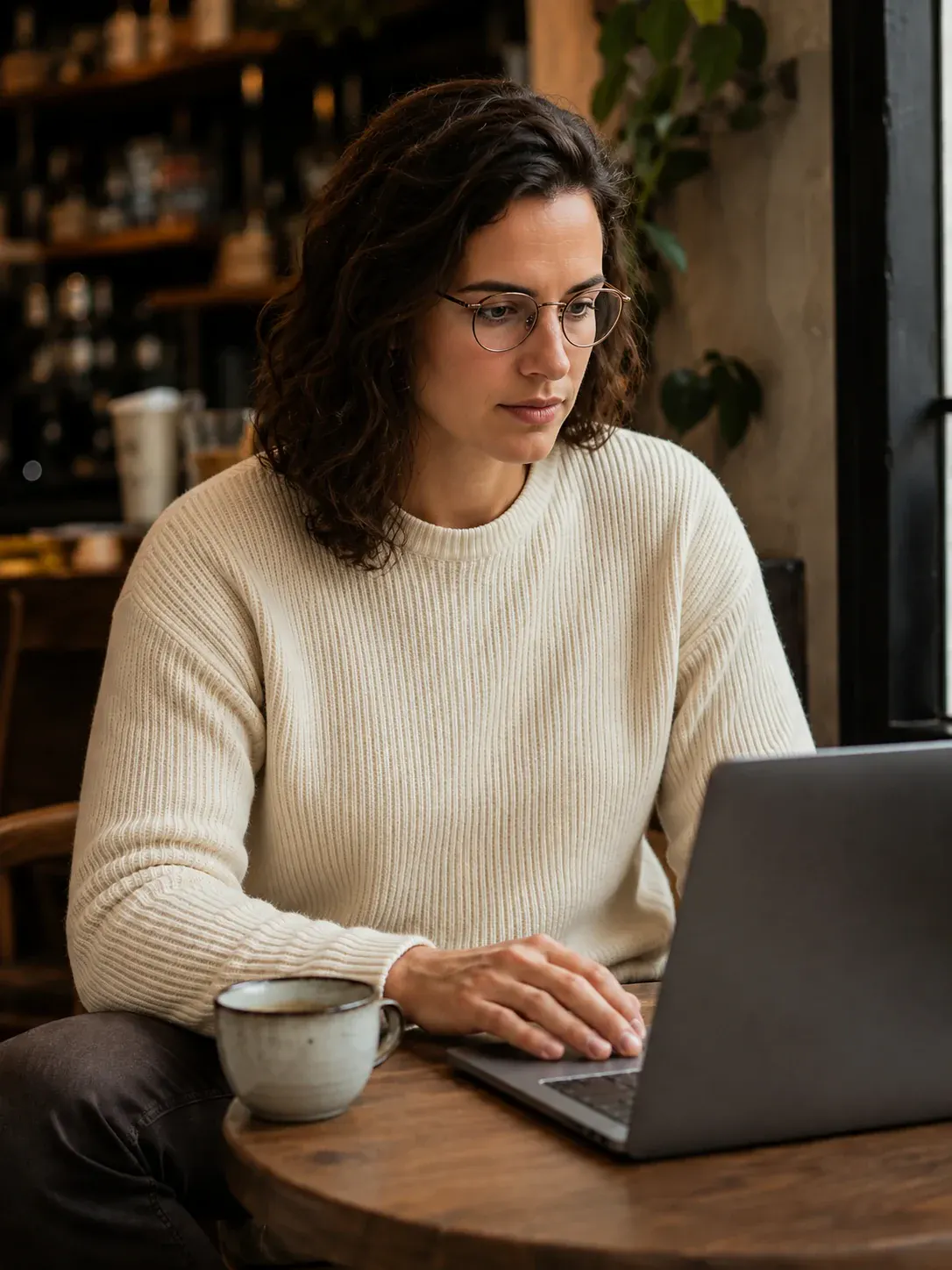
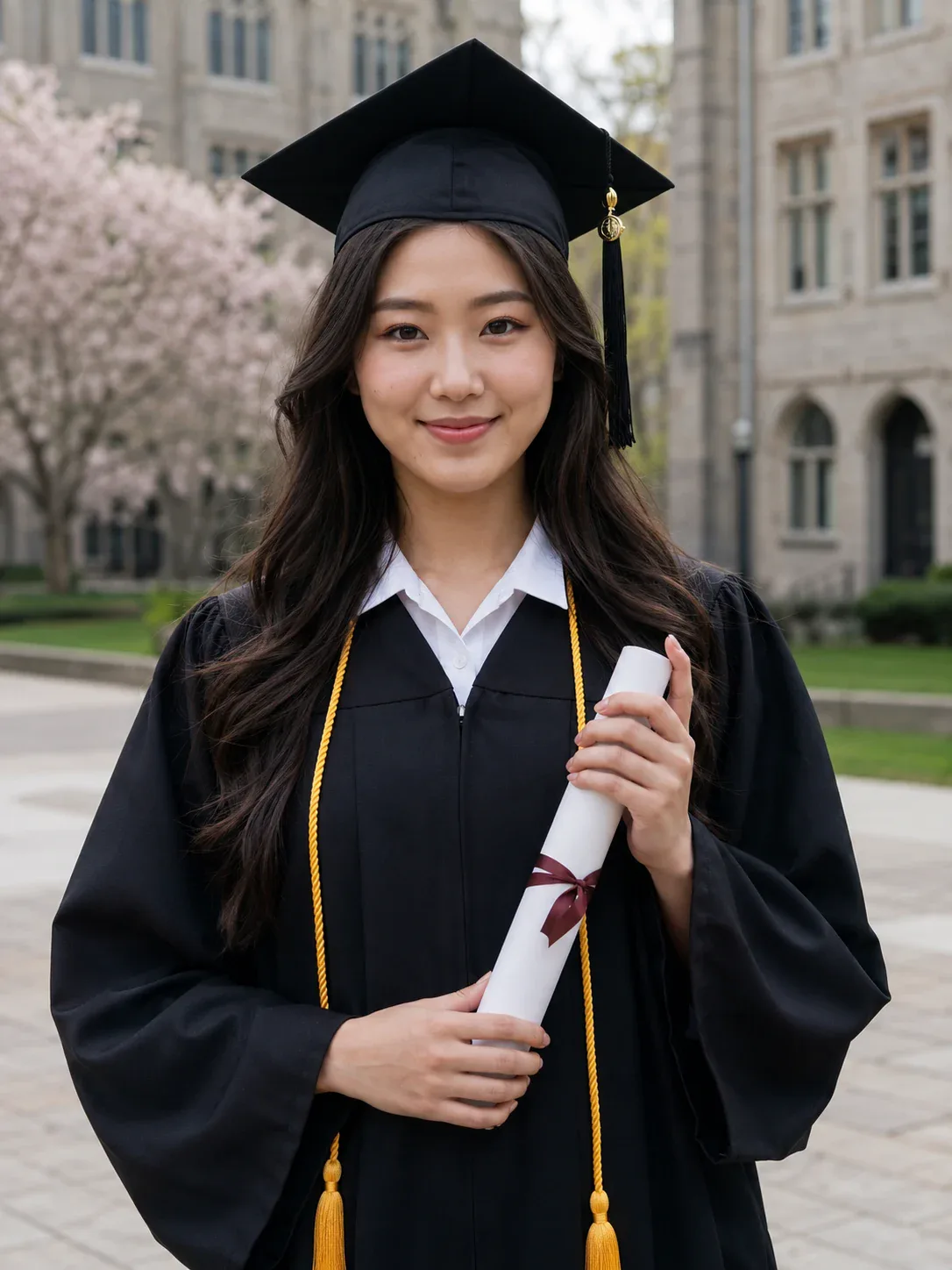
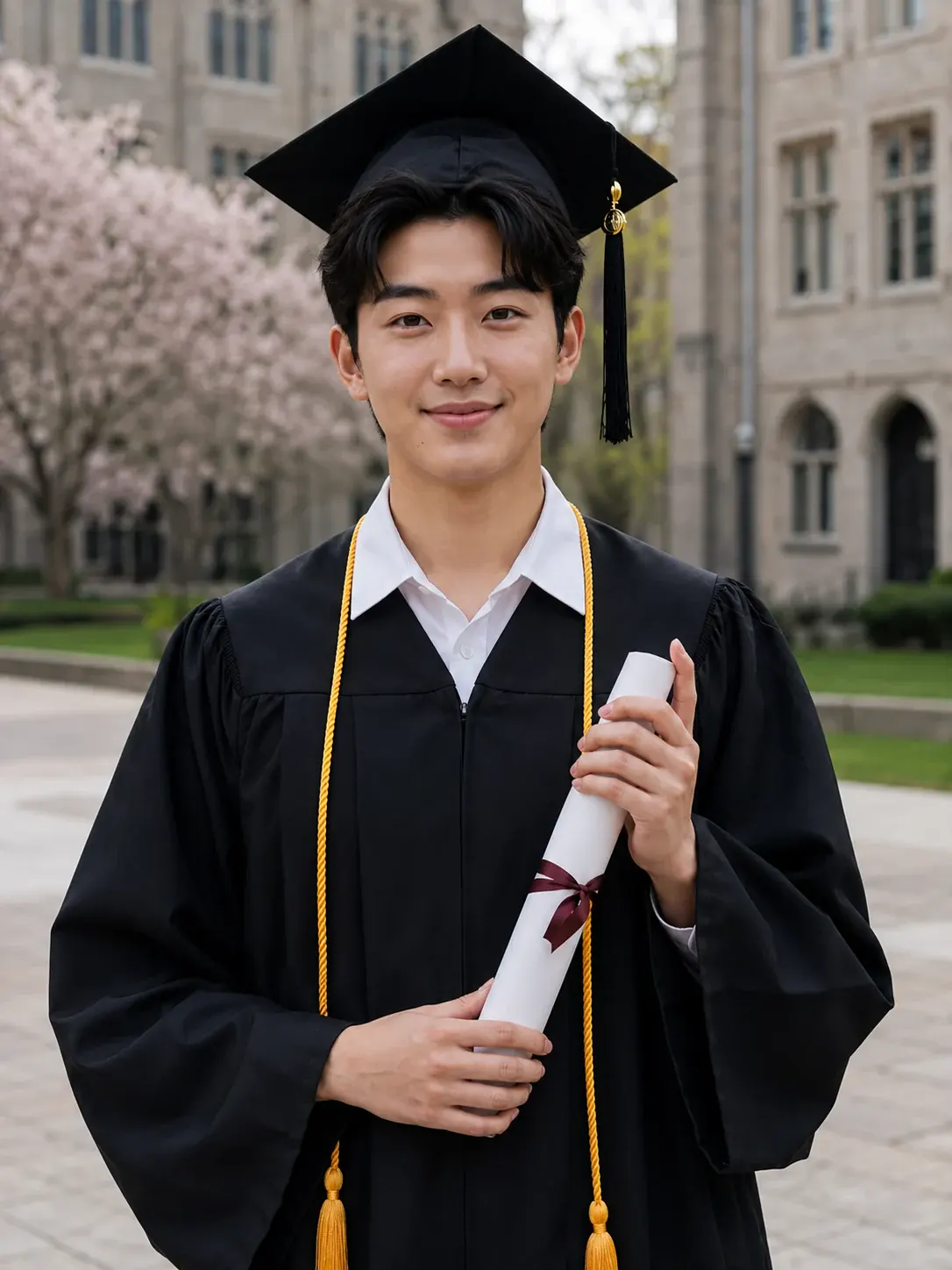
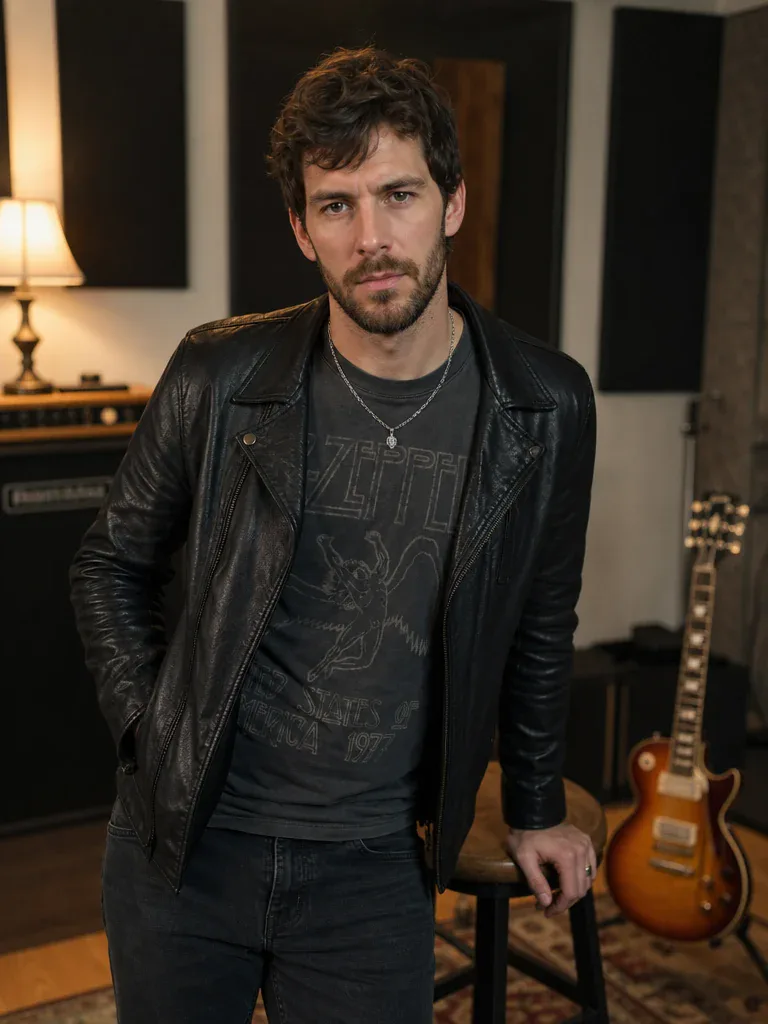
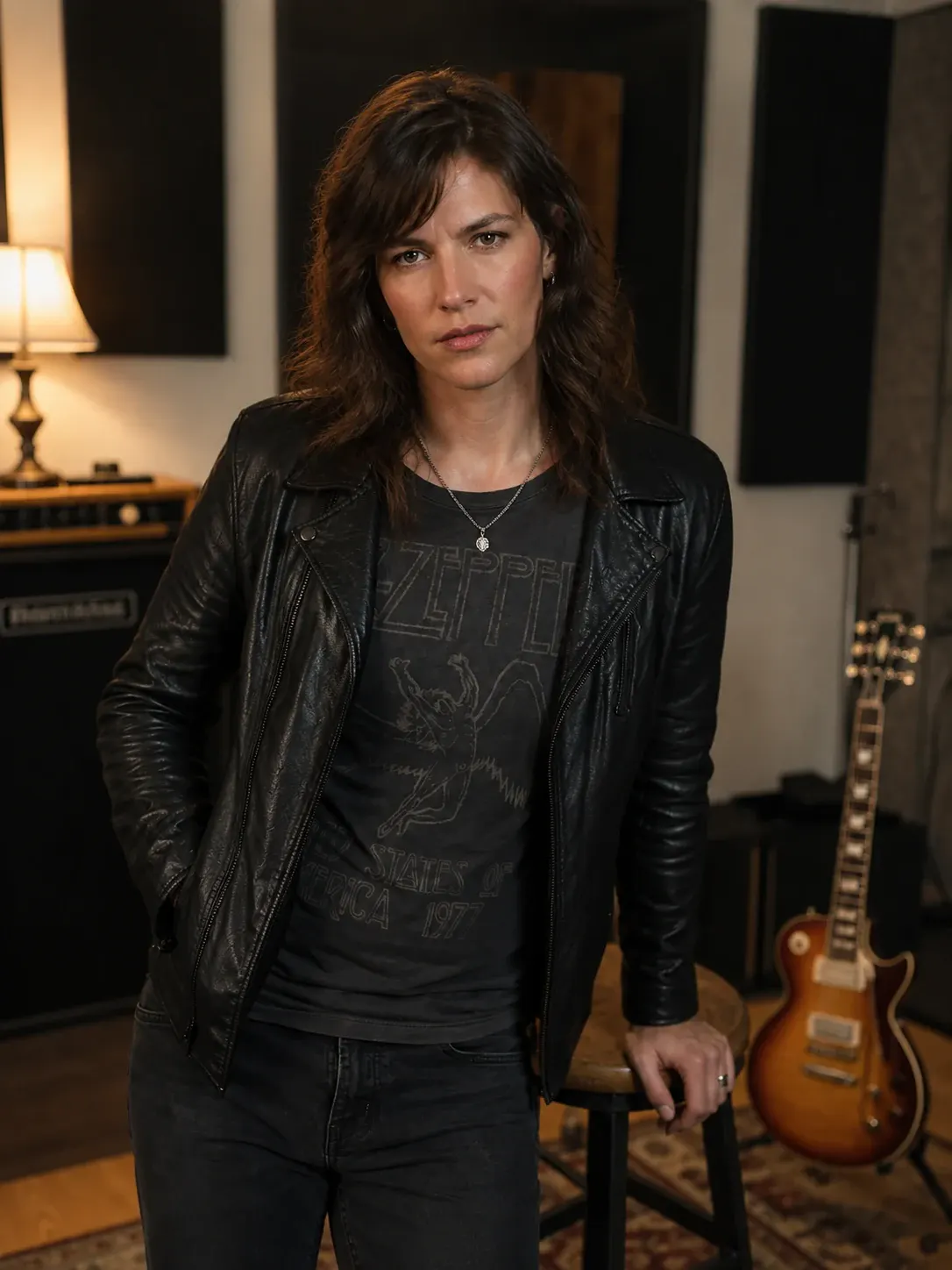

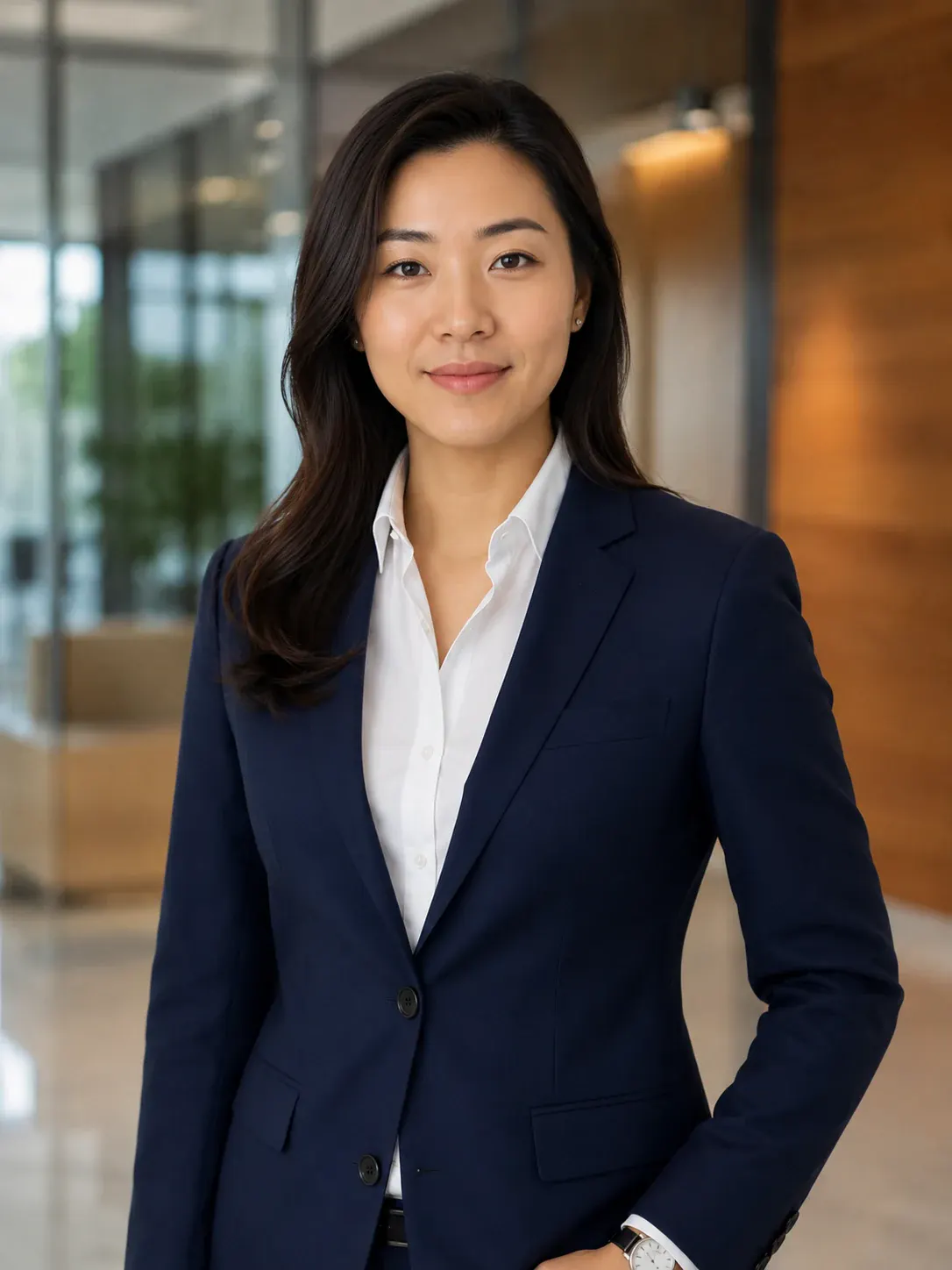
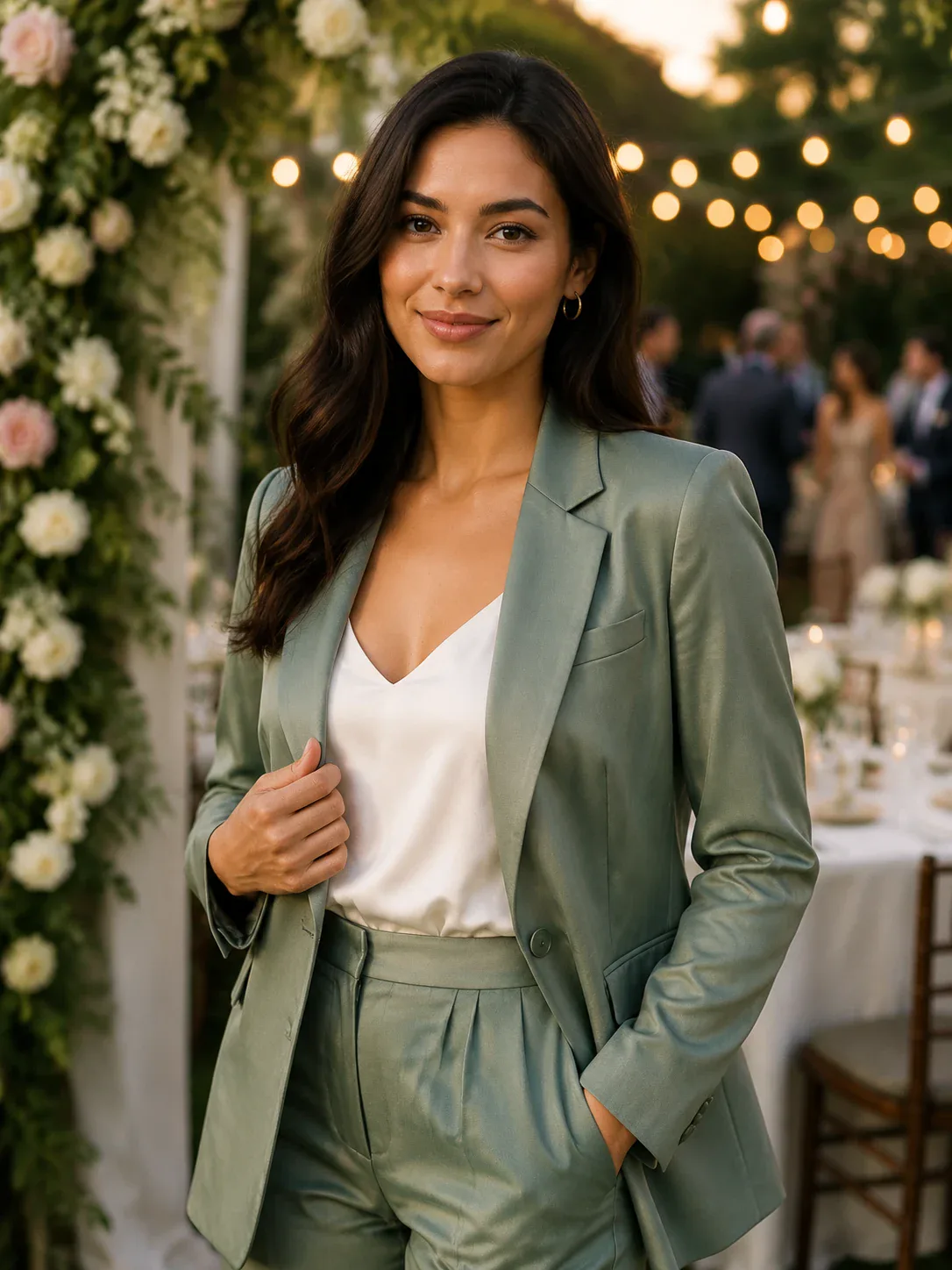
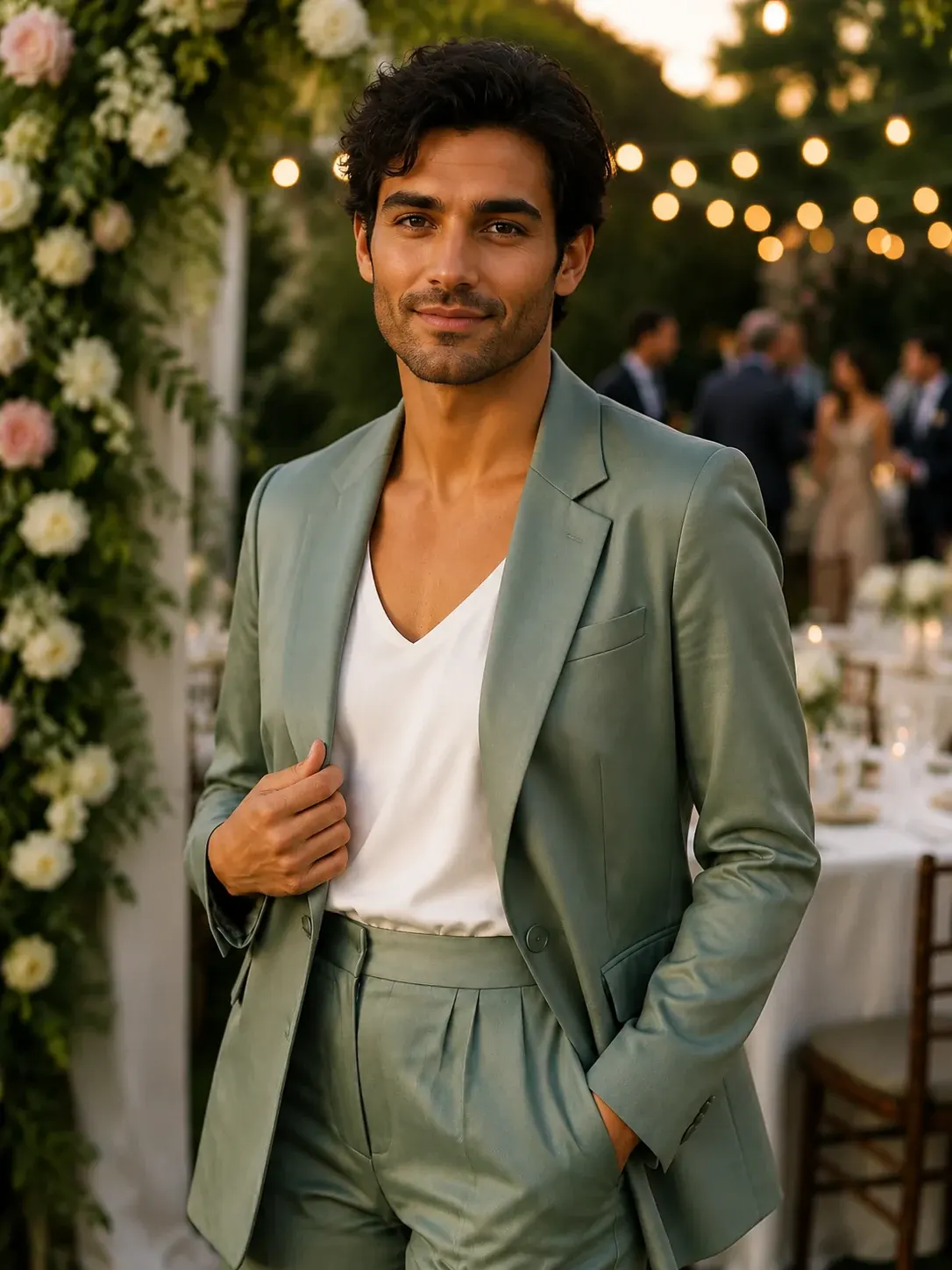


How to Use AI Gender Swap
Upload one portrait, generate the opposite-gender version, then download the result.
Upload One Portrait
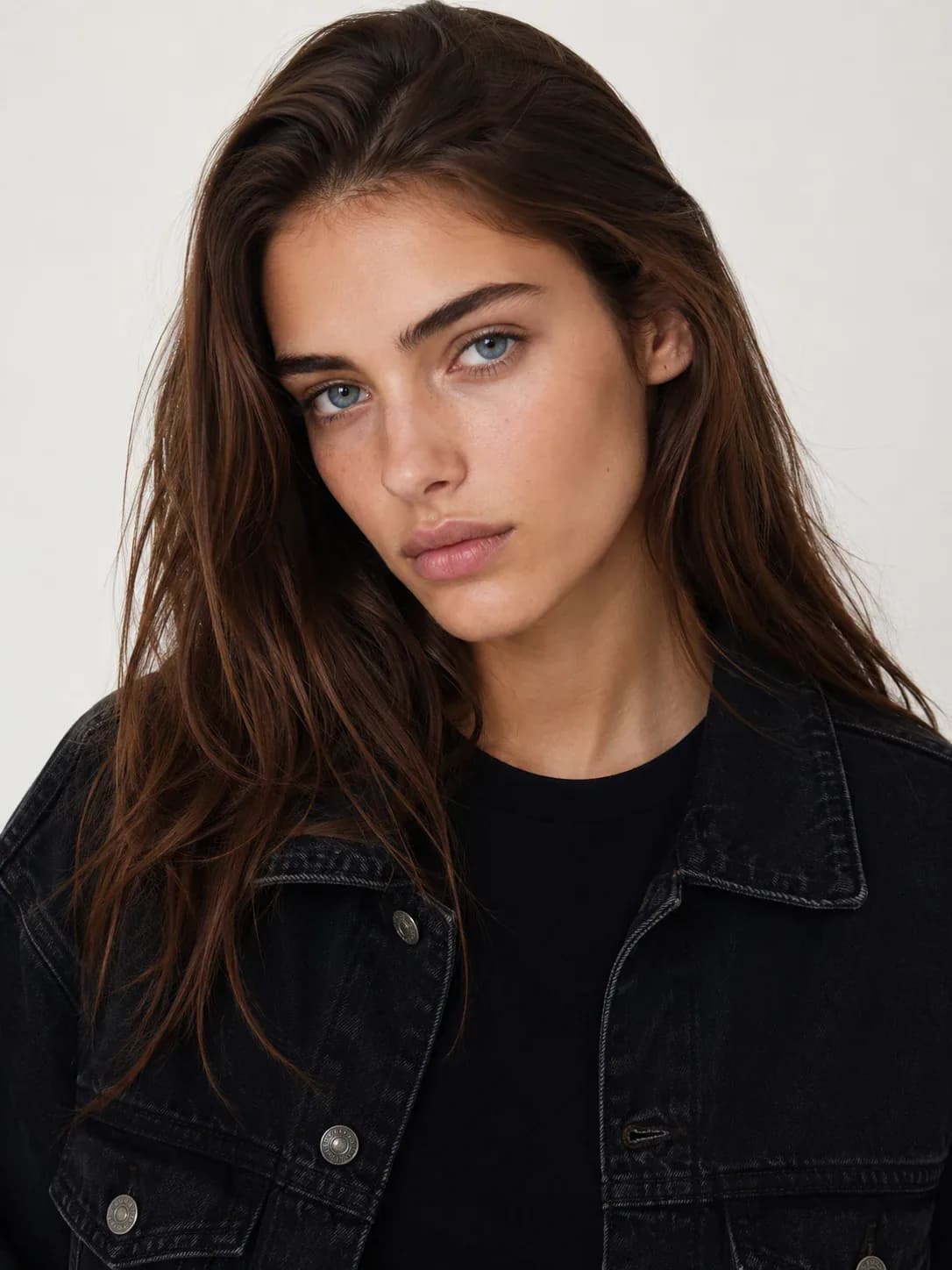
Choose a clear JPG, PNG, or WebP portrait. A single face with steady lighting and a natural crop gives the AI the best source to preserve.
Generate the Gender-Swapped Version
Start the AI Gender Swap tool. iMideo changes gender presentation while keeping expression, pose, clothing, and background aligned to the original image.
Download and Compare
Save the generated portrait, compare it with the before image, or try another source photo when you want a different look.
Why Use iMideo for Gender Swap Photos
One-Image Workflow
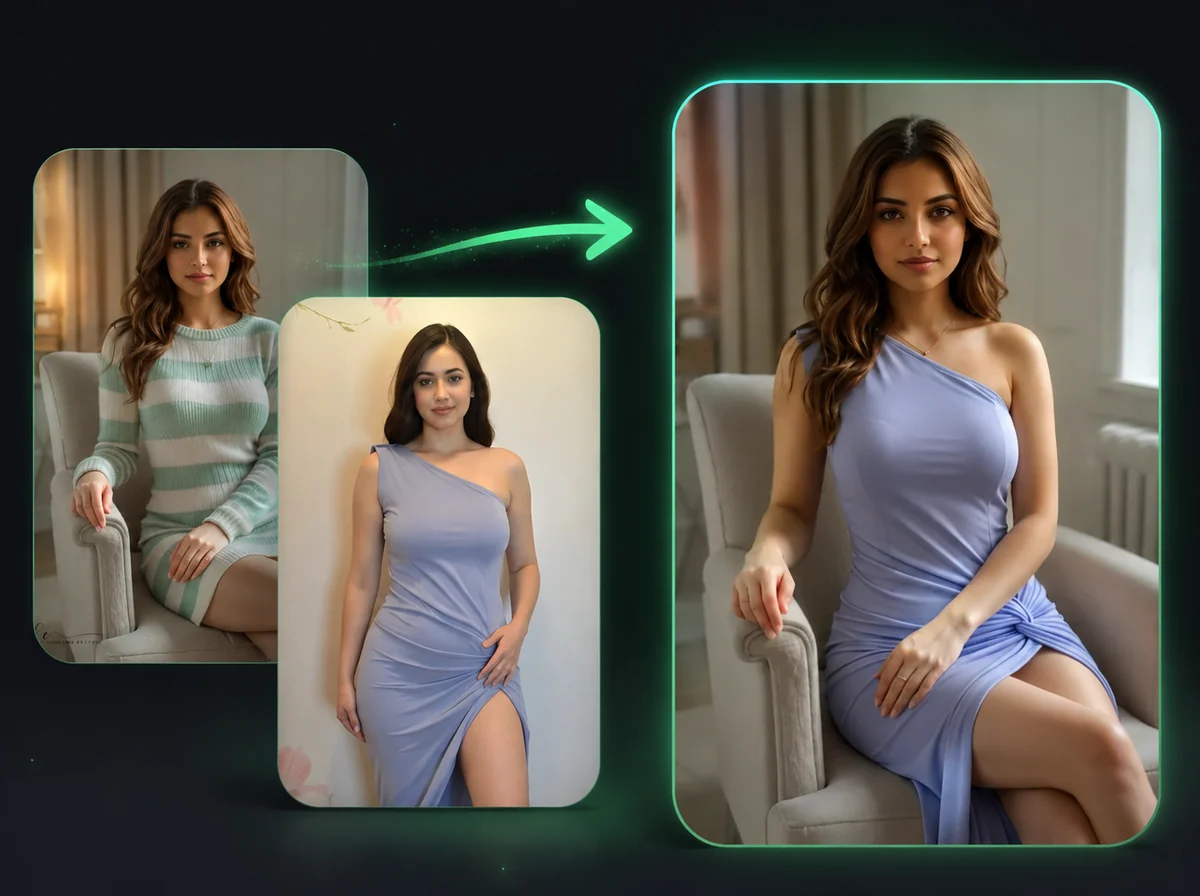
The tool only needs a before image. There is no second face image, target body, mask, or prompt field to manage.
Expression-Aware Results
The AI reads the source expression and tries to keep the same smile, gaze, and face direction in the gender-swapped portrait.
Outfit and Background Retention
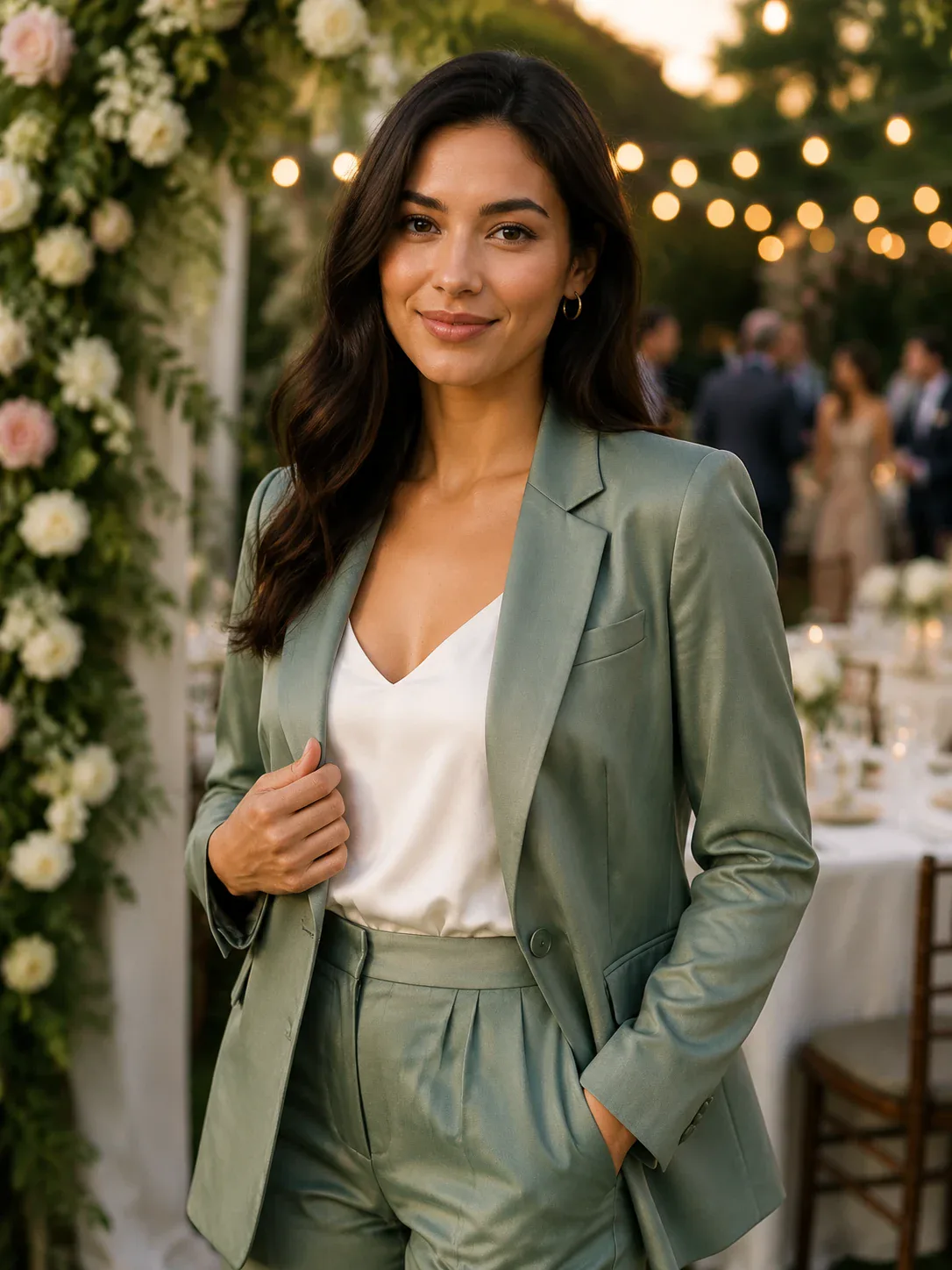
Clothing, accessories, lighting, crop, and background are kept from the source image where the photo gives the model enough detail.
Before/After Examples
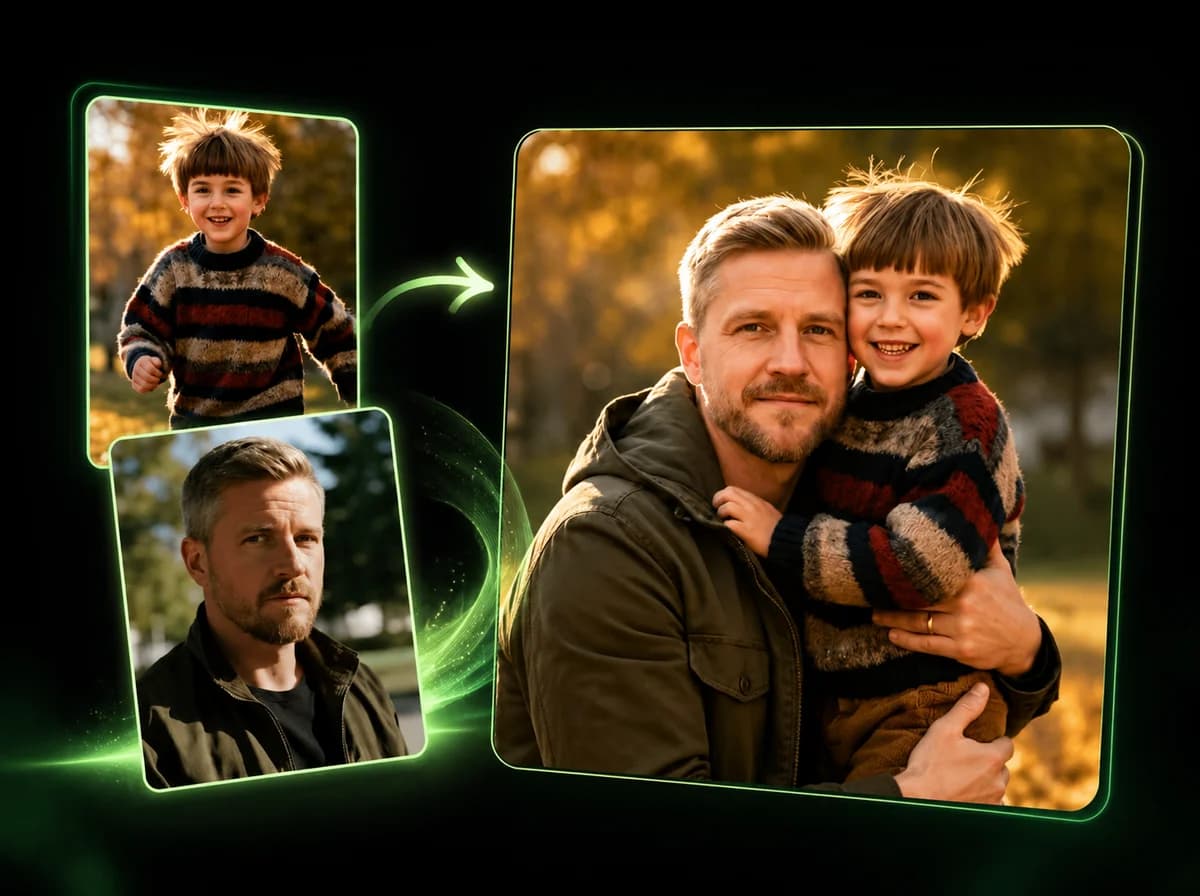
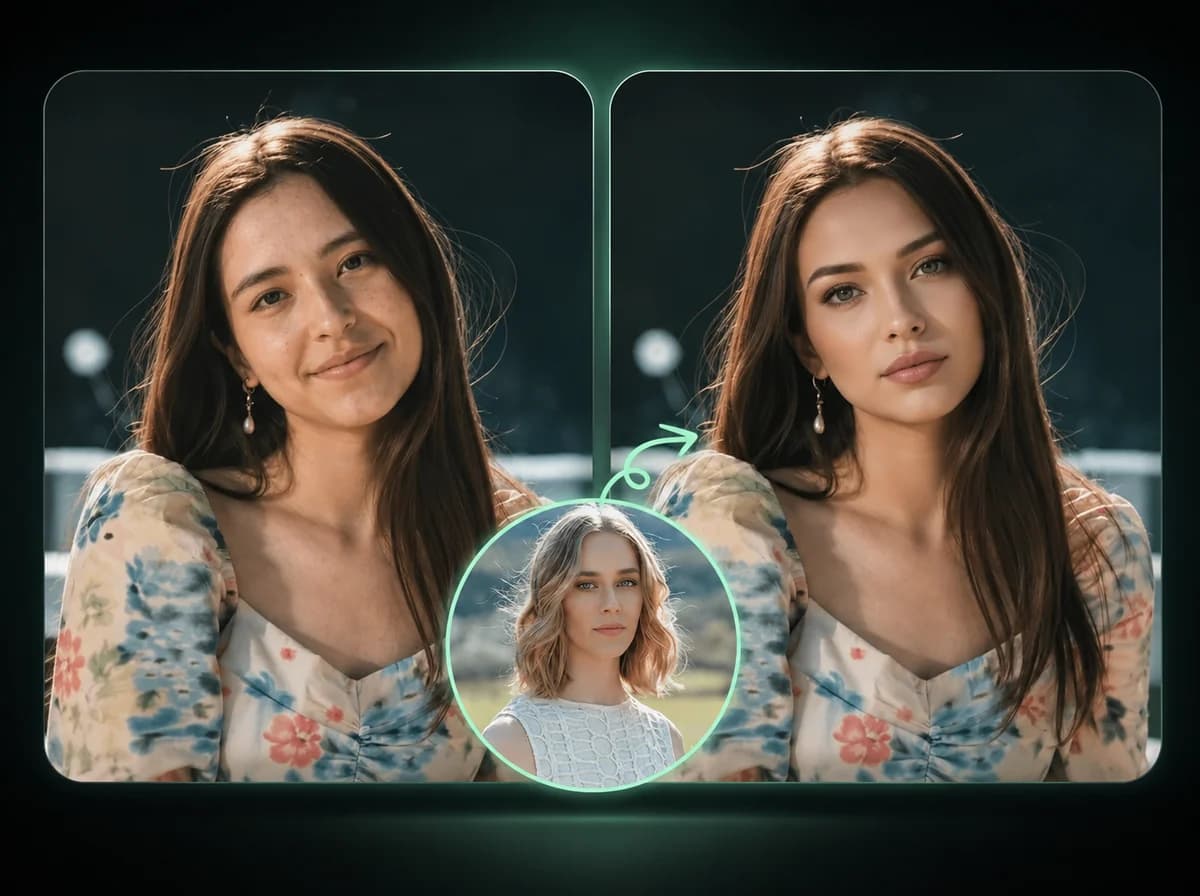
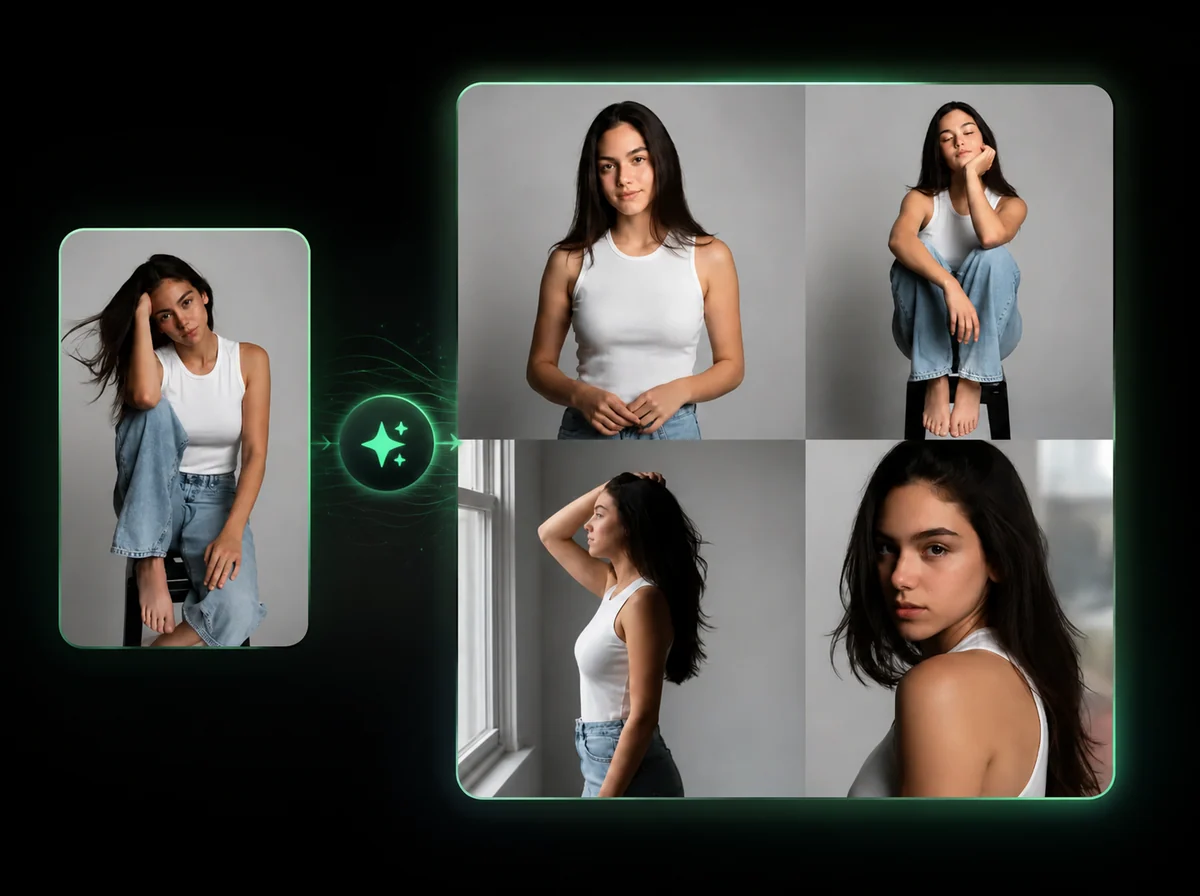
Use the right-side gallery to load real templates into the builder and see what type of portrait works well before uploading your own.
Private Editing Flow
Uploads are processed for the generation task and are not displayed in the public template gallery.
Credit-Based Usage
Use credits only when you generate. Check the pricing page for current credit packages and account options.
What Creators Say About Gender Swap
Maya R.
Portrait Photographer
I use it for concept previews with clients who want to compare portrait directions before we plan a shoot. Keeping the same crop makes the comparison easy.
Andre V.
Game Character Artist
The tool helps me test male and female versions of the same character reference without rebuilding the whole scene from scratch.
Lina K.
Social Media Manager
It is useful for quick campaign mockups because the outfit and background stay close to the original photo.
Noah P.
Startup Founder
I tested several headshot ideas for a product demo persona. The single-image workflow was the right level of simple.
Eva S.
Cosplay Creator
I wanted a gender-swapped version of a costume portrait while keeping the same jacket and lighting. This got me close enough for planning.
Chris M.
Meme Page Editor
The before/after comparison format is easy to explain to an audience, and the results look more coherent with clean source photos.
Hana W.
AI Art Hobbyist
I like that I do not have to write a prompt. I upload a portrait, run it, and decide whether the character direction works.
Julian T.
Brand Designer
For persona boards, I can keep the same visual setting and explore a gender variant without hunting for matching stock photos.
Create a Gender-Swapped Portrait
Upload one clear portrait and generate an opposite-gender version that keeps the same photo context.