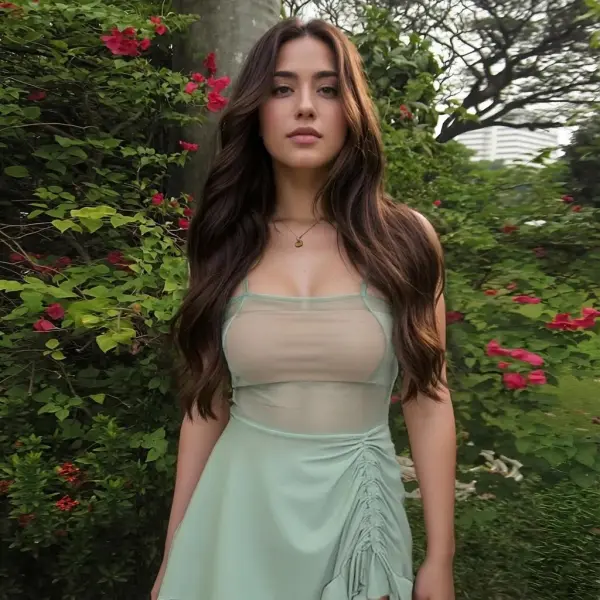
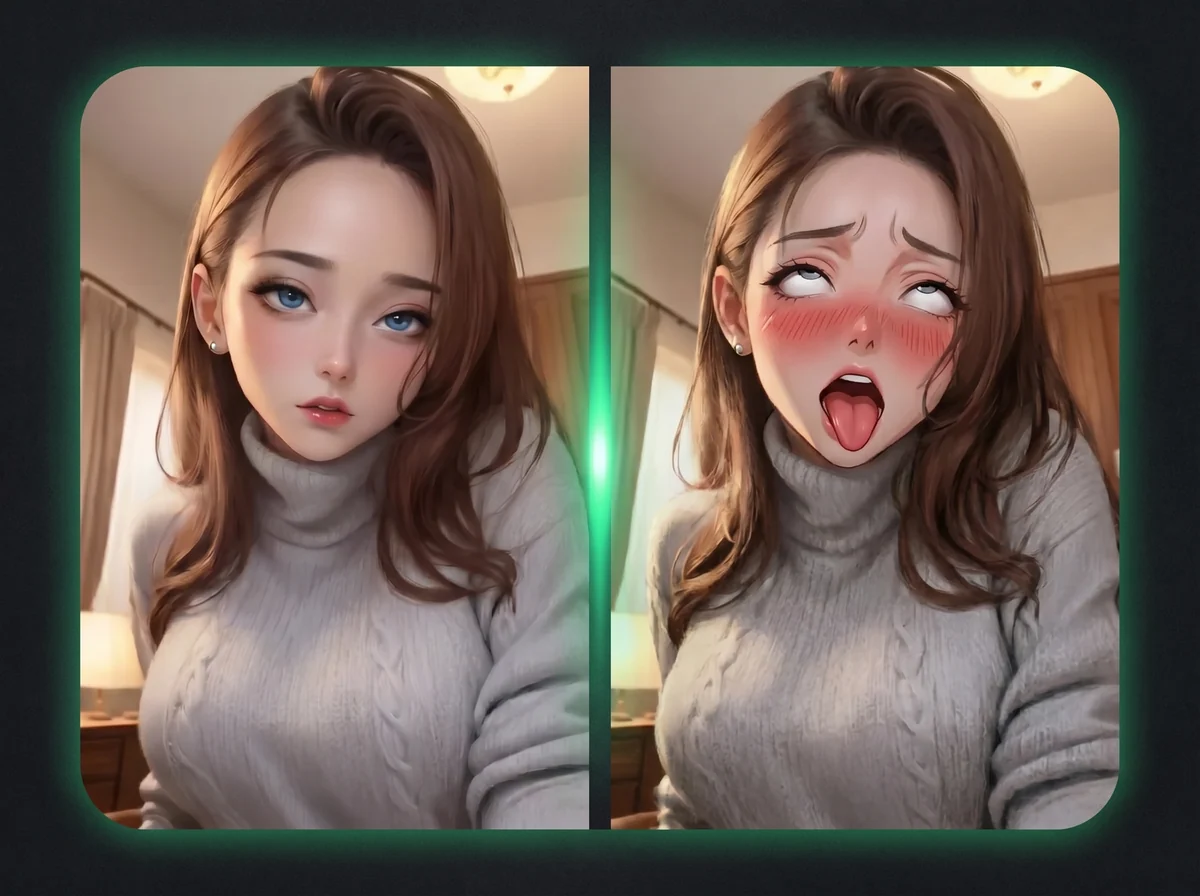
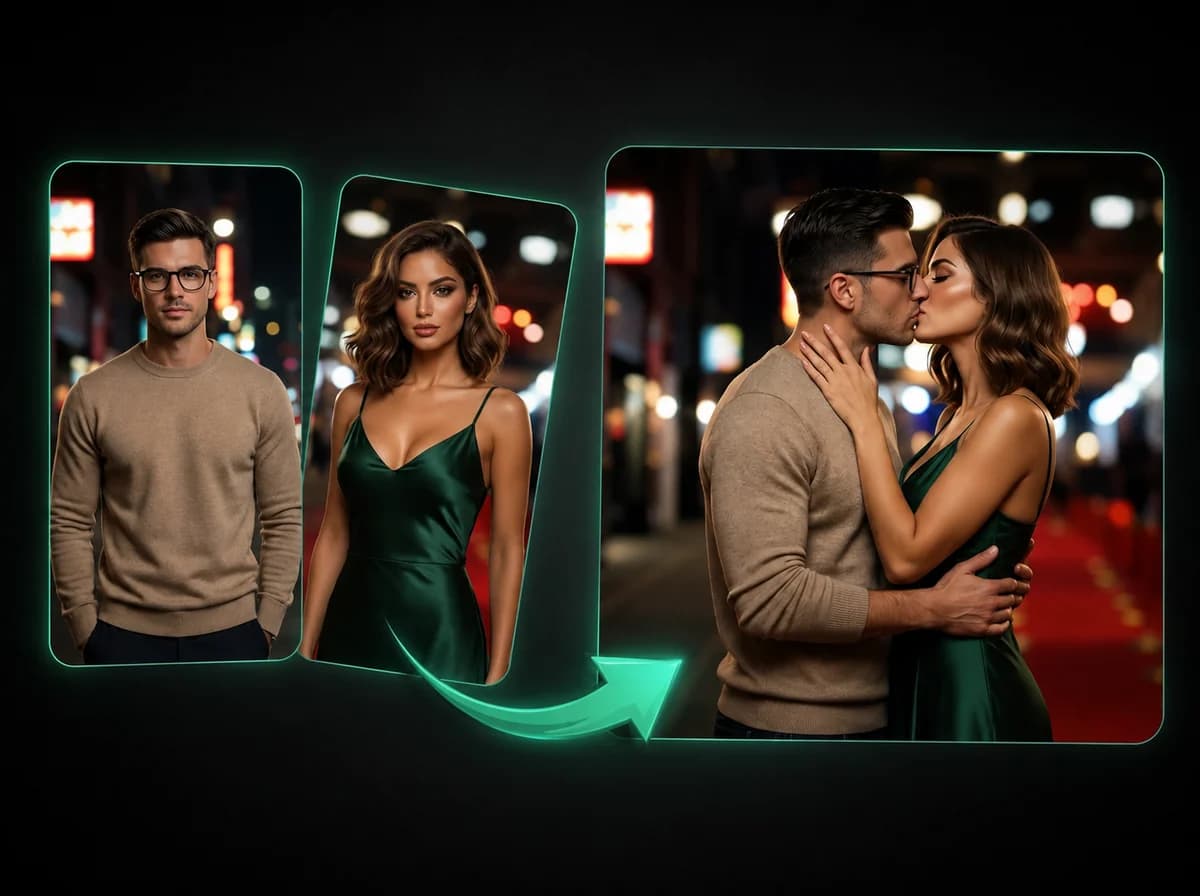
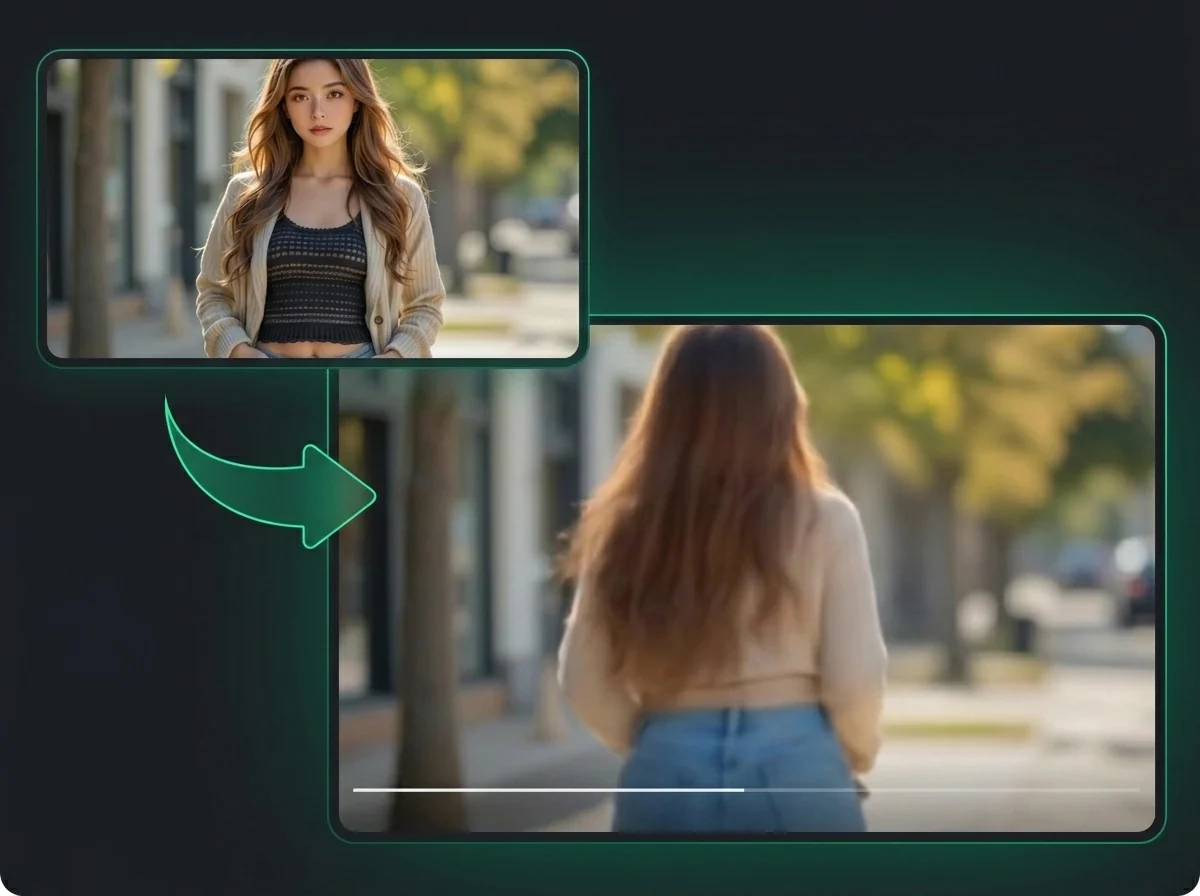
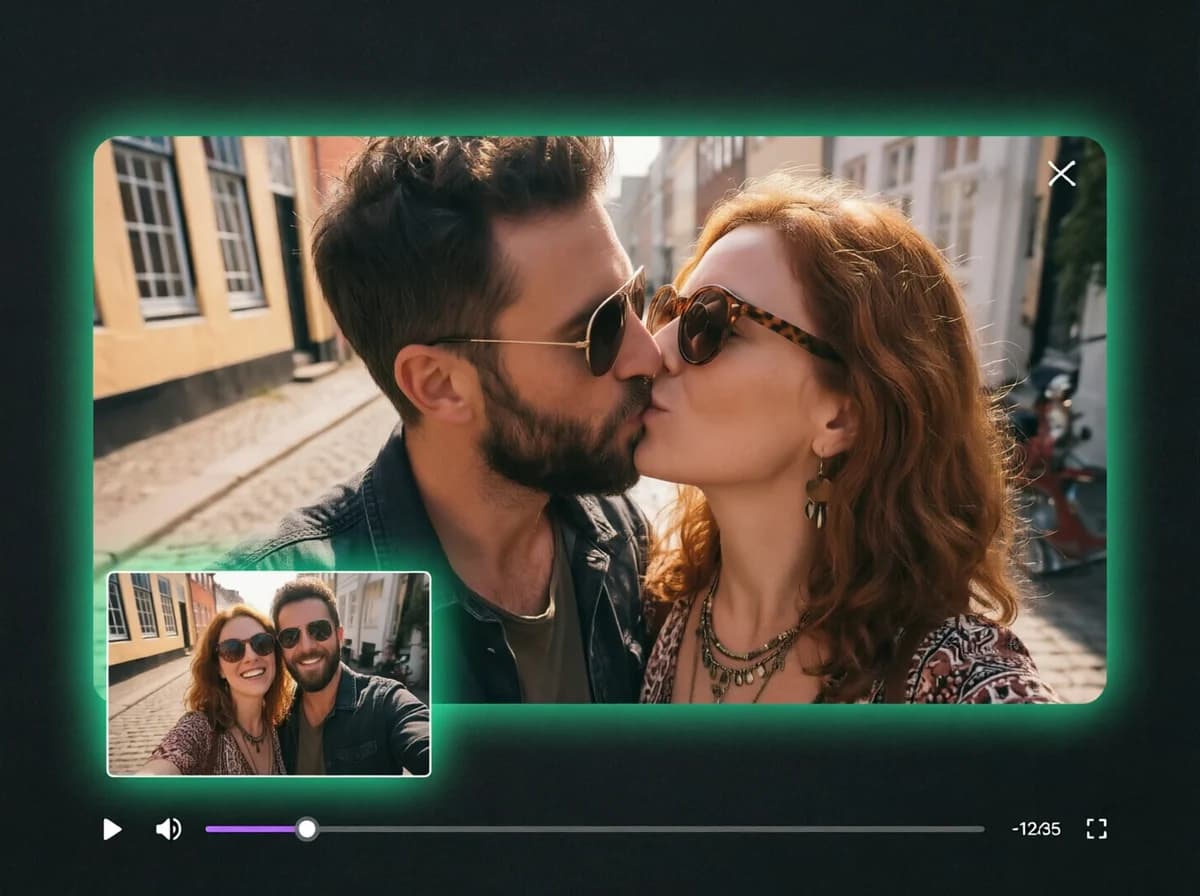
AI X-Ray Clothes — Sheer Fabric, Same Face and Pose
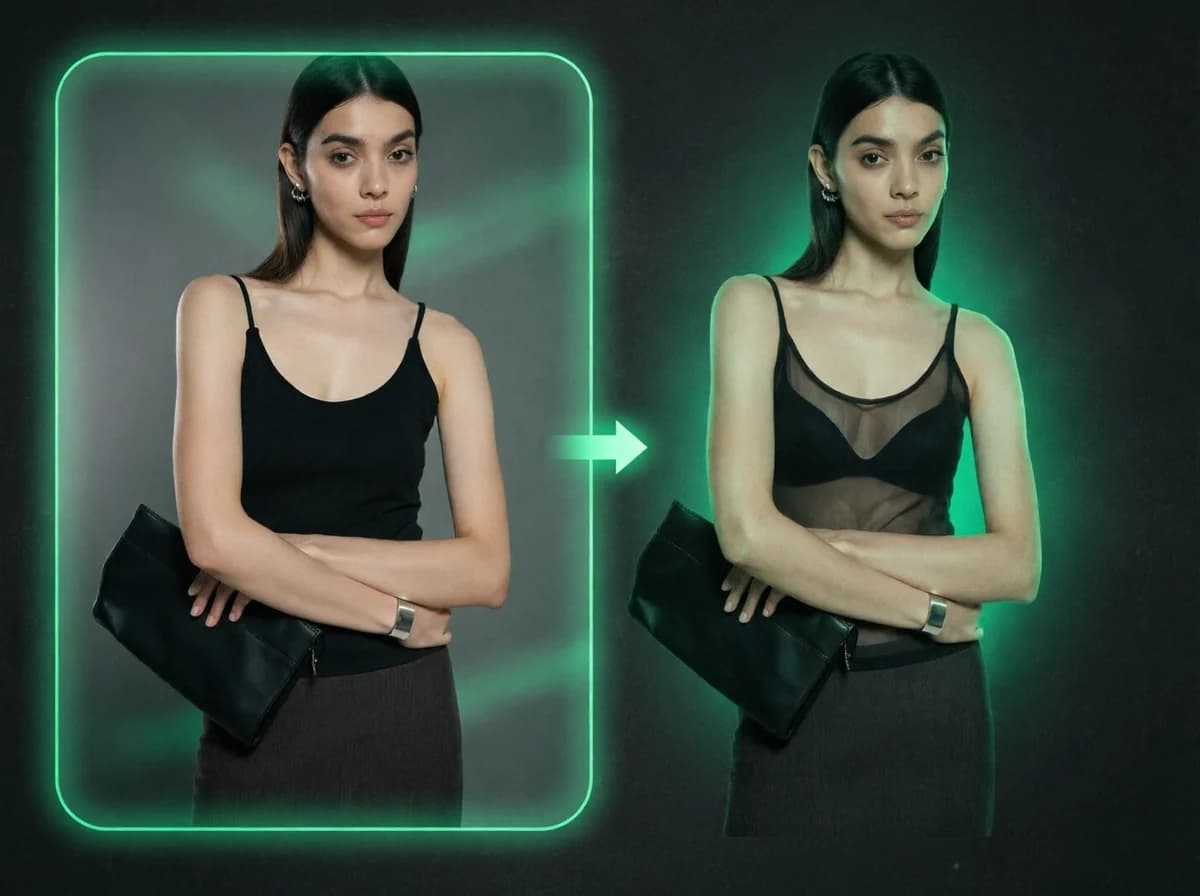
Upload a portrait. AI renders the upper-body fabric as chiffon-thin after processing — no prompt typing, no manual masking. Face and pose stay put.
Upload
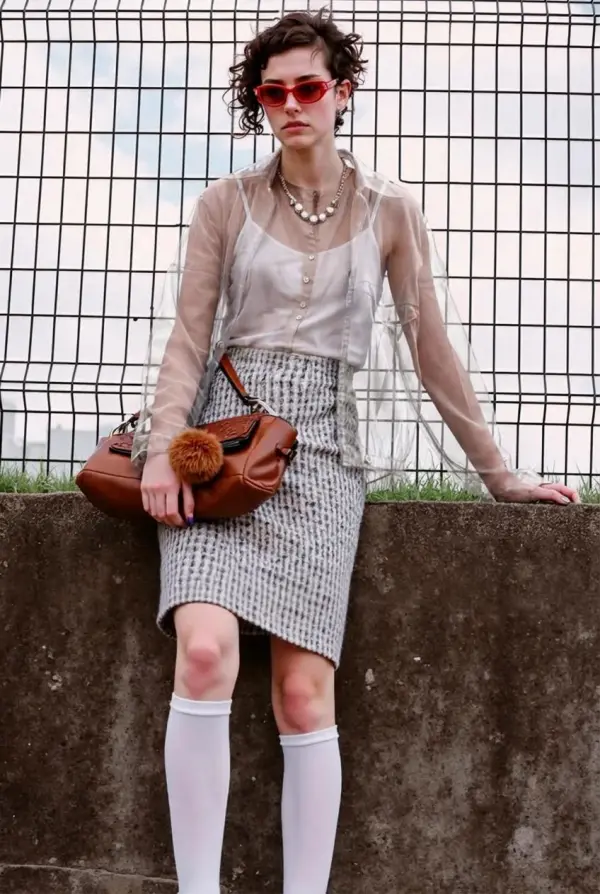
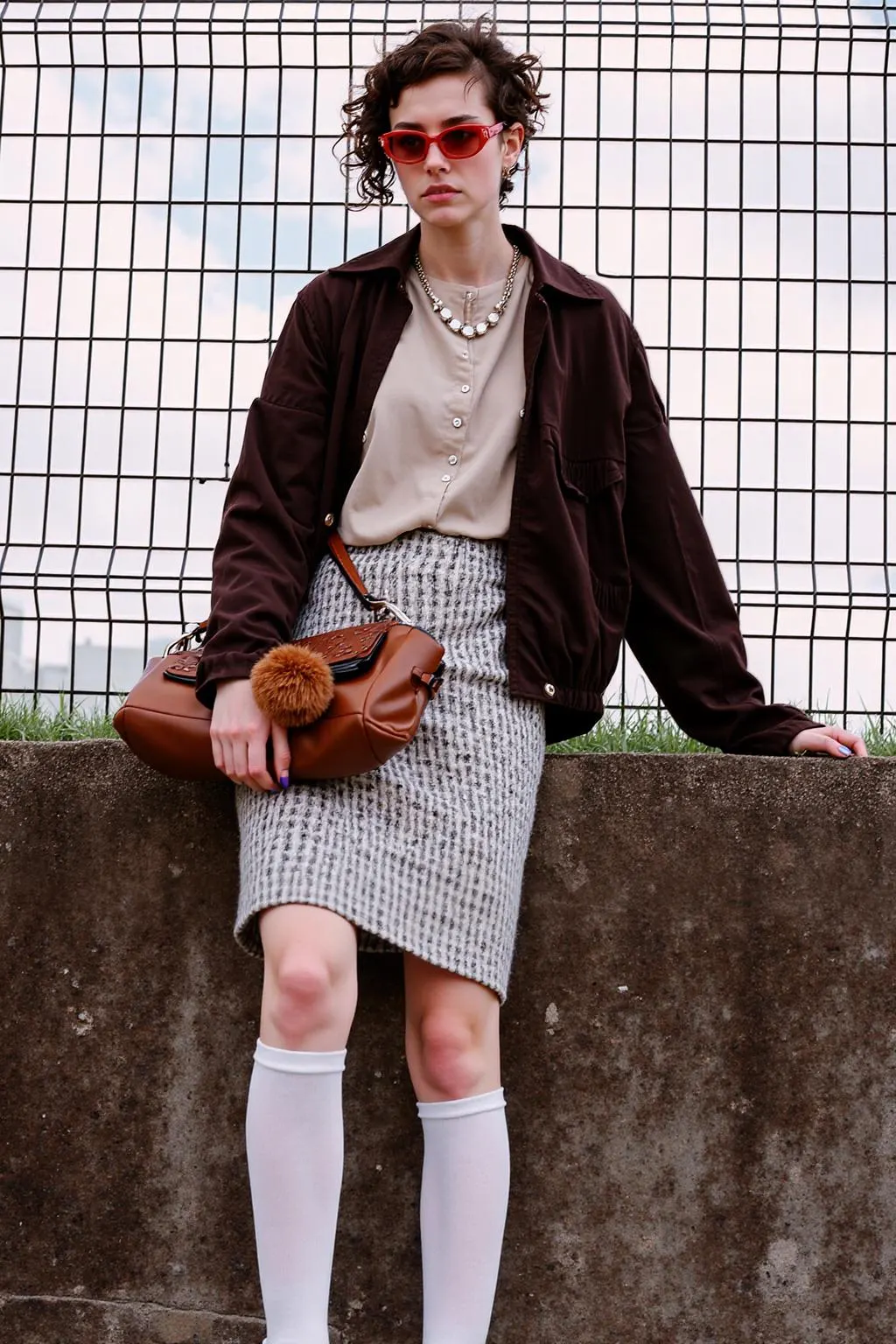
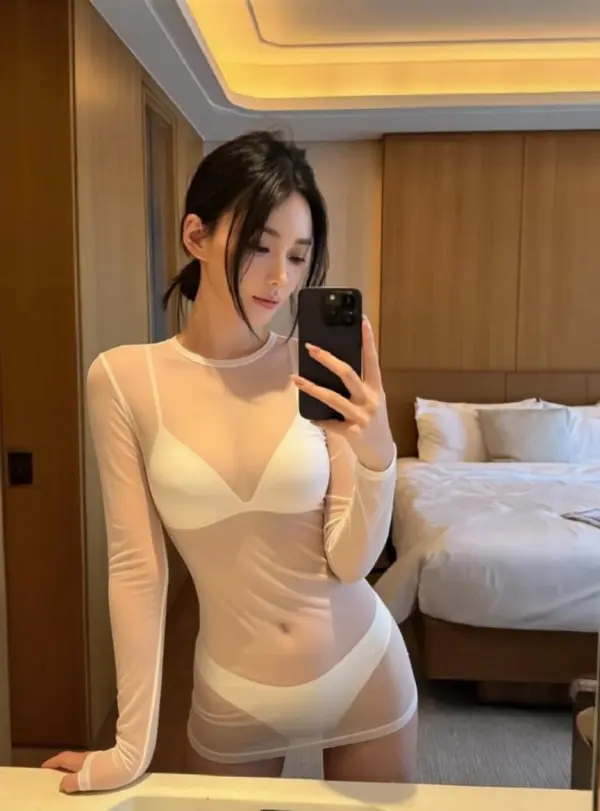
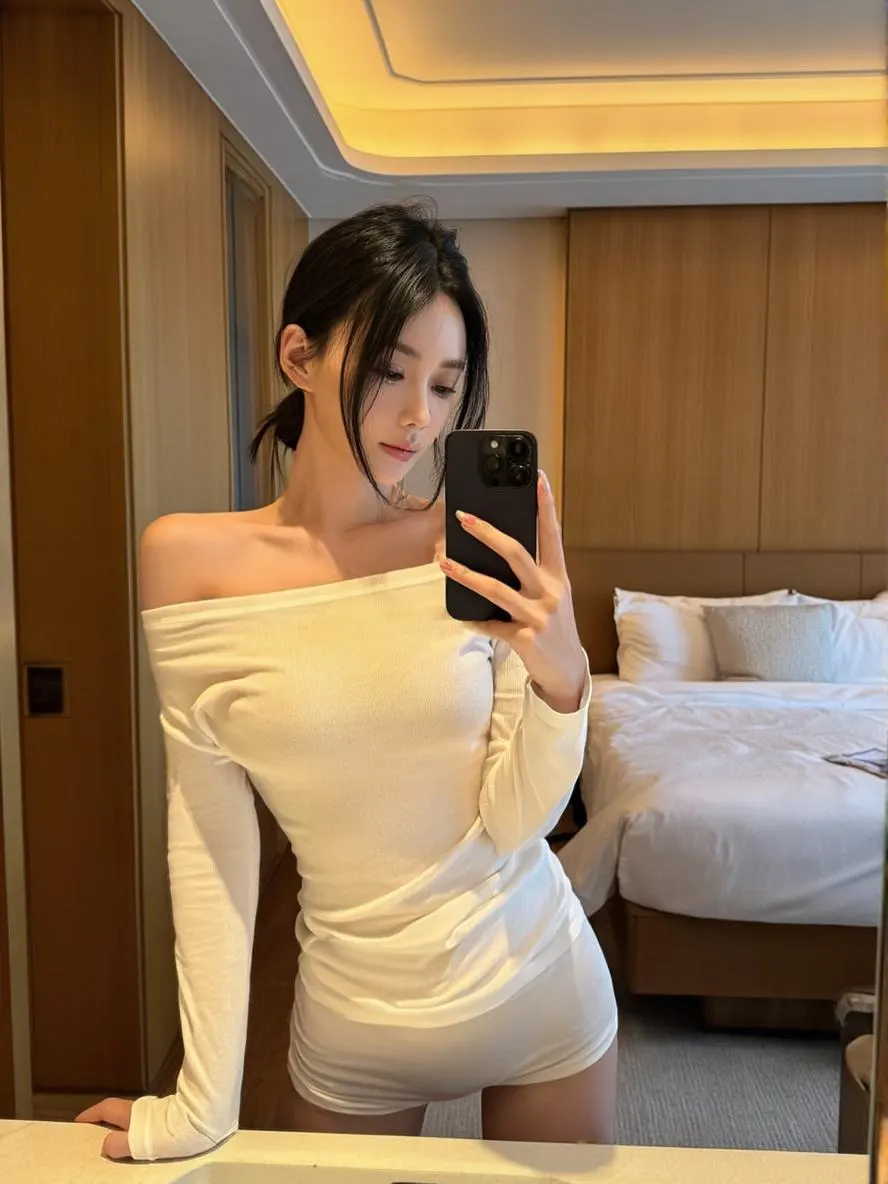
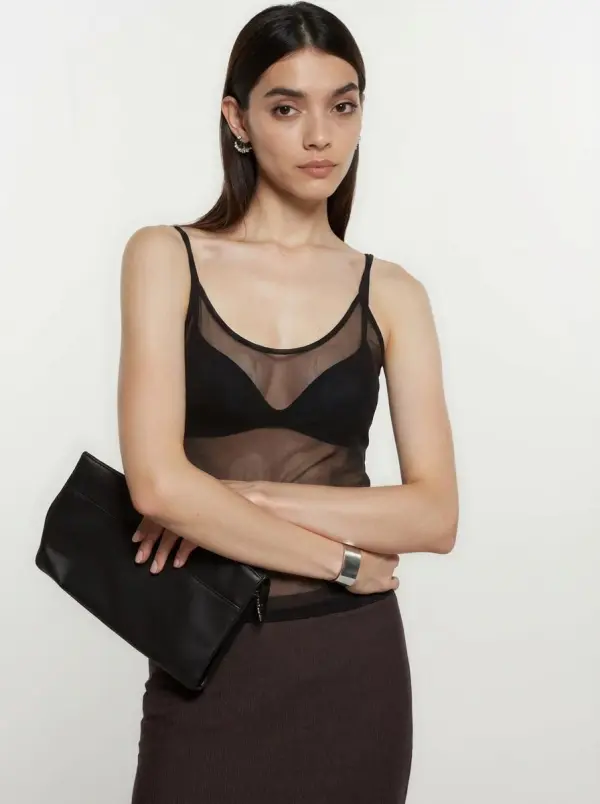
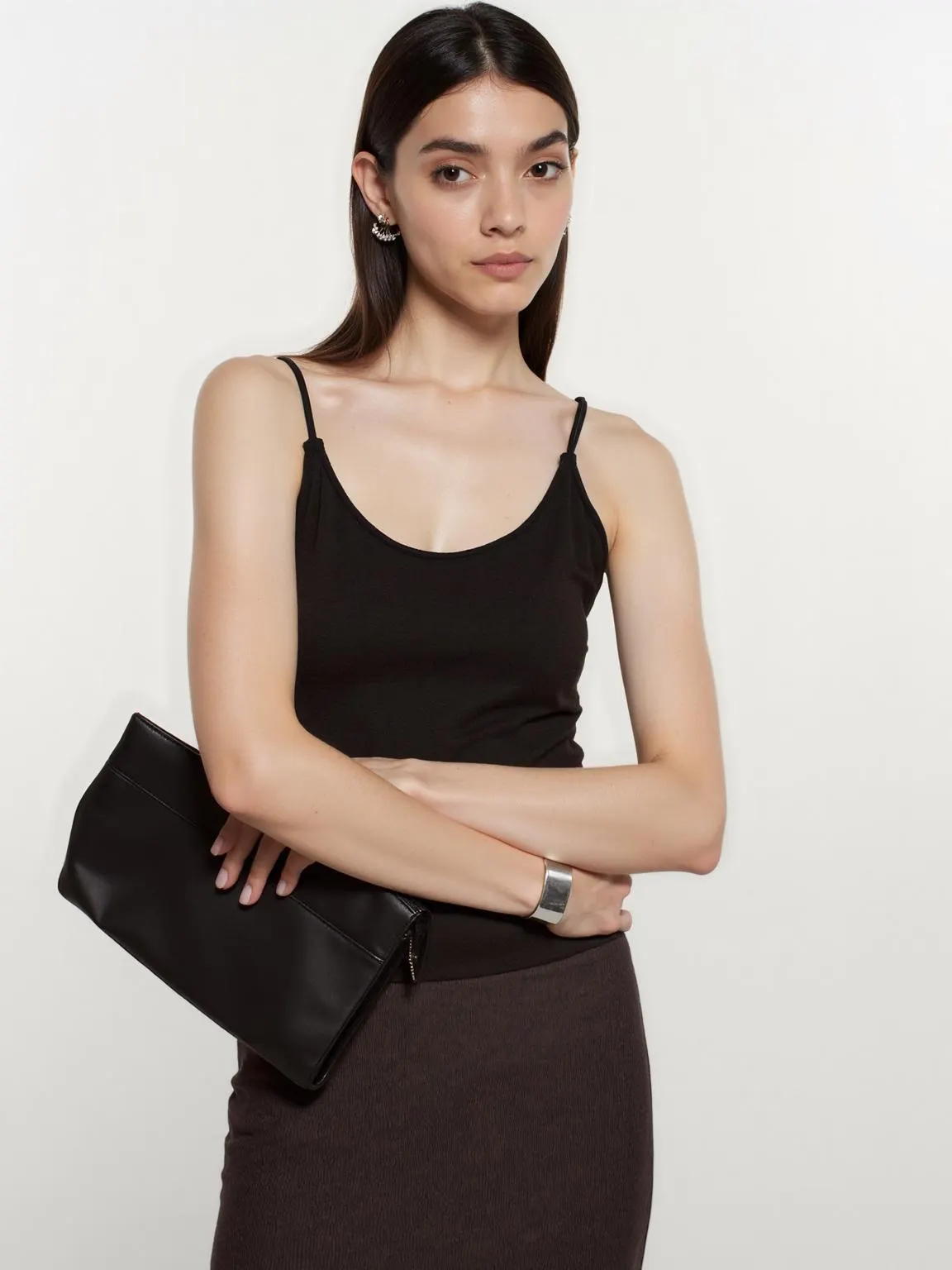
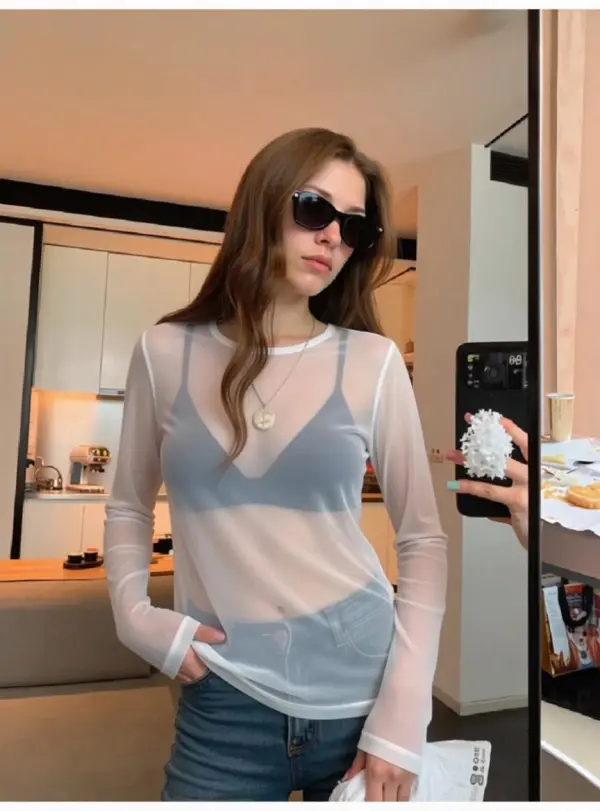
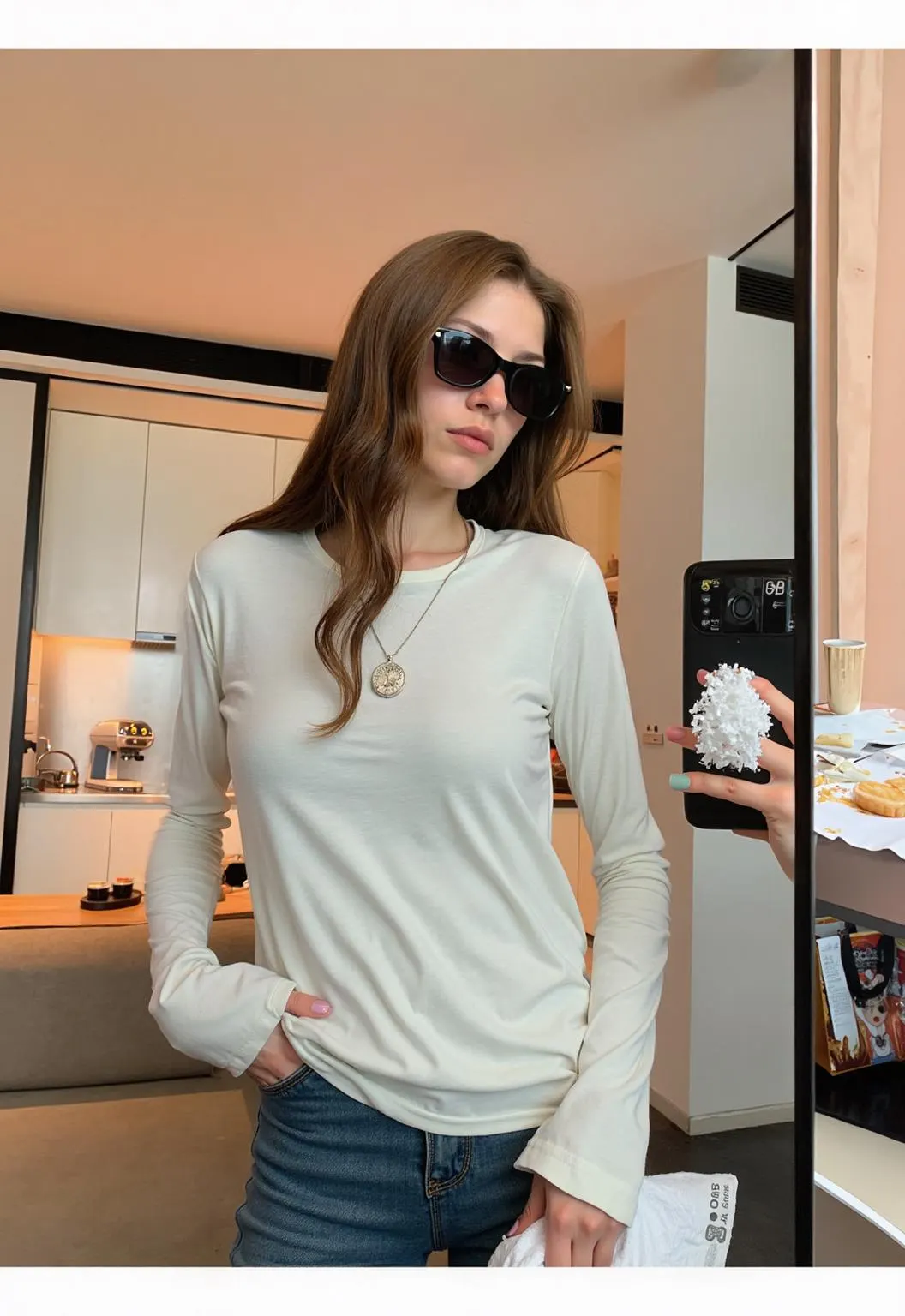
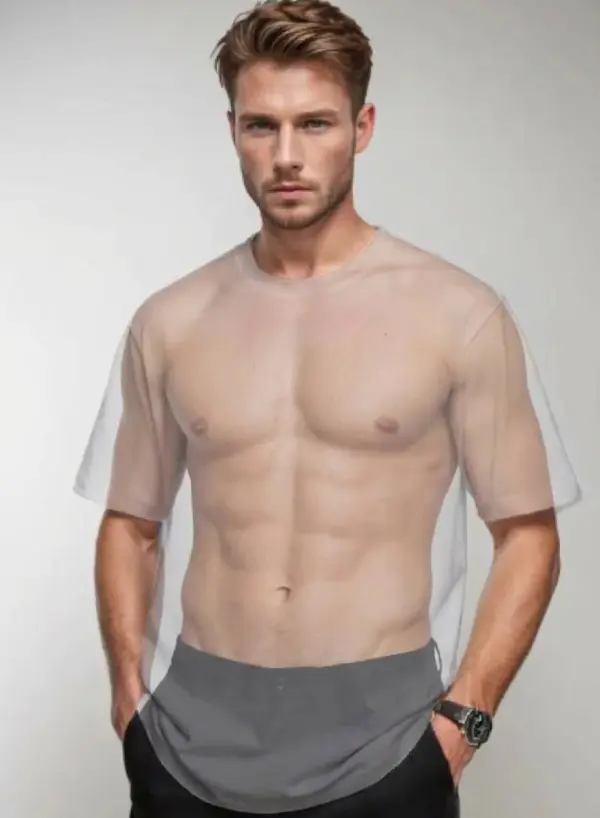
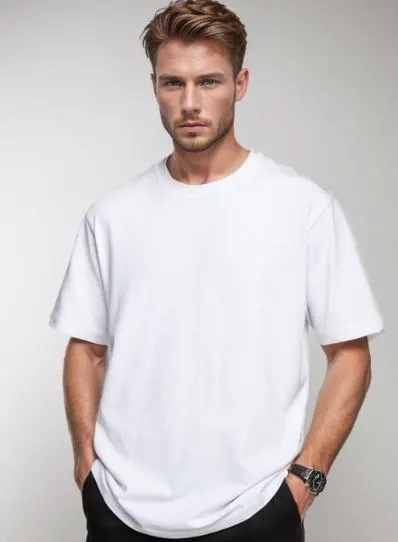
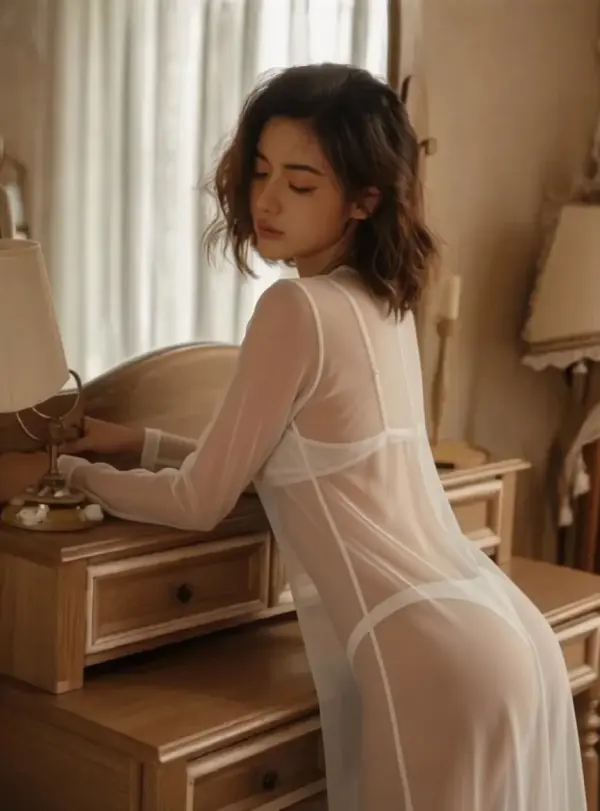

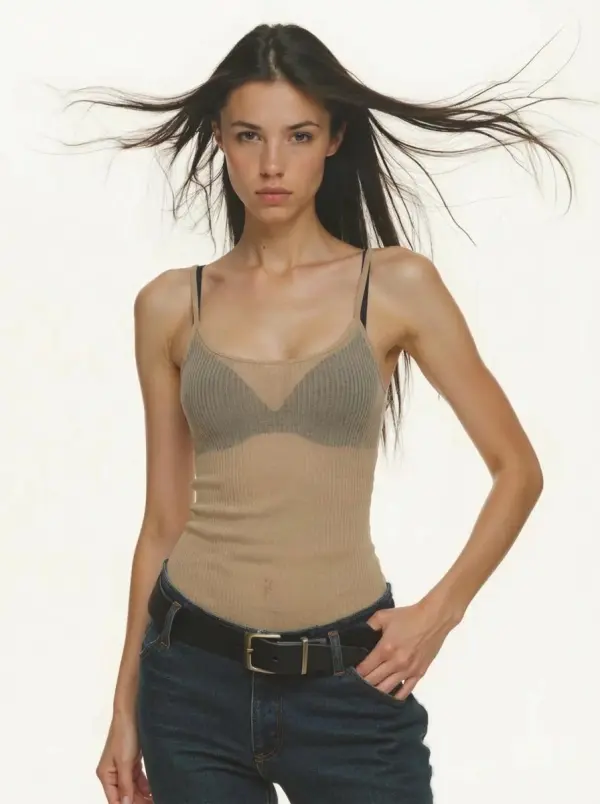
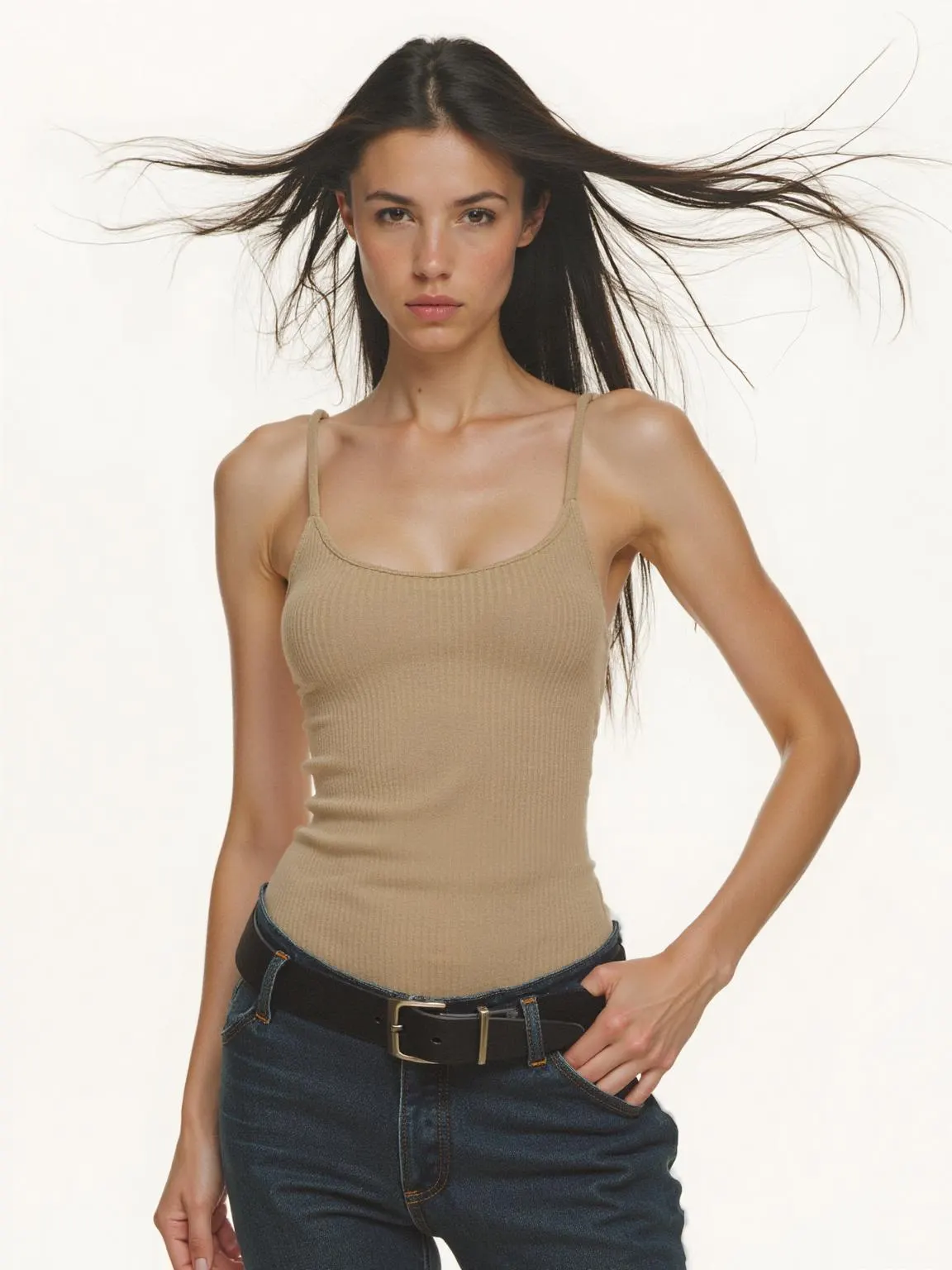

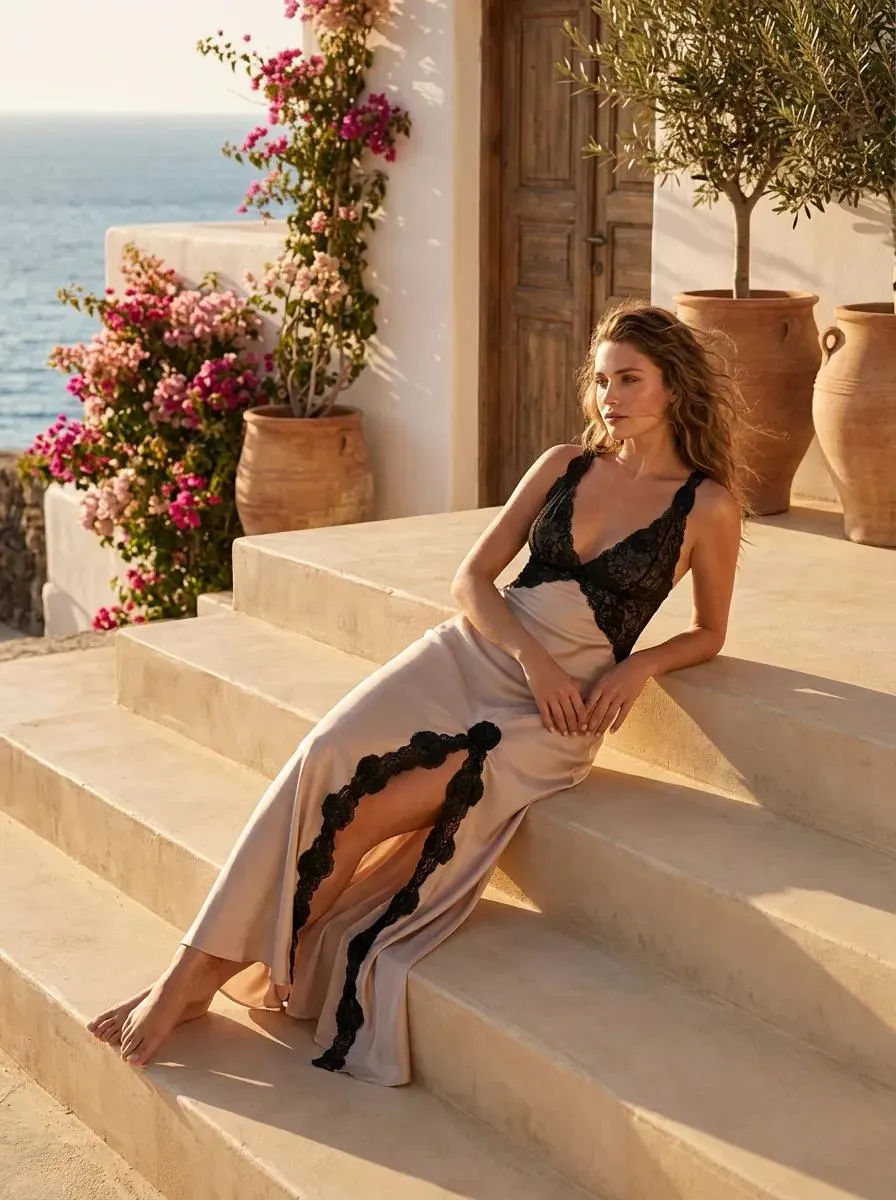
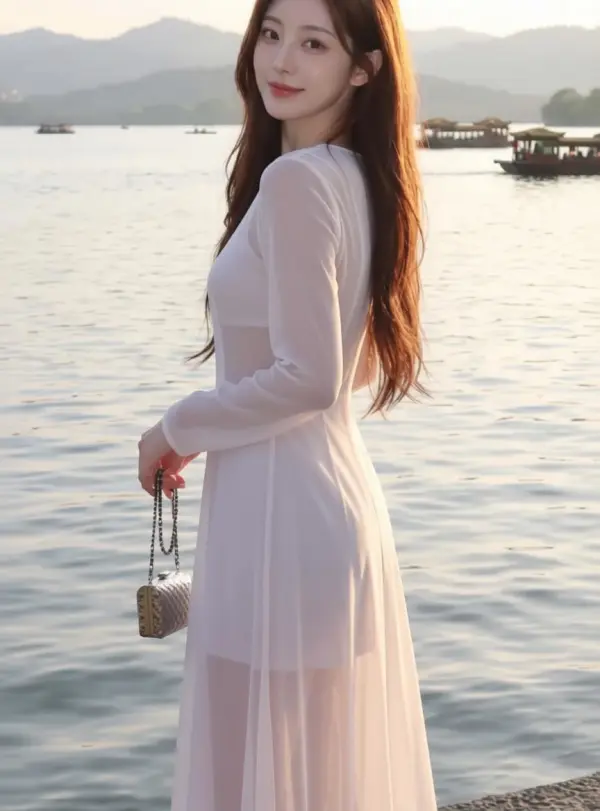
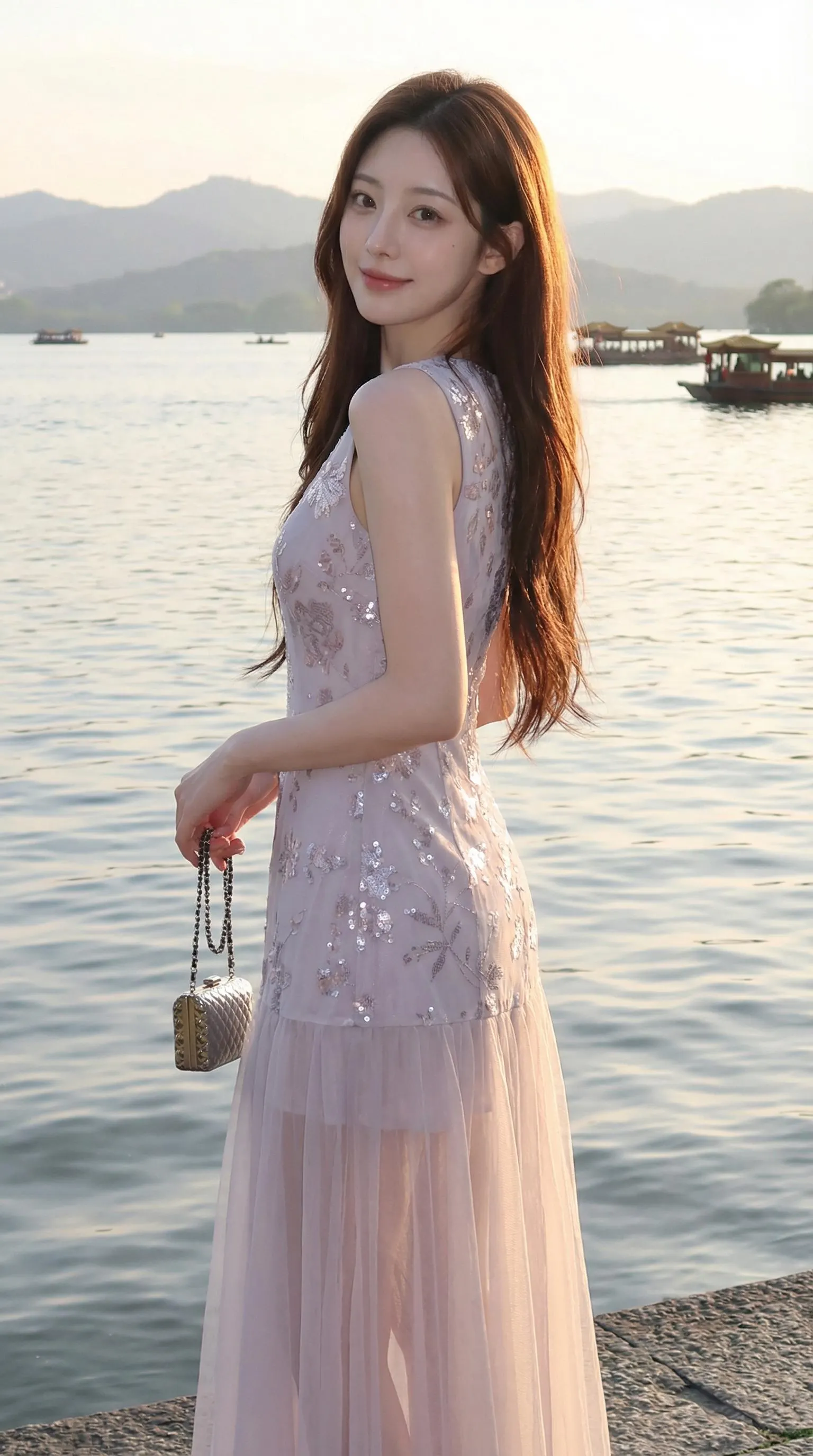
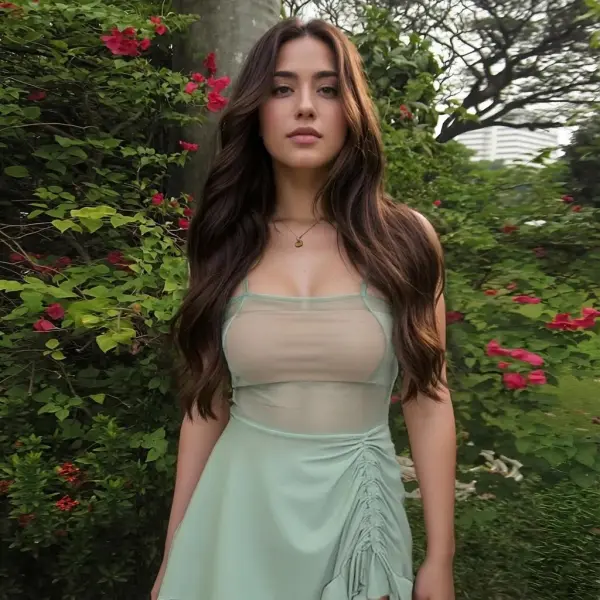
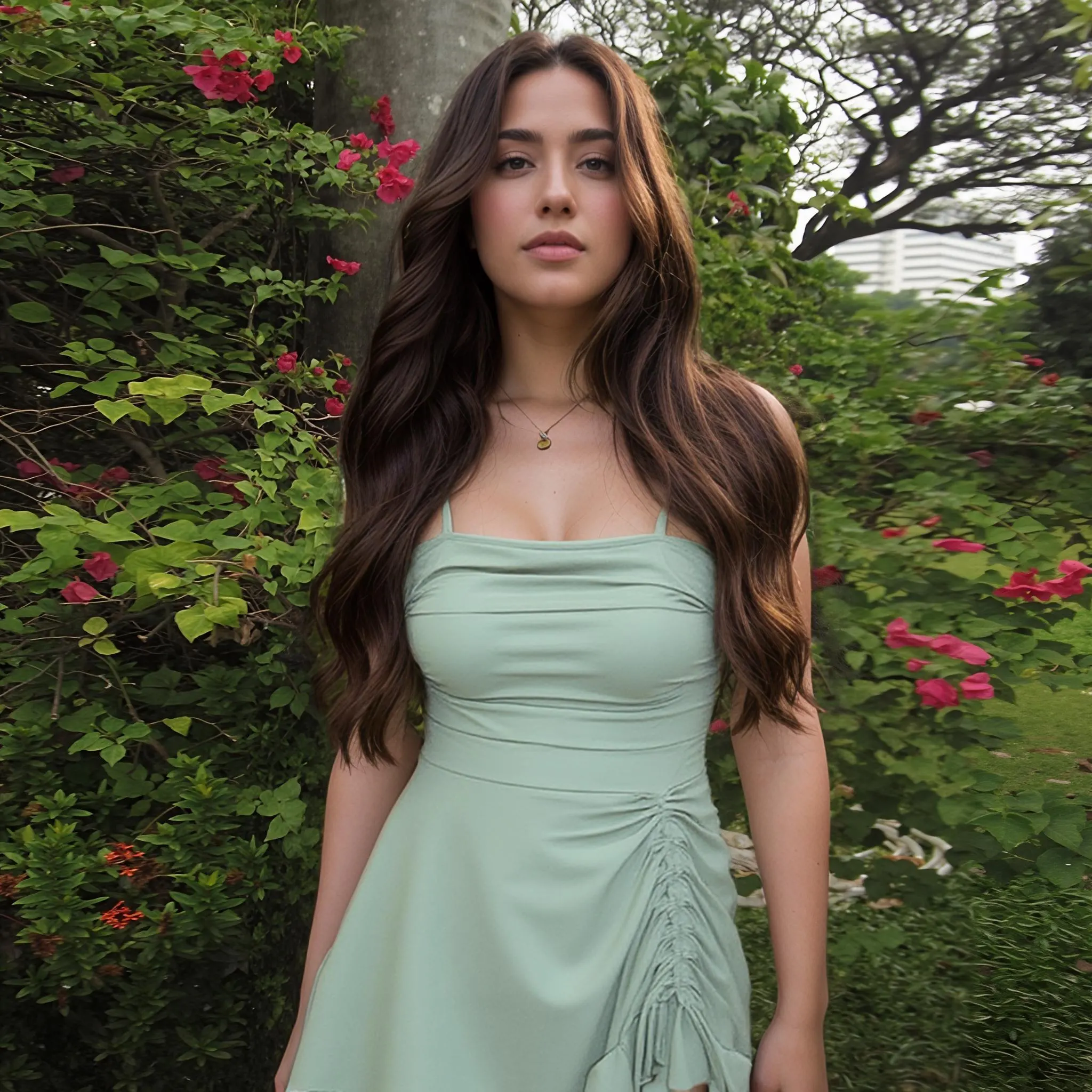
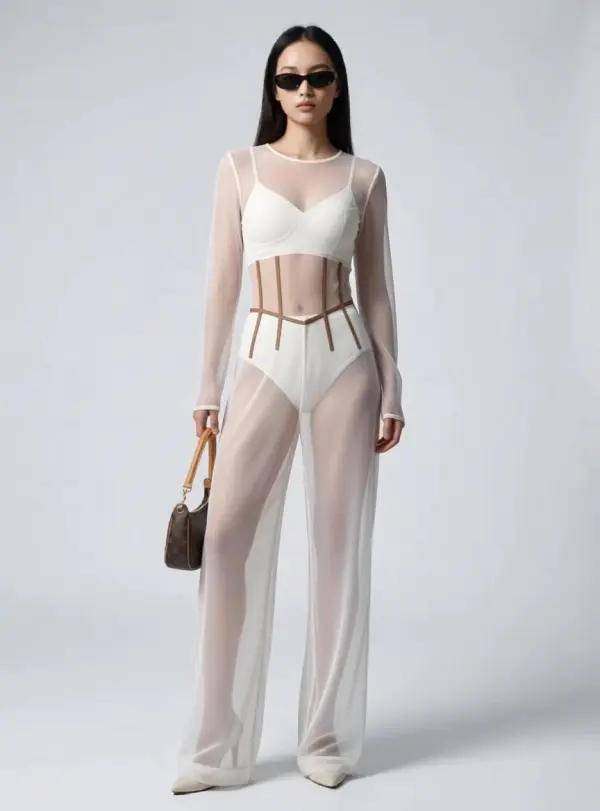
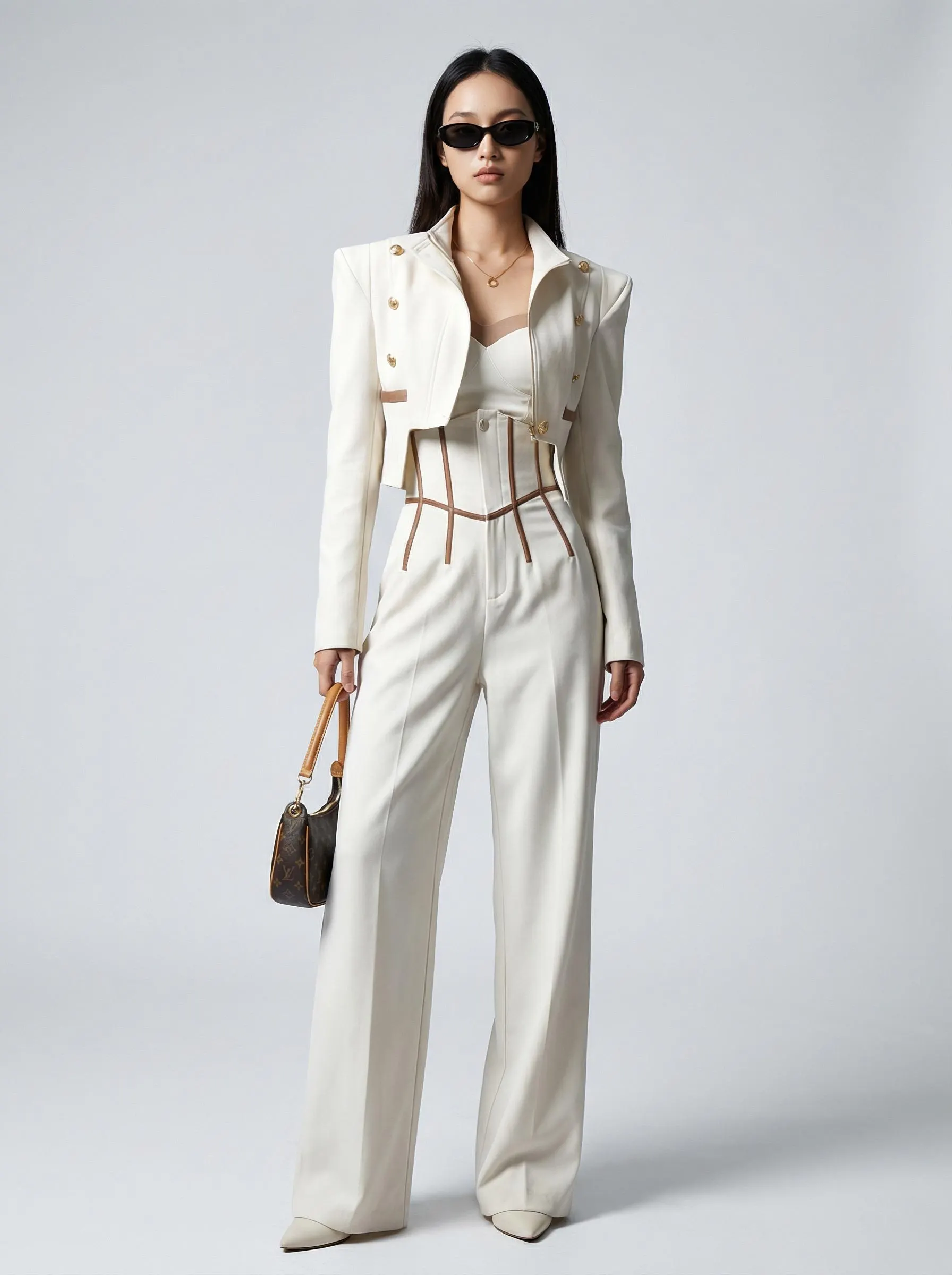
How to Generate a Sheer-Fabric Photo in 3 Steps
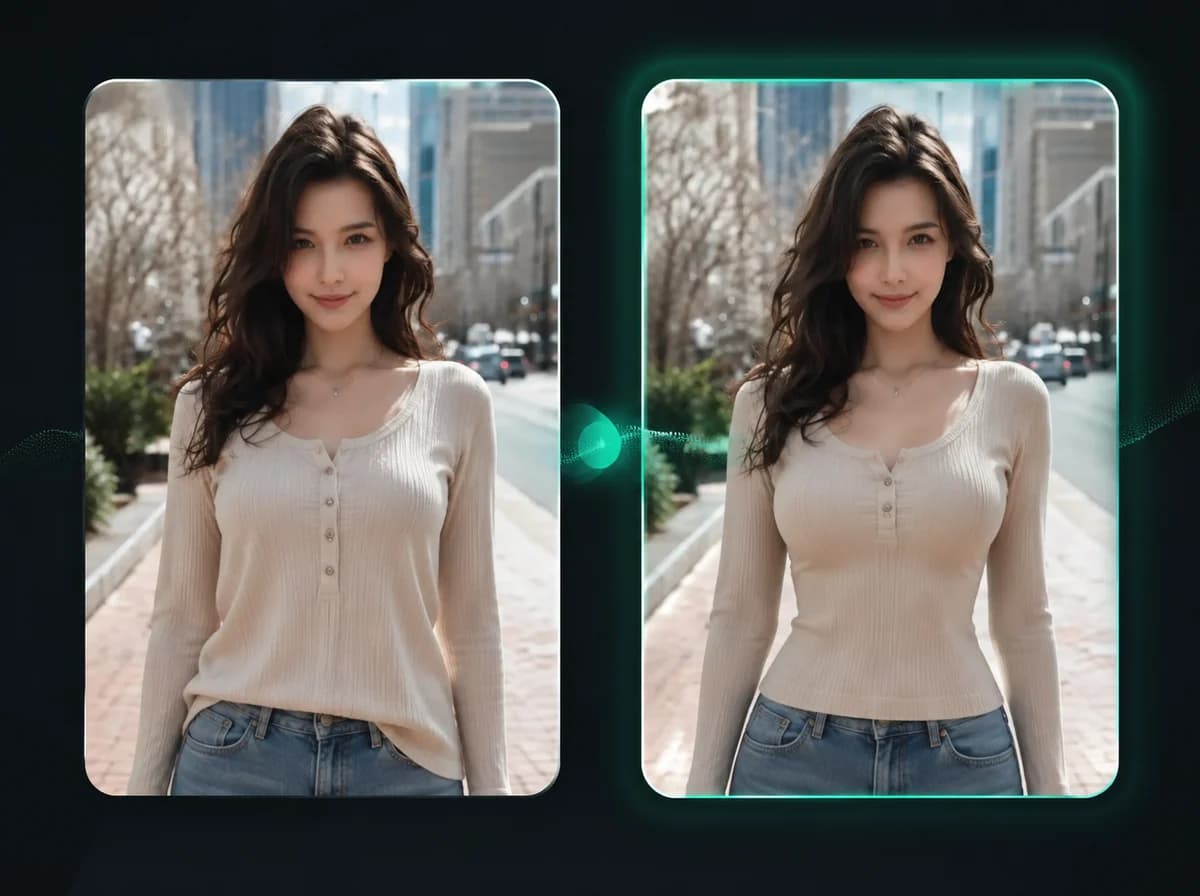
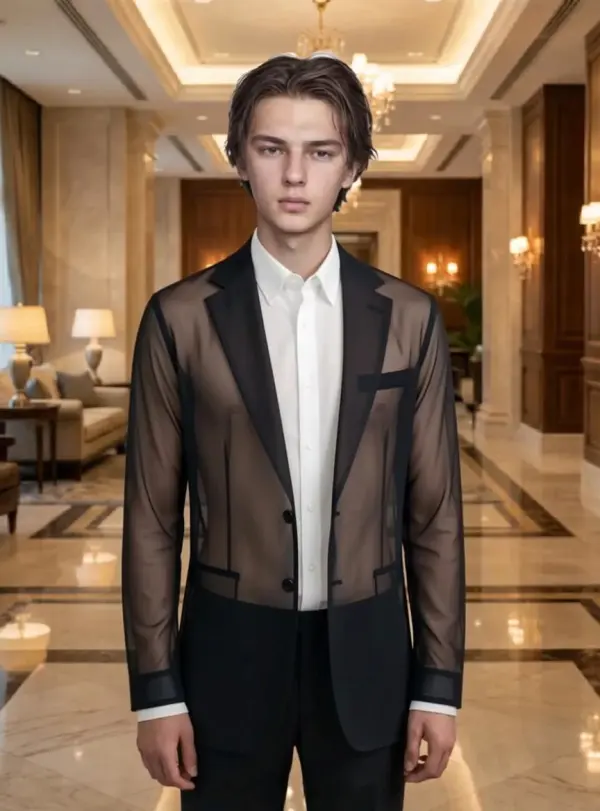
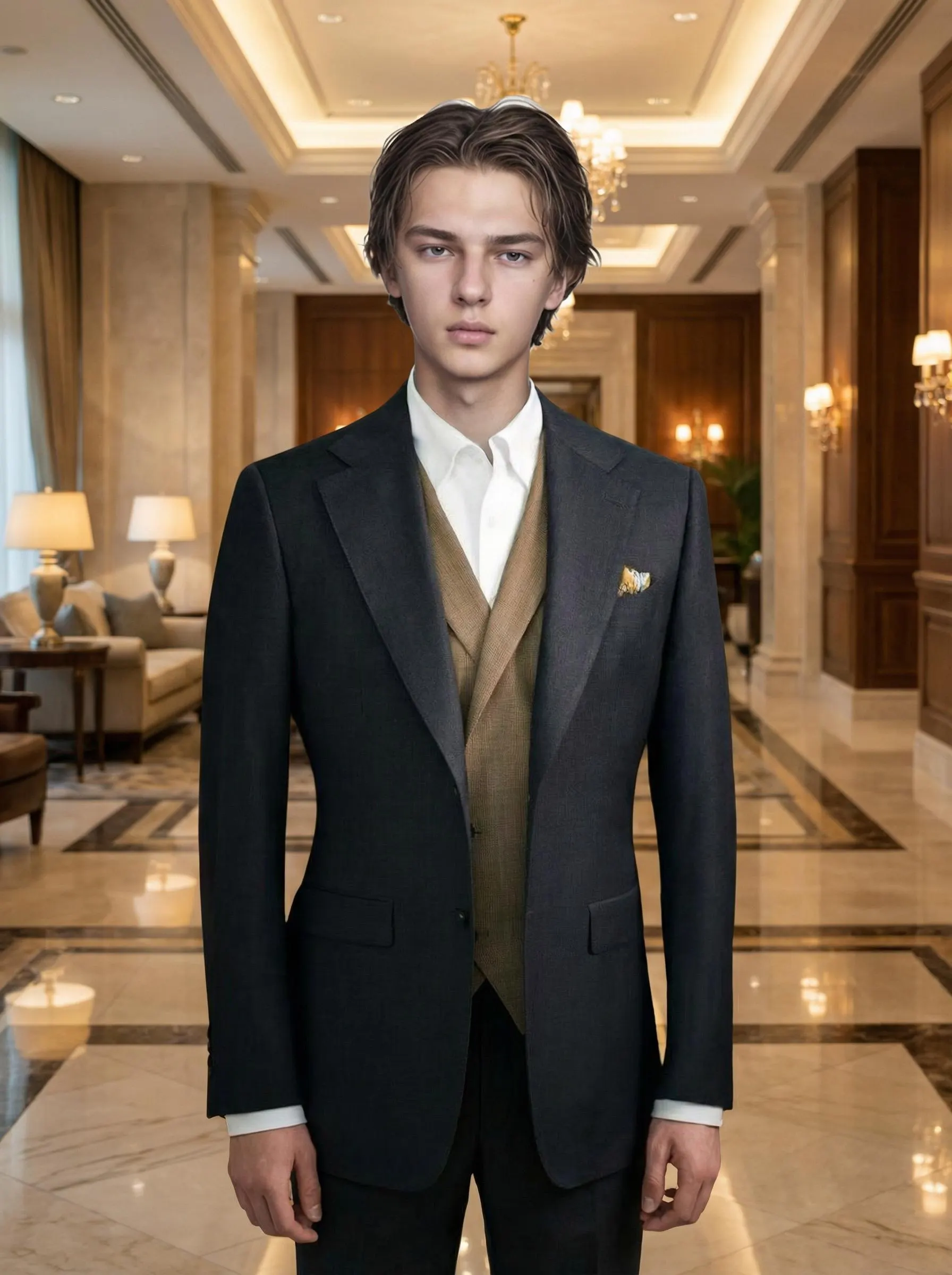
One portrait, one click, sheer-fabric result after processing.
Upload Your Portrait
Drop in a clear front-facing or half-body photo where the upper-body garment is fully visible. PNG, JPG, or WebP up to 10MB. Avoid heavy layering, oversized coats, or sleeves that cover most of the torso, as they reduce the sheer-fabric realism the AI can simulate.
AI Redraws the Fabric as Sheer
The model rewrites the upper-body fabric as a thin, light-permeable material. Face, hair, pose, body proportions, lighting, and background are held in place so only the fabric appearance changes. No prompt typing is required for the default sheer look.
Download Your Photo
Download the PNG straight to your phone or desktop after processing. No watermark on the image, so the photo drops straight into your design mockup deck, mood board, or styling reference folder.
Why Choose iMideo AI X-Ray Clothes
Sheer Fabric Simulation, Not a Cutout
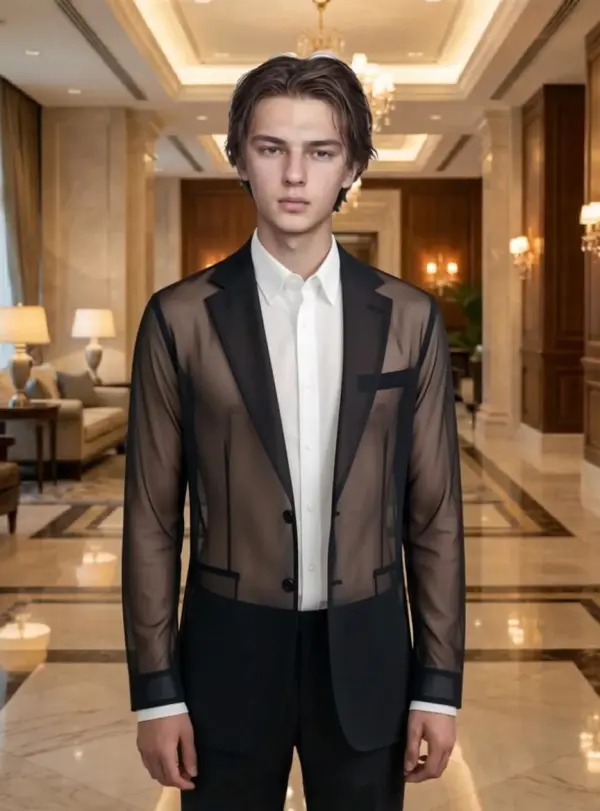
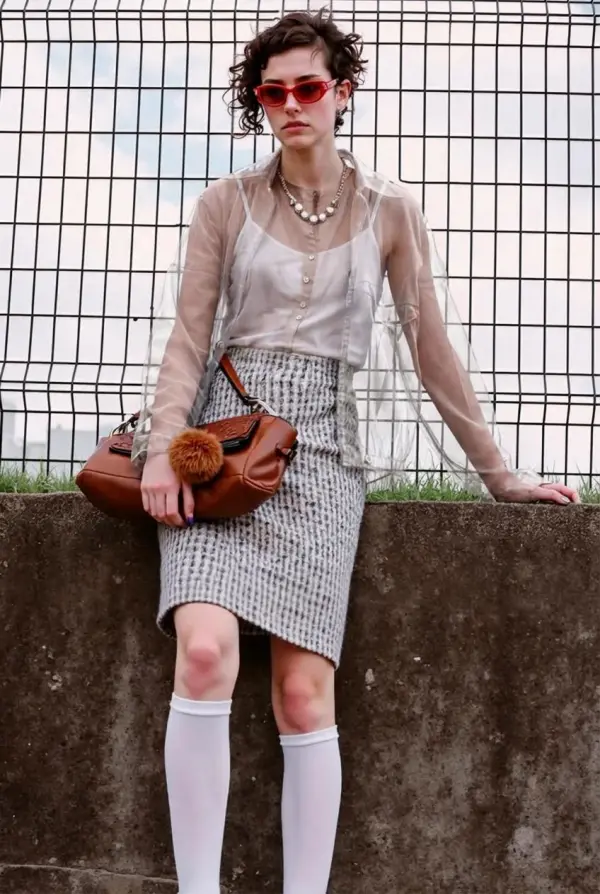
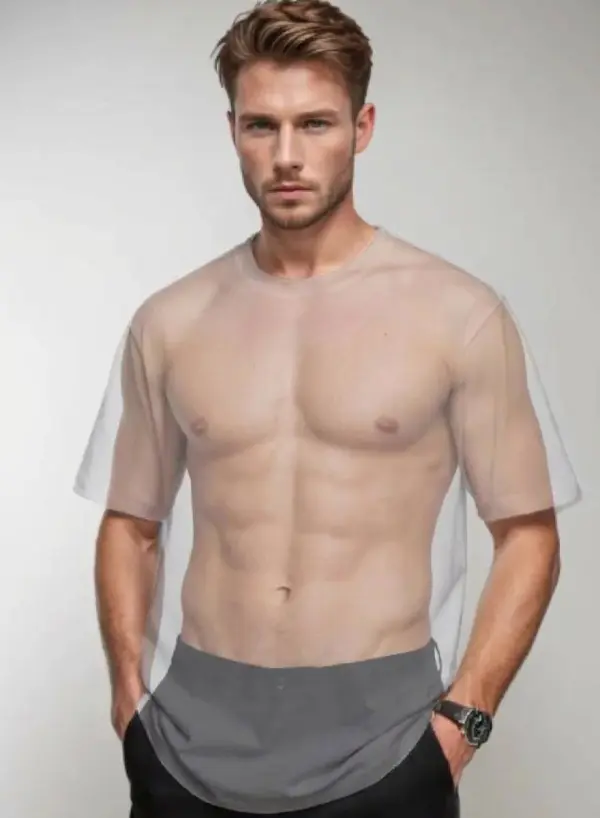
The AI redraws the garment so it reads as chiffon, mesh, or thin overlay. Fabric edges, weave, and shadow drape are rebuilt, not pasted from a transparency template.
Face and Pose Preserved
Eye spacing, jawline, hair, and posture are held in place. The result still looks like the same person in the same shot, just with a different fabric weight.
Designed for Front-Facing Portraits
Front-facing or slight-angle half-body shots produce the most convincing results. The garment area should be unobstructed by hands, bags, or layered jackets.
Quick Sheer-Fabric Workflow
Processing time depends on source resolution, garment complexity, and server load. Useful when reviewing several fabric variations with a client on a call, not in a slow design-revision email cycle.
Private and Secure
Photos are used only to generate your result. Not stored long-term, not used to train models, and not shared with third parties. Source images are removed from active processing after download.
Design Review Ready
Download a clean sheer-fabric variation for mood boards, styling references, client review decks, and campaign concepts.
What Our Users Say
Elena F.
Chiffon Bridal Designer
I design chiffon overlays for bridal gowns, and showing clients what the sheer panel may look like in a real photo used to take a half day of Photoshop. I run a bridal reference photo through this and review the overlay direction before starting a manual mockup.
Marcus K.
Boudoir Photographer
I shoot boudoir for clients planning anniversary gifts. They often ask whether a chiffon-overlay version of a look would work for them. I now mock up two or three sheer-fabric variants before the shoot so the client can choose a clearer direction.
Naomi B.
Lingerie Brand Creative Director
We sell sheer mesh lingerie and used to book extra references for every fabric variant of the same silhouette. Now we shoot the opaque sample, generate sheer mockups for the brief, and only re-shoot the variants the buying team signs off on.
Diego P.
Editorial Stylist
Most fashion editorial briefs come with a stack of reference images that are all opaque tops. I generate sheer-overlay variants of three of them, drop them into the deck, and use the feedback to decide which direction to refine.
Priya S.
Personal Stylist
Clients send me selfies in stuff they already own and ask whether a sheer kimono over the same outfit would work for a gallery opening. I generate the sheer-overlay version of the same photo and the client decides without having to drive to the boutique.
Hana T.
Theatre Costume Designer
Sheer fabric on stage reads differently from sheer fabric in a closet. I generate a sheer-version preview of the actor in their fitted muslin and check whether the silhouette might hold at theatre distance before ordering samples.
Tobias W.
Wedding Editorial Photographer
Brides arrive at the trial shoot in a structured satin gown and want to know whether a chiffon overlay would suit their venue. I run the trial photo through this and we look at the overlay together on my iPad while we are still on location.
Lina C.
Fashion Content Creator (Instagram)
I post fabric-experiment Reels where I show the same look in three fabrics, like cotton, linen, and chiffon. Before this tool I had to actually own all three. Now I shoot once in cotton and generate the chiffon version as a planning reference.
Sheer Fabric, Same Face and Pose
Upload a portrait. AI returns a chiffon-thin variation with no prompt typing and no manual masking. Drop it into your client review deck.