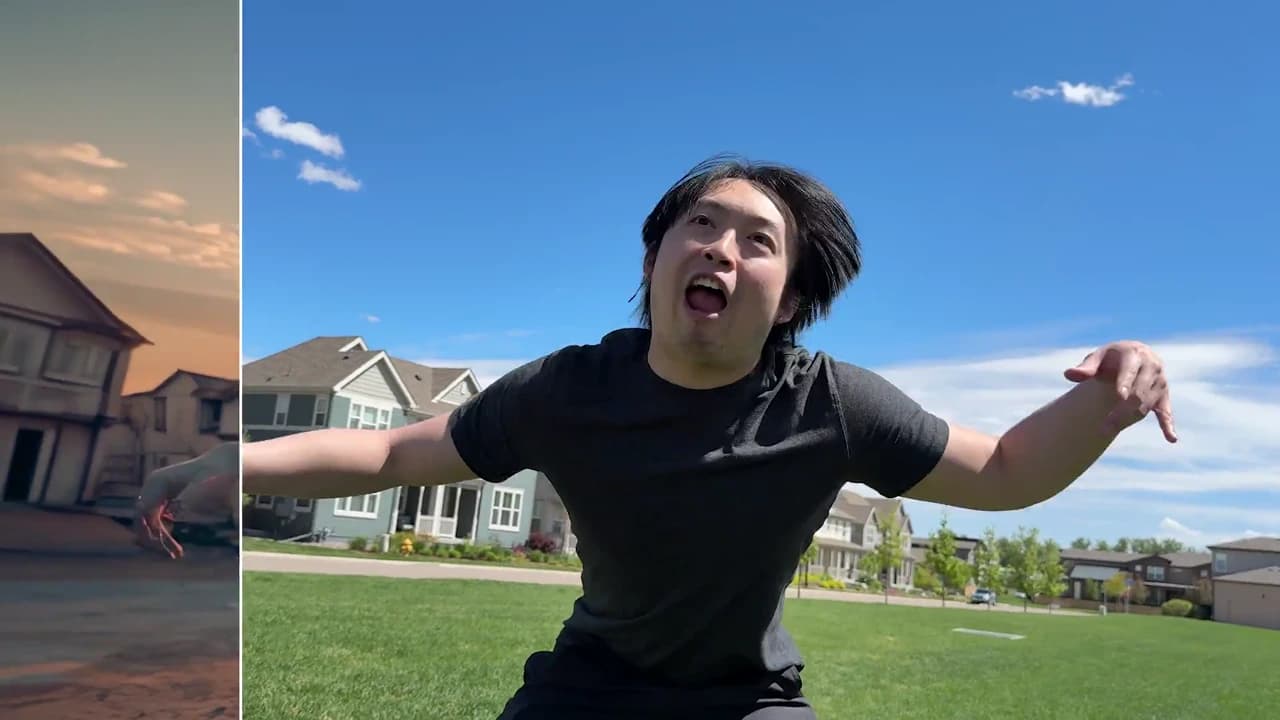
Transform Videos with AI
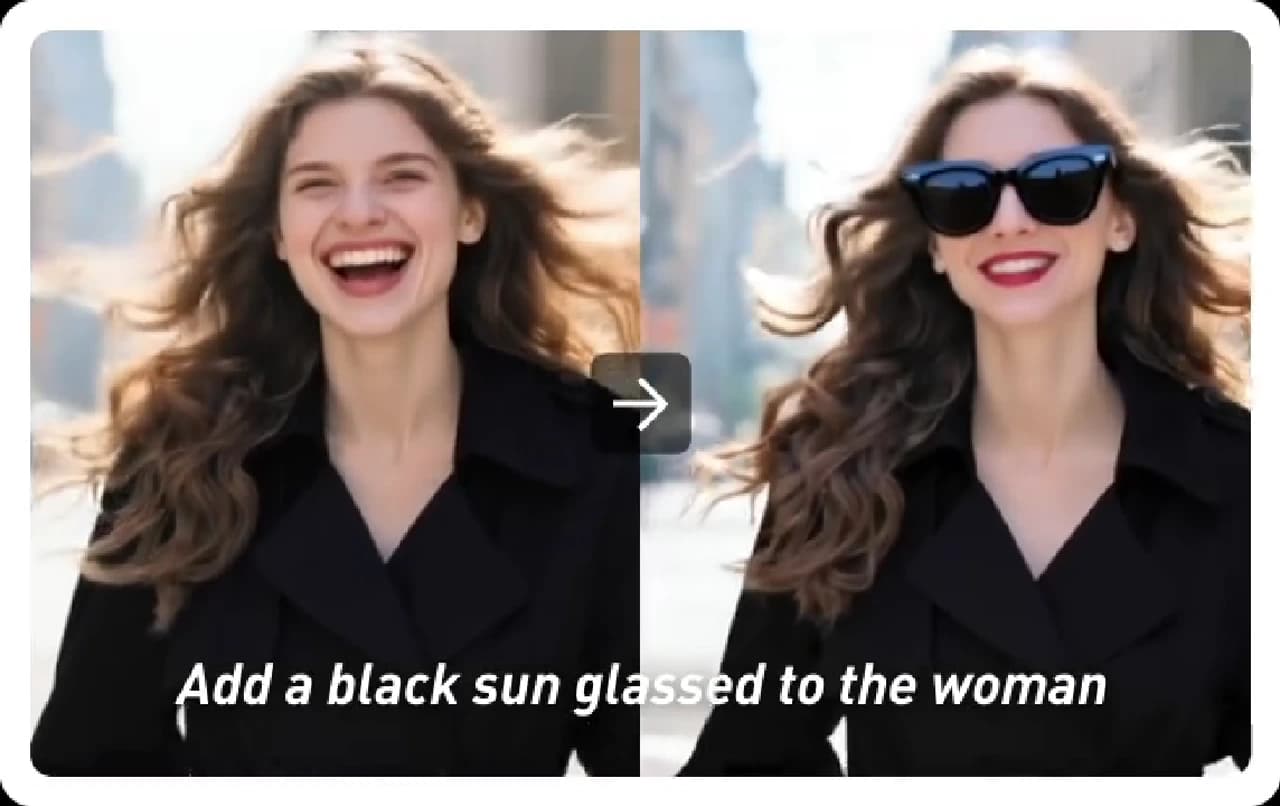
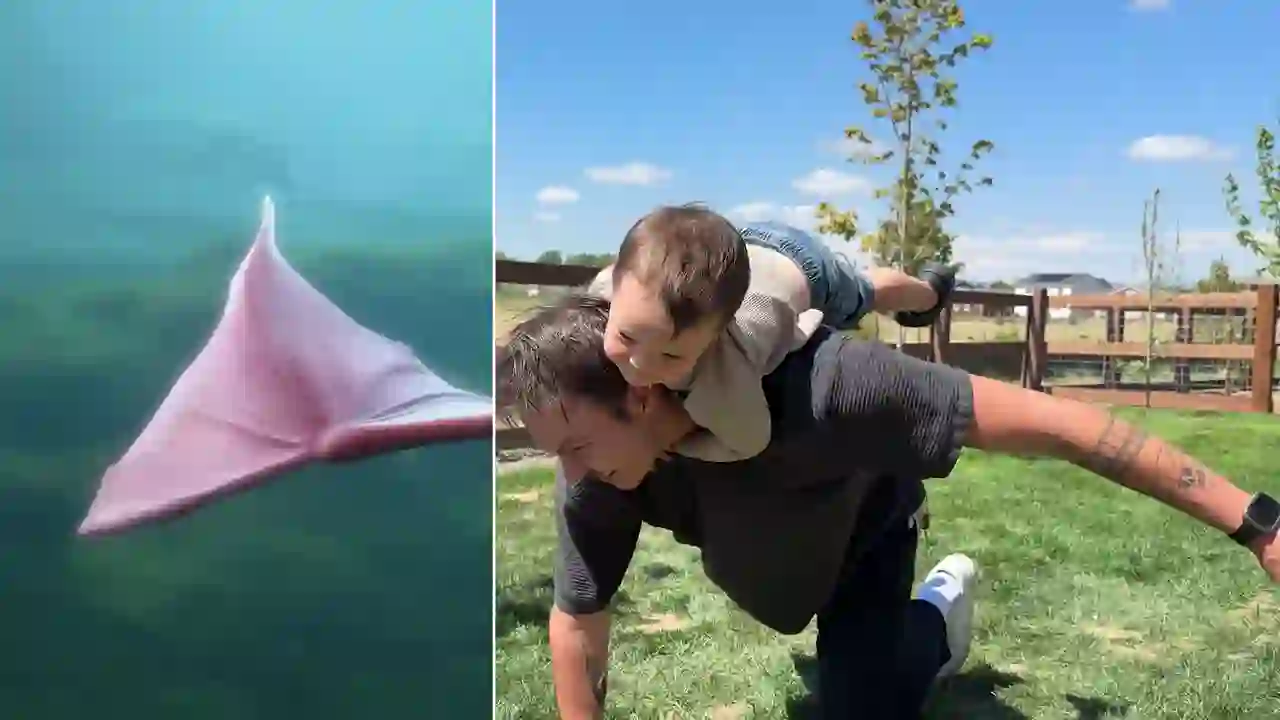
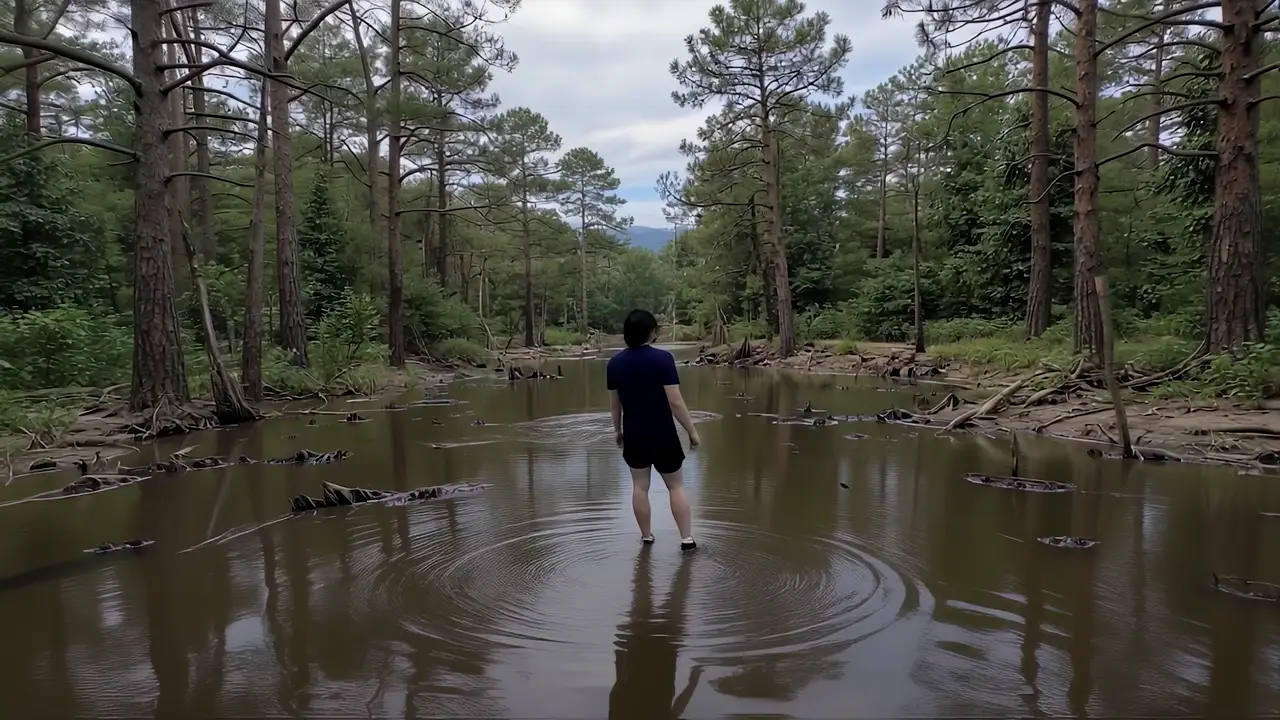
Change video styles, scenes, and characters with AI. Upload a short clip you have the right to use and reimagine it without reshoots.
3 Simple Steps to Transform Your Video
No technical skills needed — just upload, describe your vision, and generate.
Upload Your Video
Select the video you want to transform. MP4 clips with clear motion, stable framing, and manageable length usually produce the strongest results.
Describe Your Transformation
Enter a prompt describing the style you want — anime, cartoon, cinematic 3D, painting, or any artistic look. Or use reference images for style matching.
Generate & Download
Select resolution (720p or 1080p) and let AI transform your video while preserving original motion and structure. Download when ready.
Why Choose iMideo Video to Video AI?
Fast Transformation
Transform your videos in minutes, not hours. Skip complex editing software and manual frame-by-frame work.
Prompt & Reference Control
Use natural language prompts or reference images to guide transformations toward the result you want.
Secure Processing
Your videos are processed securely and automatically deleted after 24 hours, with privacy-conscious handling for uploaded media.
Scene-Aware Consistency
Our AI understands motion, lighting, and scene structure—ensuring smooth, flicker-free transformations.
Multiple Style Presets
Choose from anime, cartoon, 3D render, painting, pop art, and more—or describe your own custom style.
Flexible Pricing
Create occasional tests or recurring style variants without a subscription requirement.
What Creators Say About Video to Video AI

Sarah M.
Content Creator
Turned my vlog into an anime style video for a collab. The response was strong, and the visual change gave the post a fresh angle for my audience.

Jake P.
Film Director
We tested multiple visual styles for a short film without reshooting. The AI kept all our camera work intact while changing the entire aesthetic. Saved weeks of production time.

Lisa K.
TikTok Creator
I converted my dance video into a cartoon style for a social test. The quality was strong enough that people asked whether I had hired an animator. This tool made the experiment practical.

Tom R.
Marketing Director
We repurposed one product video into 5 different visual styles for A/B testing. The cartoon version performed 40% better with our younger audience.

Maya L.
YouTube Educator
Transformed my talking-head videos into animated characters for my kids' education channel. Engagement shot up and parents love the kid-friendly style.

Alex D.
Concept Artist
I use this to visualize different art directions for client pitches. Instead of storyboards, I show them actual video transformations. Clients approve faster and I close more deals.
Ready to Transform Your Videos?
Try our AI Video to Video transformation free — no credit card required.