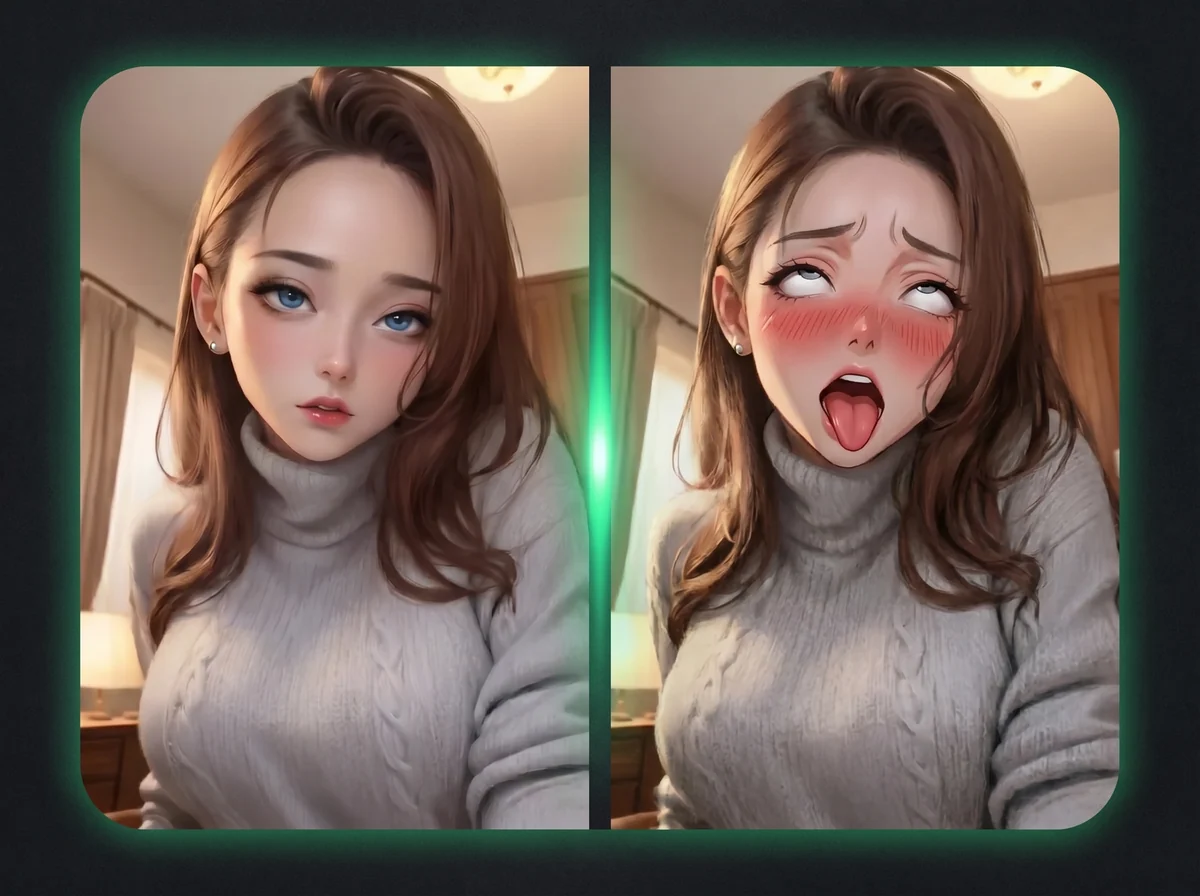
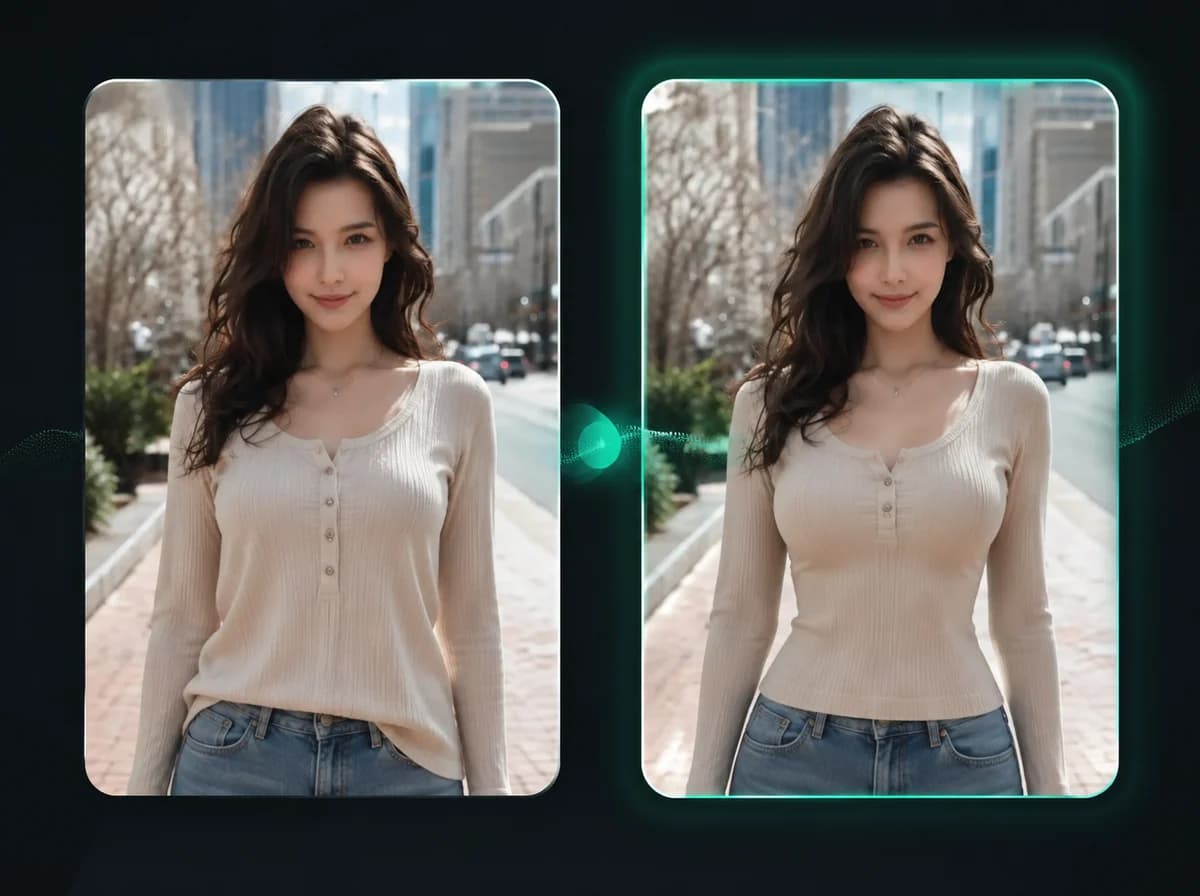
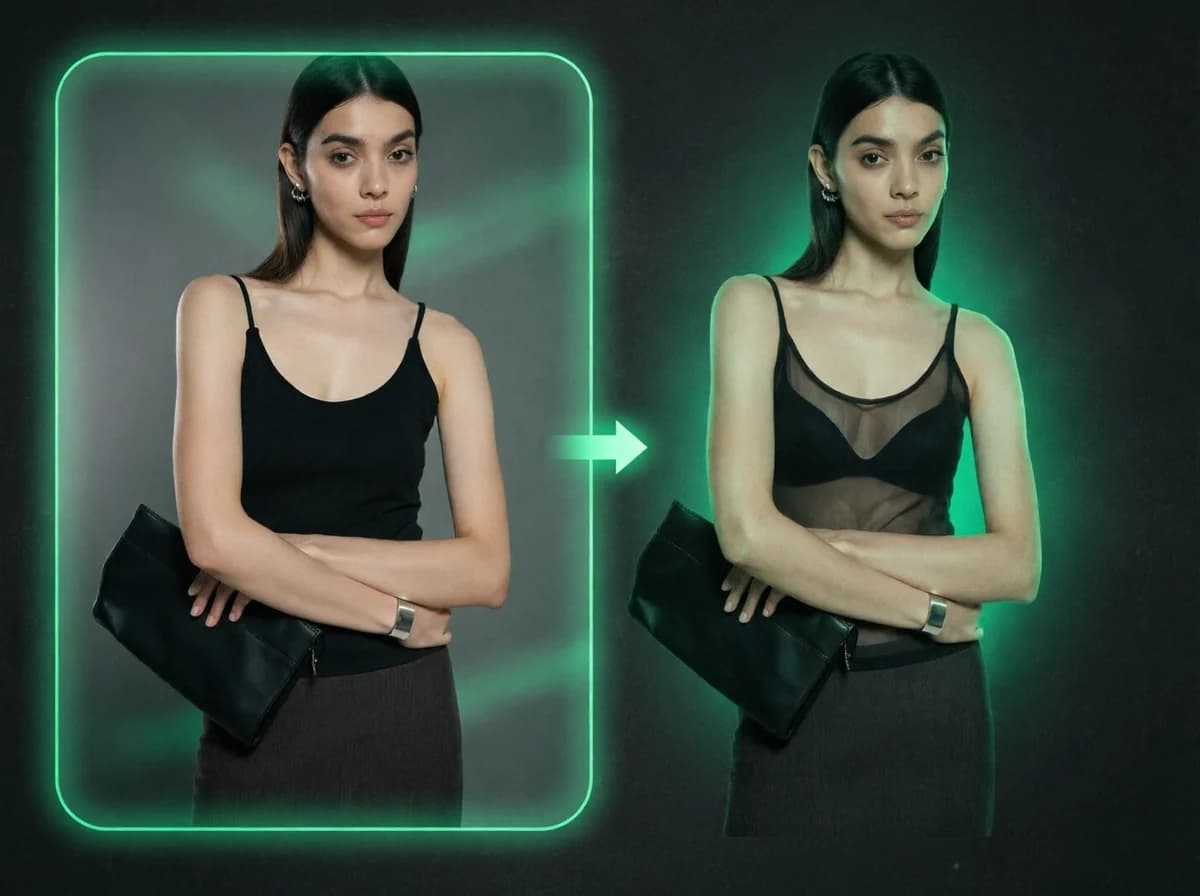
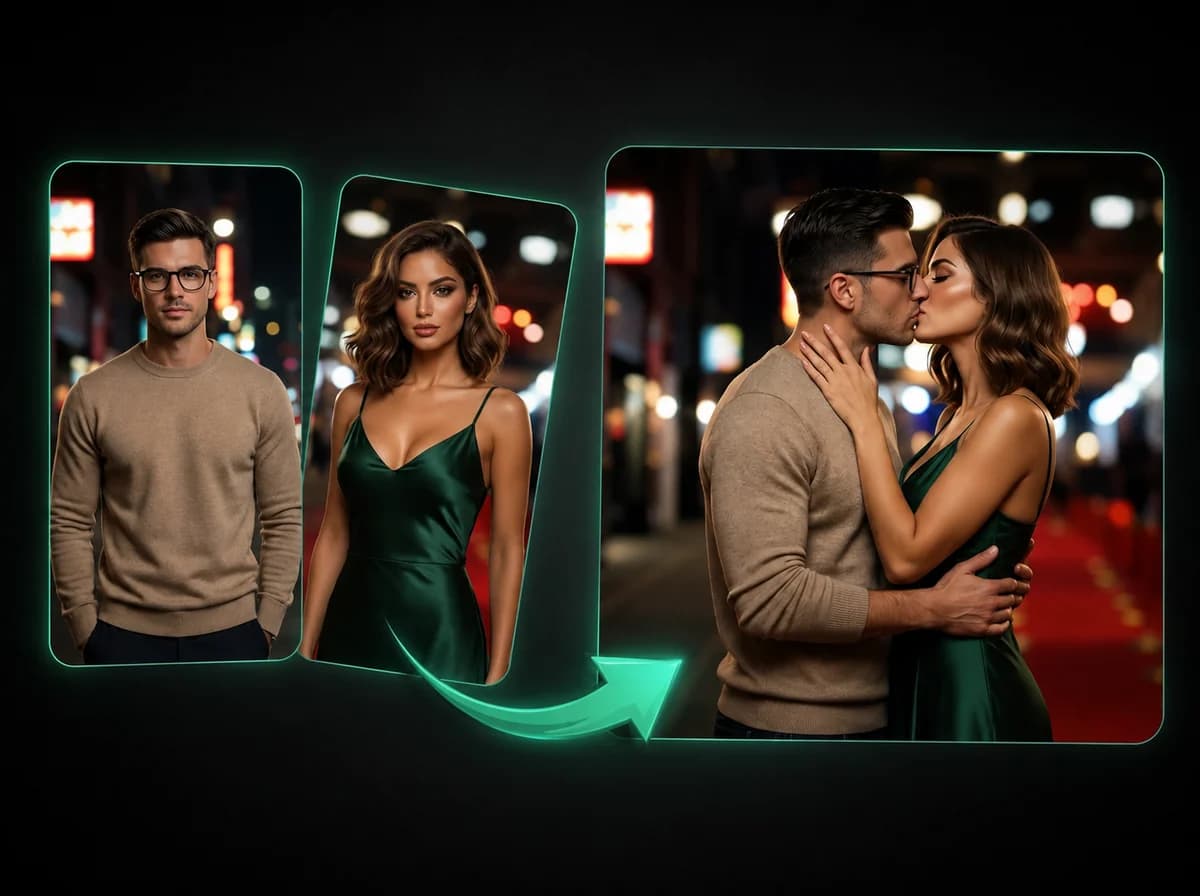
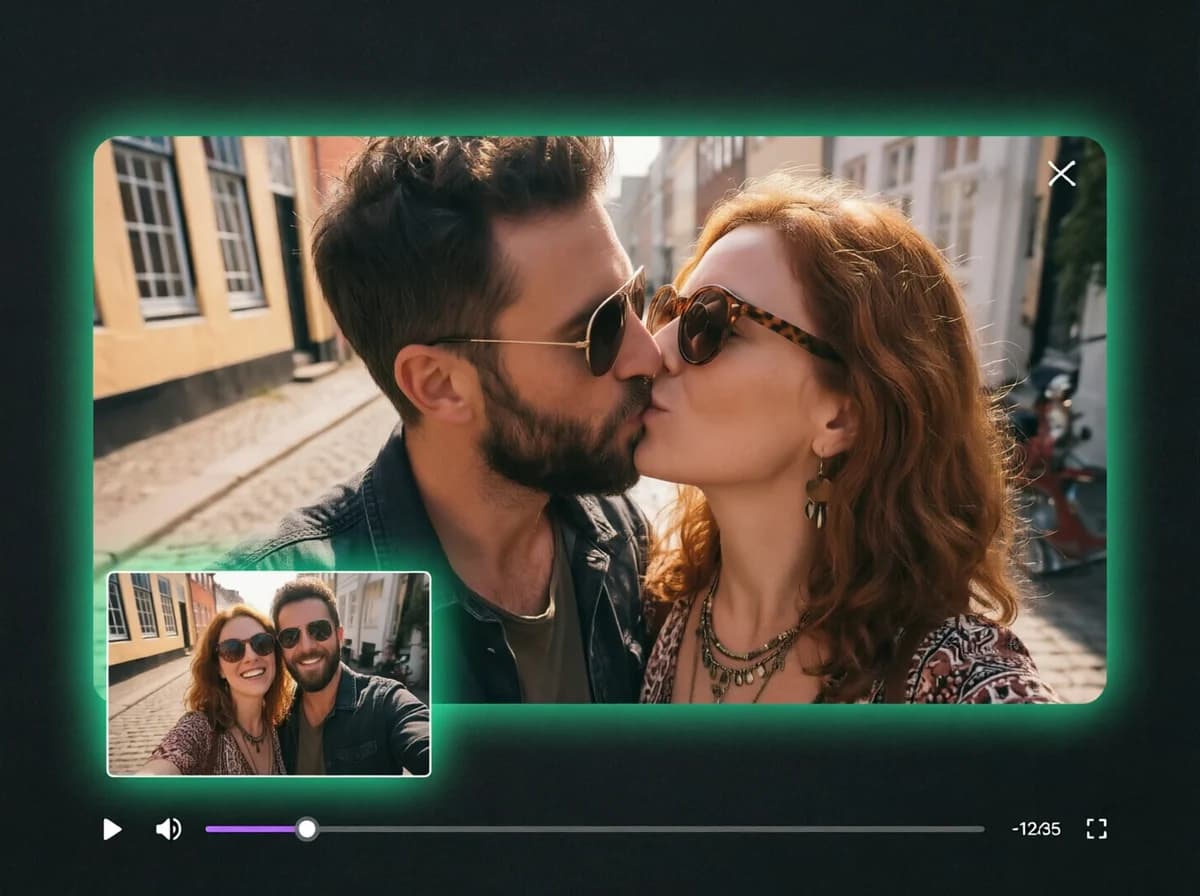
Turn One Photo Into a Twerking Video with AI
Upload a clear photo and watch it come alive with a smooth, realistic twerking animation. No editing skills needed.
Click to upload or drag and drop
PNG, JPG, WebP (Max 10MB)
Make Anyone Twerk in 3 Simple Steps
Create a hilarious twerking clip from one clear photo — no editing experience required.
Upload Your Photo
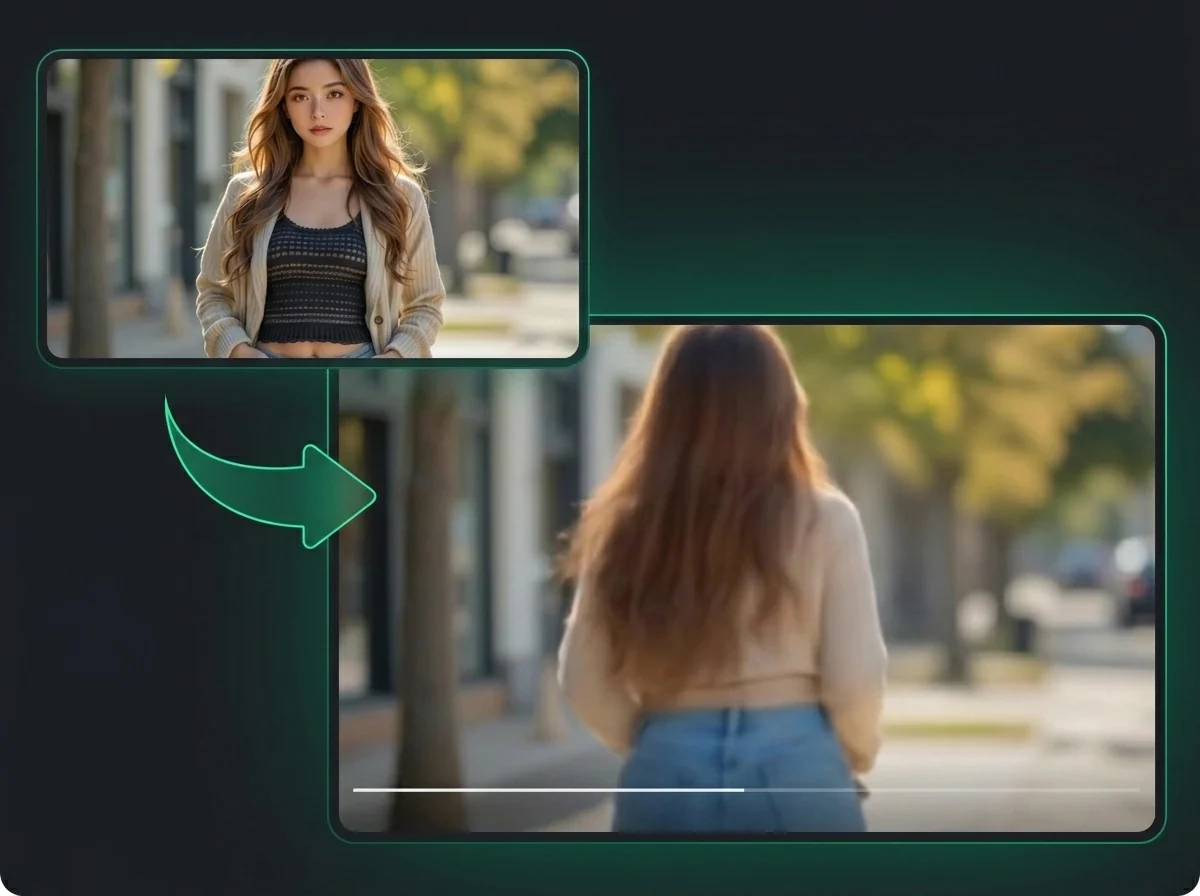
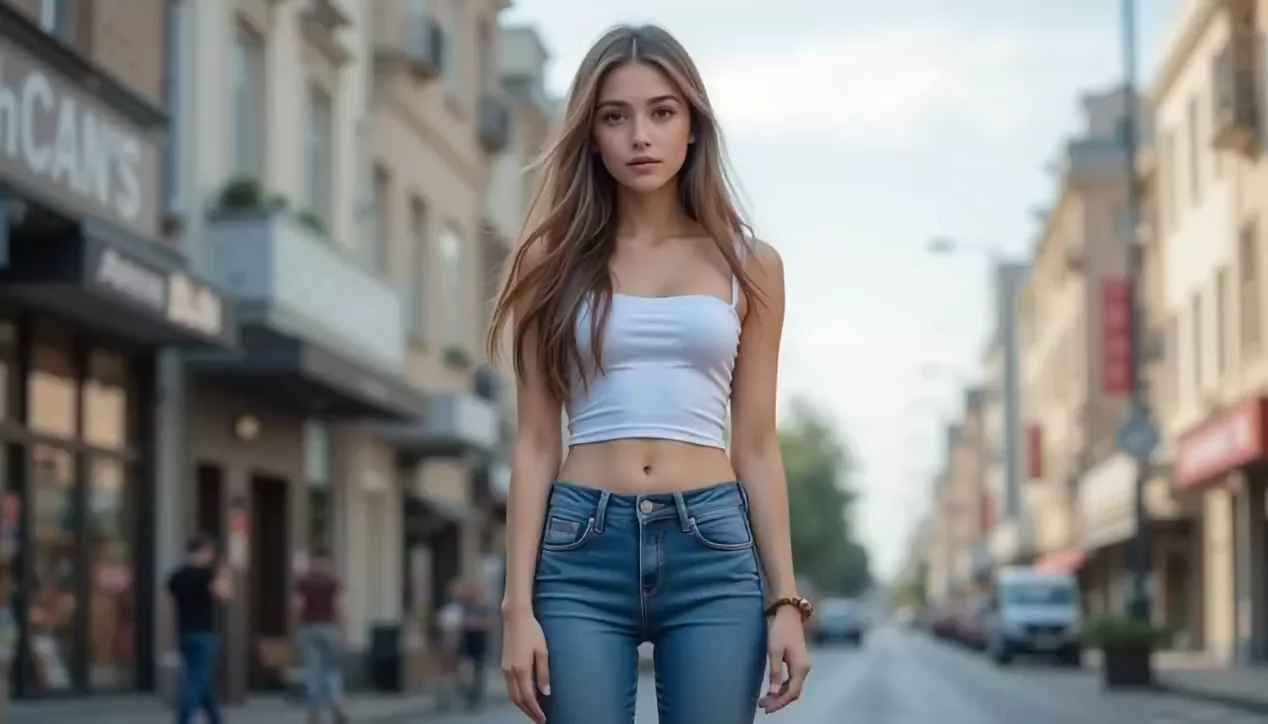
Click to browse or drag and drop a clear, well-lit photo showing at least half the body. Full-body, front-facing images produce the most accurate and fluid twerk animation. PNG, JPG, and WebP up to 10 MB are supported.
Generate the Animation
Hit Generate. The AI reads the body posture in your photo and builds realistic booty-shaking motion directly onto the image. Progress is shown while the animation is generated.
Download and Share
Preview the twerking video and download it as a watermark-free MP4. Share it to TikTok, Instagram Reels, YouTube Shorts, or anywhere else your content belongs.
Why Use iMideo AI Twerk Generator
Fast Generation
Generate twerk animations in a browser workflow, with processing time depending on image detail, server load, and queue conditions.
One-Click Simplicity
Upload your photo, hit Generate, and the AI handles everything. Zero configuration, zero editing experience required.
Watermark-Free Export
Download clean MP4 files with no branding or watermarks. The video is yours, ready to publish anywhere.
100% Browser-Based
No app to install, no plugin to download. Everything runs directly in your browser on desktop and mobile.
Secure and Private
Uploaded images are processed for animation and handled according to the product retention policy. They are not used for AI model training.
Free Credits to Start
New users receive free credits to try the twerk generator after signup. Additional credits are available on the pricing page.
What Our Users Say
Alex Rivera
Content Creator
Uploaded a selfie on a whim and the twerk animation came out surprisingly smooth. Posted it on TikTok and it got way more traction than any of my regular content. The motion actually matched my pose.
Sarah Donovan
Social Media Manager
We use this for playful Friday content. It requires zero editing work, and the downloaded MP4 goes straight to our posting queue. Clean output with no watermark is a must for professional use.
James O.
Influencer
Tried it on a photo of my cat. The AI somehow made it work. The body movement looks genuinely fluid — not like a rigid loop slapped onto the image. My followers demanded more.
Monica Cheng
Digital Artist
I animated one of my character illustrations just to see what would happen. The result was surprisingly coherent — the motion respected the proportions I drew. Great for turning static art into short clips.
Daniel Ferreira
Meme Creator
The workflow is quick enough for meme work. I upload, wait for processing, and get a shareable video with no watermark ruining the joke.
Emma Takahashi
Cosplay Photographer
Tested it on cosplay character photos. Works better with full-body shots as expected, but even half-body images came out entertaining. Good variety of output quality across different costume types.
Turn One Photo Into a Dance Clip
Upload your image and generate a realistic twerking video after a short processing step — watermark-free and ready to share.