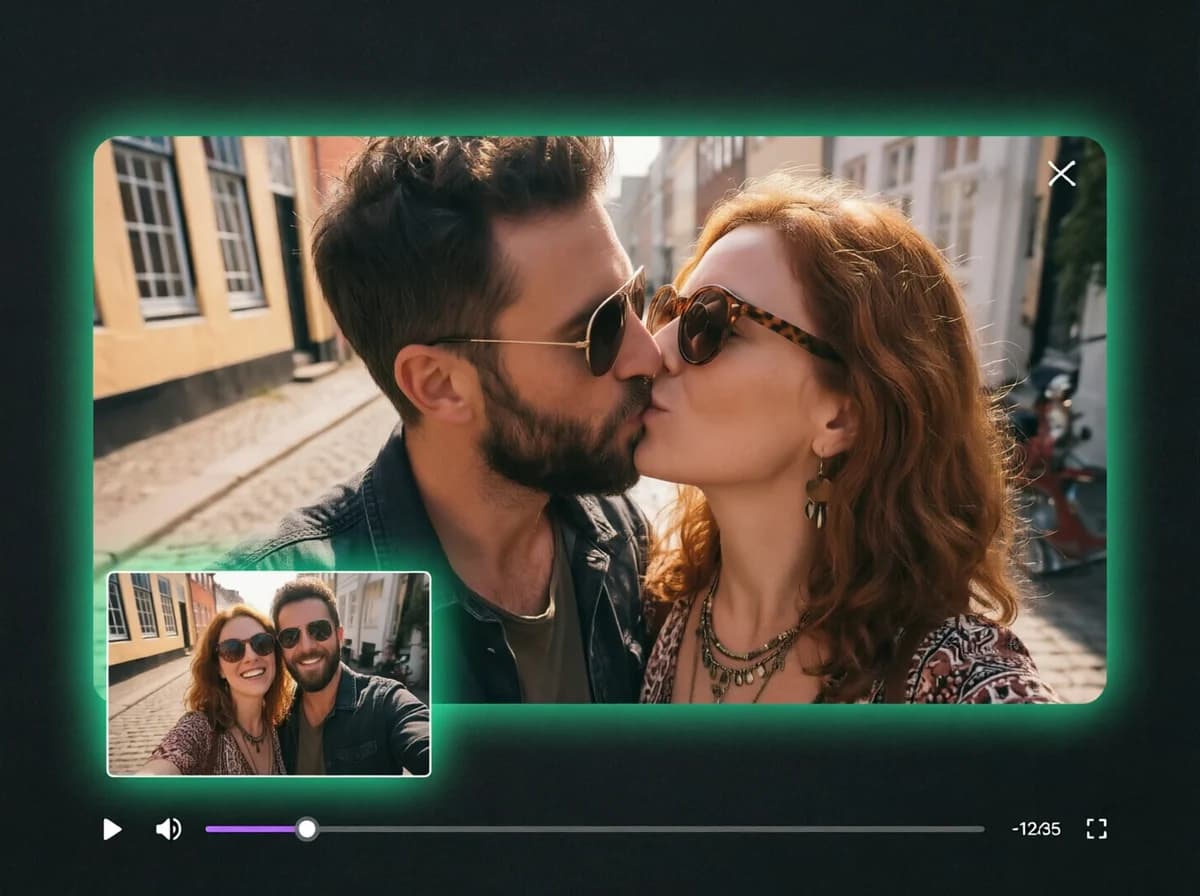
Bikini AI Generator – One Photo to AI Bikini Video
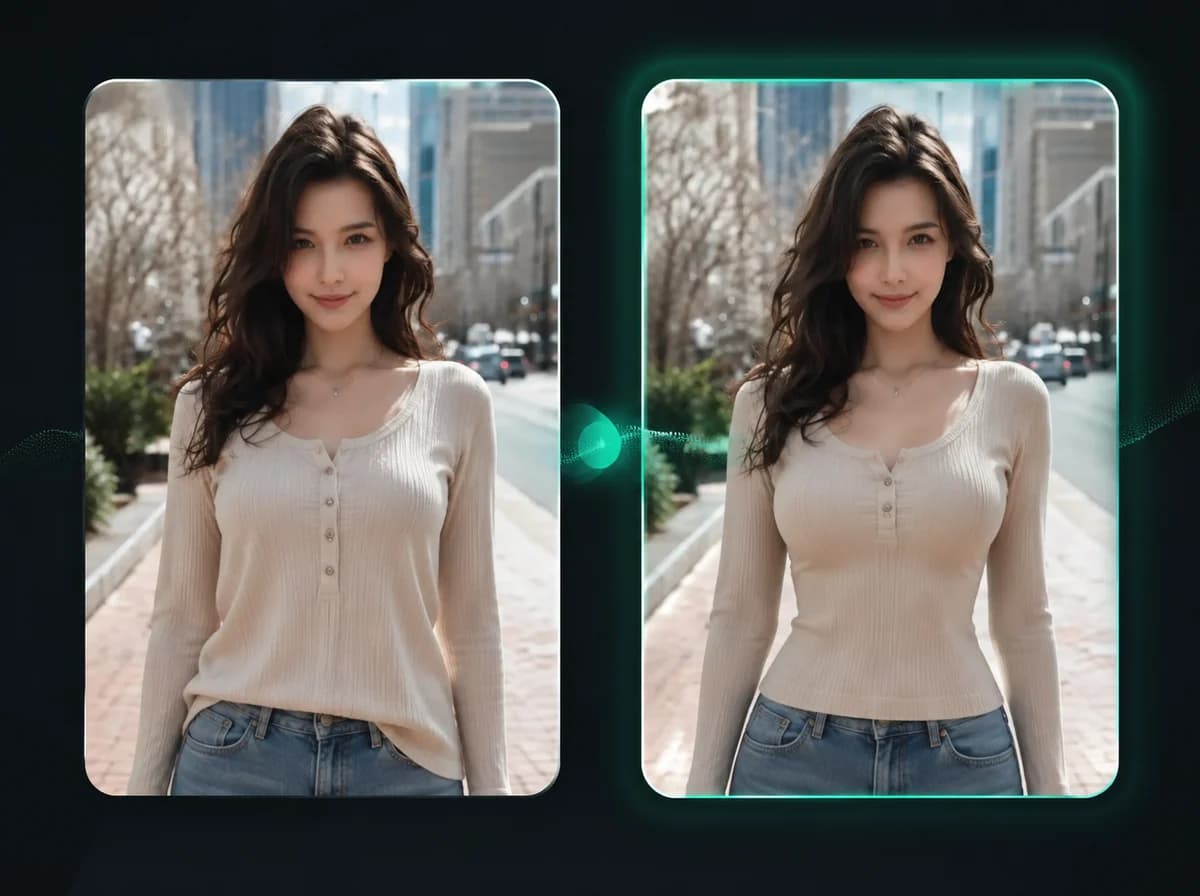
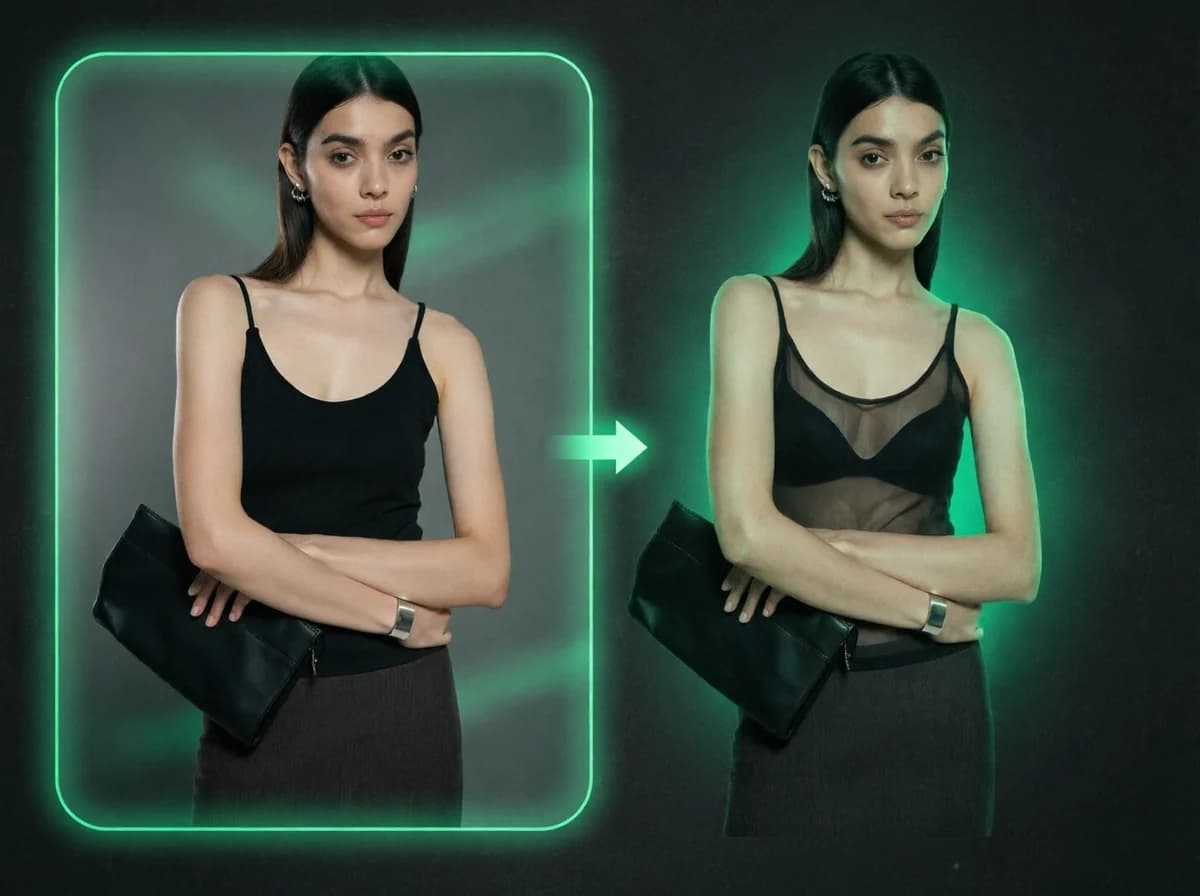
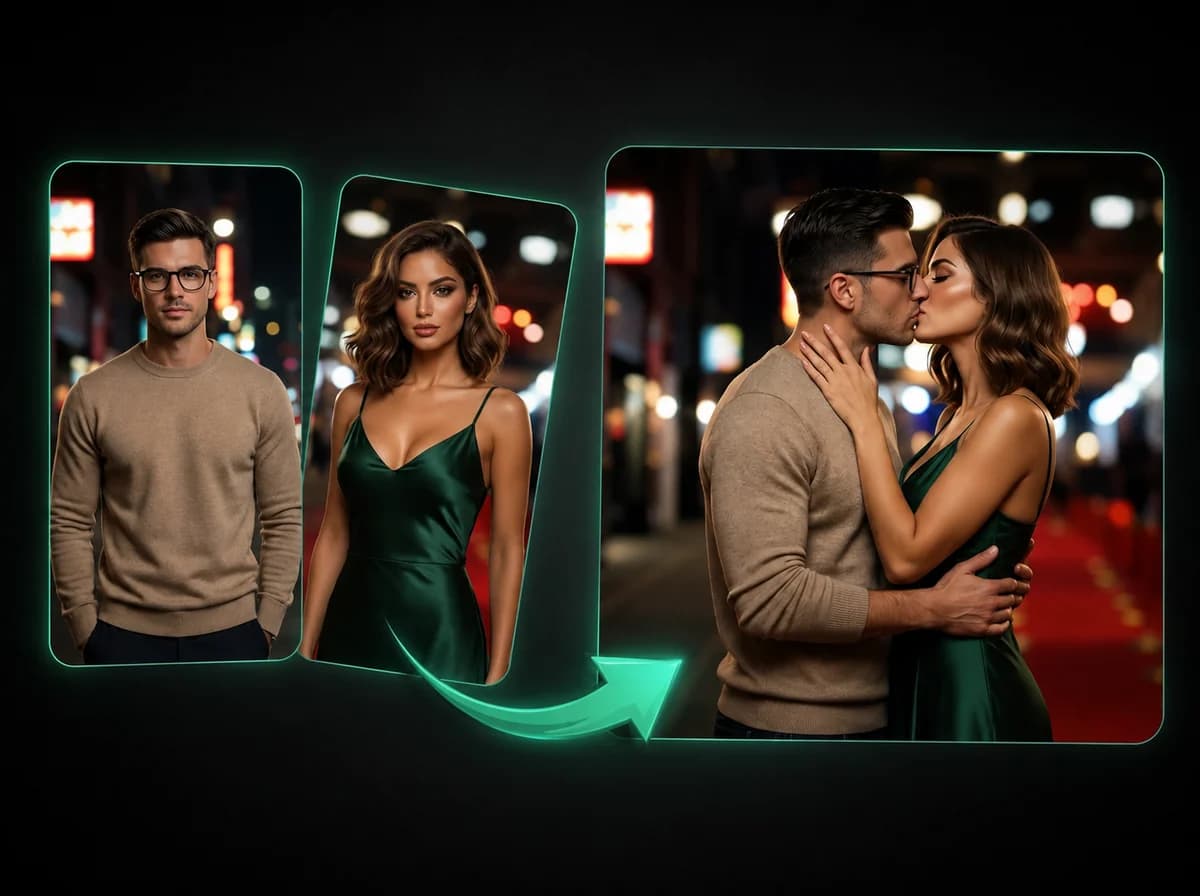
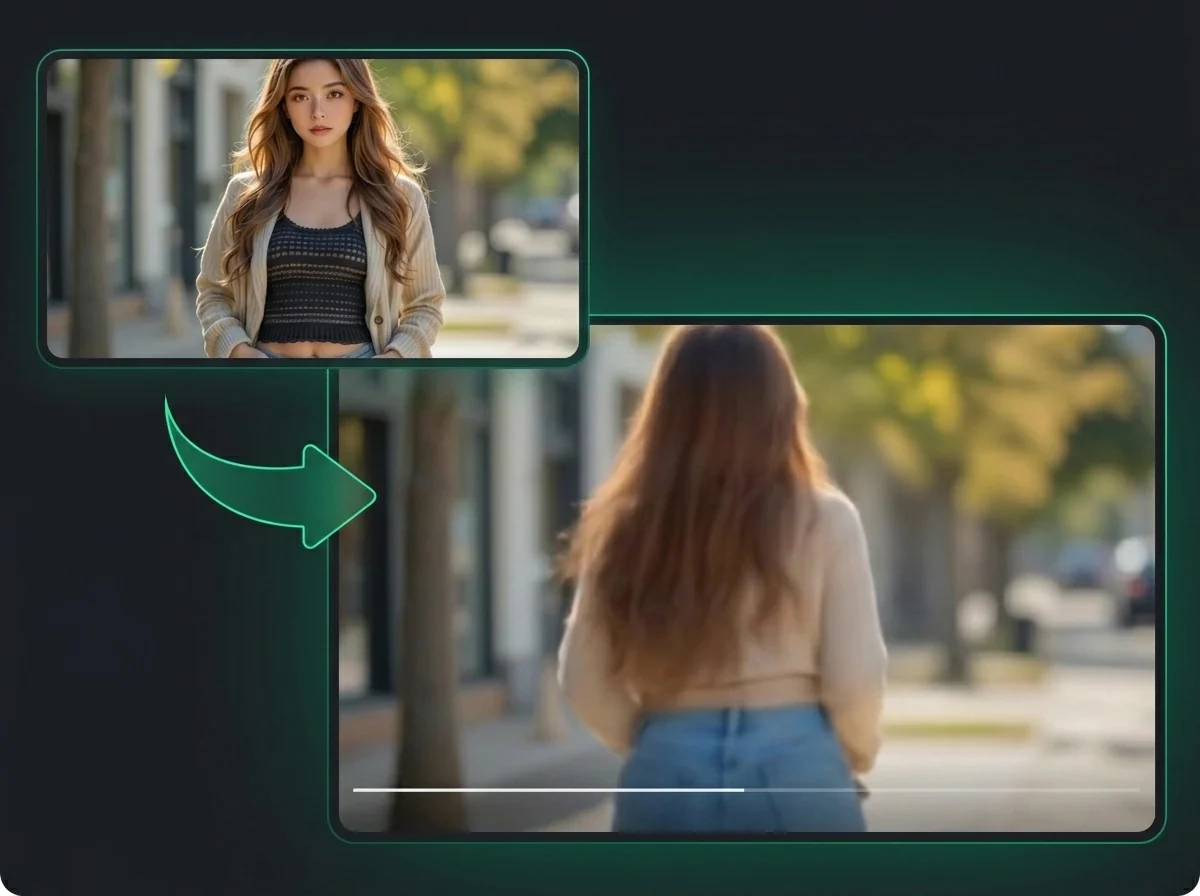
Skip the photo shoot. Upload a clear portrait or body photo and use Bikini AI to get a watermark-free AI bikini transformation video — no prompts, no manual editing.
Click to upload or drag and drop
PNG, JPG, WebP (Max 10MB)
How to Make an AI Bikini Video with Bikini AI
Three steps from uploaded photo to downloadable bikini video
Upload a Clear Photo
Drop in a clear, well-lit photo — front-facing portraits and full-body shots give the sharpest results. PNG, JPG, and WebP up to 10 MB all work.
Let the AI Work
Hit Generate. The AI analyzes body pose and proportions, then renders a bikini transformation video tailored to the subject — no generic overlay, no prompt needed.
Download and Post
Preview the video, then download the watermark-free MP4. It's sized for TikTok, Instagram Reels, and YouTube Shorts once you are ready to post.
Why Creators Use iMideo Bikini AI for Videos
Fast Browser Workflow
Upload, generate, preview, and download from your browser. Timing depends on image quality, queue load, and generation conditions.
One Upload, No Configuration
No text to write, no parameters to configure. Just upload and click Generate — the AI figures out the rest.
Clean MP4, No Watermark
The file you download has no logo and no branding. Use it where you have rights to the uploaded photo and comply with platform rules.
Works in Any Browser
No app download, no plugin, no account required just to try. Runs on desktop and mobile browsers out of the box.
Photo Processing Policy
Uploaded images are processed for your bikini video generation and handled according to the product retention policy. They are not used for AI model training.
Ready for Social Edits
Download a clean bikini-look result for summer concepts, profile refreshes, private outfit previews, and visual experiments.
What Creators Are Saying
Ashley Chen
Lifestyle Creator
Posted the clip on Instagram and people got the summer transformation joke right away. Video looks natural, no watermark visible, and the workflow was easy to repeat.
Maya Torres
Social Media Manager
We run summer content for several clients. No watermark means it goes straight into the scheduling tool without any cleanup pass. Fast delivery and reliable quality help when you're juggling multiple accounts.
Sam Park
Content Creator
Made one of a friend as a gag and it ended up circulating for days. The transformation is convincing enough to get a genuine reaction out of people. Generation is fast and there's nothing to configure.
Priya Nair
Fashion Blogger
Tested it across several photo types. Full-body shots are best, but even a regular portrait upload came out usable. Good way to put together beach-themed content without actually being at a beach.
Jordan Ellis
Fitness Coach
Used it for a summer fitness campaign. Clean output, quick turnaround, and clients appreciated the creative angle. Nothing complicated to learn — upload and done.
Mia Larsson
Digital Artist
Put one of my character illustrations through it as an experiment. The proportions held up and the motion looked intentional. Useful if you want to add a short animated clip to otherwise static work.
Upload a Photo, Get an AI Bikini Video
Use Bikini AI to generate a watermark-free MP4 from one photo with no shoot or manual editing required.