AI Background Changer — Swap Photo Backgrounds Online
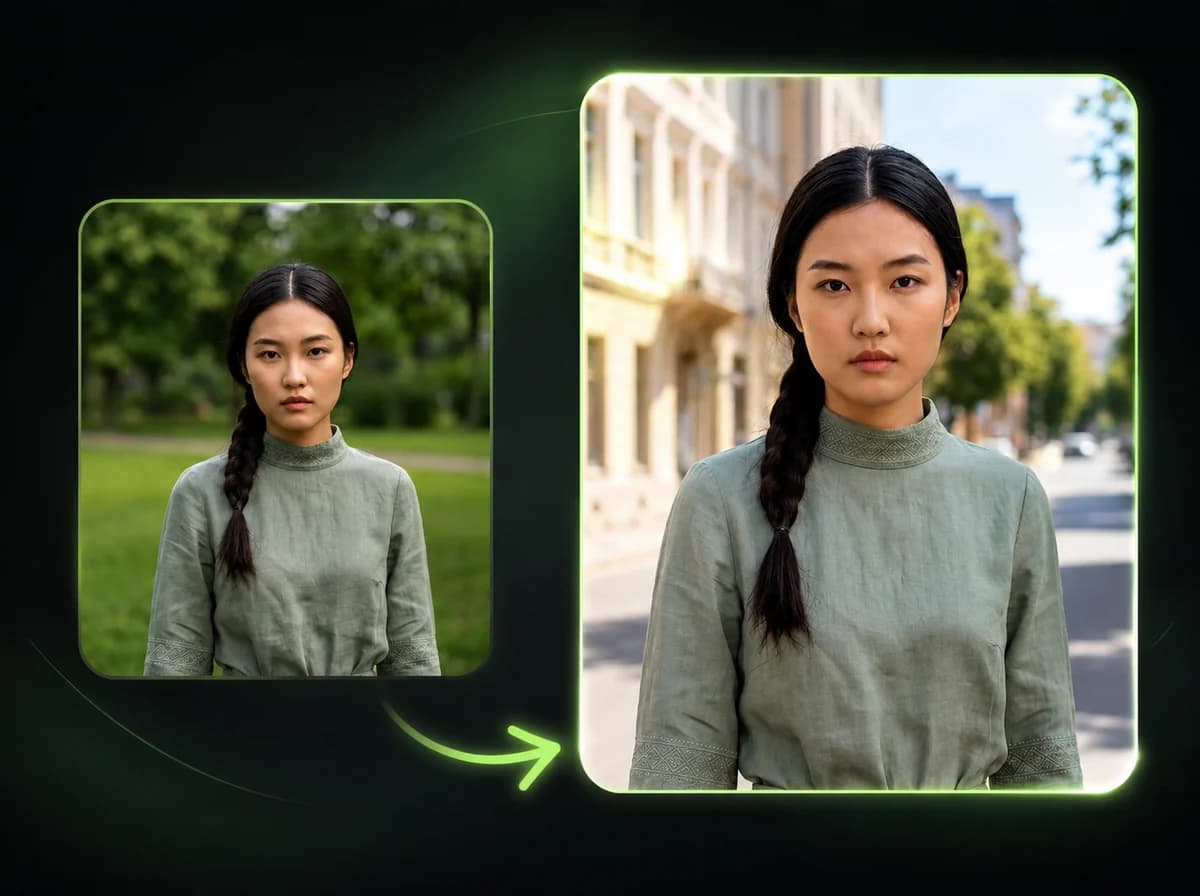
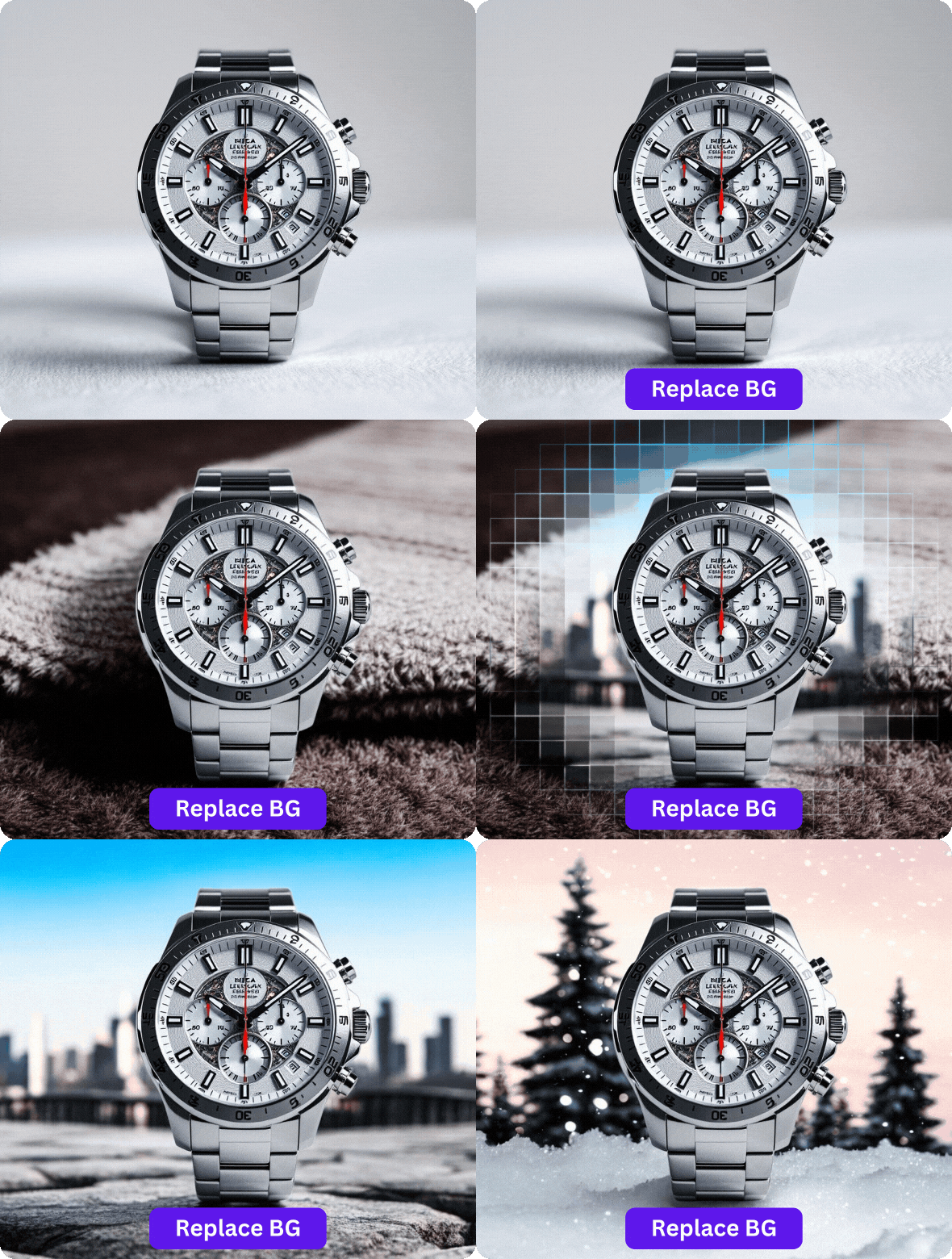
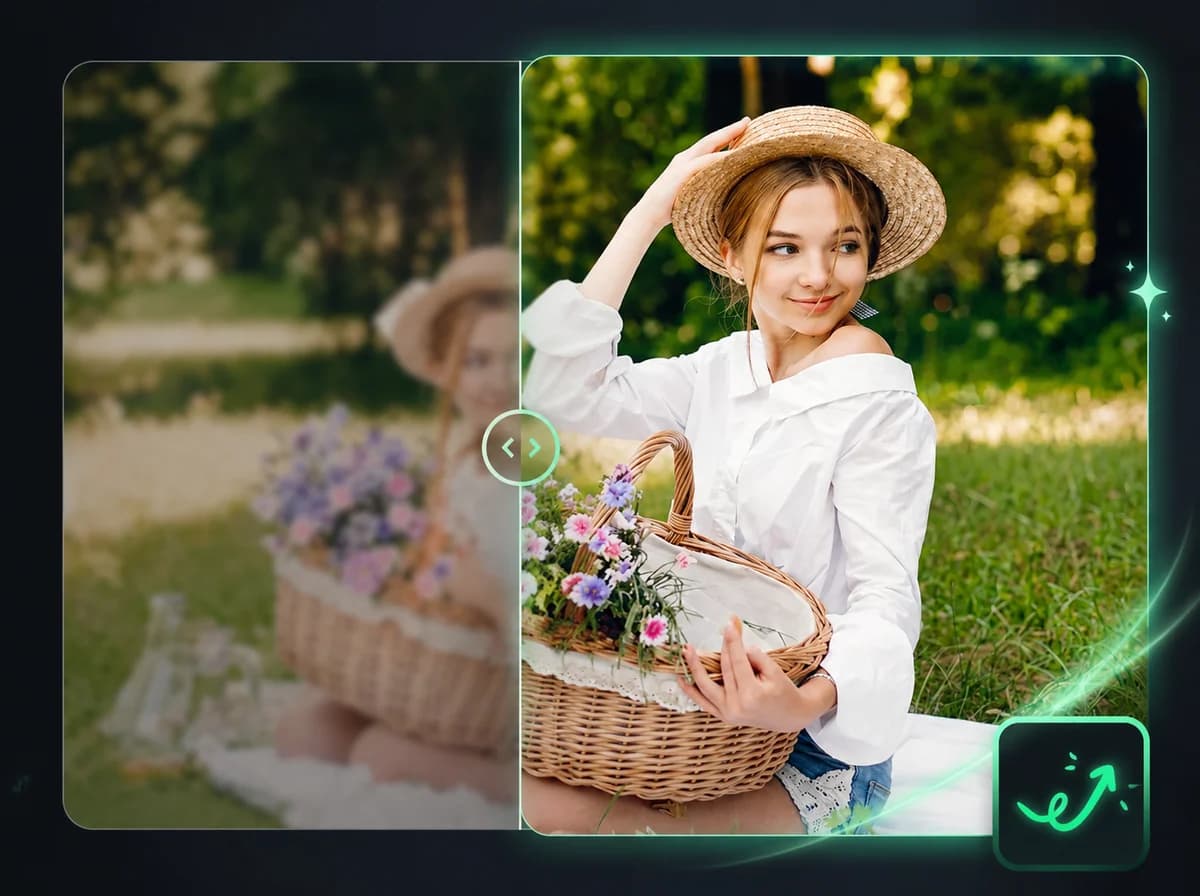
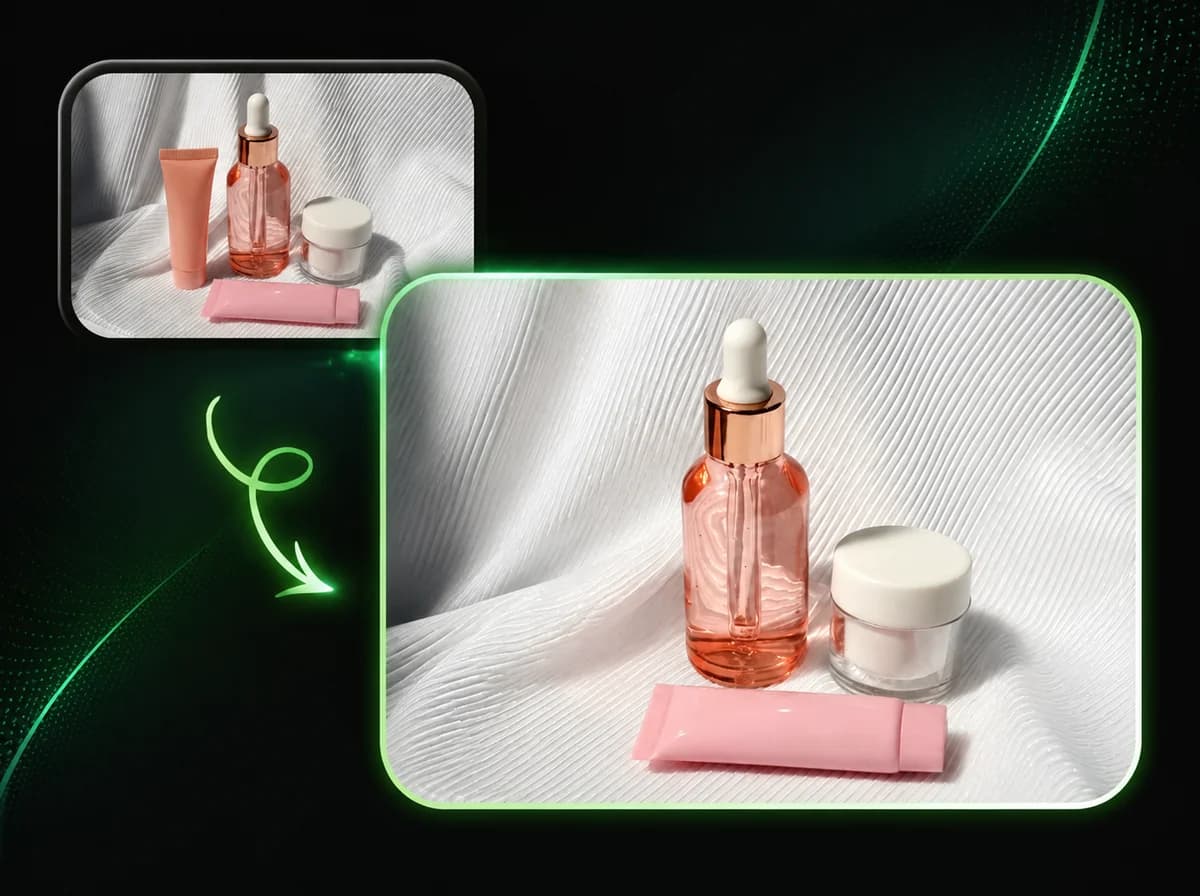
Upload a photo and the AI background changer removes the existing background, then replaces it with a selected color, image, or scene-style backdrop.
Click to upload or drag and drop
PNG, JPG, WebP (Max 10MB, min 240x240)
Click to upload or drag and drop
PNG, JPG, WebP (Max 10MB, min 240x240)

Change a Photo Background in 3 Steps
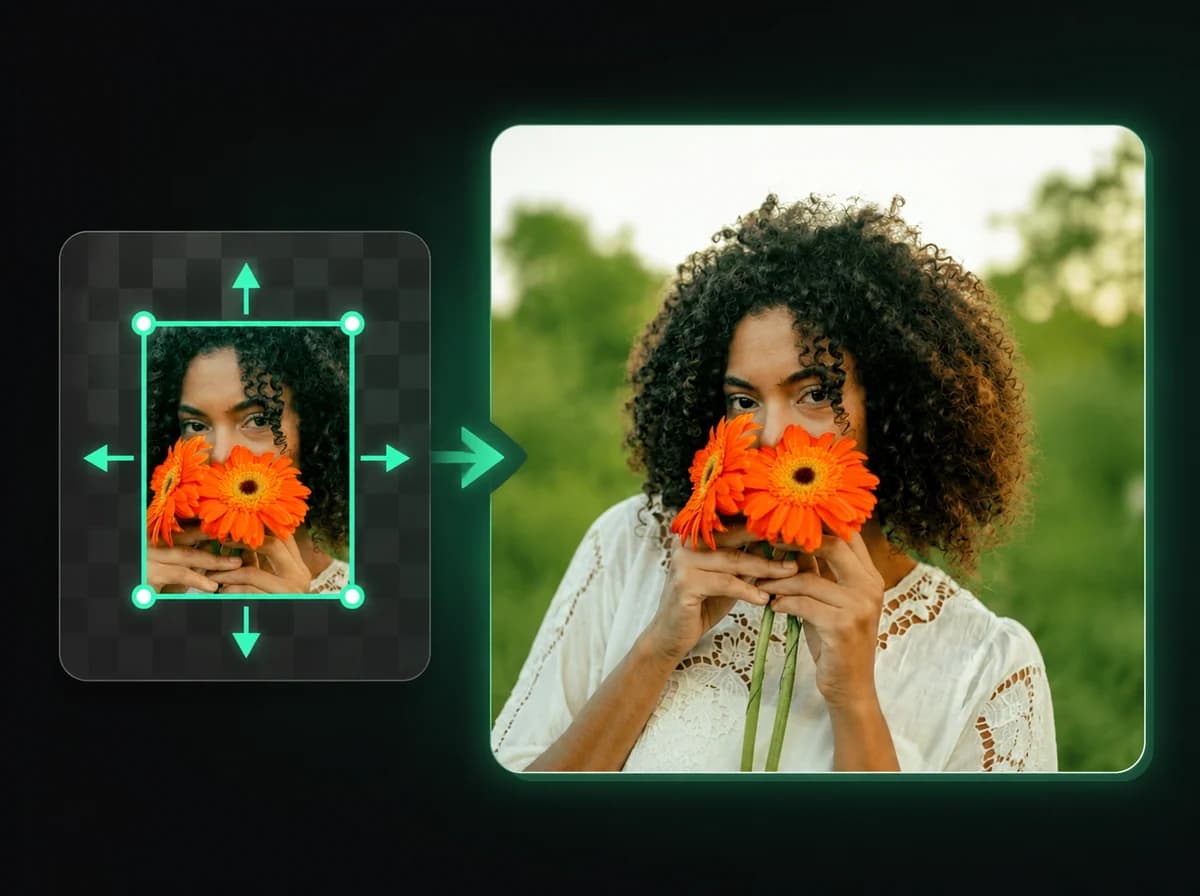
From original photo to a finished background swap workflow after processing
Upload Your Photo
Select a PNG, JPG, or WebP image up to 10 MB. Click to browse or drag and drop directly. The AI works best on clear subjects such as portraits, products, pets, and objects.
AI Removes the Existing Background
The model scans the image, isolates the subject, and separates it from the original background. It can handle fine edges — hair strands, product contours, thin objects — without manual masking.
Choose a New Background and Download
Select a solid color, upload your own background image, or leave the subject on a transparent layer. Download the finished PNG after processing — ready for product listings, social posts, or design workflows.
Why Use iMideo's Background Changer
Removal and Replacement in One Step
No need to export a transparent PNG and composite it manually elsewhere. The tool handles both the removal and the background swap in a single workflow.
Fully Automatic — No Masking Required
The AI detects and isolates the subject without any manual brush strokes, selections, or region markers. Just upload and choose.
Original Resolution Preserved
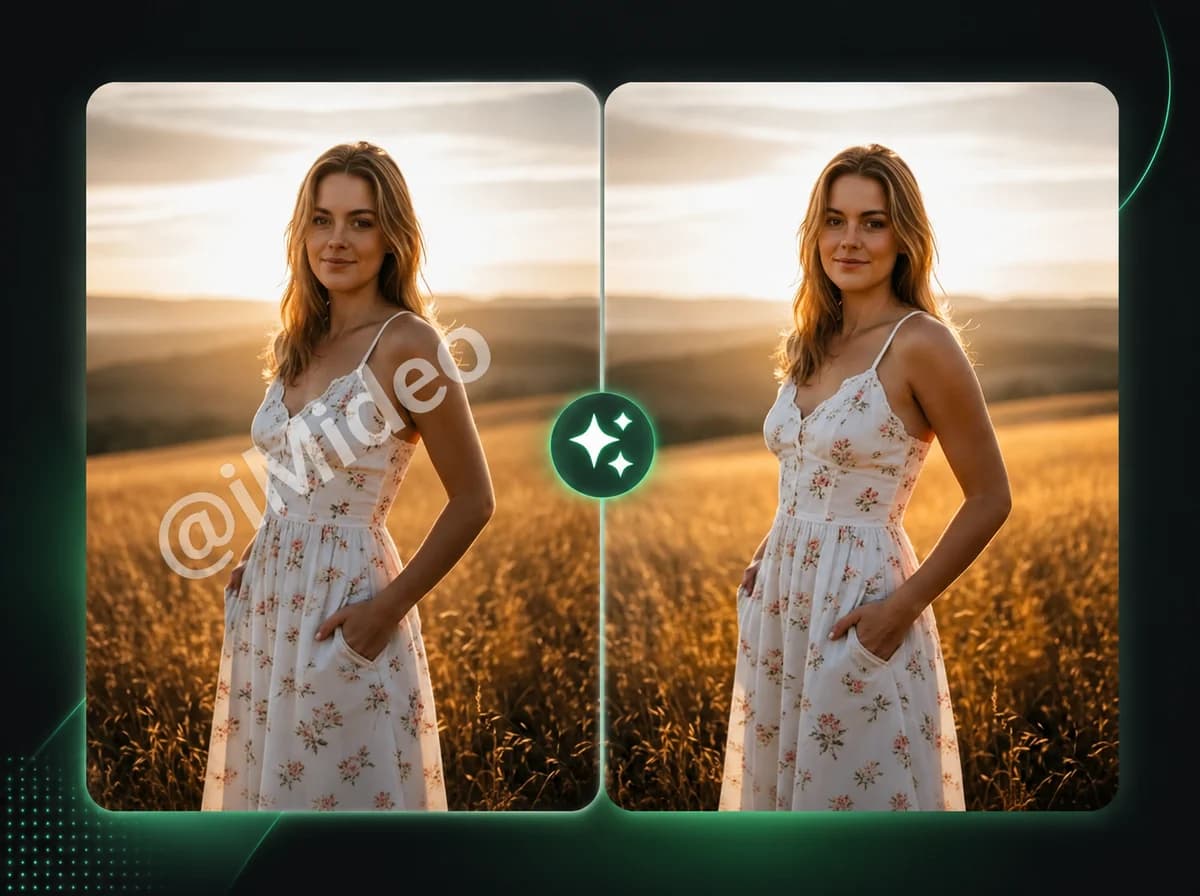
The output is designed to keep the same pixel dimensions as your uploaded image. Final edge quality depends on source resolution, subject contrast, and background complexity.
Flexible Background Options
Solid colors, uploaded images, or background templates can be placed behind the subject in the same guided workflow.
Secure and Private
Images are processed securely and not retained after the task completes. Your uploaded photos are not used for any other purpose.
Simple Credit Pricing
New users receive free credits on sign-up. Each background change costs 1 credit — the same as the background remover.
What Our Users Say
Sofia Martínez
E-Commerce Seller
I shoot product photos on whatever surface is handy, then use this to put them on a clean white background. The results get much closer to a studio-style listing image without a full product setup.
Tom Fielding
Photographer
Clients often ask for the same portrait against different backgrounds for different uses. This handles the repeated background work without me having to re-edit every shot manually in Photoshop.
Yuki Nakamura
Social Media Manager
Campaign visuals need consistent backgrounds across dozens of product images. This tool lets us process batches quickly, and the edge quality is usable on many products with clear outlines.
Carlos Reyes
Graphic Designer
I use it to prep reference assets for mockups. The subject isolation is clean enough that I don't have to manually refine edges before dropping them into layouts.
Amara Osei
Fashion Blogger
Outfit photos often have distracting backgrounds. I now standardize them all against a clean backdrop before posting. The hair edge handling is noticeably better than other tools I've tried.
Peter Schmidt
Product Manager
Our team needed a fast way to prep product images for presentations. This reduces repeat background cleanup and leaves manual editing for the images that need extra polish.
Lin Wei
Content Creator
Thumbnail backgrounds are a constant need. I upload the subject photo, choose the background I want, and download after processing. The one-credit pricing makes it easy to test variants.
Rachel Kim
Freelance Designer
Quick background swaps for client deliverables used to require opening Photoshop every time. This handles the basic compositing fast enough that I save it for the cases that actually need manual work.
Change Photo Background Online
Remove the original background and replace it with a selected backdrop — in one workflow, no Photoshop needed.