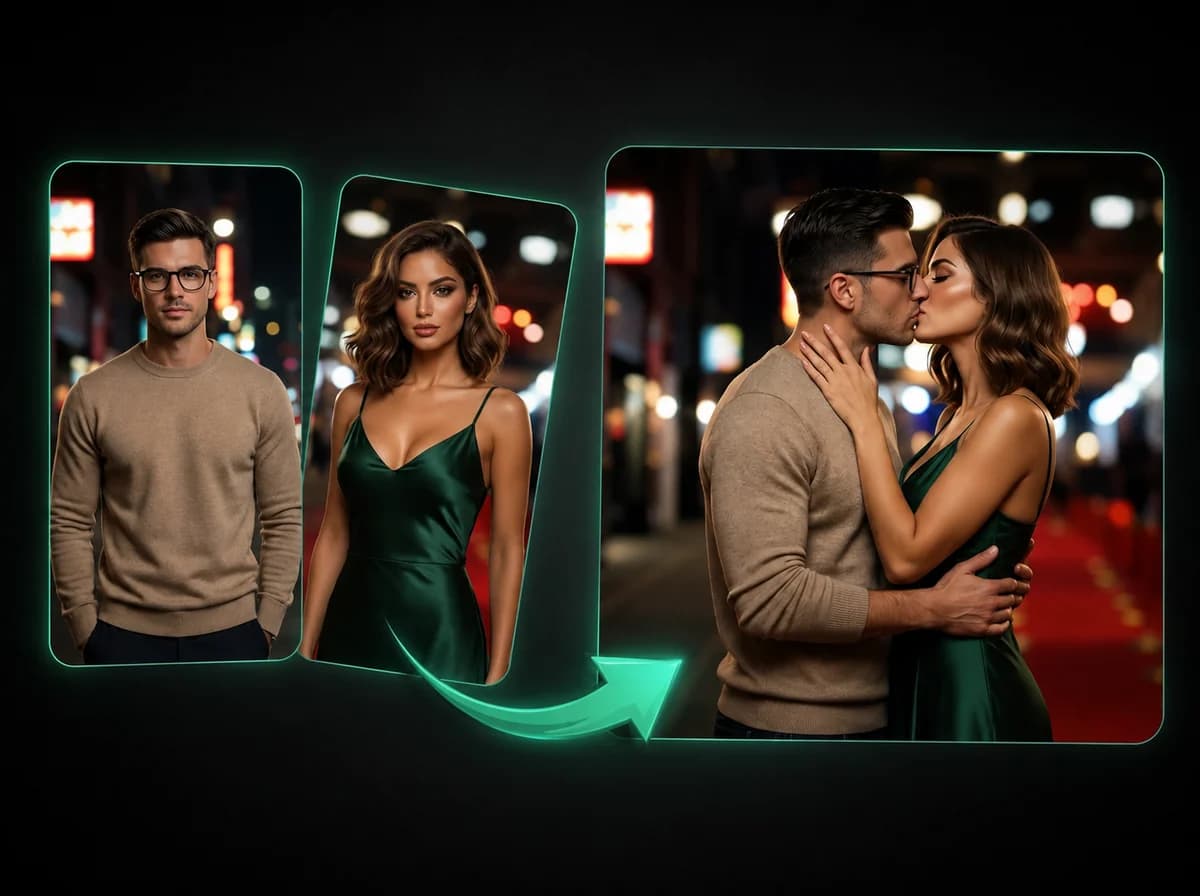
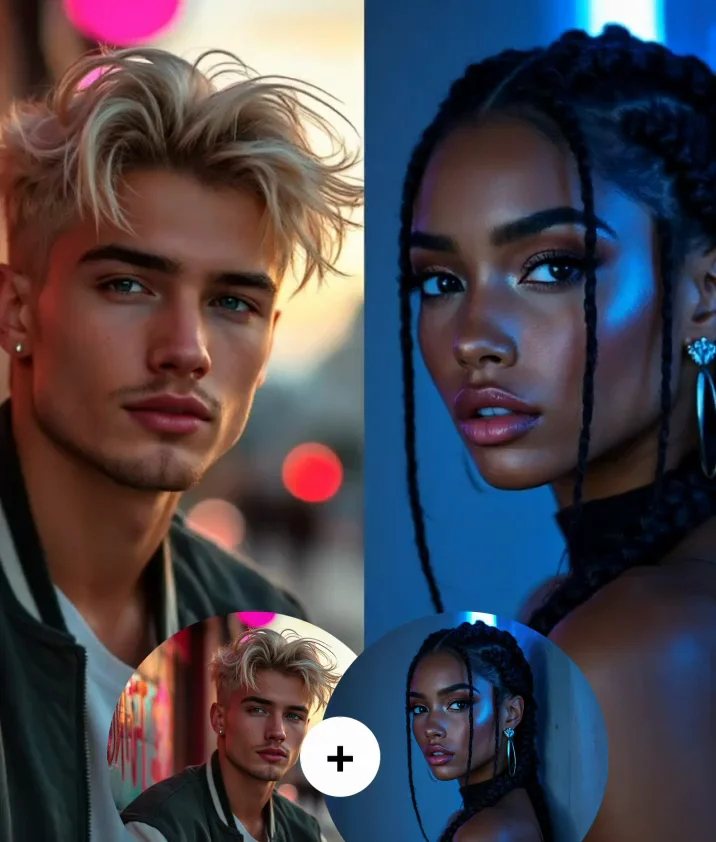
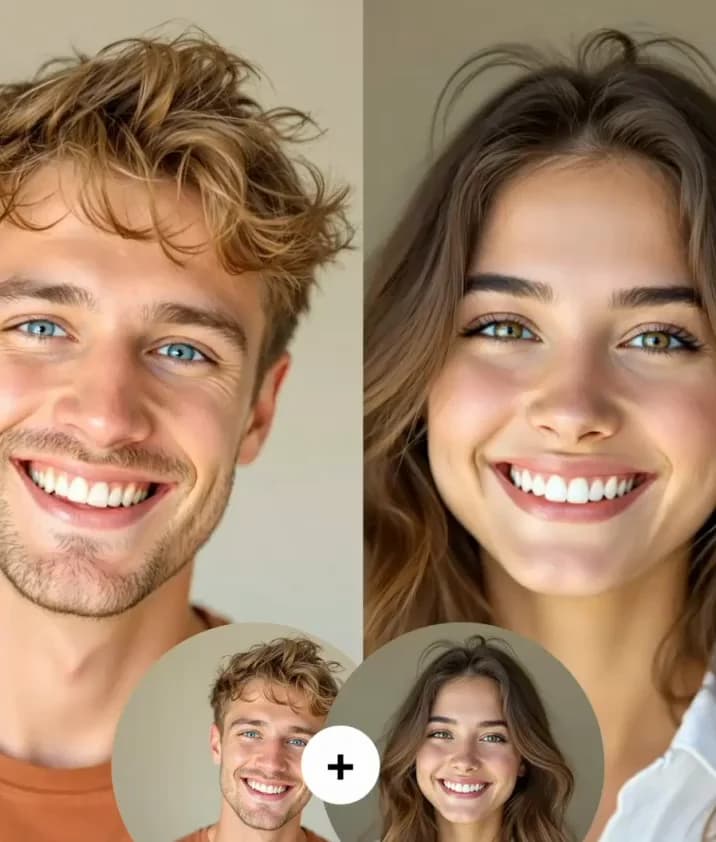
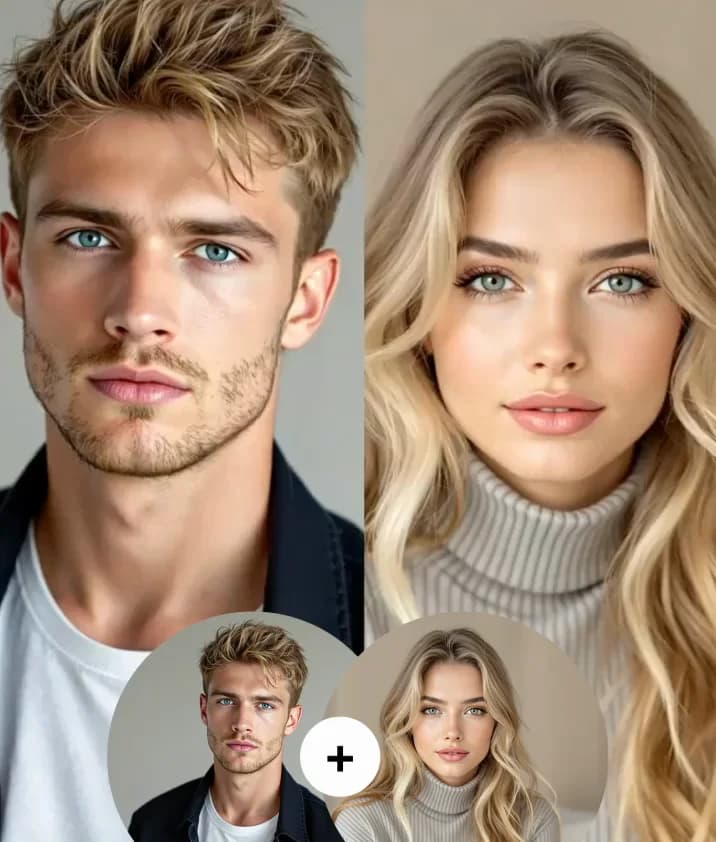
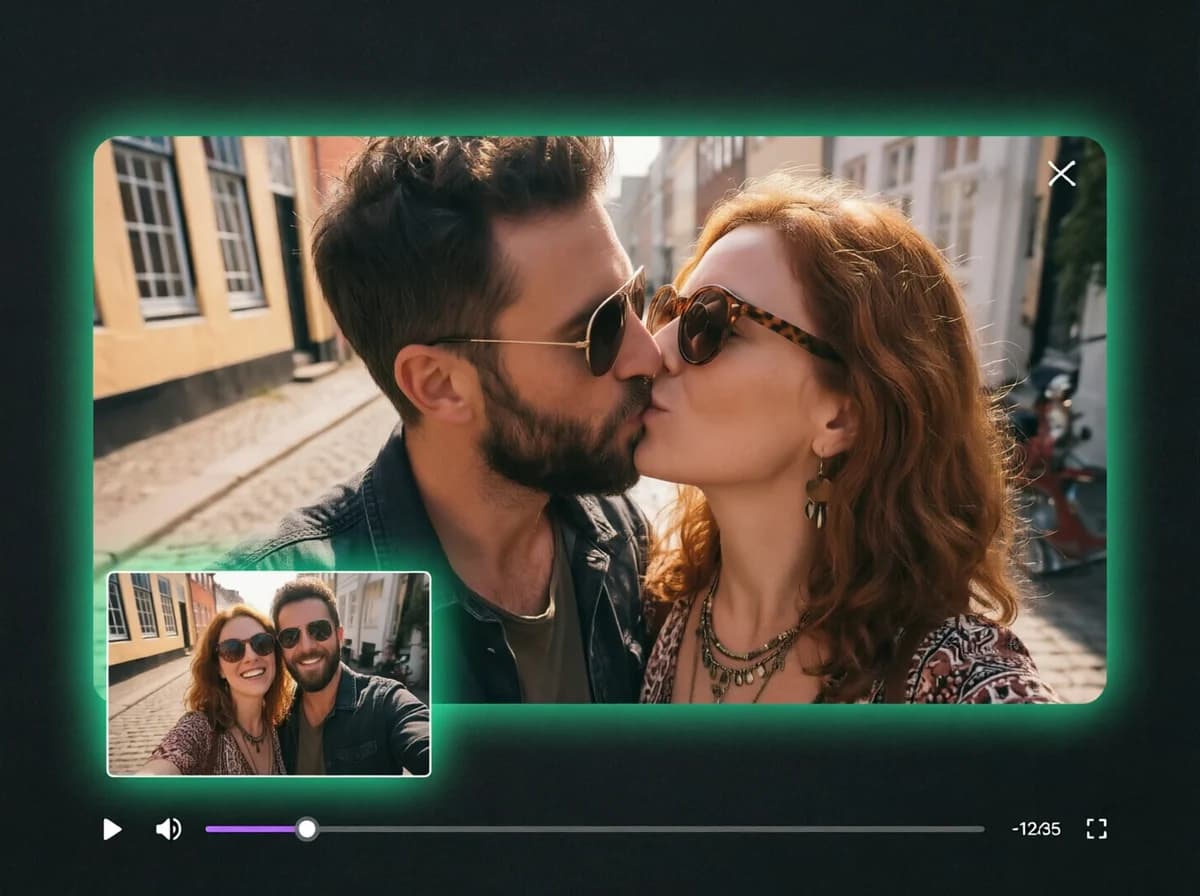
Make Two Photos Kiss with AI
Upload two consented photos and generate a realistic AI kissing video online. Works with portraits, characters, and fan art, with watermark-free MP4 output.
Click to upload or drag and drop
PNG, JPG, WebP (Max 10MB)
Click to upload or drag and drop
PNG, JPG, WebP (Max 10MB)
Create a Kissing Video in 3 Steps
From two photos to a shareable kiss video — no editing experience required.
Upload the First Photo
Click or drag and drop the first person's photo into the left upload slot. Use a clear, well-lit image that shows the face and upper body. Front-facing portraits work best. PNG, JPG, and WebP up to 10 MB are supported.
Upload the Second Photo
Add the second photo to the right upload slot — a partner, friend, favorite character, or another consented subject. The same image quality guidelines apply: clear face, good lighting, forward-facing preferred.
Generate and Download
Hit Generate and let the AI create the kissing animation. Preview the result after processing, then download your watermark-free video when it is ready to post.
Why Use iMideo AI Kissing Generator
Fast Results
Generate kissing animations in a browser workflow, with processing time depending on image detail, server load, and queue conditions.
Two-Photo Input
Upload one photo per person. The AI handles the rest — no manual compositing or alignment required on your end.
Watermark-Free Export
Download clean video files with no iMideo branding. The output is yours to post anywhere you like.
100% Browser-Based
No app to install, no plugin needed. The entire process runs directly in your browser on desktop and mobile.
Private by Design
Your uploaded photos are processed for the animation and handled according to the product retention policy. They are not used for AI model training.
Credits to Get Started
New users receive free credits when they sign up, so you can try the kissing generator right away. More credits are available on the pricing page.
What Our Users Say
Chloe Martinez
Content Creator
I tried this with a photo of myself and a celebrity crush. The result was surprisingly smooth — not creepy, just funny. Posted it and had people asking how I made it.
Kevin Liu
Couples Photographer
Used it to create a fun preview clip from a couple's portrait shoot. The animation quality was good enough to share as a teaser, and no editing was needed afterward.
Priya Nair
Anime Fan
Made a kissing video with two of my favorite anime characters using fanart. The AI worked with illustrated images better than I expected. My Discord server went wild for it.
Tom Bergmann
Meme Creator
Uploaded two very different images just to see what would happen. Results were genuinely funny, and the download had no watermark. It worked well for the meme I had in mind.
Aisha Johnson
Social Media Manager
We created a Valentine's Day campaign clip using this. Dropped two product mascots in and the kissing animation came out clean and shareable. The watermark-free download went straight into our content queue.
Ryo Tanaka
Cosplay Photographer
Tested it on cosplay portraits of two characters from the same series. Full-body shots worked better than close-ups, but even mid-length portraits produced something entertaining enough to post.
Turn Two Photos Into a Kiss Video
Upload two photos and generate a realistic kissing animation after processing — watermark-free and ready to share.