
AI Breast Expansion — Choose Your Cup Size
Upload a clothed photo, pick a cup size from C to G, and preview an outfit-aware body proportion adjustment.
Click to upload image
PNG, JPG, WebP · Max 10MB
What Is AI Breast Expansion?
AI Breast Expansion is an online photo editor that adjusts breast size in clothed photos. Upload a photo, choose a target cup size — C, D, DD, E, F, or G — and the AI reshapes the chest area while preserving the outfit and surrounding image context where possible. This is not a basic warp or stretch filter. The AI uses fabric, lighting, and body-shape context so clothing folds, garment seams, and surrounding skin tone can adjust to the new proportion instead of only changing the outline.
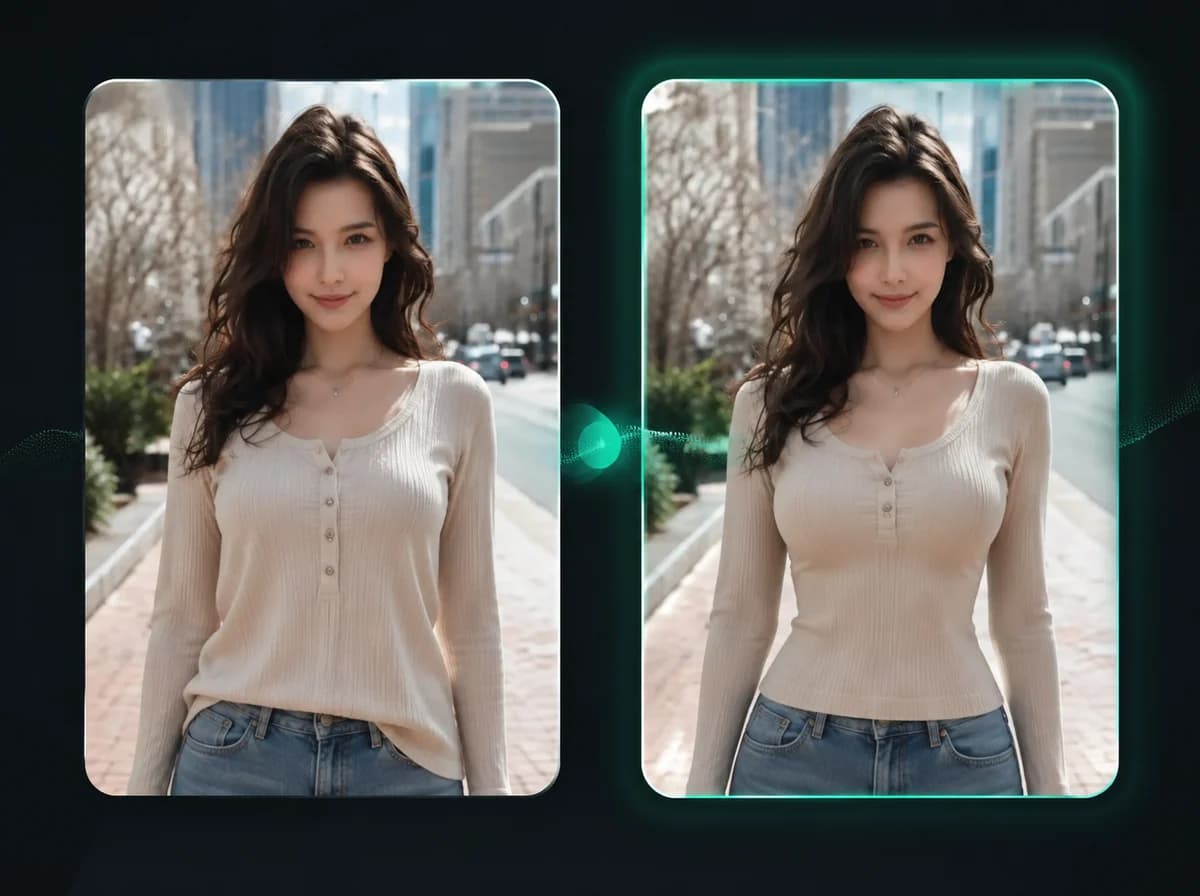
How to Use AI Breast Expansion in 3 Steps
Upload one clothed photo, choose a cup size, then download
Upload Your Photo
Upload a clothed photo of the person you want to edit. A front-facing or slightly angled shot with the full torso visible works best. Supported formats: PNG, JPG, WebP up to 10MB.
Select a Cup Size
Choose your target cup size from C to G. The AI adjusts the chest area to match the selected size — fabric and clothing details update automatically, no manual masking or selection required.
Download the Result
Review the edited photo after processing, then download the result with no watermark.
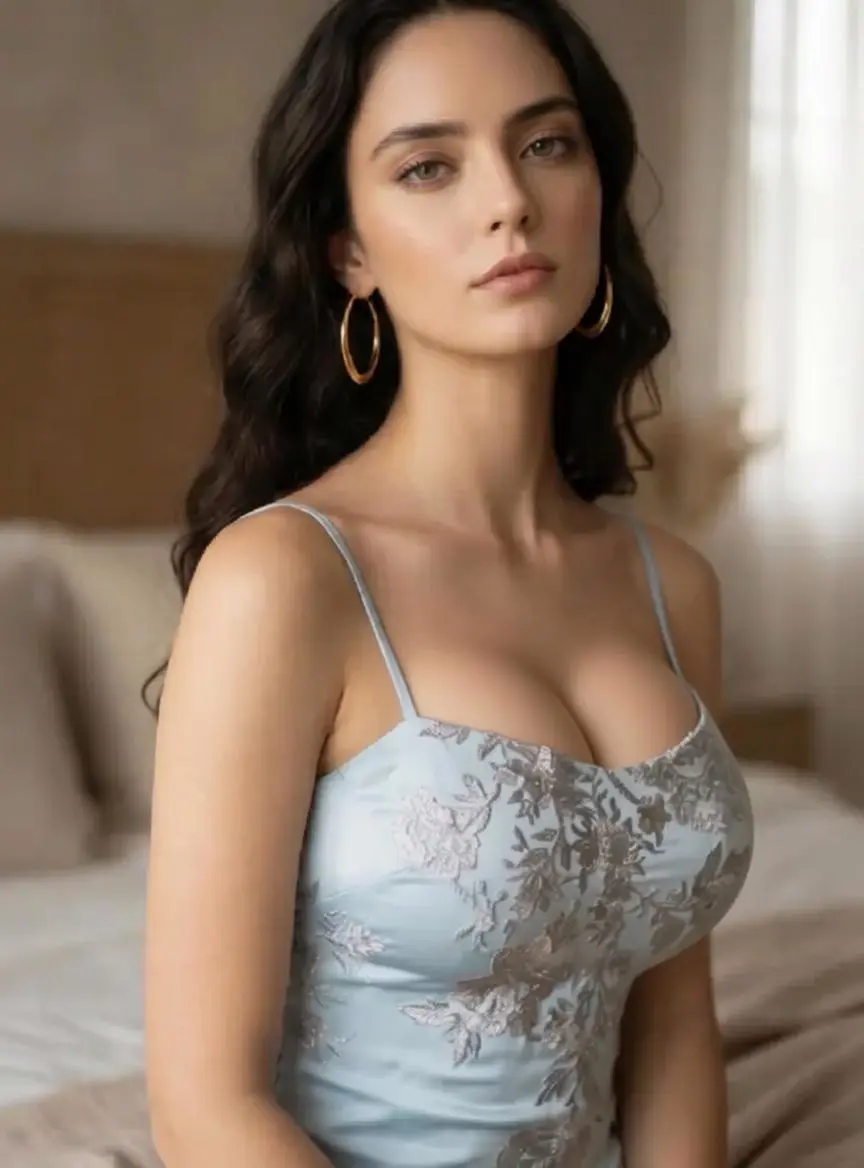
Six Cup Sizes, One Click
Instead of a generic slider, this tool gives you six cup size options: C, D, DD, E, F, and G. Select a target size, upload your photo, and the AI applies the change based on the selected size and the source image. This makes the workflow easier to repeat than a random filter pass.
Clothing Stays Recognizable
The AI focuses on the chest area. Your outfit — a fitted top, a dress, a jacket, a button-down — drapes over the adjusted shape based on the source photo. Garment patterns, colors, and textures are preserved where image quality and clothing visibility support it.
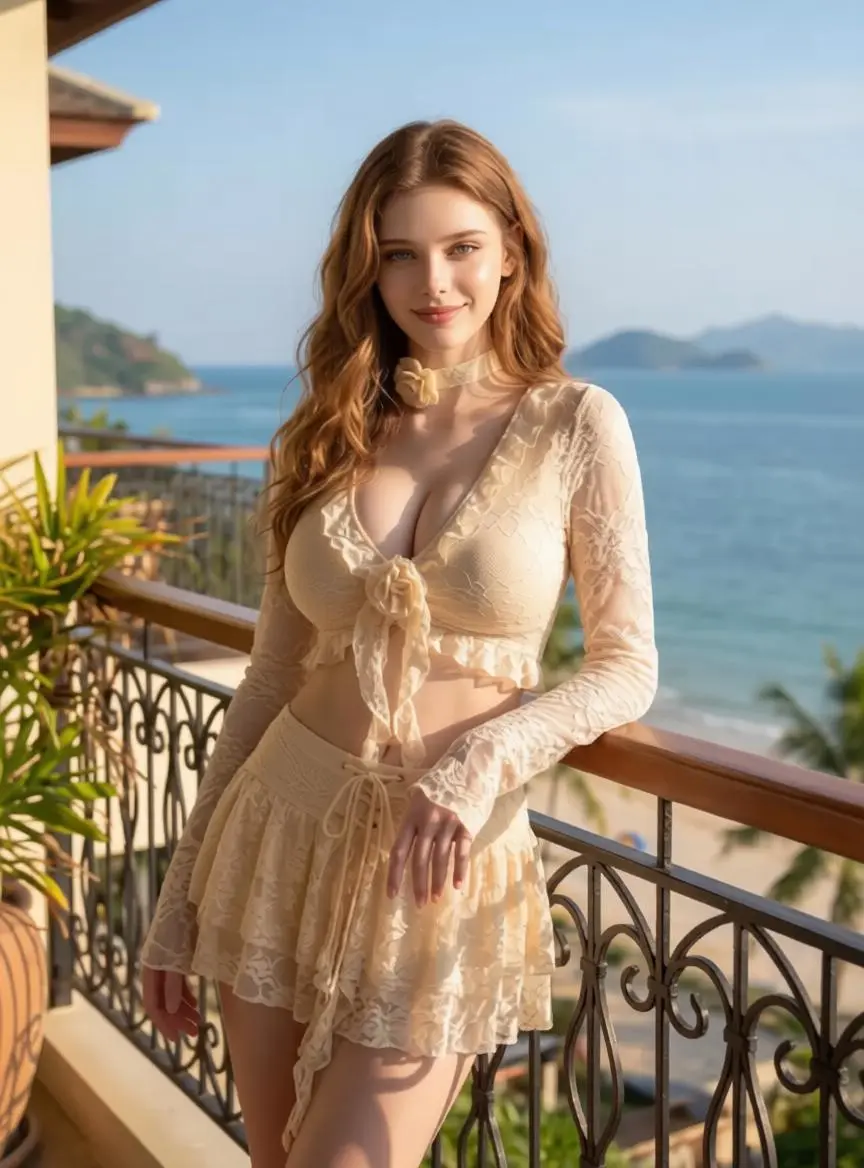
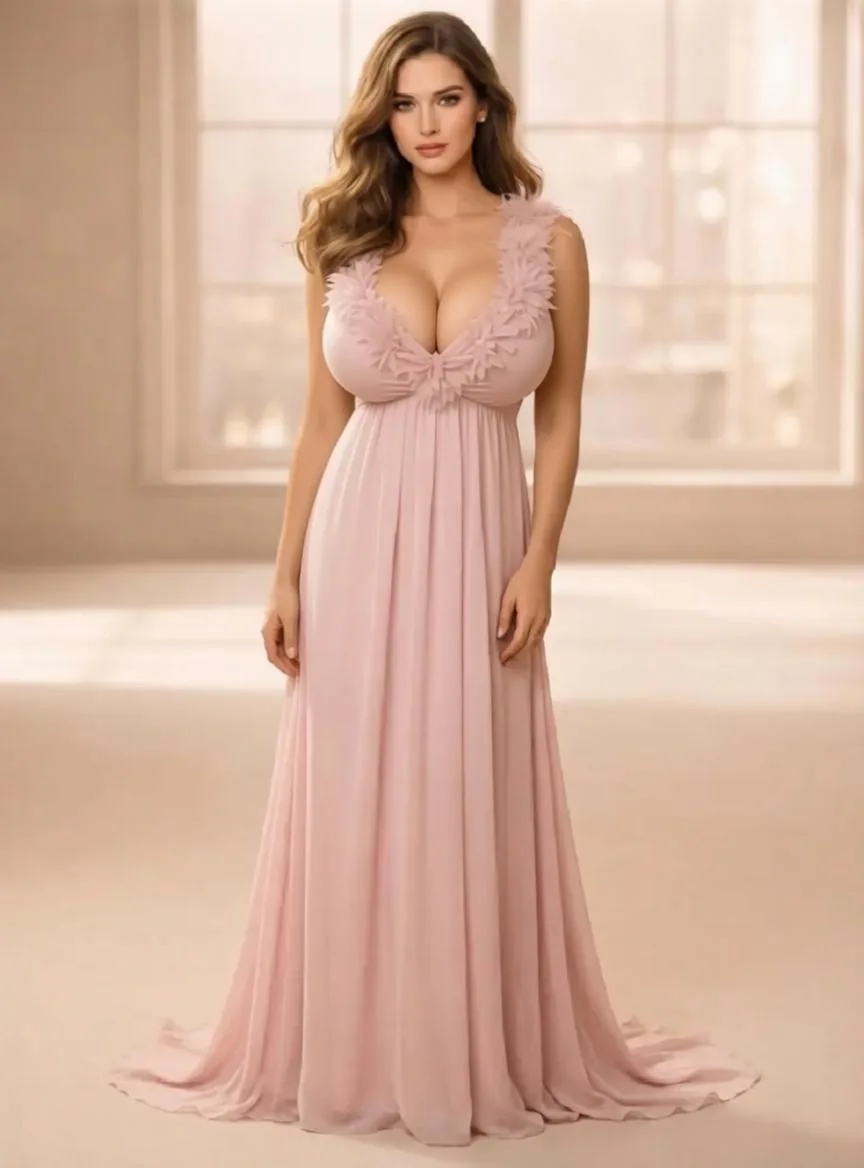
Coherent Proportions, Not a Warped Filter
Most body editing tools just stretch the area you're targeting, leaving obvious seam lines and lighting mismatches. This tool adjusts shadows, highlights, and surrounding fabric folds so the edited area can read as part of the same photo when the source image is clear.
Works for Fashion Previews and Commercial Content
E-commerce brands, stylists, and content creators use this tool to preview how clothing may look across different body proportions before booking new model shots or re-shooting. Generate product page drafts, campaign mockups, or styling previews from clothed source photos.
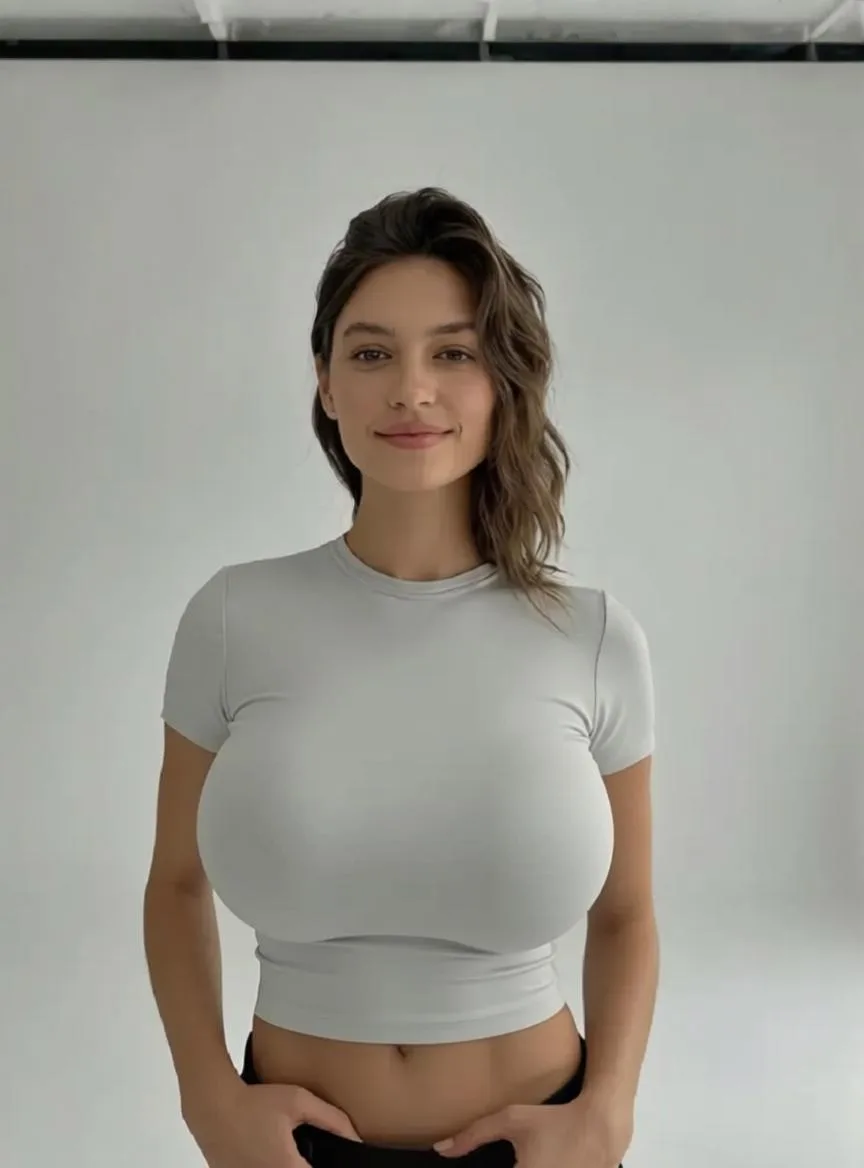
Why Choose iMideo AI Breast Expansion
Specific Cup Size Control
Choose your target option — C, D, DD, E, F, or G. Not a vague slider, but a specific size setting you can select and repeat.
Outfit Preserved
Clothing drapes naturally over the adjusted shape. Colors, patterns, and garment structure are preserved from the original where possible.
Fast Online Editing
Upload, select your size, and download the result after processing completes.
Lighting and Shadows
Shadows and highlights adjust to match the new shape and your photo's original lighting, with cleaner results on clear, well-lit source images.
Clothed-Only Editing
Built for clothed photos only — portraits, fashion previews, creative projects. Not for explicit content.
Pay Per Use
No subscription. Buy only what you need from your account dashboard.
What Our Users Say
Ashley R.
Fashion Content Creator
I test outfit ideas constantly and this helps me review proportion options before re-shooting. I can see how a top might look with different proportions before committing. The clothing preservation is what makes it useful.
Marcus D.
E-commerce Brand Manager
We sell women's swimwear and needed to explore products across a range of body proportions. This let us generate visual variations from a single product photo before deciding which model shots to produce.
Sophie K.
Graphic Designer
Needed to mock up character concepts with different body proportions quickly. This gives me a fast visual draft, and the fabric wrap is useful enough to guide the next manual pass.
Nadia V.
Portrait Photographer
I use this to show clients how retouching changes the balance of a portrait before we do any real work. Having a coherent preview makes client conversations much easier.
Jason L.
Art Director
The cup size options are specific enough to be useful. I can target a particular look rather than just dragging a generic slider and hoping the result is close.
Brianna T.
Influencer Stylist
Clients send me photos asking how an outfit would look with different proportions. This gives me a visual answer instead of only a verbal description, which helps them choose a direction.
Chen W.
Character Artist
I work on character design and frequently need reference images with specific body shapes. Generating a range of proportions from the same base photo — with clothing adjusted around the edit — gives me useful concept references.
Ingrid P.
Fashion Brand Founder
We produce a lot of content and varied body type representation via photoshoots adds up fast. Using this for lifestyle-shot drafts helps us decide which variations deserve a real shoot.
Frequently Asked Questions
1What is AI Breast Expansion?
AI Breast Expansion is a clothed-photo editing tool that adjusts breast size based on a target cup size. Upload a photo, choose C, D, DD, E, F, or G, and the AI reshapes the chest area while preserving surrounding clothing, lighting, and background as much as the source photo allows.
2Which cup sizes can I choose from?
The tool offers six target sizes: C, D, DD, E, F, and G. You pick the size before generating. The AI applies the change to match the selected size as closely as possible given the input photo.
3Will my outfit or clothing change?
The AI focuses on the chest area. Your clothing — including patterns, colors, fabric textures, and garment structure — is preserved where the source image supports it, though tight patterns or complex folds can change around the edited area.
4What clothing works best?
It works on many clothed photos, including tops, dresses, jackets, and fitted garments. Photos with the torso clearly visible and the chest area unobscured produce the most accurate results.
5What photo formats and sizes are supported?
The tool accepts PNG, JPG, and WebP files up to 10MB. Front-facing or slightly angled photos with good lighting and a clearly visible torso produce the best output quality.
6How long does a transformation take?
Processing time depends on image resolution, server load, and queue conditions. You will see progress while the AI generates the edited photo.
7How much does it cost?
There is no monthly subscription — you buy credits and spend them when you need them. See our pricing page for current credit bundle rates.
8Are my photos stored or used for training?
No. Your photos are used only to generate your result. They are not stored long-term, not used to train AI models, and not shared with third parties.
9What photos give the most accurate results?
Front-facing or near-front-facing photos with good lighting, a clearly visible torso, and the chest area unobstructed work best. Avoid photos where the chest is heavily cropped, obscured, or shot at extreme angles.
10Can I use results for commercial purposes?
Yes, generated images can be used for fashion previews, product visuals, character mockups, and other commercial creative work when you have rights to the source photo and comply with iMideo terms. For adjacent workflows, see AI Body Swap or AI Virtual Try-On.
Other Image Effects
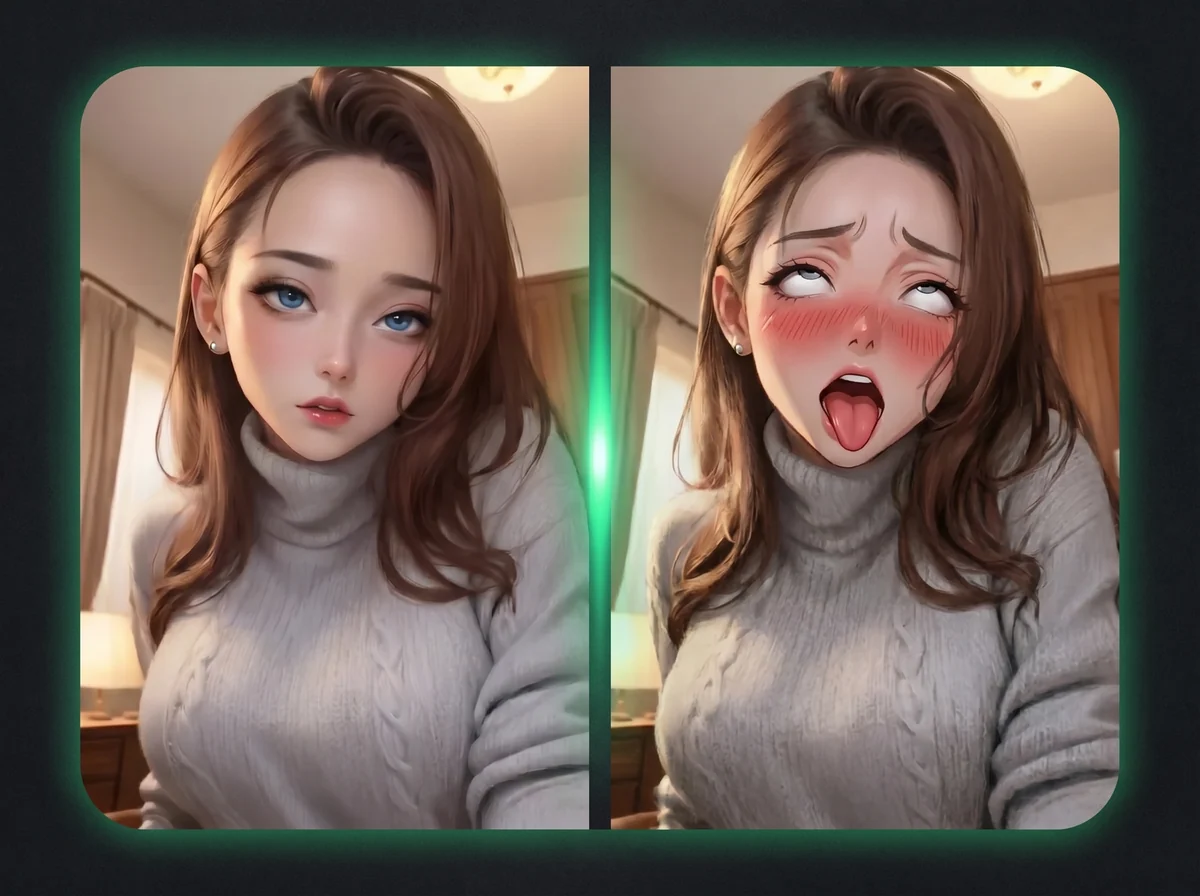
AI Ahegao Generator
Turn any portrait into an anime-style ahegao reaction face — tongue out, eyes rolled up.
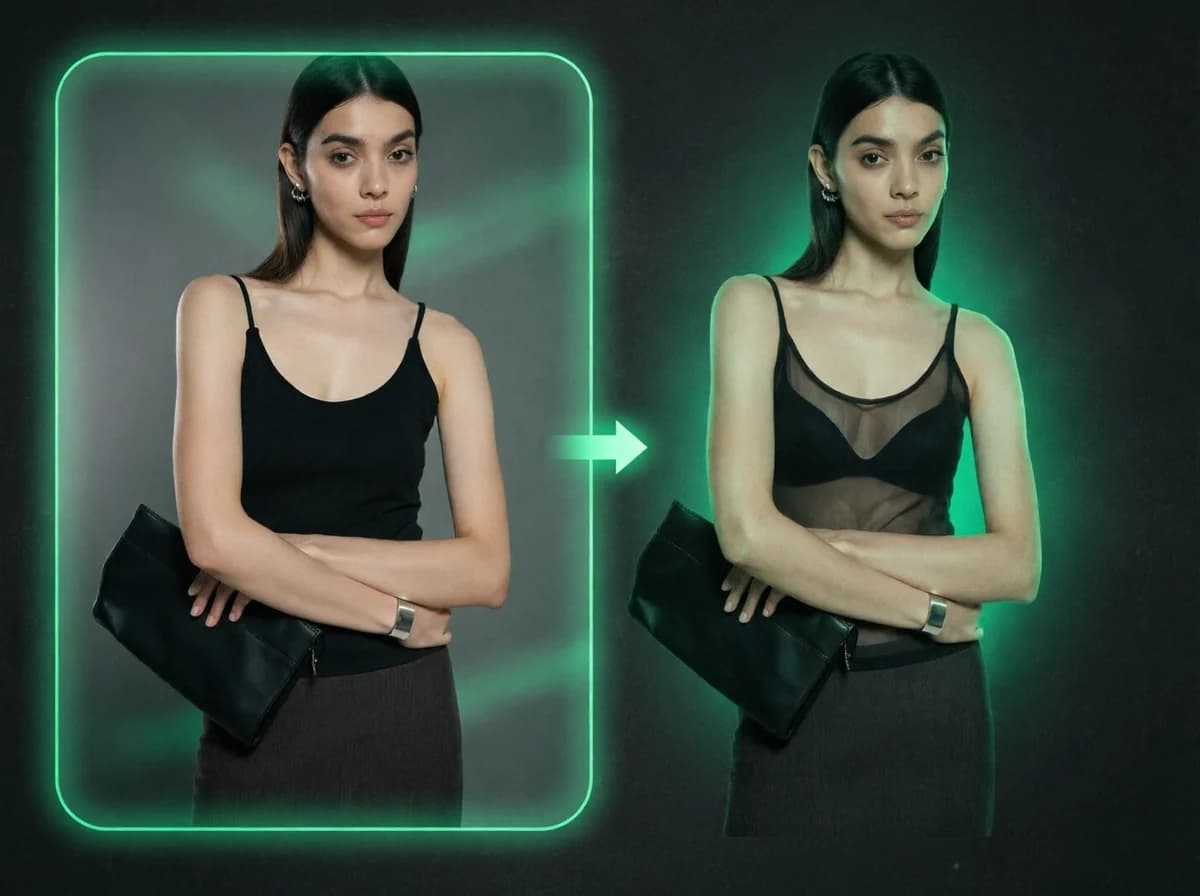
AI X-Ray Clothes
Redraw the upper-body fabric of any portrait as chiffon-thin or see-through. No prompt typing, no manual masking. Face and pose stay put.

AI Bikini Generator
Turn any photo into a stunning bikini showcase video with AI.
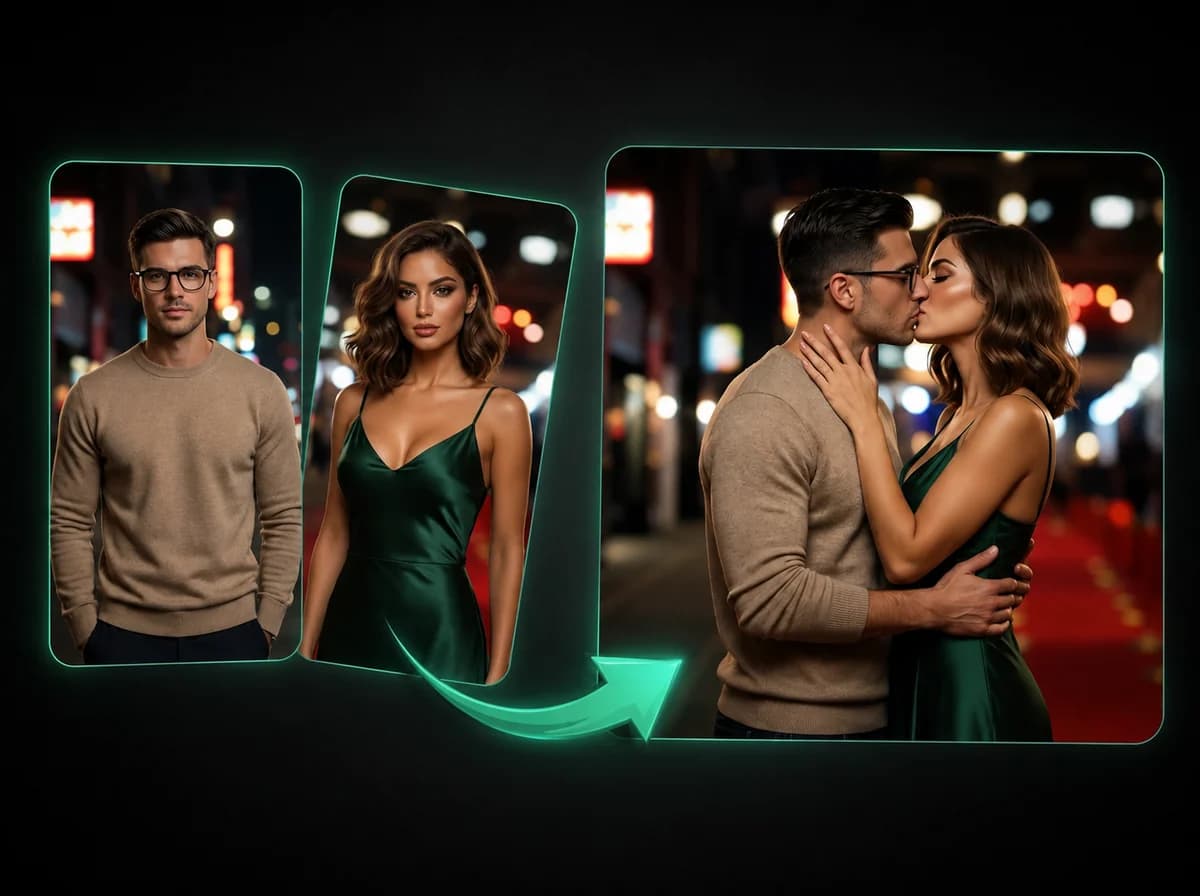
AI Kissing Video Generator
Turn two photos into a realistic kissing scene with AI.
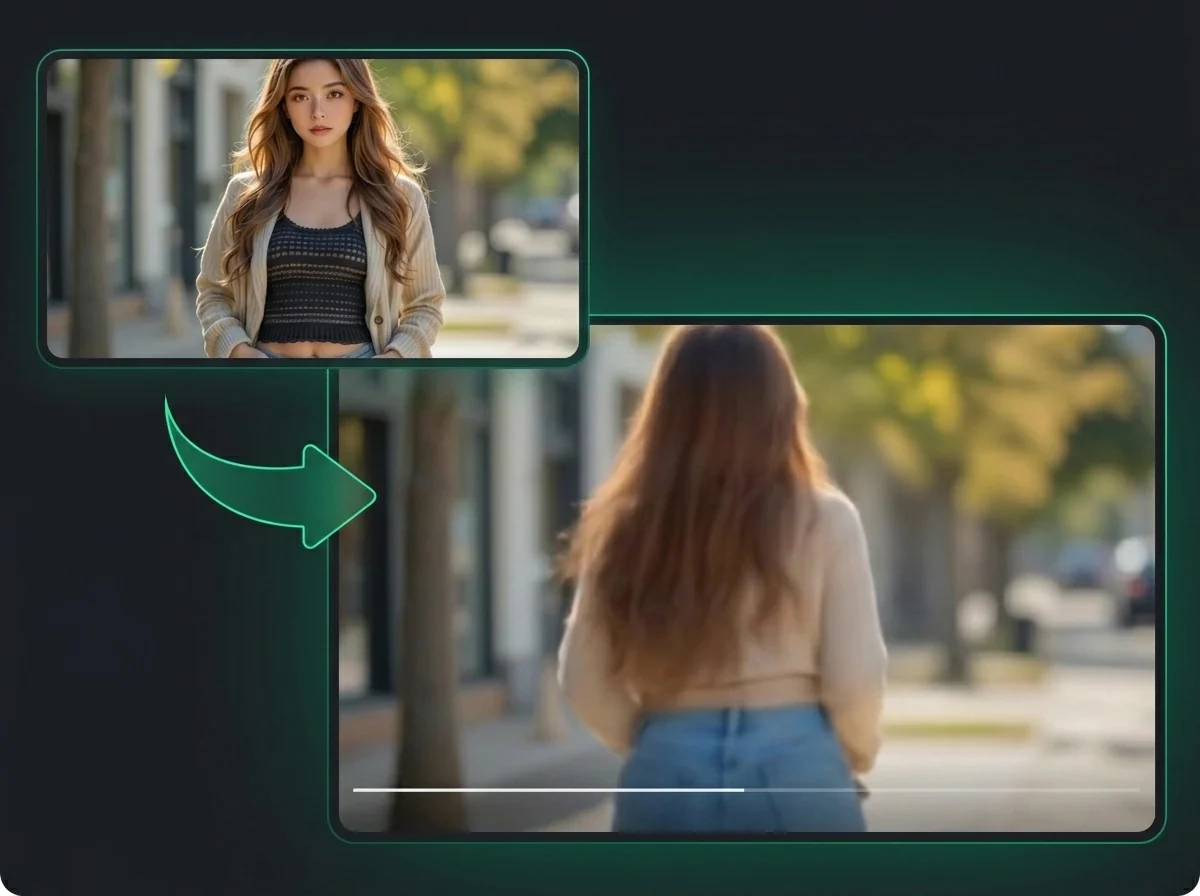
AI Twerk Generator
Animate any photo into a realistic twerking dance video with AI.
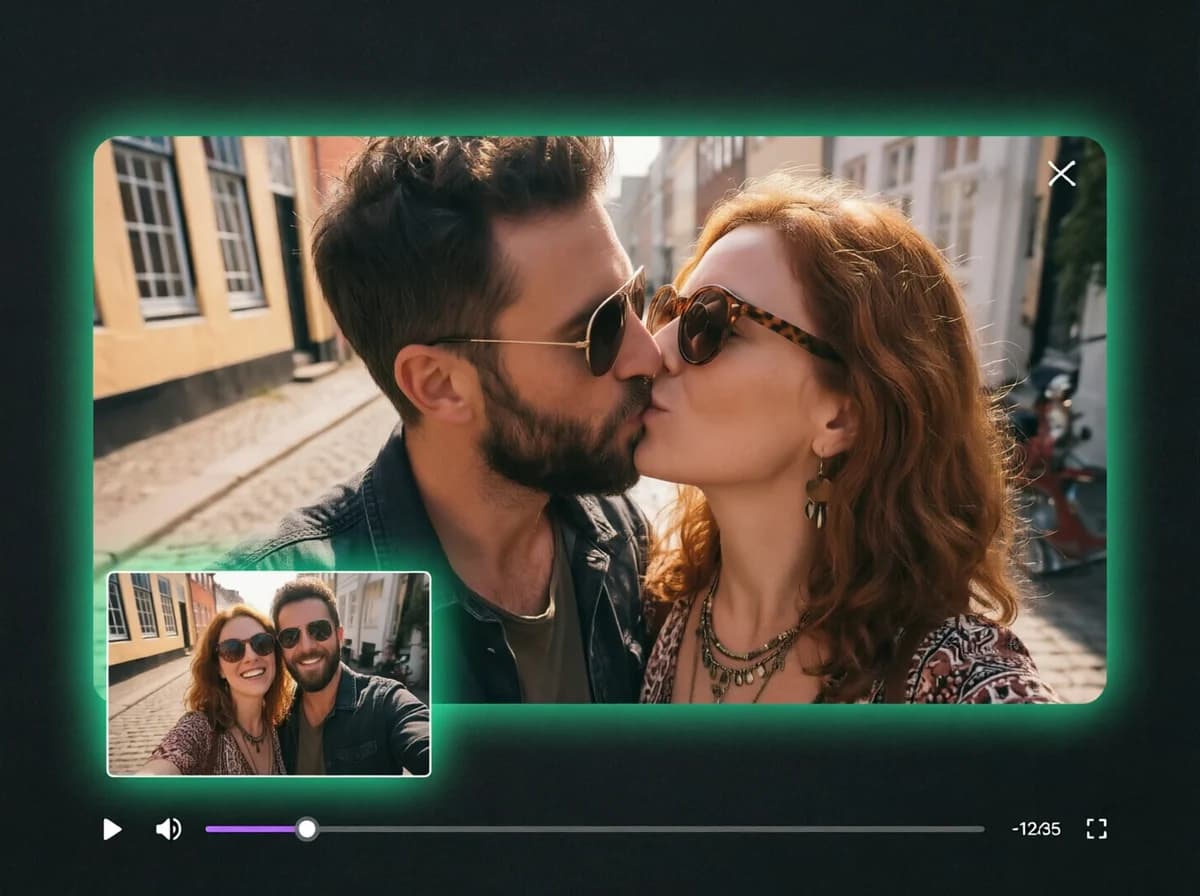
AI French Kiss Generator
Animate any photo into a realistic french kiss video with AI.
Ready to Try AI Breast Expansion?
Upload one clothed photo, pick a cup size, and preview the result with no subscription and no watermark.