AI Pose Generator — Change Model Poses Without a Reshoot
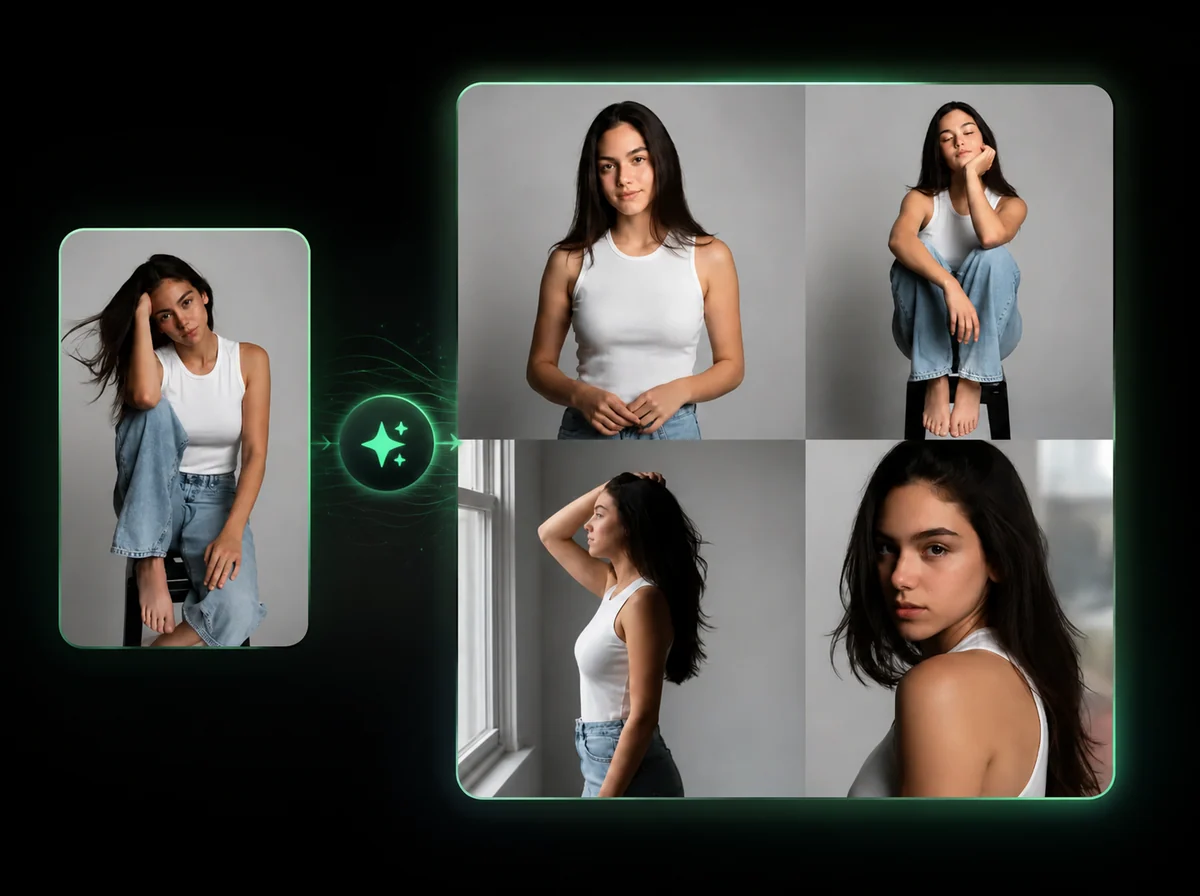
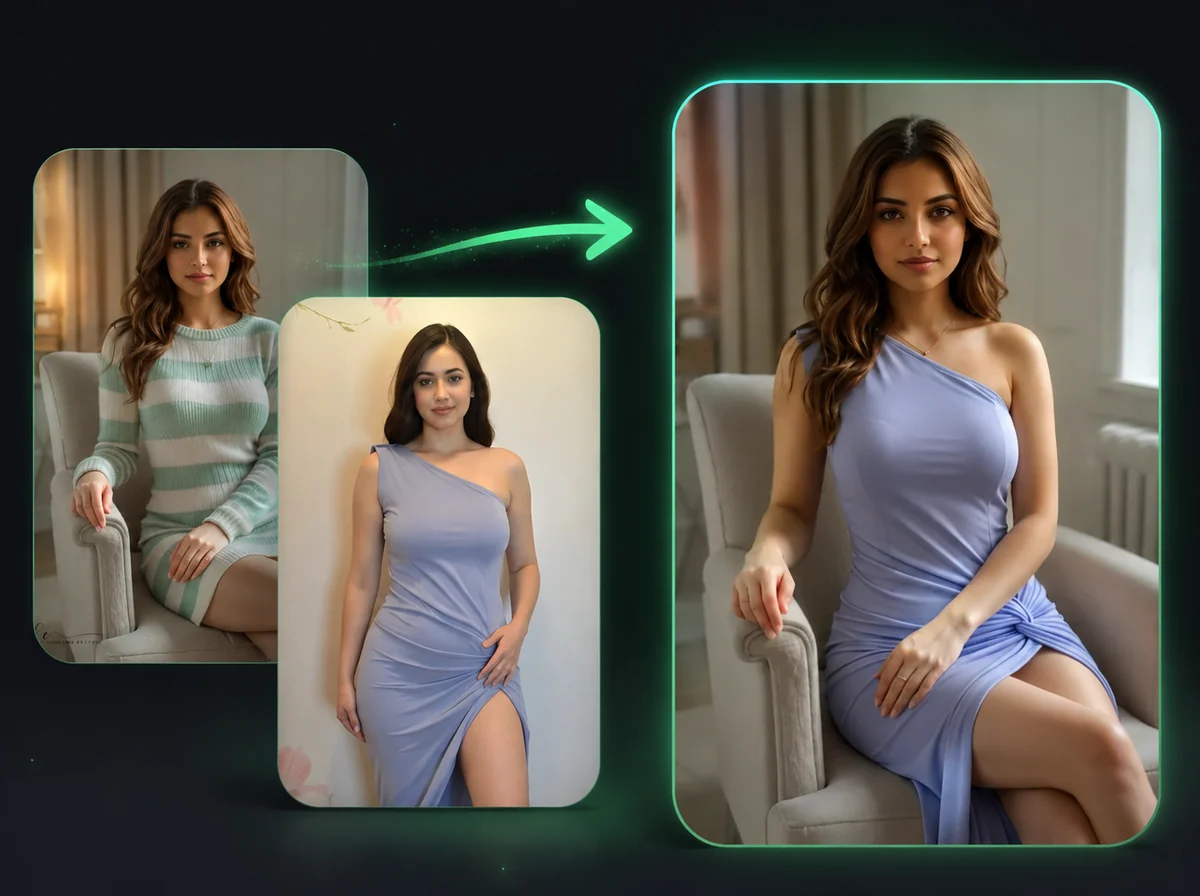
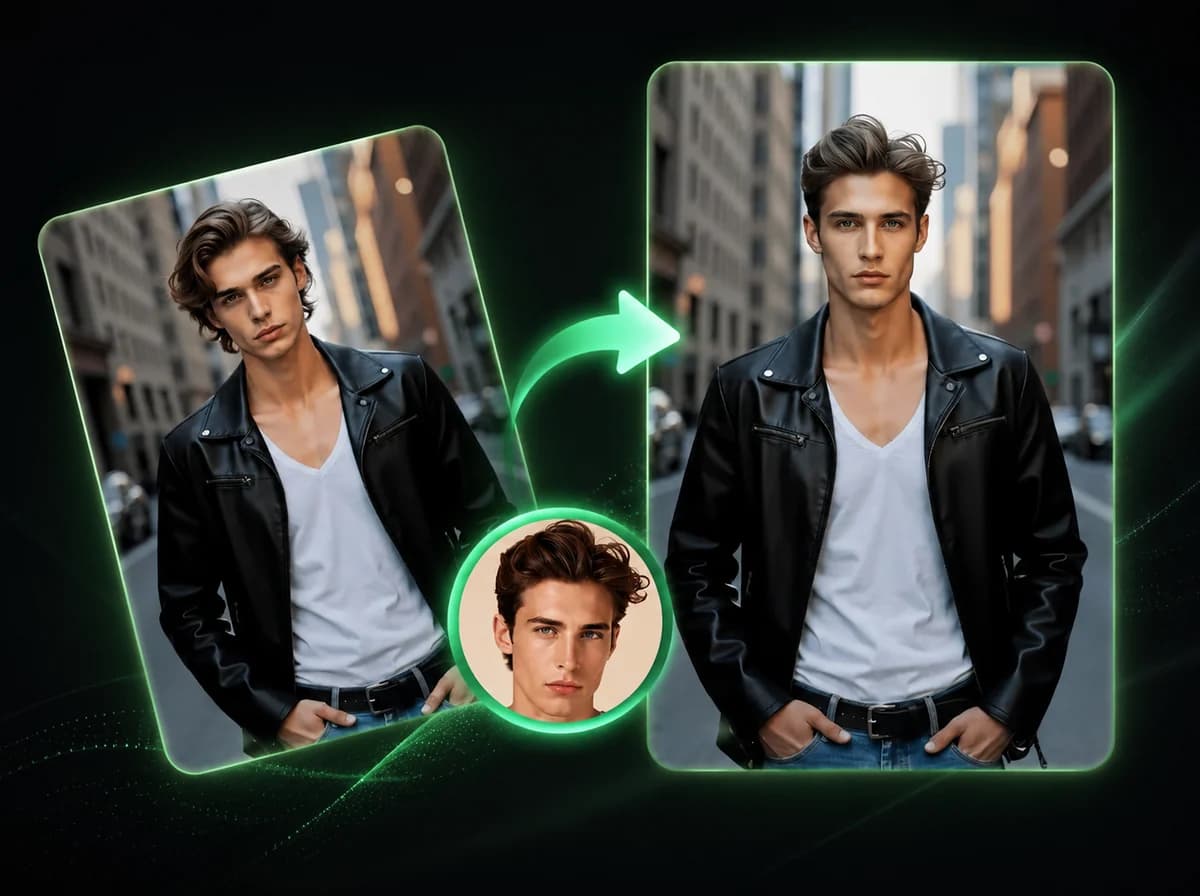
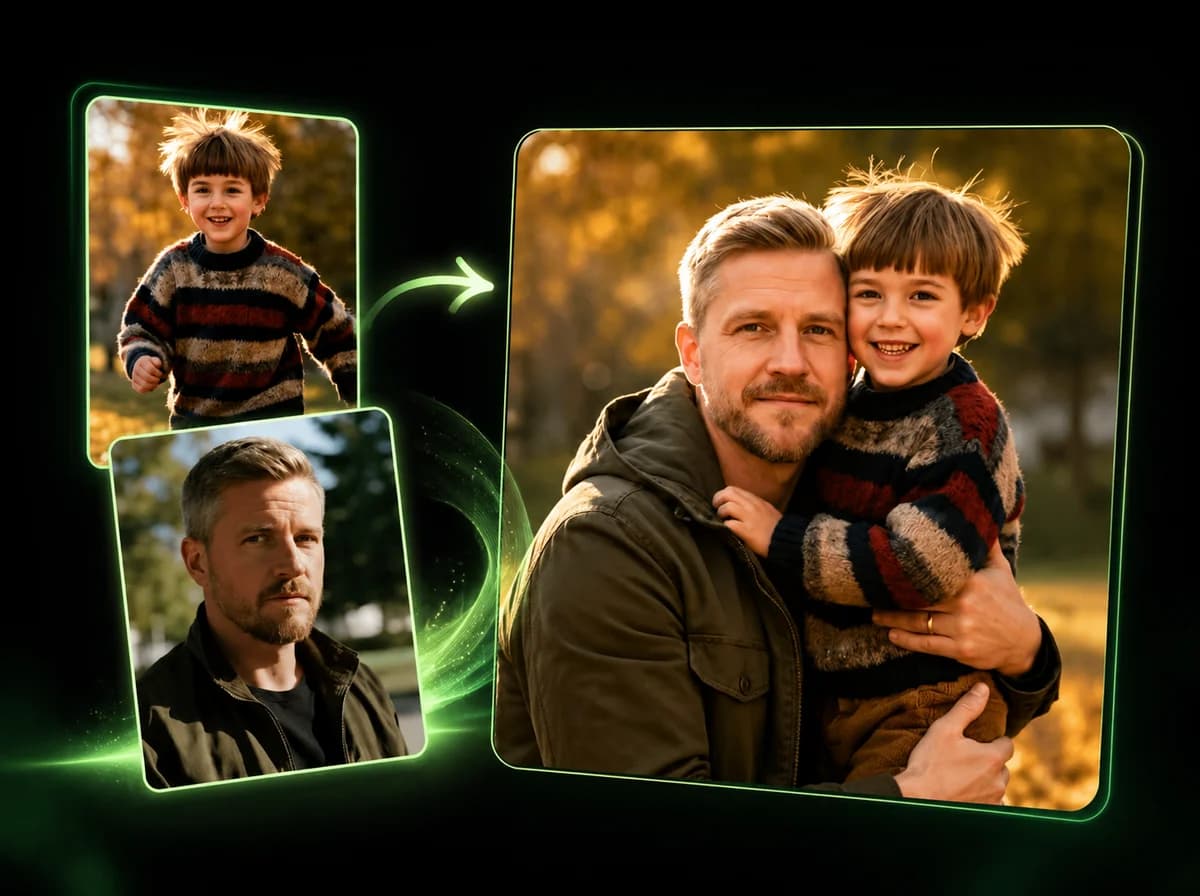
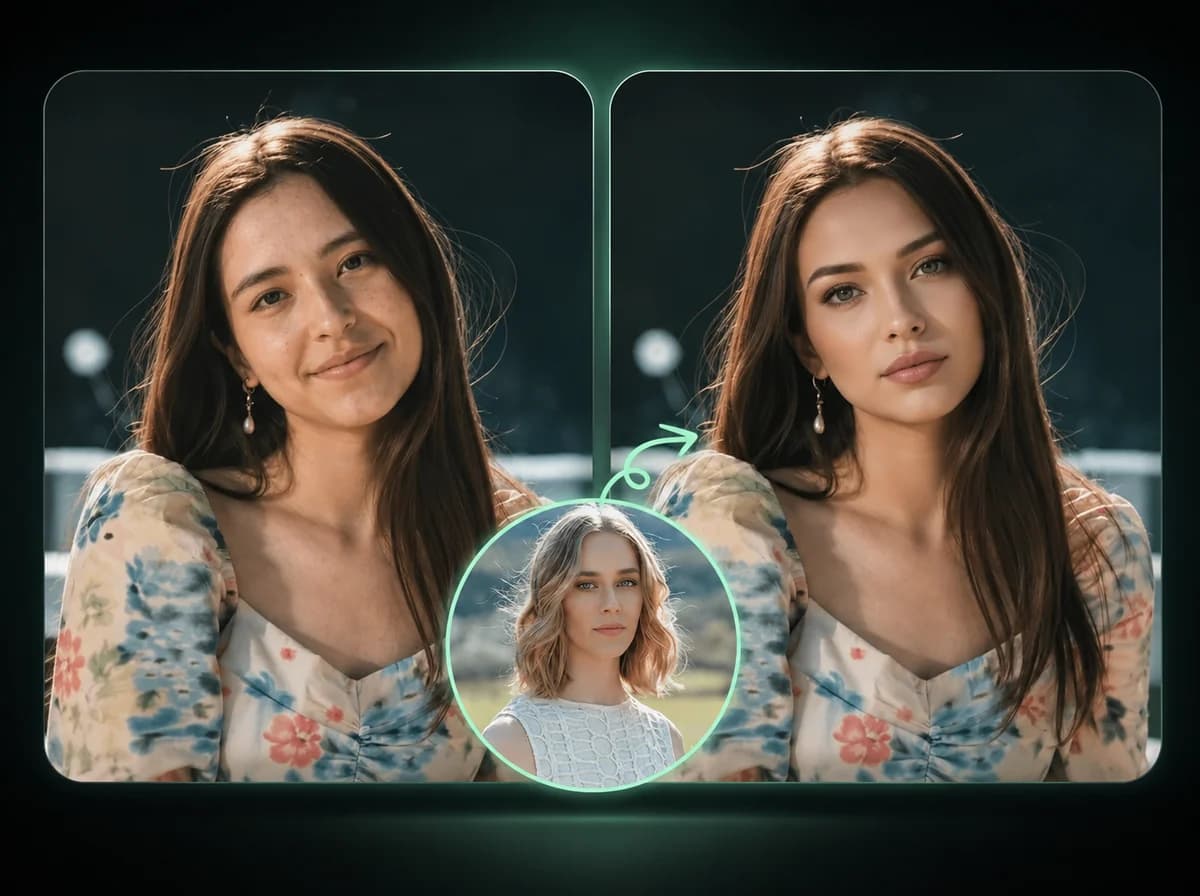
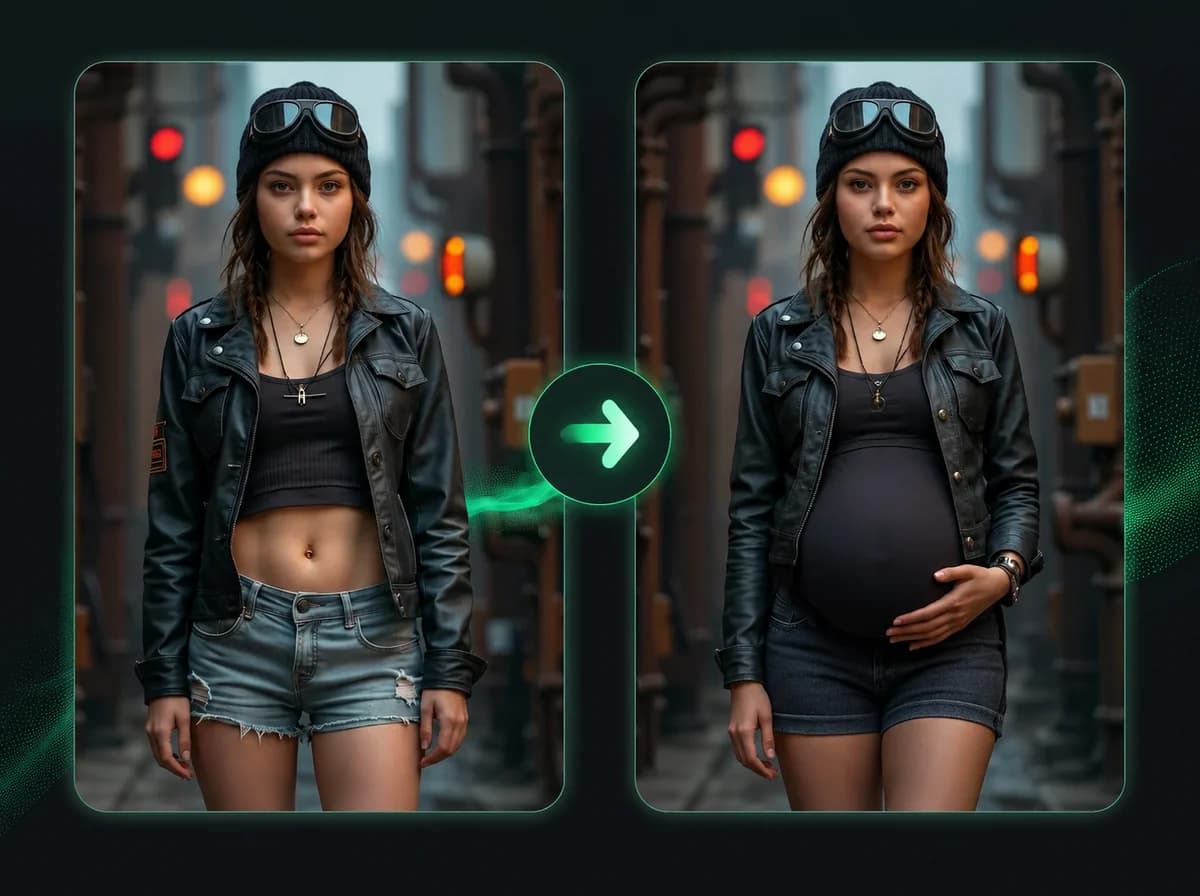
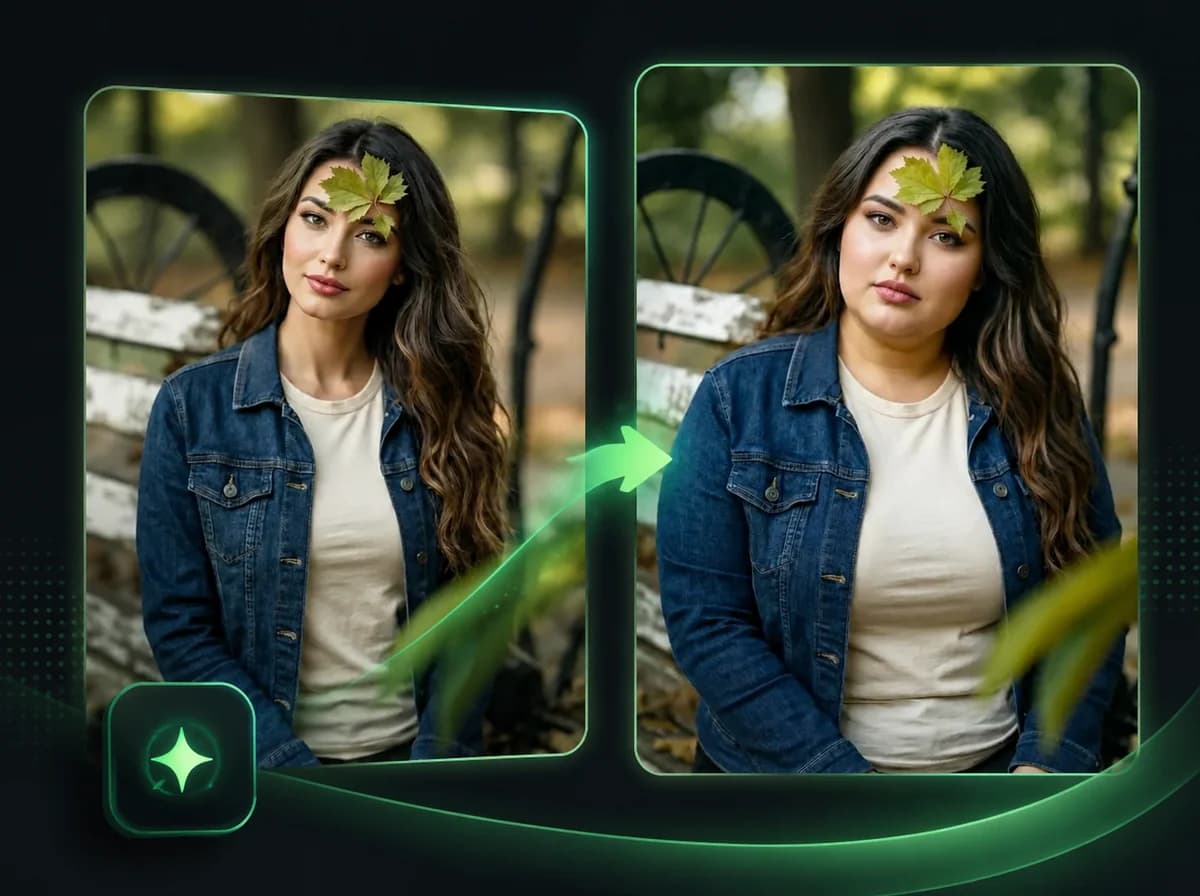
Upload one model photo and get a new pose. Outfit, product, and background stay recognizable — describe the pose in plain English or pick a preset.
Upload
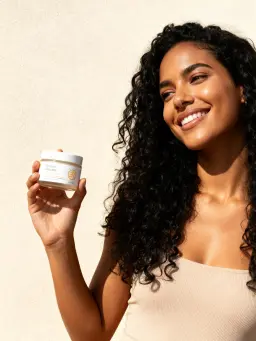
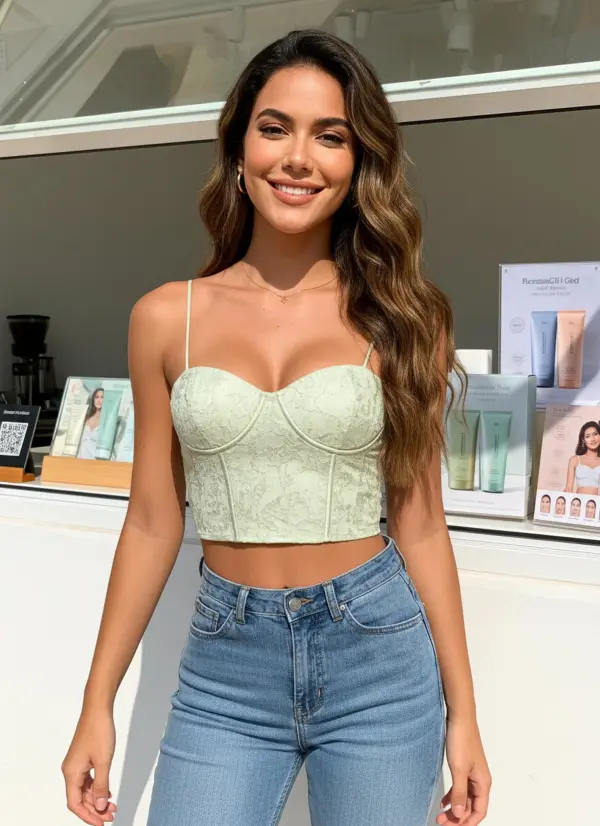
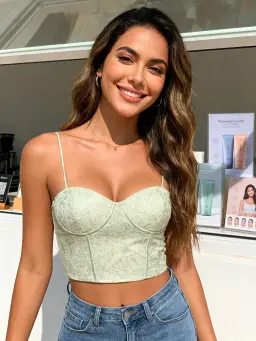
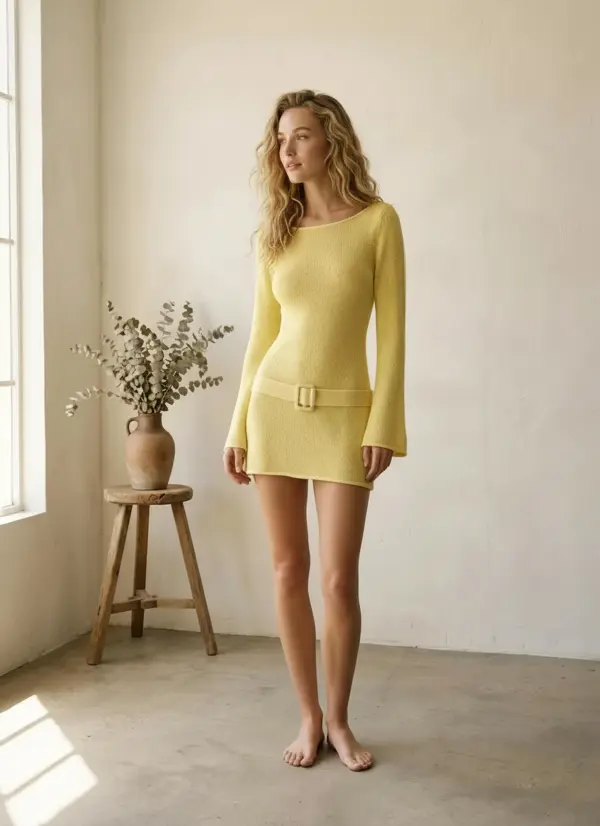
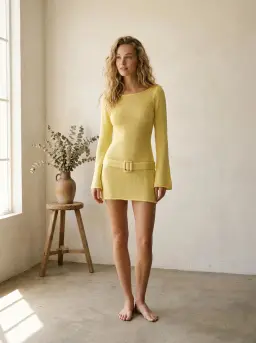
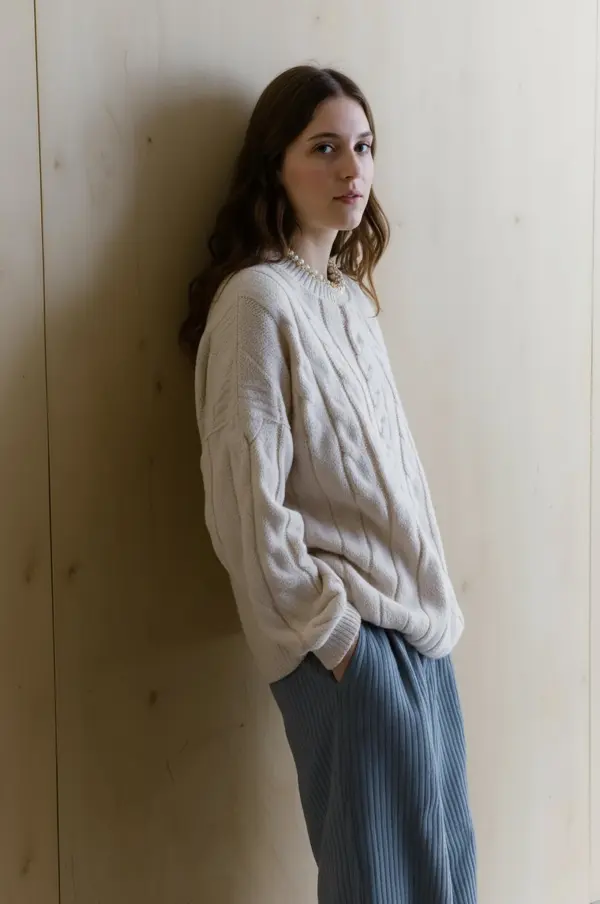
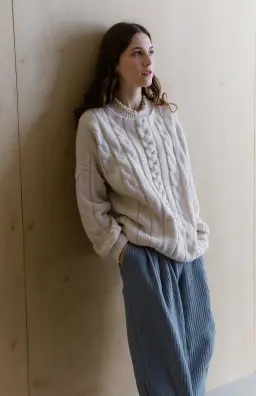
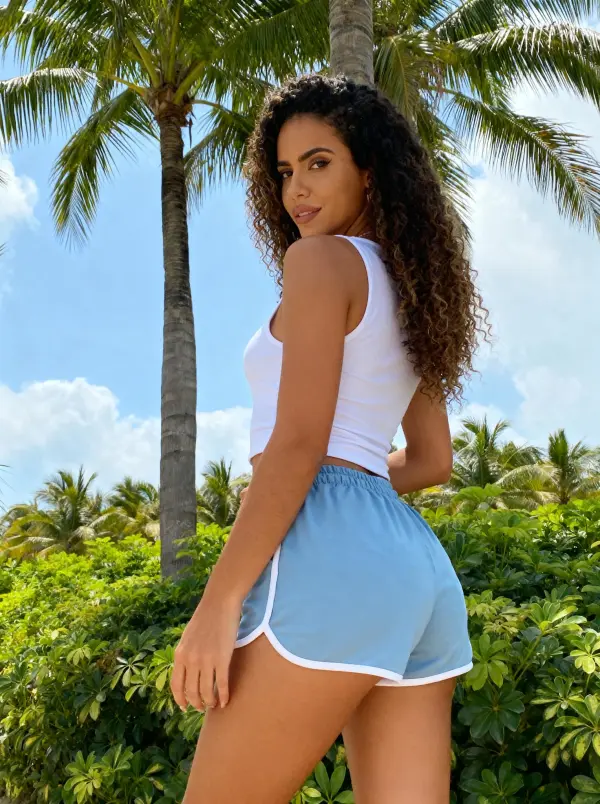
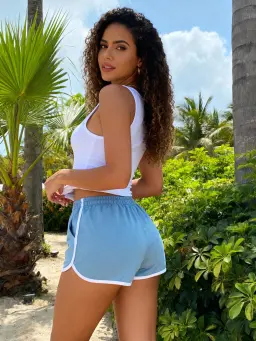
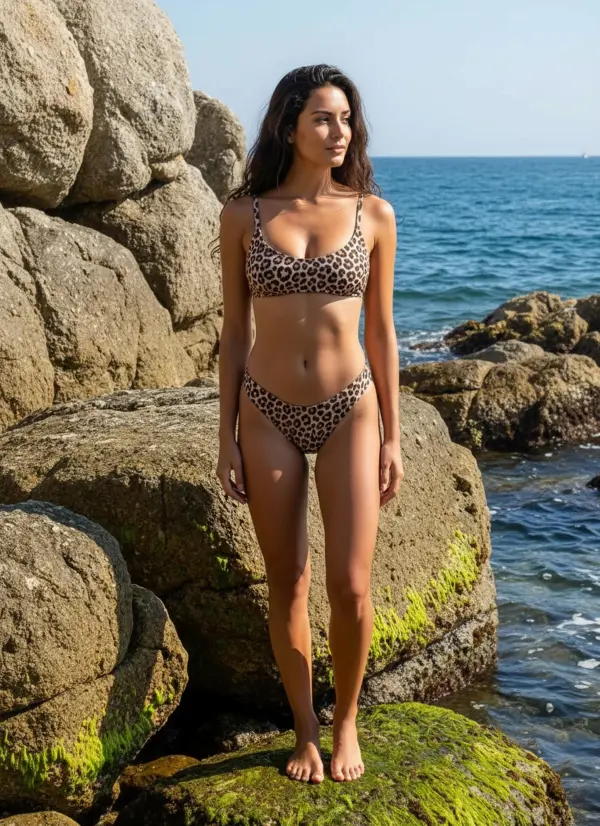
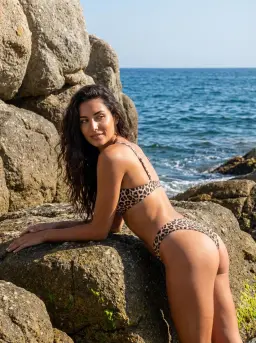
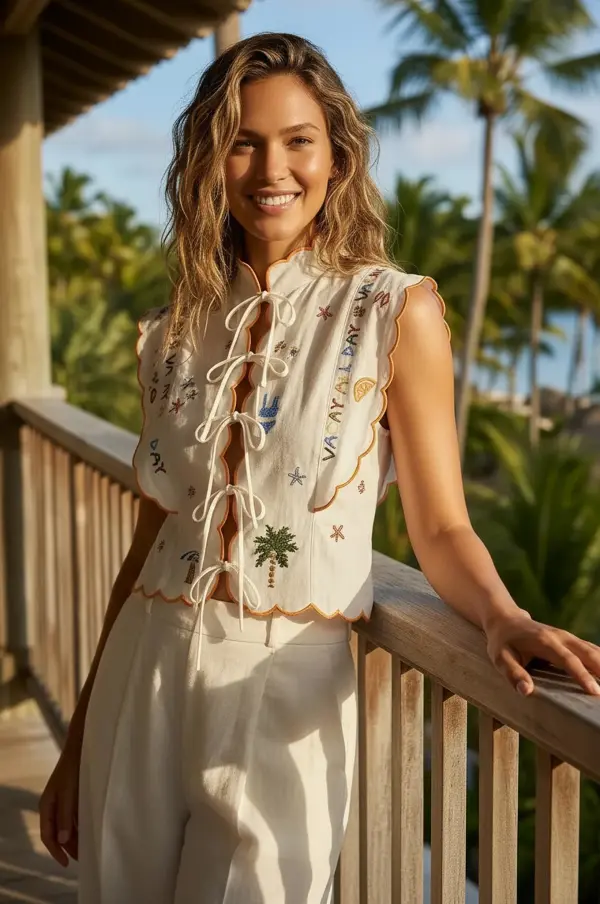
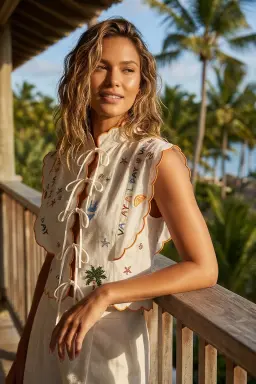
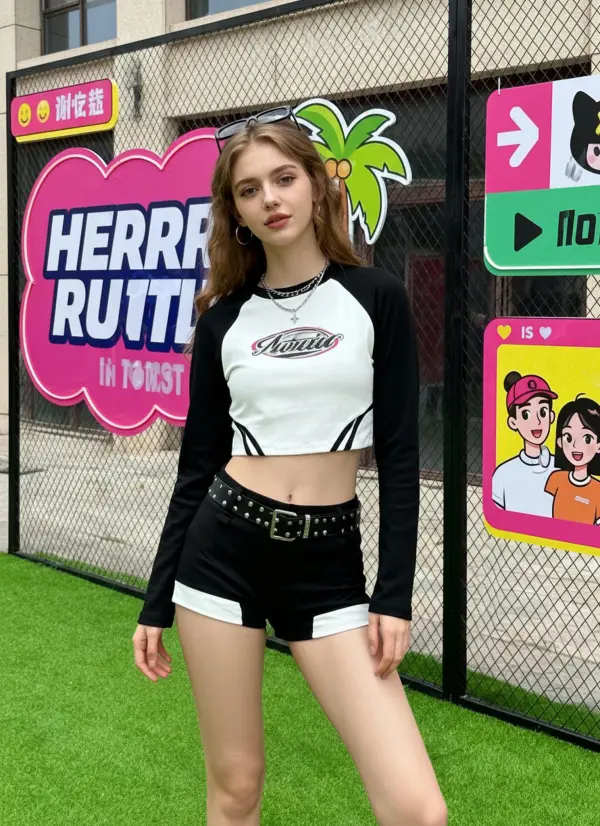
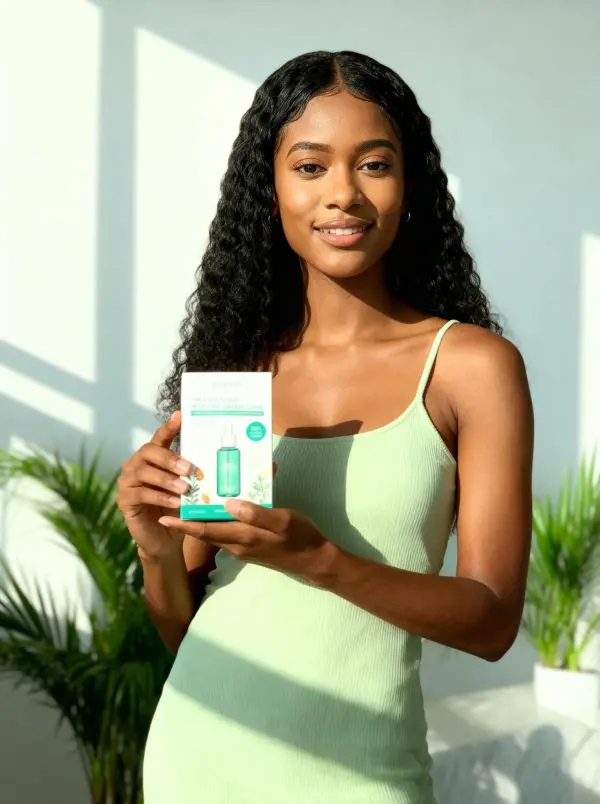
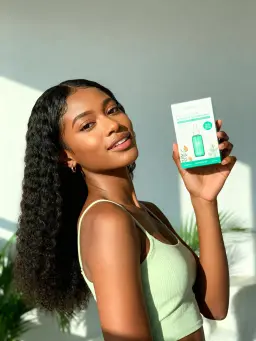
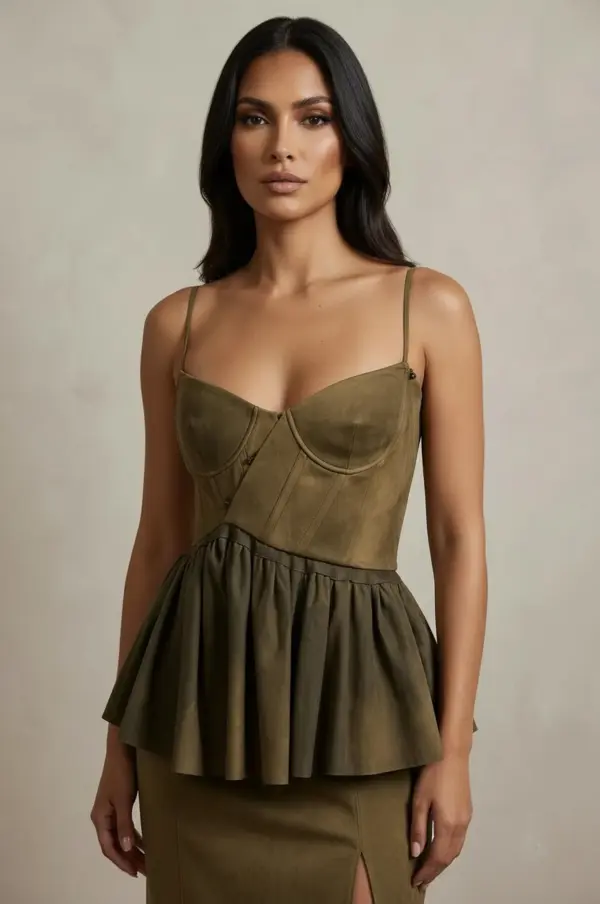
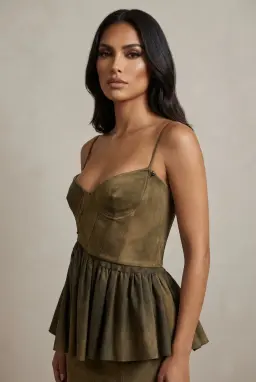
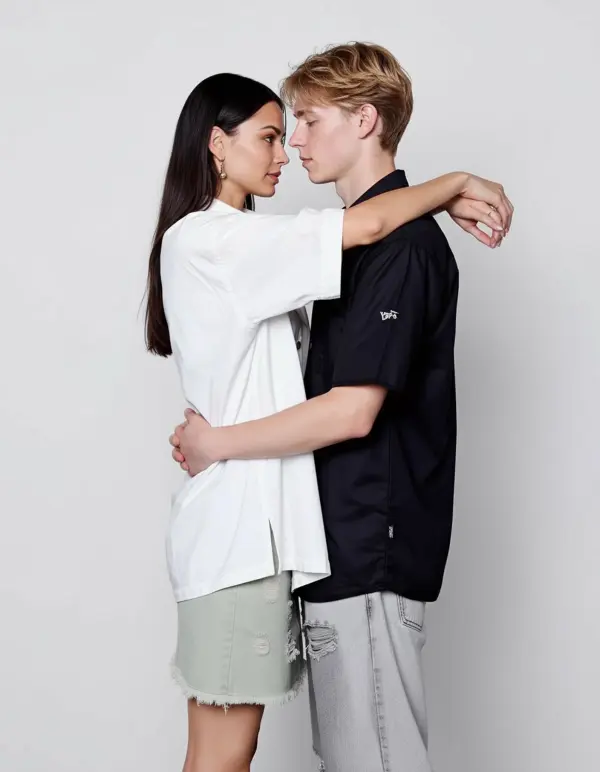
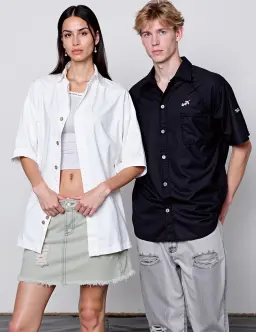
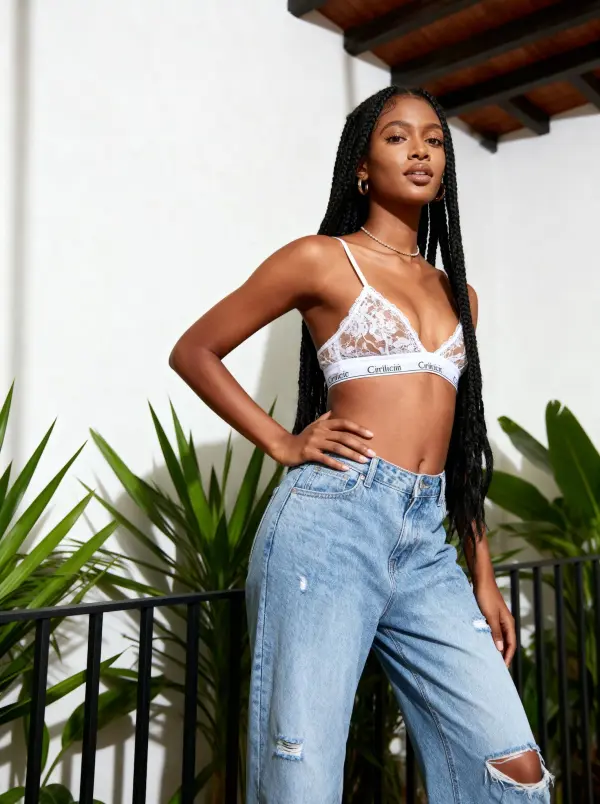
How to Change a Model's Pose in 3 Steps
Upload one model photo, describe the new pose, then download
Upload a Model Photo
Drop in one front-facing or three-quarter portrait with the full body or upper body visible. PNG, JPG, or WebP up to 10MB. Clean lighting and a clearly visible outfit produce the cleanest output.
Describe the New Pose
Type the pose in plain English — "hand on hip, slight side angle", "holding the product at chest level", "sitting facing the camera". The model preserves outfit, product, and background where possible while rewriting the body posture.
Download the New Pose
Review the generated pose after processing, then download the watermark-free result. Generate again with a different prompt to build a pose set from one source photo.
Why Brands Pick iMideo for Pose Generation
Outfit Preserved
Fabric, prints, buttons, and product details redraw to fit the new pose without losing identity. Listings stay visually consistent with the original SKU.
Consistent Background
Studio backdrop, lighting, and color cast are preserved where possible across pose variants.
Prompt-Driven
Describe the pose in plain English. No skeleton uploads, no ControlNet rigs, no manual joint placement.
5 Aspect Ratios
Export in 1:1, 3:4, 4:3, 9:16, or 16:9 to fit product grids, Stories, or banner ad placements.
Photos Not Used for Training
Uploads run only through your own renders. Not stored long-term, not used to train models, not shared with third parties.
Listing-Ready Variations
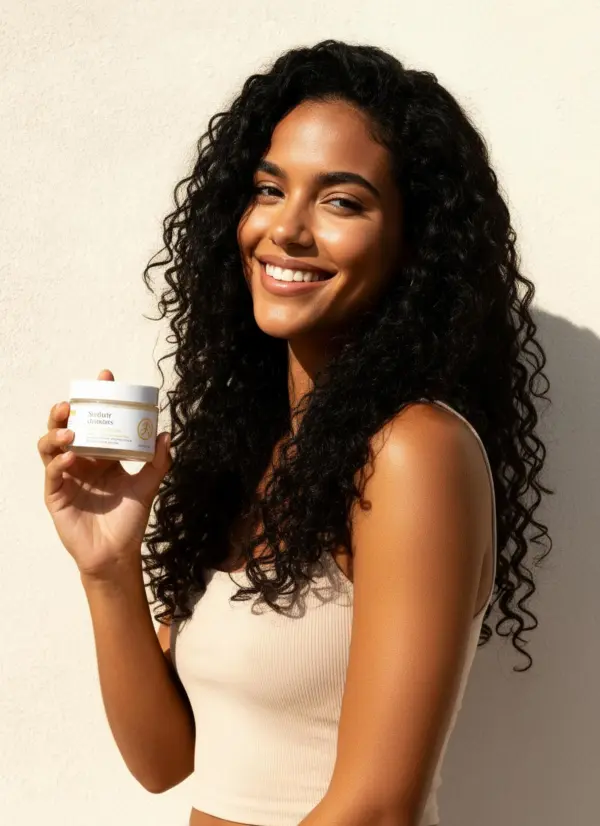
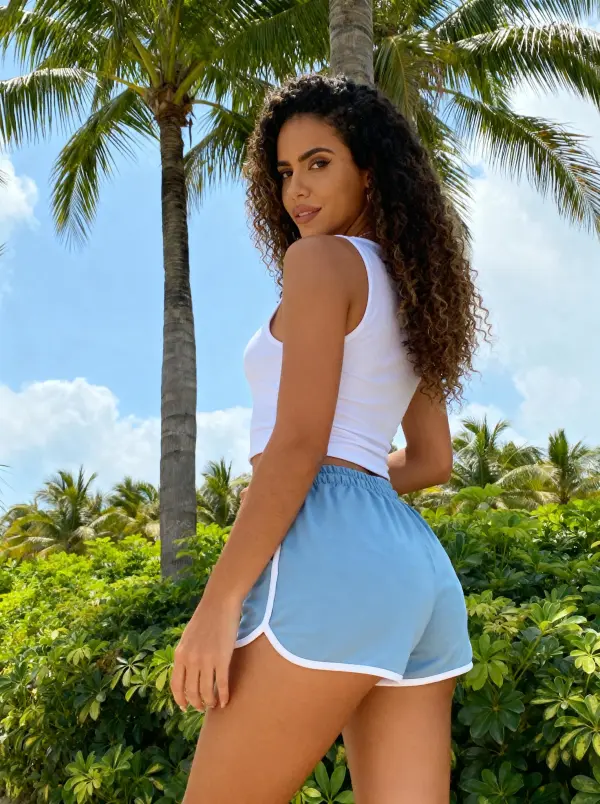
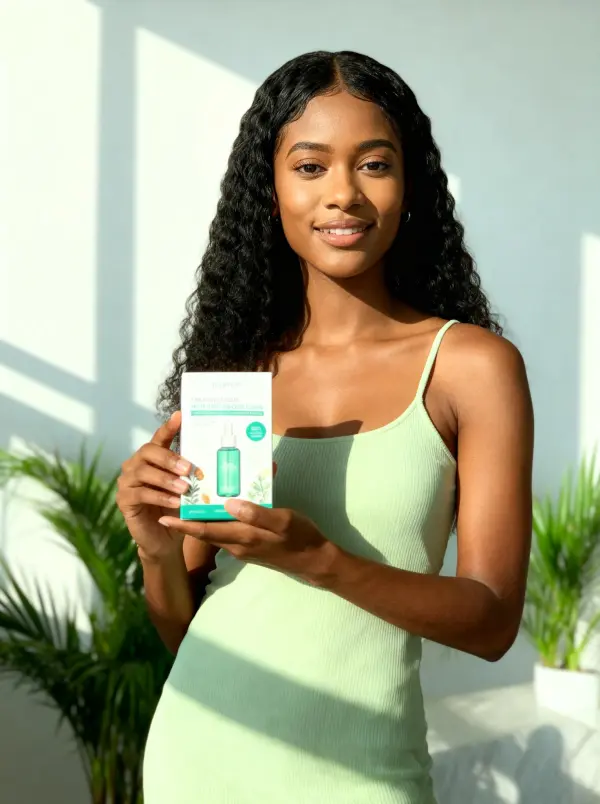
Generate pose options for product pages, lookbooks, ads, and social posts while keeping the same model and outfit recognizable.
What Sellers and Creators Say
Mei L.
Apparel Brand Owner
We used to book a model and shoot two days for every collection drop. Now I shoot one hero photo per SKU and generate the rest of the pose set the same afternoon. It reduces the amount of production work per listing.
Daniel R.
Ecommerce Photographer
I sell my hero shots to clients, then they run pose variants through this for the rest of the listing grid. Faster turnaround, same brand consistency. The outfit preservation is the part that actually convinced me.
Priya K.
Influencer Manager
We refresh creator content sets weekly. Instead of asking talent to reshoot, we run their best photo through three pose prompts and post a fresh-looking carousel. Engagement on the second post in a series barely drops compared to a real reshoot.
Tomás F.
Lookbook Designer
I build seasonal lookbooks for boutique brands. The locked background means every spread stays in the same studio aesthetic without manual color grading. Cuts about a day off each lookbook.
Sara H.
Modeling Portfolio Coach
Before a test shoot, we generate a few pose ideas from each look so new models know what to try in front of the camera. The real session ends up faster and more focused.
Hiro T.
Game Concept Artist
I render one character key frame and then iterate poses for storyboard panels. The anatomy stays consistent across the set. Saves me from redrawing the costume 20 times for action sequences.
Lauren M.
DTC Brand Marketing Lead
We A/B test ad creative weekly. Pose change with a fixed scene means we test pose alone as the variable, no confound from new backgrounds. Cleaner reads on what's actually moving CTR.
Jamal A.
Boutique Owner
Small store, no budget for monthly model shoots. I shoot once a season and rotate poses through the year. Customers keep the listings feeling fresh without me reshooting the same pieces.
Ready to Generate a New Pose?
Upload one model photo and generate a new pose with outfit and background preserved where possible. Sign in to generate.