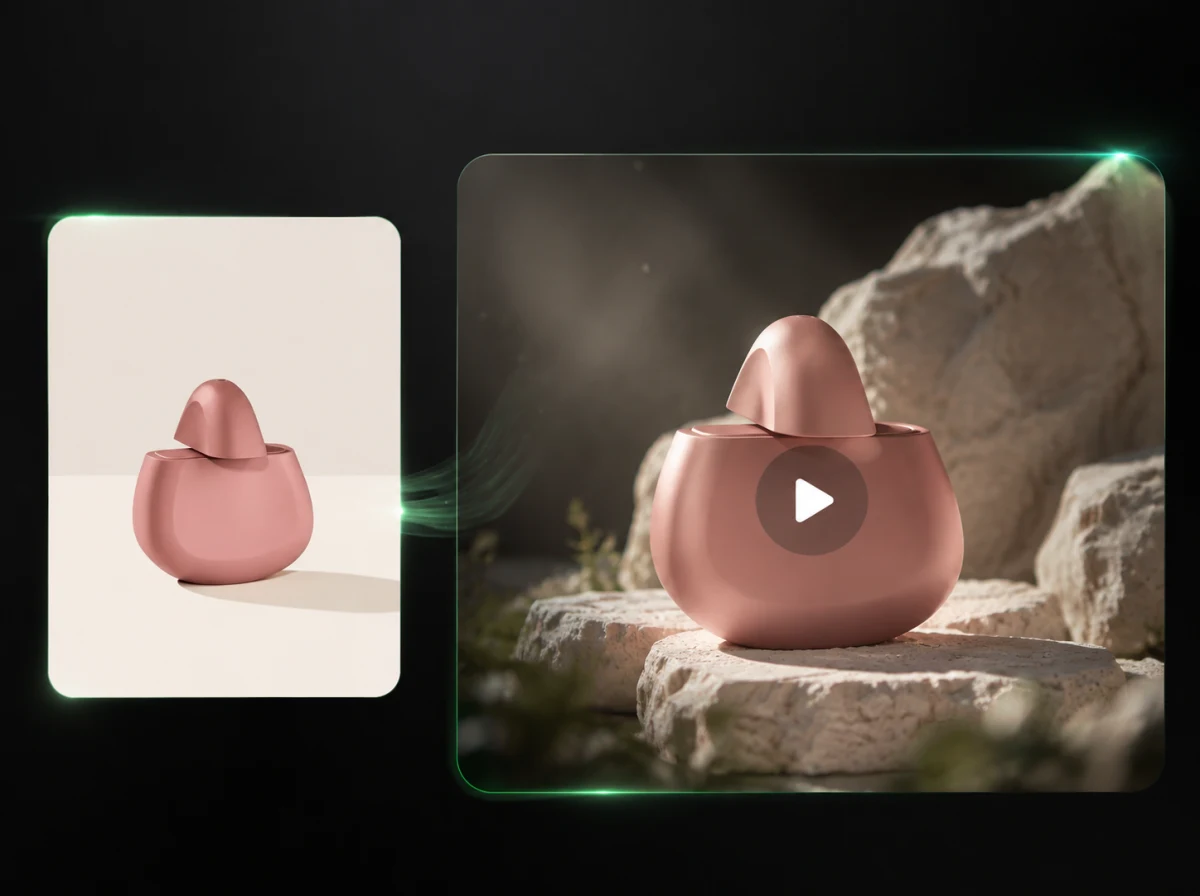
AI Sound Effects Generator for Videos
Upload an MP4 or MOV clip, describe the audio you want, and add AI sound effects or ambient audio to short videos online.
Click to upload or drag and drop
MP4, MOV, AVI, WebM (max 100MB)
Enhanced with Audio
Prompt
Sound effect of deep underwater.
Enhanced with Audio
Prompt
Sound effect of wine pouring into a glass.
Why Choose iMideo AI Sound Effects Generator?
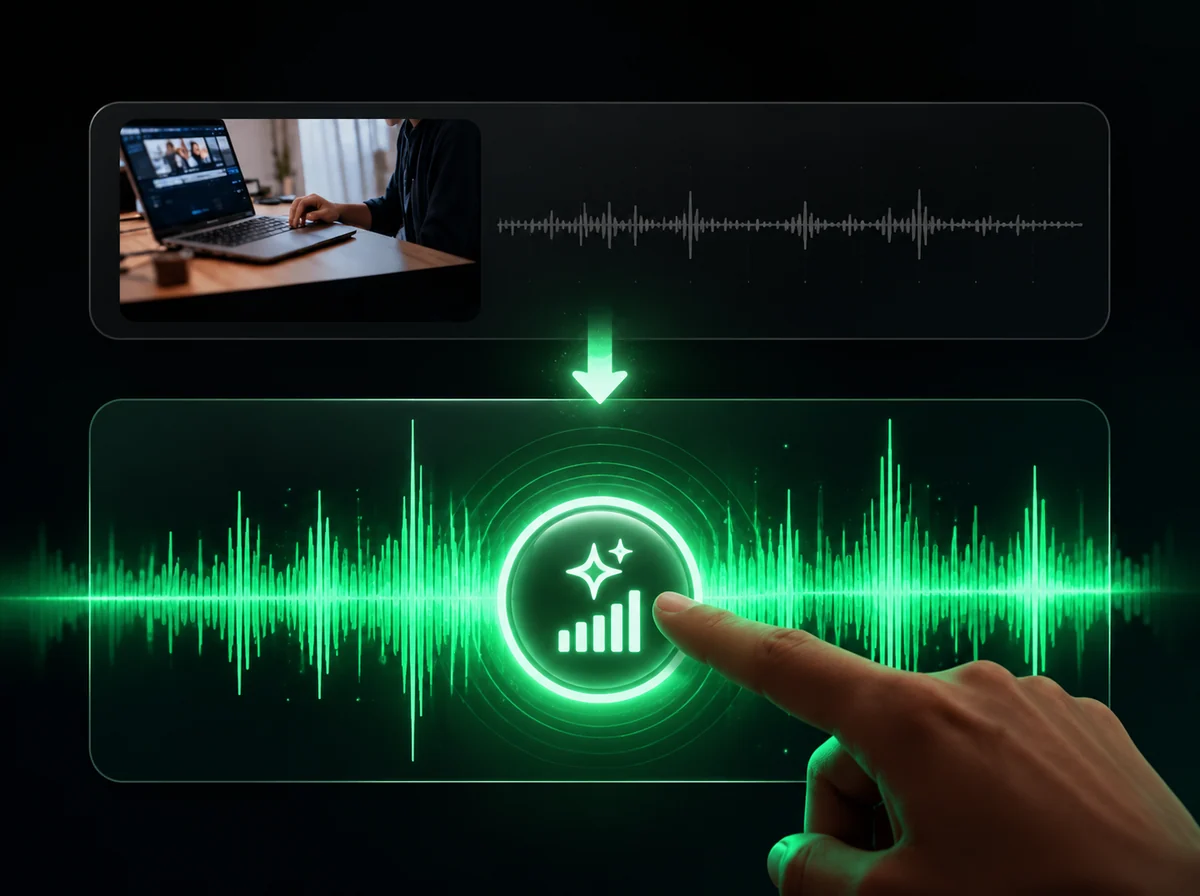
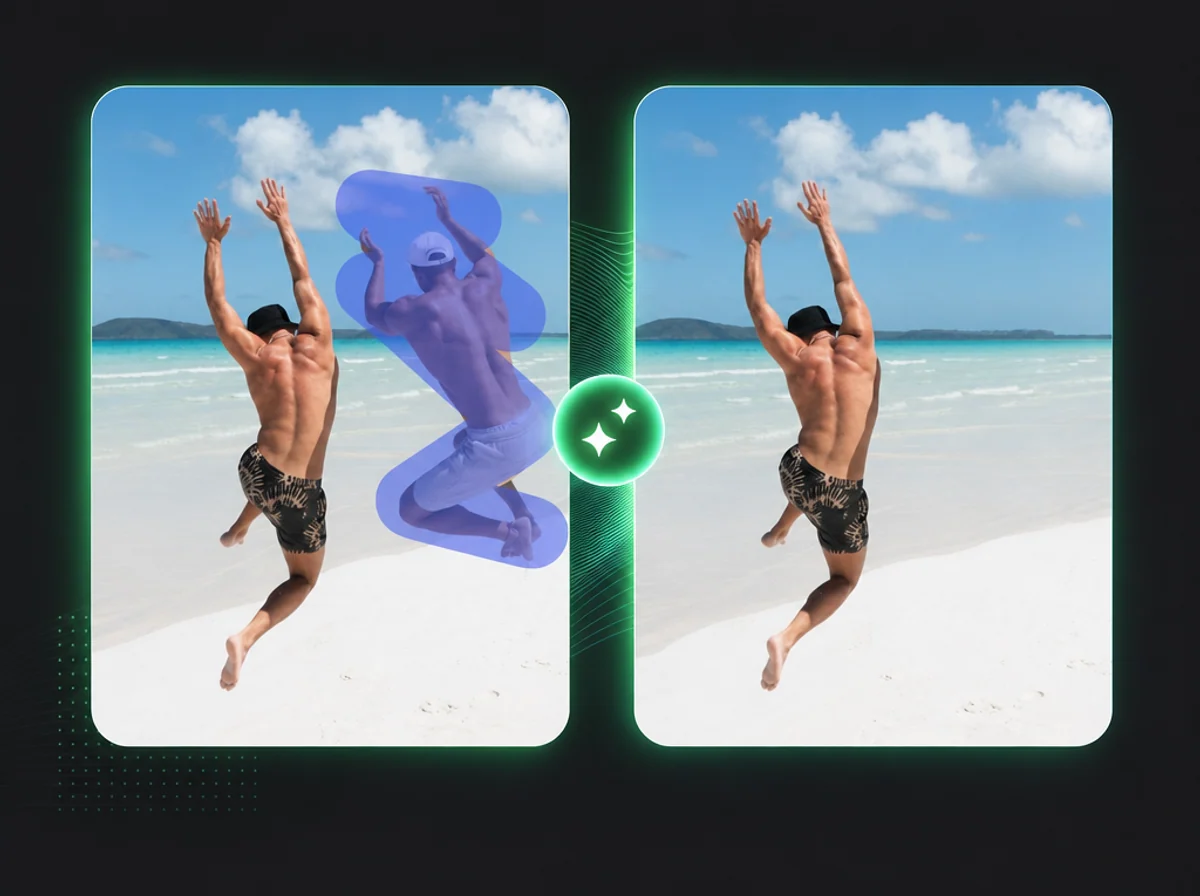
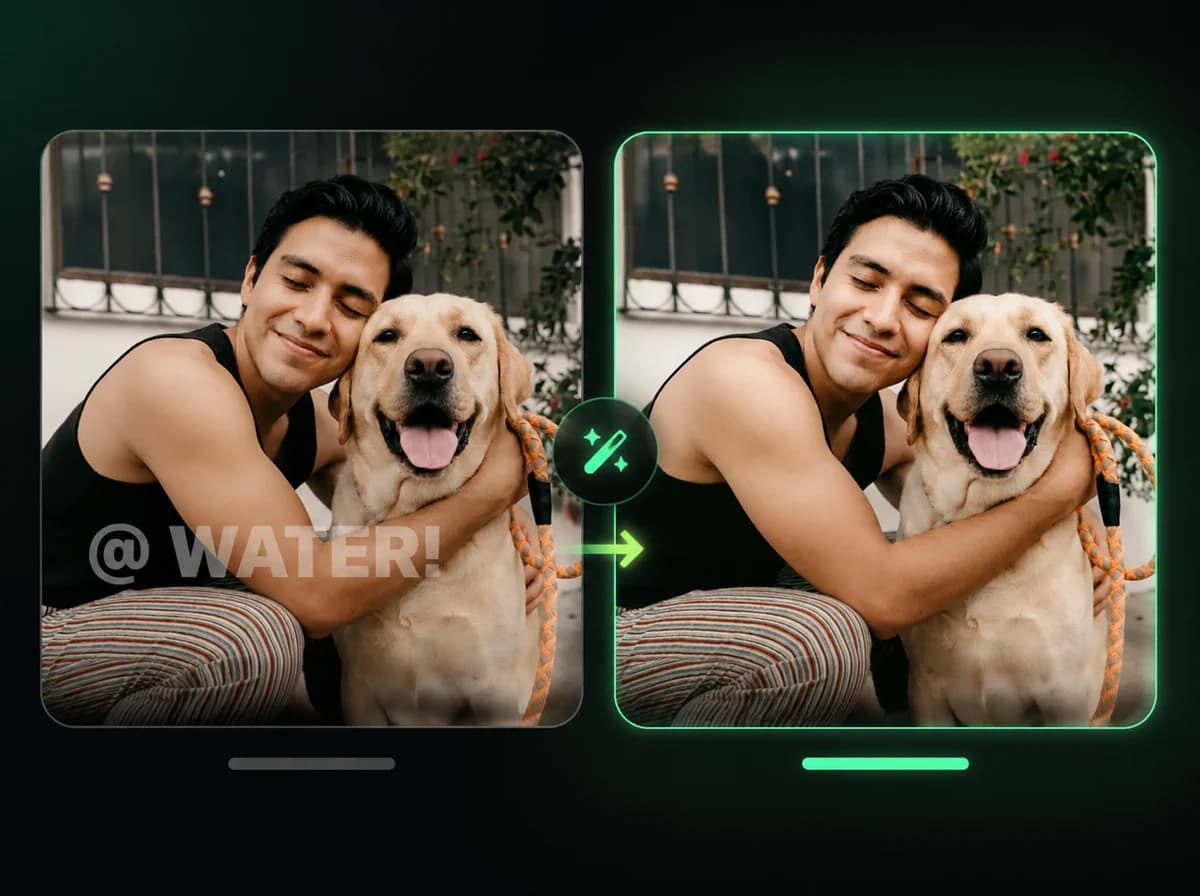
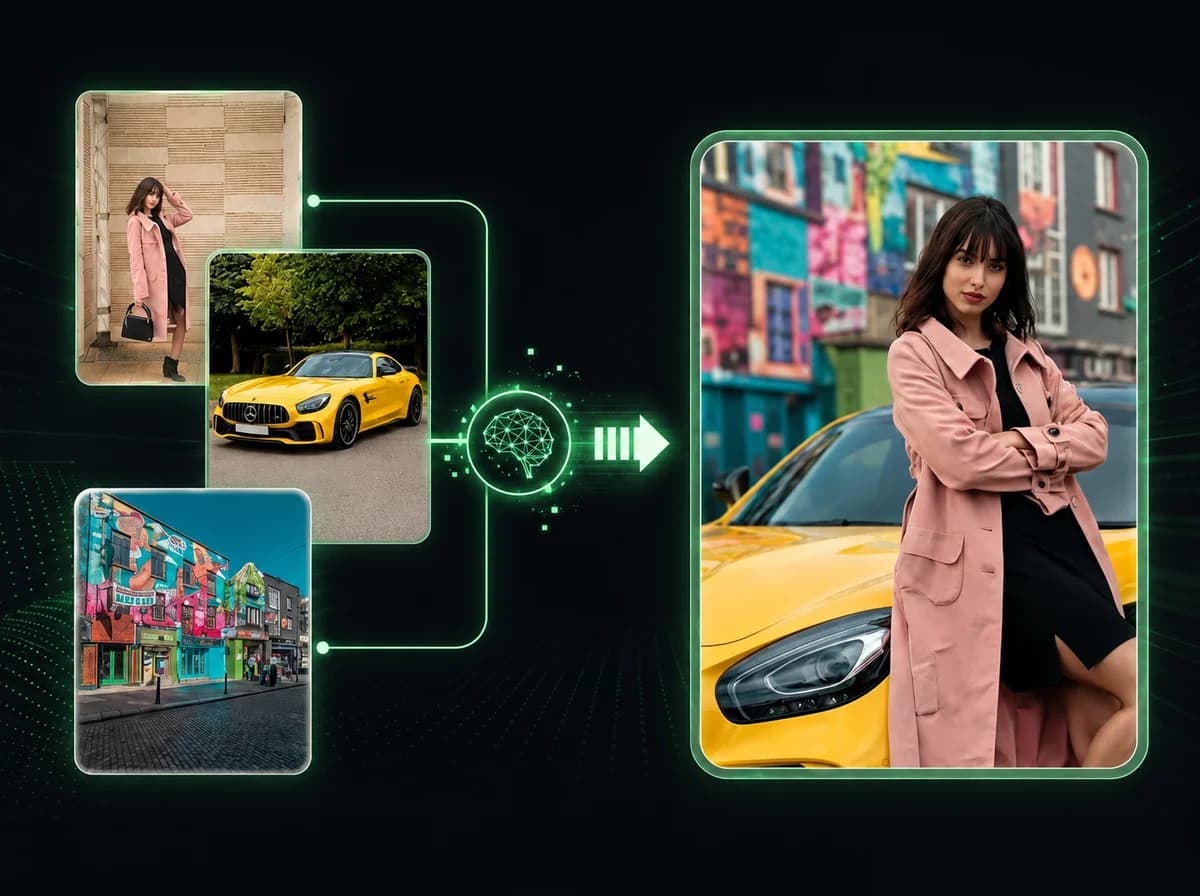
iMideo lets you add sound effects that match visible actions, scene mood, and pacing. For silent generation before sound design, start with text to video AI or image to video.
High-Quality Audio Library
Generate sound effects, ambience, and simple audio layers that fit your prompt and scene context, from footsteps and whooshes to nature sounds and product-action cues.
Smart Audio Mixing
The AI balances generated audio against the clip's rhythm and visible action, helping the added sound feel connected to the video instead of pasted on top.
Fast Audio Generation
Generate audio for short clips without manual sound editing. Processing time varies by video length, prompt detail, and current queue load.
Easy-to-Use
You do not need to be an audio engineer to improve video sound. With iMideo, adding SFX is as simple as uploading a video and choosing the audio direction.
Works for Common Short-Form Video Types
Use the AI sound effects generator for TikToks, Reels, YouTube Shorts, product demos, ads, travel clips, real estate tours, and silent b-roll.
Precision Audio Control
Use a specific prompt to describe timing, mood, and sound types, such as soft footsteps, city ambience, camera whoosh, rain, crowd noise, or cooking sounds.
What Creators Say About AI Sound Effects

Jake P.
TikTok Creator
Had a silent video of my skateboard trick. Added whoosh sounds and a landing thud. The edit finally had the impact the footage was missing.

Emma R.
YouTube Shorts Creator
My cooking clips were too quiet and boring. Added sizzle sounds, chopping noises, and pan clanks. The videos feel more watchable now, and people actually stay for the payoff.

Marcus L.
Small Business Owner
Product demos looked cheap without audio. This tool added clean product sounds without a separate edit session. Customers said the videos felt more polished.

Nina K.
Content Marketing Manager
We had 50 silent b-roll clips from a photoshoot and needed audio directions for all of them. Processing the batch was much faster than manual sound editing.

Liam T.
Indie Game Dev
Game trailer footage had no audio. AI added explosions, footsteps, and ambient sounds. The trailer felt more complete after we posted the version with sound.

Sofia M.
Real Estate Agent
House tour videos were just silent walkthroughs. Added door creaks, footsteps, and soft background ambience. Clients said it made properties feel more lived-in.

Chris H.
Travel Vlogger
Shot drone footage but forgot to record audio. This tool added wind, waves, and nature sounds, so the final edit felt less empty.
Transform Silent Videos into Immersive Experiences Add Sound Effects Now
Use AI to add sound effects to videos for TikTok, Reels, YouTube Shorts, ads, and social posts that need stronger audio.