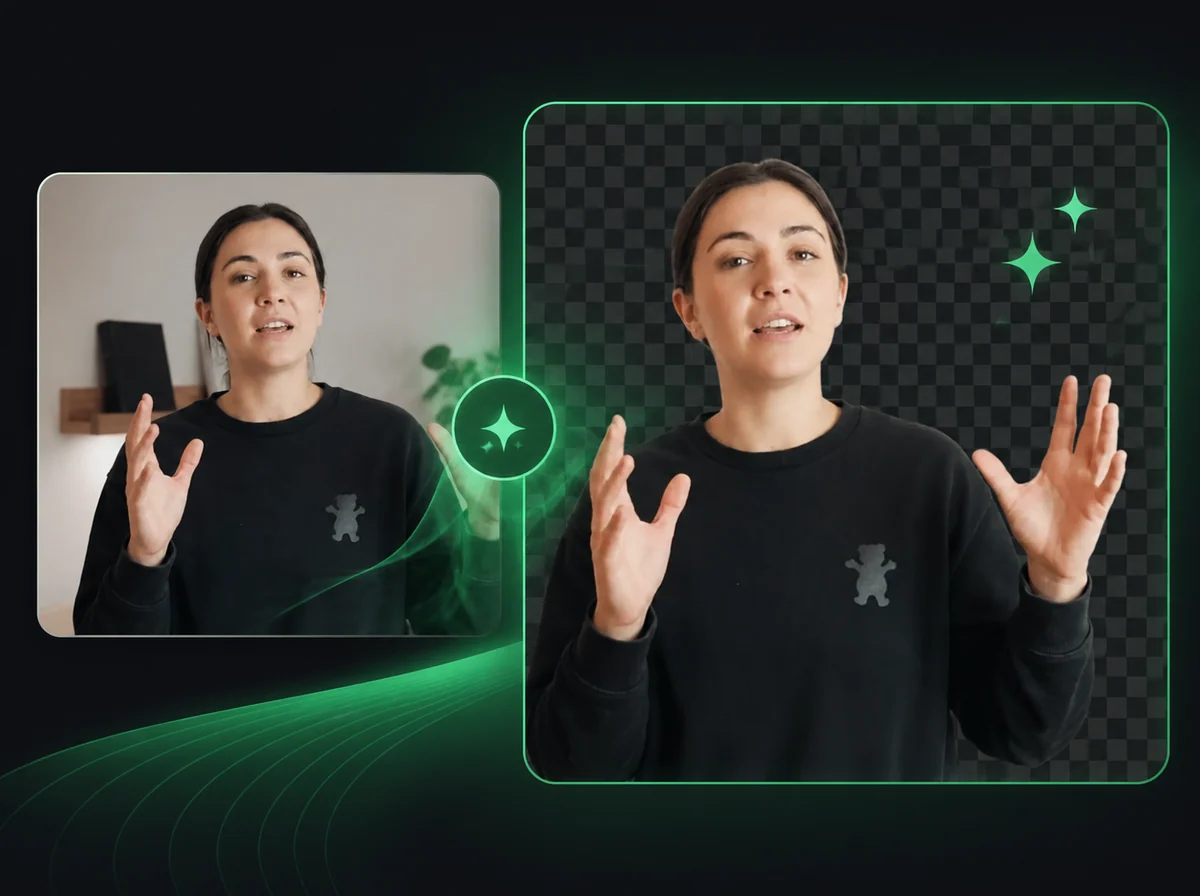
AI Music Video Generator: Your Song, On Screen
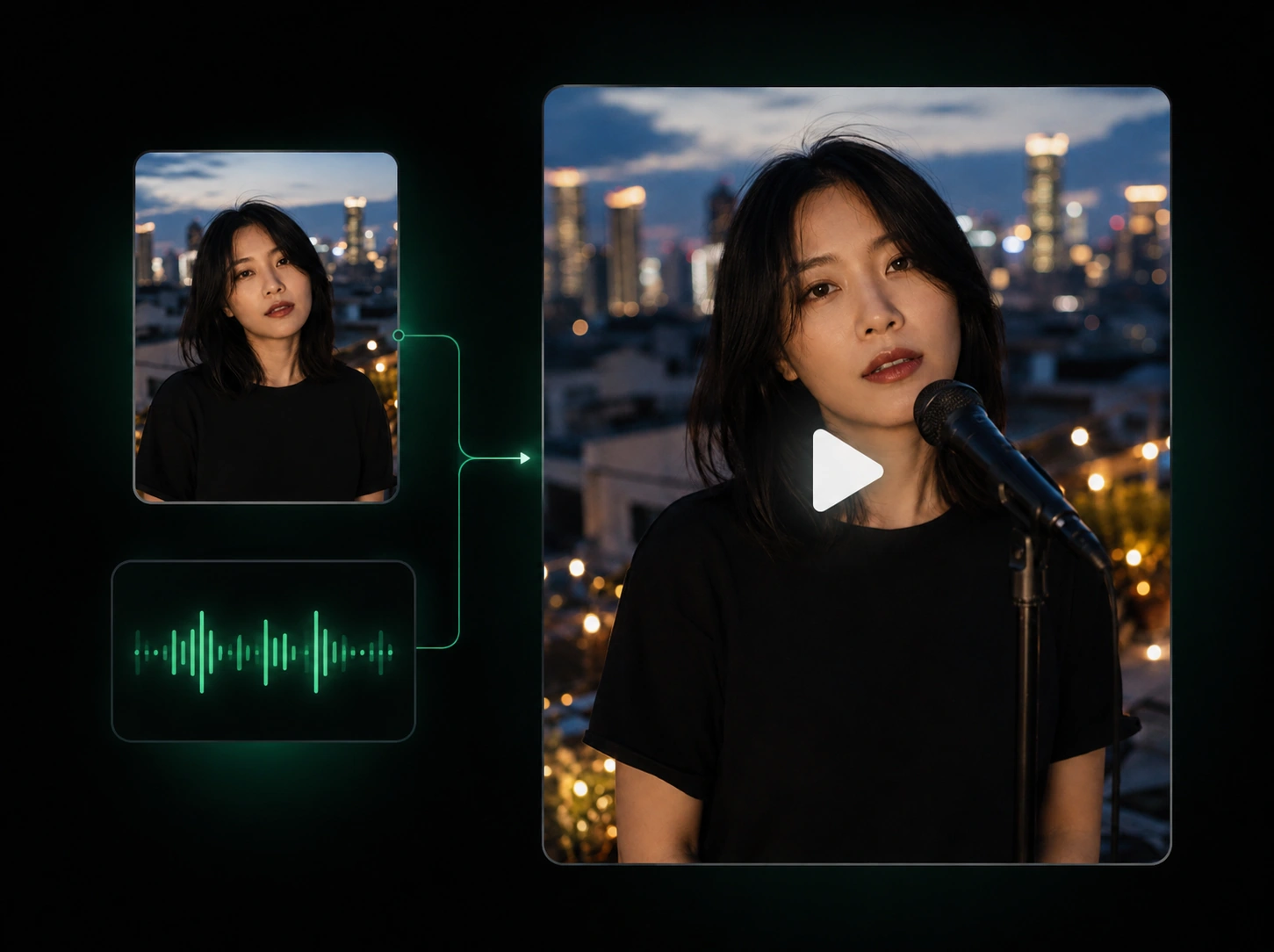
Your song is ready. Give it a scene: upload the audio, add optional character references, and describe the music video you have in mind.
Up to 3 images · PNG, JPEG, WebP · 10 MB each. Use a single-frame photo, not a collage.
Video length follows your audio. Shots and cuts are arranged automatically. Review lip movement and details in the result.
Only upload music, images, and likenesses you have permission to use.
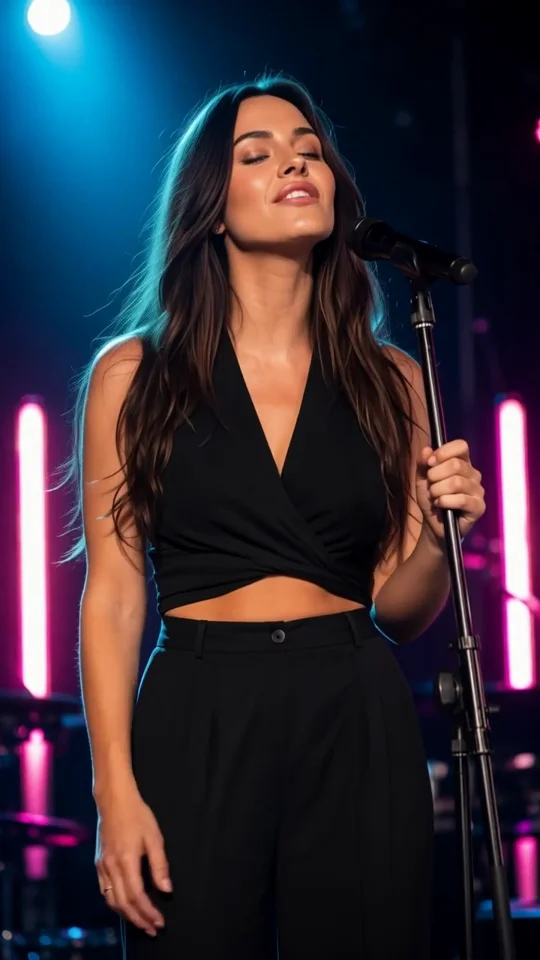
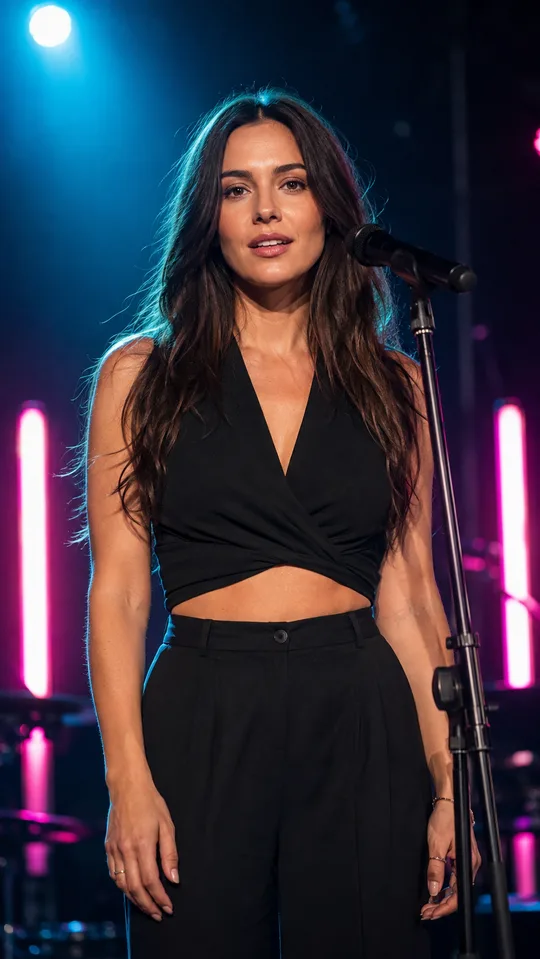
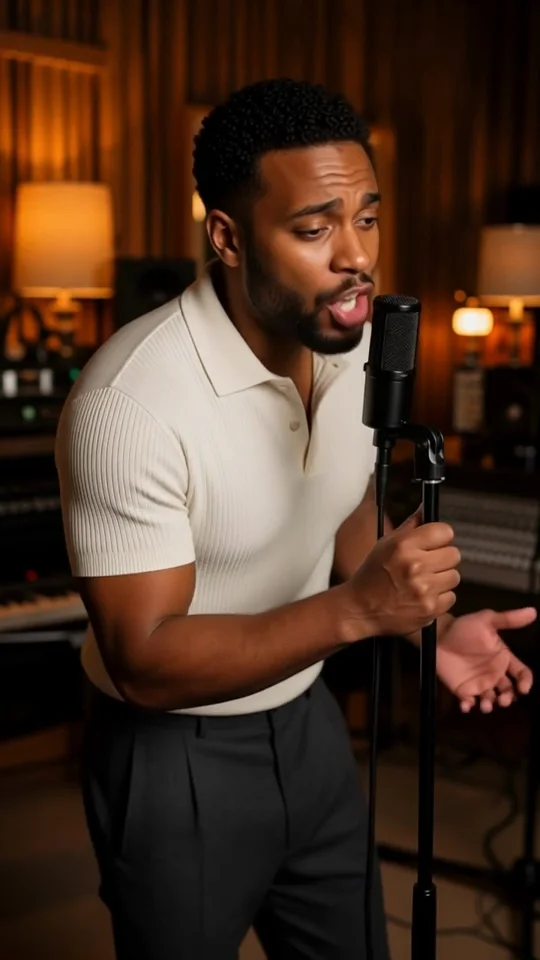
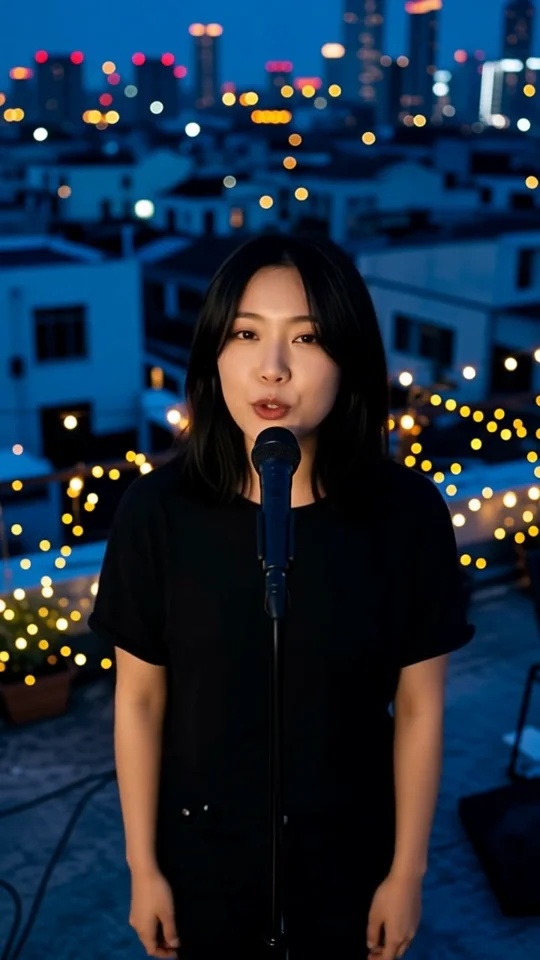
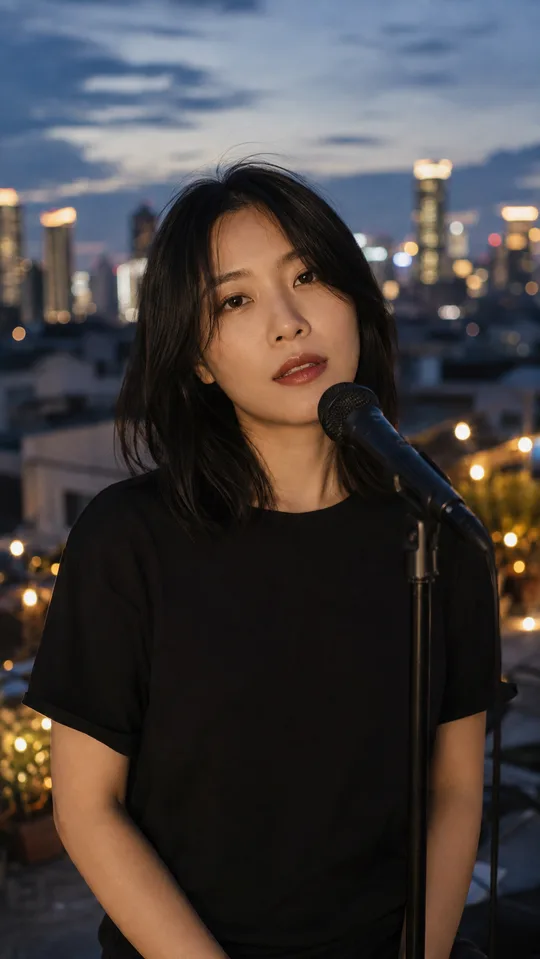
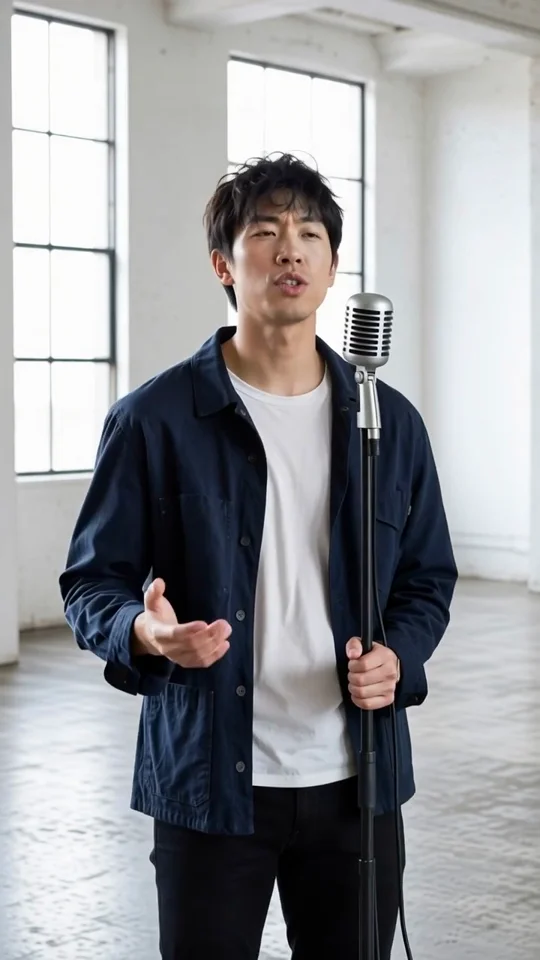
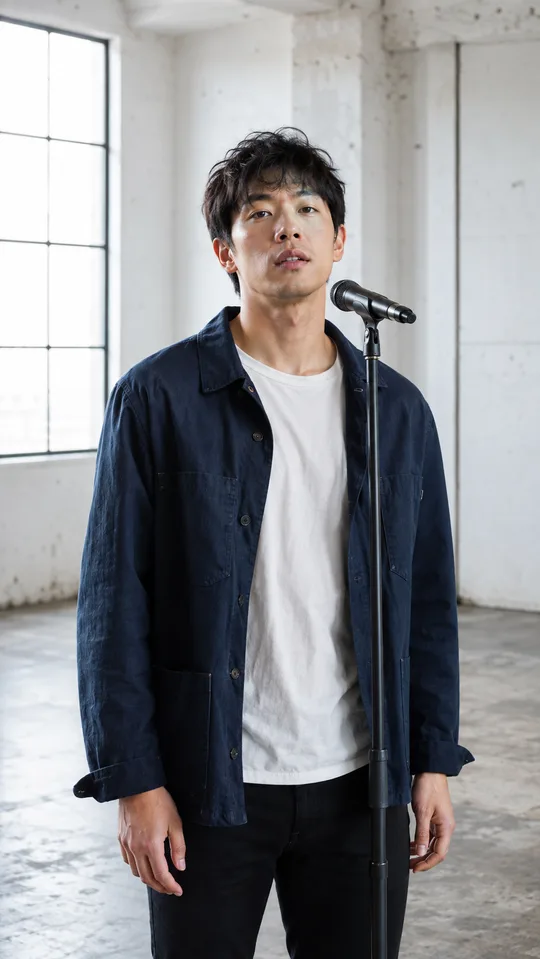
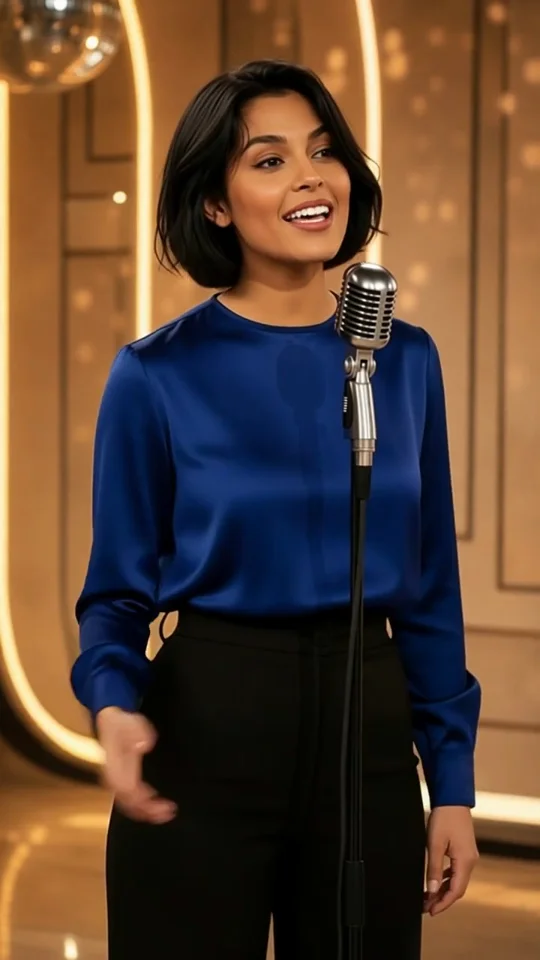
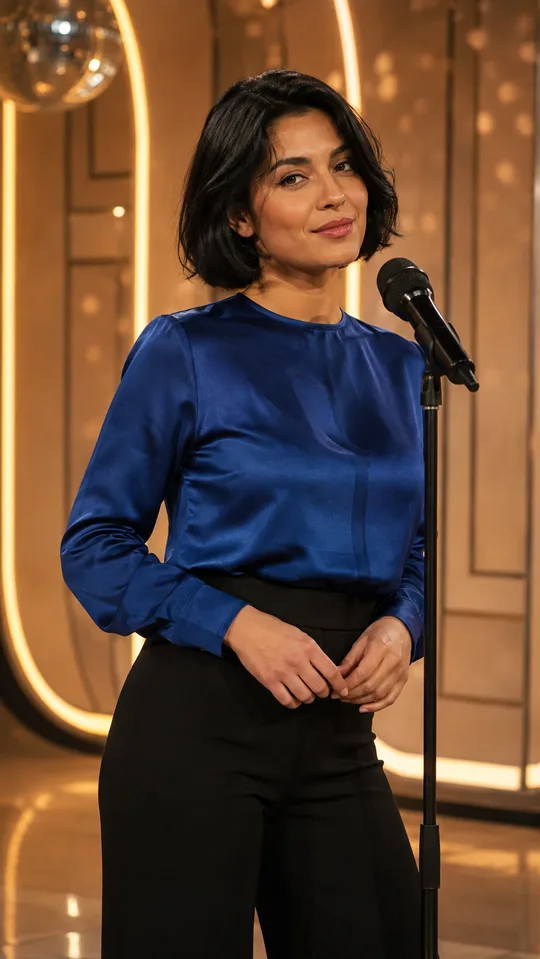
How to turn your song into a music video
Bring the music. Set a visual direction. Review the result before you share it.
Upload your song
Choose an MP3, WAV, or M4A file, from 1 to 600 seconds and up to 20 MB. Use a track you have permission to upload. Clear vocals give the model a better performance cue.
Set the scene
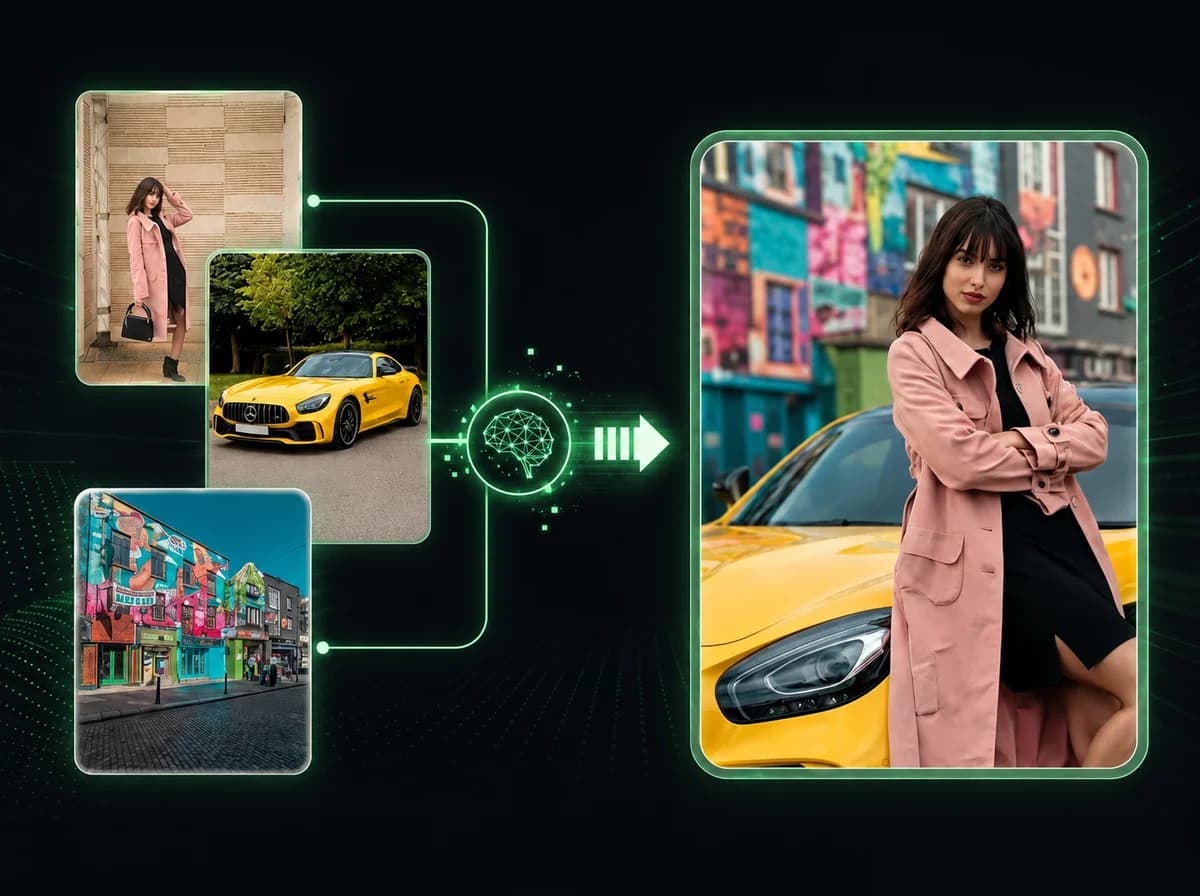
Add up to three character reference images if you want to guide appearance. Describe the setting, lighting, clothing, and performance. Both the images and description are optional.
Generate, review, and download
Choose 9:16 or 16:9, select 480p or 720p, and confirm the credit cost. Once the task finishes, review the shots and lip movement, then download the video from your task history.
Build the video around your song
A chorus, a verse, or a complete track can be the starting point. The uploaded audio sets the video length, so there is no separate duration slider to match. Try a short excerpt first when you are exploring a visual direction.
Give the performer a visual reference
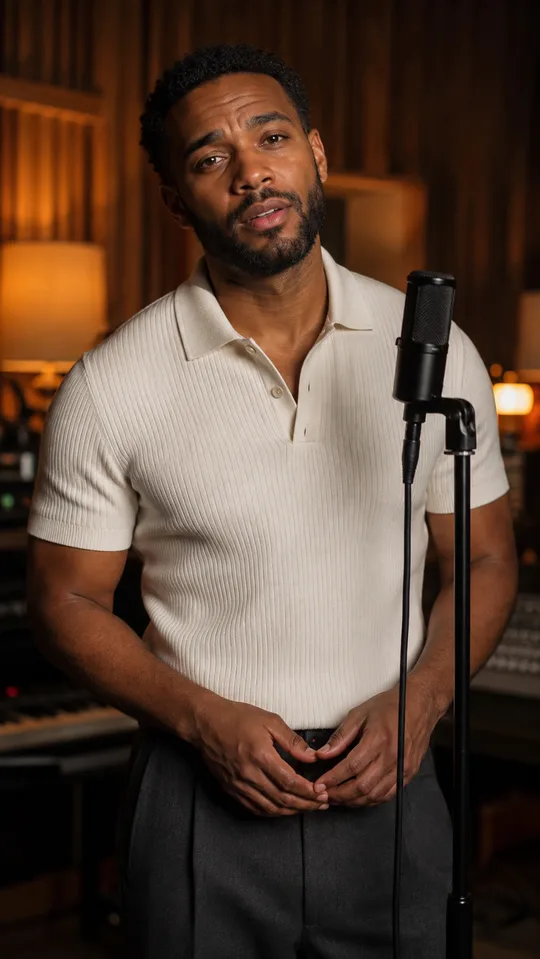
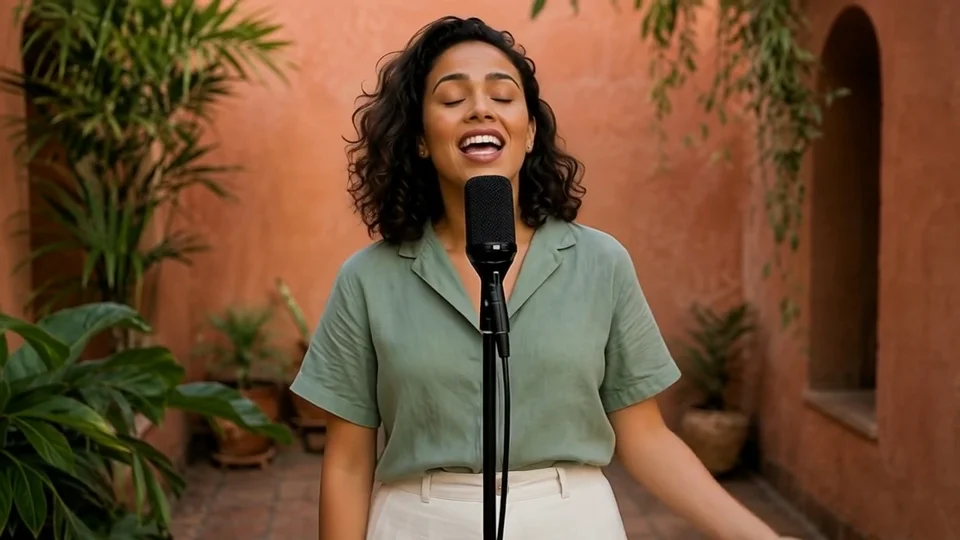
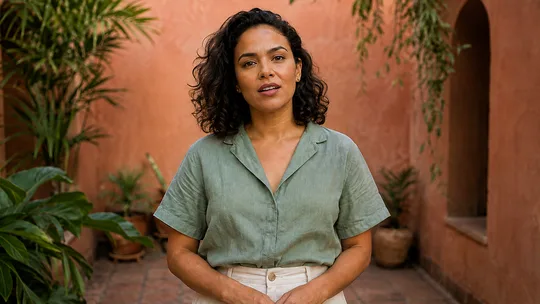
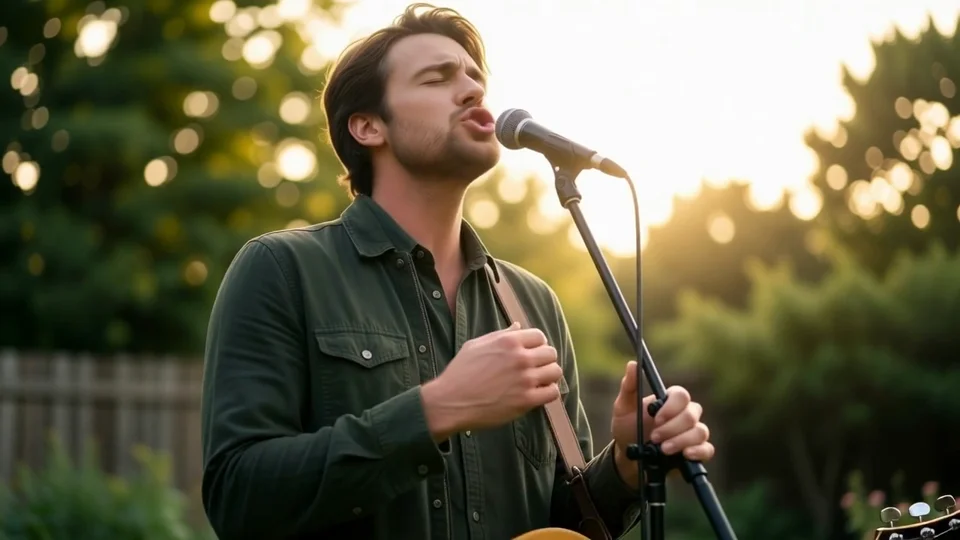
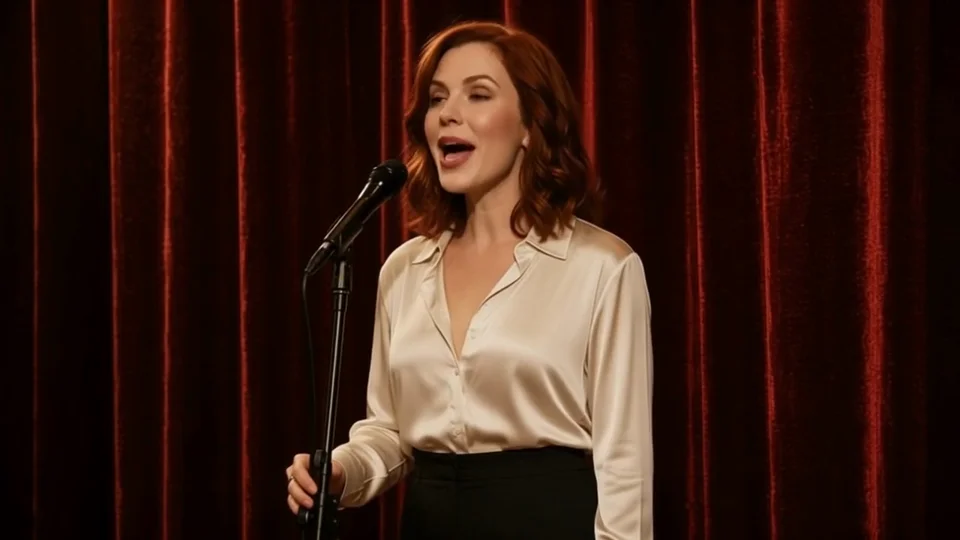
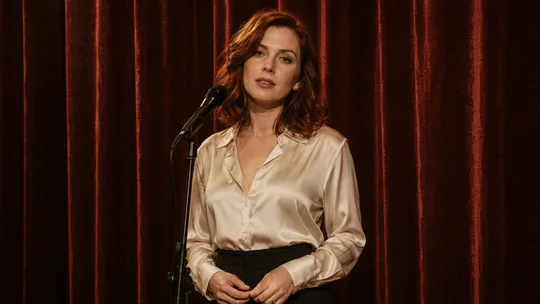
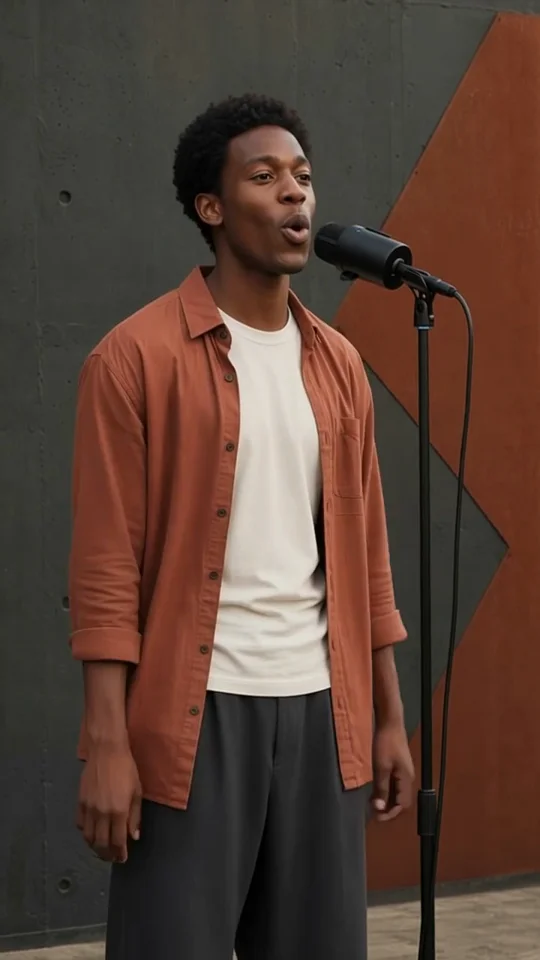
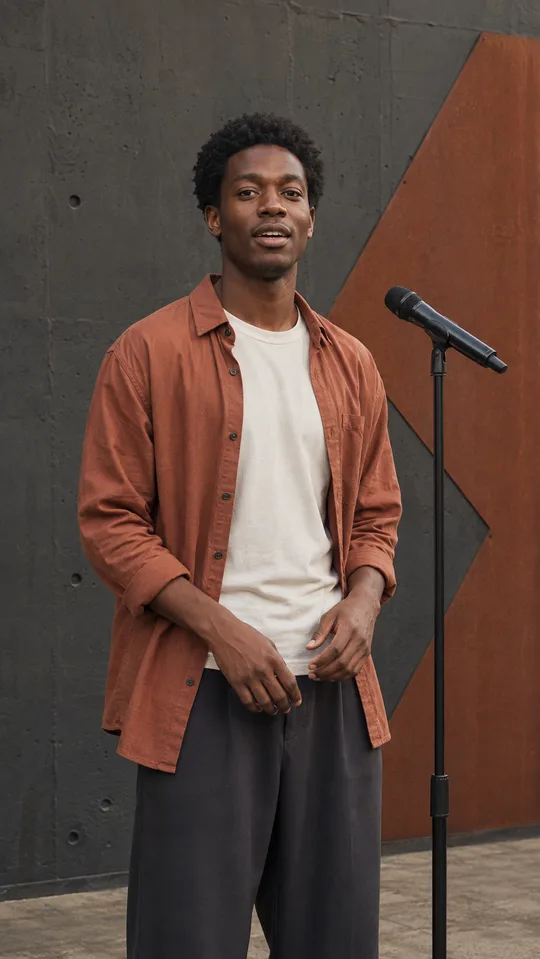
Upload a clear character image to guide appearance, or leave references empty for a prompt-led result. Describe a performer that fits the voice and language in your track. References guide the output, but faces and details can still vary.
Borrow a mood, keep your own music
Explore pop, jazz, soul, hip-hop, bossa nova, and more in the examples. Use a style to fill in an editable scene description and aspect ratio. Your song and uploaded images stay in place; the example does not change the voice or compose new music.
Frame the performance for where it will play
Choose vertical 9:16 for mobile feeds or widescreen 16:9 for a fuller stage. Generate a 480p draft or a 720p result. The model arranges the shots automatically; a prompt can guide the mood, but it is not a frame-by-frame editing timeline.
The essentials for your next music video
Music input, optional visual direction, output settings, and your credit quote in one workspace.
Your existing audio
Upload MP3, WAV, or M4A, up to 20 MB and 600 seconds. The tool makes visuals for your track rather than generating a new song.
Optional character images
Add up to three PNG, JPEG, or WebP images, up to 10 MB each, to guide the appearance of the performer.
Editable visual direction
Write your own description or borrow a gallery style. Adjust the location, lighting, clothing, and performance before submitting.
Portrait and landscape
Select 9:16 or 16:9 before generating. Choose the composition for your intended placement.
Credits before you start
The quote uses the verified audio length and your selected resolution. Longer audio and 720p output use more credits.
Results in your task history
Follow the generation task, return to the finished video, and download it after reviewing the result.
Your song deserves its own scene
Upload the track, choose a visual direction, and make a music video around your music.