AI Video Background Remover Online
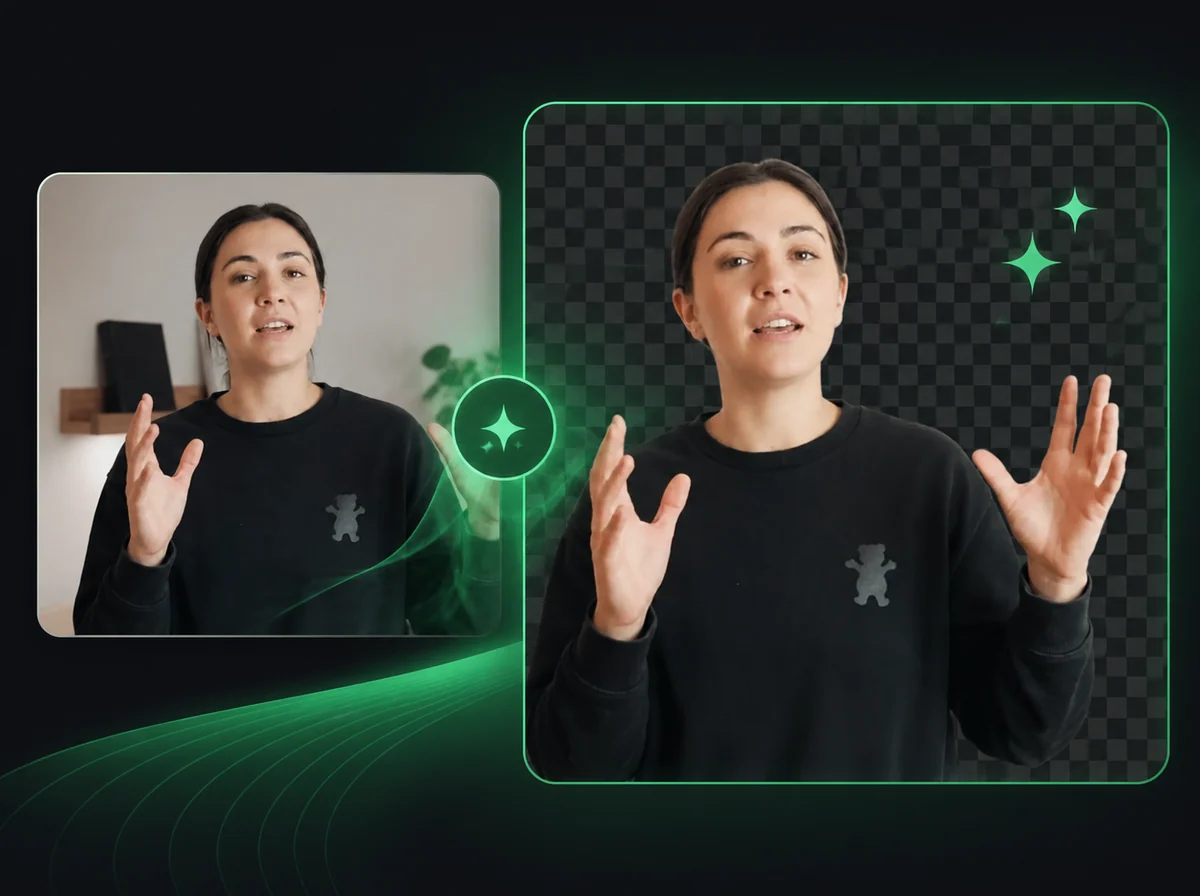
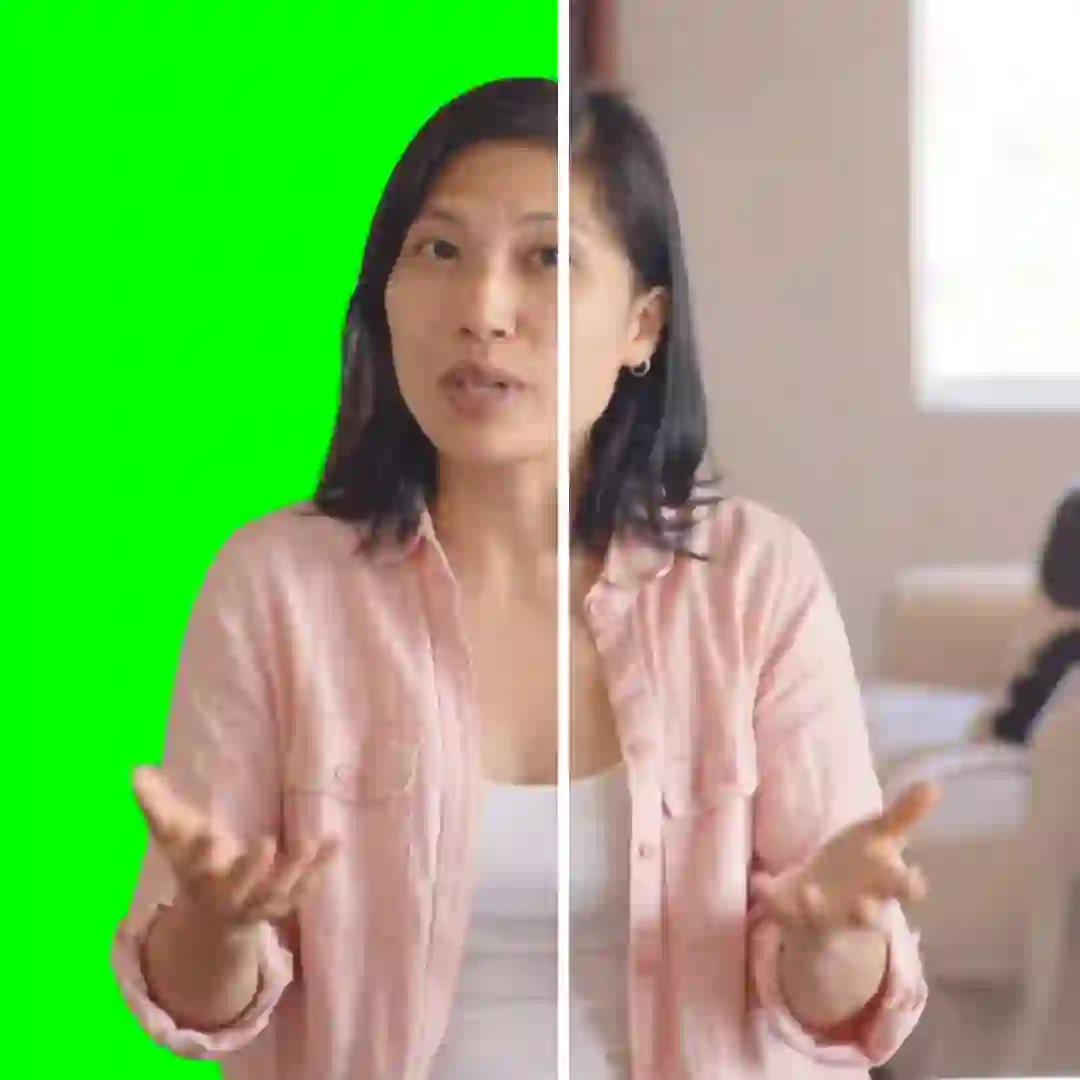
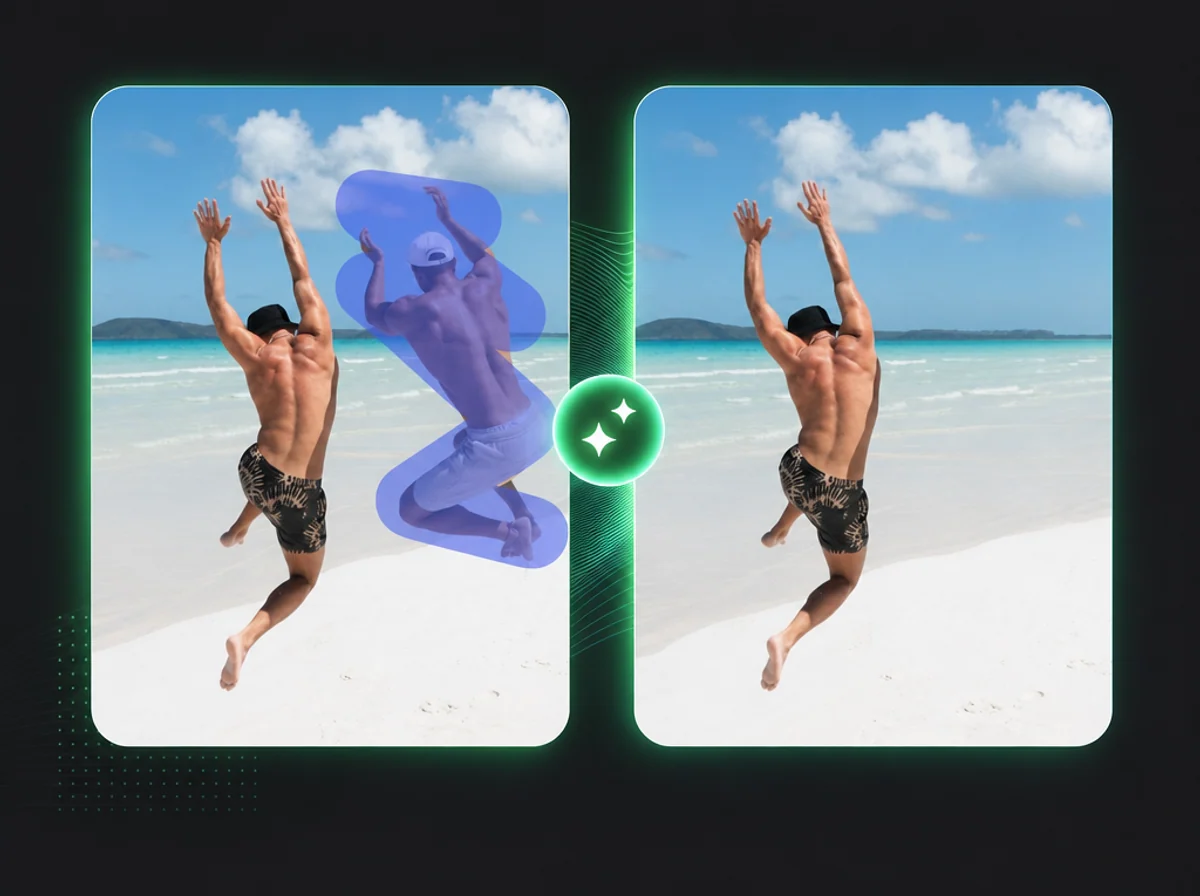
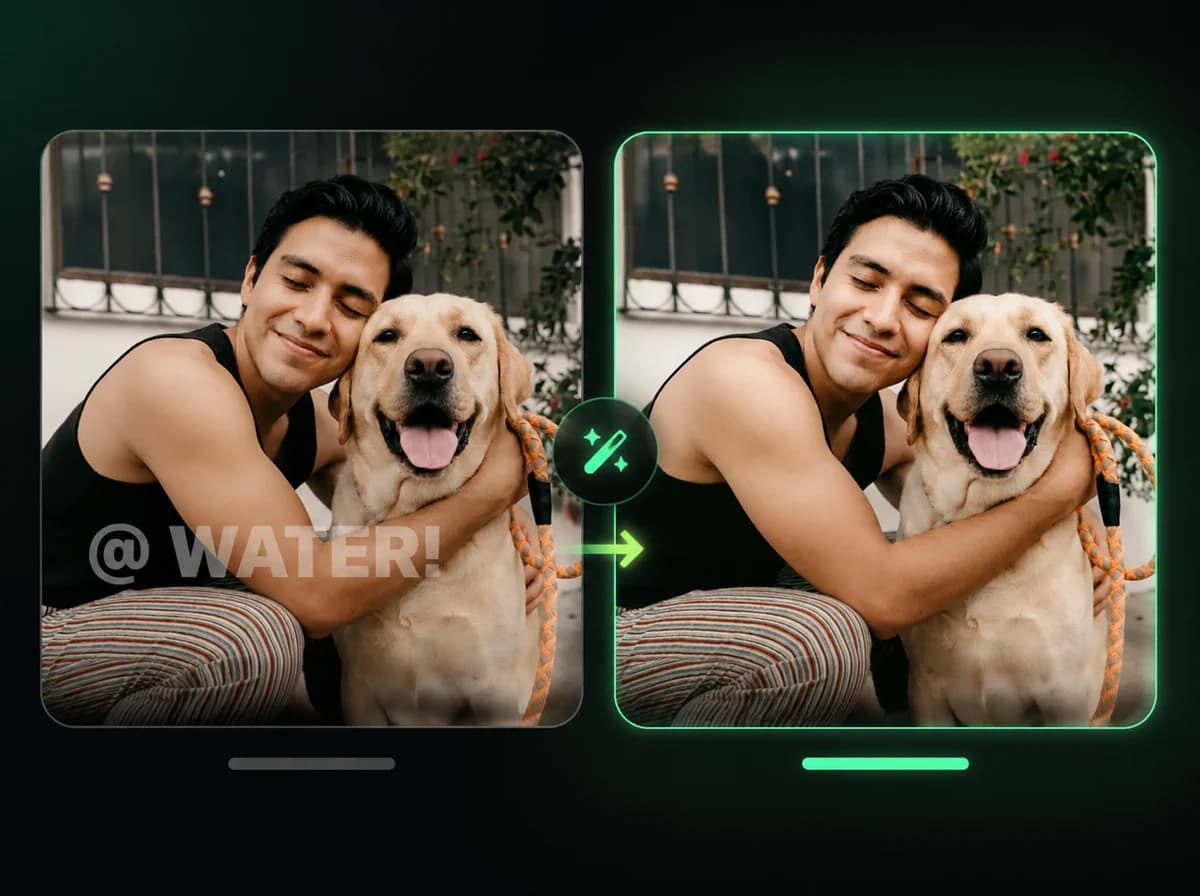
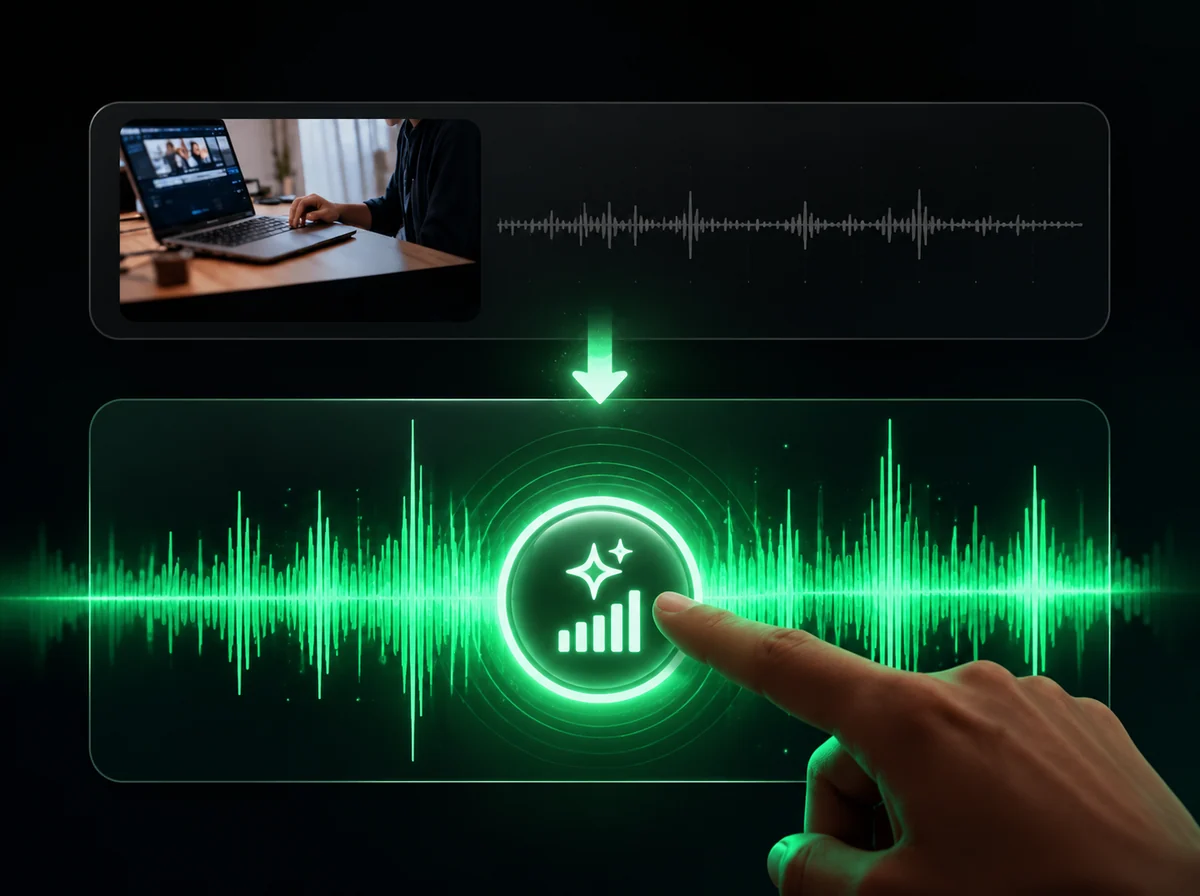
Upload an MP4, MOV, AVI, or WebM video to remove the background, export a transparent clip, or replace it with a custom image.
Click to upload or drag and drop
MP4, MOV, AVI, WebM (max 100MB, 600s)
Upload a custom background (optional)
PNG, JPG, WebP (Max 10MB)
How to Remove Video Backgrounds in 3 Simple Steps
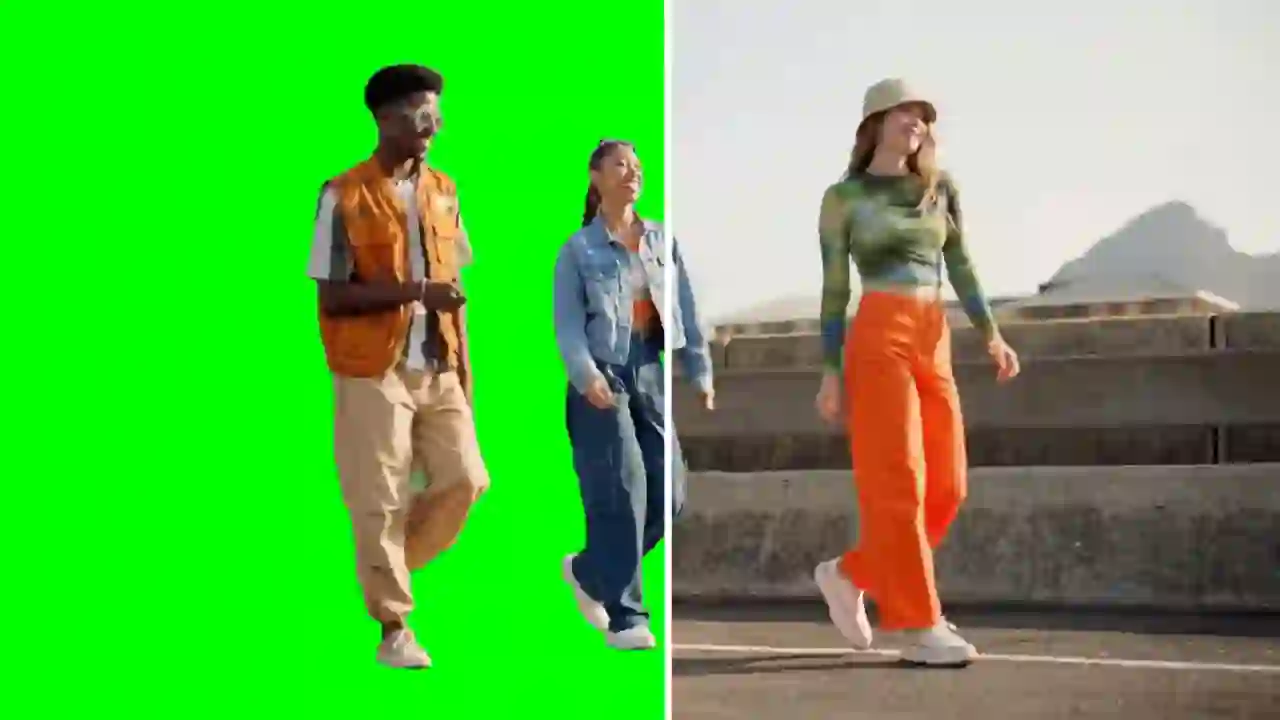
Remove or replace video backgrounds with AI, no green screen required.
Upload Your Video
Upload the video you want to process from your device or paste a URL. MP4, MOV, AVI, and WebM formats are supported up to 10 minutes. For best results, use videos with clear subject focus and good lighting. Files are processed securely and automatically deleted after 24 hours.
Add Custom Background (Optional)
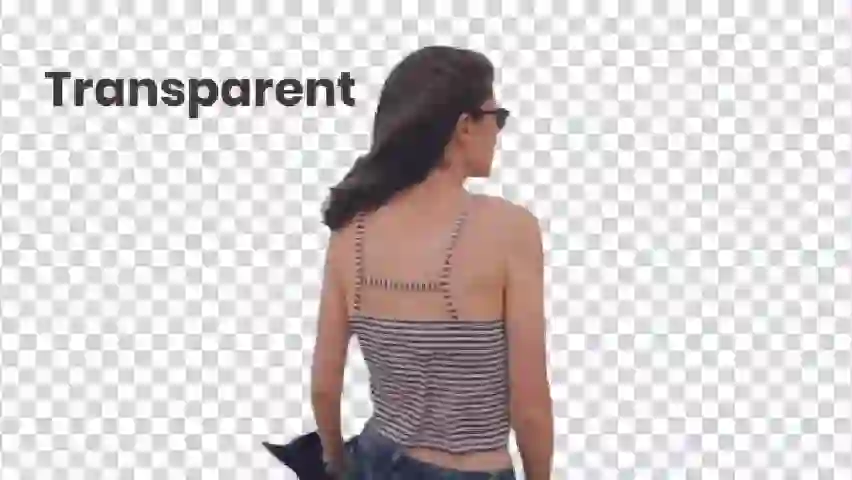
Optionally upload a custom background image (PNG, JPG, WebP) to replace the removed background. Choose branded backdrops for professional videos, virtual environments for creative content, or solid colors for clean presentations. Leave this step empty if you need a transparent background for overlays or further editing.
Download Your Video
The AI analyzes each frame to detect subjects and remove backgrounds. Processing time depends on video length and resolution. Once finished, download your video with a transparent background or custom backdrop.
Why Choose Our AI Video Background Remover
No Green Screen Required
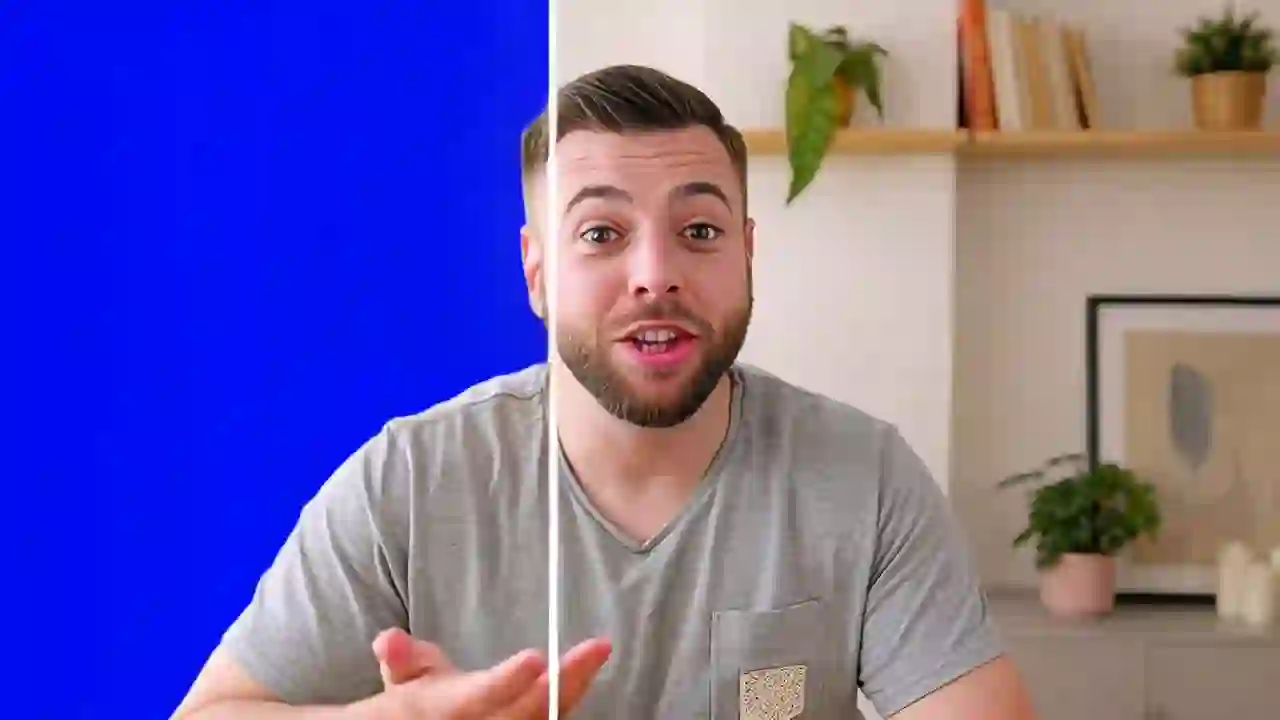
No green screen needed. Shoot anywhere and remove the background in post.
Easy Upload
Upload your video, optionally add a background image, and hit generate. No editing software or technical skills required.
Custom Backgrounds
Replace backgrounds with your own images for branded content, virtual sets, or creative compositions.
Fast Results
Cloud processing handles the frame work remotely, so your device does not need to render the background removal locally.
Secure Processing
Uploaded files are automatically deleted after 24 hours. We don't store or use your videos beyond processing.
Pay-Per-Second
Transparent pricing based on video duration. Only pay for what you use with no hidden fees.
What Our Users Say
Sarah Chen
Content Creator
This tool saved me hours of editing time. The background removal worked well on my talking-head clips, and I like being able to add custom backgrounds.
Marcus Johnson
Video Editor
As a video editor, I use it for first-pass background cleanup. It handles common talking-head footage much faster than manual masking.
Emily Rodriguez
Social Media Manager
It is useful for creating social media content. I can quickly remove backgrounds and add branded backdrops to our short videos.
David Kim
Marketing Specialist
We use this for all our product demo videos now. The transparent backgrounds make it easy to overlay videos on our website and presentations.
Jessica Taylor
YouTuber
I can film in more places without setting up a green screen. For short clips, processing is usually quick enough for my publishing workflow.
Alex Thompson
Product Photographer
Useful for product videos. The ability to swap backgrounds means I can create multiple backdrop variations from the same source clip.
Maya Patel
Online Teacher
I create educational videos daily, and this tool helps me keep the presentation clean with consistent custom backgrounds.
Tom Anderson
Small Business Owner
Affordable and easy to use. I can create cleaner marketing videos for my business without hiring an editor for every simple background change.
Ready to Remove Video Backgrounds?
Upload a video, remove the background, and export a transparent or custom-background clip for editing, social media, product demos, or presentations.