
AI Virtual Try-On — See Outfits on AI Models
Upload a product photo, a model photo, or both — then describe the look. AI generates a realistic outfit preview, ready for social media or your product page.
Upload
Upload
Upload
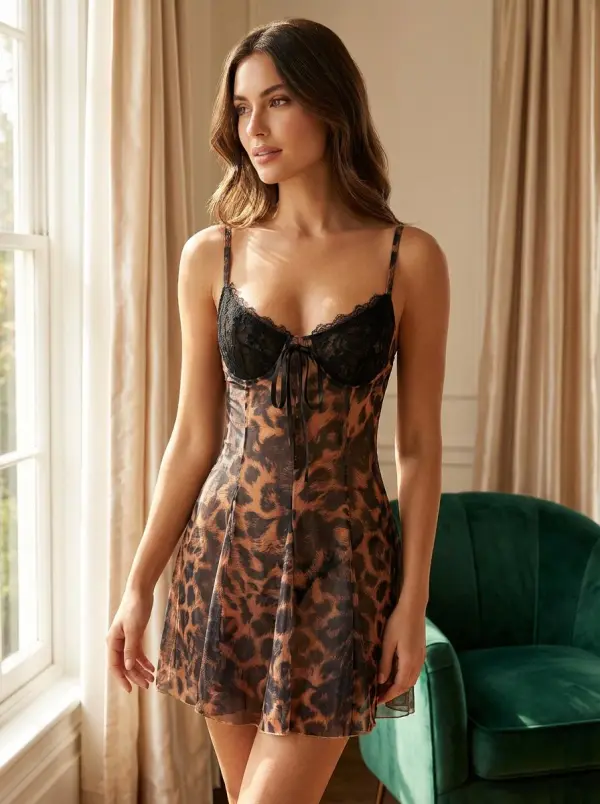
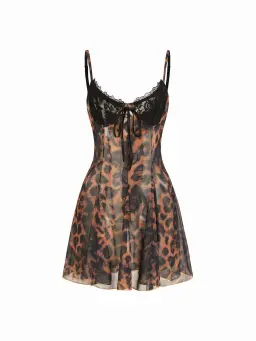
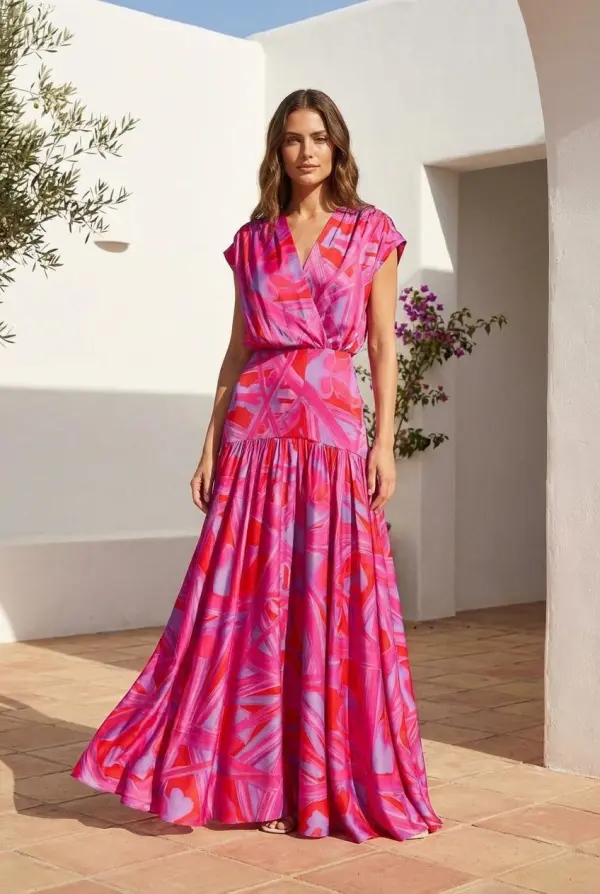
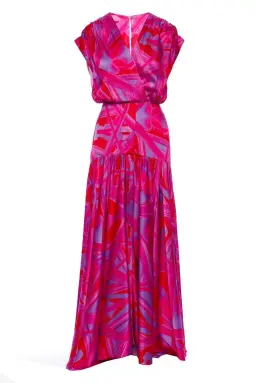
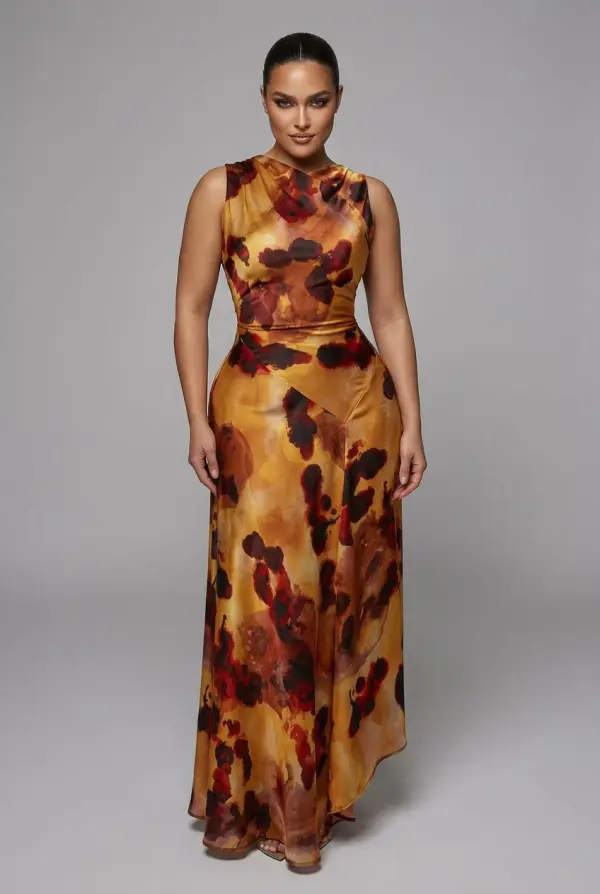
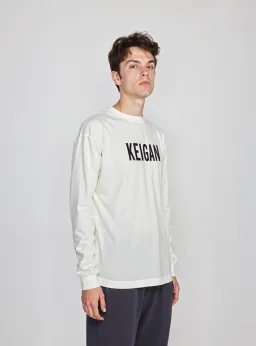
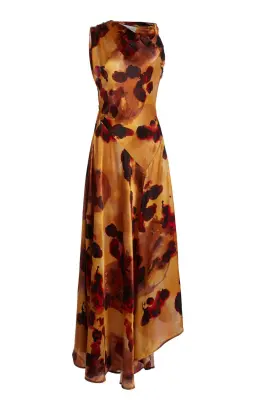
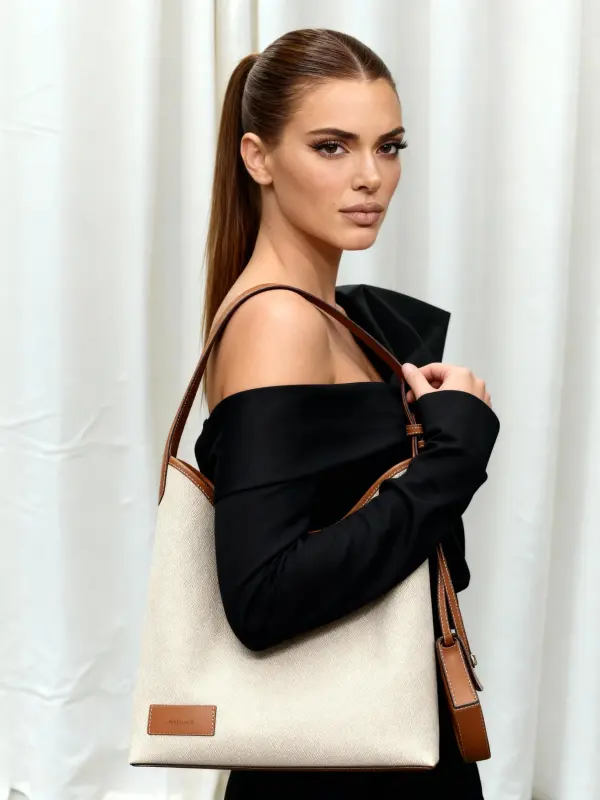
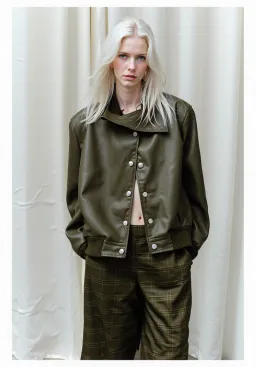
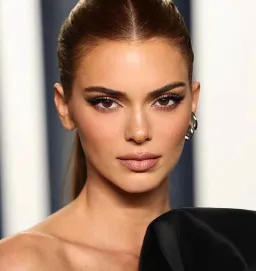
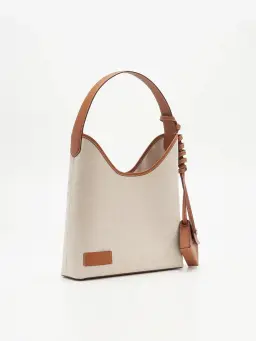
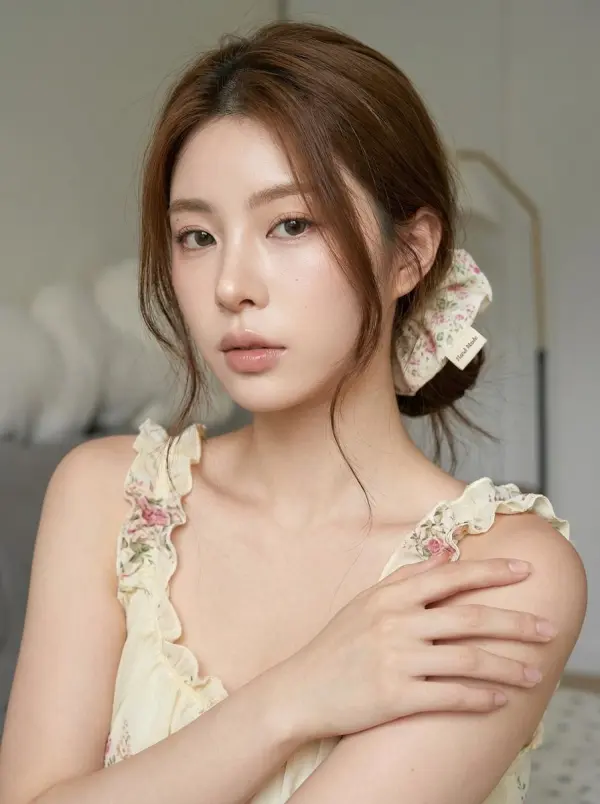
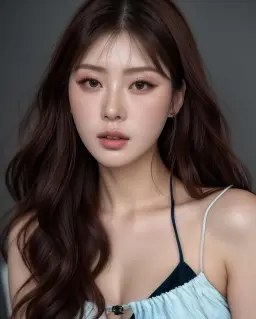
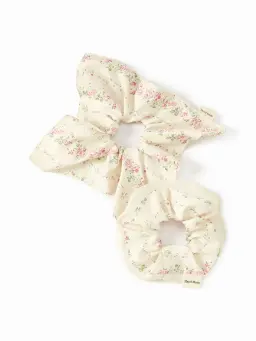
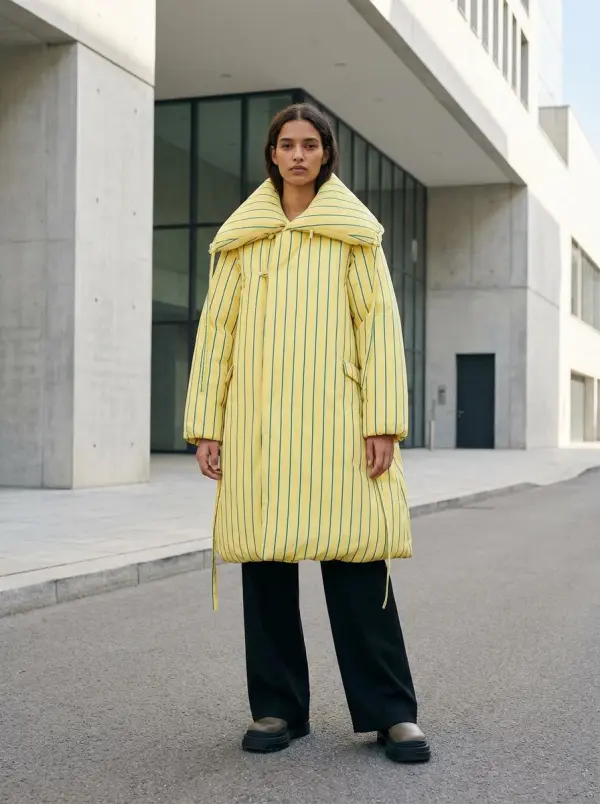
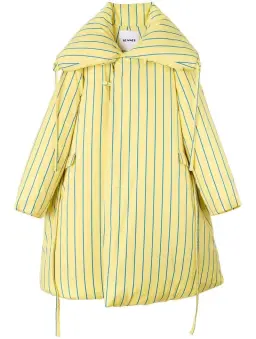
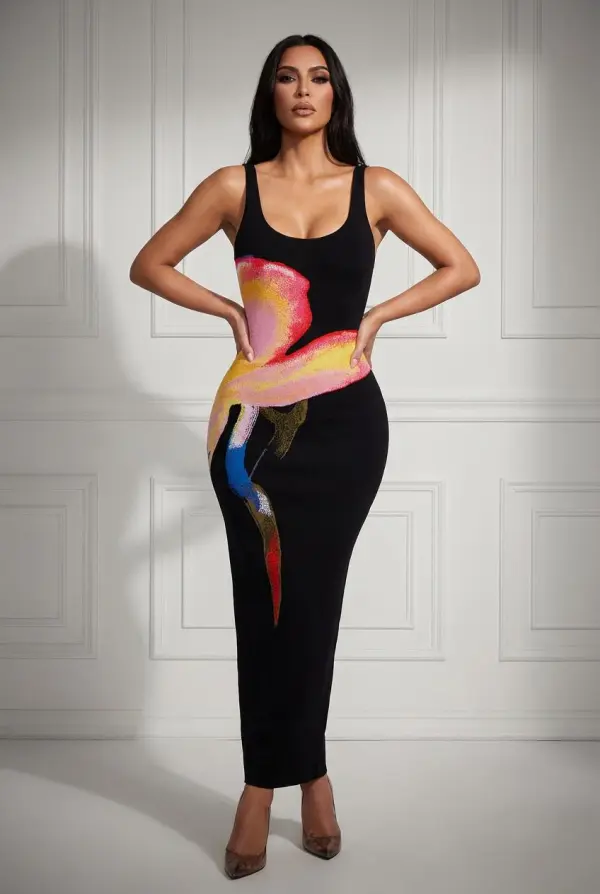
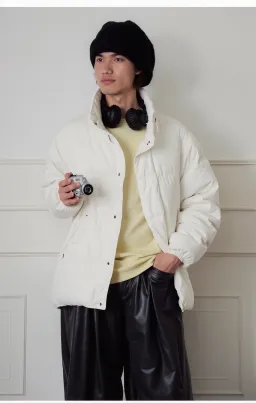
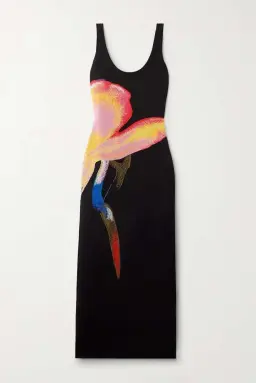
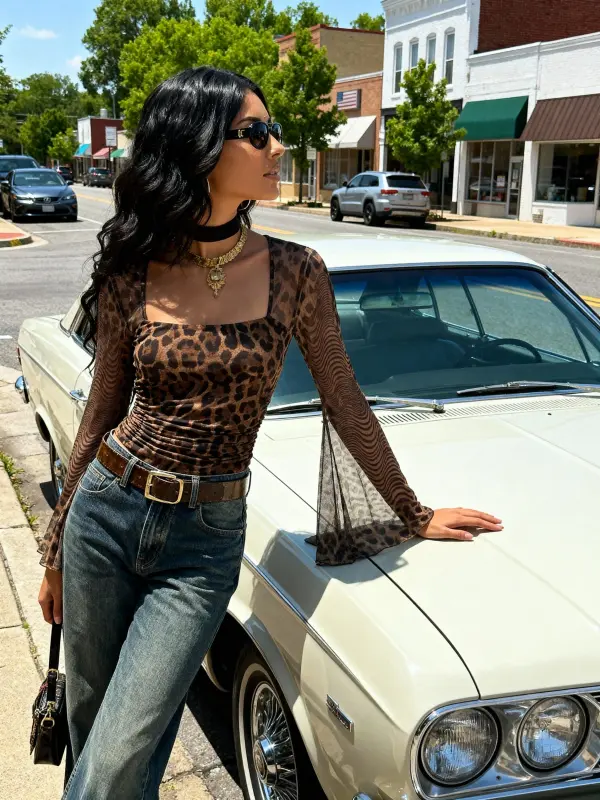
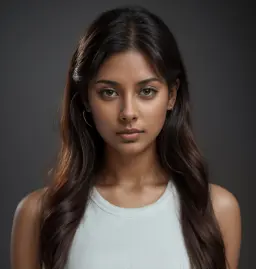
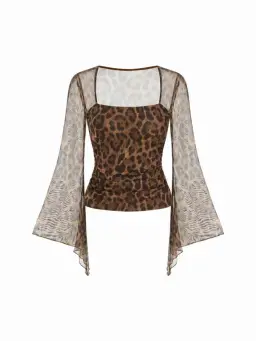
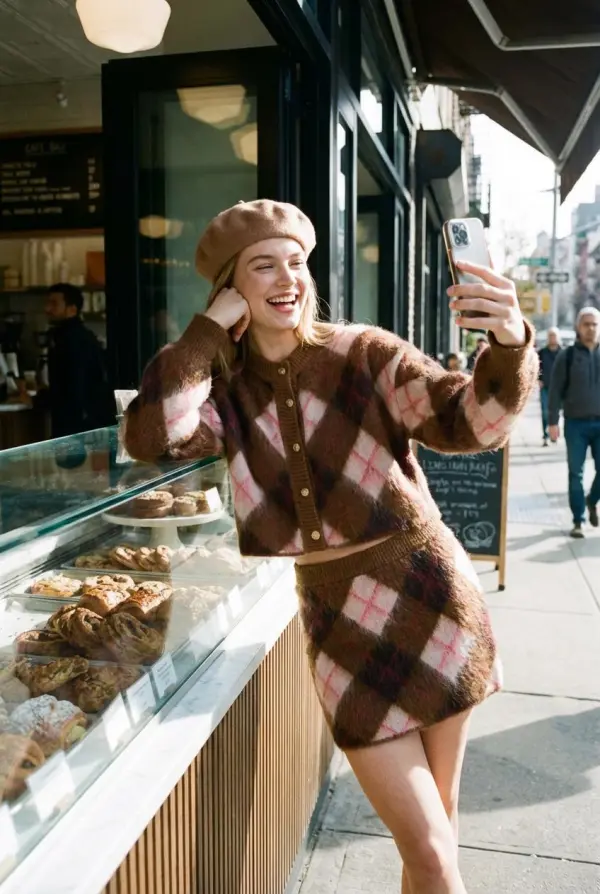
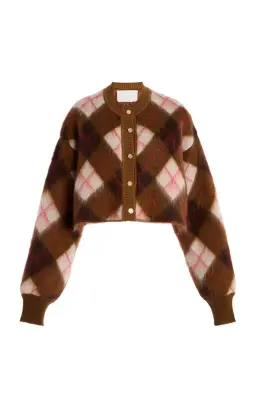
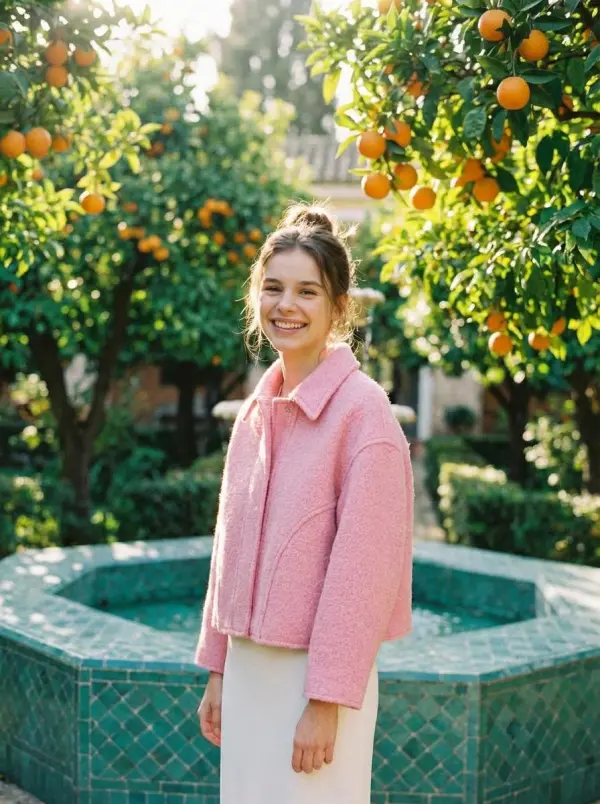
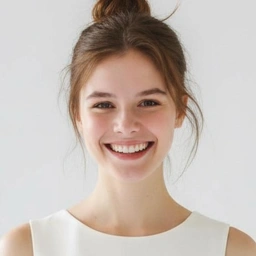
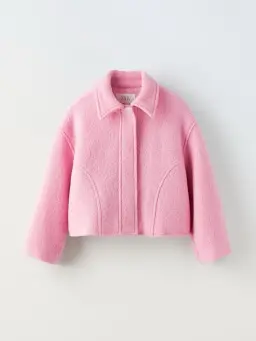
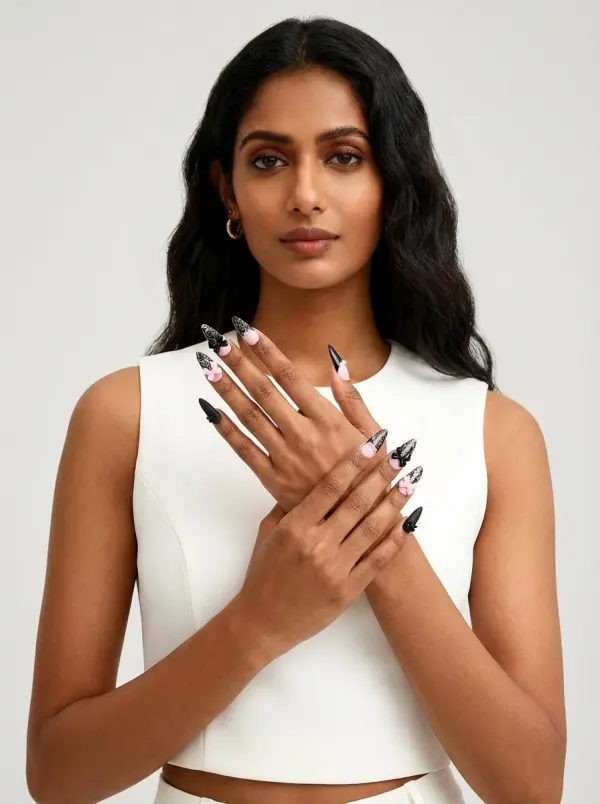
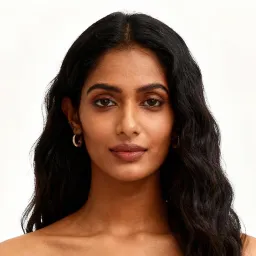
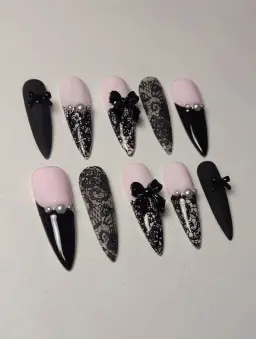
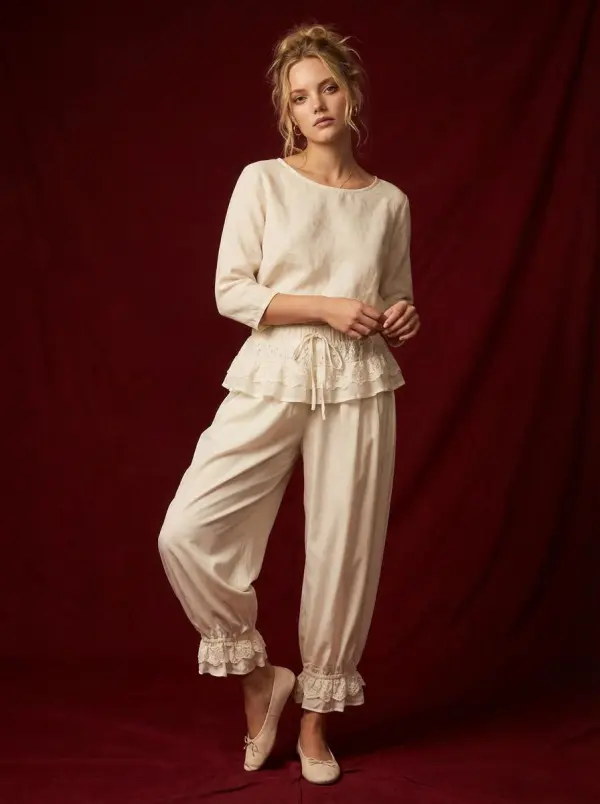
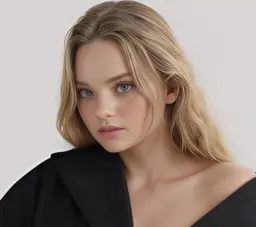
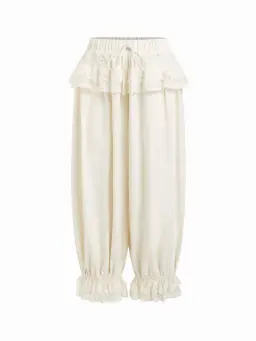
What Is AI Virtual Try-On?
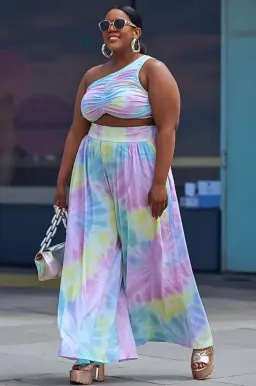
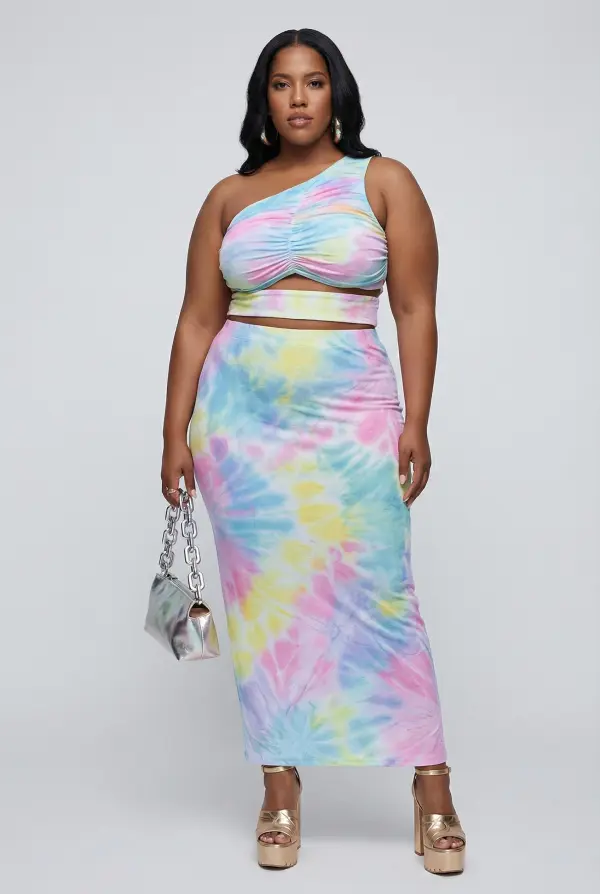
AI Virtual Try-On is a tool that places clothing, accessories, and fashion items onto AI-generated models using product photos and text prompts. Upload your product image, optionally add a model reference photo, describe the scene and styling in a prompt, and the AI renders a realistic outfit preview. This is not a simple overlay or template swap. The AI reads fabric texture, silhouette, and color from your product photo, then dresses a model with it while following the pose, lighting, and background you describe in your prompt. Upload 1 to 3 reference images (product, model, location) and add a text description.
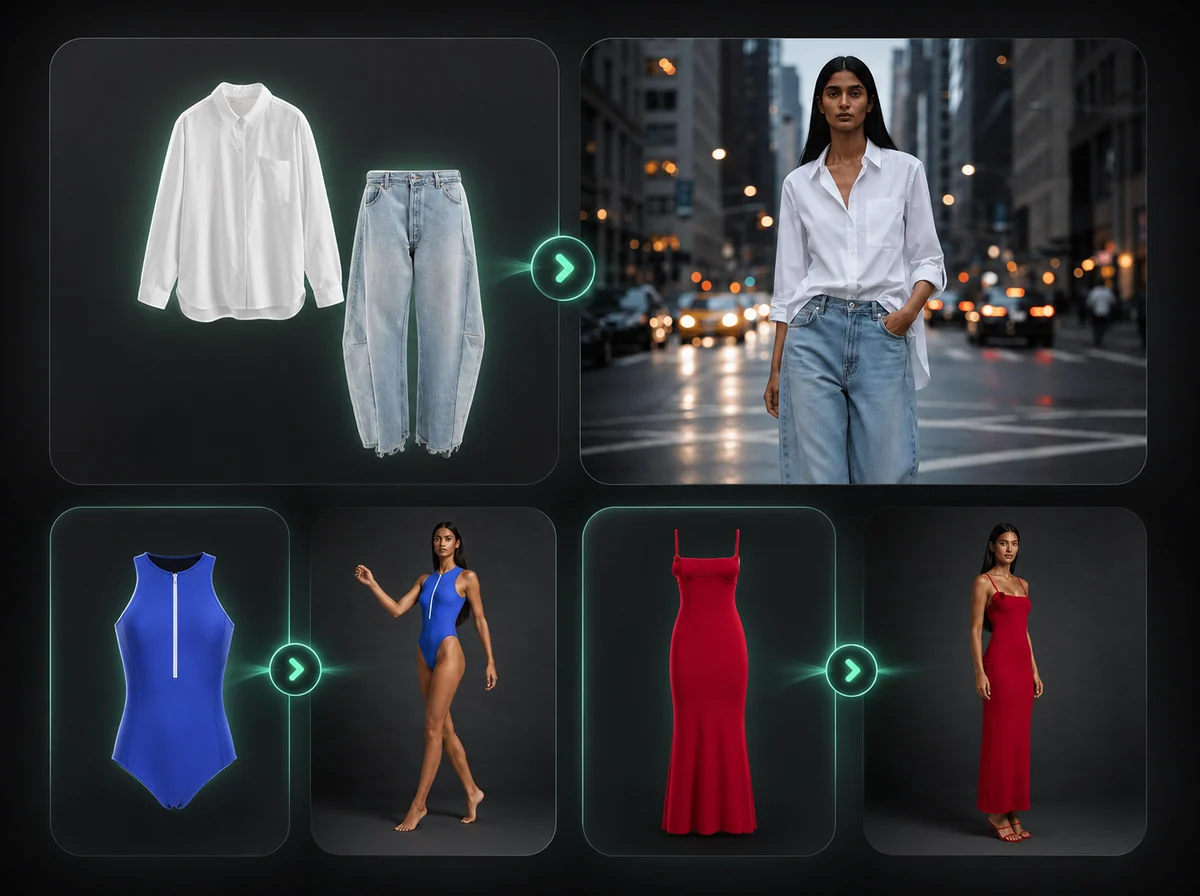
How to Use AI Virtual Try-On in 3 Steps
Upload product photos, describe the look, and get a realistic outfit preview
Upload Your Reference Photos
Upload 1 to 3 photos: your product, a model reference, or a location background. PNG, JPG, and WebP supported up to 10MB each. At minimum, upload the clothing or accessory you want to visualize.
Describe the Look in a Prompt
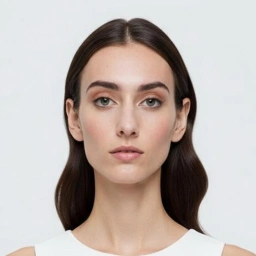
Type a text prompt describing the model, pose, styling, and scene. The more specific you are — skin tone, hair, lighting, background — the easier it is to guide the result. Reference specific images by saying 'Image 1', 'Image 2'.
Download Your Try-On Result
Review the AI-generated outfit photo after processing, then download the result with no watermark. Use it for product listings, social media, or campaign drafts.
Dress Any Model in Your Product — Without a Photoshoot
Upload your clothing product and a reference model photo, then describe the scene in a prompt. The AI places the garment from your product photo onto the model while preserving fabric texture, pattern, and silhouette where the image supports it. No green screen, studio booking, or photographer required. E-commerce brands use this to create on-model concepts for colorways and size variations.
Control the Model, Pose, and Scene with a Text Prompt
You are not limited to the reference photo you upload. Your text prompt controls everything the AI fills in — the model's pose, the lighting, the background setting, and the overall vibe of the shot. Describe an outdoor café, a studio backdrop, or a city street. Specify a seated pose, a walking shot, or a half-body close-up. The AI generates a full fashion photo that matches both your uploaded product and your written creative direction, in one pass.
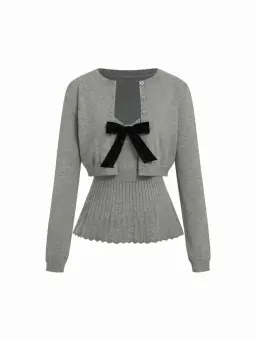
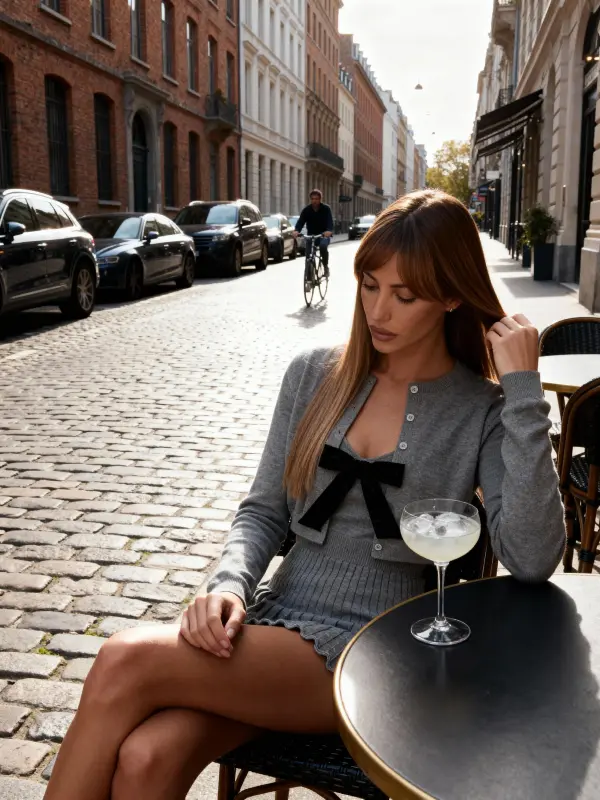
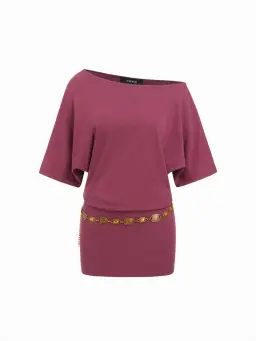
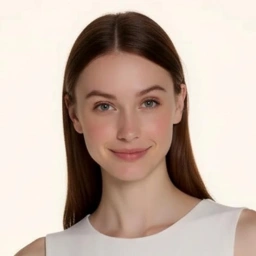
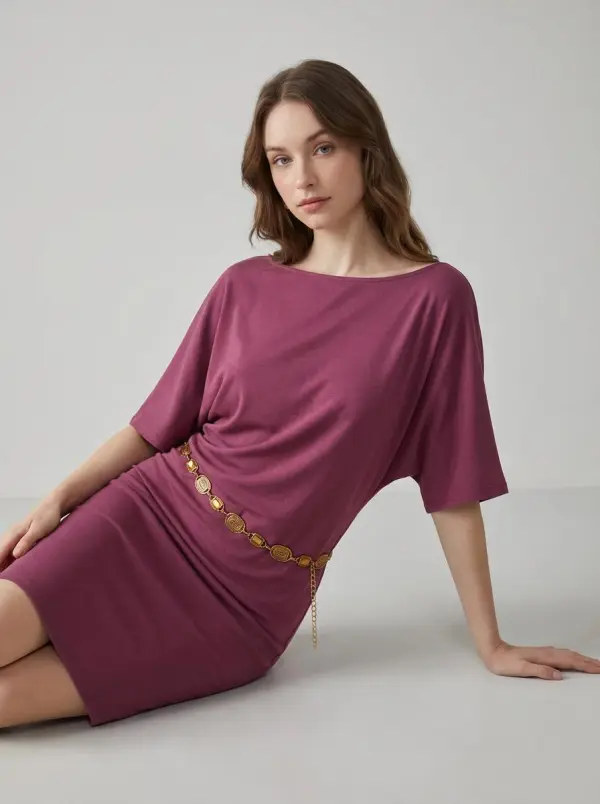
Works for Clothing, Accessories, and Jewelry
The AI handles more than just garments. You can upload accessories — press-on nails, earrings, handbags, scarves — and describe a scene that shows them off naturally. Specify a hand close-up for nail products, an over-the-shoulder shot for bags, or a half-body portrait for jewelry. The AI adapts the composition to your product type and prompt. Sellers across categories use this to generate lifestyle photos without needing separate shoots for each product type.
Generate Consistent On-Model Content at Scale
E-commerce teams and fashion brands use virtual try-on to produce on-model photos for every product, color, and size variation without booking models for each one. Upload your product, reference a preferred model look in your prompt, and generate a consistent set of lifestyle images. Use it across Shopify listings, Amazon product pages, and social campaigns without maintaining a full production budget.
Why Use iMideo AI Virtual Try-On
Up to 3 Reference Images
Upload a product, a model, and a location — up to 3 photos total. The AI uses all of them together to build the final shot.
Prompt-Driven Creative Control
Write the model, pose, lighting, and background you want. The AI treats your prompt as creative direction, not just a caption.
Fast Try-On Workflow
Upload your photos, write your prompt, and download the try-on result after processing completes.
Any Aspect Ratio
Choose from 10 aspect ratios — square, portrait, landscape, and cinematic. Match the output format to your platform without cropping.
Private Processing
Your uploaded photos are processed for your try-on generation and handled according to the product retention policy. They are not used for AI model training.
Pay Per Generation
No subscription or minimum commitment. Start with one-off generations and scale only when a campaign needs more output.
What Our Users Say
Rachel S.
Shopify Store Owner
I sell dresses on Shopify and was spending $800 a month on model photography. With virtual try-on, I generate my product photos myself. The fabric texture in the output actually matches what I uploaded — it's not a generic mannequin look.
Kevin T.
Amazon FBA Seller
I used this to create on-model photo drafts for my spring collection. The prompt control is what makes it useful — I could specify the background, the pose, and the model style for each shot before choosing what to publish.
Amara L.
Fashion Influencer
I use this to preview outfits before I actually buy them. I screenshot the product, upload it, write a prompt with my body description, and I can see roughly how it'll look on me. Saved me from at least three bad purchases so far.
Diego M.
Accessories Brand
Our handbags are hard to photograph on their own. With virtual try-on I can generate lifestyle shots — model holding the bag on a city street or at a café — just from the product photo and a text prompt. No studio, no model fees.
Yuki H.
Small Fashion Brand
We're a small team and can't afford frequent photo shoots. Virtual try-on lets us generate content for every colorway we release. The prompts give us control over the model look and scene so our brand aesthetic stays consistent.
Natalie P.
Social Media Manager
My client is a jewelry brand. I use virtual try-on to create close-up hand and neck shots by uploading the piece and writing a detailed prompt. The results are clean enough to post directly without editing. Saves us at least 6 hours a week.
Tom B.
E-Commerce Consultant
I recommend this to clothing clients who need fast on-model concepts before booking a shoot. The quality gap between a flat product photo and an on-model shot is easy for clients to understand.
Fatima A.
Etsy Seller
I make custom knitwear and my listings used to just show the garment flat. Now I generate try-on photos for each piece so shoppers can understand the shape and styling before they message me.
Frequently Asked Questions
1What is AI Virtual Try-On?
AI Virtual Try-On is an online fashion photo tool that generates a realistic preview of clothing or accessories on an AI model. Upload 1 to 3 reference photos (product, model, location) and write a text prompt describing the look, then the AI produces a fashion image combining your inputs.
2How does the virtual try-on work?
The AI reads the fabric texture, silhouette, and design from your uploaded product photo. When you add a model reference photo and a text prompt, it combines the inputs to generate a realistic photo of a model wearing your product in the scene you described.
3Do I need to upload a model photo?
No. You can generate results with just a product photo and a text prompt. The AI will create a model based on your written description. Adding a model reference photo gives you more control over the model's appearance in the output. The model photo can even be you, though if your goal is to see one garment on your own picture, the clothes changer is built for exactly that.
4How many images can I upload?
You can upload up to 3 reference images: one for the product, one for the model, and one for the background location. All three are optional — you can generate with as few as 1 image and a prompt.
5What types of products does this work for?
The tool works for clothing (tops, dresses, coats, pants), accessories (handbags, scarves), and jewelry items (earrings, necklaces, press-on nails). Write a prompt that describes the shot composition — hand close-up for nails, half-body for earrings, full-body for garments.
6What file formats and sizes are supported?
PNG, JPG, and WebP files up to 10MB each. Upload up to 3 images per generation. Clear, well-lit photos without heavy filters give the best results.
7How long does a generation take?
Processing time depends on image quality, prompt complexity, server load, and queue conditions. You will see progress while the AI generates the try-on result.
8How much does it cost?
iMideo uses a pay-per-use model — no subscription required. You can purchase credit bundles from your account dashboard. See our pricing page for current rates.
9Can I use the output photos commercially?
Yes, you can use generated images for product listings, social media, advertising, and commercial campaigns when you have rights to the uploaded product/model photos and comply with iMideo terms. For related fashion workflows, compare AI Model to Mannequin or AI Breast Expansion.
10Are my uploaded photos private?
Yes. Your photos are processed for your generation request and handled according to the product retention policy. They are not used to train AI models or shared as public assets.
Other Image AI

AI Clothes Changer
Upload your photo and an outfit photo — AI dresses you in it while keeping your face, pose and background.
AI Outfit Generator
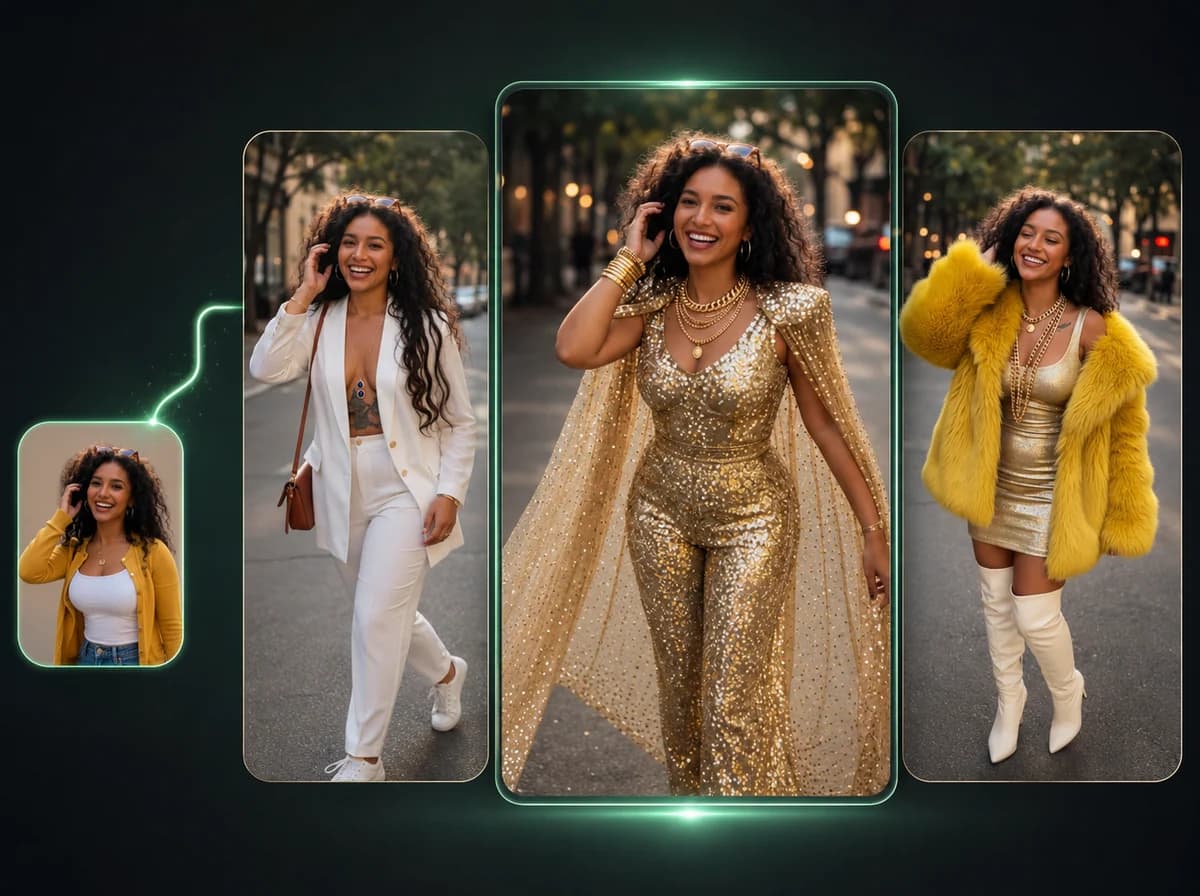
Generate a completely new outfit on any photo — face and pose stay unchanged.
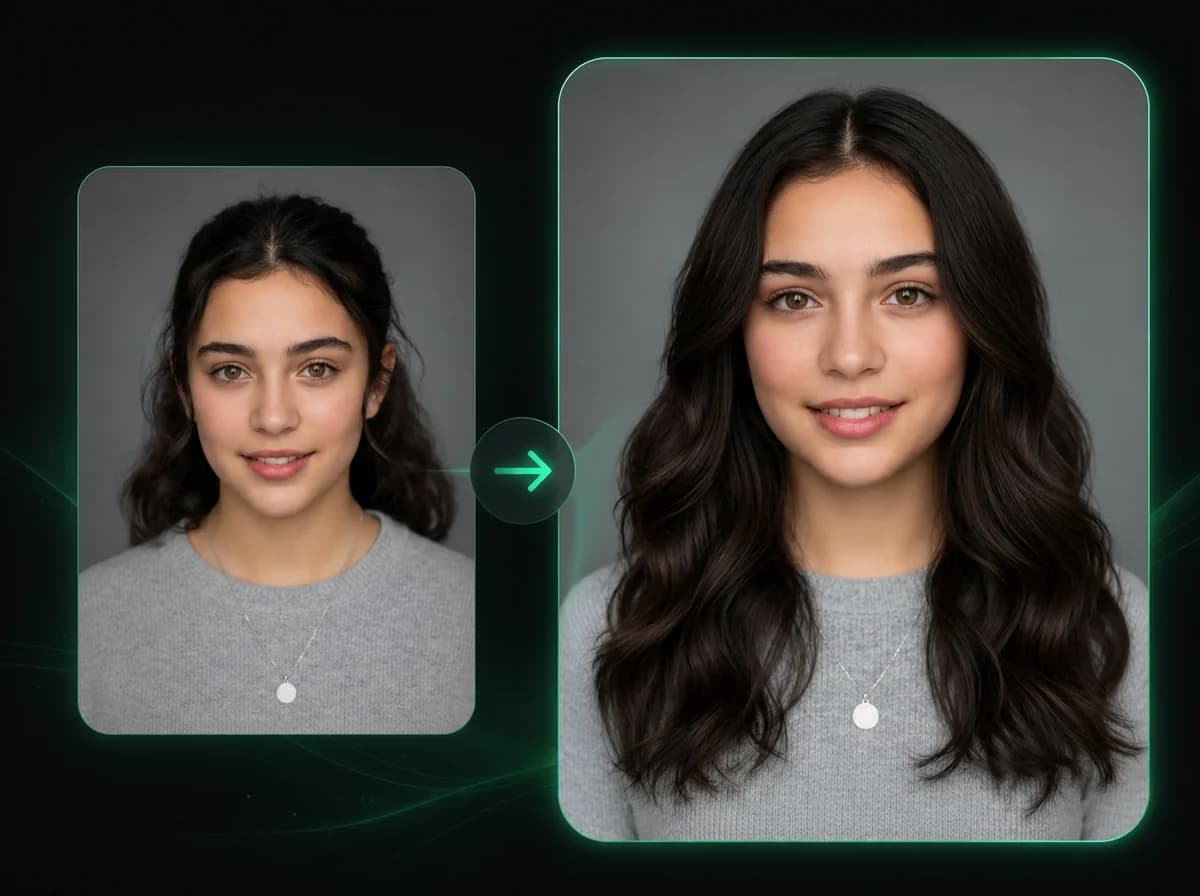
Hairstyle Changer
Swap any hairstyle on a portrait photo — 20 styles for women and men, 4 credits each.
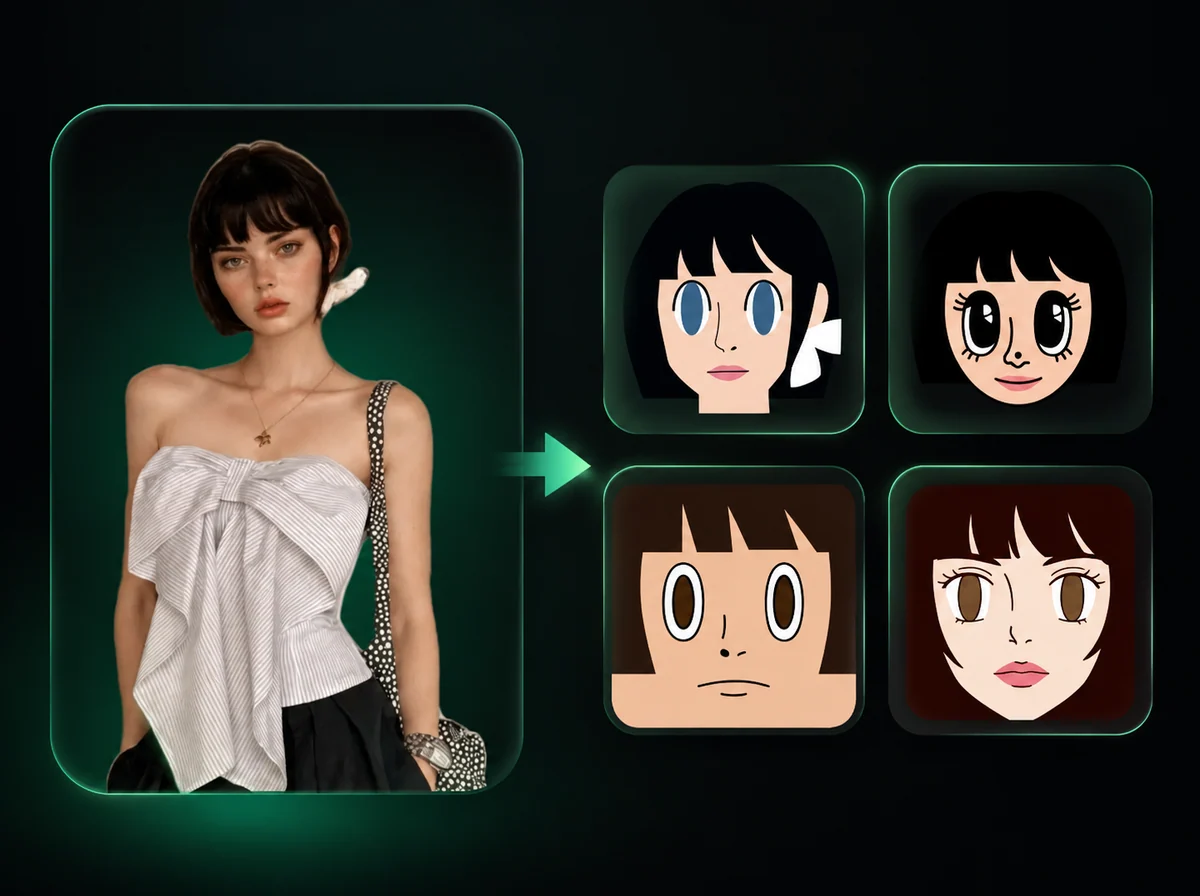
Square Face Icon Generator
Turn any portrait into a clean square face icon — perfect for Discord, social media, and app avatars.
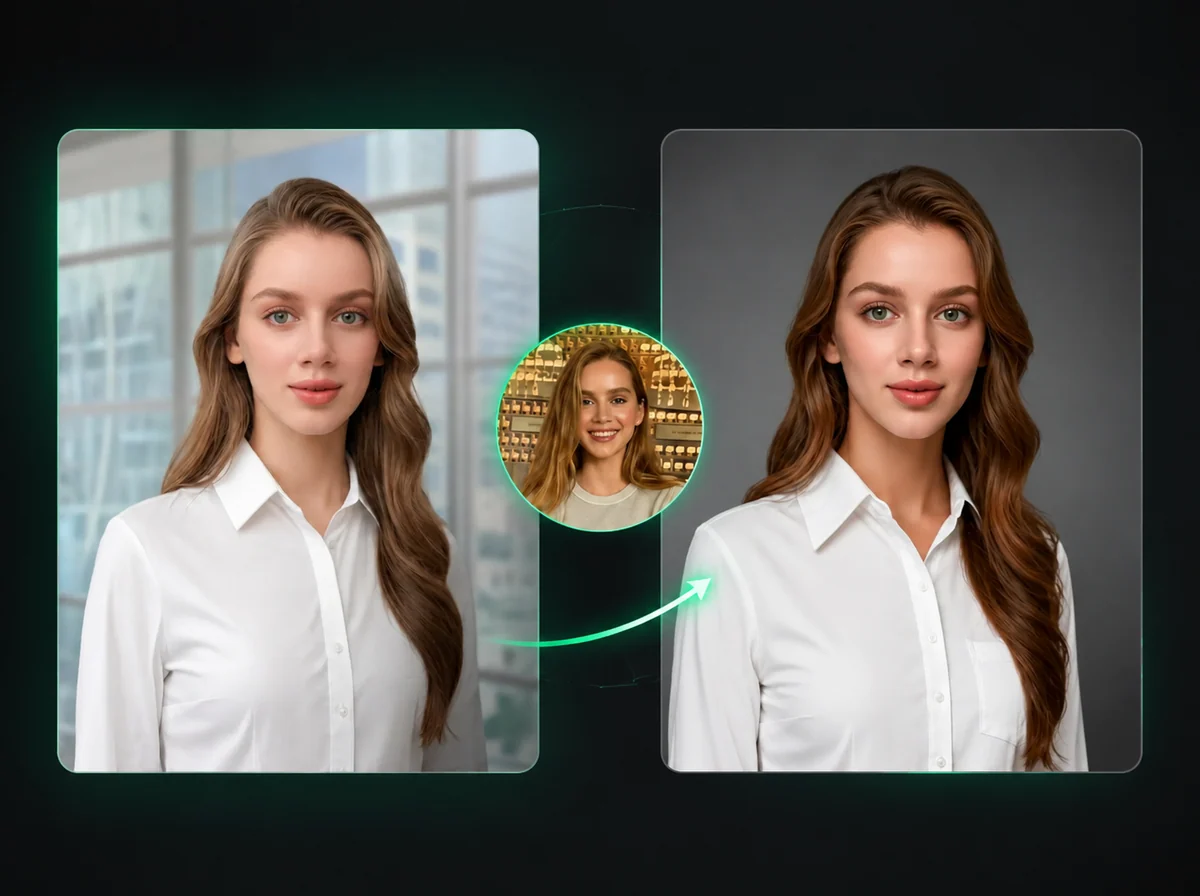
Headshot Generator
Turn any portrait into a professional headshot — passport, visa, and ID card styles with custom background and attire.
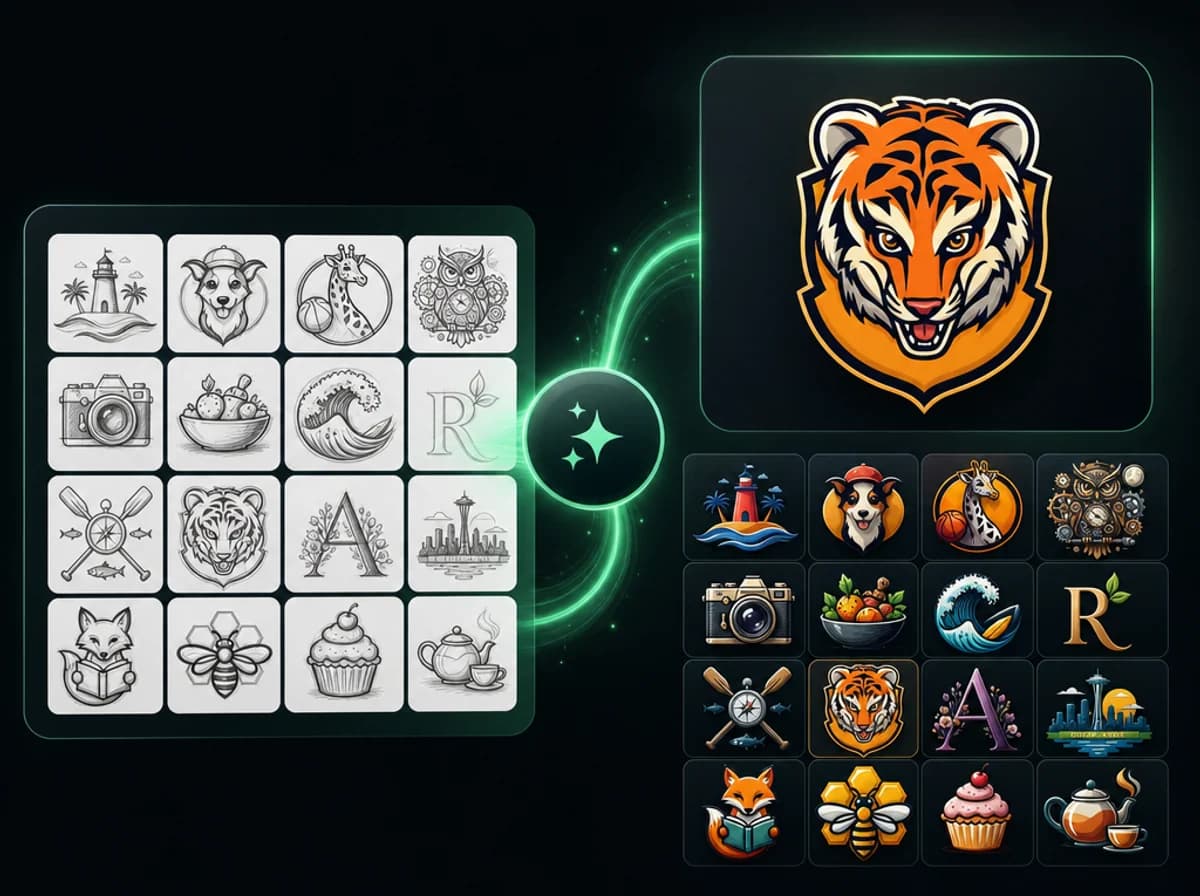
AI Logo Generator
Type a brand brief and AI returns a finished logo concept. No designer queue, no template store.
Try AI Virtual Try-On — See Your Products on Model
Upload a product photo, write a prompt, and get a realistic outfit photo with no studio, no model booking, and no watermark.