AI Wedding Photo Generator, No Studio Needed
Upload one or two everyday photos and let AI create a polished wedding portrait — bridal gown, tuxedo, romantic backdrop, and watermark-free download after processing.
Upload
Upload
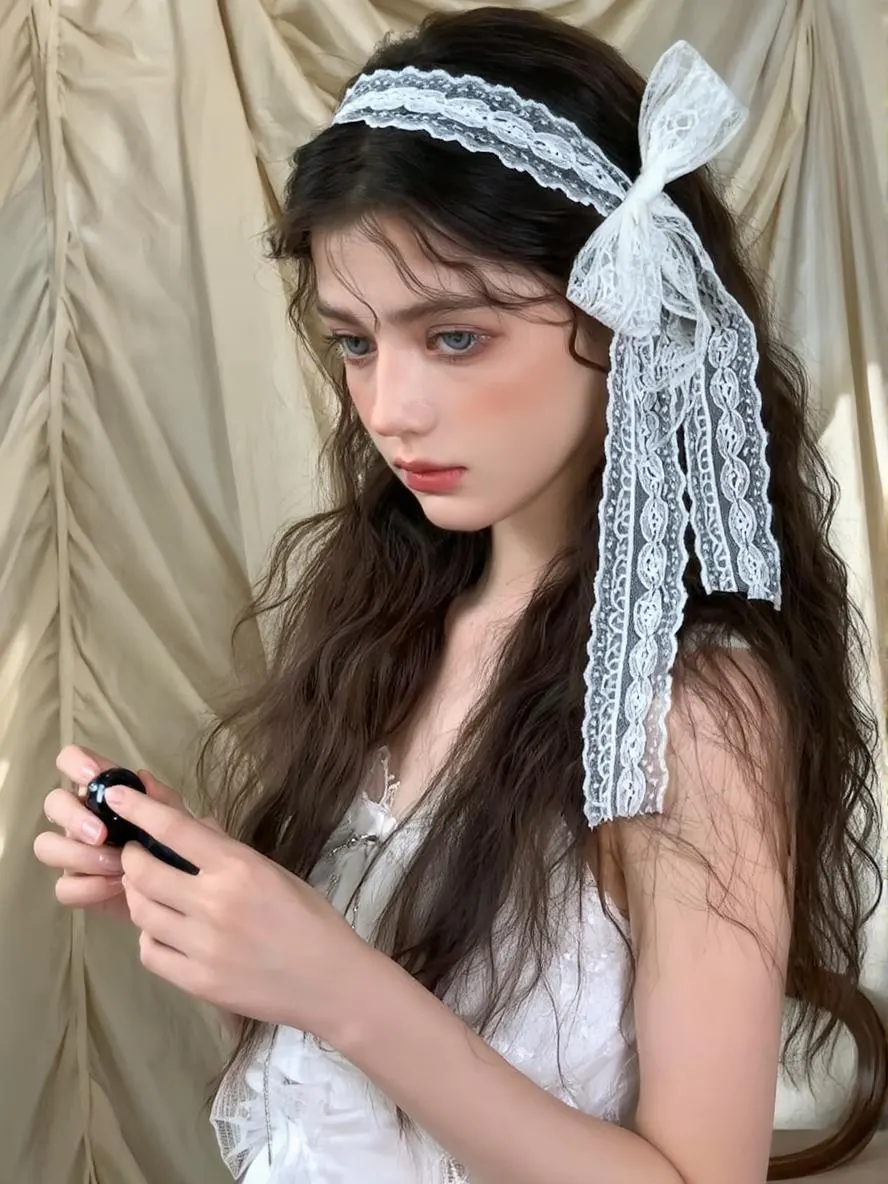
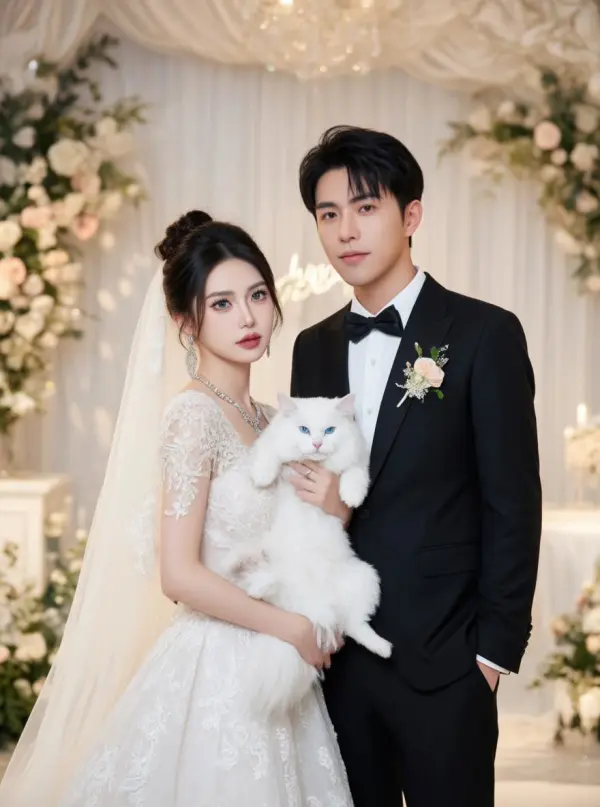
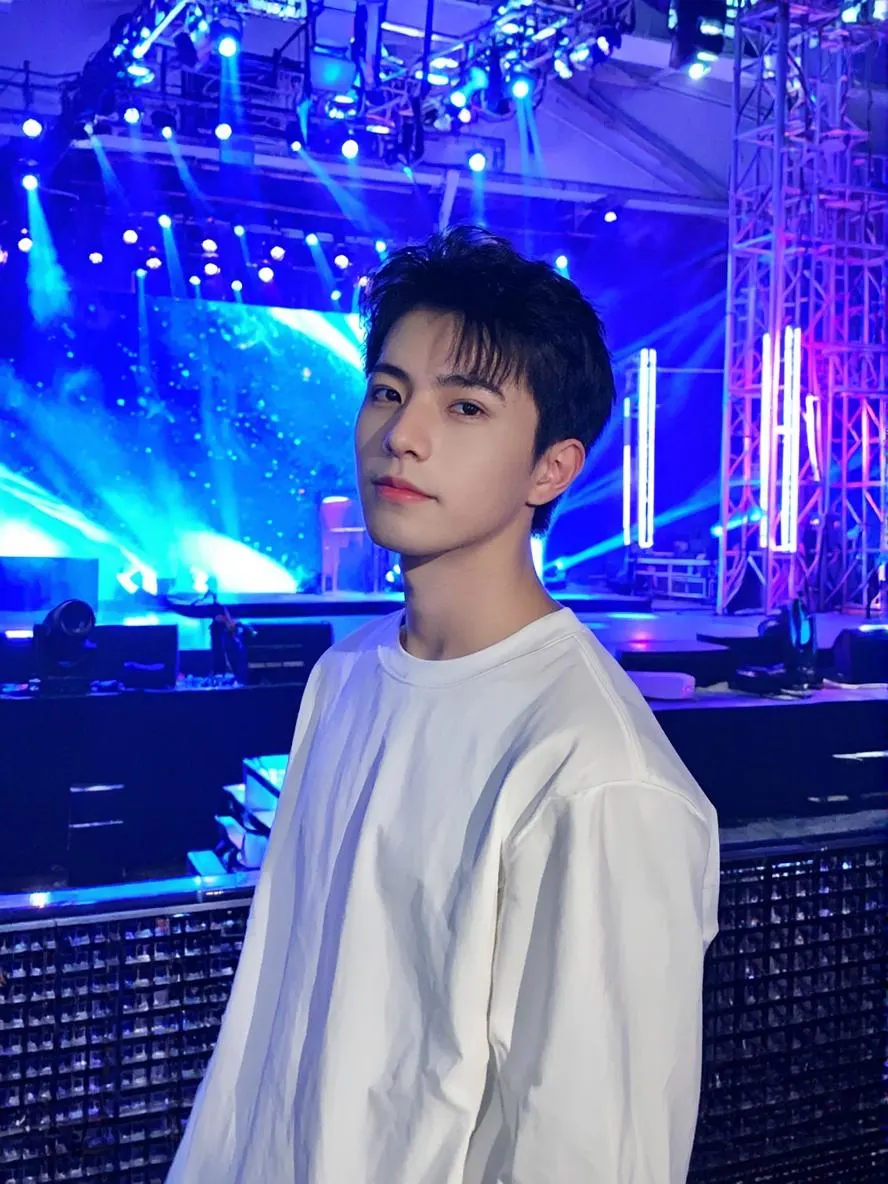
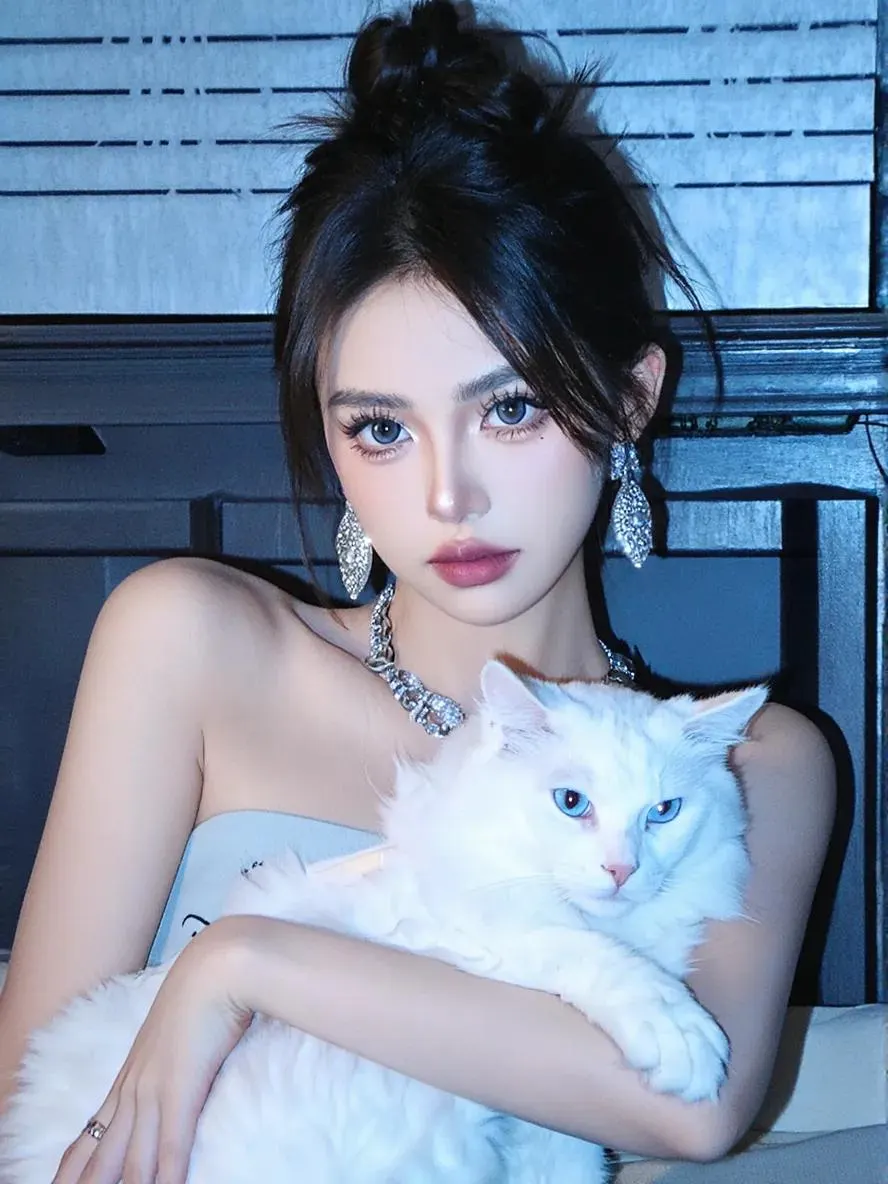
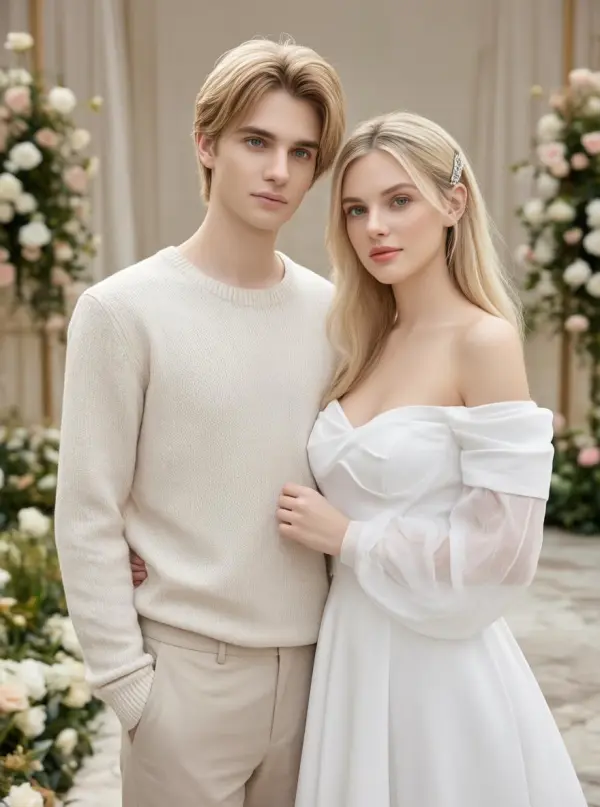
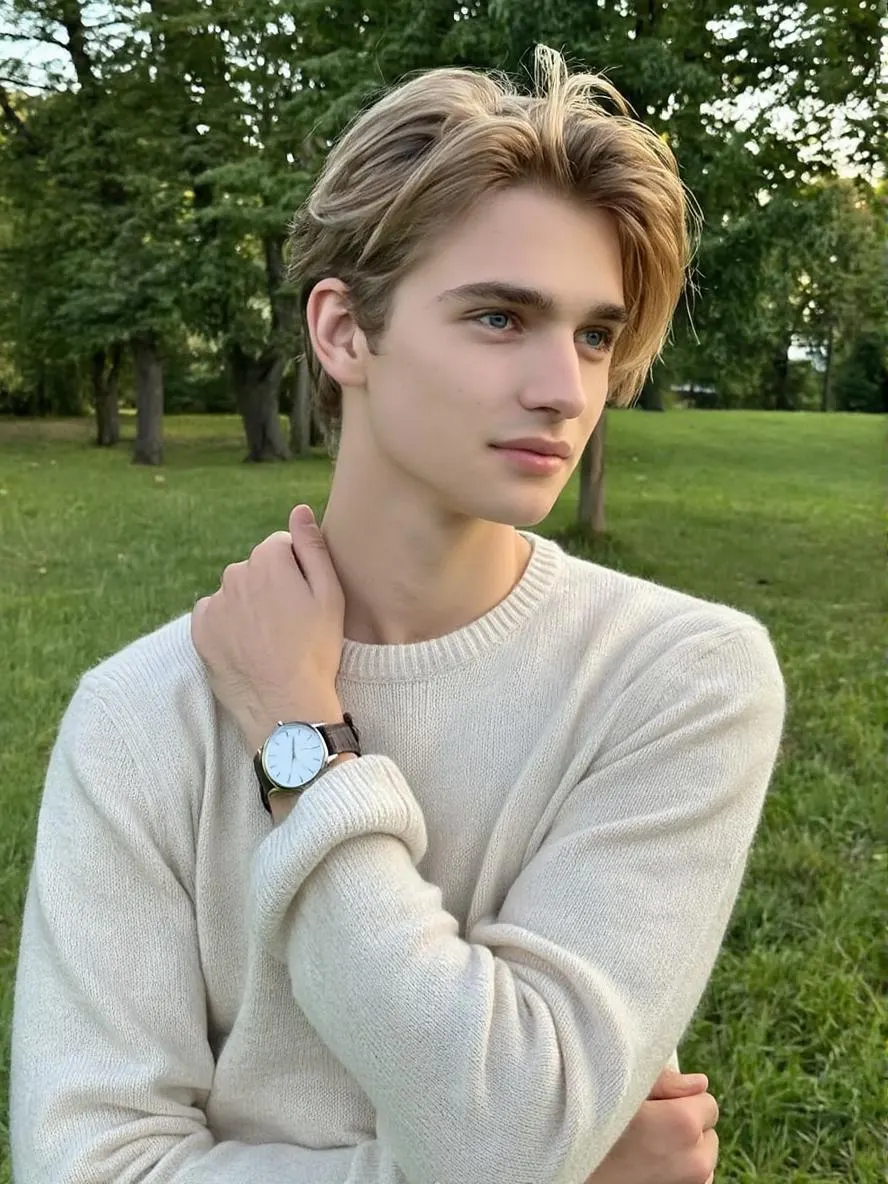
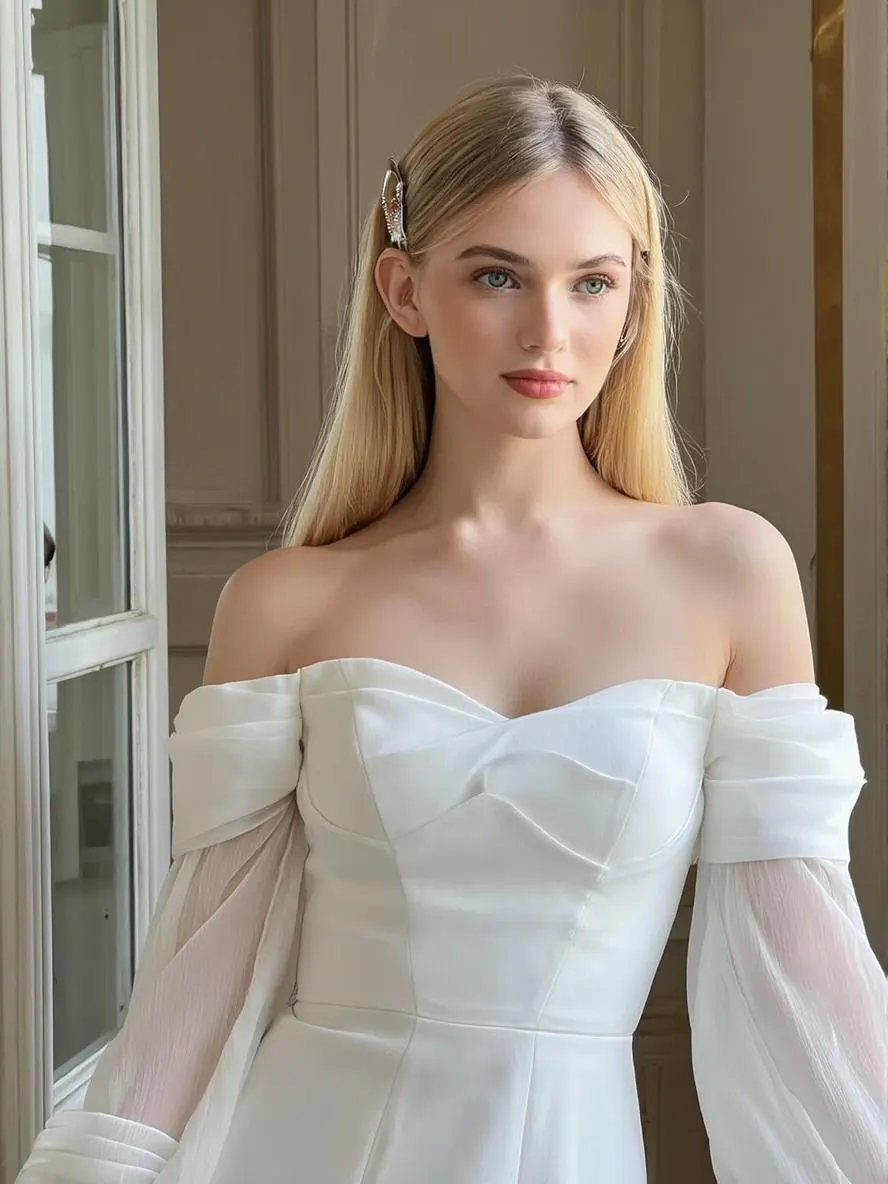
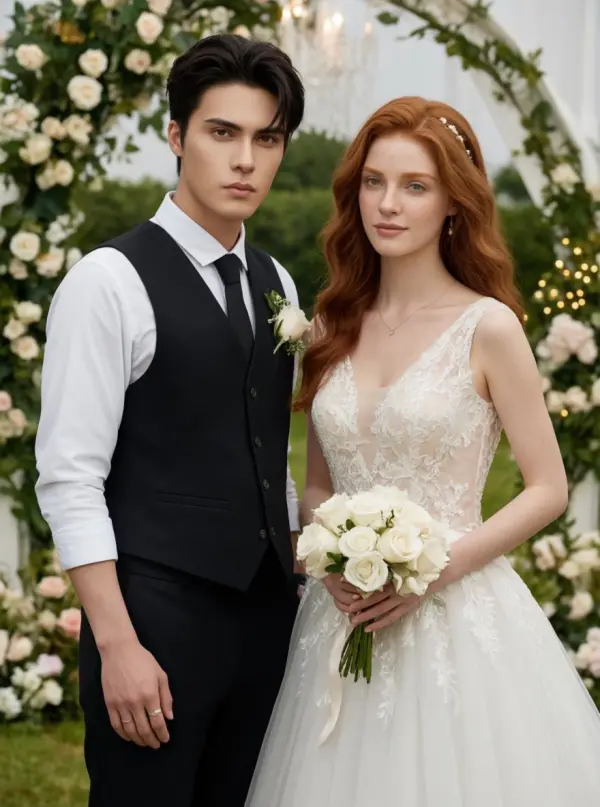
How to Make a Wedding Photo with AI in 3 Steps
Upload your photos, pick an aspect ratio, and download your wedding portrait after processing.
Upload One or Two Photos
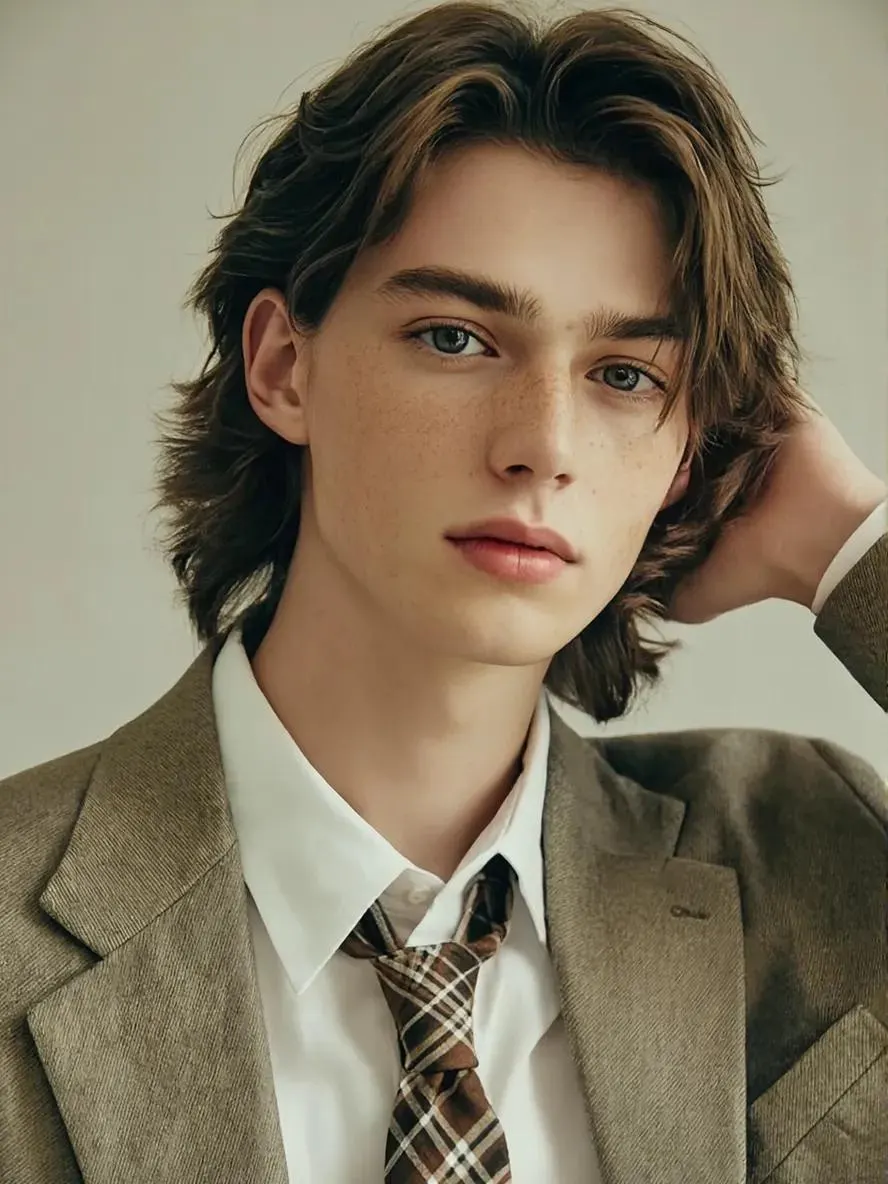
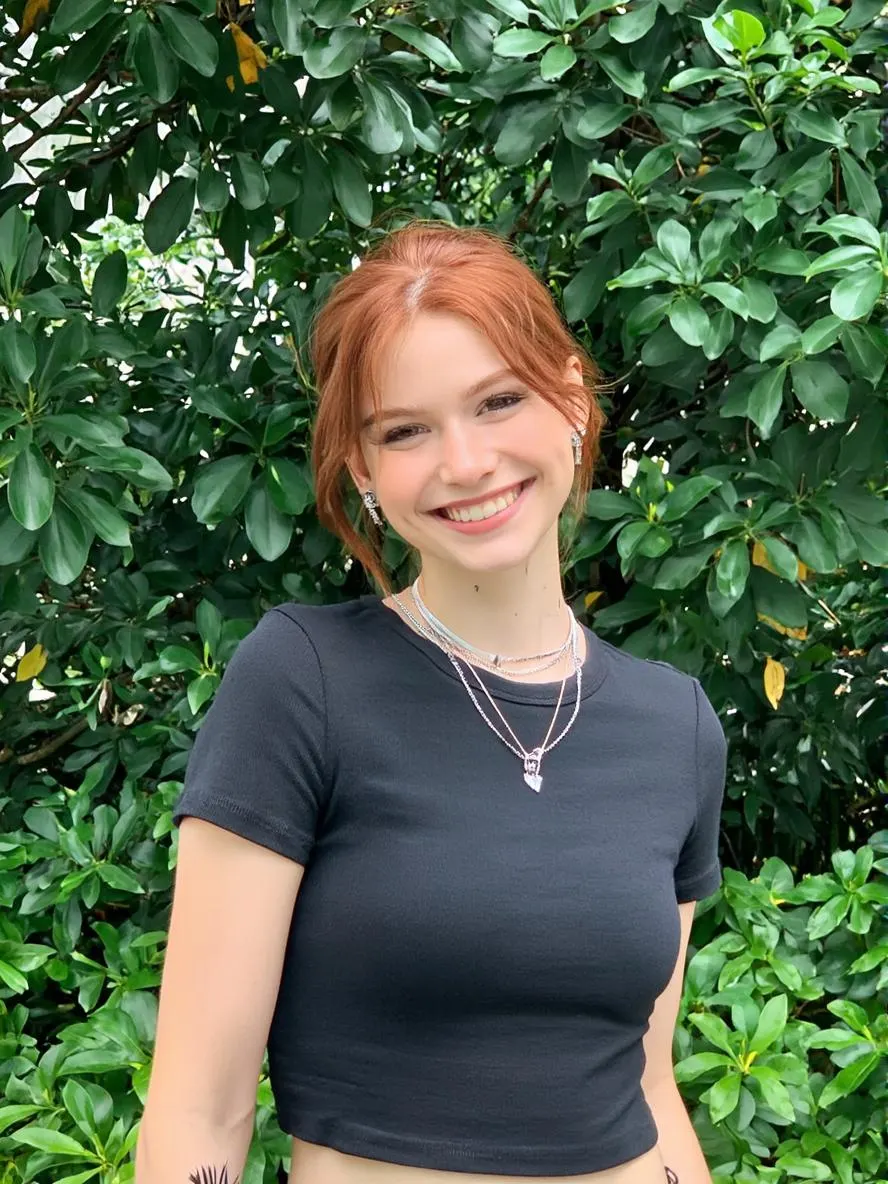
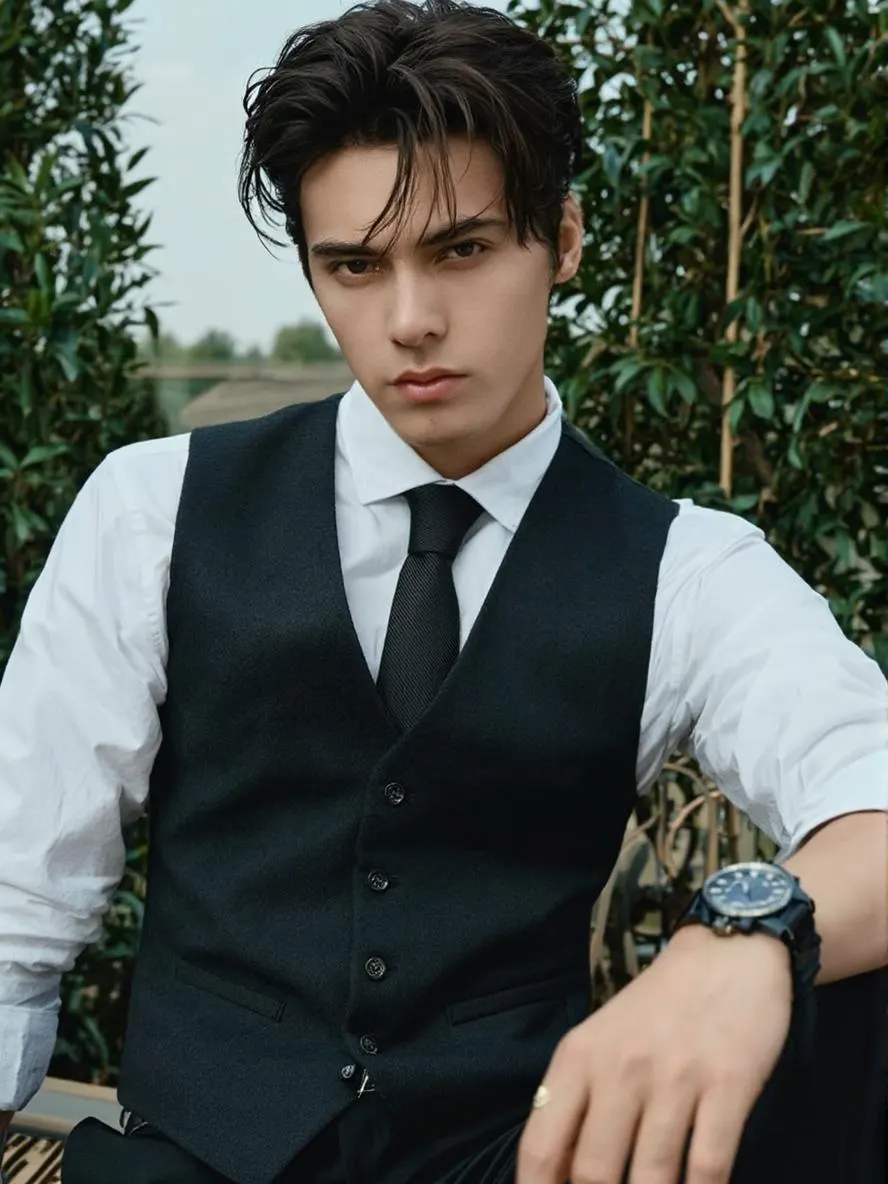
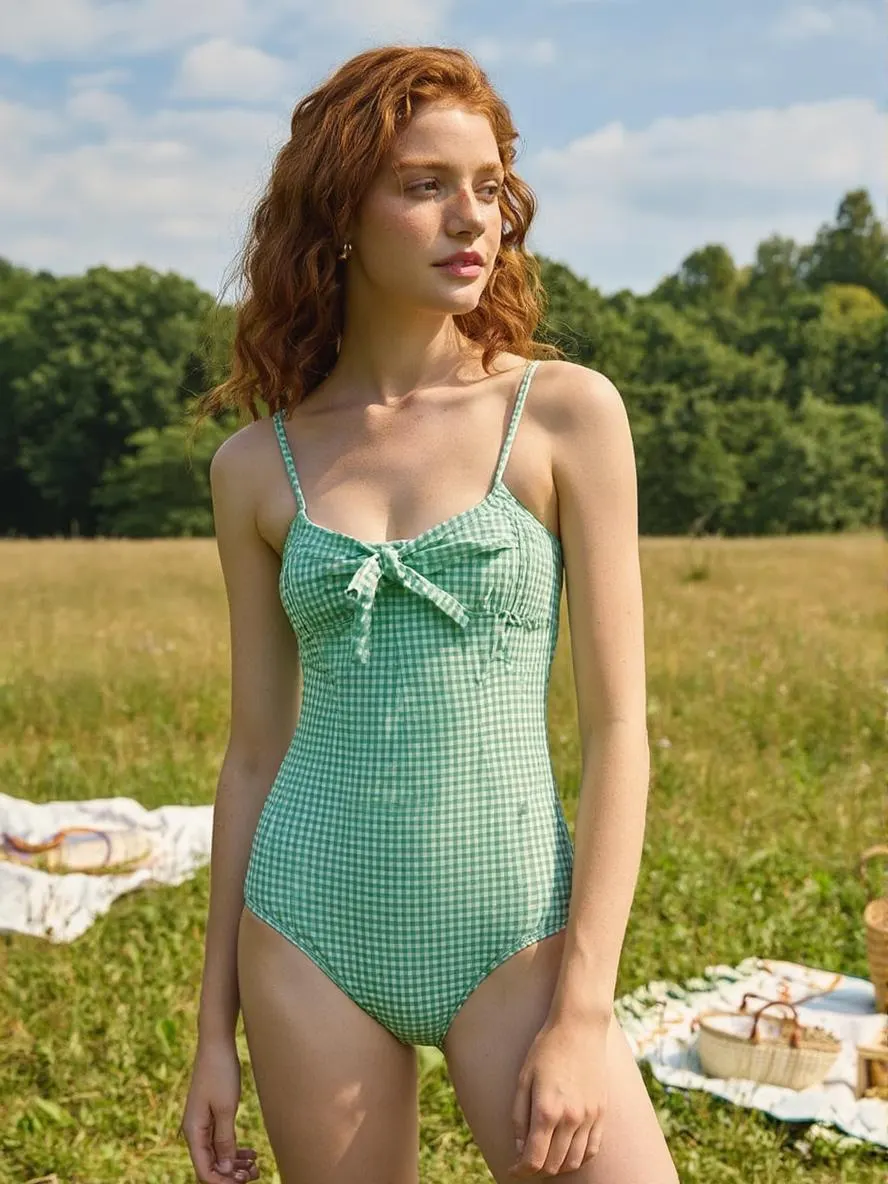
Drag in a single portrait for a solo bridal shot, or upload both partners' photos to generate a couple wedding portrait. Front-facing photos with clear, well-lit faces give the strongest results. PNG, JPG, and WebP supported.
Pick Aspect Ratio and Generate
Choose square for Instagram, portrait for printing, or landscape for desktop. The wedding scene, attire, lighting, and pose are auto-composed by the AI — no prompt writing needed. Hit Generate and the queue handles the rest.
Download Your Wedding Portrait
The finished portrait appears in your task panel when generation completes. Download the watermark-free file and share it on social, send it to print, or use it for save-the-dates.
Combine Two Photos Into One Couple Wedding Portrait
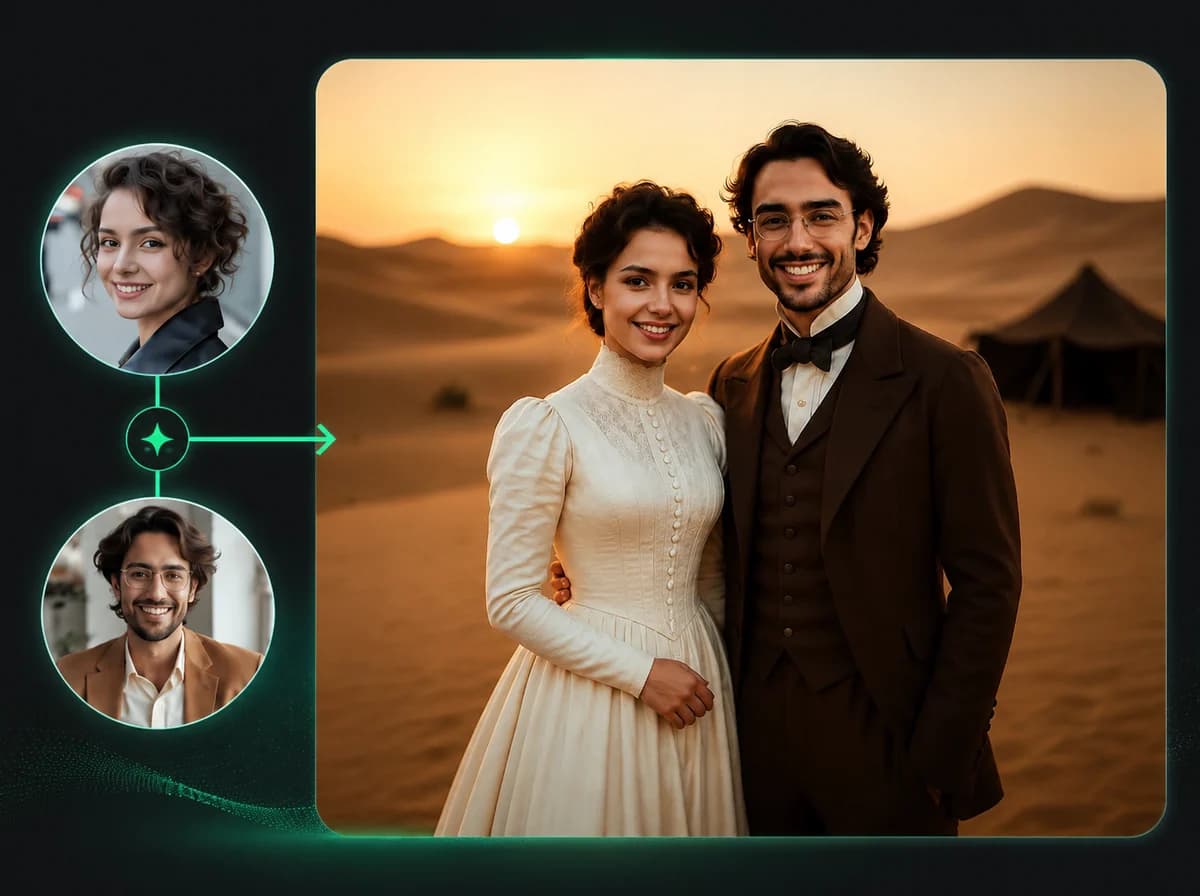
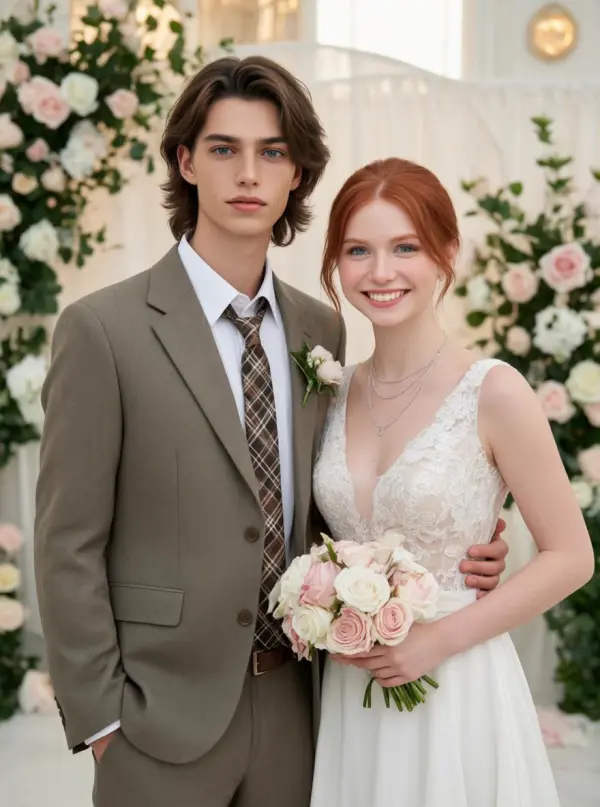
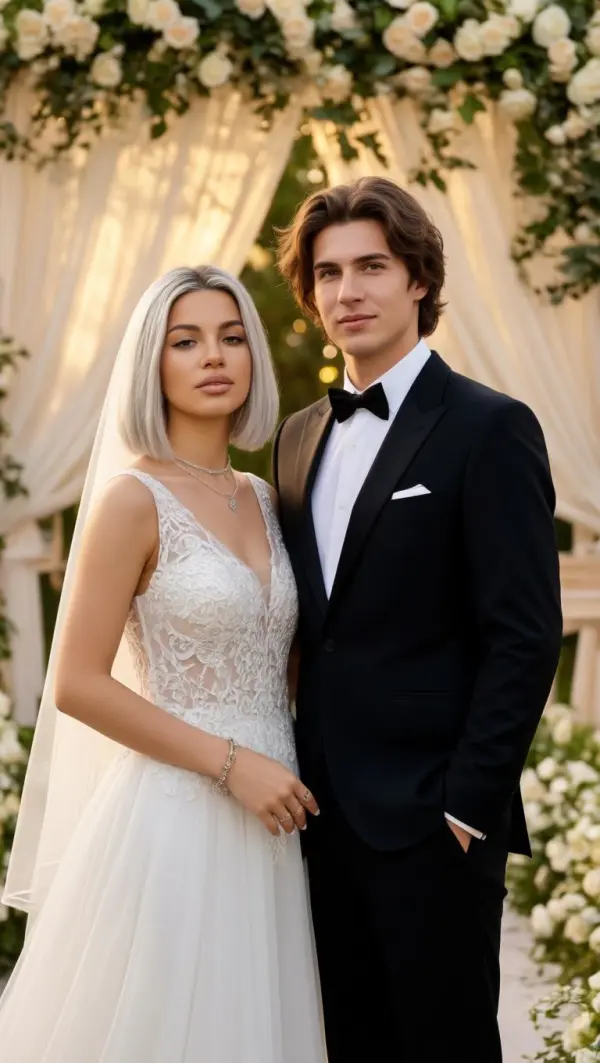
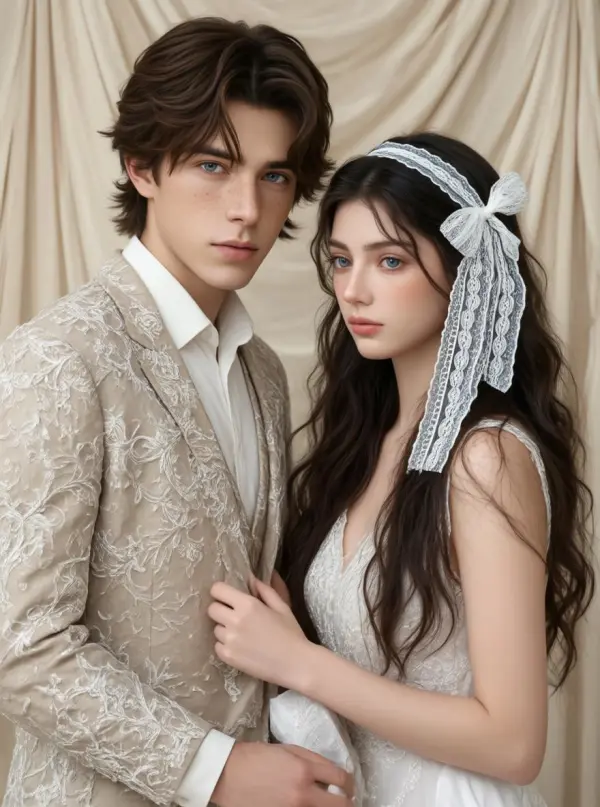
Long-distance couples, partners with conflicting schedules, or anyone who simply doesn't have a real photo together — upload one photo of each person and the AI builds a single couple portrait. Both faces stay recognizable, both bodies are dressed in matching wedding attire, and the pose looks natural rather than collaged. This is the scenario most users come for: getting a couple shot when taking one in real life isn't possible.
Faces Stay Yours — Identity Preserved End to End
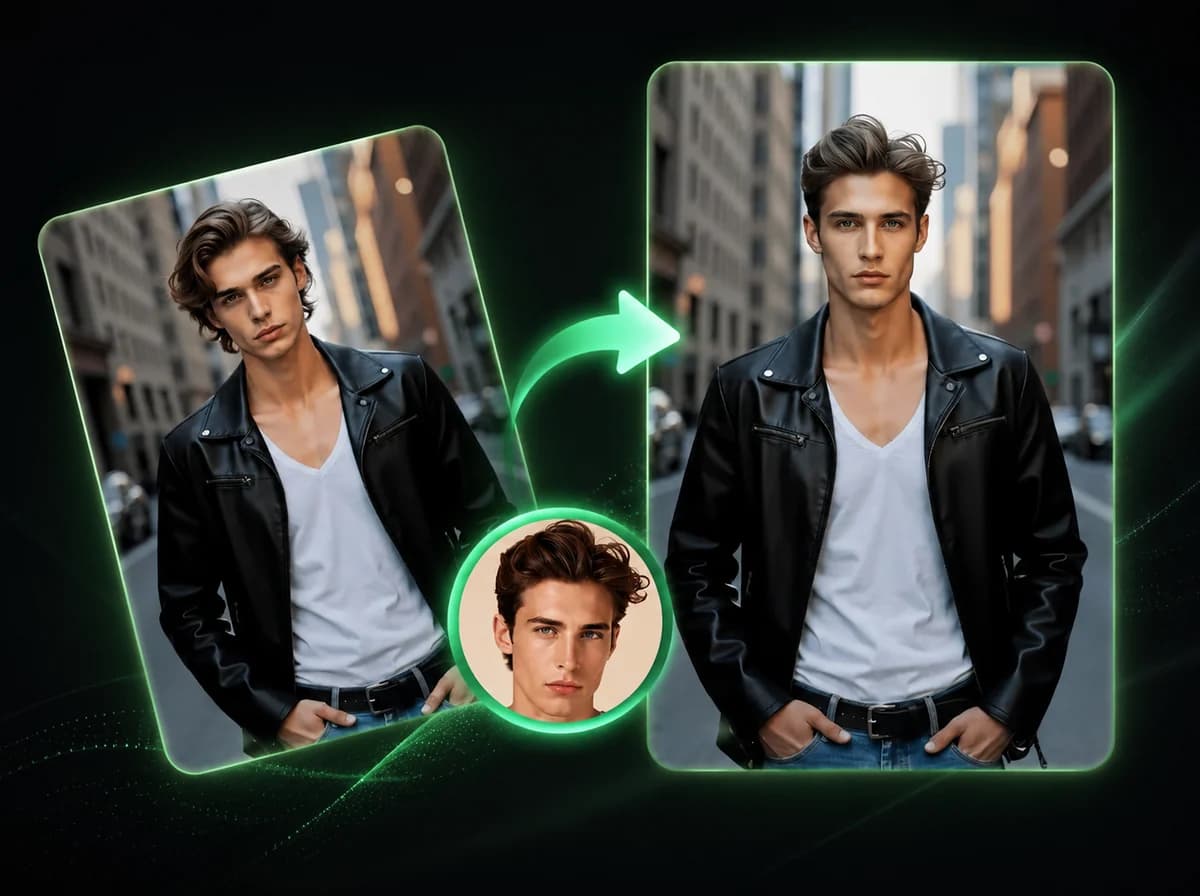
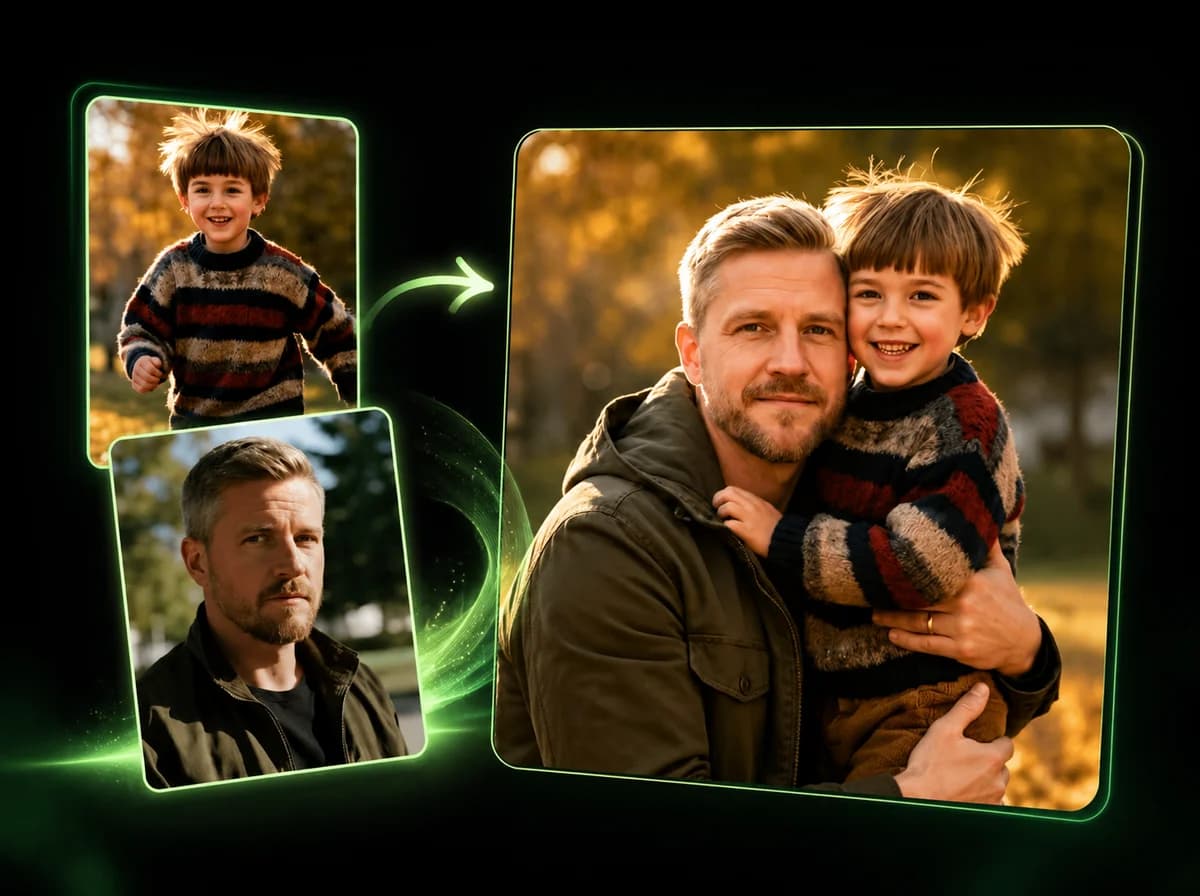
The most common complaint with face-edit tools is that the output stops looking like you. This generator uses the upload as an identity reference: facial geometry, eye shape, skin tone, and hair guide the render. The wedding attire and scene are added around your face, not pasted on top. People who know you should still recognize you in the output.
Wedding Attire and Scene Composed Automatically
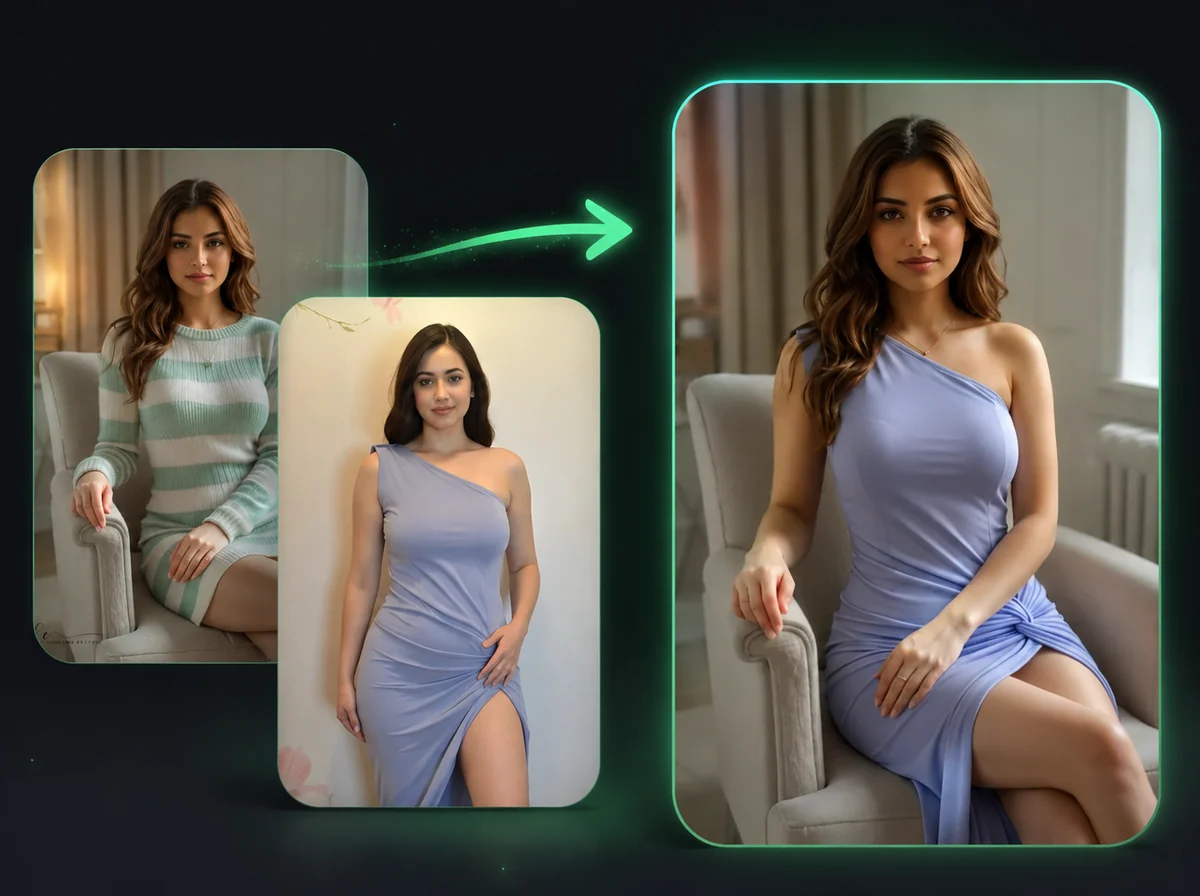
You don't need to describe the dress, the suit, the venue, or the lighting. The AI handles outfit selection, ceremony backdrop, soft daylight, and pose composition for both subjects in one pass. Upload, choose your aspect ratio, generate. Output is a finished wedding-style scene rather than an editing canvas you have to direct.
Solo Bridal Portrait From a Single Photo
Not every use case needs two people. Upload one photo and the generator produces a solo bridal or groom portrait — bouquet in hand, veil framing the face, soft natural light. This works well for save-the-dates that feature the bride alone, social posts to announce a wedding plan, or anyone who wants to see what they'd look like in wedding attire before booking a real shoot.
Why Use the iMideo AI Wedding Photo Generator
Built for Couple Combinations
Most face tools handle one person at a time. This one is tuned for two-photo input, so the result can read as a couple portrait rather than two separate cutouts.
Identity Stays Intact
Facial geometry, skin tone, and hair are preserved from your upload. The wedding scene is rendered around the real face, not stamped on top.
Quick Render Workflow
Most jobs finish quickly enough for mood boards, save-the-date drafts, and social previews. Processing time still depends on queue load and source photo quality.
Multiple Aspect Ratios
Square for IG feed, portrait for print, landscape for desktop wallpaper. Pick the format that fits where the photo will live.
Watermark-Free Downloads
Output downloads with no overlay. Print it, frame it, or use it on a save-the-date after checking the result quality.
Photos Aren't Used for Training
Uploads are processed for your render and removed according to the product retention policy. They are not used to train the model or shared with third parties.
What Couples Are Saying
Mia R.
Bride-to-be
We're getting married in eight months and I wanted a preview of what our portrait might look like. Uploaded a phone photo of each of us and got back something I'd actually frame. The faces are clearly us, which honestly surprised me.
Daniel K.
Long-distance partner
My fiancée lives in another country and we still haven't taken a single photo together. I used this to make a couple portrait for her birthday card, and it made the card feel much more personal.
Priya S.
Wedding planner
I run mood boards for clients who haven't picked their dress style yet. Generating a few wedding portrait variations from their pre-wedding photos gives them something concrete to react to.
Jordan B.
Groom
Used this to make a save-the-date image because we couldn't book the photographer in time. The output gave us a usable draft before our formal couple shoot.
Lin C.
Anniversary gift creator
My parents did not have a real wedding portrait. I uploaded an old photo of each of them and made one for their 40th anniversary. It became a personal anniversary gift we could frame.
Rashid A.
Content creator
I make couples-themed content for TikTok, and the wedding portrait angle gives me a fresh format beyond regular edits. It is easy to batch a few variations in one sitting.
Sophie D.
Bridal shop owner
Clients ask me 'how would I look in this dress' all the time. I use the generator to give them a portrait-style preview before they commit to a fitting.
Ethan W.
DIY wedding stationery
We didn't want to wait for a formal couple shoot before sending invites. The generator gave us a usable couple portrait for early card drafts.
See Yourself in a Wedding Portrait
Upload one photo for a solo bridal shot or two photos for a couple portrait. The AI handles the gown, the suit, the lighting, and the scene. Watermark-free download, no subscription required.