AI Clothes Changer — Put Any Outfit on Your Photo
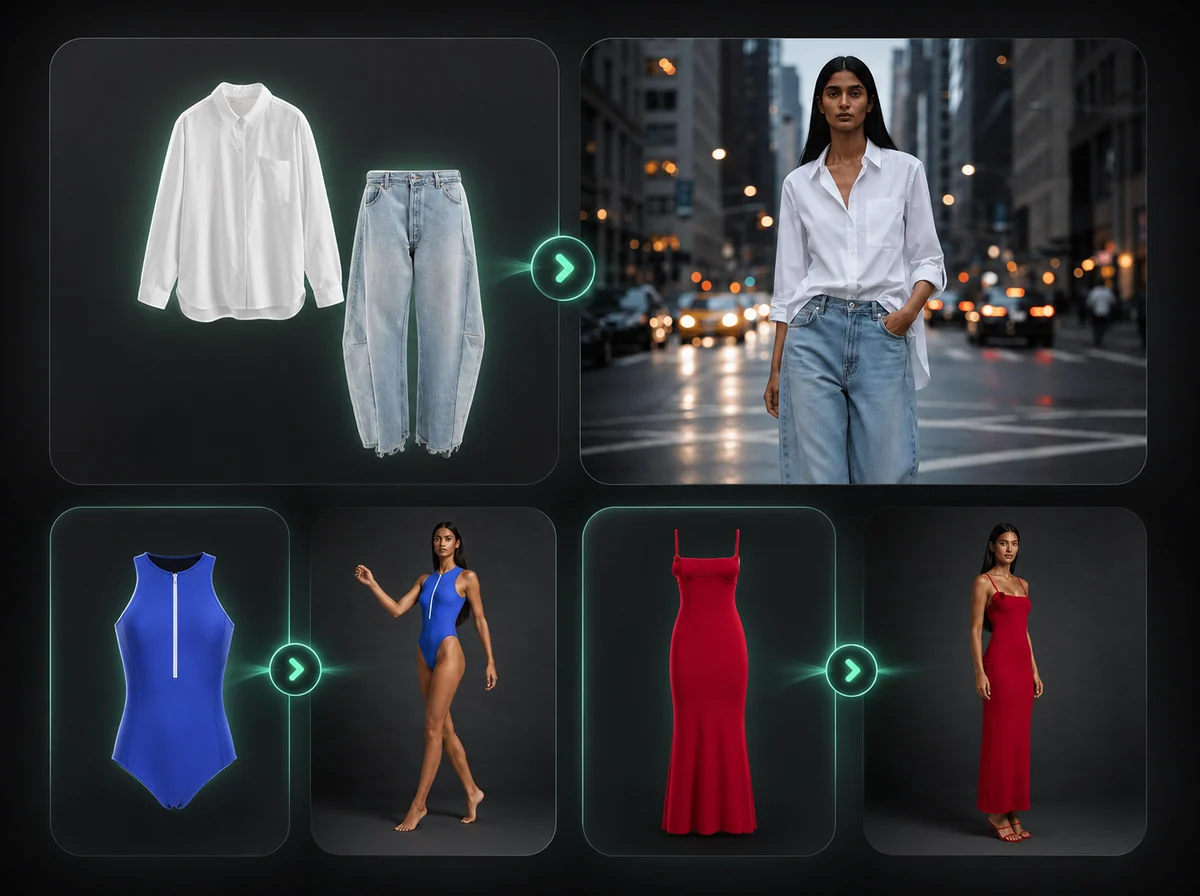
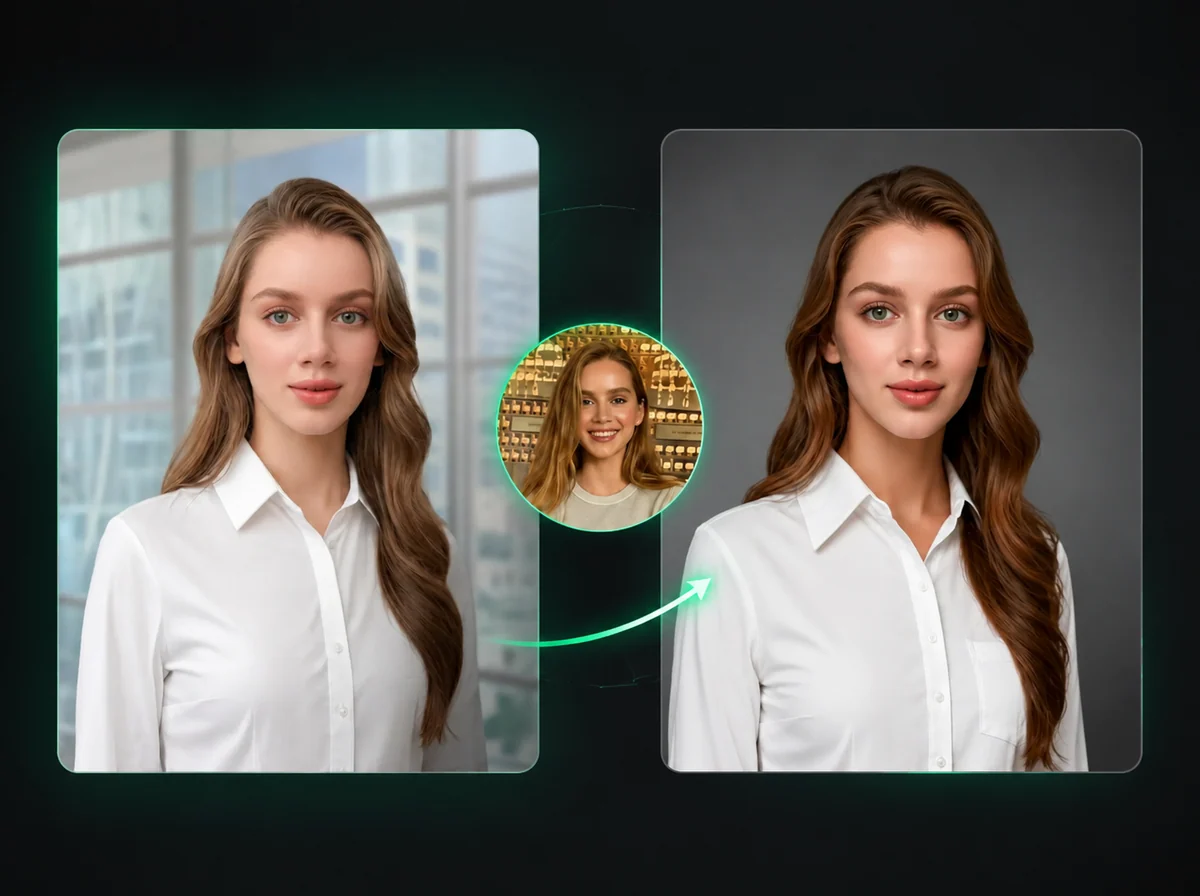
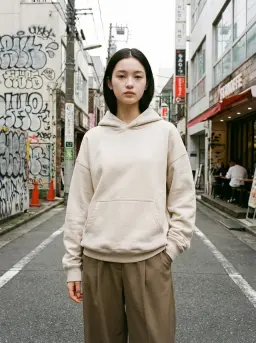
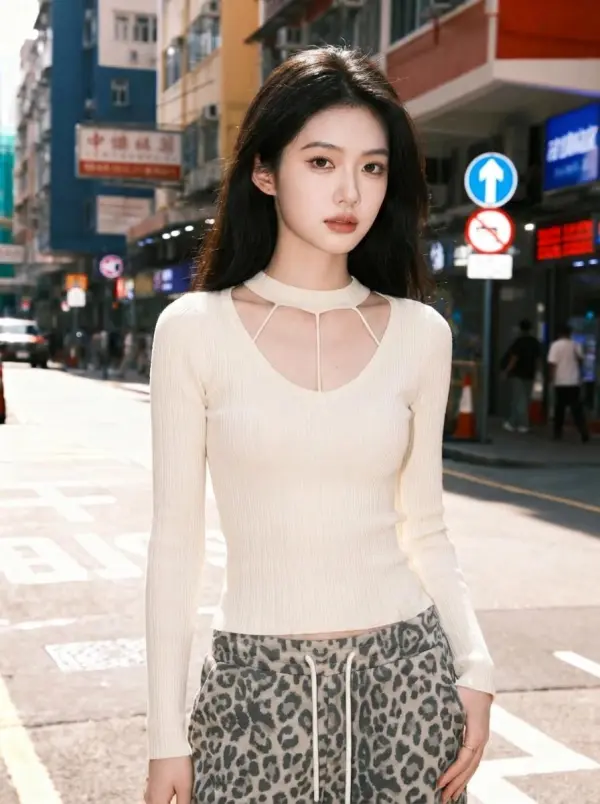
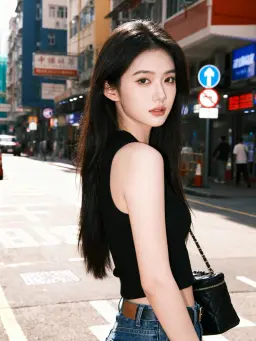
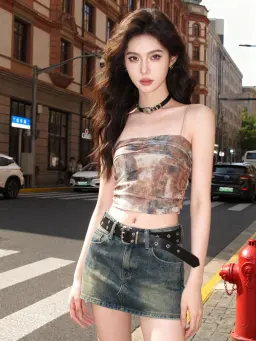
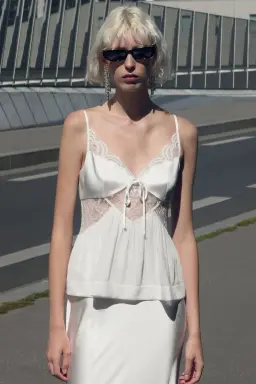
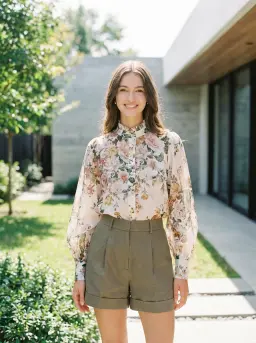
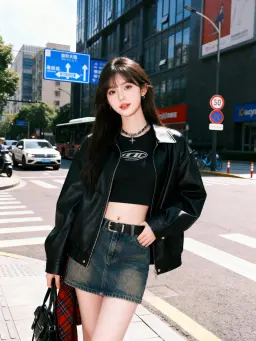
Upload your photo and a picture of the outfit. The AI dresses you in it while keeping your face, hair, pose and background the same. Works with product shots and photos of someone else wearing it.
Upload
Upload
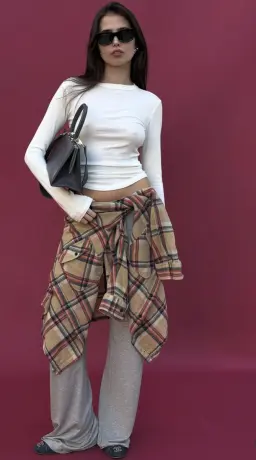


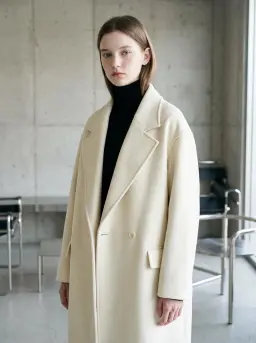
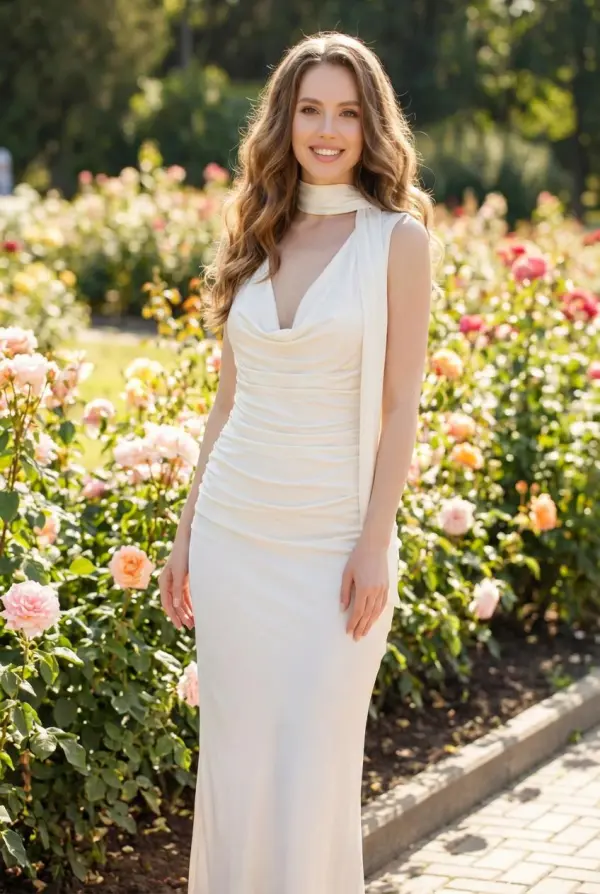
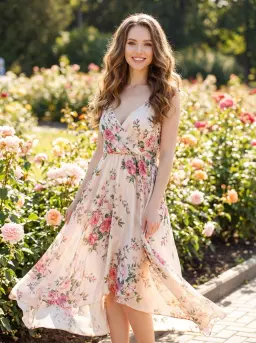
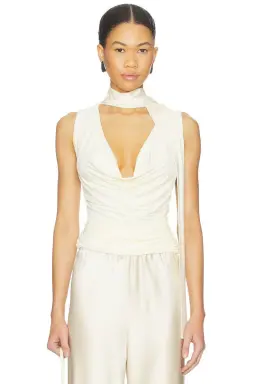
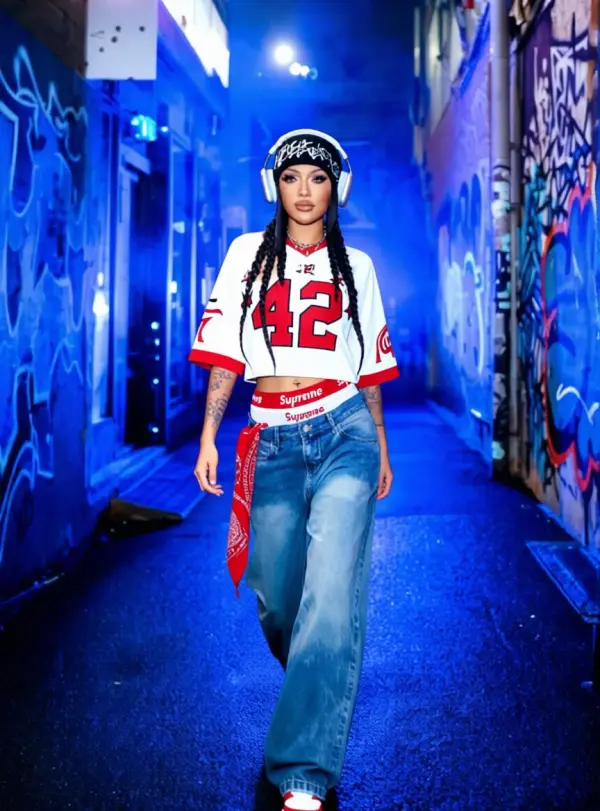
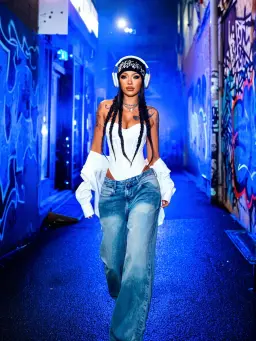
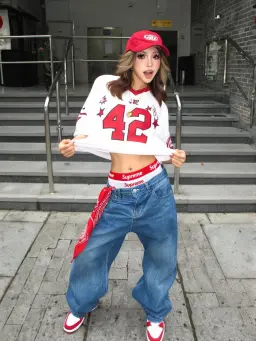
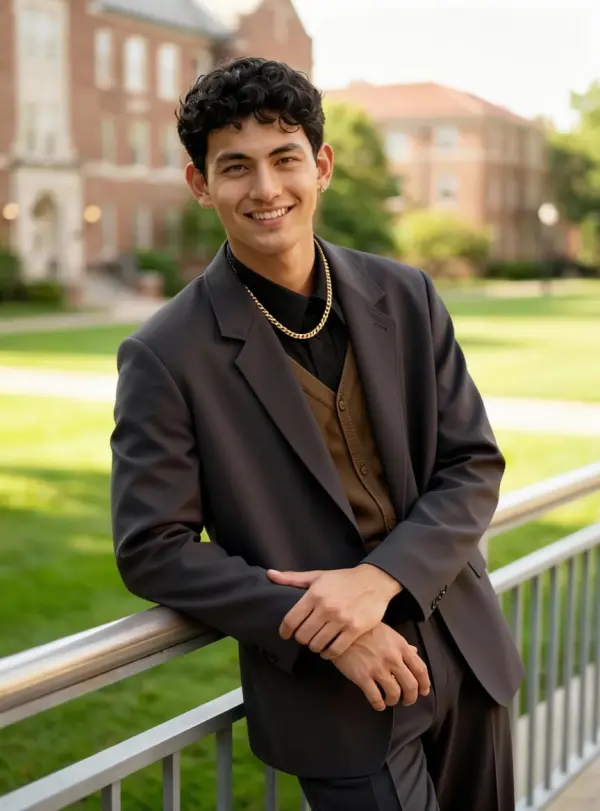

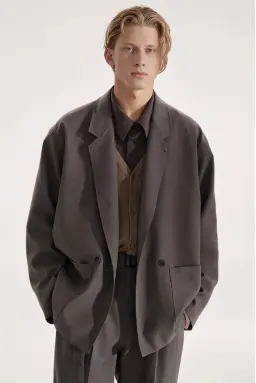
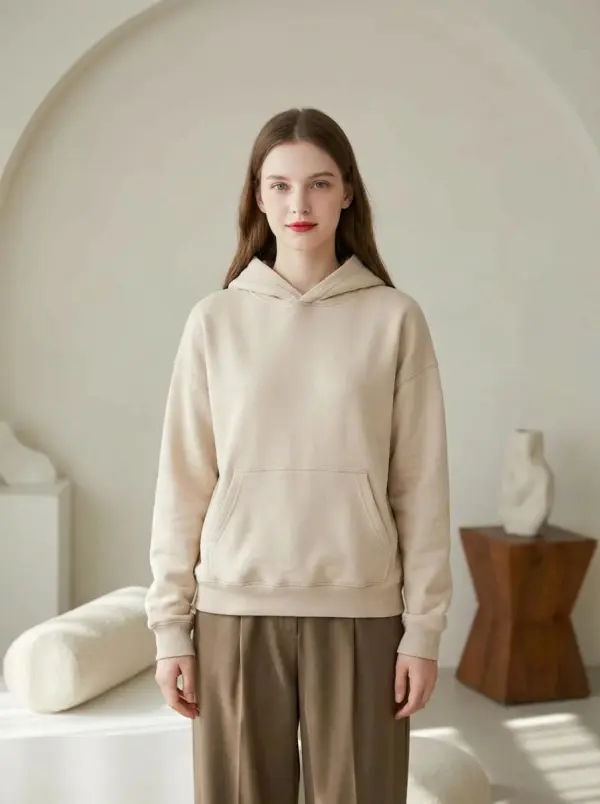
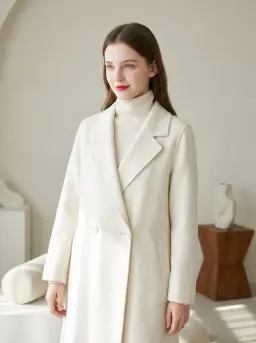
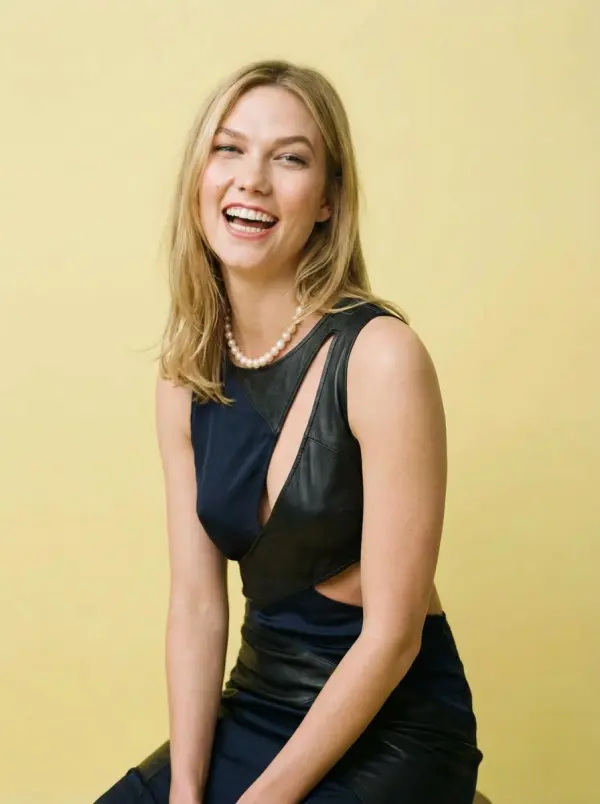

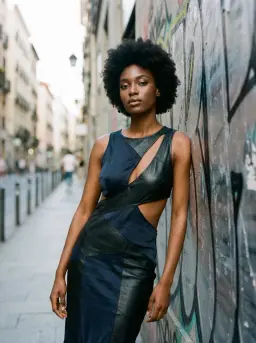
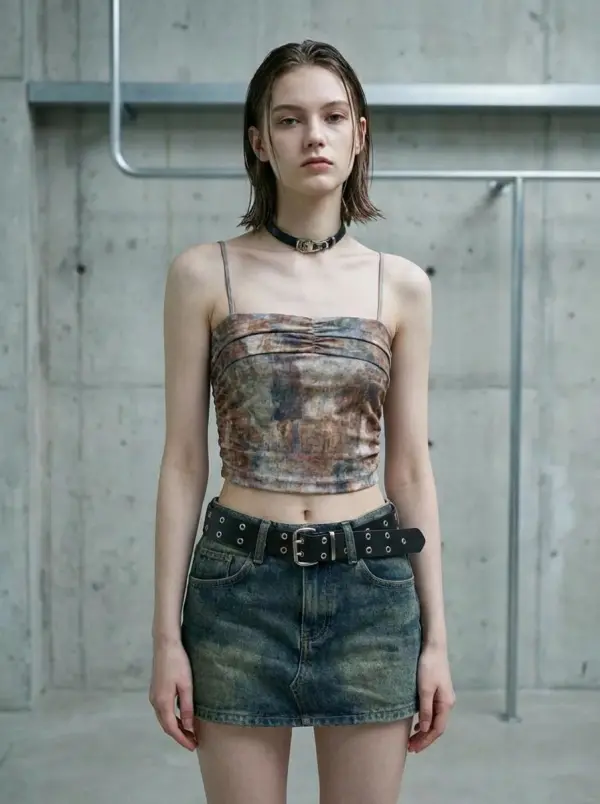
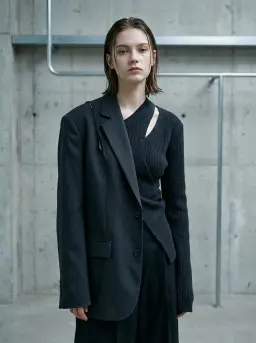
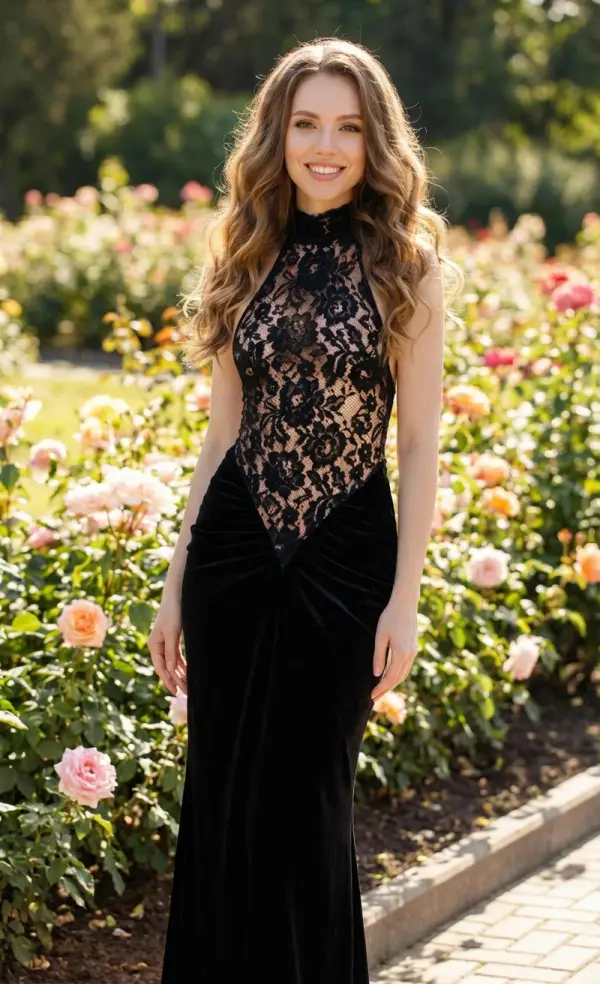
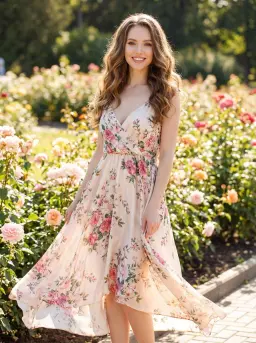
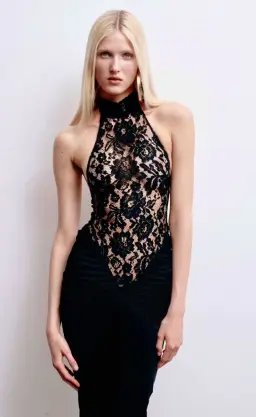
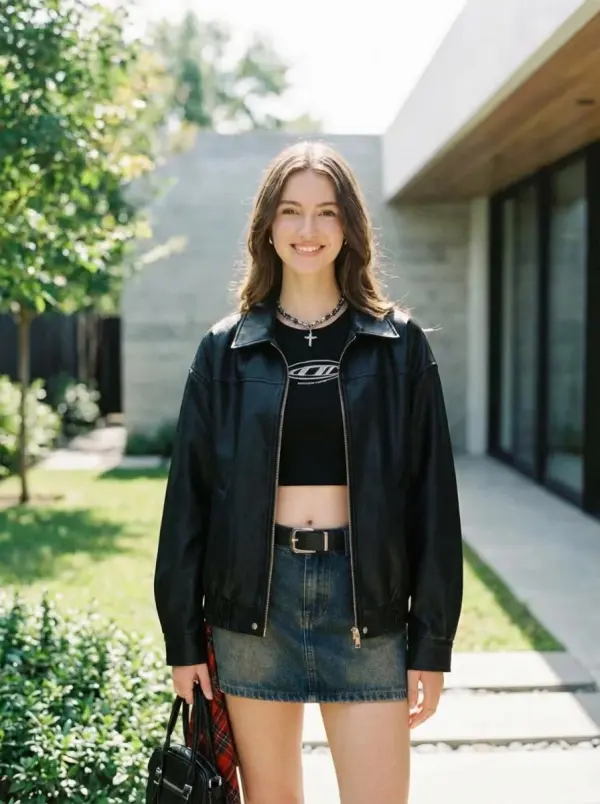
How to Change Clothes in a Photo
Two uploads and one click
Upload your photo
Use a clear photo where your body is visible down to where the outfit ends. A full-body shot works best for dresses and trousers, a waist-up shot is fine for tops and jackets.
Upload the outfit
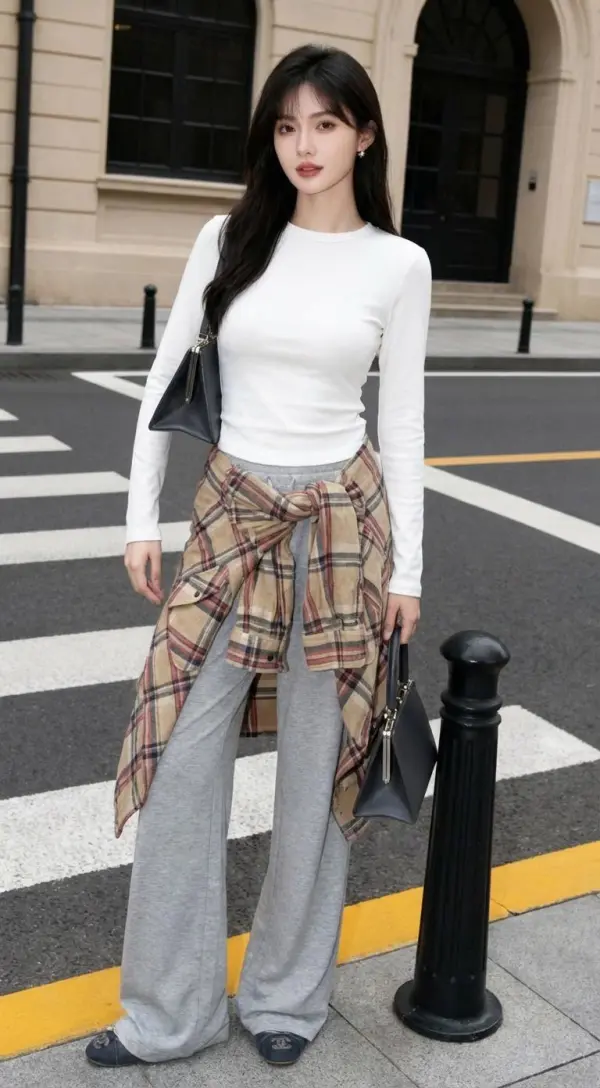
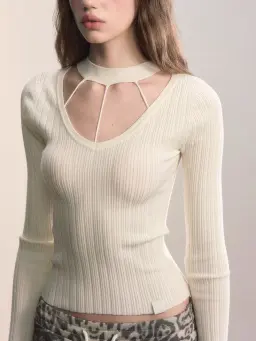
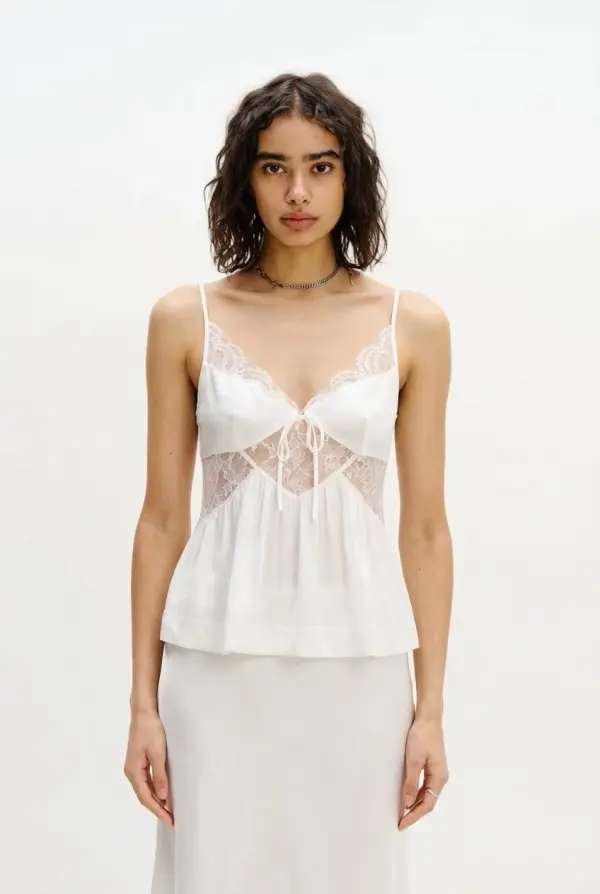
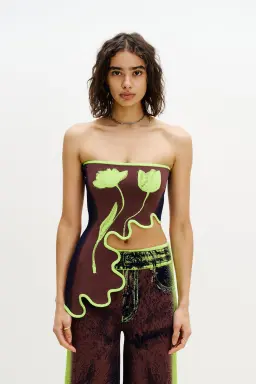
Add a product photo or a picture of someone wearing the clothes. Plain backgrounds and a straight-on view give the cleanest result.
Generate and download
Adjust the prompt if you want, for example "tuck the shirt in", then generate. The result is saved to your account and downloads without a watermark.
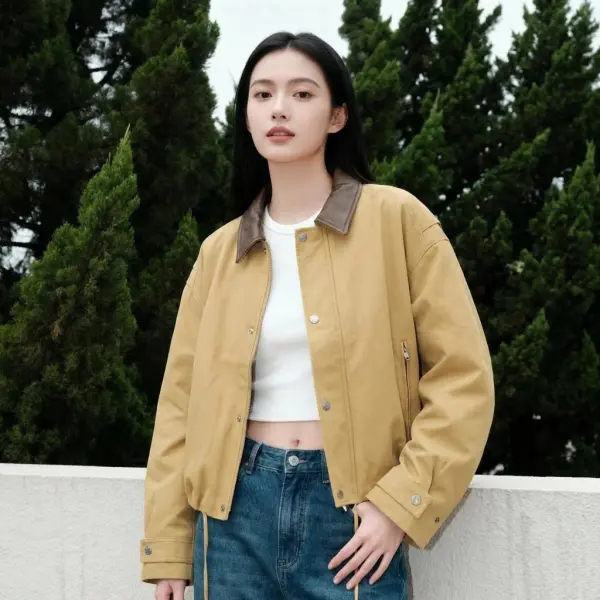
Try It On Before You Buy
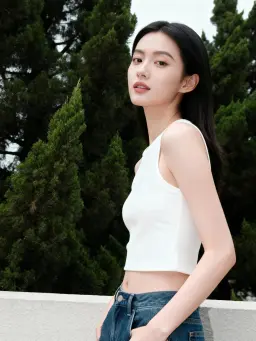
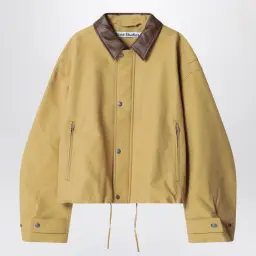
Found a jacket in an online store but not sure it suits you? Save the product photo, upload it with a photo of yourself, and see the jacket on you in your own setting before you order. It is a quick way to rule out pieces that won't work and cut down on returns.
Product Photos for Online Stores
Small fashion brands and resellers often have flat product photos but no budget for a model shoot every drop. Put each new piece on the same model photo to get consistent, on-body images for listings, ads and social posts.
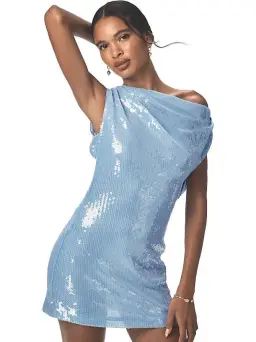
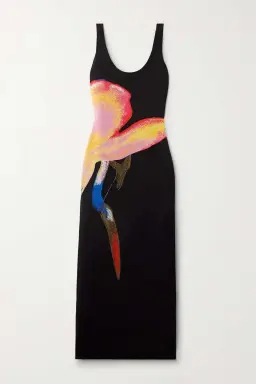
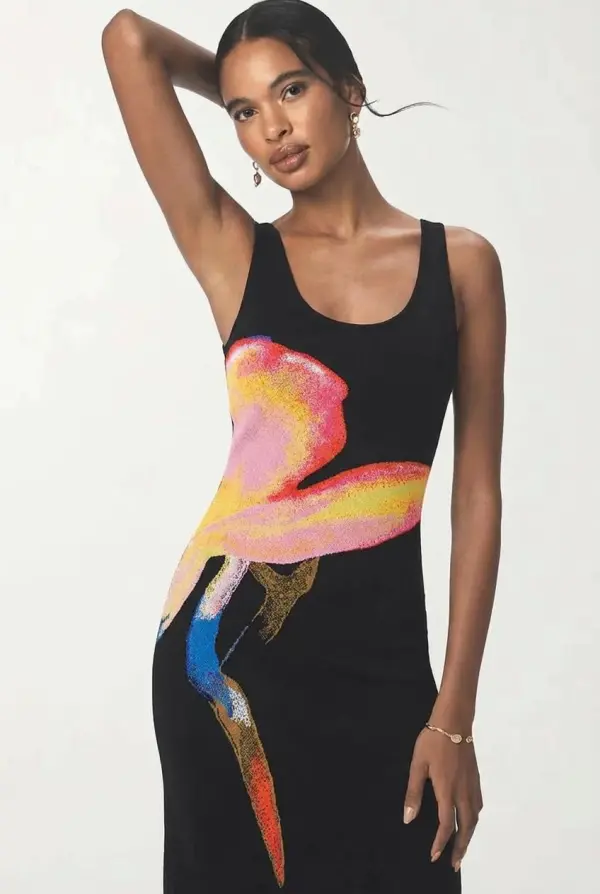
Style Ideas and Outfit Planning
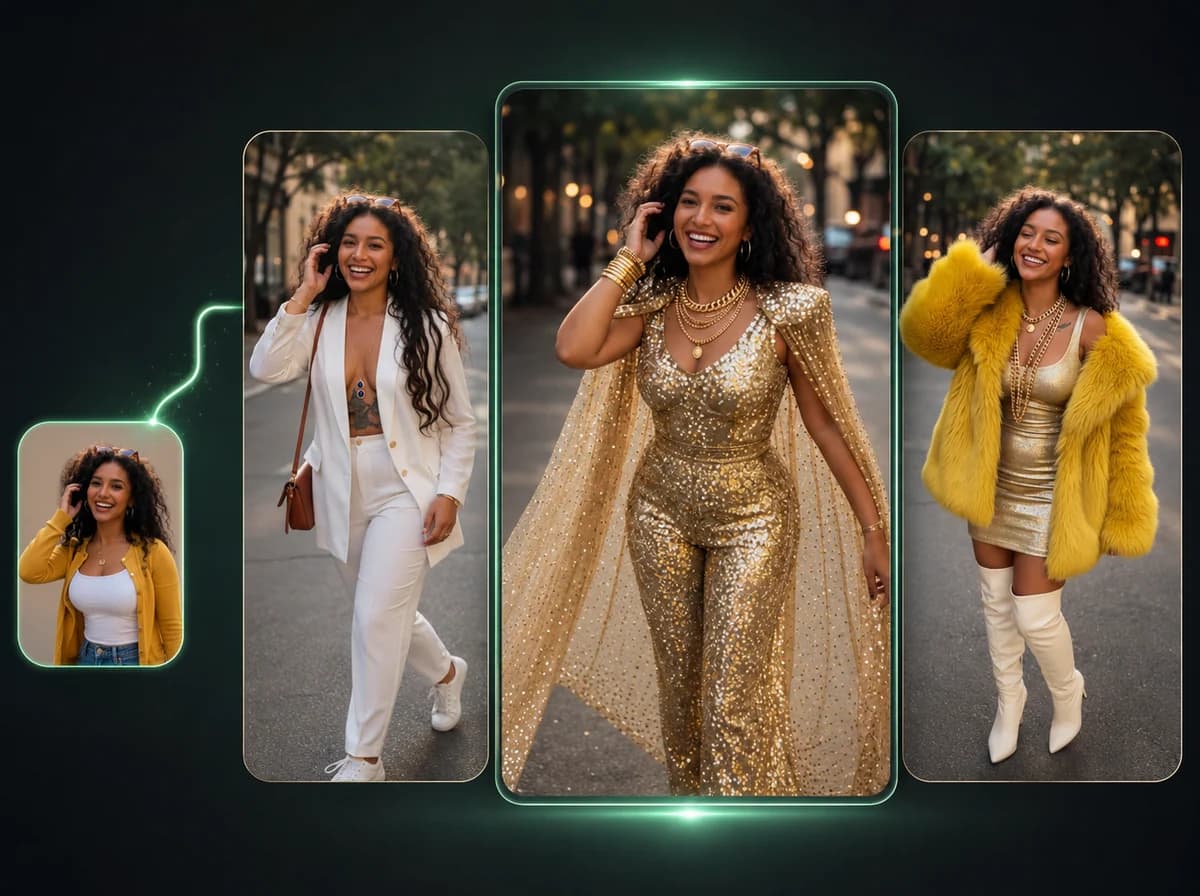
Saw a look on Instagram or Pinterest and want to know how it looks on you? Upload a screenshot of the outfit with your own photo. Stylists and creators use it to test streetwear, layering and color combinations without changing clothes for every shot.
Workwear and Formal Looks
Need a photo in a suit or blazer for a profile, a presentation or a mock-up? Upload a casual photo and a blazer you like. The tool keeps your face and posture and swaps in the tailored look, which is handy for trying formal styles you don't own.
Why Use iMideo's AI Clothes Changer
Keeps you recognizable
Face, hairstyle and skin tone come from your photo. The outfit photo only supplies the clothes.
Keeps the scene
Your background, lighting and pose stay in place, so the new outfit looks like it was worn in the original photo.
Any outfit source
Store product shots, catalog photos or a screenshot of someone wearing it all work as the outfit input.
Prompt control
Add short instructions such as "keep my shoes", "sleeves rolled up" or "jacket open" to fine-tune the result.
Five aspect ratios
Choose 3:4, 1:1, 4:3, 9:16 or 16:9 to fit a profile picture, a product listing or a story.
No watermark
Download the full image without a watermark. Each change costs 5 credits.
See Any Outfit on Yourself
Upload your photo and the outfit you have in mind. Your face, pose and background stay the same.