

Your AI Video Agent
Describe it, drop an image, and let the agent pick the tool, show the cost, and generate. An AI creative studio that works by chat.
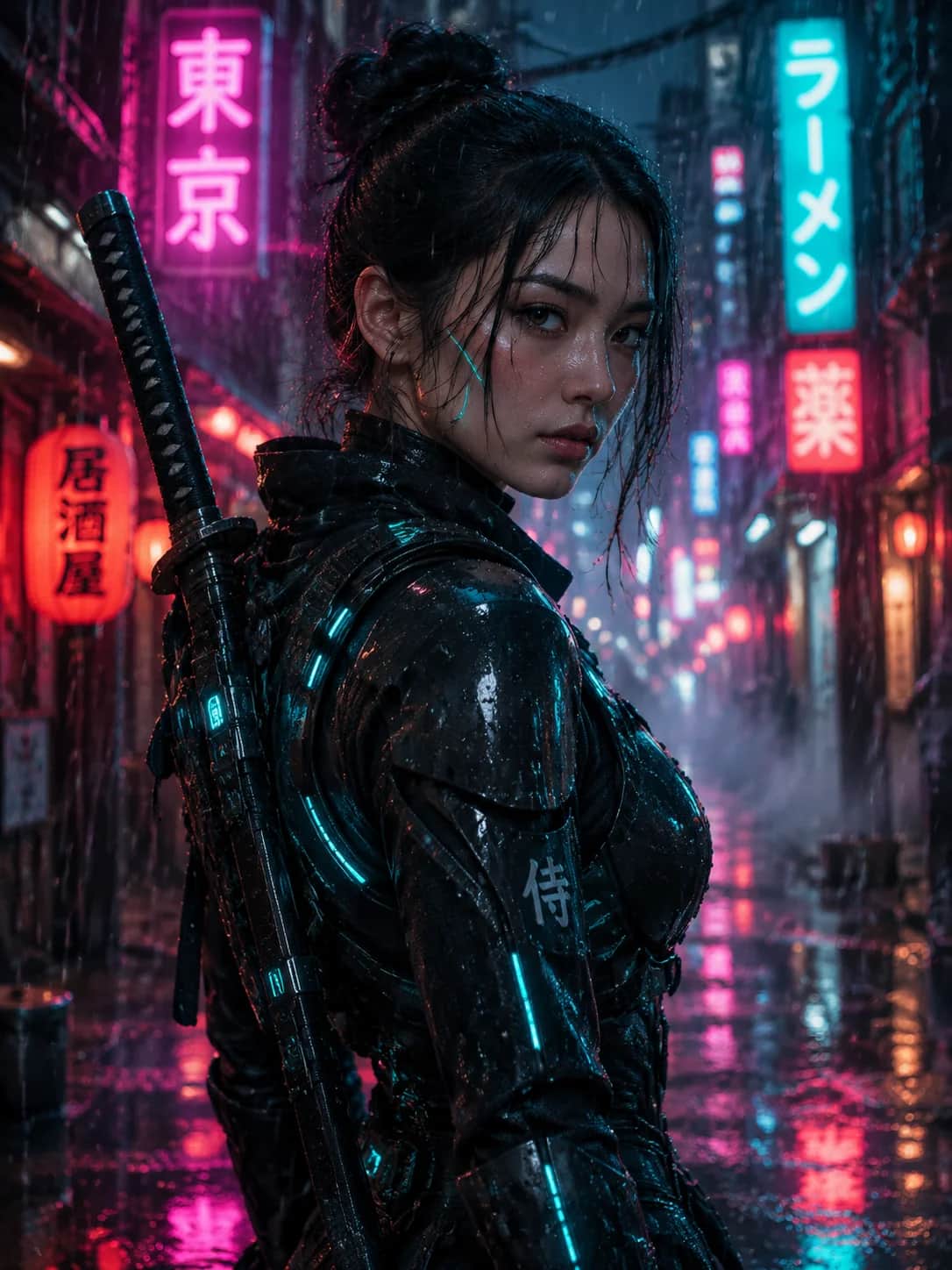
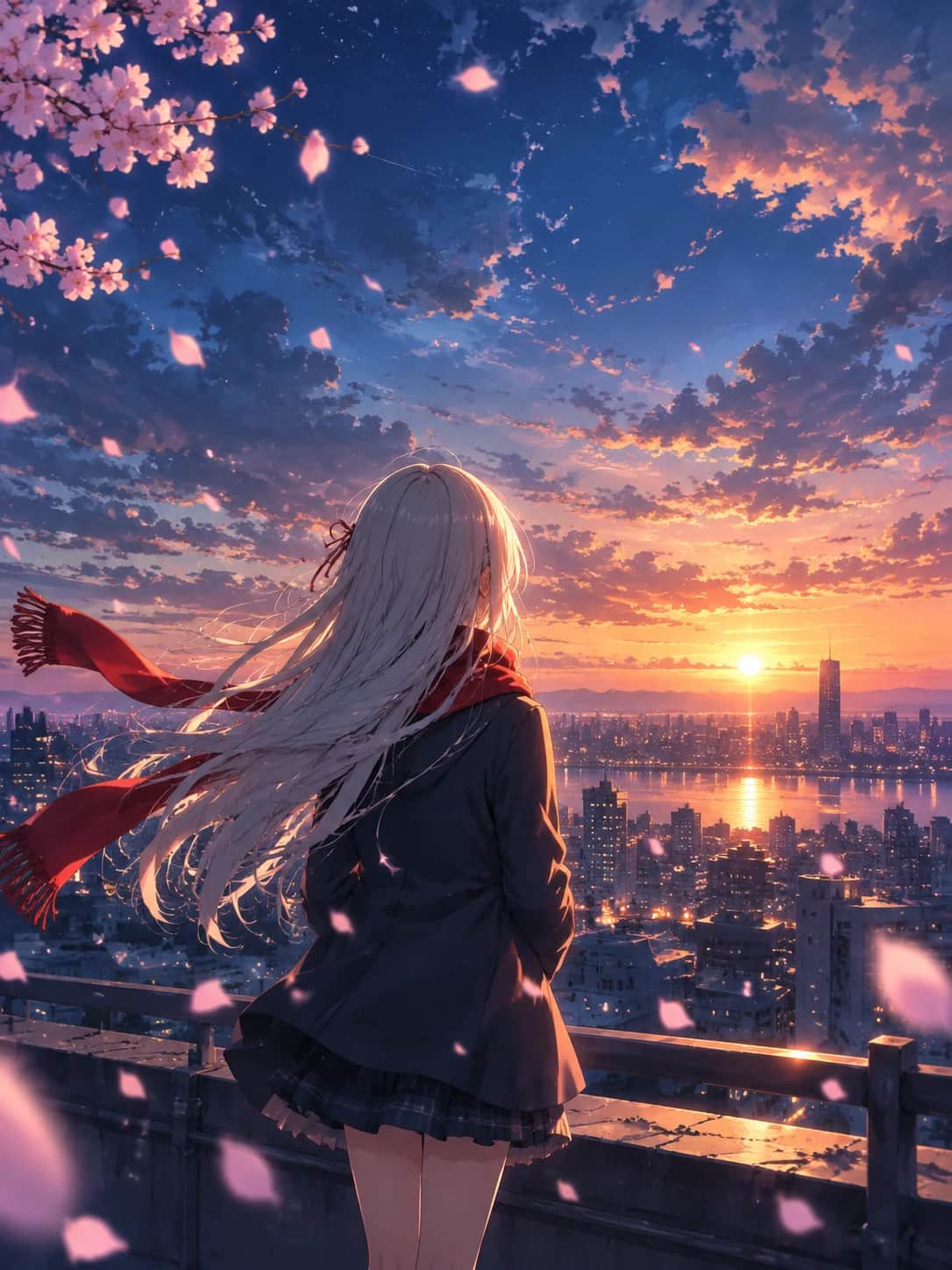
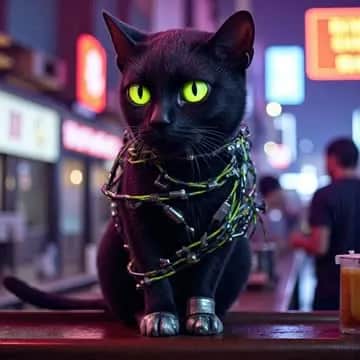
Video inspiration
A few ideas for your next video.
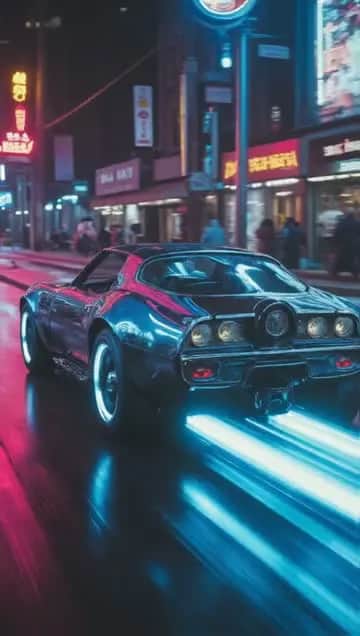



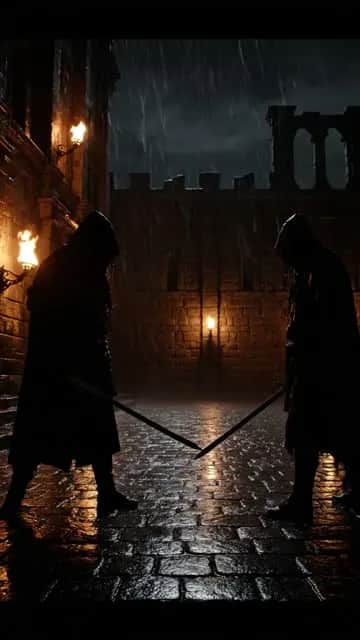






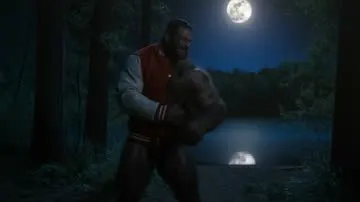
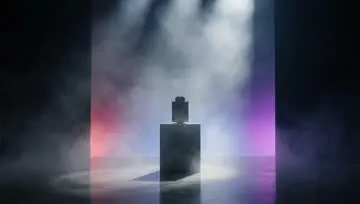


Say it once
Tell the agent what you have in mind. It turns your request into a plan with the right tool and settings, then asks you to review it before generation starts.
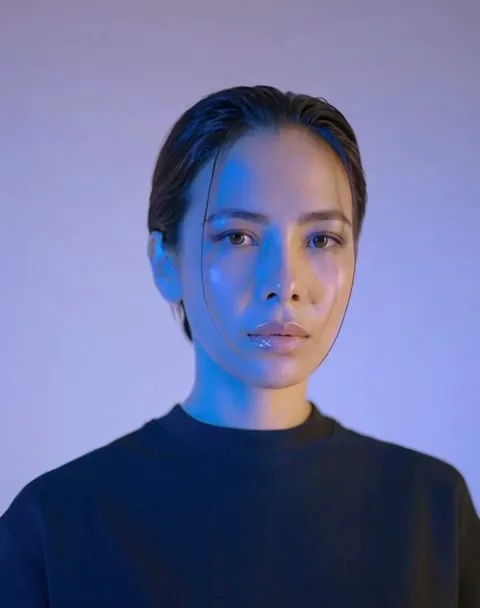
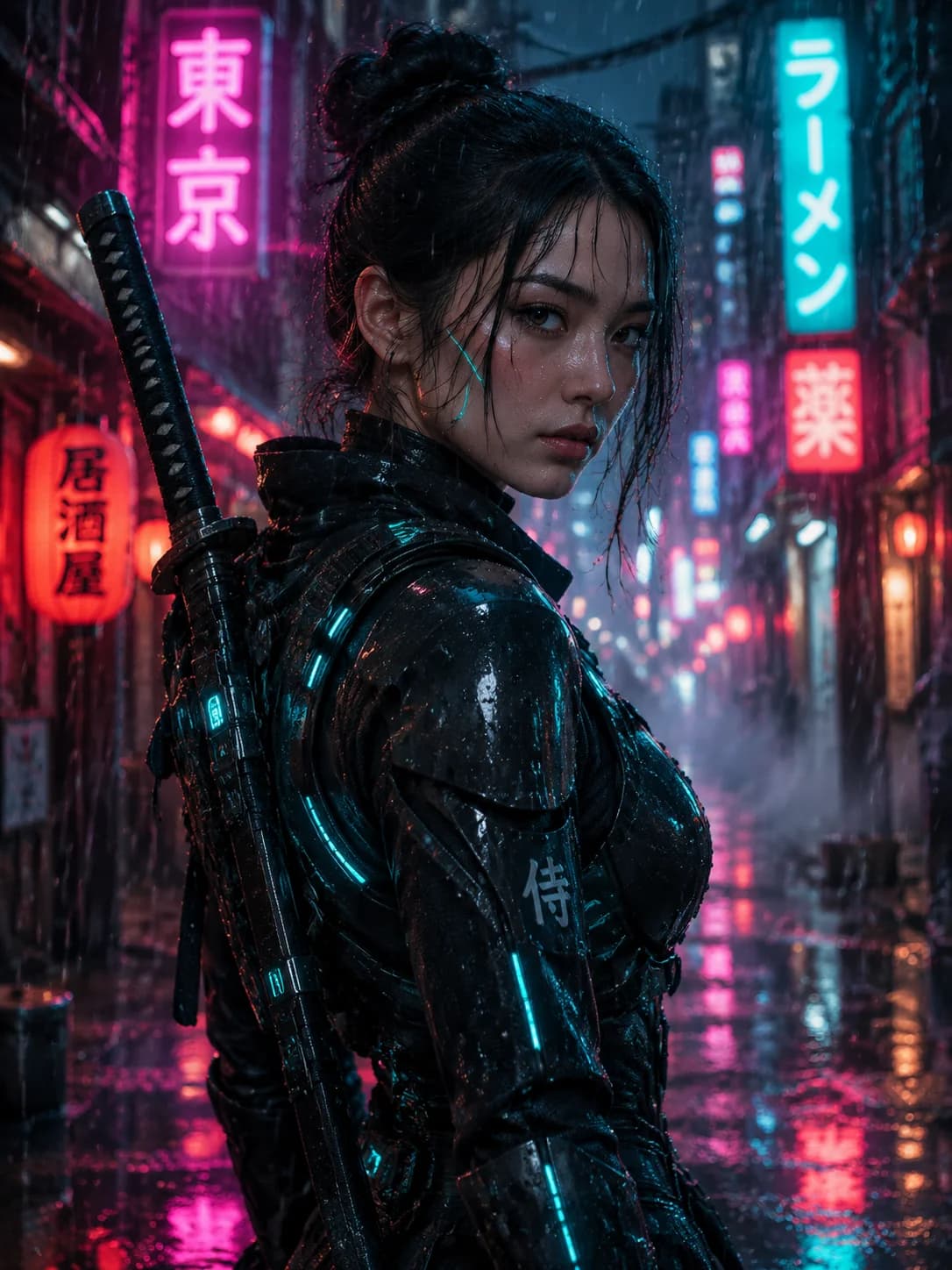
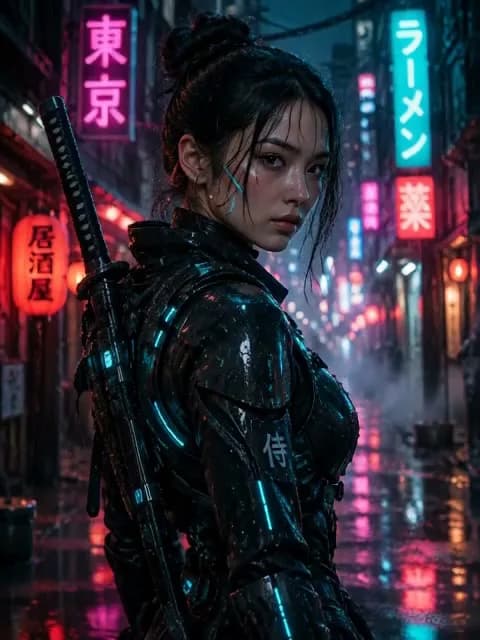
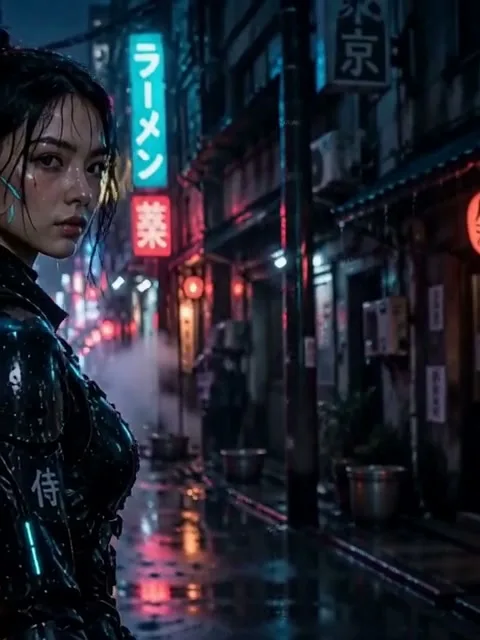
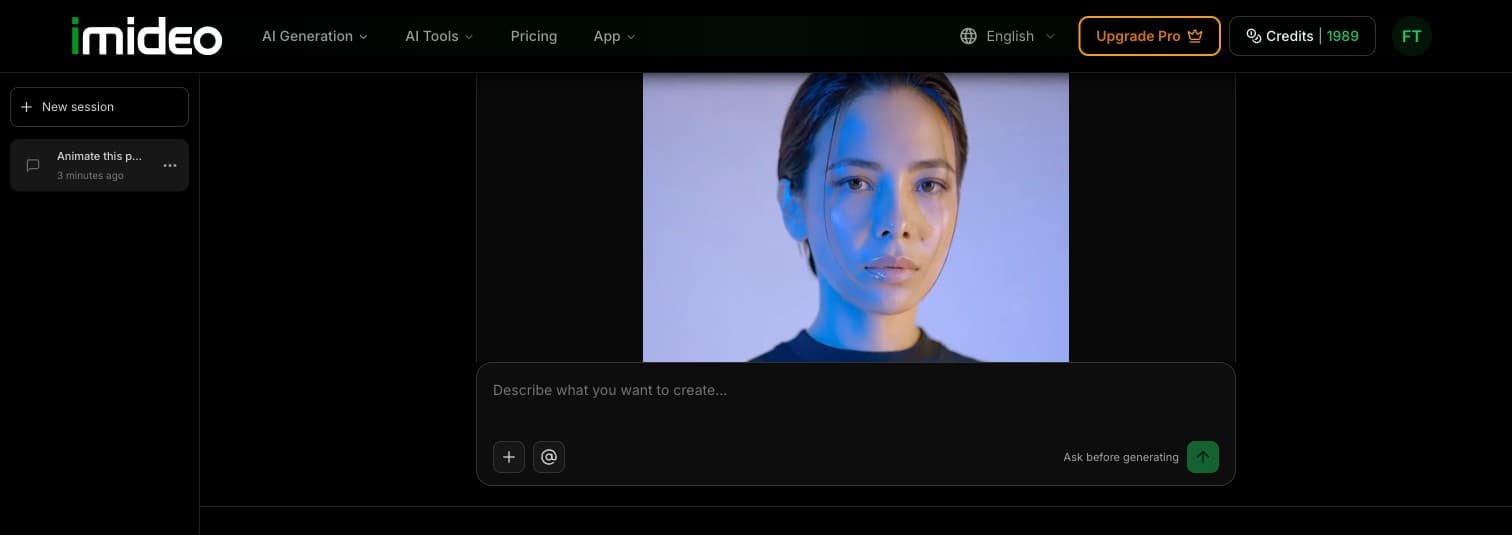
Animate this portrait with a slow camera push-in.
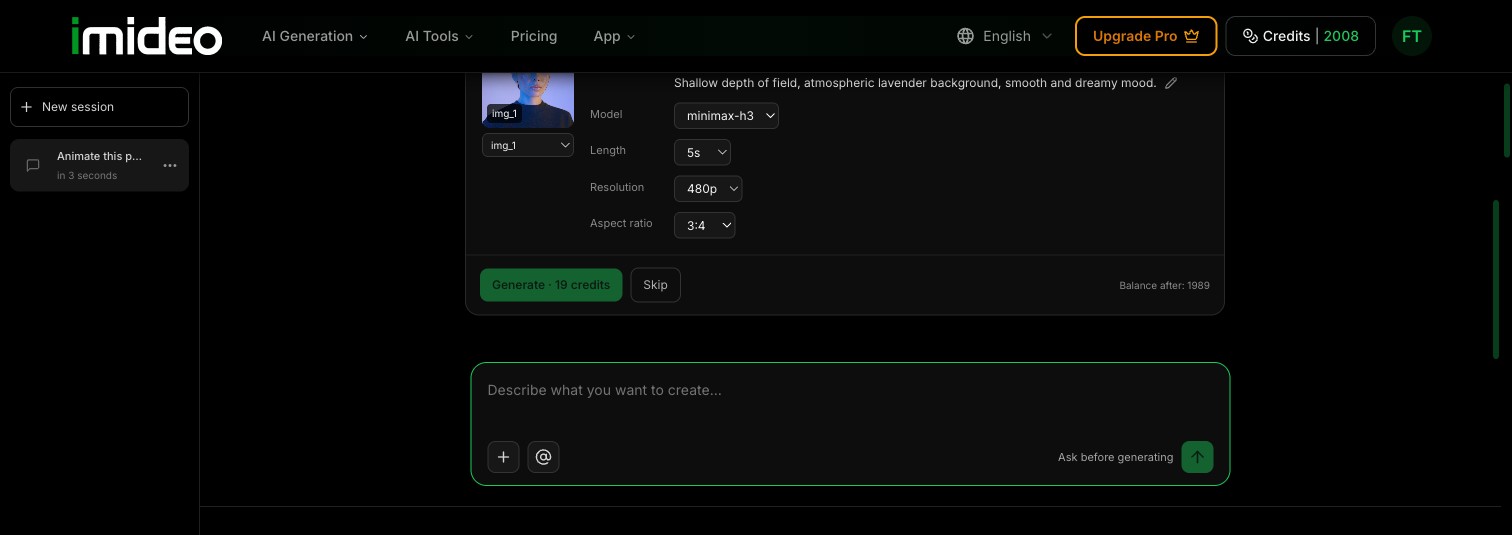
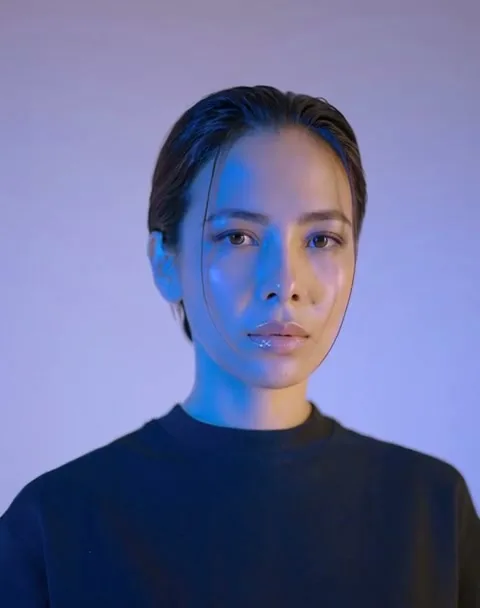
Keep going from the result
Start with a character image, bring it into motion, then try a different visual style. Keep your references in the conversation and choose the next step when you are ready.
See the price before it runs
Review the model, length, resolution, and credit cost in the confirmation card. Adjust the available settings, or skip the plan. You decide when to generate.
Watch the agent work
One photo, two sentences, a 10-second video. A real run, sped up only while it generates.
An AI agent for video creation, step by step
From the first idea to your next clip, in one conversation.
Describe or upload
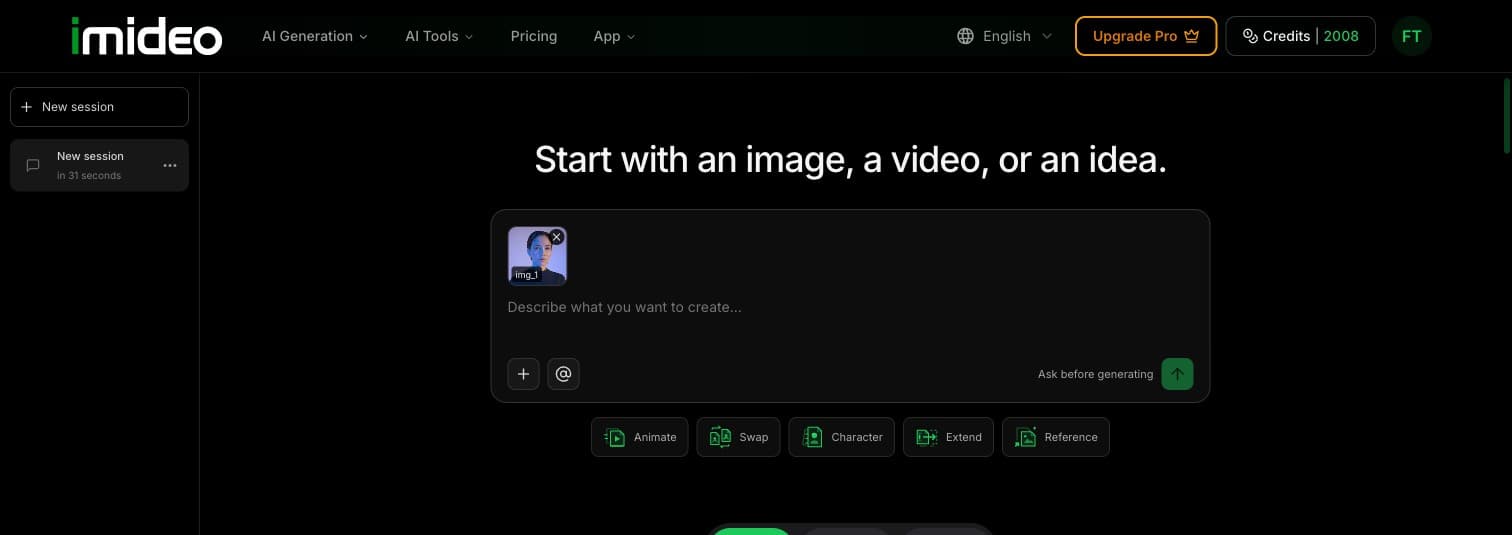
Write what you want to make, or add your own image or video as a starting point.
Review the plan and cost
Check the proposed tool, available settings, and credits. Confirm when you are ready.
Generate, then continue from the result
Download the result or use it as a reference for your next request. Each new generation has its own confirmation.
What the agent can do
Create and edit images and videos with tools that share the same conversation.
Text or image to image
Generate an image from a description, or edit an existing image.
Image to video
Bring a still image into motion with a video prompt.
Reference to video
Guide a new video with your reference images.
Video to video
Change the look of an existing video with a new direction.
Extend video
Continue a video from its ending with a follow-up prompt.
Face, head, or body swap
Replace a person in an image or video using your own reference.
Questions about your AI video agent
1What is an AI video agent?
An AI video agent helps turn a creative request into a generation plan. In iMideo, you can chat, add reference media, review the proposed tool and cost, and generate images or videos in the same workspace.
2How is this different from a text-to-video tool?
A text-to-video tool starts with a prompt and creates a video. The agent can also help choose between image creation, animation, reference-based video, editing, extension, and swapping, using the context of your conversation.
3Does it generate without asking?
No. The agent shows a confirmation card before starting a generation. You can review the settings and credit cost, then choose Generate or Skip. A suggestion prepares your next request; it does not start a task automatically.
4Which models does it use?
The agent selects from the models available for the requested task. The confirmation card shows the proposed model and any supported alternatives before you generate. Available models and settings vary by tool.
5How are credits charged?
The confirmation card shows the credit cost before a task starts. The cost depends on the tool, model, and settings. Creating another result is a separate task with its own cost. See pricing for plans and credits.
6Can I use my own images and videos?
Yes. Add JPG, PNG, or WebP images and MP4 videos, then refer to them in your conversation. The agent checks whether a file fits the selected tool. Upload limits are 20 MB per image and 30 MB per video; individual tools may have additional requirements.
Direct your first clip
Bring an idea. Shape the plan. Make something you can build on.