Sketch to Video AI - One Sketch to Motion
Upload one sketch, concept drawing, storyboard frame, or draft image. iMideo turns it into a 5-15 second AI video while keeping the subject, composition, and scene idea tied to the uploaded image.
Click to upload image
PNG, JPG, WebP - Max 10MB

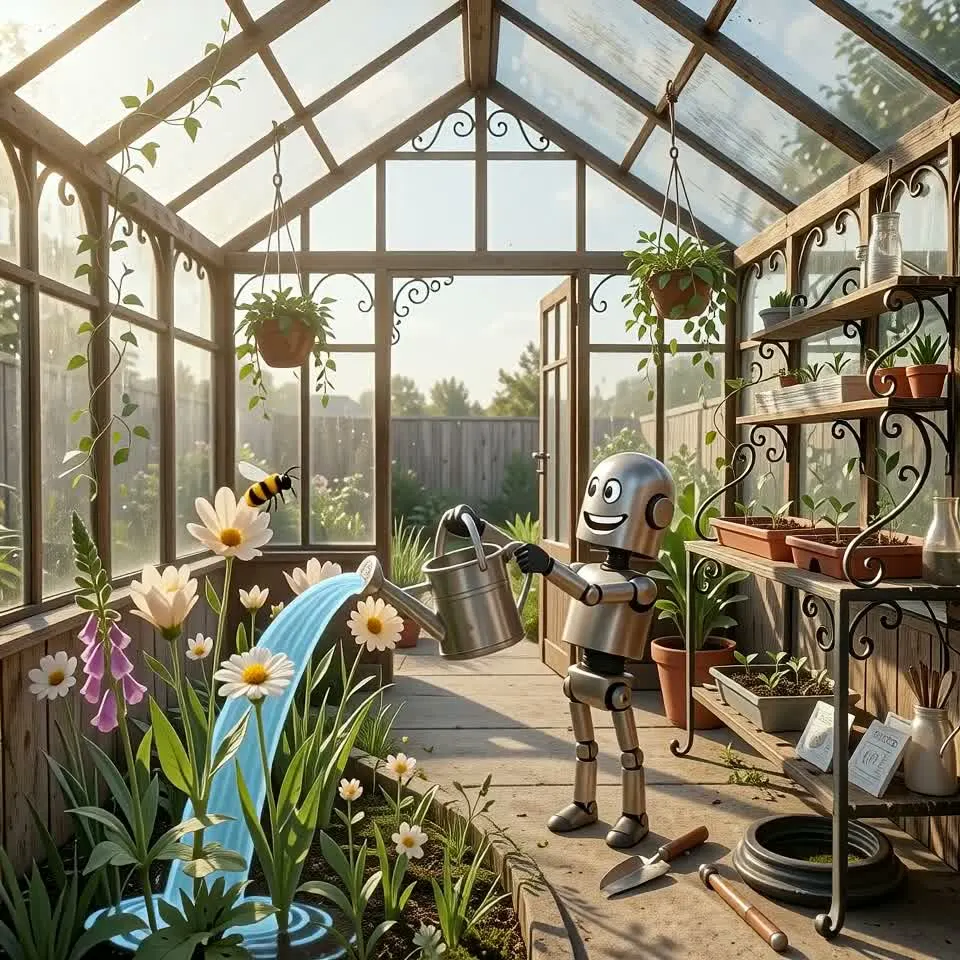
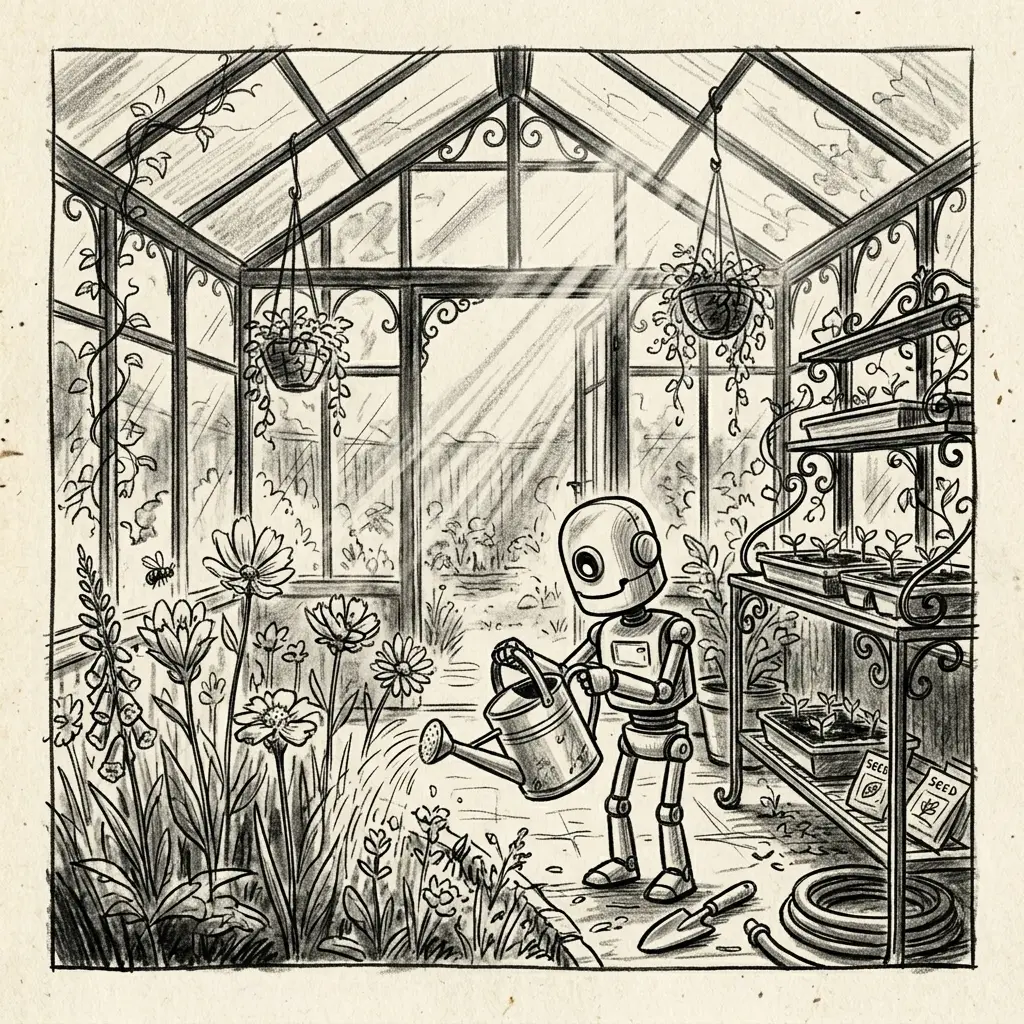
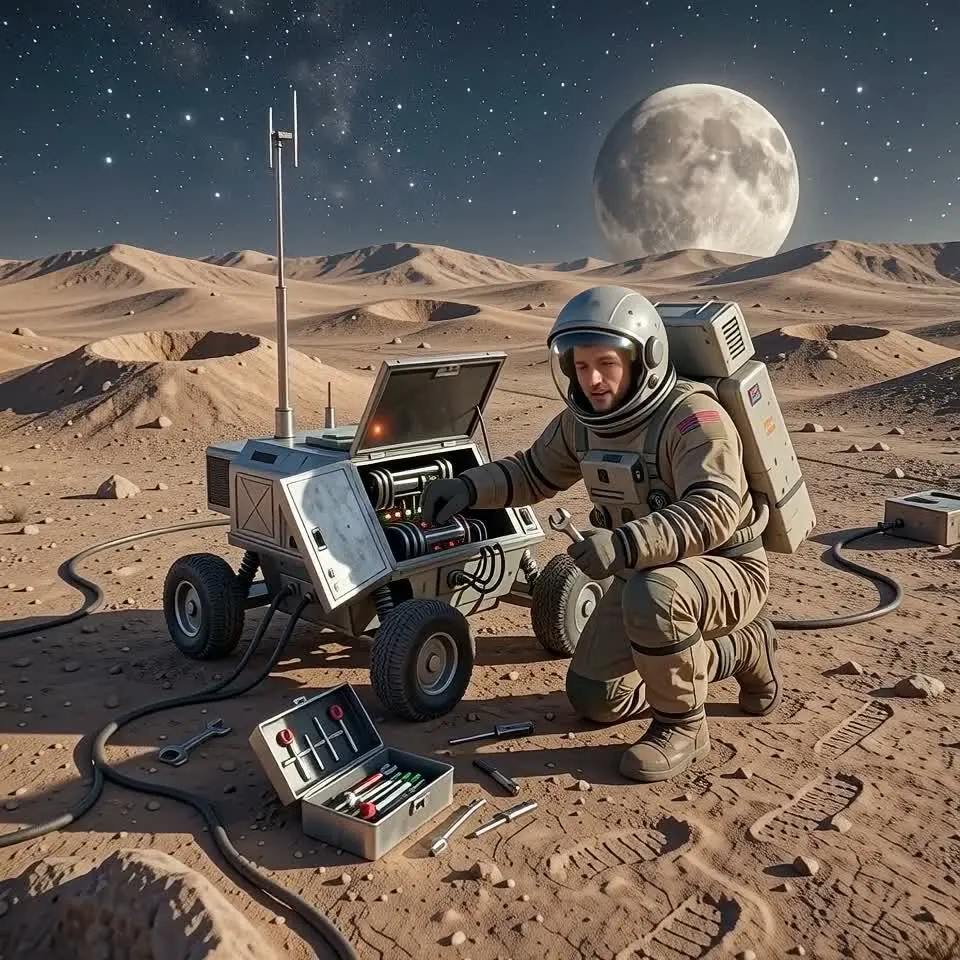
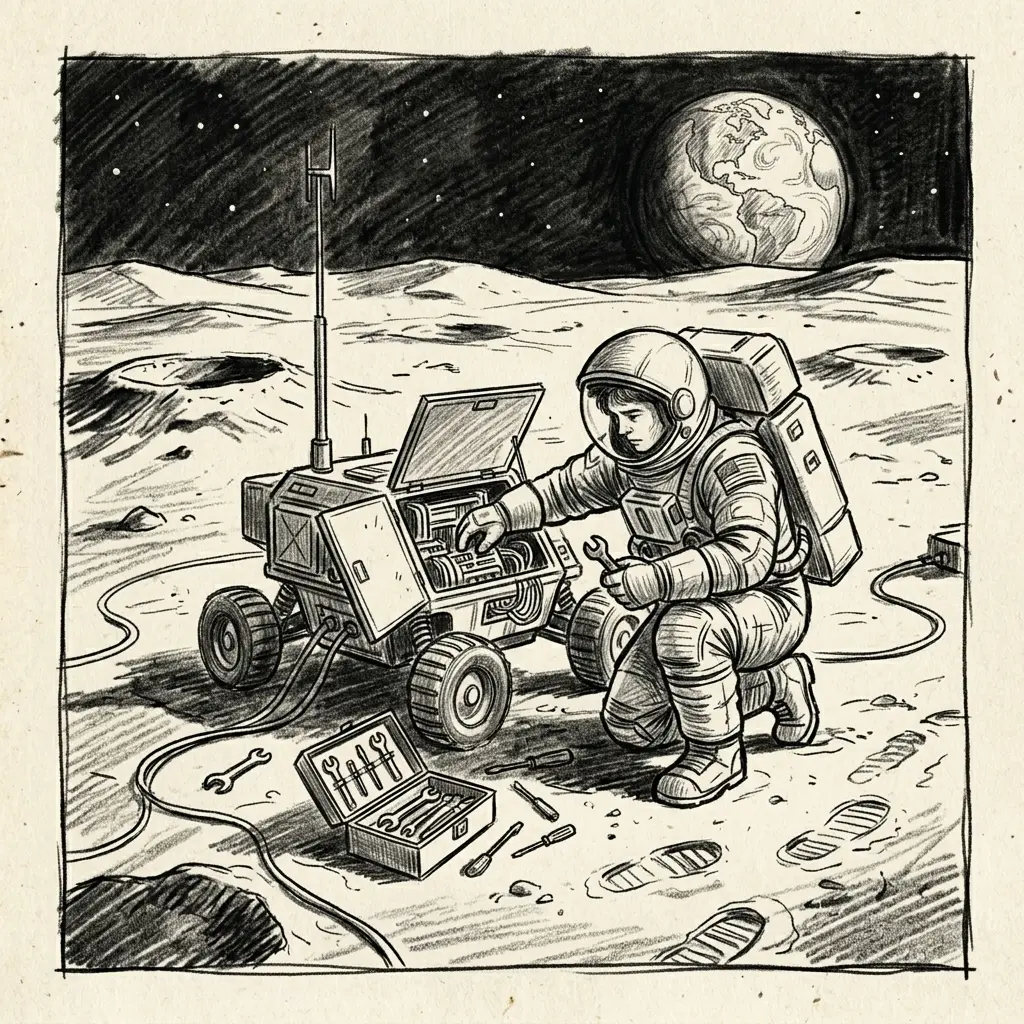
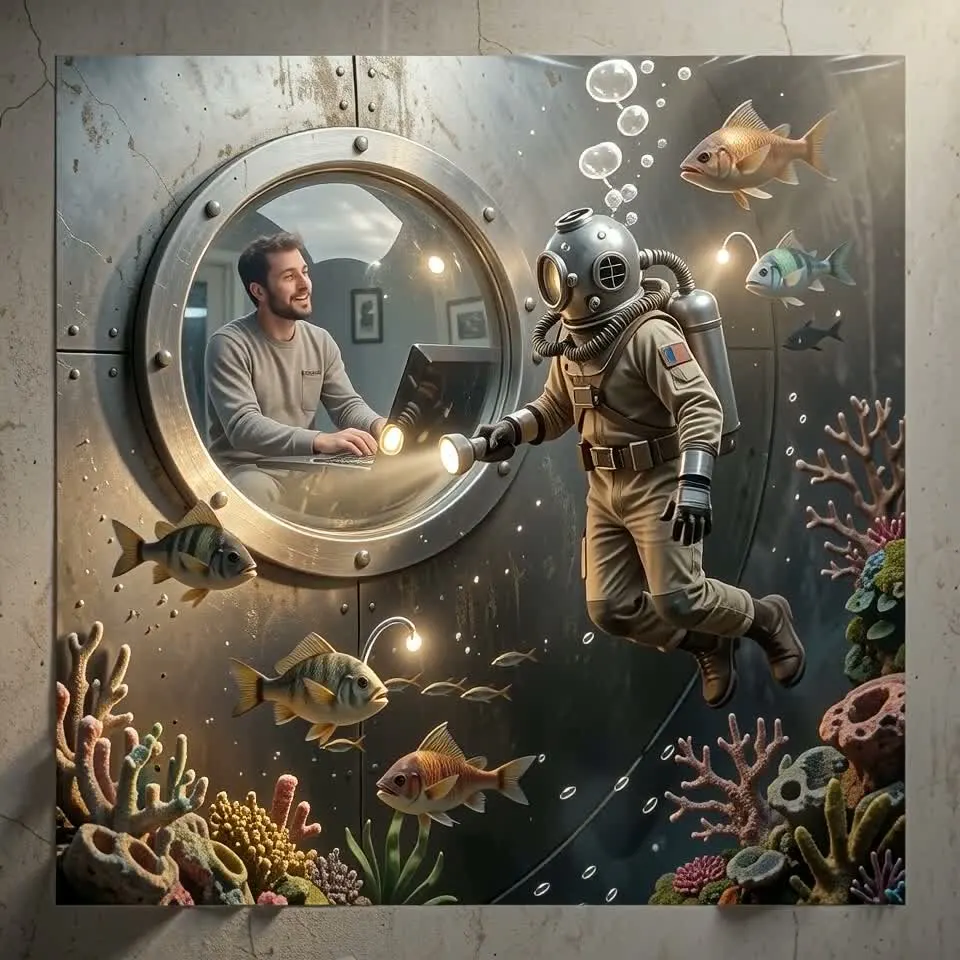
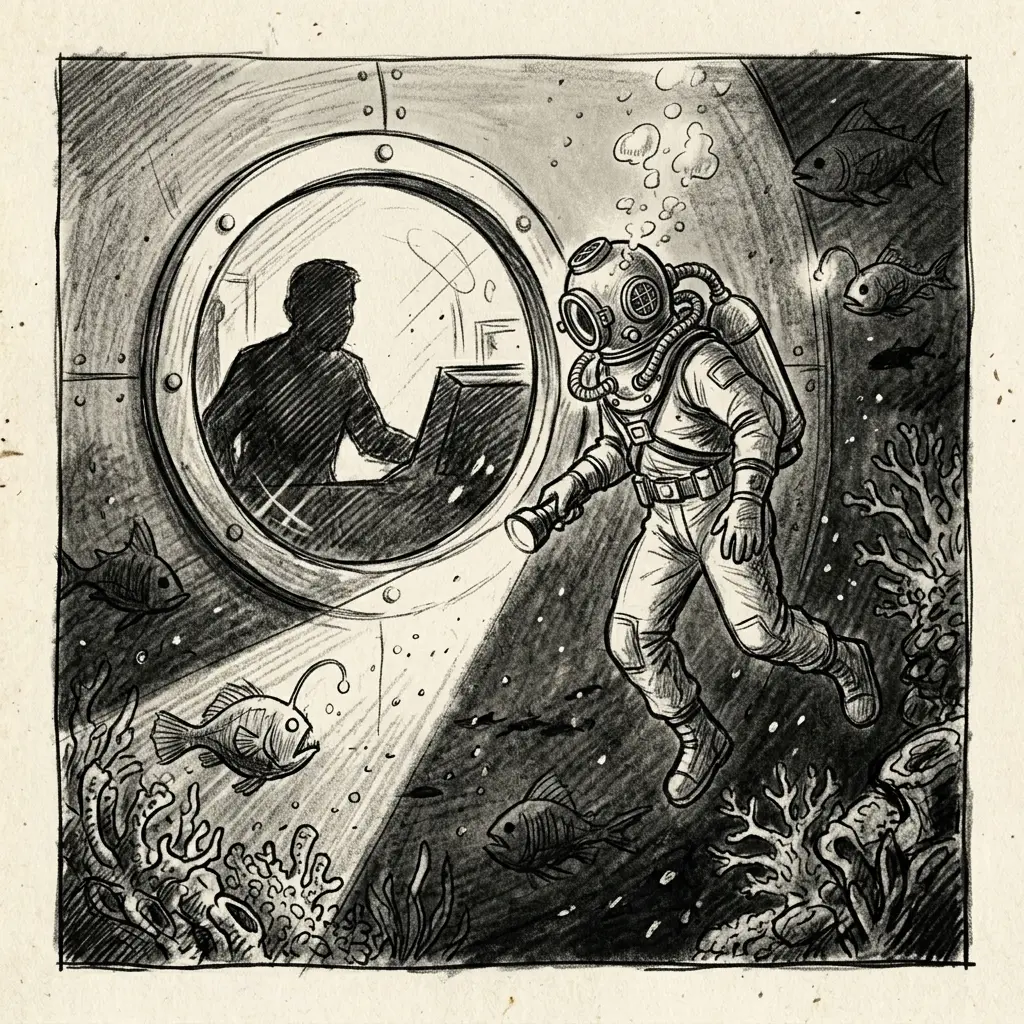
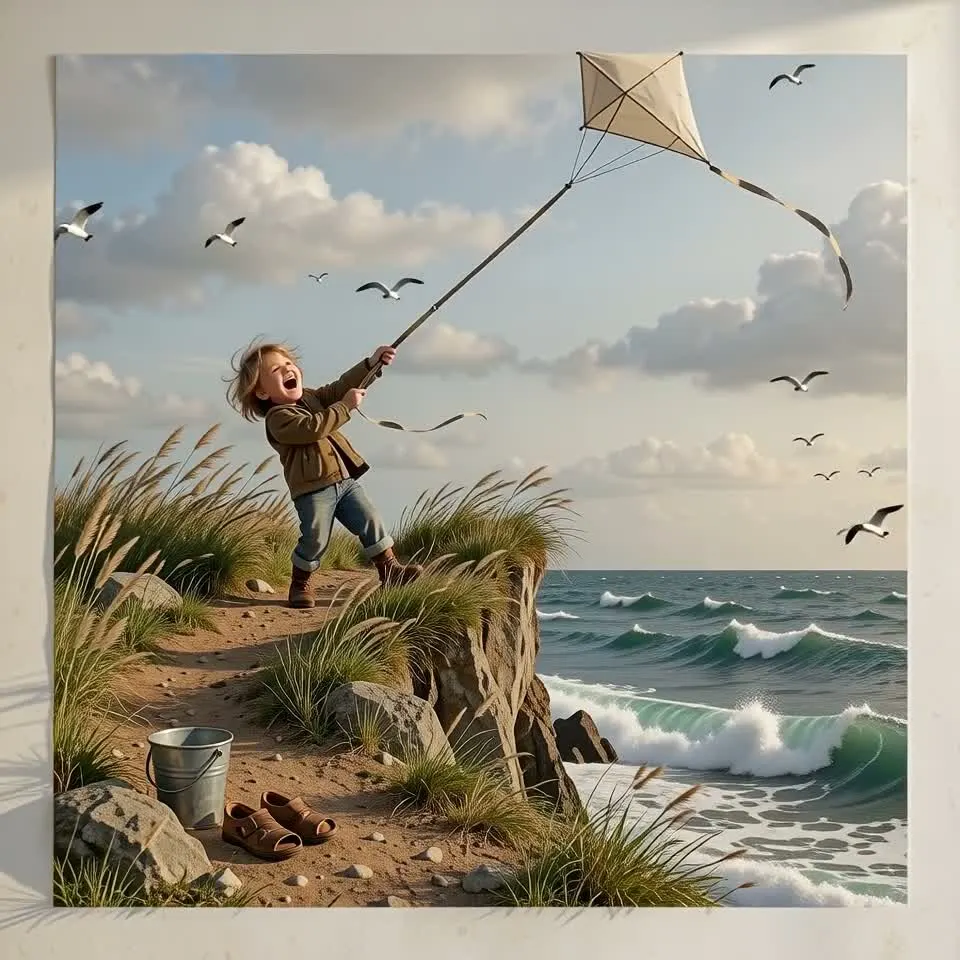
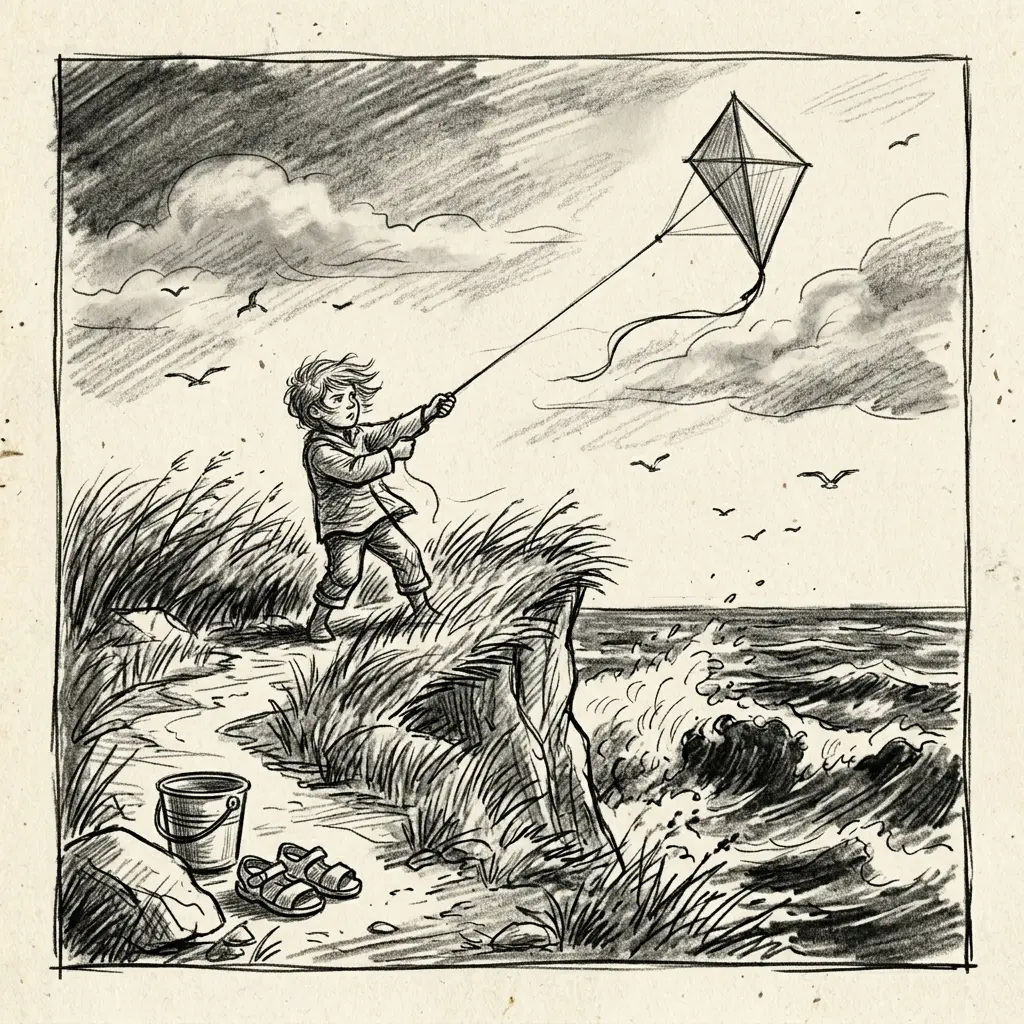
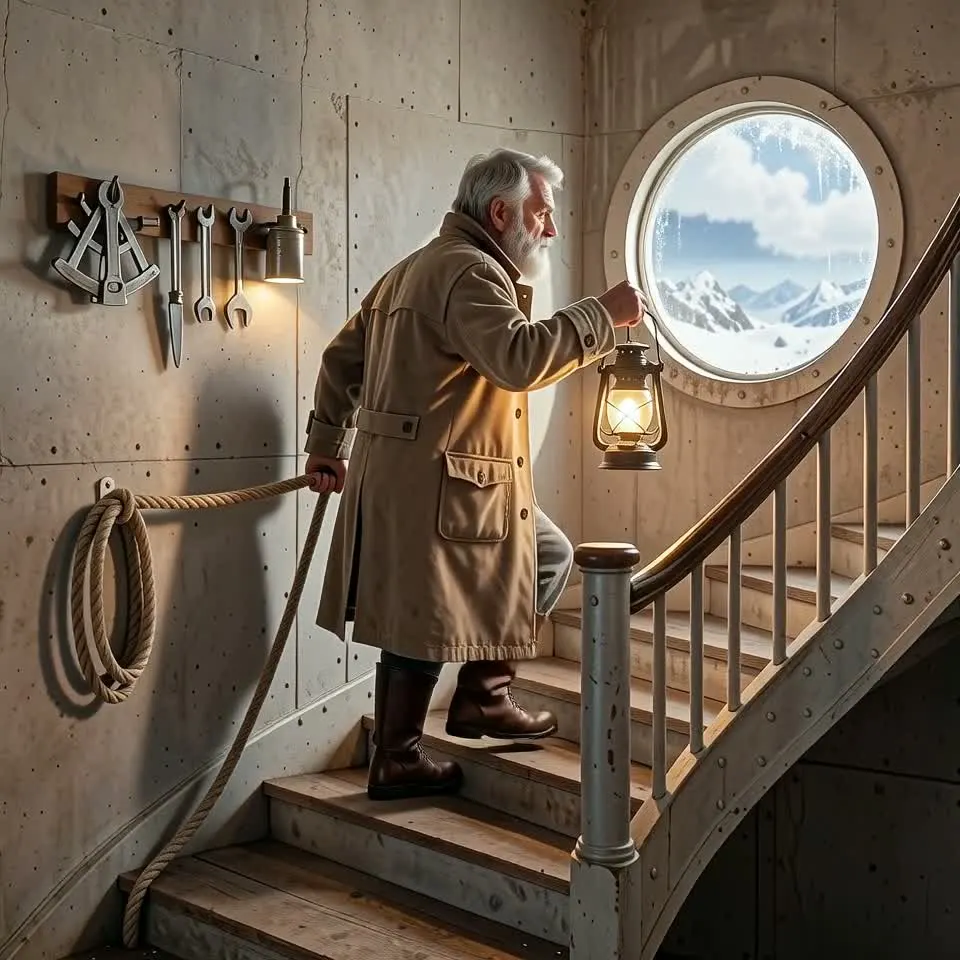
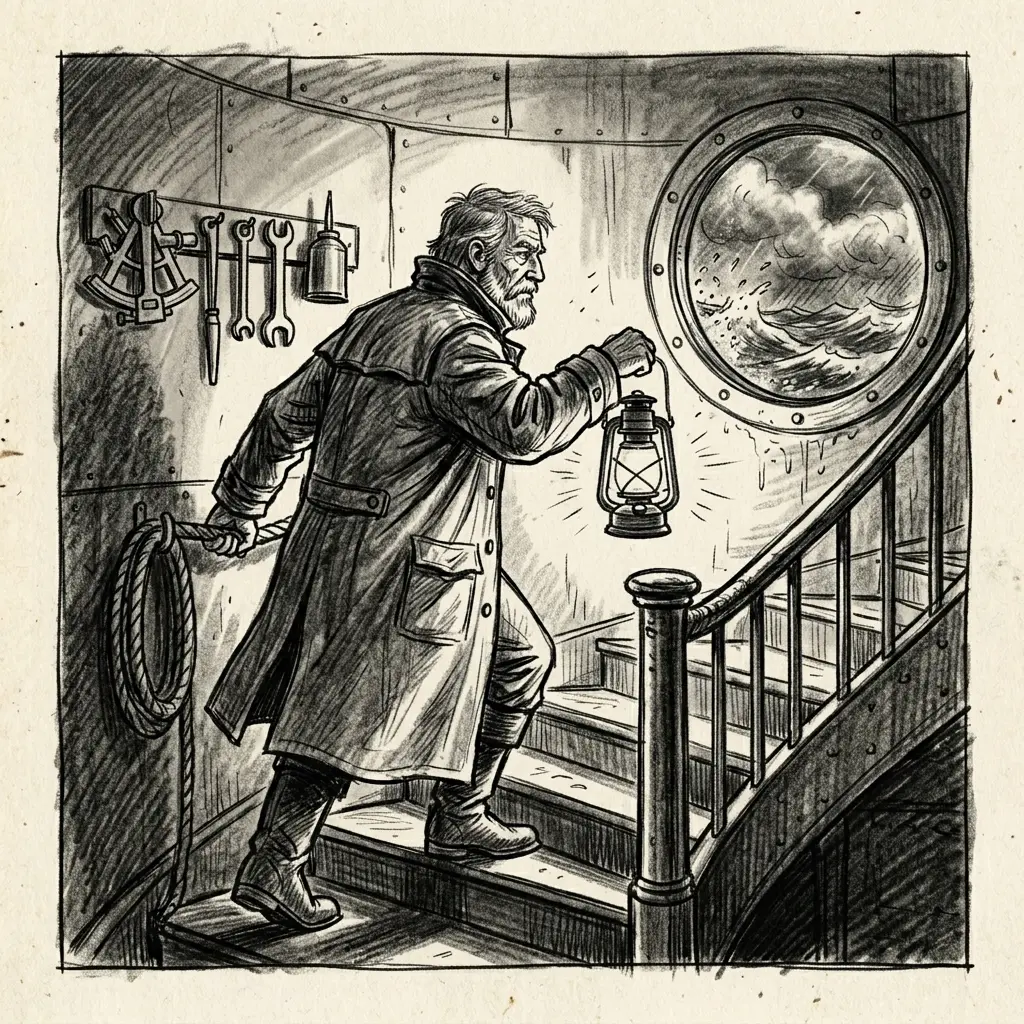
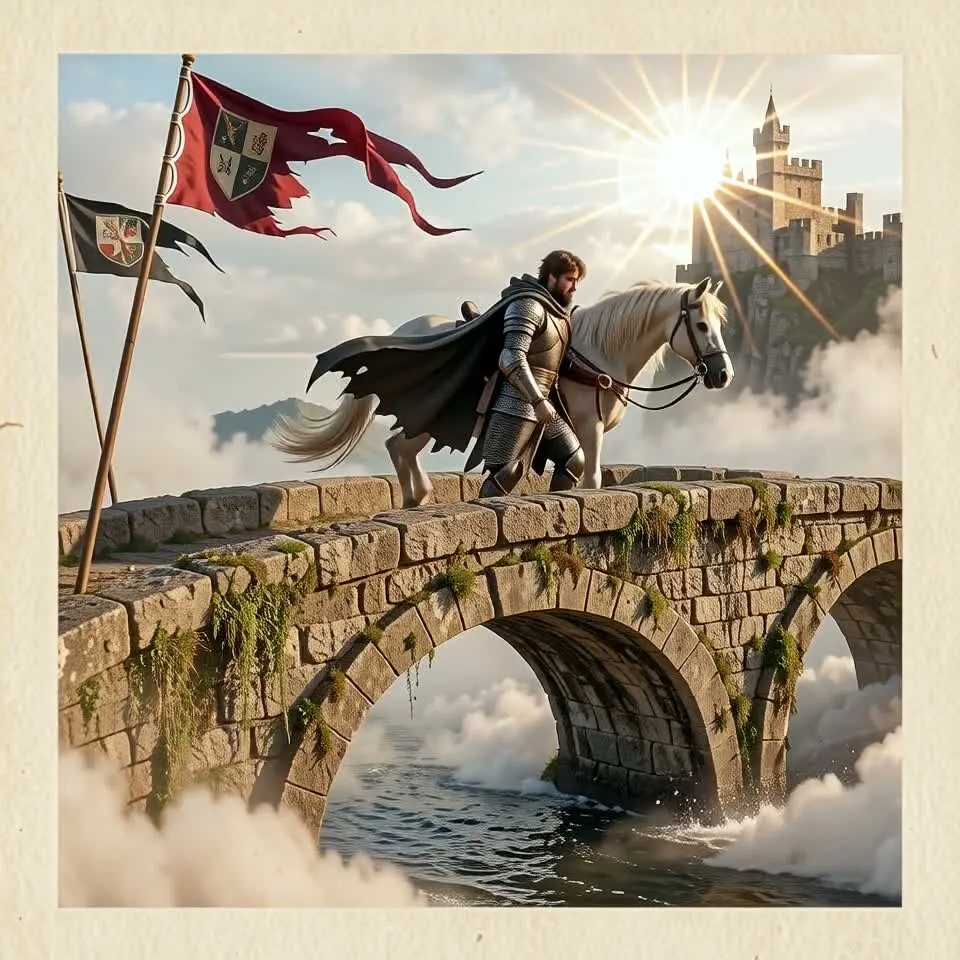
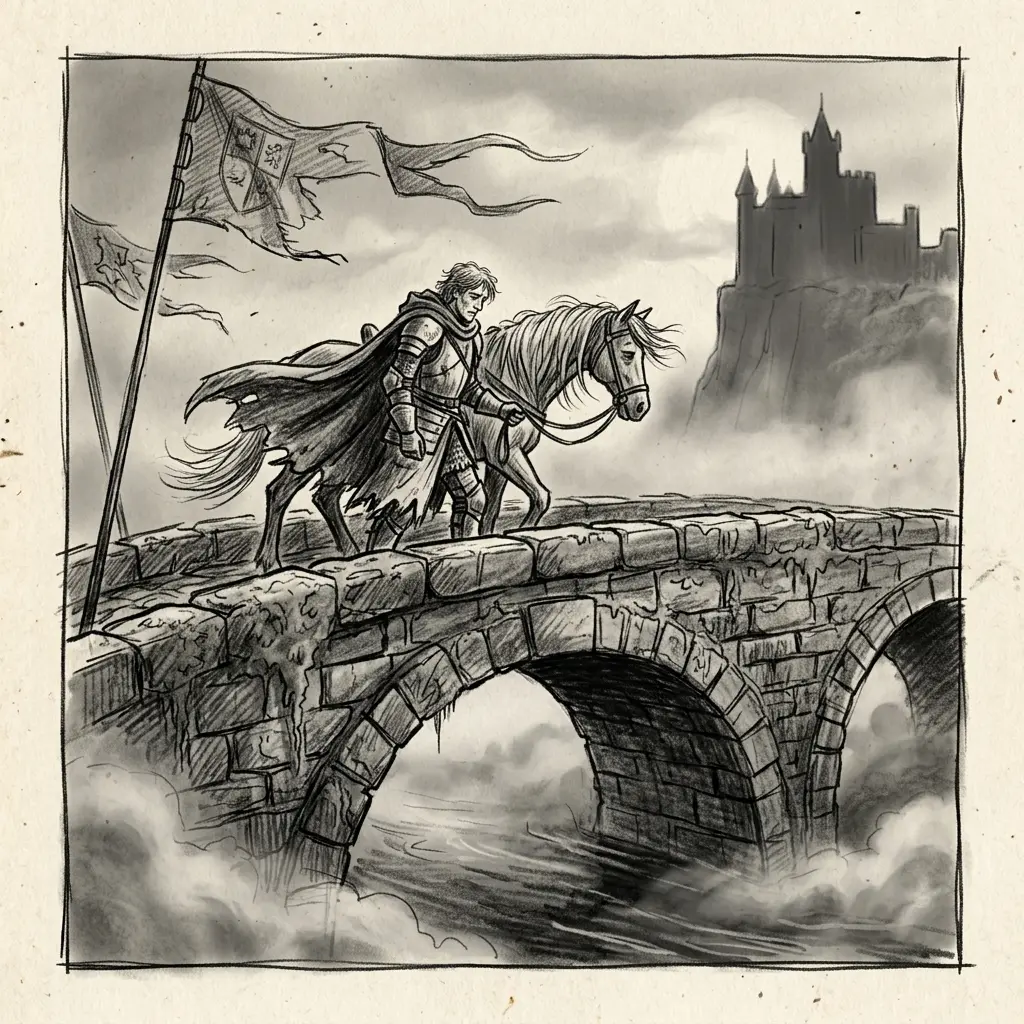
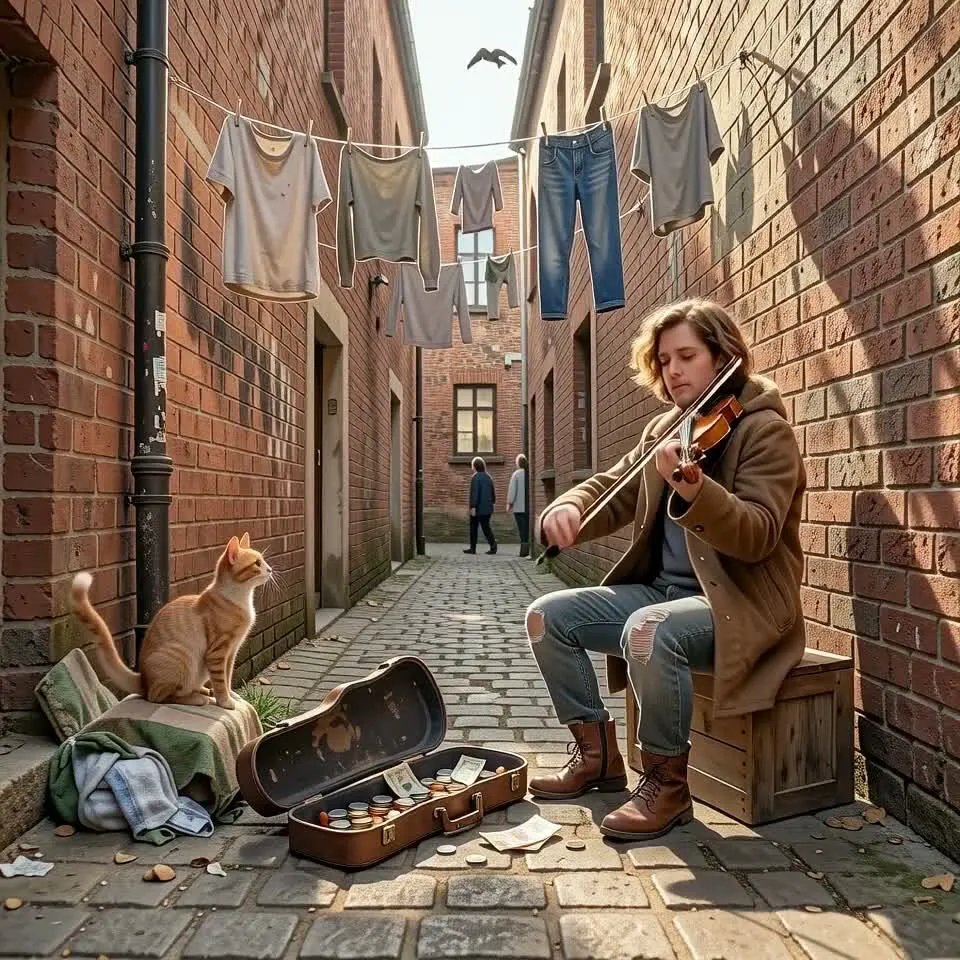
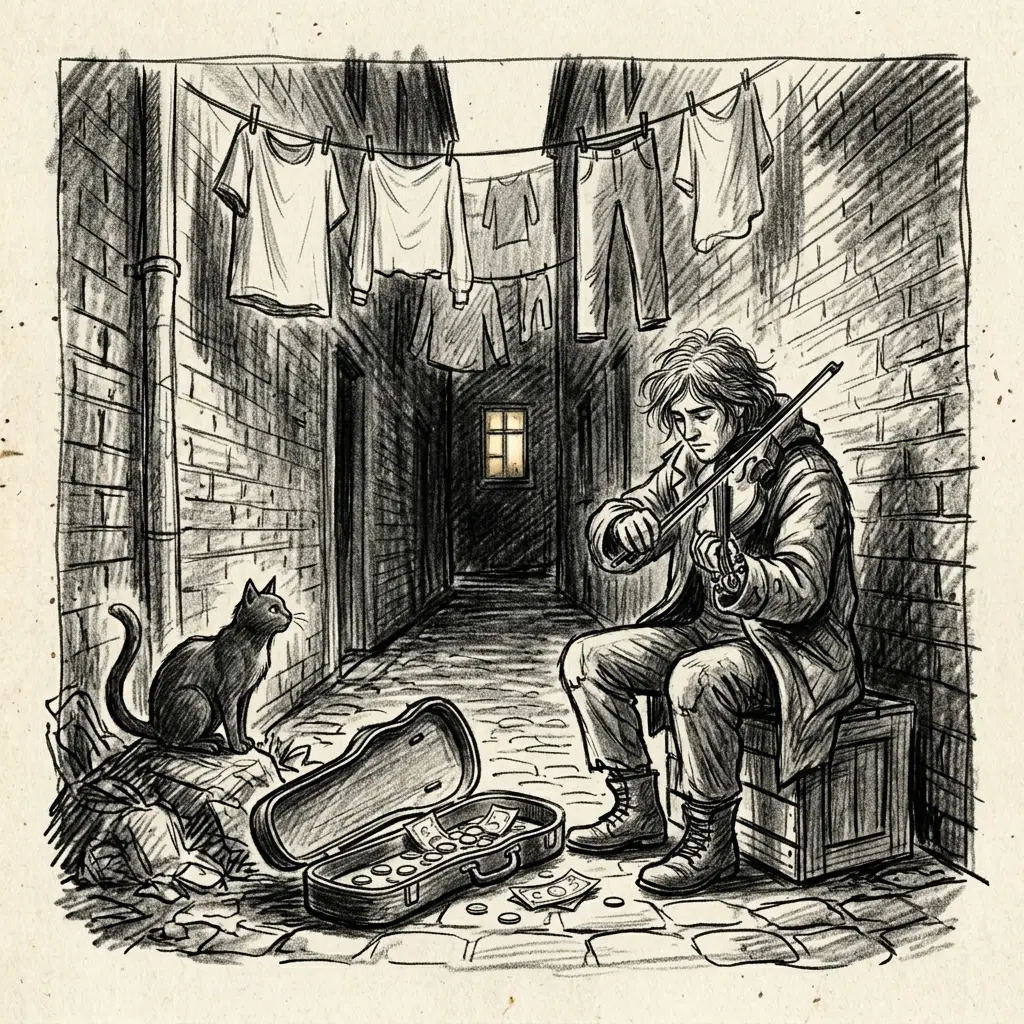

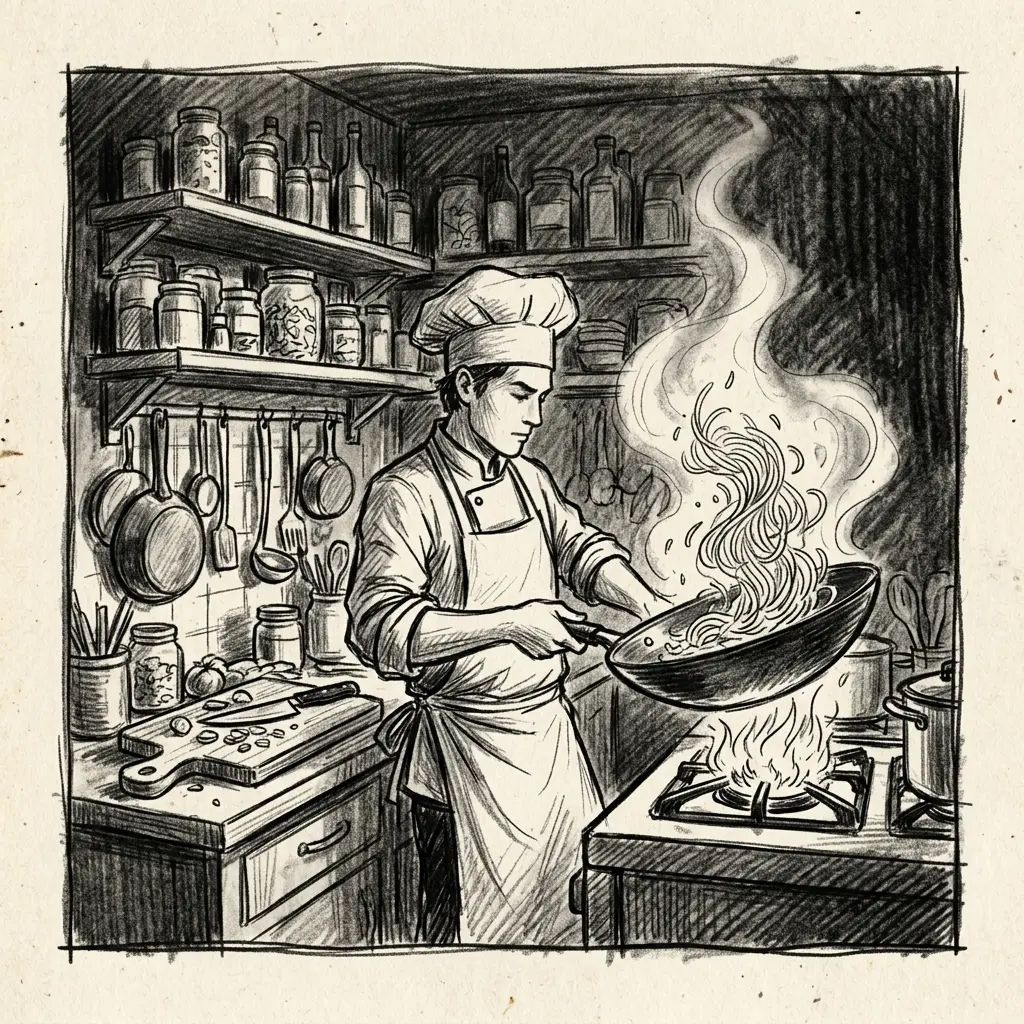
How to Use Sketch to Video AI
Upload one sketch, pick a duration, then generate and download the video result.
Upload One Sketch
Choose a clear sketch, concept drawing, storyboard frame, or draft image. Strong outlines, visible subjects, and a readable scene usually give the model better motion cues.
Choose the Video Duration
Set the clip length from 5 to 15 seconds. The credit estimate updates with duration, so you can test a shorter motion preview before spending more credits.
Generate and Review
Start the Sketch to Video AI task, wait for the result, then download the video or try another sketch when you want a different motion direction.
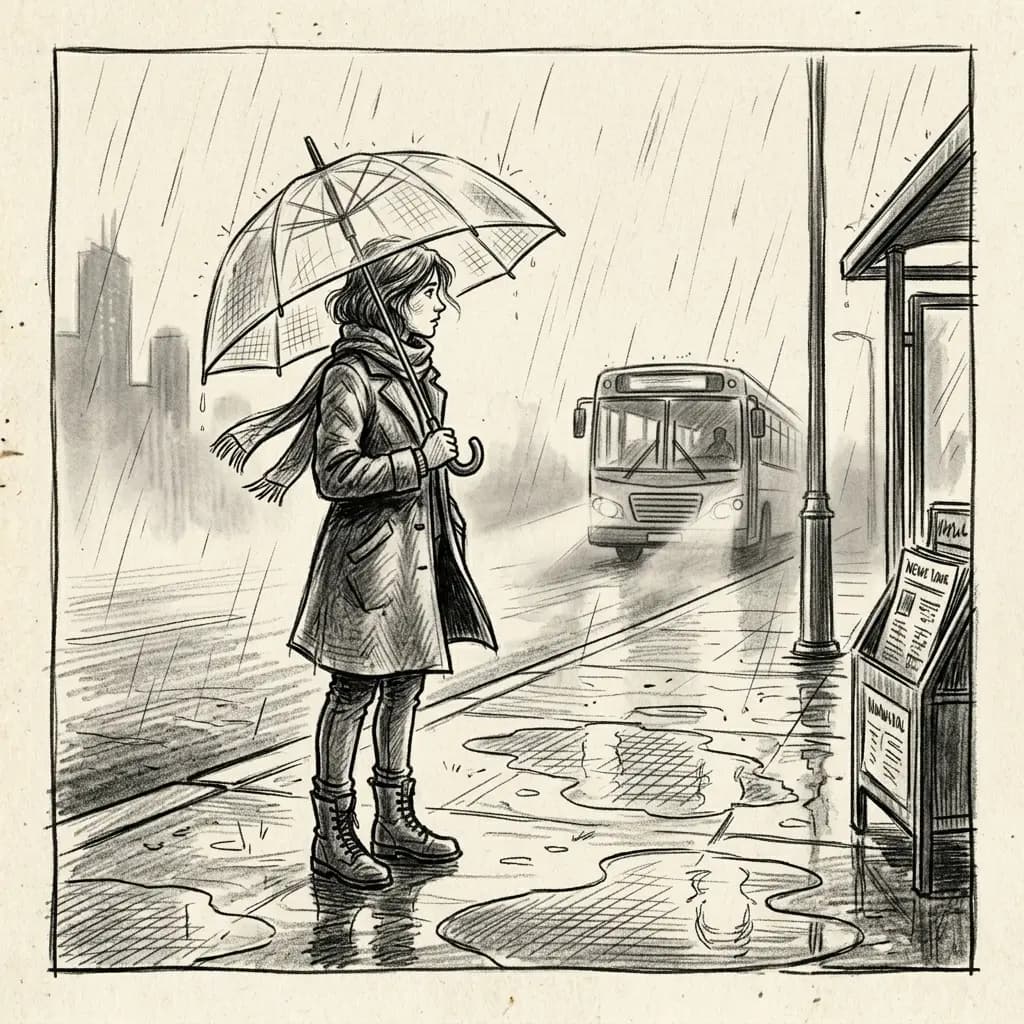
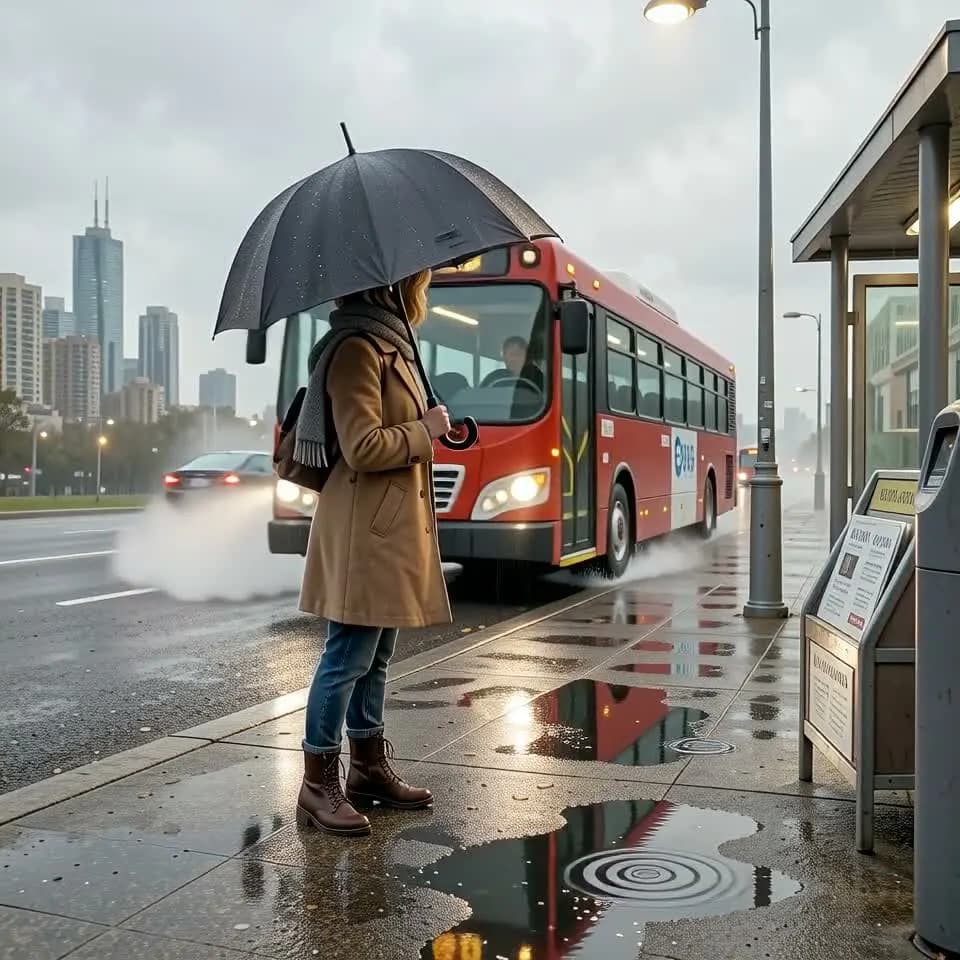
Storyboard Frames Become Motion Tests
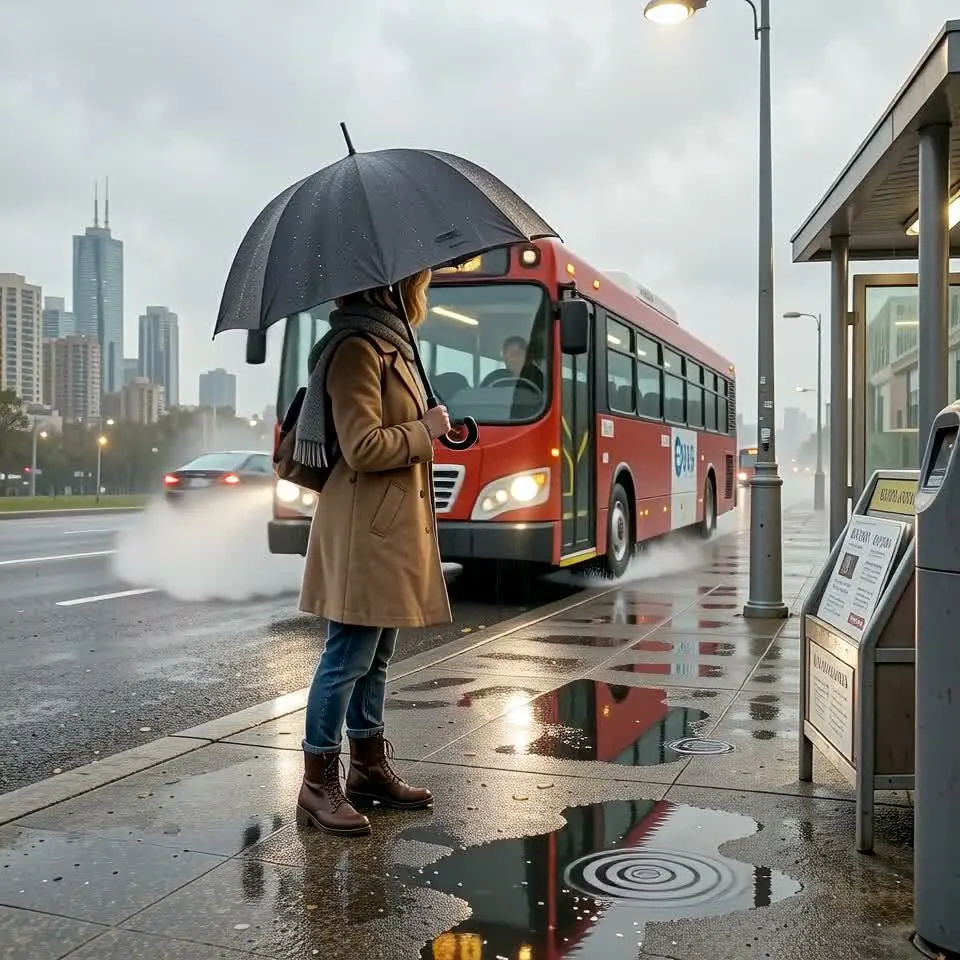
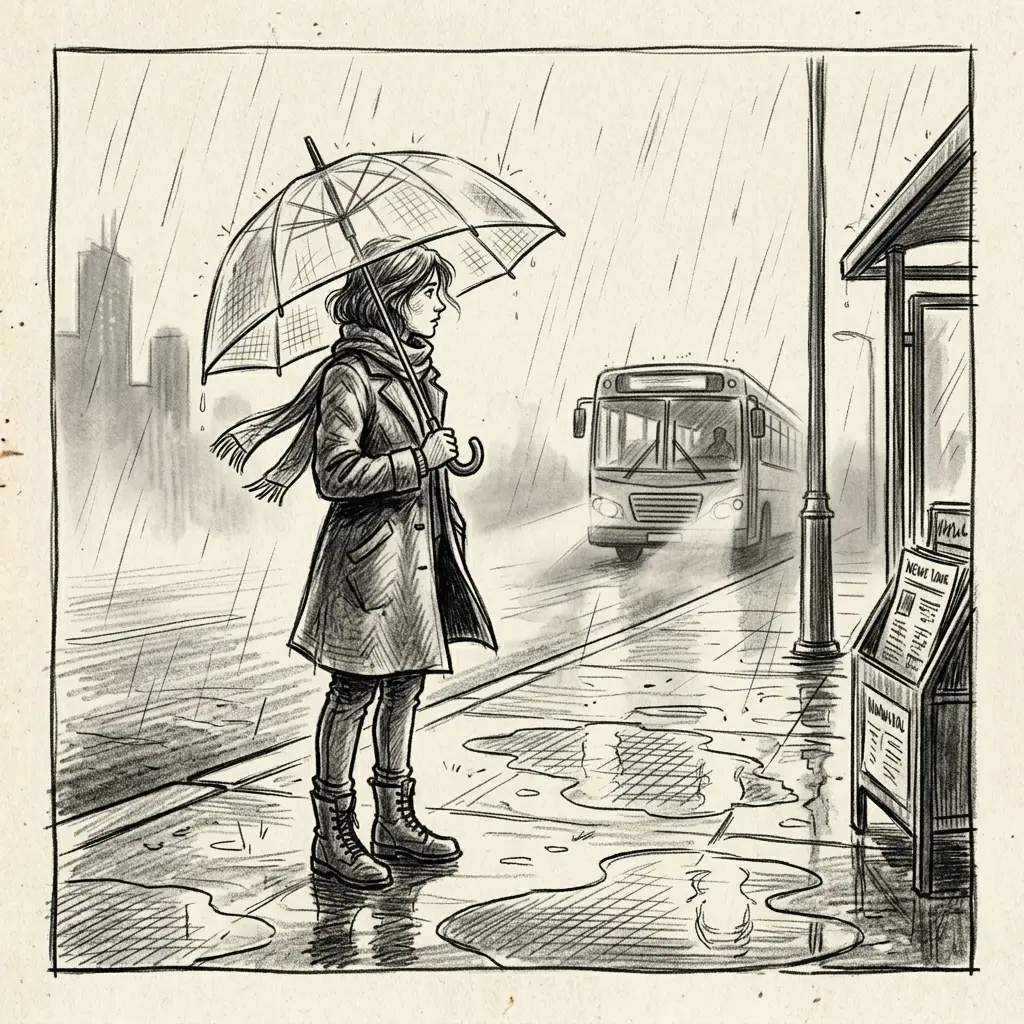
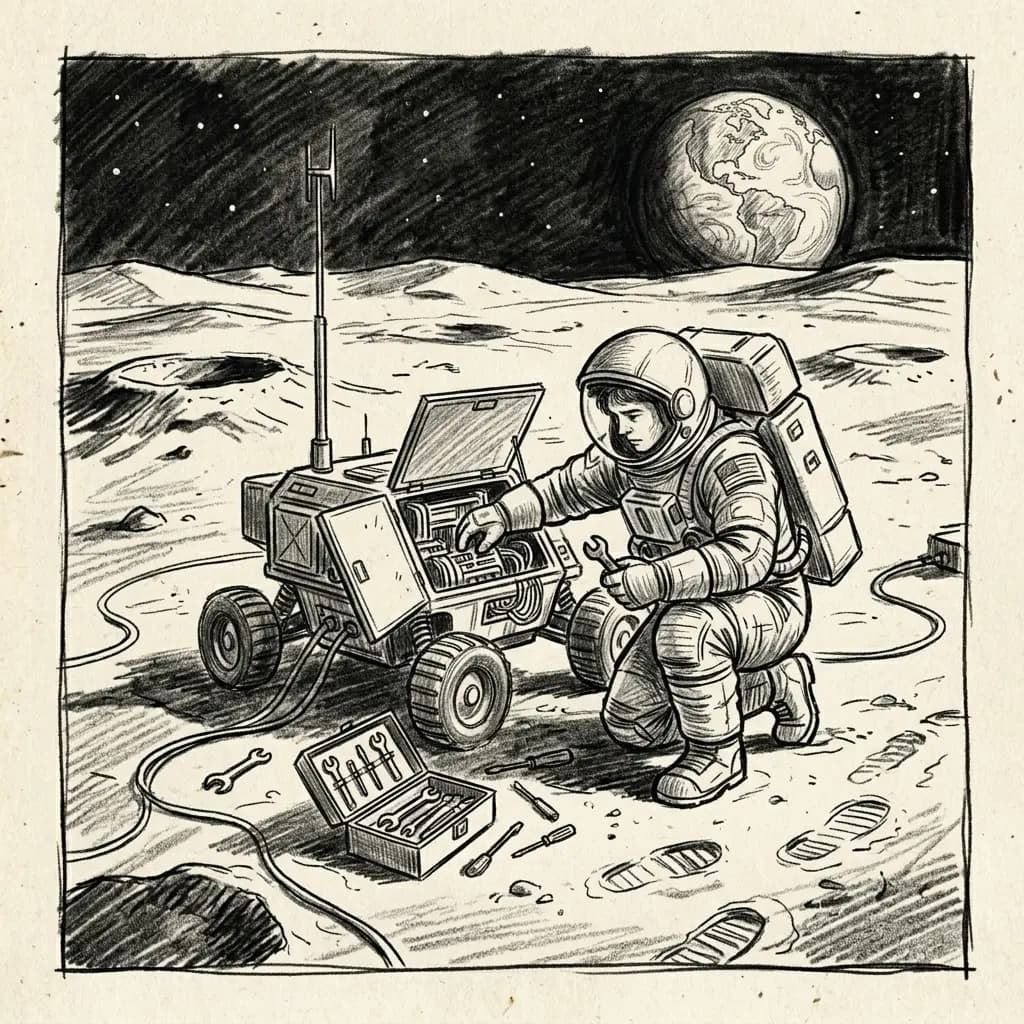
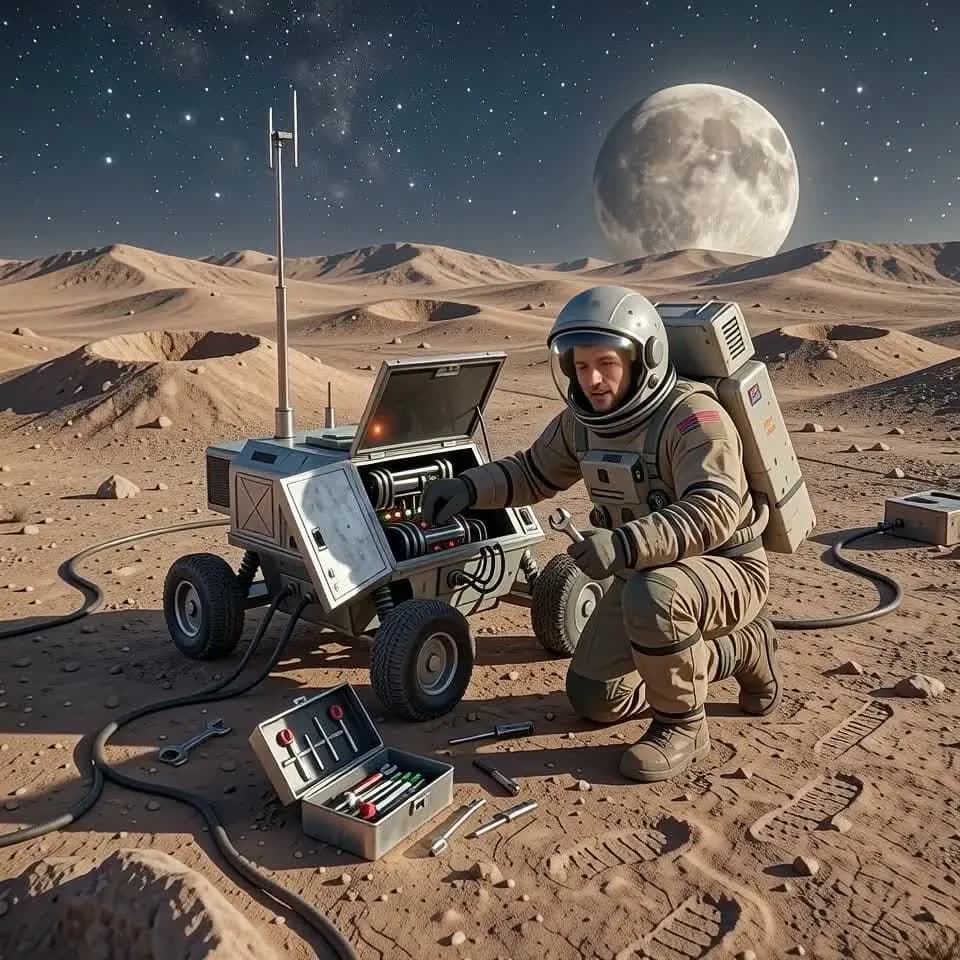
A single storyboard frame can show mood and framing, but not timing. Upload the sketch and generate a short video preview that turns rain, vehicles, characters, and camera atmosphere into motion you can evaluate before production.
Concept Art Keeps Its Main Composition
Sketch to video generation is most useful when the draft already has a strong silhouette and scene idea. iMideo uses the uploaded drawing as the anchor, so the generated motion stays connected to the original character, prop, and setting.
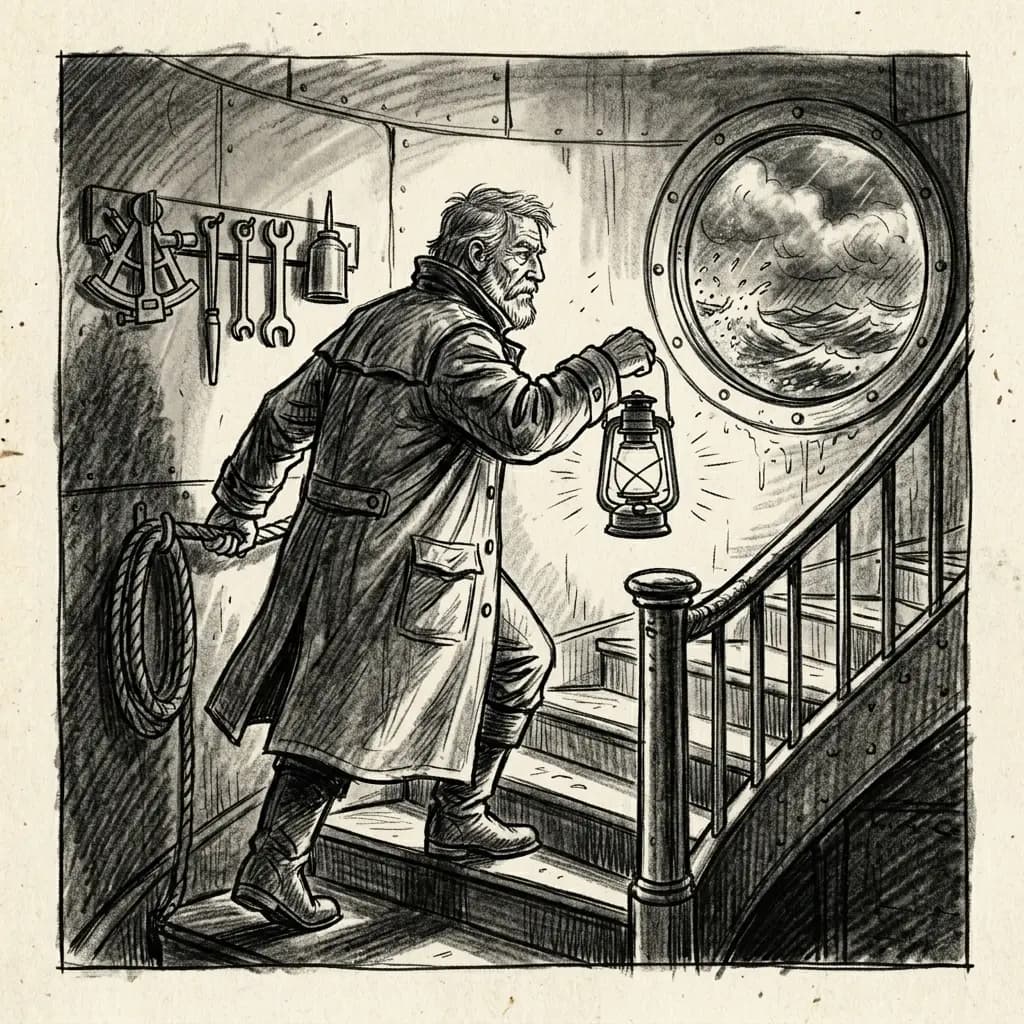
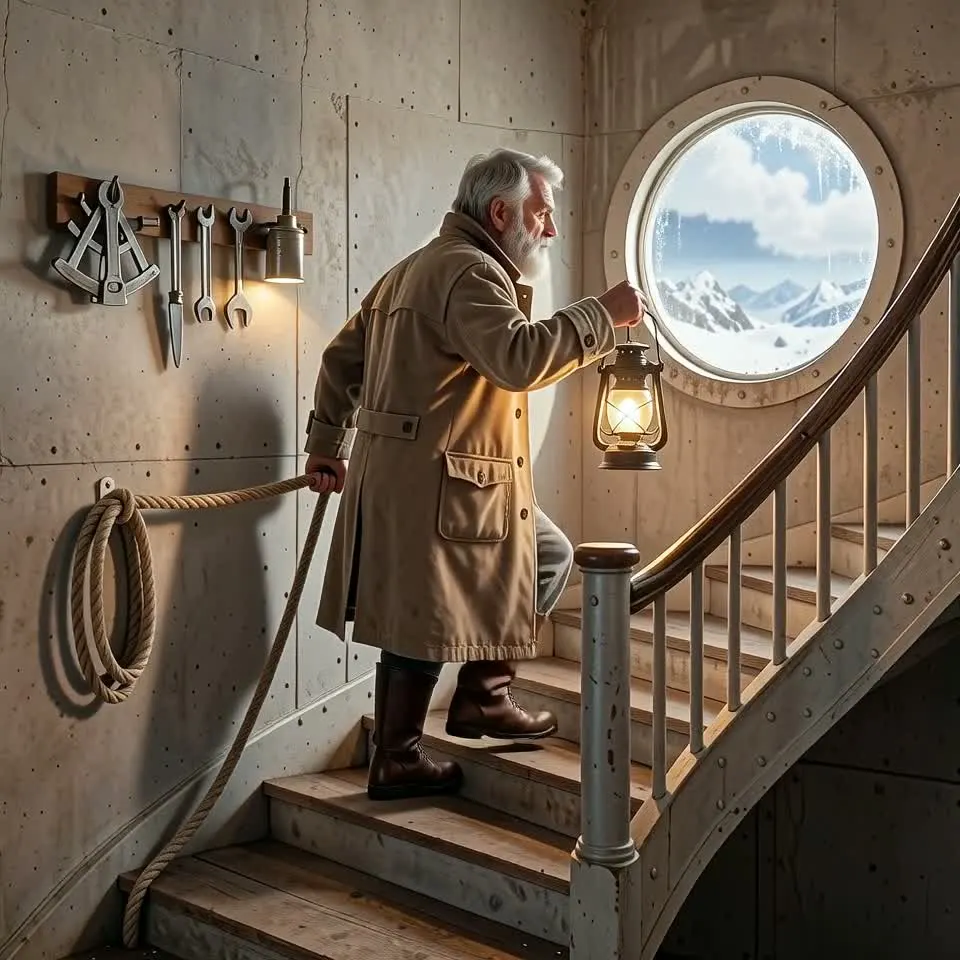
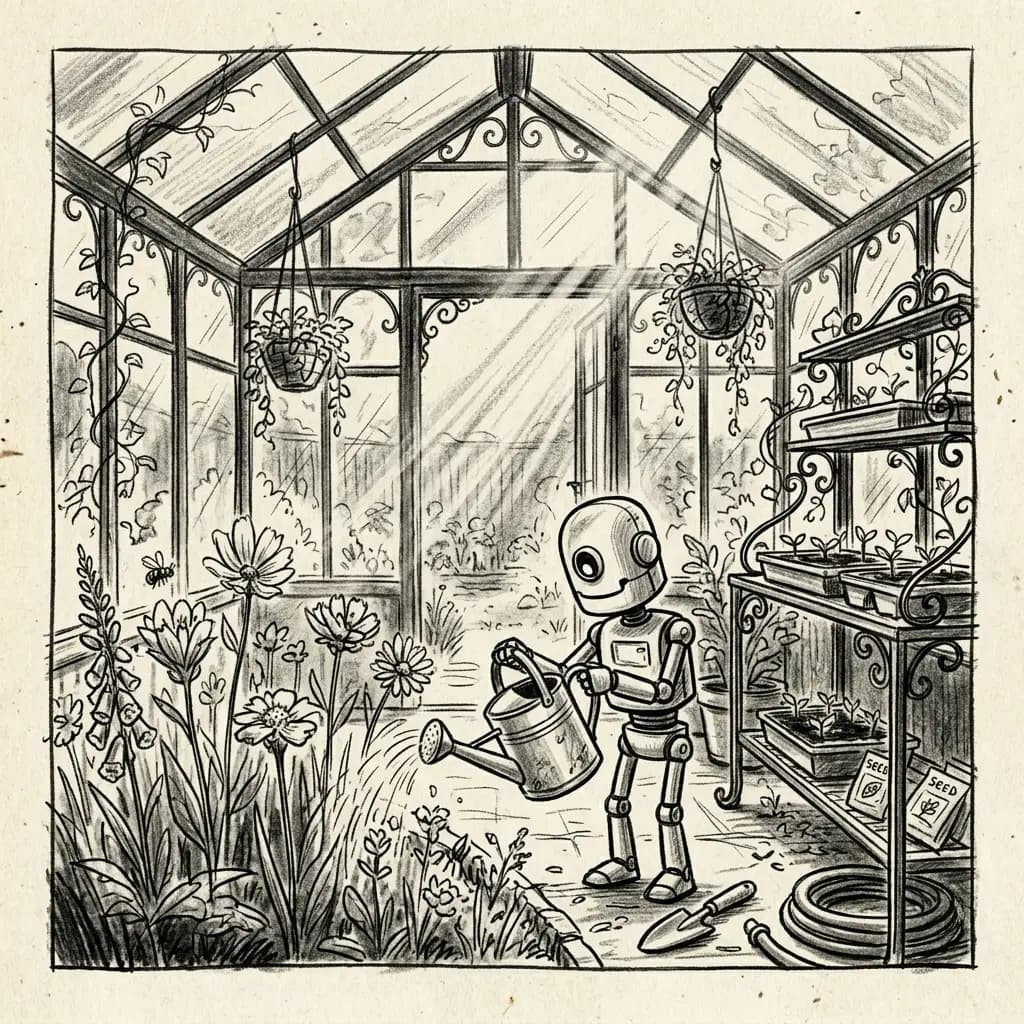
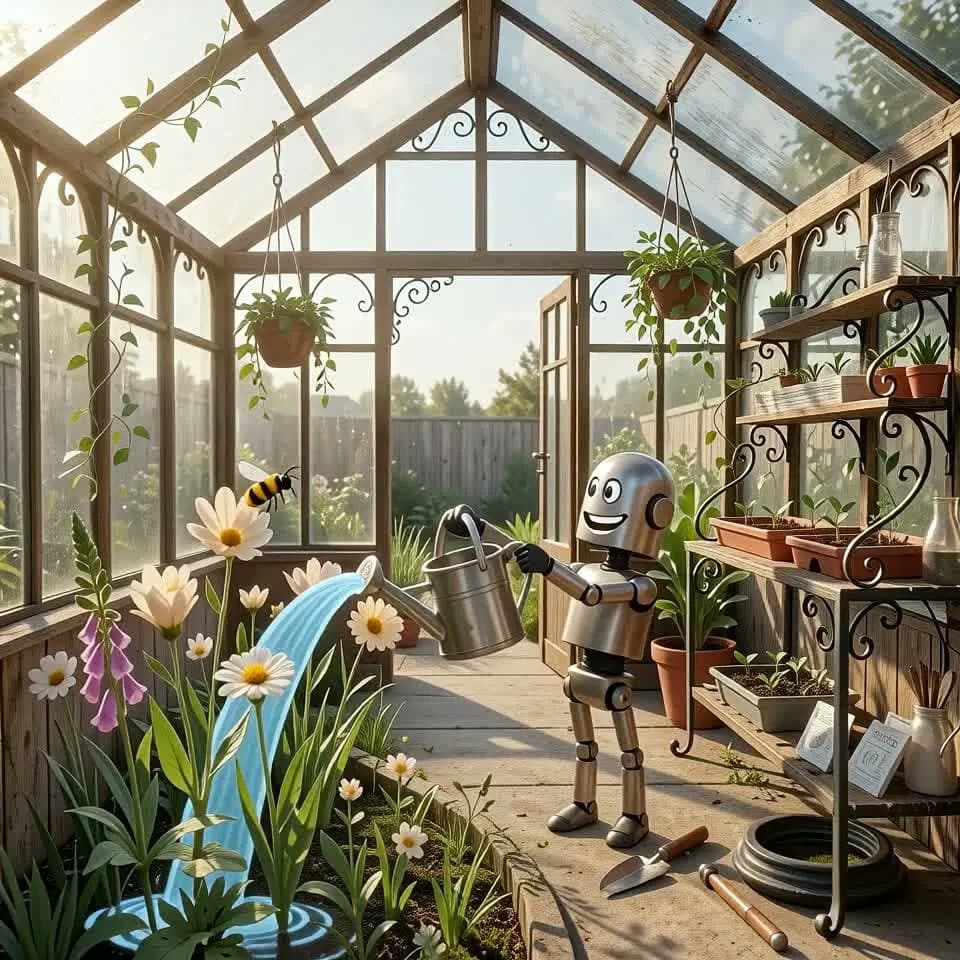
Pitch Visuals Without a Full Animation Pass
When you need to show direction quickly, a short AI video can make a drawing easier to discuss with clients, teammates, or collaborators. Use it for product boards, scene proposals, campaign concepts, and early visual decks.
Duration Control for Different Review Stages
Use 5 seconds for a low-commitment motion check, 10 seconds when the idea needs more breathing room, and 15 seconds when a scene needs a fuller beat. The credit cost scales with duration before you submit.
Why Use iMideo for Sketch to Video Generation
One-Image Workflow
The tool only needs the source sketch. There is no prompt field, reference video, masking step, or timeline setup in the current flow.
Sketch-Anchored Motion
The uploaded drawing acts as the visual instruction, helping the result follow the original subject placement and scene composition.
5-15 Second Duration
Choose any duration from 5 to 15 seconds. Credit cost is calculated from the selected length before generation starts.
Built for Early Ideas
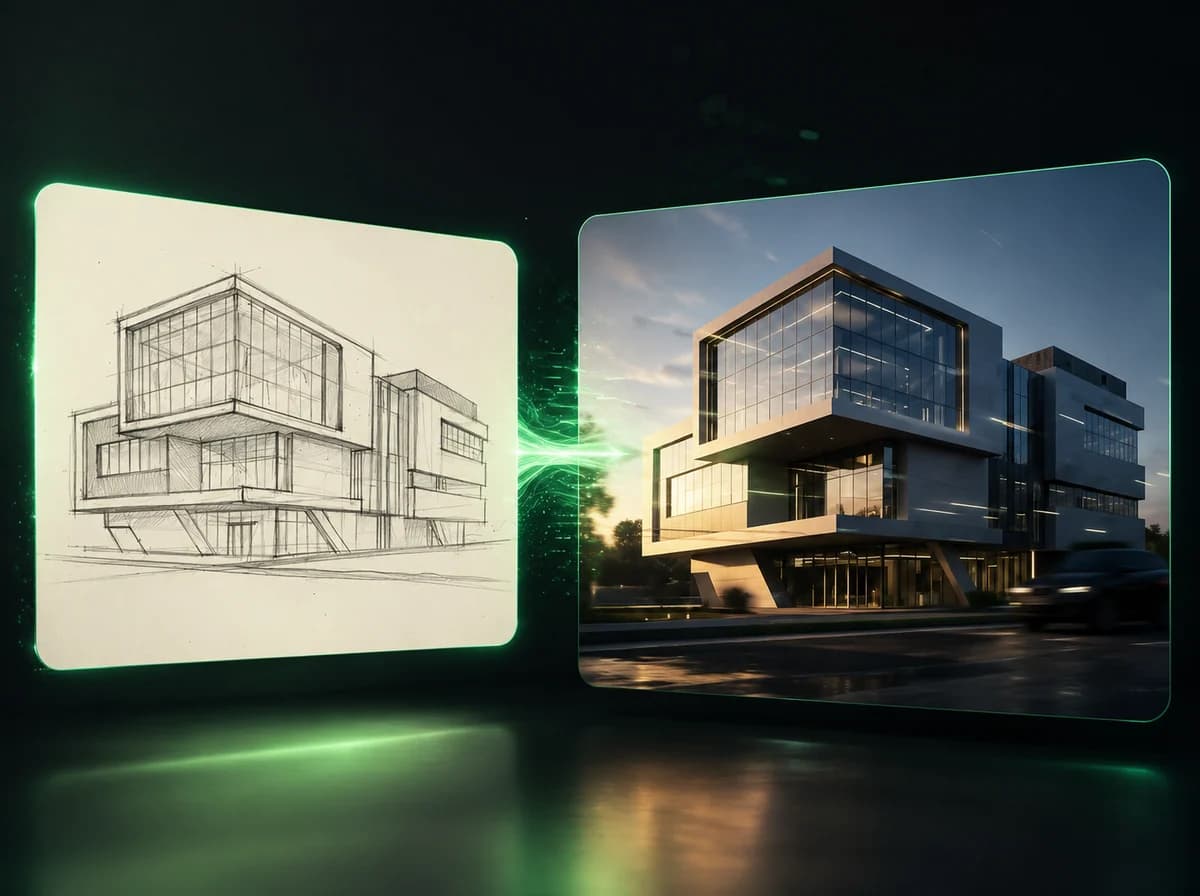
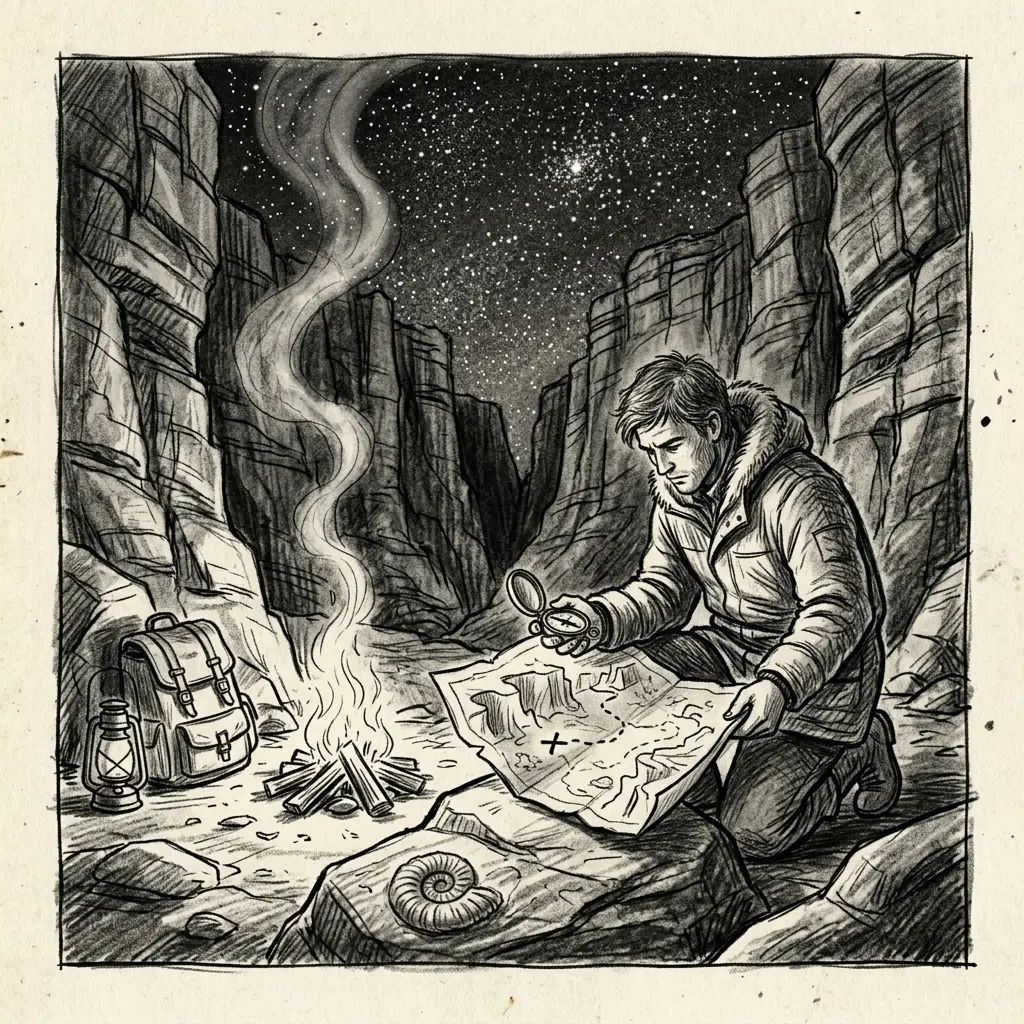
Use it for storyboards, design drafts, comic panels, architecture sketches, product concepts, and concept art that needs a motion read.
Private Generation Flow
Uploads are processed for your generation task and are not added to the public template gallery.
Clear Credit Cost
Sketch to Video AI starts at 6 credits for 5 seconds, then scales with duration so 10 seconds costs 12 credits and 15 seconds costs 18 credits.
What Creators Say About Sketch to Video AI
Mia L.
Storyboard Artist
I use it to test whether a frame has enough motion potential before I clean up the boards. It is useful when a director wants to see the feeling, not a finished animation.
Owen P.
Product Designer
For rough product ideas, a moving preview helps people understand the shape and use case faster than a static sketch in a slide deck.
Nadia R.
Creative Producer
The duration control matters. I can run a 5 second test for a concept review and only spend more credits when the direction is worth exploring.
Caleb S.
Architecture Visualizer
It helps turn loose spatial sketches into moving mood references. I still refine the final render elsewhere, but this is useful for the first conversation.
Turn a Sketch Into a Motion Preview
Upload one drawing, pick a 5-15 second duration, and generate a short video preview anchored to your sketch.