
AI Video Effects Generator for Photos
Upload a JPG or PNG photo, choose from 58+ AI video effect templates, and export an MP4 clip for social posts, ads, or product visuals.
Click or drag image here
PNG, JPG up to 10MB
Click to select a video effect template
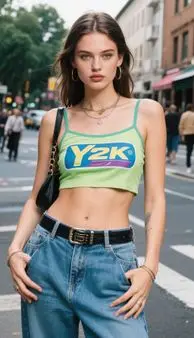
With AI Video Effect
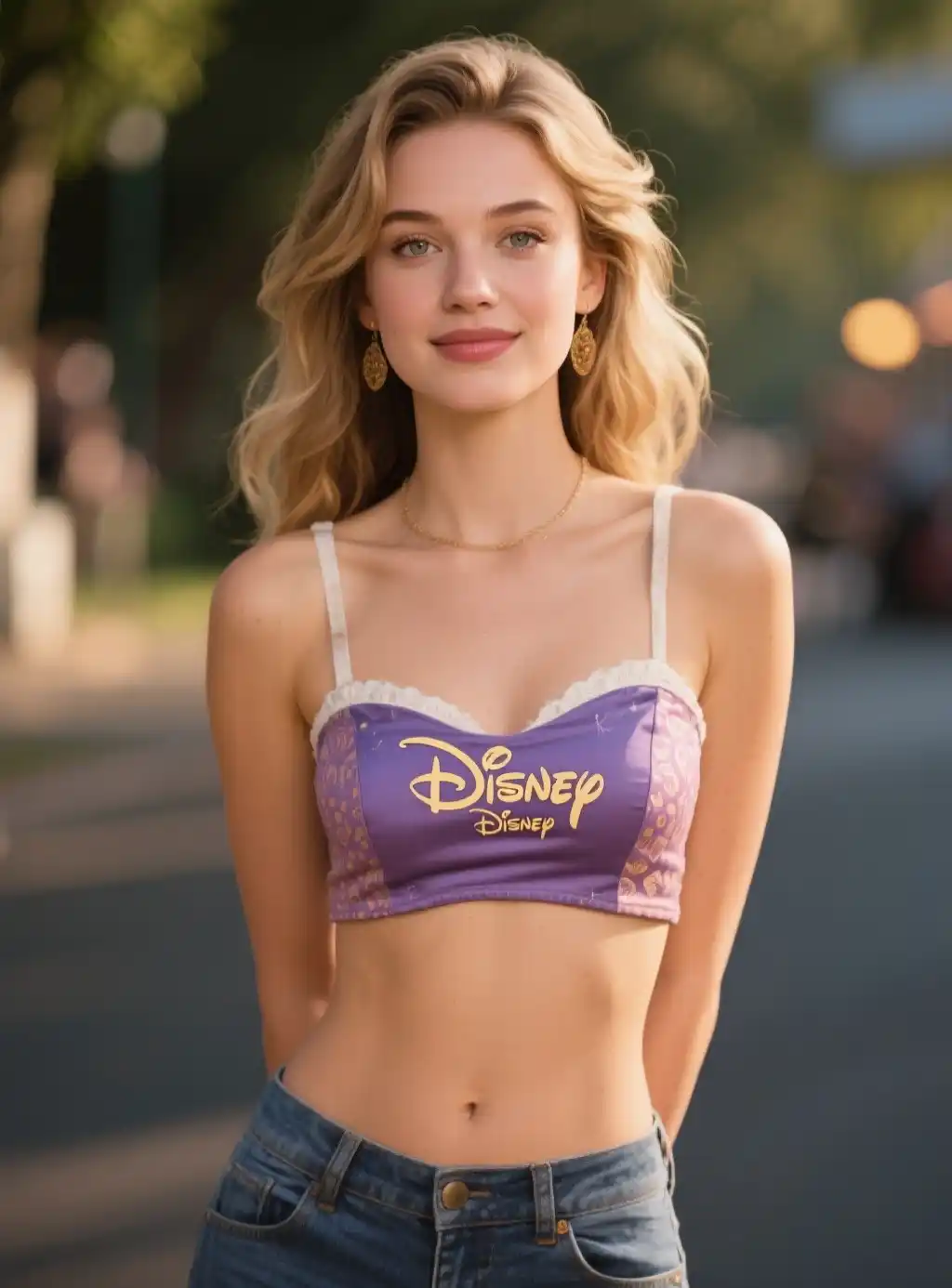
With AI Video Effect
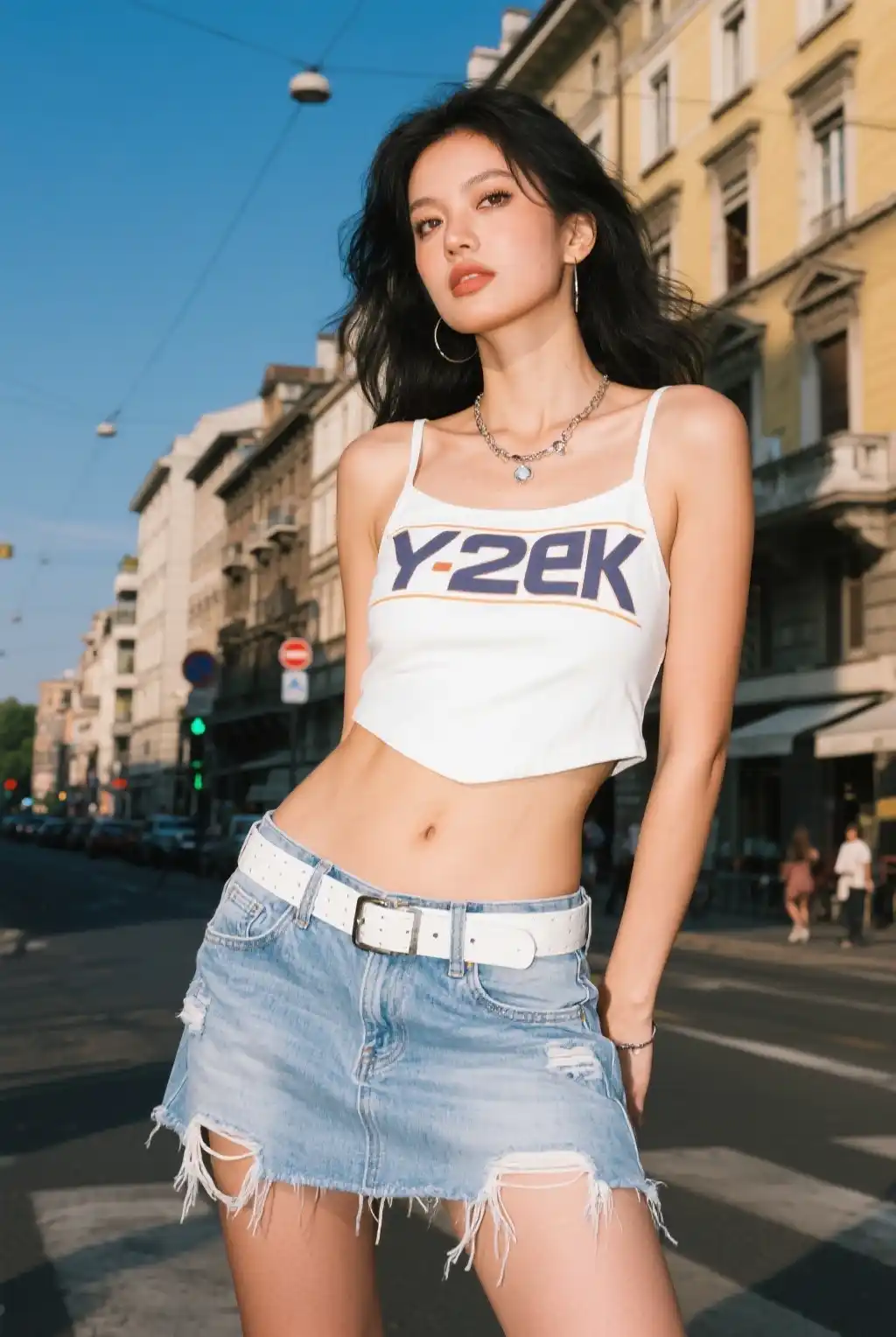
With AI Video Effect
Why Choose iMideo for AI Video Effects?
Turn still images into short video clips with preset motion styles, cinematic transitions, and social-ready MP4 export. If you want to generate from a written prompt instead, try text to video AI.
58+ AI Video Effects Templates
Choose from AI video effects for portraits, product shots, scenery, artwork, and social content. Preview the motion style before applying it to your image.
Intelligent AI Video Processing
The generator analyzes the subject, background, and composition, then applies the selected motion template while keeping the main image content recognizable.
Fast Video Effects Generation
Create short AI video effects online without opening a timeline editor. Processing time depends on template complexity, image size, and current queue load.
Template-Based Video Quality
Export MP4 clips for social feeds, ads, presentations, and product pages. The tool keeps motion centered around the photo's subject instead of forcing a generic camera move.
Common Image Compatibility
Apply video effects to portraits, landscapes, product photos, illustrations, and lifestyle images. JPG and PNG uploads are supported up to the listed file limit.
MP4 Video Export
Download an MP4 file that is easy to post on TikTok, Instagram, YouTube Shorts, Facebook, landing pages, or ad creatives.
What Creators Say About AI Video Effects

Mia K.
Social Media Influencer
I drop a selfie, pick a cinematic effect, and get a short clip that feels more polished than a static Story image. The templates are easy to test.

Derek P.
Digital Marketing Manager
Turning product photos into short motion clips made ad testing easier for our team. We can create more creative variants without opening a timeline editor.

Jasmine W.
E-commerce Store Owner
My product listings needed something extra. Adding dynamic video thumbnails gave customers a better sense of the product than still images alone.

Ryan C.
Wedding Photographer
Clients like receiving preview videos with soft transitions. It gives the photo package another shareable format without a separate video edit.

Emma L.
Travel Blogger
My sunset photos from Bali became short TikTok clips with zoom and pan effects. It gives me more formats to post from the same travel shoot.

Carlos M.
Real Estate Agent
For property listings, a living room photo with a gentle zoom feels less static than another still image. It is useful for quick social previews.

Sophia T.
Small Business Owner
I run a bakery and needed social content without hiring a videographer for every post. These effects give cake photos a cleaner motion format for Reels.
AI Video Effects FAQ
Everything you need to know about creating AI video effects, from image formats to processing times and commercial usage rights.
1What is an AI video effects generator?
An AI video effects generator turns a still image into a short animated video by applying a preset motion or visual effect template. iMideo supports 58+ templates for portraits, product photos, landscapes, artwork, and lifestyle images. For best results, use a clear image with good lighting and a visible main subject.
2What image formats are supported for AI video effects?
Our AI video effects generator supports common image formats including JPG, JPEG, PNG, WebP, and GIF. The file size limit is 10MB per image to keep processing stable. Clear images with a visible subject usually produce cleaner video effects.
3How fast does AI video effects generation work?
Processing speed depends on image resolution, effect complexity, and current queue load. Simple photo-to-video templates usually finish sooner than complex cinematic effects. The task panel shows progress after you submit.
4What video format and quality do AI video effects produce?
All AI video effects are exported as MP4 files for platforms like Instagram, TikTok, YouTube, and Facebook. If you need to improve a finished clip before publishing, use the AI video upscaler after generation.
5Can I preview AI video effects before applying them to my image?
Yes. The AI video effects gallery includes preview videos for templates, so you can see the motion style before processing your photo. Browse the previews, choose the effect that fits your image, then generate the final clip.
6Can I use AI video effects commercially for business and marketing?
Yes, you can use AI video effects for business marketing, social campaigns, client presentations, website content, advertising drafts, and other commercial projects when you have the rights to the source image and final use case.
7What's the pricing for AI video effects generation?
AI video effects generation costs 8 credits per video (fixed rate for all effects). You can purchase credit packages based on your needs.
Turn Photos into Short Videos with 58+ Effects Create Video Effects Now
Upload a photo, preview an effect template, and create a short MP4 video for Instagram, TikTok, ads, product pages, or visual storytelling.