
Hotel Lobby AI Video Generator
Add two photos, or one photo of both of you, and get the orange-booth rap duo video: one hanging mic, two performers trading bars, an original beat. Vertical and ready for TikTok and Reels.
One person, face visible
PNG, JPG, WebP (Max 10MB)
One person or pet, face visible
PNG, JPG, WebP (Max 10MB)
What Is the Hotel Lobby AI Trend?
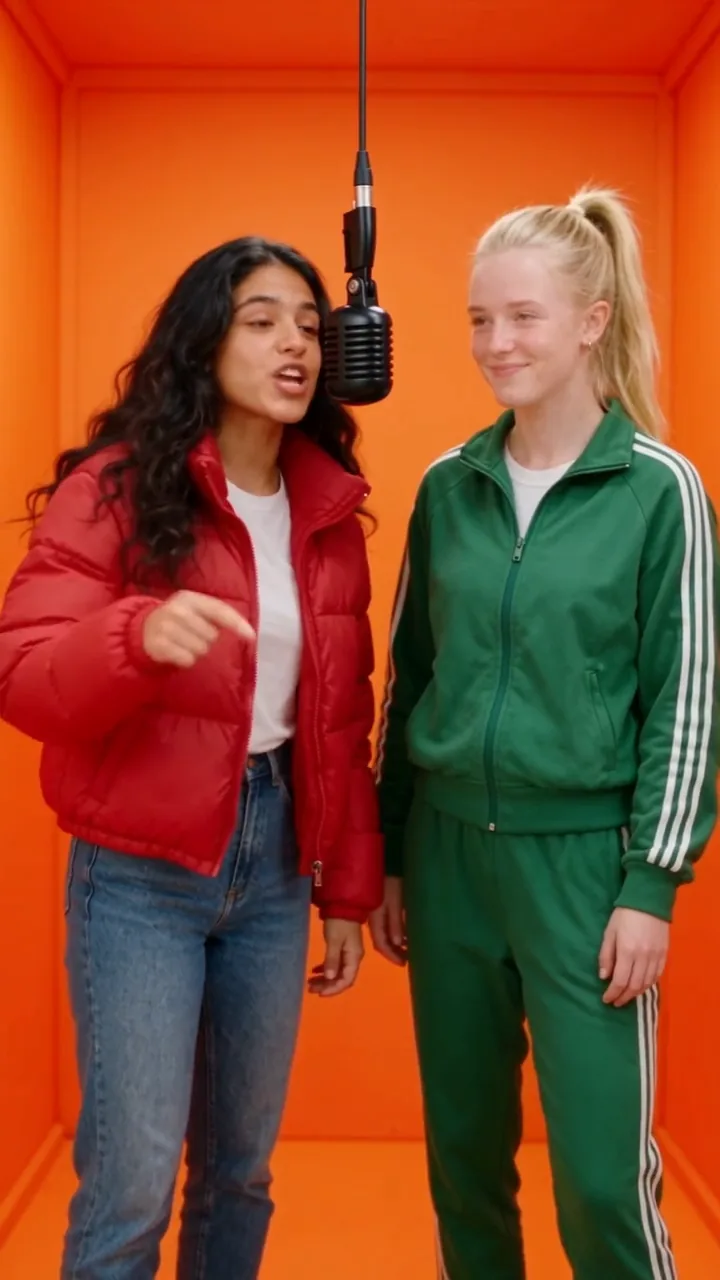
The Hotel Lobby AI trend recreates a famous two-rapper performance from A COLORS SHOW in 2022: a plain orange booth, one microphone hanging from the ceiling, and two people taking turns on it. Creators swap in their own faces, their best friend, their partner, even their cats. This generator builds that scene from your photos. Upload a photo of each person, and the AI places you side by side in the orange booth, keeps your faces, hair and outfits, and has you trade verses over an original hip-hop beat. It does not use the original song or recreate the original performers, so the clip is yours to post. If you're searching for a Hotel Lobby AI filter, this is how the videos you've seen are actually made: from photos, not a live camera effect.

How to Make a Hotel Lobby AI Video
Three steps, a few minutes, straight from your browser
Add Two Photos
Upload one clear, front-facing photo per person. They don't need to be taken together. Already have a picture of you both? Switch to One photo of both and upload just that.
Pick Length and Format
Choose 5, 8 or 10 seconds, vertical 9:16 or landscape 16:9, and 480p or 720p. The credit cost updates as you change settings, before you generate.
Generate and Post
The AI renders your duo in the orange booth in a few minutes. Preview it, download the MP4 and post it with #hotellobby.
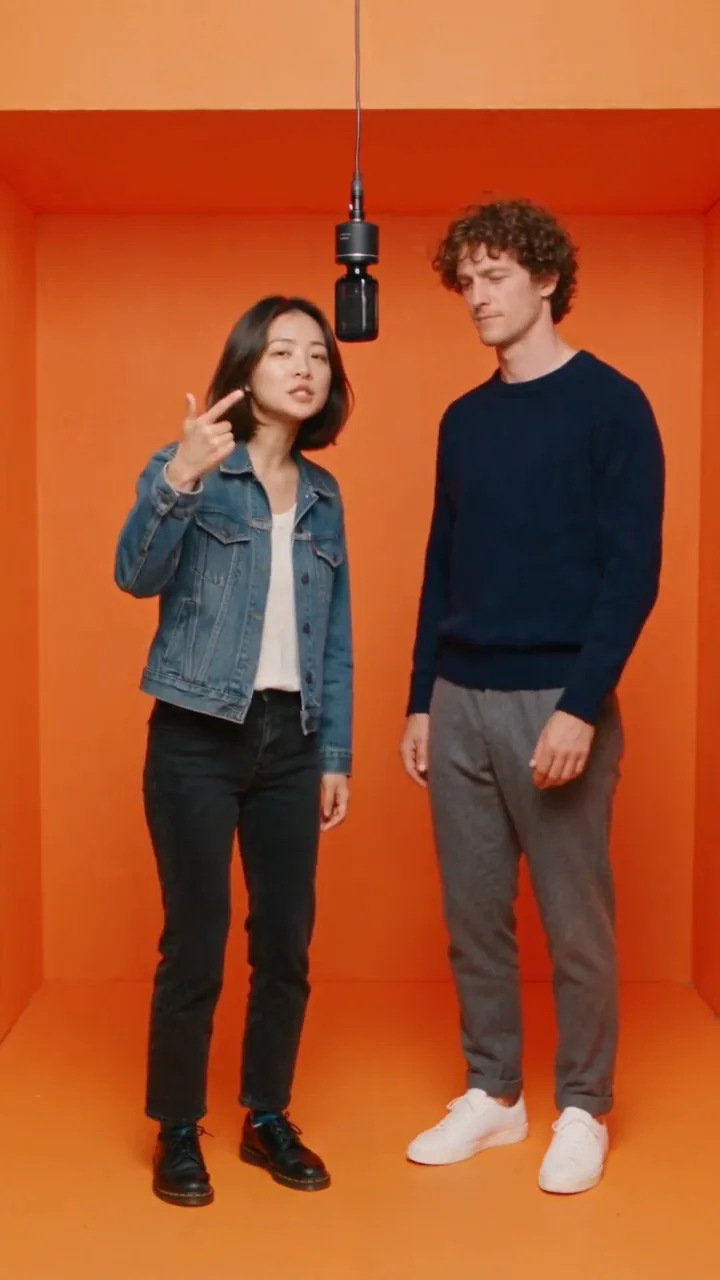
Hotel Lobby AI for Friends and Couples
Two photos shot against different walls come back side by side in one booth. The AI keeps each face, hairstyle and outfit from the photo, puts the left photo on the left, and has you take turns on the hanging mic: one raps with the gestures, the other nods to the beat, then you switch. The clearer the photos, the closer the likeness. Front-facing, well-lit pictures with the whole face visible work best.
One Photo of Both of You Works Too
Already have a picture of the two of you? Switch to One photo of both and upload just that. Because the model sees you together, it is a quick way to make the trend with a partner or a friend you're already photographed with. Want lyrics on screen like the clips you've seen? Download your video and run it through our animated captions generator for word-by-word captions.
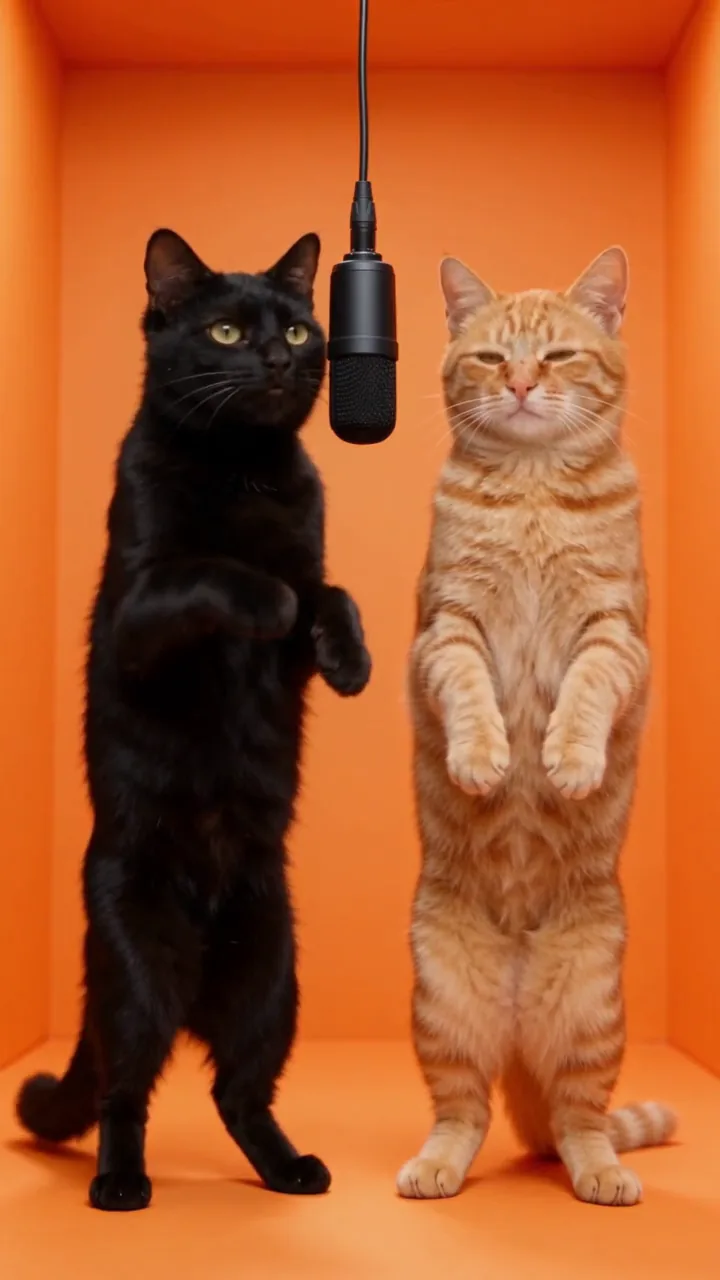
Hotel Lobby AI With Your Pets
Cats were some of the first stars of this trend, and they still steal the show. Upload one photo per pet and the AI stands them up at the mic, keeping their fur colors and markings while they bob and gesture through the verse. You can mix and match, too: you on one side, your dog on the other.
Why Make Your Hotel Lobby Video on iMideo
Original Beat, Safe to Post
Every clip comes with an AI-generated hip-hop beat and vocals instead of the copyrighted track, so there's no song for TikTok or Instagram to flag.
Two Photos or One
Upload a photo per person, or one photo of you both. People and pets both work.
Vertical or Landscape
Export 9:16 for TikTok, Reels and Shorts, or 16:9 for YouTube, in 480p or 720p.
See the Cost First
Credits are shown before you generate and depend only on length and resolution. No subscription is needed to start.
No Watermark
Download a clean MP4 without iMideo branding.
No App, No Template
Works in any browser on your phone or laptop. Nothing to install, no template to hunt down.
Hotel Lobby AI: Frequently Asked Questions
1What is the Hotel Lobby AI video?
It's a short clip of two people in a bright orange booth, taking turns rapping into one microphone hanging between them. The trend is based on a two-rapper performance from A COLORS SHOW, sometimes called the Migos AI trend. This tool makes that clip from your own photos.
2Is there a Hotel Lobby AI filter?
No live camera filter makes these videos. They are generated by AI from photos, which is what this page does: upload two photos and the AI renders both of you in the booth.
3Does the video have sound?
Yes. Each video is generated with an original hip-hop beat and rap vocals. It does not use or imitate the original song. If you prefer the trending sound, you can still add it from the TikTok or Instagram music library when you post.
4Can I use the original Hotel Lobby song?
We don't generate the original track, because it's copyrighted. Your clip comes with an original beat instead, and you can add the trending sound inside TikTok or Instagram when posting.
5Is Hotel Lobby AI free?
New accounts receive free credits, and the cost of each video is shown before you generate. A default 8-second, 480p clip uses 45 credits; shorter clips use fewer.
6How long is the video?
Choose 5, 8 or 10 seconds before you generate. That's enough for each of you to take a turn on the mic. Longer clips cost more credits, and the exact cost is shown first.
7Is there a Hotel Lobby AI template to download?
No download needed. The orange booth, hanging mic and back-and-forth performance are built into the generator, so you only add your photos. Your finished video downloads as an MP4.
8Can I make it with one photo?
Yes. Switch to One photo of both and upload a single picture showing both people clearly.
9Does it work with pets?
Yes. Upload one clear photo per pet, or a person on one side and a pet on the other. Front-facing photos with the whole body visible work best.
10What photos work best?
Clear, well-lit, front-facing photos with one person per photo and the face fully visible. Full-body or waist-up shots help the AI match outfits. Heavy filters, sunglasses or group photos make the result less accurate.
11Whose photos can I upload?
Only photos of yourself, or of adults who have agreed to appear in the video. Do not upload photos of minors, celebrities or anyone who hasn't given permission.
12How long does it take?
Usually a few minutes. You can keep browsing while it renders; the finished video appears in your task list and in My Assets.
Other Video Effects

Zombie Couple Video Generator
Two photos become a zombie love story: one hug in the ruins, one sunny ending.
AI Video Body Swap
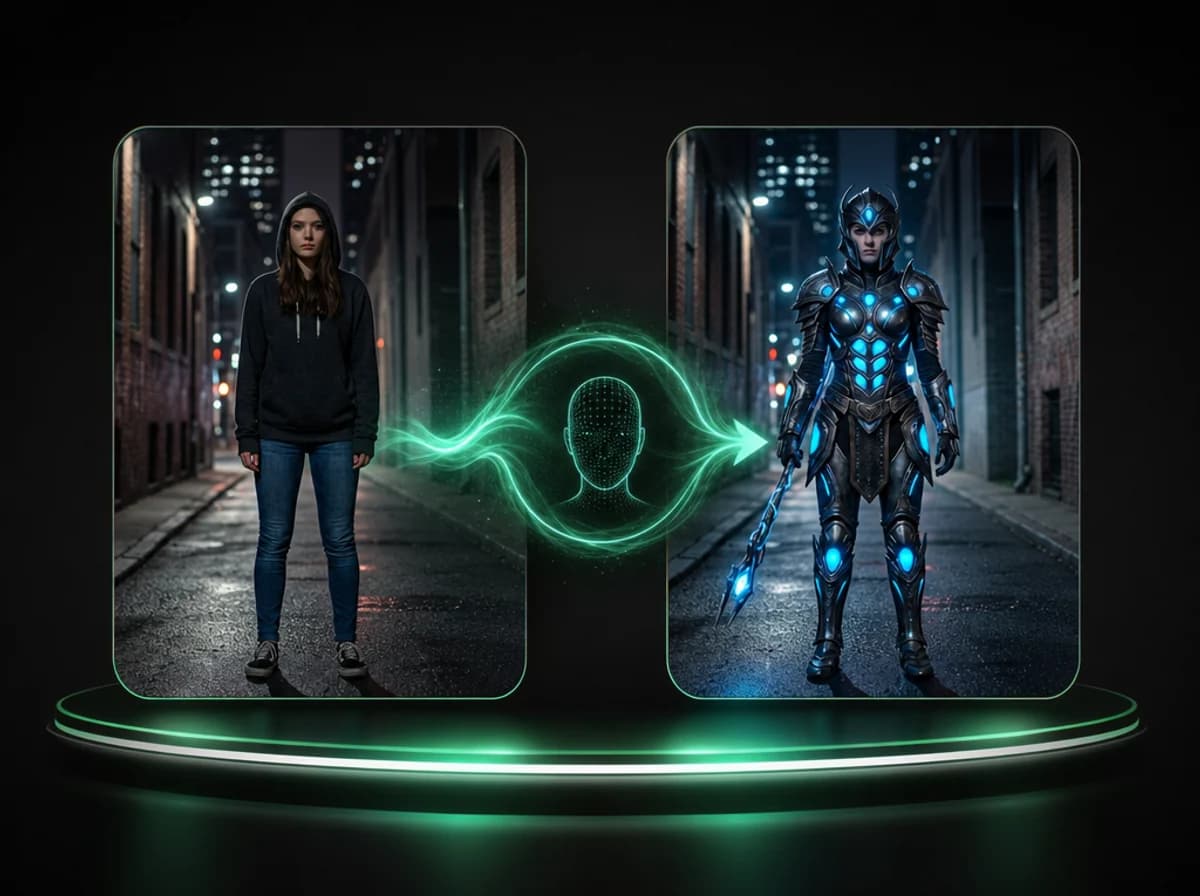
Swap the full body appearance in any video using a reference image, frame by frame.
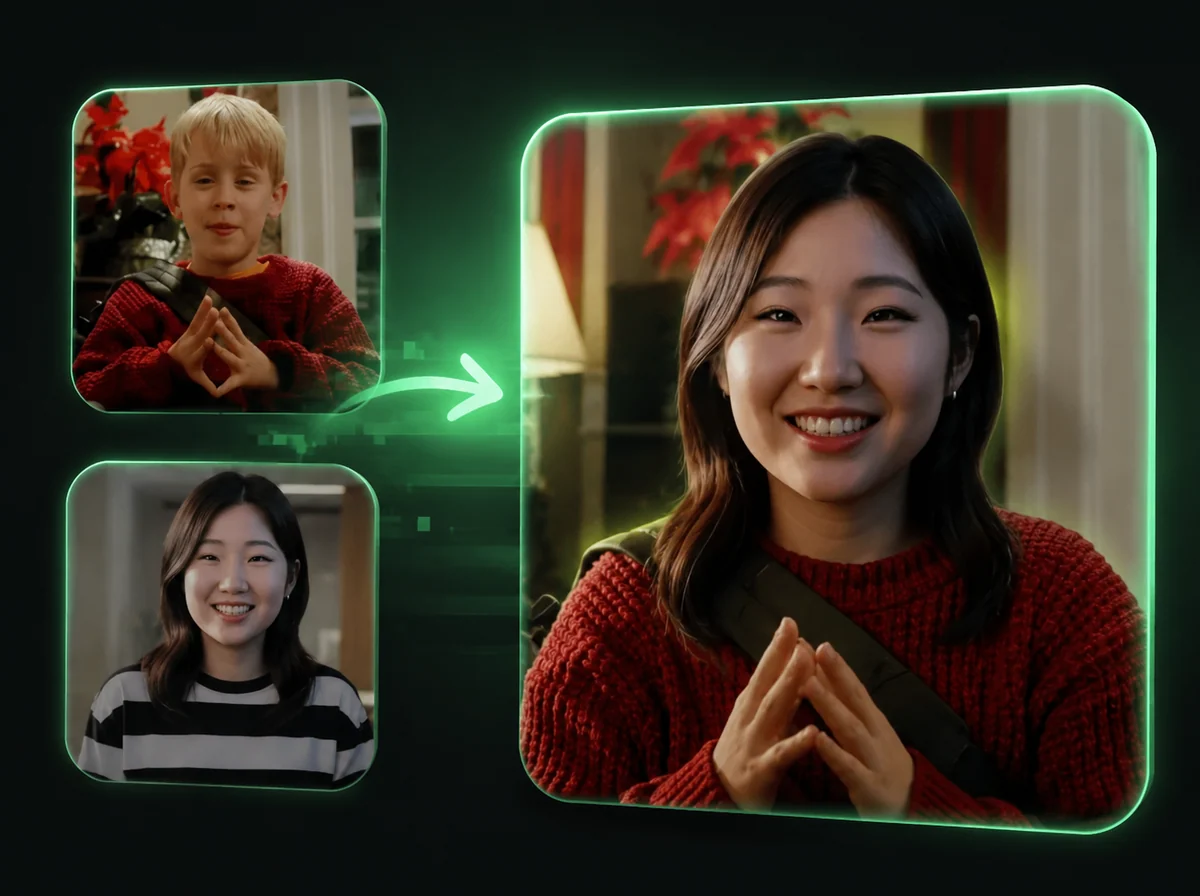
AI Video Head Swap
Replace the entire head in any video, frame by frame, with AI.
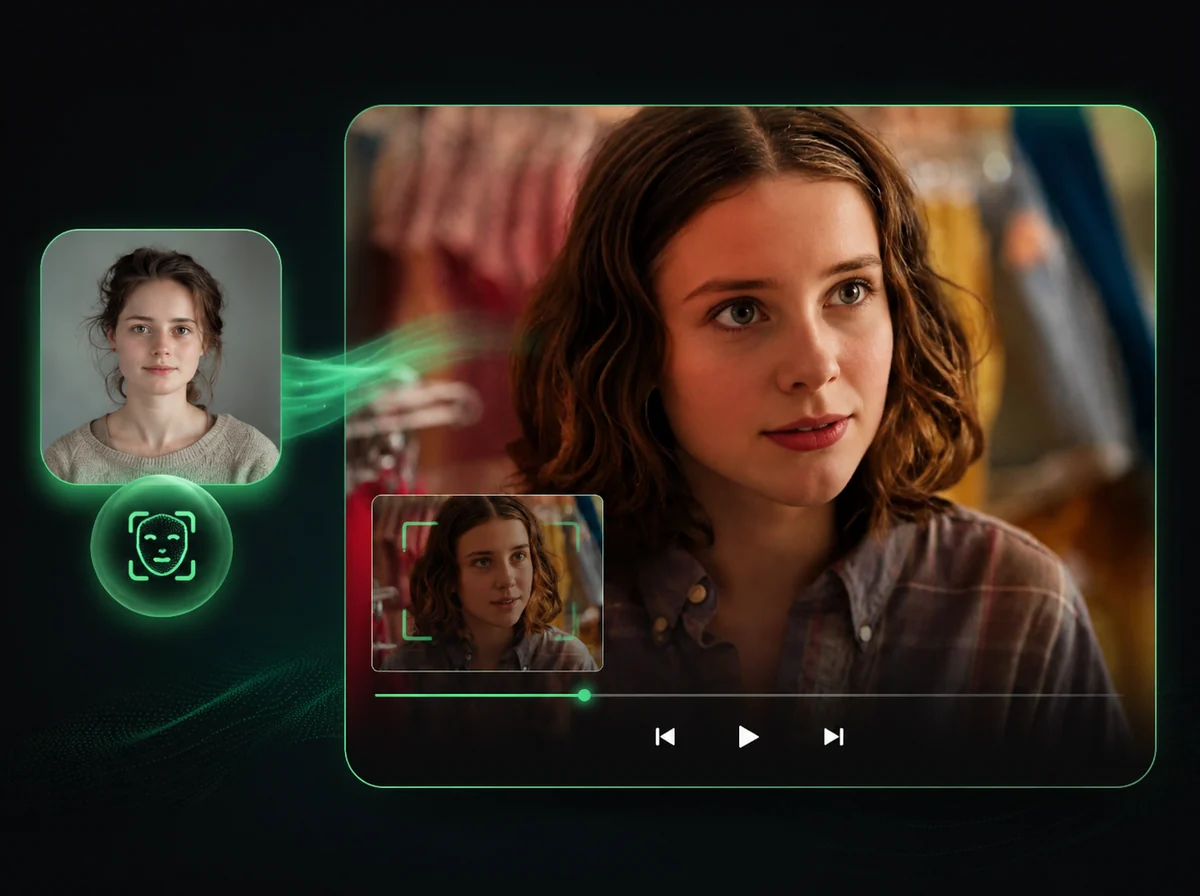
AI Video Face Swap
Swap faces in videos with AI precision.
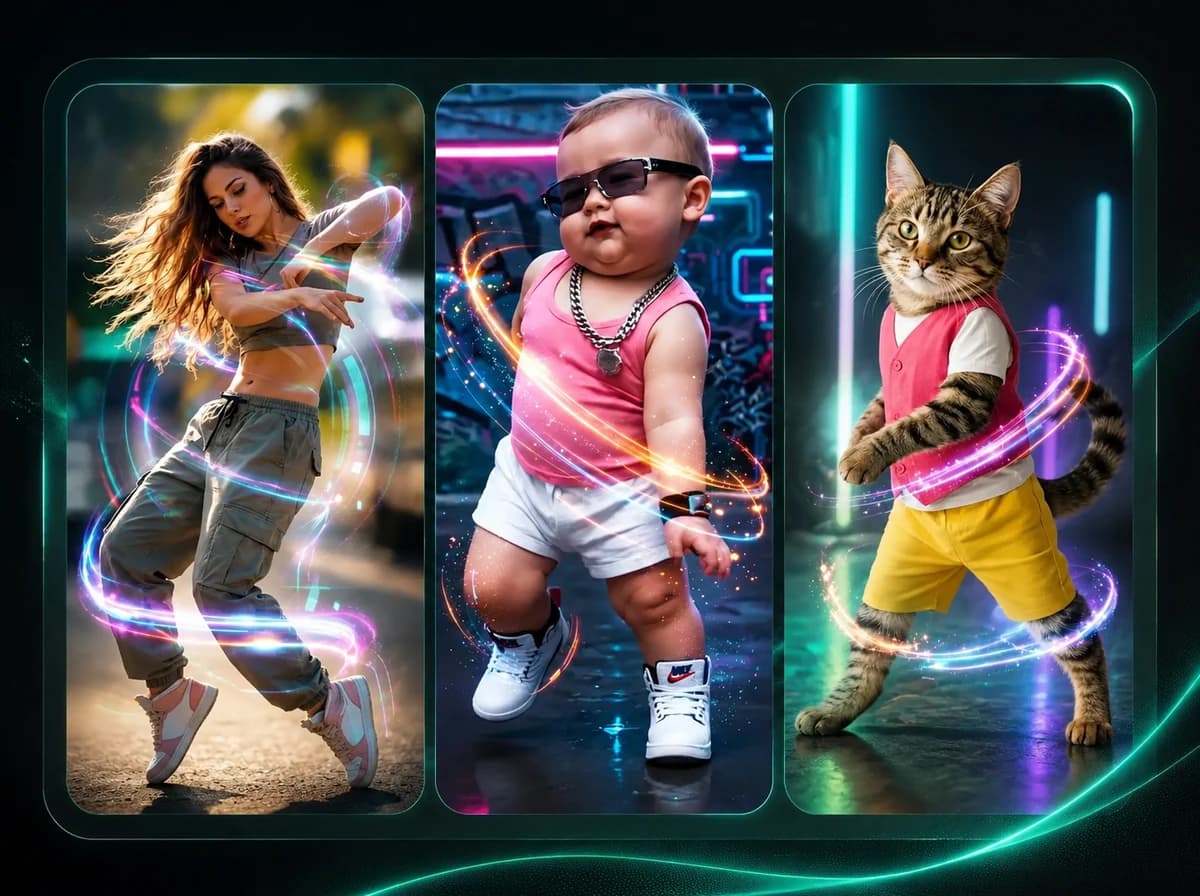
AI Dance Generator
Make any character dance with motion transfer AI.
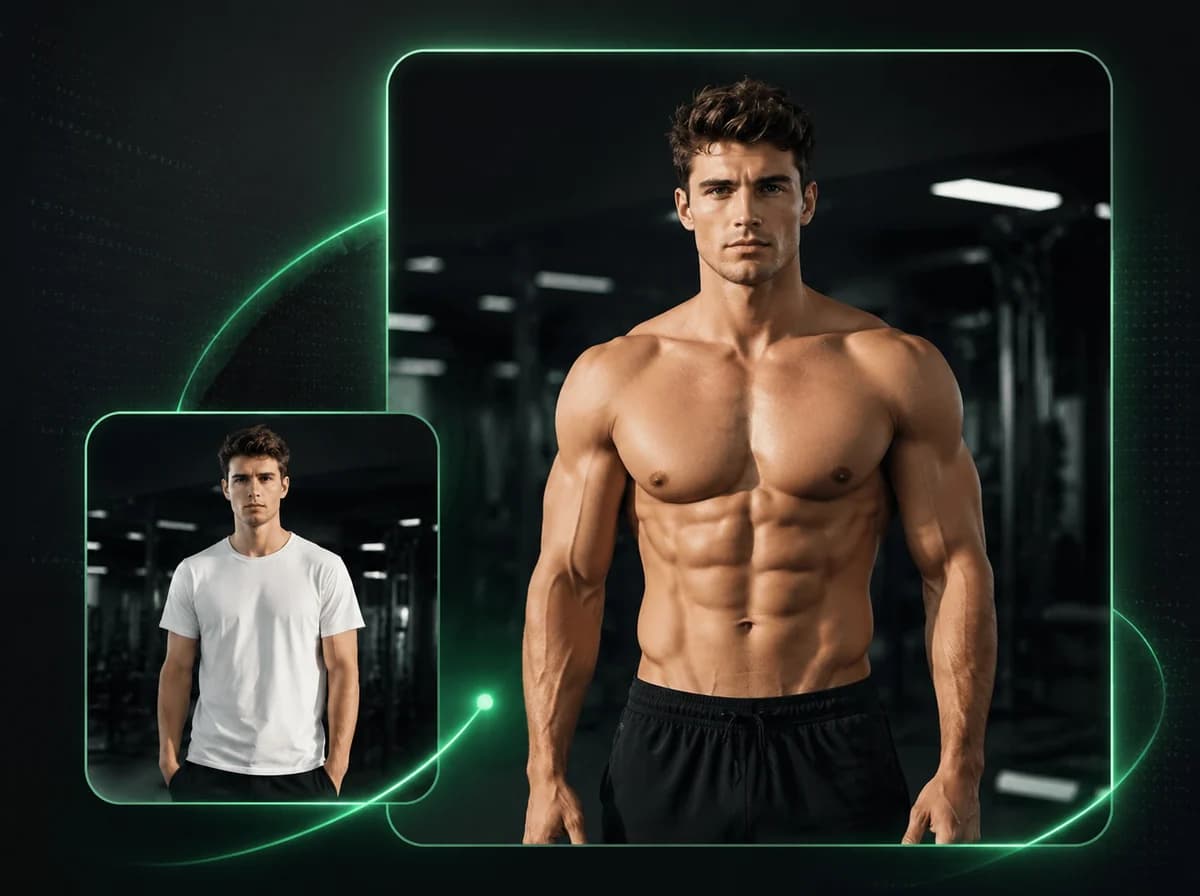
AI Muscle Generator
Animate any photo into a powerful muscle flex video with AI.
Your Duo. One Orange Booth.
Add two photos and make your Hotel Lobby AI video with an original beat, ready to post.