
Fat AI Generator — See What You'd Look Like Overweight
Upload a photo and generate a realistic overweight transformation while preserving face identity, clothing cues, and posture where possible.
Click to upload image
PNG, JPG, WebP · Max 10MB
What Is Fat AI Generator?
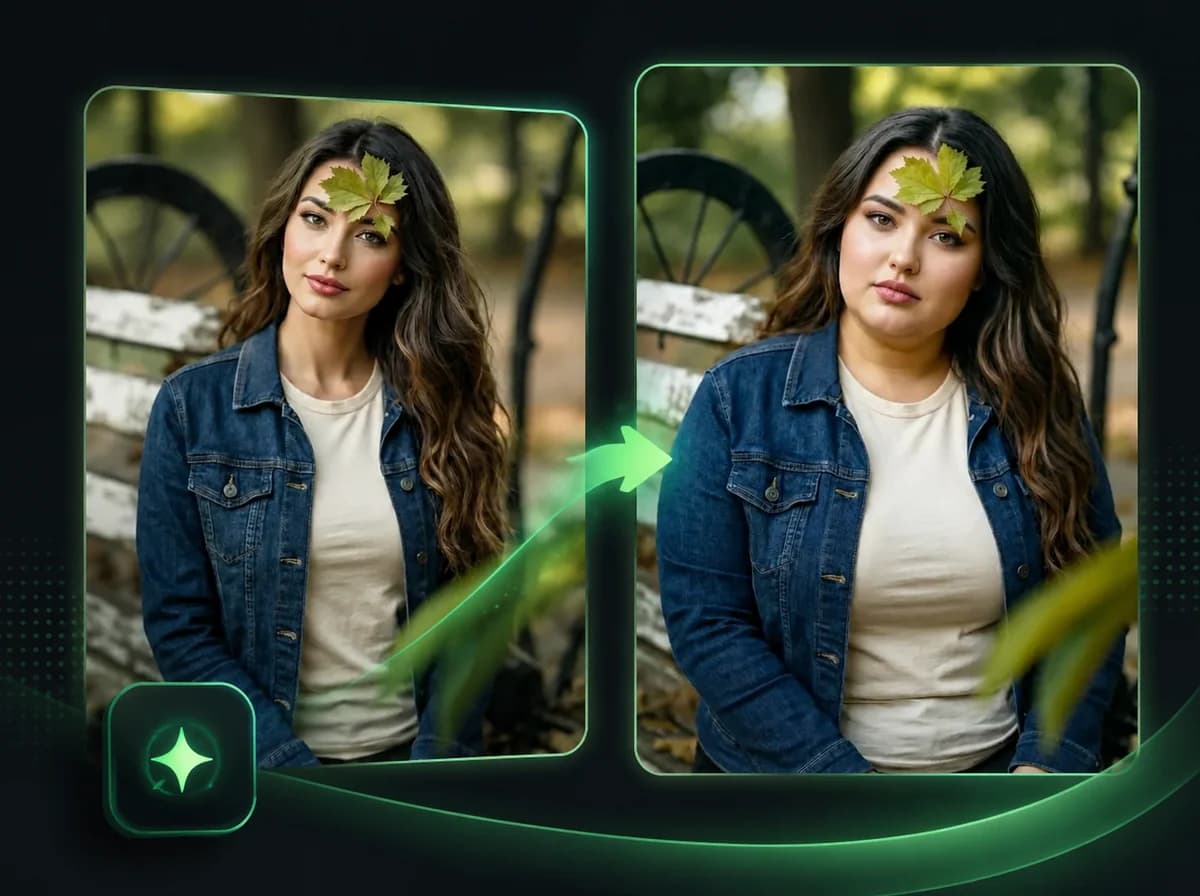
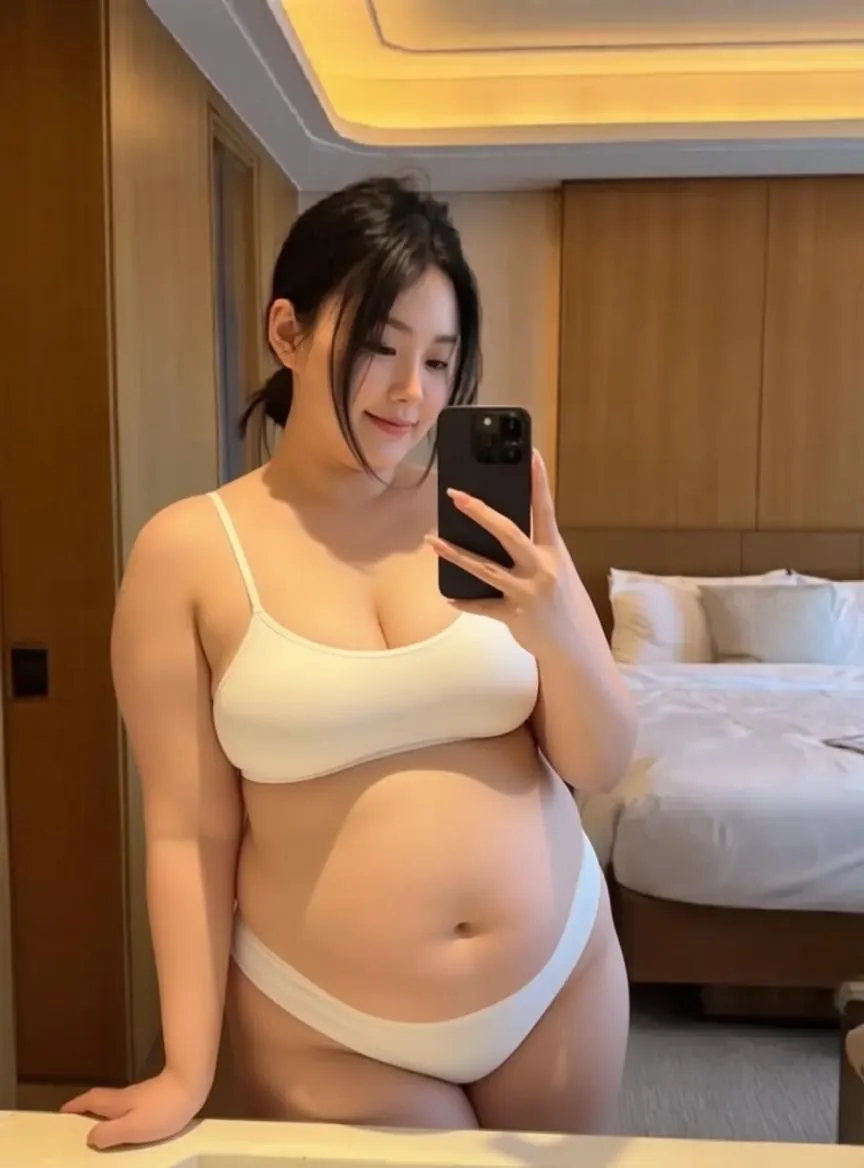
Fat AI Generator is a body transformation tool that shows you — or a consented subject — what a heavier body version could look like. Upload one photo, and the AI adds body volume while preserving face identity, outfit cues, and general appearance. This is not a simple warp filter. The AI uses body structure and fabric context to adjust shape, shadow, and clothing folds, so the result reads more like a photo of a heavier person than a stretched or distorted image.
How to Use Fat AI Generator in 3 Steps
Upload one photo, generate a heavier-body preview, then download
Upload Your Photo
Upload a clear photo of the person you want to transform. A front-facing or slightly angled portrait with the torso visible works best. Supported formats: PNG, JPG, WebP up to 10MB.
AI Generates the Overweight Look
The AI reads your body posture, clothing, and facial structure, then adds a realistic heavy body. Clothing adjusts naturally to the new body size — no manual selection, no masking, no editing required.
Download Your Result
Review the transformed photo after processing, then download the result with no watermark.
A Realistic Body Change, Not a Stretch Filter
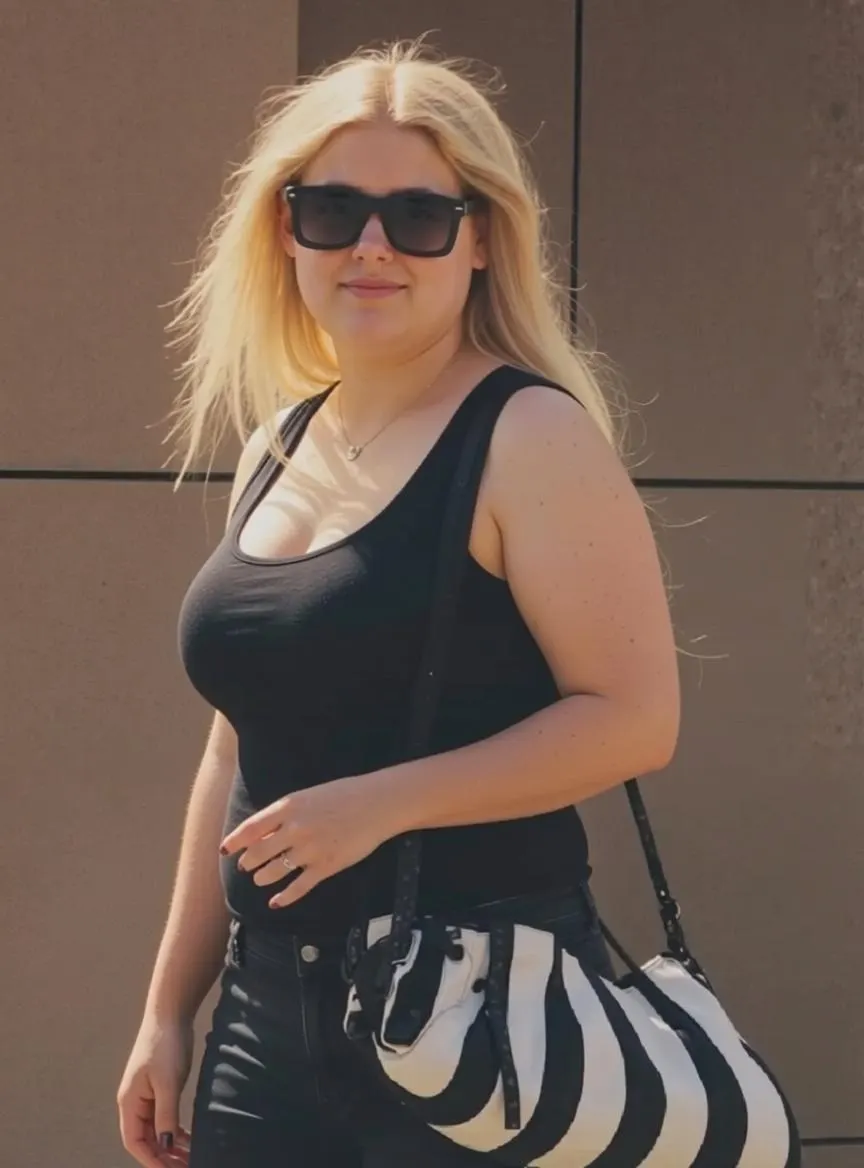
Most body transformation tools just distort or stretch the image. iMideo's Fat AI Generator uses an image-editing model trained on body structure and clothing physics. The weight is added with natural proportions, correct shadowing, and realistic contours that blend into the surrounding fabric. The result looks like a photo taken of a heavier person — not a photo that was digitally warped.
Your Outfit Stays Recognizable
The tool focuses on changing the body shape while preserving the outfit. Whatever you're wearing — a shirt, a dress, a jacket — wraps around the new body shape based on the source photo. Colors, patterns, and textures are preserved where the image quality supports it.
See Yourself in a Completely Different Body
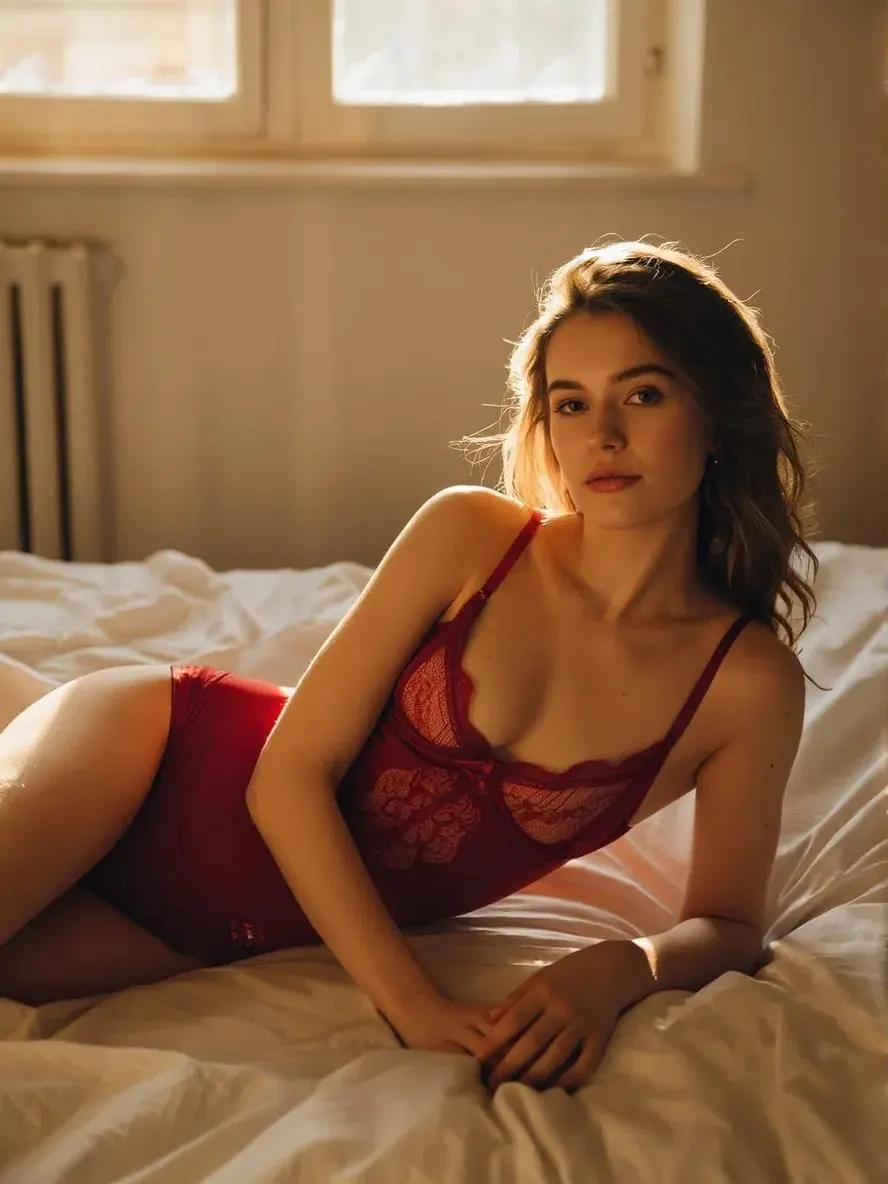
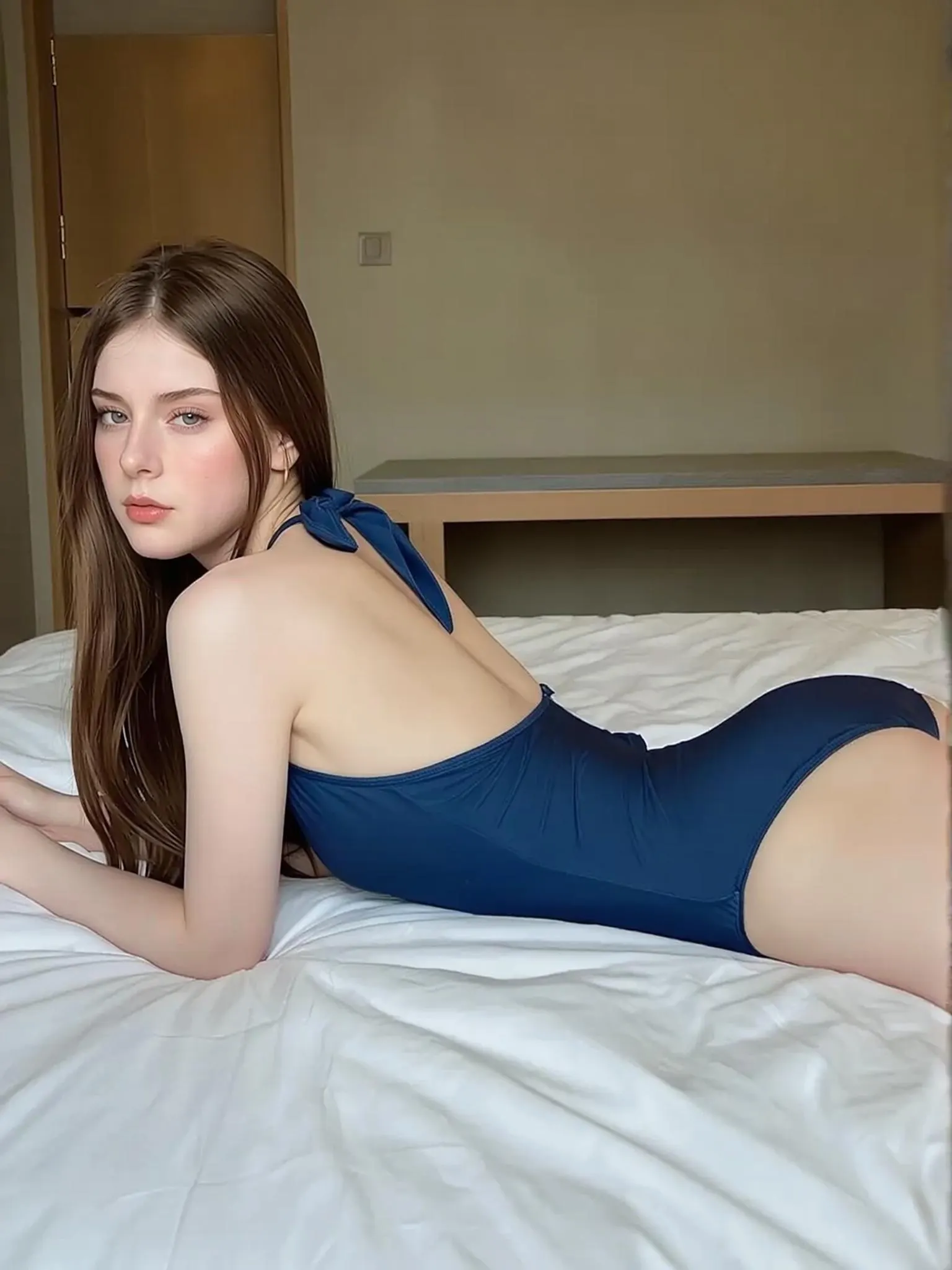
People use this out of curiosity — wanting to see what they'd look like at a much heavier weight. Others use it for entertainment content, character concepts, or creative projects. Fat AI Generator gives you a visual reference for testing the idea before doing manual editing.
Creative Content Without a Photoshoot
Content creators and social media teams use Fat AI to produce body-transformation visuals without a shoot setup. Start with a portrait, generate a heavier-body version, and build before/after posts, character concepts, or campaign mockups while keeping the person recognizable.
Why Choose iMideo Fat AI Generator
True Body Transformation
Not a filter — the AI rebuilds how your body looks at a heavier weight, with accurate proportions, natural shadowing, and realistic contours.
Outfit Preserved
Clothing wraps naturally around the new body shape. Colors, patterns, and fabric textures are preserved from the original photo where the source image supports it.
Fast Online Preview
Upload a photo, start the generation, and download the result after processing completes.
Realistic Results
Shadows, lighting, and body contours adjust to match your photo's environment. The result reads as a real photo, not an edit.
Private and Secure
Your photos are processed for your body transformation result and handled according to the product retention policy. They are not used for AI model training.
Built for Content Batches
Create one-off previews or a full set of transformation assets from the same workflow, with consistent output and no subscription lock-in.
What Our Users Say
Jake M.
Fitness Creator
I used this to create a before/after concept for a fitness transformation campaign. The overweight version looked believable enough for an internal mockup and saved time in content planning.
Lisa T.
Social Media Influencer
Made a body transformation post that got people commenting right away. The clothing preservation is what makes it believable, and the before/after contrast carried the joke.
Carlos R.
Content Creator
I tested a bunch of fat filter apps and this is the only one where the clothes actually look right on the bigger body. Everything else looked warped or fake.
Sophie W.
Health Coach
I use these transformations as visual tools in my coaching sessions. Seeing a realistic representation helps clients understand the picture better than charts or numbers ever could.
David K.
Photographer
For character concept work, this is surprisingly useful. I can prototype how a heavier character looks on a real person without spending an hour in Photoshop.
Nina P.
Digital Artist
What used to take me an hour in Photoshop is much faster here. The lighting and shadows adjust automatically — I still do manual cleanup sometimes, but the AI handles most of the first draft.
Tom H.
Casual User
I was just curious what I'd look like if I gained a lot of weight. The result felt believable enough to make the comparison hit harder than a basic warp filter.
Mia C.
TikTok Creator
Made a 'what if' transformation video that got people to stop and comment. The clothing and body shape made the edit believable enough for short-form content.
Frequently Asked Questions
1What is Fat AI Generator?
Fat AI Generator is an AI body transformation tool that creates a heavier-body preview from a photo. Upload one image, and the AI adds body volume while preserving the face, outfit, hair, posture, and background as much as the source photo allows.
2Will my outfit change in the result?
No. The tool is designed to preserve your outfit while adjusting how the clothing wraps around the new body shape. Colors, patterns, and fabric textures are preserved where the source image supports it.
3How realistic does the transformation look?
The AI rebuilds the body with accurate proportions, natural shadowing, and realistic contours — not a warp or stretch filter. The result reads as a genuine photo of a heavier person rather than an edited image.
4Can I use a photo of anyone?
Yes. You can upload a photo of yourself, a friend, or anyone you have permission to use. Front-facing or slightly angled photos with the full torso visible produce the best results.
5What file formats are supported?
The tool accepts PNG, JPG, and WebP files up to 10MB. Clear, well-lit photos with the body or torso fully visible give the most accurate results. Higher resolution generally produces better detail.
6How long does it take?
Processing time depends on image resolution, server load, and queue conditions. You will see progress while the AI generates the body transformation preview.
7How much does it cost?
iMideo uses a pay-per-use credit model — no monthly subscription. You can buy credit bundles from your account dashboard. See our pricing page for current rates.
8Are my photos stored or used for training?
No. Your photos are processed for your body transformation result and handled according to the product retention policy. They are not used to train AI models or shared as public assets.
9What photos give the best results?
Front-facing or slightly angled portraits with the full torso visible and good lighting produce the most realistic results. Avoid photos where the body is heavily cropped, obscured, or shot at an extreme angle.
10Can this be used for content creation?
Yes. Social media creators and content producers use Fat AI Generator to make body transformation content, fitness motivation visuals, and creative character concepts. For related workflows, compare Pregnant AI, AI Age Progression, or AI Body Swap.
Other Image Effects

AI Halloween Costume Generator
Upload a photo and become a zombie, witch or vampire, with your face kept.
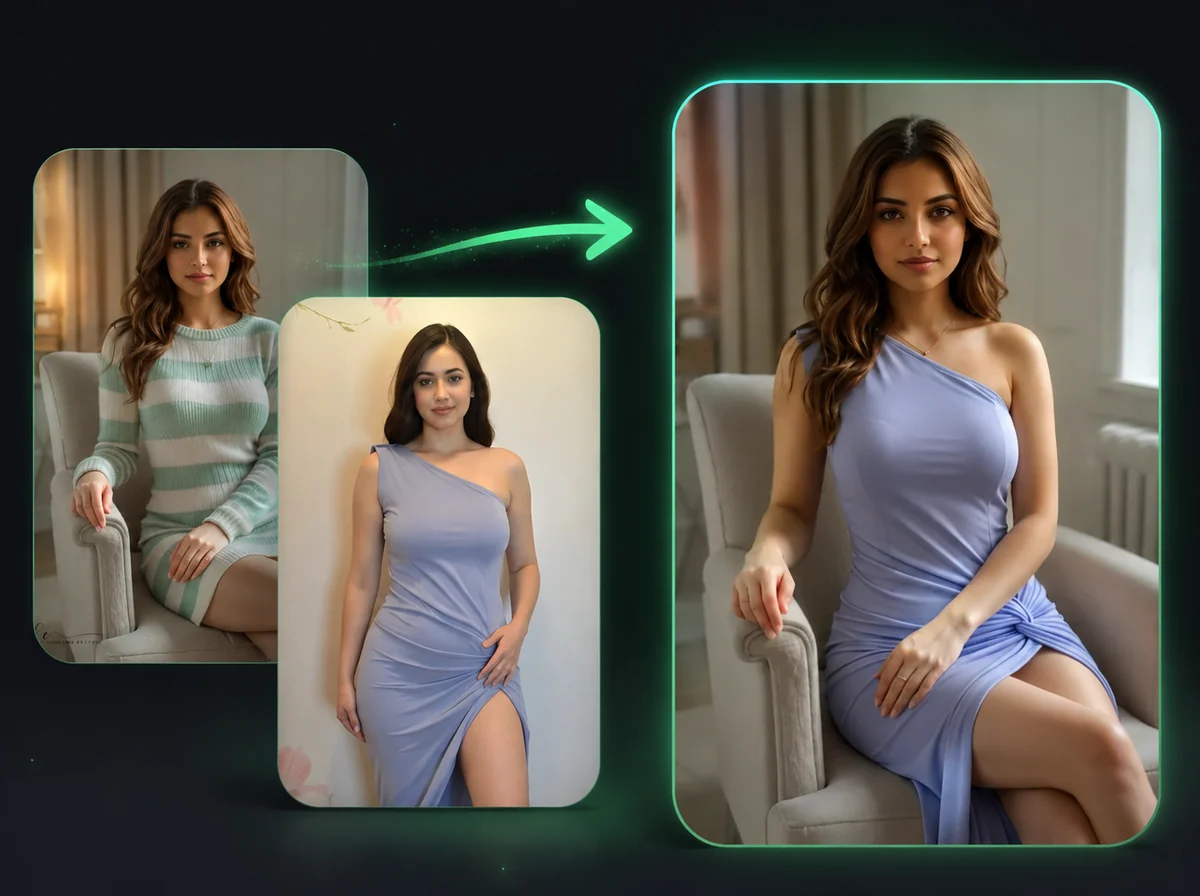
AI Image Body Swap
Swap bodies in photos while keeping your face unchanged.
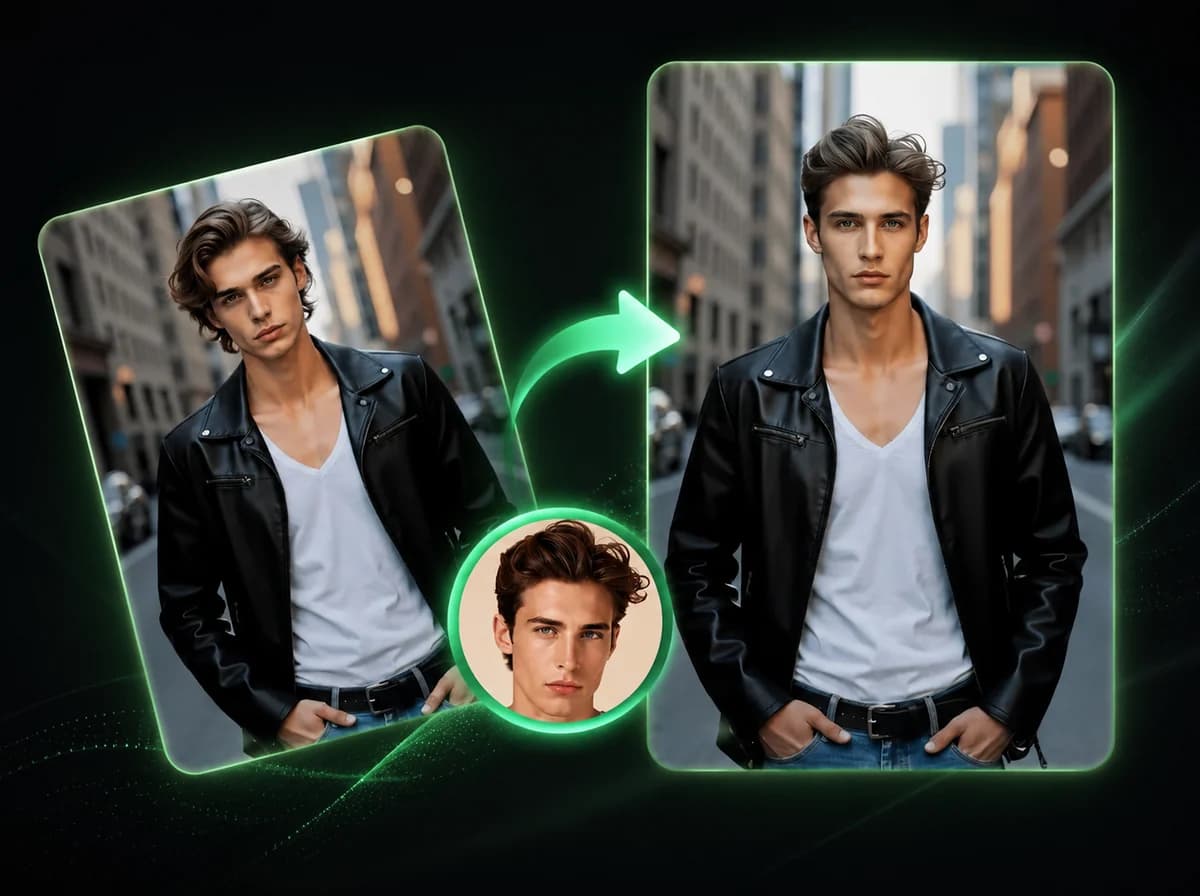
AI Image Head Swap
Replace entire head including hair and hairstyle in 10 seconds with AI.
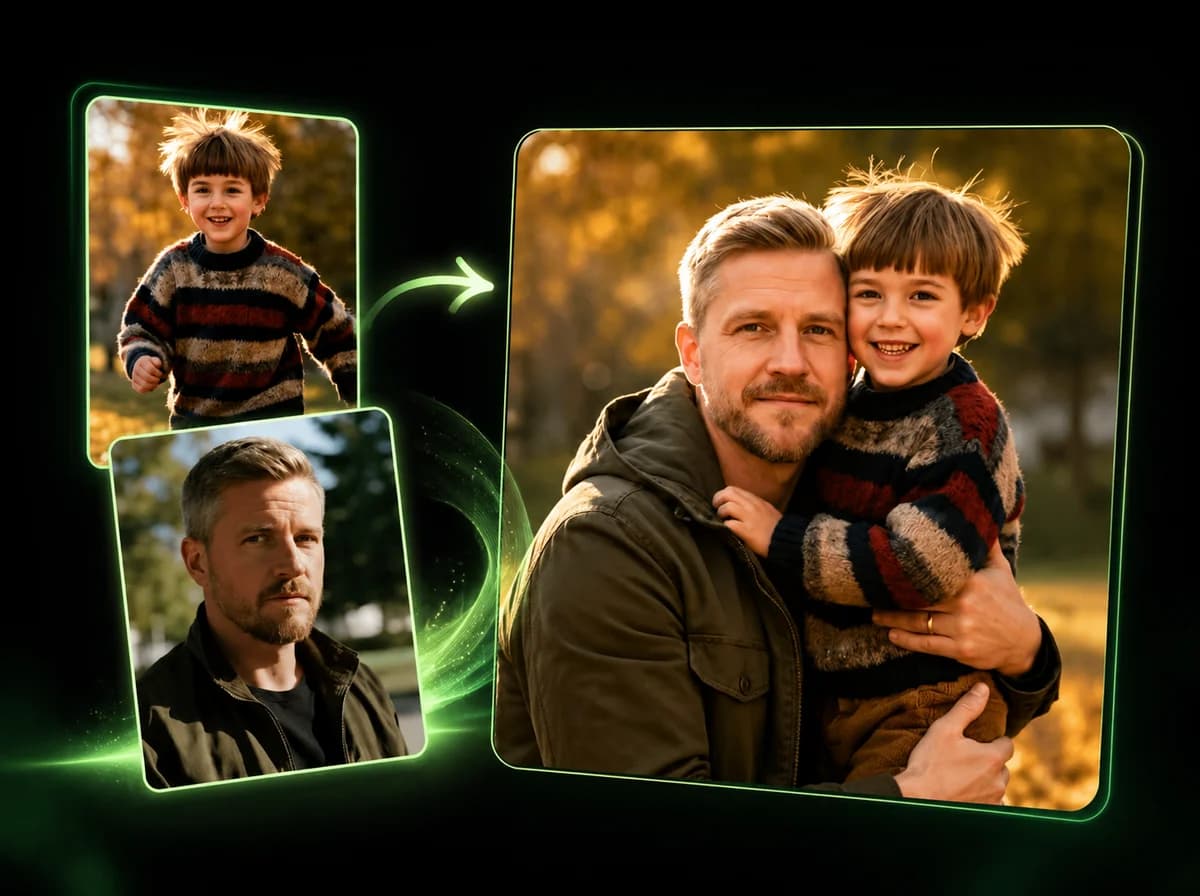
AI Image Combiner
Merge 2–14 photos into one natural-looking image with AI.
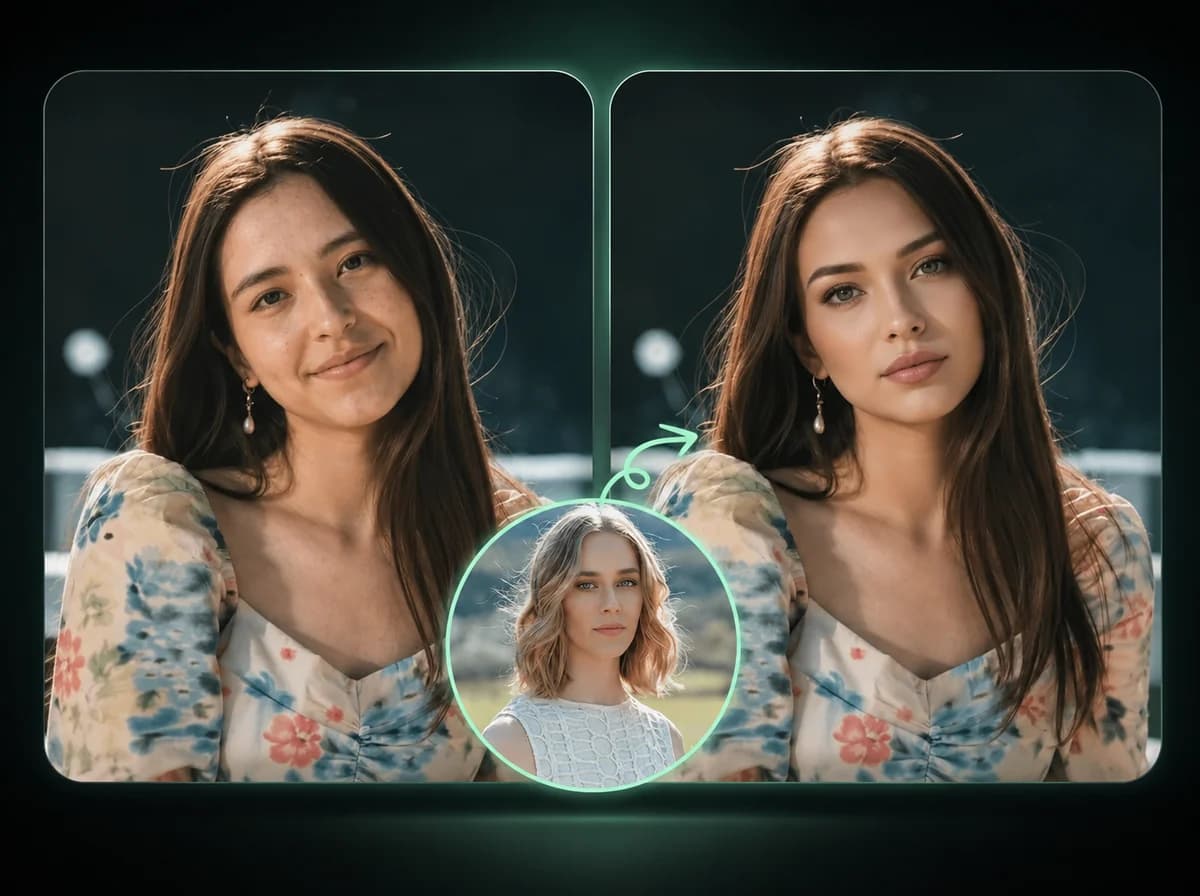
AI Image Face Swap
Swap faces in photos with AI precision.
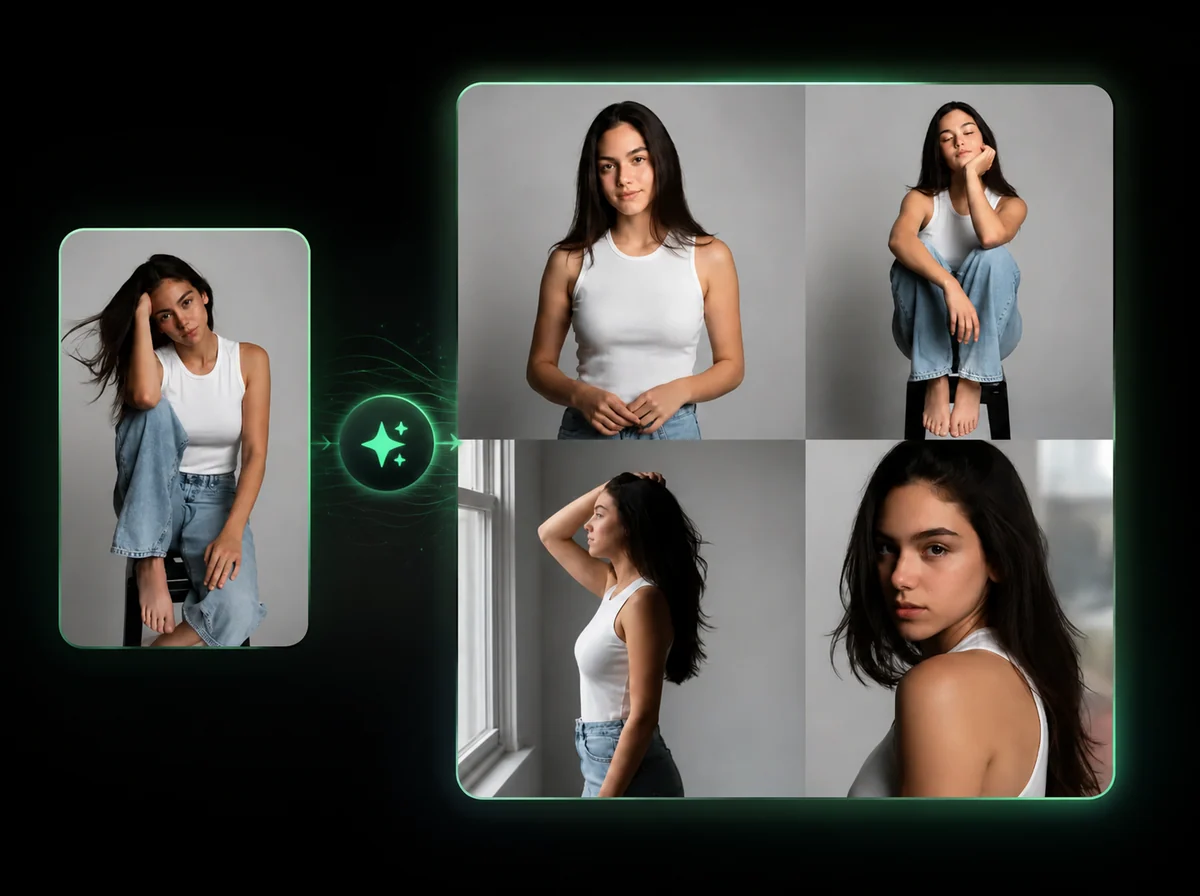
AI Pose Generator
Change a model's pose. Outfit, product, and background stay locked — describe the pose in plain English.
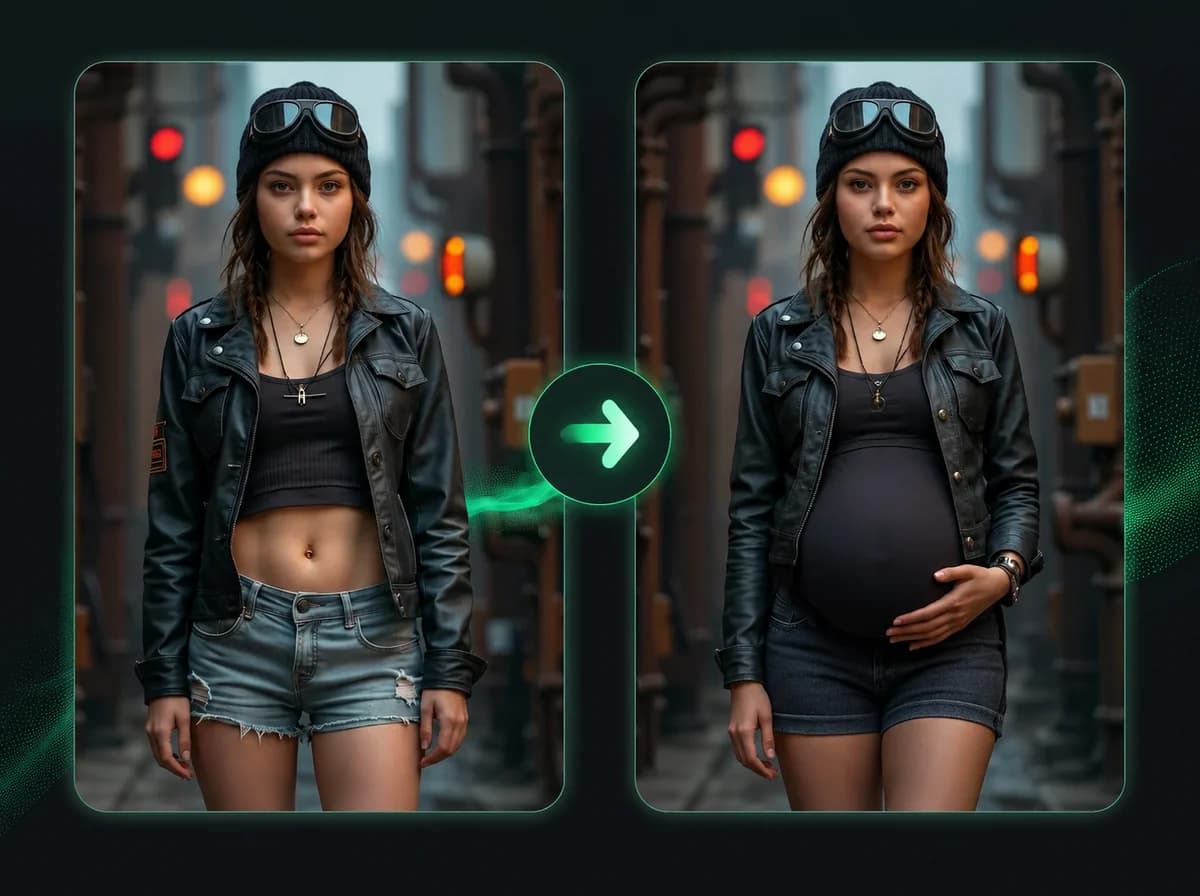
Pregnant AI
Add a realistic 8-month baby bump to any photo.

Mugshot Generator
Turn any portrait into a staged booking-photo image with height chart, neutral pose, and flat flash light. Same face, mugshot drama.
Ready to See Your Fat AI Transformation?
Upload one photo and get a realistic overweight look with no subscription and no watermark.