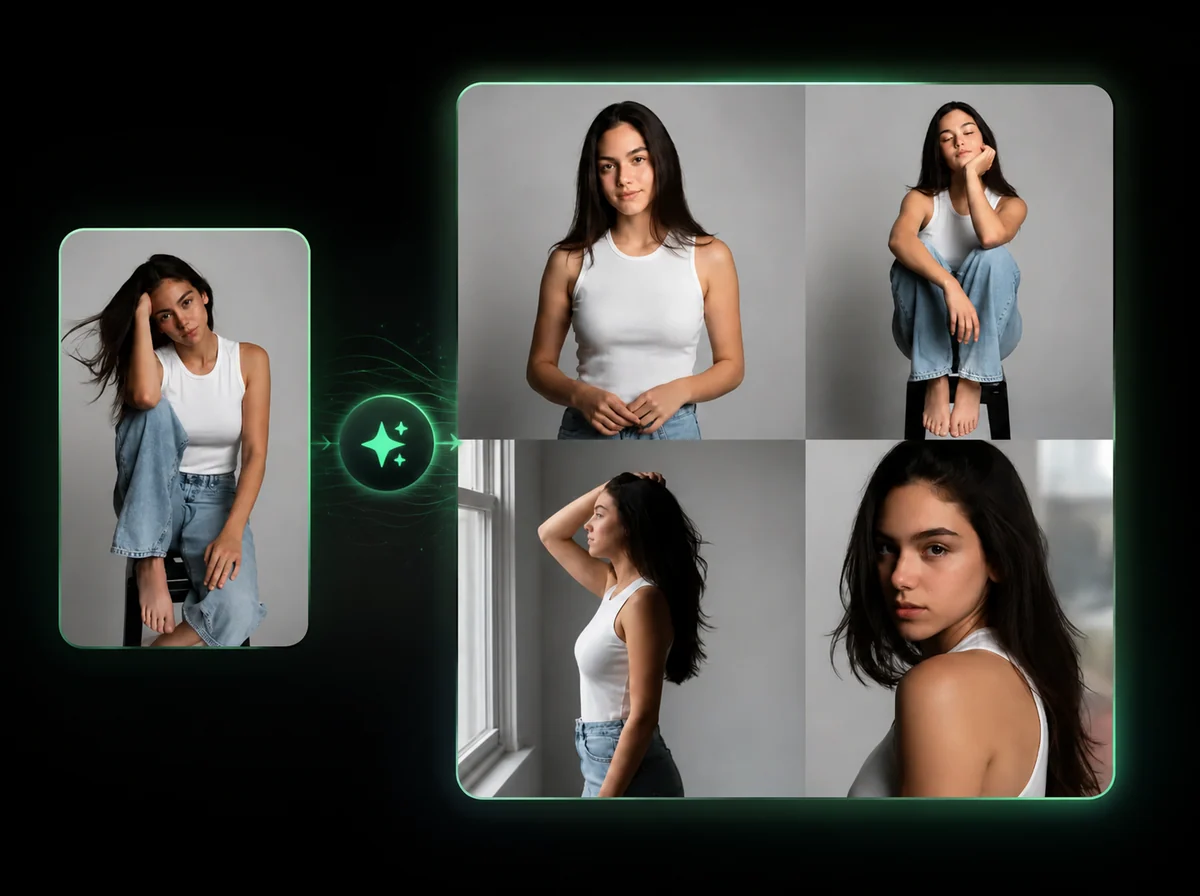
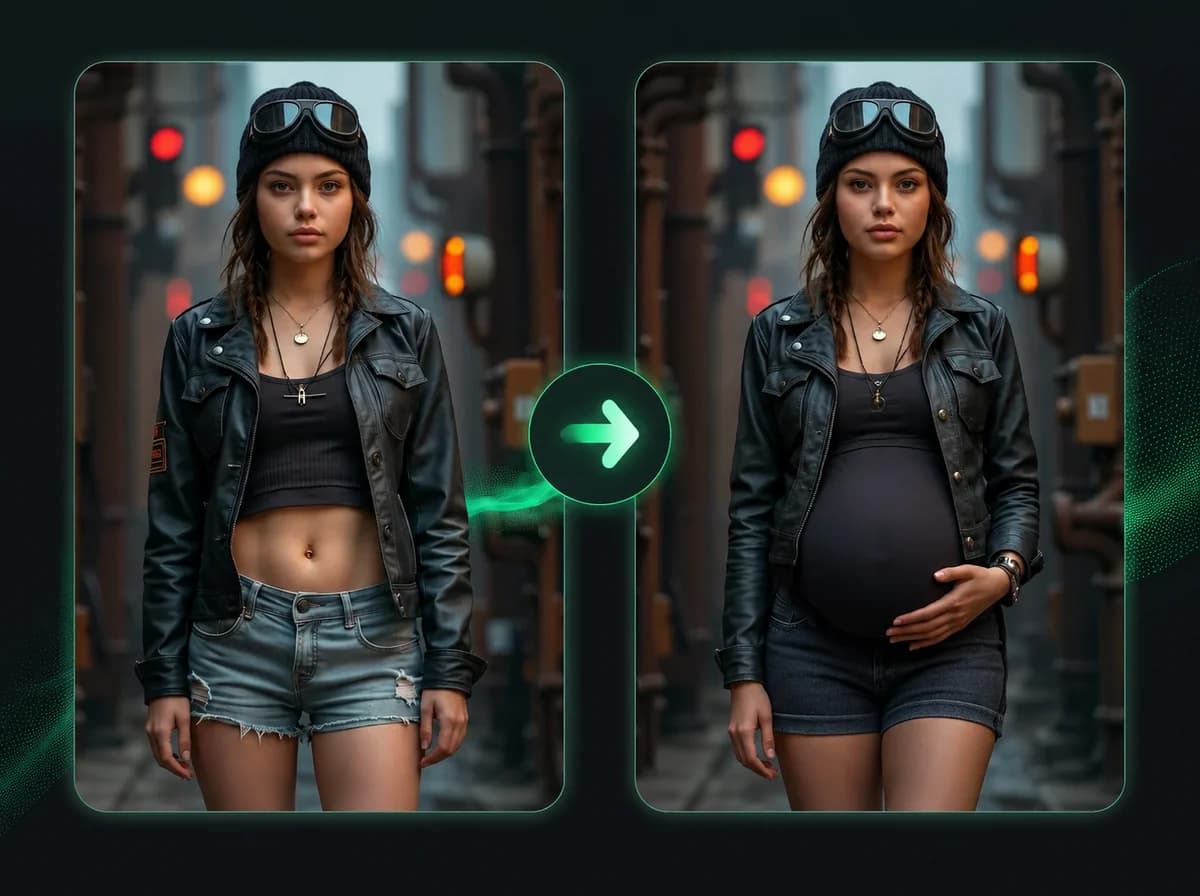
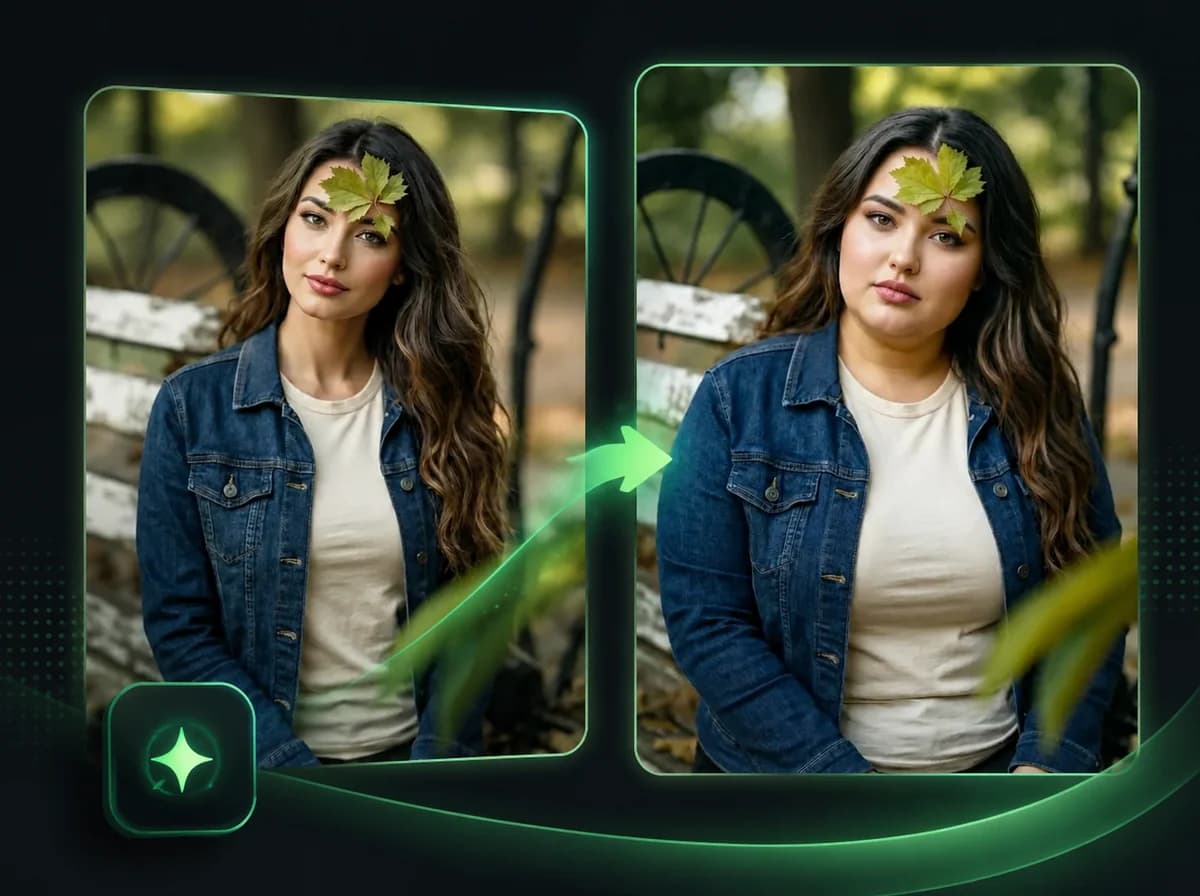
AI Body Swap Online — Full Body Replacement
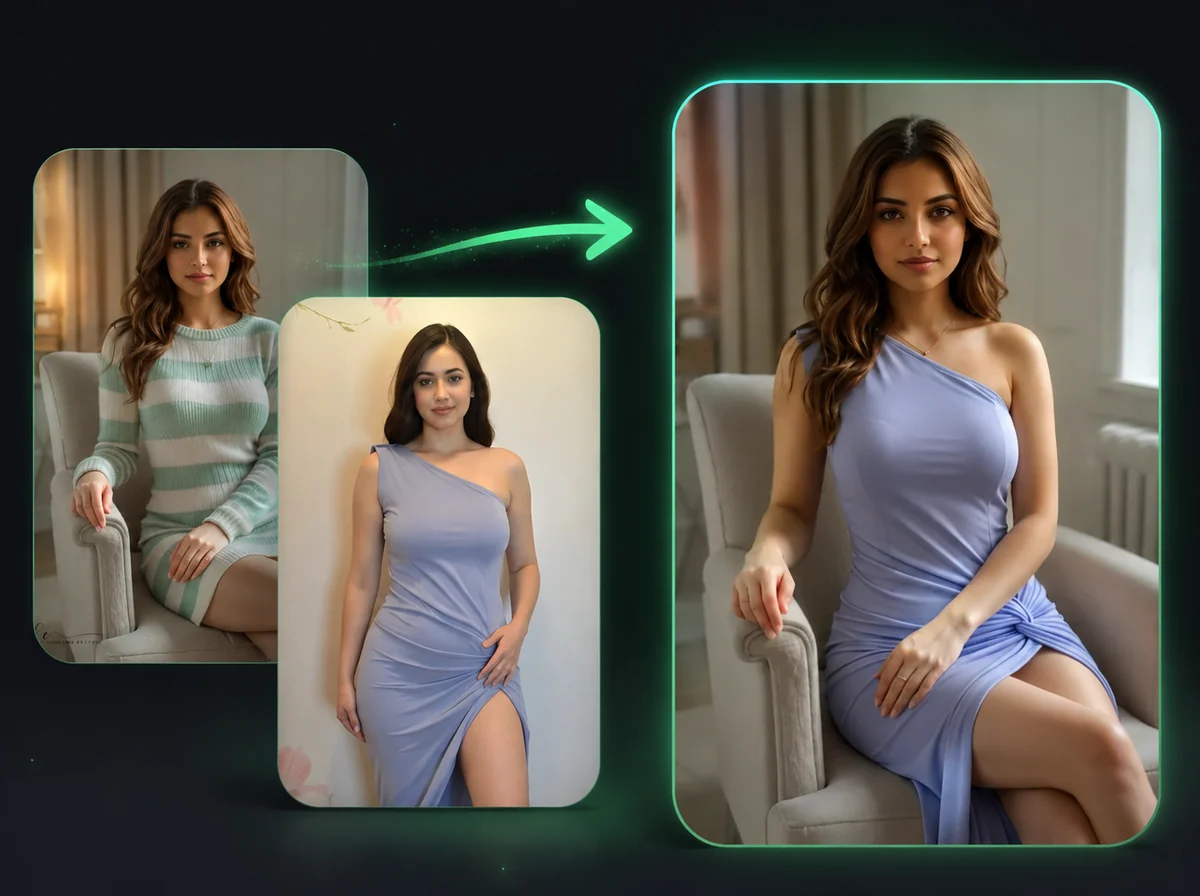
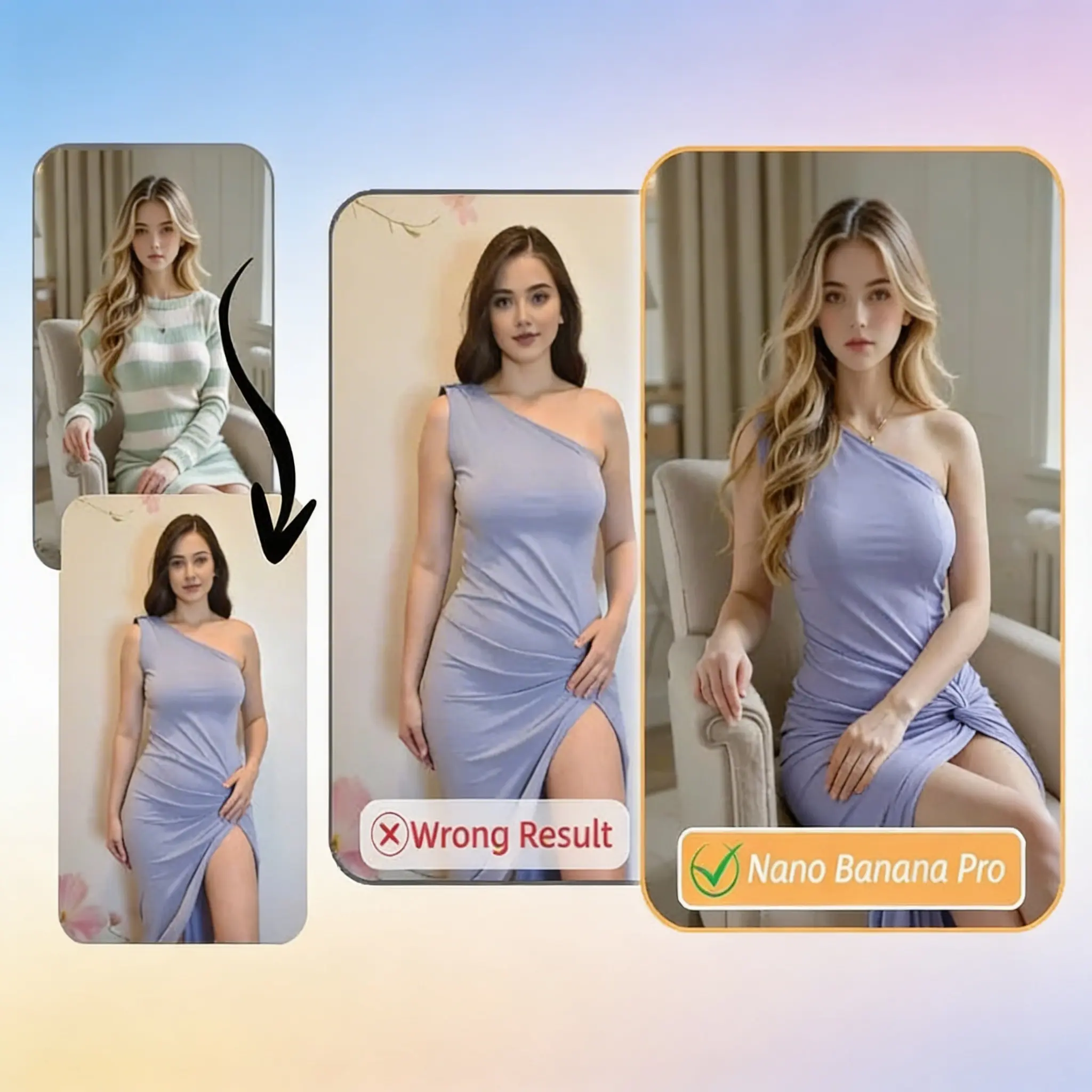
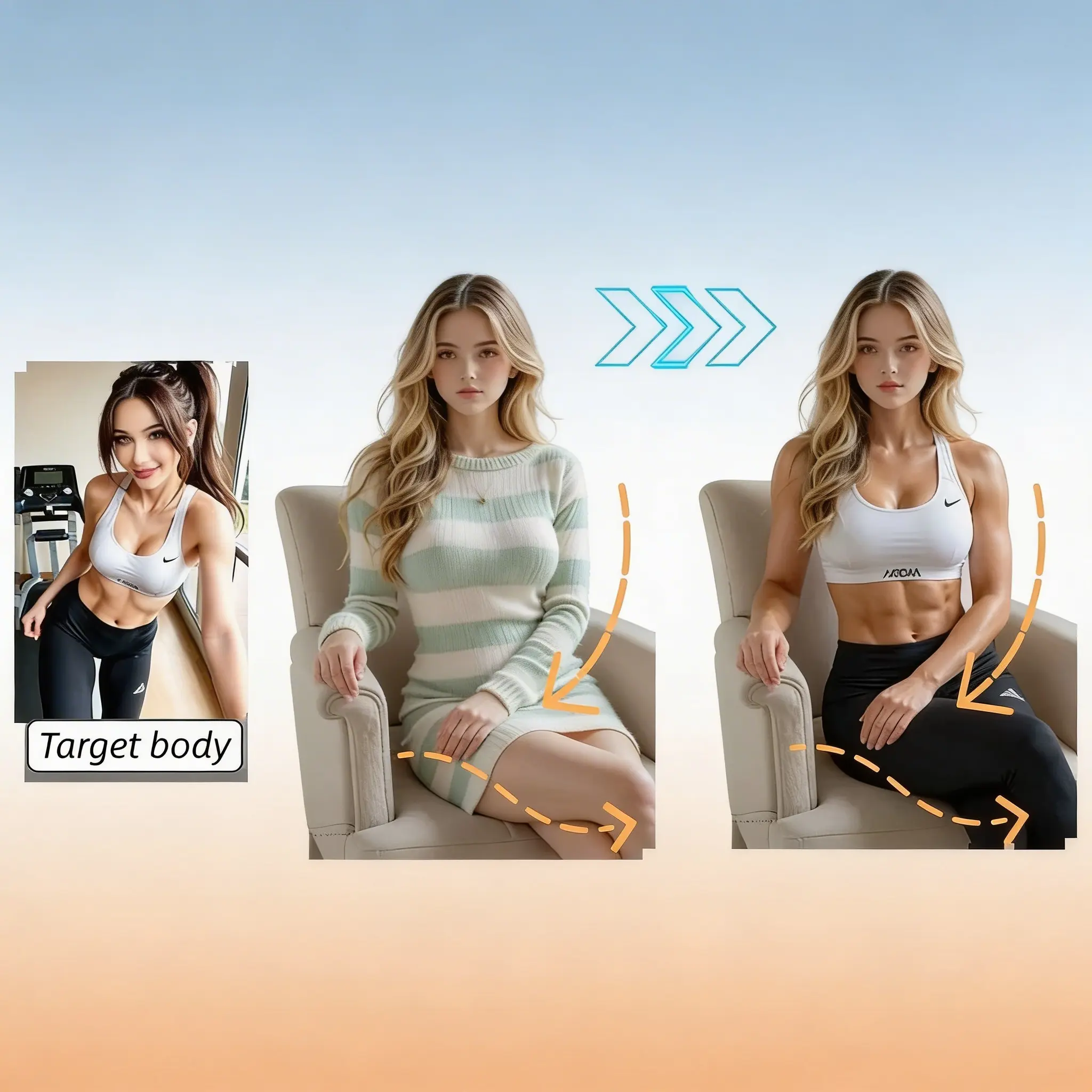
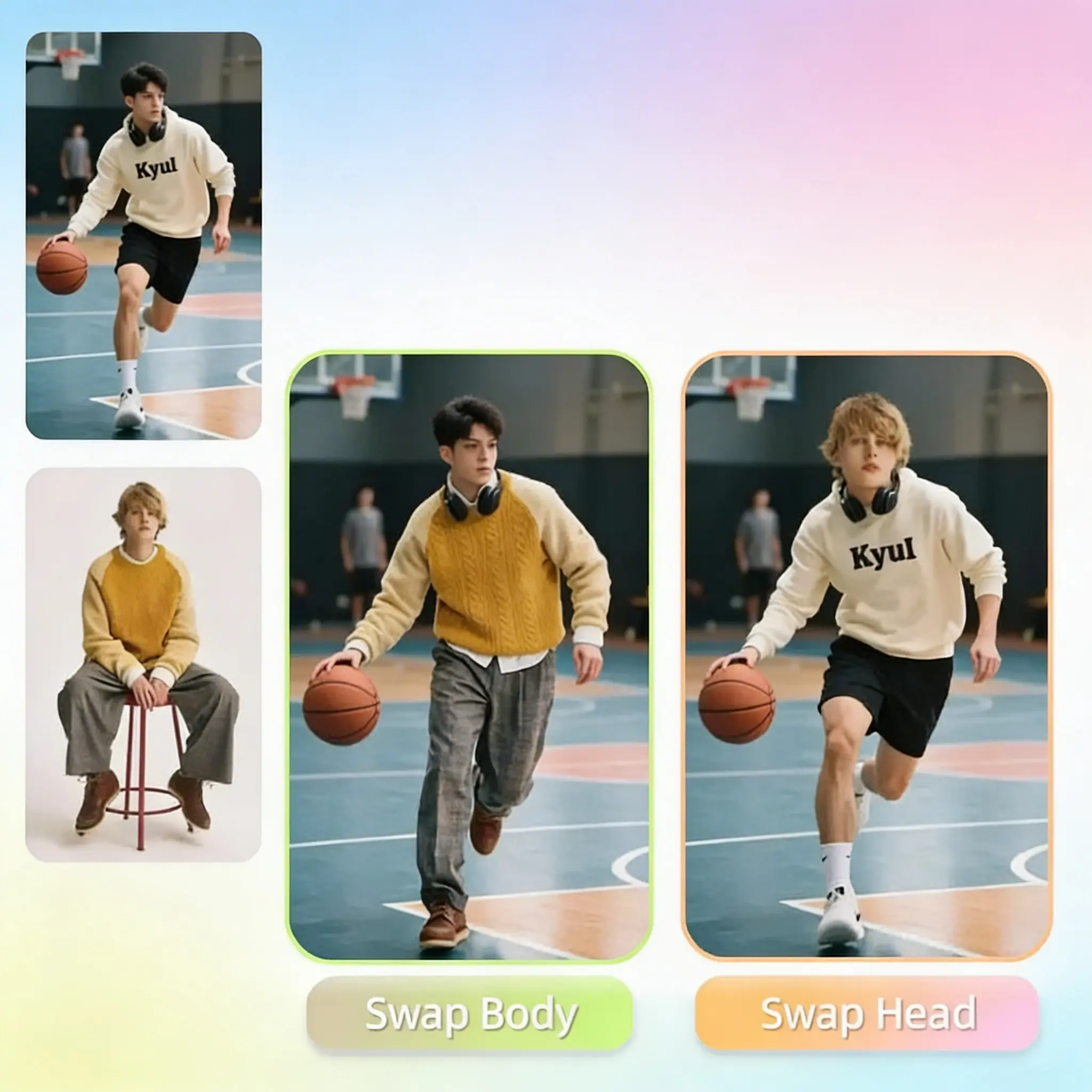
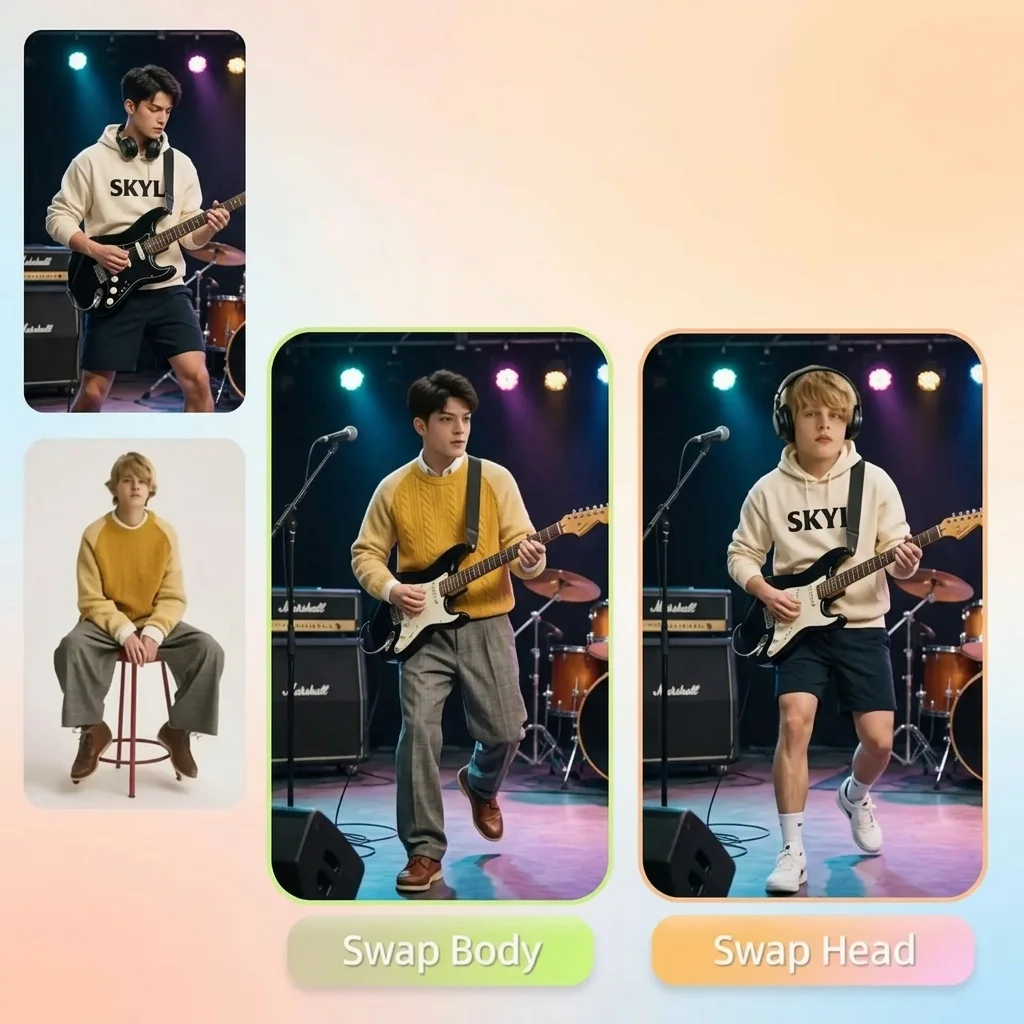
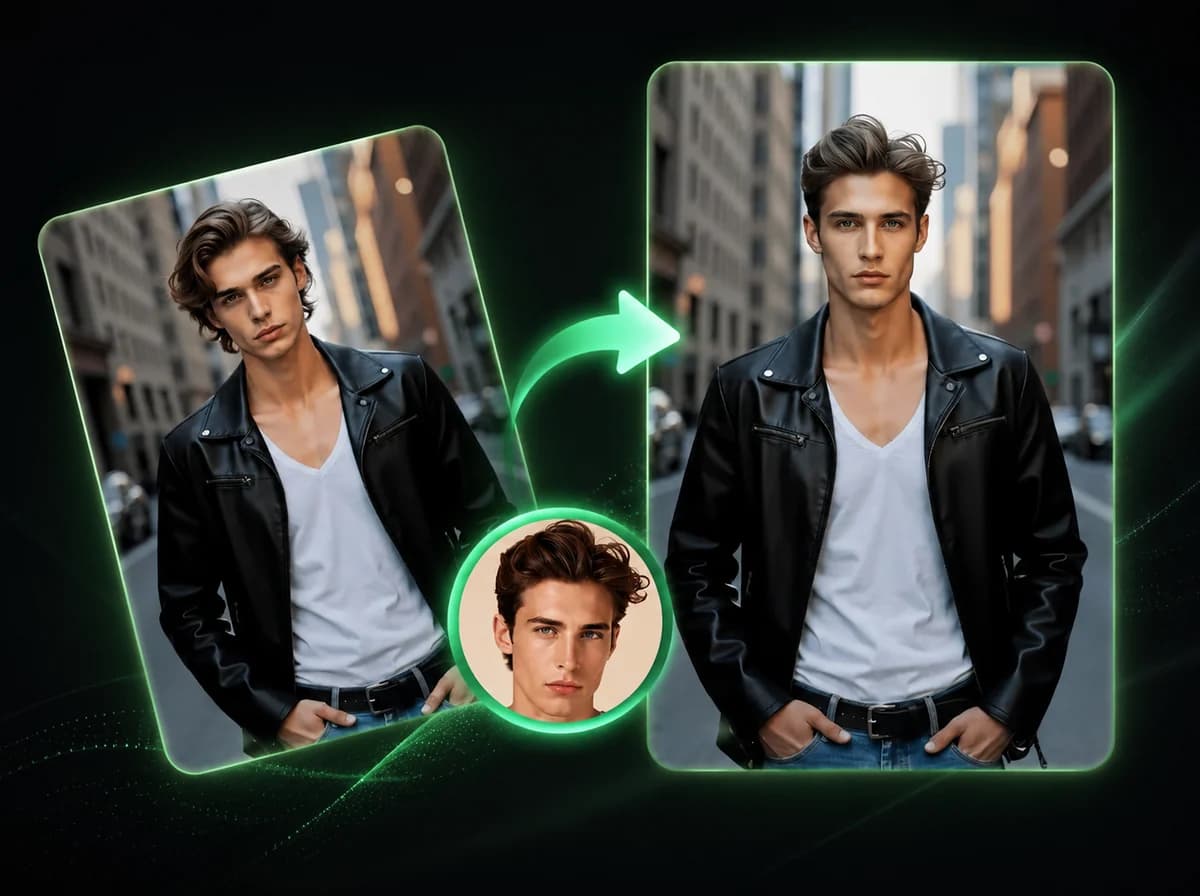
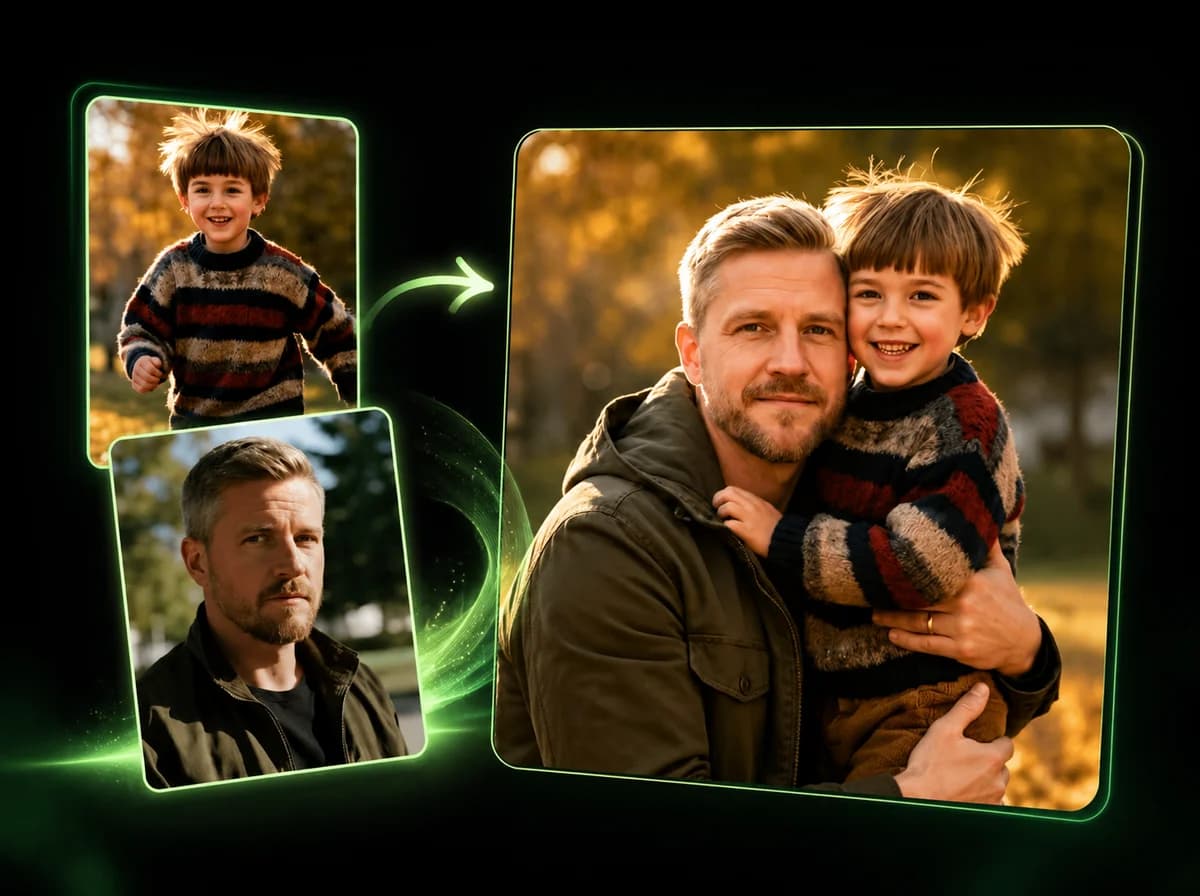
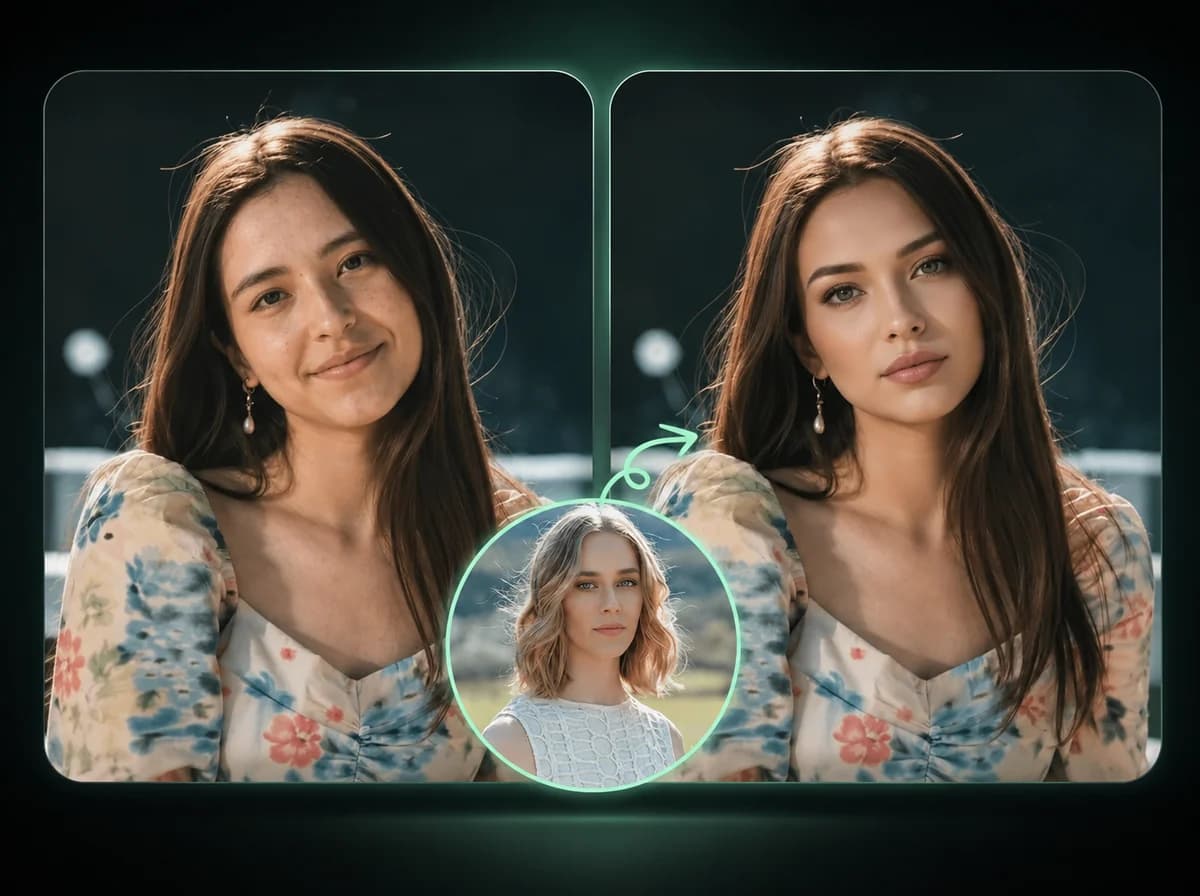
Upload two photos and swap bodies while preserving the source face, hair, and head as much as the photos allow.
Click to upload or drag and drop
PNG, JPG, WebP (Max 10MB, min 240x240)
Click to upload or drag and drop
PNG, JPG, WebP (Max 10MB, min 240x240)
How to Swap Bodies in 3 Easy Steps
Upload two photos, generate, then download the body swap result
Upload Your Photo
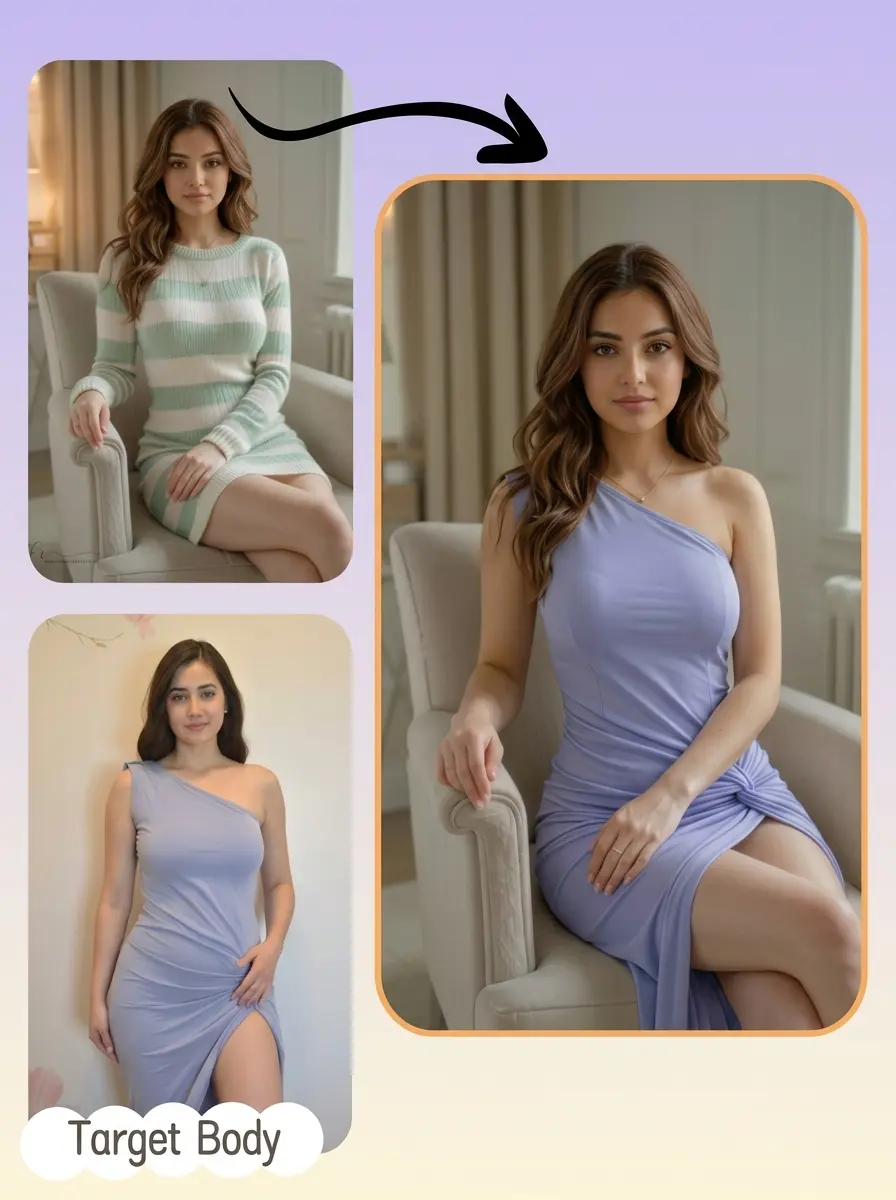
Upload a clear photo of the person whose face you want to keep. A front-facing portrait with good lighting works best. Supported formats are PNG, JPG, and WebP up to 10MB.
Upload Target Body
Upload a second photo of the body you want to use — a celebrity, athlete, character, or anyone else. The AI will adapt the body to match your source photo's orientation as closely as possible.
Download Your Result
The AI processes your body swap and delivers a clean, watermark-free image for download.
Why Choose Our AI Body Swap
Fast Results
Most swaps process quickly, with status updates while the AI works.
Natural Blending
The AI adapts lighting, skin tone, and edges so the result can look more coherent when the two source photos are compatible.
Easy to Use
No design experience needed. Upload two photos and the AI handles everything else.
Face Identity Preserved
Your face, hair, and head are preserved from the source photo where image quality and angle support it. Only the body is replaced.
Secure Processing
Your photos are processed securely and are not used for model training or shared with third parties.
Pay Per Swap
No subscription required. Body swaps use credits, so you buy only what you need, when you need it.
What Our Users Say
Marcus J.
Fitness Influencer
I used this to create transformation-style post drafts before a photoshoot. The face preservation was strong enough to help me plan the final creative direction.
Priya S.
Cosplay Creator
I can preview how I might look in different costume references before spending weeks building one. The AI blending is better when I start with a clear pose match.
Tom R.
Meme Page Admin
We publish a lot of content daily, and the quick workflow helps us test trend ideas before committing to a polished edit.
Aisha M.
Social Media Manager
Tried a few body swap tools and kept running into ugly watermarks. iMideo is the first one that gives clean output without making me pay extra to remove them.
Kevin L.
Digital Artist
The edge blending around the neck is the hardest part to get right. iMideo gives me a cleaner starting point when the two photos have similar angles, so I spend less time on manual cleanup.
Sofia T.
Content Creator
My friend and I swapped bodies for an April Fools post. It was easy to use and got a strong reaction in our group chat.
Daniel W.
Game Streamer
I put my face on various game character bodies for stream thumbnail drafts. The workflow is fast enough to test thumbnail directions between sessions.
Naomi F.
Photographer
Clients sometimes want to see how a concept will look before we shoot it. I show them a body swap mock-up so we can narrow the direction before the shoot.
Ready to Swap Your Body?
Upload two photos and get an AI body swap draft with no subscription and no watermark.