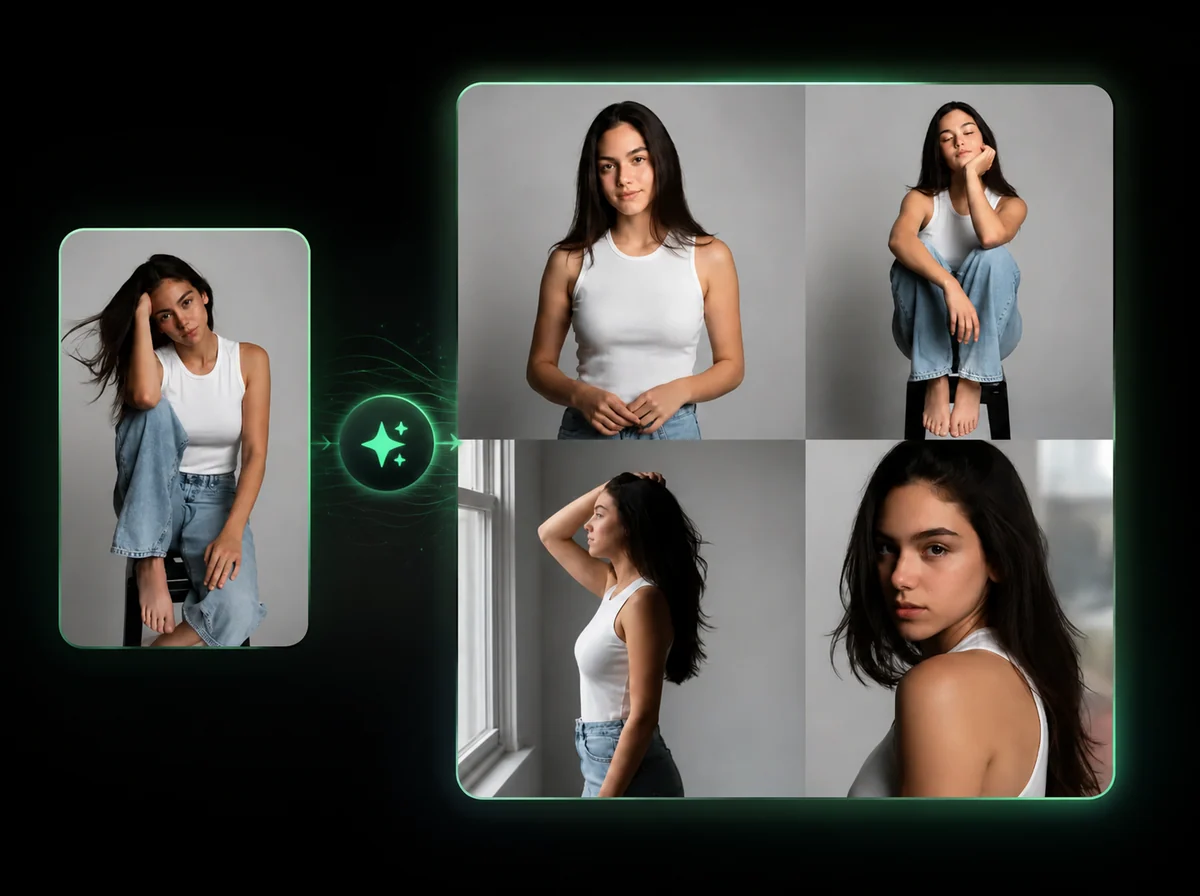
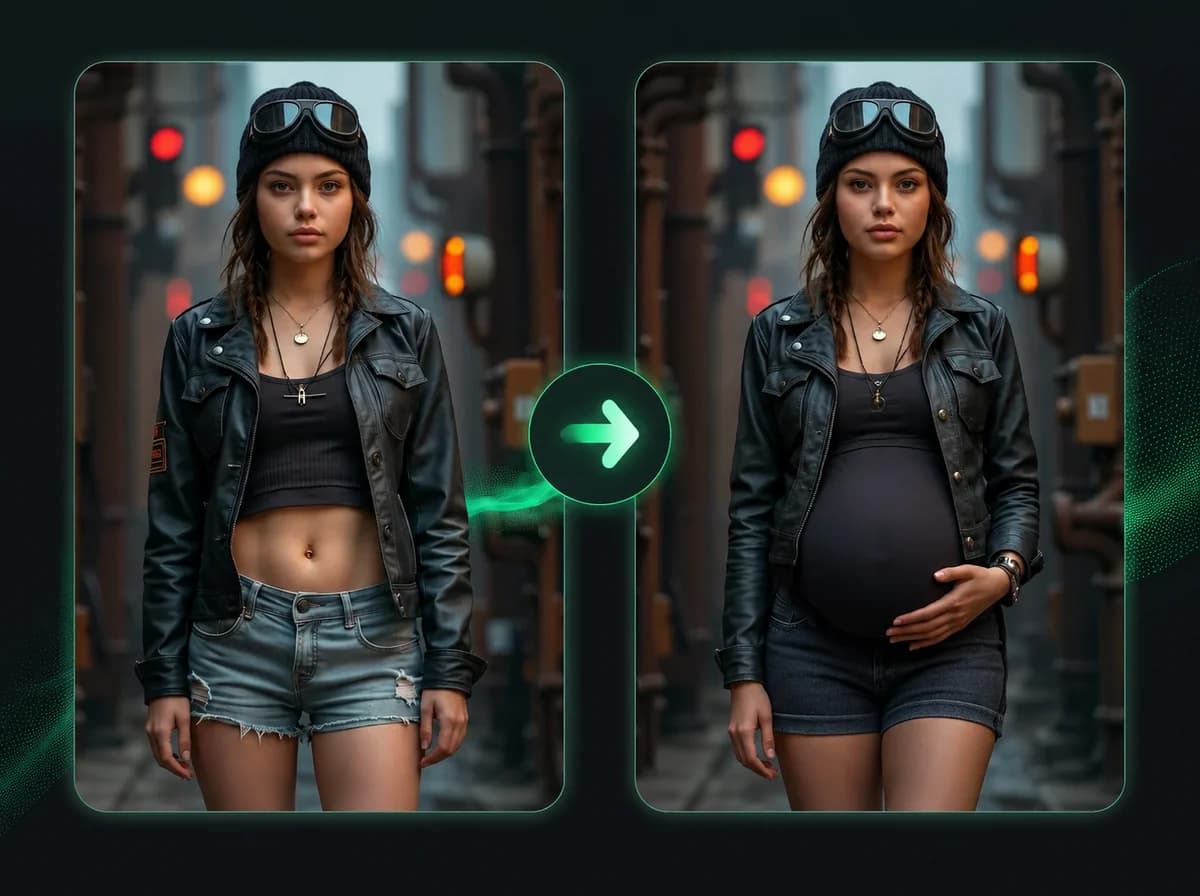
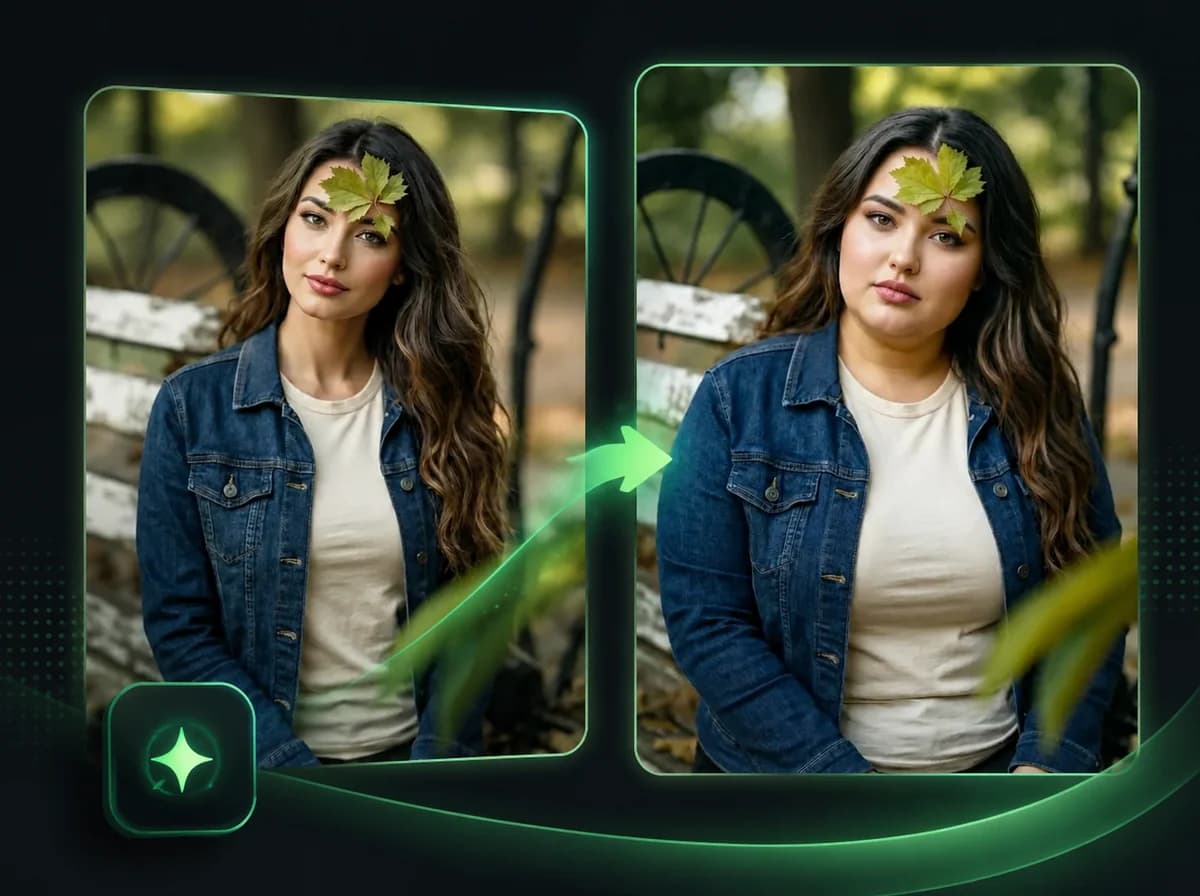
AI Halloween Costume Generator — See Yourself in Any Costume
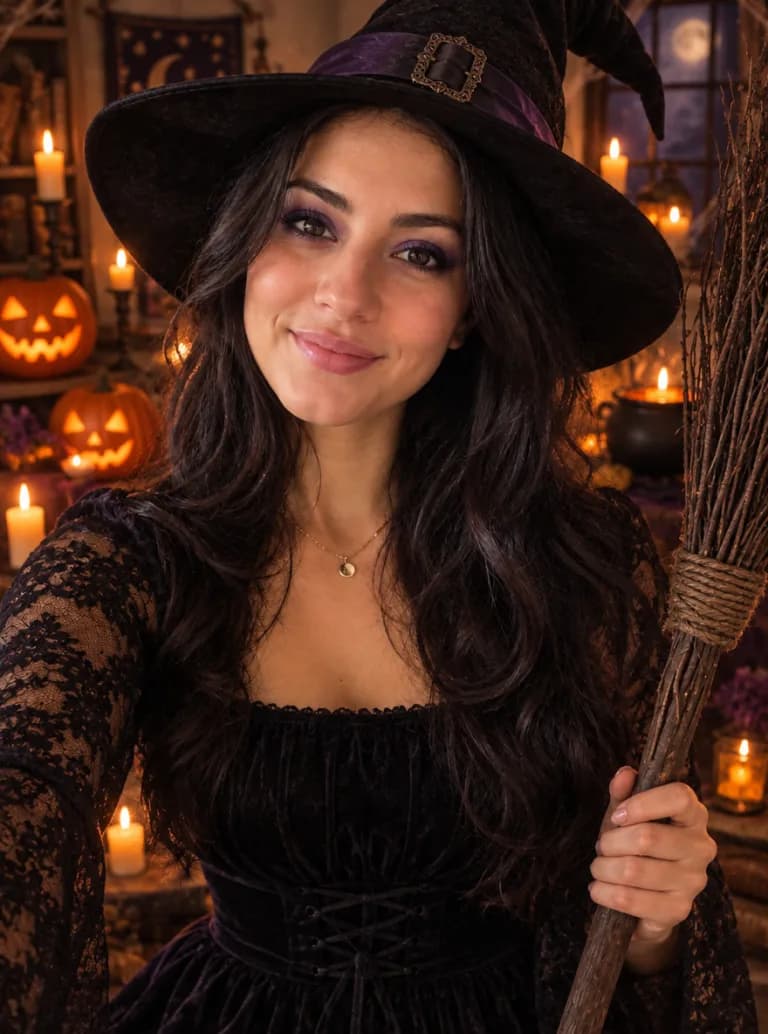
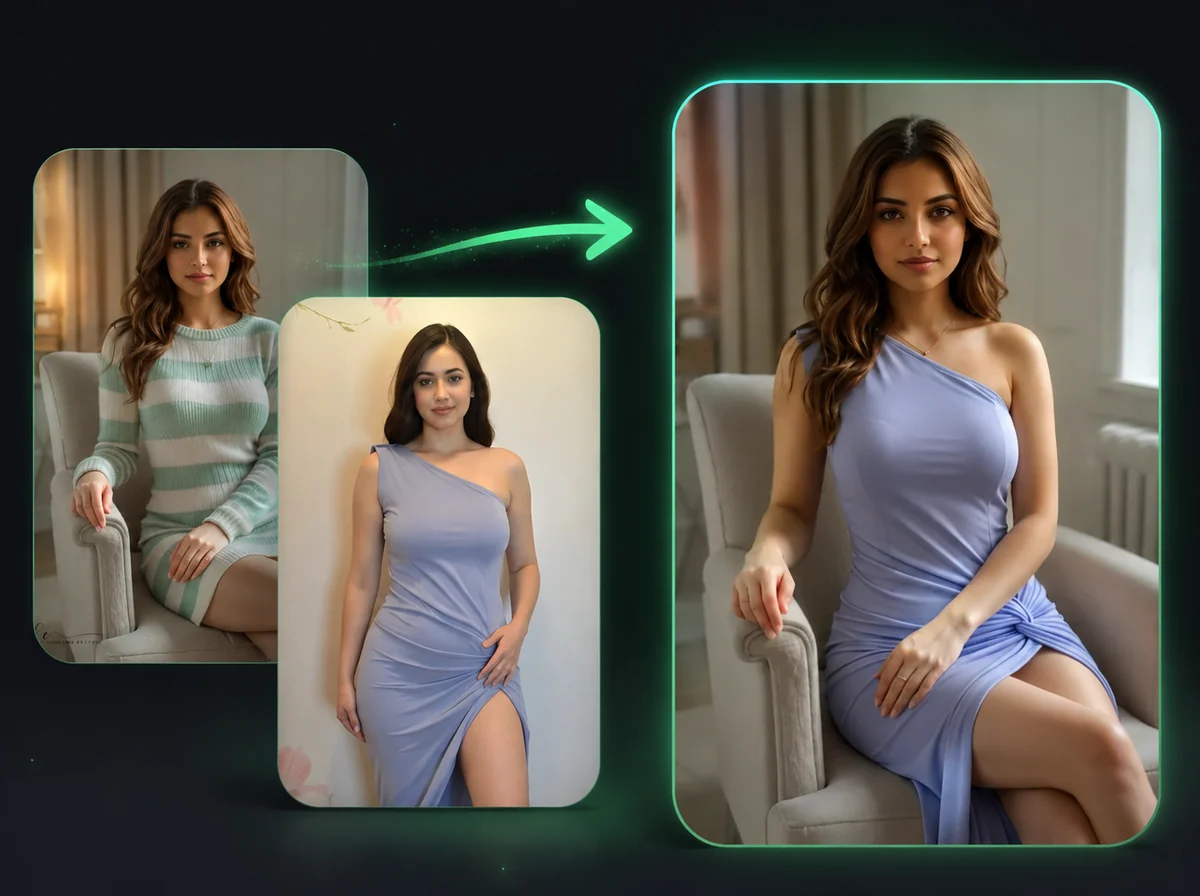
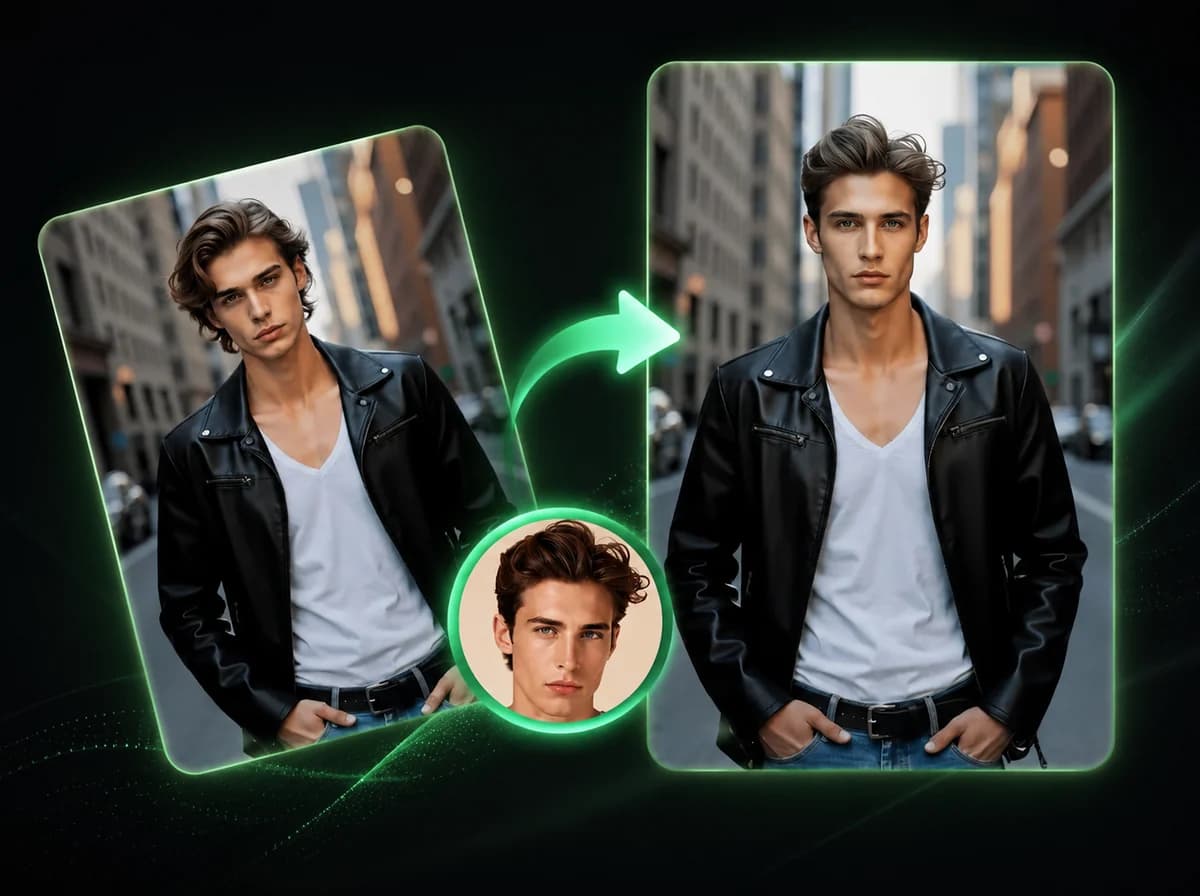
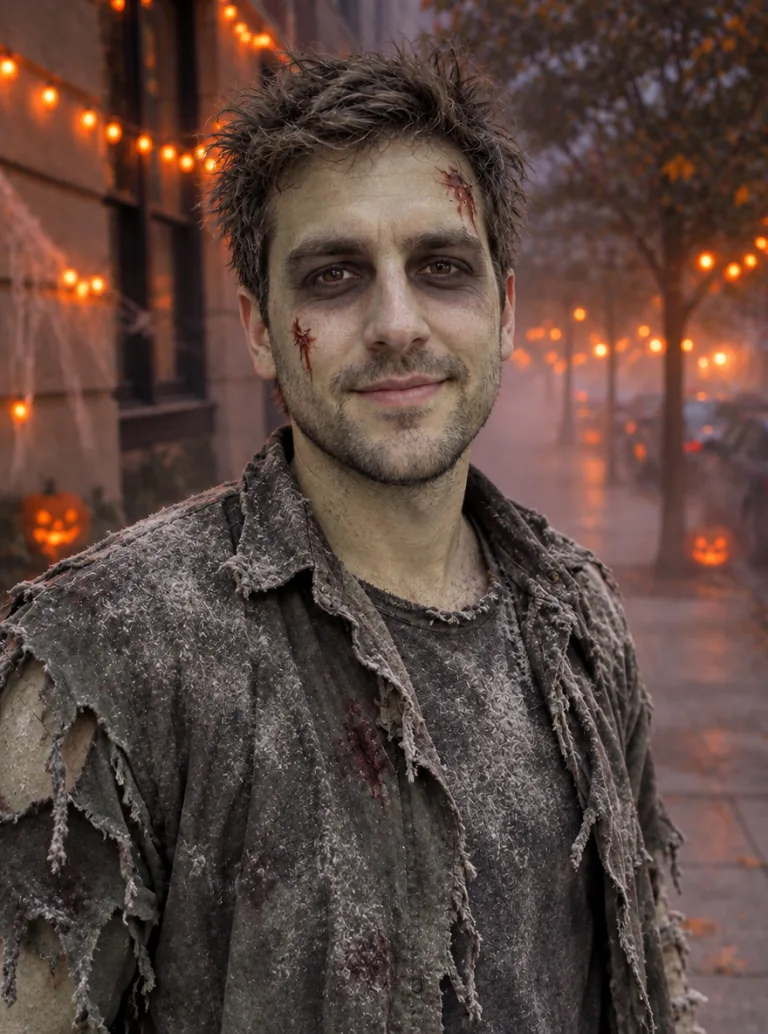
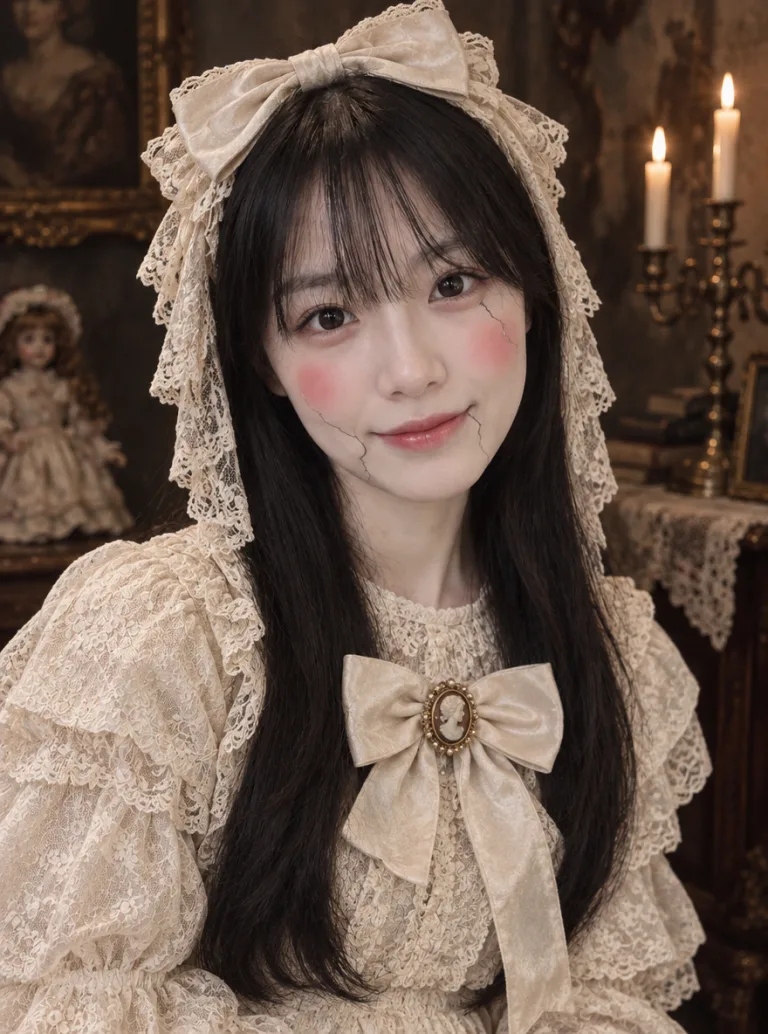
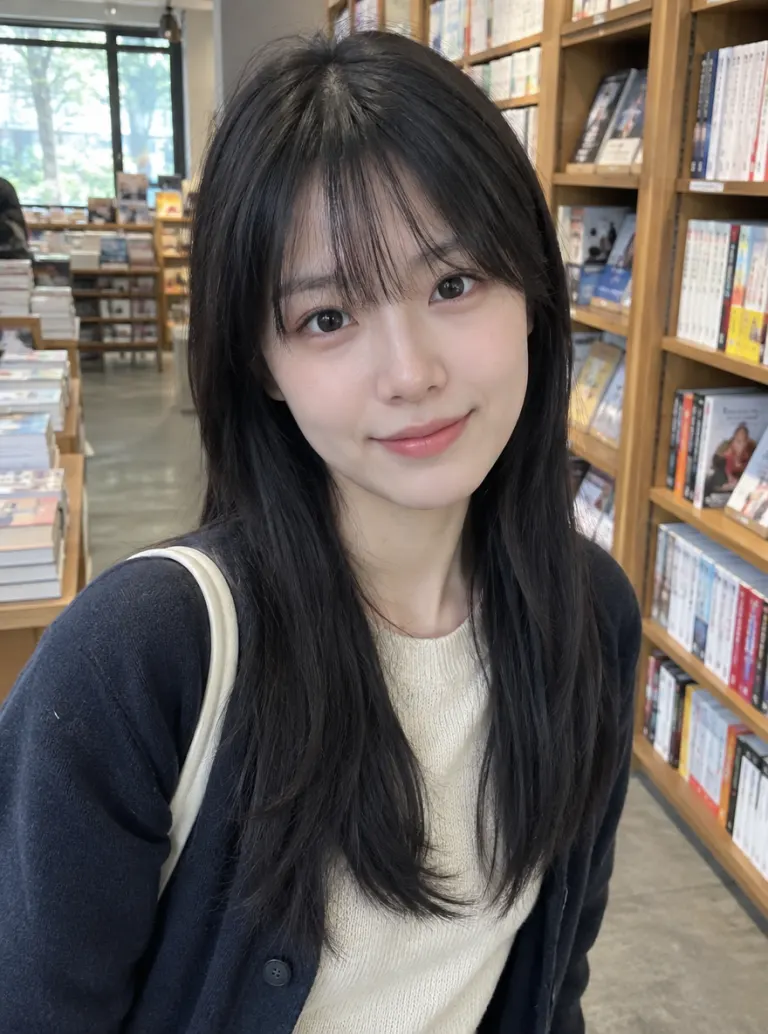
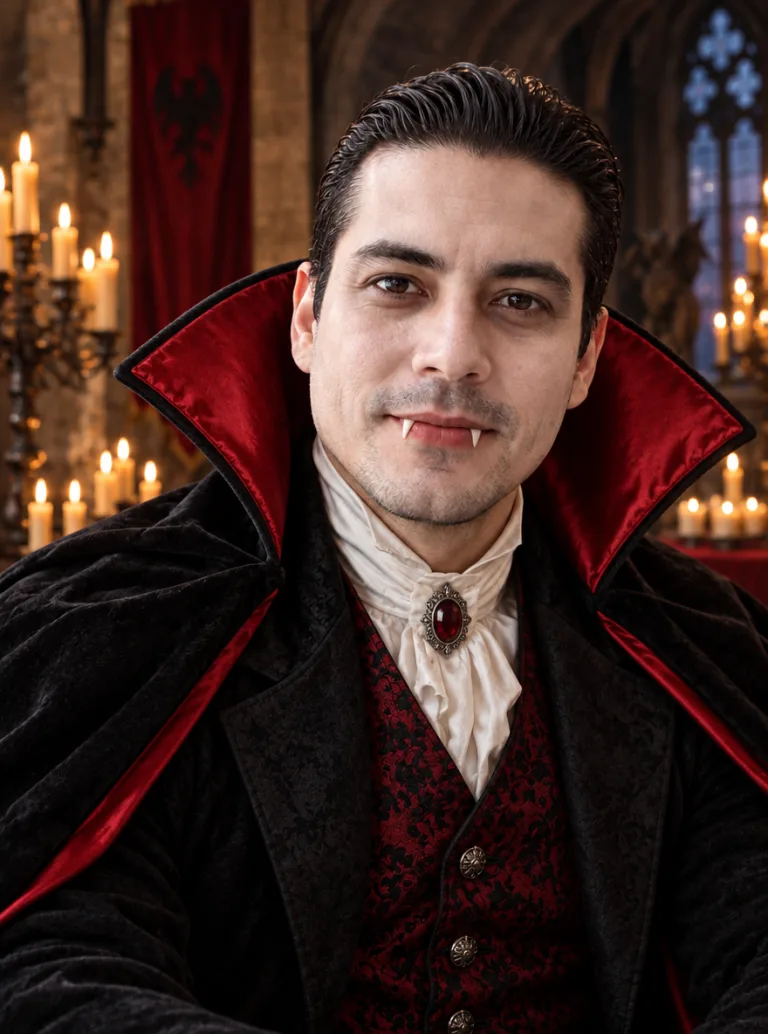
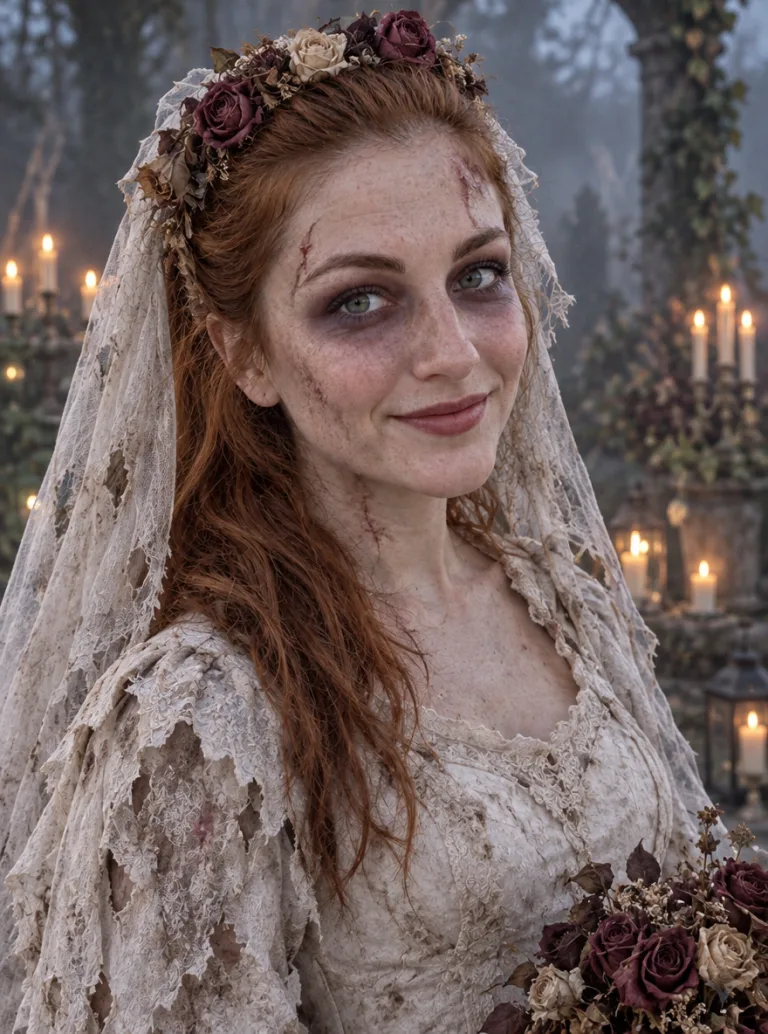
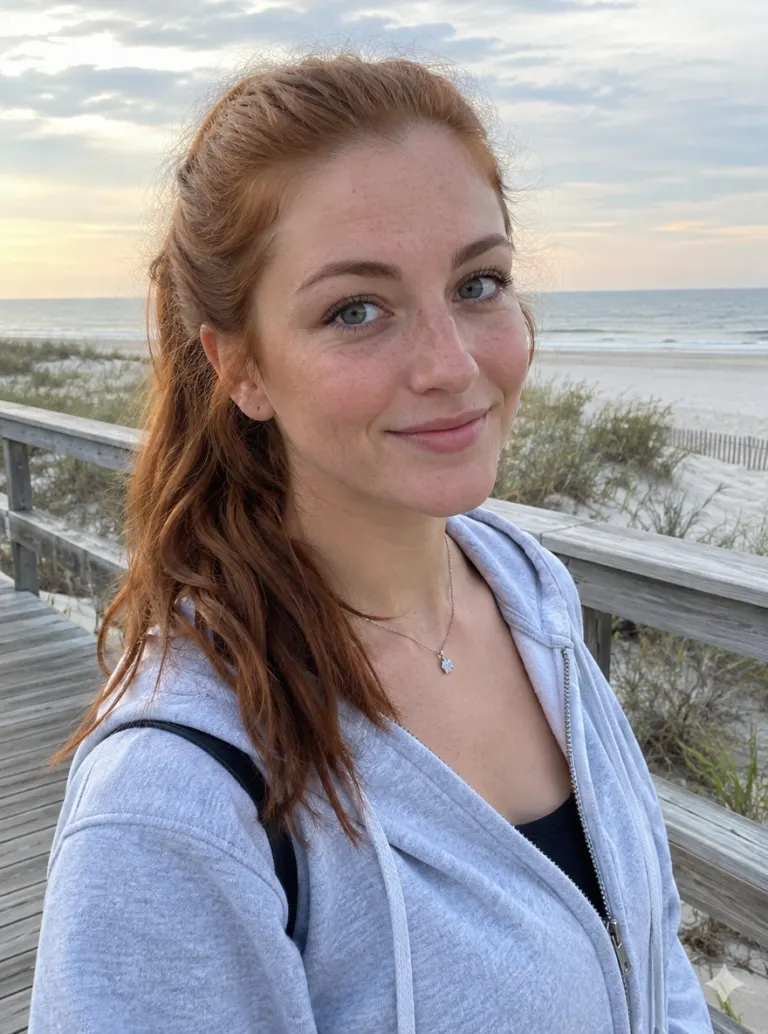
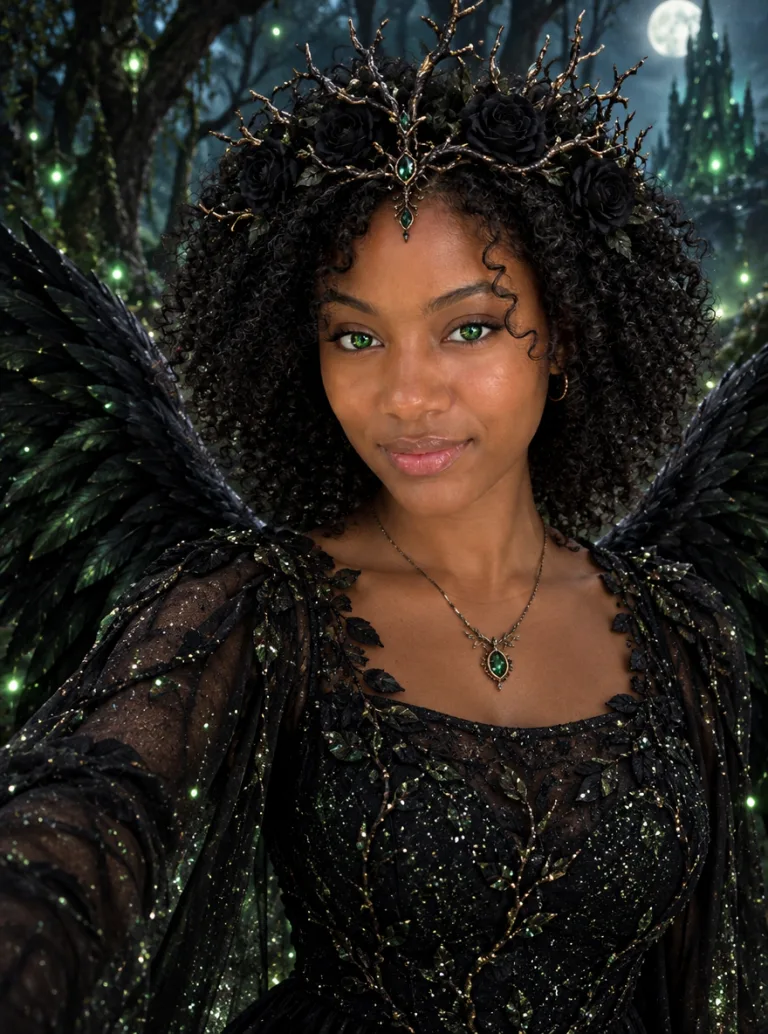
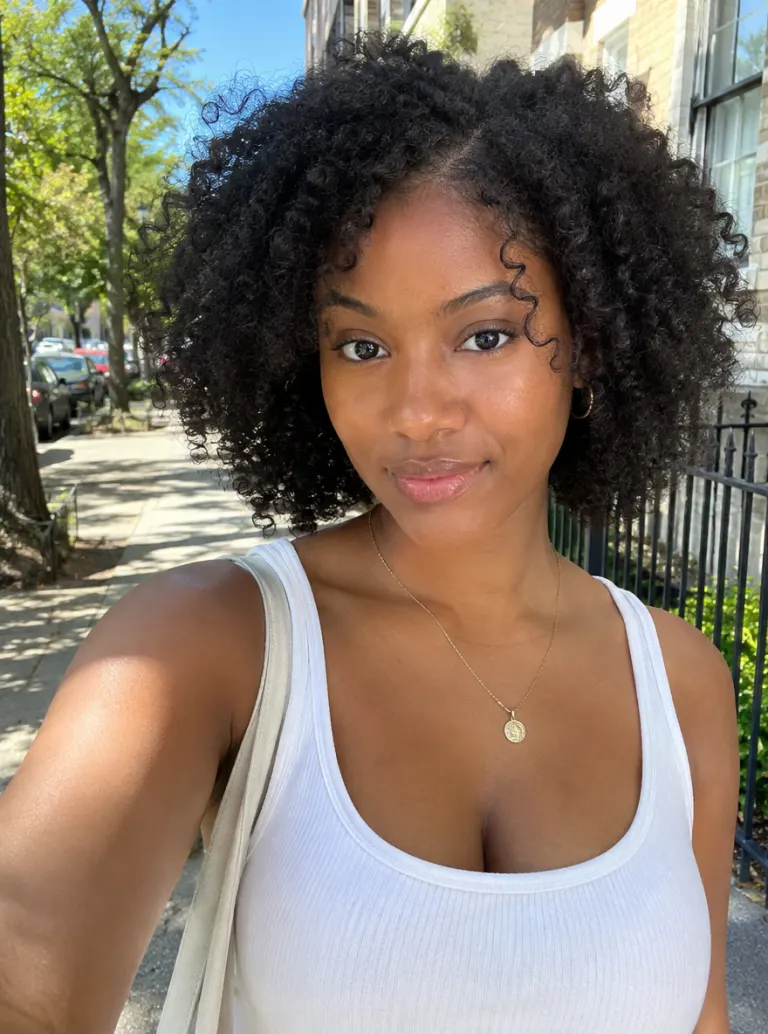
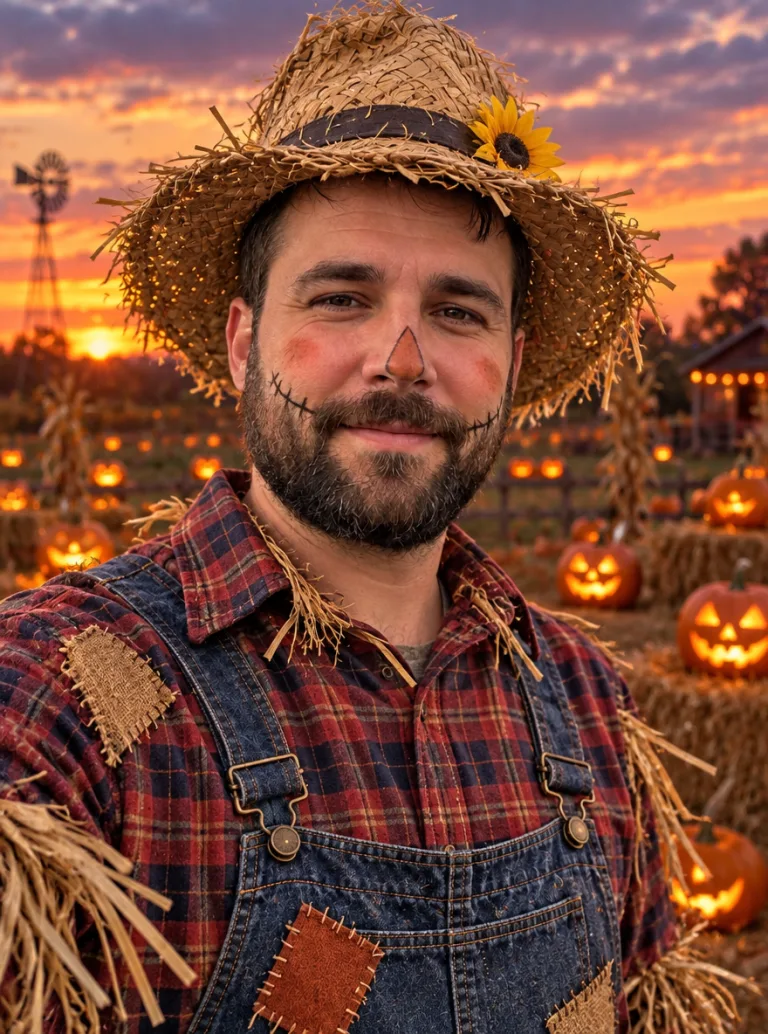
Upload one photo and describe a costume, or pick a look from the examples. The AI dresses you as a zombie, witch, vampire or anything you type, and keeps your face and pose so it still looks like you.
Upload

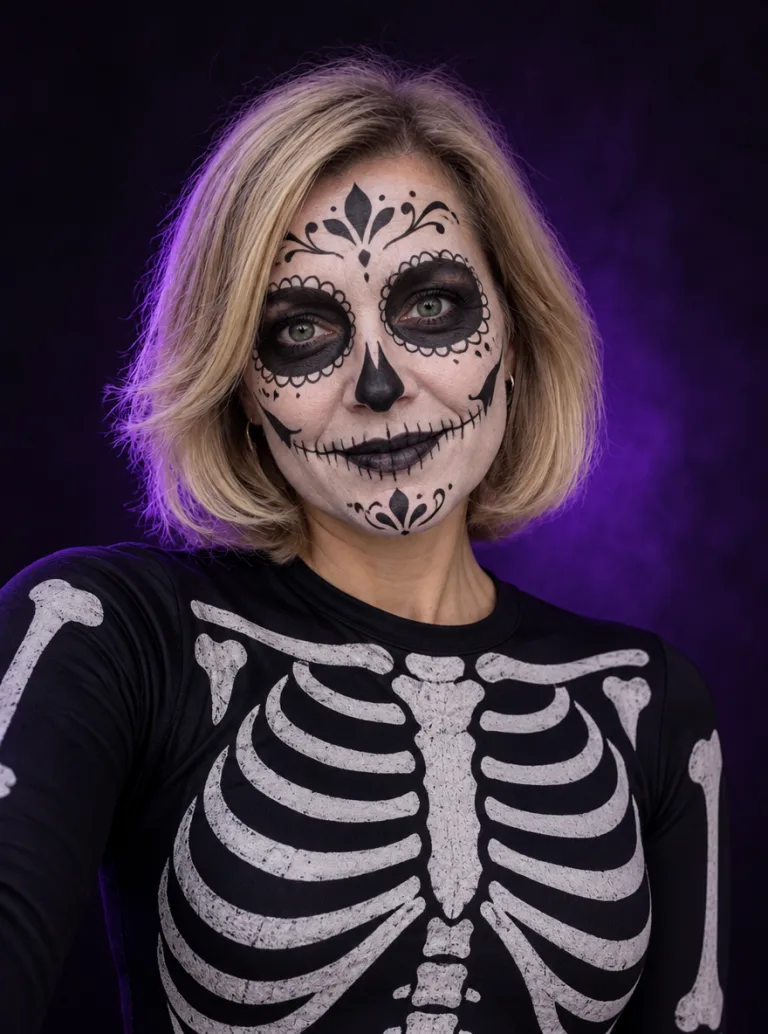



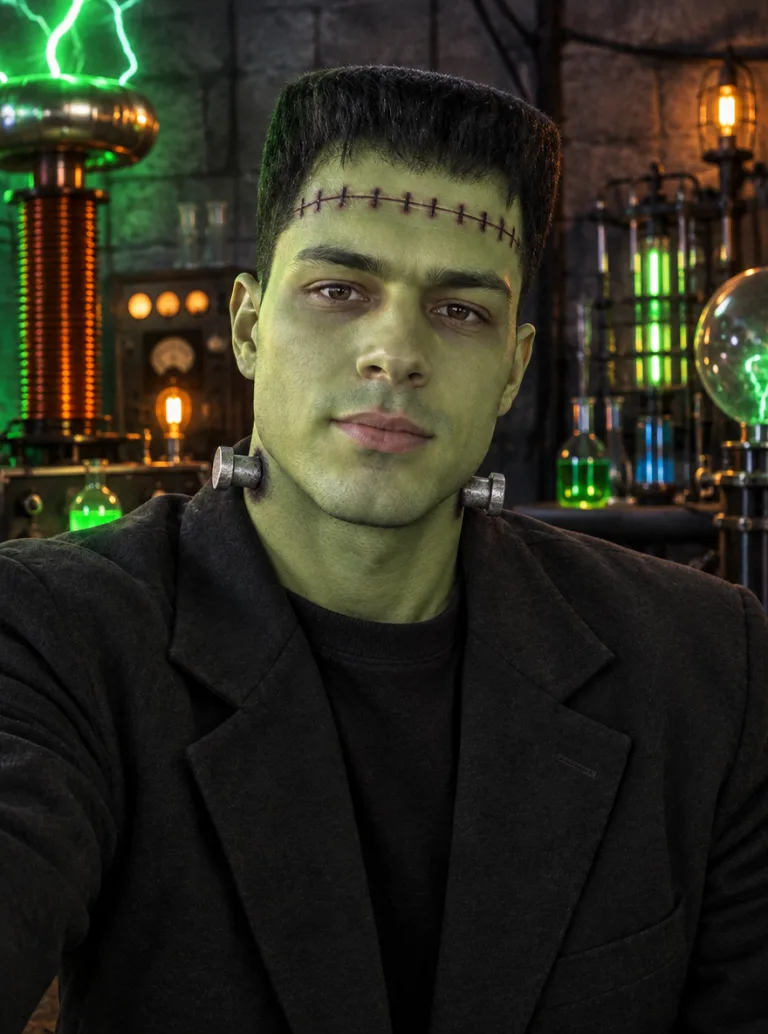
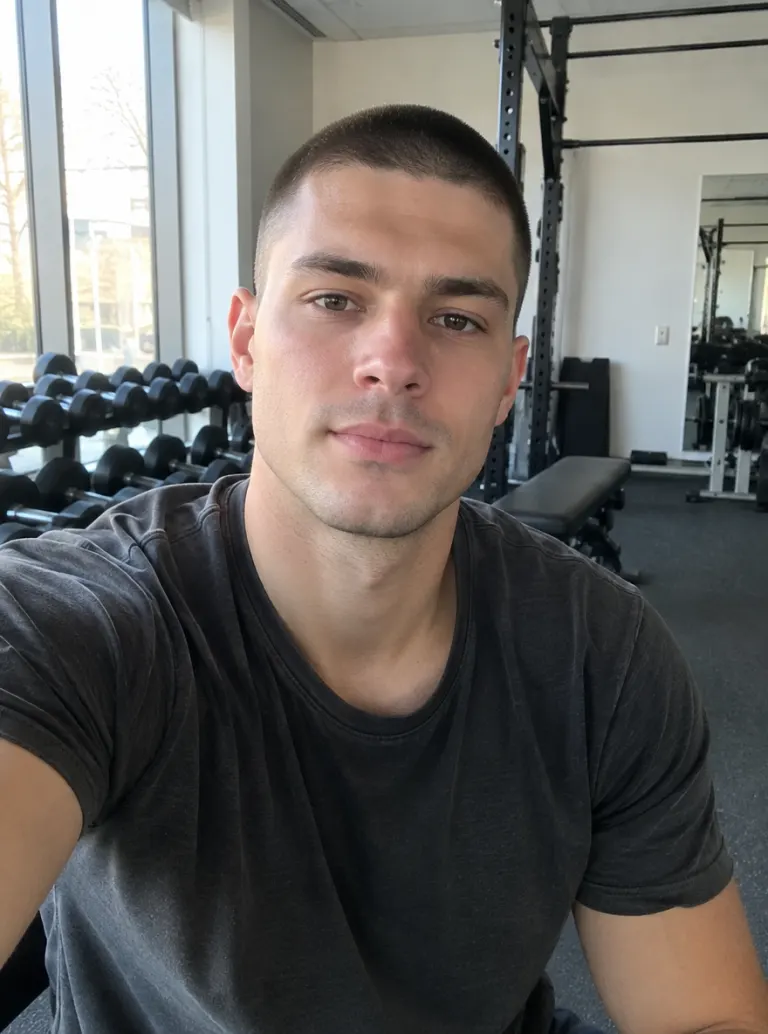
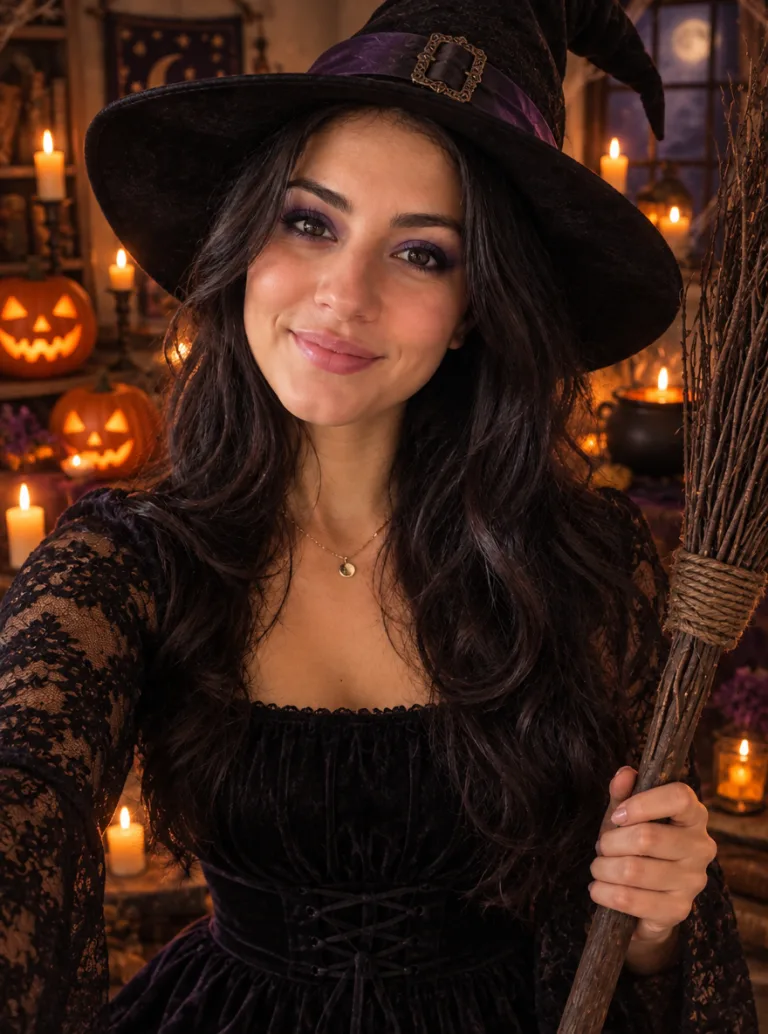

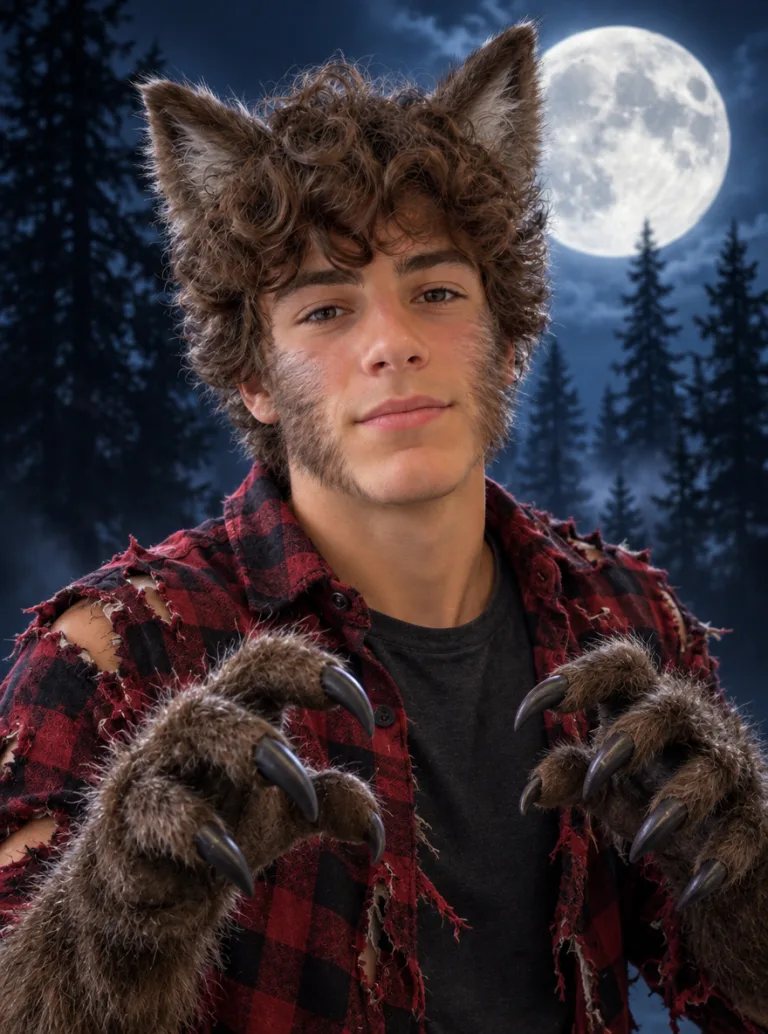
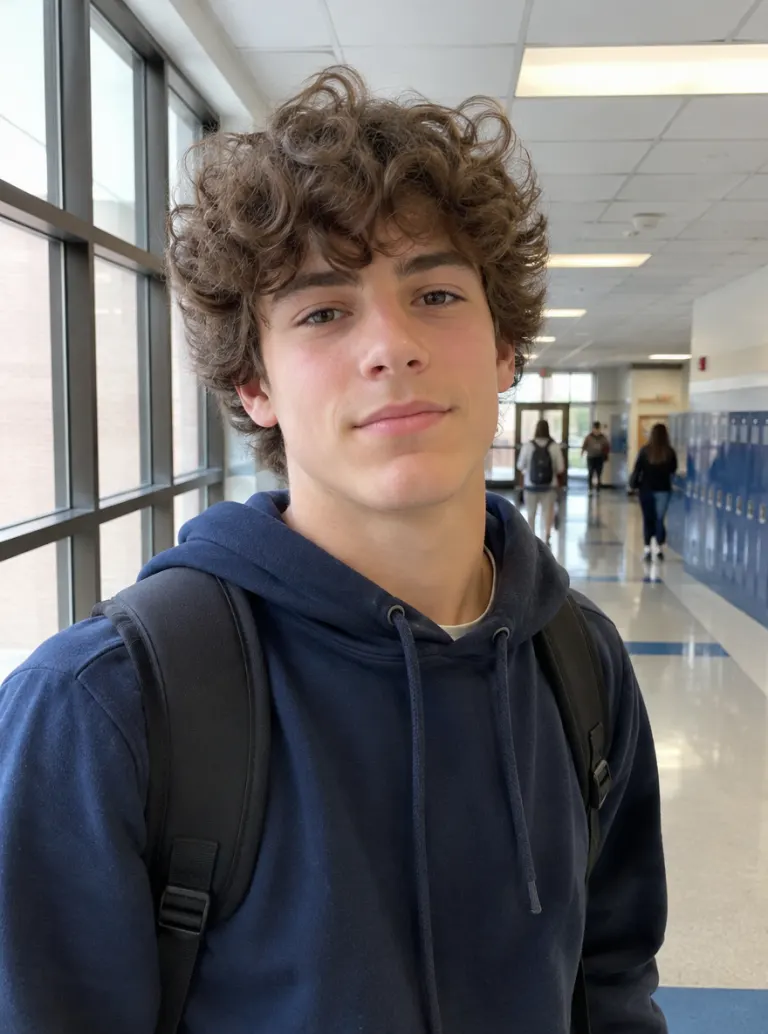
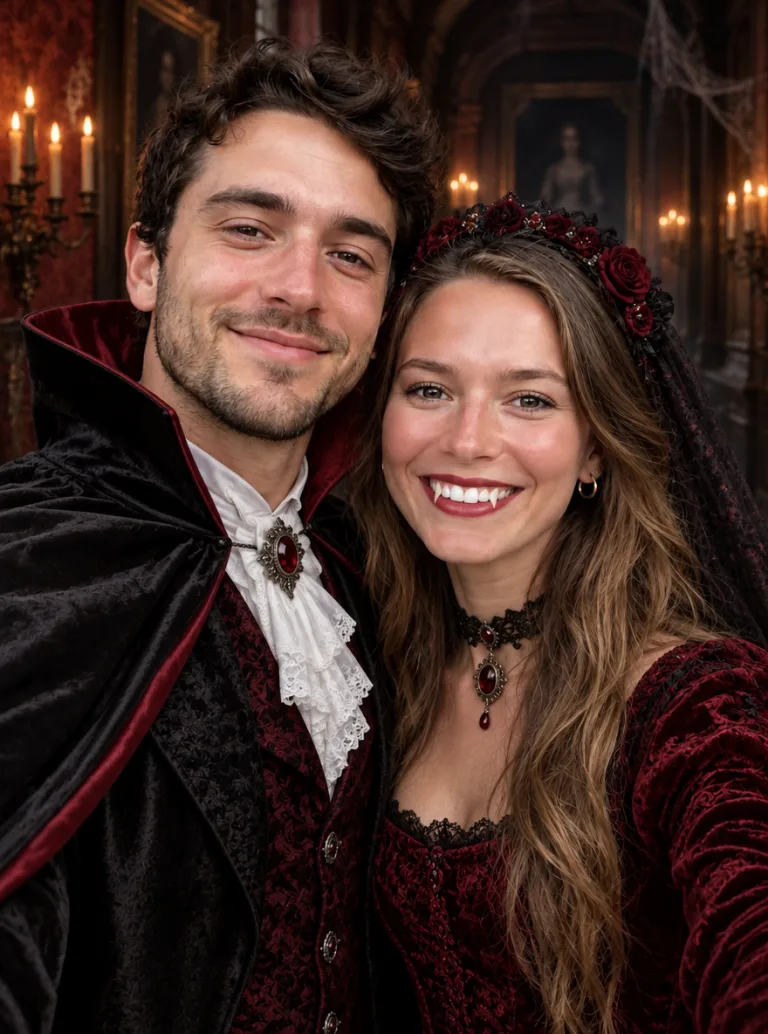
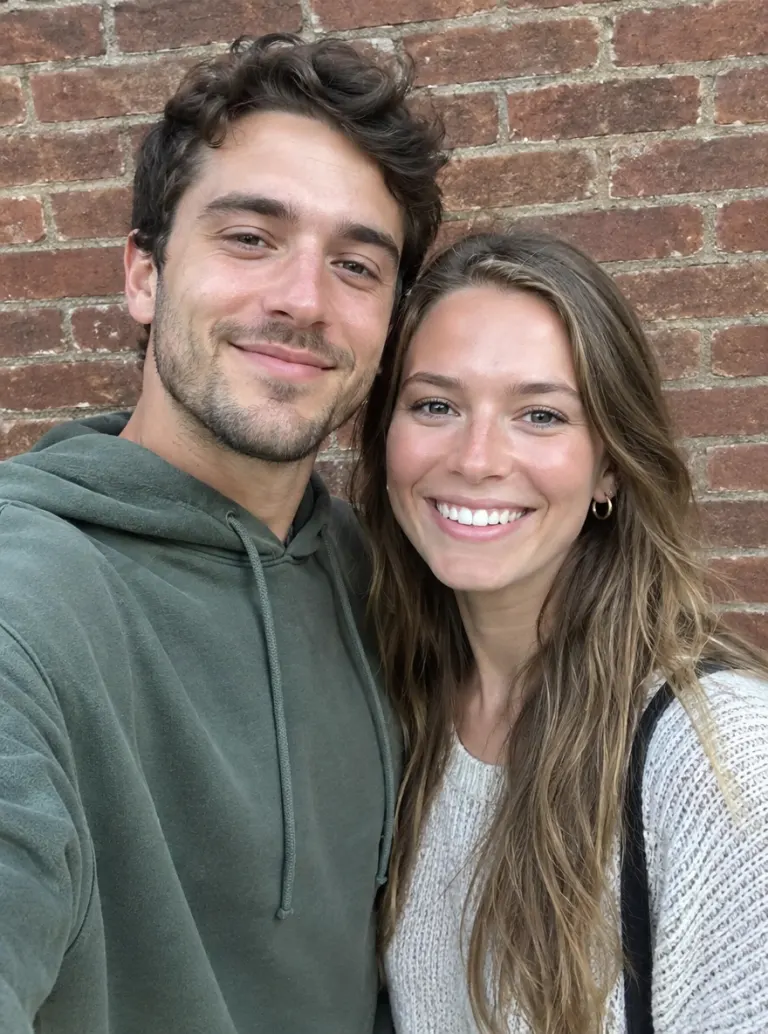


How to Make an AI Halloween Costume
One upload, one sentence, one click
Upload a photo
Use a clear photo where your face is visible. Waist-up works for most costumes; for capes, gowns or full outfits a full-body shot gives the AI more to dress.
Describe the costume
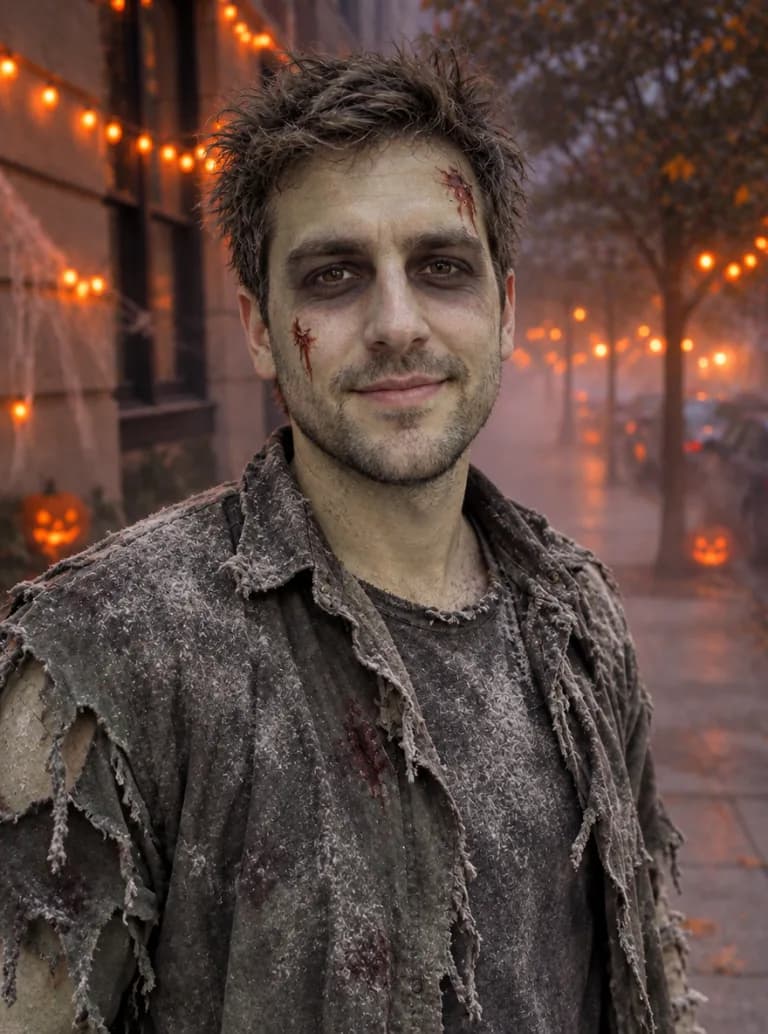
Type the look you want, for example "zombie with grey face paint and a ripped shirt", or click an example on the right to load its prompt. Mention the background if you want a graveyard, haunted house or pumpkin patch behind you.
Generate and download
Pick an aspect ratio and generate. The image is saved to your account and downloads without a watermark, ready for a post, story or invite.
Why Use iMideo's AI Halloween Costume Generator
Still looks like you
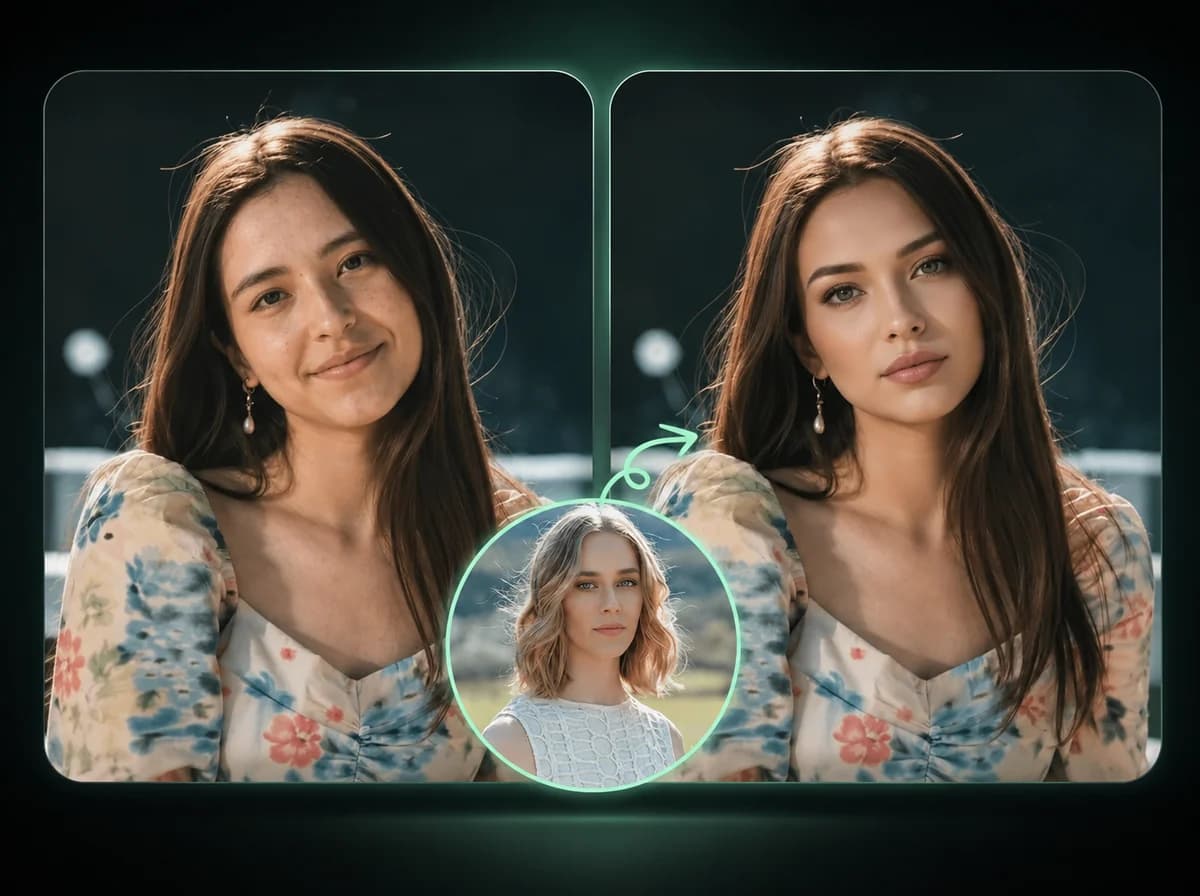
Face, expression and pose come from your photo. Only the costume, makeup and background change.
Any costume you can describe
No fixed template list. Type a classic, a mash-up like "skeleton cowboy", or a theme for your whole group.
Costume and scene together
Ask for a graveyard, haunted house or pumpkin patch behind you and the lighting is matched to the new scene.
Groups and pets
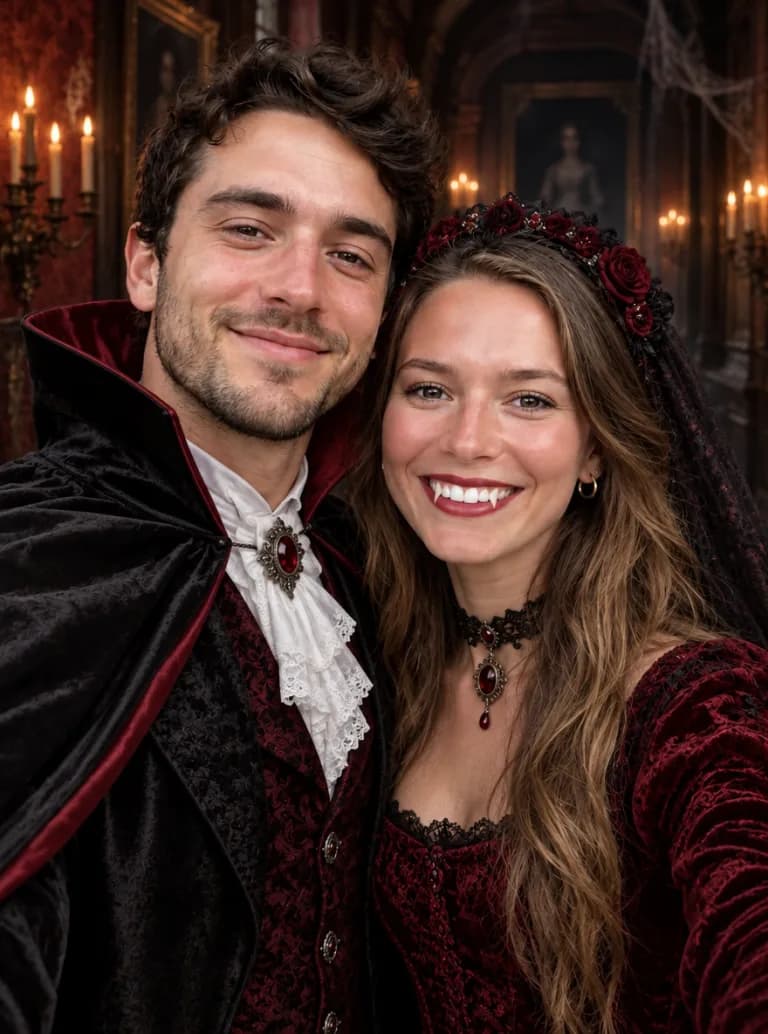
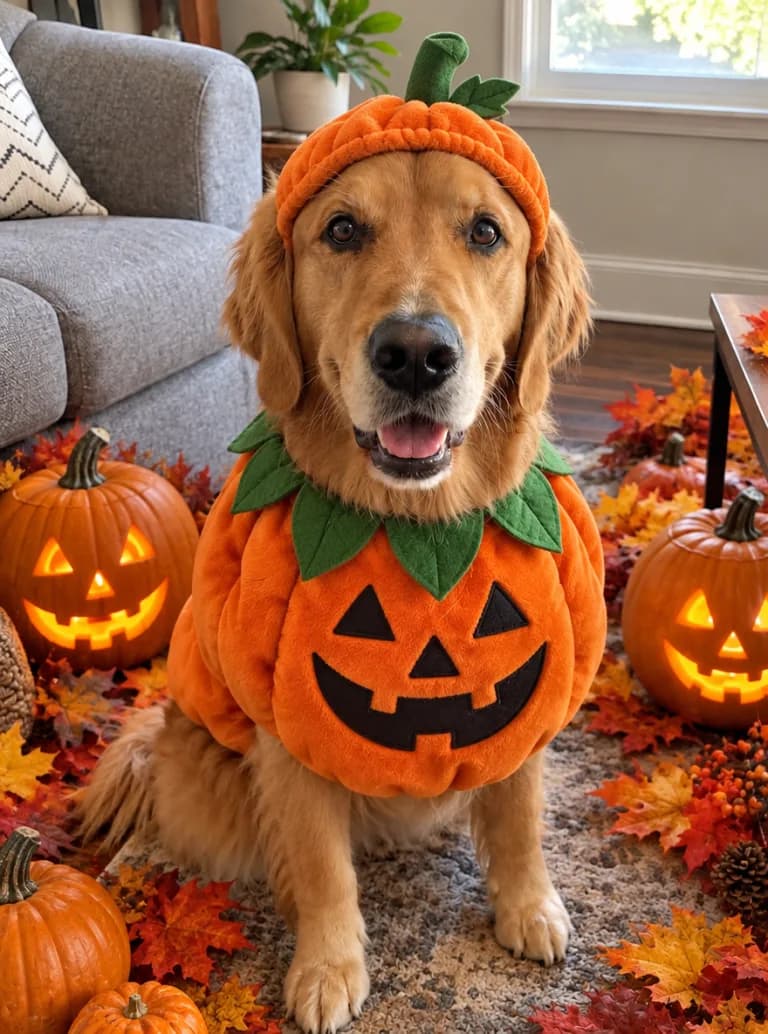
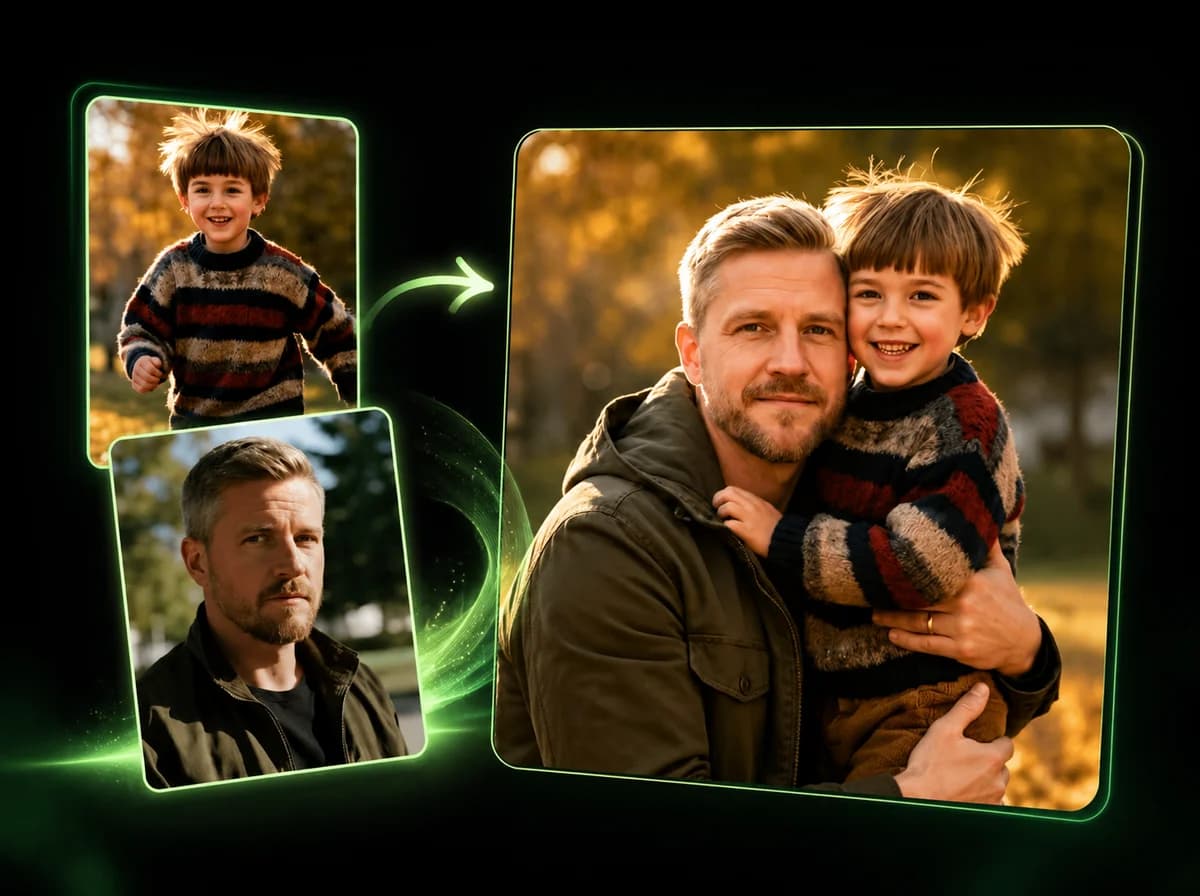
Works on photos with several people and on dogs and cats, so the whole household can join in.
Five aspect ratios
Choose 3:4, 1:1, 4:3, 9:16 or 16:9 for a profile picture, a feed post, a story or a party invite.
No watermark
Download the full image without a watermark and share it wherever you like.
Find Your Halloween Costume Before the Party
Upload a photo, describe the look, and see yourself as a zombie, witch or vampire.