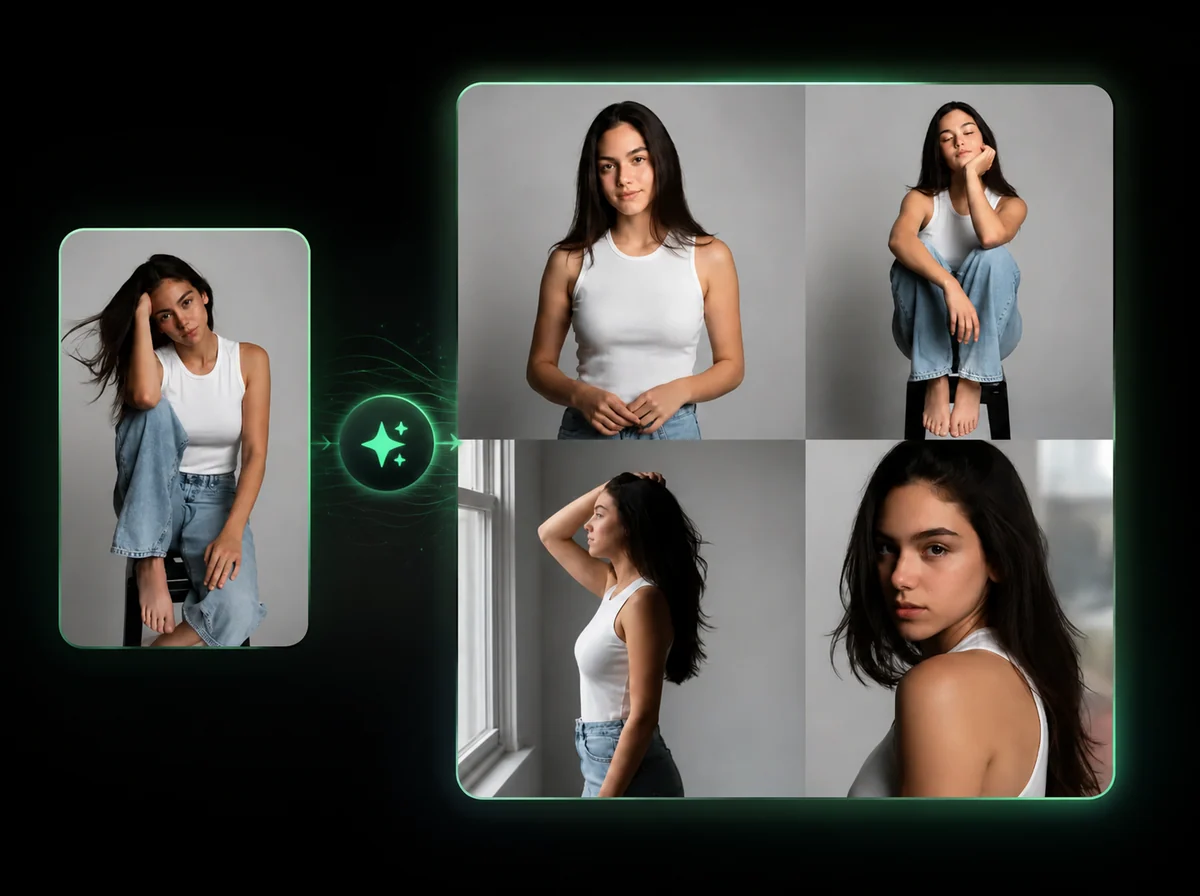
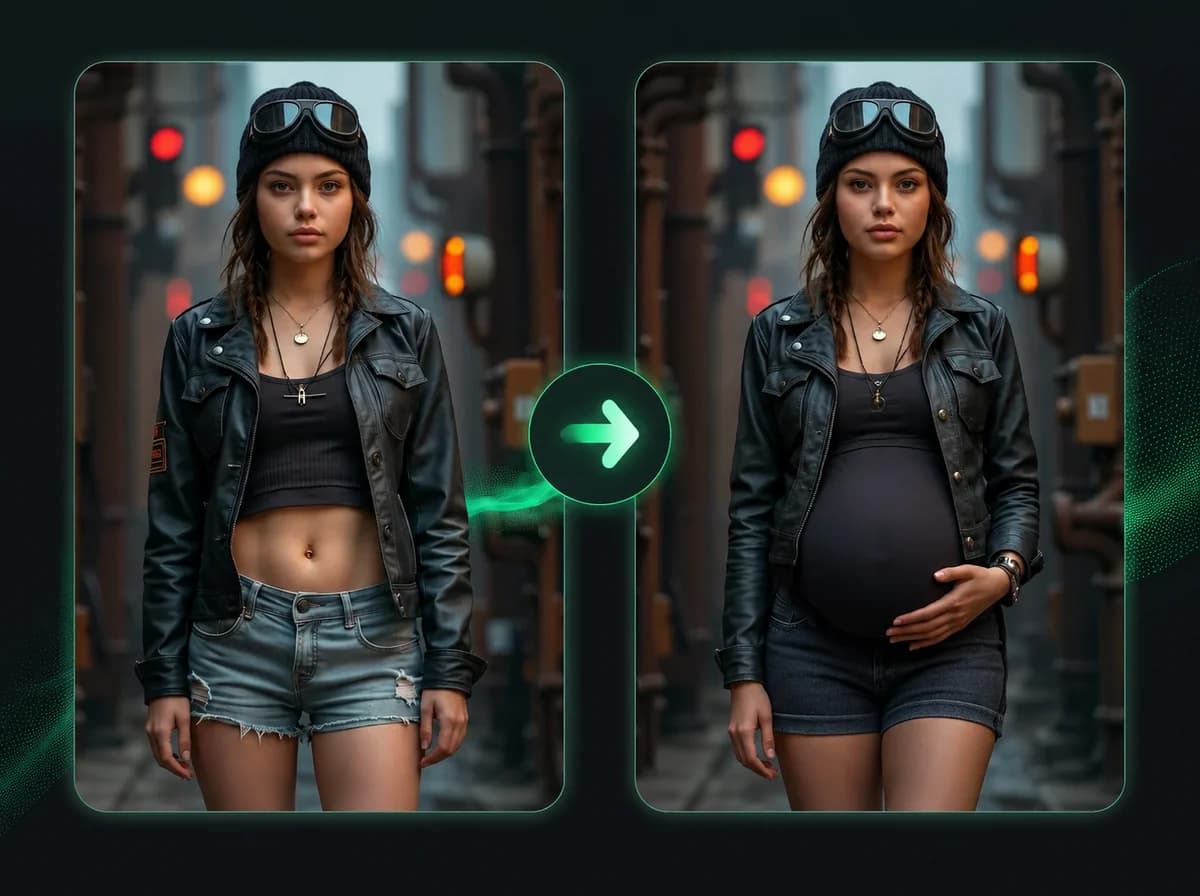
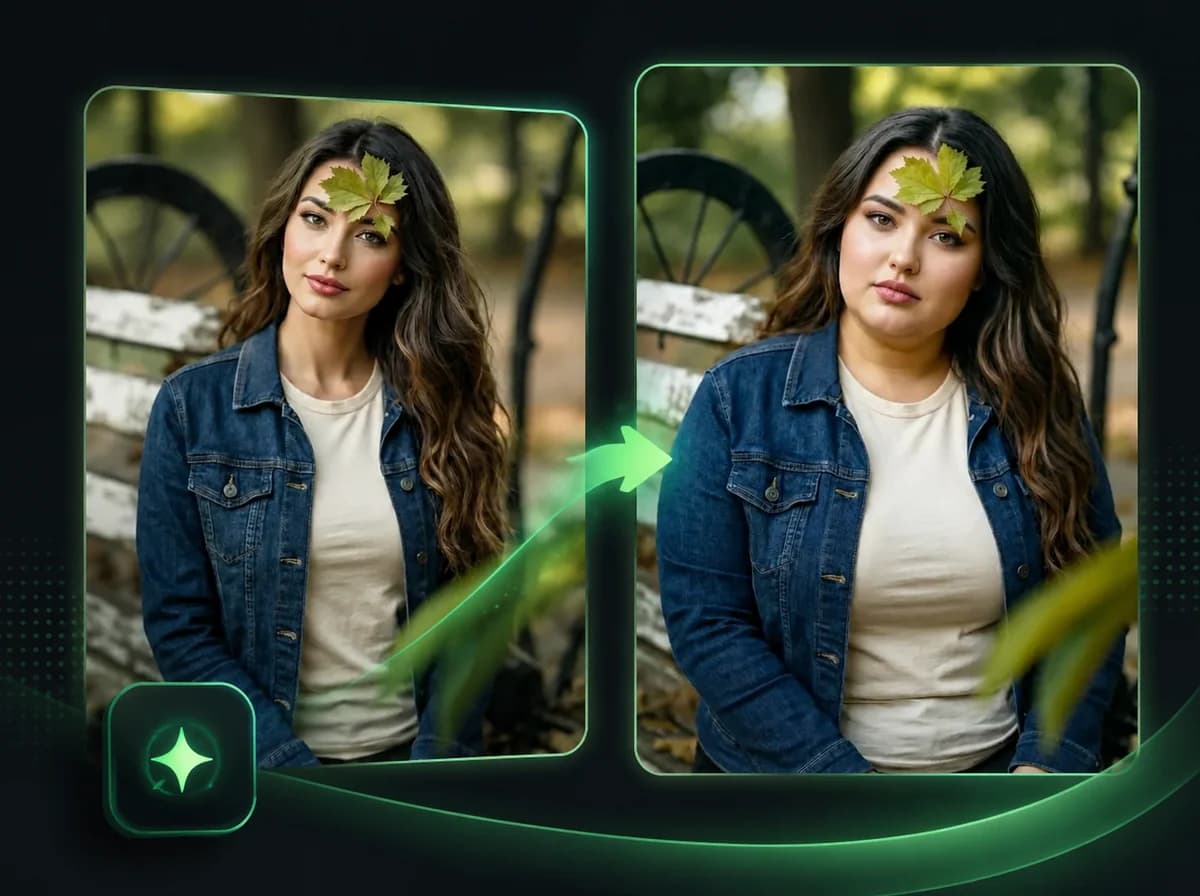
Head Swap AI Online — Swap the Entire Head, Hair Included
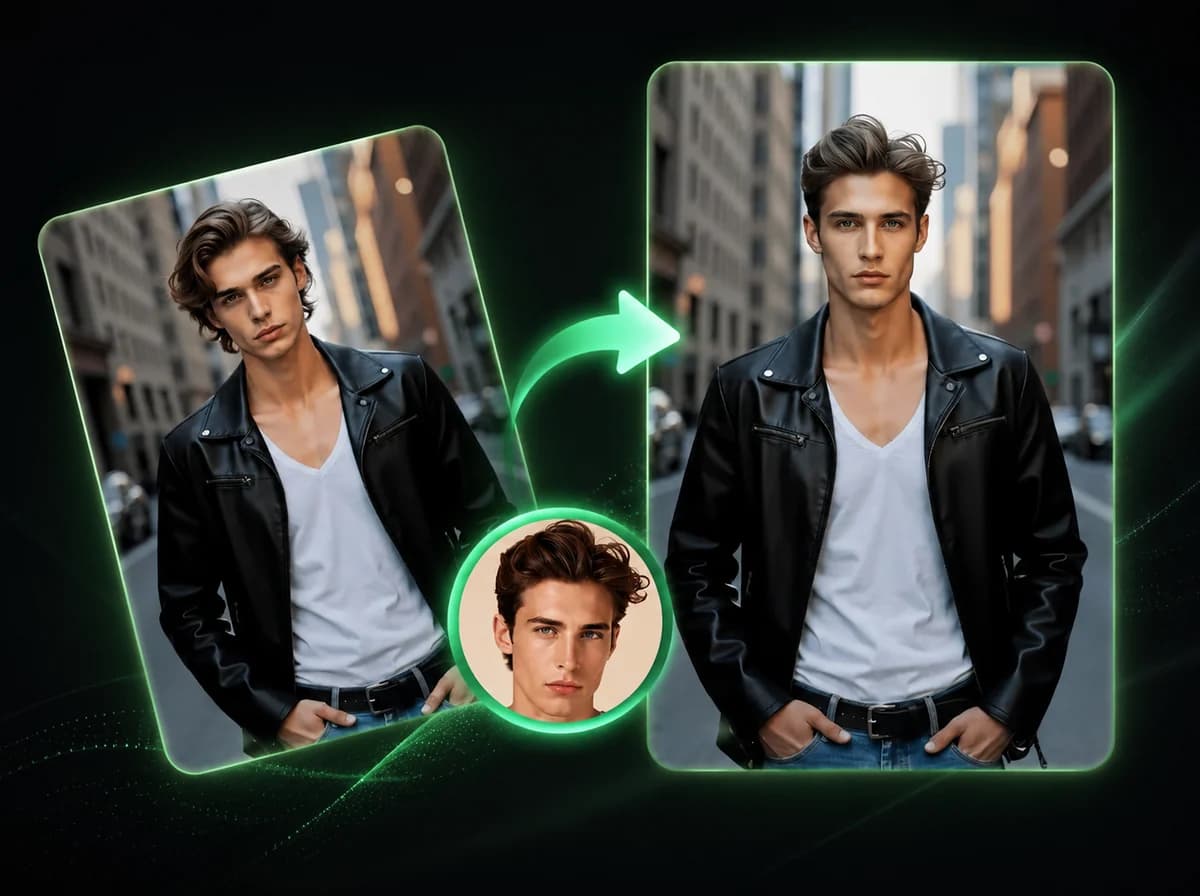
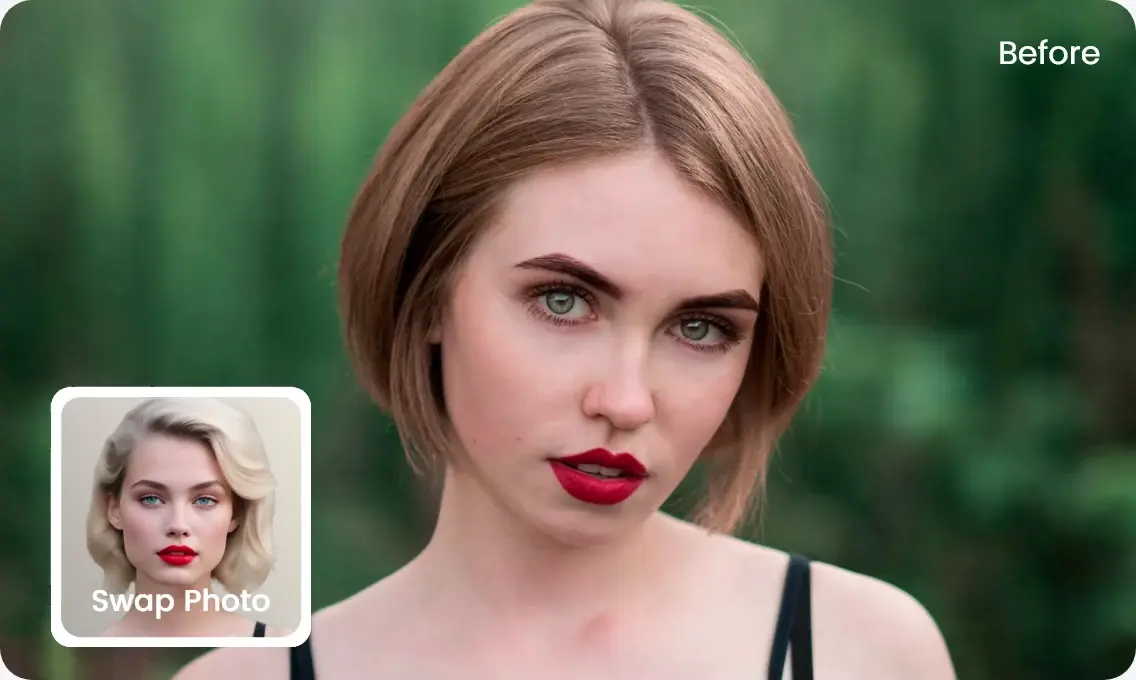
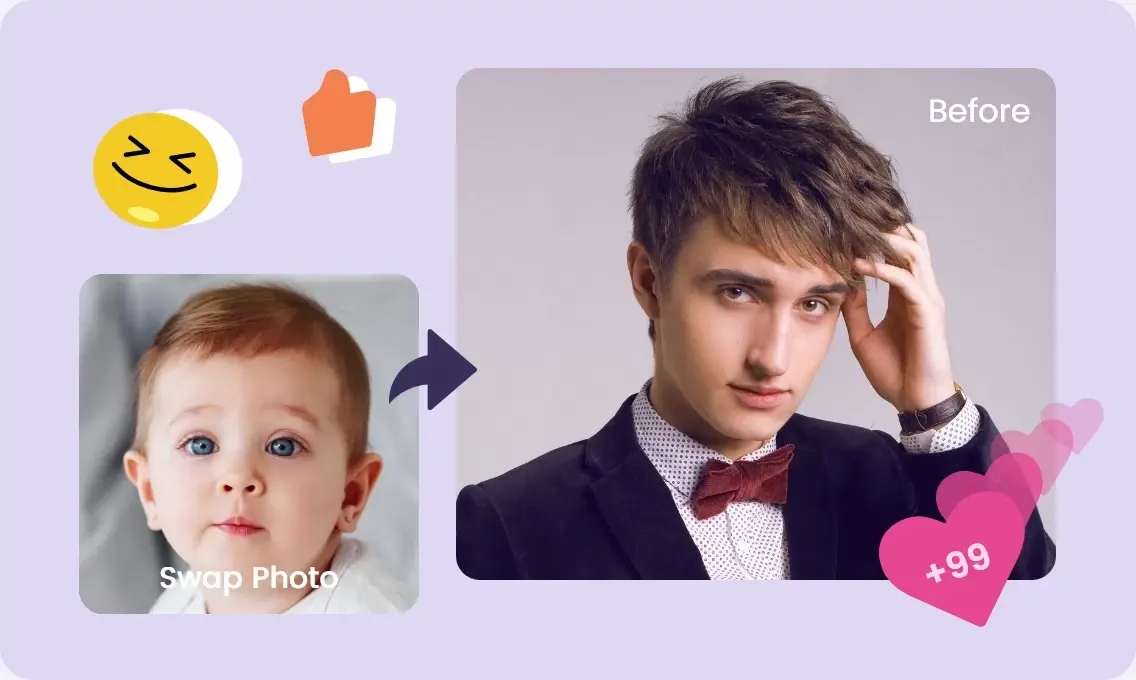
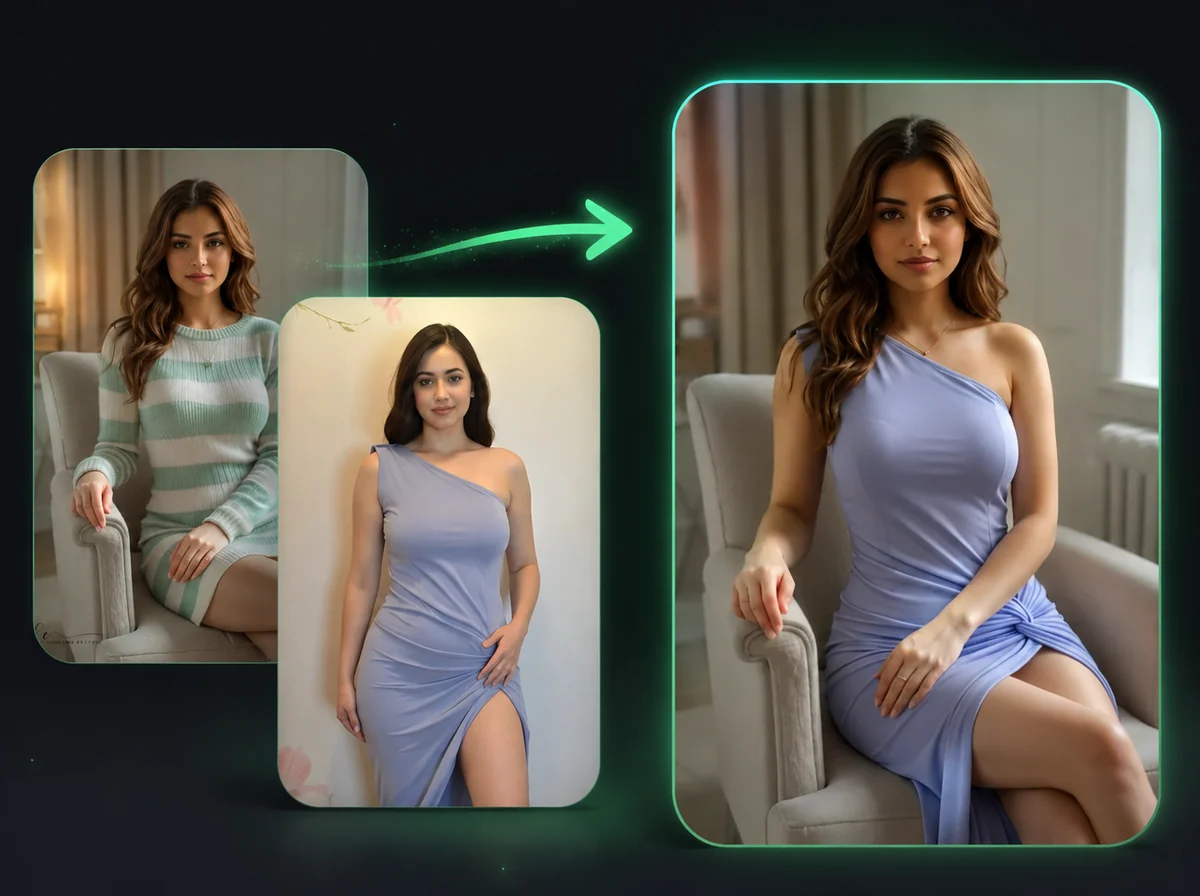
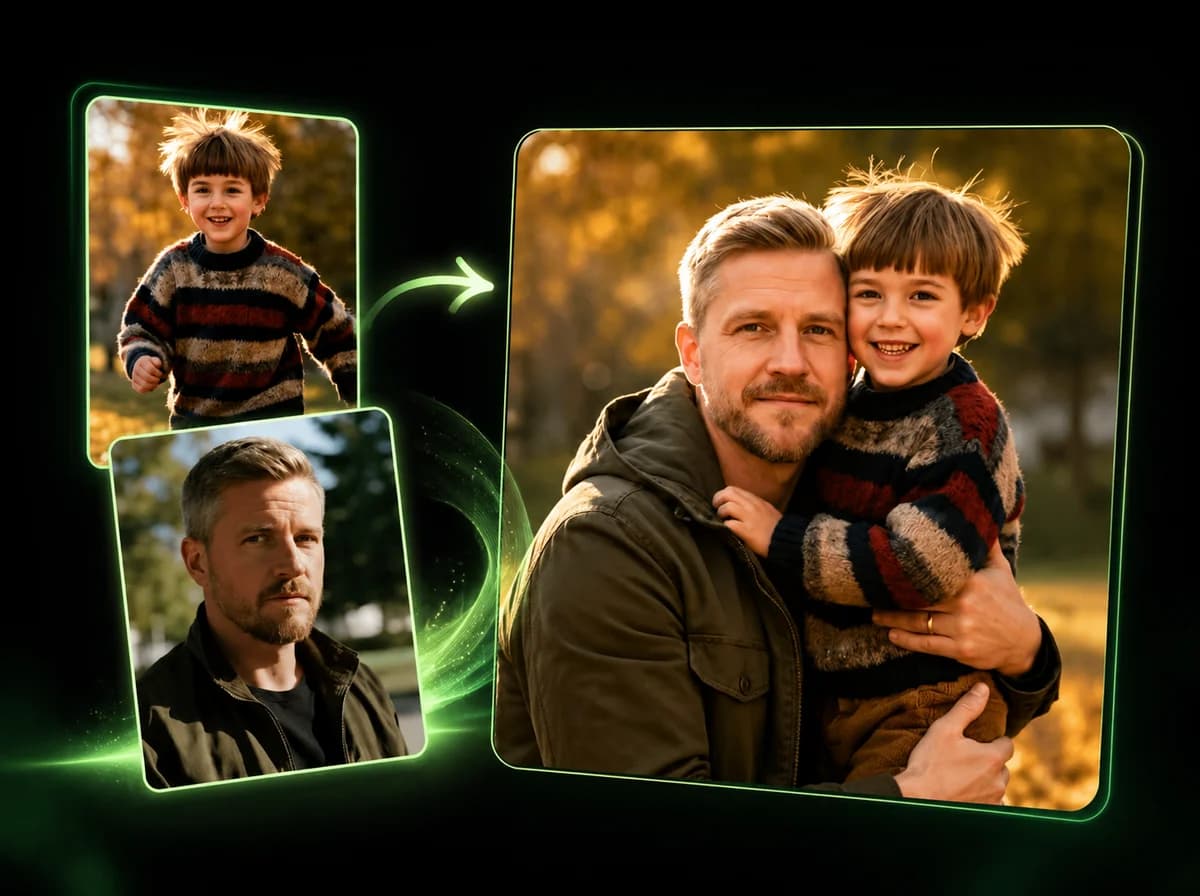
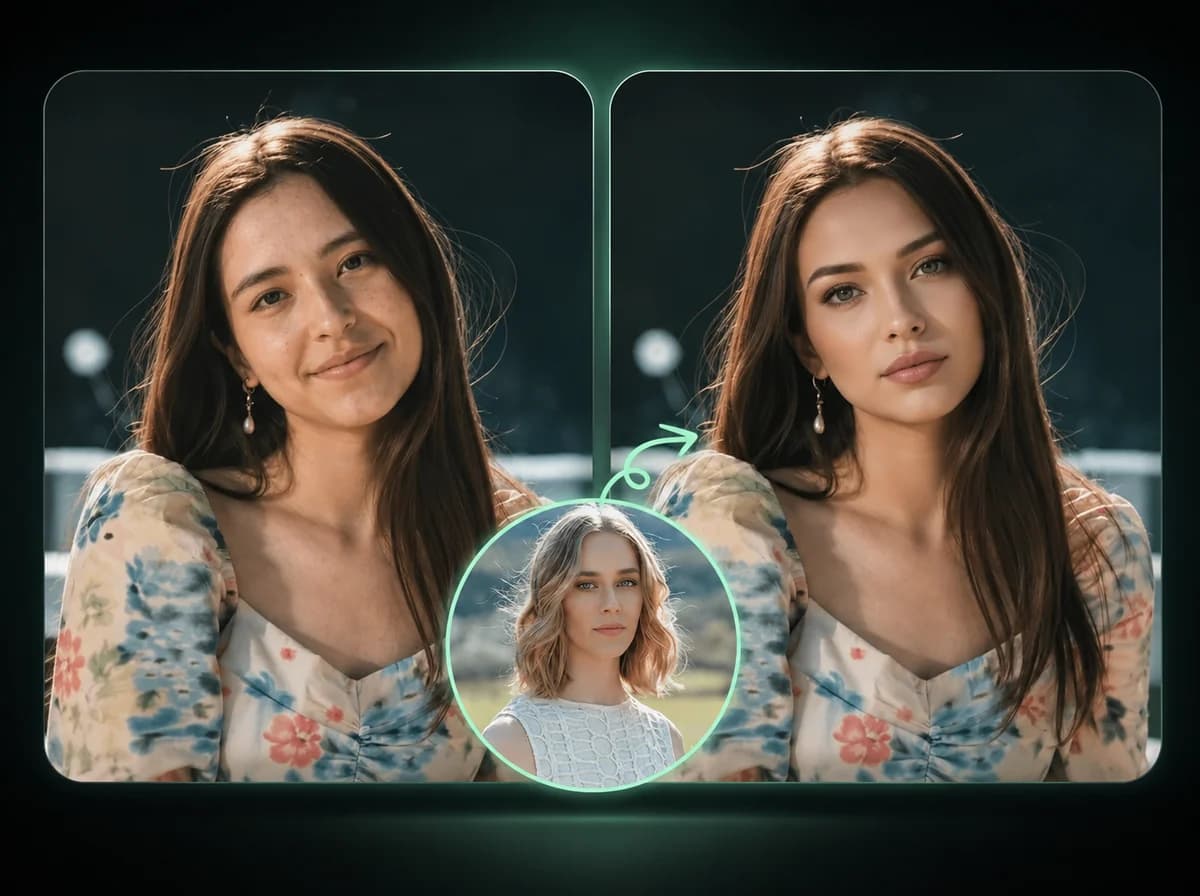
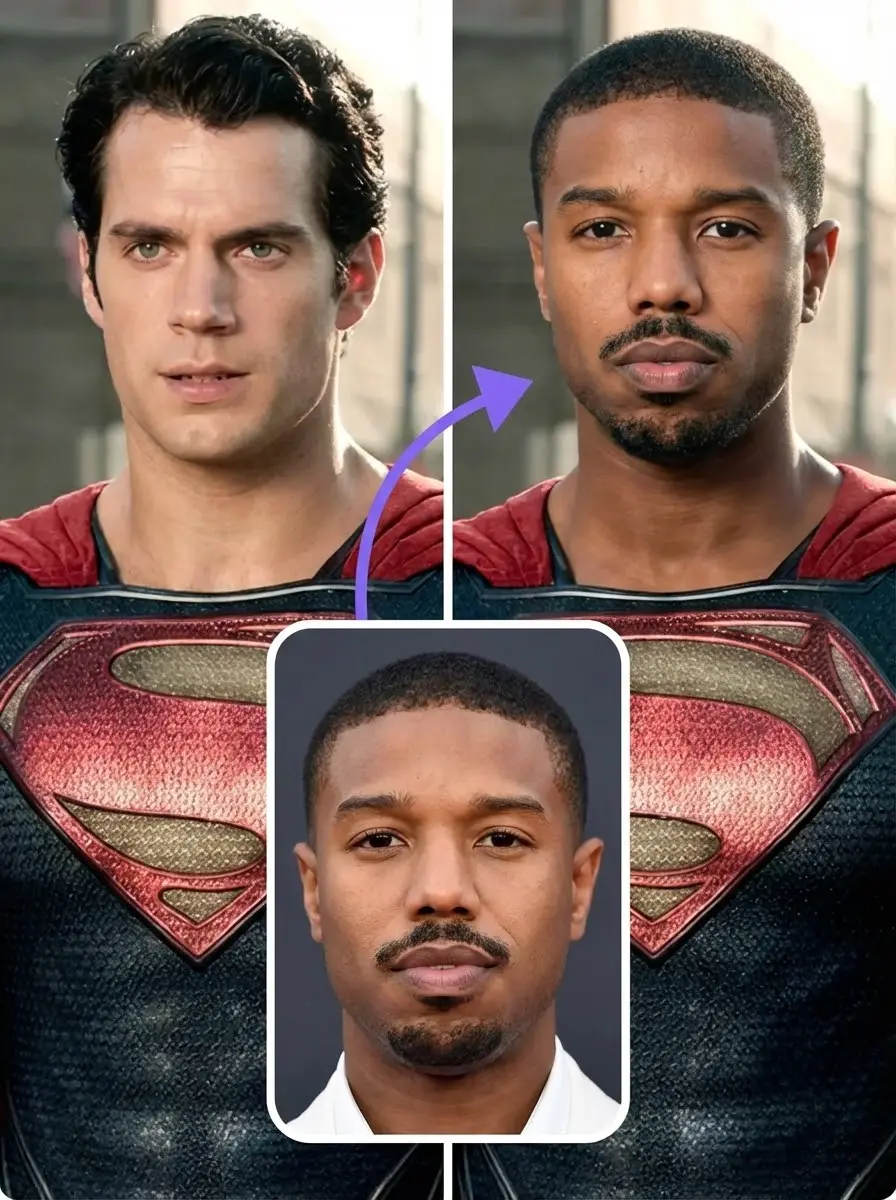
Use head swap AI for headswap photo edits. Upload two photos to replace the entire head including hair, fix group shots, or test reference looks.
Click to upload or drag and drop
PNG, JPG, WebP (Max 10MB, min 240x240)
Click to upload or drag and drop
PNG, JPG, WebP (Max 10MB, min 240x240)
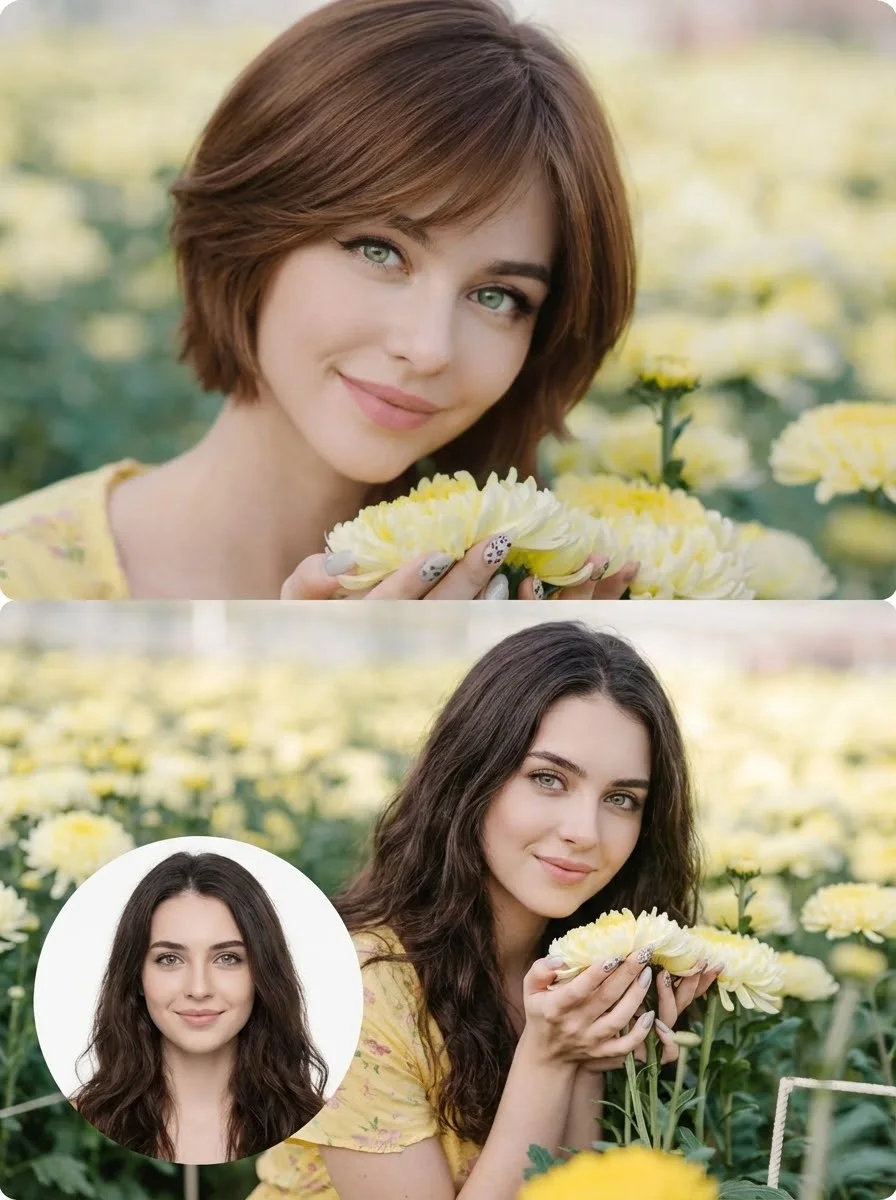
How to Use Head Swap AI in 3 Easy Steps
Create a headswap edit by replacing the entire head with AI
Upload Source Head
Choose the photo containing the head you want to use. This becomes your source that will be transferred to the target image. For cleaner results, use clear, well-lit photos where the head is fully visible and facing forward. The AI can work with some angles, but frontal photos are more reliable.
Upload Target Body
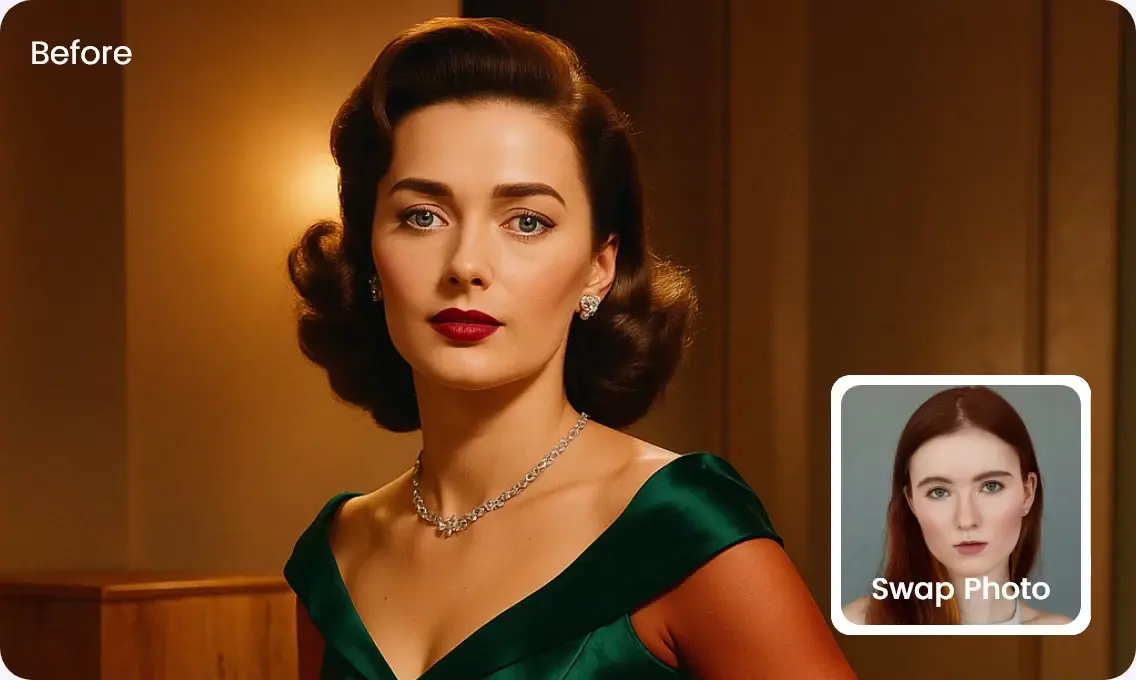
Select the photo where you want to place the new head. This could be a compatible portrait, licensed reference image, or artwork. The AI detects the head in this image and replaces it with your source while trying to preserve the original pose, lighting, and background context.
Download Result
Click the swap button and wait while the AI processes the images. The technology analyzes head structure, matches lighting conditions, and blends the source head into the target photo. Once complete, download your head-swapped photo.
Why Choose Our Head Swap AI
Fast Results
Head swaps process quickly, with progress shown while the AI blends the two photos.
Natural Blending
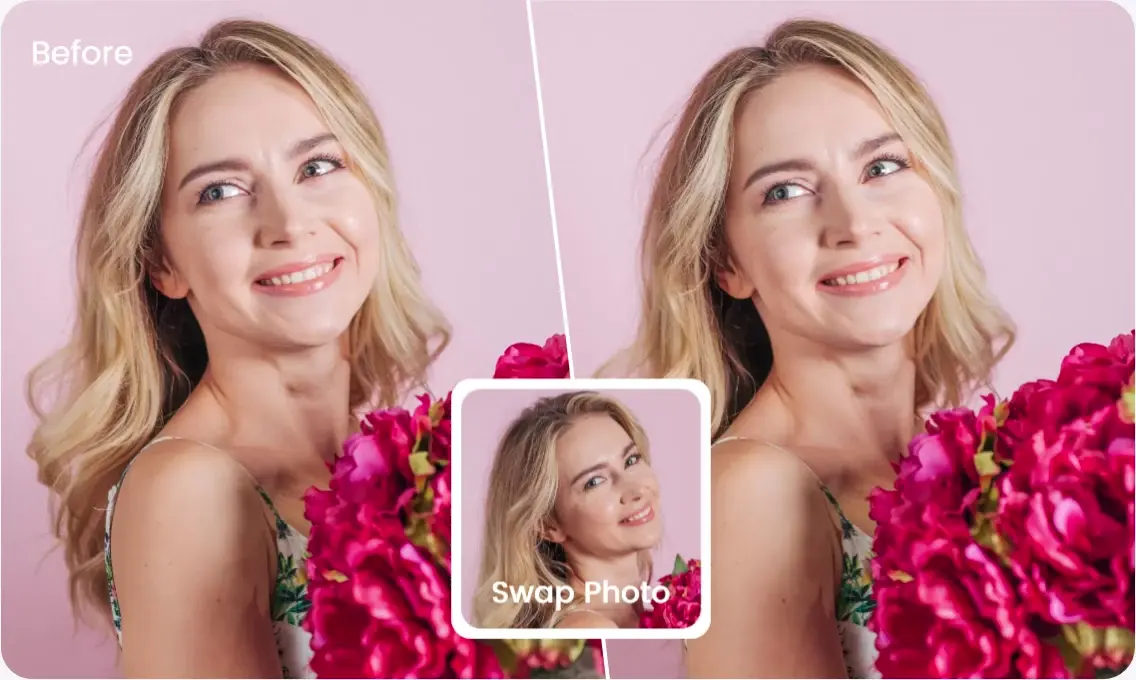
AI adapts lighting, skin tone, and neck angles so results can look natural when the source photos are compatible.
Easy to Use
Simply upload two photos and click swap. No technical skills or photo editing experience required.
Complete Transformation
Replaces entire head including hair and hairstyle, not just facial features like traditional face swap.
Secure Processing
Photos are processed securely and deleted after 24 hours. We do not use uploads for model training or share them as public assets.
Affordable Pricing
Pay per use with no monthly subscription — only pay for what you create.
What Our Users Say
Sarah Martinez
Content Creator
I made a TikTok with my friends using head swaps. The result looked clean enough that people kept asking which tool I used.
James Thompson
Photography Enthusiast
Blinked in the best family photo from vacation. Instead of trying to reshoot the moment, I used a better head angle from another photo and got a usable version for our album.
Maria Lopez
Social Media Manager
The workflow is simple: upload two photos, review the result, and retry with a better angle if needed. I am not tech-savvy, but the basic flow was easy to understand.
David Kim
Digital Marketer
Using this for Instagram ad concepts. The quality is strong enough for testing creative directions before hiring a photo editor.
Emma Richardson
Graphic Designer
Been using the tool for several months. Recent updates made the blending cleaner on the portrait pairs I use most, and support helped me resolve an upload issue.
Chris Wilson
YouTuber
Applied head swap to comedy sketch assets. The output was clean enough for the concept edit, and I only needed extra polish on the final version.
Nicole Brown
Brand Manager
Tested for our product launch campaign. Marketing team approved the concept quickly because the image quality worked for our draft creative.
Alex Peterson
Student
Family sent my head swap into our group chat and everyone reacted right away. It made a simple weekend photo feel much more fun.
Ready to Create a Headswap?
Transform photos with head swap AI. Create social content, test reference looks, or fix awkward shots with compatible source images.