Remove Watermark from Photo with AI
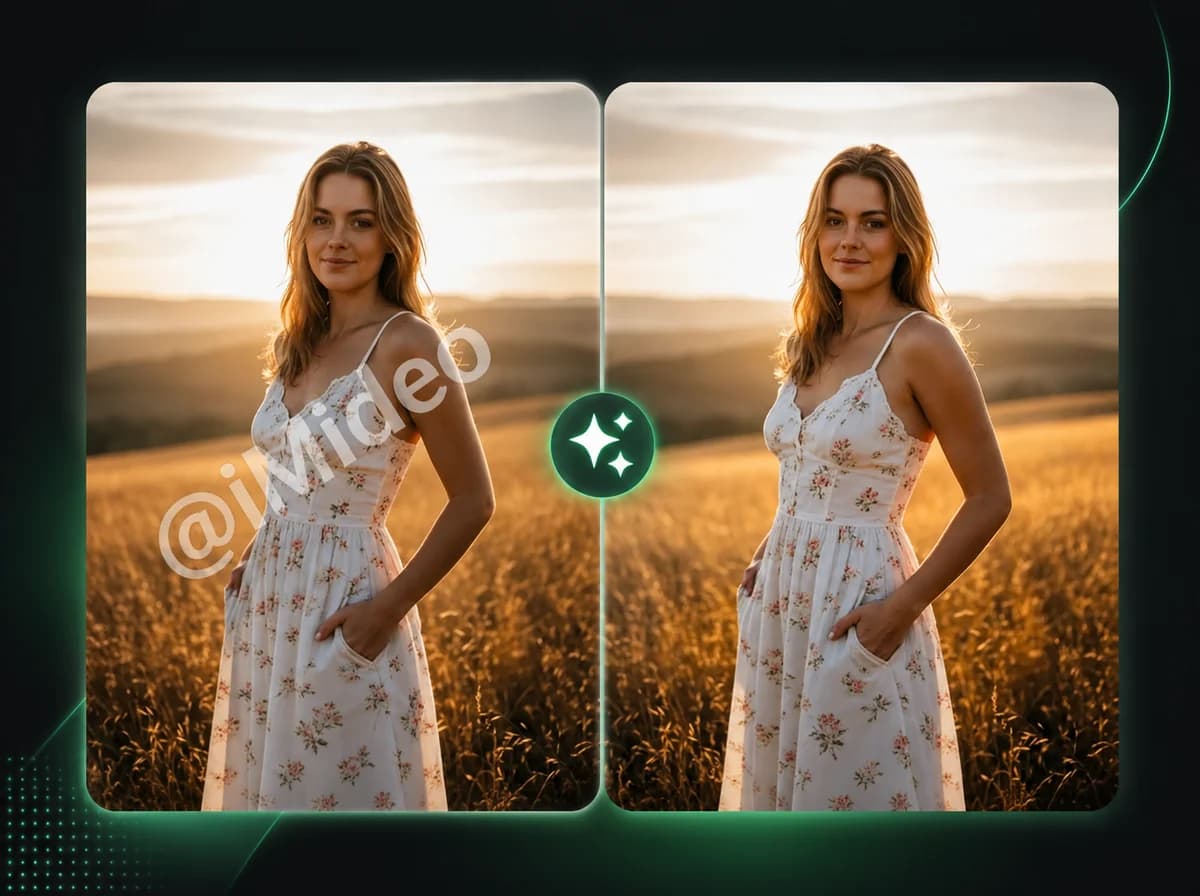
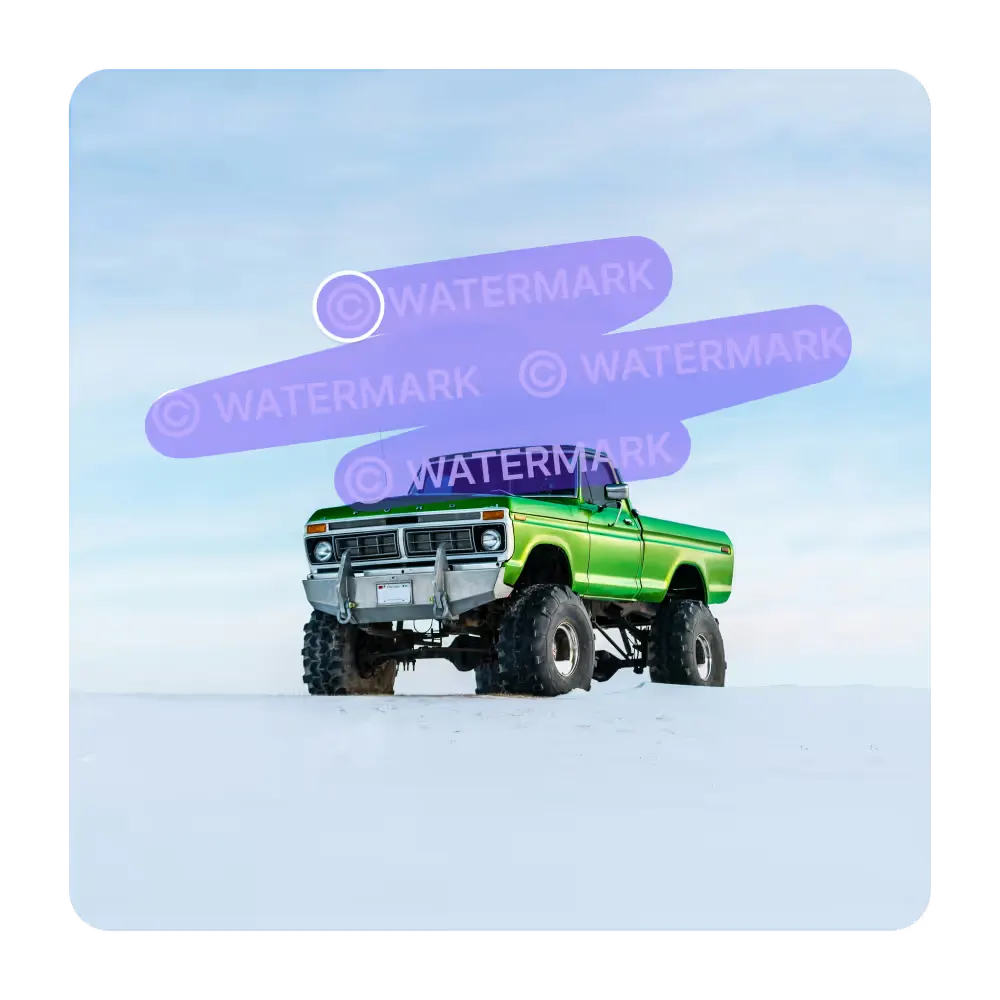
Upload a photo or image and our AI detects visible watermarks, logos, and text overlays for removal — no editing skills or Photoshop required.
Click to upload or drag and drop
PNG, JPG, WebP (Max 10MB)
Remove Watermark from Photo in 3 Steps
Clean photos and images with AI-powered watermark removal
Upload Your Image
Select the photo containing the watermark you want to remove. We support PNG, JPG, and WebP files up to 10MB. You can click to browse or drag and drop your image directly into the upload area. The clearer your source image, the better the removal result.
AI Detects and Removes
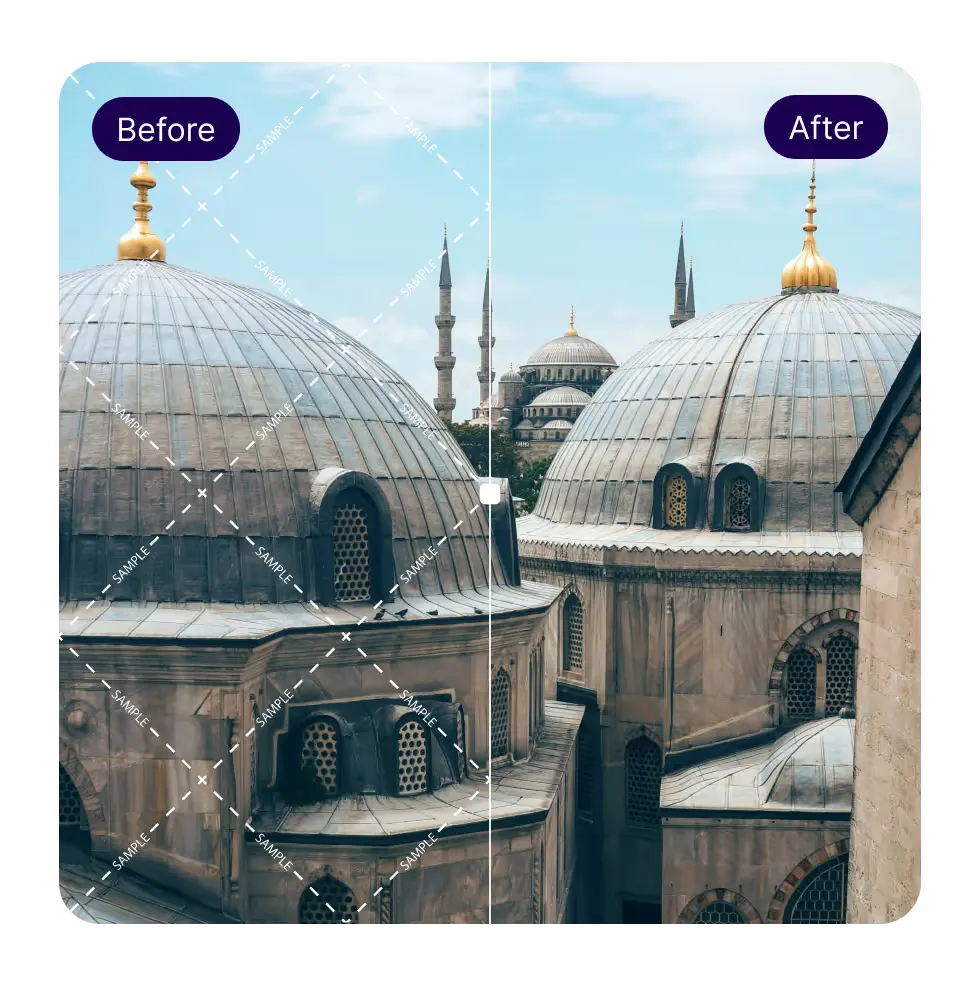
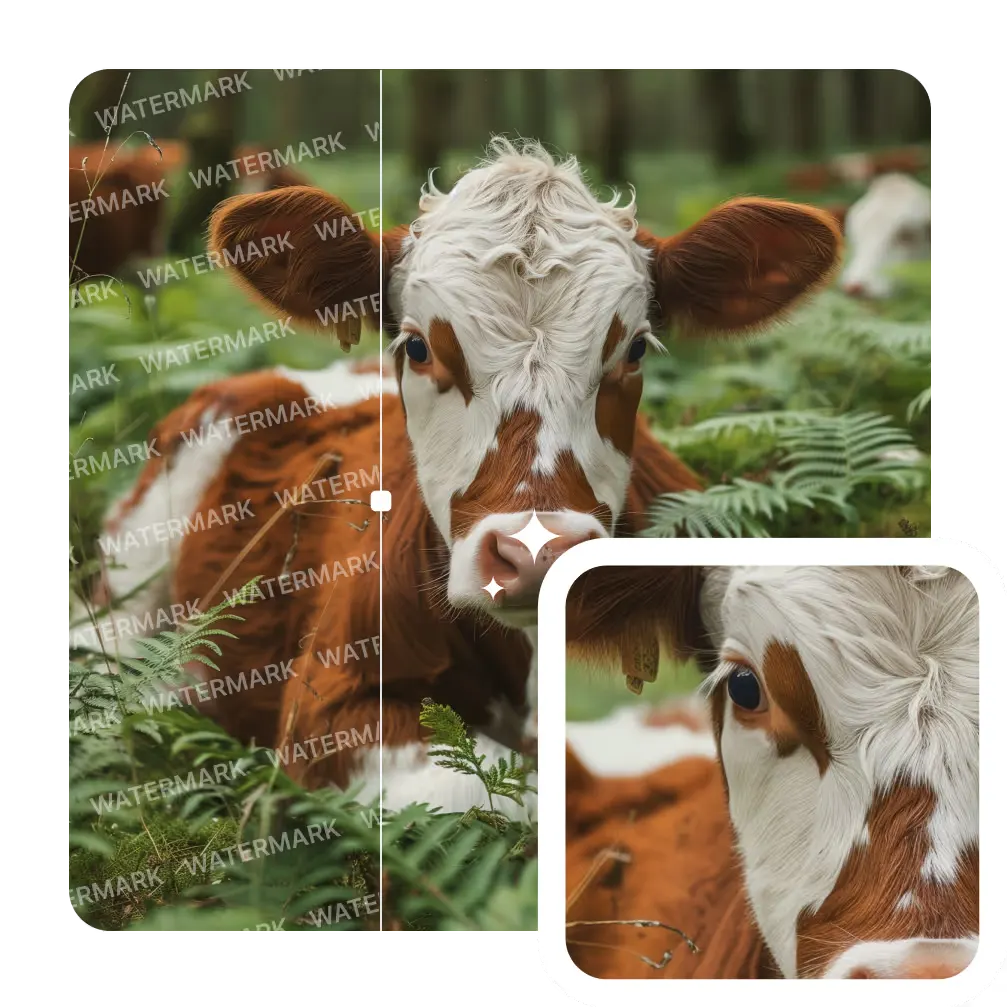
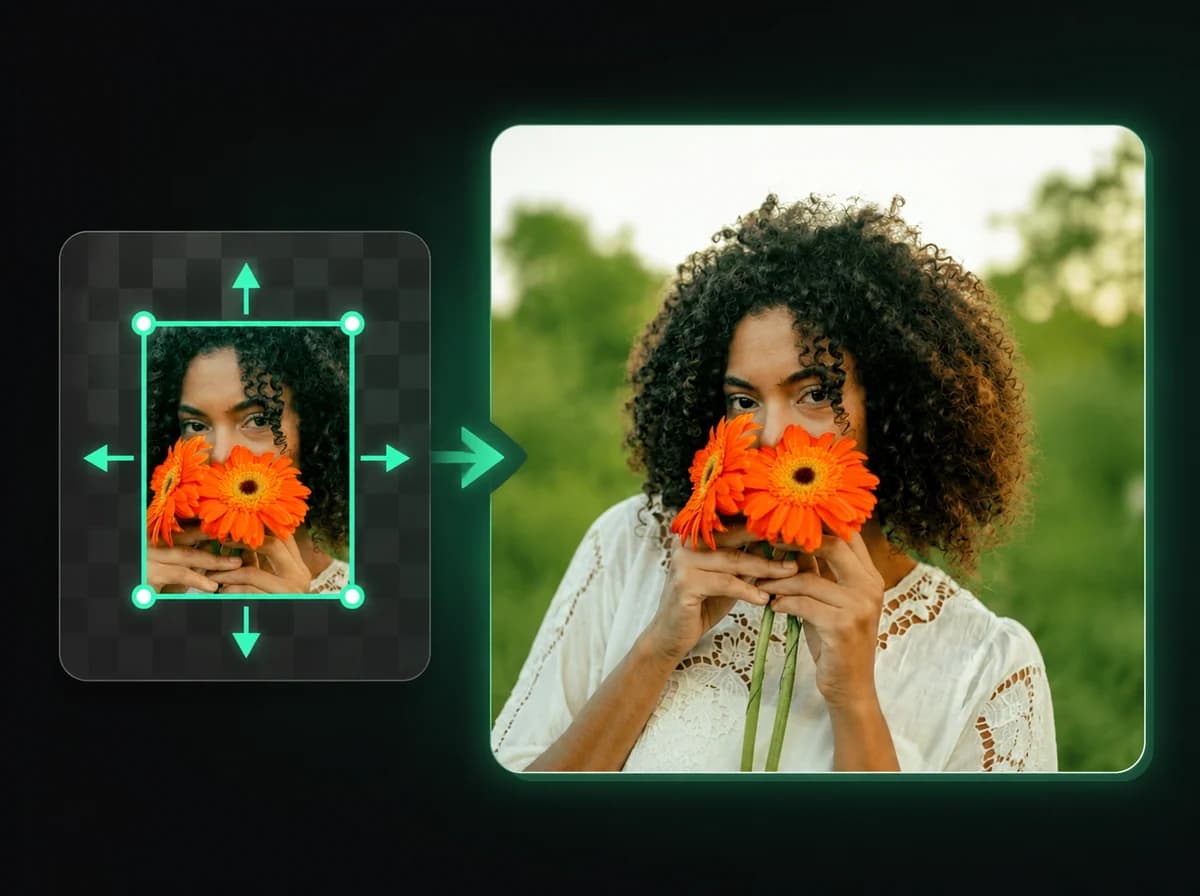
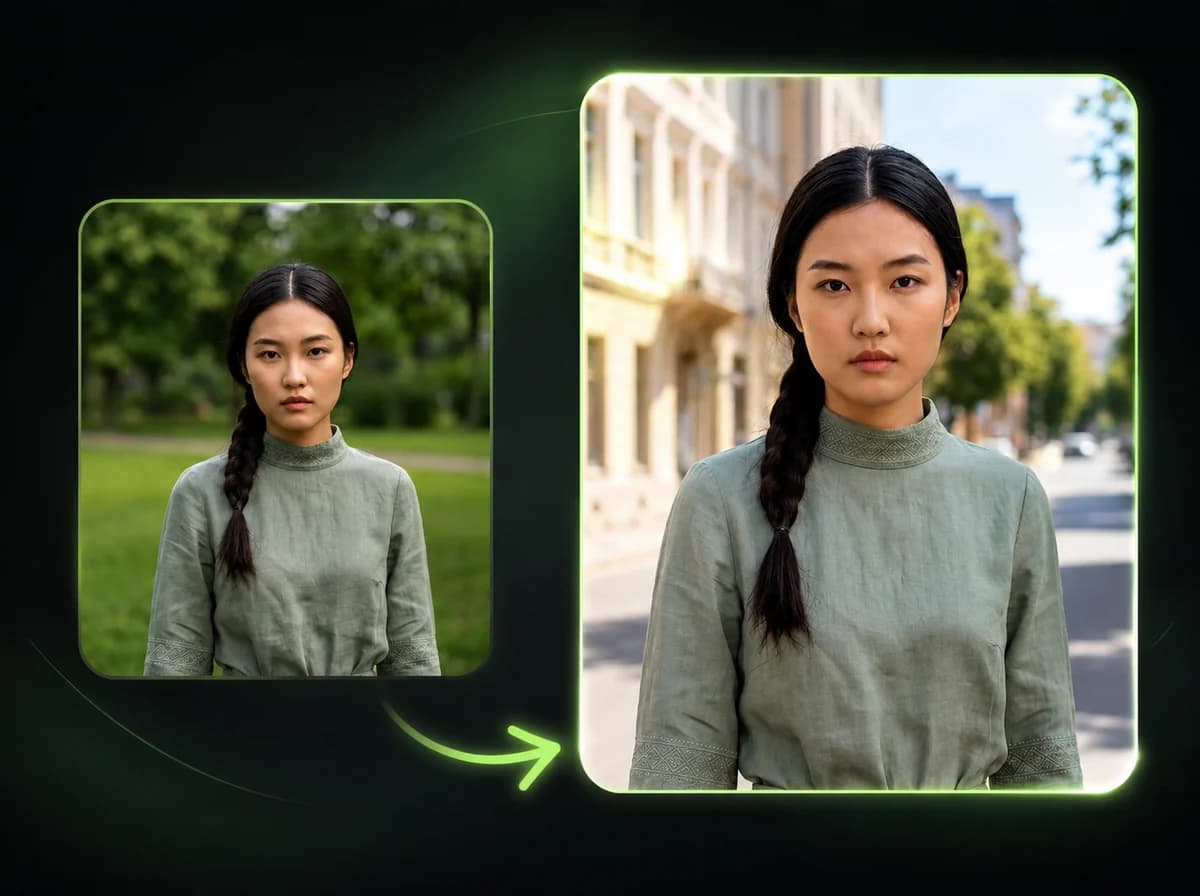
Once uploaded, our AI analyzes the image to locate watermarks, logos, text overlays, and stamps. It then removes detected elements and reconstructs the background using surrounding pixels, with cleaner results on simple backgrounds and smaller overlays.
Download Clean Image
Your watermark-free image is ready to download after processing. The output is designed to keep the original resolution, with final quality depending on watermark size, background detail, and source image clarity.
Why Use iMideo Watermark Remover
Fast Processing
Watermark removal is designed for quick online processing, with progress shown while the AI reconstructs the covered area.
Fully Automatic
The AI detects and removes watermarks without any manual selection or brushing required.
Quality Preserved
Output is designed to maintain the original image resolution. Perceived sharpness depends on the covered area and source image quality.
Multiple Formats
Works with PNG, JPG, and WebP images up to 10MB — the most common formats used online.
Secure Processing
Your images are processed securely, not used for training, and not shared as public assets.
Simple Pricing
New users get free credits to try the watermark remover. Additional removals are pay-per-use at 2 credits each.
What Our Users Say
Rachel Torres
E-commerce Seller
I needed to clean up supplier product images that had logos on them. This tool gave me usable first-pass removals and reduced the number of images I had to edit manually.
Marcus Webb
Graphic Designer
The background reconstruction is really solid. I've tried other tools that leave obvious patches, but this one blends naturally. Works well for stock image mockups in client presentations.
Priya Nair
Content Creator
I use it to clean screenshots for my tutorials. The text overlays and app watermarks come off cleanly. Quick results and I don't need to open Photoshop for simple removals anymore.
Tom Barrett
Marketing Manager
Our team uses this for presentation visuals when we need clean stock photos. The automatic detection is accurate and the processing is fast enough to fit into our workflow.
Aiko Tanaka
Photographer
I use it to clean sample images when doing style research on assets I am allowed to edit. The output is useful on semi-transparent logos when the background is not too busy.
Chris Okafor
Freelance Illustrator
Simple workflow. I send it an image, review the result, and only do manual cleanup when the background is complex. For the price per use it is reasonable for draft cleanup.
Sophie Lambert
Social Media Manager
Cleaned up a collection of inspiration images I had permission to edit. The output was fast to review, and many of the simpler backgrounds held up well.
Daniel Park
UX Designer
Good at removing small corner logos and copyright stamps without touching the rest of the image. Useful for cleaning up reference images for design work.
Remove watermark from photo online
Remove watermarks, logos, and text from photos or images automatically with AI — no editing skills needed.