
AI Video Upscaler: Enhance Video to 4K Online
Upload MP4 or MOV clips and upscale video to 720p, 1080p, 2K, or 4K online. AI sharpens detail, reduces blur, and improves low-resolution footage.
Click to upload or drag and drop
MP4, MOV, AVI, WebM (max 20MB)
Enhanced with AI
What is AI Video Upscaling?
AI Video Upscaling is a video enhancement process that uses machine learning to increase resolution and improve visible detail in low-quality footage. Unlike basic resizing, an AI video upscaler analyzes motion, edges, textures, and noise frame by frame, then reconstructs sharper detail for 720p, 1080p, 2K, or 4K output. If you need to improve still photos instead of footage, use the AI Image Upscaler.
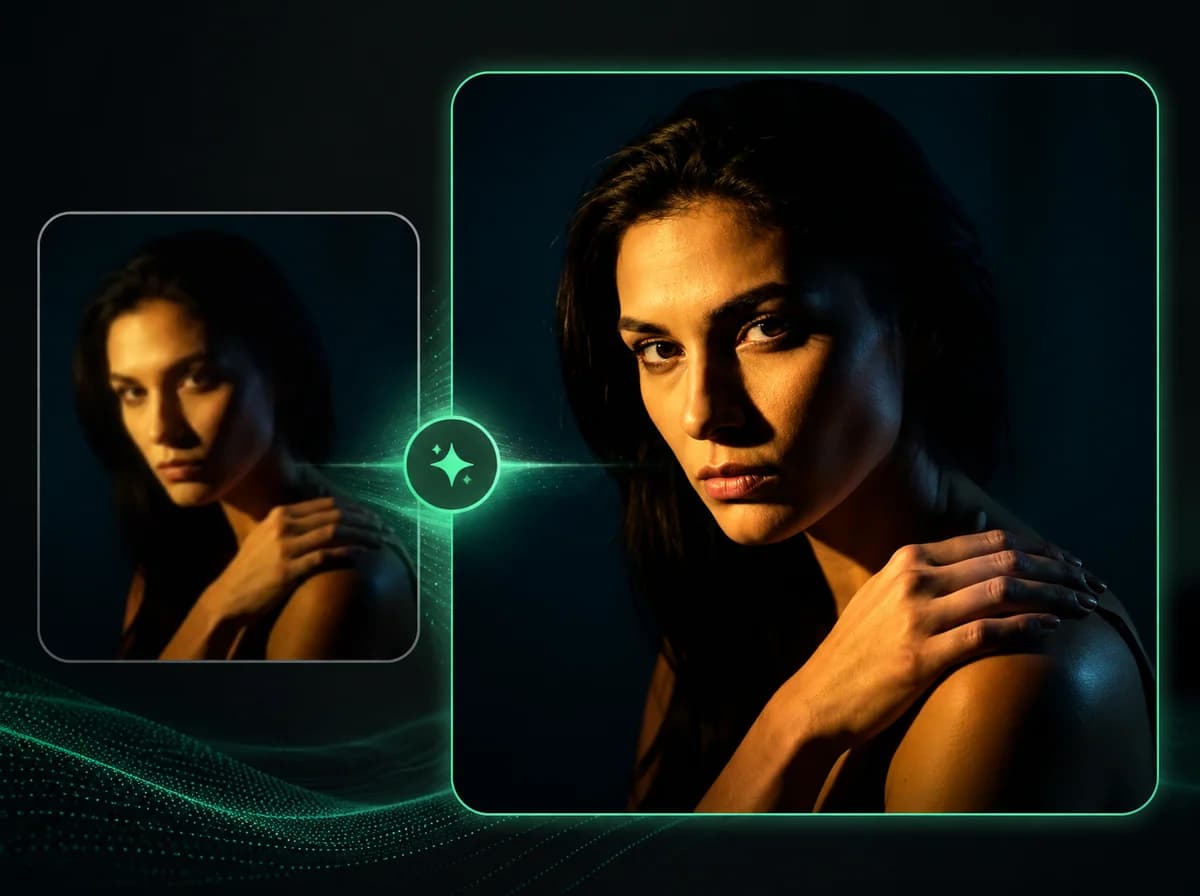

How to Upscale Videos to 720p, 1080p, 2K, or 4K
Our AI video upscaler analyzes video content frame by frame to enhance resolution, reduce blur, and improve detail online. Choose 720p, 1080p, 2K, or 4K, then generate a cleaner MP4 or MOV video without installing editing software.
- 1. Upload Your VideoUpload the low-resolution video you want to enhance. The online video upscaler supports MP4 and MOV files, and works better when the source clip is clear enough for the AI to read faces, objects, and motion.
- 2. AI Enhancement ProcessingThe AI analyzes each frame, increases resolution, reduces compression artifacts, and reconstructs sharper edges and textures while keeping motion consistent across the clip.
- 3. Preview and DownloadPreview the enhanced high-resolution video and download the final file when the result is ready.
Why Choose iMideo AI Video Upscaler Tool?
iMideo's AI video upscaler is built for creators who need clearer footage from short clips: social posts, product demos, archived recordings, tutorials, and mobile videos. It focuses on resolution enhancement, blur reduction, and cleaner detail without manual timeline editing.
Advanced AI Resolution Enhancement
Increase video resolution to 720p, 1080p, 2K, or 4K. The AI reads edges, textures, and motion patterns before generating a higher-resolution output.
AI-Powered Detail Reconstruction
The model reconstructs missing details, texture, and fine edges while reducing blur and compression noise. It is useful for older clips, downloaded footage, and mobile videos.
Lightning-Fast Processing
Get most upscaled videos in minutes. Processing time depends on clip length, target resolution, and current queue load.
Quality Preservation & Enhancement
Upscale videos while keeping the original motion and composition intact. The AI improves clarity without cropping the frame or changing the scene.
Multiple Resolution Options
Whether you need 720p, 1080p, 2K, or 4K enhancement, our AI video upscaler works with all major video formats (MP4, MOV) and provides flexible resolution options to meet your specific quality requirements.
Secure & Private Processing
Your videos are processed securely with temporary storage. We respect your privacy and automatically delete processed files after download, ensuring your content remains confidential.
What Users Say About AI Video Upscaler

Rachel M.
Documentary Filmmaker
Had old 720p footage from 2010 that looked terrible on modern screens. Upscaled it to 4K and honestly can't believe the difference. Details I forgot were there just popped back.

Kevin L.
Real Estate Agent
Client sent me property videos shot on an old phone. Looked grainy and unprofessional. Ran them through here, now they're crisp 1080p. Listings look way more premium.

Amy T.
Wedding Videographer
Sometimes guests send me phone clips I want to include in the final edit. This upscaler makes them match my 4K footage. No more pixelated mess ruining the quality.

Carlos D.
YouTube Educator
Recorded tutorial videos in 720p years ago. Wanted to reupload them but quality was embarrassing. Upscaled everything to 1080p. Old content looks fresh again.

Sophie K.
Social Media Manager
Boss gave me ancient promo videos to repurpose for Instagram. They were 480p and blocky. Upscaled to HD and suddenly they're usable. Saved the campaign.

Jason W.
Indie Game Developer
Gameplay footage from early builds was low-res but showed important features. Needed it for Steam page. Upscaling made it sharp enough to actually use in marketing.

Elena P.
Corporate Trainer
Training videos from 5 years ago looked dated and blurry on new 4K monitors. Upscaled the whole library. Now employees don't complain about squinting at slides.
Frequently Asked Questions
Everything you need to know about AI-powered video upscaling and resolution enhancement online
1What is an AI video upscaler?
An AI video upscaler is a video enhancement tool that increases video resolution and reconstructs sharper detail with machine learning. iMideo can enhance videos to 720p, 1080p, 2K, and 4K resolutions. The upscaling effectiveness depends on the original video quality, content complexity, and target resolution selected.
2What video formats are supported for upscaling?
Our AI video upscaler supports MP4 and MOV video formats for online resolution enhancement. The maximum file size is 10MB to keep processing stable. If you need to upscale still images rather than video files, use our Image Upscaler instead.
3How long does AI video upscaling take to process?
AI video upscaling typically takes 1-3 minutes depending on video length, original resolution, target resolution, and queue load. You can preview the output before downloading.
4Will video quality be improved after AI upscaling?
Our AI video upscaler is designed to enhance both resolution and visual quality. While results depend on original video quality, our AI algorithms intelligently improve details, sharpness, and overall visual clarity during the upscaling process.
5Can AI upscale very low-quality or pixelated videos effectively?
Yes, AI can improve many low-quality or pixelated videos, but results depend on the source. Clips with recognizable subjects, stable motion, and some remaining detail usually improve more than heavily compressed or extremely blurry files.
6What happens to my video after upscaling processing?
Your videos are processed securely with temporary cloud storage. We recommend downloading your enhanced video immediately as processed files are automatically deleted after 24 hours for privacy protection and security.
7Are there any limitations on AI video upscaling?
While our AI video upscaler is highly effective for most cases, enhancement quality depends on original video characteristics like resolution, clarity, and content type. Best results are achieved with reasonably clear source videos.
8How many credits does video upscaling cost?
Video upscaling costs 5 credits for 720p-1080p, and 10 credits for 2K-4K (Pro subscription required).
Other Video Tools
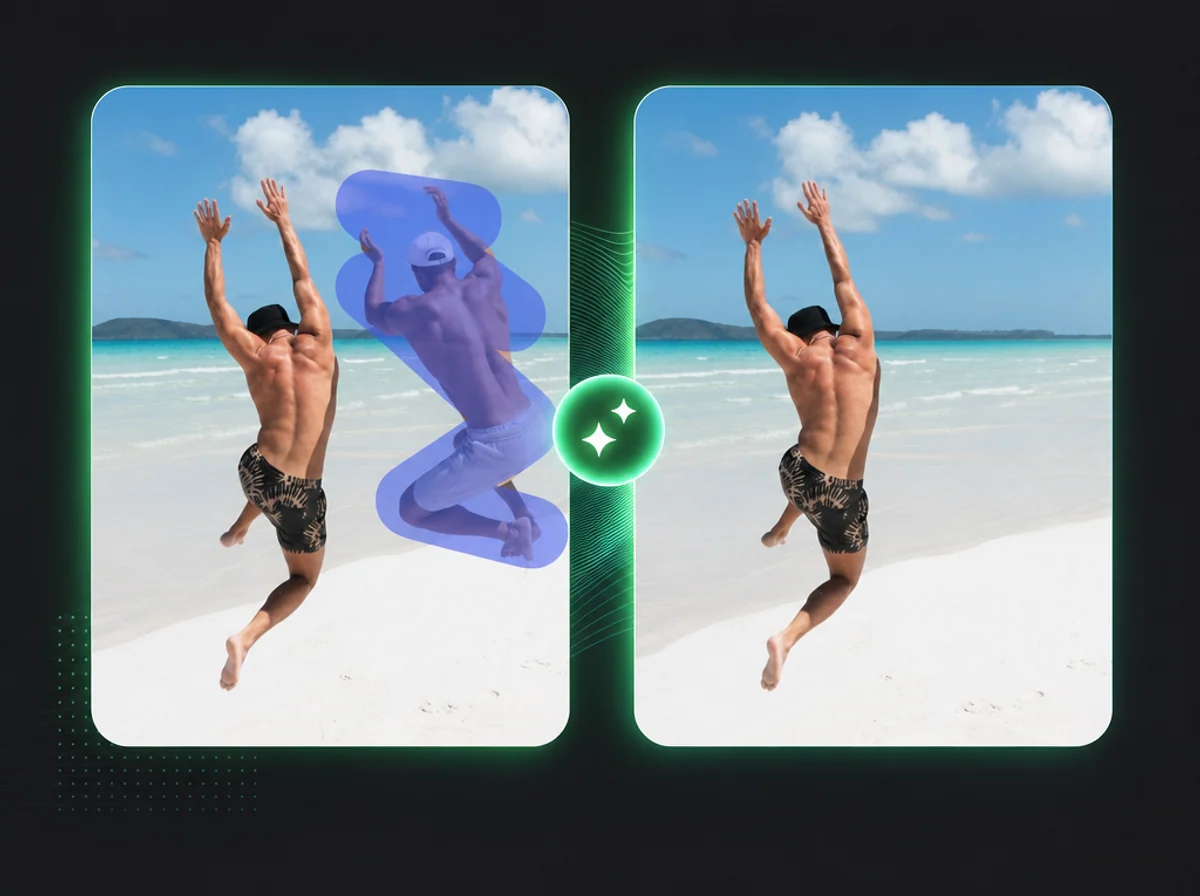
AI Video Object Remover
Erase any object or person from video with one brush stroke.
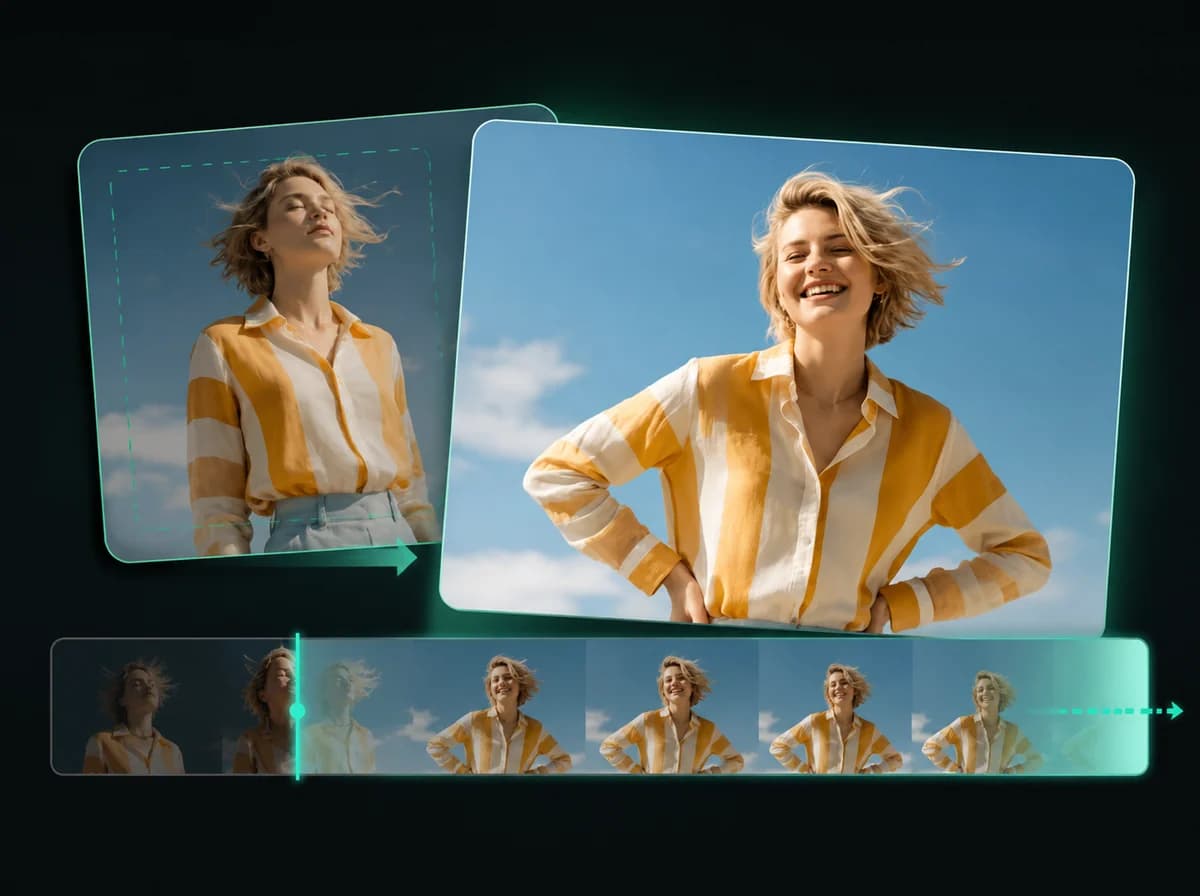
AI Video Extender
Extend video duration with AI-powered frame generation.
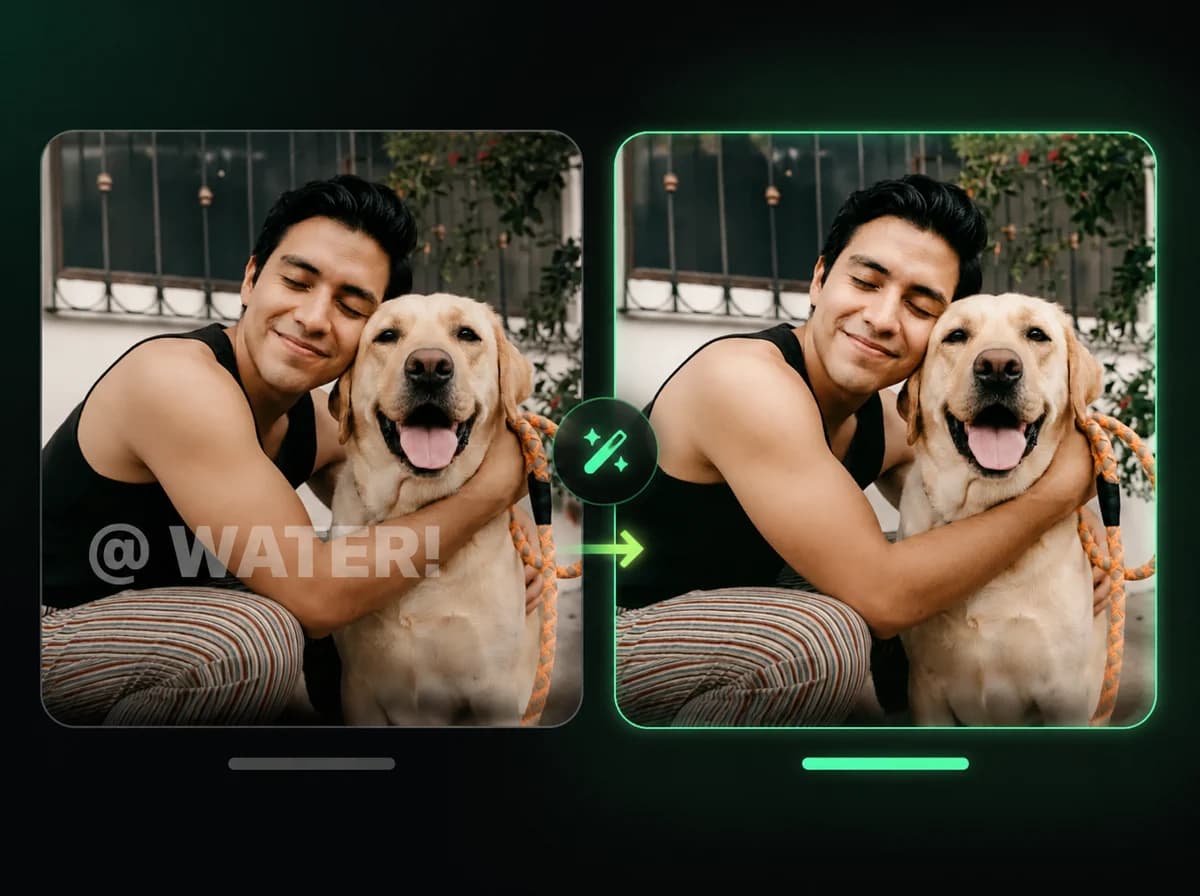
AI Watermark Remover
Remove logos and watermarks instantly while maintaining quality.
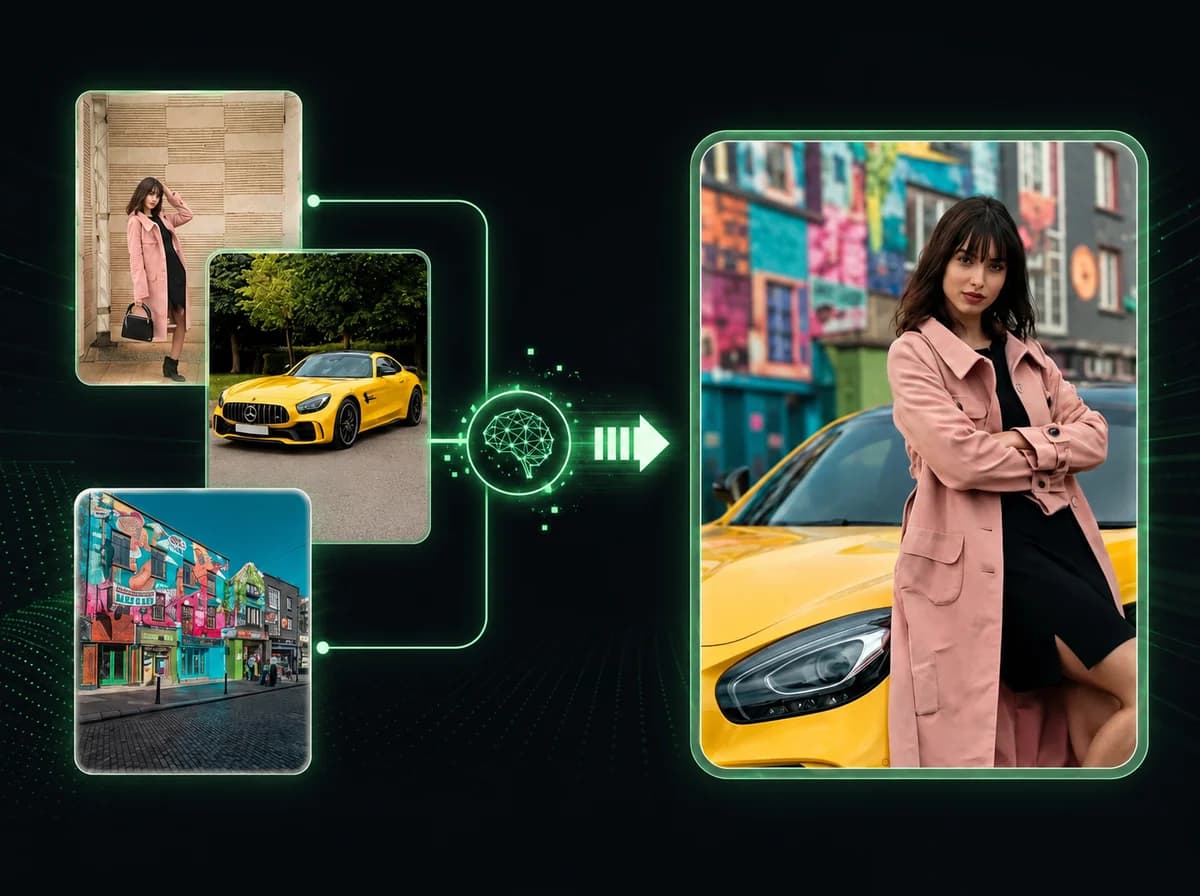
Reference to Video AI
Blend multiple images into one cohesive video in 2-3 minutes.
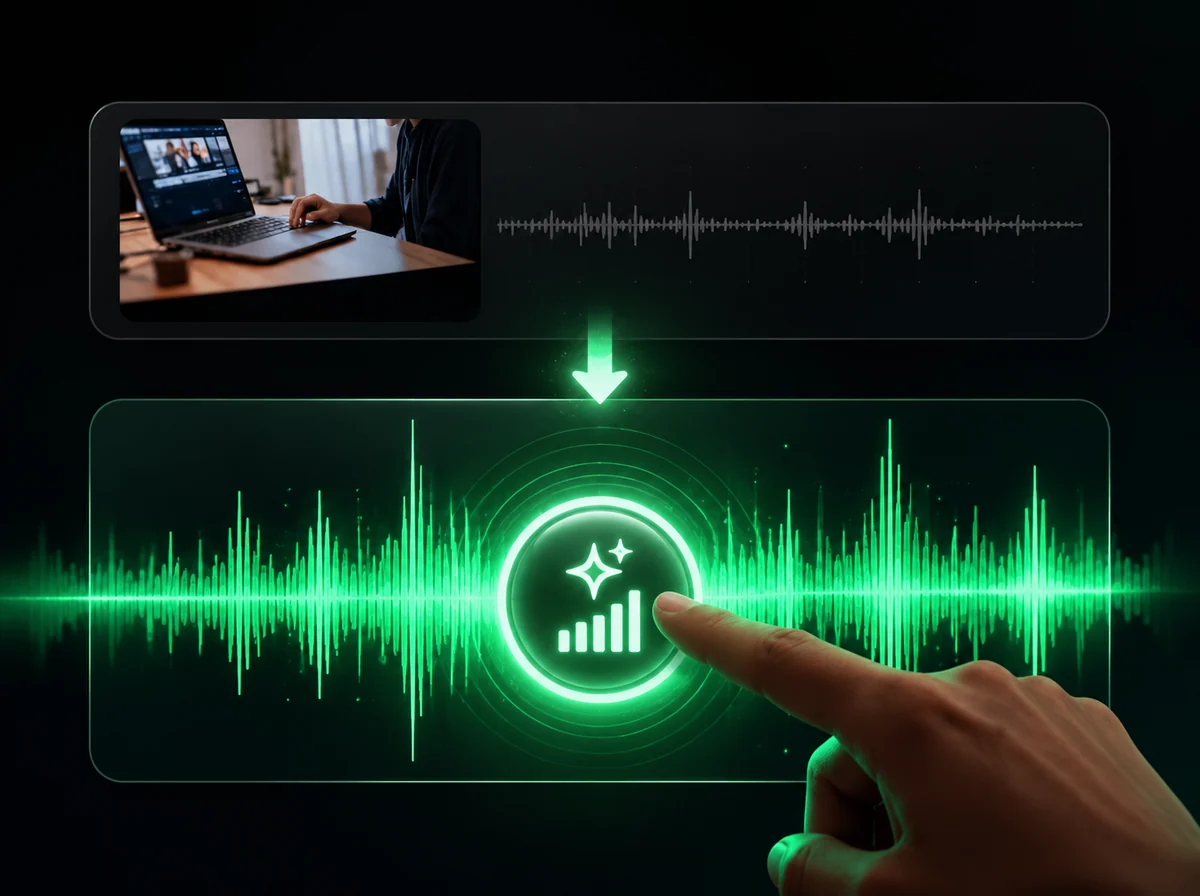
AI Sound Effects Generator
Add cinematic sound effects to any video instantly with AI.
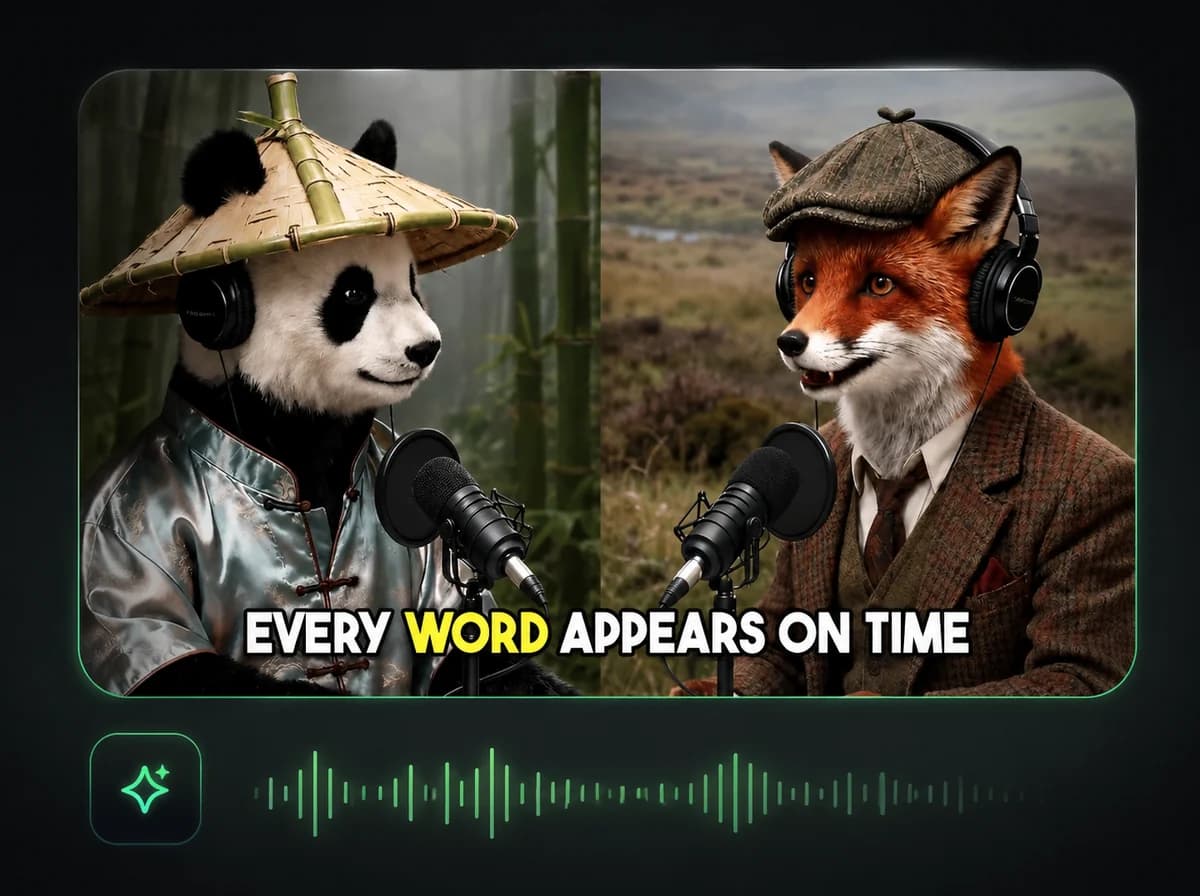
Auto Subtitle Generator
Generate accurate subtitles in 100+ languages with 95% AI accuracy.
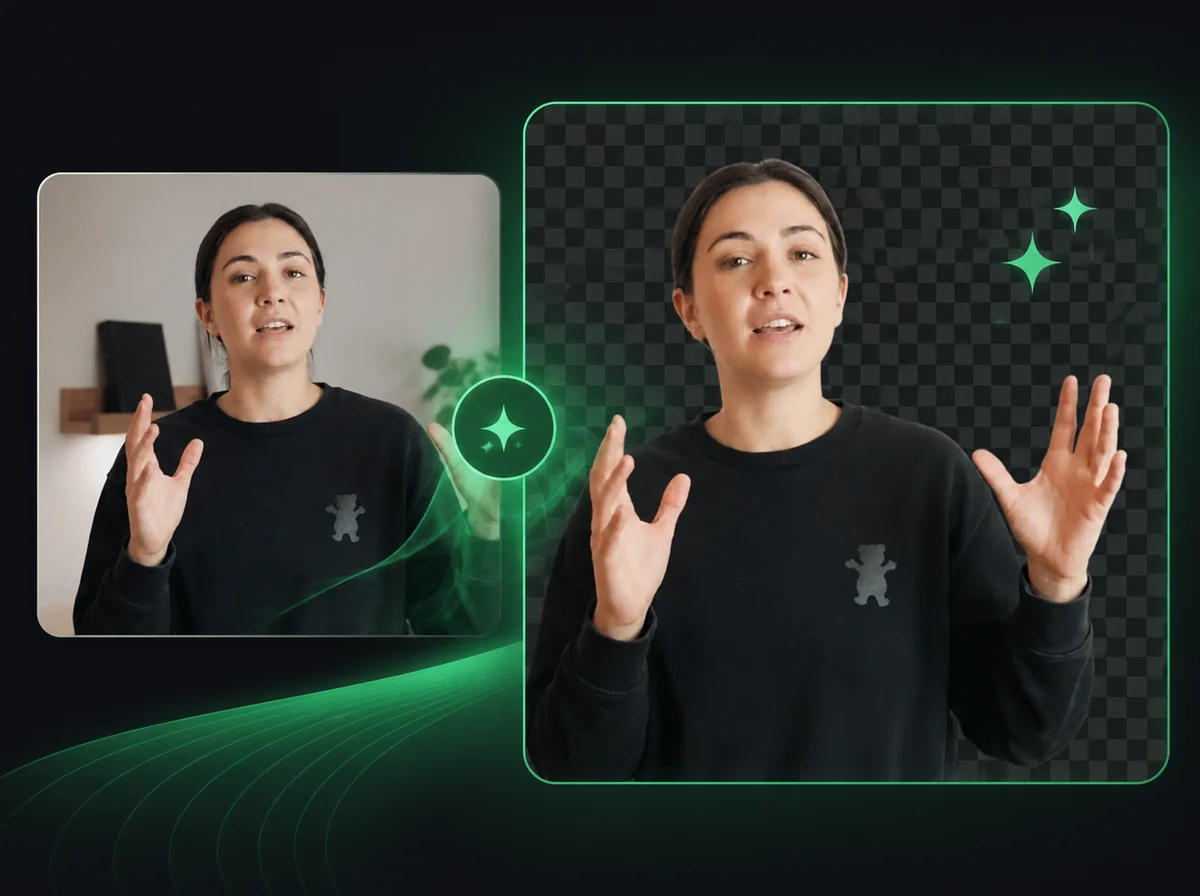
Video Background Remover
Remove or replace video backgrounds automatically with AI precision.
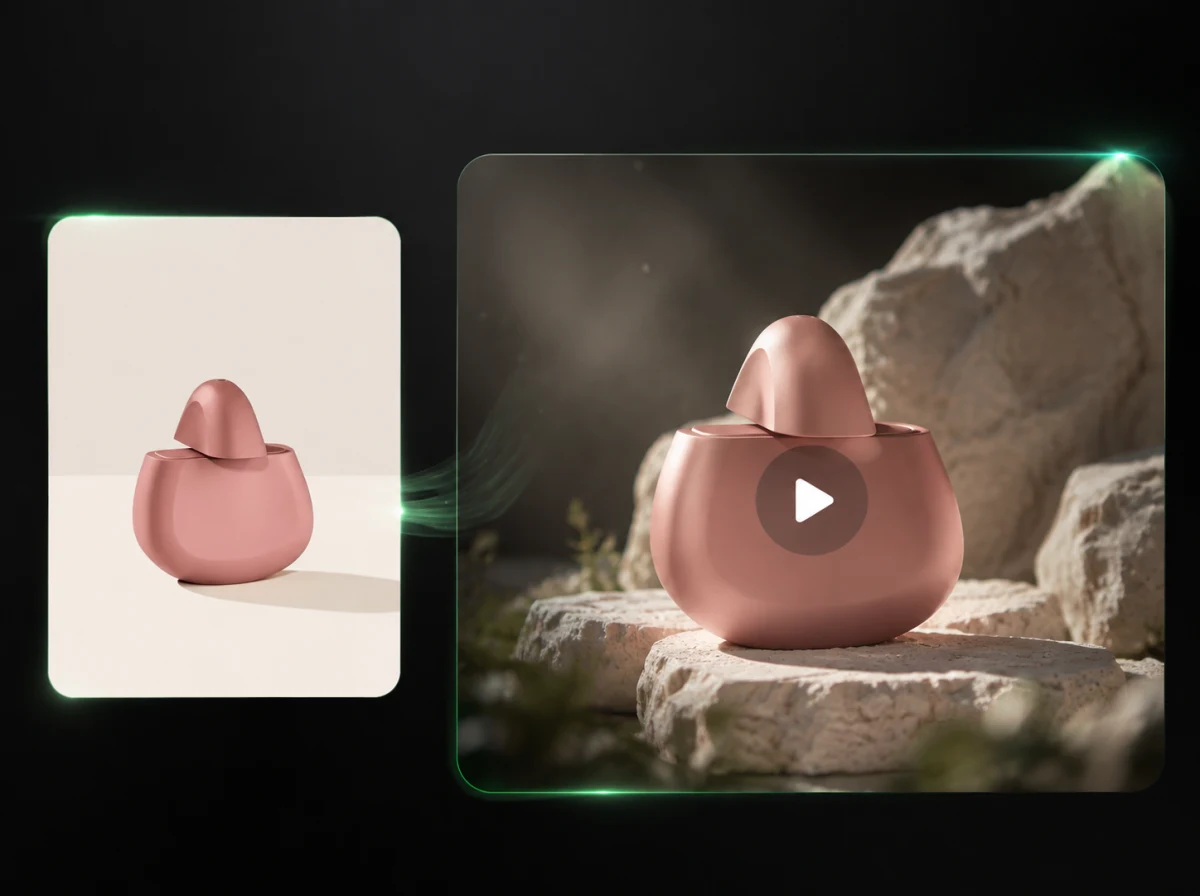
AI Product Video Generator
Turn a product photo and an optional scene into a 3–15 second video with editable camera direction.
Upscale Your Video to 4K Online - Start Upscaling Now
Upload a short video, choose the target resolution, and generate a clearer 720p, 1080p, 2K, or 4K version in your browser.