AI Image Enhancer for Sharper Photos
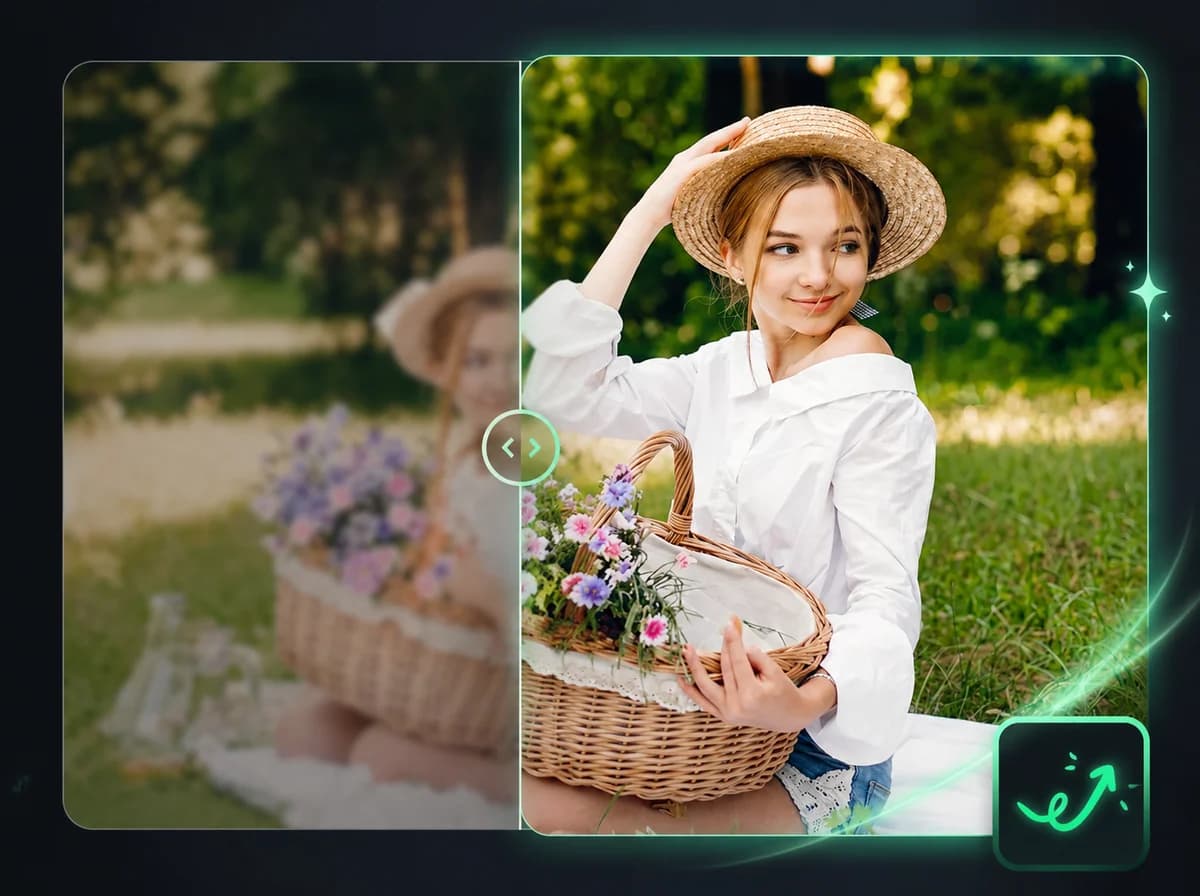
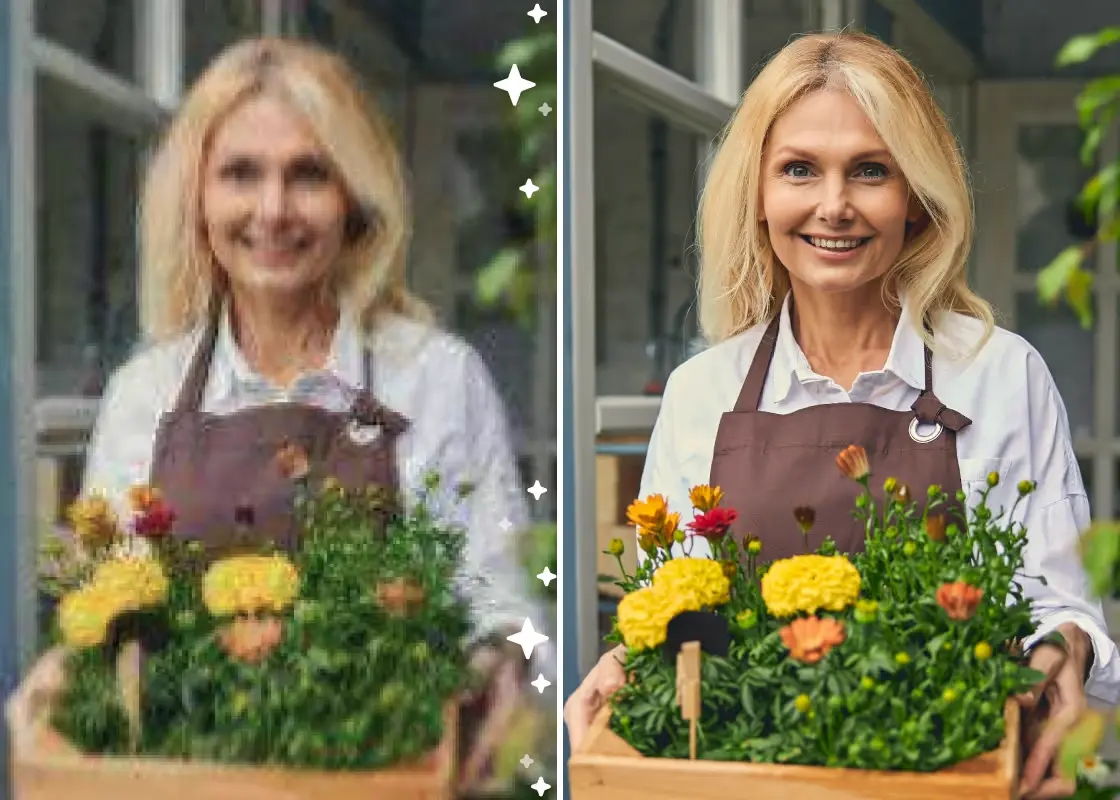
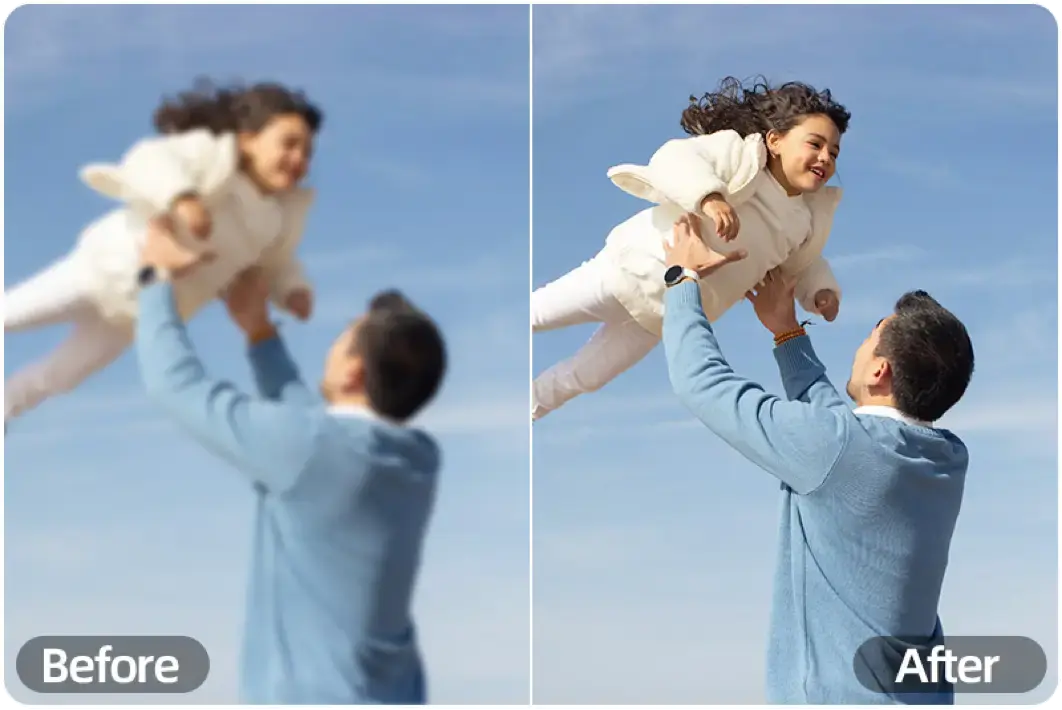
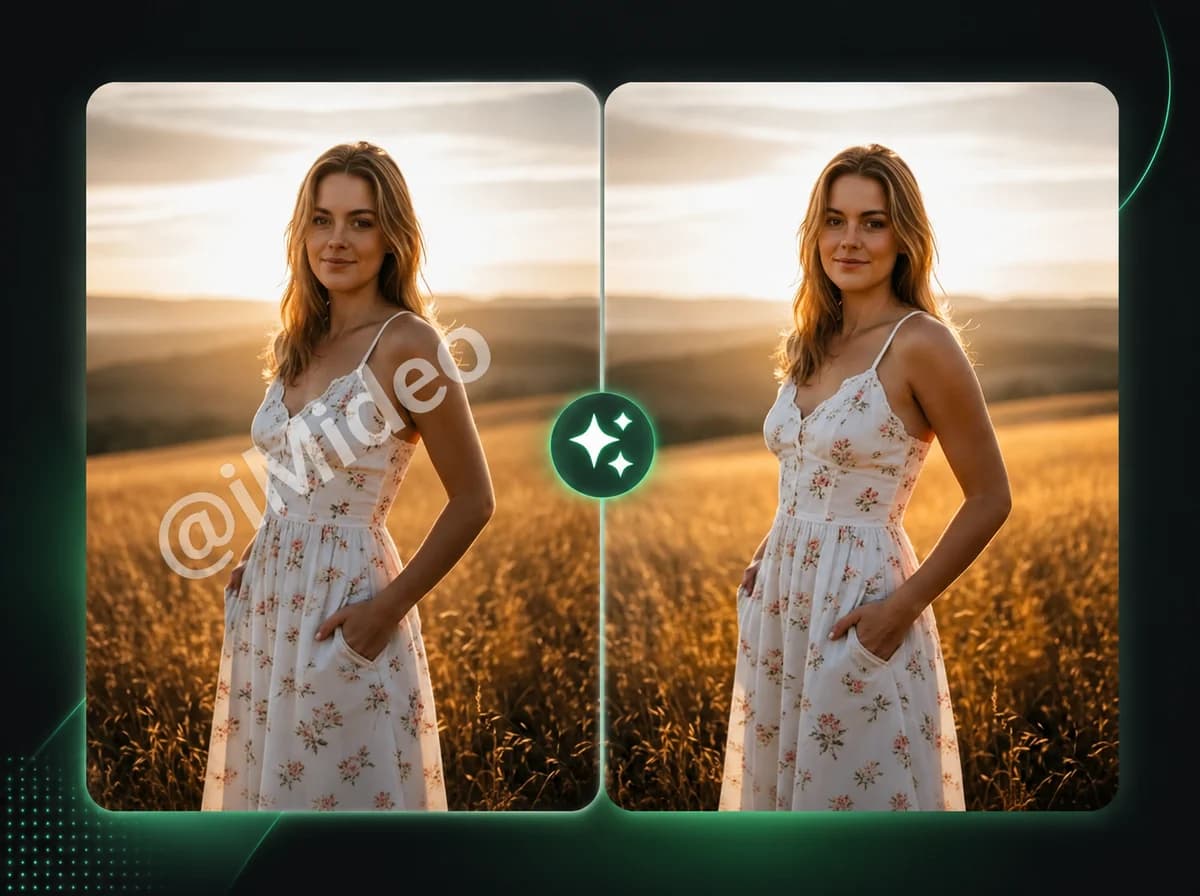
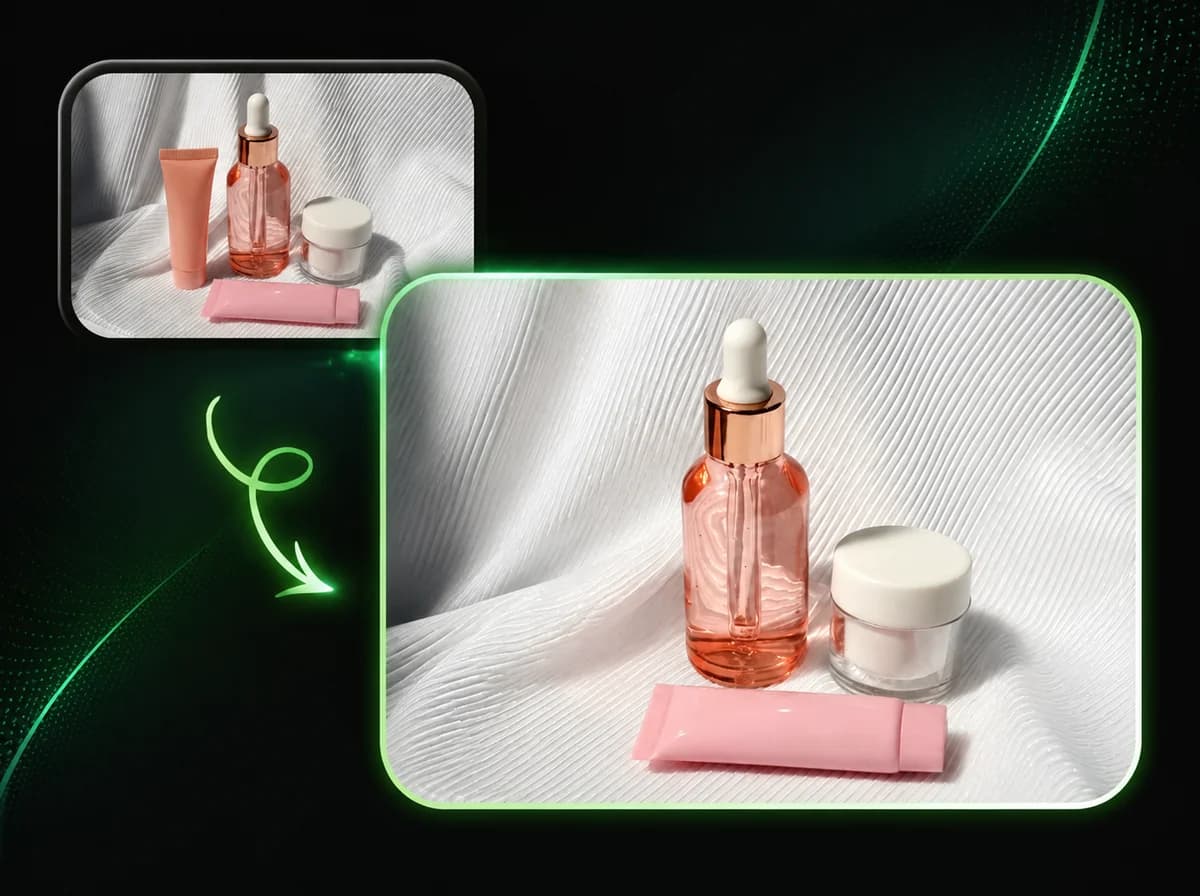
Use an AI image enhancer and AI photo enhancer to sharpen edges, reduce noise, and restore clearer detail. One click, no manual settings.
Click to upload or drag and drop
PNG, JPG, WebP (Max 10MB)
Use the AI Image Enhancer in 3 Steps
No editing skills required — the AI photo enhancer handles sharpening automatically
Upload Your Image
Select the photo or image you want to enhance. PNG, JPG, and WebP files up to 10 MB are supported. Click to browse or drag and drop into the upload area. The AI works on the full resolution of your uploaded file.
AI Enhances the Image
The AI image enhancer analyzes your photo and applies targeted sharpening to edges and fine details, reduces noise and grain, and improves overall visual clarity. No parameters to set — the model handles all adjustments automatically.
Download the Result
Once processing completes, download your enhanced image as a JPEG. The result holds the same composition and subject as your original — just sharper, cleaner, and clearer.
Why Use iMideo Image Enhancer
One Click, No Settings
Upload and the AI does the rest. No sharpening sliders, no noise-reduction presets, no manual adjustments needed.
Fast Processing
Enhancement is designed for quick online processing, with progress shown while the AI prepares the clearer image.
Multiple Input Formats
Accepts PNG, JPG, and WebP files up to 10 MB — standard formats from cameras, phones, and design tools.
Sharpens Without Over-Smoothing
The model recovers fine detail rather than blurring it. Edges sharpen, grain reduces, texture stays intact.
Secure Processing
Images are processed privately and not retained after the task completes. No training, no sharing.
Credit-Based Pricing
New users receive free credits on sign-up. Each enhancement costs 2 credits. See the pricing page for details.
What Our Users Say
Kira Walsh
Product Photographer
Product shots from a lower-end camera always needed work before going live. Running them through the enhancer first sharpens the edge detail on packaging without me touching anything. Saves a step in post.
Nate Okafor
Graphic Designer
Clients send images at all sorts of quality levels. Before I can use them in a layout, they need to not look soft. The enhancer handles the majority of cases where the photo is good but just needs a clarity pass. Fast enough that it's not an interruption.
Sofia Reyes
Social Media Manager
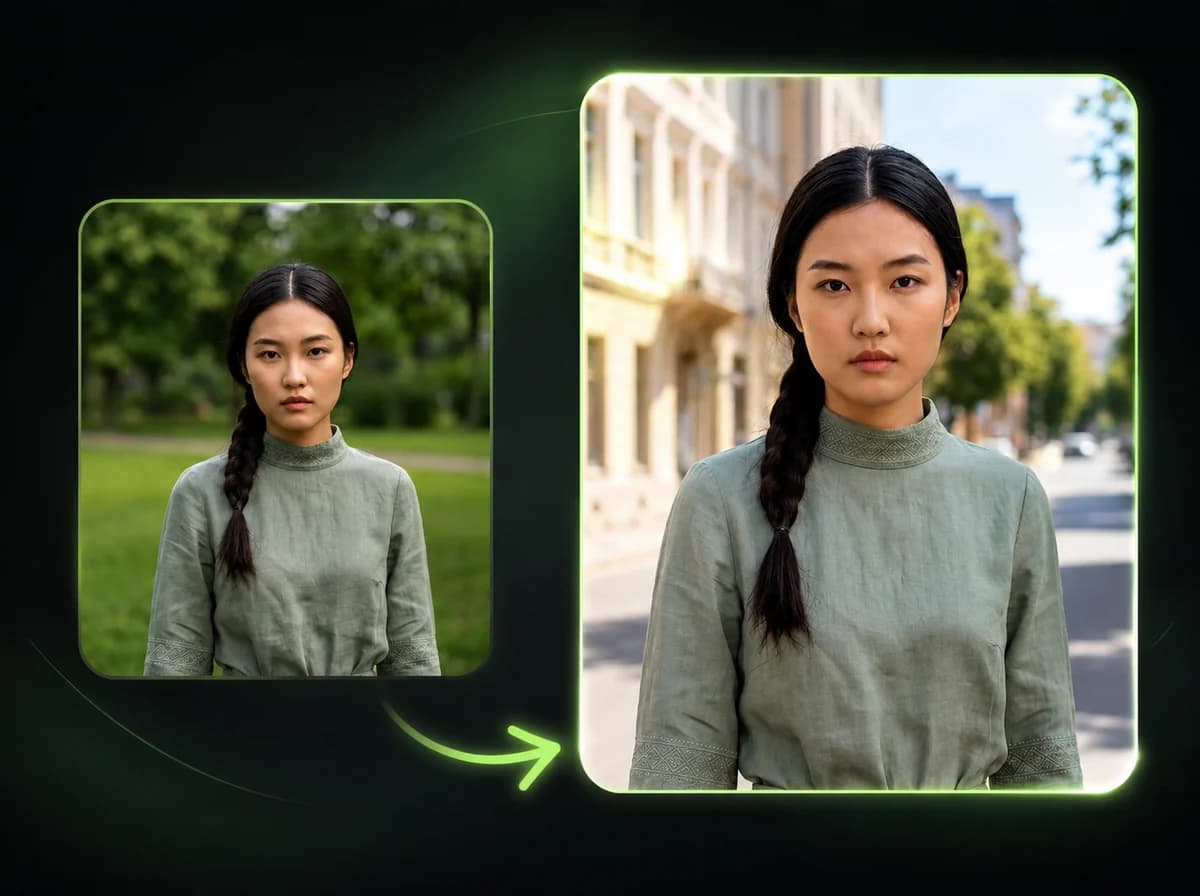
We repost a lot of user-generated content that comes in over compressed from messaging apps. Running it through the enhancer before publishing makes a noticeable difference, especially on portrait crops. The face detail comes back clearly.
Marcus Klein
Real Estate Agent
Listing photos taken on a phone camera often look fine in thumbnail but soft at full size. Enhancing them before uploading to the portal makes the property look more professional. Easy to work into the routine before listing goes live.
Yui Tanaka
Content Creator
I screenshot a lot of content for reference or to share — mockups, UI screens, web content. Screenshots tend to look sharp on the device you took them on but softer when you share them. The enhancer brings back the crispness.
Brett Sullivan
E-Commerce Seller
Suppliers provide product images and they're usually fine but not great. Running them through the enhancer before uploading to the store improves the texture detail on the product surface. Small difference, but it adds up across a catalog.
Megan Park
Freelance Photographer
High ISO shots from evening events always have noise. I use the enhancer as a quick pass on proofs before sending to clients. Not a replacement for proper raw processing, but for JPEGs it's a solid one-click improvement.
Carlos Mendez
Marketing Coordinator
Old campaign images from before our current photography standards keep coming back for reuse. They're usually a bit soft by today's standards. The enhancer brings them close enough to current quality for digital use. Saves a reshoot.
Enhance photos with an AI image enhancer
Upload your image and the AI photo enhancer restores sharpness, reduces noise, and recovers fine detail in one click.