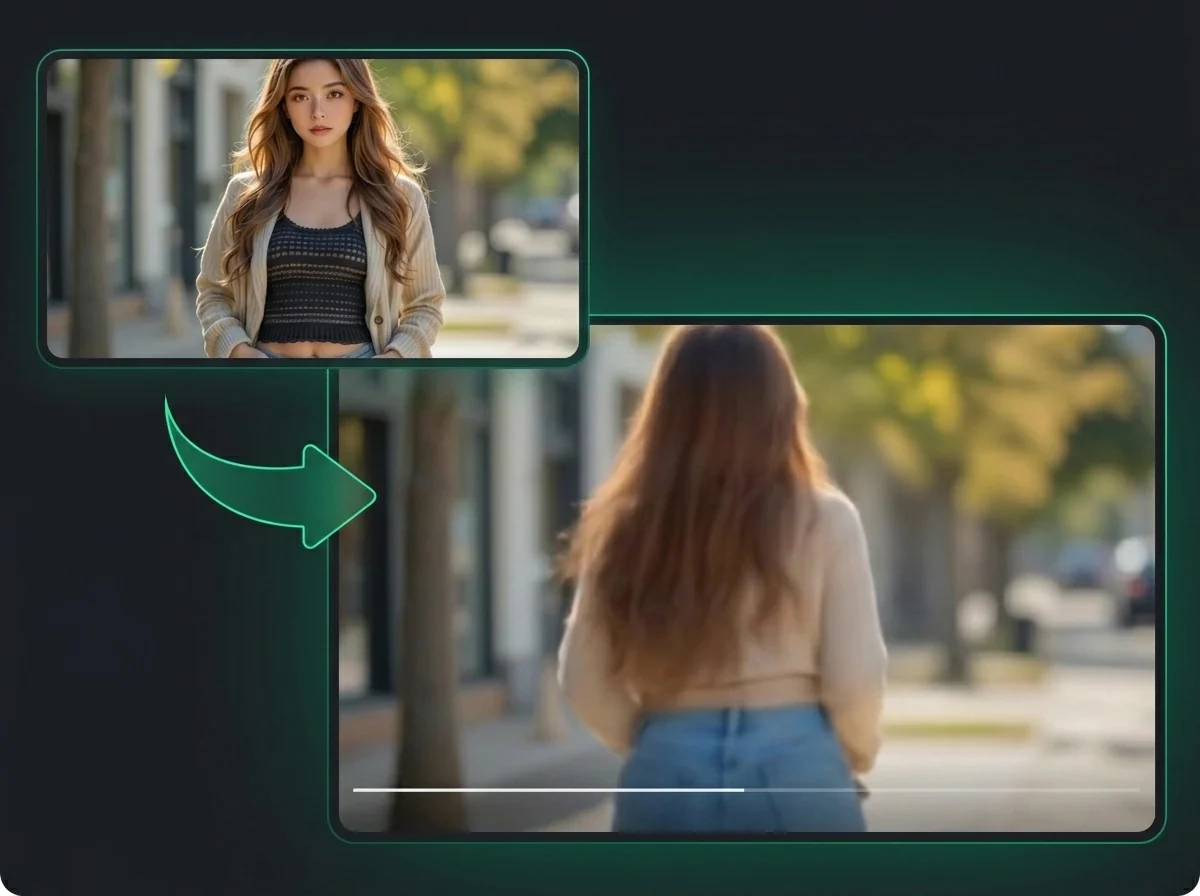
Turn One Photo Into an AI French Kiss Video
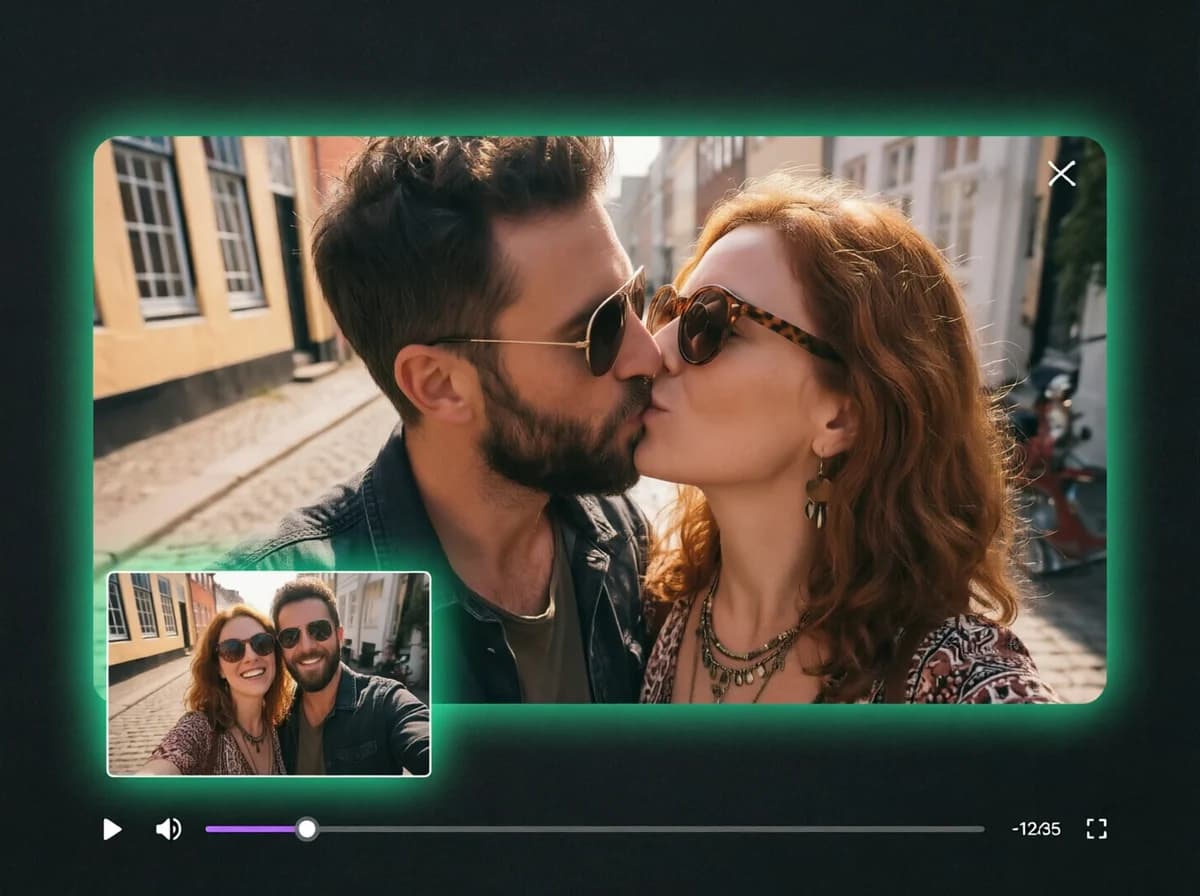
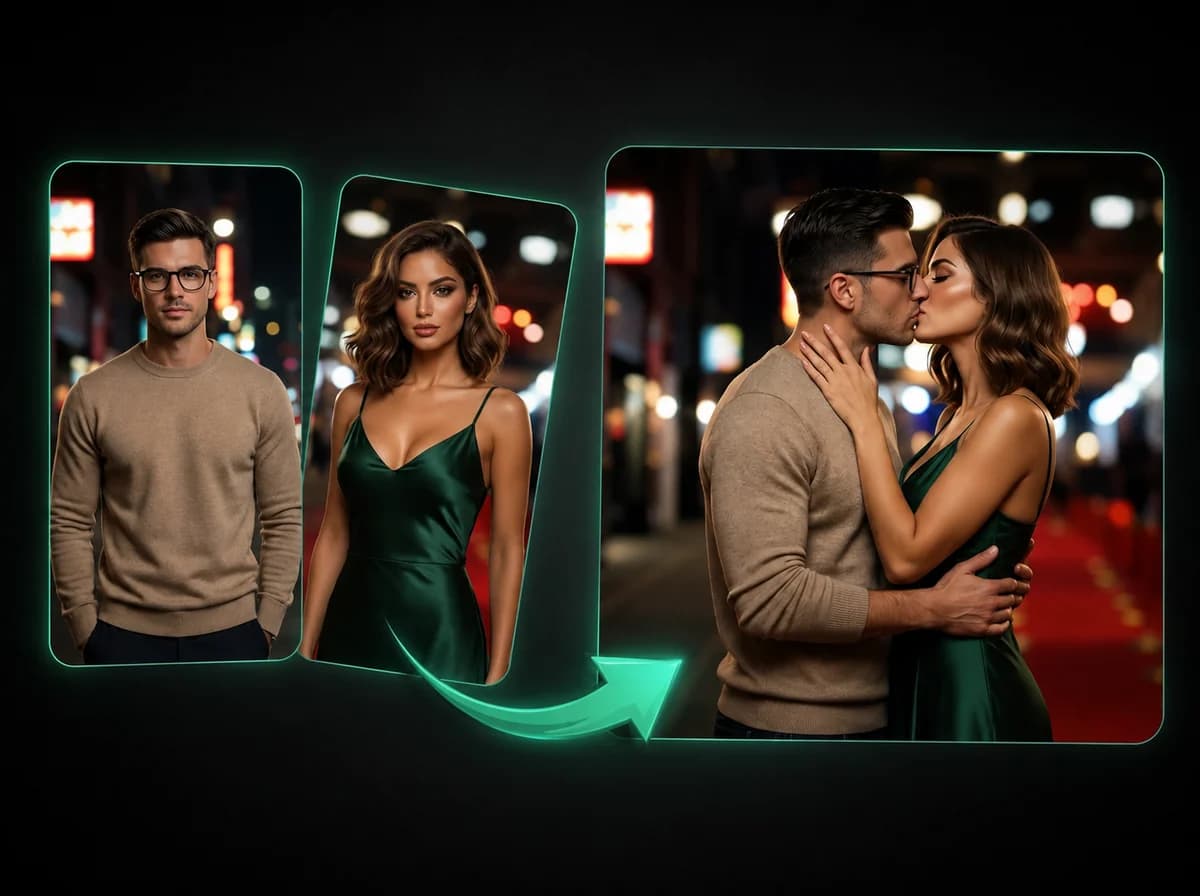
Upload one photo and watch AI generate a passionate French kiss animation. No editing skills needed.
Click to upload or drag and drop
PNG, JPG, WebP (Max 10MB)
Create a French Kiss Video in 3 Steps
Upload one photo, generate the animation, then download the video
Upload Your Photo
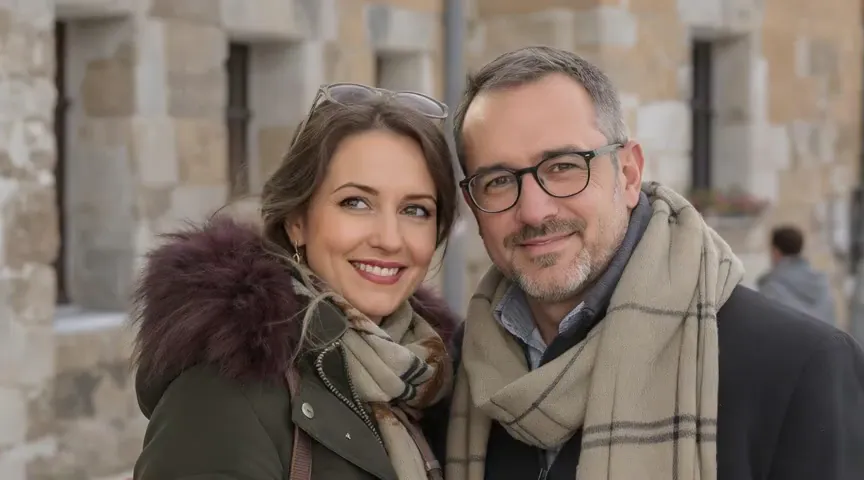
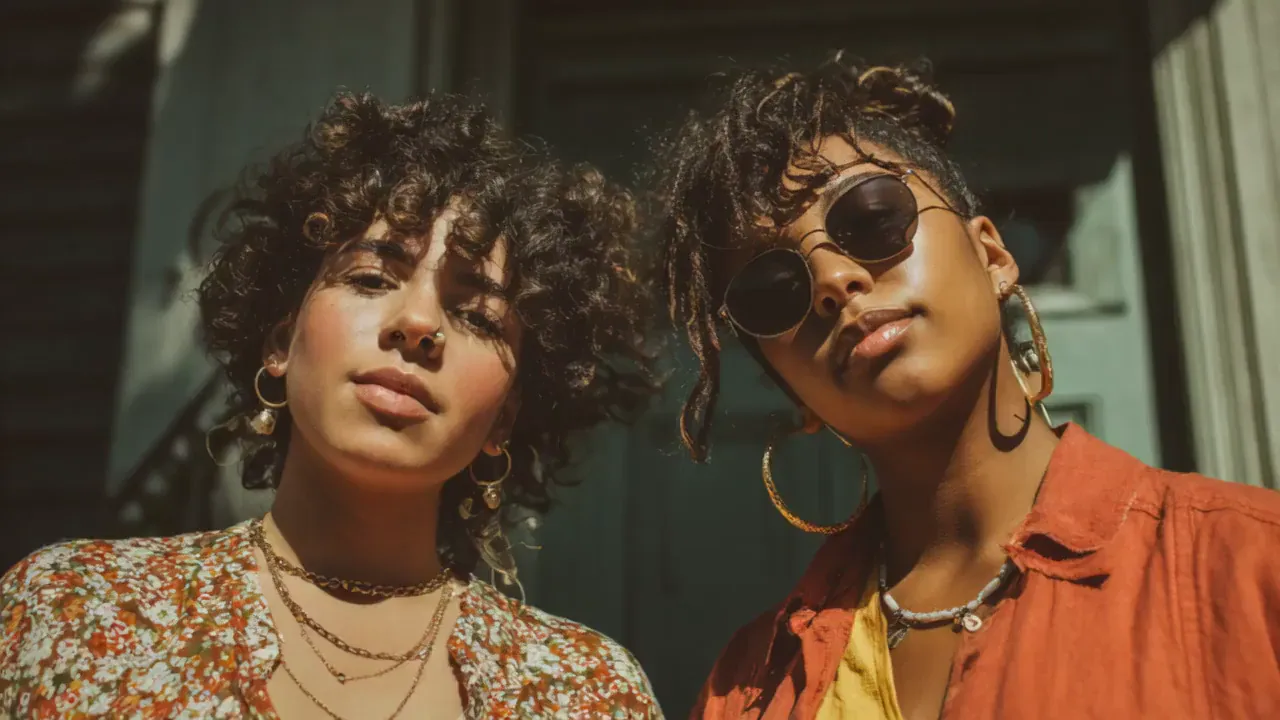
Click or drag and drop your photo into the upload area. Use a clear, well-lit image showing the face and upper body. Front-facing portraits produce the most natural results. PNG, JPG, and WebP up to 10 MB are all supported.
Generate the Animation
Click the Generate button and let the AI do its work. There's nothing to configure. The model reads your photo and creates the French kiss animation automatically.
Download and Share
Preview the generated video, then download the watermark-free MP4. Sized for short-form platforms, so you can drop it straight into TikTok, Instagram Reels, or YouTube Shorts without any extra editing.
Why Use iMideo AI French Kiss Generator
Fast Results
Generate from one photo in a browser workflow, with progress shown while the AI prepares the animation.
Single Photo Input
Upload just one photo — no need to find and match a second image. The AI generates the full animation from a single portrait.
Watermark-Free Export
Download clean MP4 videos with no iMideo branding. The output is yours to post, share, or use however you like.
100% Browser-Based
No app to install, no plugin needed. The entire process runs in your browser on both desktop and mobile devices.
Private by Design
Your uploaded photo is processed for the animation and handled according to the product retention policy. It is not used for AI model training.
Free Credits to Start
New users receive free credits on sign-up, so you can test the French kiss video workflow. More credits are available on the pricing page.
What Our Users Say
Sofia Reyes
Content Creator
I used it on a selfie just to see what it would look like. The animation was surprisingly smooth and the result was way more natural than I expected. Uploaded it as a story and got a ton of reactions.
Marcus Chen
Meme Creator
I generated a French kiss video from a character portrait just for laughs. The file had no watermark, and the result worked well as a meme post.
Hana Nakamura
Anime Fan
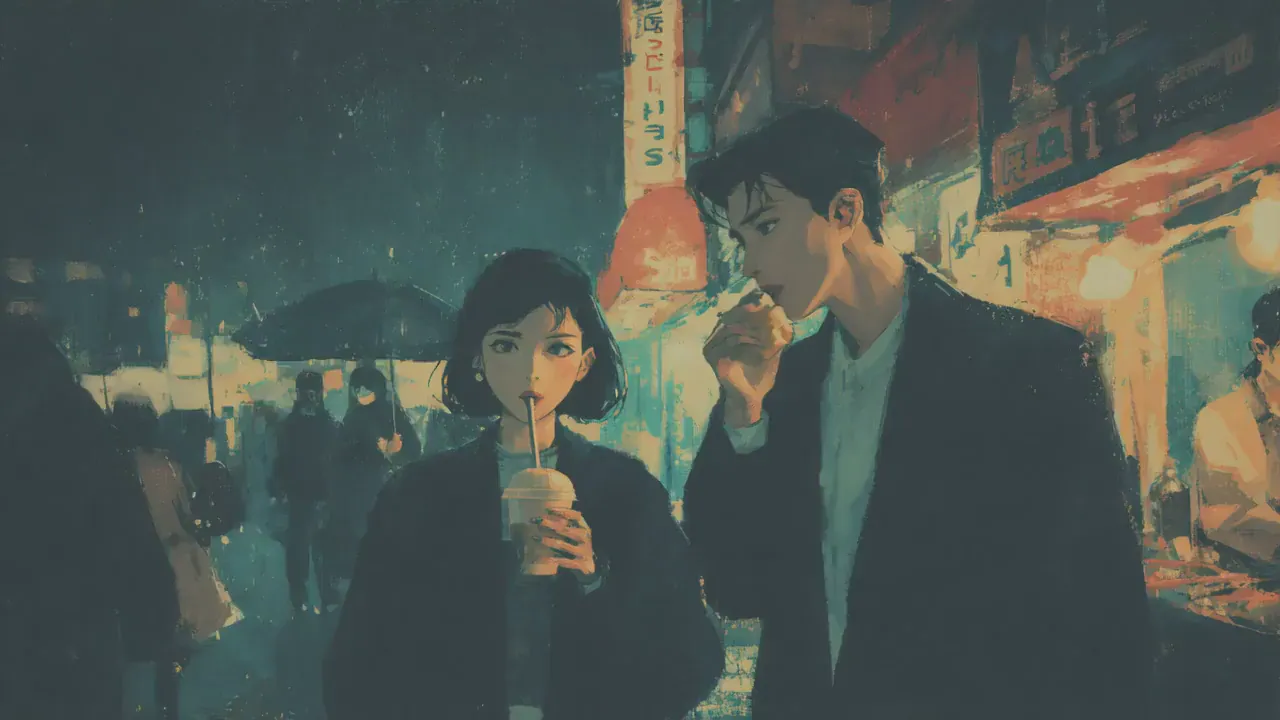
I tried it on some fanart of my favorite character and the result was actually really good. The animation matched the art style better than I thought AI could. My followers on Twitter went wild for it.
Daniel Kowalski
Short-Film Creator
Needed a quick dramatic scene for a mock trailer. Dropped in one photo and the French kiss animation came out polished enough to use in the edit. Clean download and fast turnaround.
Priya Shah
Social Media Manager
We used it to create a Valentine's Day post for a client brand mascot. One upload, a watermark-free video, and the result went straight to the content calendar.
Ethan Brooks
Cosplay Photographer
Ran a cosplay portrait through it as a test. The AI handled the costume details well and the motion looked natural. Clear front-facing shots give the best results — definitely worth trying if you shoot cosplay.
One Photo. One French Kiss Video.
Upload a portrait and generate an AI French kiss video with a watermark-free MP4 download.