AI Baby Generator — See Your Future Child
Upload both parents' photos, choose boy or girl, and preview an AI-generated future baby face.
Click to upload or drag and drop
PNG, JPG, WebP (Max 10MB, min 240x240)
Click to upload or drag and drop
PNG, JPG, WebP (Max 10MB, min 240x240)
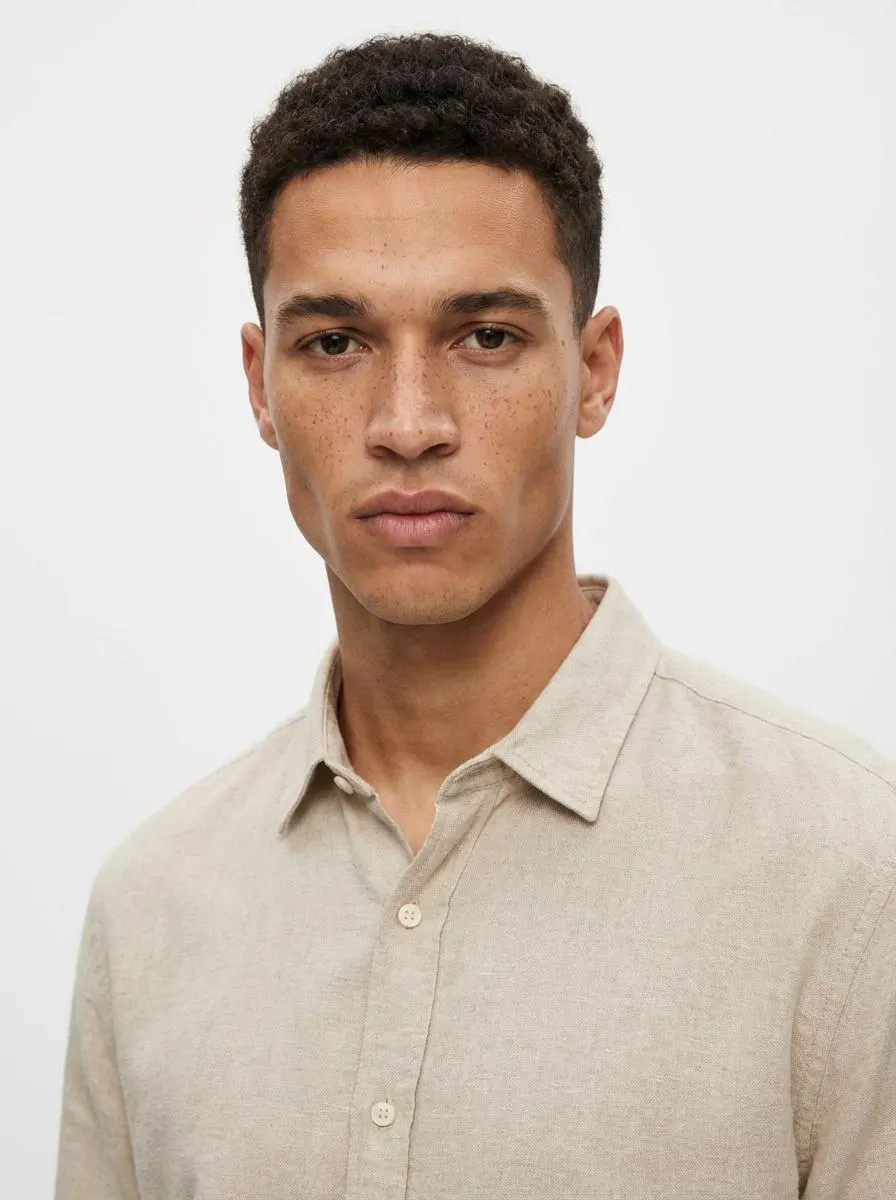
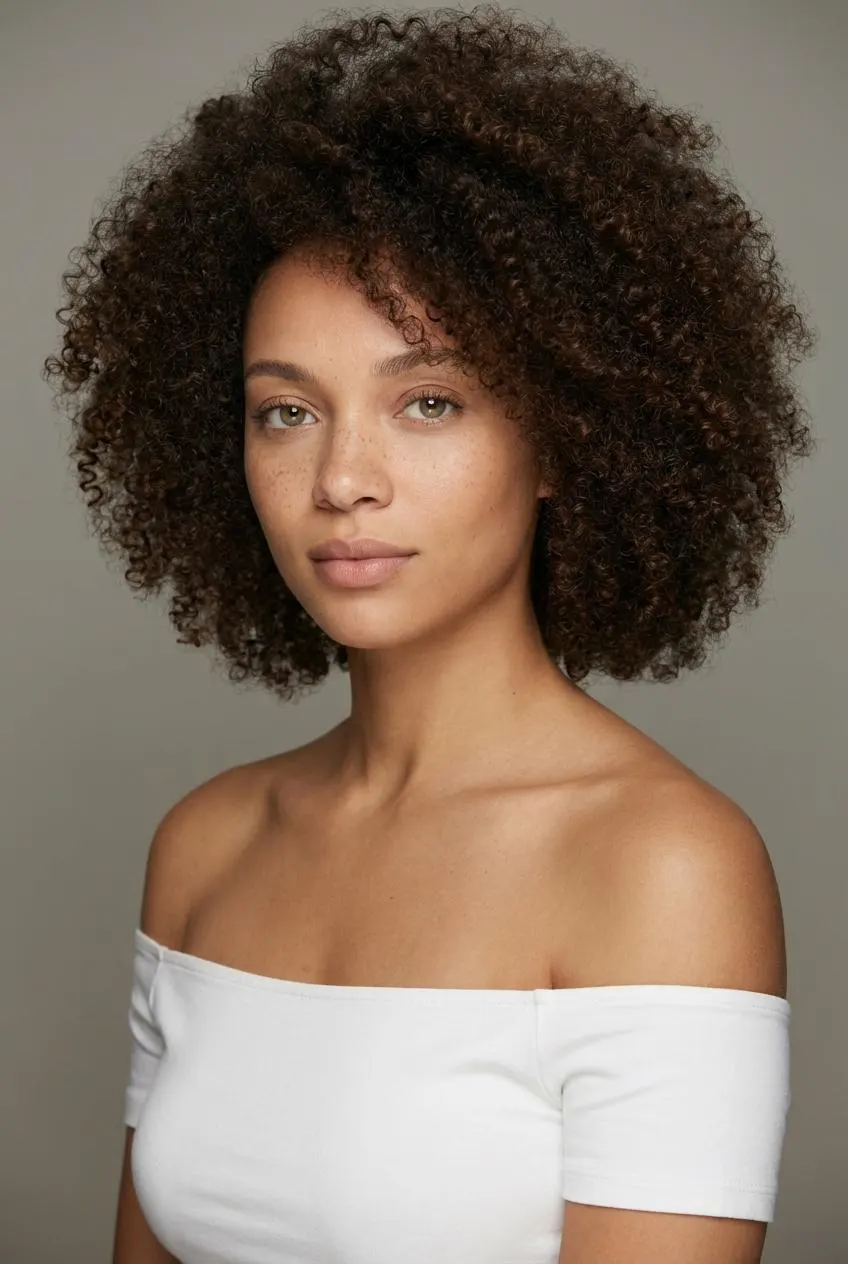
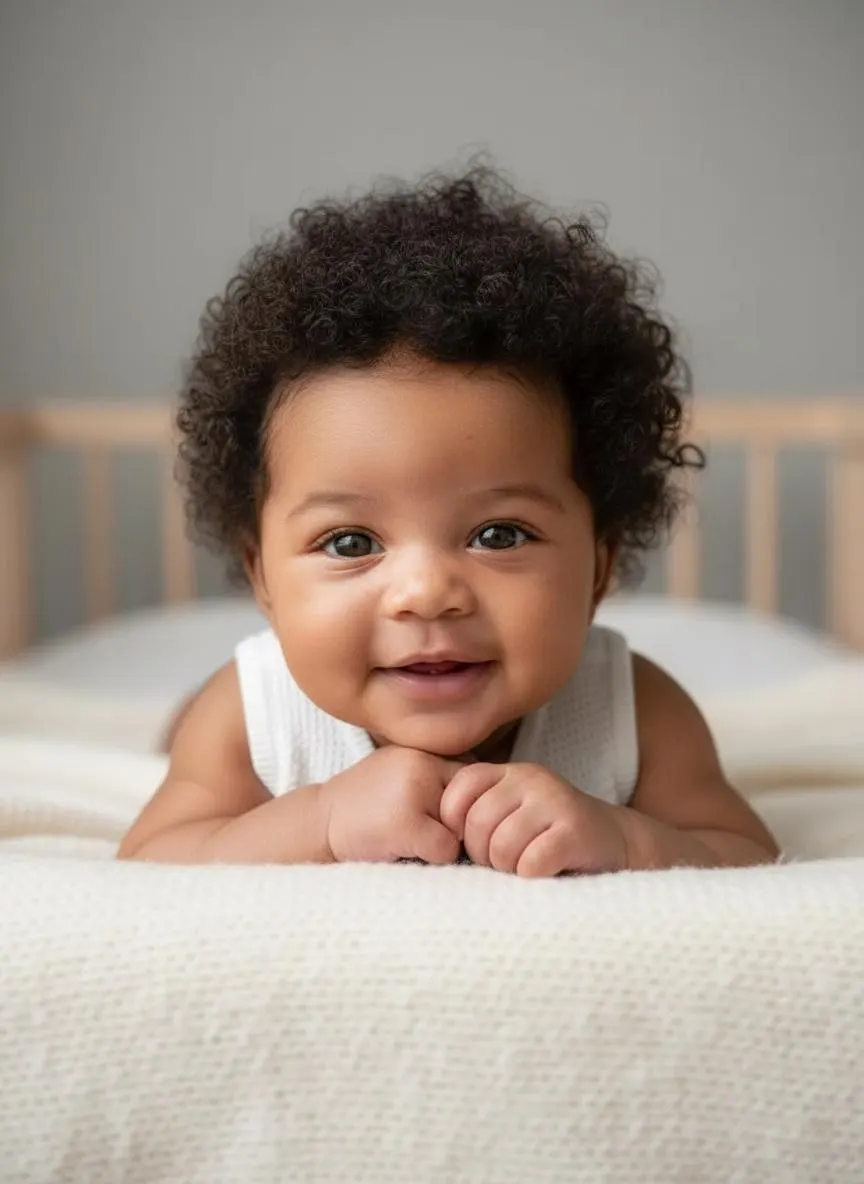
How to Use AI Baby Generator in 3 Steps
Upload two parent photos, choose gender, then download
Upload Both Parent Photos
Upload a clear photo of each parent. Front-facing portraits with good lighting give the most accurate results. Supported formats: PNG, JPG, WebP up to 10MB.
Choose Baby Gender
Select boy or girl before generating. The AI uses your choice to refine facial softness, structure, and overall baby appearance in the final result.
Download Your Baby Photo
Review the AI-generated baby photo after processing, then download the result with no watermark.
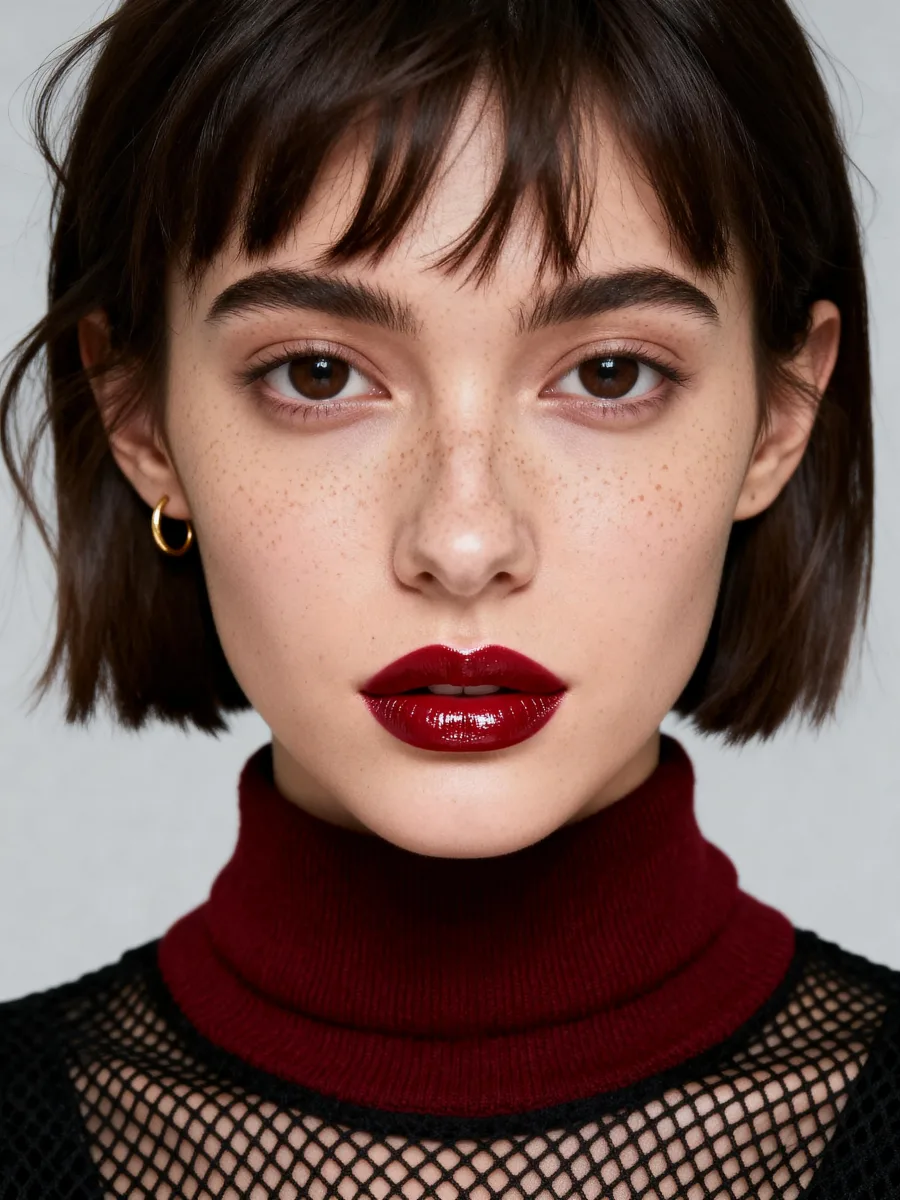
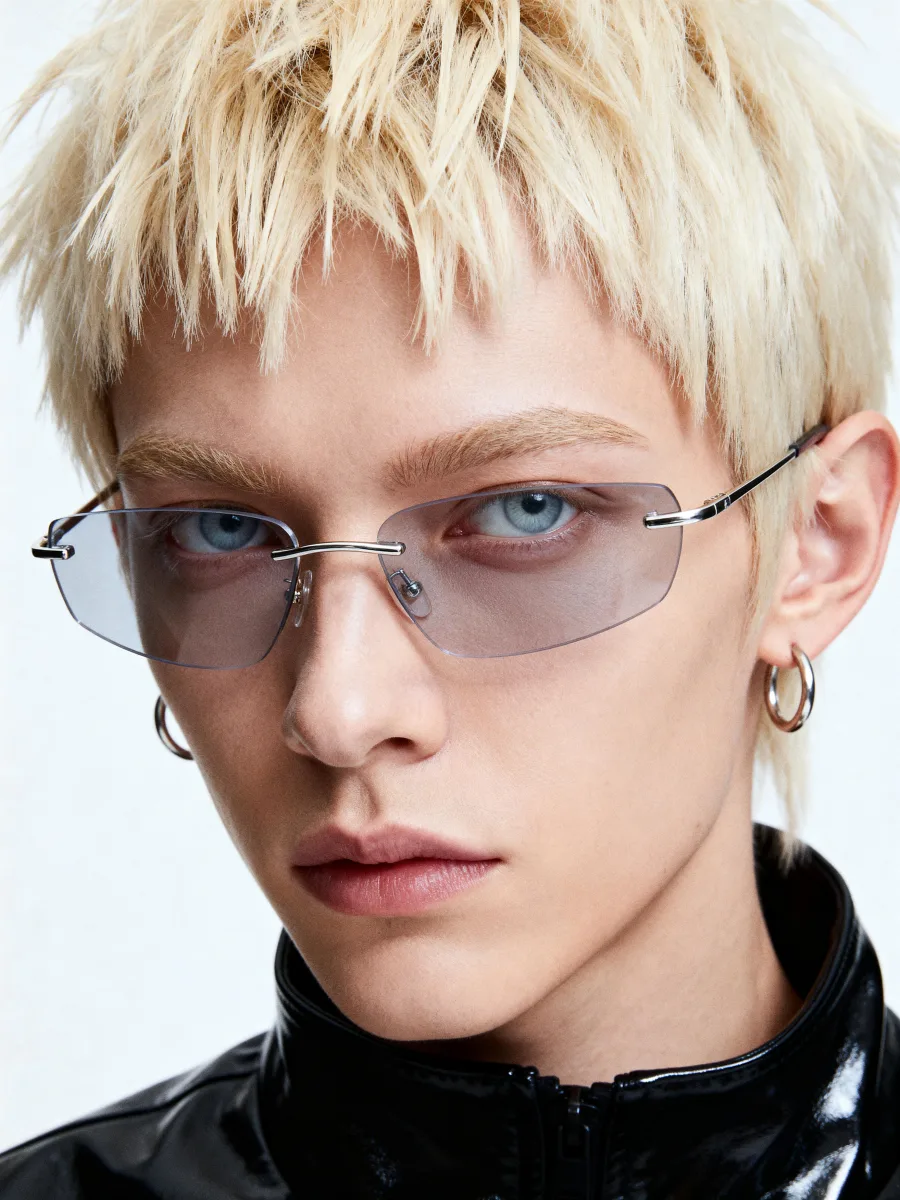
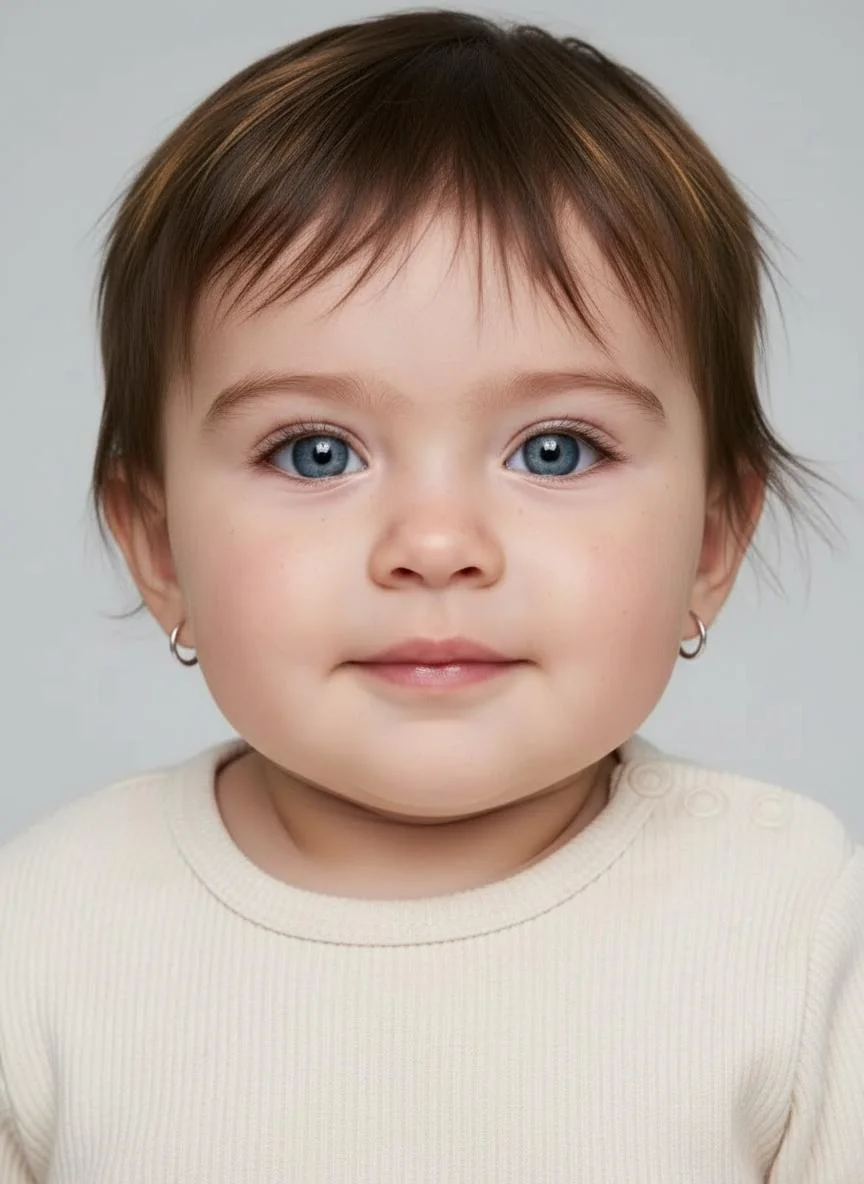
Preview What Your Future Baby May Look Like
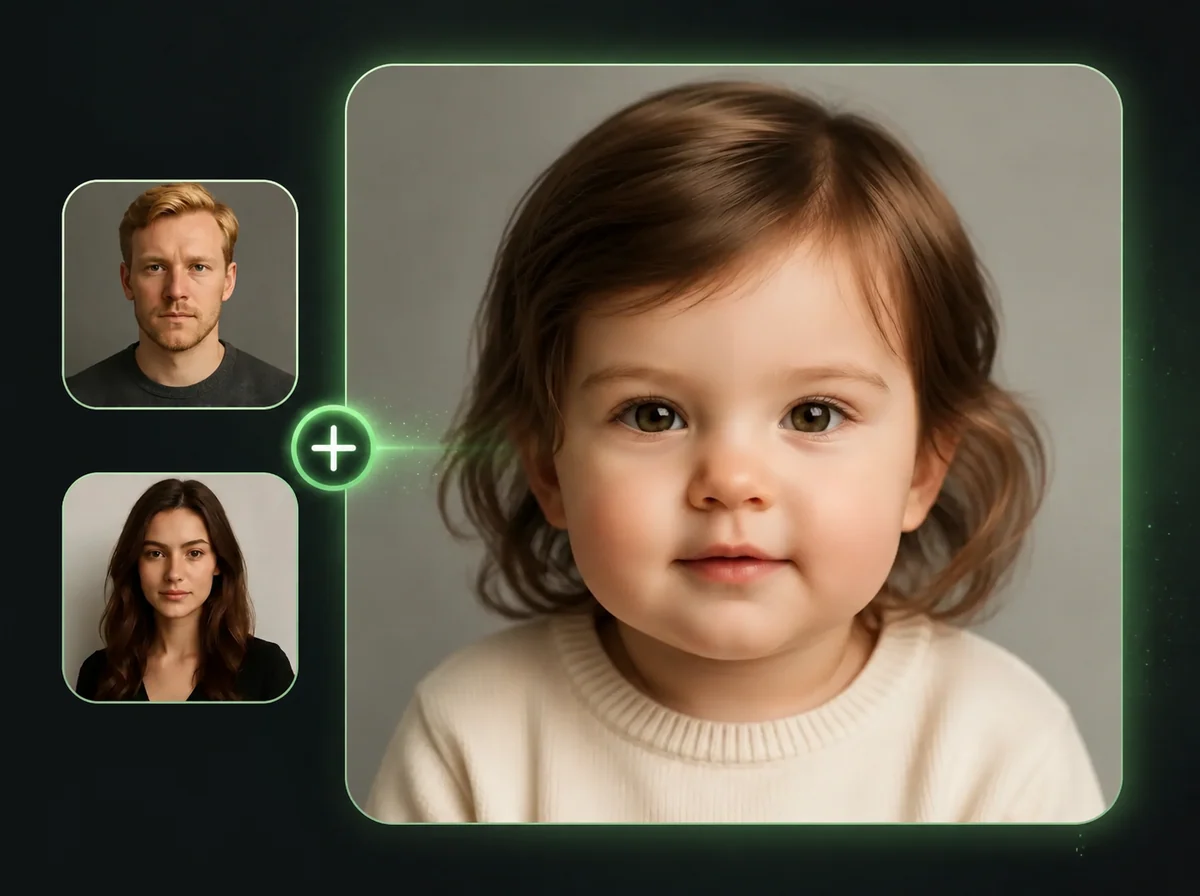
Couples use this to explore the question: what might our baby look like? The AI reads both photos and builds a child face that combines visible traits from each parent, such as eye shape, nose bridge, skin tone, and facial proportions. It is a creative visualization, not a medical or genetic prediction.
Preview a Boy or a Girl Before Deciding
Before you find out the sex, or while you're still planning, you can generate both versions and compare. Select male or female before running the generation. The AI adjusts facial softness and bone structure to reflect the chosen gender, while still drawing from both parents' actual features. Run it twice with the same photos and different gender selections to see both outcomes side by side.

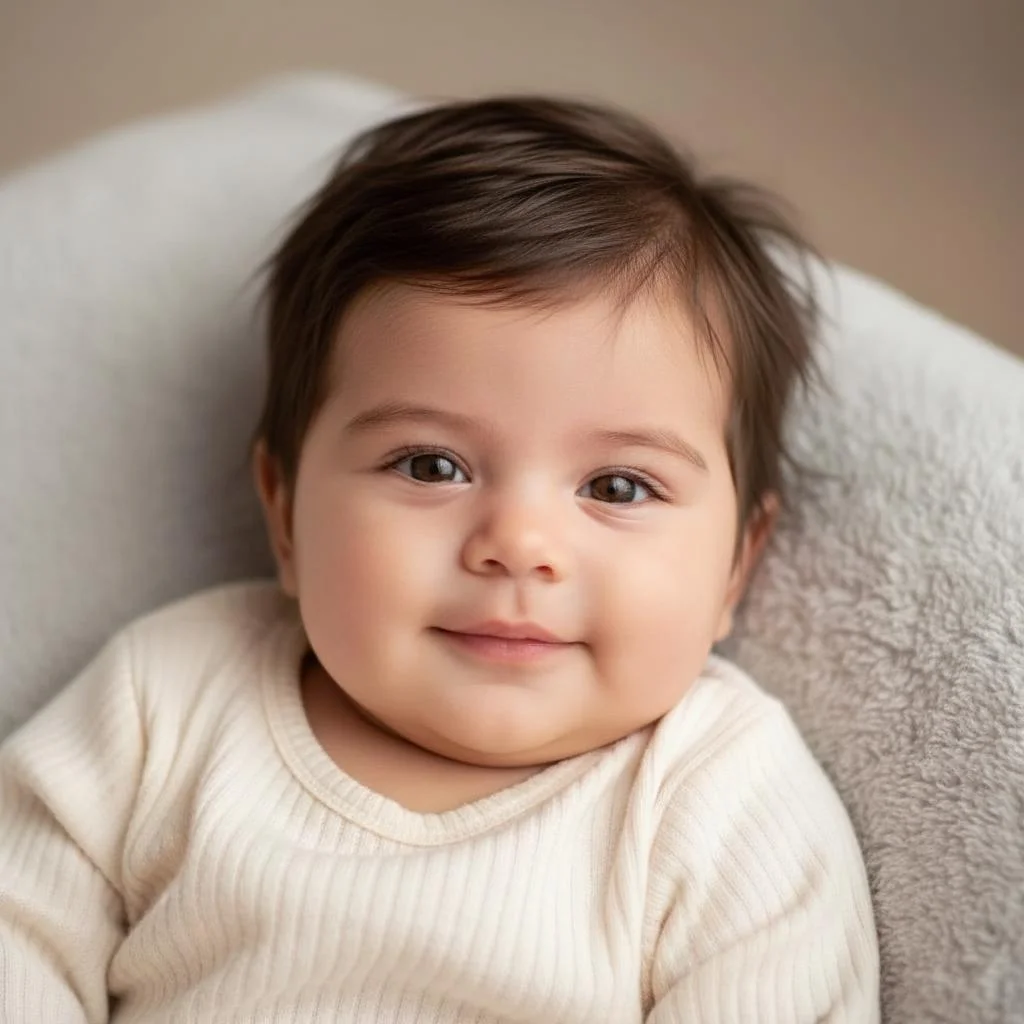
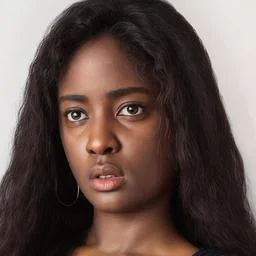
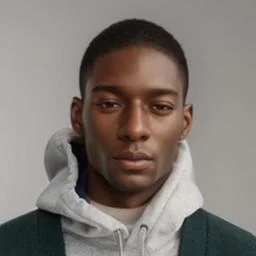
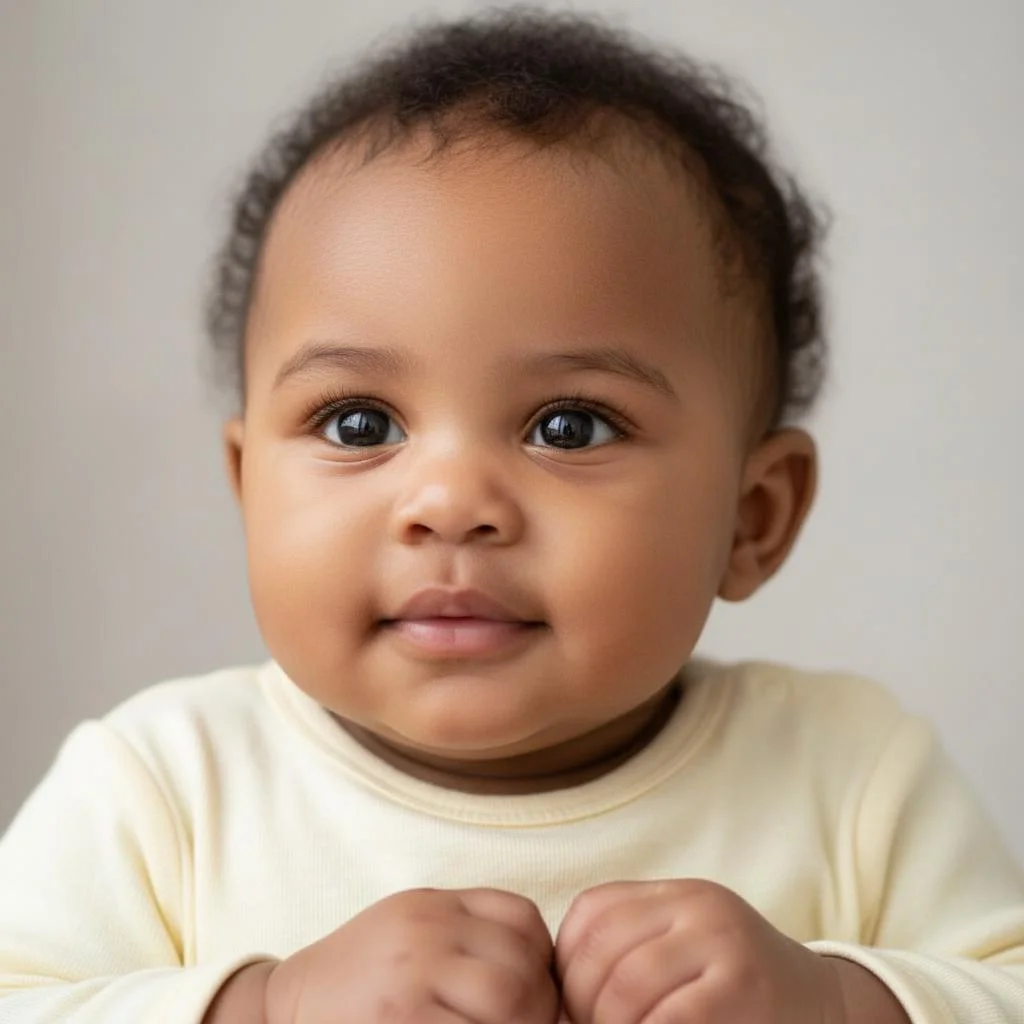
Real Feature Blending, Not a Template
The AI baby generator reads ethnic characteristics, skin tone, facial geometry, and specific features from both parent photos and merges them. No two outputs are the same because no two parent combinations are the same. If both parents have strong jaw lines, the baby will too. If one parent has lighter eyes and the other darker, the baby's eye color will land somewhere between the two. You're seeing actual trait combination, not a generic baby face with your features pasted on.
Create Baby Reveal and Couple Content
Social media creators and couples use AI Baby Generator to make shareable "what will our baby look like" content. Upload both people's photos, generate a result, and create multiple versions to compare. No photoshoot or design tools needed.
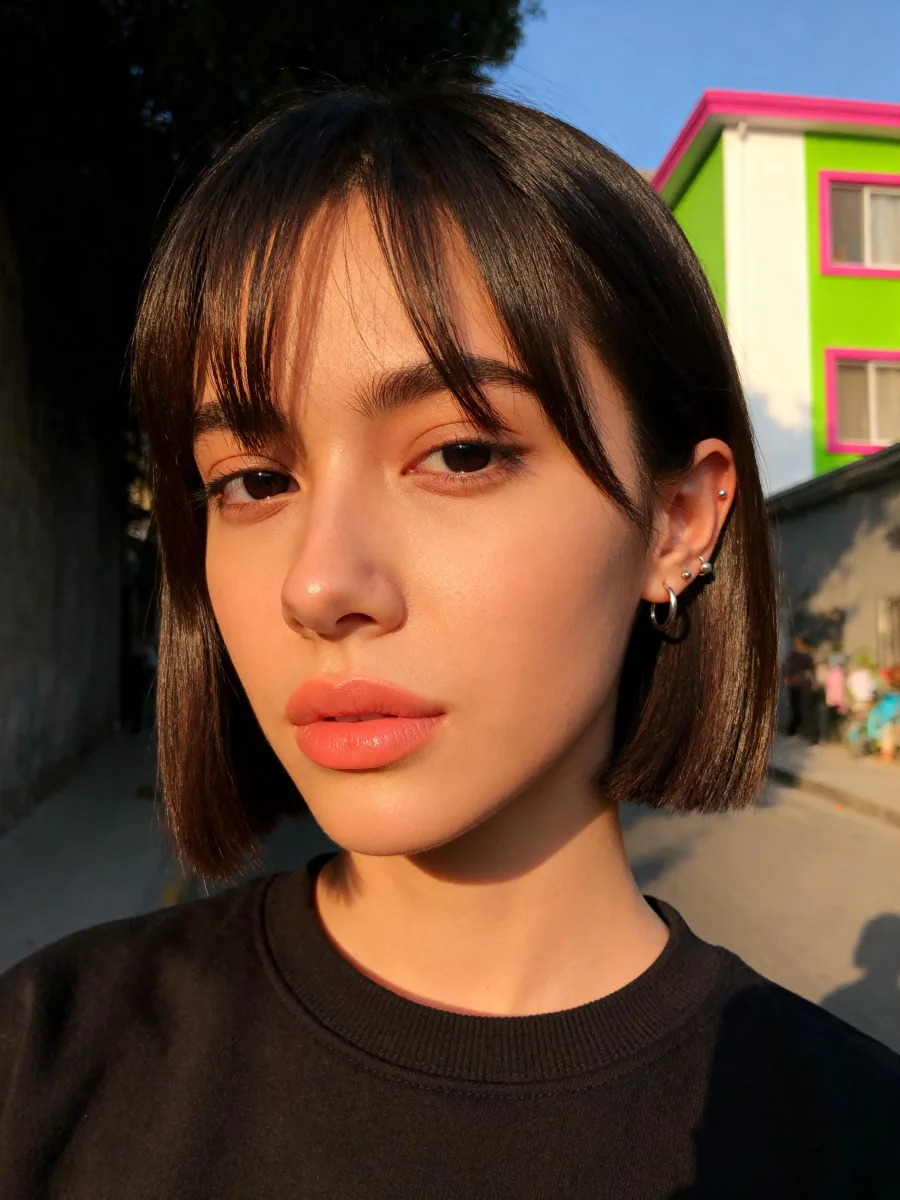

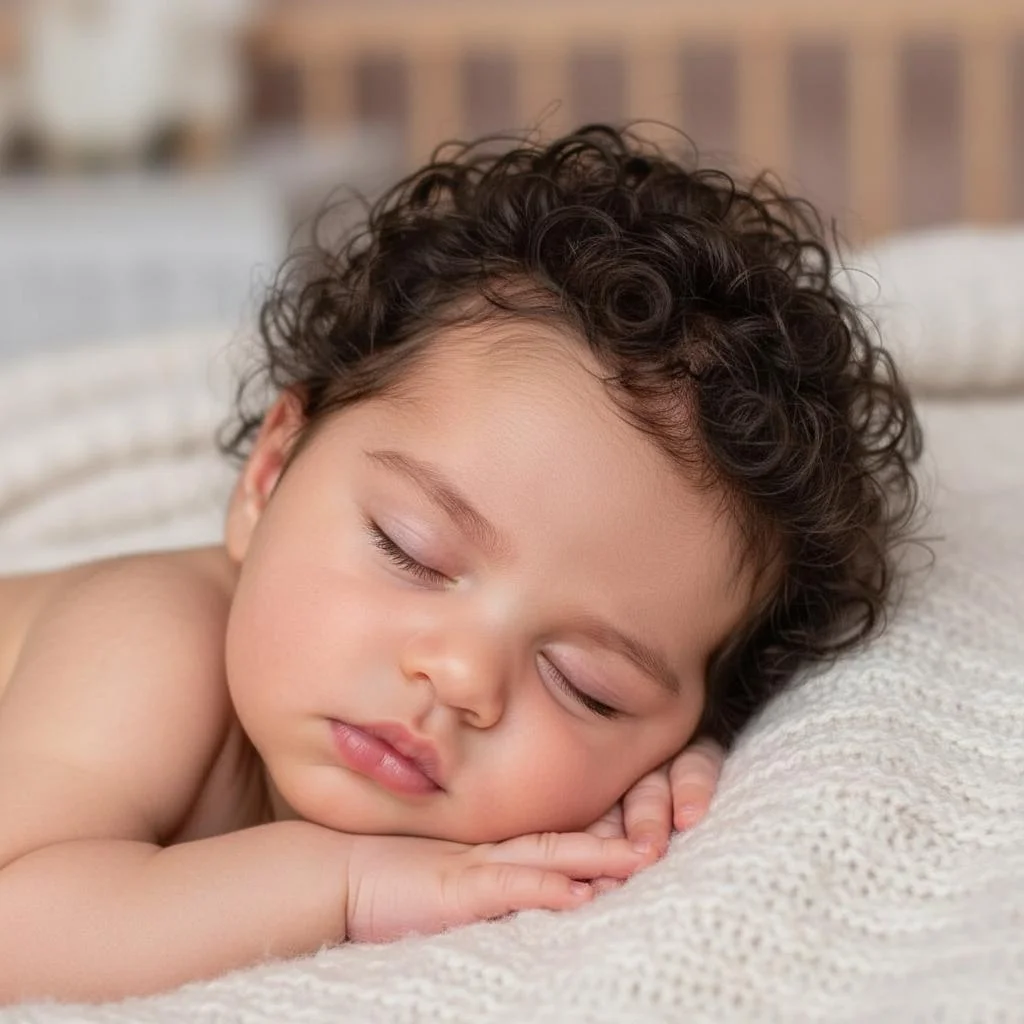
Why Use iMideo AI Baby Generator
Trait-Level Feature Blending
Not a filter overlay. The AI reads facial geometry, skin tone, and ethnic characteristics from both photos and builds the baby's face from both.
Boy or Girl Preview
Choose gender before generating. The model adjusts facial softness and structure while keeping both parents' traits in the result.
Fast Online Preview
Upload both photos, choose gender, and download the result after processing completes.
Works with Any Two People
Works with couples of any background. The AI handles diverse skin tones, ethnic features, and facial structures. No parent combination is treated differently.
Private Processing
Your photos are used only to generate your result. Not stored long-term, not used for model training, not shared.
No Subscription Required
Create future baby previews when you need them and review current usage details on the pricing page.
What Our Users Say
Olivia M.
New Mom
We used this before our daughter was born just to see. When she actually arrived, my partner kept holding the AI baby photo next to her real face and laughing at how similar they were. The eye shape was spot on.
Carlos R.
Content Creator
I made a 'what would our baby look like' reel with my girlfriend and it got over 200k views in two days. The result looked genuinely real — people kept asking which hospital we took the photo at.
Priya N.
Expecting Mother
I ran the boy version and the girl version with my husband's photos. We're keeping the gender a surprise but now we have a face to imagine. Honestly it made the pregnancy feel more real.
James T.
Couple Blogger
My partner and I are an interracial couple and I was worried the AI wouldn't handle the mixed features well. It blended them better than I expected — you could clearly see both of us in the baby's face.
Sophie K.
TikTok Creator
I've tried three different baby generator apps. This one looked like it was combining our features rather than just aging a random baby photo. My followers could tell it was based on us.
David L.
Father of Two
Used it for our second pregnancy and compared the result to our first child's baby photo. The similarities were kind of uncanny — same nose, same forehead. It's not a genetic prediction, but it was closer than I expected.
Aisha O.
Maternity Blogger
I cover pregnancy content and this is one of the tools I recommend most often. The gender selection actually changes the result in a meaningful way — not just a different hair length. It adjusts the bone structure.
Tom H.
New Dad
We used it for our baby reveal post on Instagram. The comment section went wild — everyone wanted to know how we predicted it before birth. Clean image and no watermark.
Try AI Baby Generator — See Your Future Child
Two parent photos, one gender choice, and an AI baby photo preview with no subscription, no watermark, and no design skills needed.