AI Face Swap Online - Replace Faces in Photos
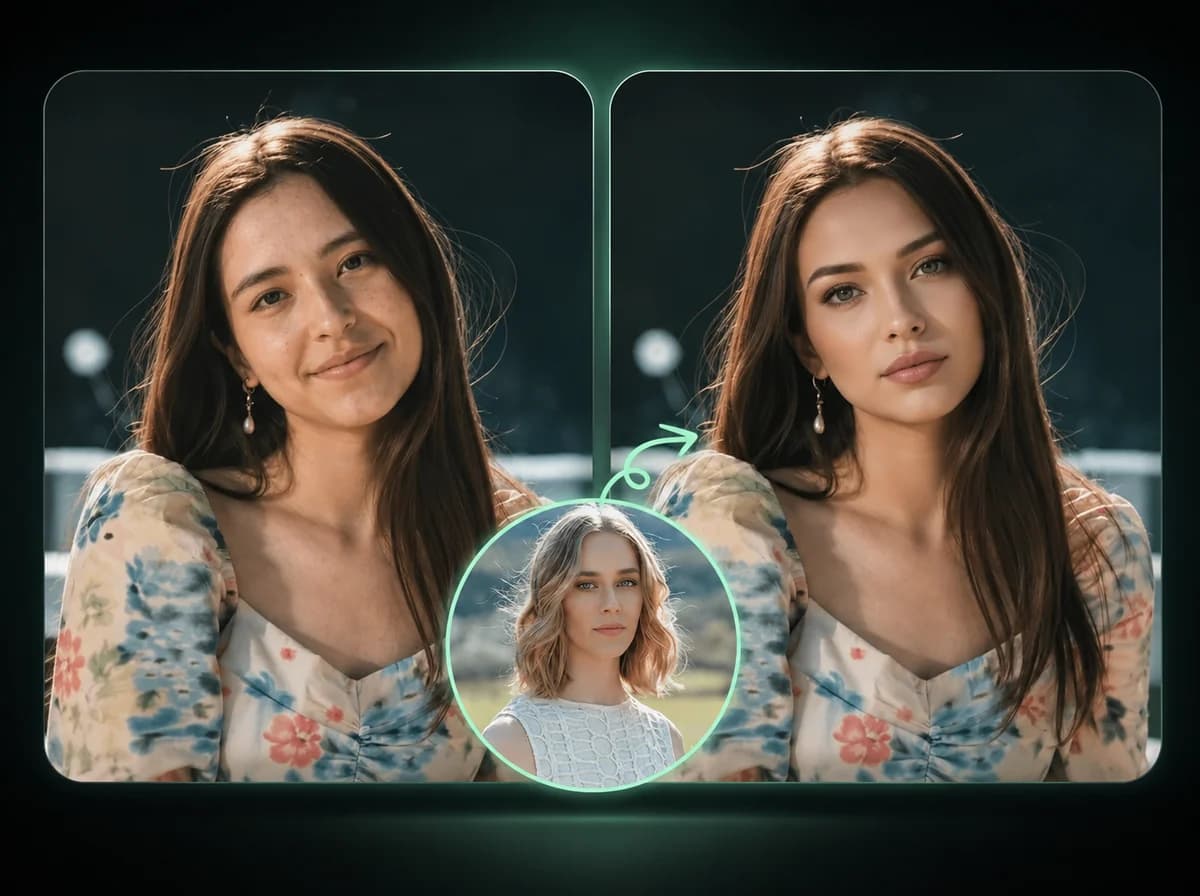
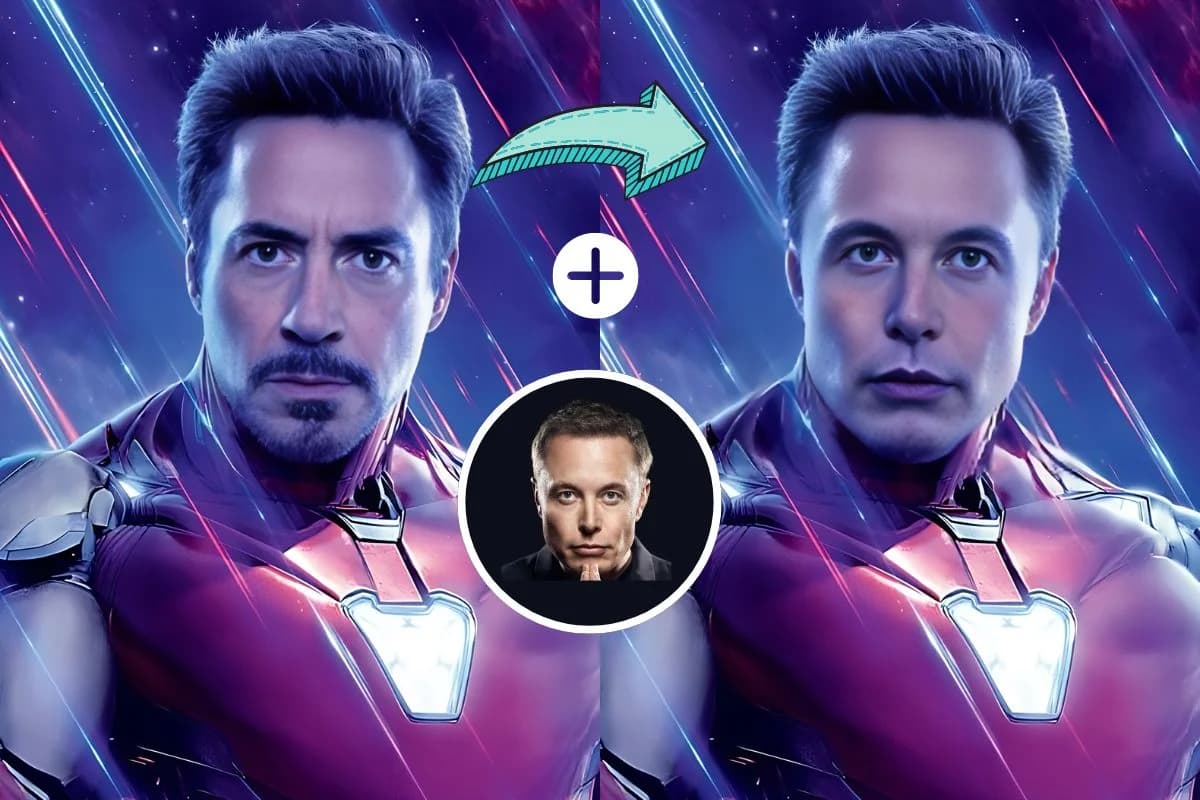
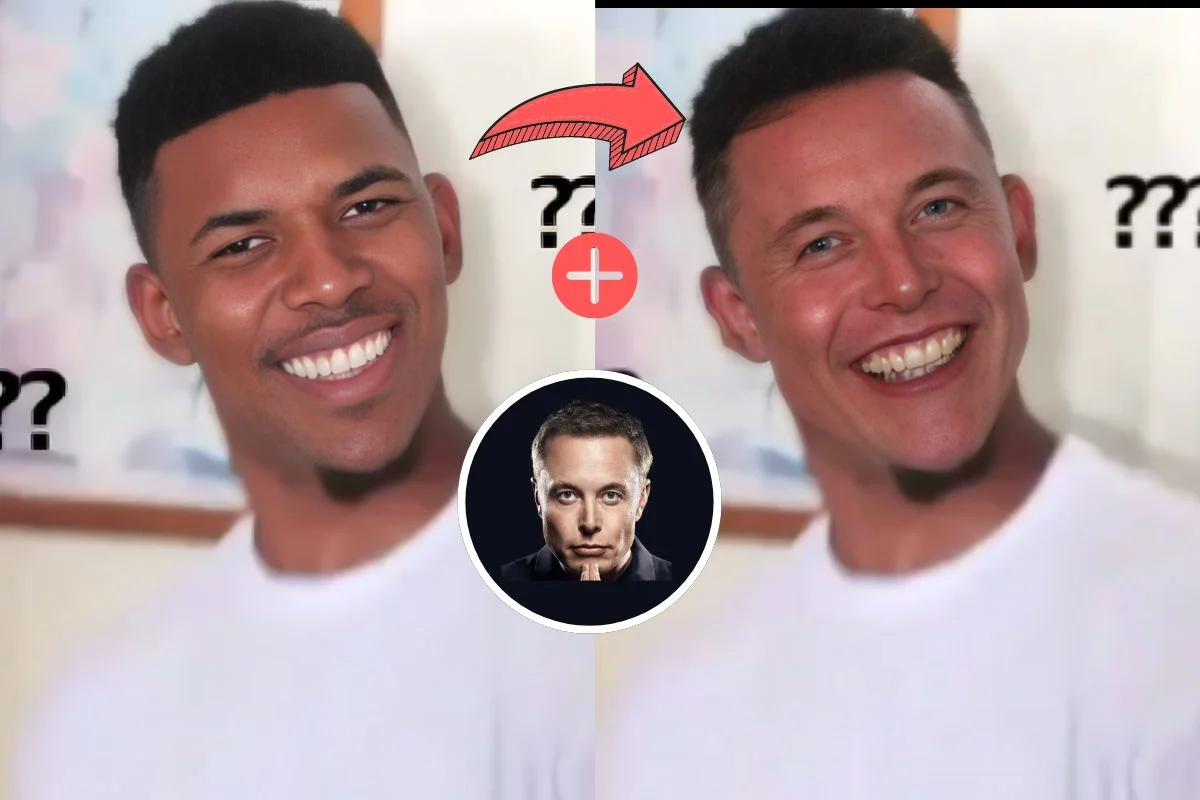
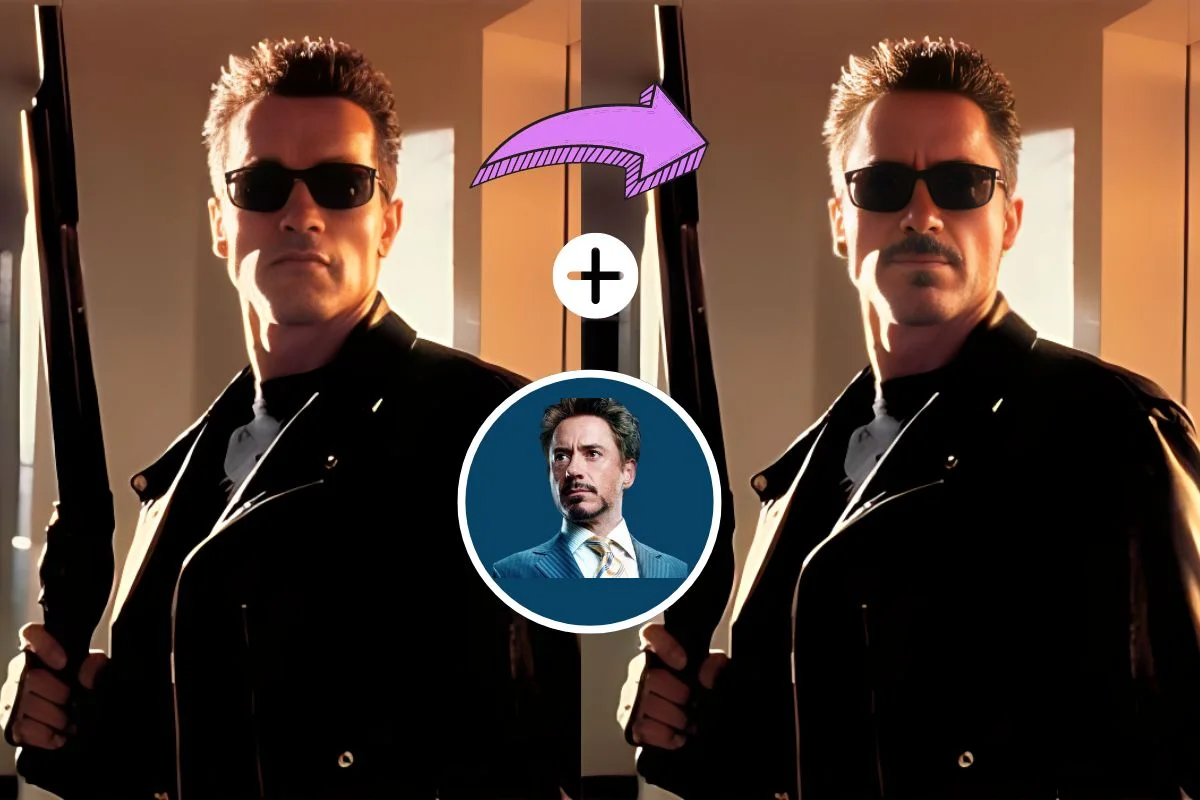
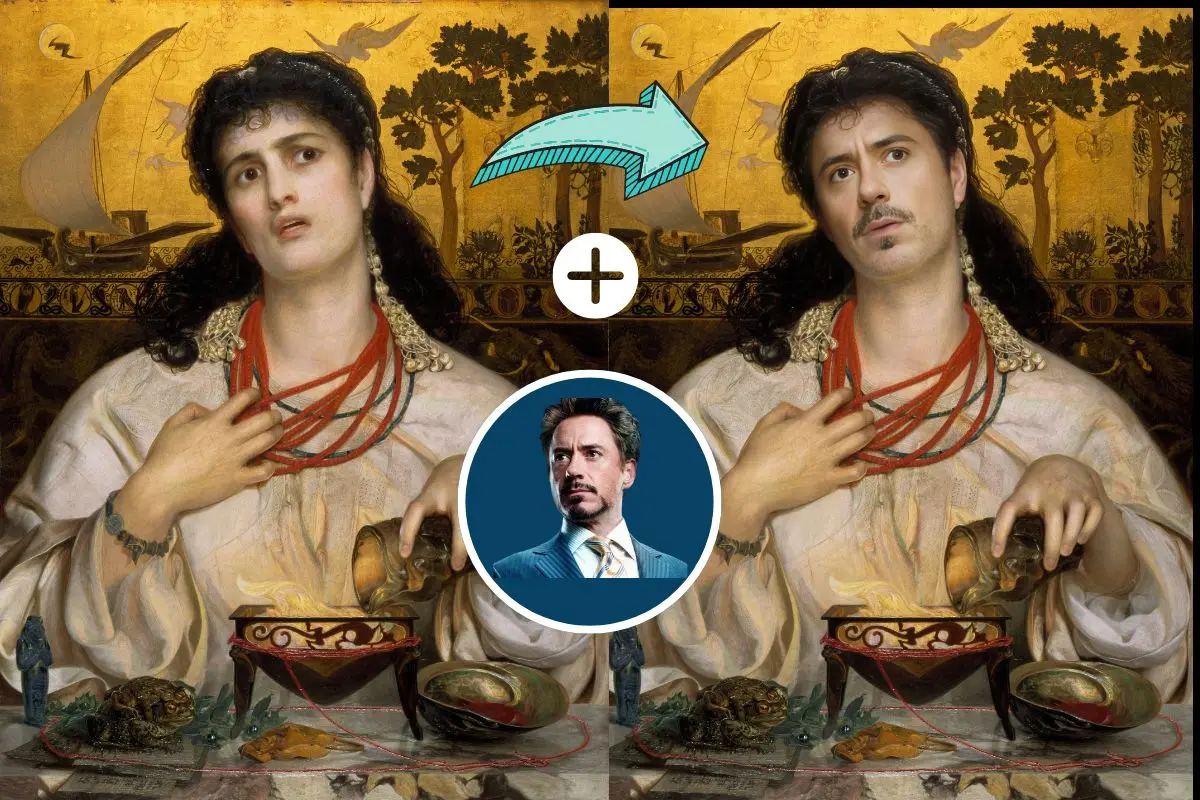
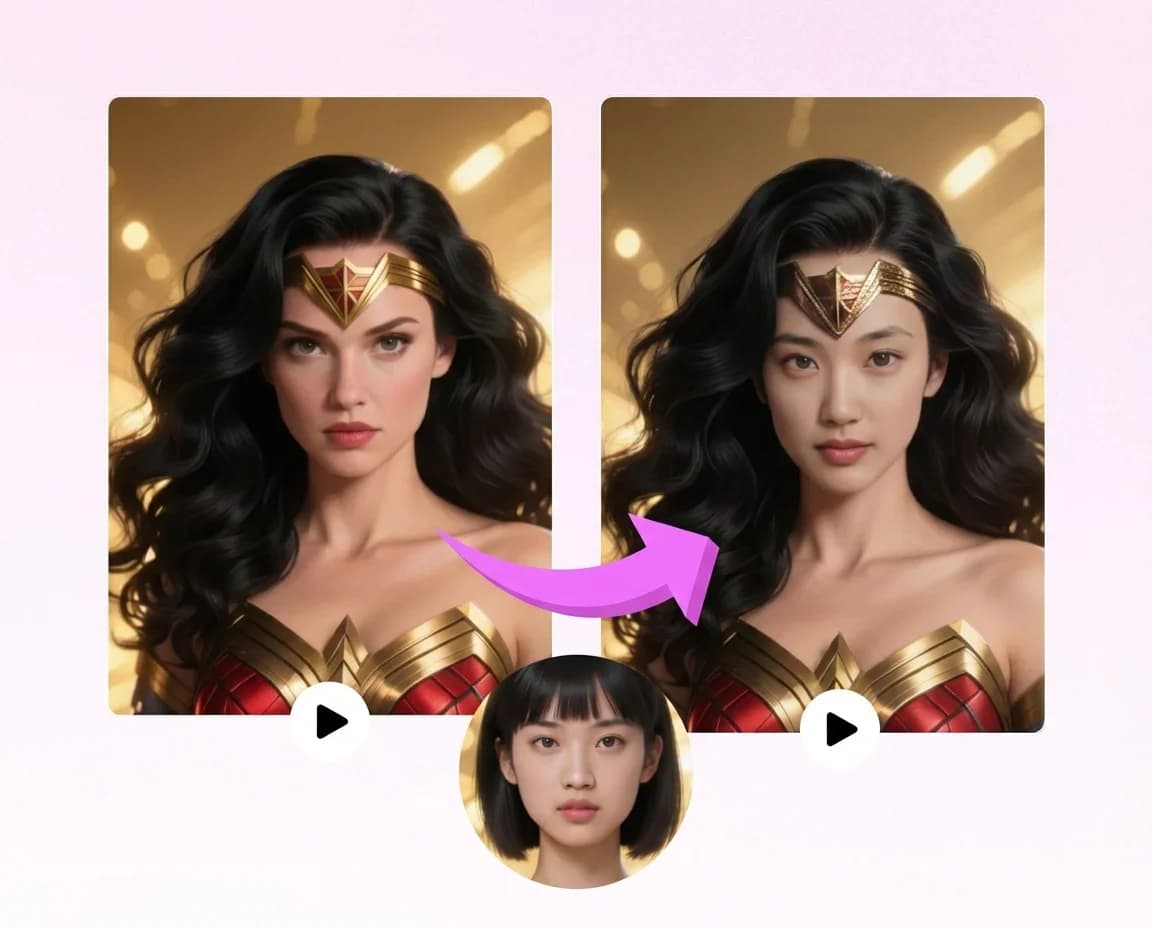
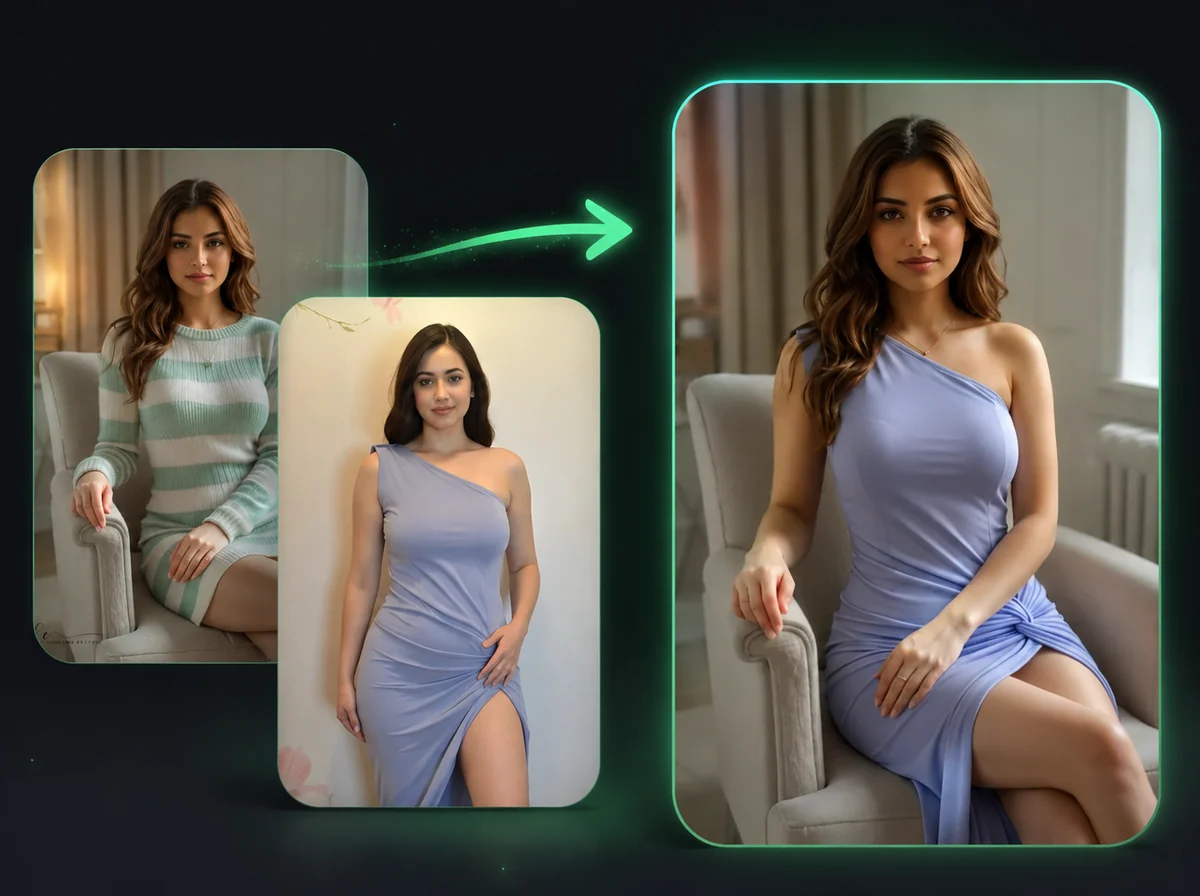
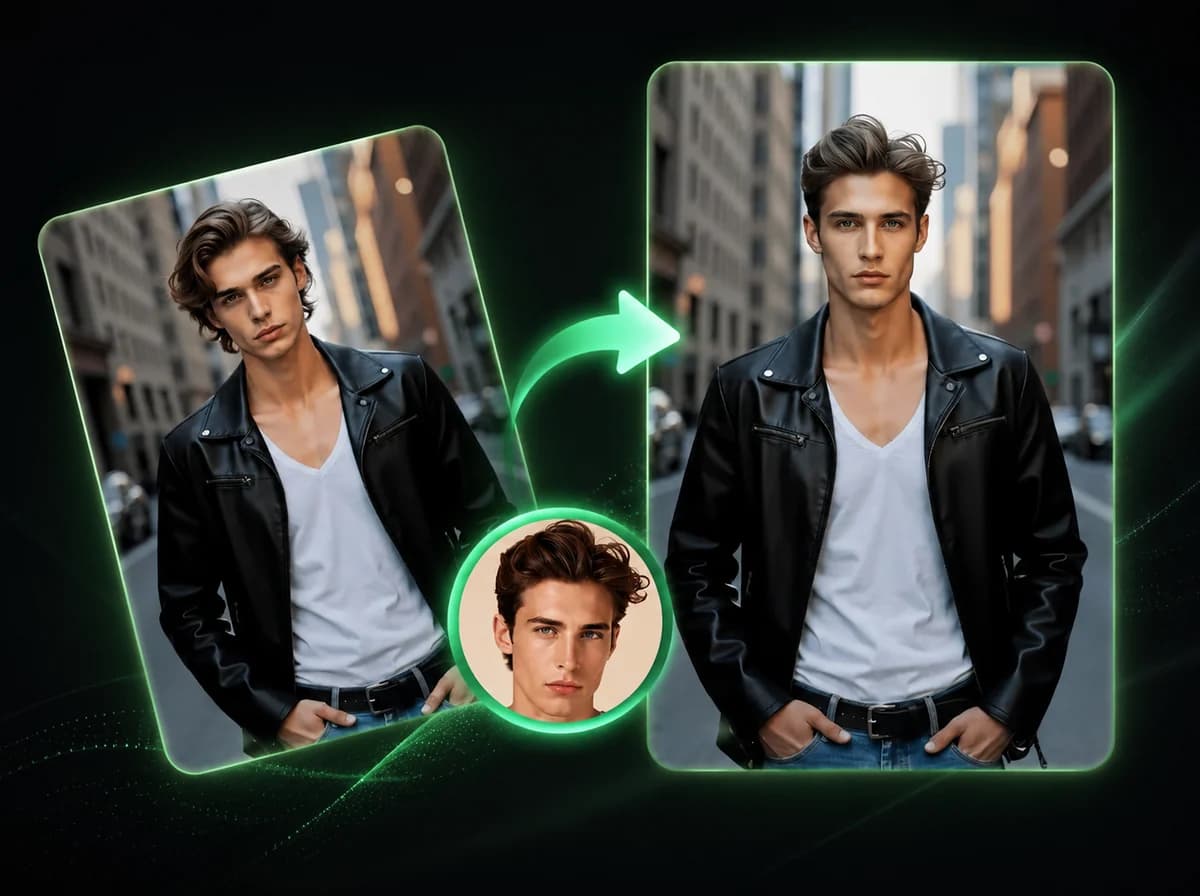
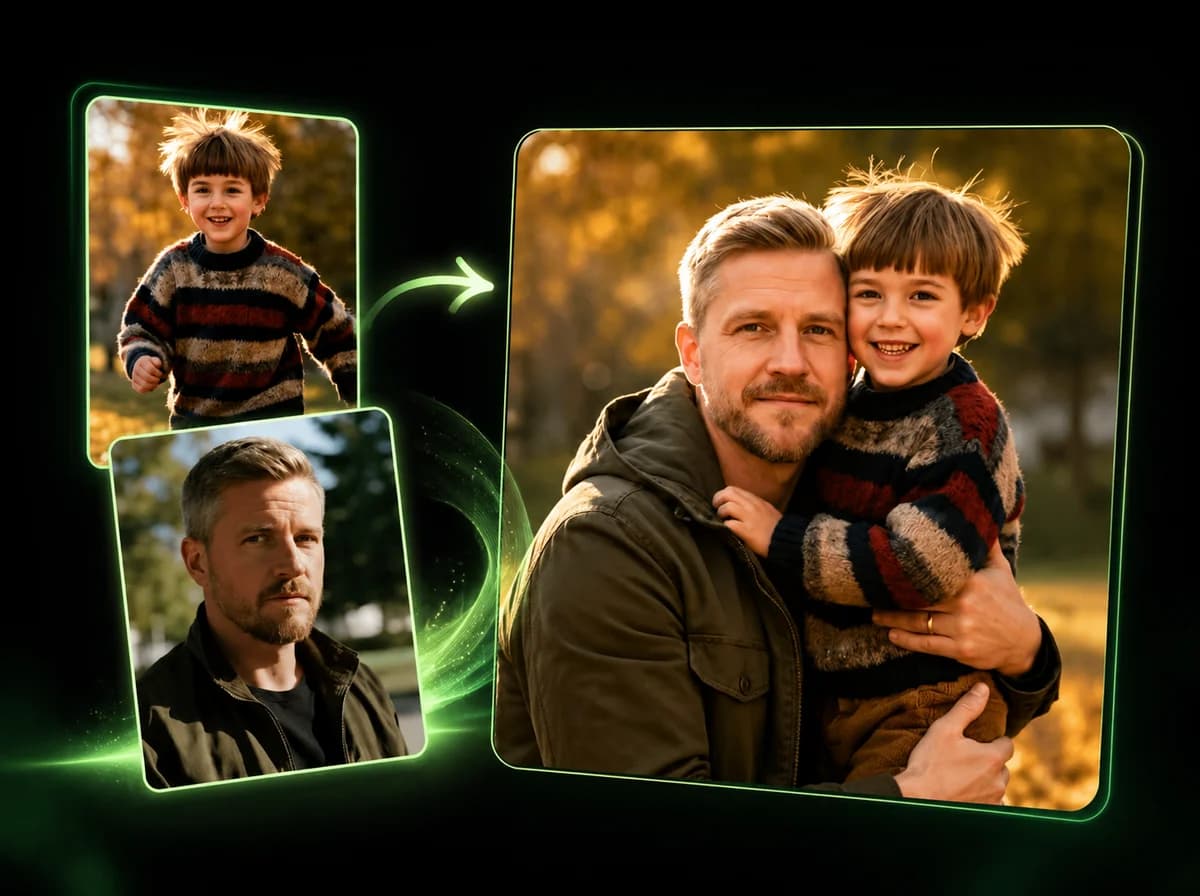
Upload two photos and replace faces with AI while preserving expressions, lighting, and the target photo context where possible.
Click to upload or drag and drop
PNG, JPG, WebP (Max 10MB, min 240x240)
Click to upload or drag and drop
PNG, JPG, WebP (Max 10MB, min 240x240)
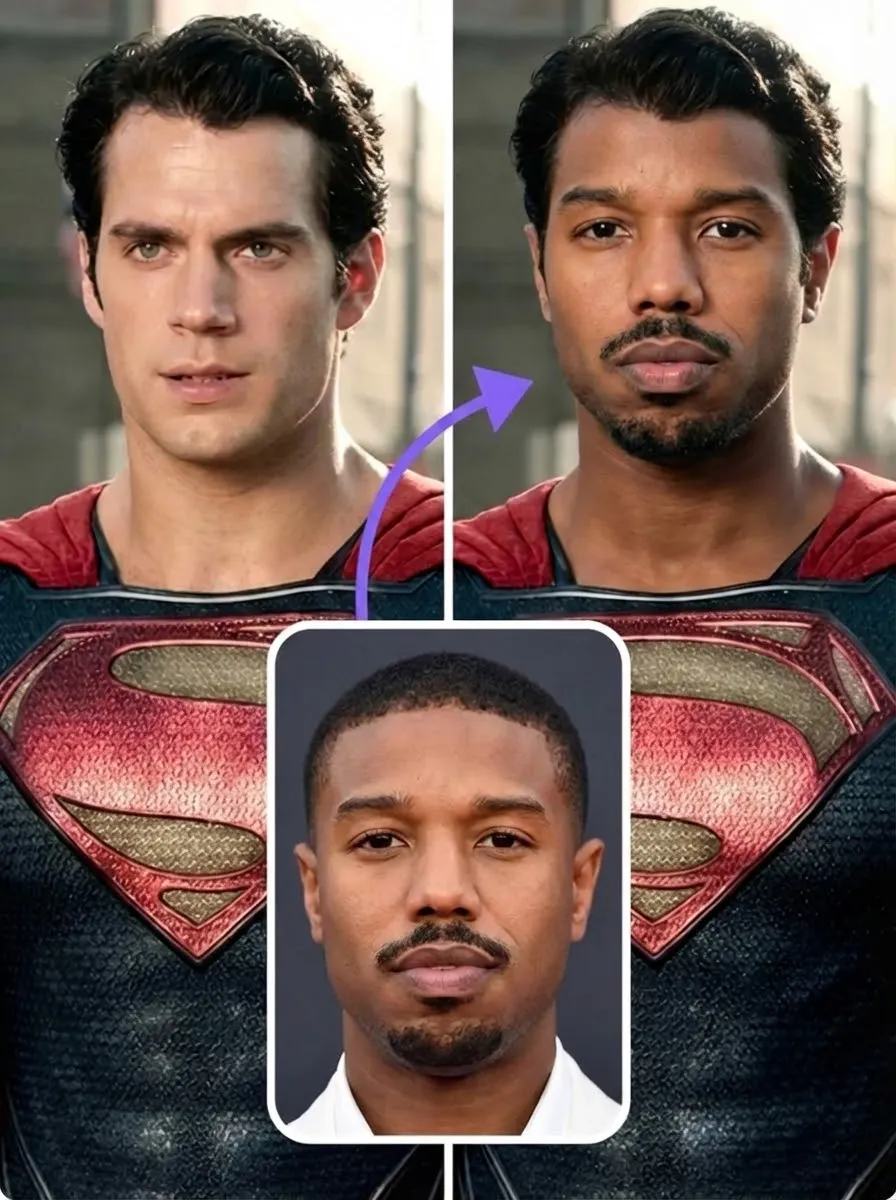
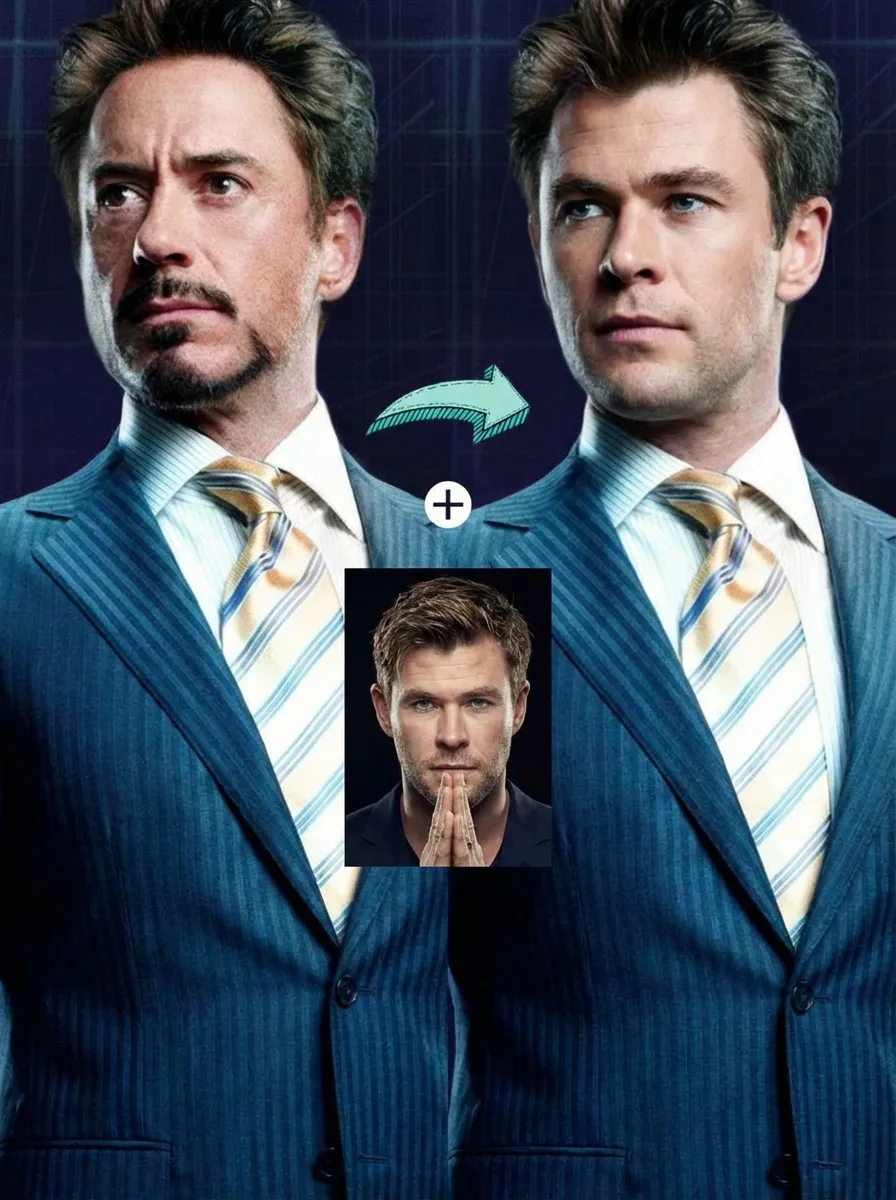
How to Swap Faces in 3 Easy Steps
Replace faces between photos using AI technology
Upload Face Image
Choose the photo containing the face you want to use. This becomes your source face that will be transferred to the target image. For cleaner results, use clear, well-lit photos where the face is clearly visible and facing forward. The AI can work with some angles, but frontal faces are more reliable.
Upload Target Image
Select the photo where you want to place the new face. A portrait or artwork with one clearly visible face works best. The AI detects the face in this image and replaces it with your source face while trying to preserve the original pose, lighting, and background context.
Download Result
Click the swap button and wait while the AI processes the images. The technology analyzes facial features, matches lighting conditions, and blends the source face into the target image. Once complete, download your face-swapped photo.
Why Choose Our AI Face Swap
Fast Results
Face swaps process quickly, with progress shown while the AI blends the two photos.
Natural Looking
AI adapts expressions, lighting, and angles so swaps can look natural when the source photos are compatible.
Easy to Use
Simply upload two photos and click swap. No technical skills or editing experience required.
High Quality
Designed to keep usable detail and clean edge blending when the source photos are clear and high resolution.
Secure Processing
Your photos are processed securely and are not used for model training or shared with third parties.
Affordable Pricing
Pay per use and only pay for what you create.
What Our Users Say
Michael Chen
Content Creator
The results are clean enough for fun social edits when I start with clear photos. It is a practical way to test content ideas before doing heavier editing.
Sarah Johnson
Social Media Manager
We use this for campaign mockups where we need quick visual options. The face swaps are fast enough for drafting, and Photoshop is only needed for final polish.
David Martinez
Photographer
The lighting adaptation and expression preservation are useful when the two source photos are shot from similar angles. It gives me a solid draft before manual retouching.
Emma Wilson
Digital Artist
Works well for many creative projects. Similar angles and workable lighting make the result much easier to use.
James Taylor
YouTuber
I create thumbnail variations for A/B testing. This tool makes it easy to test different face options before deciding which edits deserve more time.
Lisa Anderson
Marketing Specialist
It helps our marketing team draft personalized campaign materials quickly. We still review the images, but the first-pass creation is much lighter.
Robert Kim
Graphic Designer
Edge blending is useful for draft designs. When the source photos are clean, the swaps fit well enough to show clients a direction.
Jennifer Lopez
Event Planner
We use this to create fun promotional materials for events. It is quick to test concepts, and clients can choose the direction before we refine the final image.
Ready to Swap Faces?
Transform photos with AI face swap technology for social content, campaign drafts, and creative edits.