
AI Video Face Swap Online
Upload a face photo and a target MP4 or MOV video to replace faces online with frame-by-frame tracking, natural blending, and 720p output.
Click or drag face image here
JPG, PNG up to 10MB
Click or drag video here
MP4, MOV up to 60MB
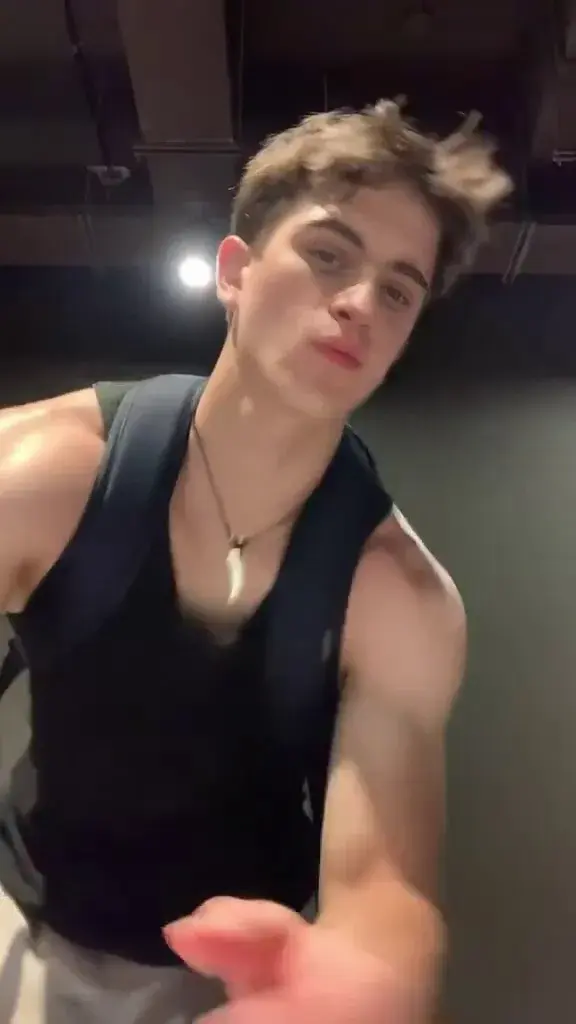
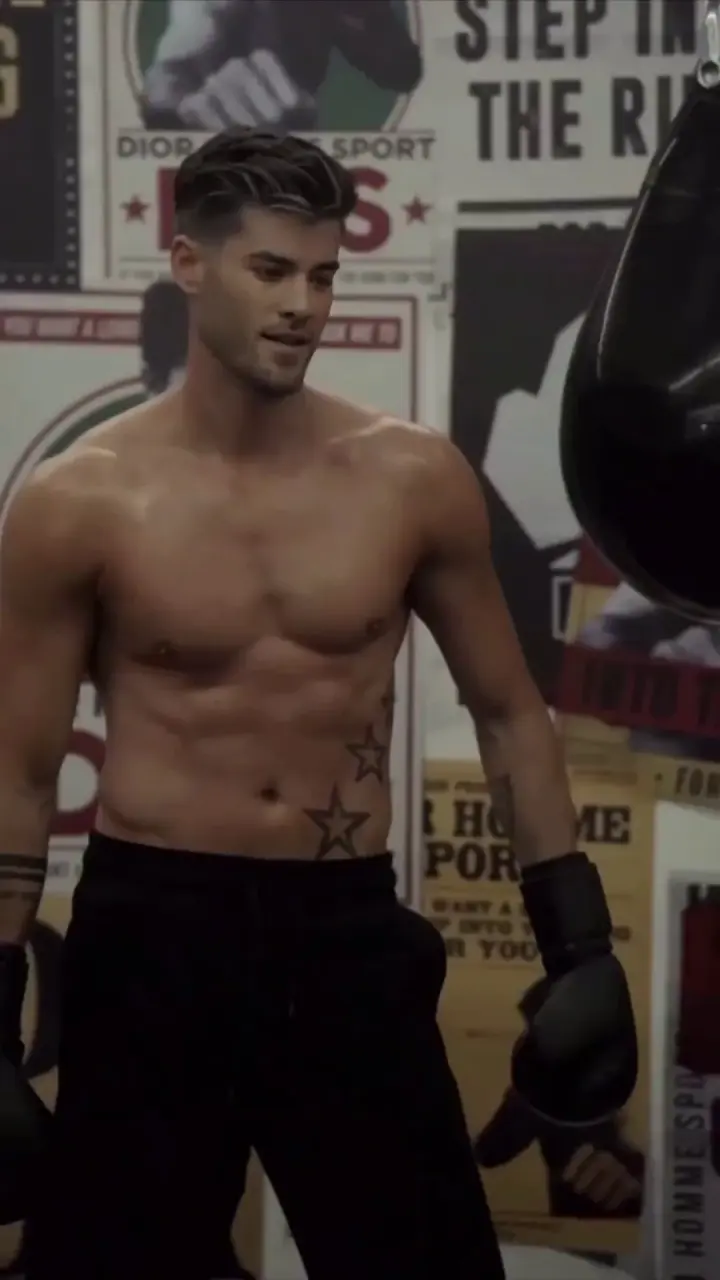
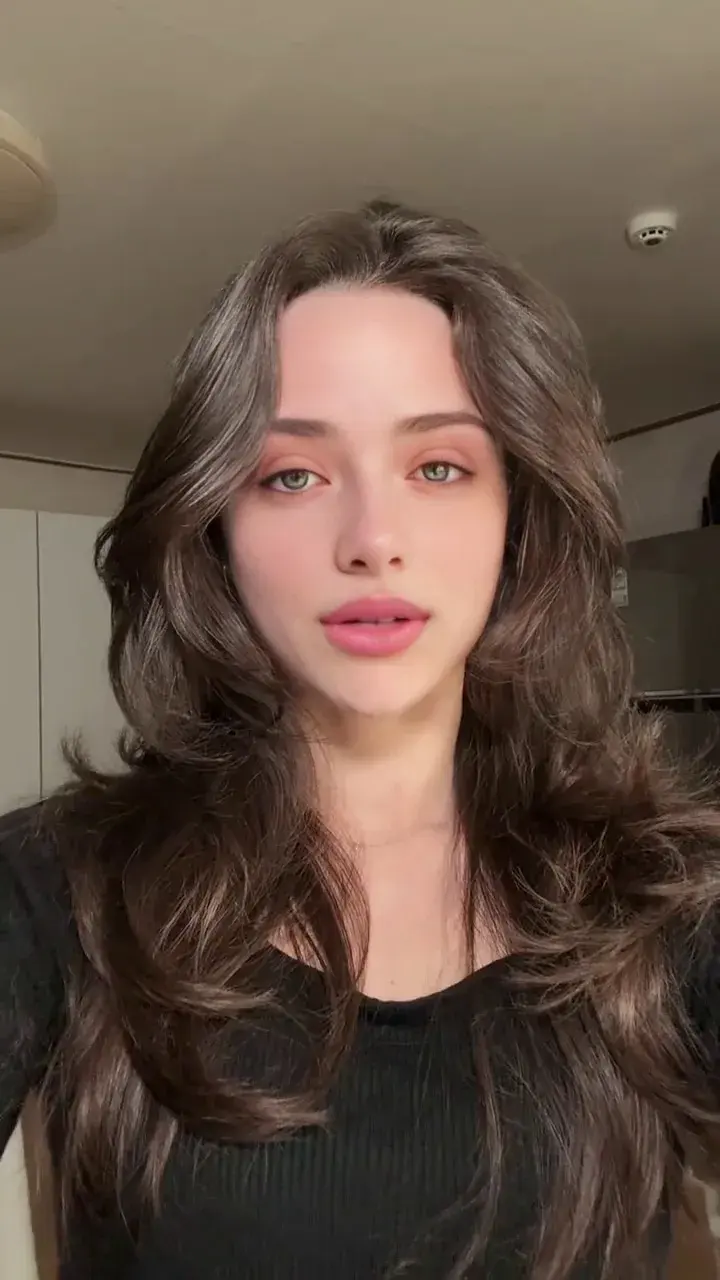
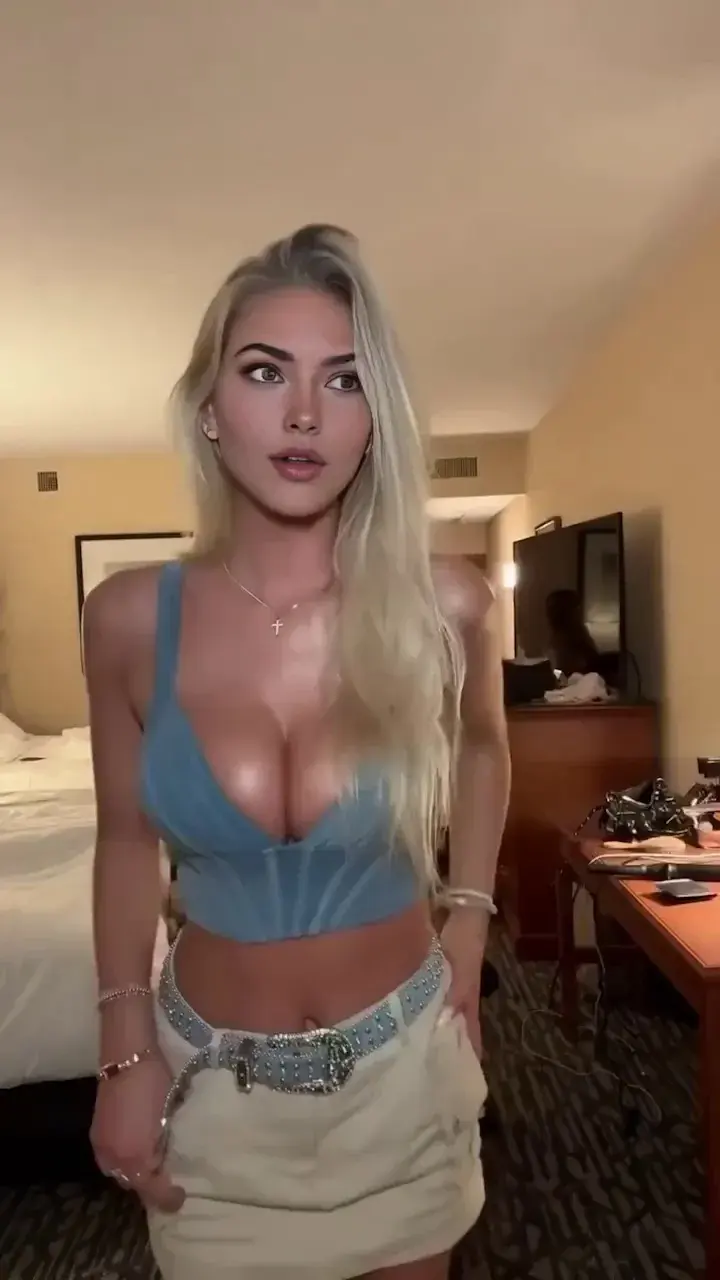
What is AI Video Face Swap?
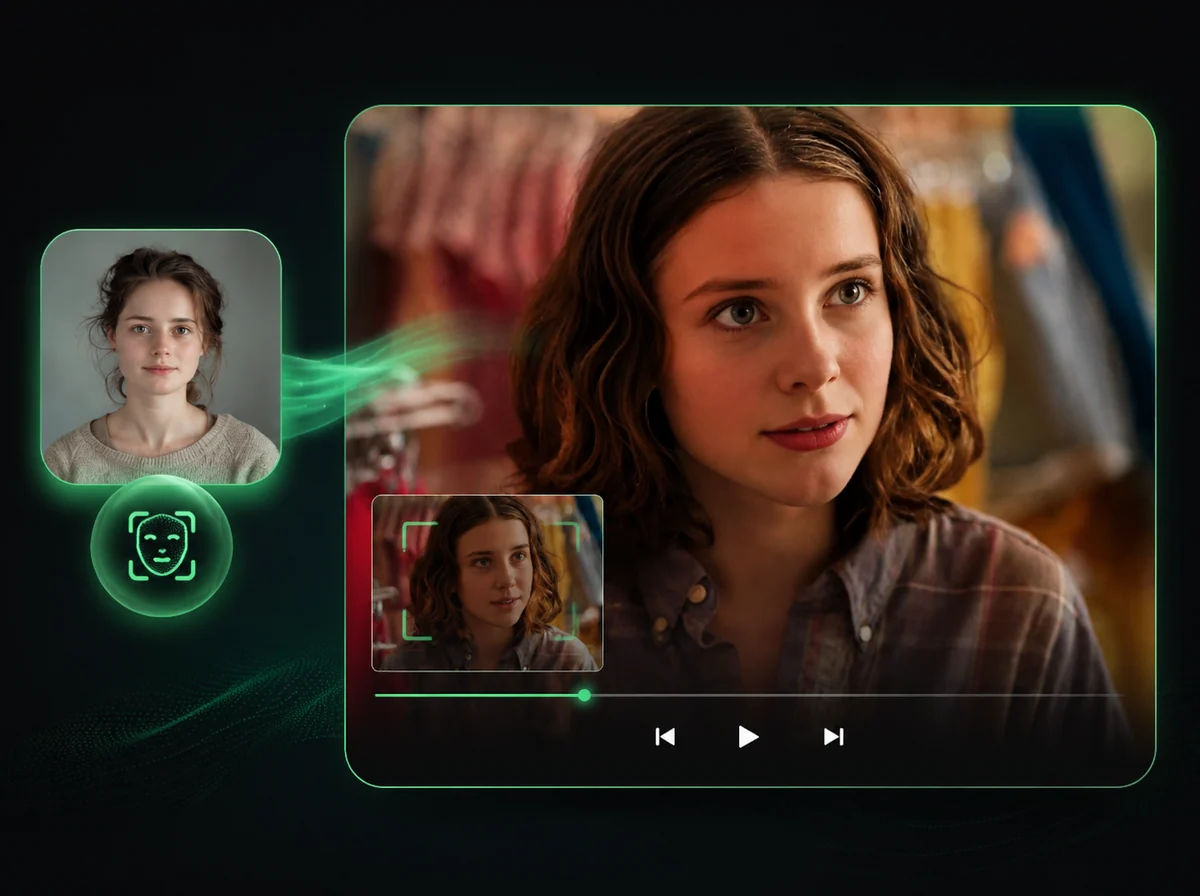
AI Video Face Swap replaces one person's face in a video with another, analyzing each frame for facial position, expression, and lighting so the replacement can track with head movement. If you want to put your face in a video or add a face to an existing clip, upload one clear photo and the target footage. The technology is the same underlying approach as face-swap videos—used here for consent-based content creation, entertainment, and professional video drafts.
What Can You Do with AI Video Face Swap?
Create face swap videos for social posts, film tests, localized training, personalized greetings, and marketing concepts. For still-image swaps, use the AI image face swap tool.
Social Media Content
Create face swap videos for TikTok, Instagram, and YouTube. Swap faces in trend formats, skits, reaction edits, or creator experiments when you have permission to use the likeness.
Film & TV Production
Use AI video face swap for visual effects drafts, stunt-double previews, post-production tests, and indie film workflows before committing to manual compositing.
Marketing & Advertising
Test multiple presenter looks, localize spokesperson concepts, or create personalized video ad drafts while keeping the original camera motion and scene structure.
Memes & GIF Creation
Replace faces in trend formats or parody-style clips to create shareable meme content when you have permission to use the likeness and source footage.
Personal Projects
Create personalized birthday videos, family jokes, or private edits using source footage and likenesses you have permission to use.
Education & Training
Create training-video variations with localized presenters, internal role-play footage, or educational examples while following likeness consent and disclosure rules.

How to Put Your Face in a Video Online
Create AI face swap videos in 3 steps. No timeline editing required.
- 1. Upload Face Image & VideoUpload a clear face photo (JPG/PNG, up to 10MB) and your target video (MP4/MOV, up to 60MB, max 5 minutes). Or choose from our template library.
- 2. Select Target FacesChoose which faces to swap: all faces, male faces only, or female faces only. The AI detects and tracks target faces across the video.
- 3. Generate & DownloadClick generate and download the face swap video as an MP4. Processing time depends on video length, face count, and current queue load.
Why Choose iMideo for AI Face Swap?
AI face swapping with frame tracking, adaptive blending, 720p output, and secure temporary processing.
Frame-by-Frame Face Tracking
The AI maps facial landmarks per frame so the replacement face tracks with head movement and expression. Lighting and skin tone are matched to the surrounding video rather than pasted flat.
Processing Depends on Clip Length
Short clips usually finish faster than long or multi-face videos. Processing time depends on video duration, resolution, face visibility, and queue load.
Temporary Secure Processing
Uploads are encrypted in transit and at rest. Files are deleted within 24 hours after processing according to the product retention policy.
Easy to Use
Use the no-code interface to upload a face photo and video, choose target faces, generate, and download the MP4 output.
What Creators Say About AI Face Swap

Tyler S.
TikTok Creator
Put my face in a short scene for a personal edit. The swap tracked well enough for a funny social post.

Priya K.
Marketing Director
We tested different presenter concepts before hiring talent. Face-swapped drafts helped the team compare direction before production.

James R.
Indie Filmmaker
Stunt double's face needed replacing in post. This gave us a natural-looking draft fast enough to test the shot before deeper compositing.

Luna M.
Meme Creator
Dropped my friend's face into a trending TikTok format for a private joke. Processing short clips is quick enough for fast meme iteration.

David H.
E-learning Producer
We tested localized training-video drafts with different presenter looks. Same script, different faces, easier review before a final production pass.

Zoe P.
Content Strategist
Made a birthday video putting my dad into a few parody-style scenes. It was personal, funny, and good enough for the family screening.

Alex C.
YouTube Educator
Used face swaps in historical footage for an educational concept. It helped students discuss the scene more actively.
AI Video Face Swap - Frequently Asked Questions
1What is AI face swap and how does it work?
AI video face swap replaces one face with another across the frames of a video. It maps facial landmarks in the source photo and target video, tracks head movement and expression, then blends the replacement face to match lighting and angle. For photo-only edits, use AI image face swap.
2What types of face images and videos work best?
For cleaner results, use high-resolution face images with clear frontal views, even lighting, and visible facial features. Avoid heavily filtered, blurry, or low-quality images. For videos, MP4 and MOV formats work best, with a 60MB file-size limit and a 5-minute duration limit. Videos with good lighting, stable camera work, and clear face visibility usually produce cleaner swaps.
3How long does AI face swap processing take?
Most short face swap videos process within a few minutes. Processing time depends on video length, resolution, number of faces, face visibility, and current queue load.
4Can I choose which faces to swap in multi-person videos?
Yes. You can choose to swap all faces, only male faces, or only female faces in your video. This helps with selective face replacement in group videos or scenes with multiple people.
5What video quality will I get from the face swap?
Face swap videos are rendered in 720p MP4 output with frame tracking, skin tone matching, and adaptive lighting adjustment. Output is suitable for social previews, drafts, and further editing, but you should review face visibility, lighting, and artifacts before publishing.
6Is face swap free to use? What are the credits?
iMideo operates on a credit-based system. AI face swap uses a duration-based pricing model: 2 credits per second based on your uploaded video's actual duration (minimum 3 seconds). For example, a 10-second video costs 20 credits, while a 30-second video costs 60 credits. Starter credits on new accounts don't cover the 6-credit minimum, so a swap needs a credit package. Check the pricing page for current credit packages.
7Can I use face swap videos commercially? What are the usage rights?
Yes, you can use face swap videos commercially when you have rights to the original face images and videos. You are responsible for likeness consent, privacy rules, platform synthetic-media policies, and any disclosure requirements in your jurisdiction.
8Is my data secure? What happens to uploaded videos?
Uploads are encrypted in transit and in storage. All files—face images and videos—are deleted from our servers within 24 hours after processing. We don't use your content for training or share it with third parties.
9What makes iMideo's face swap different from other online tools?
The main practical differences are frame-by-frame face tracking, adaptive blending, 720p MP4 output, and target controls for all faces, male faces only, or female faces only, all in a no-code interface.
10Are there any legal or ethical considerations with face swap videos?
Yes. Get consent before using someone's likeness, disclose that content is AI-generated when required by local law, and don't create content meant to deceive or harm. Most platforms have their own rules about synthetic media—check those before posting. iMideo's Terms of Service prohibit illegal and harmful use. If you're unsure whether your use case is allowed, the Terms are the right place to check.
Other Video Effects

Hotel Lobby AI Video Generator
Put you and a friend in the orange booth, trading bars at one hanging mic.

Zombie Couple Video Generator
Two photos become a zombie love story: one hug in the ruins, one sunny ending.

AI ASMR Generator
One photo becomes a slime face ASMR video: glossy slime, kneading hands, real squish sounds.
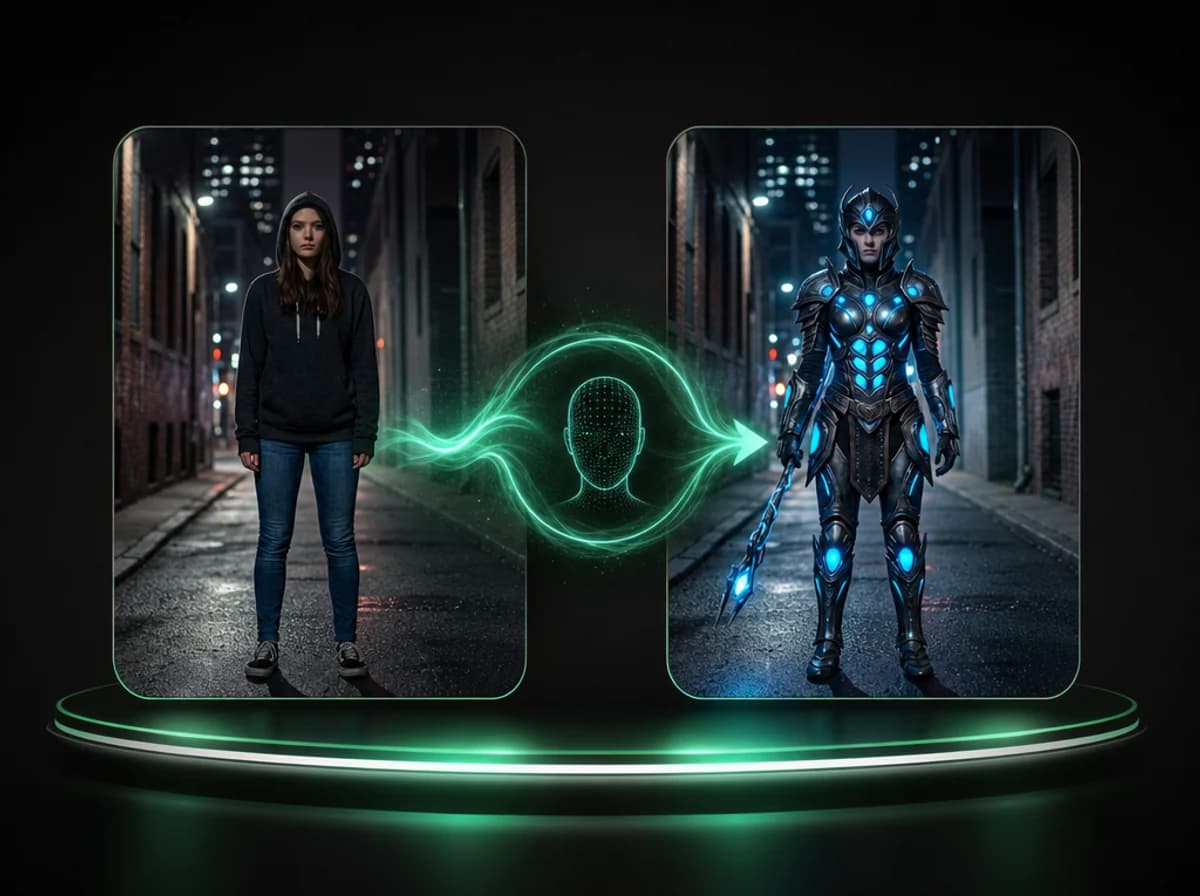
AI Video Body Swap
Swap the full body appearance in any video using a reference image, frame by frame.
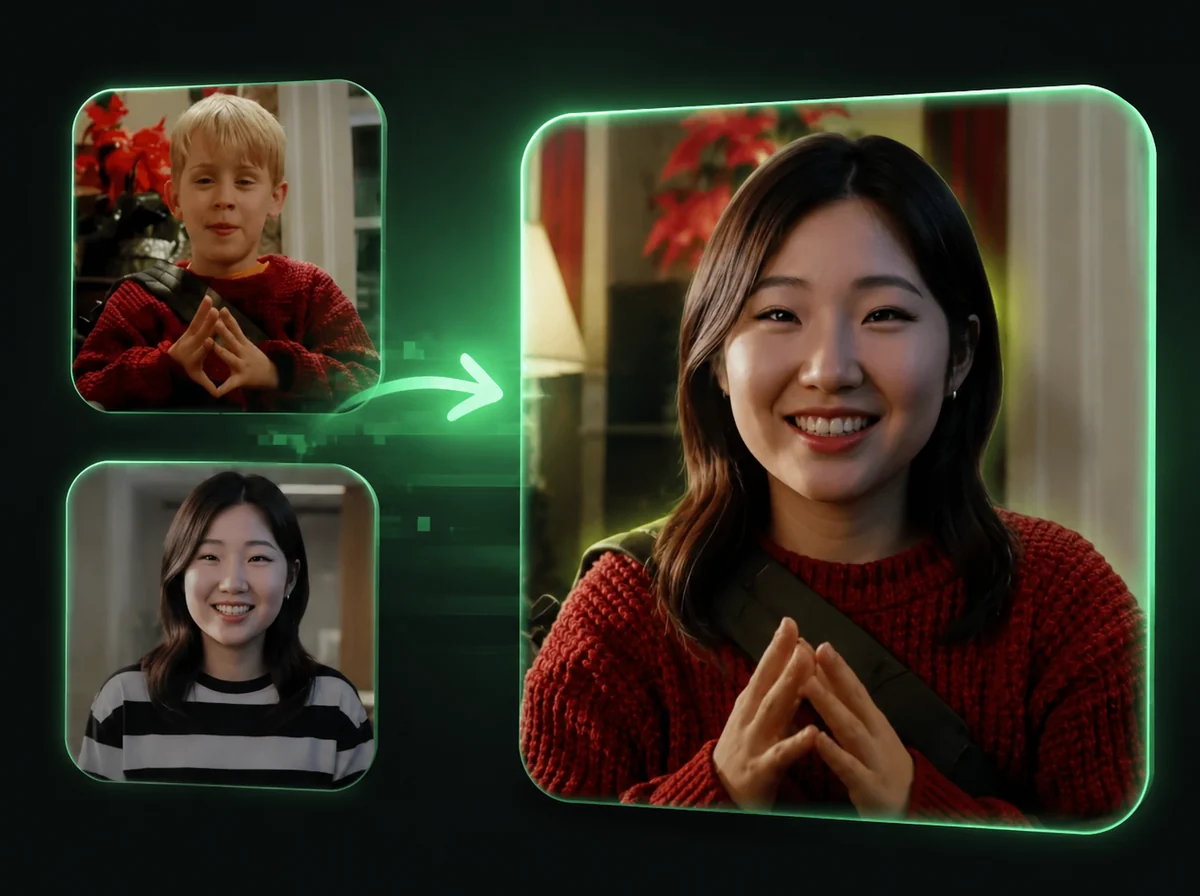
AI Video Head Swap
Replace the entire head in any video, frame by frame, with AI.
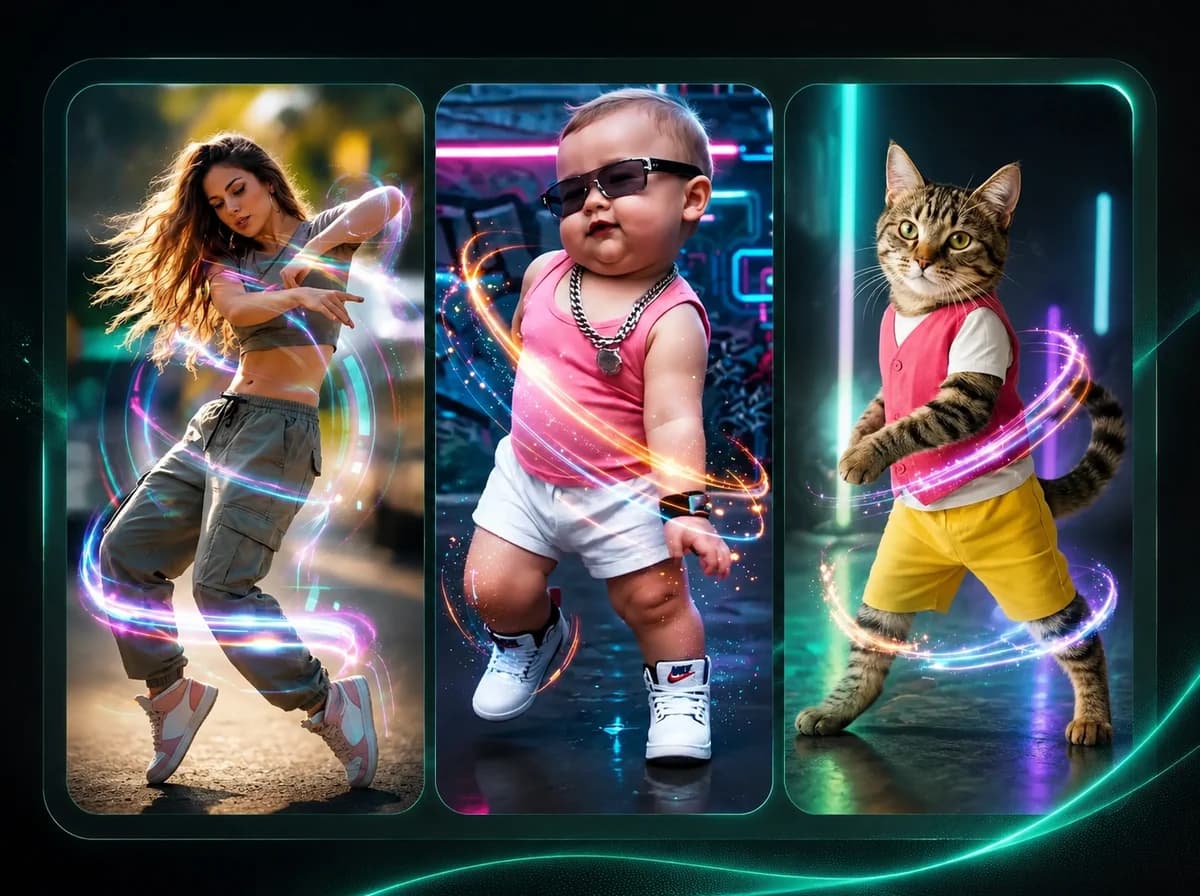
AI Dance Generator
Make any character dance with motion transfer AI.
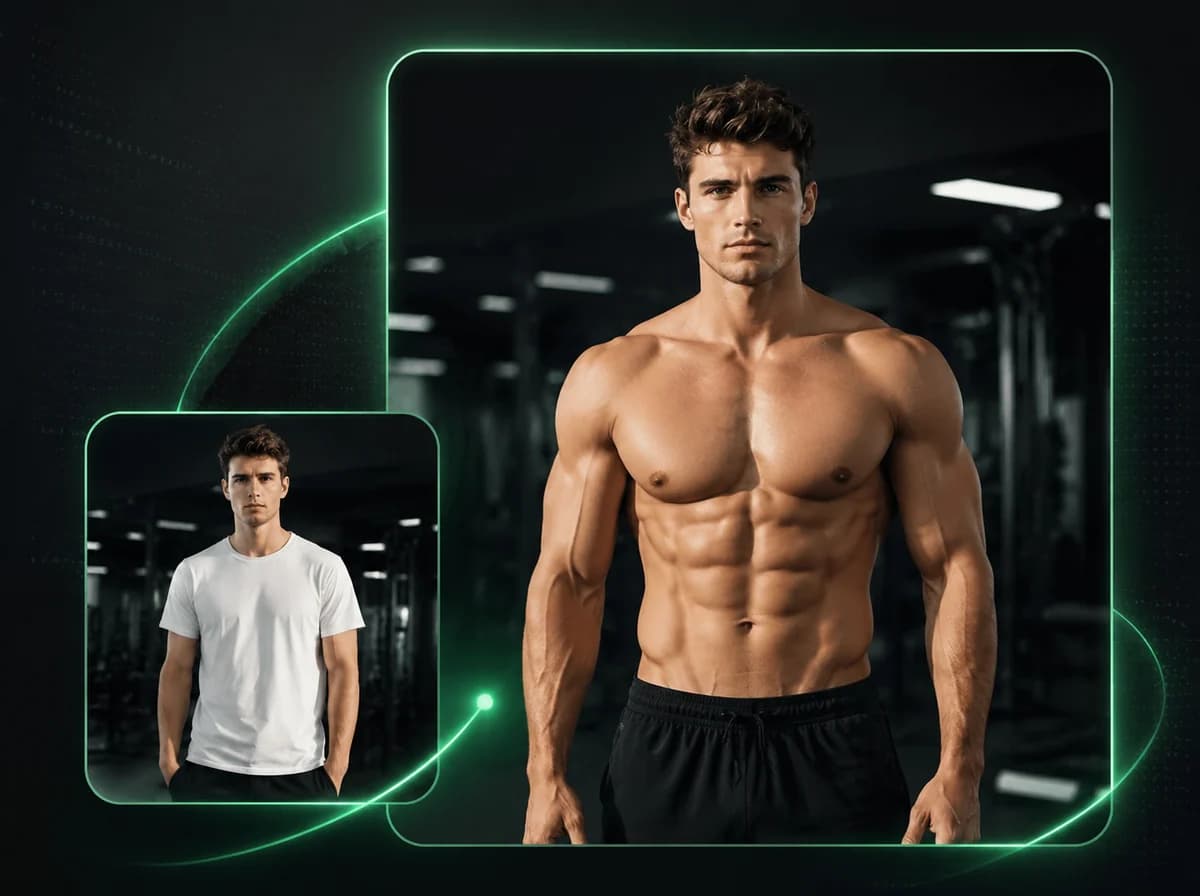
AI Muscle Generator
Animate any photo into a powerful muscle flex video with AI.
Ready to Create Face Swap Videos? Start Your Face Swap
Upload a face photo and a target video. Face swap costs 2 credits per second of video, with a 3-second minimum.