
AI Video Head Swap Online
Upload a face photo and a video to swap heads frame by frame. AI tracks movement and matches lighting automatically. Choose 480p or 720p output. No editing skills needed.
Click or drag face image here
PNG, JPG, WebP (Max 10MB)
Click or drag video here
Max 120s, MP4/MOV/WEBM
What is AI Video Head Swap?
AI video head swap replaces the entire head (including hair and neck) in every frame of a video. Face swap only overlays facial features; head swap is a full replacement that tracks with the subject's movement throughout the clip. The AI reads each frame to follow the original head position and motion, then blends the new head to match the surrounding lighting and skin tone. The result moves with the video, not as a static overlay. Use it to insert yourself into movie scenes, swap a person into trending video templates, fix a shot with a bad expression, or create comedy content without editing software. Upload a face photo and a video, pick your resolution, and generate.
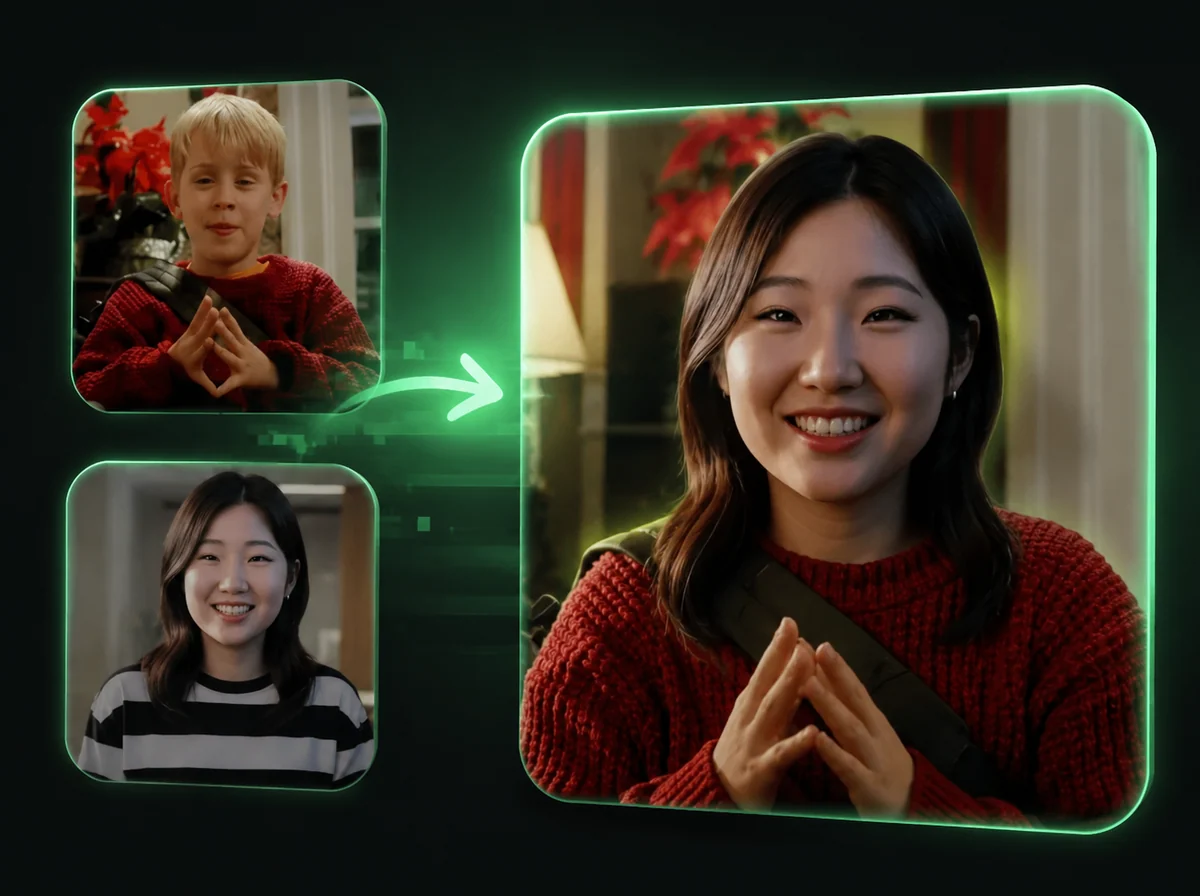
How to Swap Heads in Videos in 3 Steps
Replace any head in a video using AI. No editing experience required.
Upload Your Face Photo
Choose a clear, well-lit photo of the face you want to use. Front-facing photos with the full head and hair visible produce the best results. PNG, JPG, and WebP formats are supported, up to 10MB. The AI uses this image as the source head that will be placed into the video.
Upload Your Target Video
Select the video where you want the head replaced. MP4, MOV, and WebM formats are supported. Videos can be up to 120 seconds long; clips shorter than 3 seconds are billed as 3 seconds. The AI detects the head in each frame and tracks it throughout the clip, so the replacement follows movement naturally rather than snapping to a fixed position.
Choose Resolution and Download
Pick 480p for faster drafts or 720p for sharper output ready for social media. Click generate and the AI processes every frame, matching the new head to the video's lighting and motion. Download your finished video when processing completes.
Full Head Replacement in Videos, Hair Included
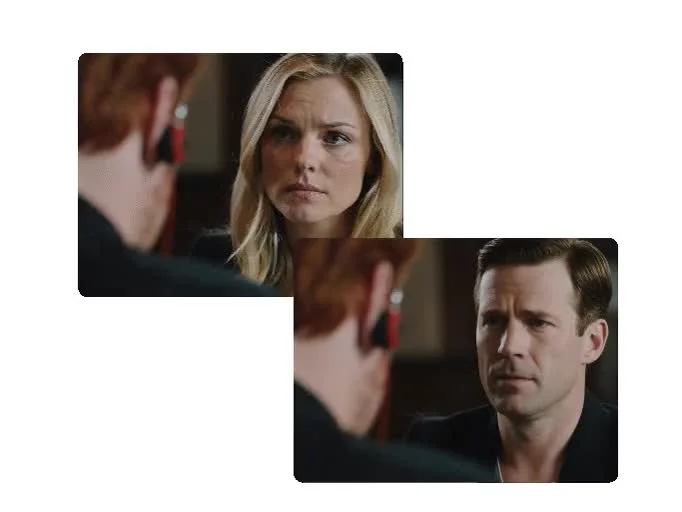
Standard face swap overlays only the facial region; the original hair and head shape stay. Video head swap replaces the full head (face, hair, and neck) so the result is a complete replacement rather than a partial overlay. The new head follows head turns, tilts, and shifts through every frame. Good for replacing a person in existing footage or any project where a full head replacement matters over a face-only swap. Both 480p and 720p output are available.
Insert Yourself Into Movies, Clips, and Trending Videos
Want to star in a famous movie scene or appear in a social video template? Upload your photo and a clip you have the right to use. The AI places your head onto the subject and tracks it through every frame — walking, turning, whatever the original motion is. It reads the lighting in each scene so the result matches rather than clashes. Works with action clips, talking-head videos, dance footage. A fast way to put yourself in a favorite film or test how a character swap looks before doing any real editing.

Create Meme Clips and Social Video Variants
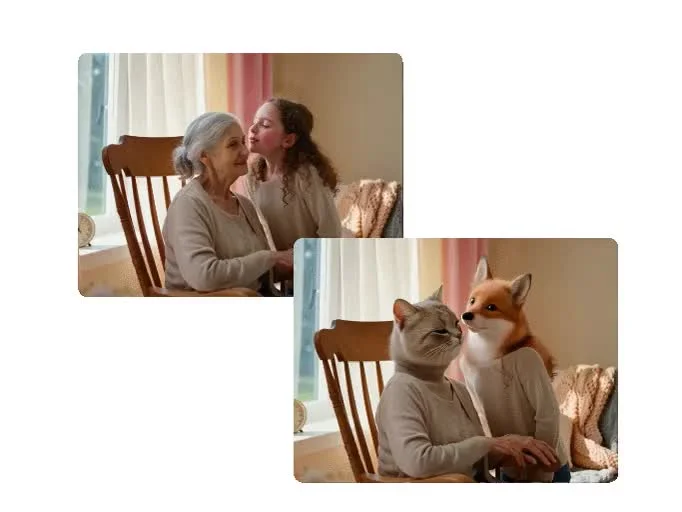
Social media runs on reaction videos, parody clips, and meme formats. AI video head swap makes it fast to put a permitted face onto a template or funny scene. Pick a source face, upload the video, and generate. The AI does the frame-by-frame replacement; you download the result and decide how to edit or publish it. Works for TikTok, Instagram Reels, and YouTube Shorts. No timeline editor, no keyframing, no manual masking.
480p or 720p: Pick the Right Quality for Your Project
Not every project needs the same output resolution. Choose 480p when you want faster processing for drafts or test runs before producing a sharper version. Choose 720p when you need clearer output for social media posts or client work. Both options use the same AI frame tracking; the difference is output sharpness and processing time. You can start with a quick draft, review the swap, then rerun at higher resolution if the result is worth polishing.
Why Use iMideo for Video Head Swap
Frame-by-Frame AI Tracking
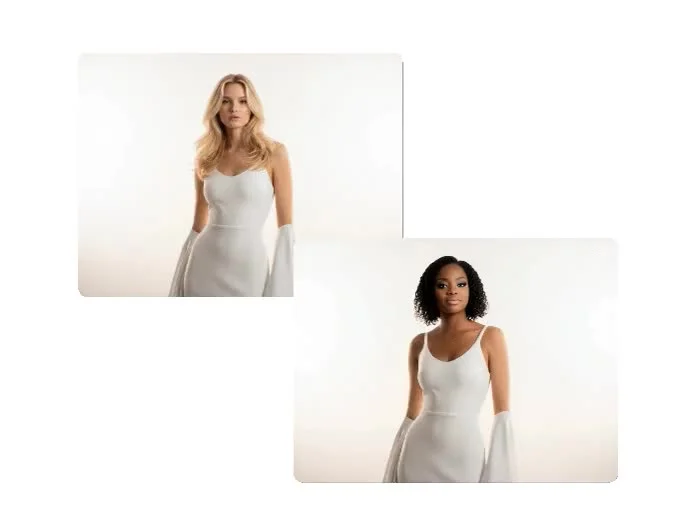
The AI processes every frame individually, tracking the head position and orientation so the replacement moves naturally with the original subject.
Automatic Lighting Match
Lighting conditions are analyzed per frame and applied to the replacement head, avoiding the flat, pasted look common with manual edits.
Resolution Choice
Select 480p for faster turnaround, or 720p for sharper output. The same AI tracking quality applies at both settings.
Simple Two-Upload Workflow
Upload a face photo and a video, choose your resolution, and generate. No timeline editor or manual tracking required.
Secure and Private
Uploaded files are processed on secure servers and deleted within 24 hours. We don't store, sell, or share your content.
Pay Only for What You Create
Create quick tests or client-ready renders without a monthly subscription.
What Creators Are Saying
Jake Morrison
TikTok Creator
Made a TikTok parody where my face replaces the lead in a movie-style fight scene, tagged as an AI edit. The head tracking through all the motion looked genuinely convincing, and most comments were people asking which tool I used.
Diane Cho
Video Editor
We had a shoot where the talent's hair came out wrong. Before booking a reshoot, I mocked up a fix with video head swap using a photo the talent approved, and sent the client a draft clearly labeled as an AI edit. It settled the reshoot question the same afternoon.
Remi Santos
YouTube Comedian
I make parody clips and this cut my production time in half. The 720p output holds up well in YouTube thumbnails too. Way faster than manually rotoscoping heads in Premiere.
Leila Park
Social Media Manager
Used it to test different brand ambassador looks for an Instagram campaign. Showed three different swaps to the team in one afternoon. Faster than organizing a proper shoot for each option.
Tom Eriksen
Content Creator
The 480p option is useful when I'm just drafting ideas. Once the concept is approved I rerun at 720p. Being able to preview quickly before committing to a full-quality render saves review time.
Priya Nair
Film Student
Needed a simple VFX replacement for a short film project. This handled the head swap in a walking scene with natural motion. The lighting match was close enough that I only needed minor color grading.
Carlos Mendes
Meme Page Operator
I batch-create meme content and this tool actually holds up under volume. Upload, generate, download, repeat. Results are consistent, and per-second billing keeps short reaction clips cheap.
Hana Watanabe
Brand Videographer
A client wanted to compare two spokesperson options before booking a second shoot. I built a 720p mock-up with a photo the second spokesperson agreed to provide and presented it as a concept preview. It made the casting decision much easier.
Frequently Asked Questions
1What is video head swap and how does it work?
Video head swap uses AI to replace the entire head (face, hair, and neck) in every frame of a video. You upload a source face photo and a target video. The AI detects the head in each frame, tracks its position and movement across the full clip, then blends the replacement to match the lighting and motion of the original. The result is a continuous, frame-accurate replacement rather than a static overlay.
2What's the difference between video head swap and video face swap?
Face swap replaces only the facial region (eyes, nose, mouth, and surrounding skin) while the original hair and head shape stay. Head swap replaces the entire head including hairstyle, so the transformation is more complete. Use AI Video Face Swap when you want to change facial features while keeping the hair. Use video head swap when you need a full head replacement, or Video Body Swap when the whole body needs to change. Need to swap a head in a still photo instead? Use AI Head Swap for photos.
3What file formats and video lengths are supported?
Supported face image formats: PNG, JPG, WebP up to 10MB. Supported video formats: MP4, MOV, WebM. Videos can be up to 120 seconds long; longer videos are not accepted. Short clips work too, but anything under 3 seconds is billed as 3 seconds. For best results, use videos with good lighting, a clearly visible head, and stable camera work.
4How long does video head swap processing take?
Processing time depends on video length and resolution. Shorter videos at 480p process faster than longer videos at 720p. Most supported jobs complete within a few minutes. You'll see a live progress indicator while the AI works through each frame, and the finished video appears in the result panel when ready.
5What's the difference between 480p and 720p output?
Both resolutions use the same AI frame-tracking and blending. 480p produces smaller files with faster processing and a lower credit cost, good for drafts or low-bandwidth platforms. 720p produces sharper output suitable for social media posts and client deliverables. You can preview at 480p before committing to a 720p render.
6How are credits calculated for video head swap?
Credits are charged per second of video, rounded up, with a 3-second minimum. 480p costs about 3.7 credits per second and 720p about 7.5 credits per second. For example, a 10-second clip costs 38 credits at 480p or 75 at 720p; a 30-second clip costs 113 or 225; a 120-second clip (the maximum) costs 449 or 898. Clips under 3 seconds are billed as 3 seconds: 12 credits at 480p or 23 at 720p. The tool shows the exact cost for your video before you generate.
7Is my privacy protected? What happens to my uploaded files?
All uploaded files (face photos and videos) are processed on secure servers and automatically deleted within 24 hours after processing. We don't store, share, or use your content for AI training. Processing happens over encrypted connections. You can also delete your processed videos manually from the results screen at any time.
8Can I swap multiple heads in one video?
The tool swaps one head per operation. If your video contains multiple people and you want to replace more than one head, you will need to run separate operations. Each swap is processed independently.
9What kind of photos produce the best head swap results?
Use a clear, front-facing photo with good, even lighting. The full head and hair should be visible. Avoid photos where the head is partially cropped or obscured. Photos where the face takes up 30–50% of the frame tend to produce the most natural blends. Avoid strong backlighting, heavy filters, or photos with other people's heads in frame.
10Can I use video head swap results commercially?
Yes, outputs can be used commercially when you have the legal right to use the original face images and video footage, and when your use complies with laws regarding likeness and synthetic media disclosure in your jurisdiction. iMideo's Terms of Service prohibit uses that are deceptive, harmful, or non-consensual.
Other Video Effects

Hotel Lobby AI Video Generator
Put you and a friend in the orange booth, trading bars at one hanging mic.

Zombie Couple Video Generator
Two photos become a zombie love story: one hug in the ruins, one sunny ending.

AI ASMR Generator
One photo becomes a slime face ASMR video: glossy slime, kneading hands, real squish sounds.
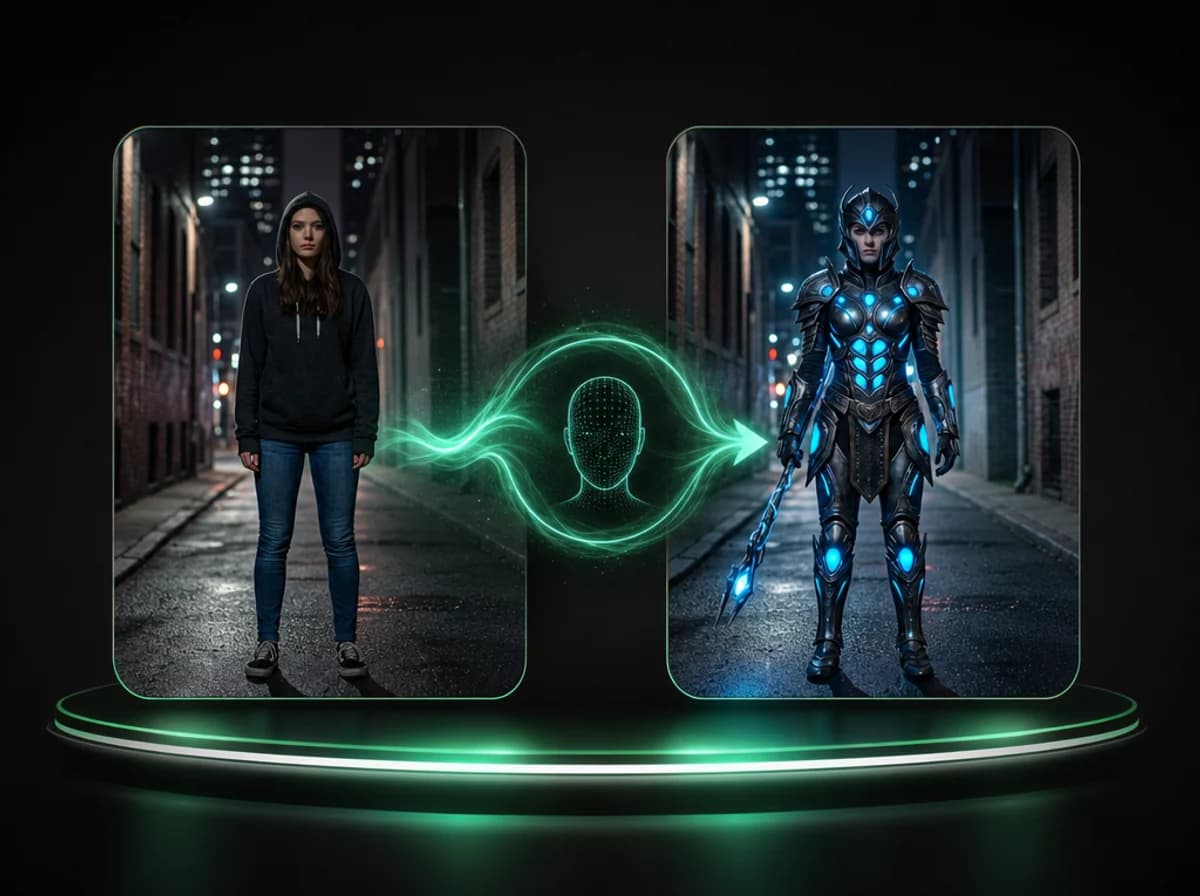
AI Video Body Swap
Swap the full body appearance in any video using a reference image, frame by frame.
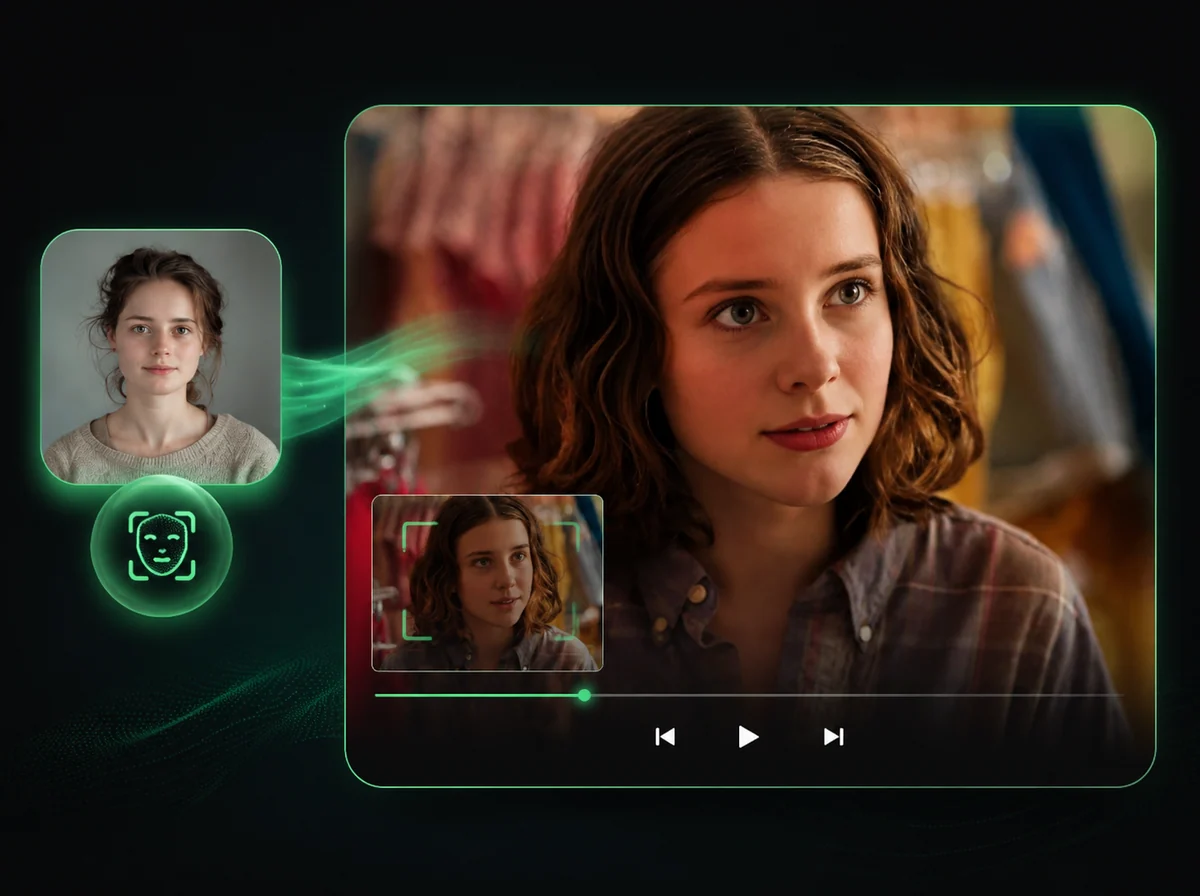
AI Video Face Swap
Swap faces in videos with AI precision.
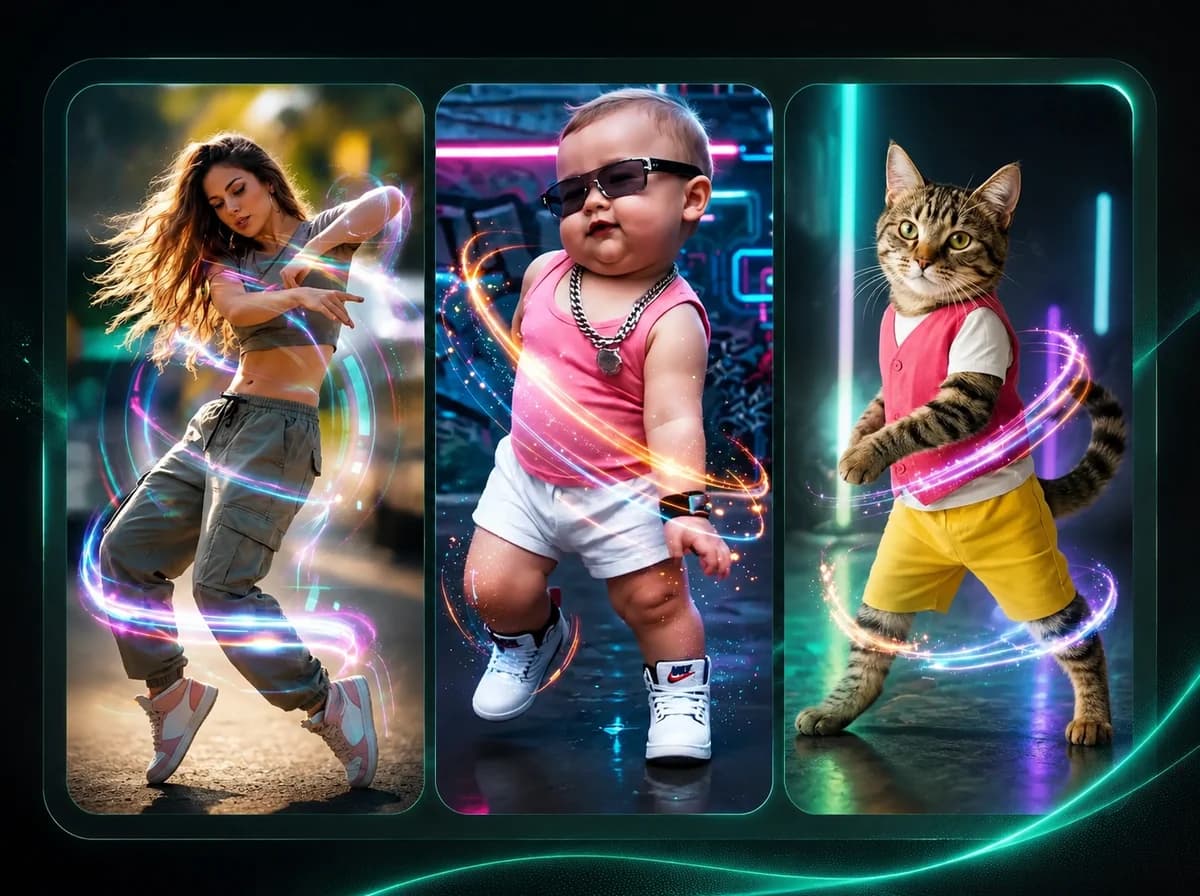
AI Dance Generator
Make any character dance with motion transfer AI.
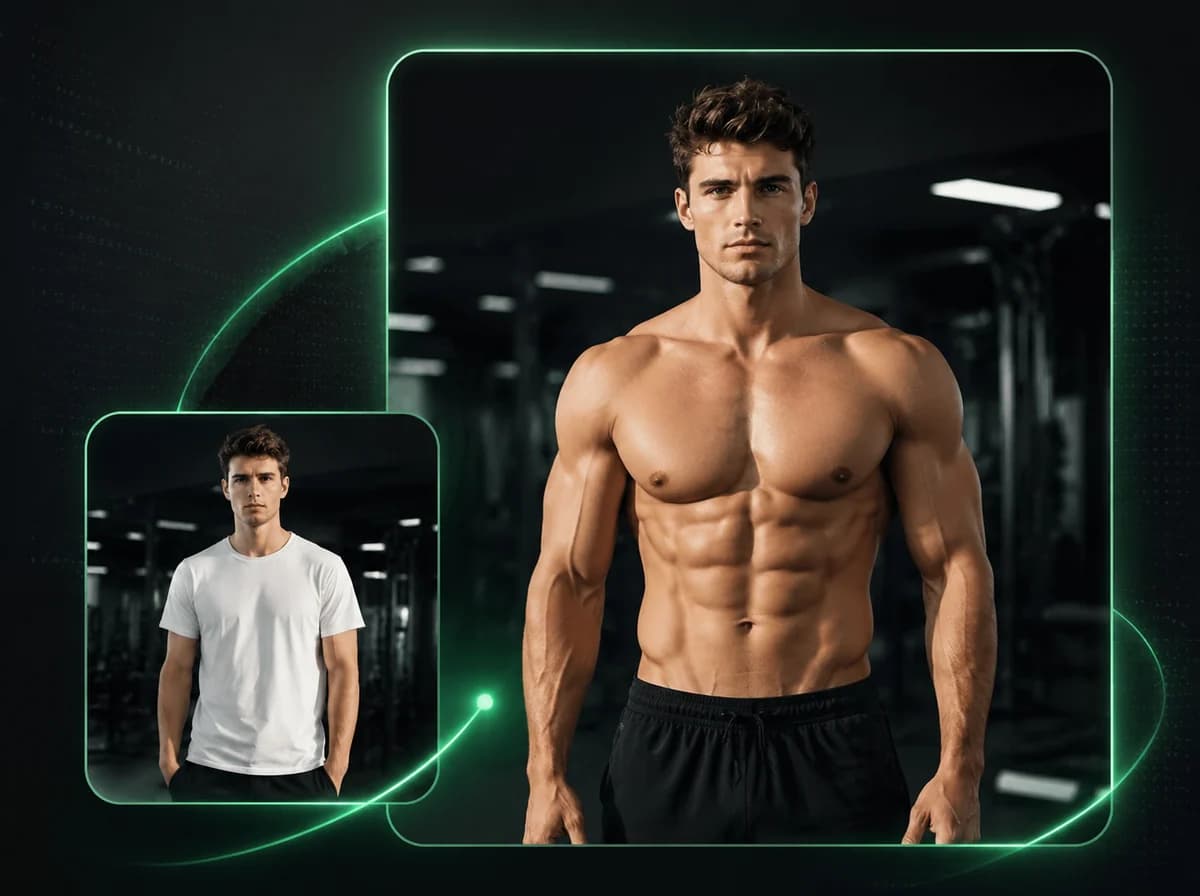
AI Muscle Generator
Animate any photo into a powerful muscle flex video with AI.
Ready to Swap Heads in Your Video?
Upload a face photo and a video clip to get started. No editing experience or software required.