
Body Swap Video AI — Swap Bodies in Video Online
Create a body swap video with AI. Upload a reference image and source video to replace body appearance frame by frame with an outfit, character, or style.
Click or drag video here
MP4/MOV, up to 30s, 50MB, longest side 1920px
Click or drag image here
JPG/PNG, up to 20MB, short side >300px, ratio 2:5-5:2
Before
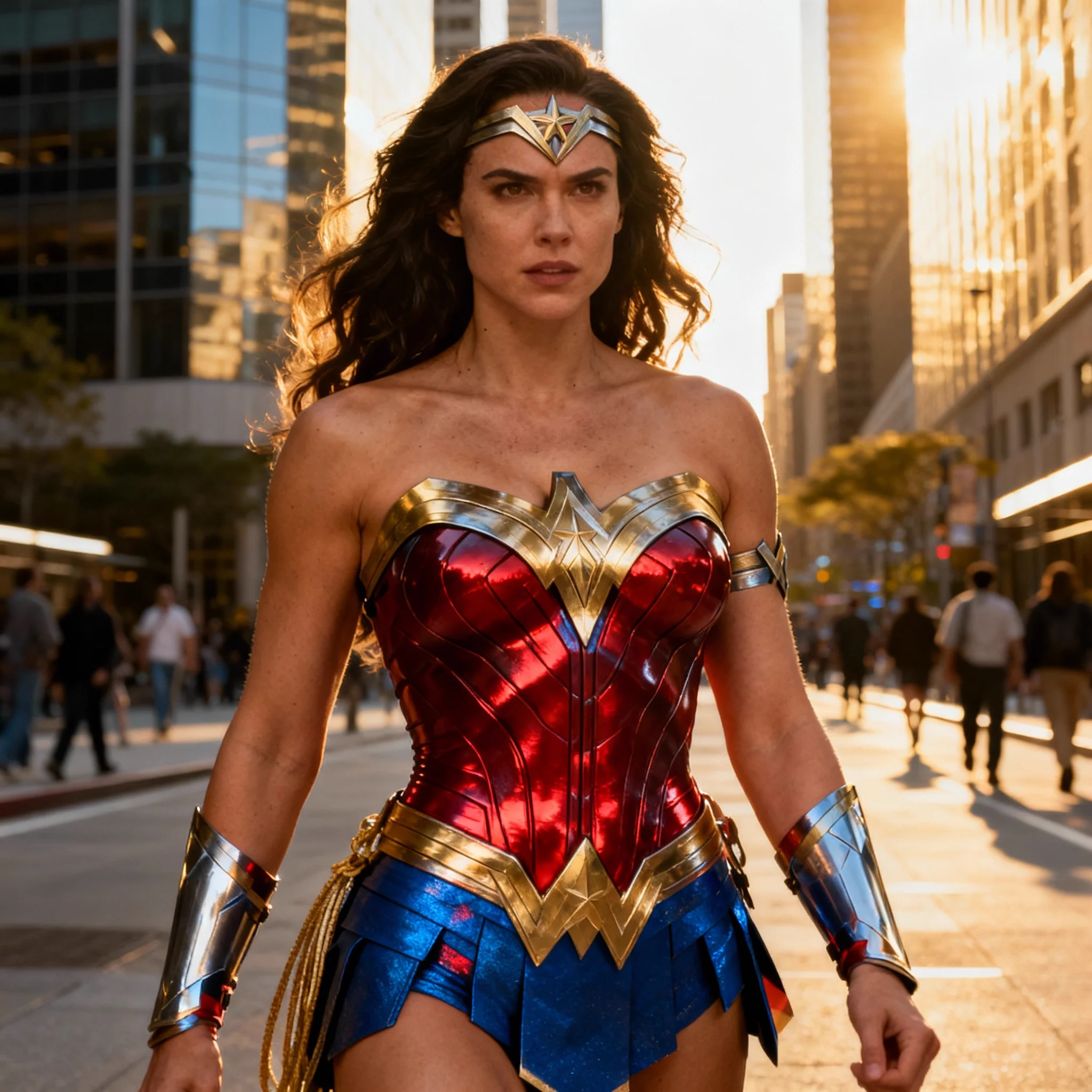
After
What Is a Body Swap Video AI Tool?
Body swap video AI replaces the body appearance in every frame of a video using a reference image you provide. Upload a photo of a character, outfit, or style, and the AI maps that look onto the subject in your video throughout the clip. Unlike a simple face swap, body swap affects the full figure — clothing, body shape, and overall appearance — while preserving the original subject's movement and the scene around them. The AI tracks the subject frame by frame so the replacement follows turns, steps, and gestures. Use it to place yourself or a character into a permitted video template, apply a fashion look to existing footage, or create character content without a costume or studio.
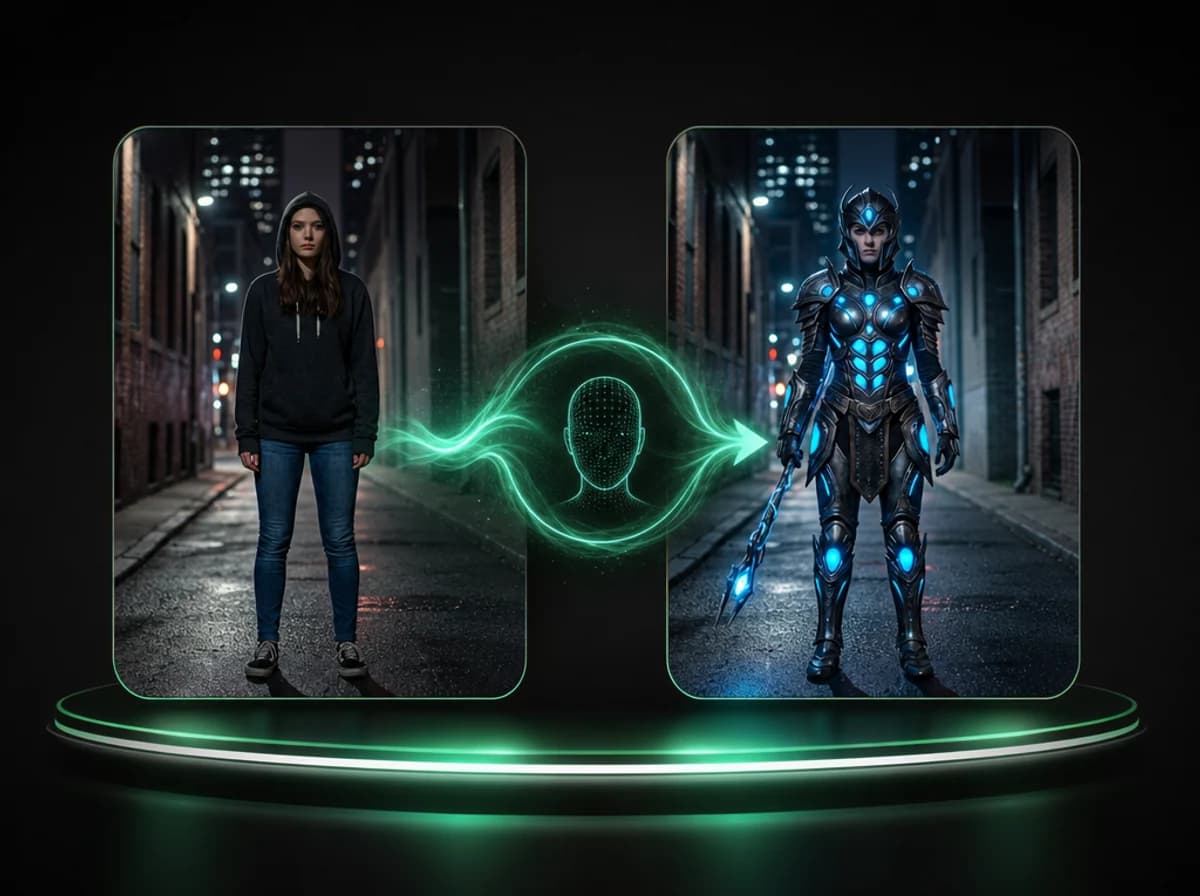
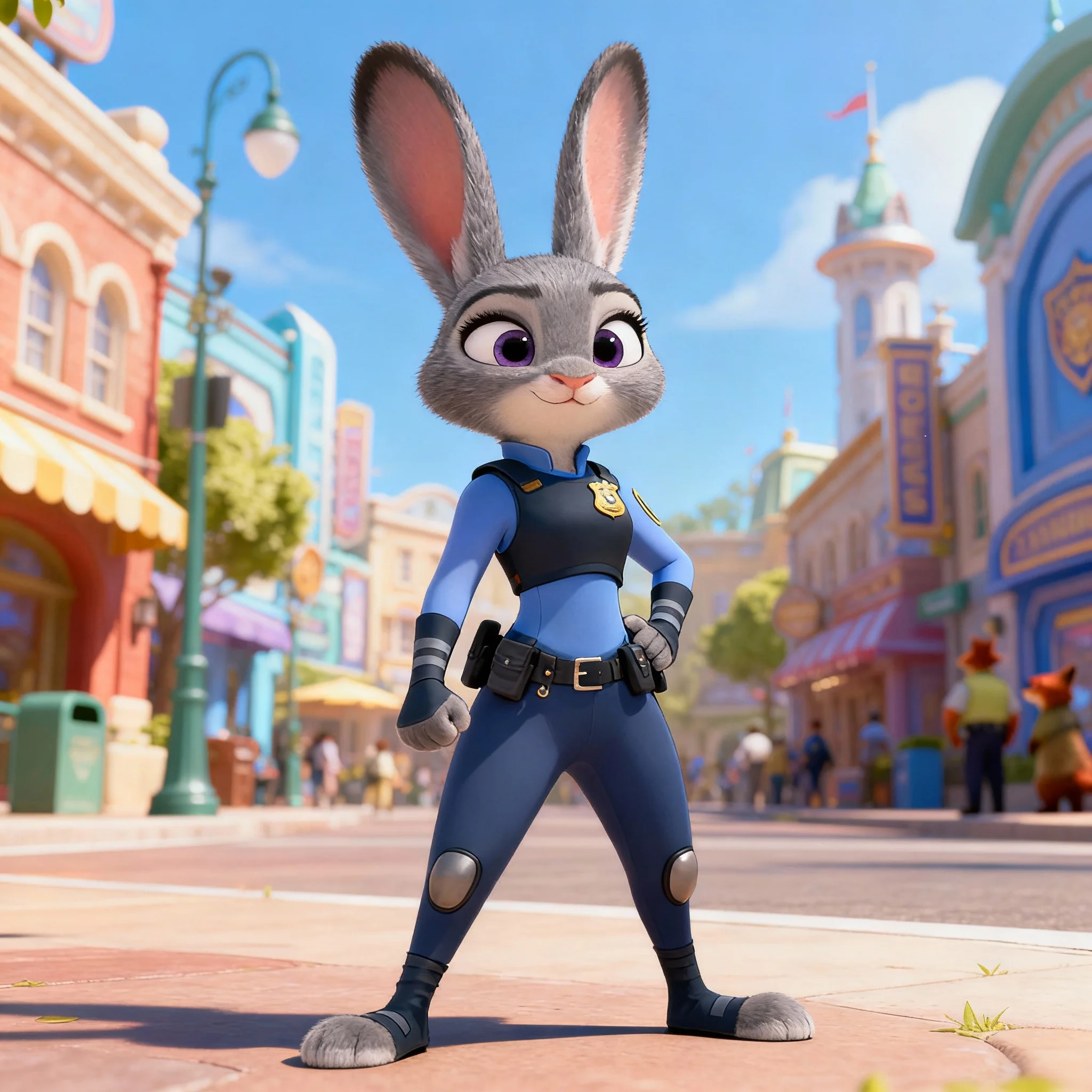
Swap Into Any Character or Costume Style
Use a character or costume photo as the reference — animated, fictional, or real. The AI applies the full body appearance to your video subject and tracks every movement and pose change across frames. Works for creative content, character videos, and entertainment clips where you want a complete visual transformation without a costume or set.
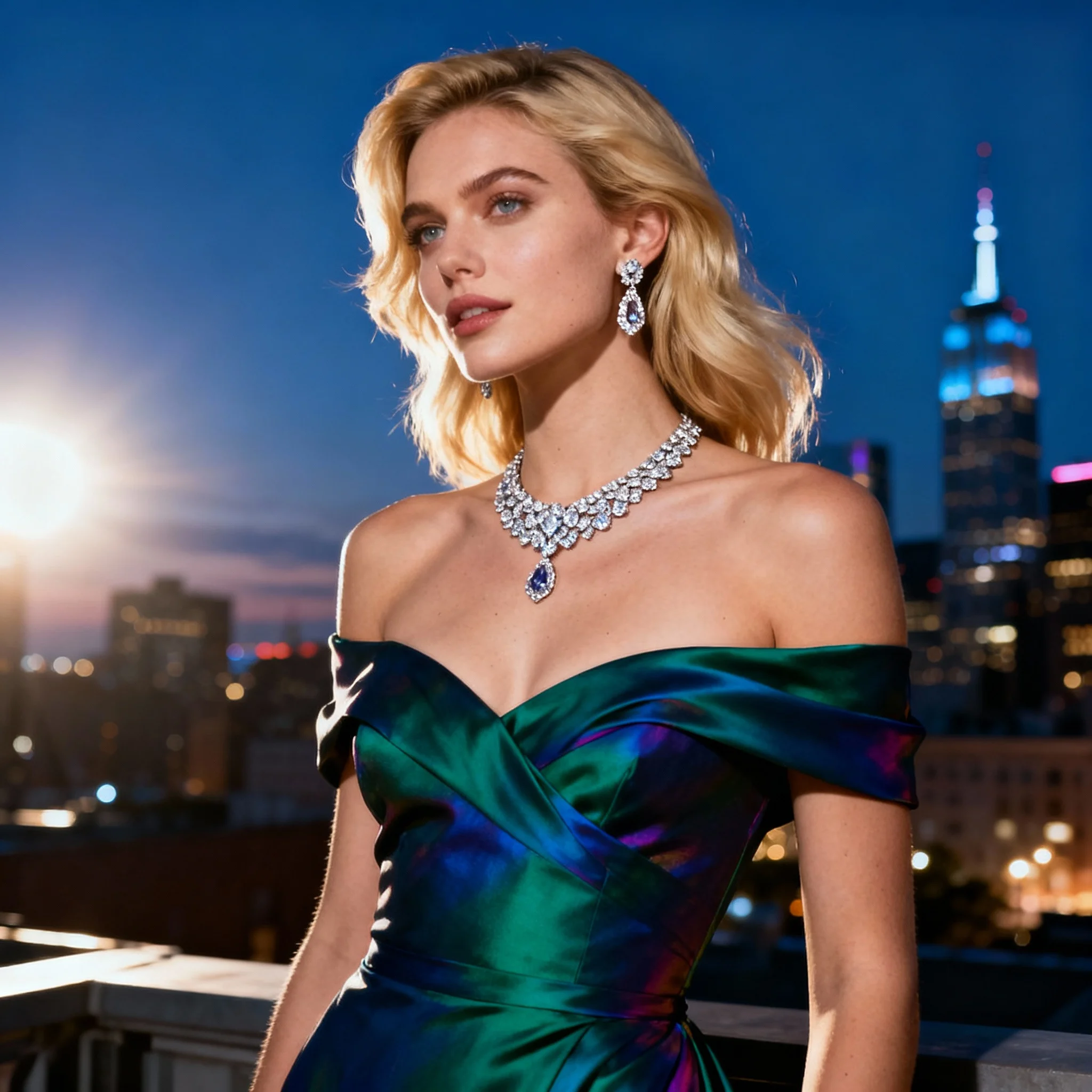
Apply Fashion Looks to Existing Footage
Swap a wardrobe style onto existing footage without reshooting. Upload a fashion photo as the reference and a video as the source. The AI places the outfit and style on the video subject frame by frame, preserving the original movement and scene. Useful for fashion showcases, lookbook content, virtual outfit try-on videos, and commercial production.
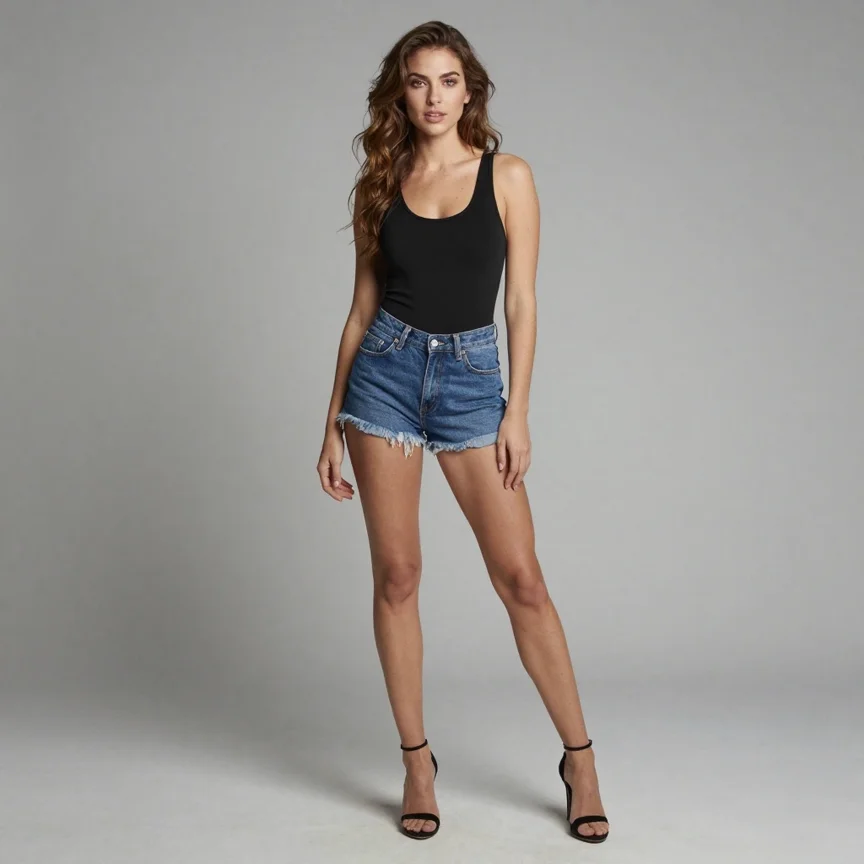
AI Tracks Body Movement Across Every Frame
Whether the subject is walking, dancing, posing, or turning, the AI follows each frame and maintains the body replacement consistently throughout the clip. The result moves with the original video rather than locking to a fixed position. No manual keyframing or tracking required — the AI handles all of it automatically.
How to Create a Body Swap Video in 3 Steps
Replace the body in a video using a reference image. No editing experience required.
Upload Your Reference Image
Choose a photo of the outfit, character, or body style you want to apply. This is the look the AI will use as the replacement. Clear, well-lit photos work best. Characters, costumes, and fashion photos are all supported. JPG or PNG up to 20MB, with the short side larger than 300px.
Upload Your Source Video
Select the video where you want the body replaced. MP4 and MOV files are supported, up to 50MB, 30 seconds long, and 1920px on the longest side. The video should feature a person whose body you want swapped. The AI identifies the subject and tracks them through every frame.
Choose Resolution and Download
Select 360p or 540p (13 credits per second), or 720p (17 credits per second) for sharper output ready for social media. Click generate and the AI processes every frame, applying the reference body to the video subject. Download your finished video once the job is done.
Why Use iMideo for Body Swap Video
Frame-by-Frame Body Tracking
The AI processes every frame individually, tracking the subject's body position and orientation so the replacement moves naturally with the original motion.
Reference Image Support
Use photos of characters, costumes, fashion looks, or body appearances you have the right to use. The AI reads the reference image and applies it to your video subject.
Three Resolution Options
Choose 360p or 540p at 13 credits per second, or 720p at 17 credits per second for sharp results ready for social media. The same AI applies at every resolution.
Works Across Common Video Types
Dance clips, walking footage, talking-head videos, action shots — the AI adapts to different motion types and maintains the body swap through the clip.
Secure and Private
Your reference image and source video are used only to create your video, and uploaded files are cleared from our storage by automatic cleanup. We don't sell your files.
No Editing Skills Required
Upload two files, pick your resolution, and generate. No timeline editor, no manual masking, no keyframing. The result is ready to download.
What Creators Say About AI Video Body Swap
Lucas M.
@lucasm_creates
I dropped my favorite animated character into a real video and the body tracking was surprisingly clean. Way better than the manual tests I had tried before.
Priya S.
@priya.visuals
Used it for a fashion client to swap outfits on existing footage instead of reshooting. Saved us a reshoot. The AI handles movement way better than I expected.
Tom K.
@tomk.content
Made a batch of character swap clips for my channel. The results hold up well in motion. Really solid for creative content work.
Aisha R.
@aisha.reels
The 720p output is sharp enough to post directly. I've been using it for outfit reveal videos and the transition looks integrated.
Jake T.
@jaket.studio
As a small production team, this saves us a ton on costume budget. We shoot once, swap the look in post. The AI does the tracking automatically.
Mei L.
@mei.clips
I use it for cosplay content. Upload a character reference, drop it onto my video — no green screen needed. The results are much better than I thought possible.
Carlos V.
@carlosv.film
Used this for a commercial where the client wanted to test three different wardrobe options on the same video. Saved us from reshooting. The quality is there.
Sophie W.
@sophiew.video
The body tracking through a full dance sequence is what impressed me most. Other tools I tried fell apart on fast movement. This one stays consistent.
Frequently Asked Questions
1What is a body swap video?
A body swap video is a video where AI replaces the body appearance of the subject using a reference image. You upload a photo of the look you want — a character, costume, or outfit — and the AI applies that appearance to the subject in your video, frame by frame. The result preserves the original motion while changing the body style.
2What kinds of reference images work best?
Clear, well-lit photos that show the full body work best. This includes character photos, costume images, fashion photos, and any image where the body appearance is the main subject. Both real photos and illustrated/animated references are supported. Avoid heavily cropped images that only show part of the body.
3What is the difference between body swap and face swap?
Face swap replaces only the face region, while video head swap replaces the full head. Body swap replaces the full body appearance — clothing, body shape, and overall look — while keeping the subject's movement intact. Body swap is a broader visual replacement rather than a facial overlay. Because the clothes are replaced along with the body, it isn't the right tool if you only want a new outfit on yourself; for still photos, the AI clothes changer does that and leaves your body shape alone.
4What video formats and lengths are supported?
MP4 and MOV videos up to 50MB are supported. Clips can be up to 30 seconds long, with the longest side at 1920px or less. Reference images must be JPG or PNG, up to 20MB, with the short side larger than 300px and an aspect ratio between 2:5 and 5:2. For best results, the subject should be clearly visible throughout the clip with consistent lighting.
5What resolution options are available?
You can choose 360p, 540p, or 720p output. 360p and 540p are billed at the same rate. 720p costs a little more per second and produces the sharpest output, which suits social media posting or client deliverables.
6How many credits does a body swap video cost?
Cost depends on the length of your source video, rounded up to the next full second: 13 credits per second at 360p or 540p, and 17 credits per second at 720p. Clips shorter than 3 seconds are billed as 3 seconds. For example, a 10-second clip costs 130 credits at 540p or 170 credits at 720p. The exact cost is shown before you generate.
7Can I use an animated or fictional character as the reference?
Yes. The AI works with both photorealistic and illustrated reference images. You can use photos of animated characters, game characters, cosplay costumes, or any visual reference that shows the body style you want to apply to the video.
8How long does it take to generate a video?
Processing time depends on video length and the selected resolution. Most videos complete within a few minutes. Longer clips at 720p may take slightly longer. You can check progress on the video status page.
9Is my content kept private?
Your reference image and source video are used only to generate your video. Uploaded files are removed from our storage by automatic cleanup jobs. Finished videos are saved to your library; on accounts without an active paid plan they are deleted after 24 hours, so download anything you want to keep. We don't sell your files.
10Can I use the results for commercial projects?
Generated videos can be used for personal and commercial projects. Please ensure you have the necessary rights to the reference image and source video you upload. You are responsible for the content you create using the tool.
11What if the body swap doesn't look right?
Results depend on the quality of the reference image and source video. Try a different reference photo that shows the full body clearly, or use a video where the subject is well-lit and fully visible. Reducing resolution can sometimes improve consistency on complex motion.
Other Video Effects

Zombie Couple Video Generator
Two photos become a zombie love story: one hug in the ruins, one sunny ending.

AI ASMR Generator
One photo becomes a slime face ASMR video: glossy slime, kneading hands, real squish sounds.
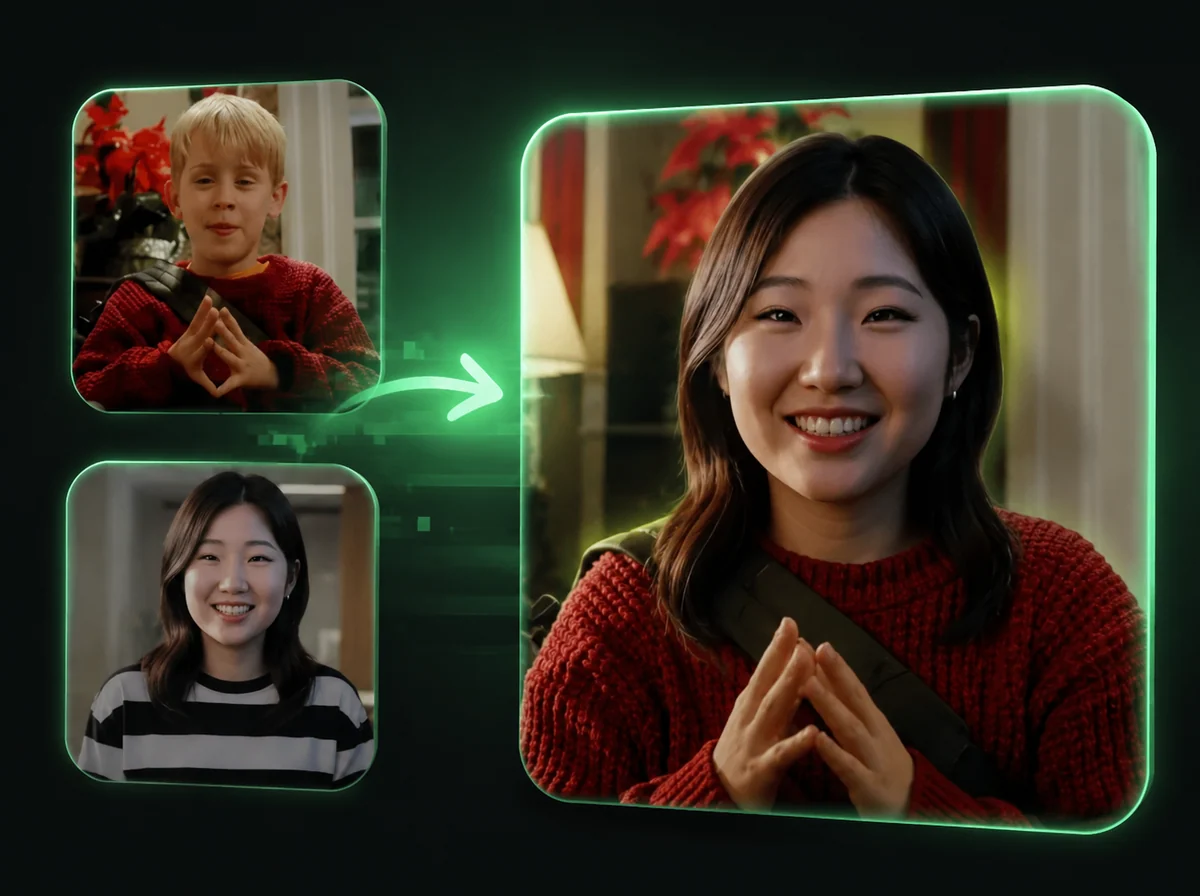
AI Video Head Swap
Replace the entire head in any video, frame by frame, with AI.
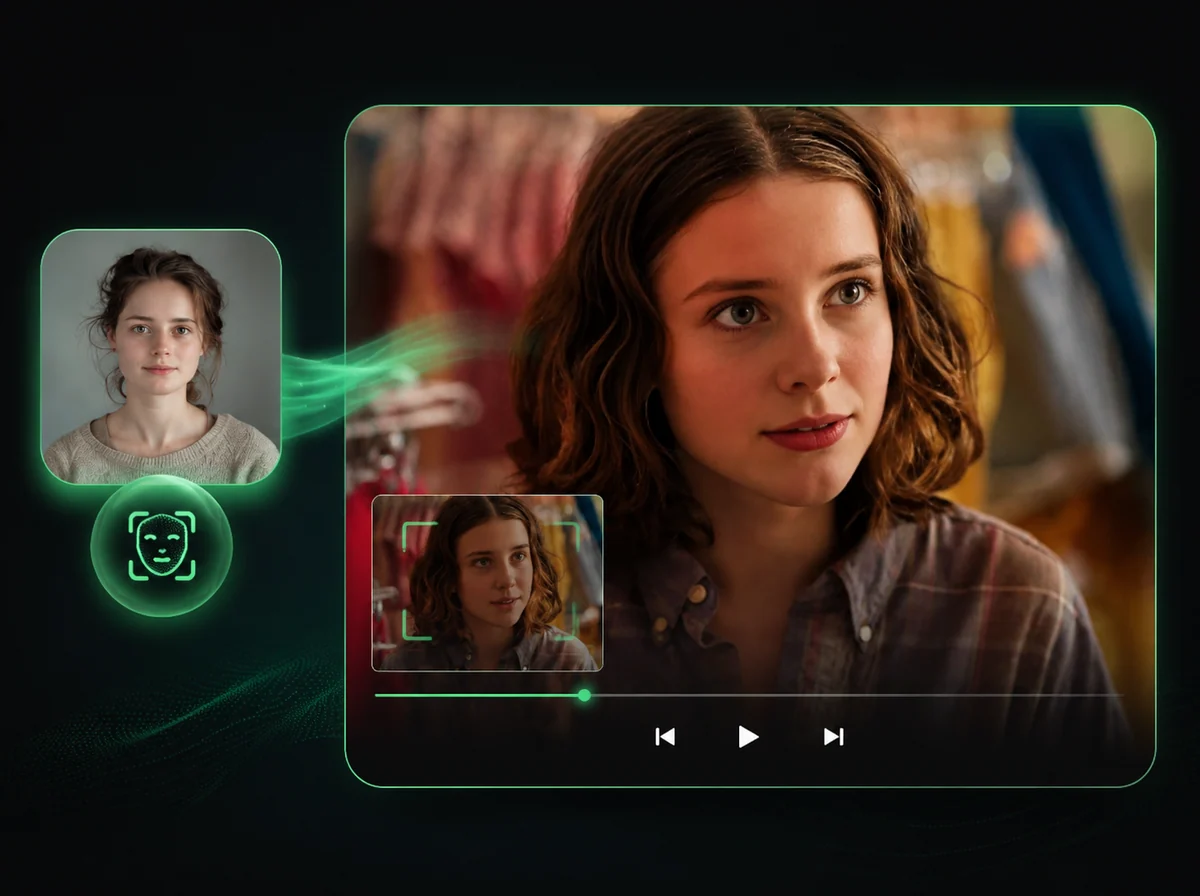
AI Video Face Swap
Swap faces in videos with AI precision.
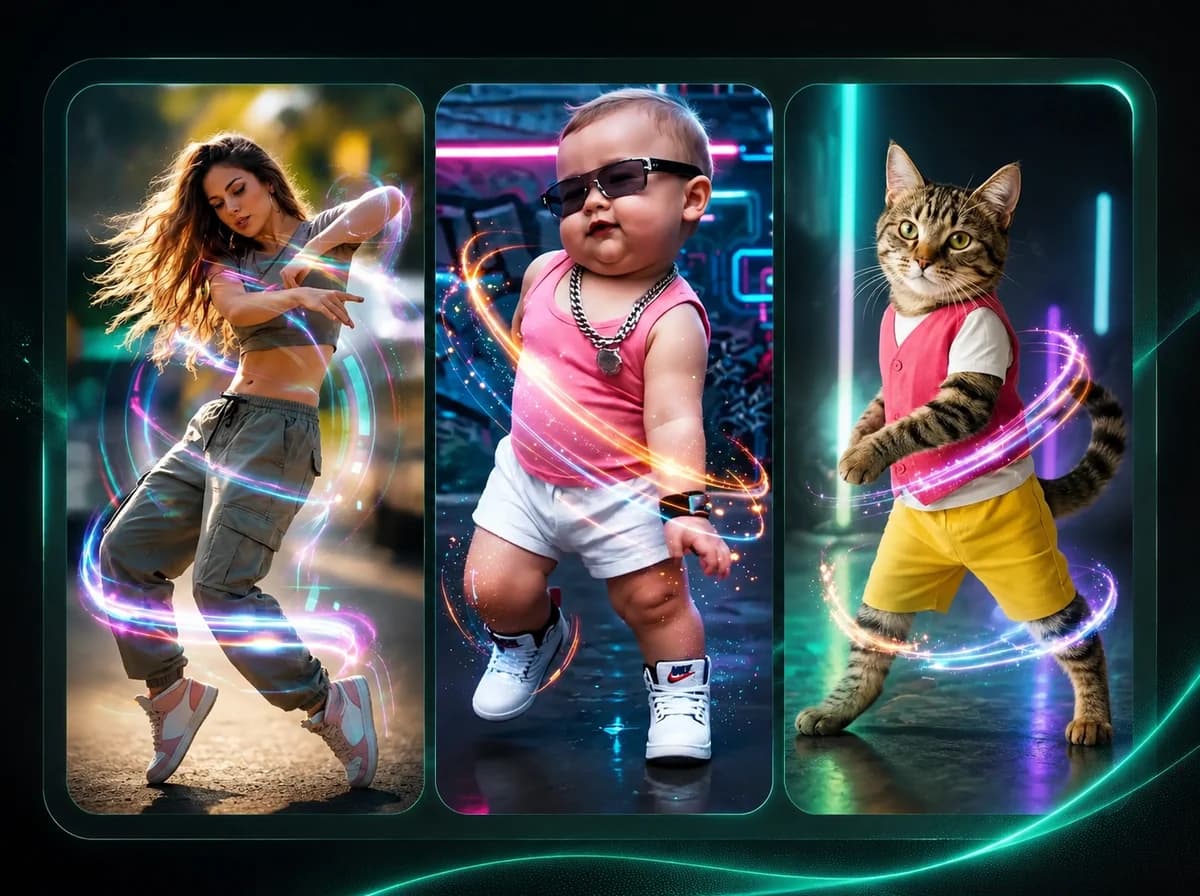
AI Dance Generator
Make any character dance with motion transfer AI.
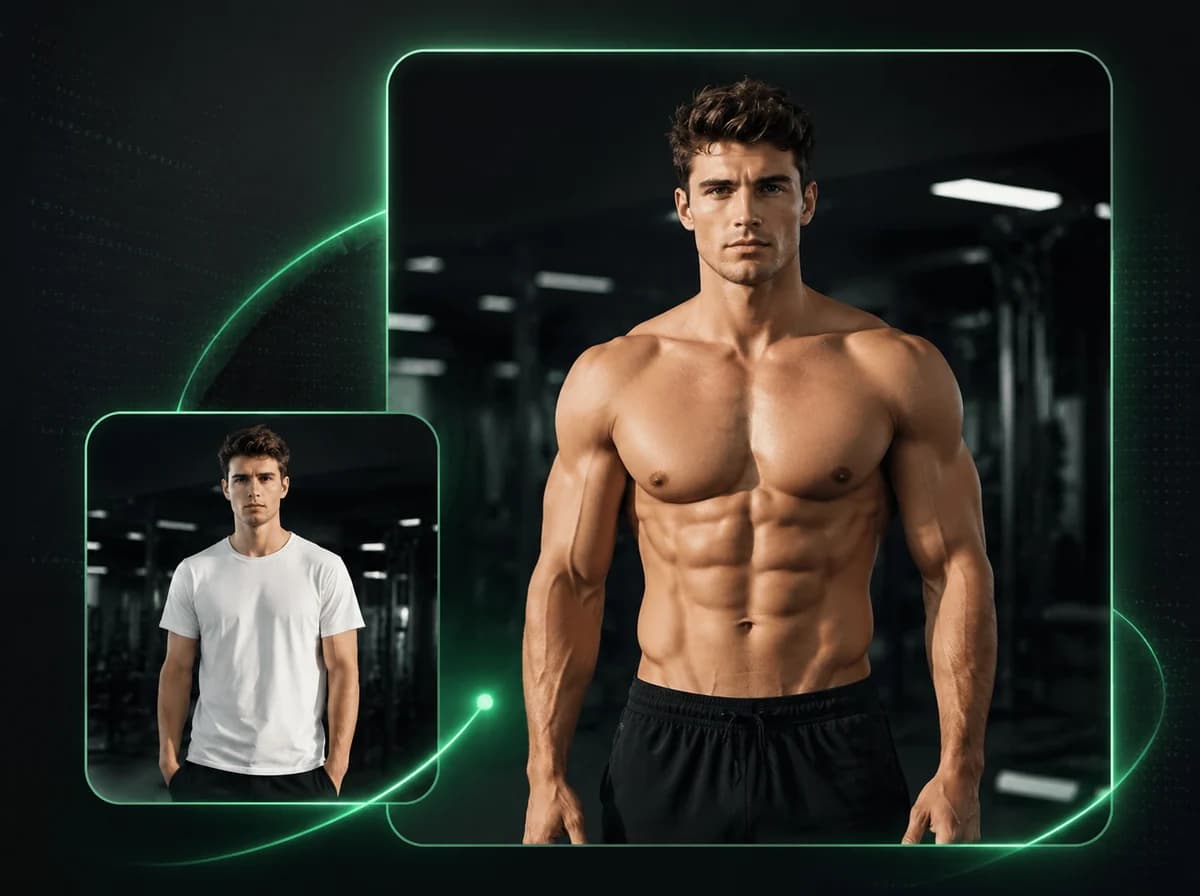
AI Muscle Generator
Animate any photo into a powerful muscle flex video with AI.
Create a Body Swap Video with AI
Upload a reference image and a source video. AI replaces the body in every frame automatically.