AI Headshot Generator for Professional AI Headshots
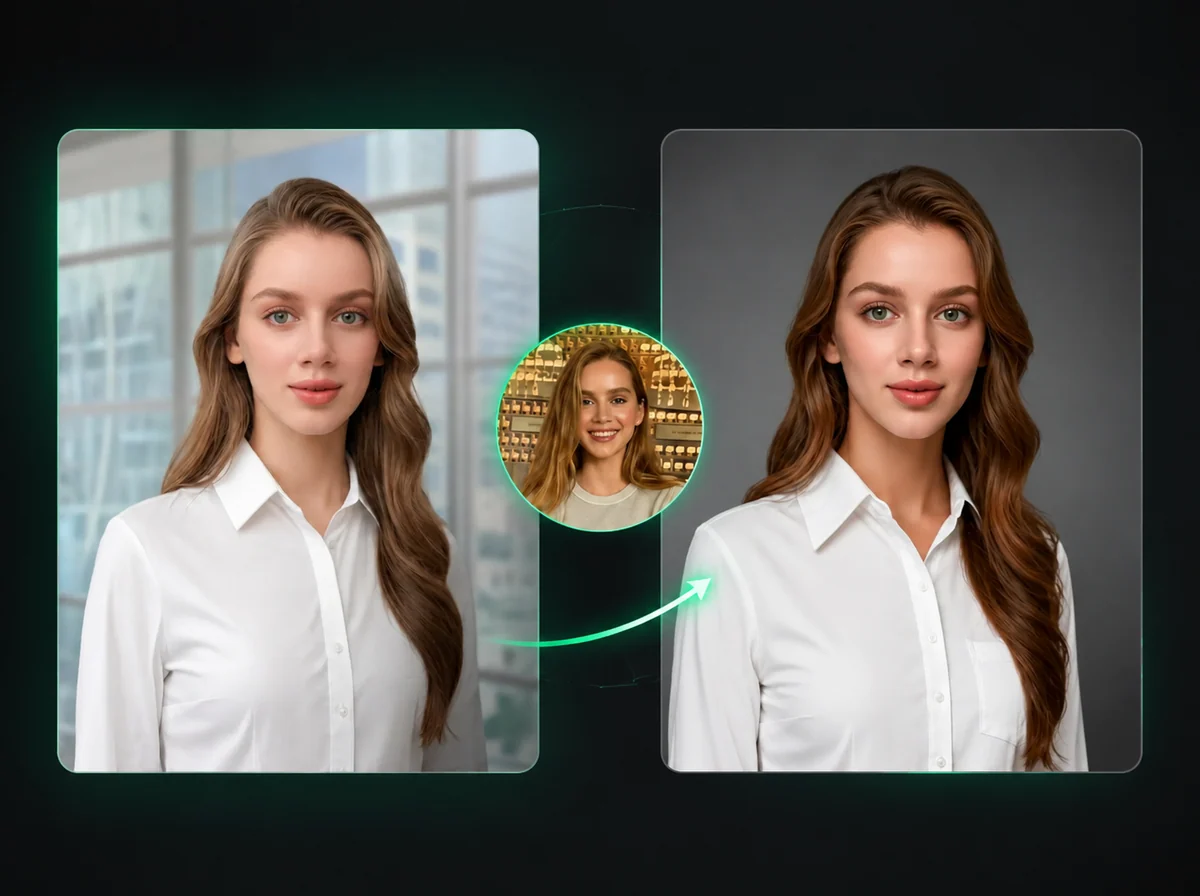
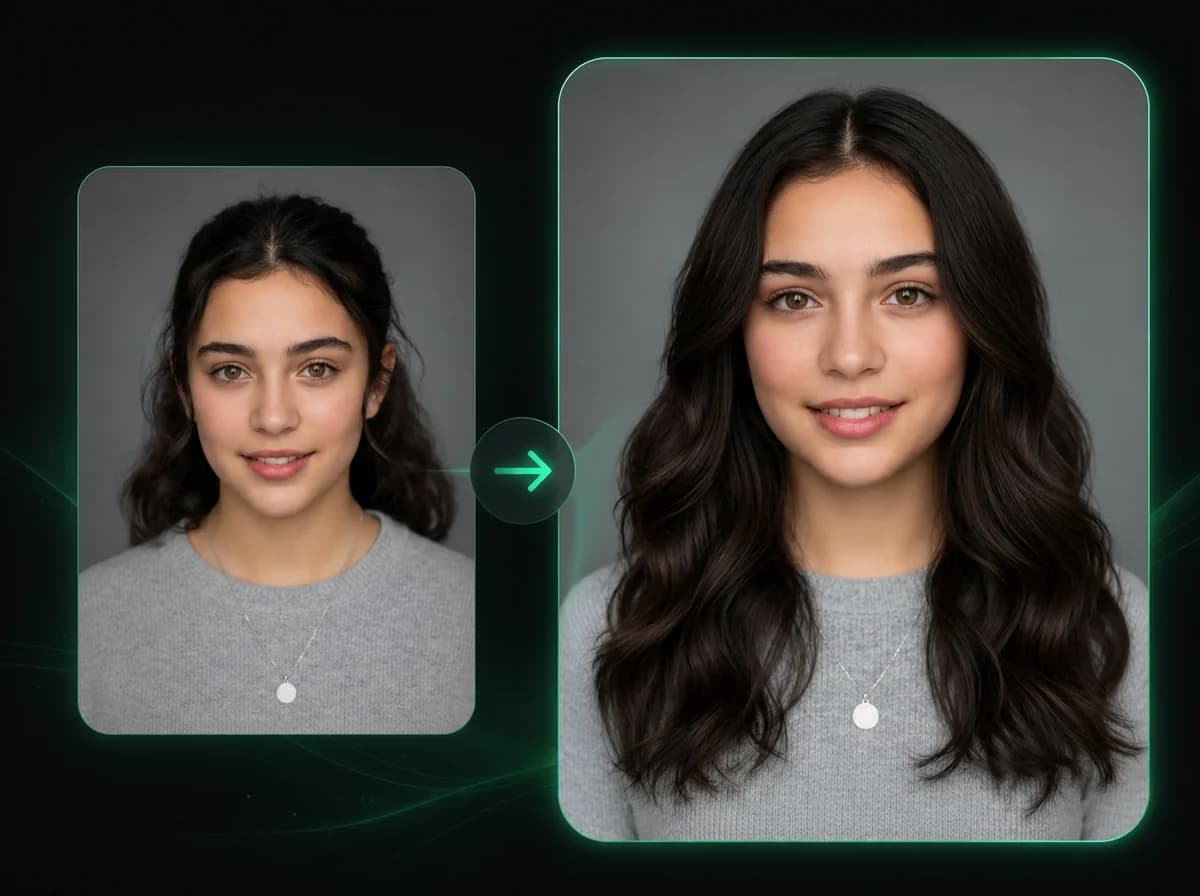
Upload a portrait or selfie and create professional AI headshots for LinkedIn, resumes, business profiles, ID-style photos, or team directories.
Click to upload image
PNG, JPG, WebP · Max 10MB
How to Generate a Professional Headshot with AI in 3 Steps
Upload a portrait, choose style options, and download the generated headshot.
Upload Your Portrait
Upload a photo with a clearly visible face. Front-facing portraits with even lighting work best. Supported formats: PNG, JPG, WebP up to 10MB.
Choose Your Style Options
Select the ID style (Passport, US Visa, Chinese ID Card, EU ID Card, or Driver's License), background color (white, light gray, sky blue, or off-white), and attire style (Business Suit, Business Casual, Corporate Formal, or Smart Business Dress).
Download Your Headshot
Download your generated headshot when processing finishes. The result follows the framing, background, and attire options you selected.
Why Use iMideo AI Headshot Generator
5 ID and Document Styles
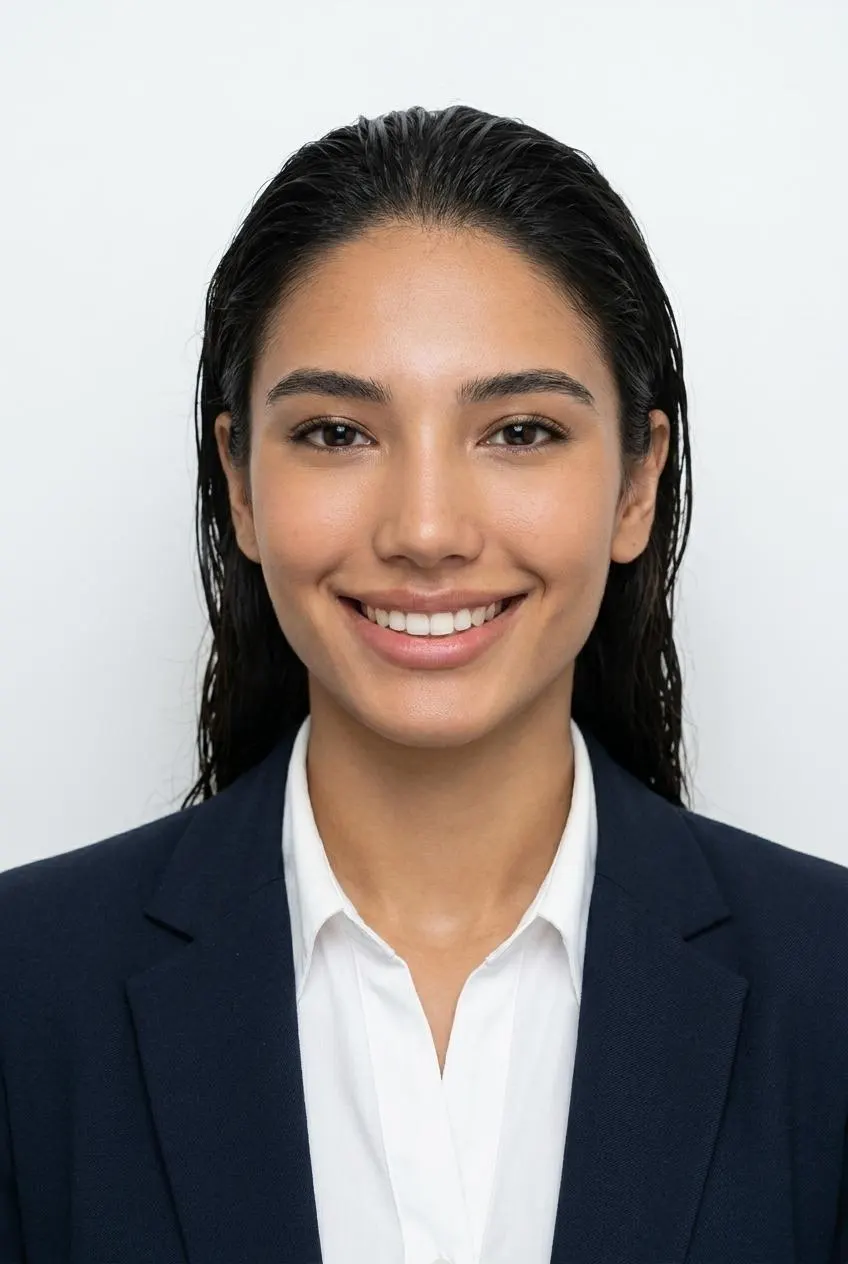
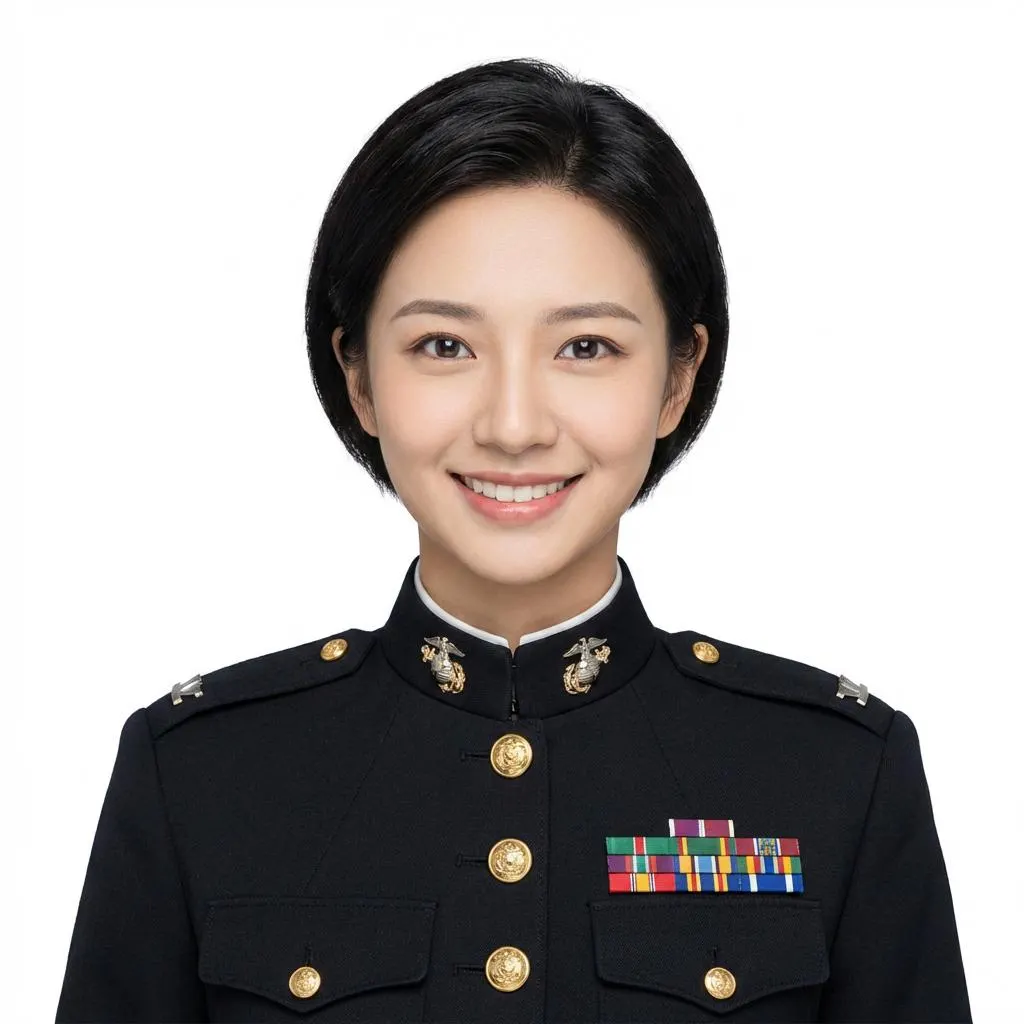
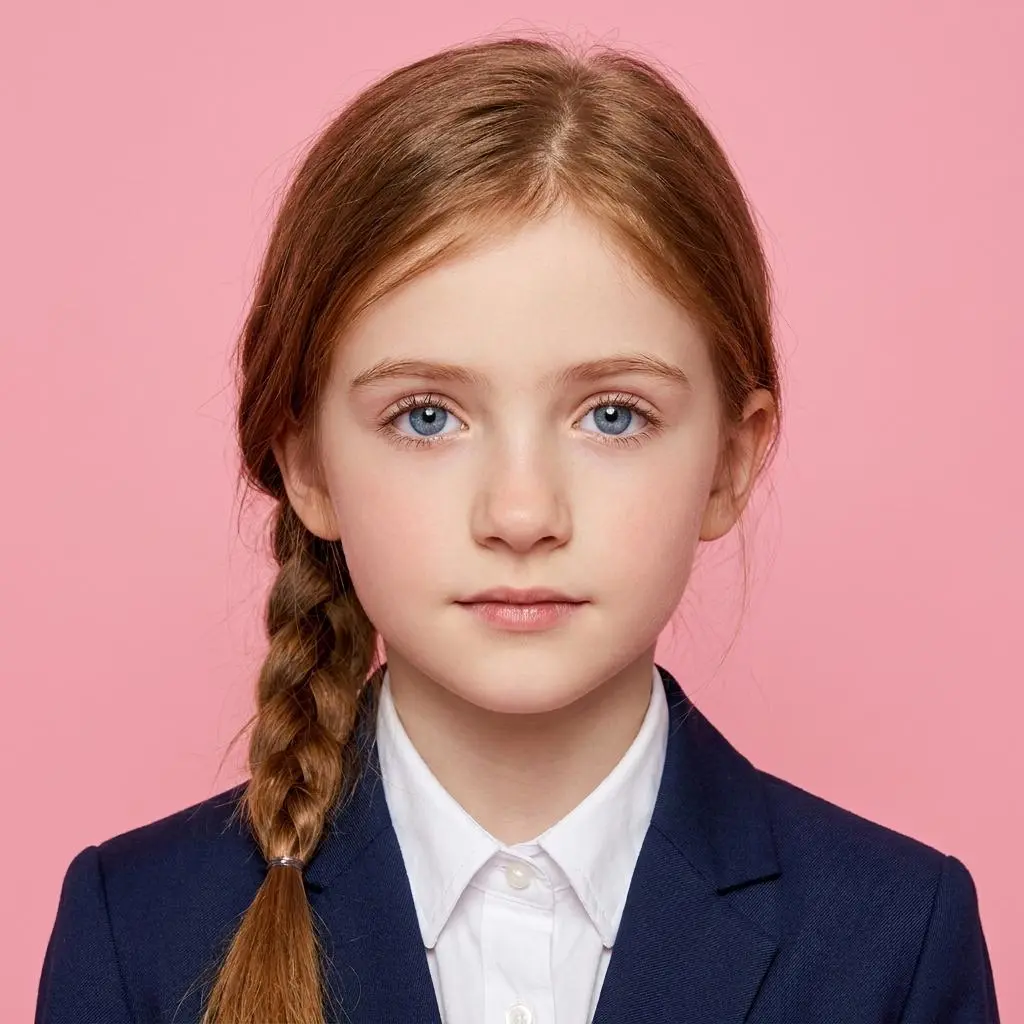
Passport Photo, US Visa Photo, Chinese ID Card, EU ID Card, and Driver's License. Each style is configured to match the typical framing and background requirements for that document type.
AI-Generated Attire, Not a Costume Overlay
The AI renders professional clothing on your portrait — Business Suit, Business Casual, Corporate Formal, or Smart Business Dress. The result is integrated with your actual body proportions and lighting, not pasted on top.
Fast Headshot Generation
Upload your portrait, make your selections, and generate a headshot without waiting for a photographer to edit and send files.
Your Face Stays Recognizable
The AI changes only the background and attire presentation. Your face, expression, skin tone, and features remain recognizable in the generated headshot.
Photos Are Not Stored or Shared
Your uploaded portrait is used only to generate your headshot result. It is not stored long-term, not used to train AI models, and not shared with any third party.
Works for One AI Headshot or a Full Team
Create a single profile photo, a document-ready image, or a consistent set of professional AI headshots for employees and speakers from the same browser workflow.
What Our Users Say
David P.
Software Engineer
I updated my LinkedIn for the first time in years and needed a decent headshot without booking a studio. Uploaded a photo from my kitchen, picked Business Suit on white background, and had something I'd actually put on a professional profile. The whole thing took three minutes.
Rachel K.
HR Manager
Getting consistent headshots from 40 employees spread across three offices was a nightmare. We used this to standardize everyone's directory photo remotely. They uploaded from home, we picked the same attire and background for all, and the result looked like a coordinated shoot.
Omar F.
PhD Candidate
My conference bio needed an updated photo. The one I had was from a wedding three years ago. I used this, selected Corporate Formal and off-white background, and had a usable headshot quickly.
Sarah M.
Freelance Consultant
Client proposals go out with my headshot on the cover page. I was using an old photo that didn't look like me anymore. Updated it with this tool in one session — tried three attire options, picked the one that matched my usual client industry, downloaded it. Done.
James W.
Visa Applicant
I needed a US Visa-style photo on short notice and the photo booth near me was out of service. Used the US Visa Photo style, got a result with clean framing and a white background, then checked it against the application rules before printing.
Mei L.
Job Seeker
I applied to 15 companies in a month and put a real headshot on every application. The tool produced something that looked credible enough that three interviewers commented on it positively during calls. It's a small detail but it adds up.
Alex T.
Event Organizer
We run a speaker series and collect headshots from every presenter. Half of them send selfies or photos from social media. Now I just run them through the tool with Corporate Formal and a gray background — consistent speaker page, no complaints from anyone.
Nina B.
Real Estate Agent
In real estate, your face is on billboards, business cards, and every listing. My photographer was booked for six weeks. I used this as a quick update — Business Suit, white background — and had new materials out in a day. It's been on my cards since then.
Create a Professional Headshot Online
Upload your portrait, choose your style and attire, and download an AI headshot for profiles, resumes, directories, or speaker pages.