
AI Christmas Photo Generator — Holiday Photos From One Selfie
Upload one photo and describe the scene, or pick a look from the examples. The AI puts you by the fireplace, in the snow, next to Santa or in matching family pajamas, and keeps your face so it still looks like you.
Upload

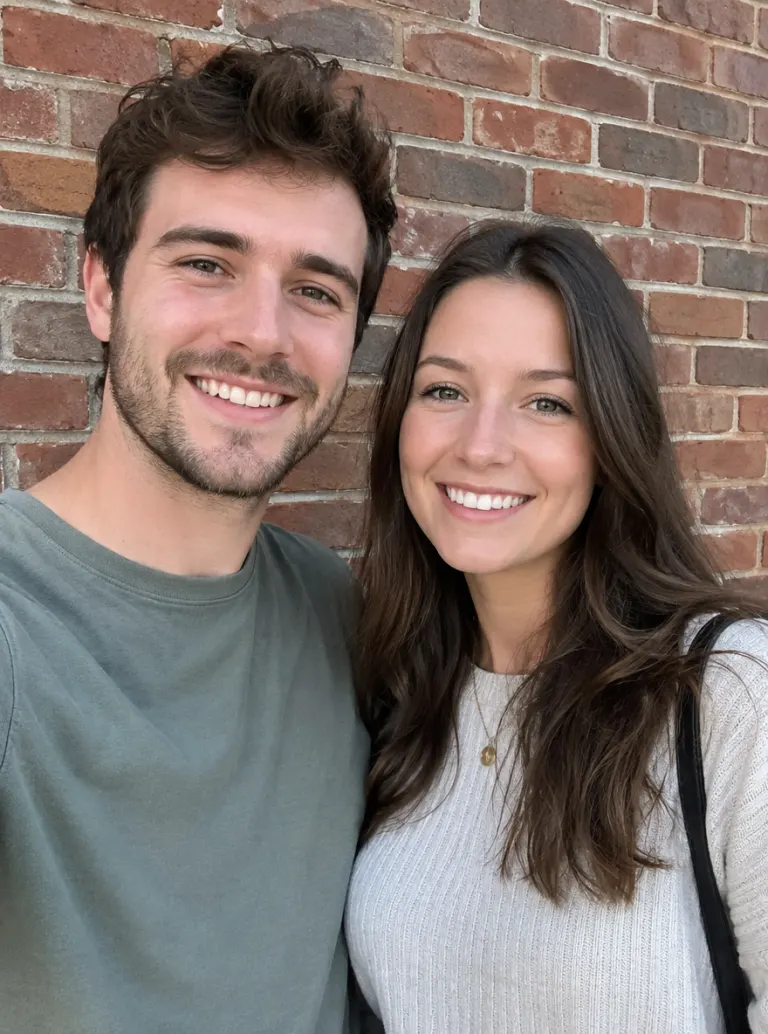
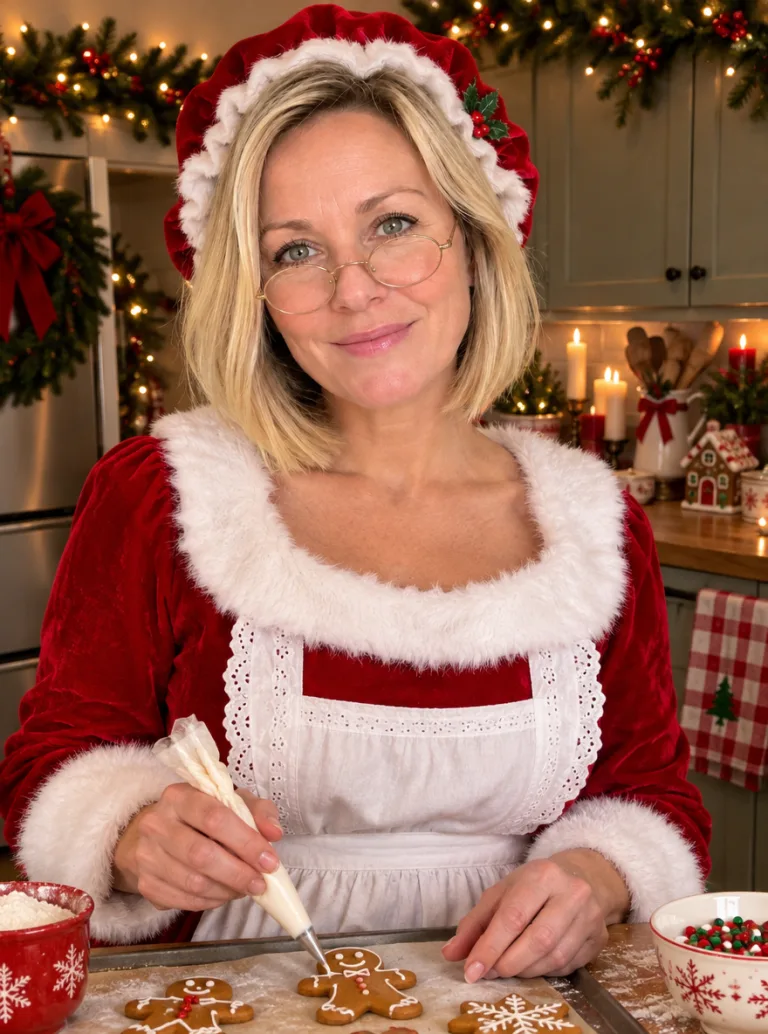
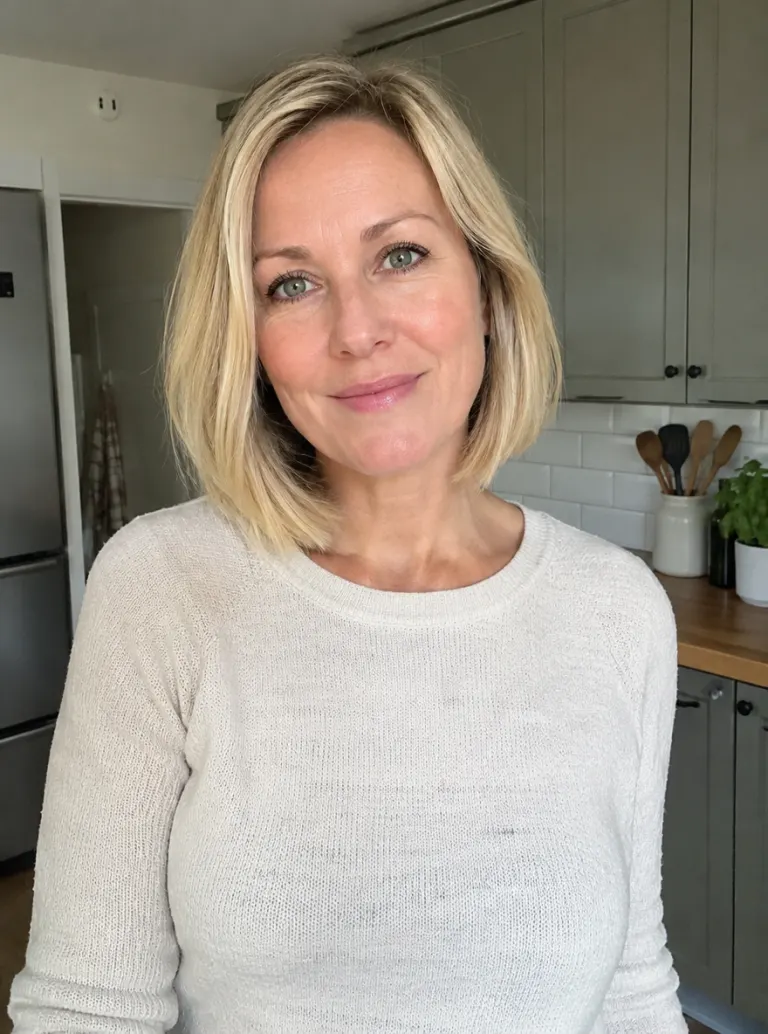

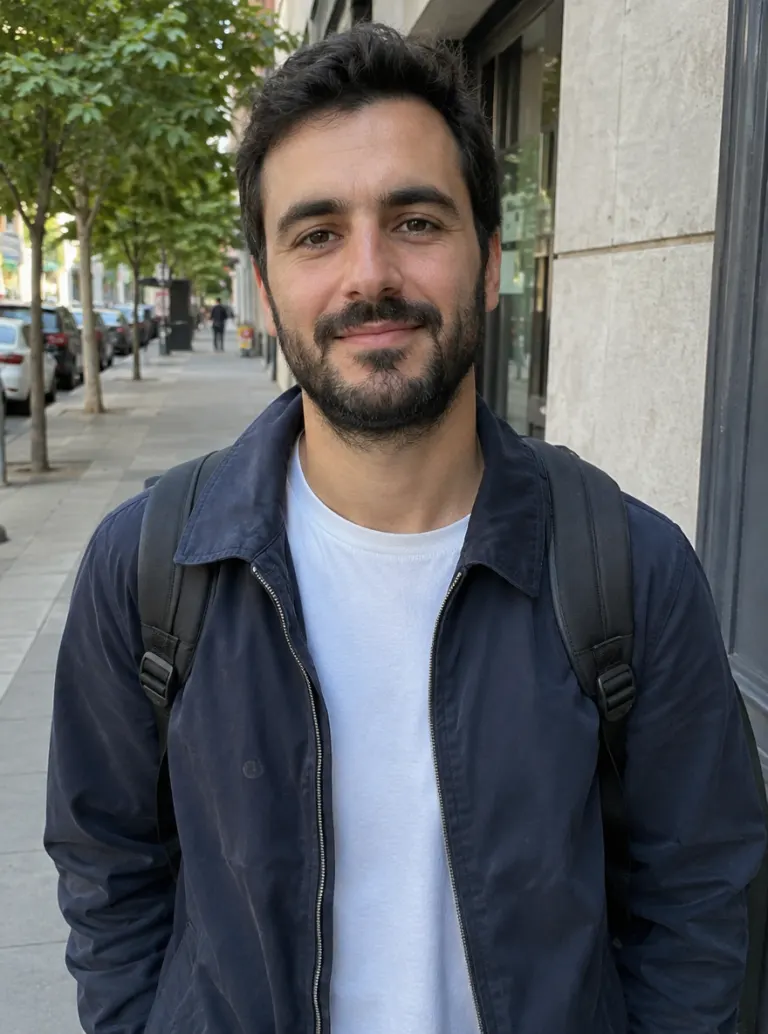
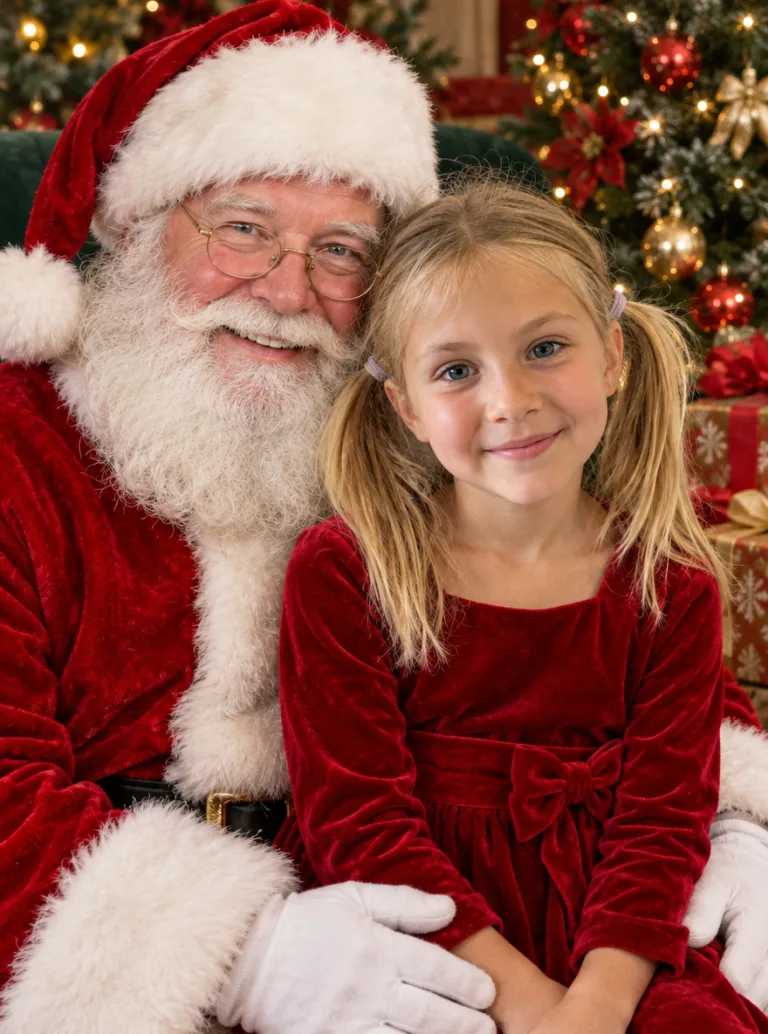
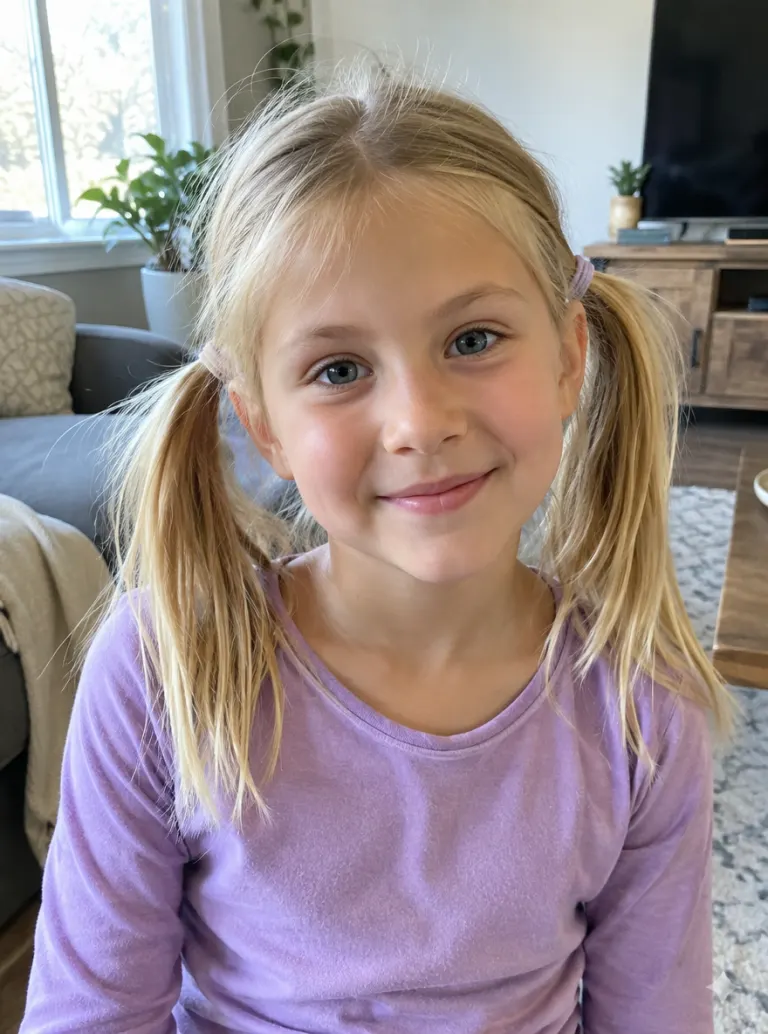
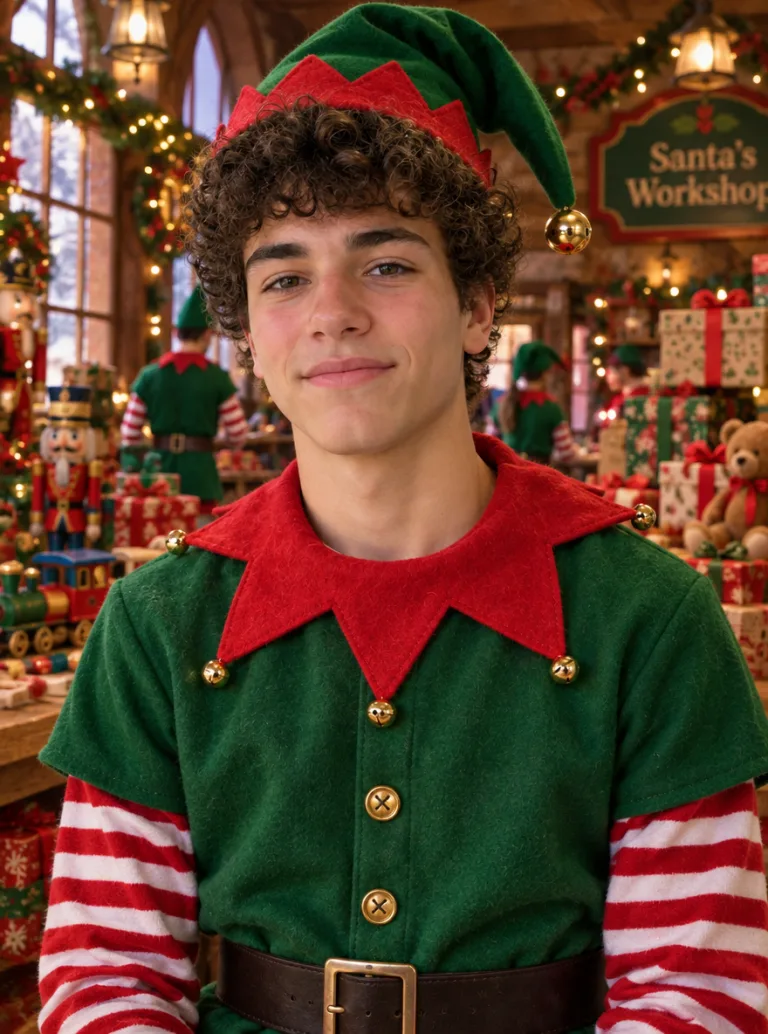
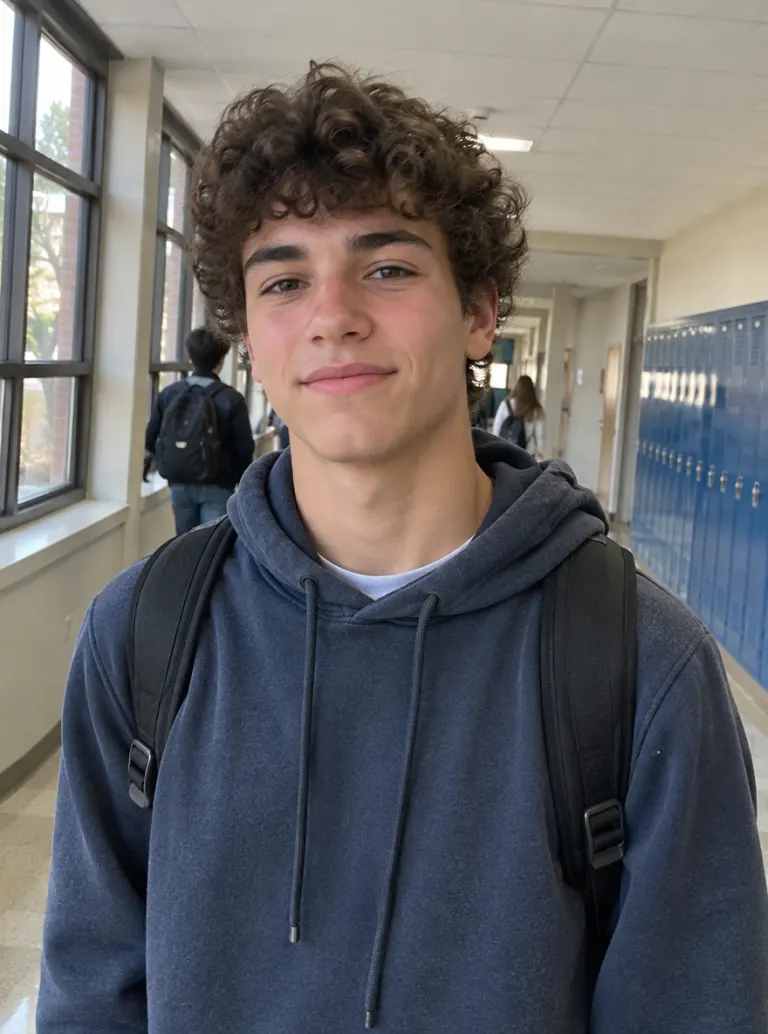
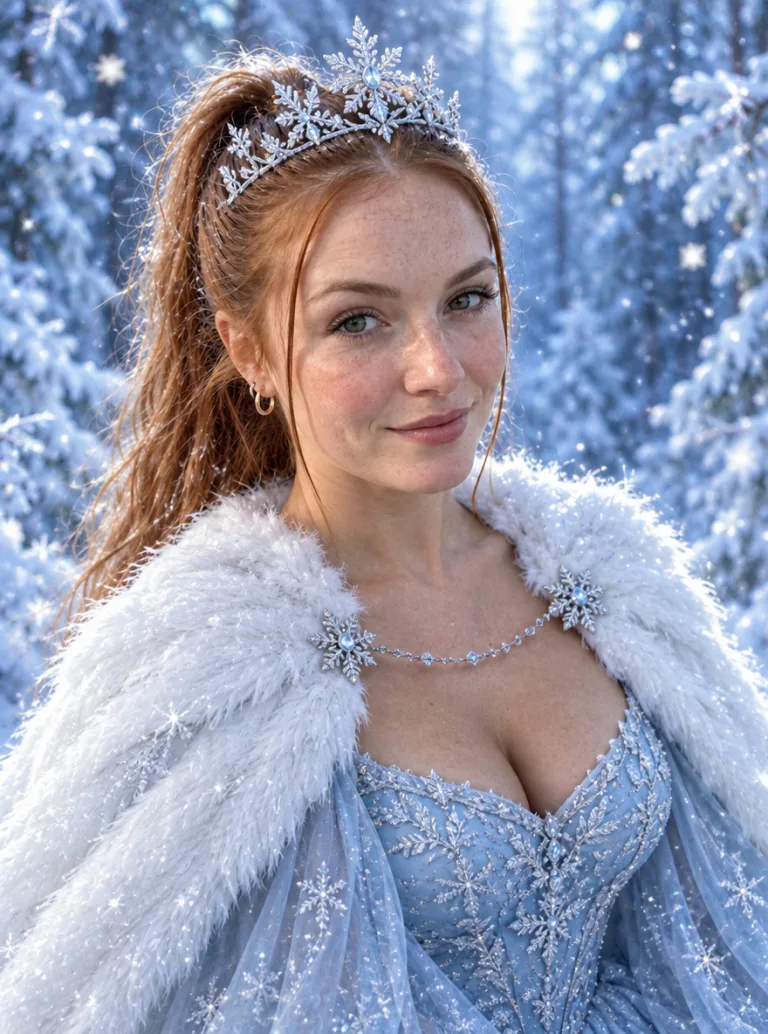
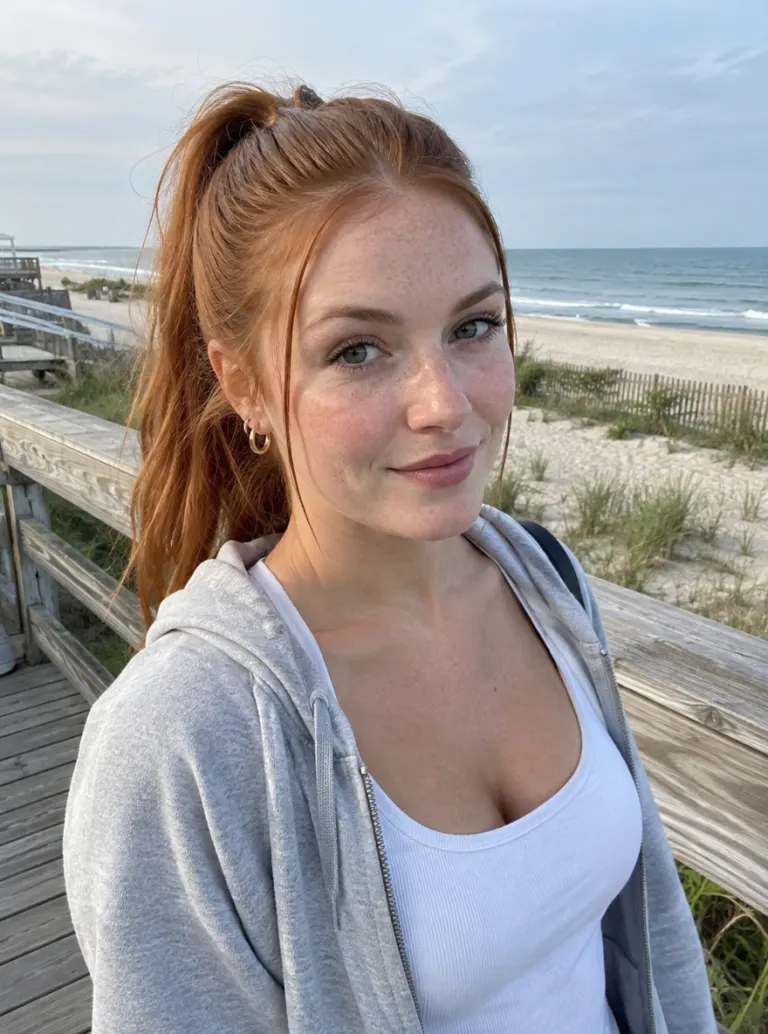
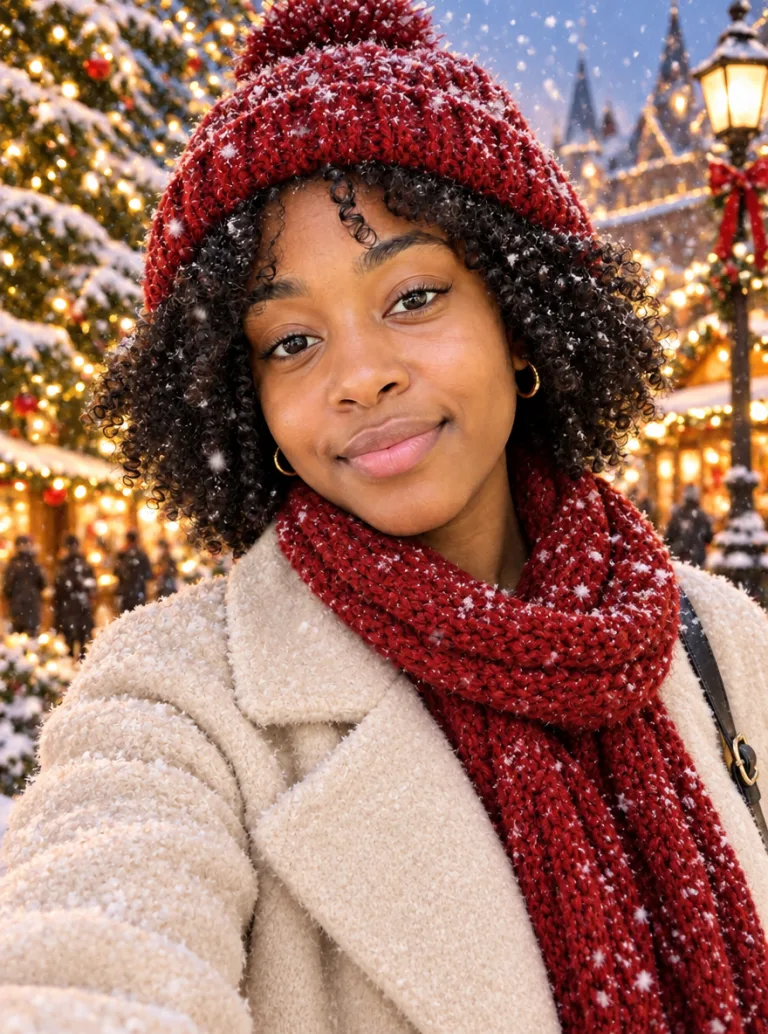
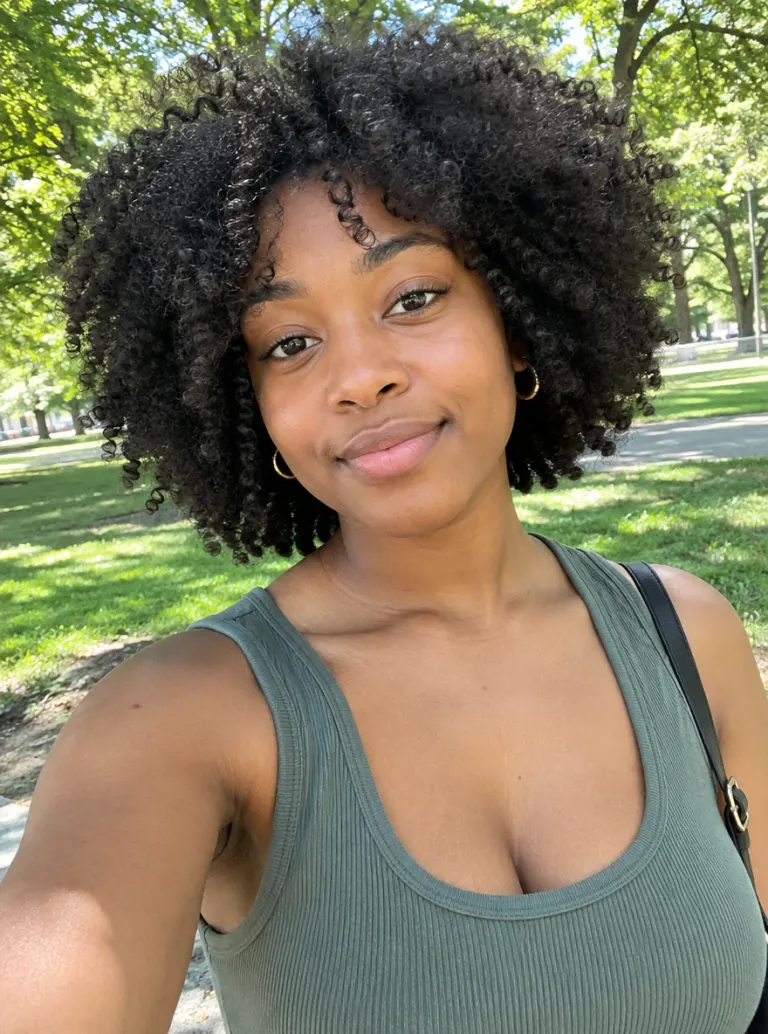


What Is an AI Christmas Photo?
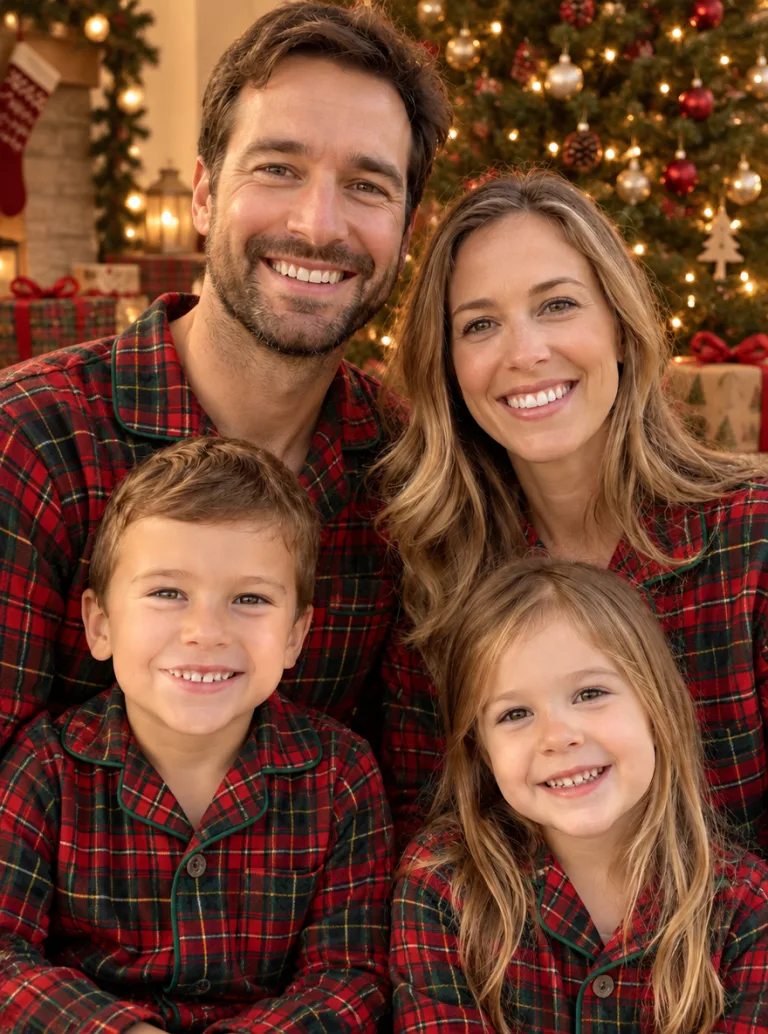
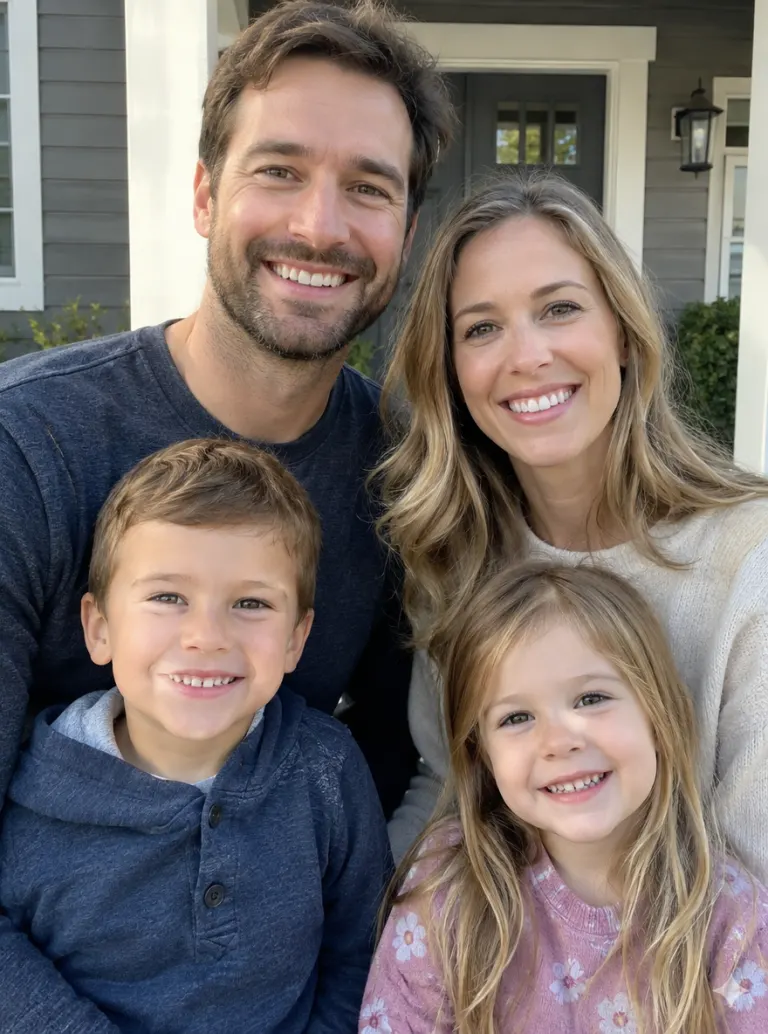
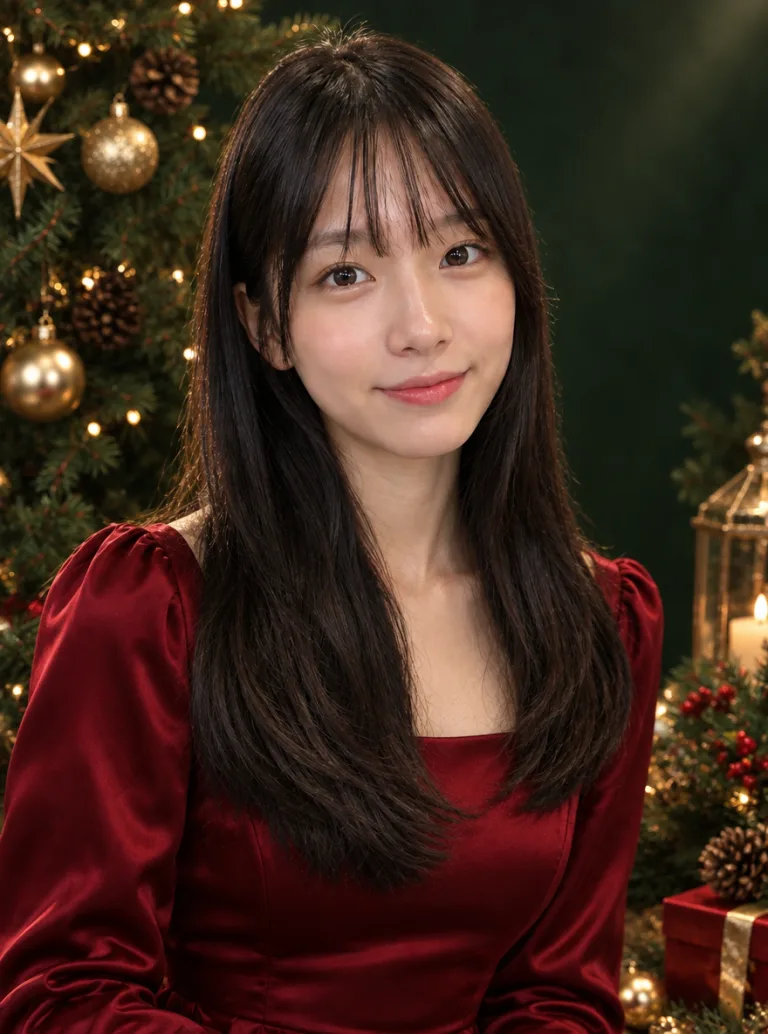
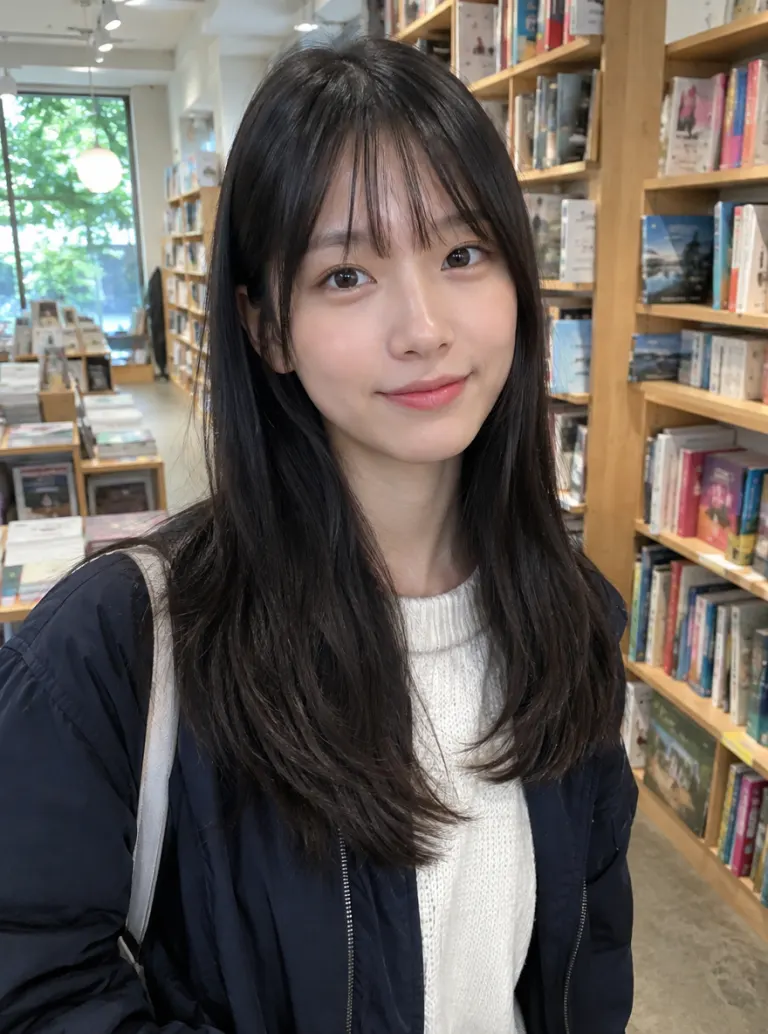
An AI Christmas photo is an ordinary photo of you redone as a holiday picture: the outfit, the decorations and the light all change, while your face, expression and pose stay the same. You write one sentence about the scene, or click an example on the right to start from its prompt. People use it when there's no time or budget for a holiday photo shoot, when the family can't all be in one place, or when they just want a festive profile picture for December. One clear selfie is enough. There is no app to install and no model to train first.

How to Make an AI Christmas Photo
One upload, one sentence, one click
Upload a photo
Use a clear, well-lit photo where your face is visible. A selfie works. For a family picture, upload one photo with everyone in it.
Describe the Christmas scene
Type what you want, for example "ugly Christmas sweater and reindeer antlers at a party", or click an example on the right to load its prompt. Name the outfit and the background: fireplace, snowy street, Christmas market or Santa's workshop.
Generate and download
Pick an aspect ratio and generate. The image is saved to your account and downloads without a watermark, ready for a card, a post or your profile picture.
A Cozy Christmas Portrait From Any Selfie
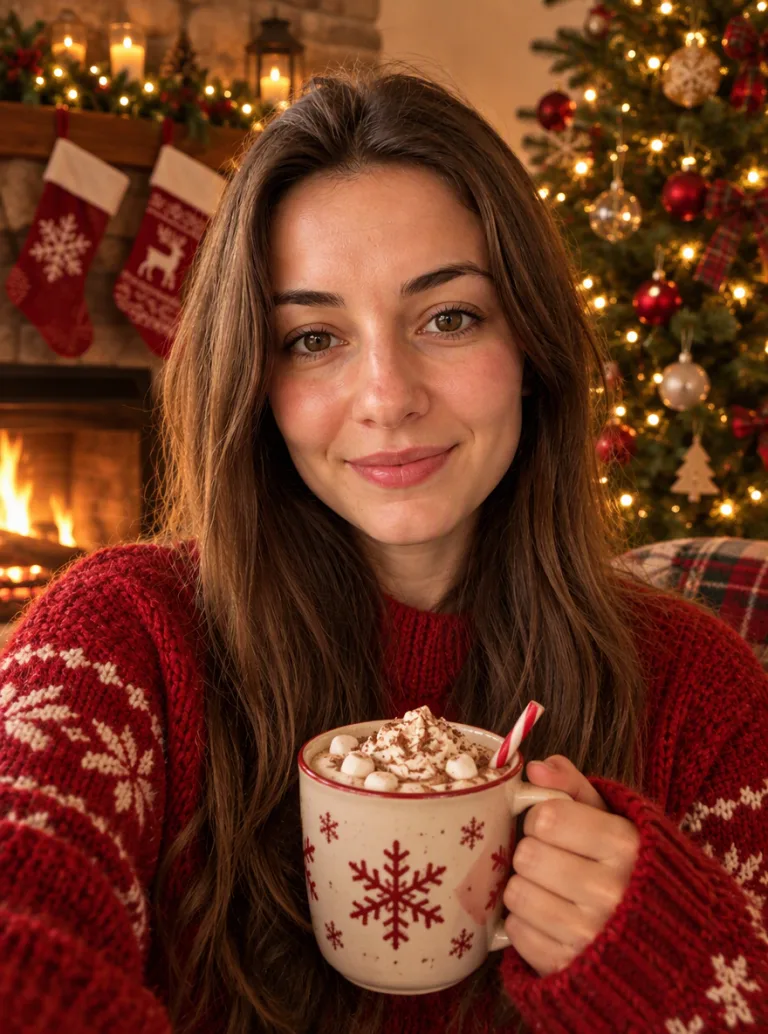
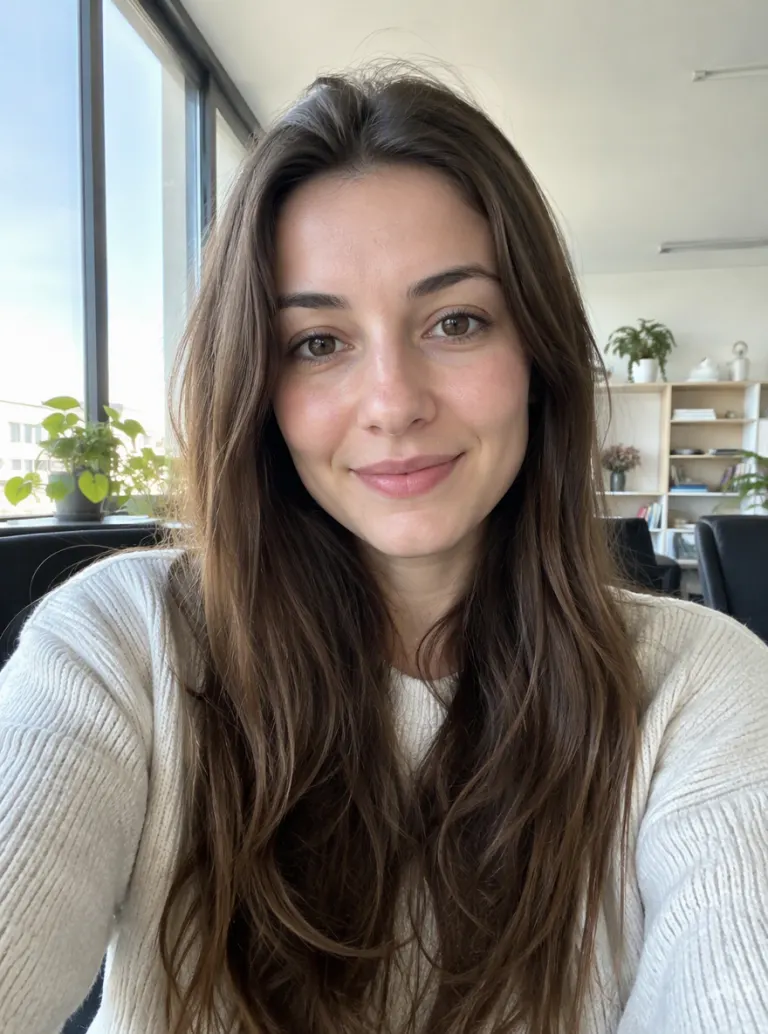
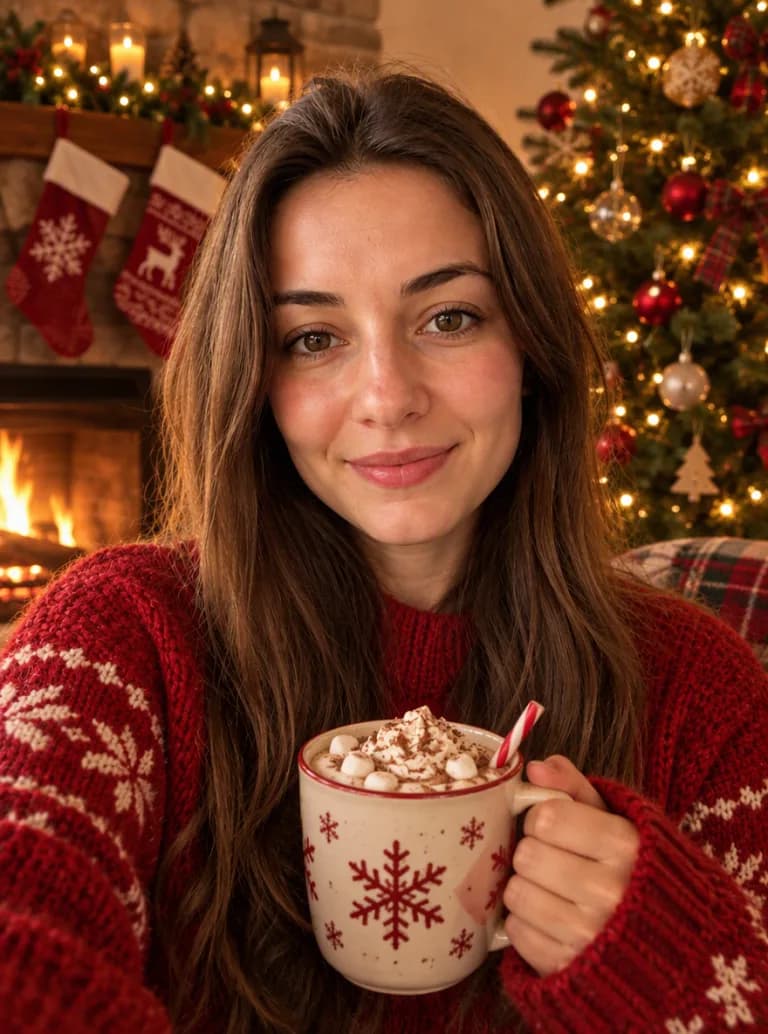
Start with the classic: a knit sweater, a fireplace with stockings, a lit tree and a mug of cocoa. Upload a normal selfie taken anywhere, at your desk or on the bus, and the AI rebuilds the outfit, the room and the warm light around you. It's still your face, not a stock model's, so family will recognize you in it.
A Photo With Santa, No Mall Line
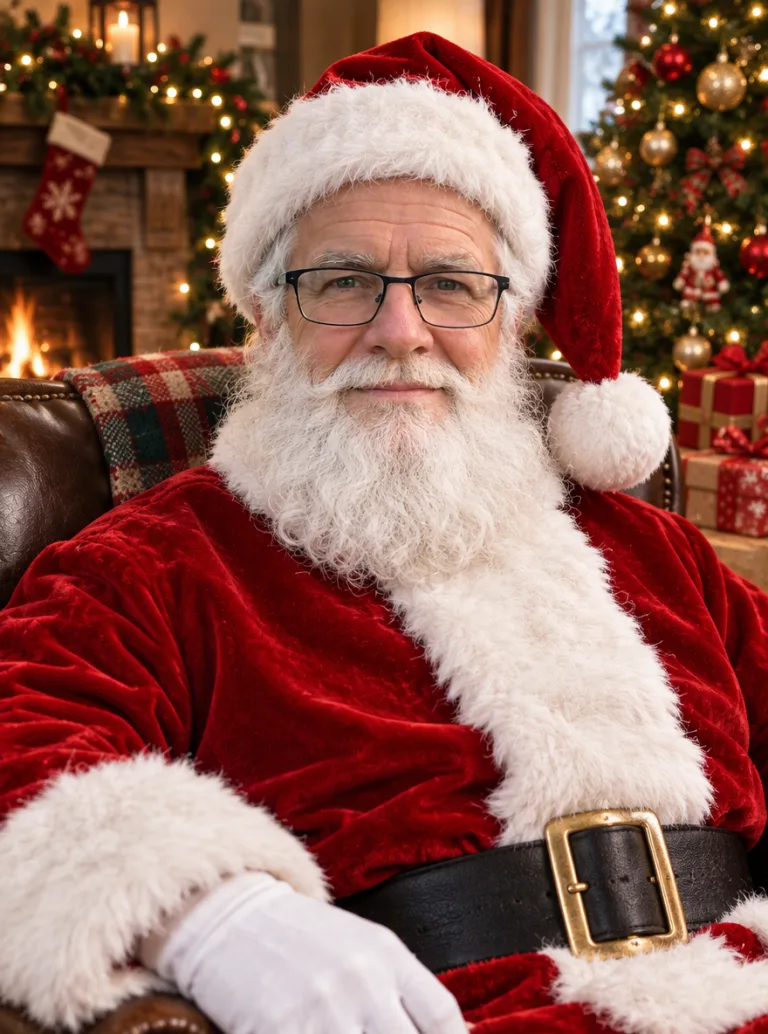
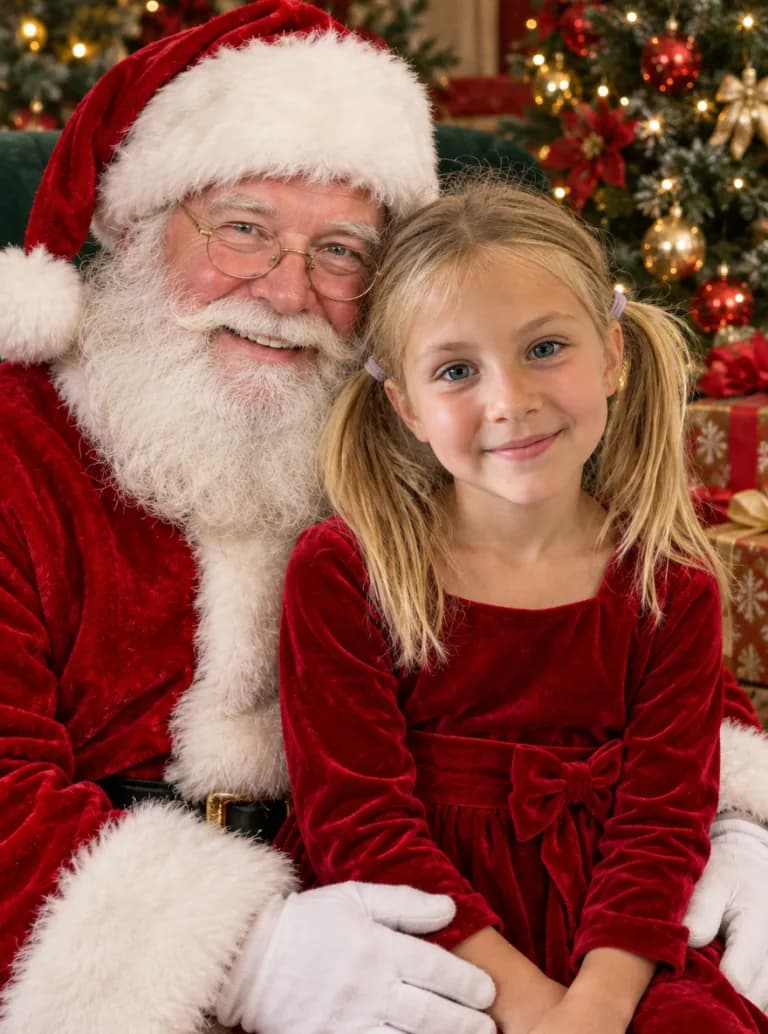
Ask for Santa beside you or a child on Santa's lap, with the tree and presents behind, and you get the photo-with-Santa picture without queuing at the mall. You can also put the beard and red suit on someone in your own photo and make them Santa.
Family Christmas Photos and Holiday Cards
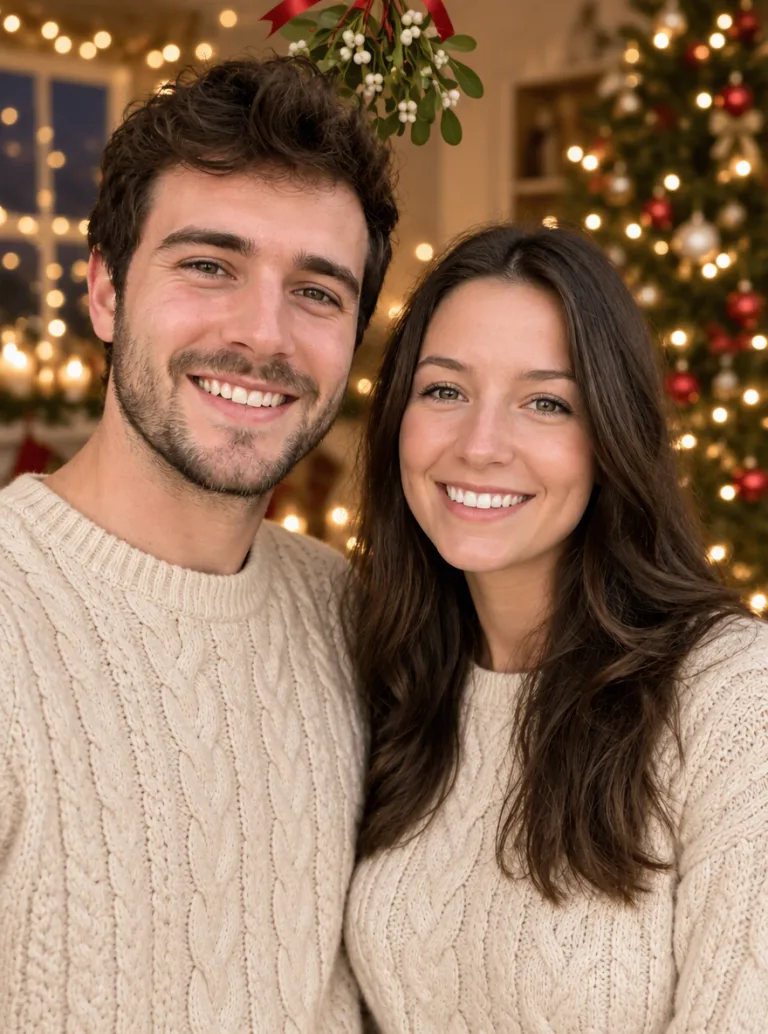
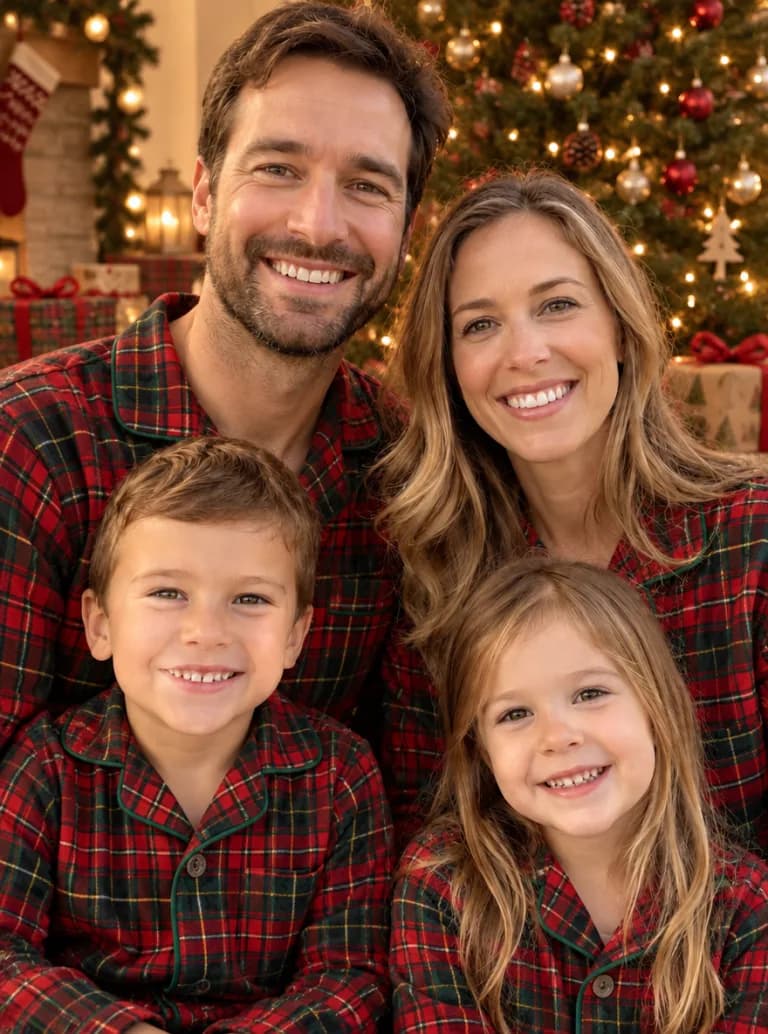
Upload one photo of the whole family and ask for matching plaid pajamas in front of the tree, or the same sweaters on the front porch. Everyone keeps their own face, so it can go straight onto a Christmas card. Leave empty space at the top of the scene in your prompt if you plan to add a greeting in a card editor afterwards.
Christmas Photos of Your Dog or Cat
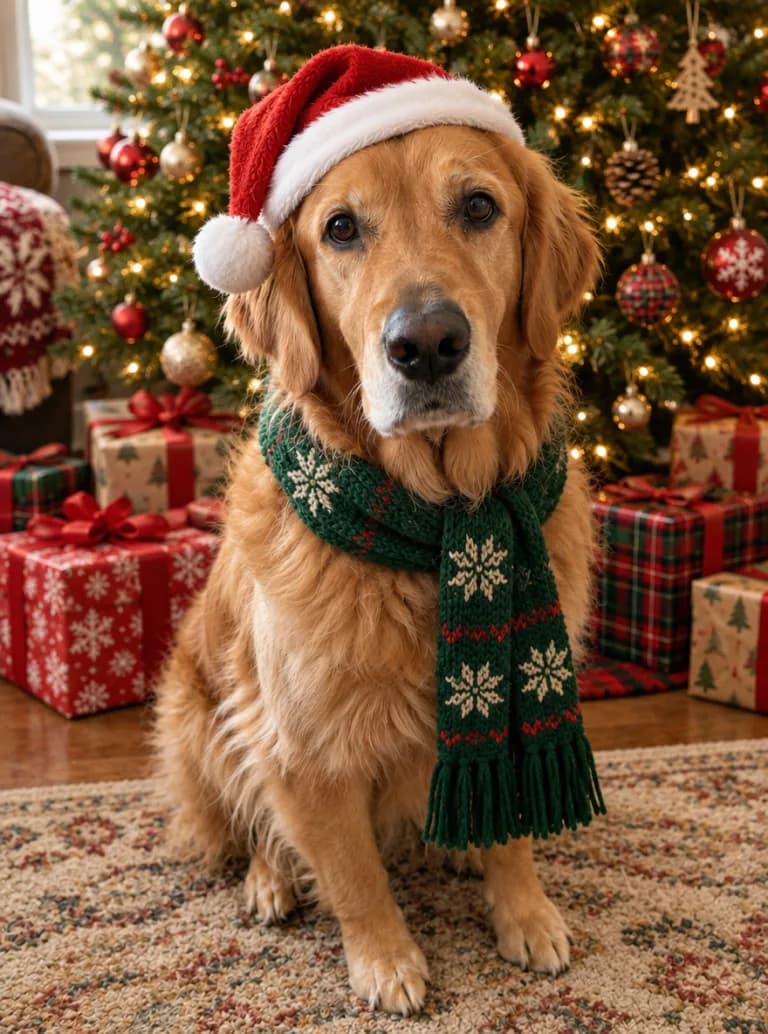
Pets rarely keep a Santa hat on long enough for a photo. Upload a picture of your dog or cat and ask for the hat, a knitted scarf or reindeer antlers next to the tree. The breed, fur color and face stay the same, so it is clearly your pet.
Why Use iMideo's AI Christmas Photo Generator
Still looks like you
Face, expression and pose come from your photo. Only the outfit, decorations and background change.
One photo is enough
No set of selfies to upload and no model to train. One clear photo and a sentence get you a result.
Any scene you can describe
No fixed template list. Ask for an ugly sweater party, a snowy cabin, an ice rink or a 1950s Christmas.
Families, couples and pets
Works on photos with several people and on dogs and cats, so the whole household fits in one picture.
Five aspect ratios
Choose 3:4, 1:1, 4:3, 9:16 or 16:9 for a card, a feed post, a story or a desktop wallpaper.
No watermark
Download the full image without a watermark and print it or share it wherever you like.
Frequently Asked Questions
1How does the AI Christmas photo generator work?
You upload one photo and describe the Christmas scene you want, or start from one of the examples. The AI redraws the outfit, decorations, background and lighting while keeping your face and pose from the original photo.
2Do I need to write a prompt?
No. Click any example on the right and its prompt loads into the box, then add your own photo. You can edit the prompt afterwards, for example change the sweater color or swap the fireplace for a snowy street.
3What Christmas photo ideas can I try?
The examples on this page cover a cozy fireplace portrait, an ugly Christmas sweater, a snowy street or Christmas market, a photo with Santa, matching family pajamas, an elf or Mrs. Claus outfit, a vintage 1950s Christmas and pets in Santa hats. Anything you can describe in a sentence works.
4Can I make a photo with Santa from a normal picture?
Yes. Upload a photo of your child or yourself and ask for Santa Claus next to you or a child sitting on Santa's lap in front of a tree. Click the Santa example to load a ready-made prompt.
5Can I use it for a Christmas card?
Yes. Generate the photo, download it without a watermark and place it in any card template or print service. The AI doesn't add greeting text reliably, so ask for empty space in the scene and add "Merry Christmas" in your card editor.
6Is the AI Christmas photo generator free?
New accounts in most regions get starter credits, enough to try one photo. After that each image costs 5 credits. You can buy a one-time credit pack or a plan on the pricing page.
7What kind of photo works best?
A well-lit photo where you face the camera and your face isn't covered by sunglasses or hands. For family photos, make sure every face is visible and not too small. Please only upload photos of yourself or of people who have agreed to it.
8Can I turn my Christmas photo into a video?
Yes. Download the image and open the image to video tool to add falling snow, twinkling lights or a wave at the camera.
Other Image Effects

AI Halloween Costume Generator
Upload a photo and become a zombie, witch or vampire, with your face kept.
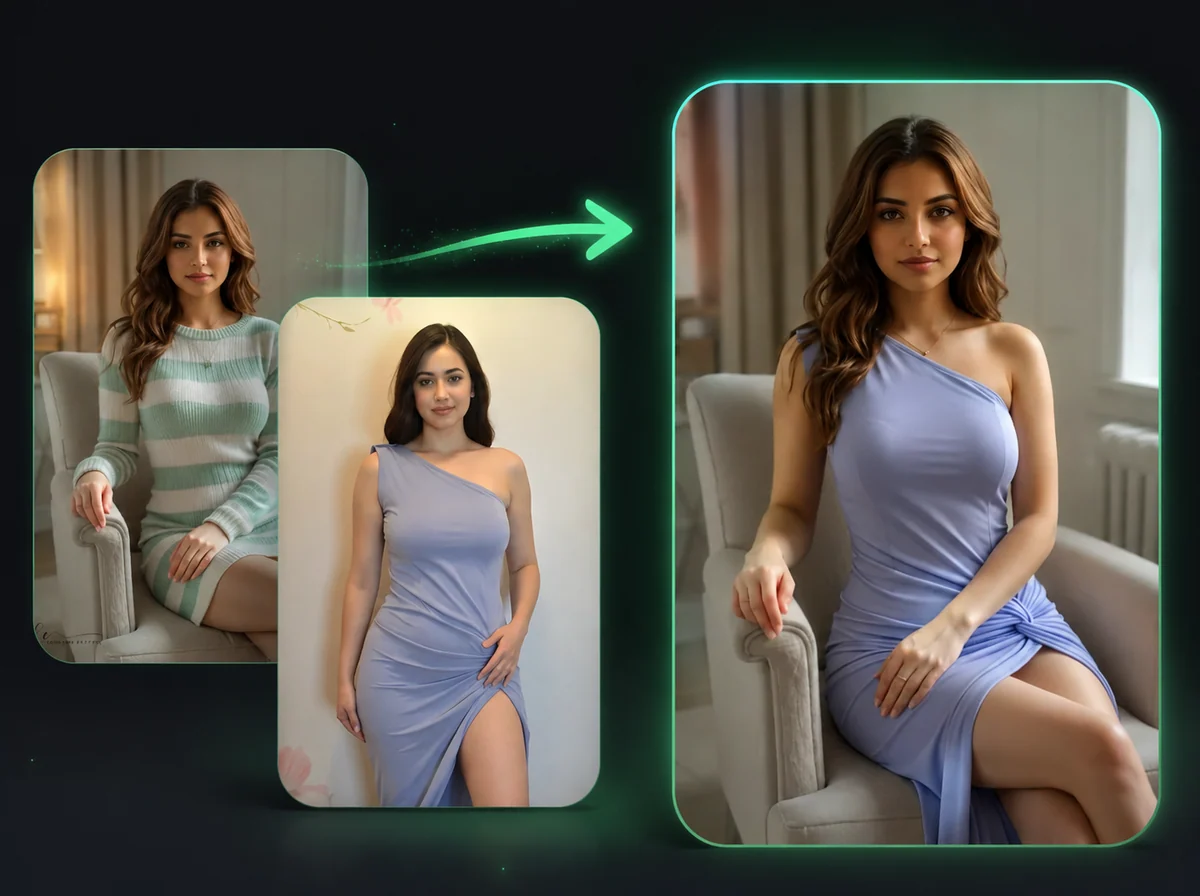
AI Image Body Swap
Swap bodies in photos while keeping your face unchanged.
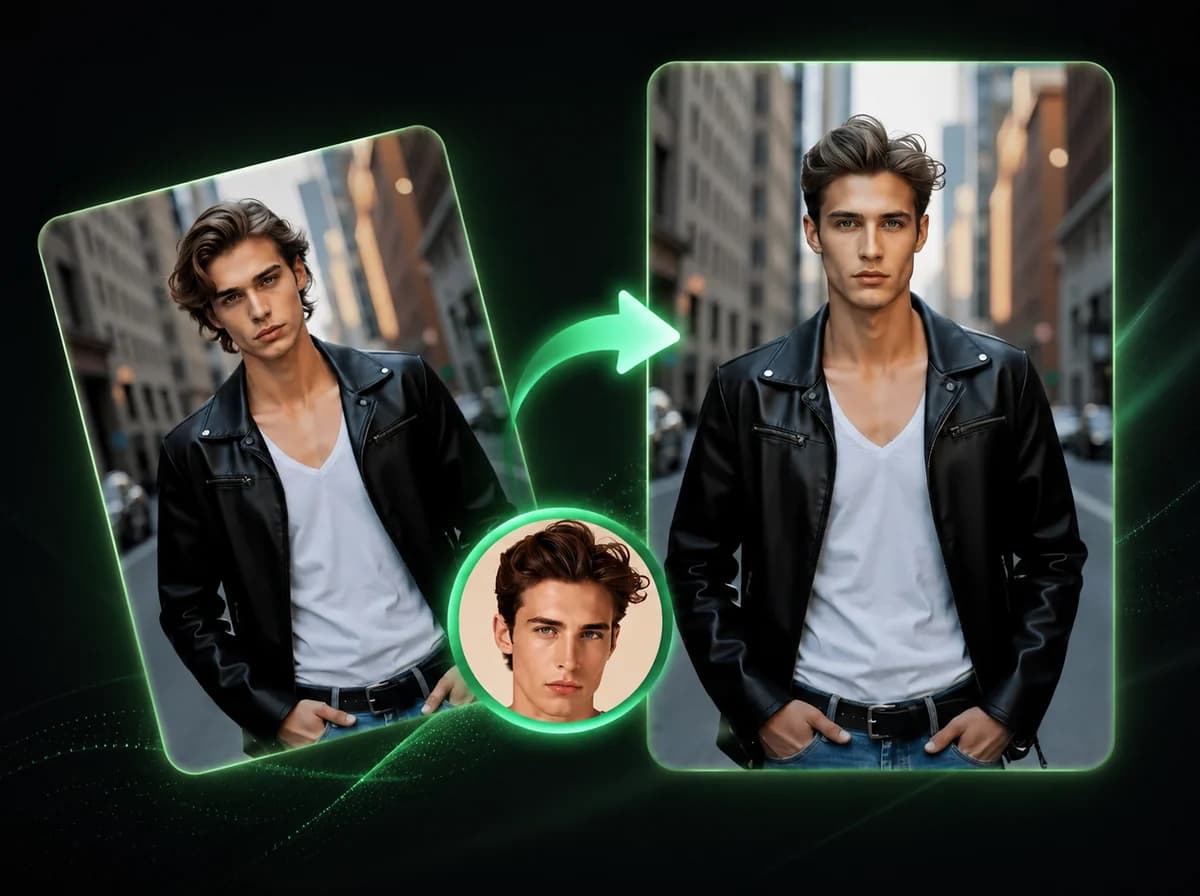
AI Image Head Swap
Replace entire head including hair and hairstyle in 10 seconds with AI.
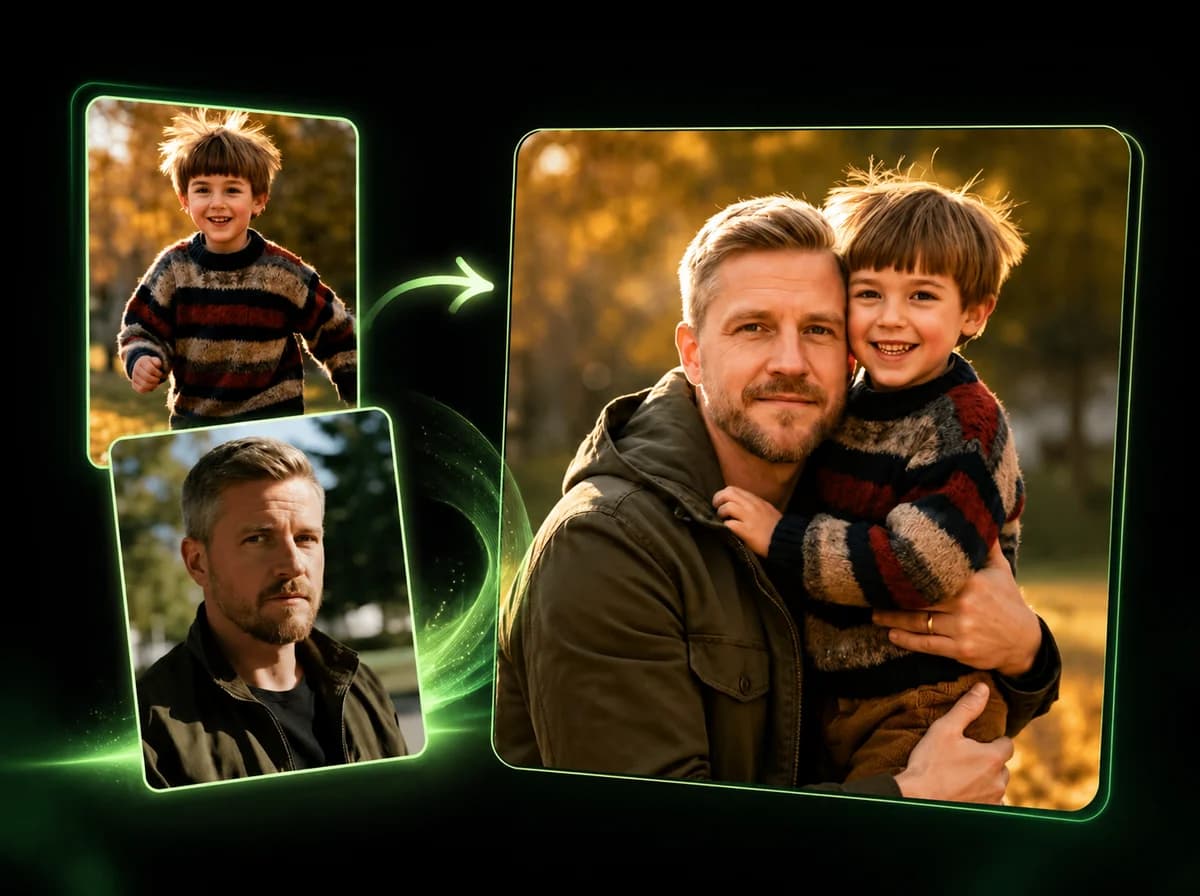
AI Image Combiner
Merge 2–14 photos into one natural-looking image with AI.
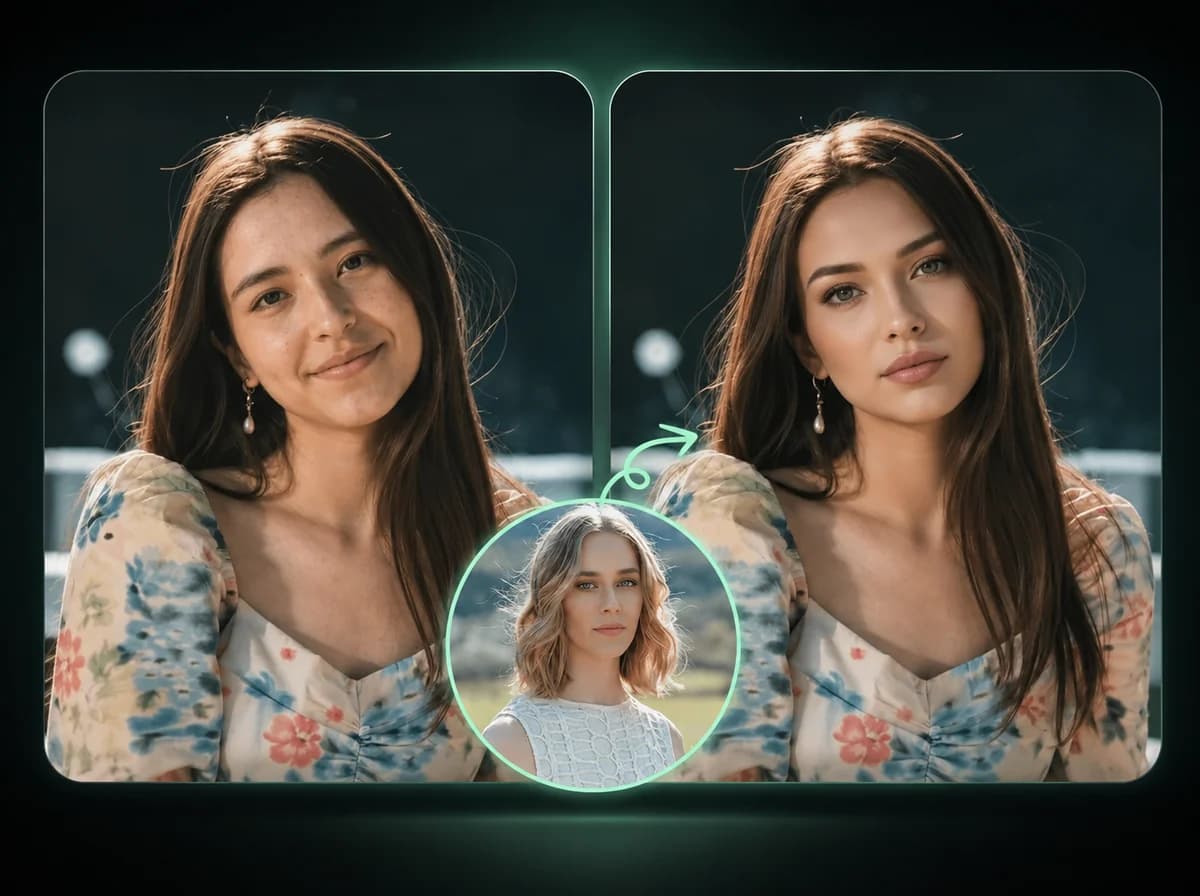
AI Image Face Swap
Swap faces in photos with AI precision.
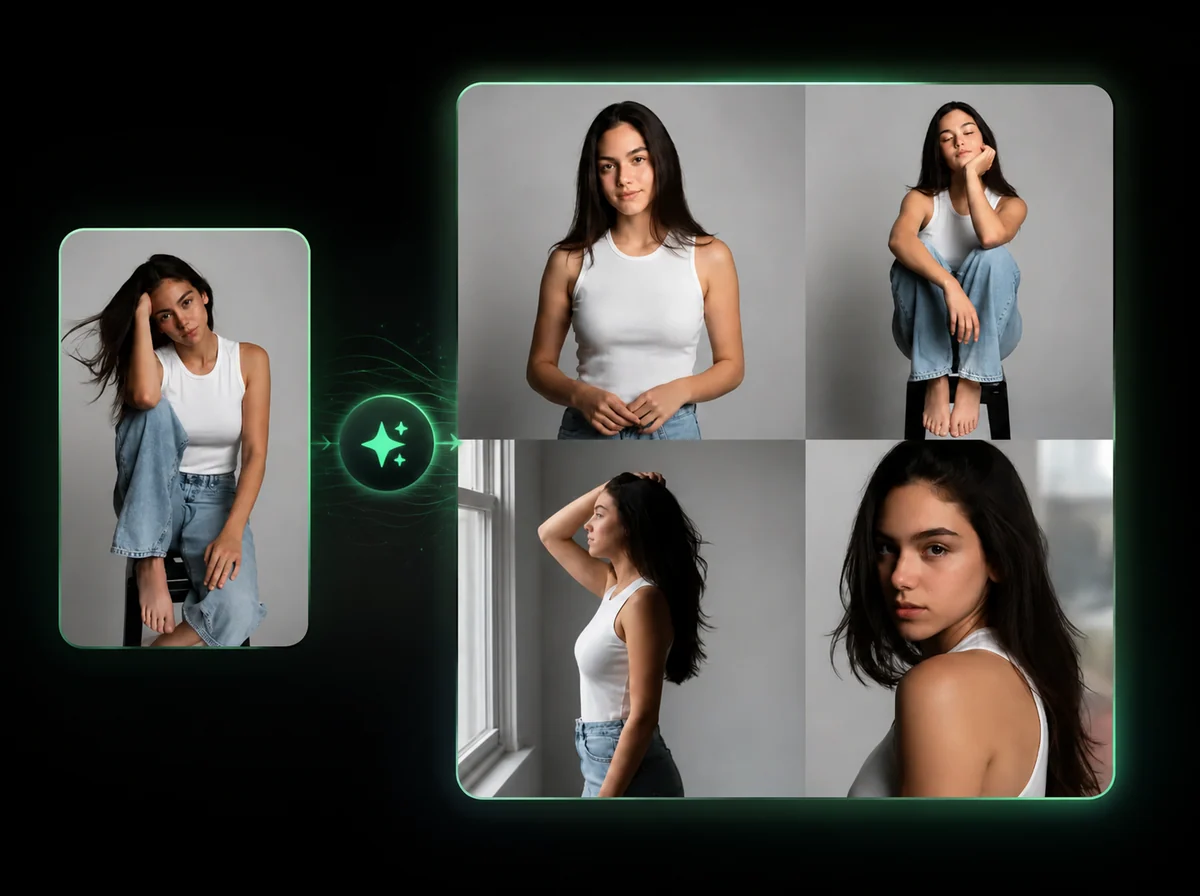
AI Pose Generator
Change a model's pose. Outfit, product, and background stay locked — describe the pose in plain English.
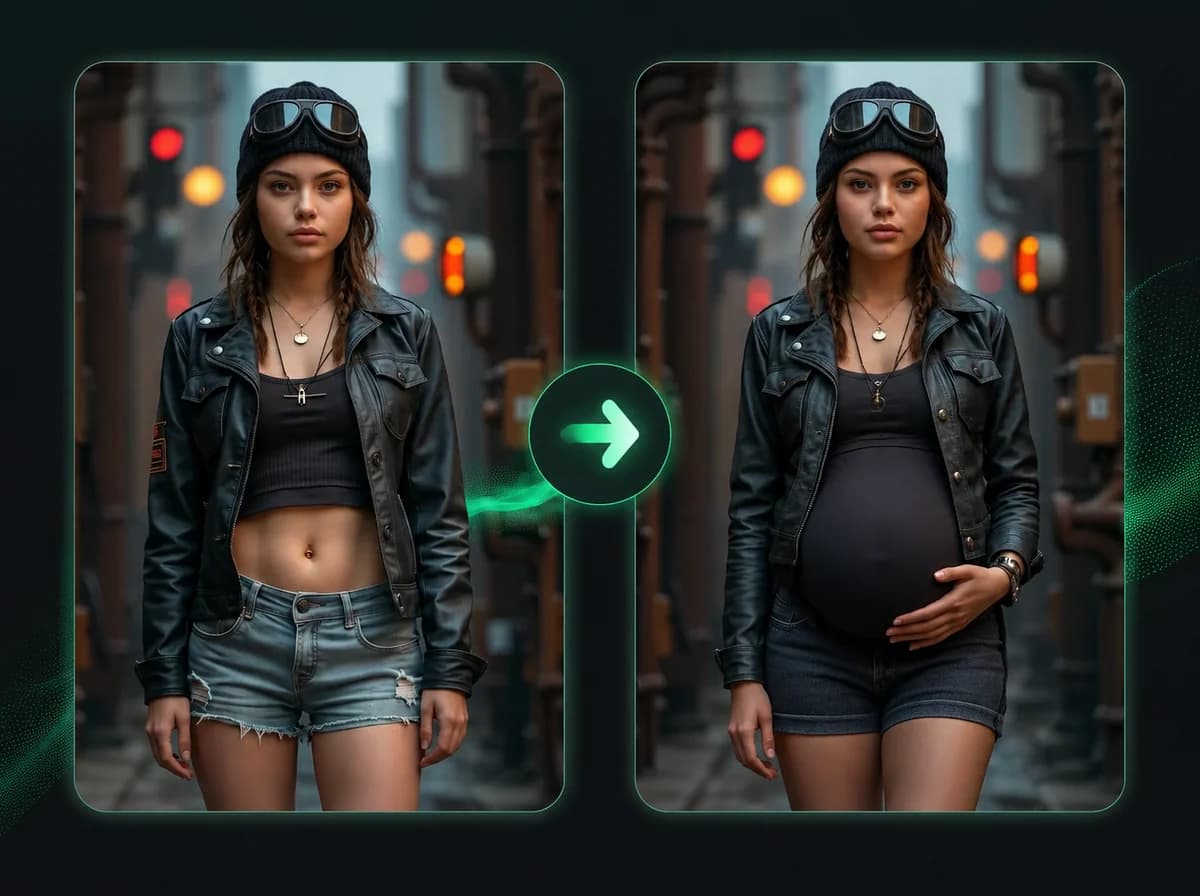
Pregnant AI
Add a realistic 8-month baby bump to any photo.
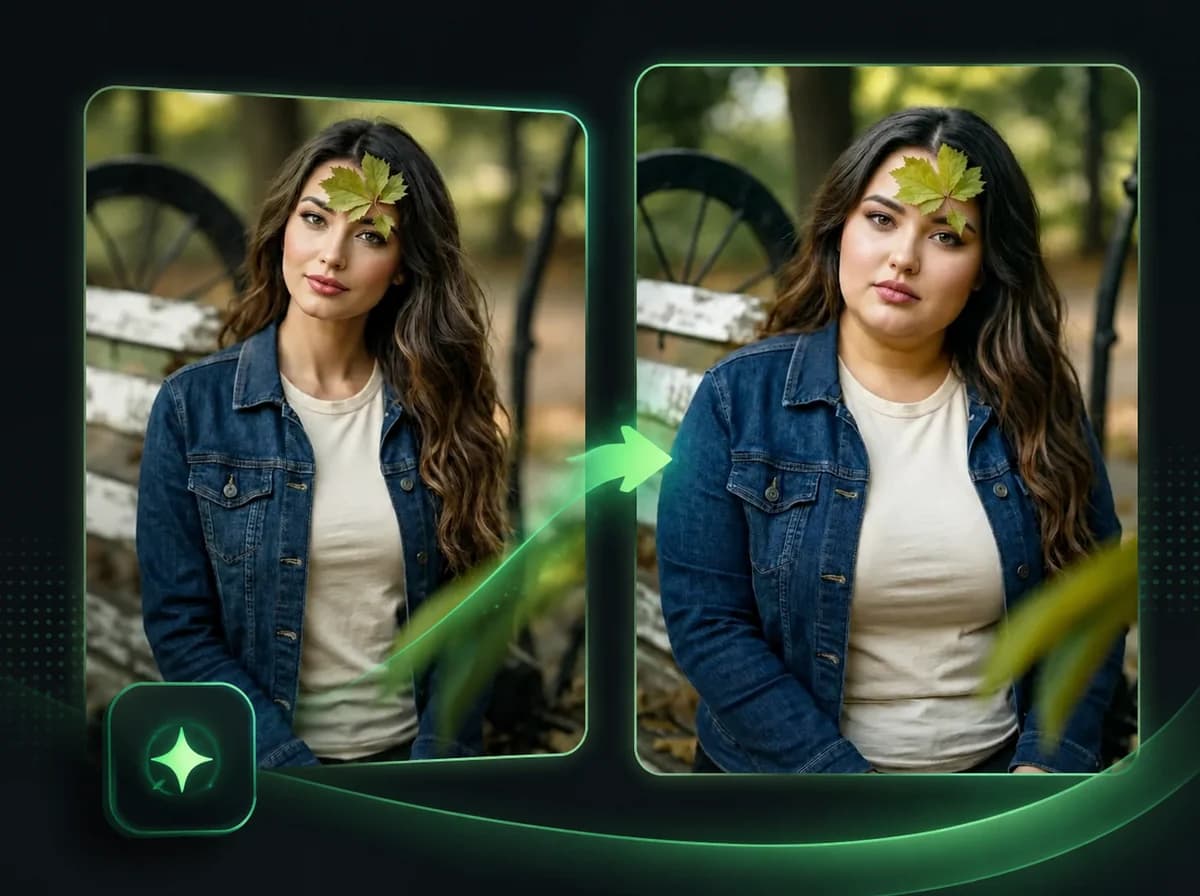
Fat AI Generator
See yourself overweight. AI transforms any photo with a realistic heavy body — outfit and face unchanged.
Make This Year's Christmas Photo Without a Photo Shoot
Upload a photo, describe the scene, and see yourself by the fireplace, in the snow or next to Santa.