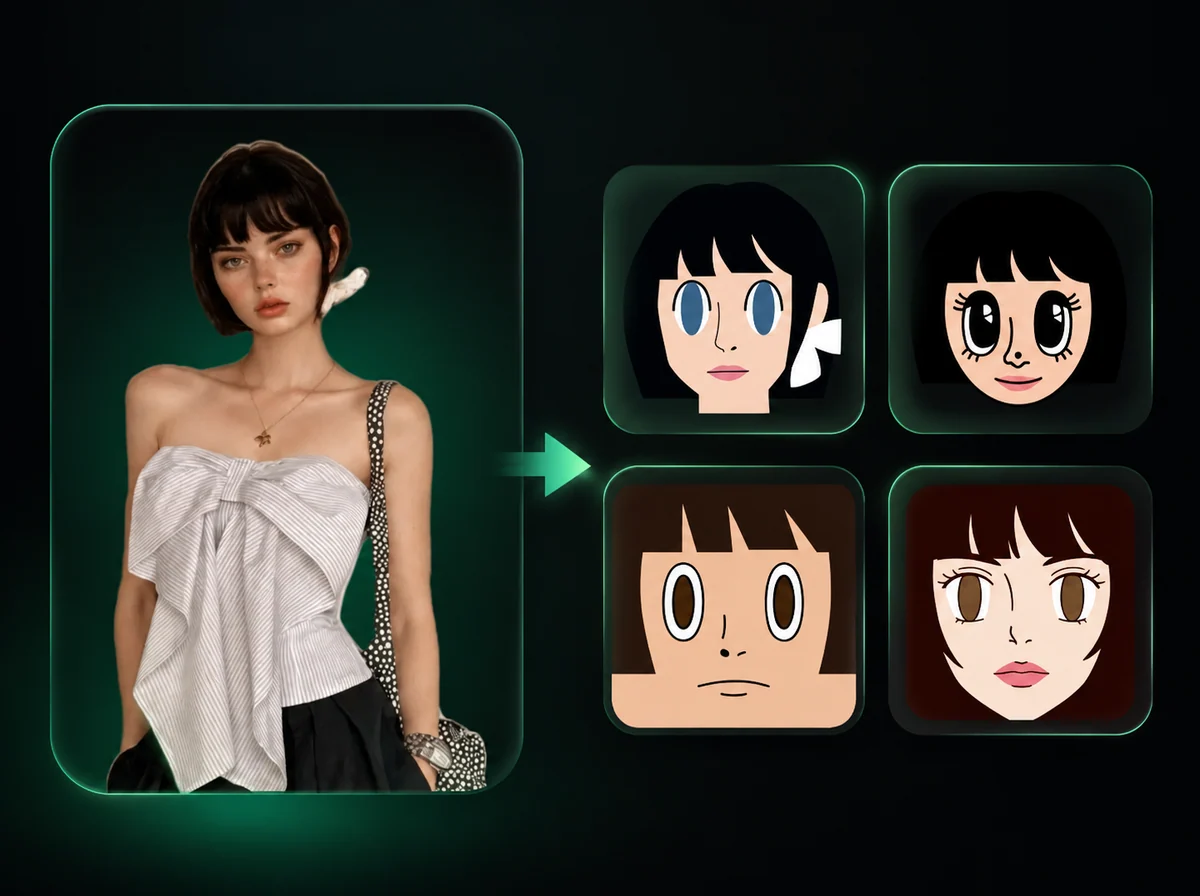
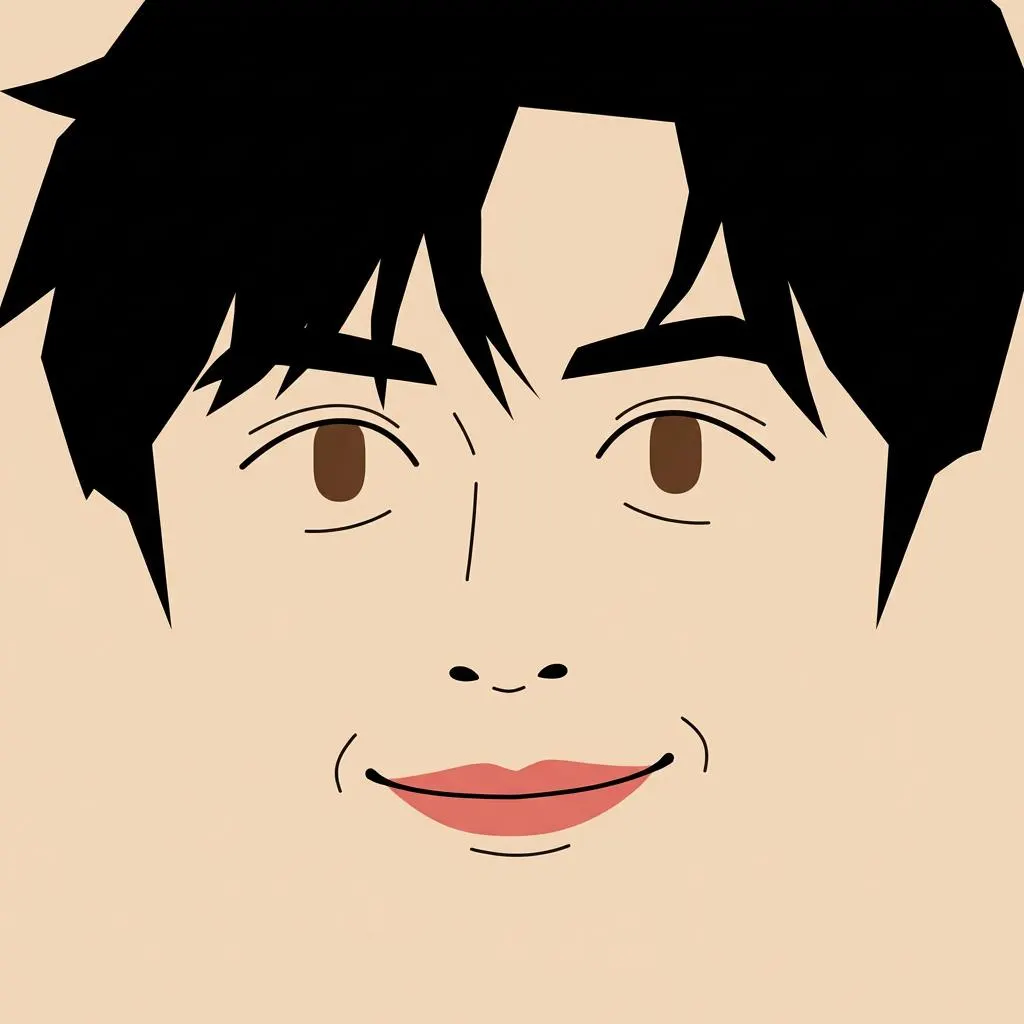
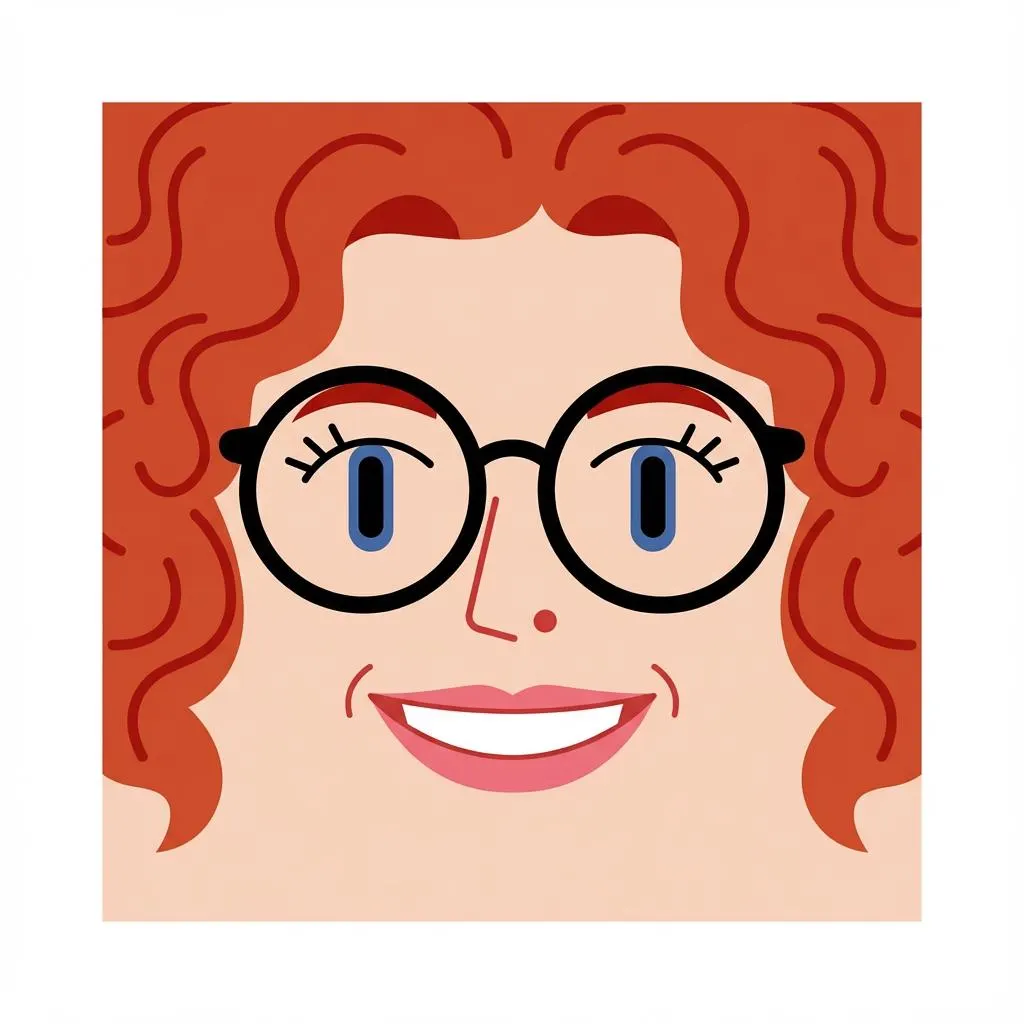
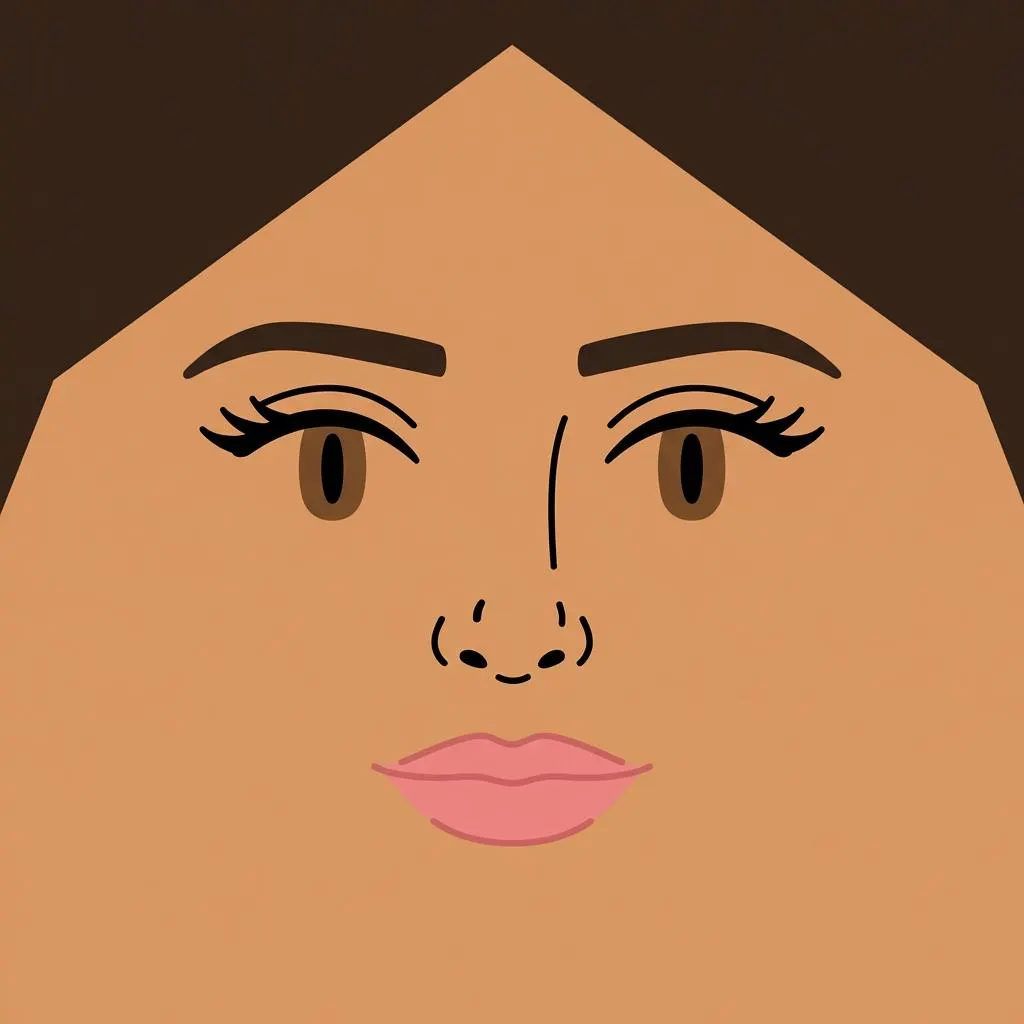
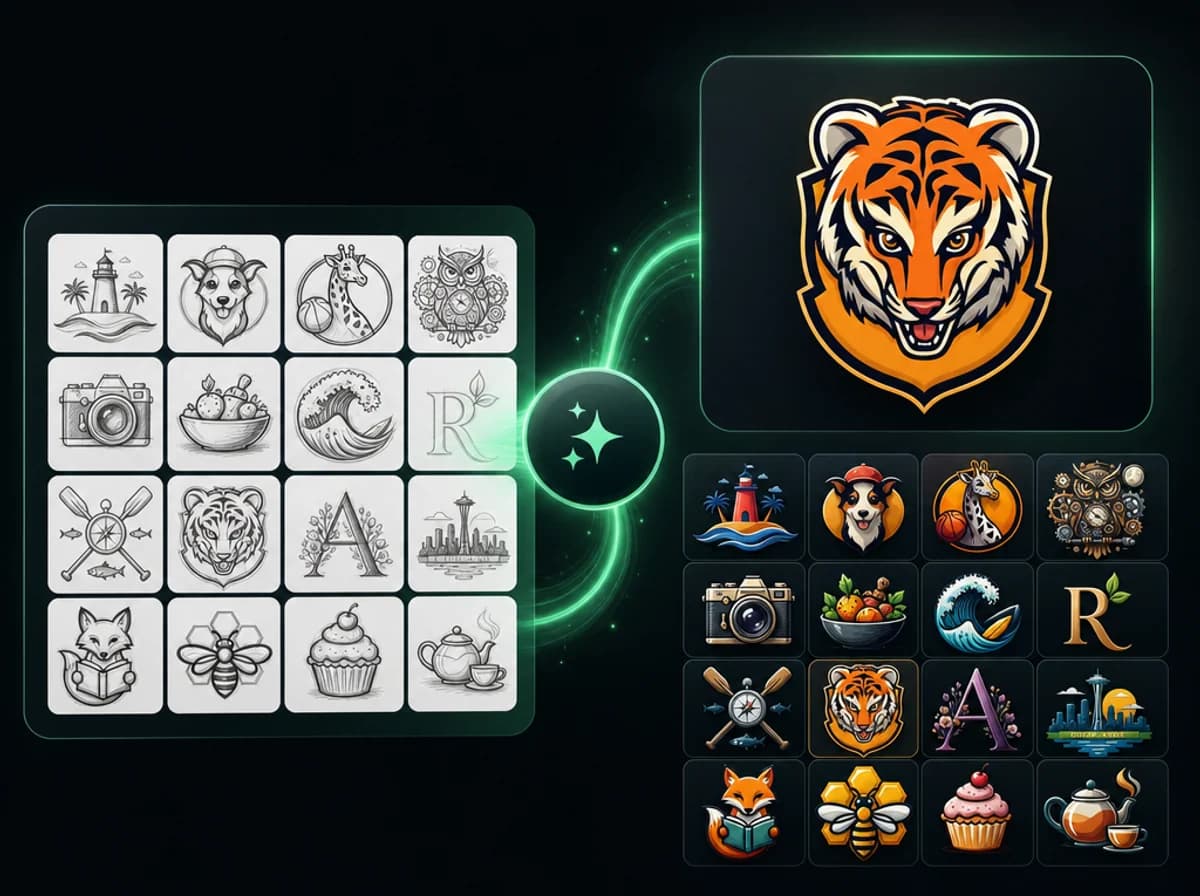
Square Face Generator — Create Square Face Icons from Photos
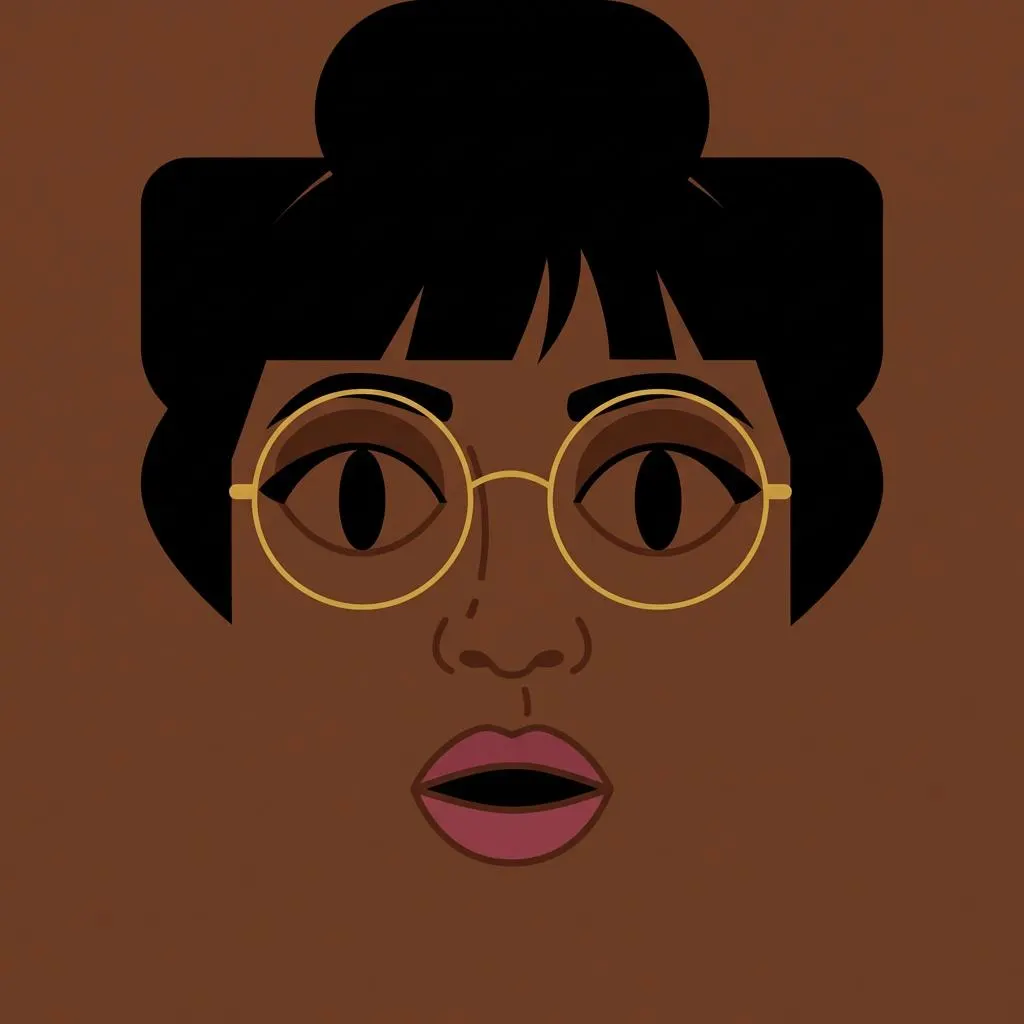
Use the square face generator to turn a portrait into a clean square face icon for profiles, Discord avatars, app icons, and brand mascots.
Click to upload image
PNG, JPG, WebP · Max 10MB
How to Use the Square Face Generator in 3 Steps
Upload a photo, let AI stylize it, then download your square face icon
Upload Your Photo
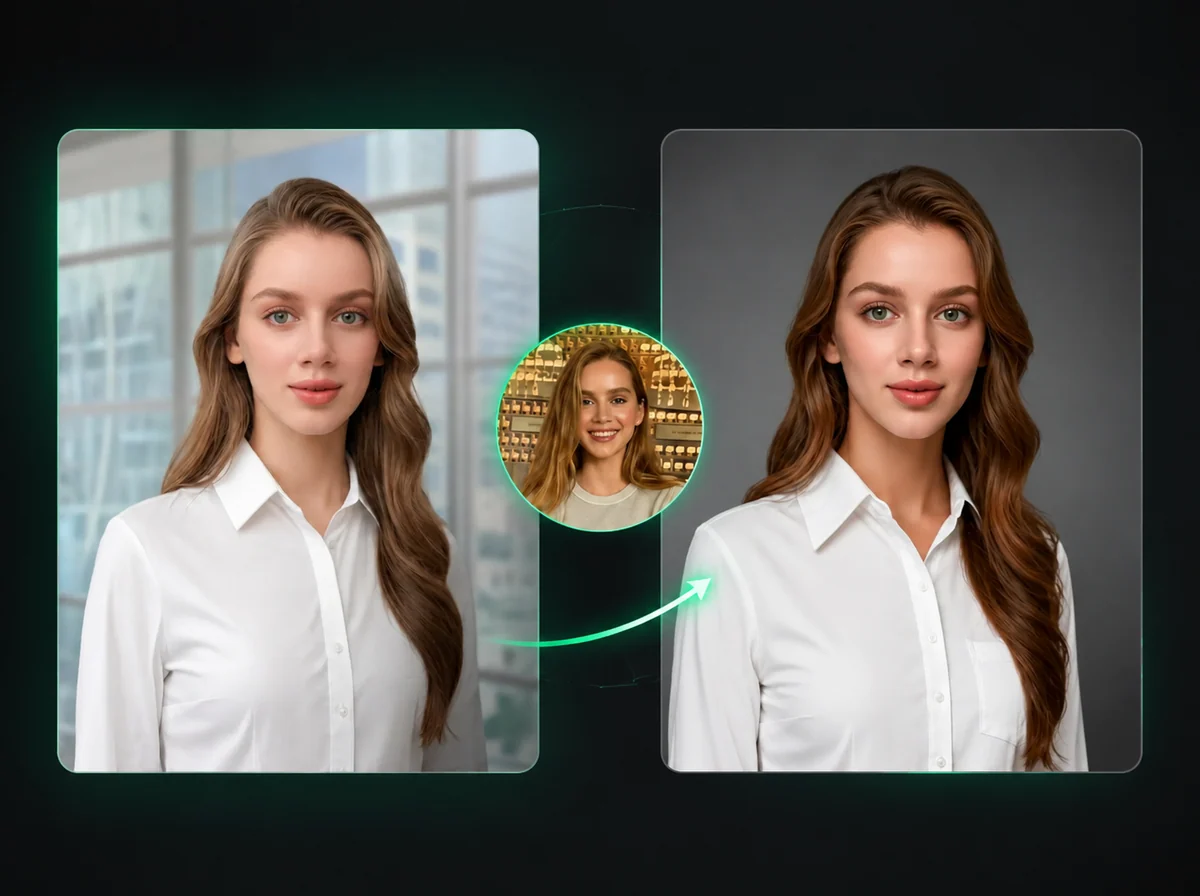
Upload a portrait with a clearly visible face. Front-facing photos with even lighting produce the sharpest icon output. Supports PNG, JPG, WebP up to 10MB.
AI Generates Your Icon
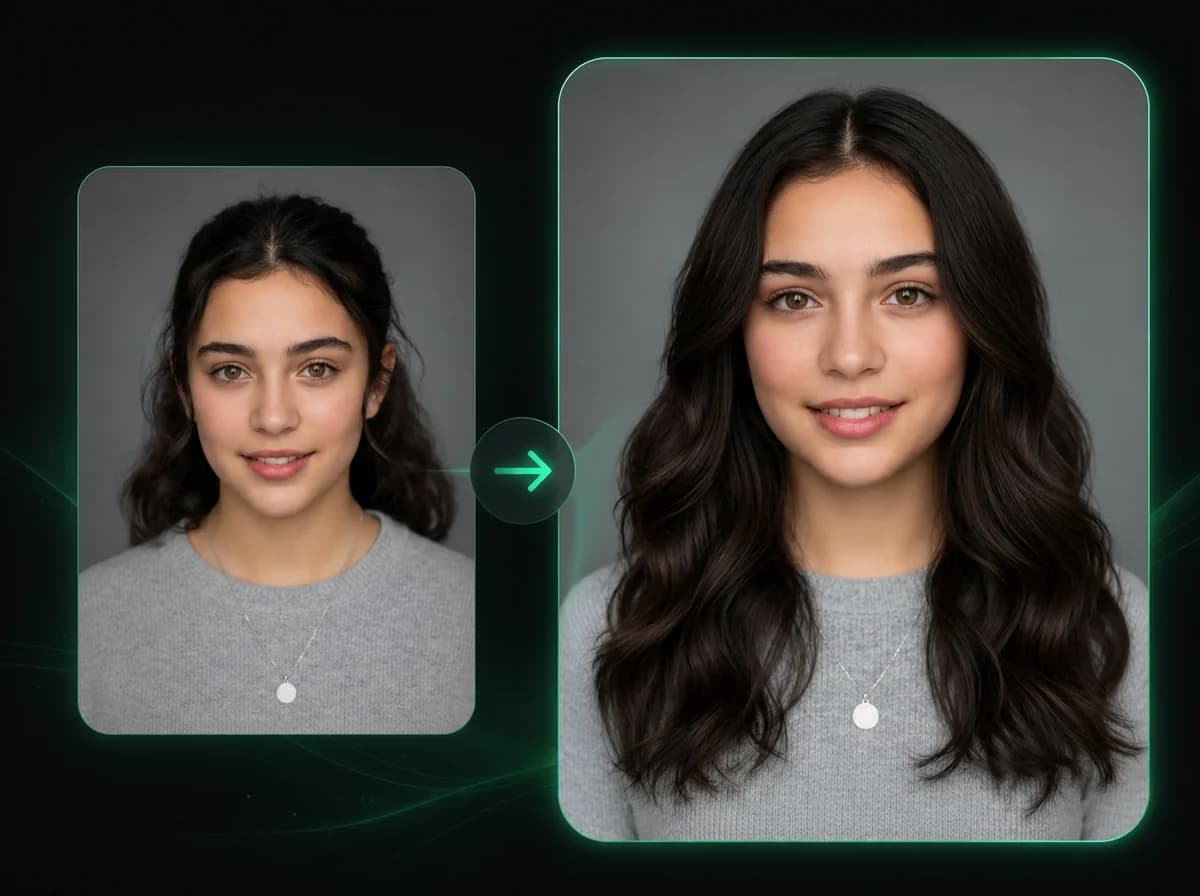
The AI analyzes facial structure, jawline, hair, and features, then redraws them in a clean square icon style — consistent proportions, sharp edges, ready for any platform.
Download Your Avatar
When generation finishes, download the transparent PNG with no watermark and use it in your profile, app, or design file.
Why Use iMideo's Square Face Generator?
Built for creators, designers, and teams who need icon-quality avatars fast.
Fast Icon Generation
Upload, generate, download — most square face icons are ready after a short generation step.
Transparent PNG Output
Every icon exports with a clean transparent background. Drop it into Figma, Canva, or Discord without extra editing.
Batch-Friendly for Teams
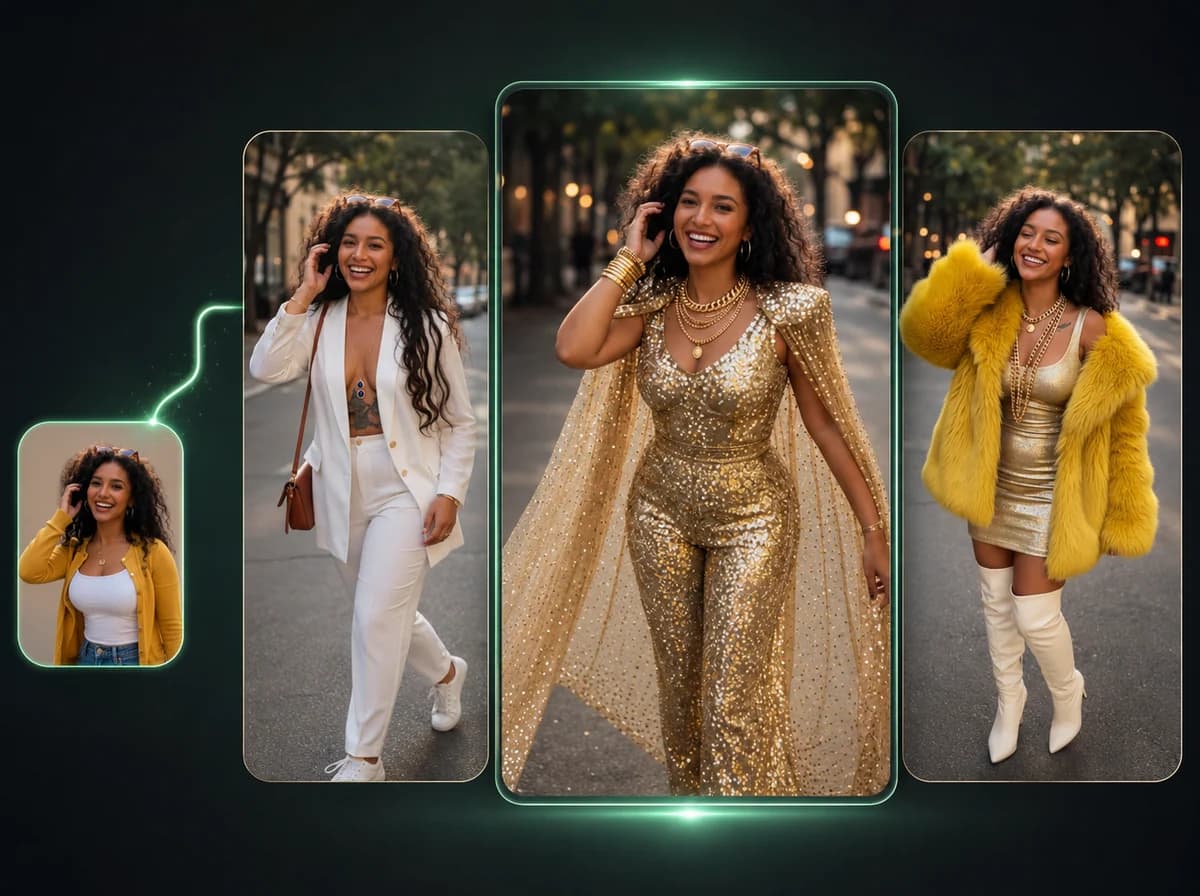
Generate matching icon sets for team pages, character lineups, or Discord servers with consistent styling across all faces.
Platform-Ready Format
Square icons fit profile picture requirements on Twitter/X, Discord, YouTube, GitHub, and app stores out of the box.
Privacy First
Uploaded photos are processed and discarded. We don't store, index, or use your photos for training.
Ready for Design Systems
Export a clean transparent PNG that works across profile slots, app icons, Discord servers, brand kits, and mascot concepts.
What Creators Are Saying
From Discord mods to brand designers — here's who's using it.
Alex R.
Discord Community Manager
I needed matching icons for 12 moderators. Generated them all in one work session. Everyone has the same visual style but their own face. Game changer for server branding.
Sarah K.
Indie Game Developer
Used it to create character portrait icons for our game's UI. Consistent art style across 20+ characters without hiring an illustrator. The transparent PNG output drops cleanly into our engine.
Marcus T.
YouTube Creator
Updated my channel icon, Twitter PFP, and Discord avatar in one session. Took maybe 5 minutes total. The square format just works everywhere.
Priya N.
Brand Designer
My client needed a mascot icon fast. I uploaded a reference photo, got a clean stylized square face output, and we had a starting point in minutes. Saved at least 2 hours of initial sketching.
Jason W.
Startup Founder
Put together our 'About' page team avatars without a photo shoot. Just used existing LinkedIn photos — the icons all look like they were made for the same brand. Looks way more polished than mismatched headshots.
Elena M.
Twitch Streamer
Made emote-style icons of myself for subscriber perks. The AI keeps the facial features recognizable even at the smallest icon sizes. My chat loves them.
David L.
UX Designer
We use these for user persona profile pictures in wireframes and presentations. Way more credible than stock photos and consistent with our design language.
Aiko S.
Social Media Manager
Created a cohesive visual identity across 5 brand accounts with one session. The transparent background means zero extra work when switching between light and dark mode pages.
Create Your Square Face Icon Now
One upload. The square face generator returns a transparent PNG output with no watermark.