AI Hairstyle Changer: See the Cut Before You Sit in the Chair
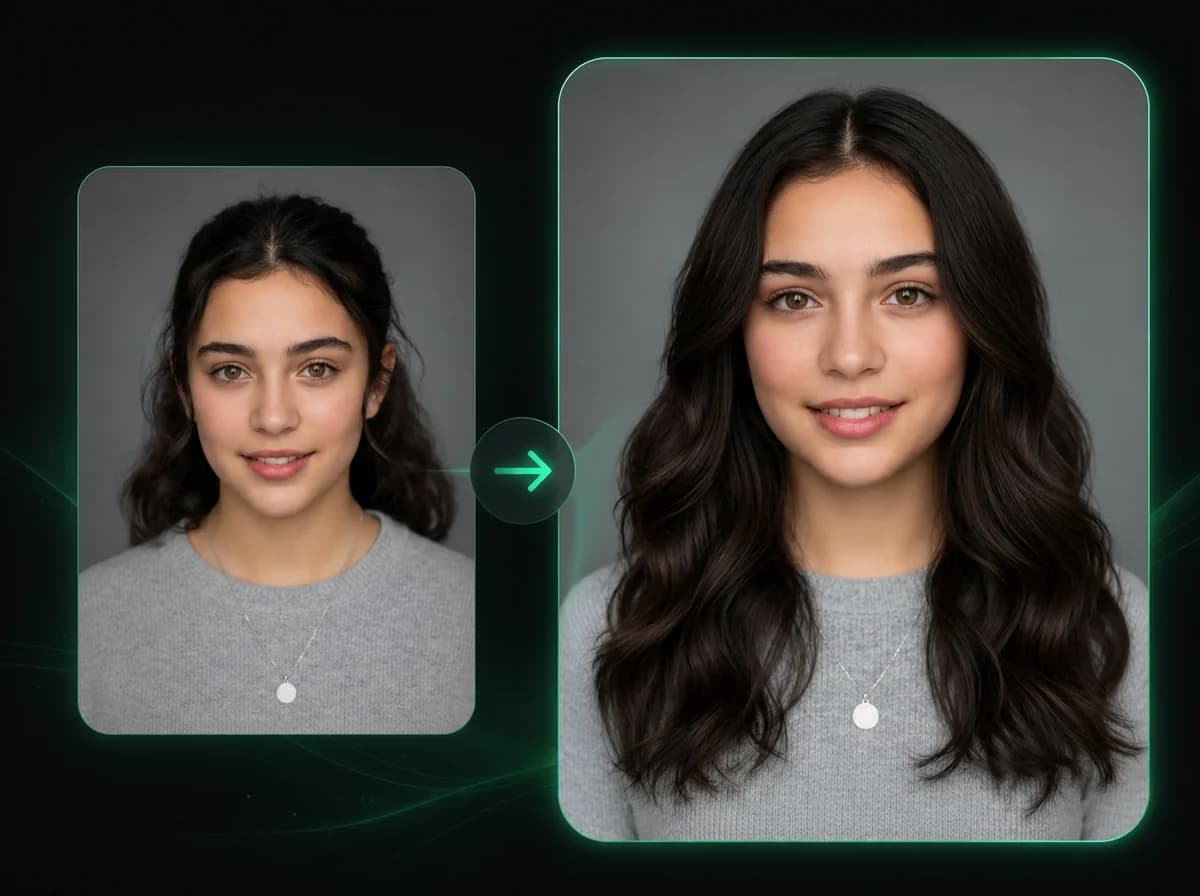
Upload a portrait and preview 20 AI hairstyles for women and men while keeping your face, skin tone, and background consistent.
Click to upload image
PNG, JPG, WebP · Max 10MB
How to Change Your Hairstyle with AI in 3 Steps
Upload a portrait, select a style, then download the generated hairstyle preview.
Upload Your Portrait
Upload a photo with clearly visible hair. Front-facing or near-front-facing portraits with good lighting work best. Supported formats: PNG, JPG, WebP up to 10MB.
Choose Gender and Hairstyle
Select Female or Male, then pick from 10 styles per gender. Women's options include short bob, pixie cut, beach waves, french braid, and more. Men's options include crew cut, undercut, pompadour, skin fade, and man bun.
Download Your Result
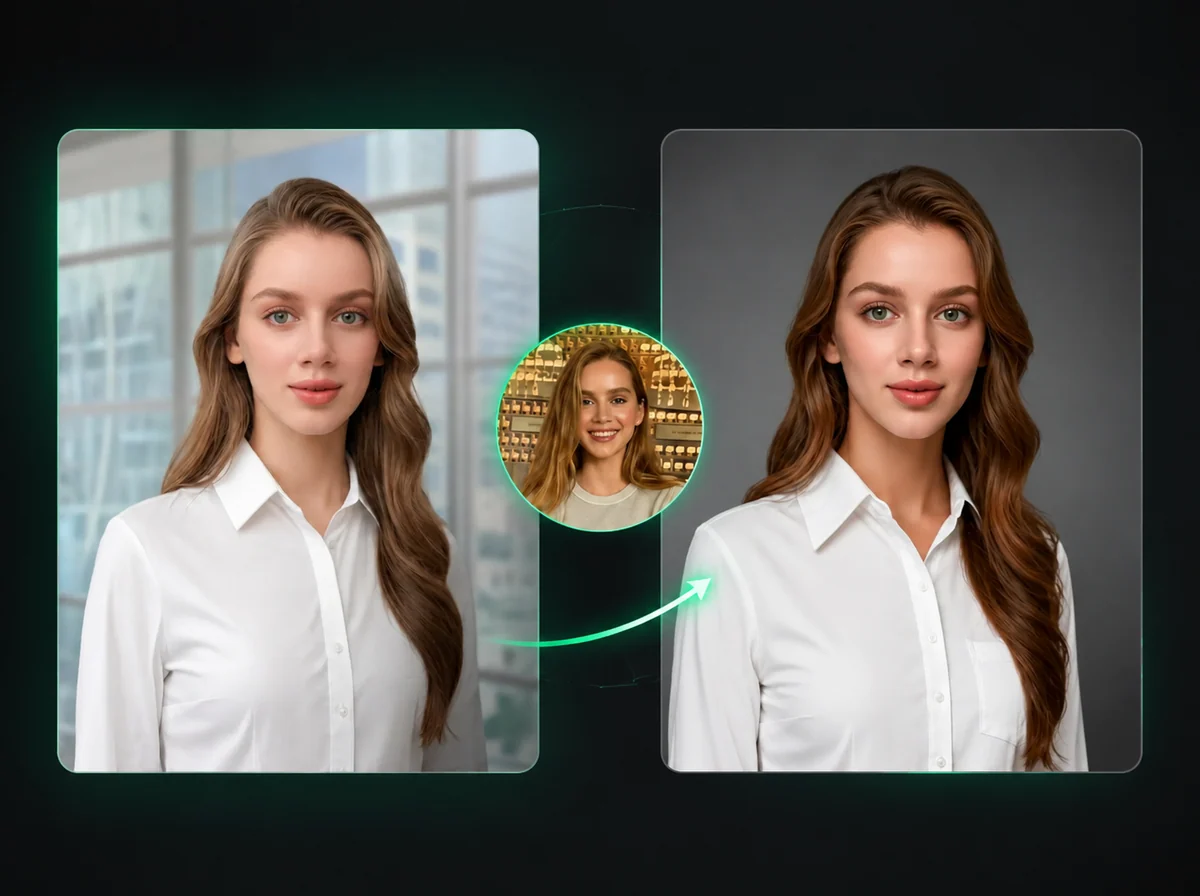
Download the restyled portrait when processing finishes. Only the hairstyle changes; your face, skin, and background stay consistent with the original photo.
Why Use iMideo Hairstyle Changer
20 Cuts to Choose From
10 women's styles and 10 men's styles. Everyday cuts like bob and crew, plus statement looks like pompadour and beach waves. Select gender, pick a style, see the result.
AI-Generated, Not a Wig Overlay
The AI rebuilds the hair from scratch, matching your lighting and face shape. The result is designed to avoid flat layers pasted on top.
Fast Hairstyle Preview
Upload your portrait, pick your style, and download the result without manual masking or salon consultation photos.
Only the Hair Changes
Face, skin tone, clothing, and background remain consistent with your original photo. The AI changes only the selected hairstyle.
Your Photos Stay Private
Images are processed to generate your result and nothing else. Not stored long-term, not used for AI training, not shared with third parties.
Compare multiple looks quickly
Generate several cuts from the same portrait and compare them side by side before committing to a real haircut, wig, or content concept.
What Our Users Say
Marcus L.
Hair Stylist
I show clients three or four options before we start. Instead of flipping through stock images of strangers, I use their own face. They commit faster and I get fewer 'this isn't what I imagined' moments after the cut.
Priya S.
Beauty Content Creator
I post hairstyle transformation content regularly. This tool lets me generate before-and-after images for styles I'm covering without actually having to try each one. My audience engagement is up because the format works.
Jake R.
Actor
Auditions sometimes come with hair requirements. I use this to check how a requested style actually looks on me before committing to the cut. Saved me from a buzz cut that would have taken months to grow back.
Yuki M.
Fashion Blogger
I tried the pixie cut option before going through with it. The preview was close enough to help me walk in with a clear reference. The actual cut landed close to what I expected.
Carlos D.
Barber
I use it during consultations for new clients. They upload a selfie, I walk them through the men's style options on their own face. Bookings that used to take 15 minutes of back-and-forth now close in two minutes.
Tina K.
Cosplay Artist
I plan wig styles before buying. Upload my face, try the cuts that match a character I'm working on, and compare side by side. Way more useful than trying to visualize it from a product photo.
James F.
UX Researcher
We needed diverse persona illustrations for a research deck. Being able to generate the same face with different hairstyles saved us a significant amount of time compared to sourcing separate stock portraits.
Naomi W.
Bride-to-Be
I used it to narrow down my wedding hairstyle. Tried the updo and loose waves options on my own face before the bridal trial. I came in with a clearer idea of what I wanted.
Try a New Hairstyle Right Now
Upload your photo, pick a cut, and preview a different hairstyle before booking a salon visit or creating social content.