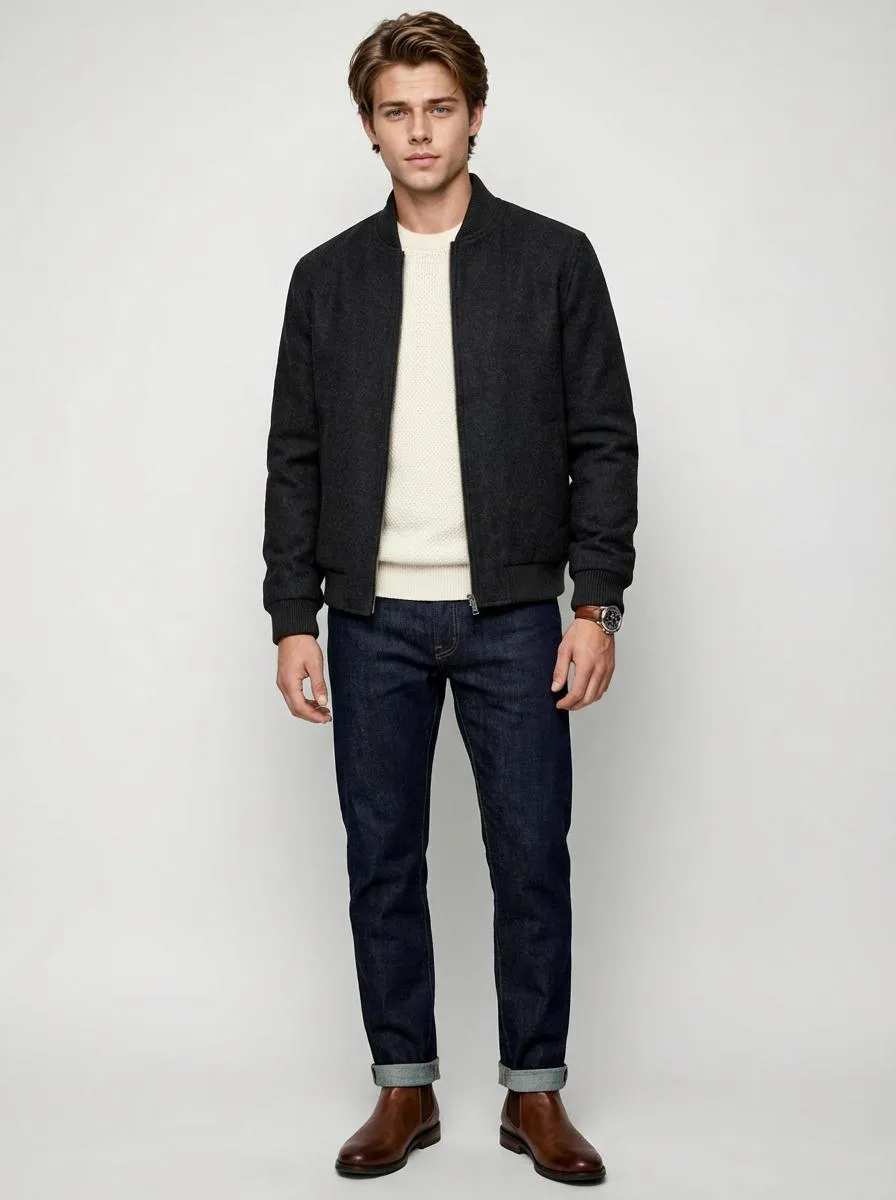
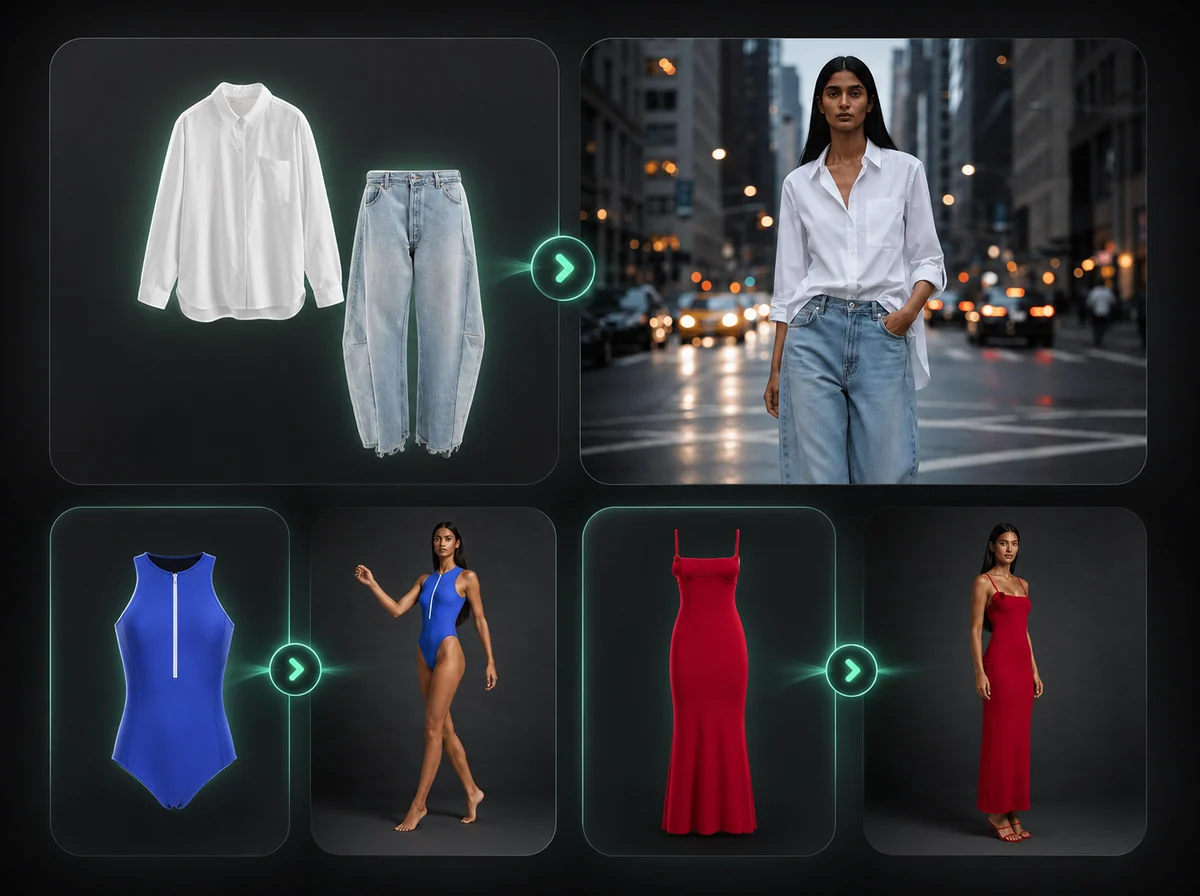
AI Outfit Generator — Full Outfit Redesign, No Prompt Needed
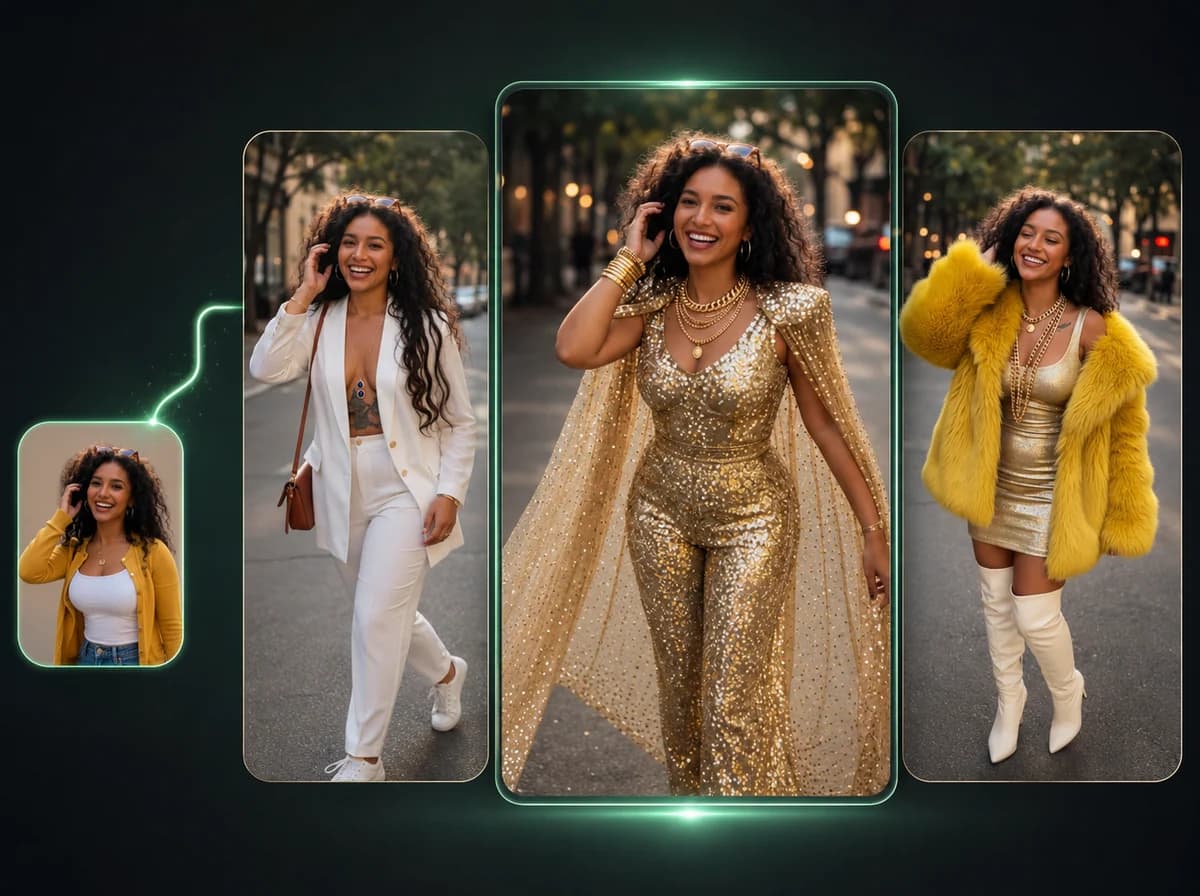
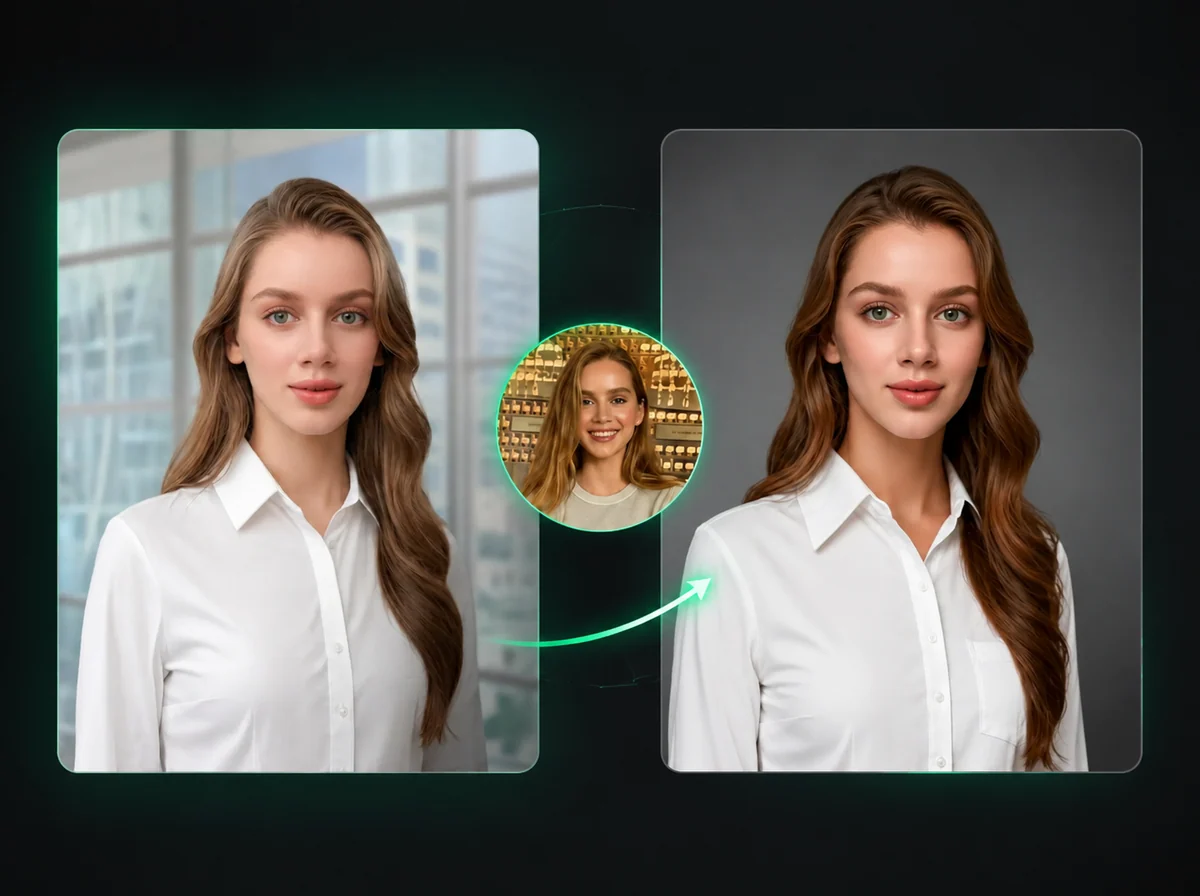
Upload a portrait or full-body photo and generate a new AI outfit while keeping the face, pose, and background consistent.
Click to upload image
PNG, JPG, WebP · Max 10MB
How to Generate a New Outfit in 3 Steps
Upload a photo, let AI design the outfit, then download the result.
Upload Your Photo
Upload a portrait or full-body photo with a clearly visible person. PNG, JPG, and WebP are supported up to 10MB. Front-facing or angled poses both work well.
AI Designs a New Outfit
The AI analyzes the person's figure, existing style, and overall aesthetic, then generates a complete new outfit. The face, pose, and background stay consistent with the source photo.
Download the Result
Download the generated outfit photo when processing finishes. No extra prompt writing or manual clothing mask is required.
Why Use iMideo's AI Outfit Generator?
Built for creators, sellers, and fashion teams who need styled photos without a photoshoot.
Fast Outfit Generation
Upload, generate, and download a styled outfit photo without arranging a photoshoot or editing clothing masks by hand.
No Prompt Needed
The AI handles all creative decisions. You upload — it styles. No fashion expertise required.
Face and Pose Preserved
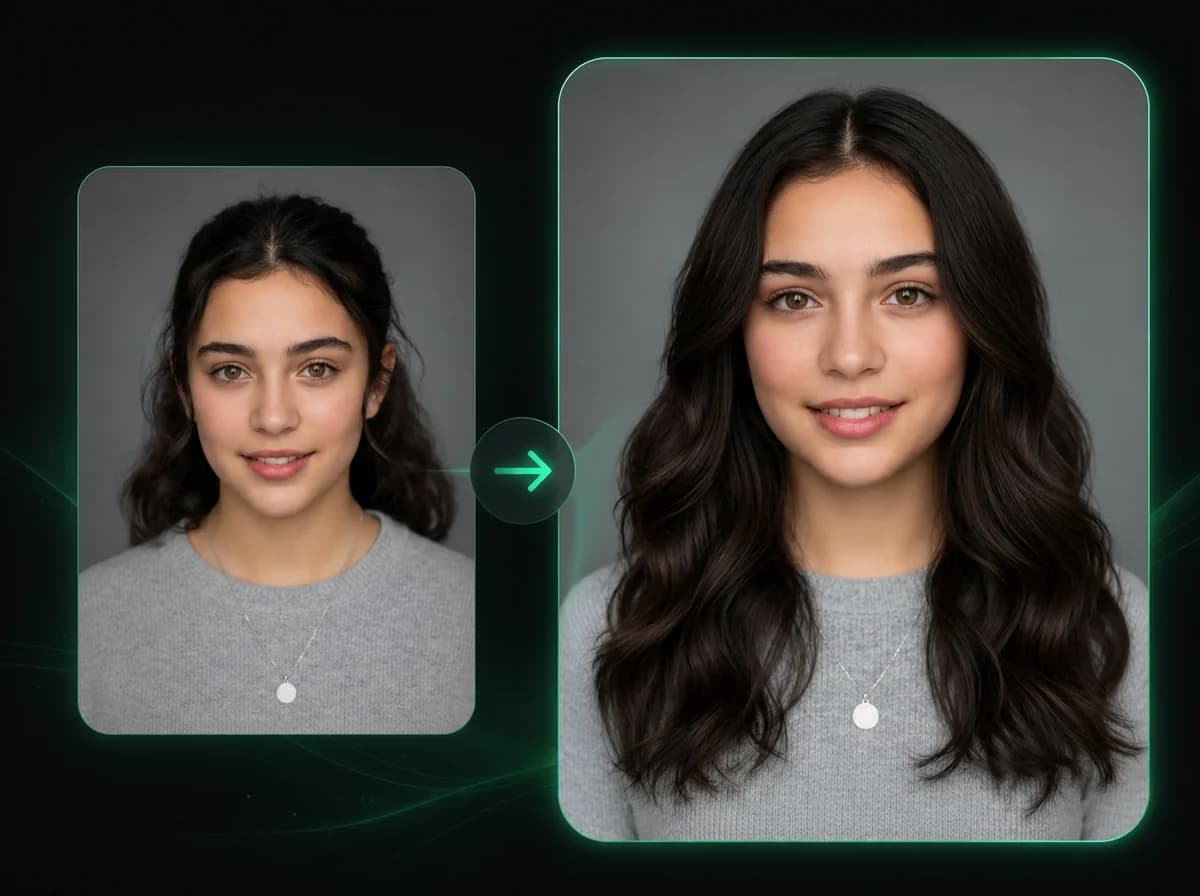
Face, body proportions, pose, and background stay consistent with the source photo. Only the outfit changes.
Realistic Fabric and Draping
Outputs use fabric texture, draping, and lighting cues from the original photo rather than flat graphic overlays.
Privacy First
Uploaded photos are processed and discarded. We don't store, index, or use your images for training.
Styling ideas and content creation
Generate polished outfit variations from one photo for product visuals, lookbooks, social posts, and personal styling references.
What People Are Saying
From fashion sellers to content creators — here's how they use it.
Maya L.
Fashion Brand Owner
I needed new outfit images for our spring line but didn't have time for a shoot. Uploaded our model photos and got fully re-styled looks in minutes. Three of them went into our product listing drafts.
Carlos R.
Instagram Fashion Creator
I use it to storyboard outfit ideas before buying anything. Upload a photo of myself, see the styled version, then decide if I actually want those pieces. Saved me from a few bad purchases.
Tomoko H.
Ecommerce Seller
Running a small clothing shop is expensive. I was spending $300+ per photoshoot. Now I upload one model photo and generate multiple outfit variations for listing concepts.
Jordan B.
Fashion Blogger
I post daily and need fresh content constantly. This tool helps me create outfit inspiration posts without staging everything from scratch. The AI gives me style directions to test.
Priya S.
Stylist
I use it to show clients what a restyled wardrobe could look like on them specifically. Much more persuasive than mood boards. When they see themselves in a better outfit, they're sold.
Finn O.
Dropshipper
Testing new clothing products without holding inventory. I generate AI outfit photos to see how a style looks before I source it. Cuts down testing costs significantly.
Aisha W.
TikTok Creator
My 'AI outfit vs real outfit' comparison videos get better comments when I show the generated look next to the real one. The AI picks useful combinations that give me a direction to test.
Daniel K.
App Developer
Building a fashion-adjacent app and needed to generate styled product shots at scale. The output quality is consistent enough for our use case. Clean, predictable results every time.
Generate a New Outfit Now
Upload one photo, generate a new outfit, and compare styling directions without a fitting room or manual prompt writing.