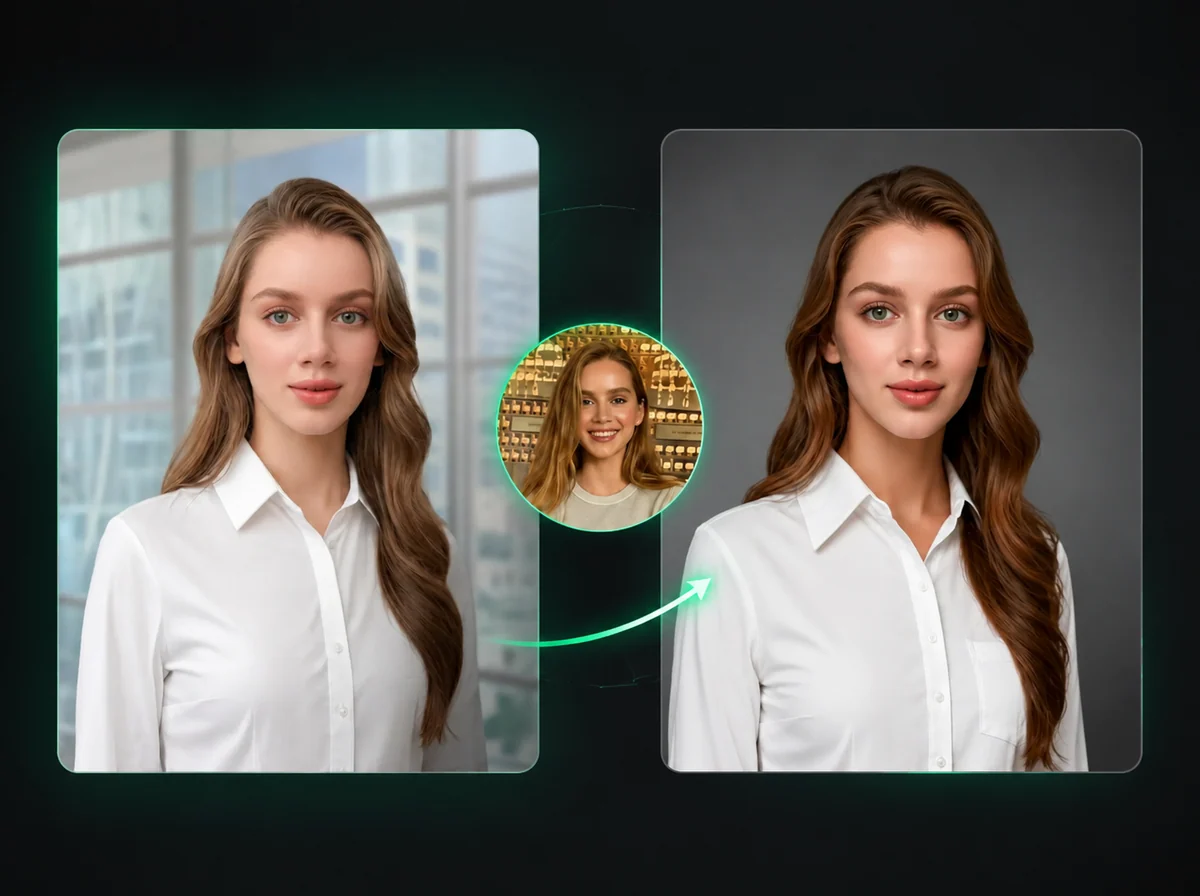
AI Mannequin Generator — Same Garment, No Model Distraction
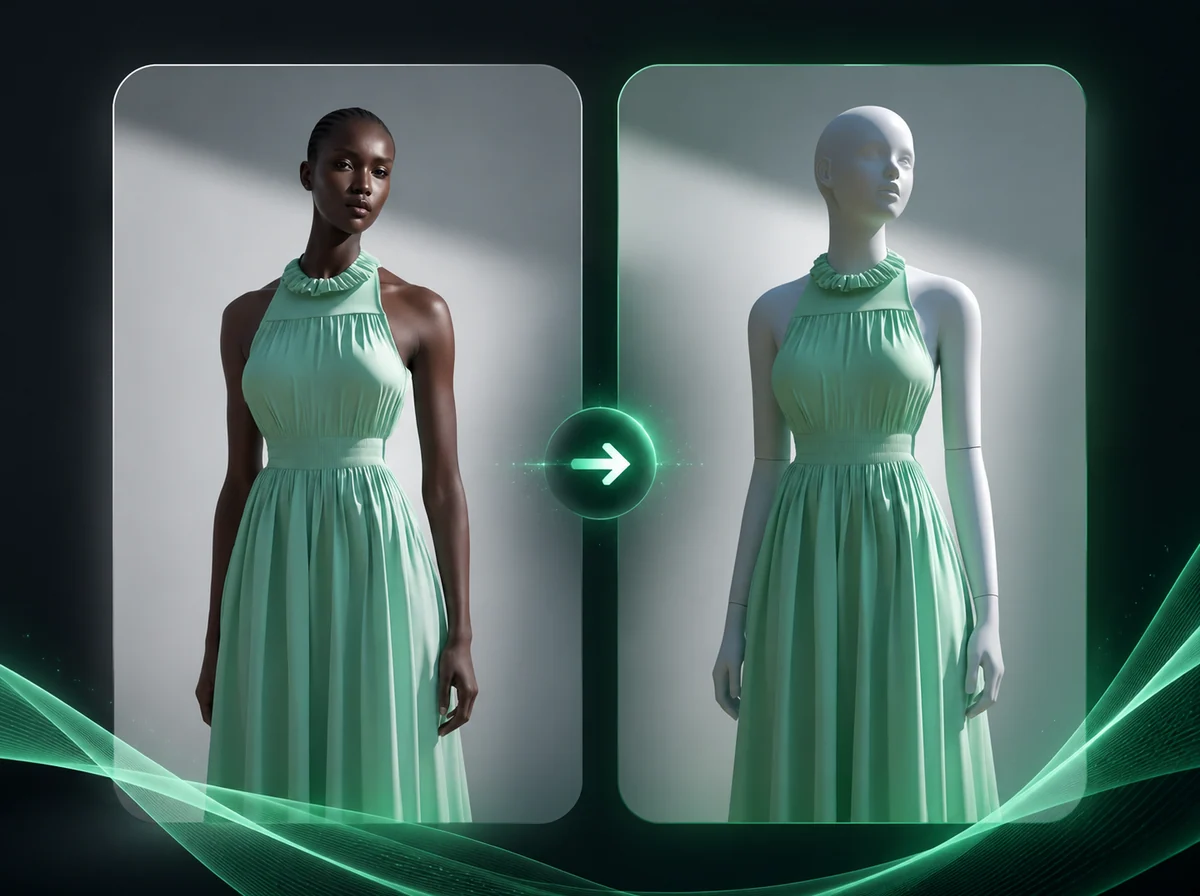
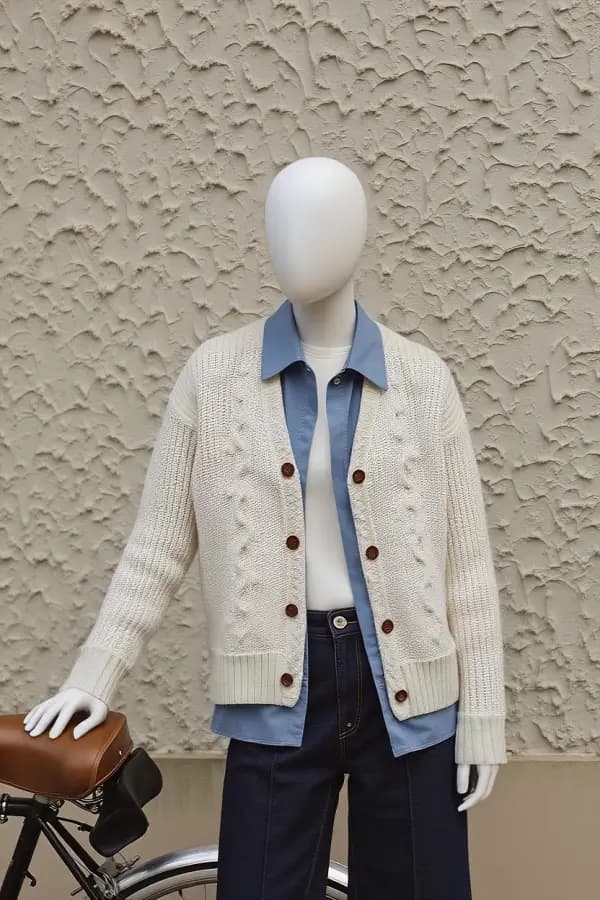
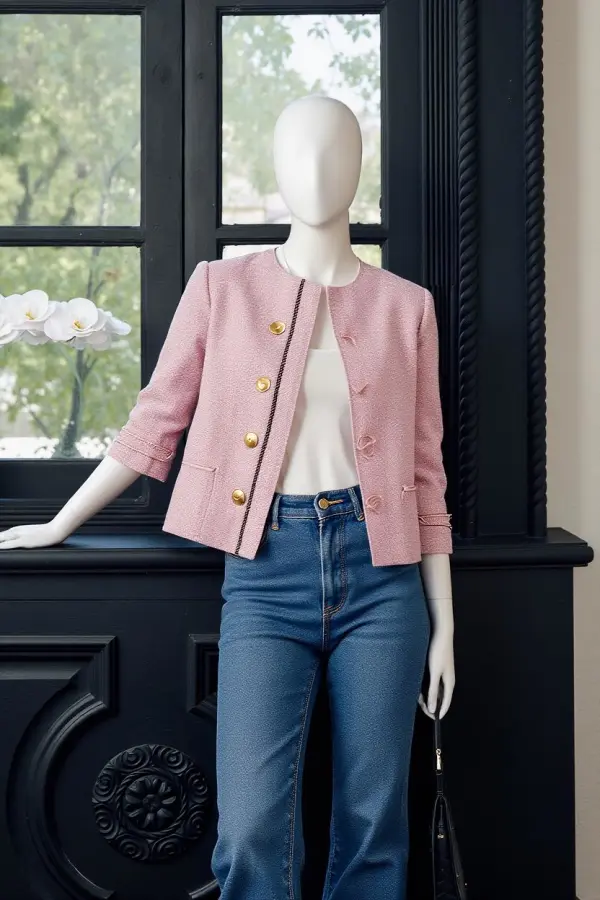
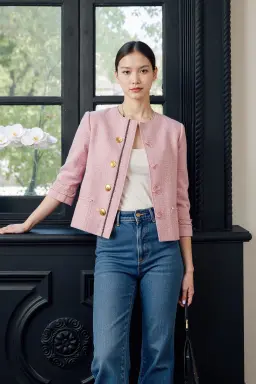
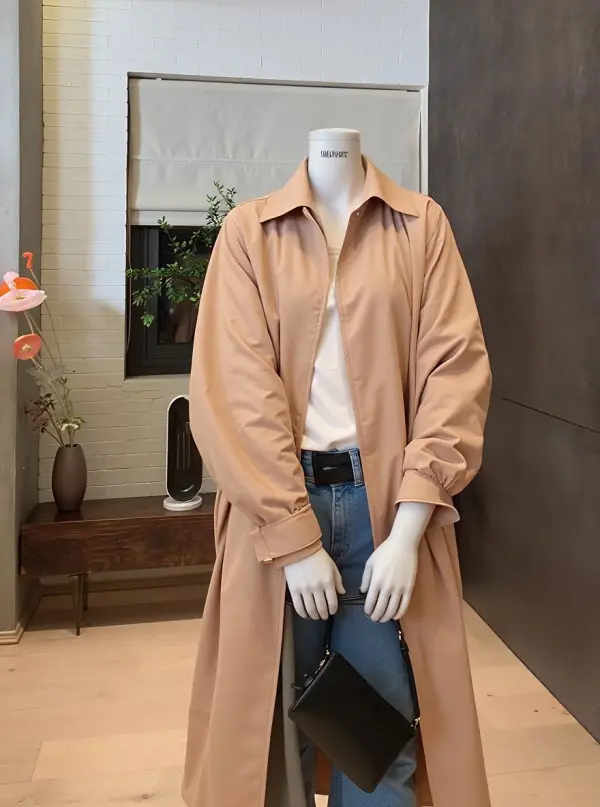
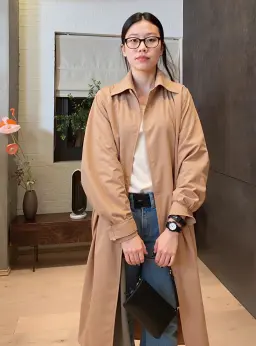
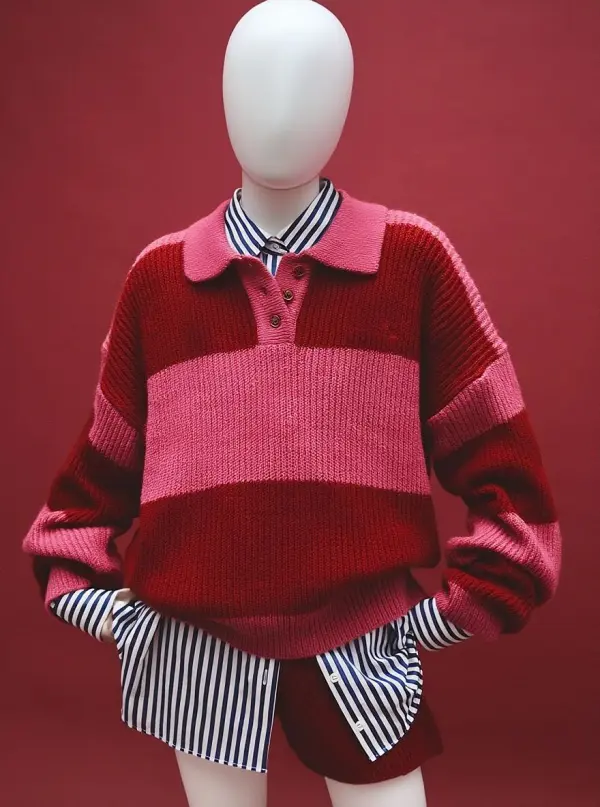
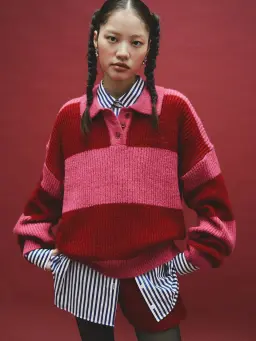
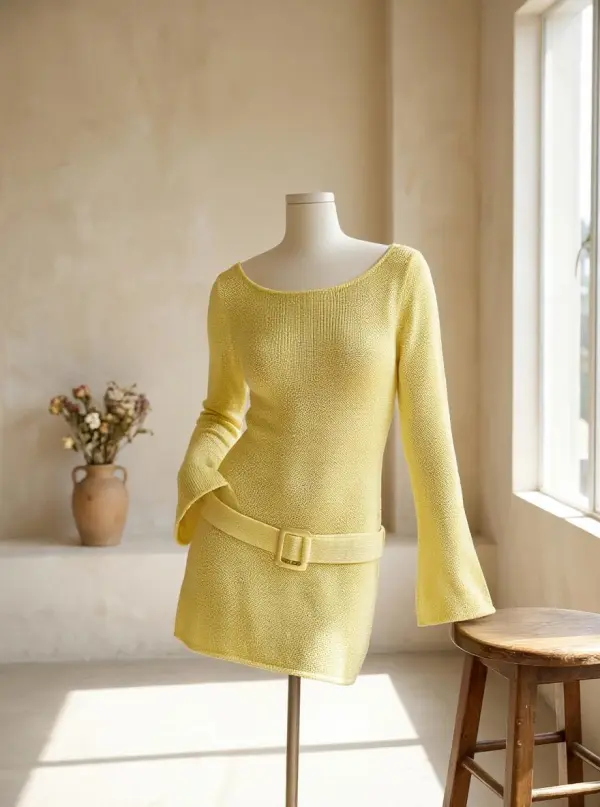
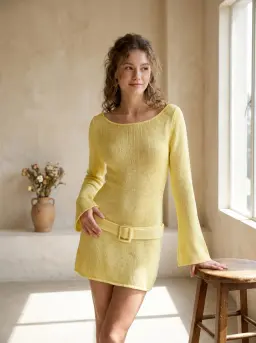
Upload one model photo and rebuild it as a ghost mannequin product shot while preserving garment texture, drape, and fit where the source image supports it.
Drop an optional model photo as reference
PNG / JPG / WebP, up to 10MB
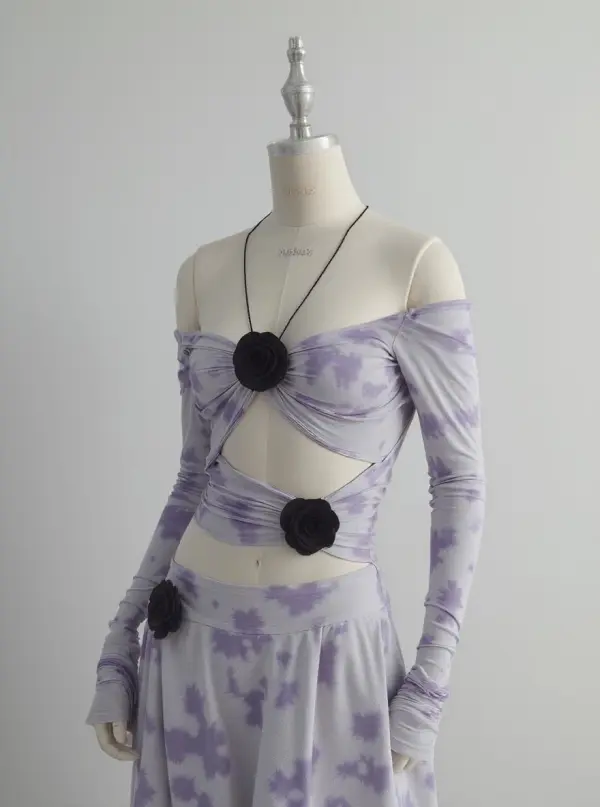
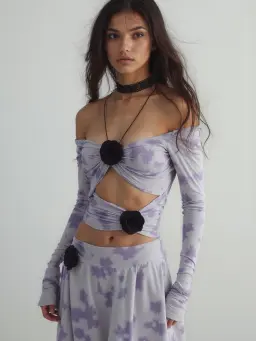
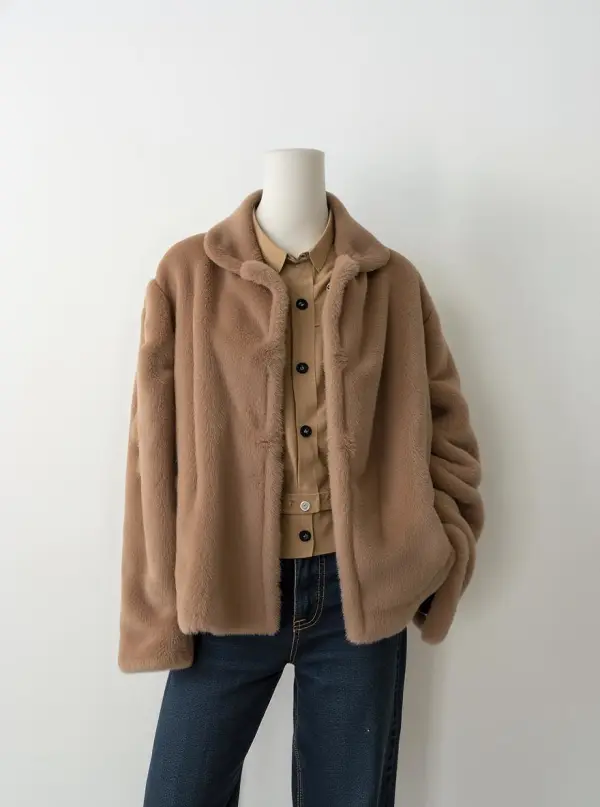
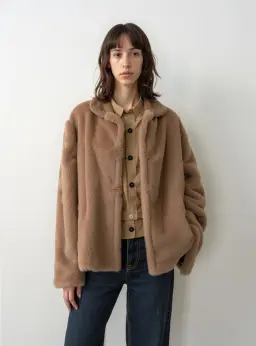
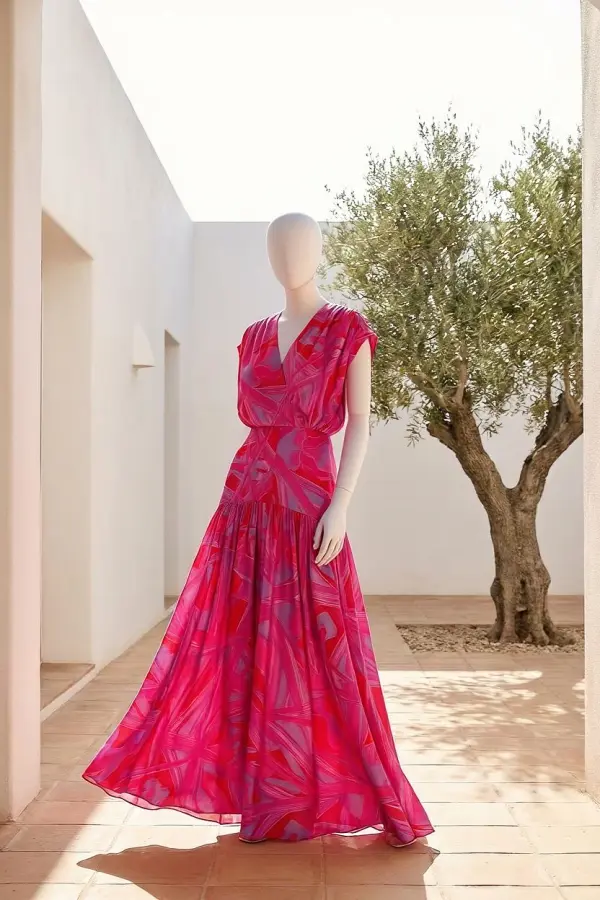
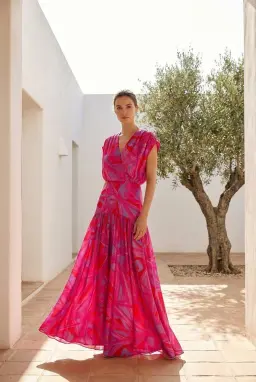
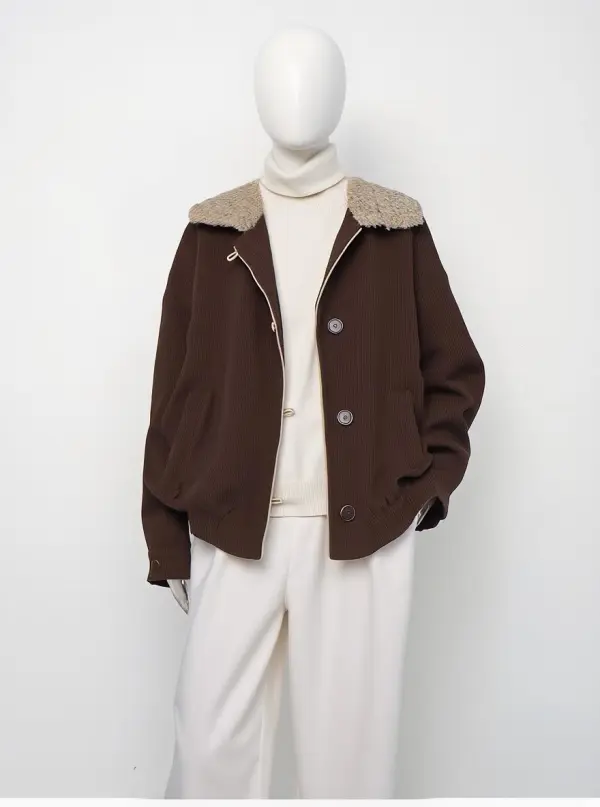
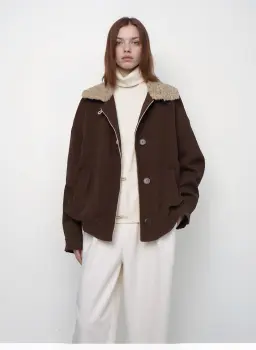
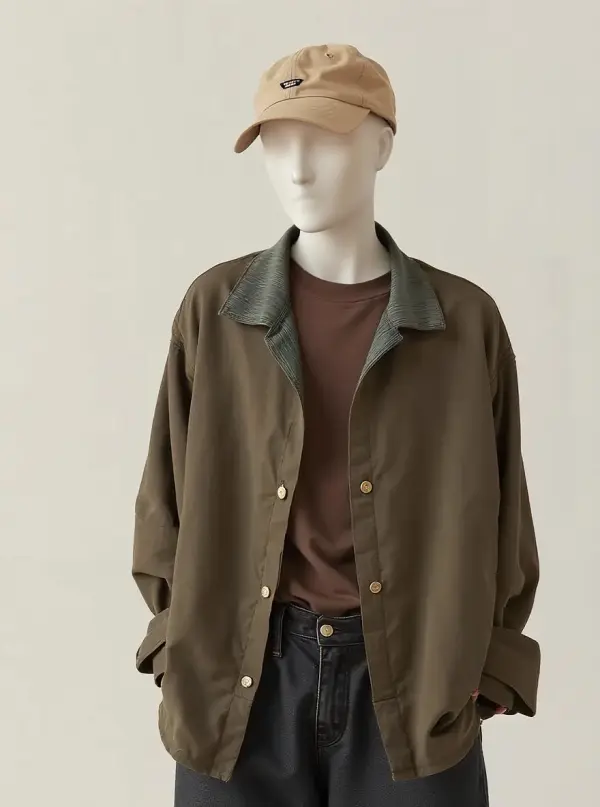
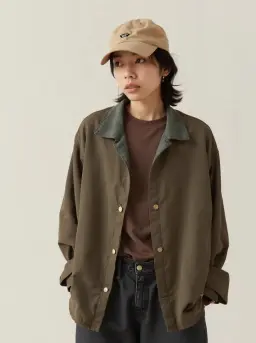
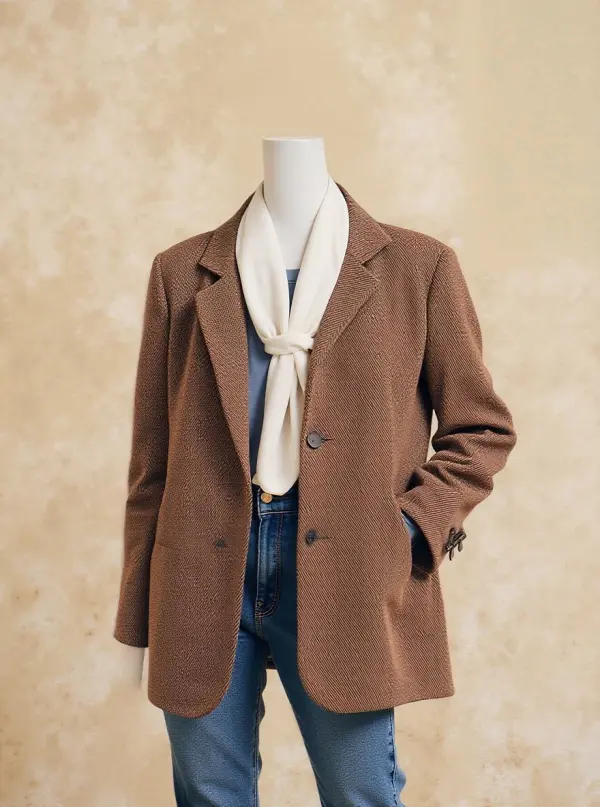
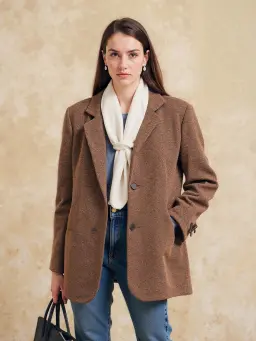
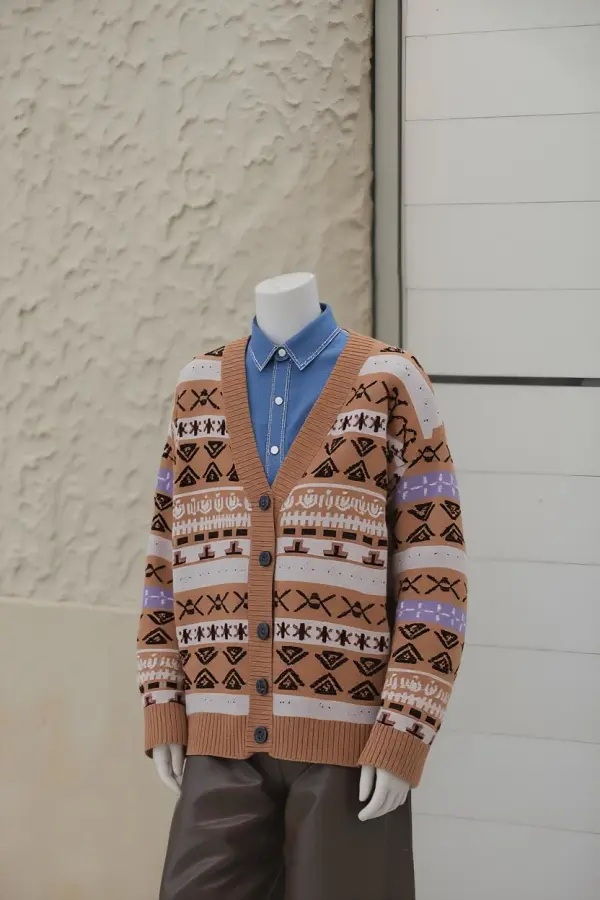
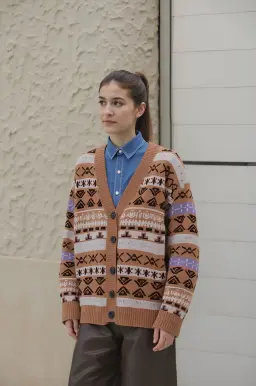
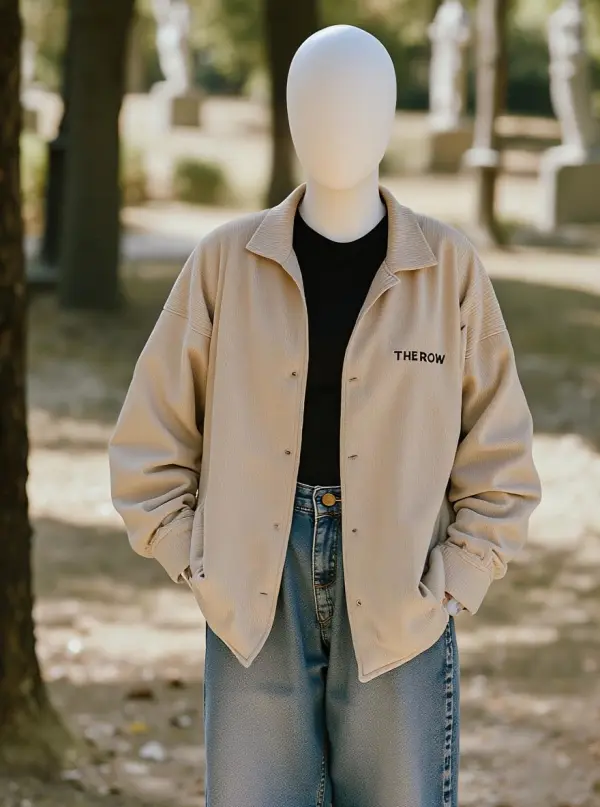
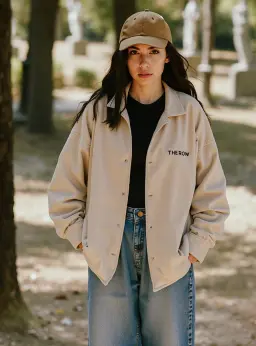
How to Convert a Model Photo to a Mannequin Shot
Upload a model photo, pick an aspect ratio, and download the ghost mannequin result
Upload Your Model Photo
Upload one photo where the model is wearing the garment you want to display. PNG, JPG, or WebP up to 10MB. The garment should be fully visible. Front-facing shots without crops give the cleanest mannequin output.
Pick Aspect Ratio (Optional)
Choose 1:1, 3:4, 4:3, 9:16, or 16:9 to match your listing format: Shopify square, Pinterest portrait, Amazon listing, or print catalog. Skip this and the AI keeps the source ratio.
Download the Mannequin Shot
When processing completes, download the ghost mannequin result watermark-free, drop it into your product page, or run several photos through to build a consistent catalog set.
Why Use iMideo AI Mannequin Generator
Ghost Mannequin Style
Headless, invisible-mannequin look out of the box. No outline of a body, no awkward floating sleeves. The garment sits naturally as if photographed on a real ghost form.
Texture and Drape Preserved
Stitching, weave, folds, and seam shadows from the source photo carry over where the image supports them, so the mannequin output stays close to the source garment.
5 Aspect Ratios
Pick 1:1, 3:4, 4:3, 9:16, or 16:9 output. Shopify squares, Pinterest portraits, Amazon listings, print catalogs, no manual cropping.
Fast Mannequin Workflow
Upload, click generate, and most mannequin shots are ready after a short processing step, depending on source image complexity.
Watermark-Free, Commercial-Safe
Output images are clean: no logo, no watermark. Use them on product listings, marketplaces, ads, and lookbooks when you have the rights to the source photos.
Runs in Your Browser
No software install, no Photoshop license, no plugin. Open the page on a laptop or phone and convert a photo without setup.
What Our Users Say
Emma R.
Shopify Boutique Owner
I sell knitwear and used to spend a lot of shoot time trying to make model photos fit my flat-lay brand style. Now I shoot one model session and convert the best files to mannequin shots. The fabric drape comes through clearly.
Daniel P.
Product Photographer
Clients keep asking for both a model version and a mannequin version of the same shoot. Before, I'd build a second setup with an actual dress form. Now I can draft the mannequin set from the original model files.
Mei L.
Cross-Border eCommerce
We import wholesale from suppliers who send mixed-quality model photos: different studios, different models, sometimes filtered. The mannequin workflow gives me one consistent listing style across the whole catalog, which makes the storefront feel more coherent.
Felipe S.
Etsy Vintage Seller
Vintage buyers want to see the piece, not someone else wearing it. Fit and condition are everything. I converted my entire inventory to mannequin shots in one weekend. Older listings looked clearer after the update.
Sara K.
Indie Fashion Designer
My lookbook needs both editorial model shots and clean catalog pages. The catalog used to mean a separate dress form shoot with a stylist. Now I can draft catalog pages from the model shoot before deciding what needs reshooting.
Anika P.
Catalog Producer
I produce print catalogs for a department-store client and they want a strict visual language: white background, ghost mannequin, no model. Used to source these from a specialty studio at a premium. Now my team handles it in-house from any source photo we receive.
Tom B.
Dropshipping Operator
Supplier model photos look inconsistent next to my brand identity. Running them through the mannequin generator gives my store a more unified studio look and keeps the buyer focused on the garment instead of the styled model.
Priya V.
Studio Stylist
We use this in client pitches: show the model version and the mannequin version side by side so the buyer can choose. Before, we'd photoshop a flat-lay quickly. The mannequin version reads as a real product shot, which sells the campaign better.
Turn Model Photos into Ghost Mannequin Shots
Upload one model photo and get a clean mannequin display after processing. Garment texture and drape stay aligned where the source image supports them. Watermark-free, browser-based, no Photoshop required.