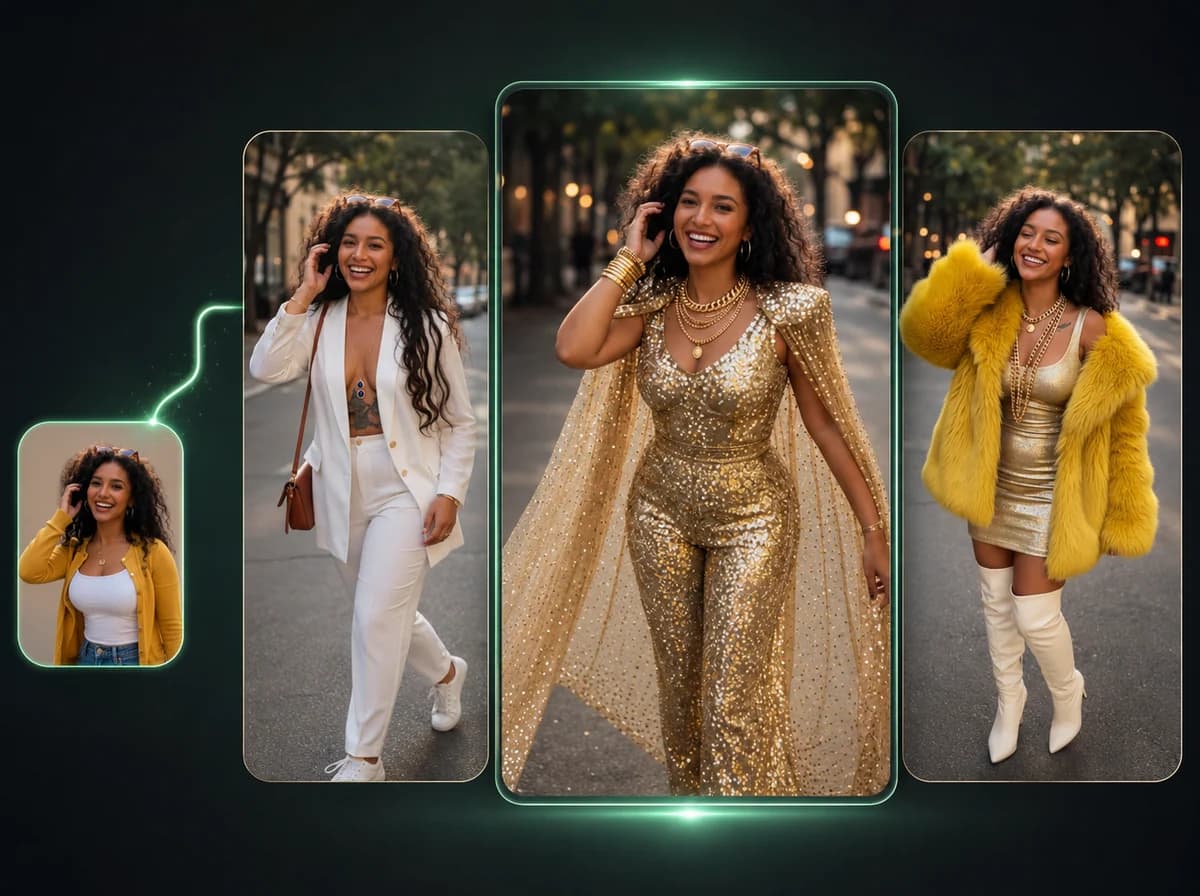
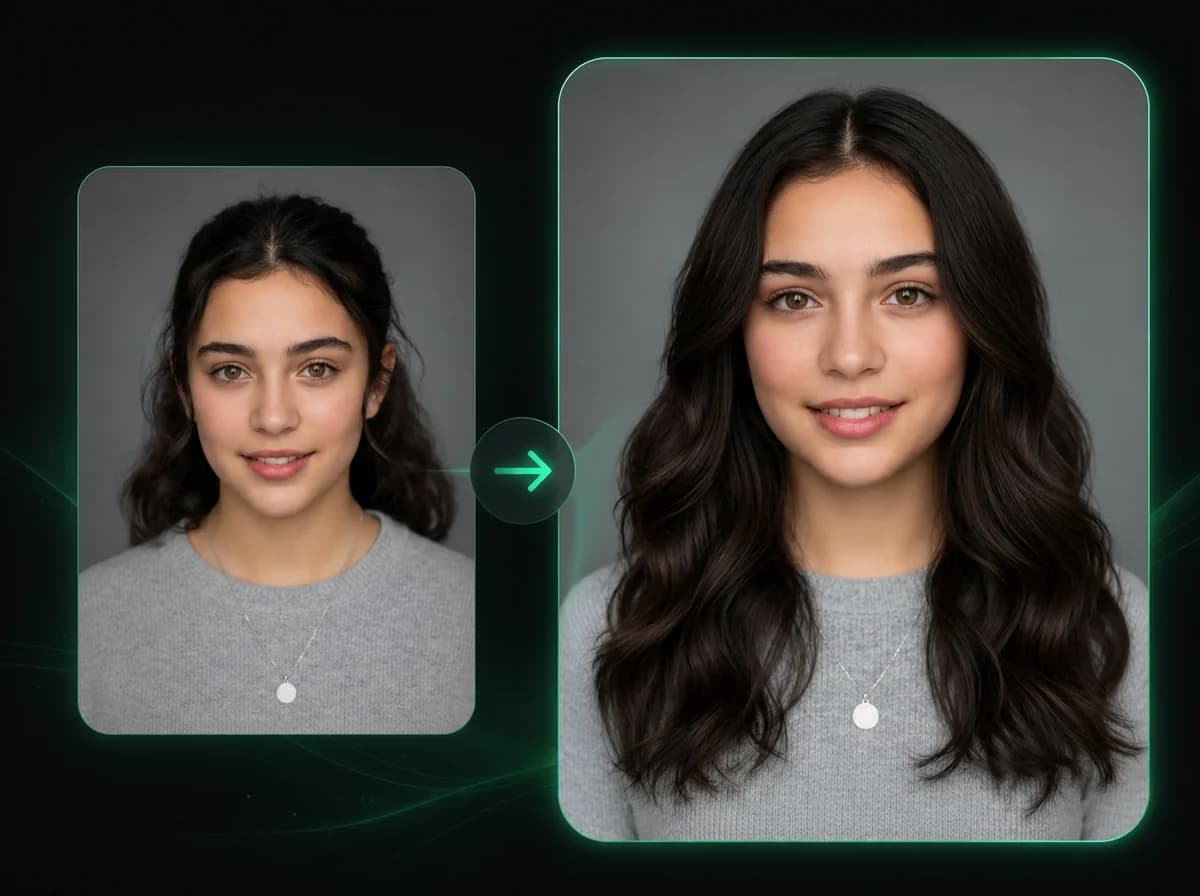
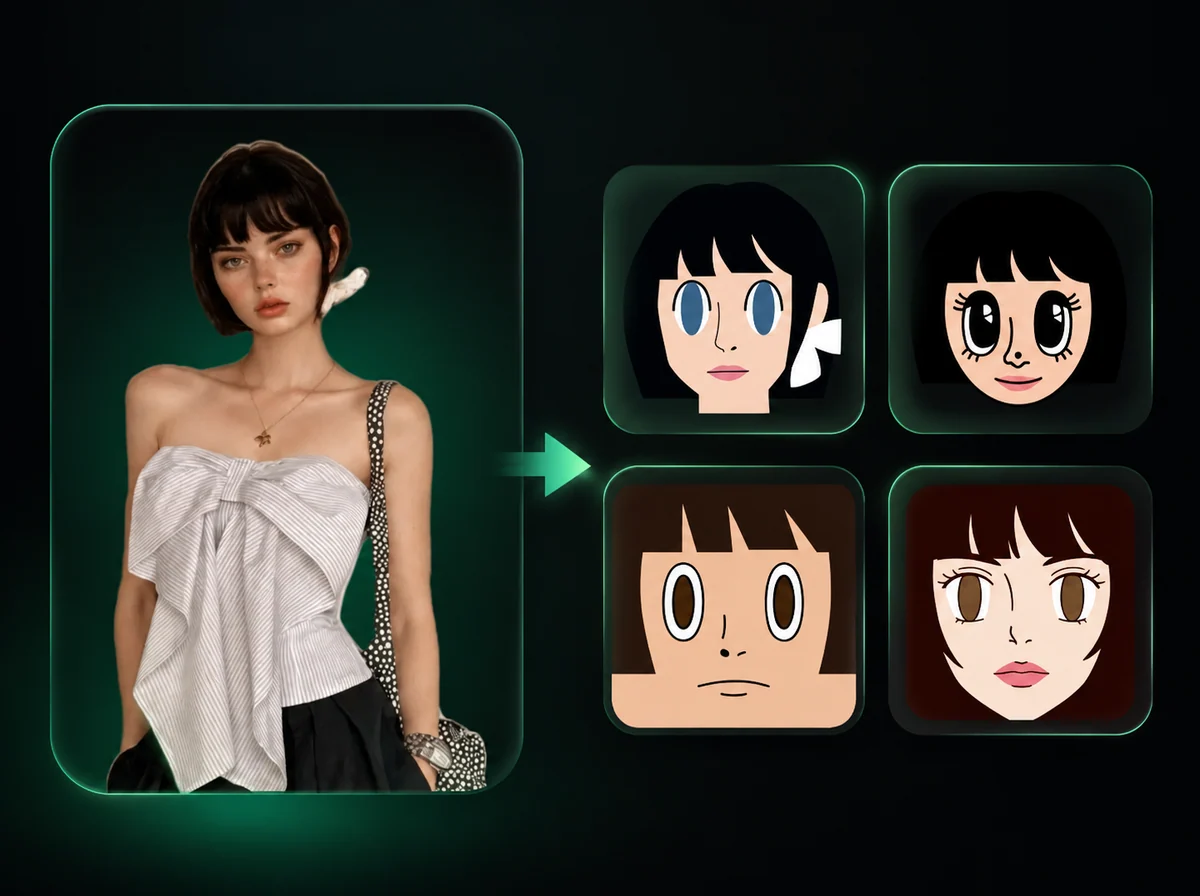
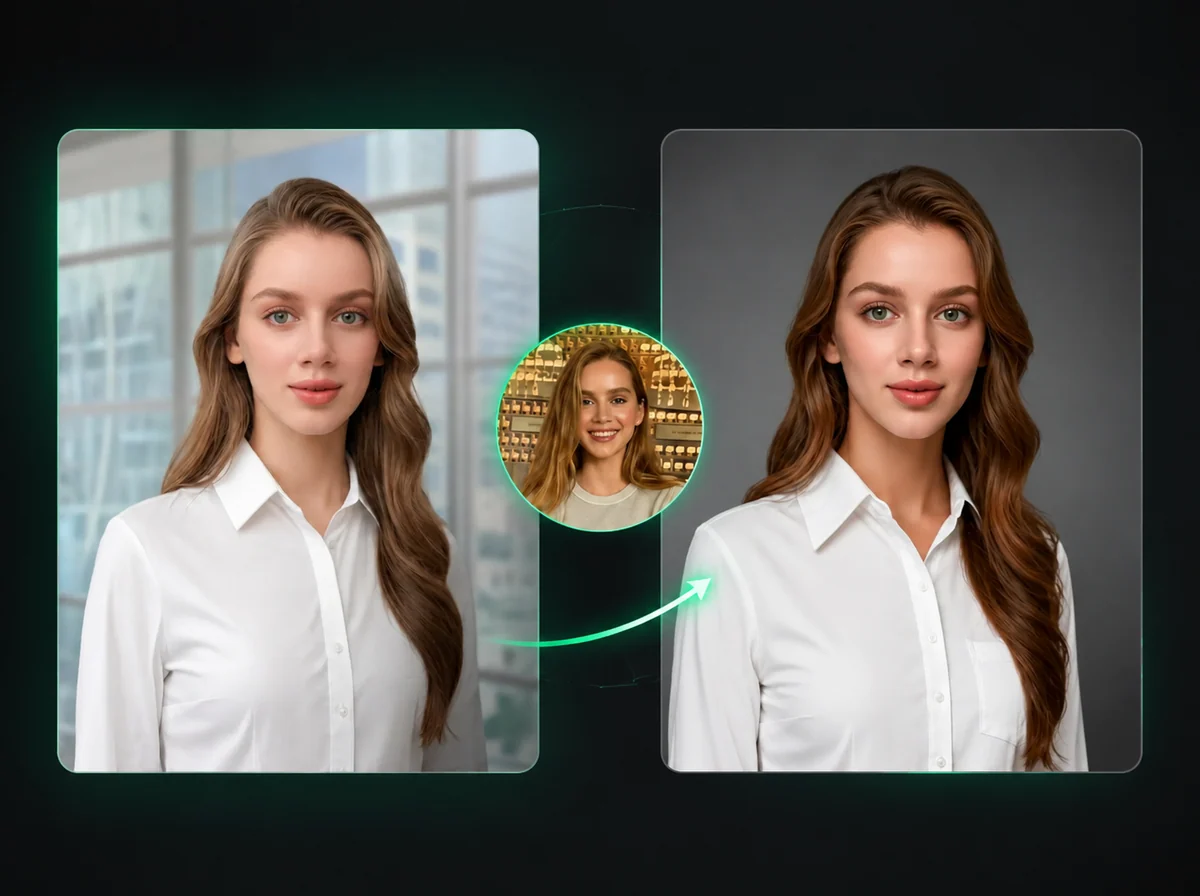
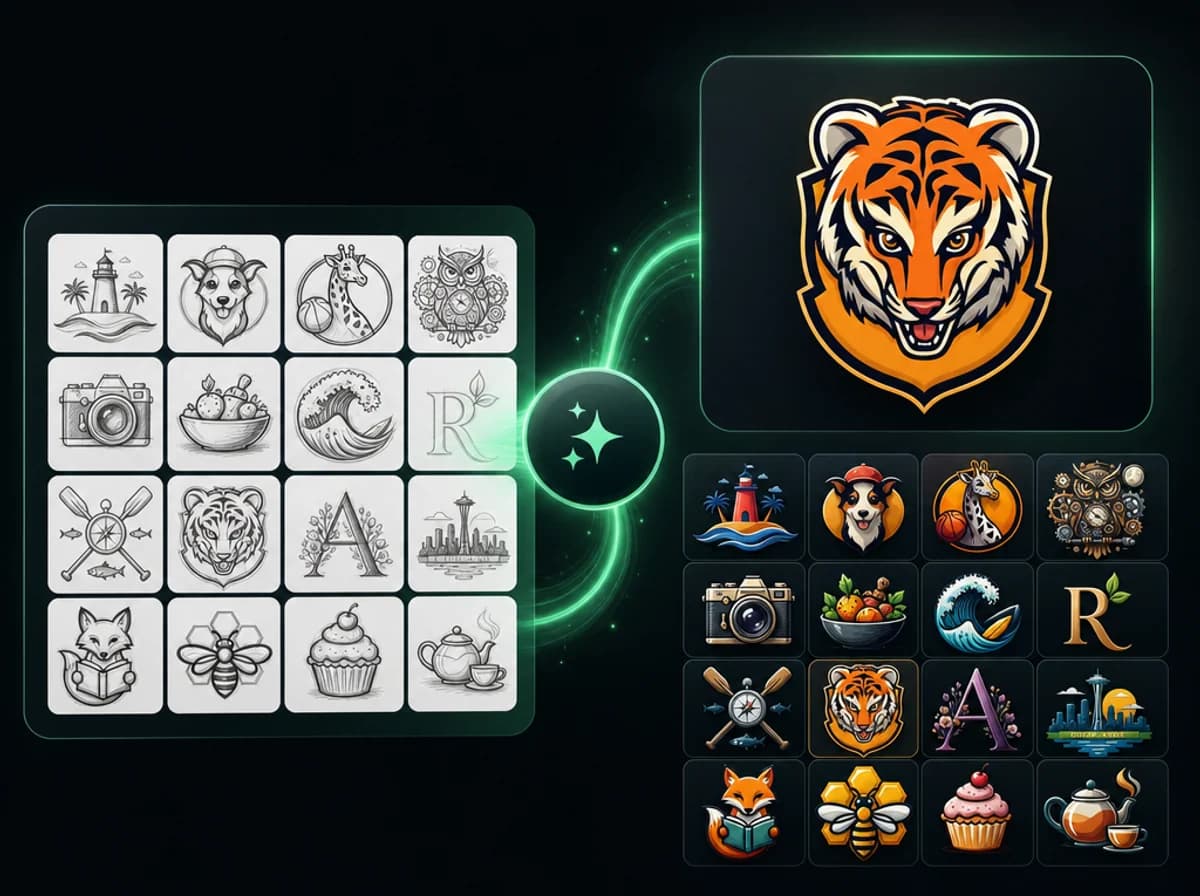
Turn Photo into Sketch with Image to Sketch AI
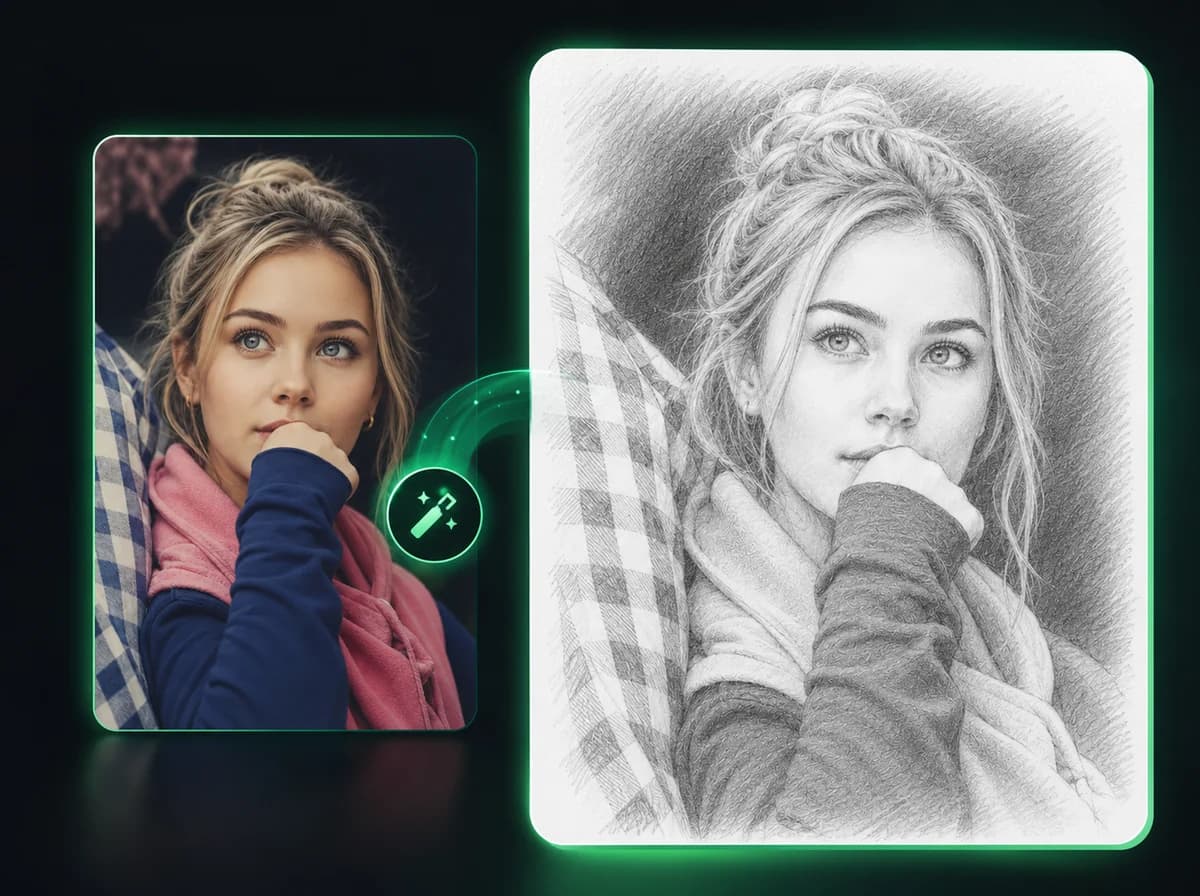
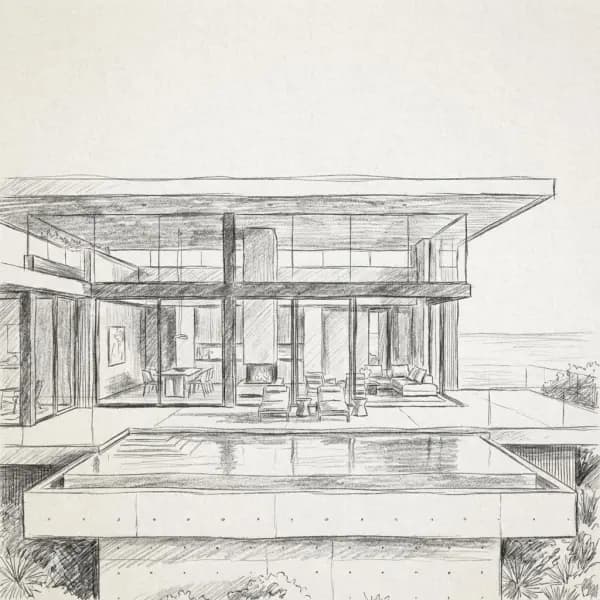
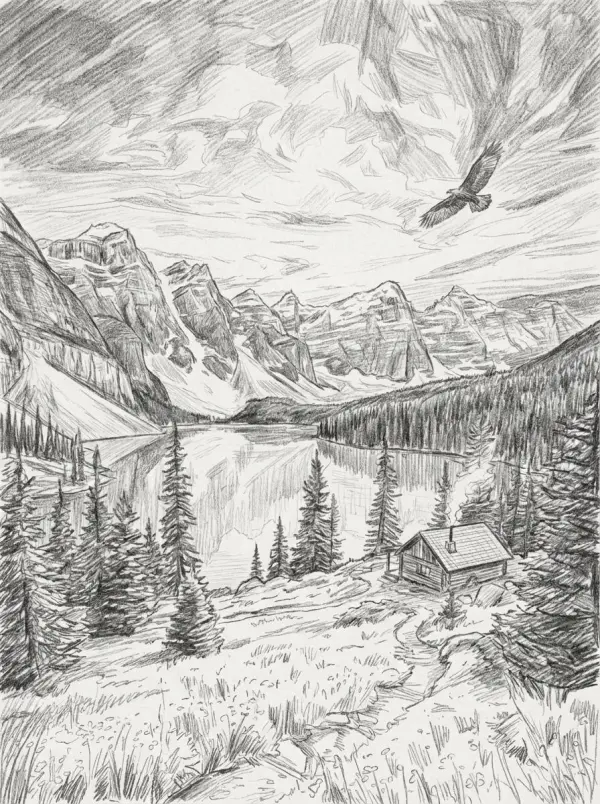
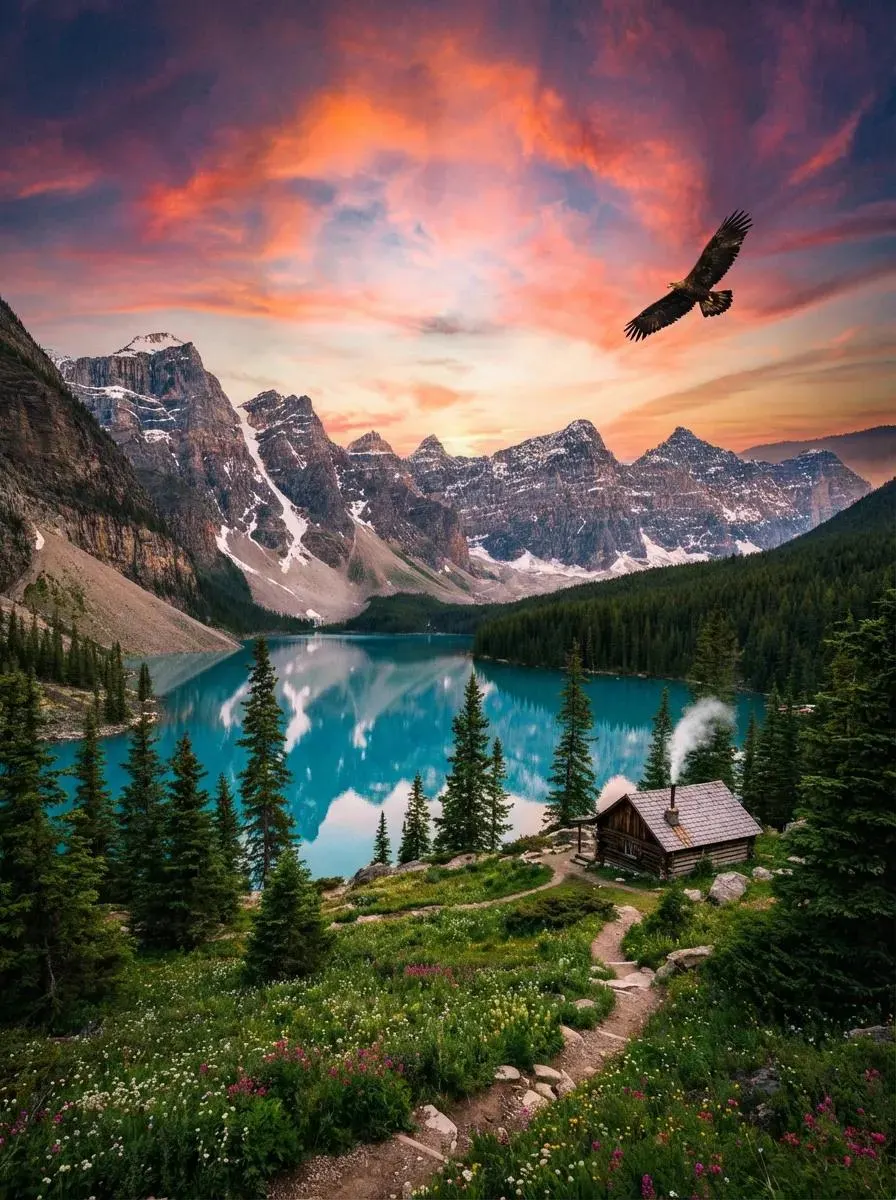
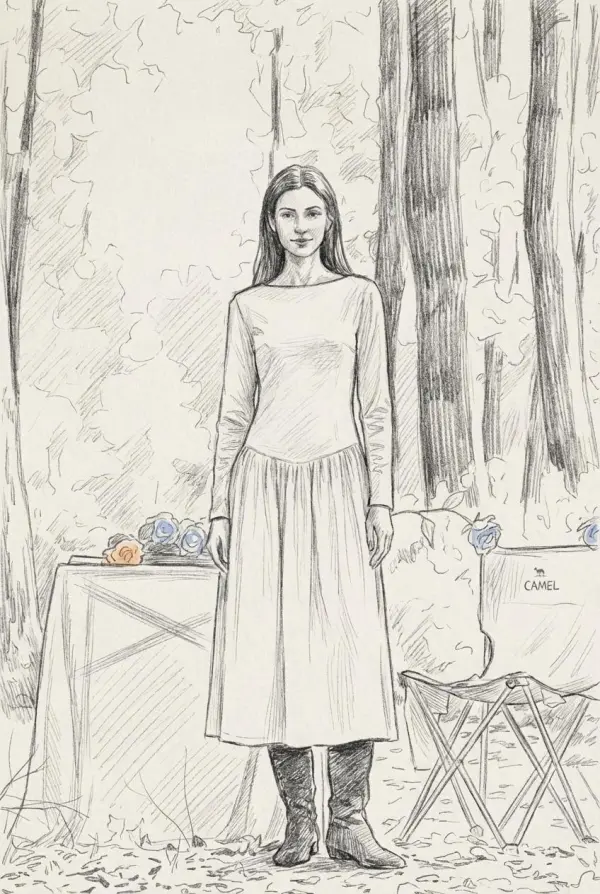
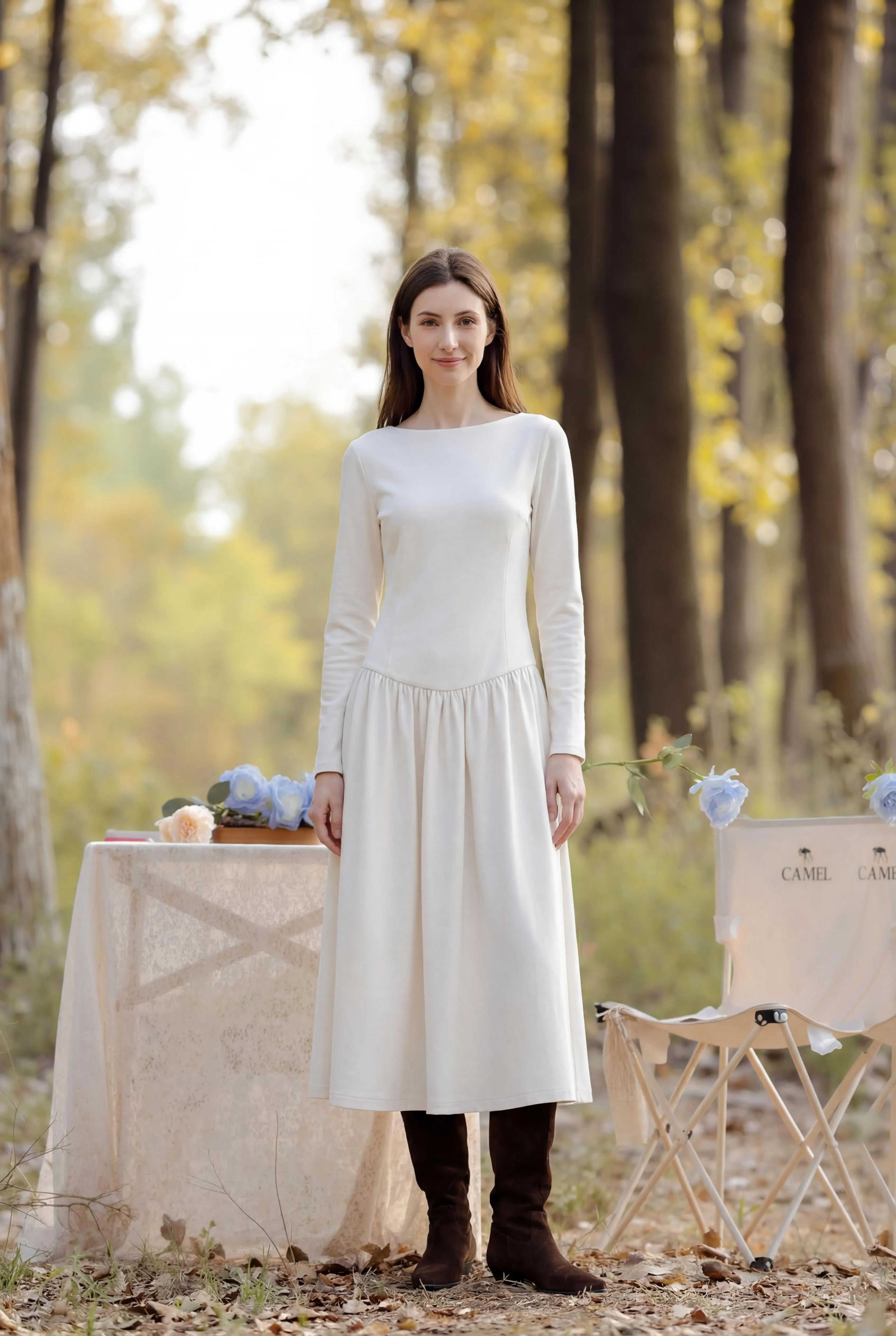
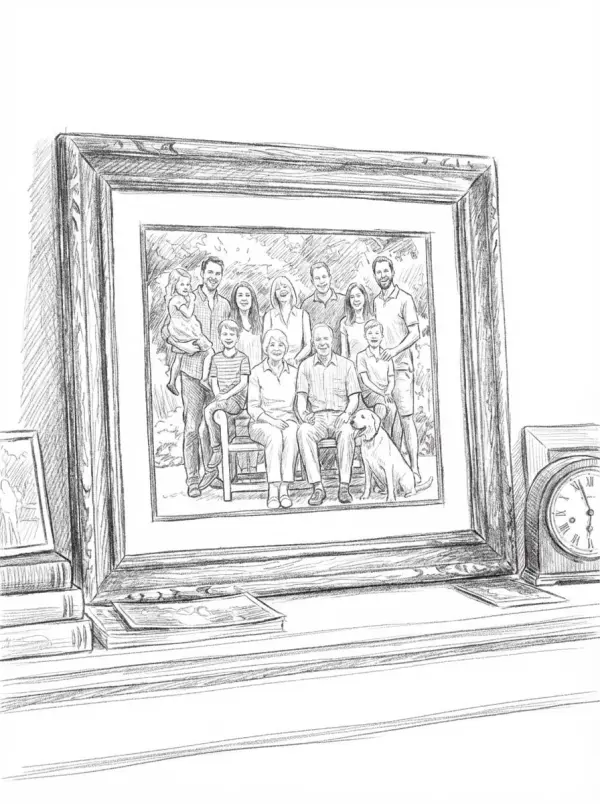
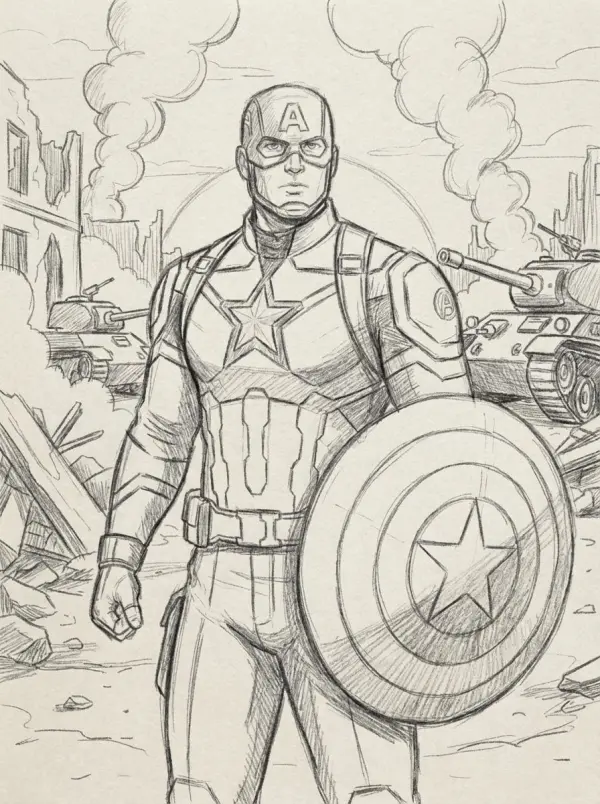
Drop in a photo and AI turns it into a pencil-style sketch with graphite linework, tonal shading, and no watermark after sign-in.
Drop or click to upload your photo
PNG / JPG / WebP, up to 10MB
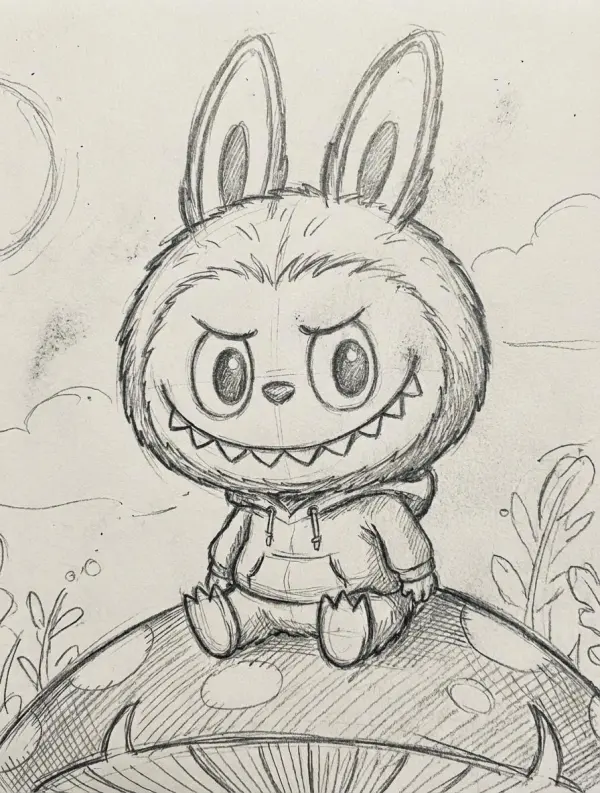
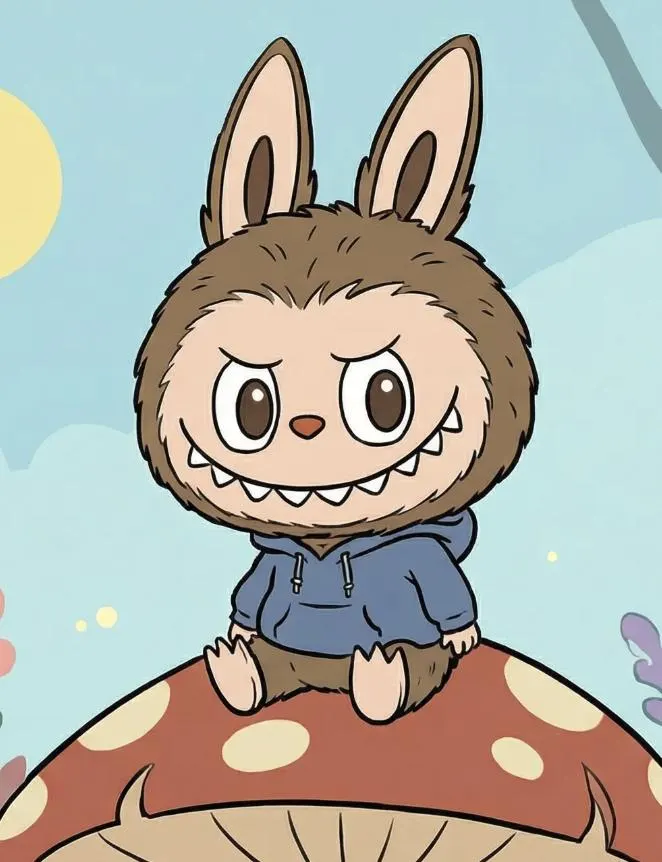
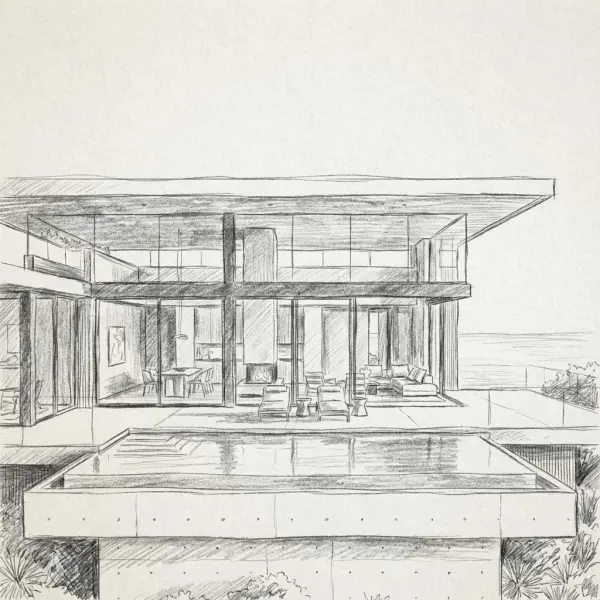
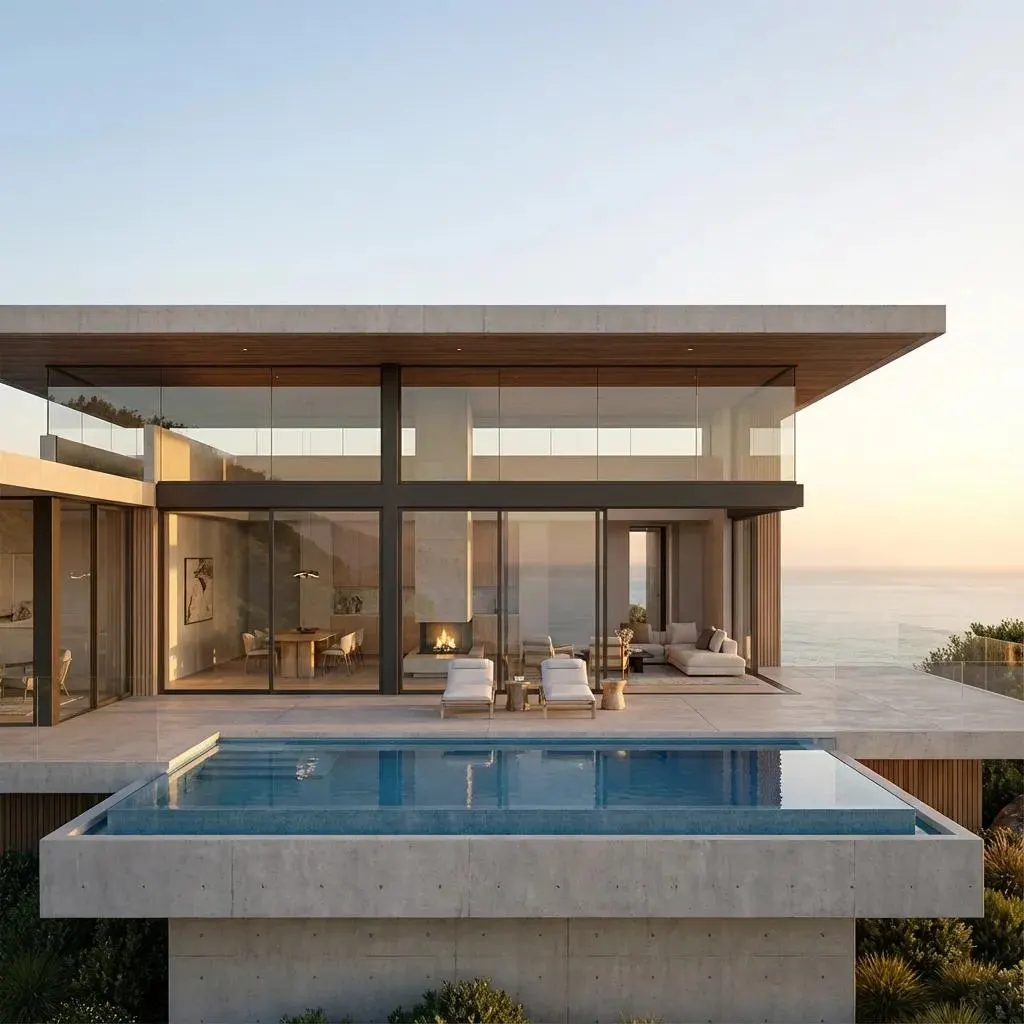
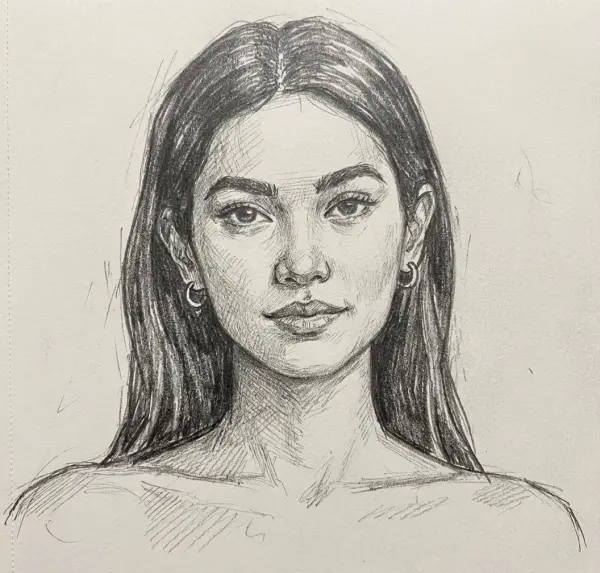
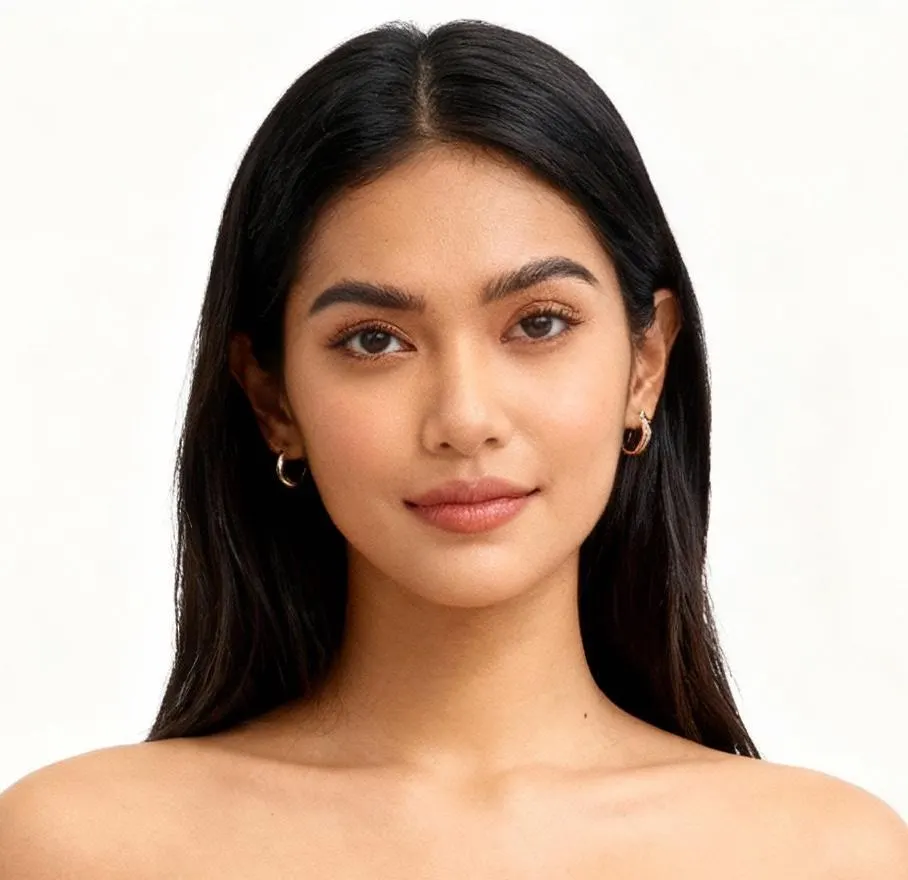
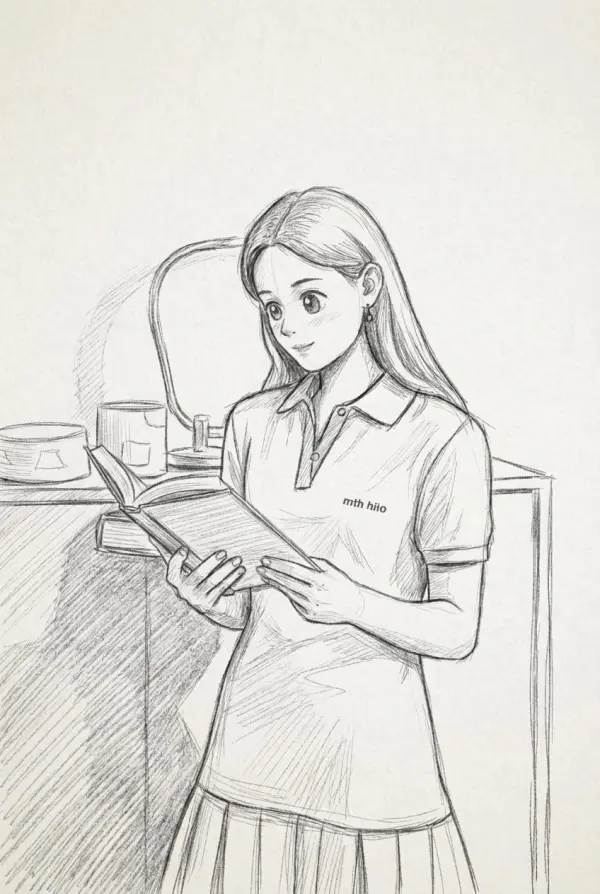
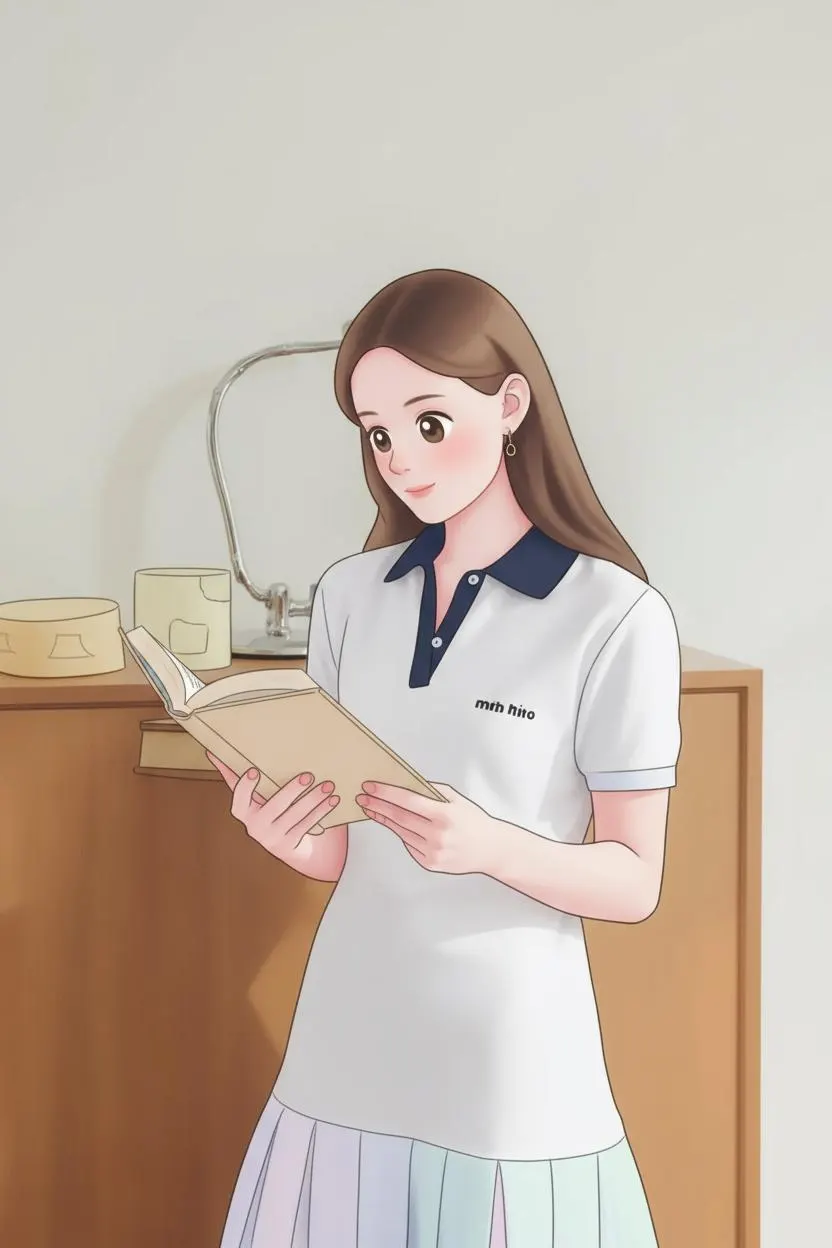
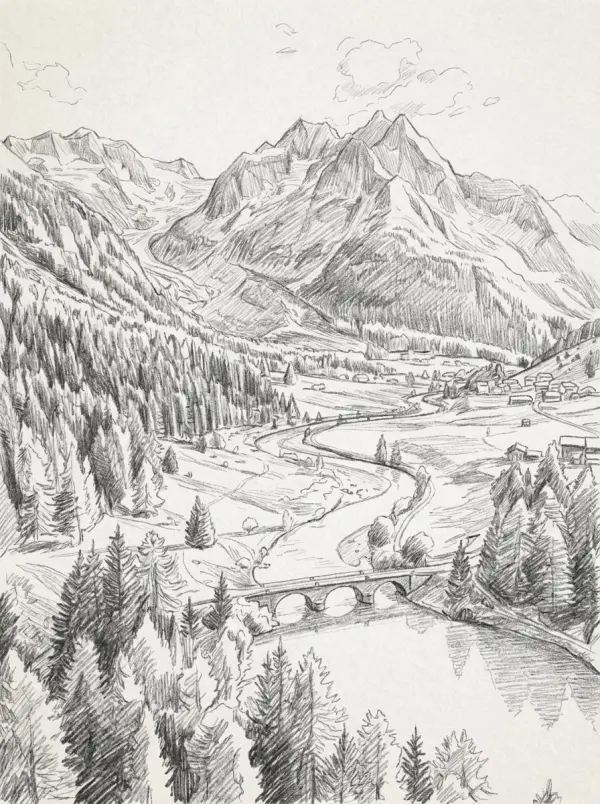
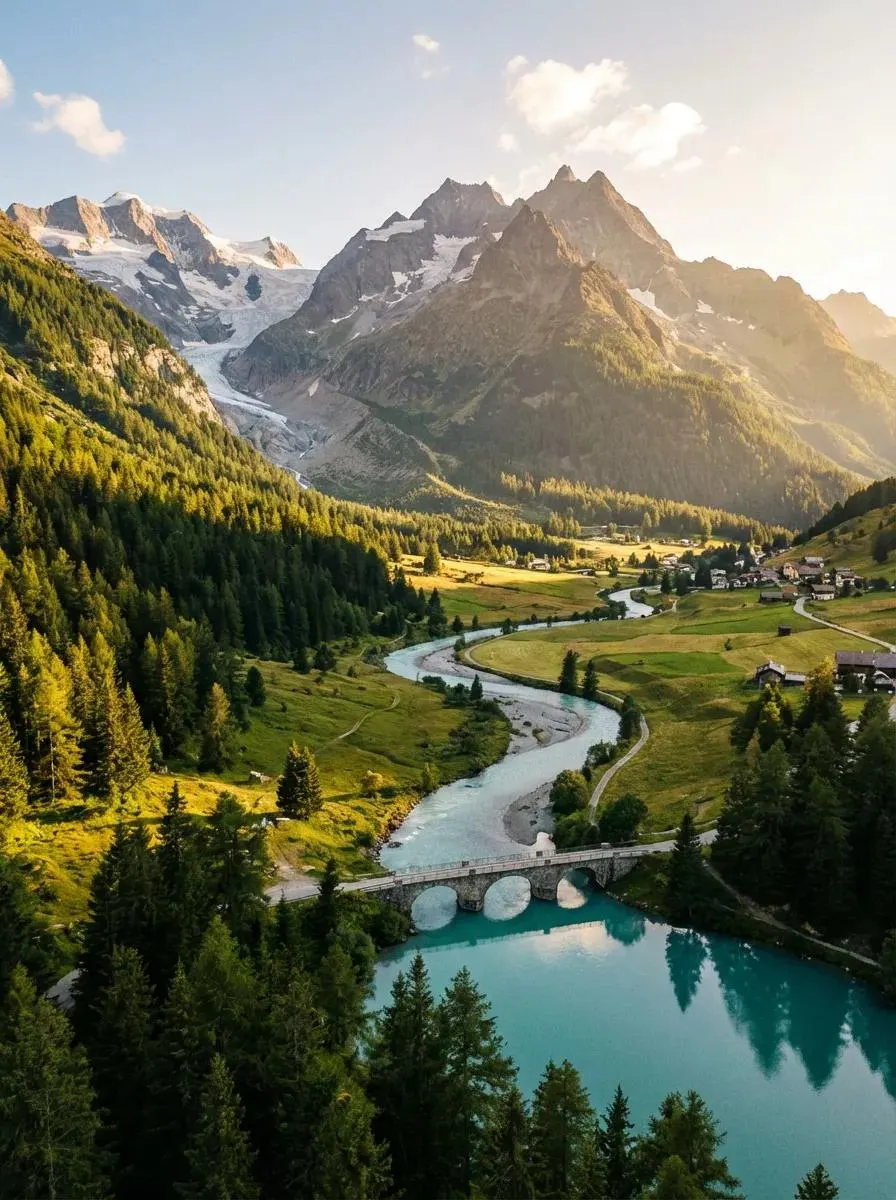
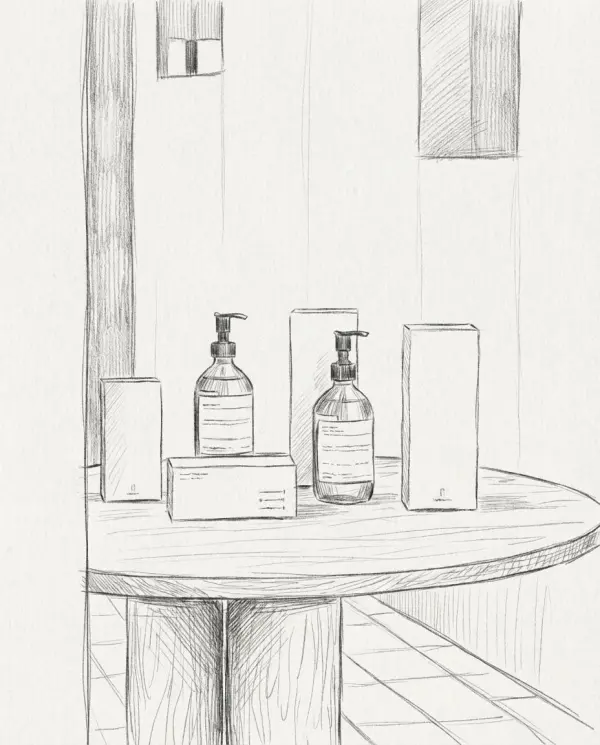
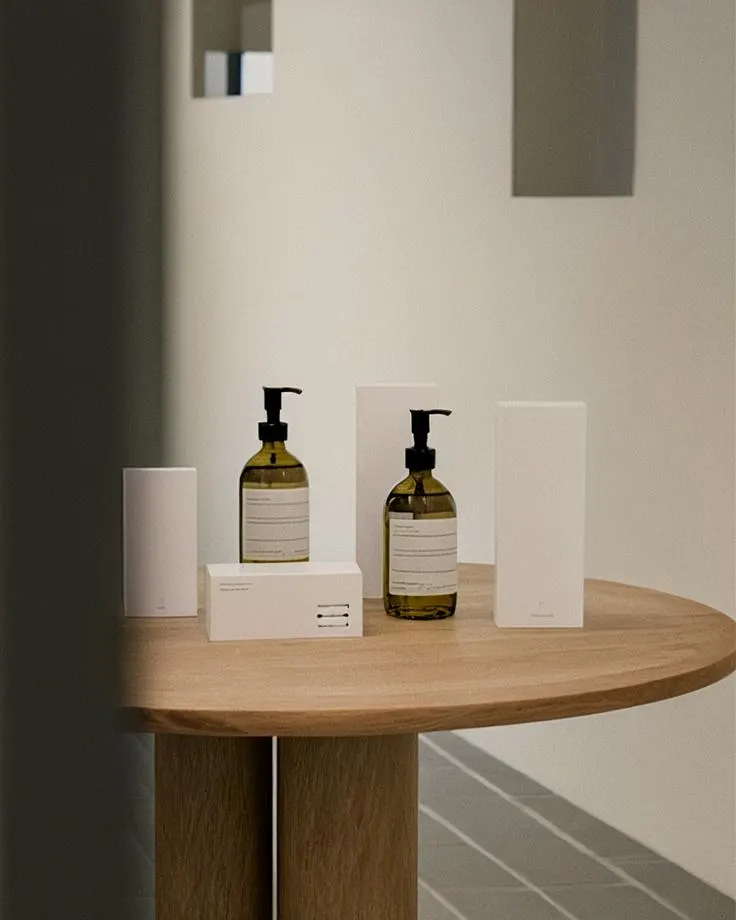
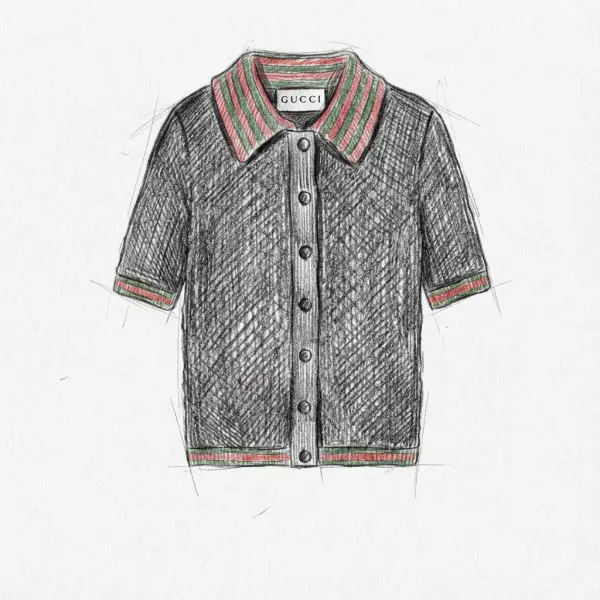
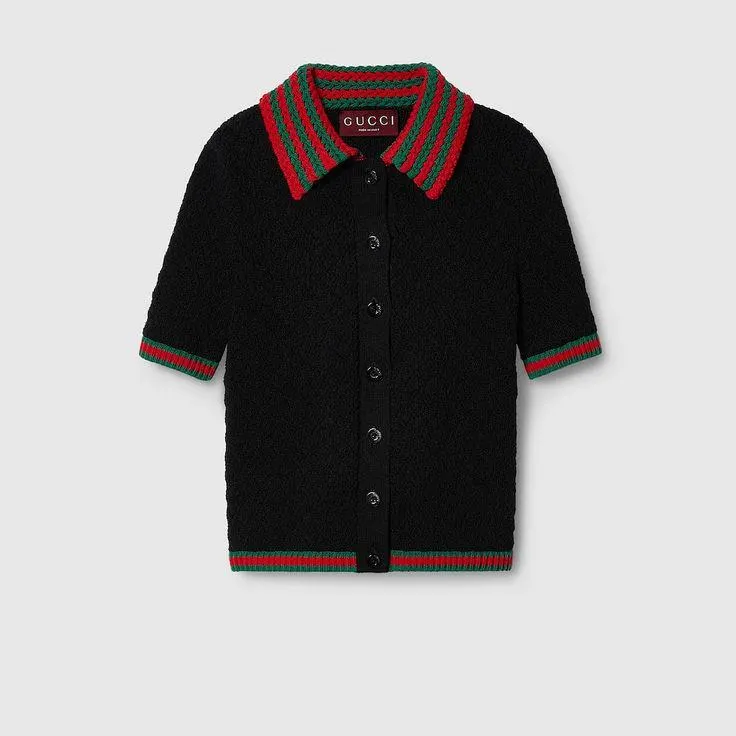
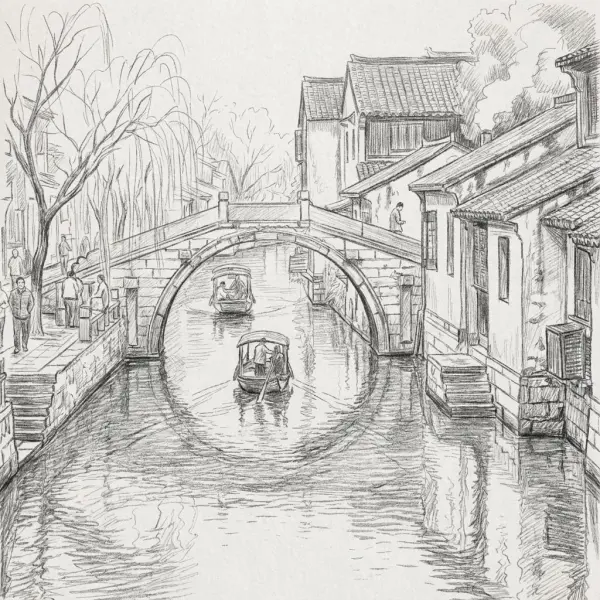
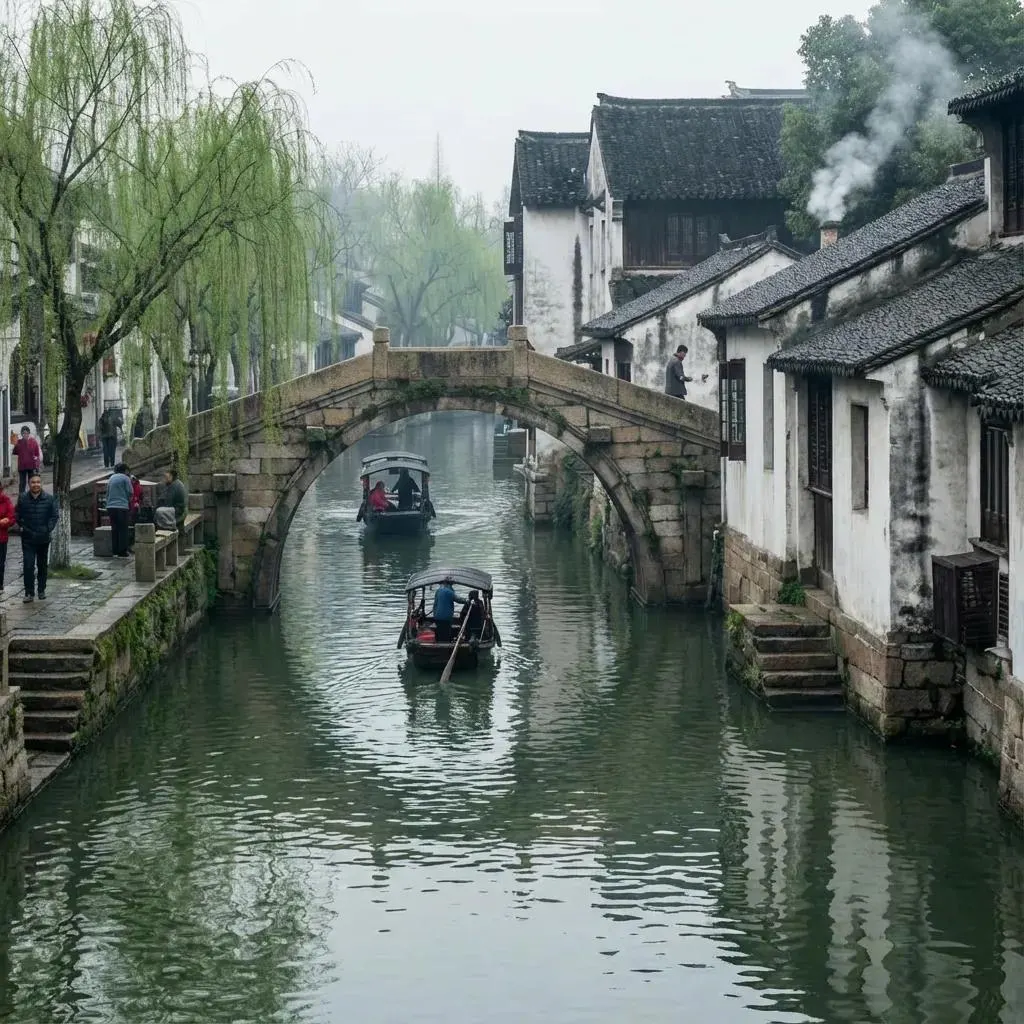
How to Turn a Photo into a Sketch in 3 Steps
Upload one photo, let AI redraw it, then download the sketch
Upload a Photo
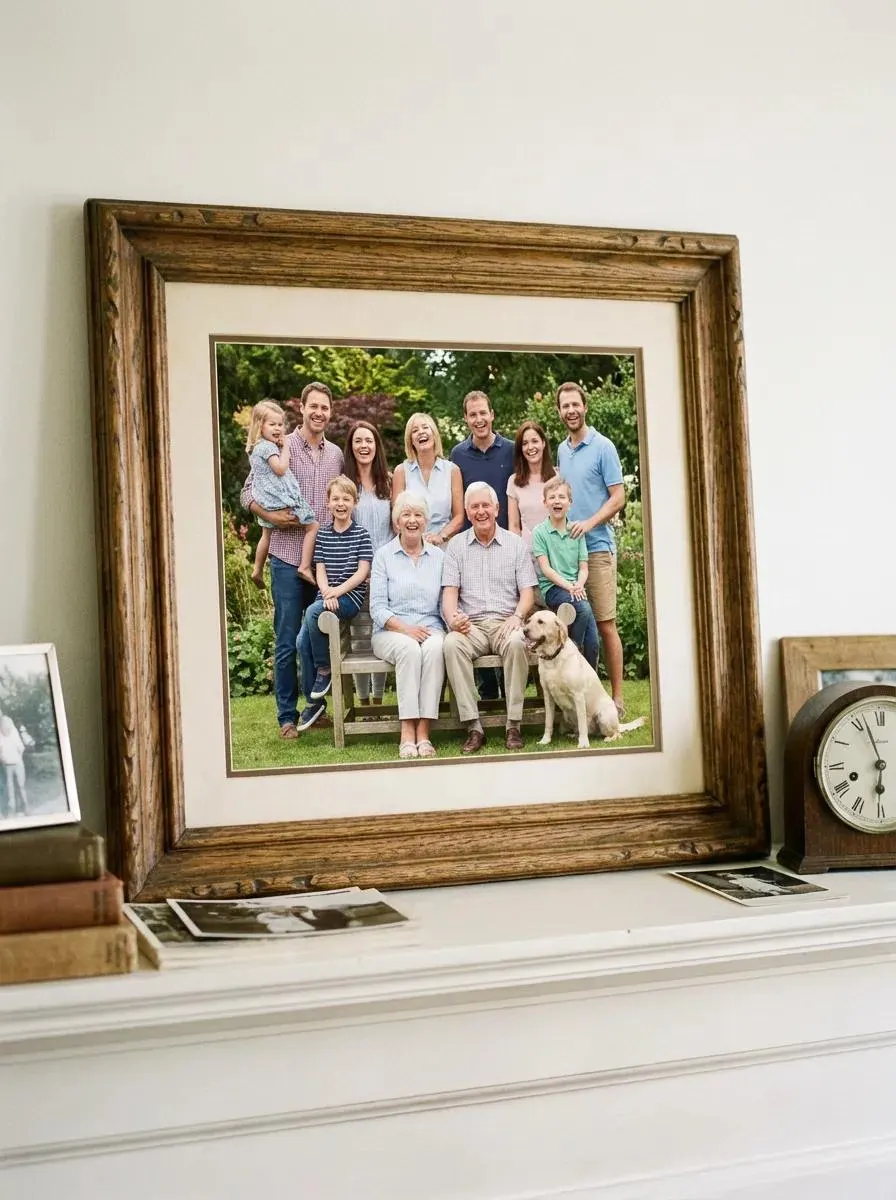
Drop in a photo — phone selfie, family photo, landscape shot, pet portrait, or product shot. PNG, JPG, or WebP up to 10MB. Sharp, well-lit photos give the cleanest sketch lines.
AI Redraws It in Pencil
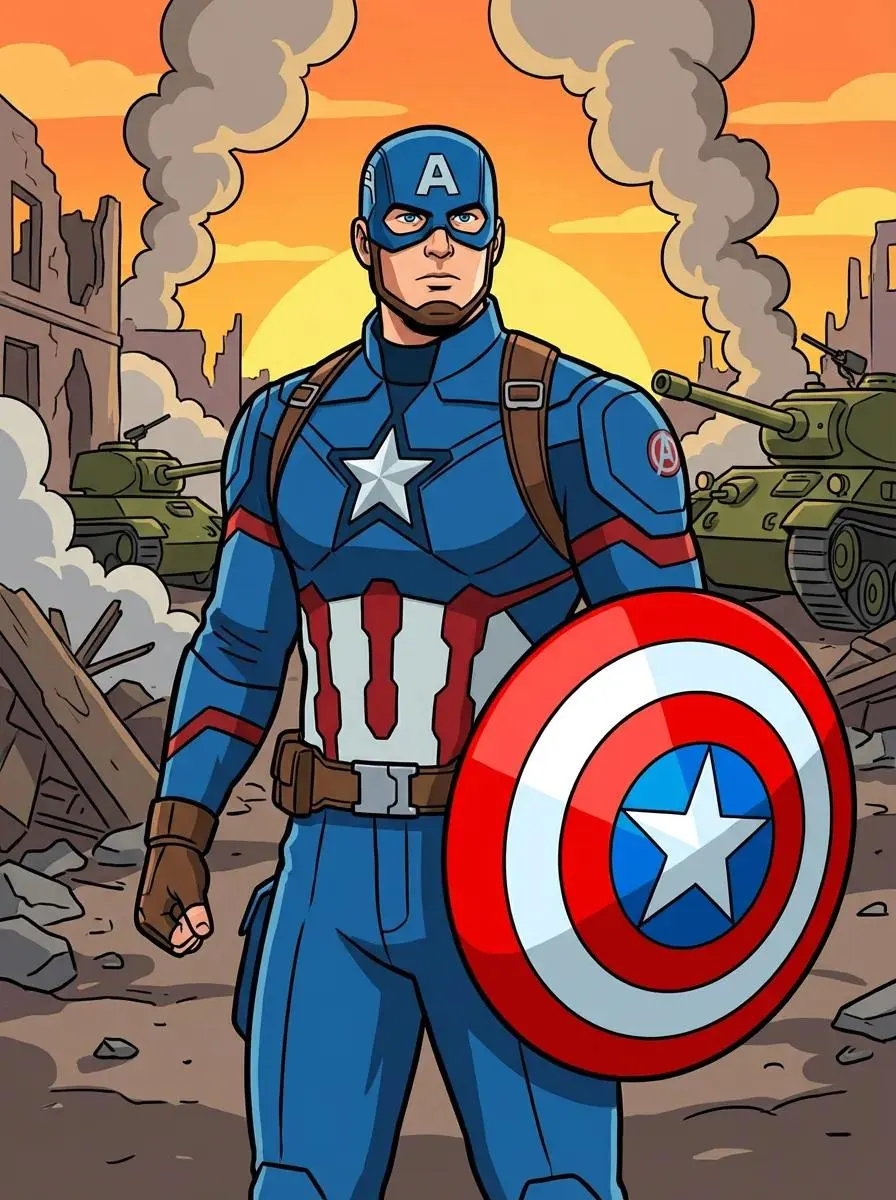
The model interprets your photo and re-renders it as a graphite pencil drawing — preserving visible structure, shading, and important details from the original. No prompts to write, no settings to tweak.
Download the Sketch
Save the sketch as a high-resolution PNG with no watermark. Print it, frame it, post it, or run it through a fresh photo to build a series.
Why Creators Pick iMideo for Photo-to-Sketch
Detail Preservation
Wrinkles, whiskers, brick lines, hair strands — visible source details are translated into pencil-style linework instead of a smoothed-over filter.
Graphite-Inspired Look
Tonal shading, paper-grain texture, and varied stroke weights help the result read closer to a pencil study than a flat filter pass.
Works on Common Photo Types
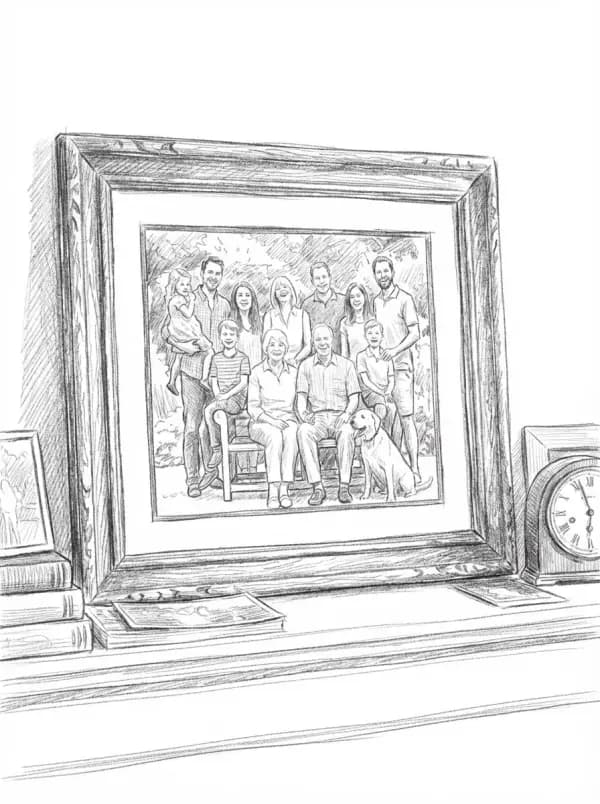
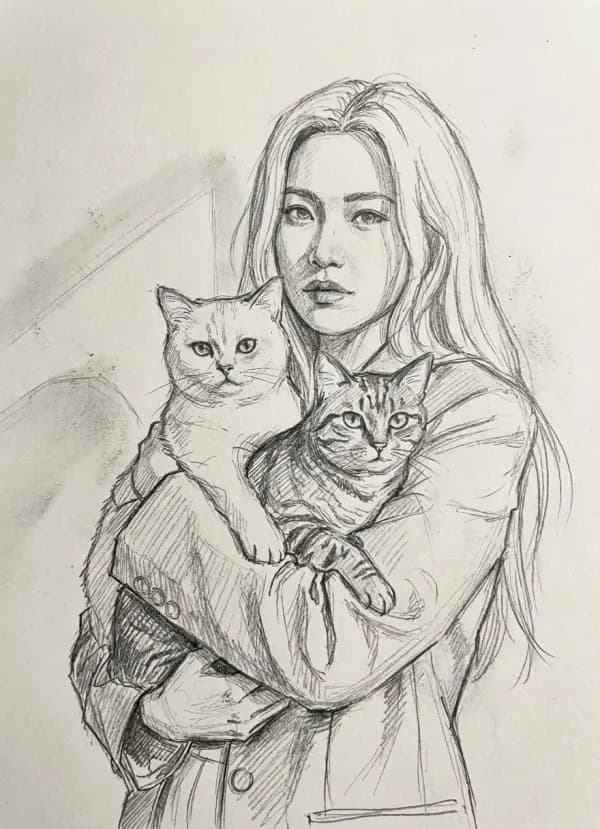
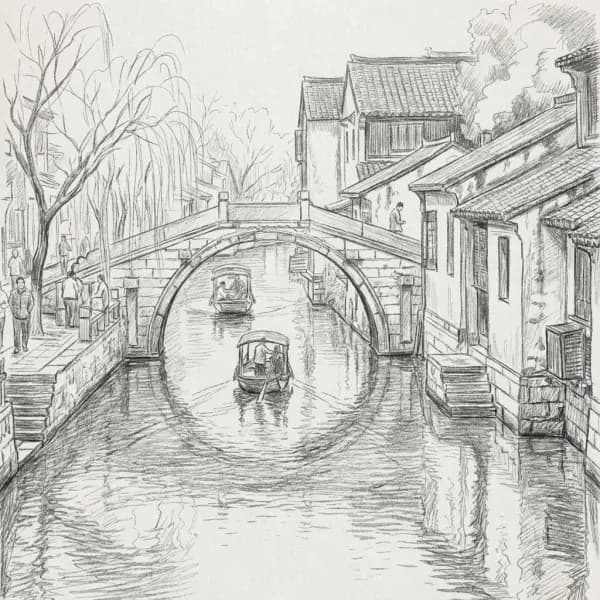
People, pets, landscapes, architecture, food, and products can work when the source has clear structure and enough detail. No per-category preset needed.
High-Resolution PNG
High-resolution output suitable for framed print drafts, greeting cards, and merch concepts — no watermark after sign-in.
Photos Not Used for Training
Uploads are processed only to make your sketch. Not stored long-term, not used to train models, not shared with third parties.
Pay Per Render
No subscription, no minimum spend. Generate a sketch series with pay-per-render credits. See pricing.
What Creators and Sellers Say
Mei L.
Etsy Custom Portrait Shop
I sell custom portrait downloads and use this for first-pass sketch drafts. It helps me review more customer photos before deciding which orders need manual cleanup.
Daniel R.
Pet Loss Greeting Card Maker
Customers send photos of their late pets and ask for a memorial card. I generate a sketch draft first, then polish the ones that need extra care. When the source photo is clear, the fur and eyes carry the feeling well.
Lauren M.
Wedding Stationer
Couples send photos of their venue, their pet, themselves. I sketch each one for save-the-date drafts, programs, and place-card concepts before deciding which pieces need final illustration work.
Hiro T.
Indie Game Concept Artist
I generate quick sketch references from photos for environment concepting. It gives me several perspective and shading directions to review before I redraw the keeper by hand.
Anya L.
Travel Blogger
I keep a travel journal and used to leave the page blank because I cannot draw. Now I sketch each destination's hero photo with this and paste it in. The journal feels more personal than typed entries alone.
Tom B.
Real Estate Agent
A sketch of the home can make a listing feel more memorable alongside standard photos. I generate the sketch with this, drop it on a cover draft, and test whether it fits the listing style.
Priya N.
High School Art Teacher
I show students what their photo looks like as a graphite-style study — they use it as a reference when learning to draw. It helps bridge the gap between a reference photo and a pencil exercise.
Marco D.
Tattoo Artist
Clients send photos of pets and family for memorial tattoos. I run them through this to get a clean line-study direction, then redraw and simplify it for the actual stencil.
Ready to Turn Your Photo into a Sketch?
Drop in a photo and get a pencil-style sketch with no watermark after sign-in.