AI Photoshoot — Studio-Style Photos Without a Studio
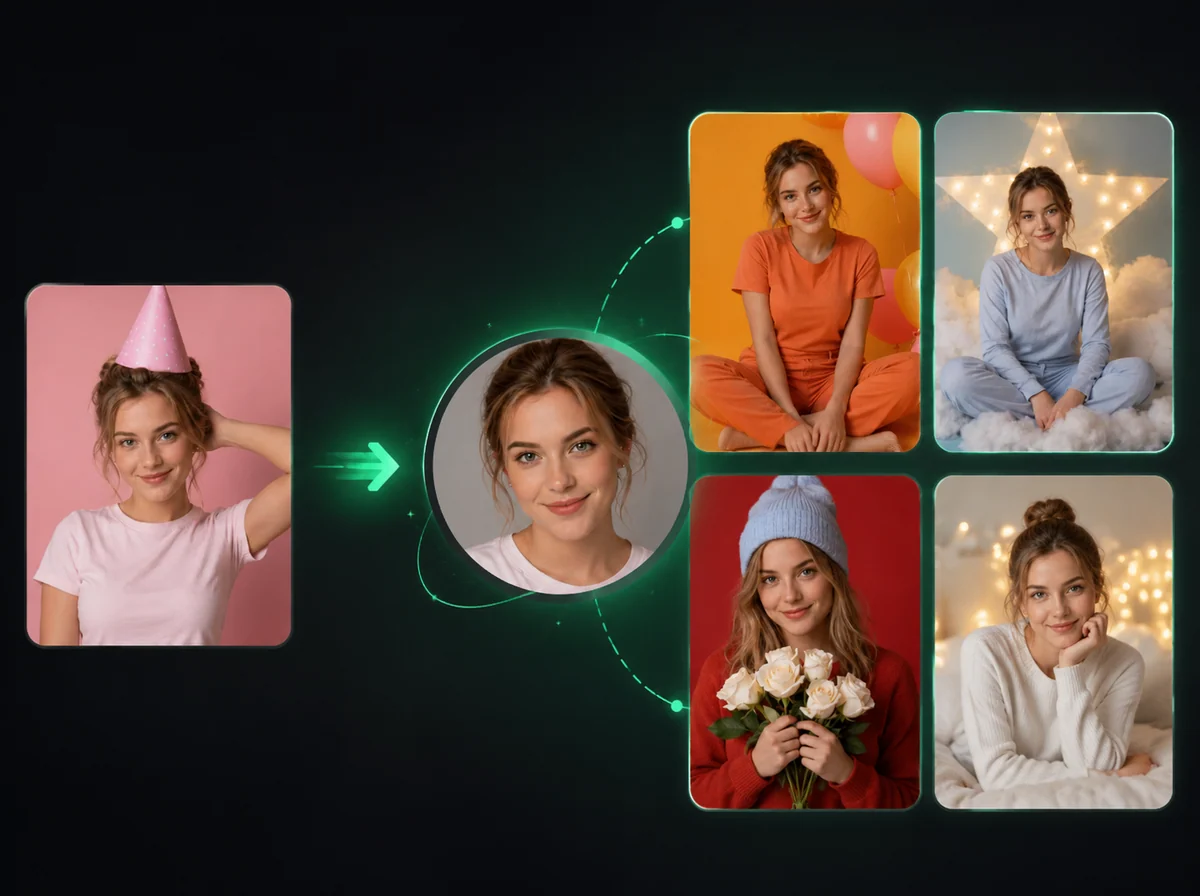
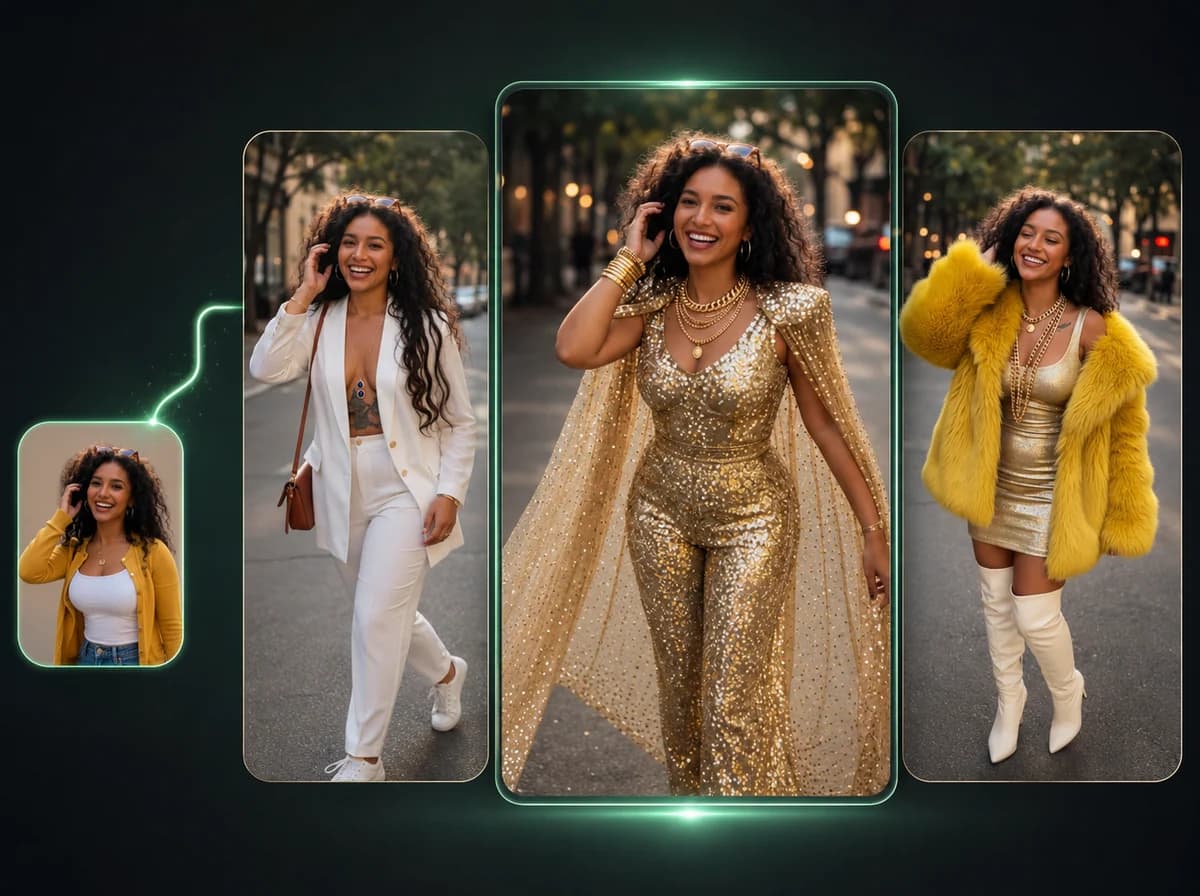
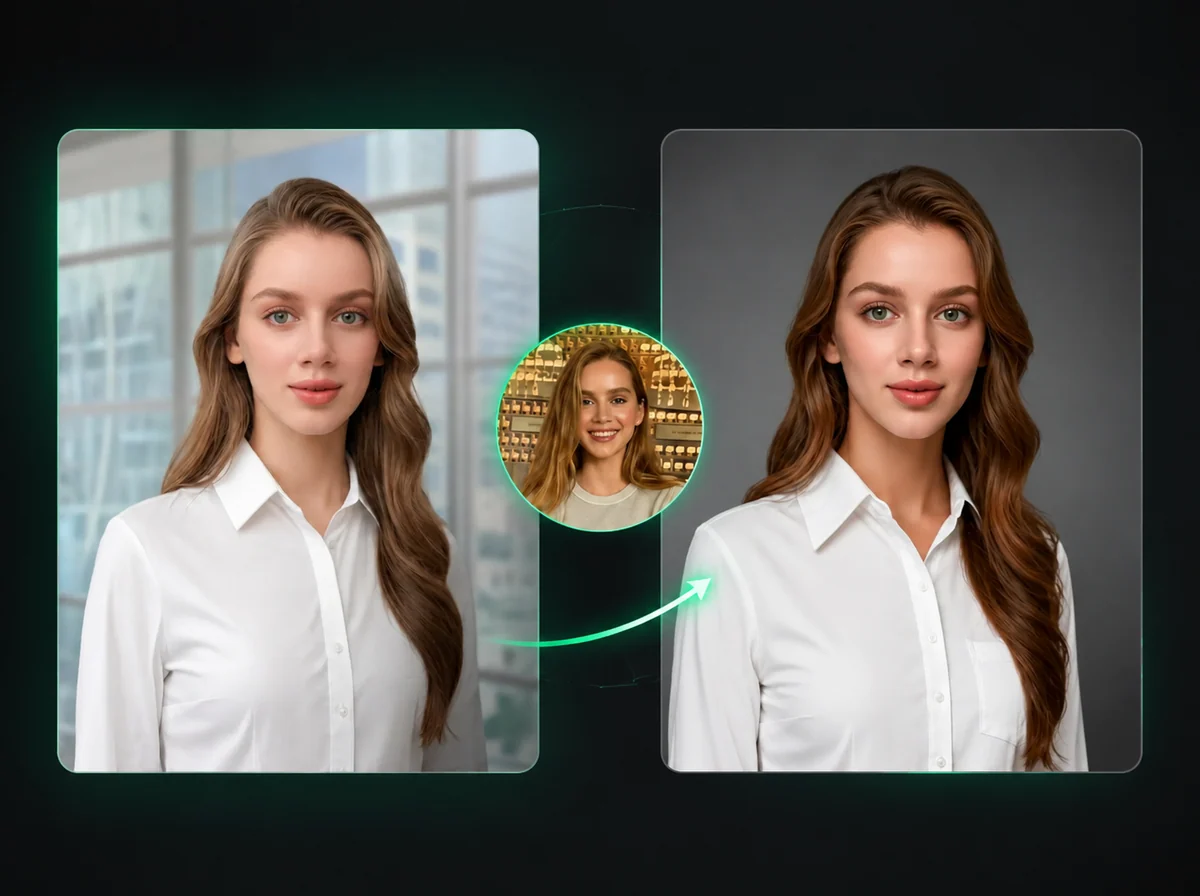
Upload a person photo plus a pose reference — AI generates a studio-lit shot of that person in the new pose, with identity cues preserved and no reshoot needed.
Upload
Upload
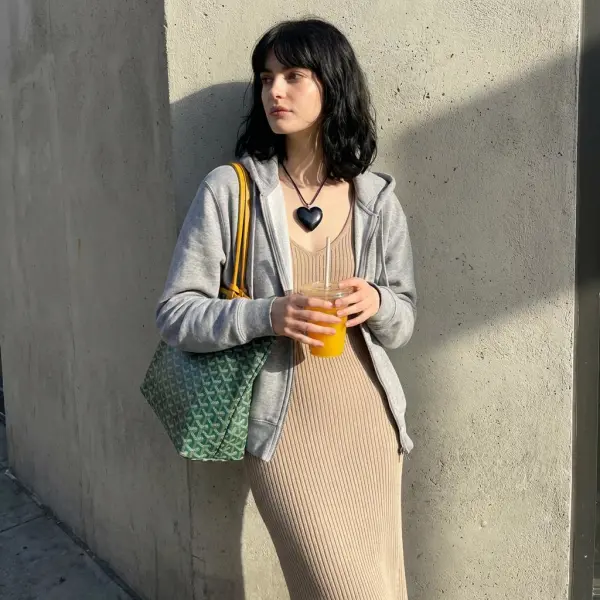
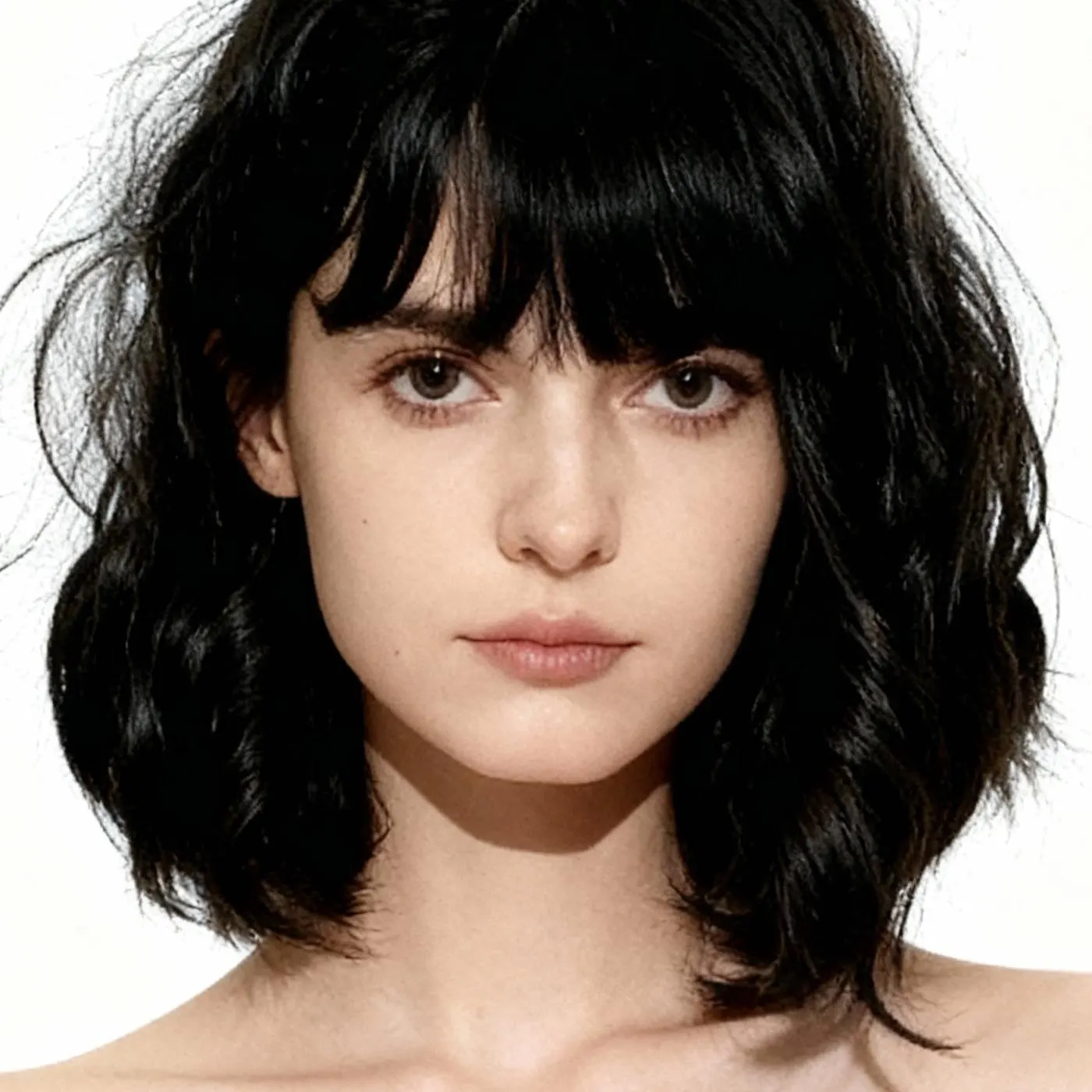
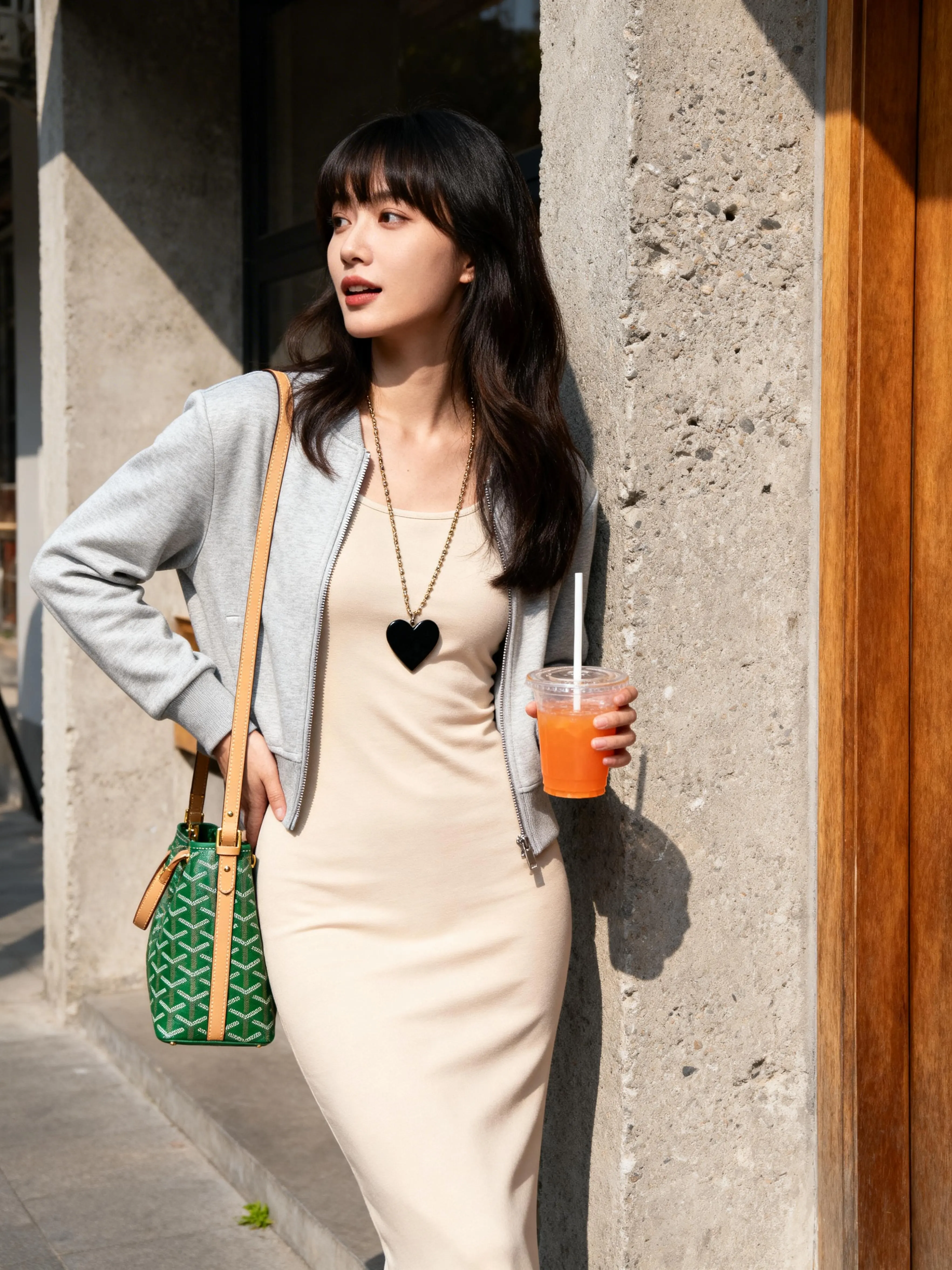
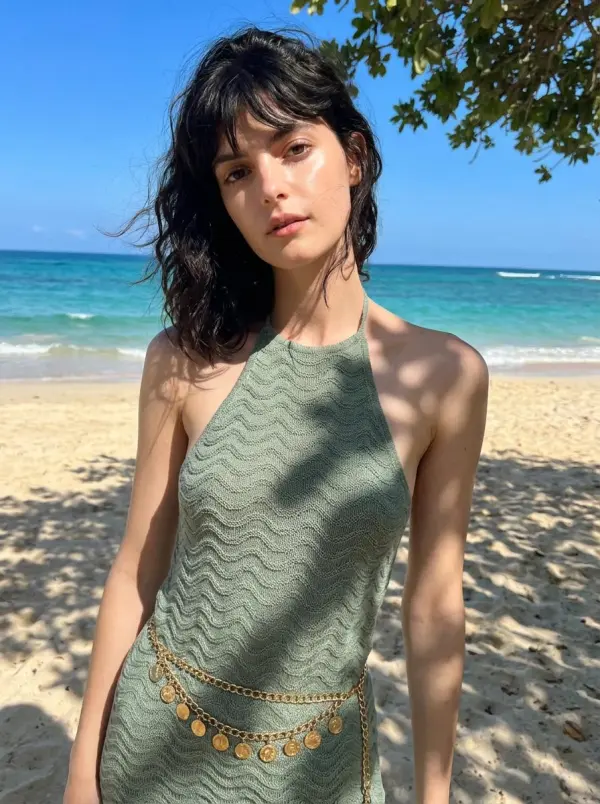
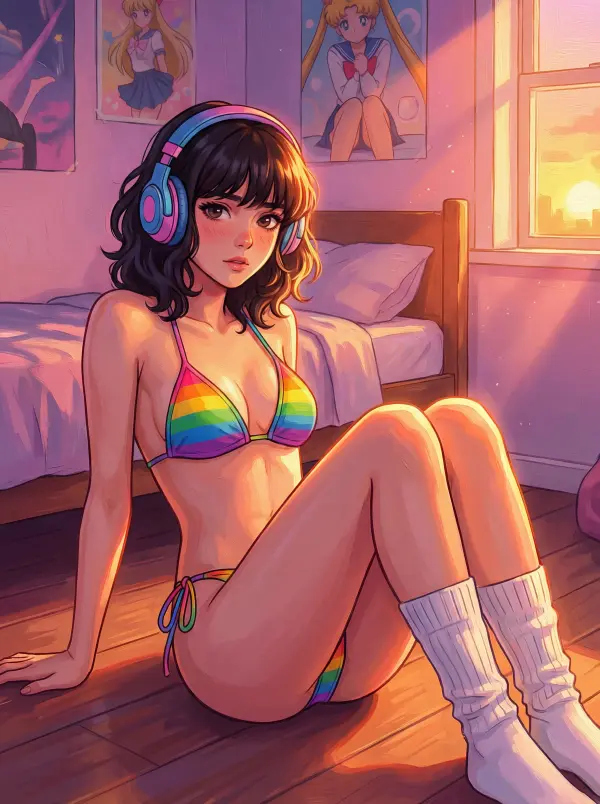
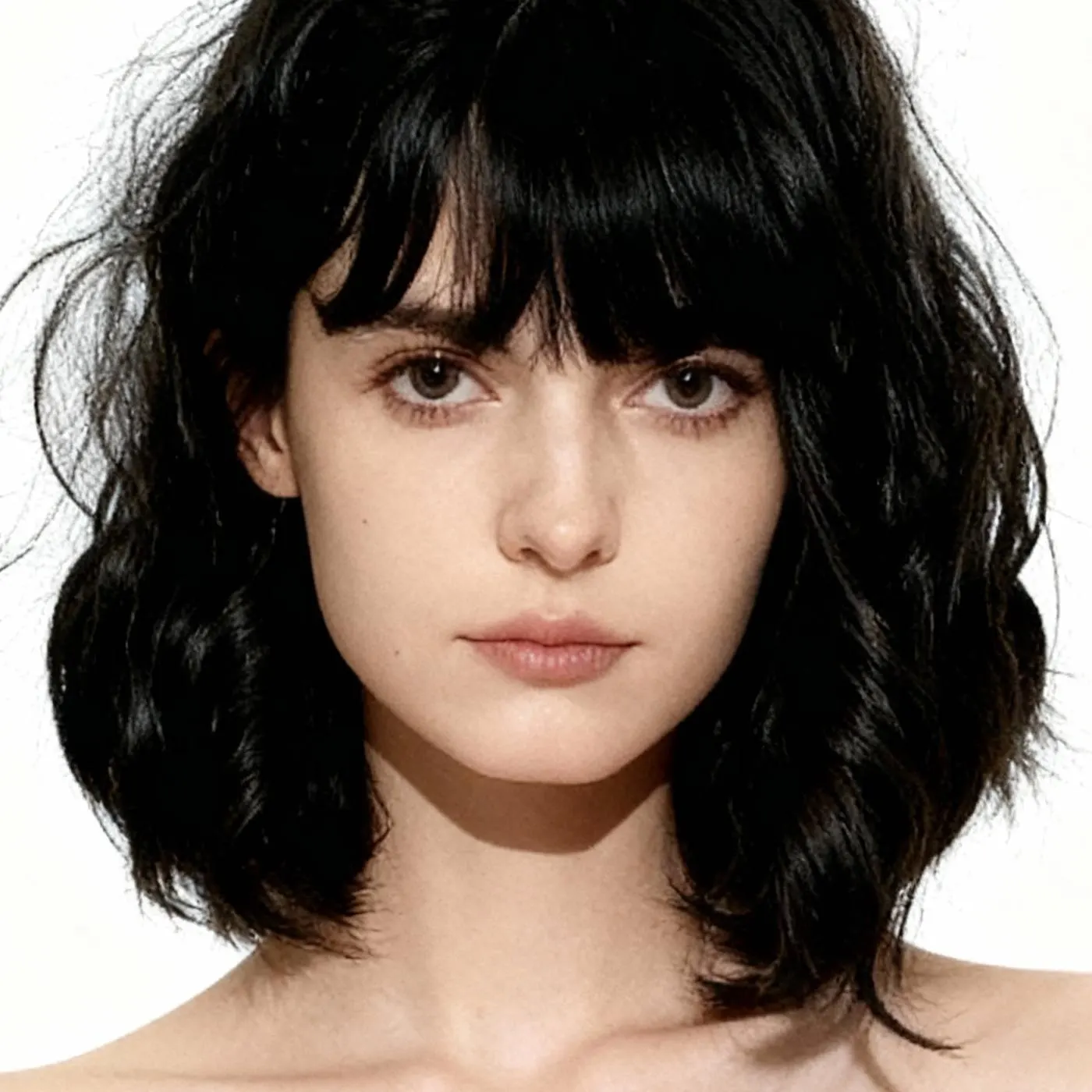
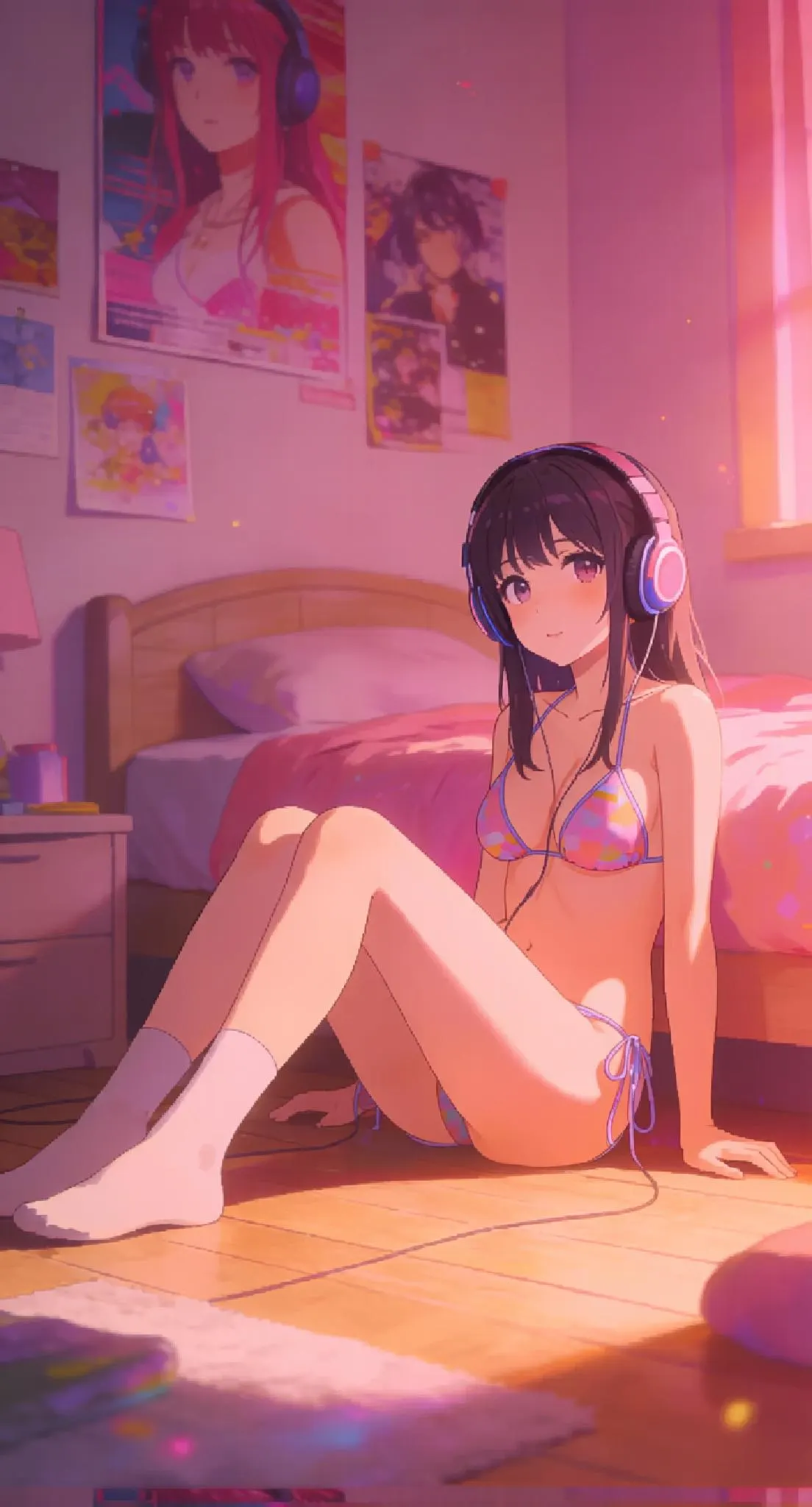
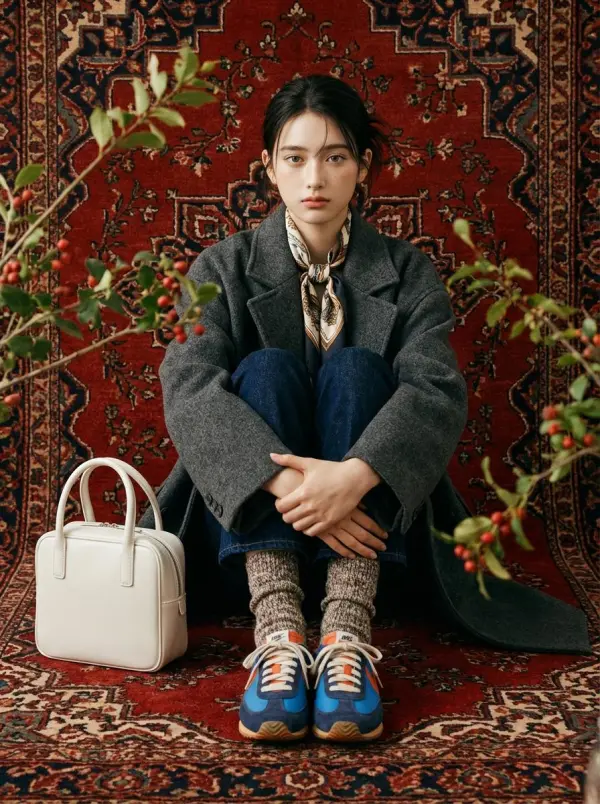
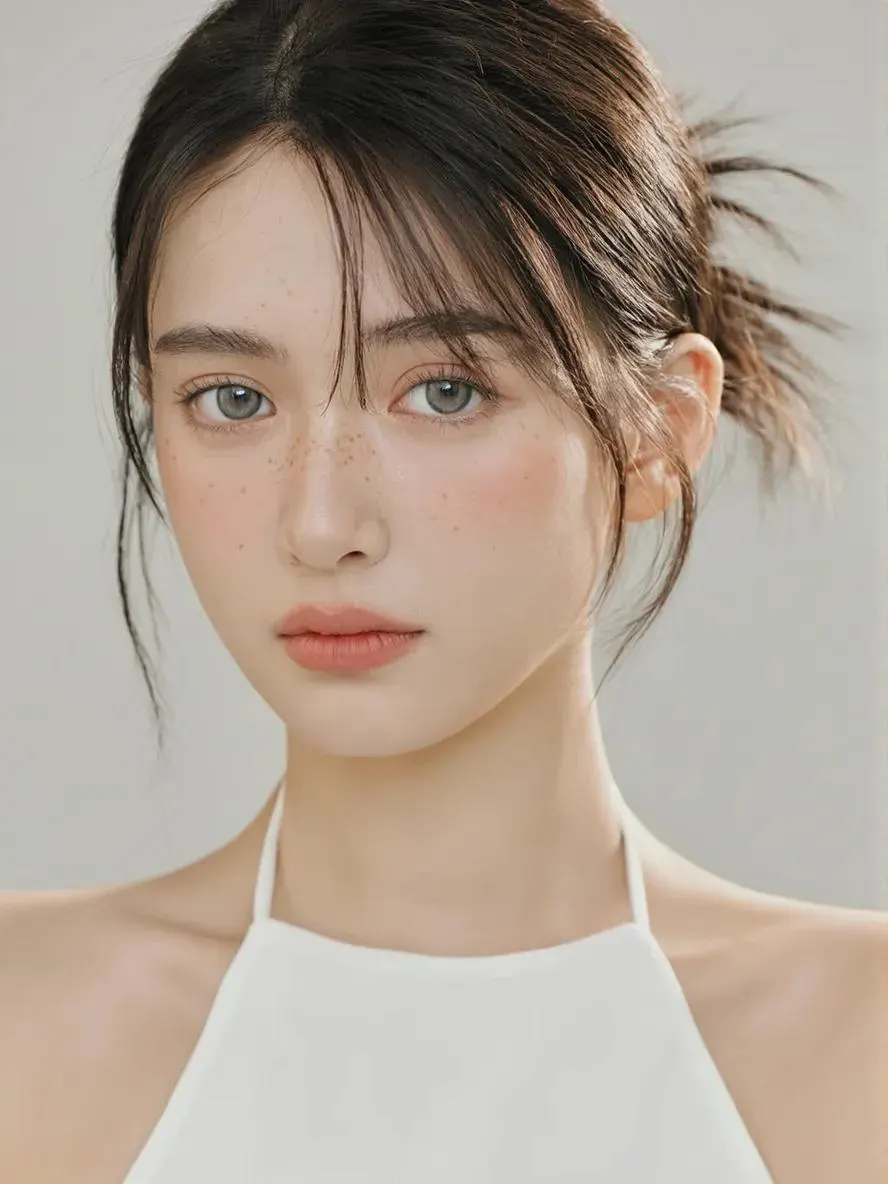
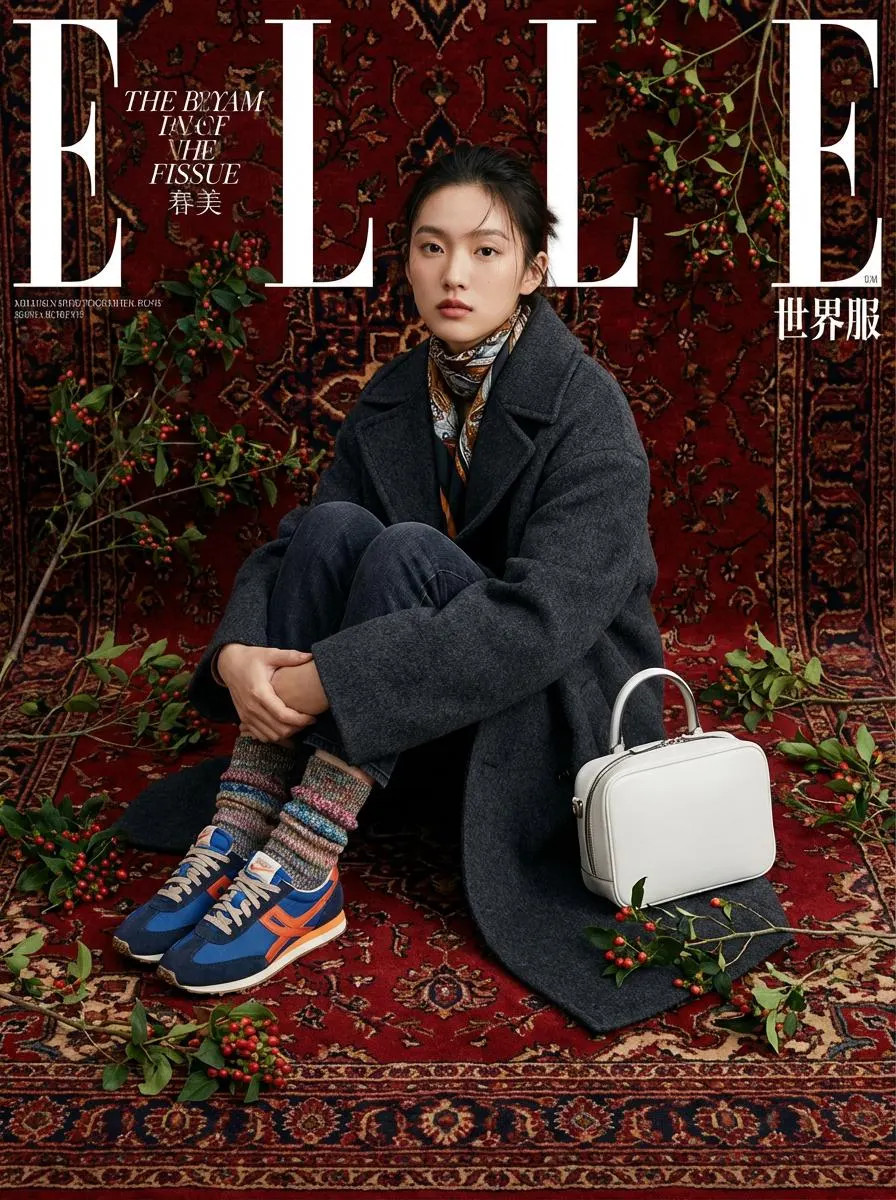
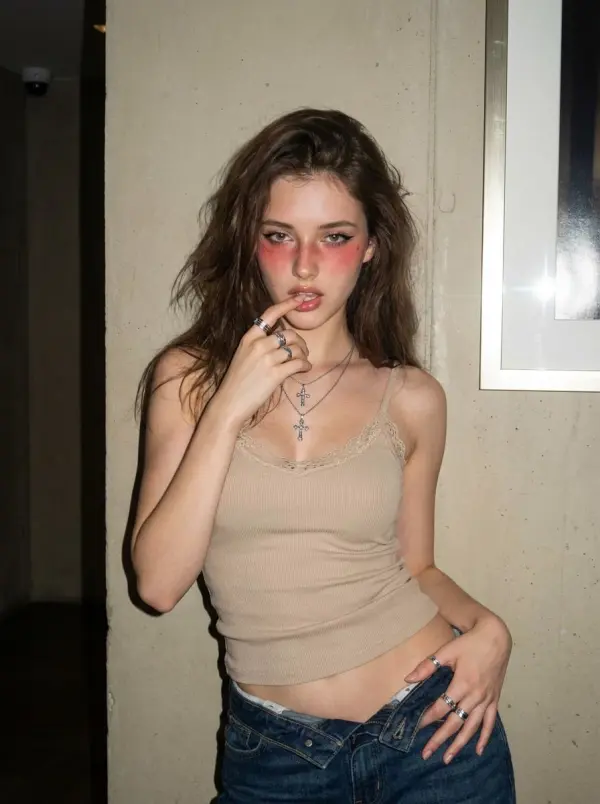
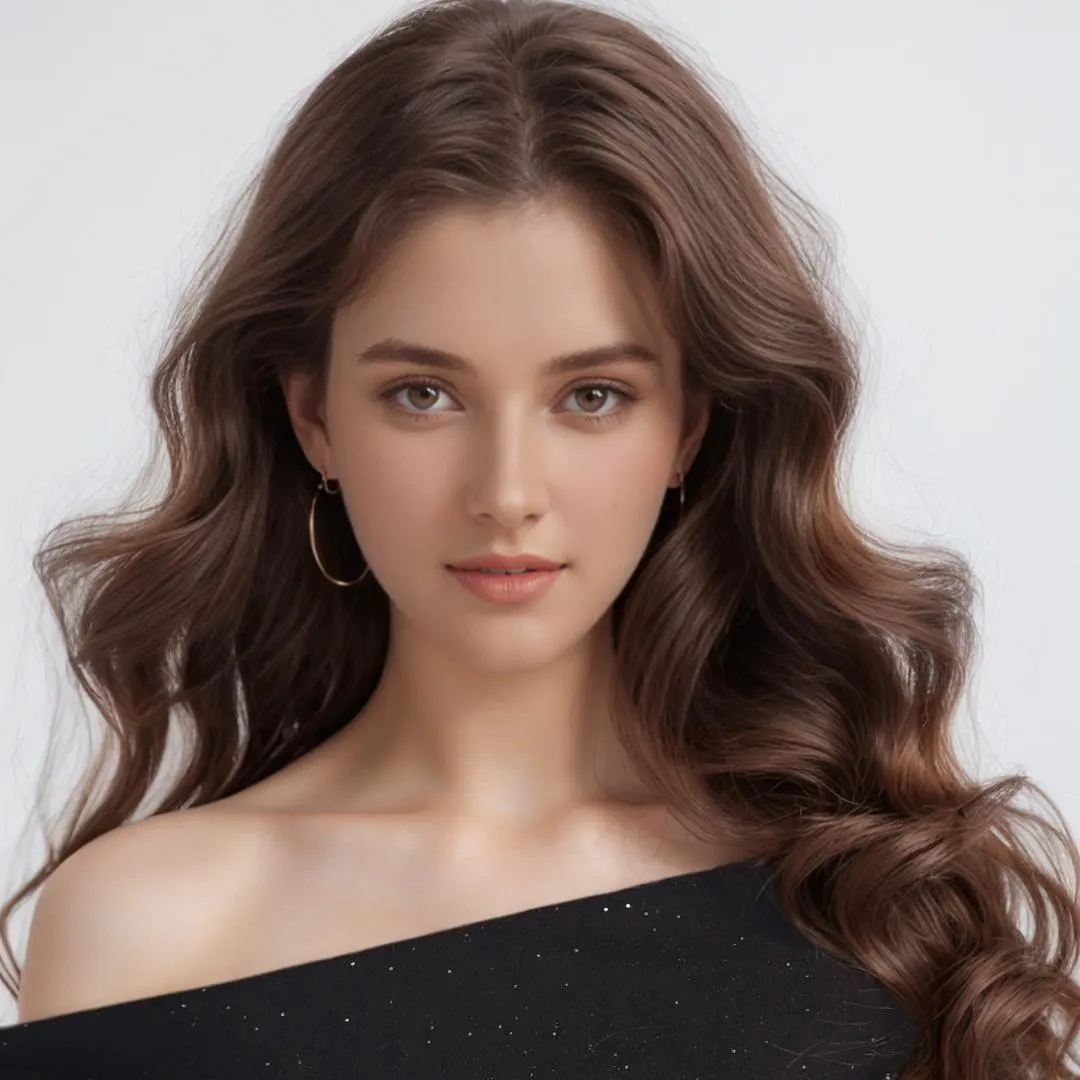
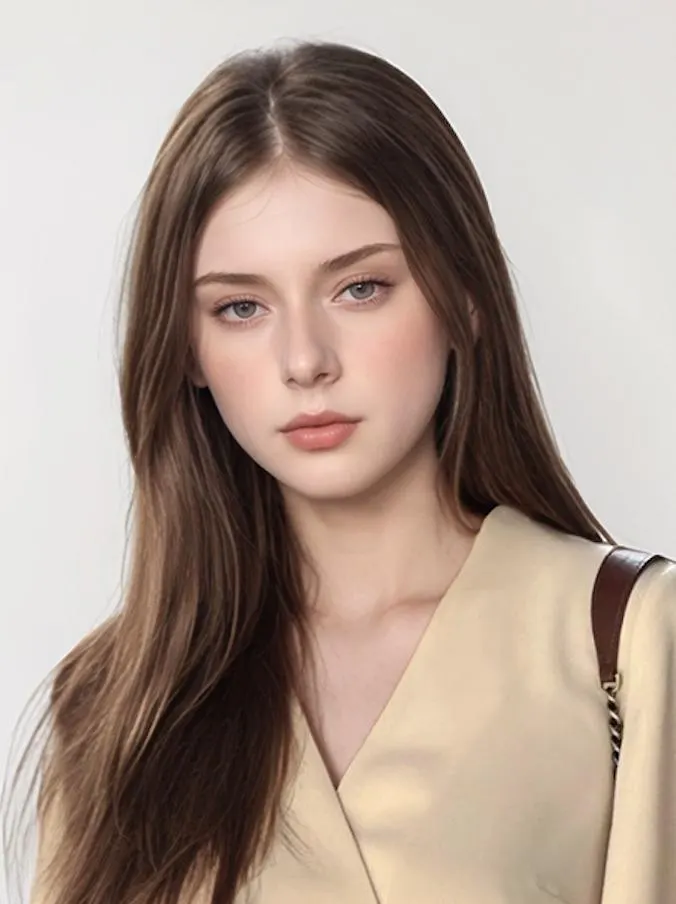
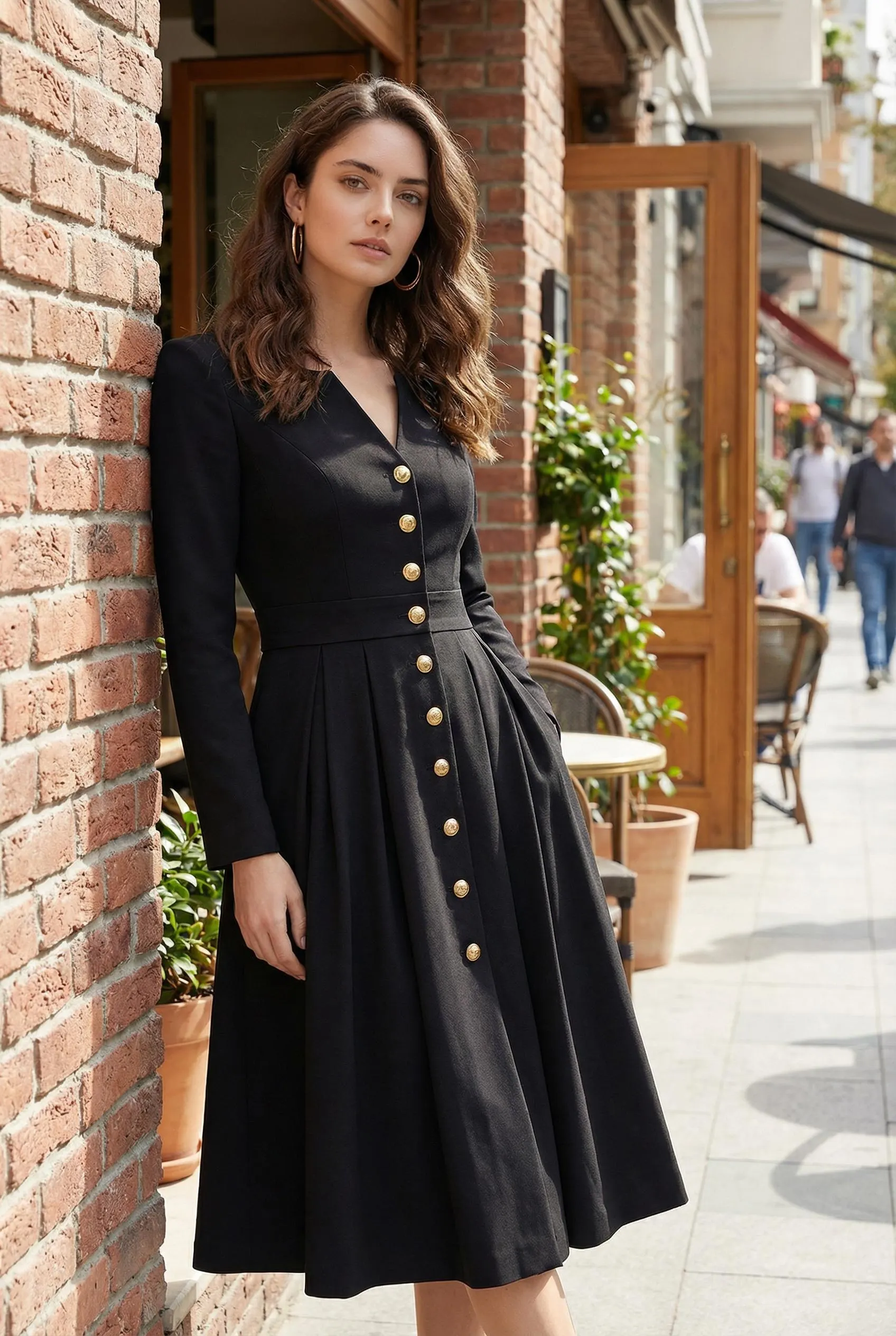
How to Generate a Photoshoot in 3 Steps
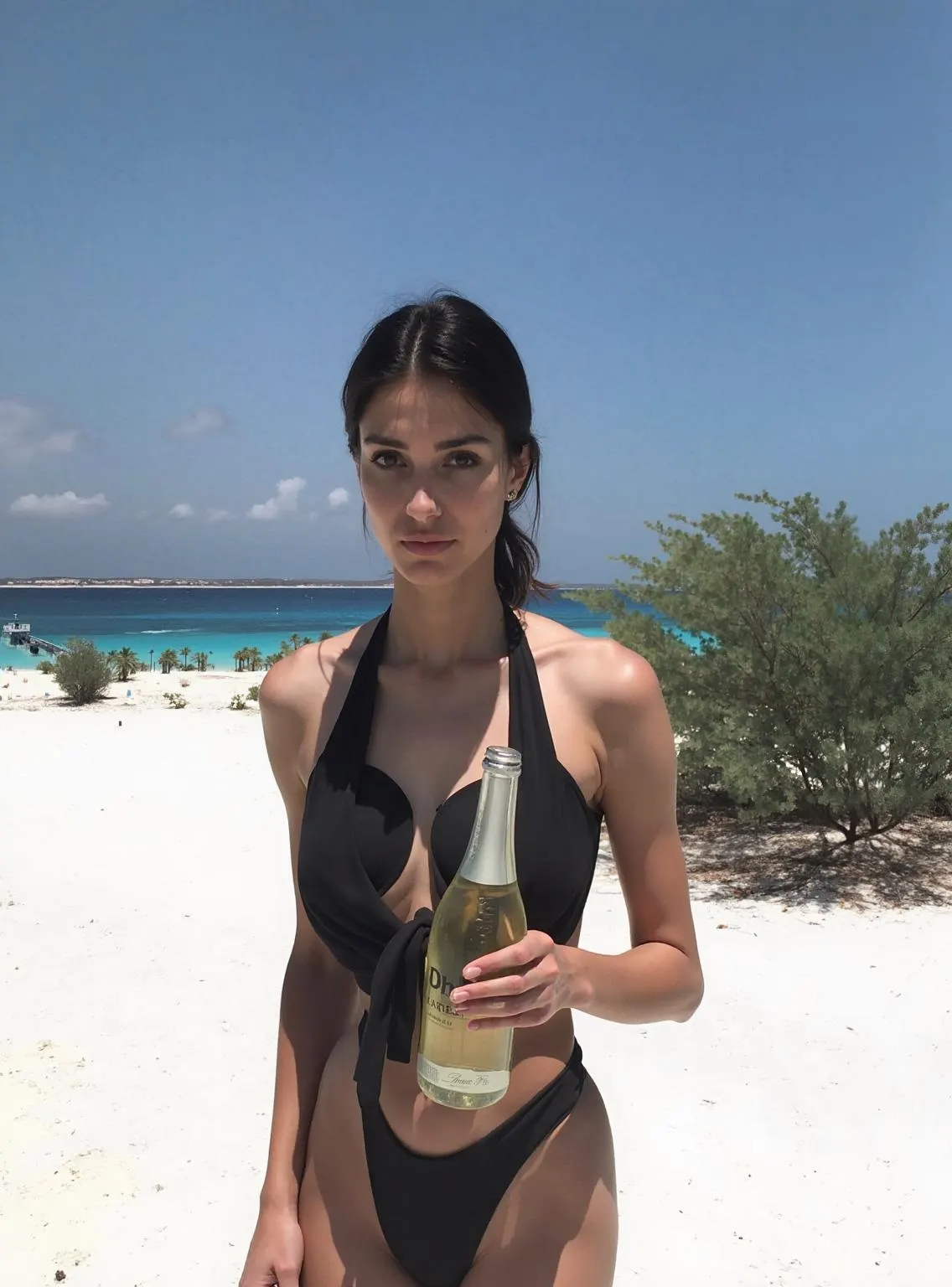
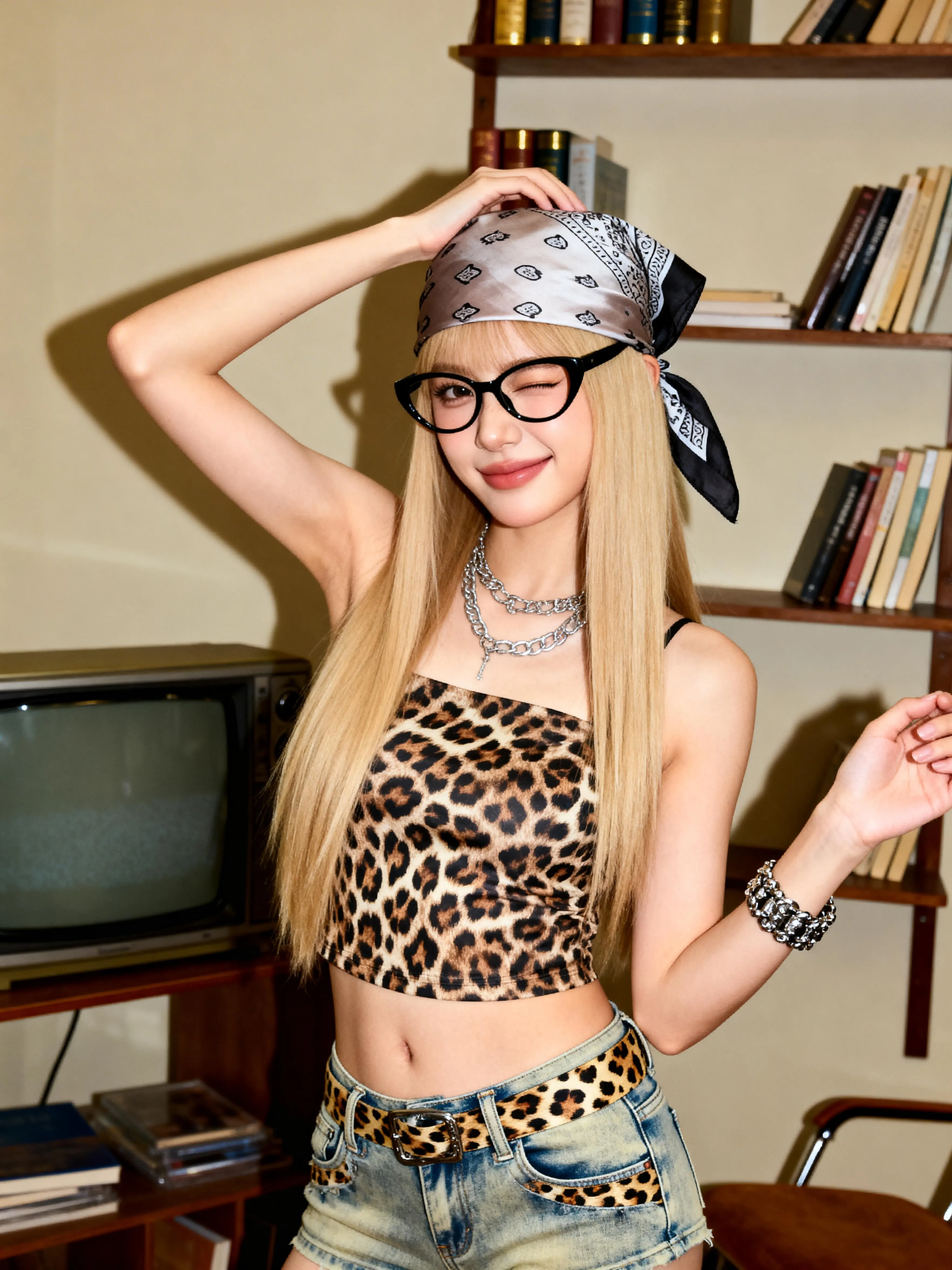
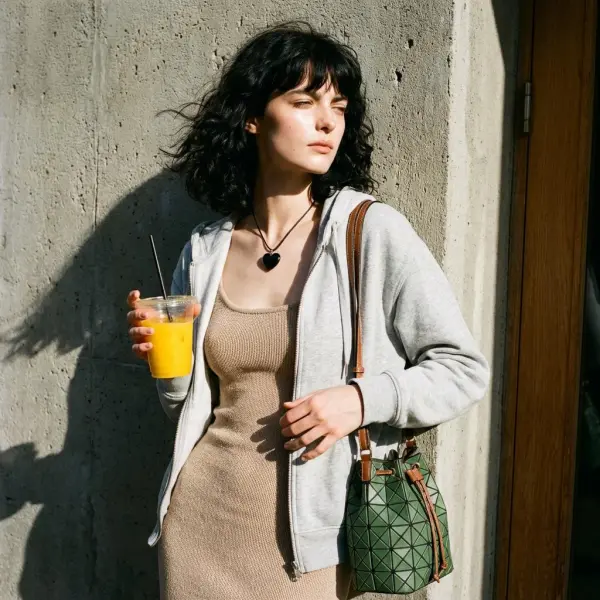
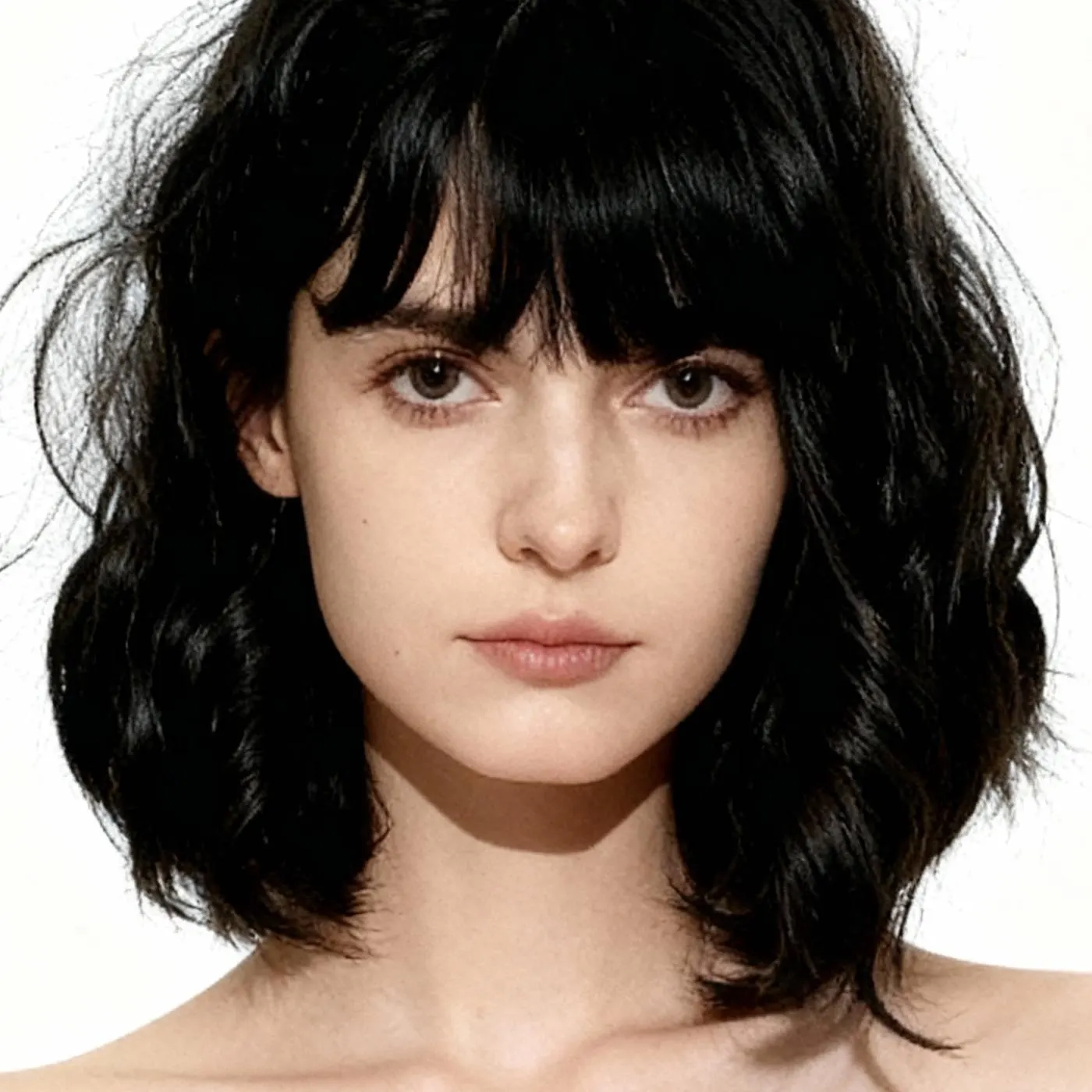
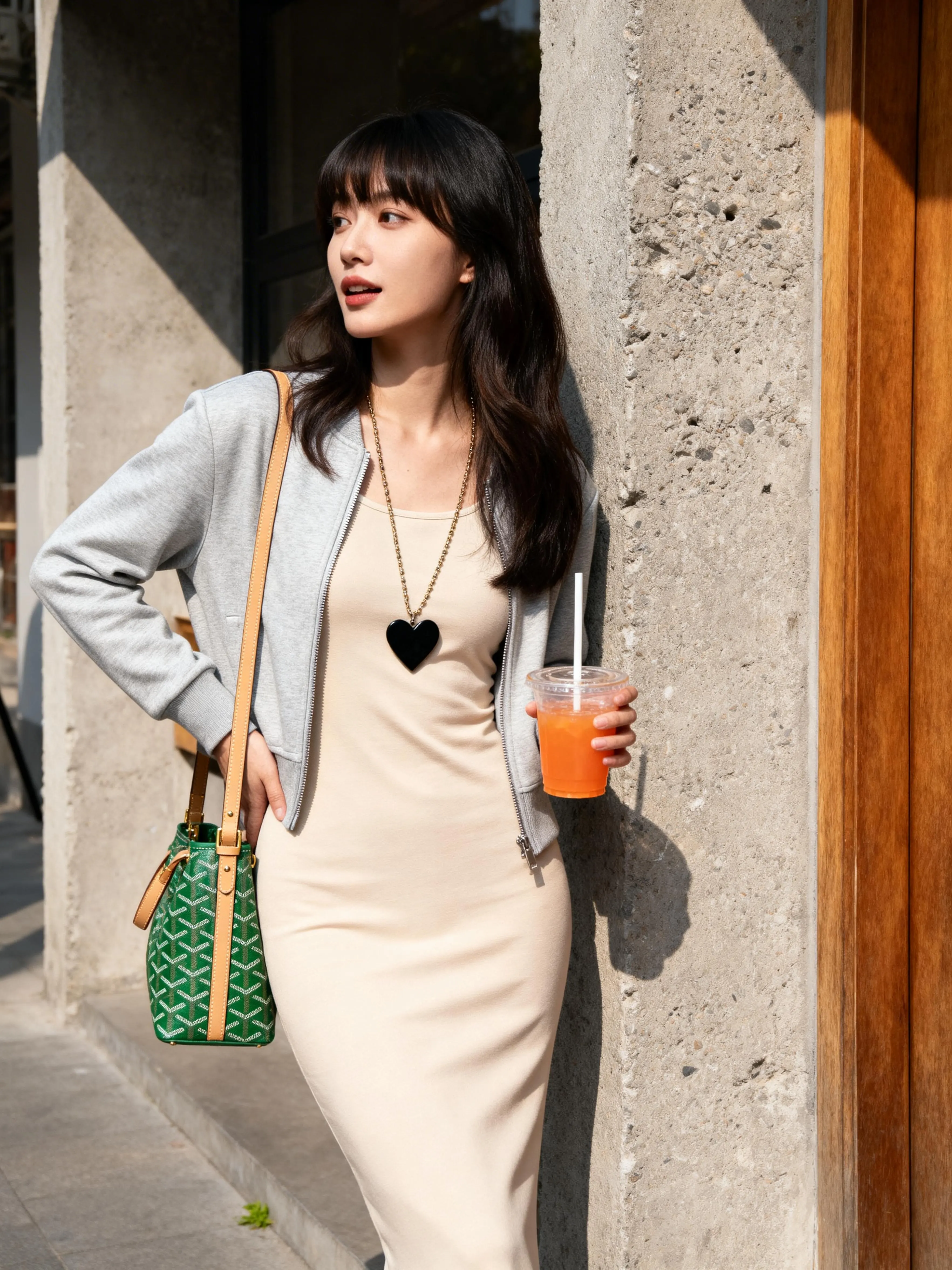
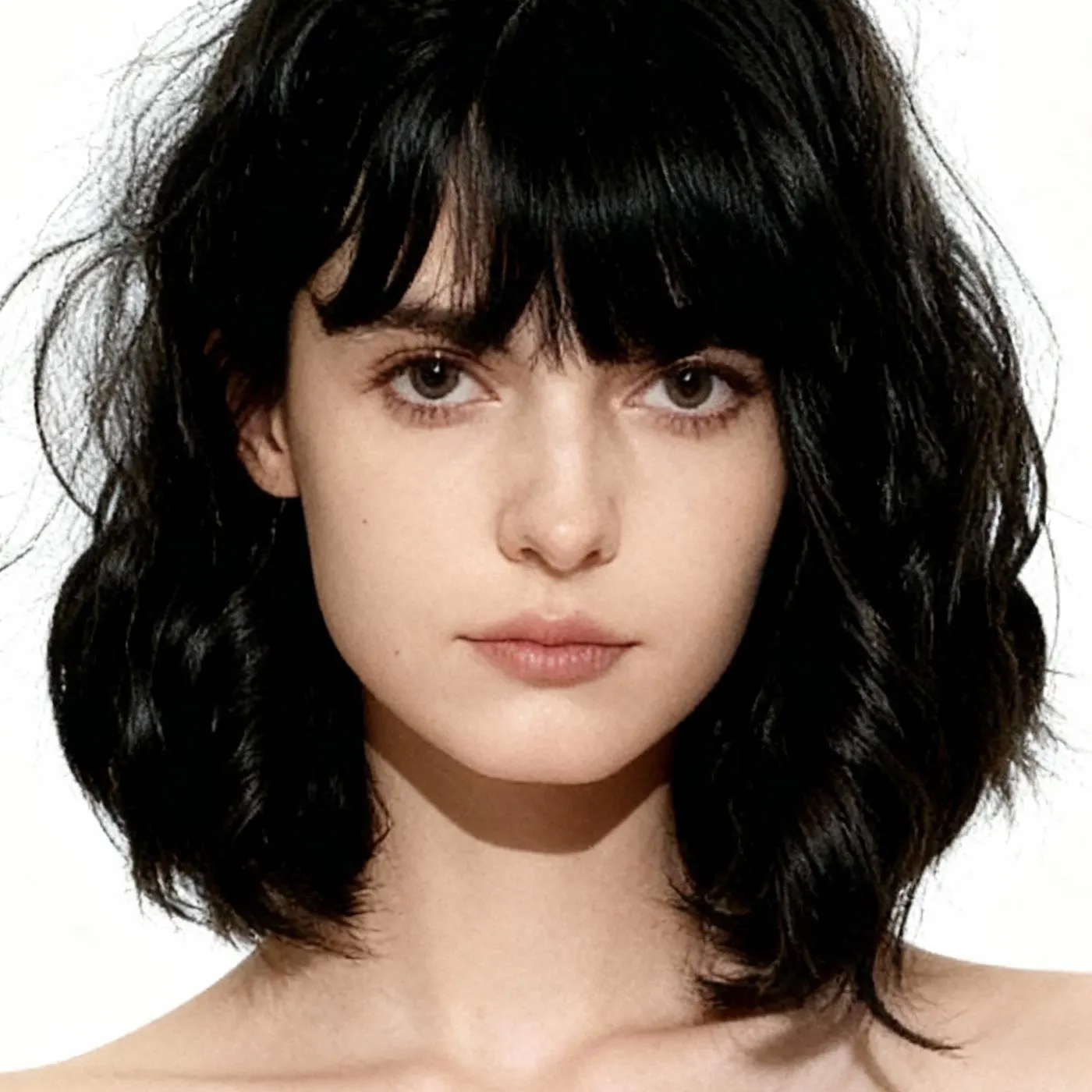
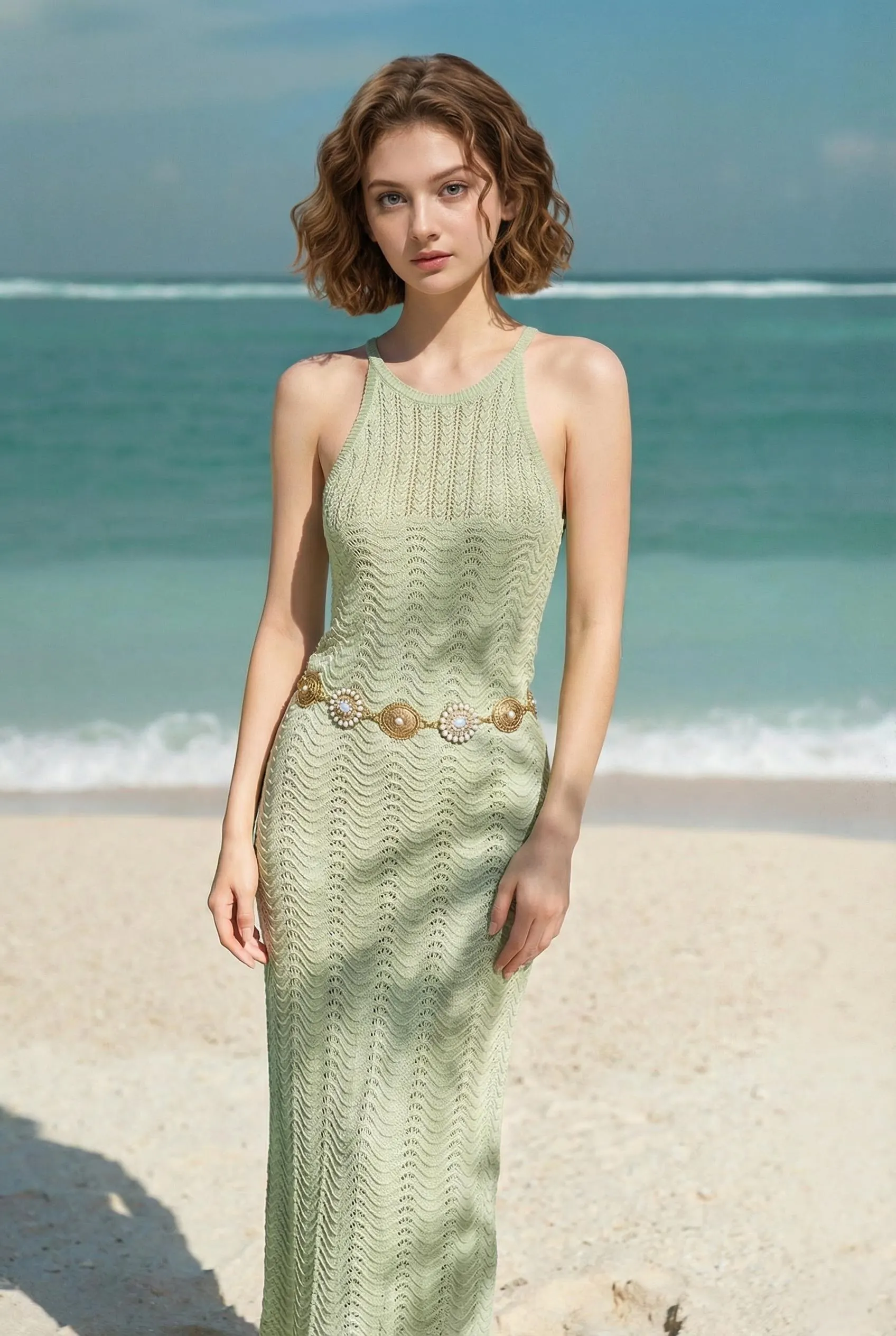
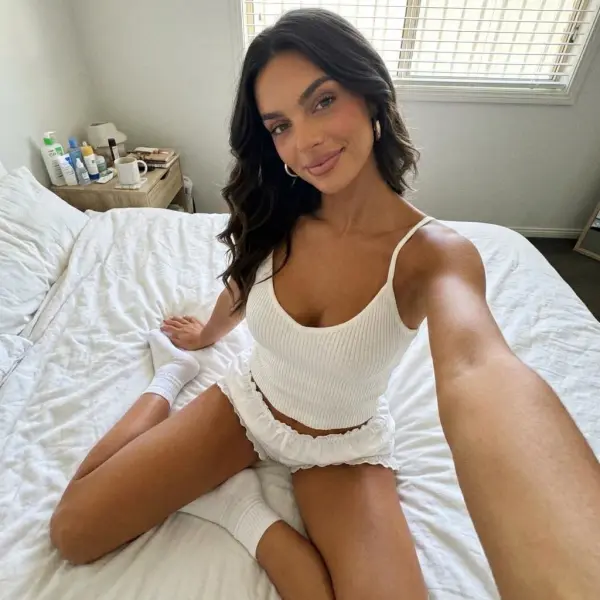
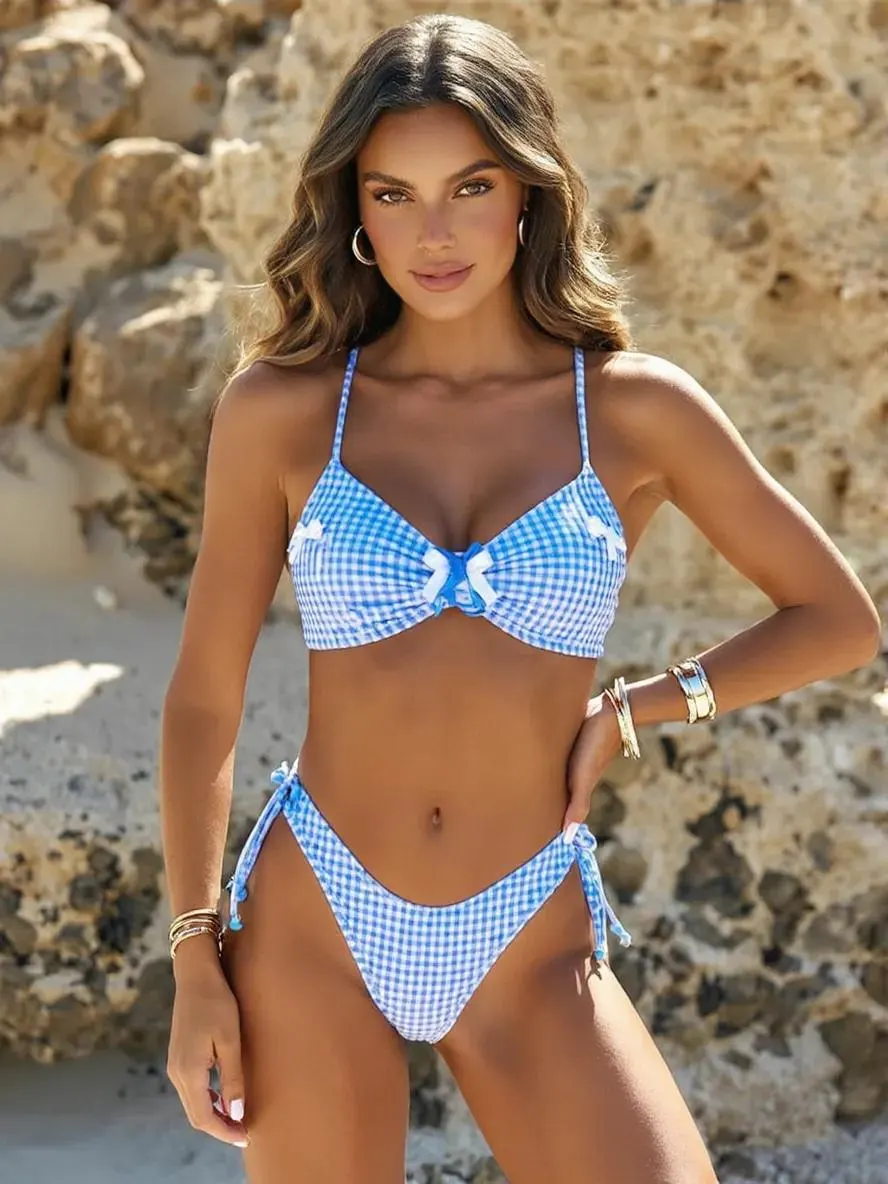
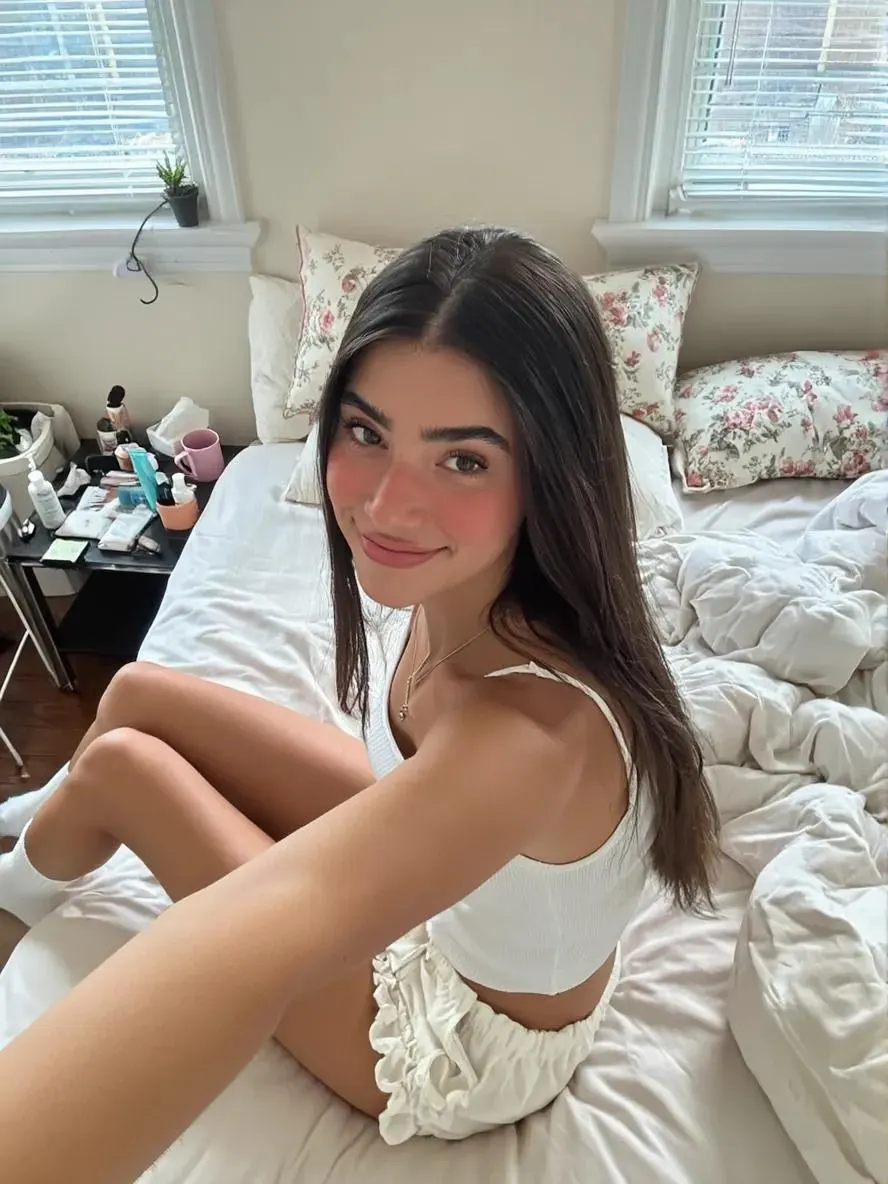
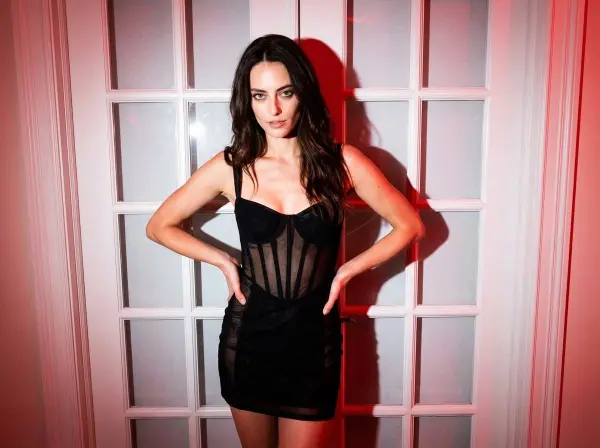
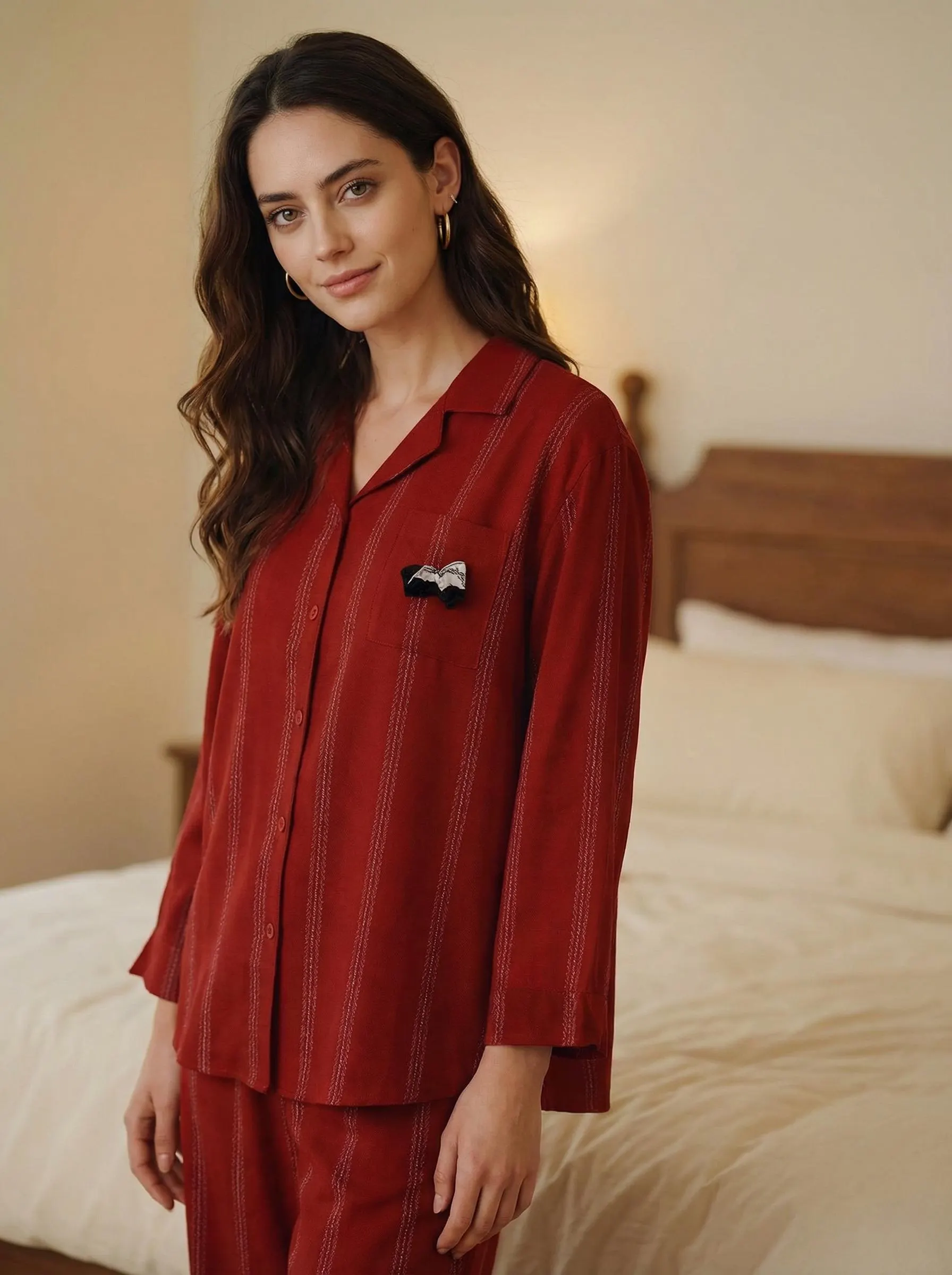
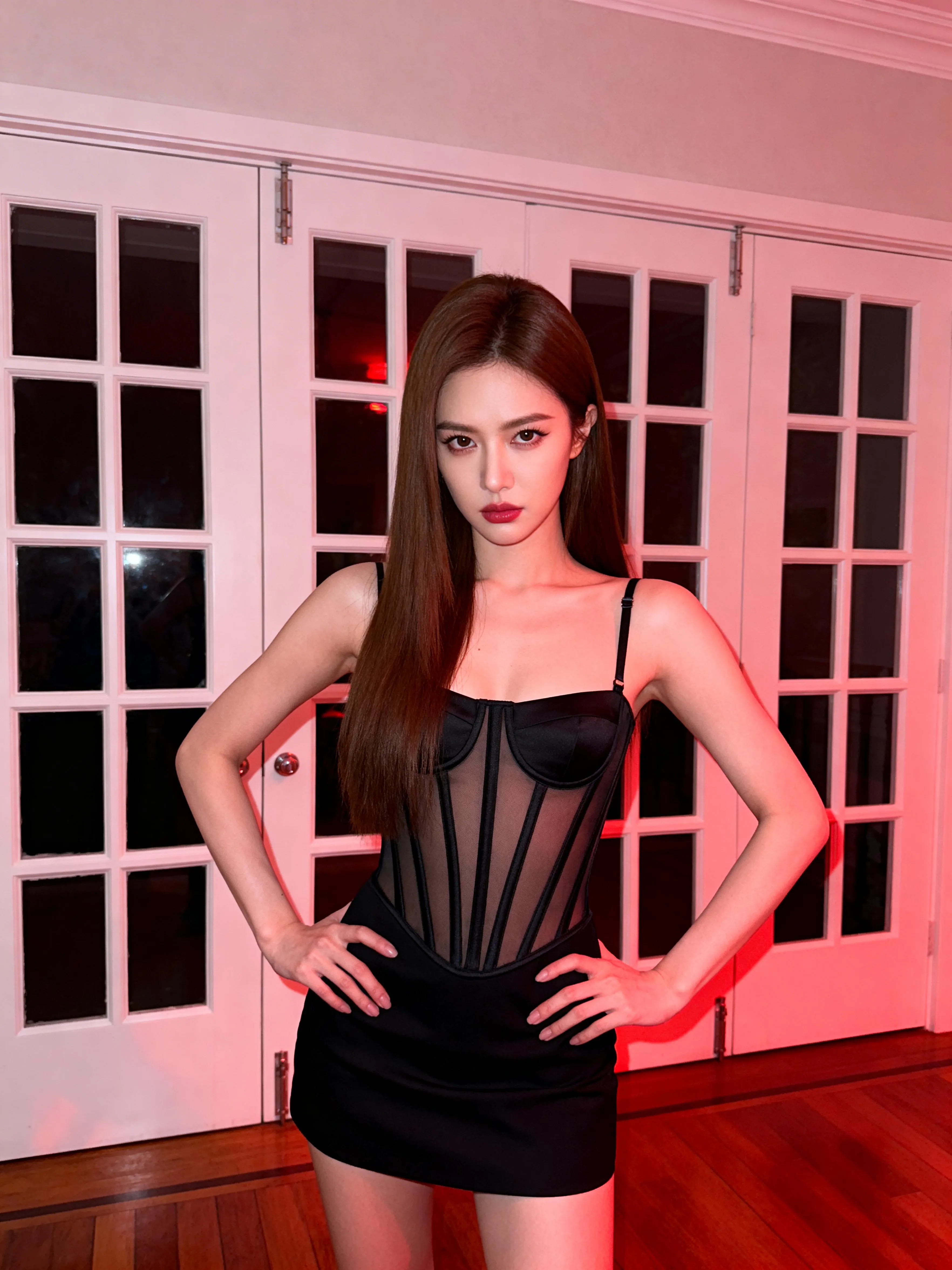
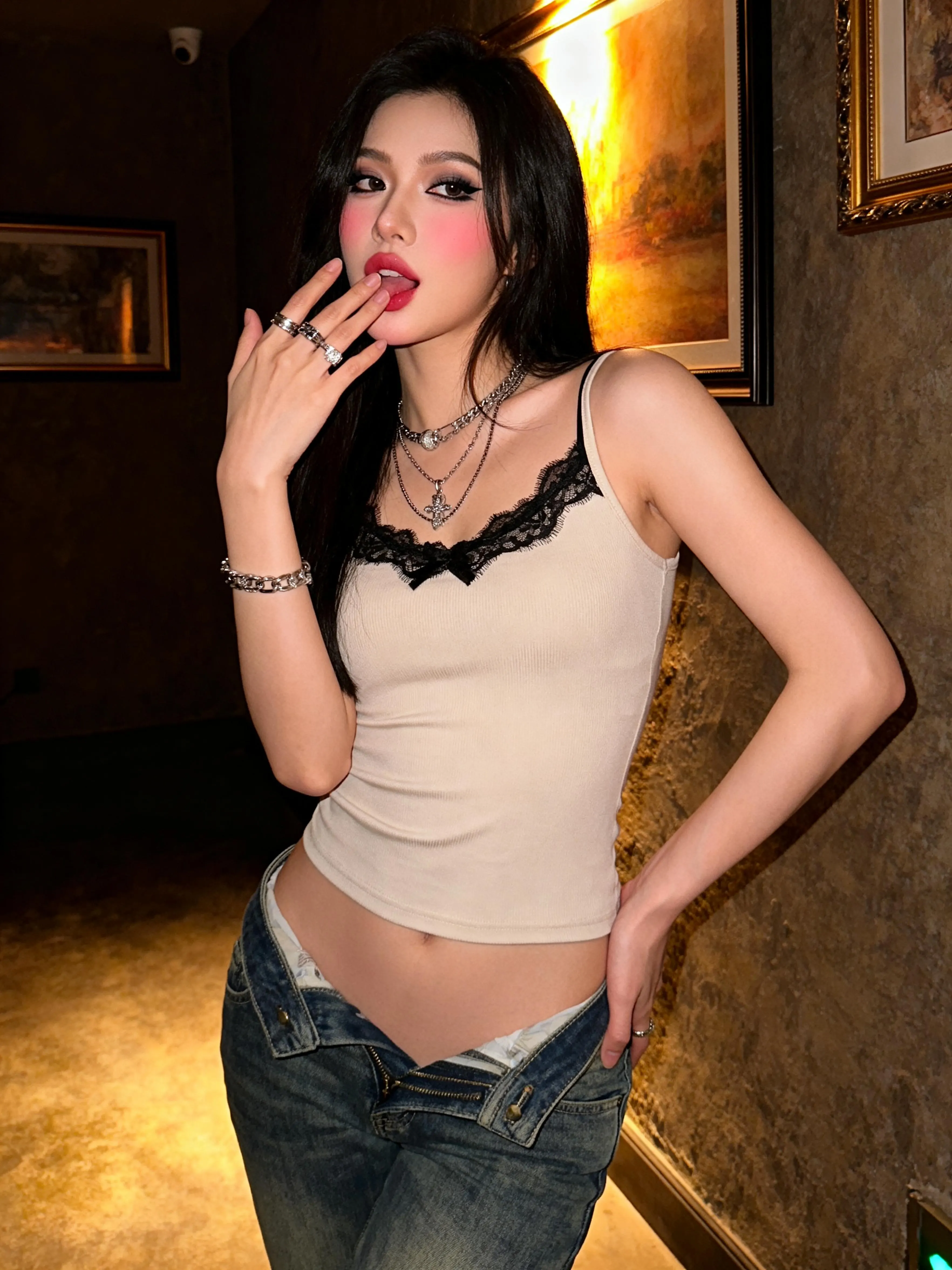
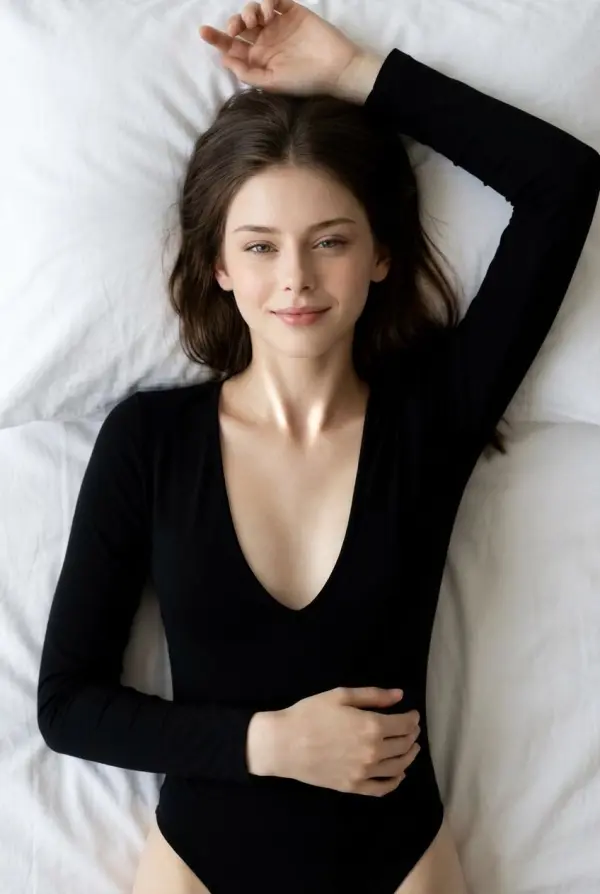
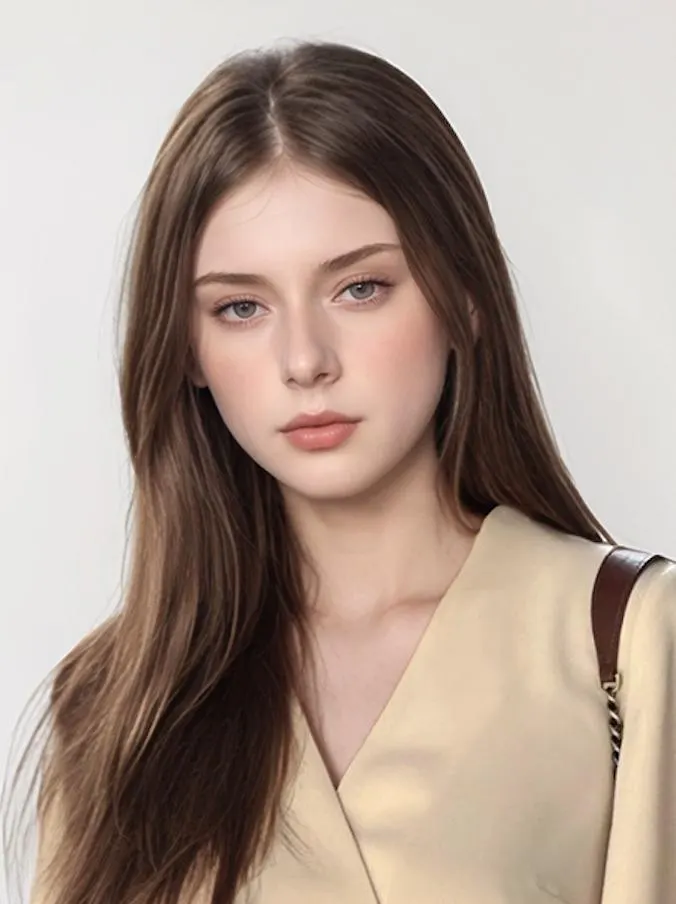
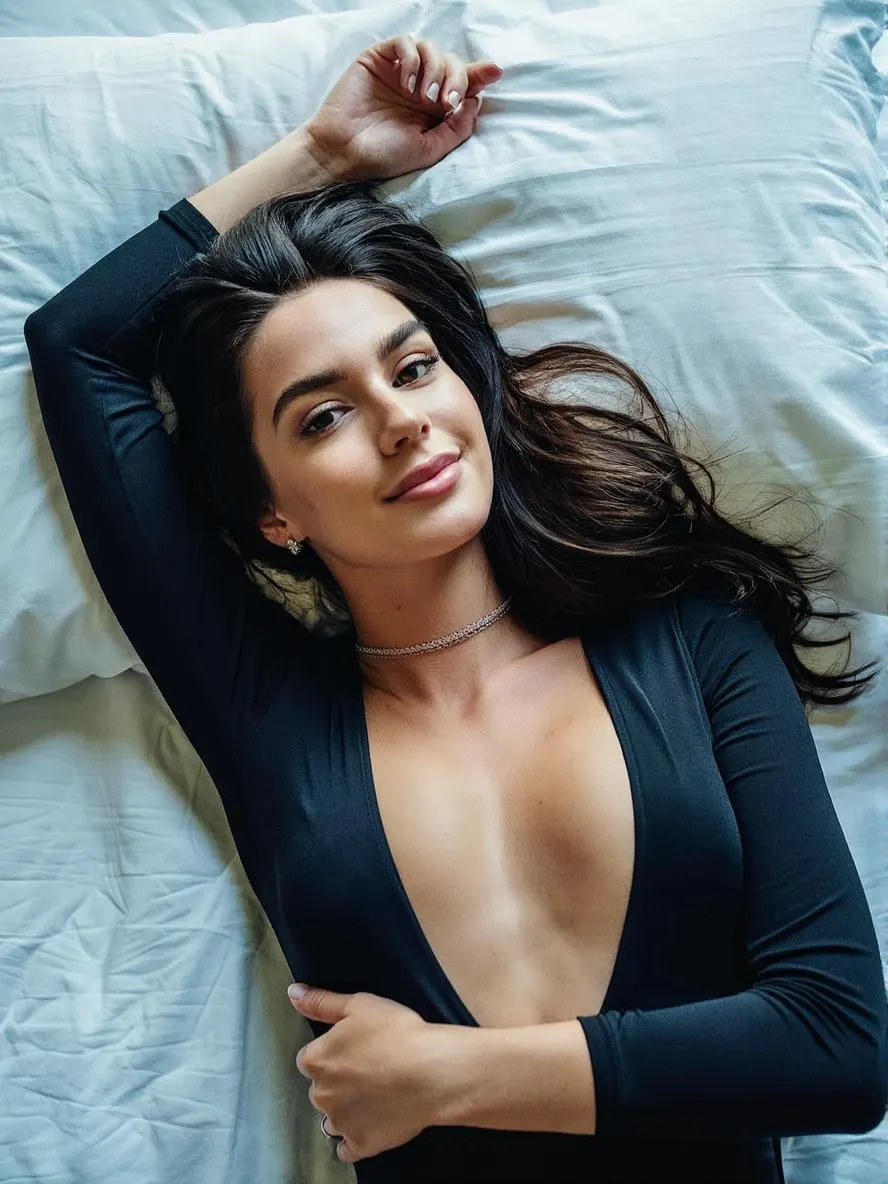
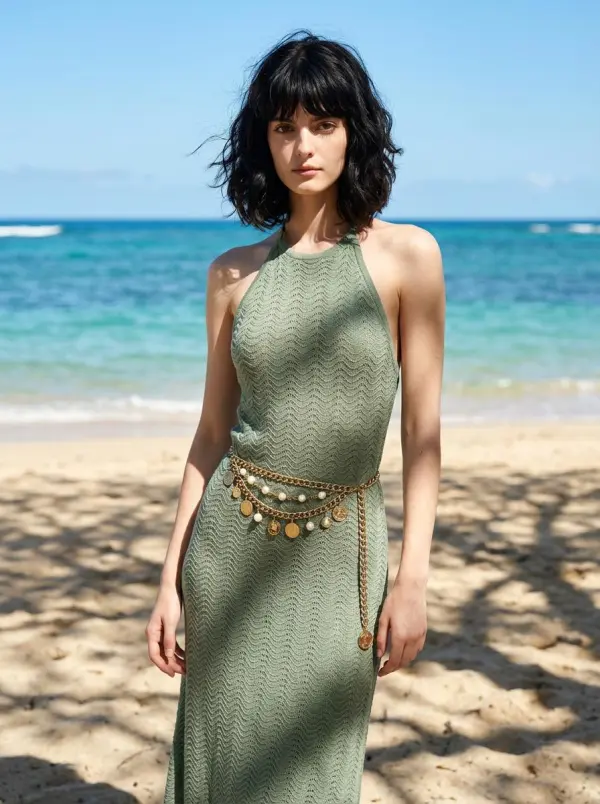
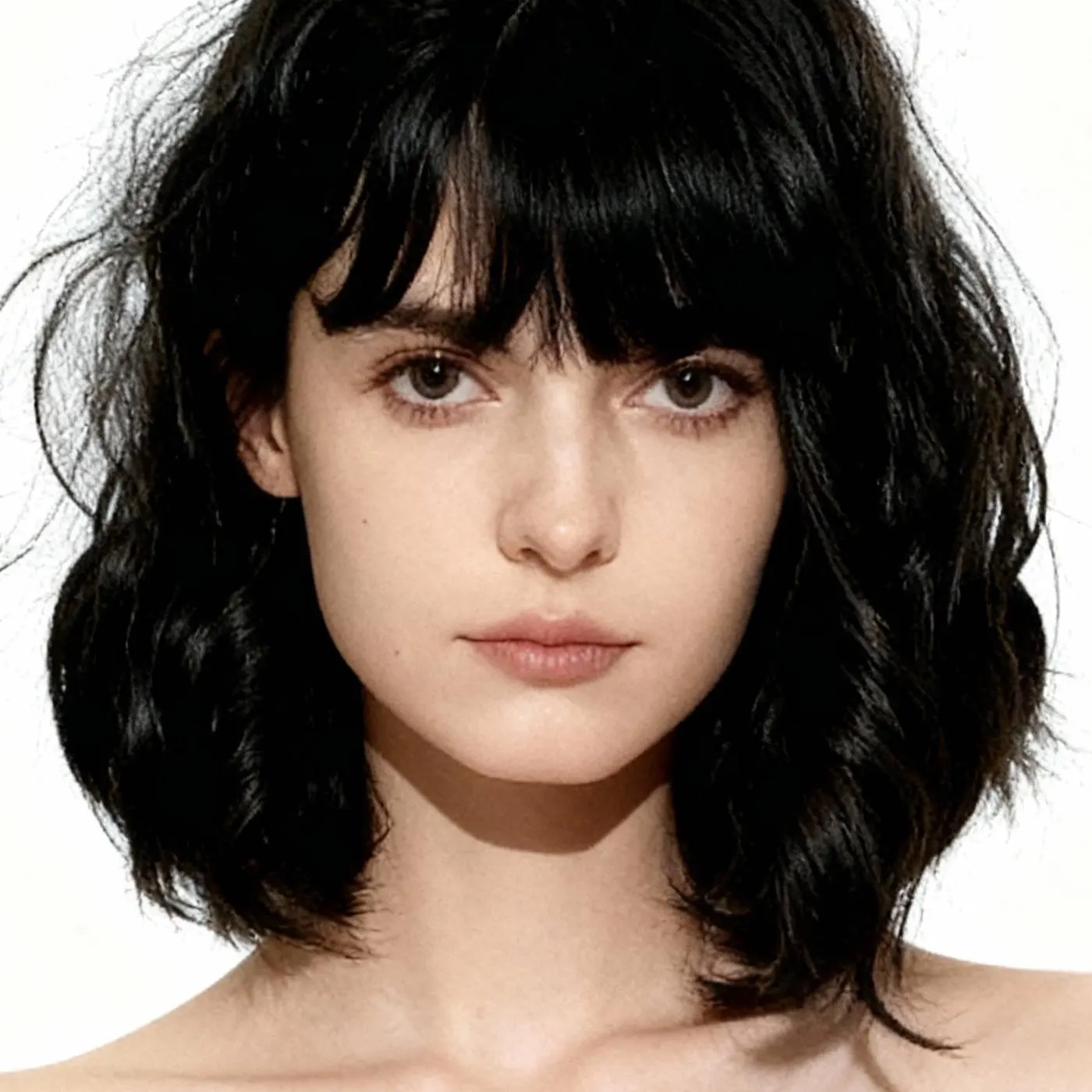
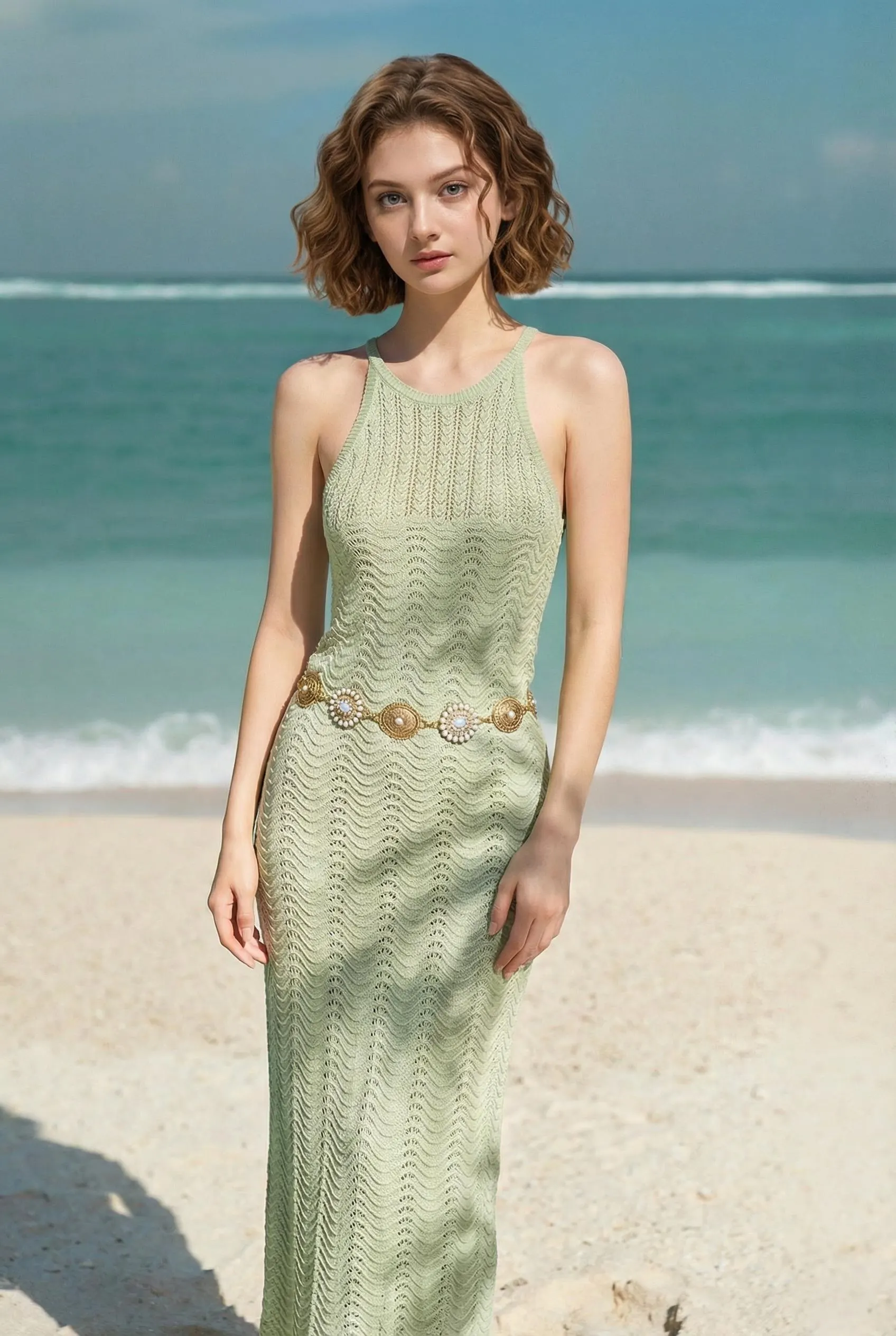
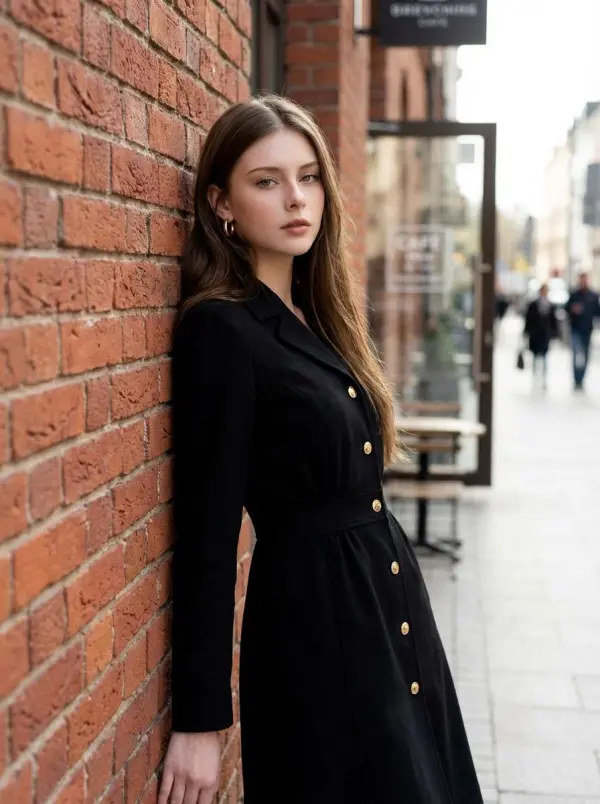
One subject, one pose reference, one studio-style frame after processing
Upload the Subject
Drop in a clear photo of the person you want photographed. Front-facing or three-quarter portraits with the face well-lit produce the cleanest output. PNG, JPG, or WebP up to 10MB.
Add a Pose Reference
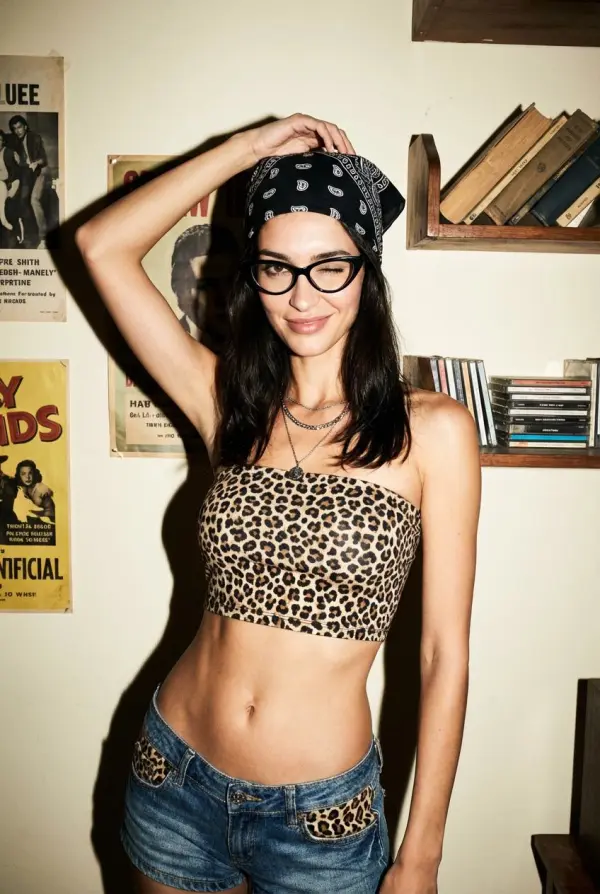
Drop in a second photo showing the pose you want — could be a fashion shot, a celebrity reference, or your own previous photo. The AI reads the body geometry, not the face from the reference.
Download the Result
Save the studio-lit photoshoot frame as a high-resolution PNG with no watermark. Re-run with different pose references to build a complete pose set from one subject photo.
Modeling Comp Cards Without Booking a Studio
New models often need 4-6 polished poses for a comp card. One subject photo plus pose references can create a first draft set for review before booking a full studio session.
Brand Campaigns Without the Talent Day-Rate
Indie clothing brands and DTC startups need editorial photos for frequent drops. A single hero shot of the founder or model plus pose references for each campaign frame can create concept images before committing to a full production shoot.
Lookbooks That Read as One Coherent Shoot
Stylists and small fashion brands often need 8-12 frames per lookbook in a consistent visual register. Reusing the same subject photo across different pose references helps the spread feel more cohesive than mixing shots from unrelated shoot days.
Dating Profiles and Personal Branding
Studio portraits can feel stiff on Hinge and Bumble. Pair a clean headshot with a casual pose reference and generate a less-posed-feeling shot for the profile. Same identity cues, different mood, and useful for LinkedIn refreshes too.
Why Models, Brands, and Creators Pick iMideo
Identity-Preserving Render
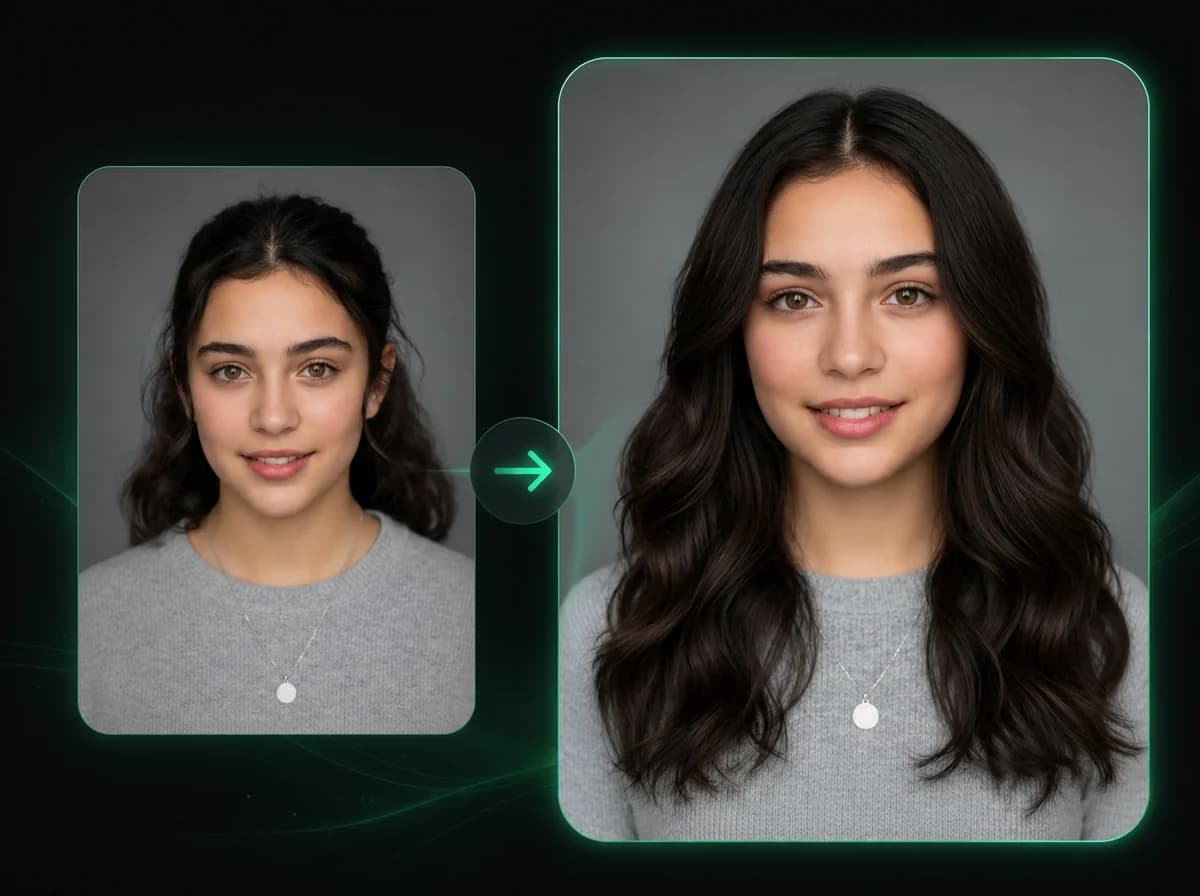
Face, jawline, eye color, glasses, and skin tone guide the render from the subject photo. The pose reference drives body geometry, not the face.
Studio-Style Lighting Built In
Editorial color treatment, sharp focus, and realistic shadow falloff are part of the render workflow. No softbox setup or color-LUT pipeline needed for a first draft.
Pose Reference From Anywhere
Use a fashion magazine clipping, a celebrity photo, your own previous shoot, or a quick selfie of the pose. The AI reads body angles, not the reference's face.
Clean PNG, No Watermark
Output downloads as a high-resolution PNG ready for comp cards, lookbooks, ad creative, and social profiles — no watermark after sign-in.
Photos Not Used for Training
Subject and reference photos are processed to make your render and removed according to the product retention policy. They are not used to train models or shared with third parties.
Pay Per Render
No subscription required. AI Photoshoot uses 4 credits per render, and current credit bundles are listed on the pricing page.
What Models, Brands, and Creators Say
Sara H.
Modeling Agency Coach
New signings need a comp card before agencies will review them. We use AI Photoshoot to build a first pose set, then decide which shots are worth recreating or refining professionally.
Mei L.
DTC Apparel Founder
We launch a capsule every few weeks and need fresh editorial frames. AI Photoshoot helps us test campaign directions before deciding which concepts deserve a real photographer.
Daniel R.
Commercial Photographer
Clients often ask for more pose options after the shoot wraps. I use one hero image and pose references to create revision drafts before deciding whether a re-shoot is needed.
Lauren M.
Stylist & Lookbook Producer
Lookbooks need 10-12 visually consistent frames. Generating drafts from one subject photo helps us explore a cohesive spread before final production.
Hiro T.
Aspiring Model
I needed an affordable way to test portfolio poses before booking a proper shoot. Generated a six-pose set here with my best phone photo as the subject and a few pose references.
Priya N.
Career Coach
Clients want LinkedIn variants — relaxed casual, formal corporate, dynamic action. I run their best headshot with a few pose references so they can compare directions before requesting final edits.
Anya L.
Cosplay Photographer
Cosplayers ask for poses I did not shoot at the convention. Instead of saying no, I generate the missing poses from their hero shot here. Keeps clients happy without dragging them back to the studio.
Tomás F.
Indie Music Manager
Press kits need three to five publicity shots per artist. I shoot one good portrait, generate draft variants, and use those to plan the final media kit.
Ready to Build Your Photoshoot?
Upload one subject photo and a pose reference to generate a studio-lit editorial frame after processing. No watermark, sign in to generate, no studio booking.