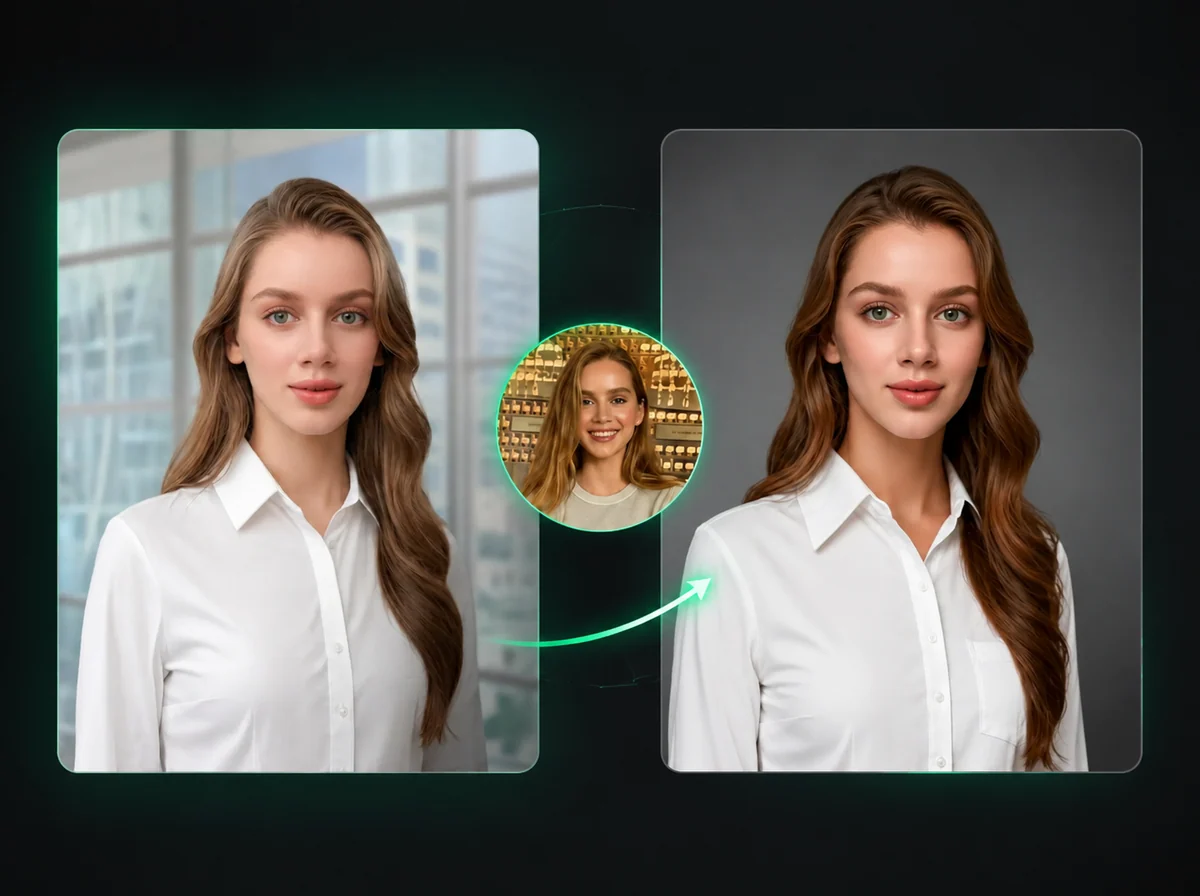
AI Selfie Generator — Portrait to iPhone Selfie Look
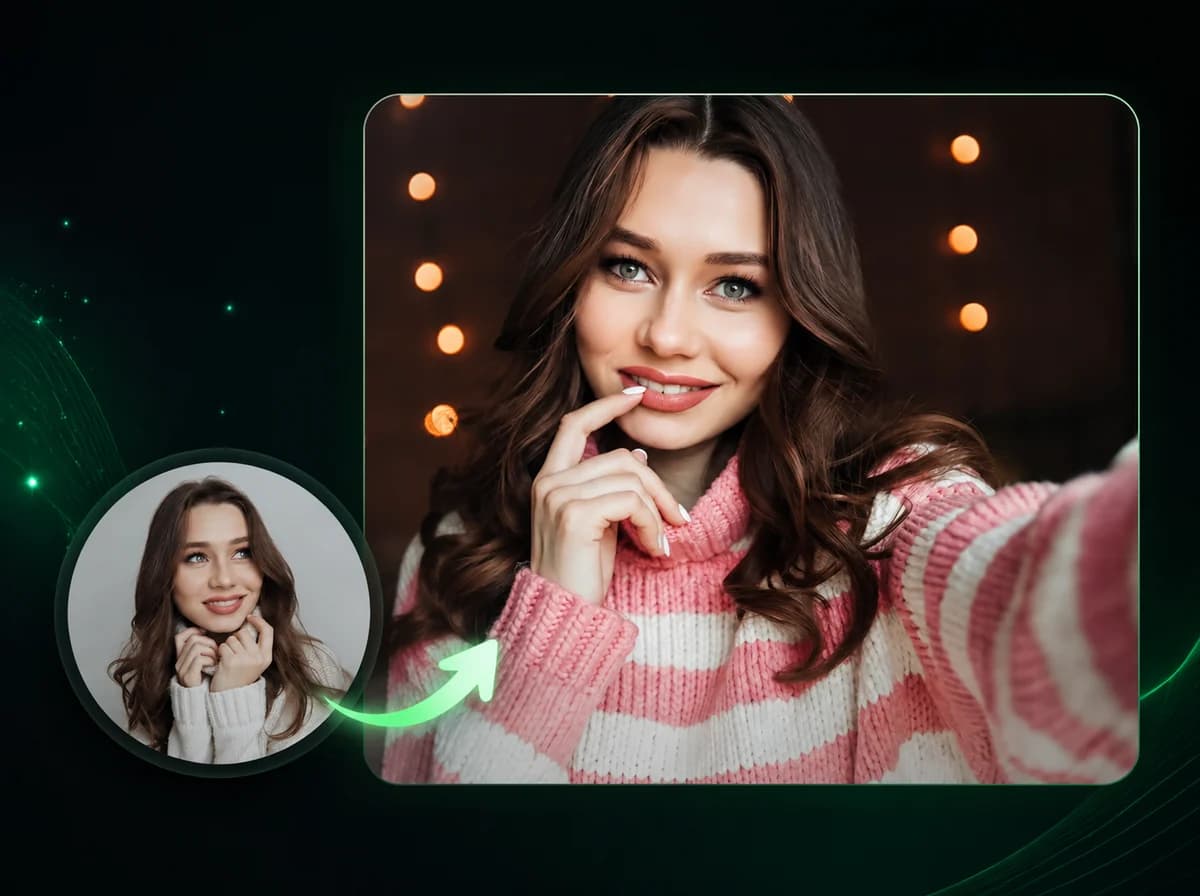
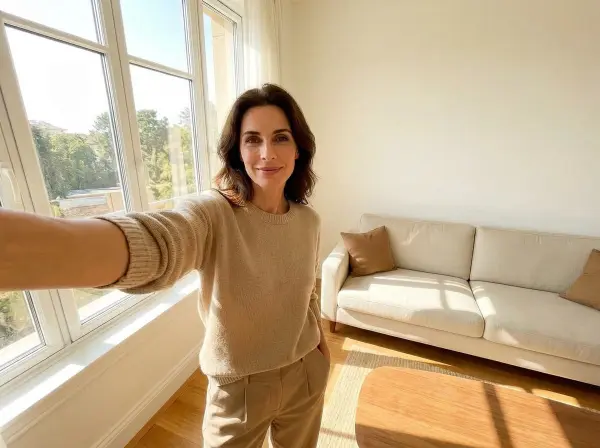
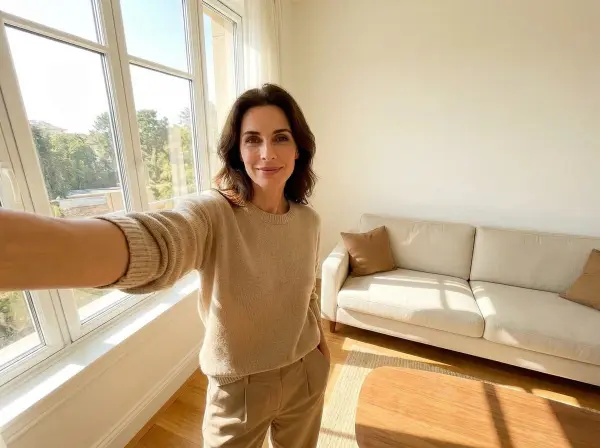
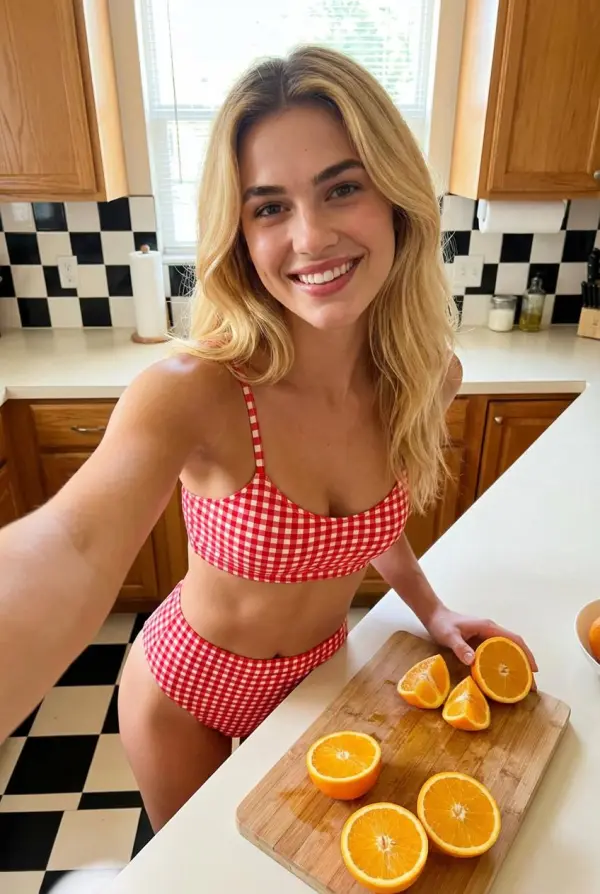
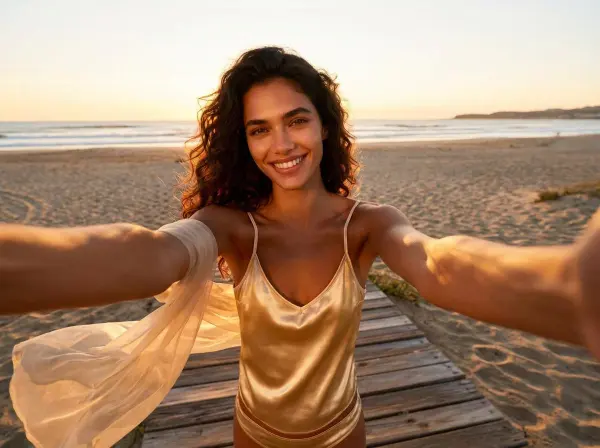
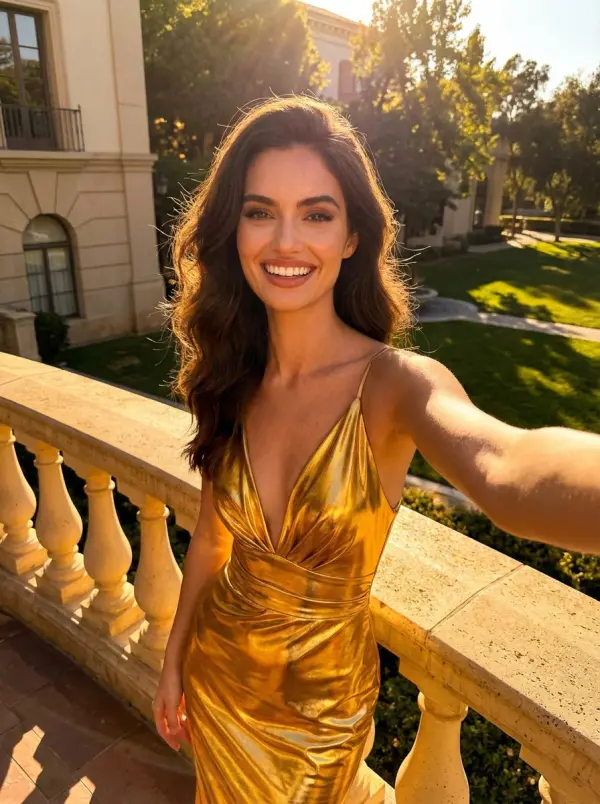
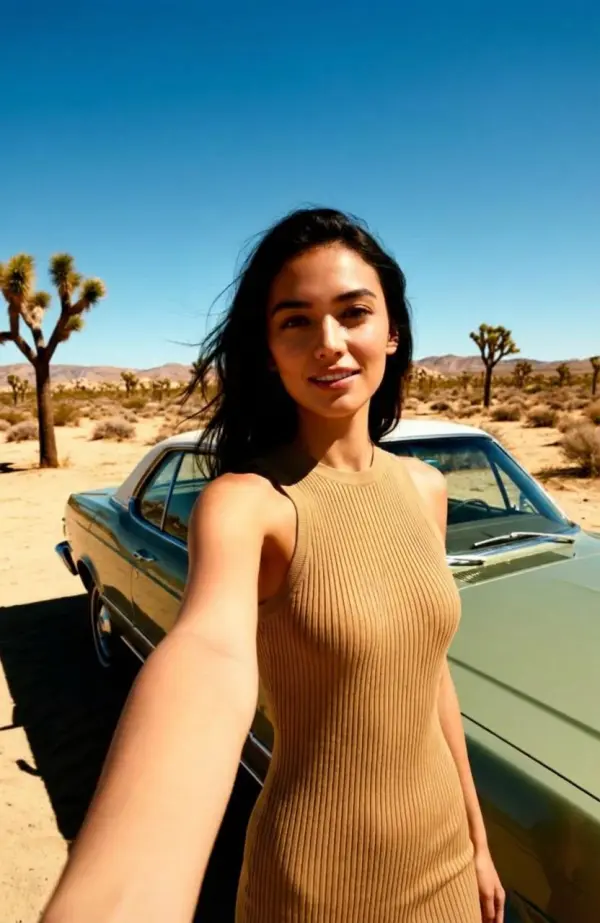
Upload one portrait and AI generates a believable iPhone-style wide-angle selfie. No phone in frame, no watermark. Sign in to generate.
Drop or click to upload selfie
PNG / JPG / WebP, up to 10MB
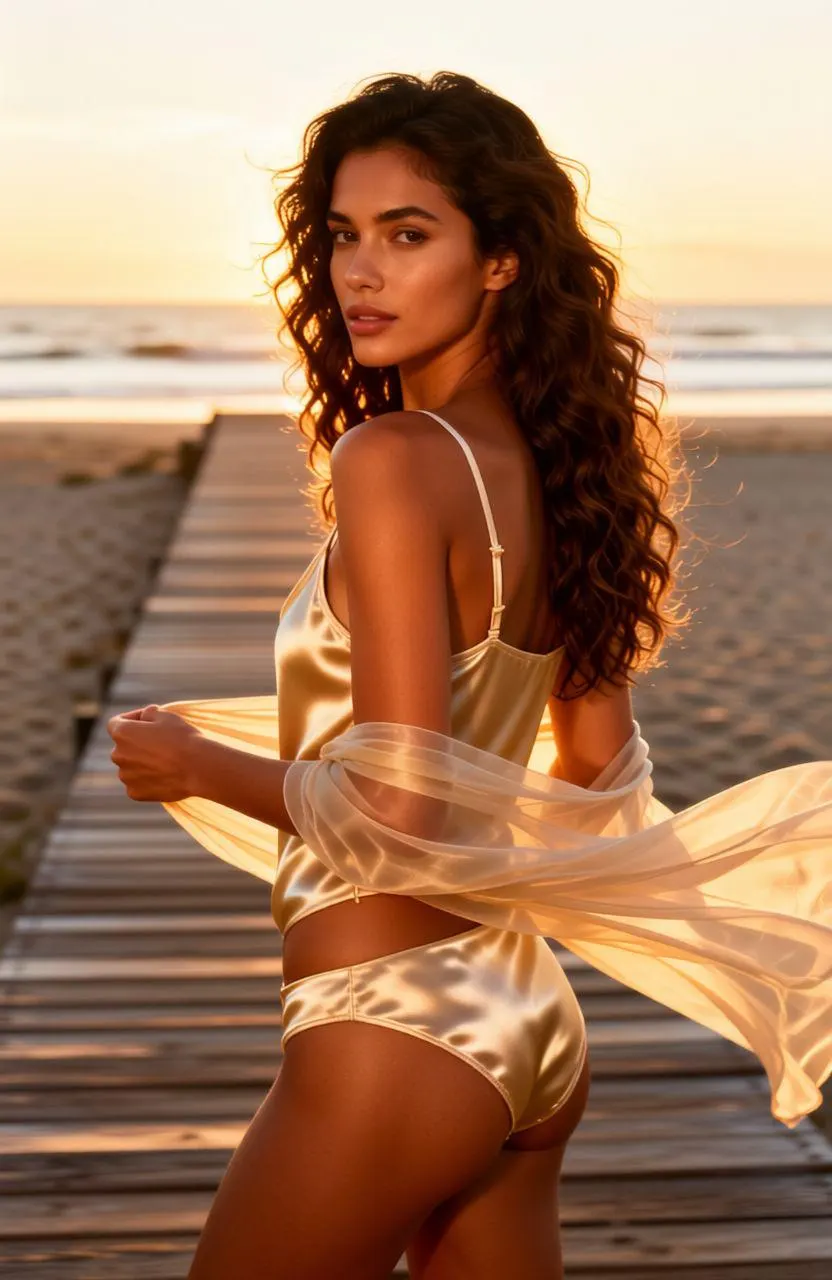
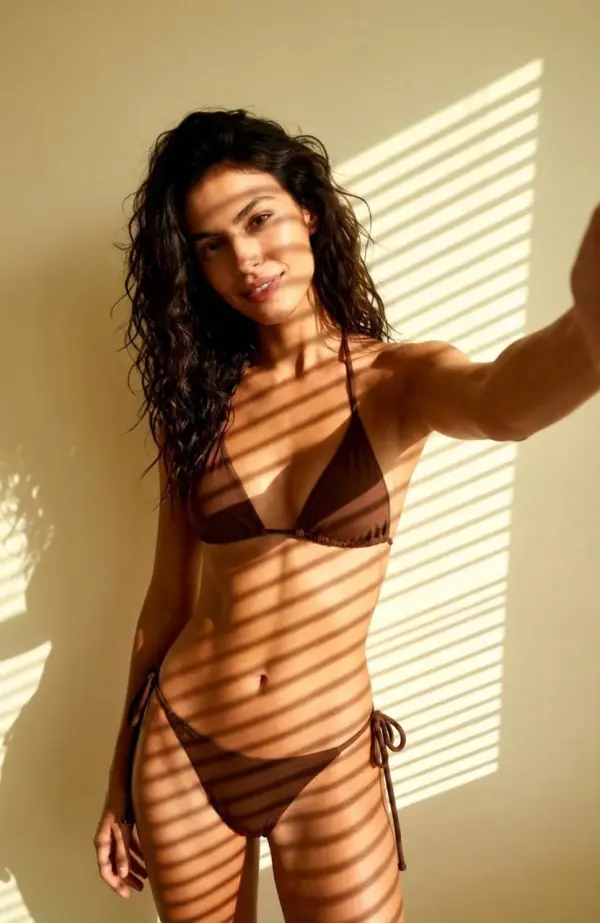
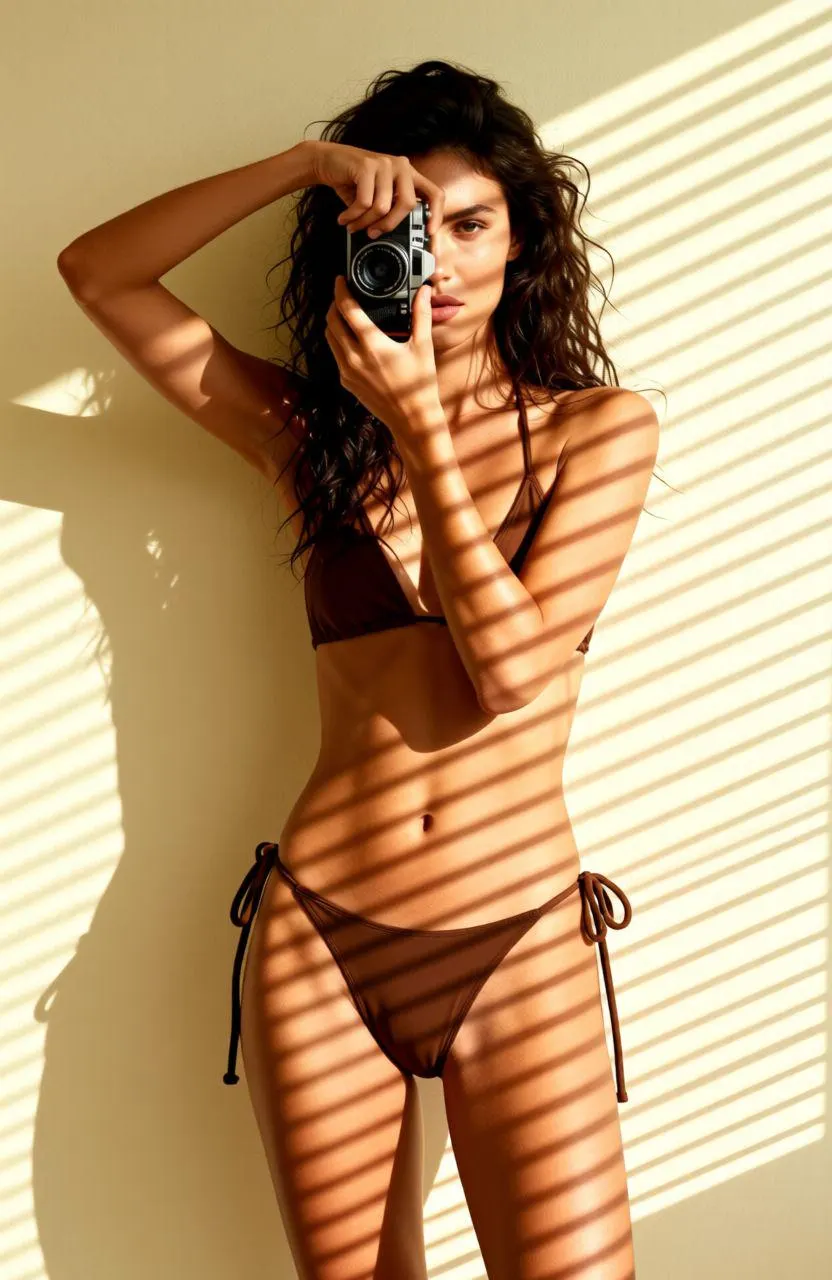
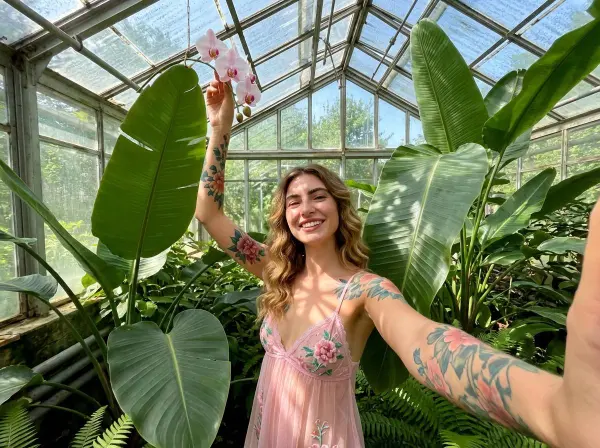
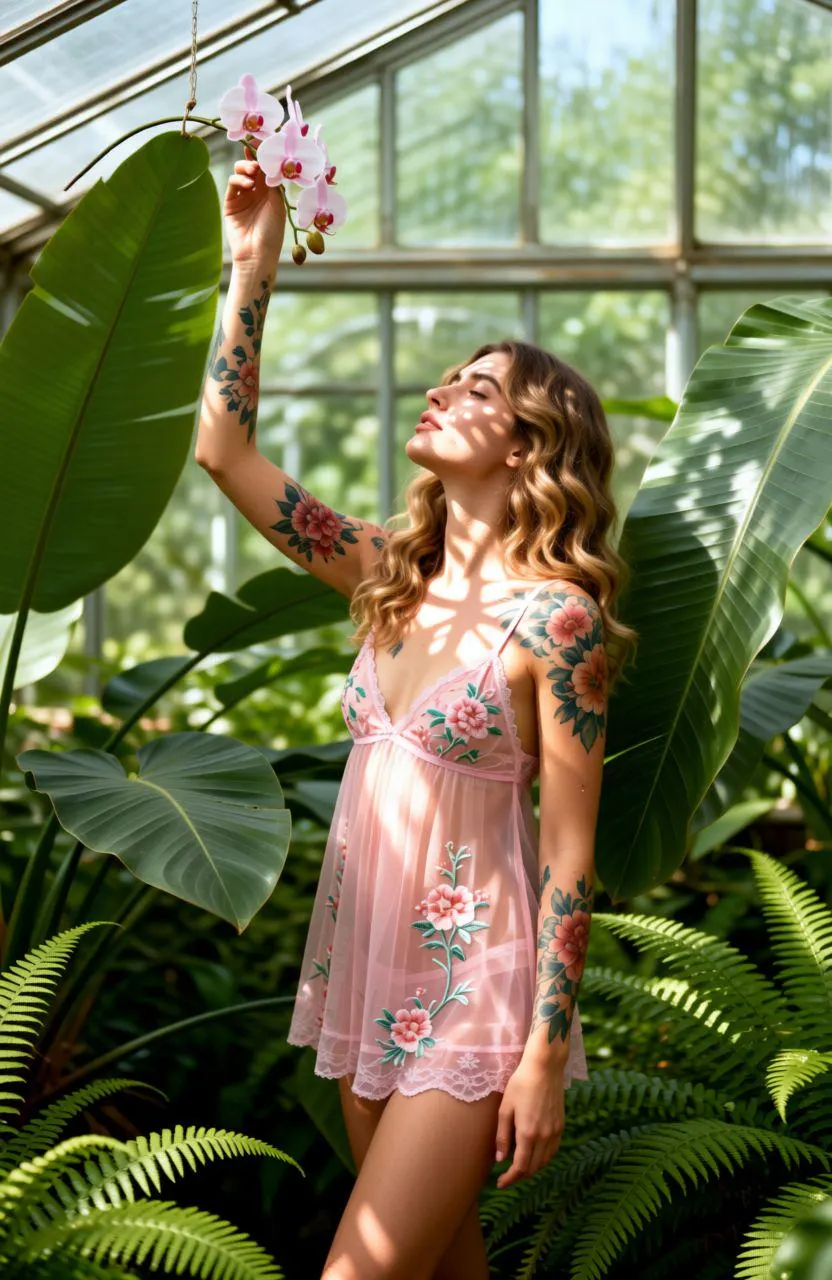
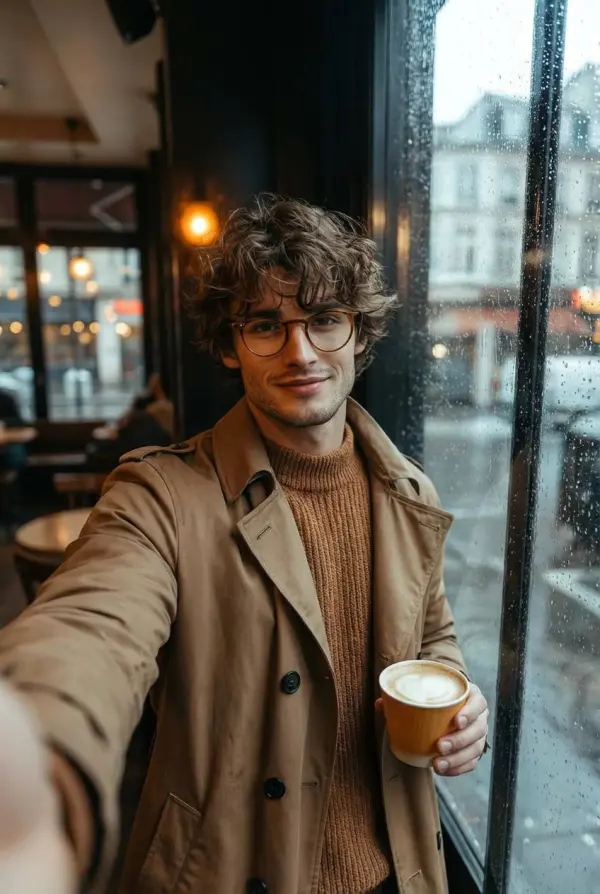
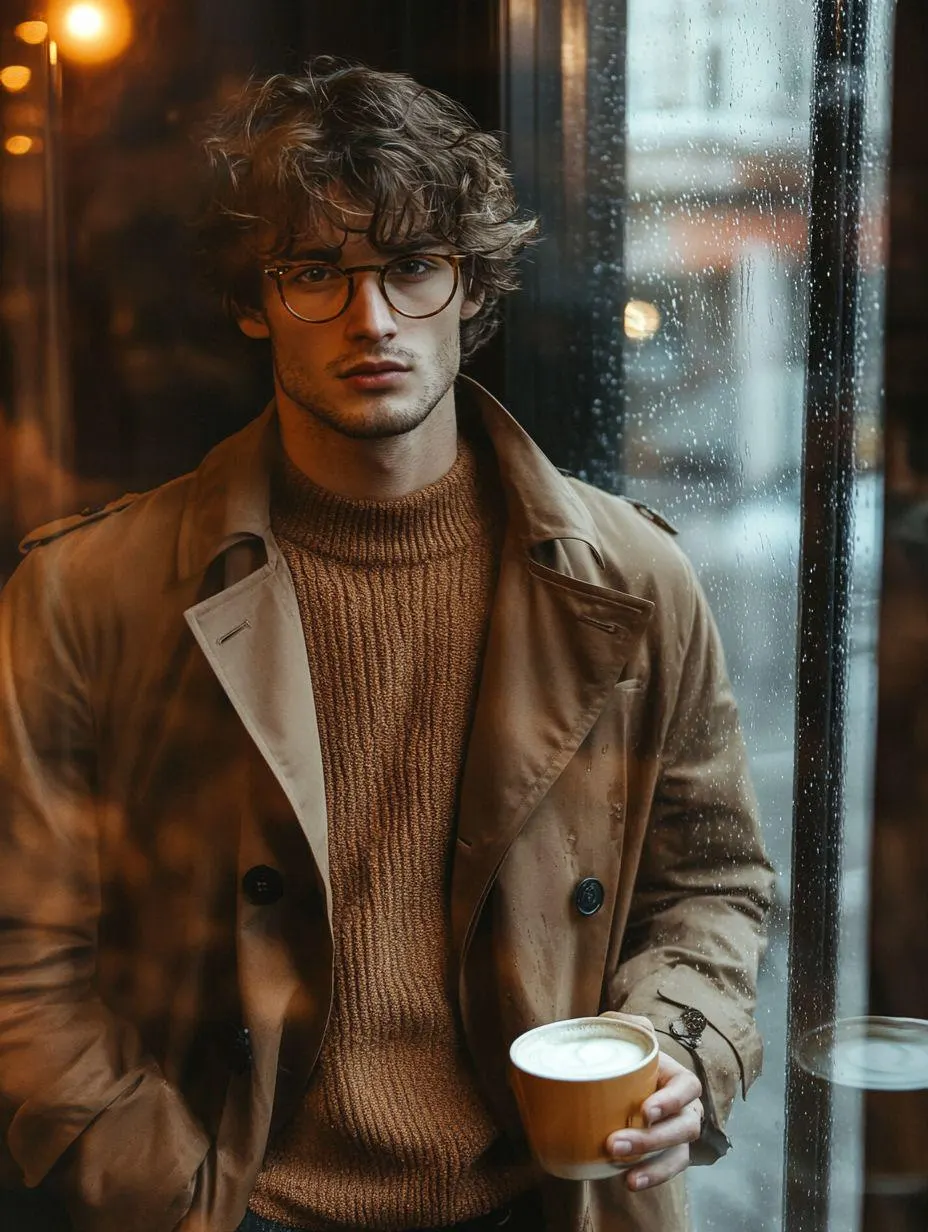
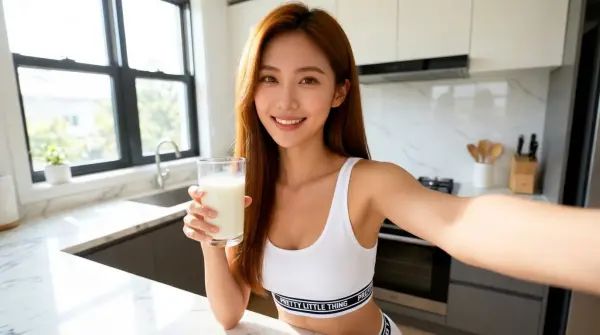
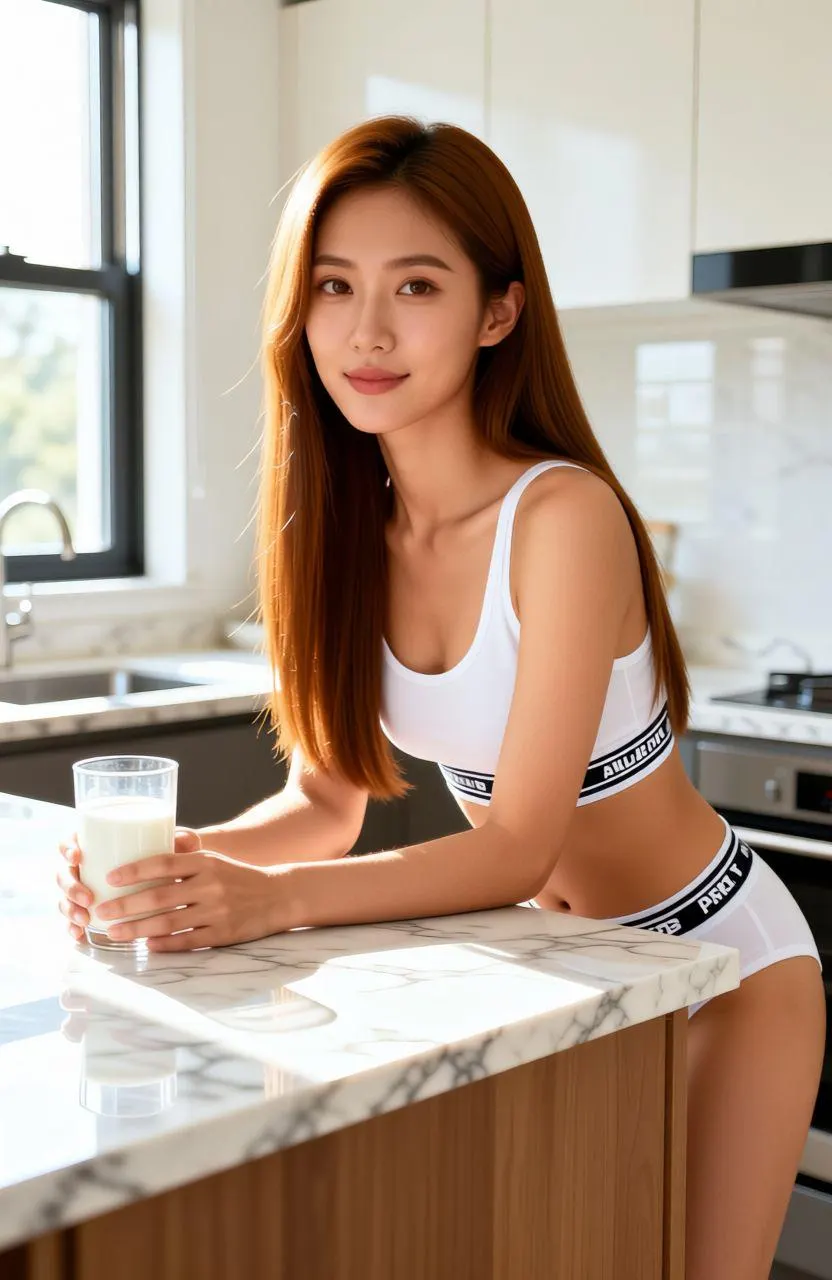
How to Make an AI Selfie in 3 Steps
Upload one portrait, generate a selfie-style version, then download
Upload a Portrait
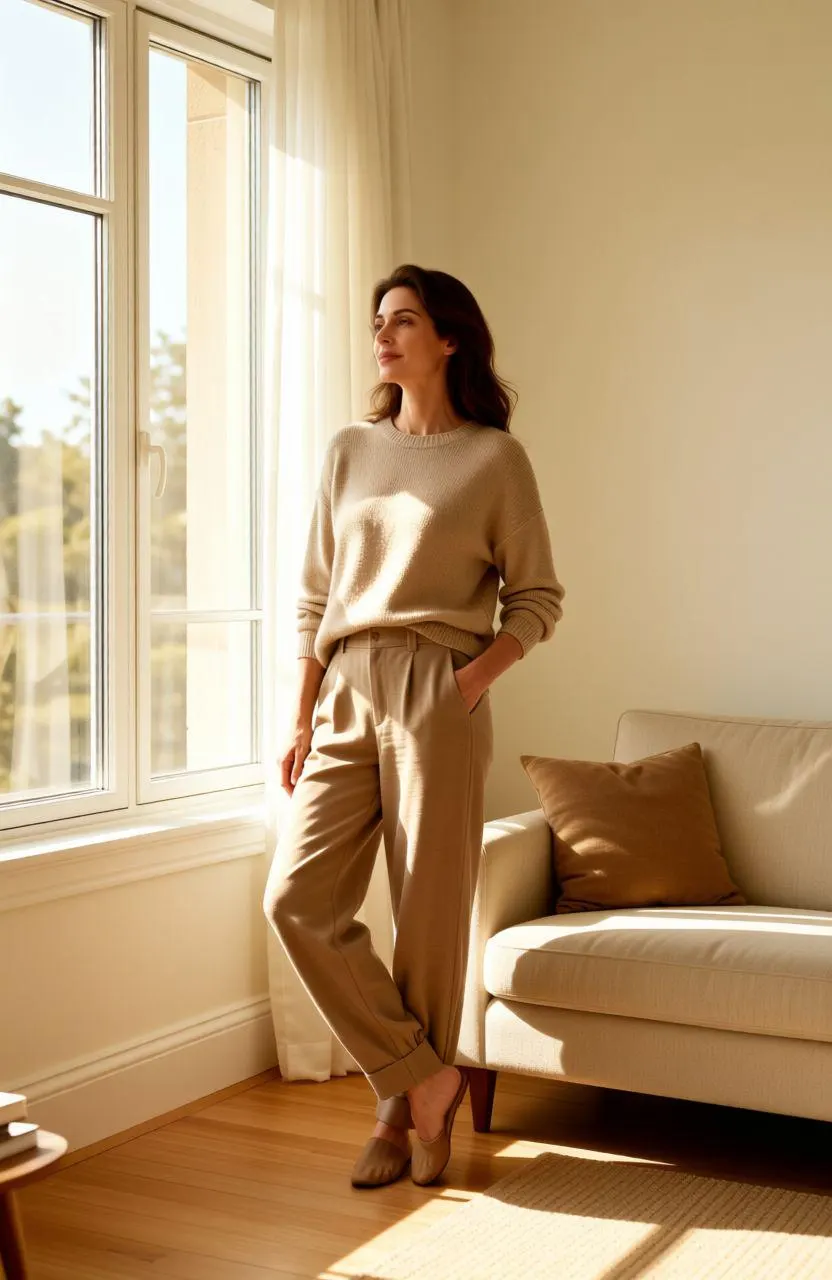
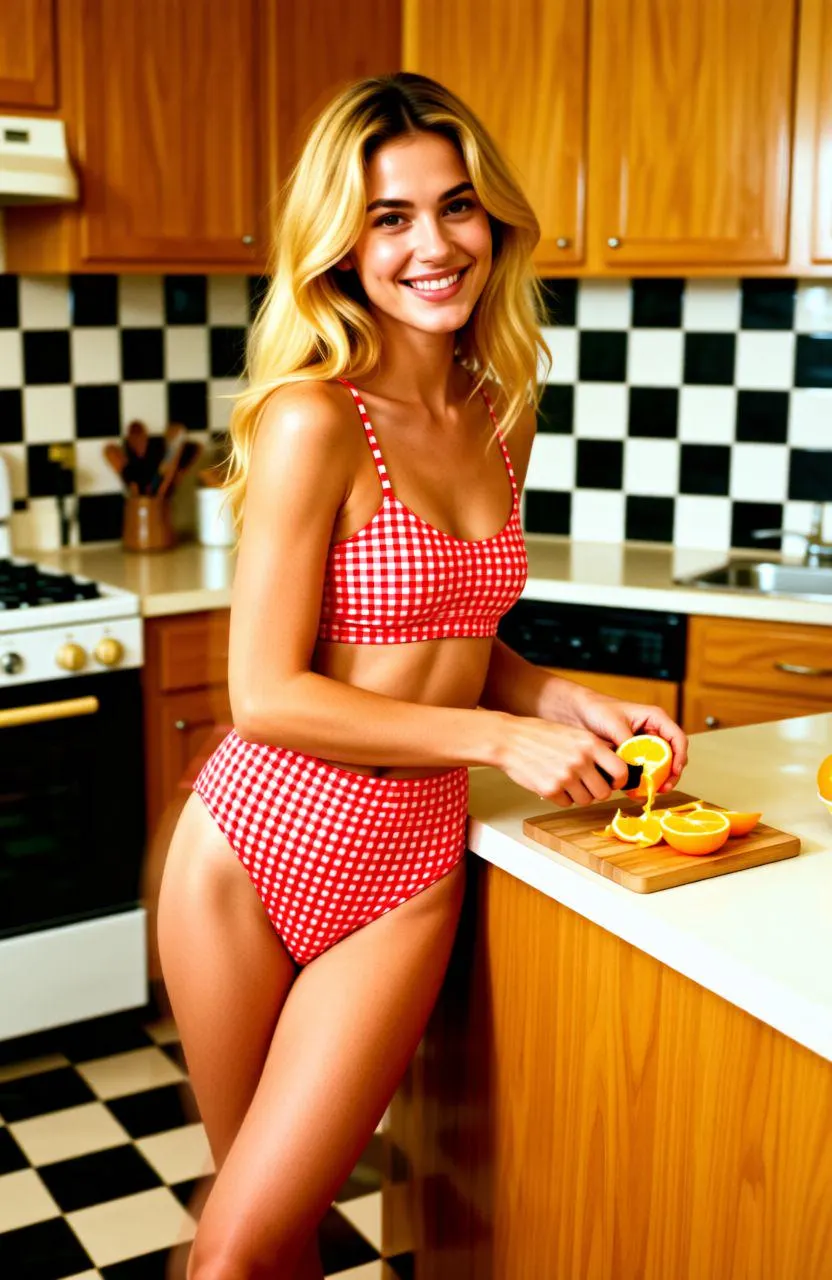
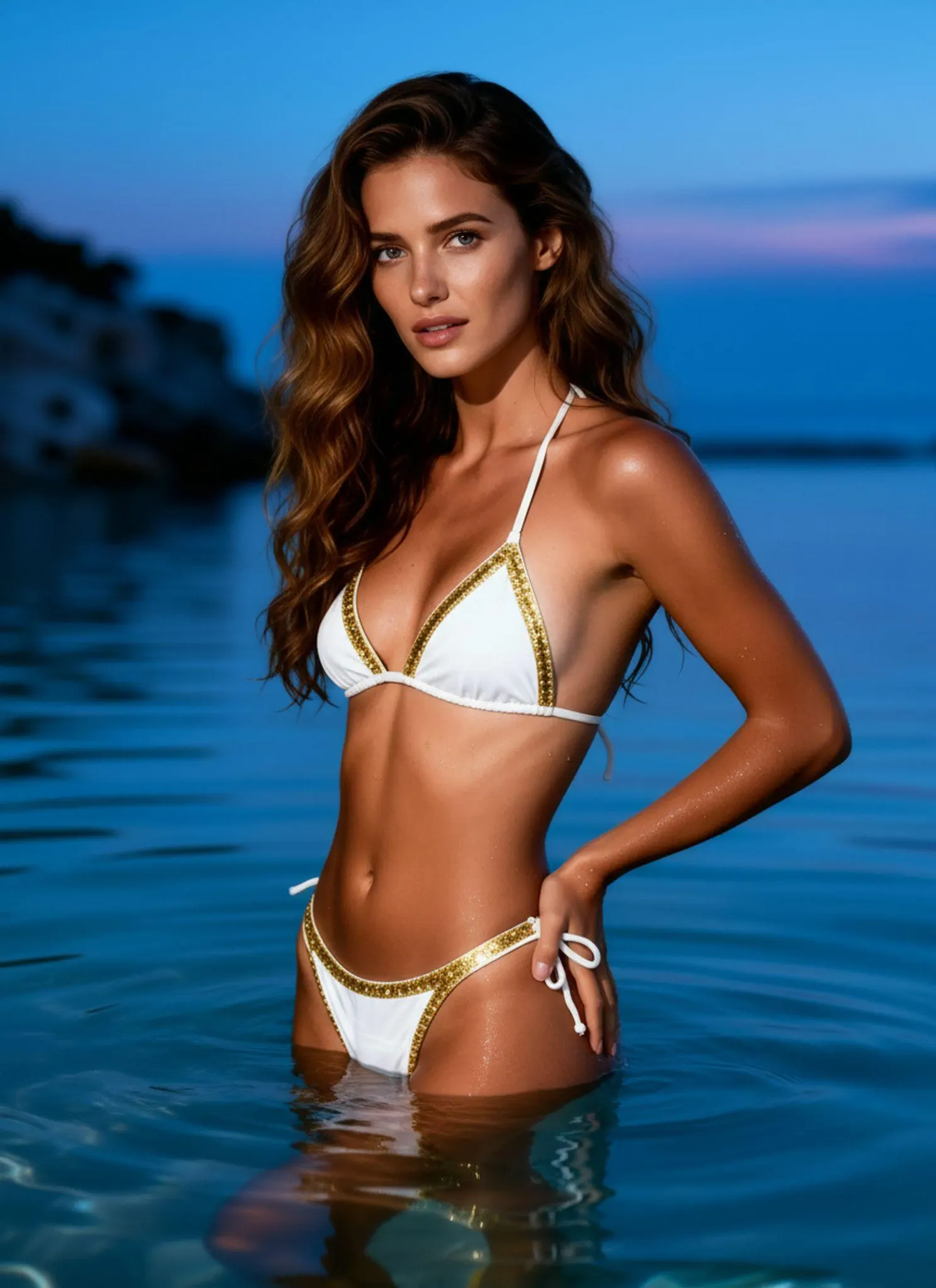
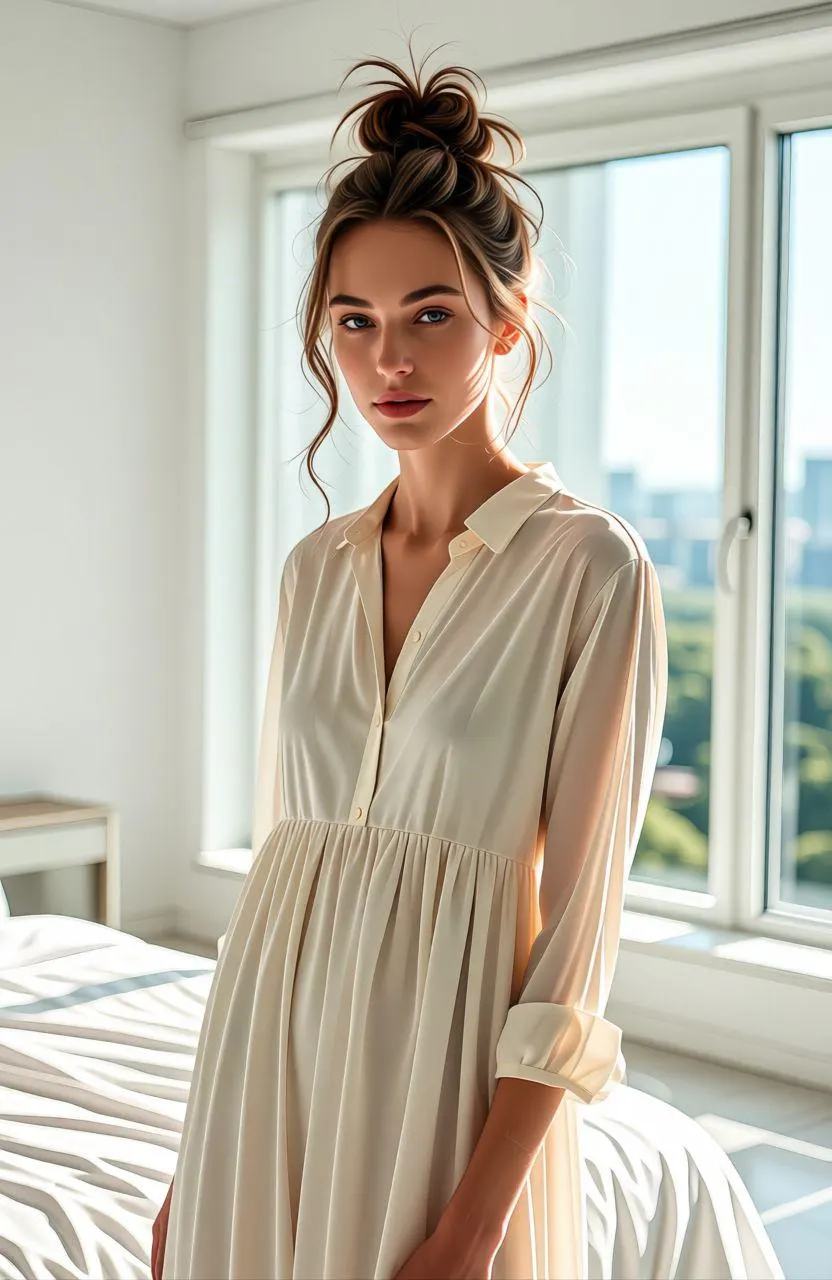
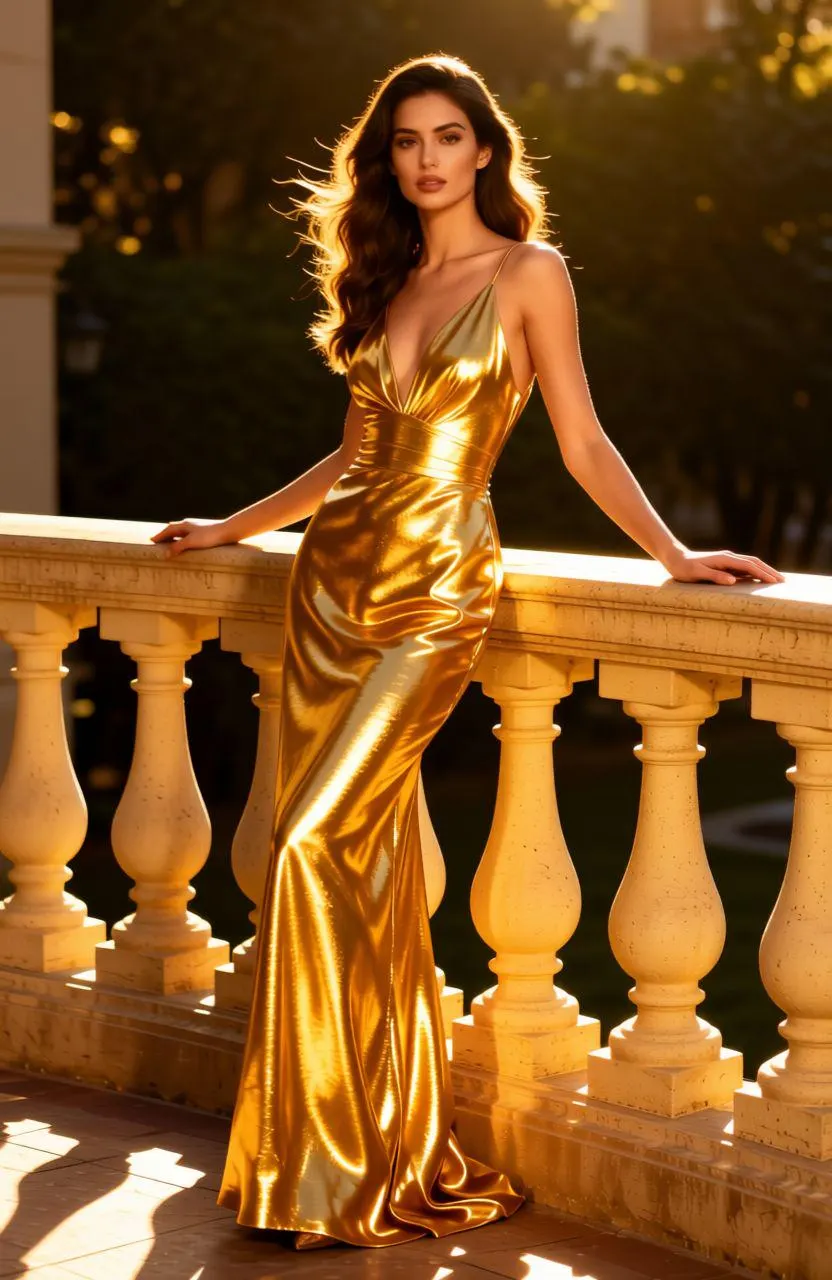
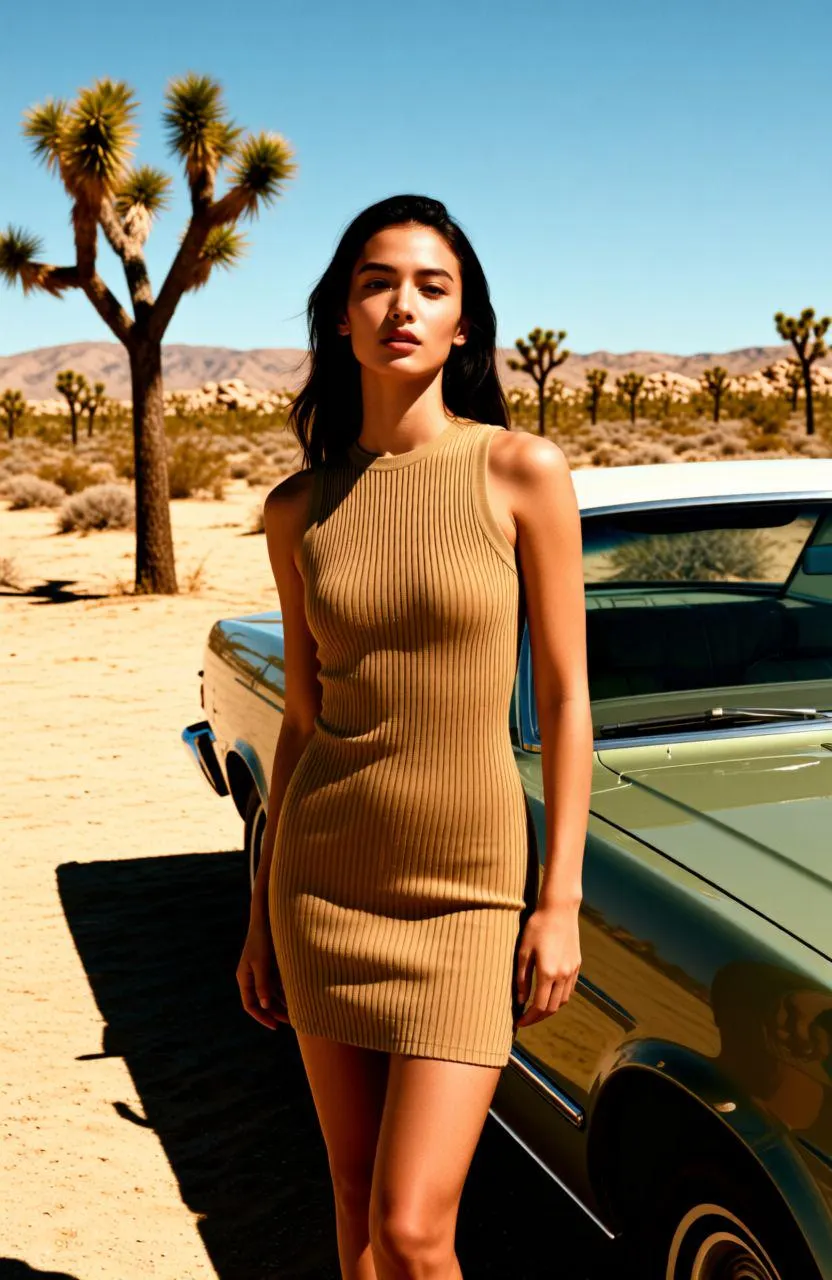
Drop in one front-facing or three-quarter portrait. Headshots, studio photos, casual snaps — all work. PNG, JPG, or WebP up to 10MB. Clear lighting and a visible face produce the cleanest selfie output.
AI Rewrites the Shot as a Selfie
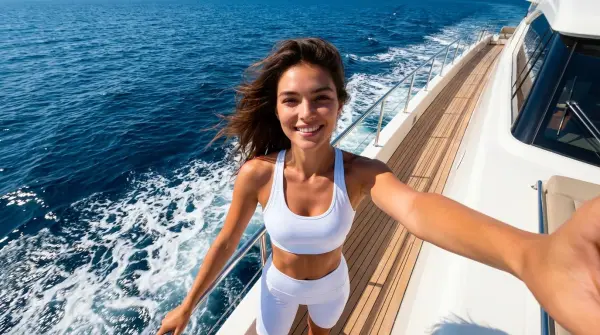
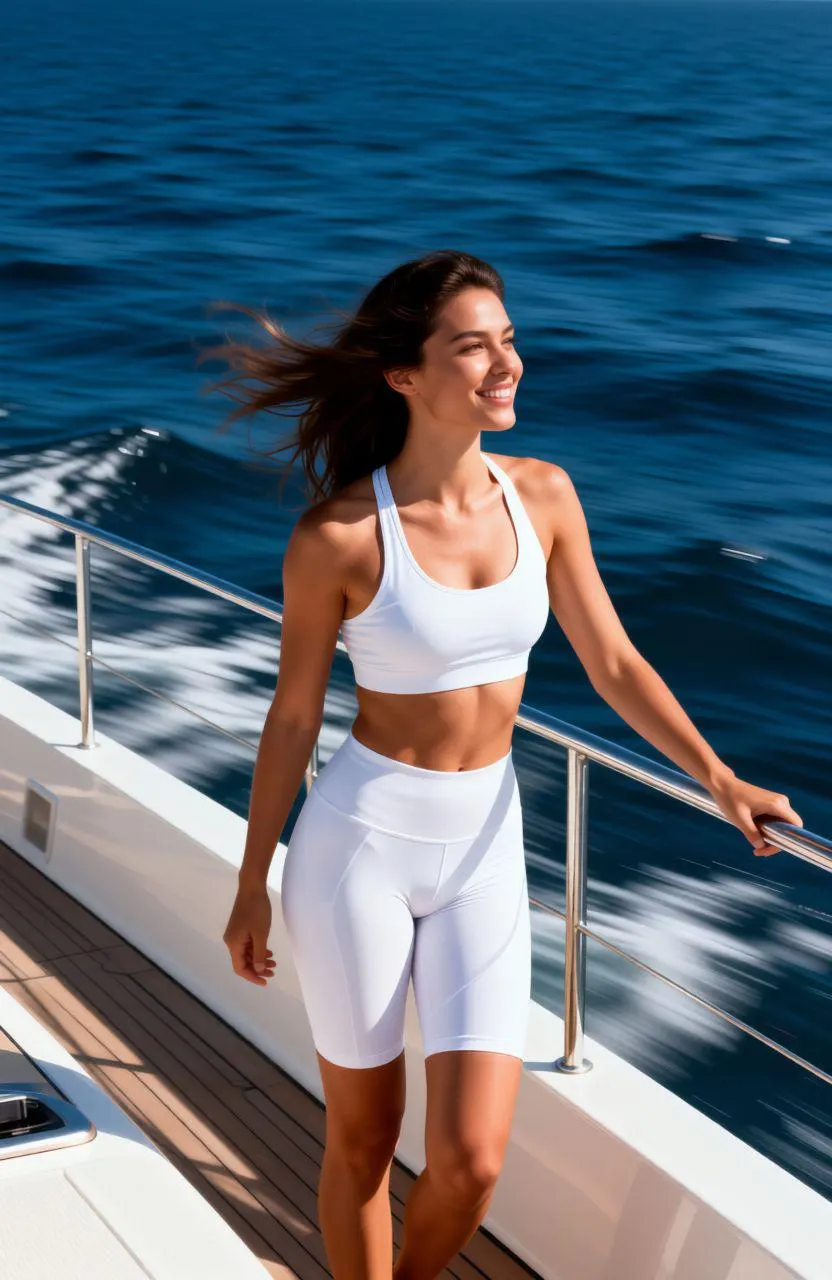
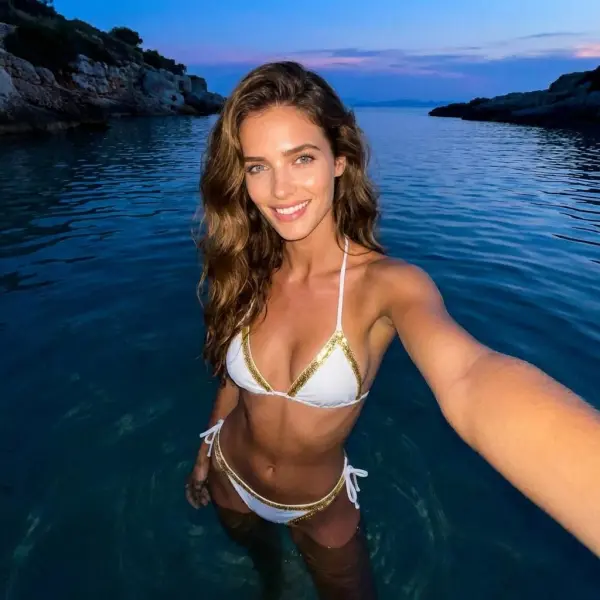
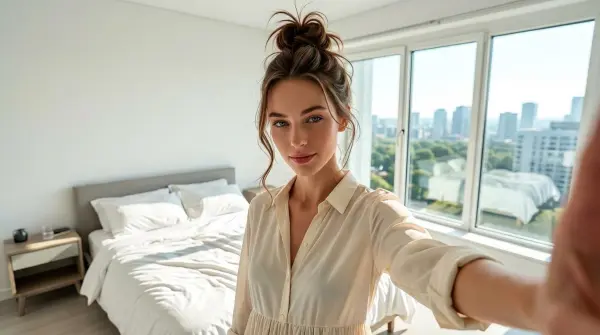
The model adjusts the framing to selfie geometry — closer perspective, slight wide-angle, eyeline above center — and re-renders the surrounding scene to match. The default style avoids showing the phone, so the result reads as a candid arm's-length shot.
Download and Post
Review the result after processing, then save the PNG with no watermark for Instagram, Hinge, LinkedIn, or anywhere a stiff studio portrait would feel out of place.
Why People Pick iMideo for AI Selfies
Real Selfie Look
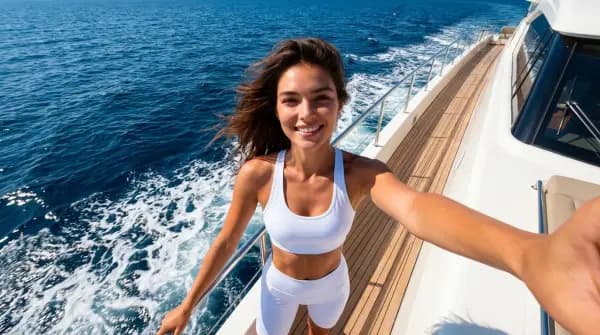
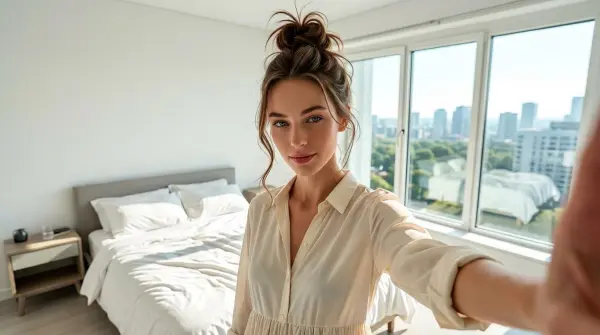
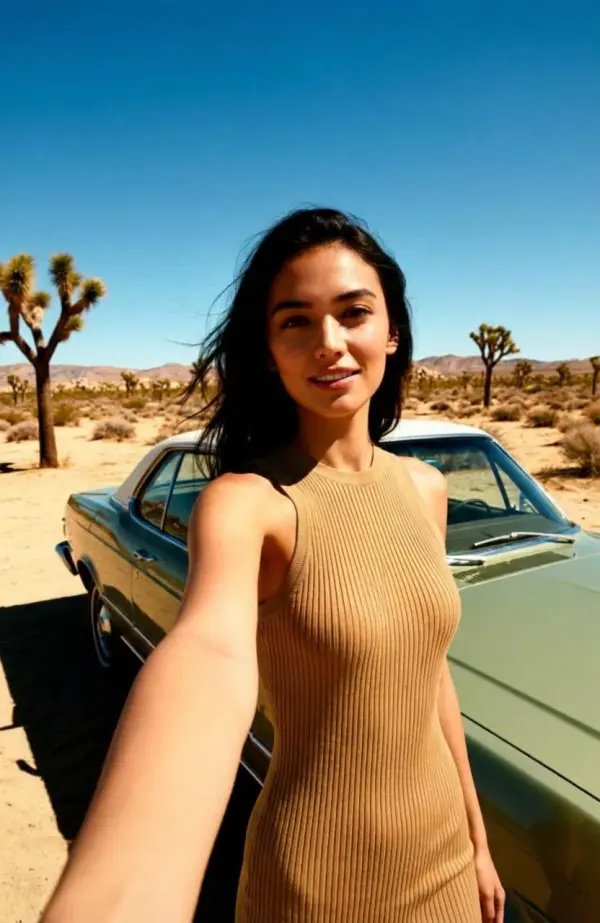
Wide-angle distortion, arm's-length framing, casual eyeline — the photo reads as something taken on a phone, not generated by a model.
Face Stays Recognizable
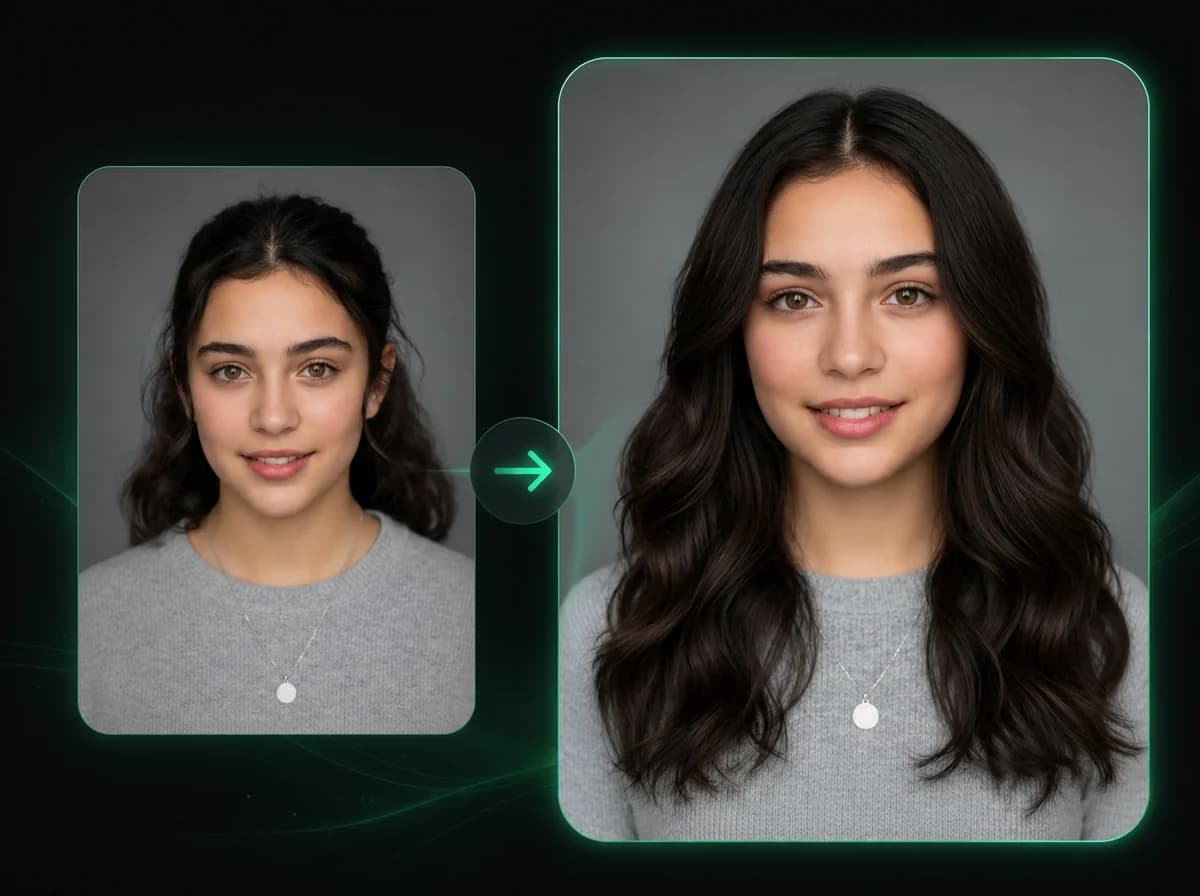
Identity-preserving edit. Eye color, jawline, glasses, and the small details that make a face yours all carry through.
No Phone in Frame
The shot looks arm's-length, but no hand or phone clips the edge. Output reads as a friend's snap, not a self-timer attempt.
Fast Selfie Workflow
Upload a portrait, generate the selfie-style render, and download the result once processing completes.
Photos Not Used for Training
Uploads are processed only to make your render. They are not stored long-term, not used to train models, and not shared with third parties.
Pay Per Render
No subscription, no minimum spend. Buy a credit bundle once and use it whenever a profile needs a fresh selfie. See pricing.
What People Say About iMideo Selfies
Maya R.
Hinge User
Half my profile was studio shots from a friend's photography portfolio. They felt cold. Ran two through this and the profile finally had a casual photo mixed in with the polished ones.
Jin H.
Content Creator
I shoot one batch a quarter and stretch it across socials. Running the hero shots through this tool gives me a stack of casual-looking selfies for Stories without doing a second shoot. The face stays consistent enough that nobody noticed.
Priya N.
Career Coach
I tell clients their dating profile needs a mix of polished and casual. They usually only have polished. We run a few through this and now their profile reads as a real person, not a stock photo audition.
Tom B.
Recruiter
I help candidates polish profiles. A LinkedIn shot is fine for LinkedIn but kills any other context. I show them this tool, they leave with three selfie variants for the rest of their socials.
Rohan S.
Indie Game Dev
I needed a friendly-looking author photo for the Steam page. My existing headshot looked like a passport. Ran it through here, got a casual selfie version, dropped it in. Comments stopped feeling formal.
Elena K.
Travel Blogger
When I land in a city, I often do not have time to set up a tripod. I take one decent portrait, run it through this, and post a selfie-style version that fits my feed aesthetic. It cuts down the bracket-and-tripod routine.
Marco D.
Speaker Coach
Speakers send me their conference headshot for promo material. The conference shots are fine for the agenda page but look weird on Instagram. We run them through this so the speaker has a matching casual version.
Anya L.
Cosplayer
Convention photographers shoot beautiful tripod portraits. I want the casual version for Stories. This gives me an in-character selfie of the same costume without me asking the photographer to redo the shot in a different mode.
Ready to Generate Your Selfie?
Upload one portrait and get an iPhone-style wide-angle selfie with face preservation, phone-free framing, and no watermark.