
AI Bald Filter: See Yourself Bald Before You Shave
Upload a portrait and see what you would look like bald or with a buzz cut. Your face, beard, and background stay the same.
Click to upload image
PNG, JPG, WebP · Max 10MB
What Is an AI Bald Filter?
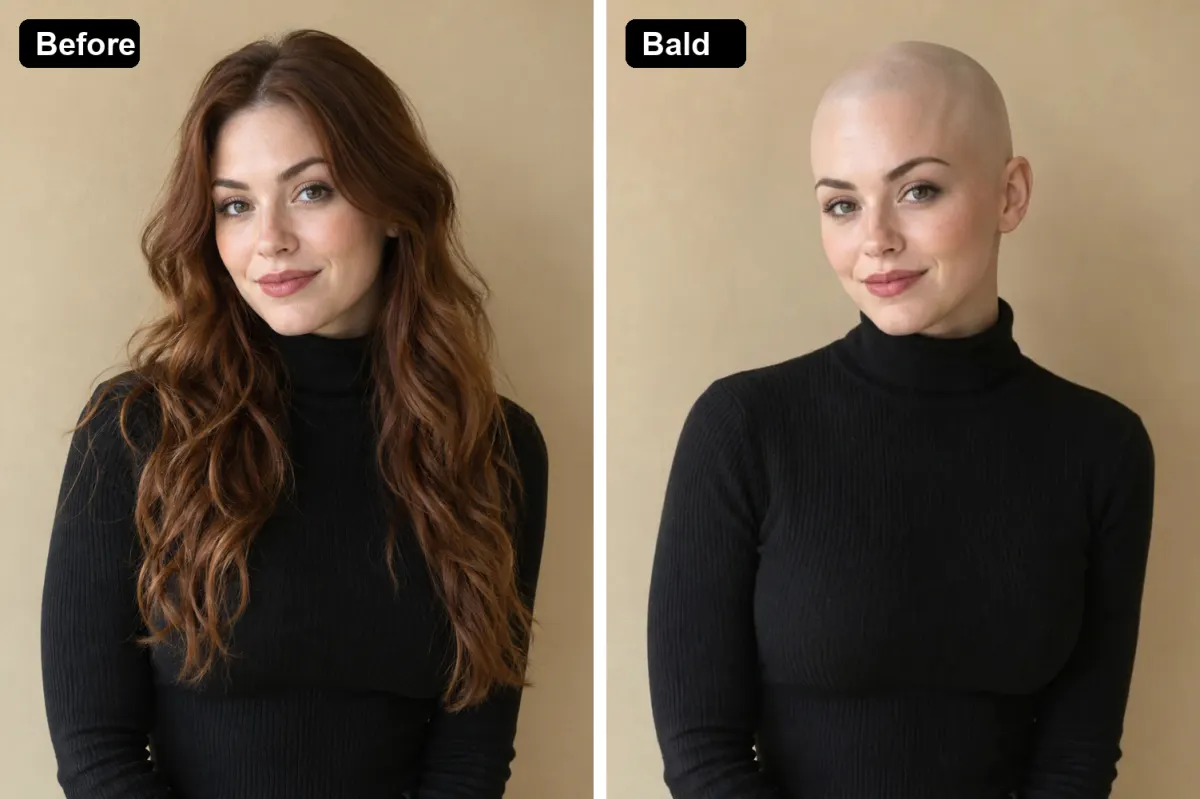
An AI bald filter removes the hair from a portrait and puts a realistic bare scalp in its place, so you can see what you would look like bald. On iMideo you upload one photo, pick Bald or Shaved Head, and the AI redraws the top of the head. Your face, eyebrows, beard, skin tone, clothes, and background stay as they were. Snapchat and Instagram bald lenses run on a live camera. This one edits a photo you already have and gives you an image file you can keep. People use it to settle the "what would I look like bald?" question before shaving, before chemo, or before paying off a bet. If you would rather keep some hair, the AI Hairstyle Changer tries 20 other cuts on the same photo.
How to Make Yourself Bald in a Photo
Three steps: upload a portrait, choose bald or shaved, then download the result.
Upload a Clear Portrait
Use a photo where your whole head and hairline are visible. Front-facing shots in even light give the cleanest scalp. PNG, JPG, or WebP up to 10MB.
Pick Bald or Shaved Head
Bald removes all hair for a smooth scalp. Shaved Head leaves a very short, even stubble, like a number 1 clipper. Eyebrows and facial hair are kept in both.
Compare and Download
Check the result next to your original, then download the image. Try the other option on the same photo if you are torn between smooth and stubble.
Thinning Hair? See the Clean-Shaven Version First
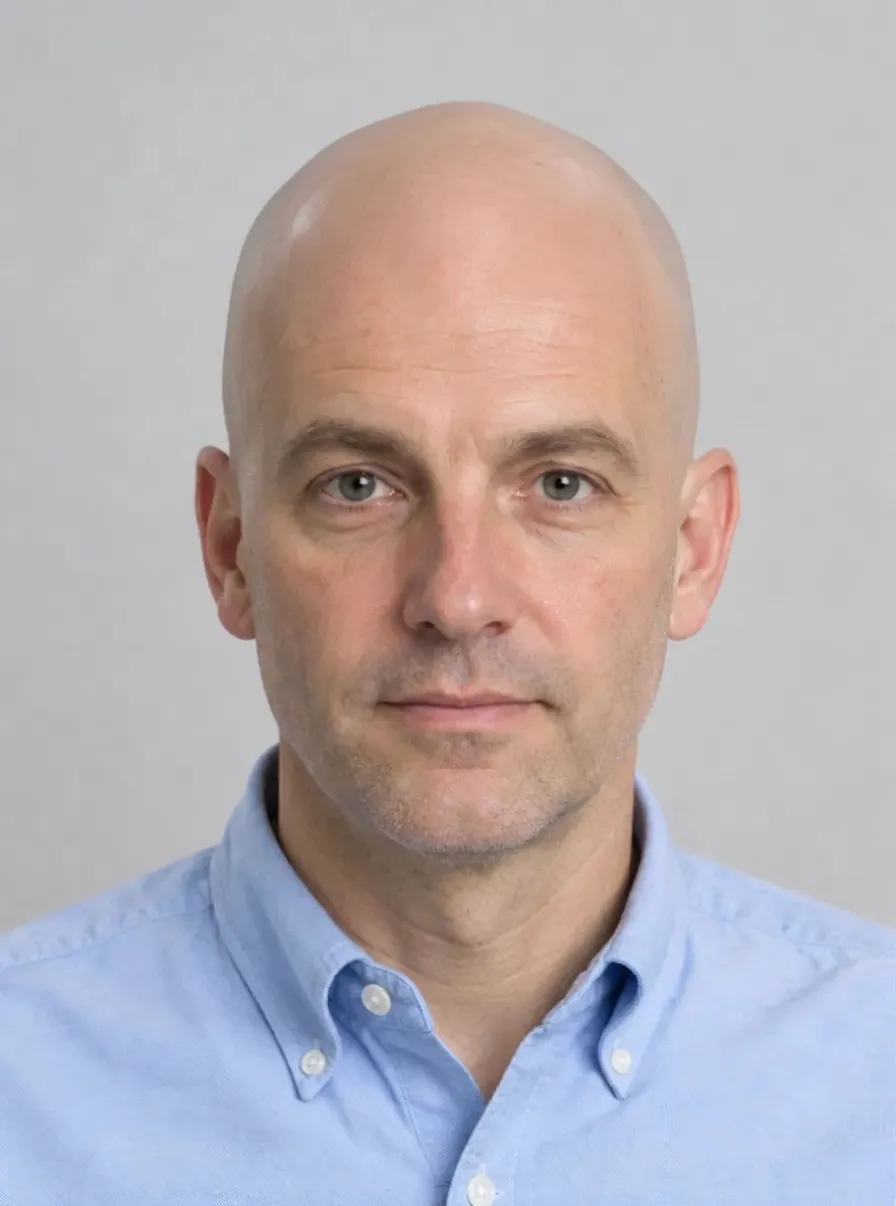
Once the hairline starts going back, the question comes up: shave it all off, or keep fighting it? Run your current photo through the bald filter and put the two side by side. Plenty of men find the bald version looks sharper than they expected. If it does not suit you, you found out without a month of regrowth.
Works on Long Hair and on Women Too
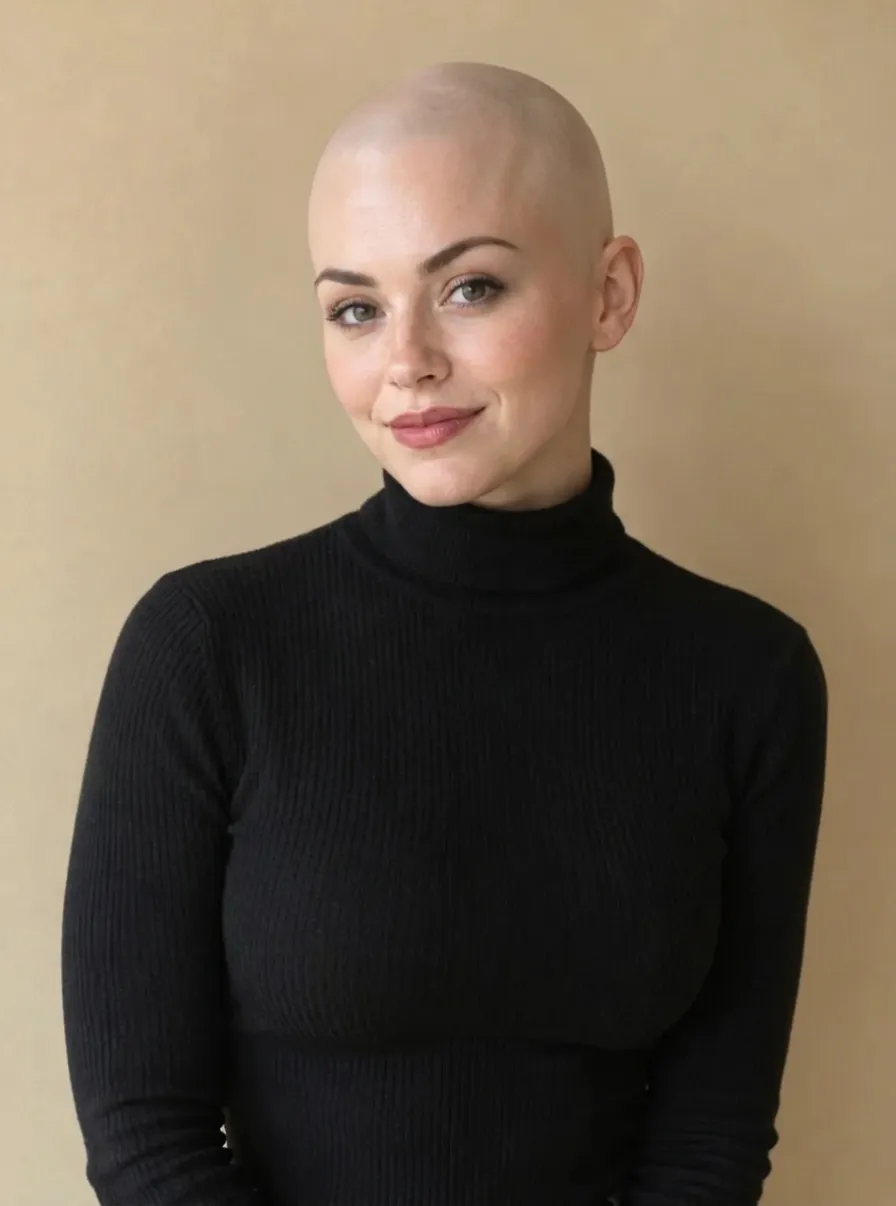
Long, thick, or curly hair is the hard case. The AI has to invent the scalp, ears, and head shape the hair was hiding, and cheap bald apps usually leave a flat, cut-out look here. This filter rebuilds the skull line and neck so the head sits on the shoulders. It gets used before charity head shaves, before chemotherapy, and for before-and-after posts.
Shaved Head Option: Stubble Instead of Shine
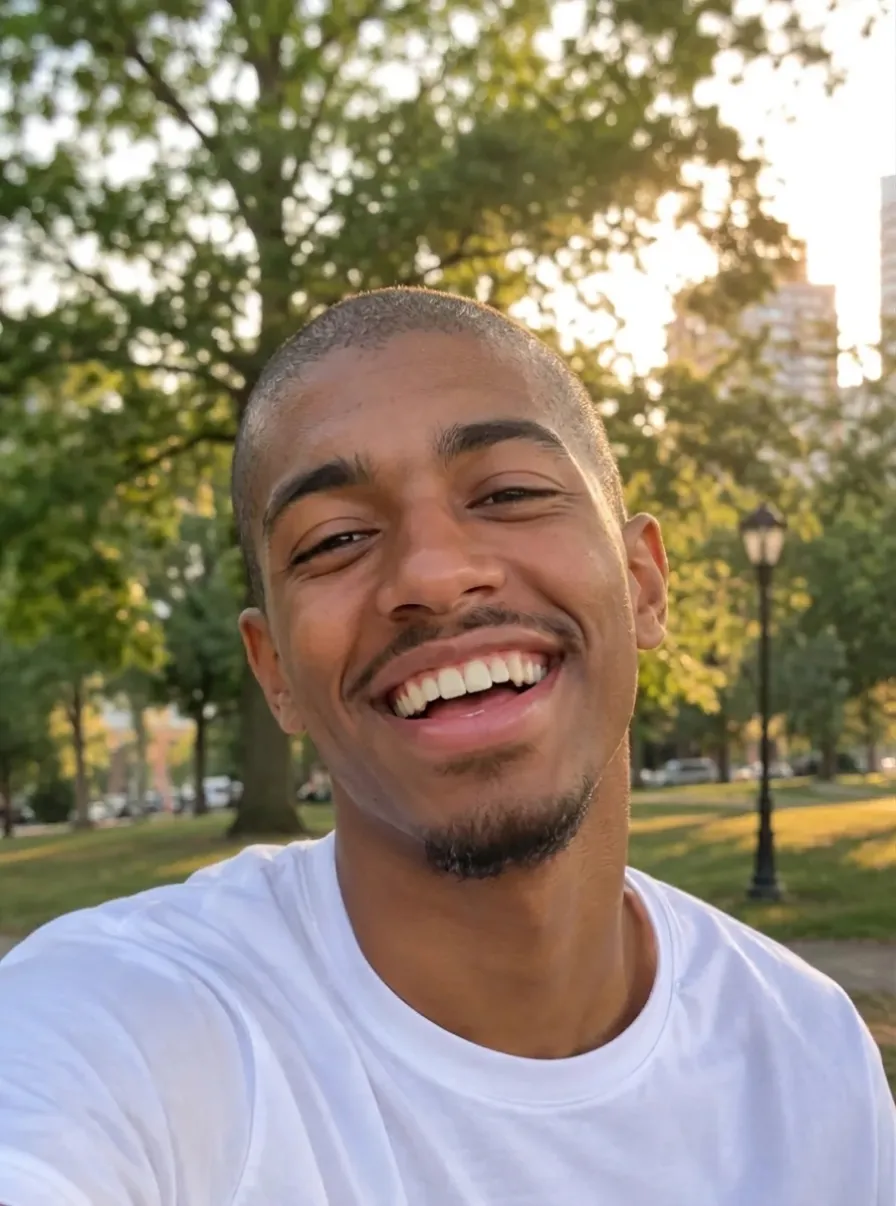
Not everyone wants a shiny dome. Shaved Head leaves a short, even stubble, about what you have the first week after a number 1 clipper. On dark or textured hair it usually looks more natural than fully bald, and it is closer to what a barber means by buzzed down.
Same Face, Same Smile, Same Room
Only the hair changes. Your expression, wrinkles, glasses, jewelry, clothes, and the room behind you stay put, so the photo still looks like you on that day. That helps when you send it to a partner or a barber: the haircut is the only thing they are judging.

Why Use the iMideo Bald Filter
Two Looks: Bald or Shaved
Use it as a bald head filter for a smooth scalp, or pick a short stubble shave. Running both on one photo takes two tries.
Keeps Your Eyebrows and Beard
Only the hair on top of the head is removed. Brows, beards, and moustaches stay exactly where they were.
Uses a Photo You Already Have
No live camera lens needed. Upload a selfie, a passport-style shot, or an old photo from your camera roll.
Rebuilds the Head Shape
With long or curly hair, the AI fills in the ears, skull line, and neck so the head does not look pasted on.
Full-Size Download
Save the result as an image file for messages, social posts, or a printout to bring to the barber.
Private by Default
Your upload is used for your own job, and the result shows up in your task history, not a public gallery.
What People Say After Trying It
Daniel R.
Shaved after 3 years of thinning
I had been on the fence for years. Seeing myself bald next to my current photo made it obvious: the shaved version looked better. I booked the barber the same afternoon.
Sophie M.
Before chemotherapy
My oncologist said my hair would go within weeks. Seeing the bald version of my own face before it happened took a lot of the fear out of it.
Marcus T.
Barber
Clients who are nervous about a full shave get a lot calmer once they see a preview on their own head. I keep the link handy.
Aisha K.
Charity head shave
I used the before and after on my fundraiser page. Donations picked up once people could picture what I was actually going to do.
Leo P.
Content creator
My bald edit got more replies than anything I posted that month. The ears and neck actually look right, which is where most bald apps fall apart.
Grace H.
Lost a bet
Our office bet was whoever loses shaves their head. I previewed it first and decided I could live with losing. I lost.
Tom W.
Comparing bald vs buzz
I ran both options on the same photo. Fully bald looked too shiny on me, the stubble version looked right, so that is what I told my barber.
Nina F.
Gift for my dad
Dad kept saying he would never shave. I showed him the bald version of his photo at dinner and he went quiet, then asked where he could get it done.
Bald Filter FAQ
1What is a bald filter?
A bald filter is a photo effect that removes the hair from a person's head and shows a bare scalp in its place. The iMideo version works on an uploaded photo and keeps the face, eyebrows, beard, clothing, and background unchanged.
2How can I see what I would look like bald?
Upload a clear front-facing portrait to the AI bald filter on this page, choose Bald, and download the result. Comparing it next to your original photo is the quickest way to see what you would look like bald before shaving.
3What is the difference between Bald and Shaved Head?
Bald gives a smooth, fully hairless scalp. Shaved Head leaves a very short, even stubble, similar to a number 1 clipper cut. Try both on the same photo to compare.
4Does the bald filter work on women and long hair?
Yes. The AI rebuilds the head shape, ears, and neckline hidden under long or curly hair, so it works for women and men with any hair length.
5Will it remove my beard or eyebrows?
No. Only the hair on top of the head is removed. Eyebrows, beards, and moustaches are kept.
6Is the bald filter free?
Most new accounts get free starter credits, enough for a first try (not available in every country). After that, each image uses credits from a plan or credit pack. See the pricing page for current options.
7Is this the same as the Snapchat or Instagram bald filter?
It answers the same question, but Snapchat and Instagram lenses run on a live camera. This bald filter edits a photo you upload and gives you a full-size image to save and share.
8What kind of photo works best?
A sharp, front-facing or slightly angled portrait with the full head in frame and even lighting. Hats, heavy shadows, or a cropped forehead make the scalp harder to rebuild. If you only want a new color rather than no hair, use the AI Hair Color Changer instead.
9Are my photos kept private?
Your upload is used to generate your result and appears only in your own task history. It is not posted to a public gallery.
10Can I use the result for social media or a fundraiser?
Yes, you can download the result and use it for posts, messages, or a charity head-shave page. Only upload photos of yourself or people who have agreed to it.
Other Image AI
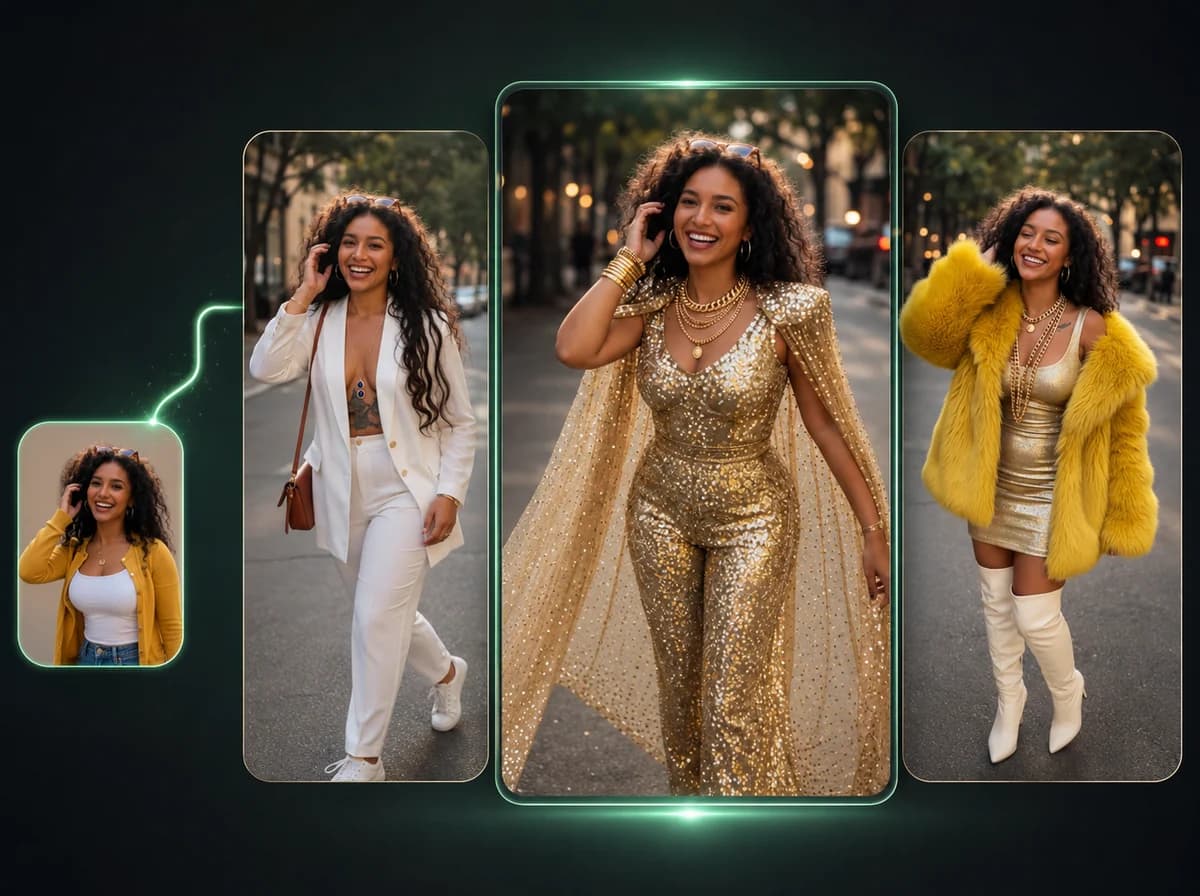
AI Outfit Generator
Generate a completely new outfit on any photo — face and pose stay unchanged.
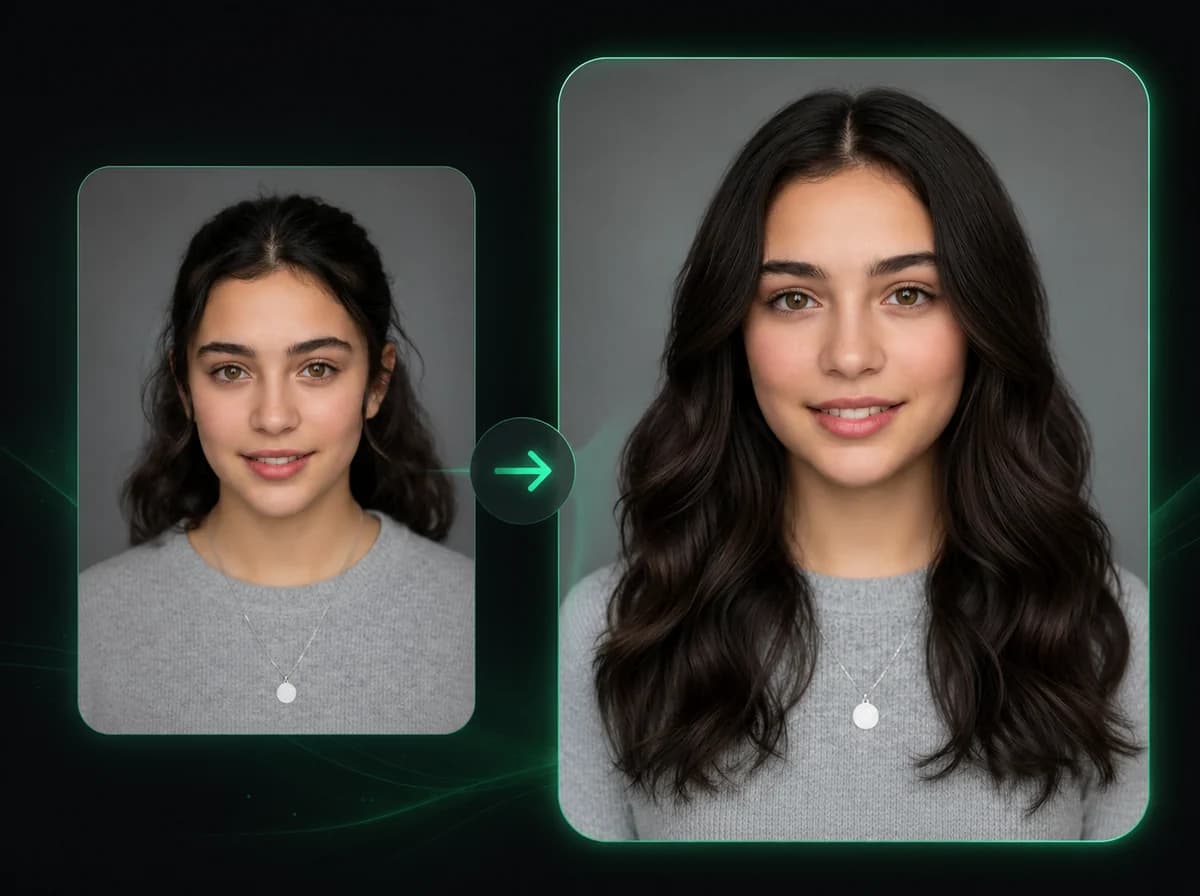
Hairstyle Changer
Swap any hairstyle on a portrait photo — 20 styles for women and men, 4 credits each.
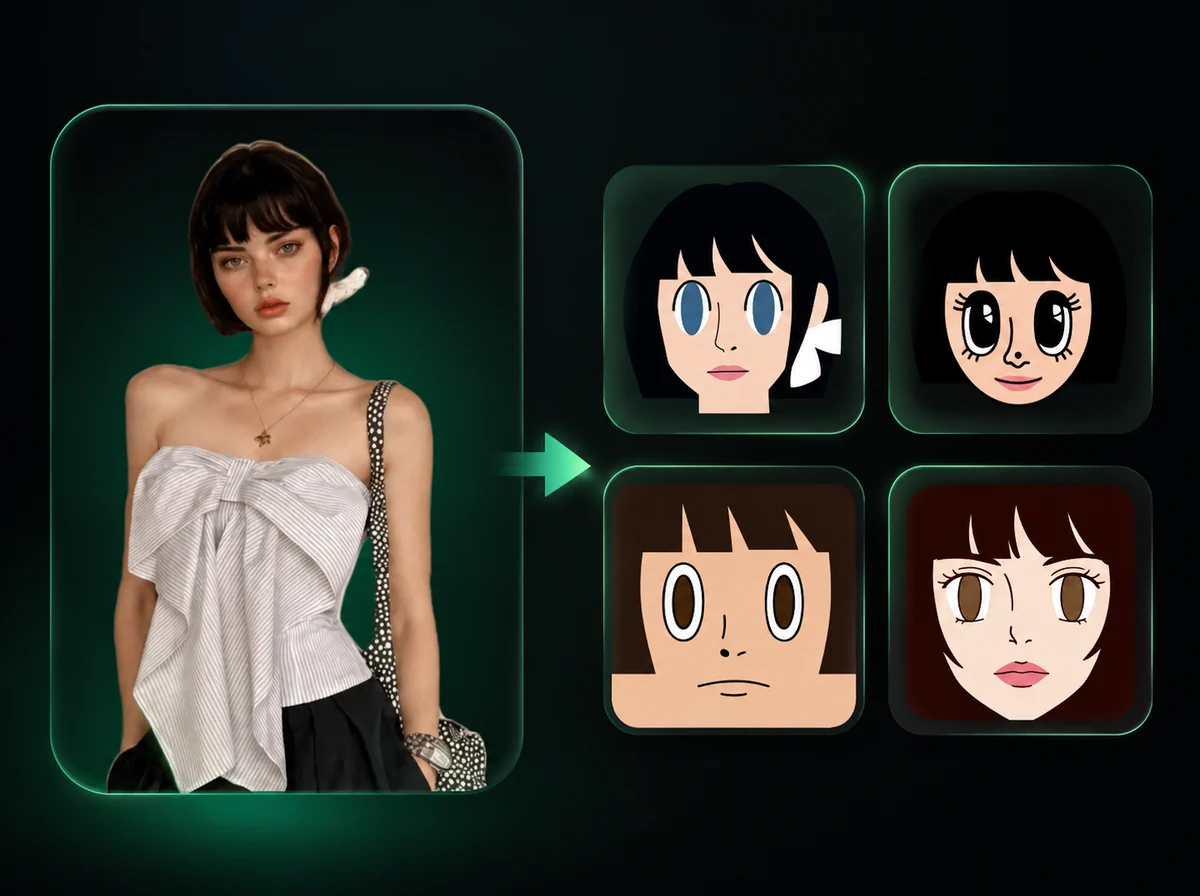
Square Face Icon Generator
Turn any portrait into a clean square face icon — perfect for Discord, social media, and app avatars.
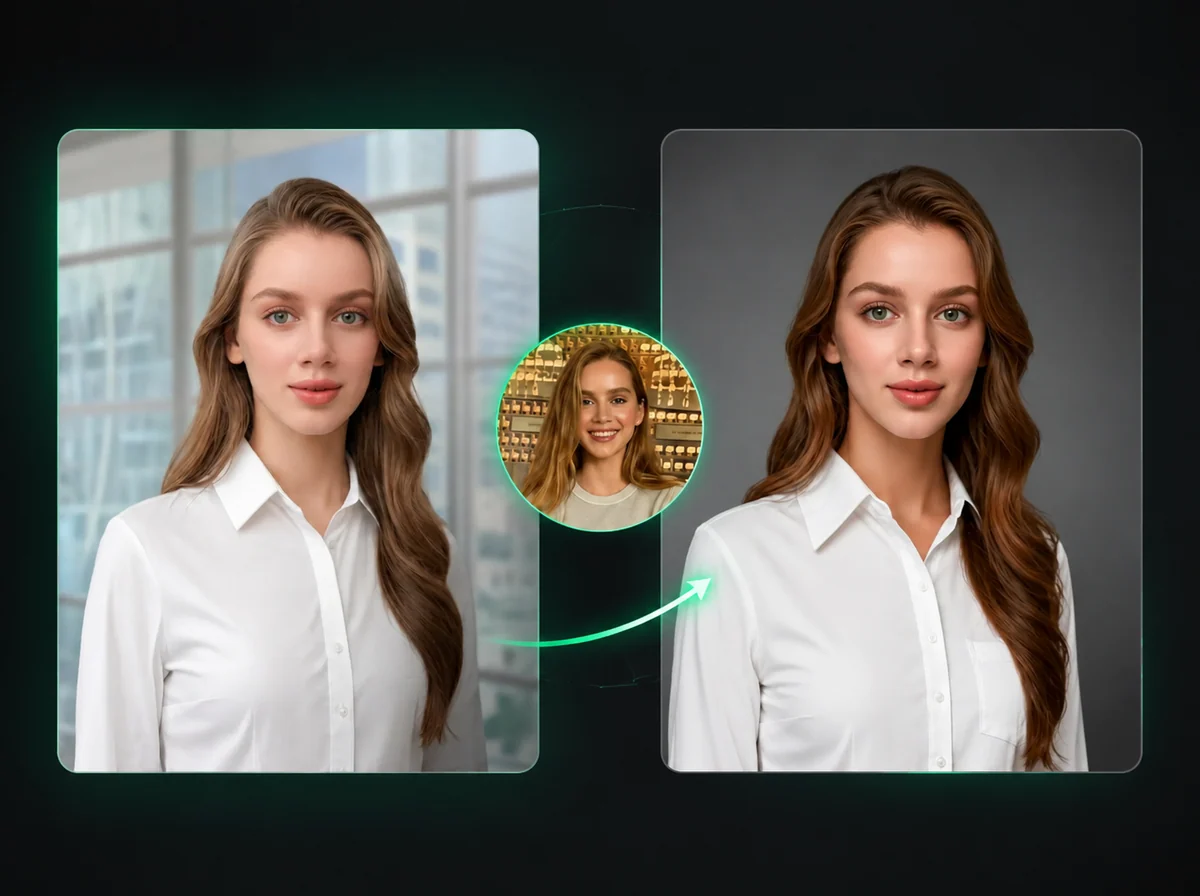
Headshot Generator
Turn any portrait into a professional headshot — passport, visa, and ID card styles with custom background and attire.
Find Out If Bald Suits You
Upload one portrait, pick Bald or Shaved Head, and see the clean-shaven version of yourself before you pick up the clippers.