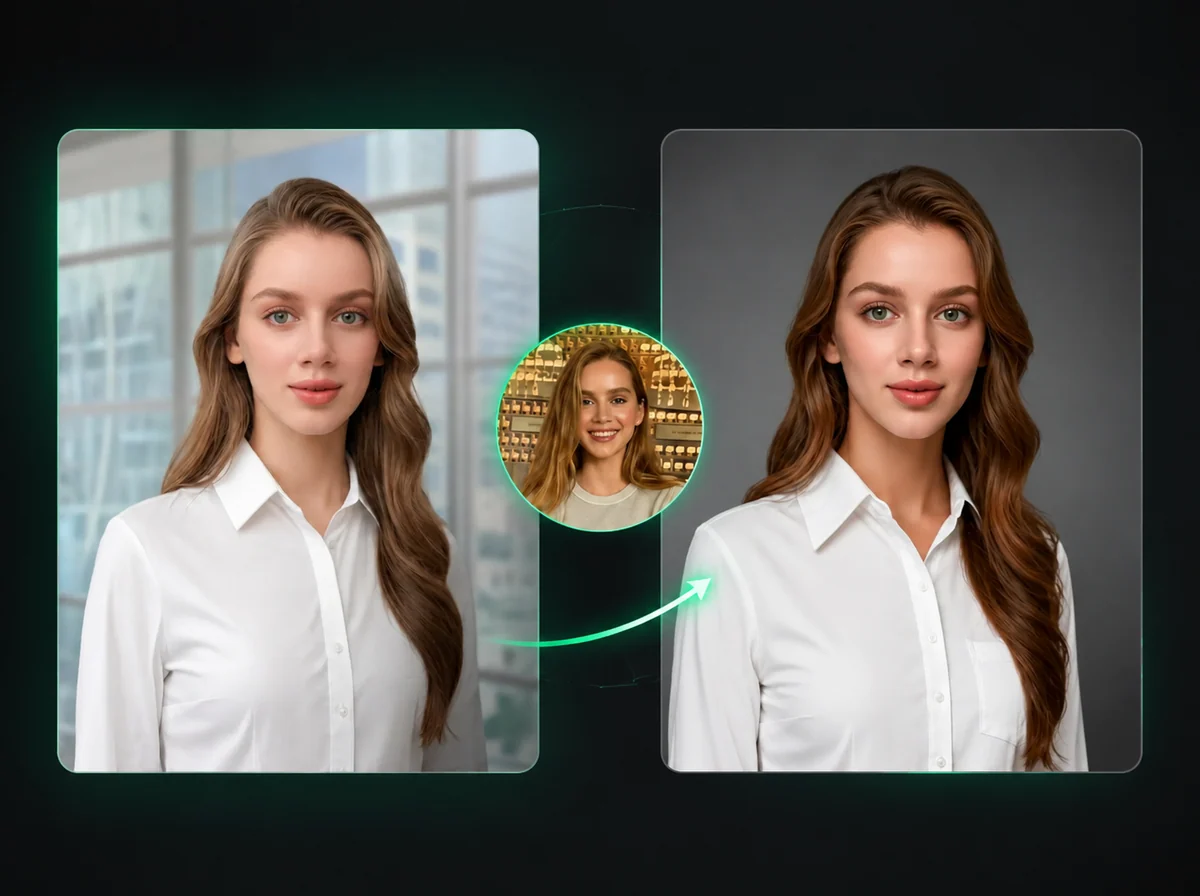
AI Hair Color Changer — Pick from 18 Shades, Keep Your Style
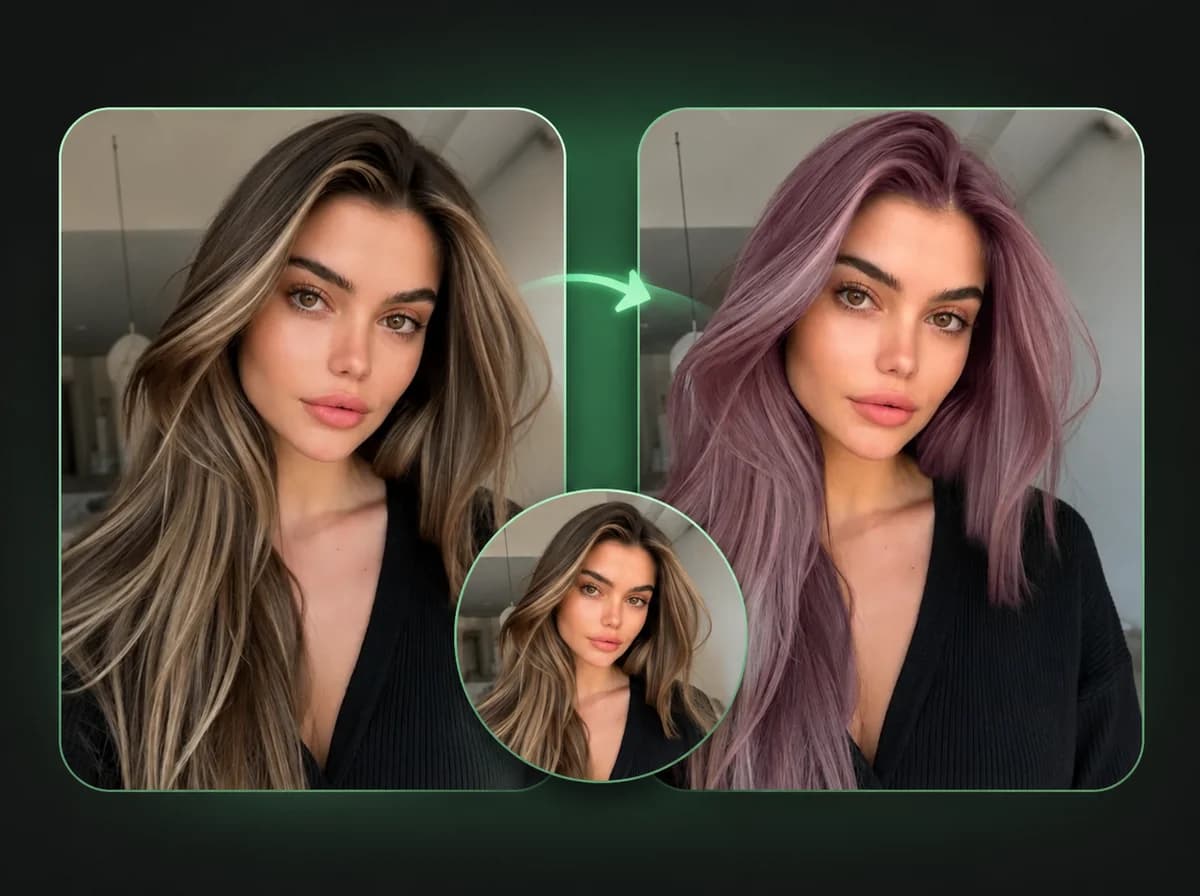
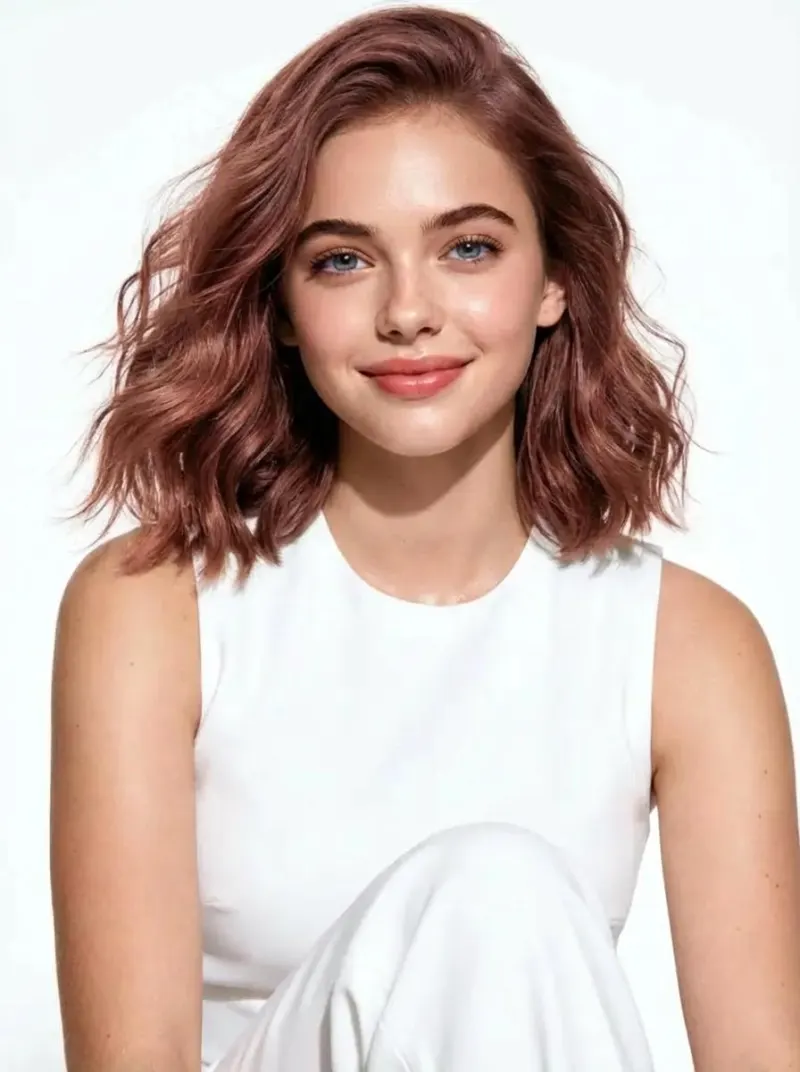
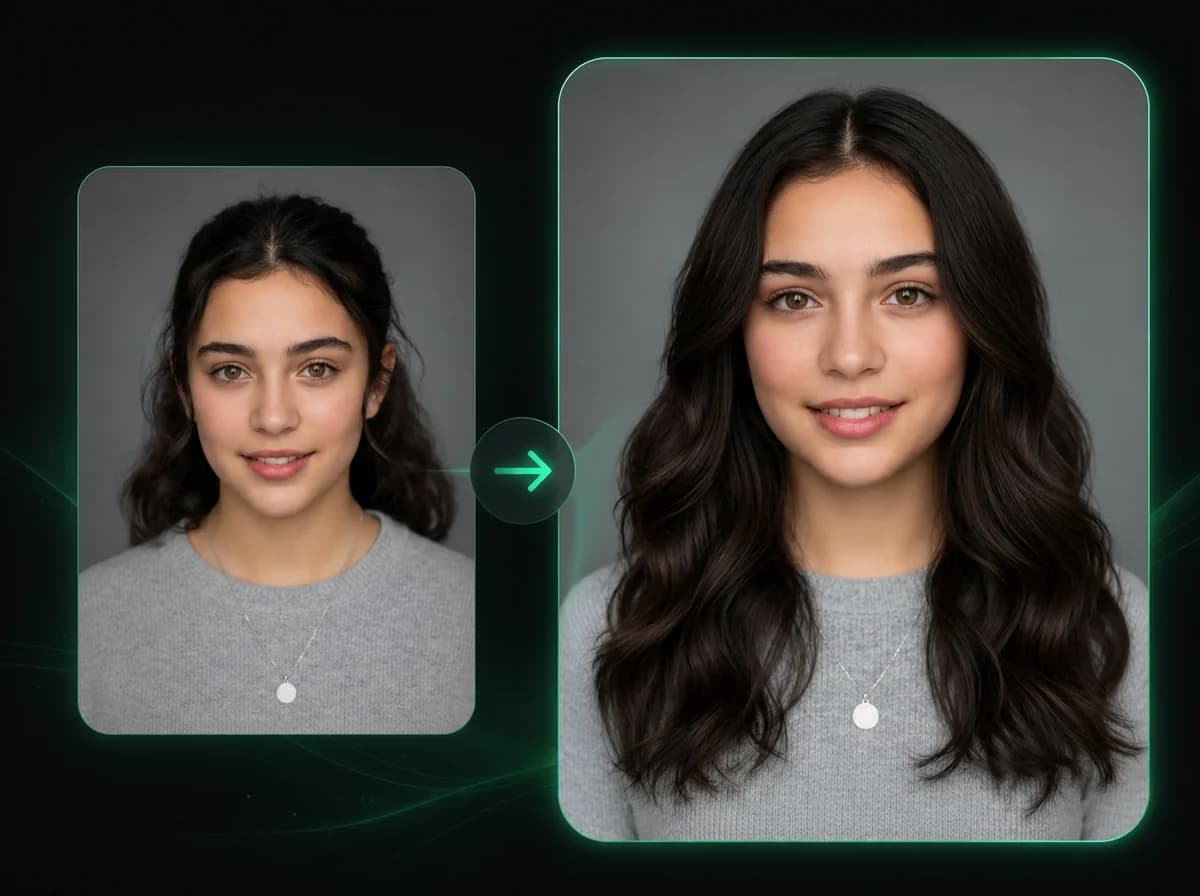
Upload a portrait and preview 18 AI hair colors while keeping your face, hairstyle, clothing, and background consistent.
Click to upload image
PNG, JPG, WebP · Max 10MB
How to Change Hair Color in 3 Steps
Upload a photo, pick a color, then download the generated result.
Upload Your Photo
Upload a portrait or photo with clearly visible hair. PNG, JPG, and WebP are supported up to 10MB. Both straight-on and angled shots work well.
Pick a Hair Color
Select from 18 colors — natural shades like dark brown, auburn, and platinum blonde, or bold choices like pink, blue, purple, or teal. Use Random if you want the AI to surprise you.
Download the Result
Download the generated hair color result when processing finishes. No brush masking or manual retouching is required.
Why Use iMideo's AI Hair Color Changer?
Built for anyone who wants to explore a new look without the commitment of a salon visit.
Fast Hair Color Preview
Upload, pick a color, and download a hair color preview without manual brushes, masks, or retouching software.
18 Colors Including Fashion Shades
Natural shades like black, brown, auburn, and platinum — plus pink, blue, purple, teal, and more.
Face and Style Preserved
The AI targets the hair area. Face features, skin tone, hairstyle shape, and background stay consistent with the source image.
Random Color Mode
Not sure which color to try? Let the AI pick one for you. Random mode selects from the full palette.
Privacy First
Uploaded photos are processed to generate the result and then discarded. We don't store or use your images for training.
Check the color before you dye
Try natural shades and bold fashion colors on your own photo before making a salon decision or creating social content.
What People Are Saying
From everyday users to content creators — here's how they use it.
Sara M.
Hair Salon Client
I was nervous about going platinum blonde. Tried it here first with my actual photo and liked the direction. Showed it to my stylist and used it as a reference.
Kevin T.
Content Creator
I post themed content each month and need different looks without actually dyeing my hair. The blue and purple options looked convincing enough for concept posts.
Yuki H.
Cosplay Artist
I use it to plan costume looks before buying a wig. Trying out teal, silver, and pink on my actual face helps me decide what will actually look good. Much better than guessing.
Layla N.
Fashion Blogger
I run 'hair transformation' posts and this is the fastest way to produce them. Upload a photo, switch colors, post the comparison. The results hold up at full resolution, which matters on Instagram.
James R.
Photographer
Clients sometimes ask 'what would I look like with red hair' after a shoot. Now I can show them a quick preview without a full retouch session.
Nadia C.
eCommerce Model
Brands occasionally want different hair colors for catalog consistency. Instead of reshooting, I generate early variations here before deciding what needs final retouching.
Tom B.
App User
Tried the Random option out of curiosity and ended up loving the color it picked. Showed my barber and he replicated it pretty closely. Solid tool for decision-making before committing to a change.
Hana K.
Social Media Manager
We create AI-generated lifestyle content for a haircare brand. The color previews are useful for early-stage campaign mockups and reduce back-and-forth before final production.
Try a New Hair Color Right Now
Upload one photo and explore 18 hair colors before committing to a salon visit, wig, campaign concept, or social post.