AI Room Design and Interior Design Planner
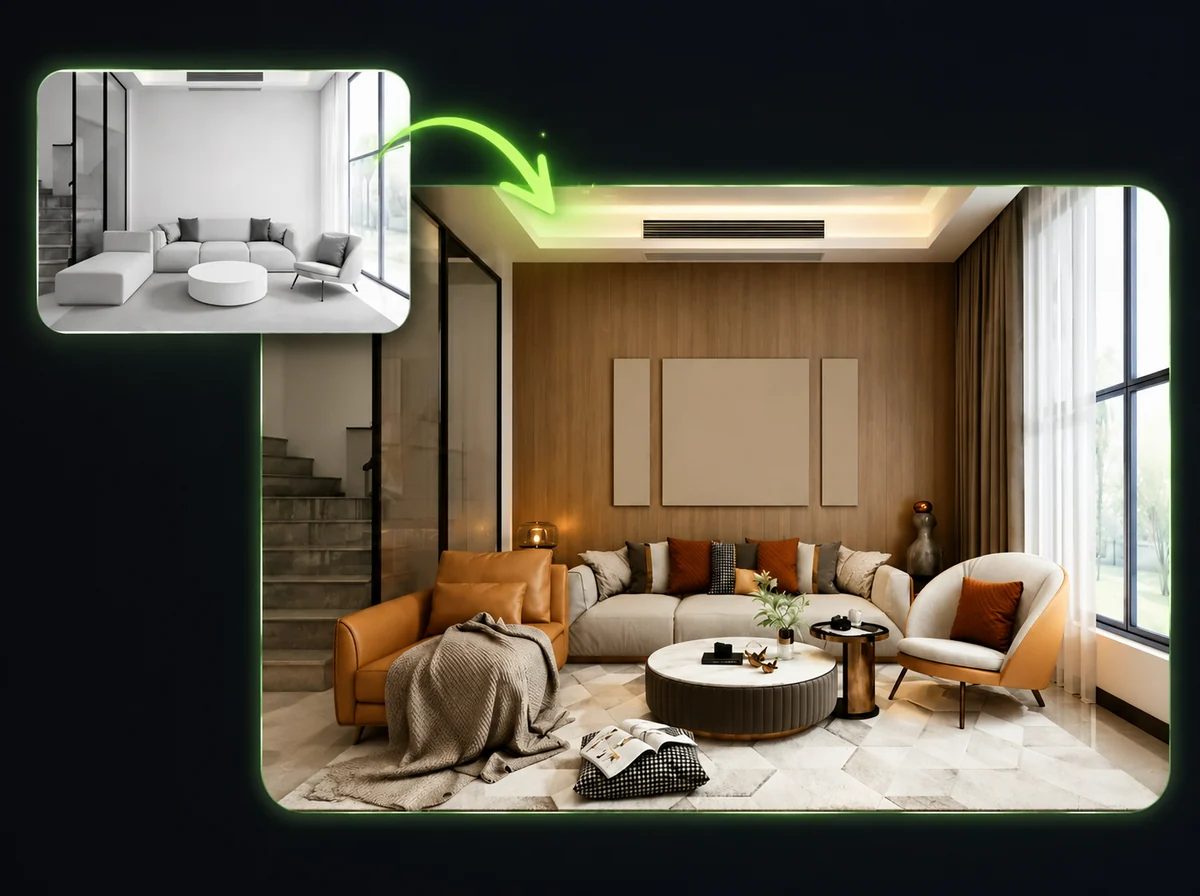
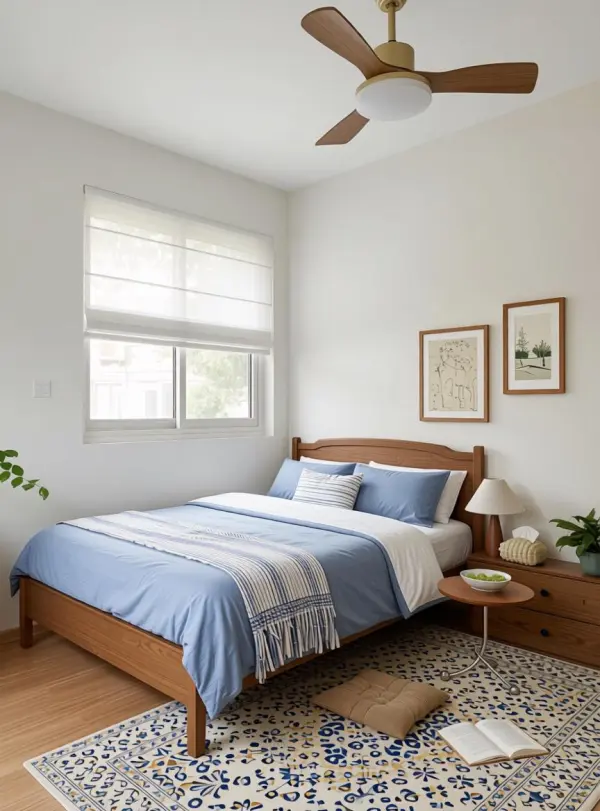
Upload one room photo and use AI room design to test interior design styles while keeping the layout, windows, and lighting aligned with the source.
Drop a photo of your current room (optional)
PNG / JPG / WebP, up to 10MB
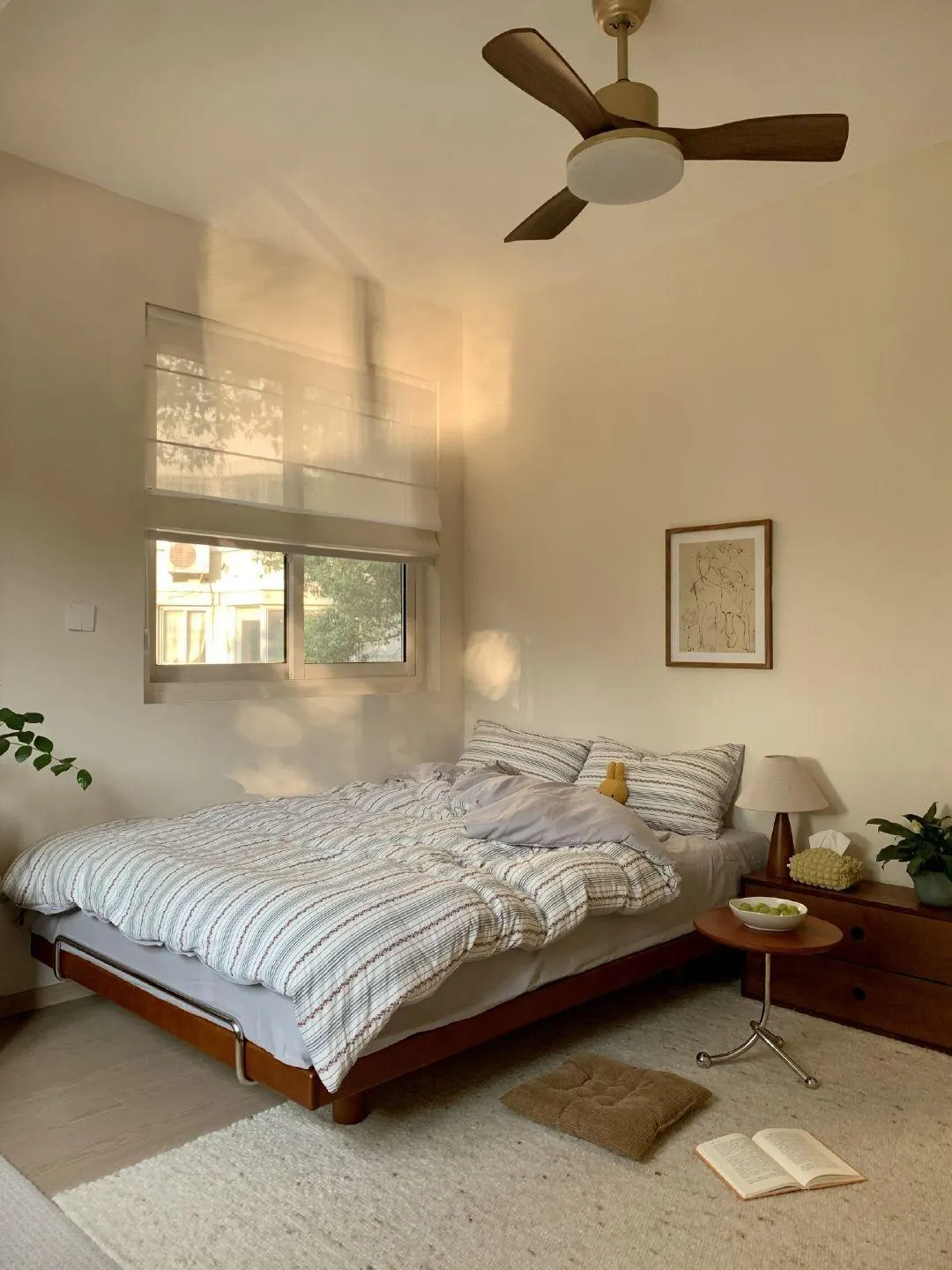
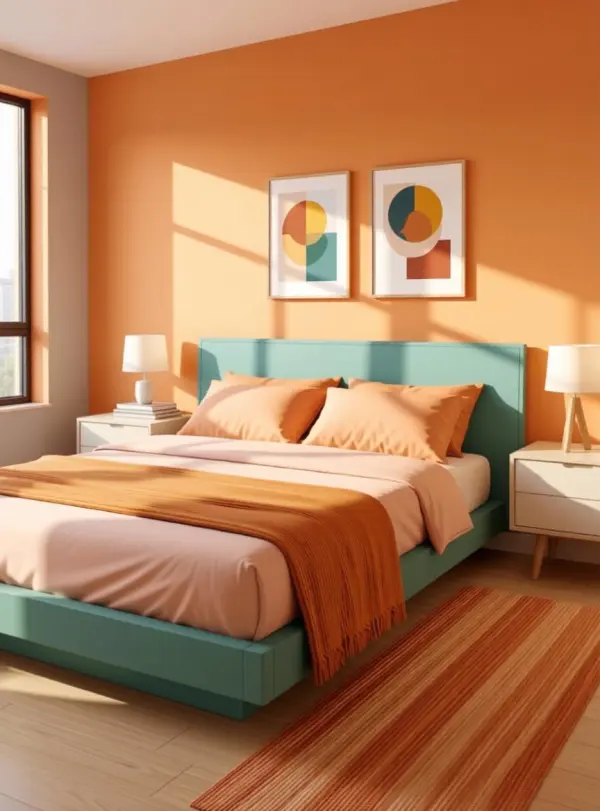
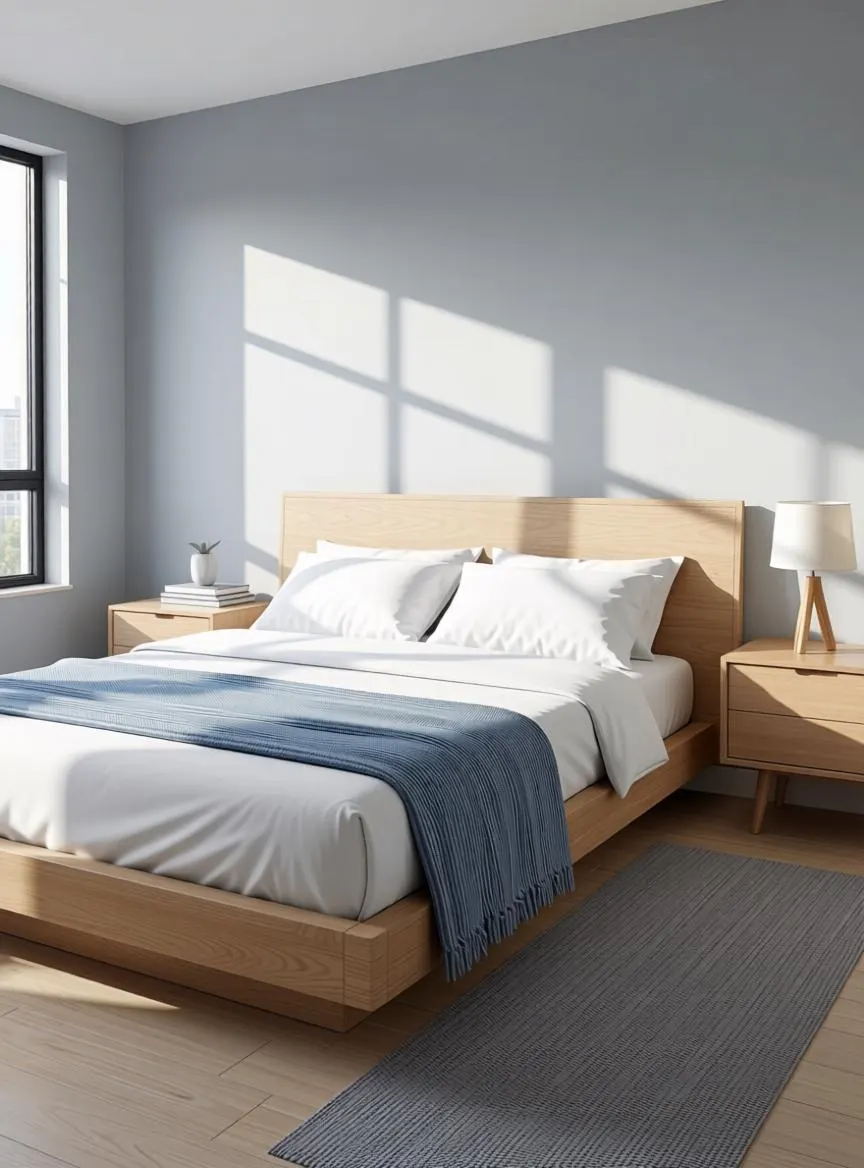
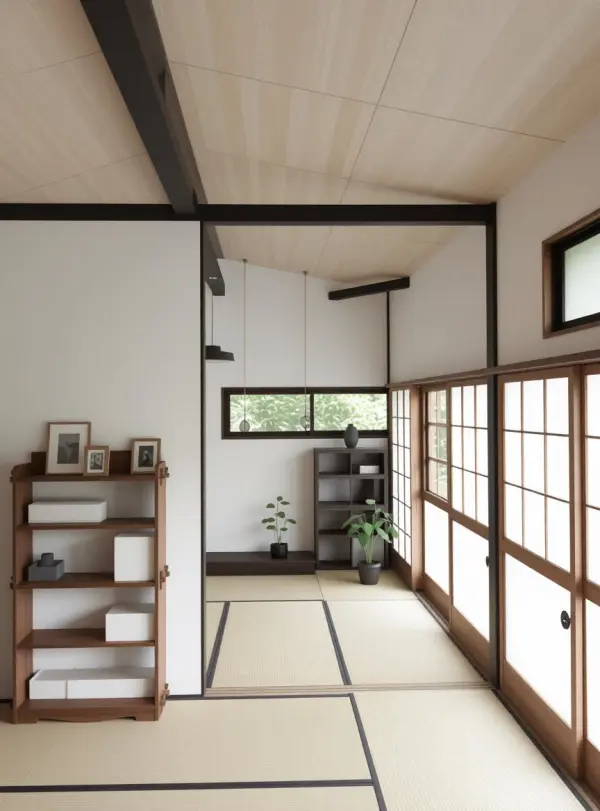
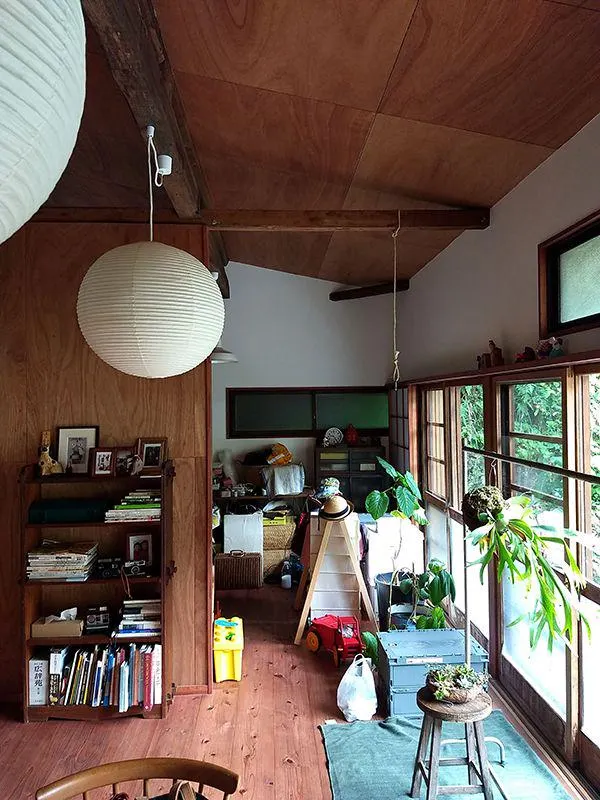
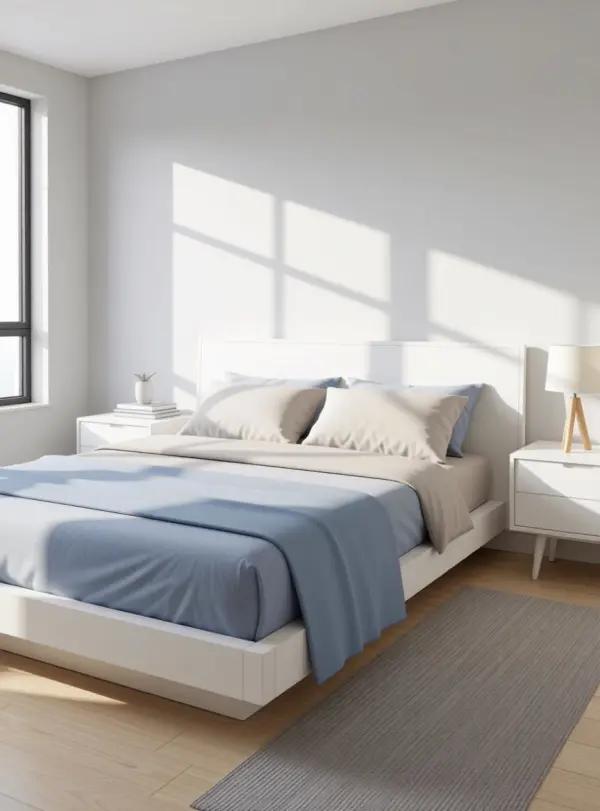
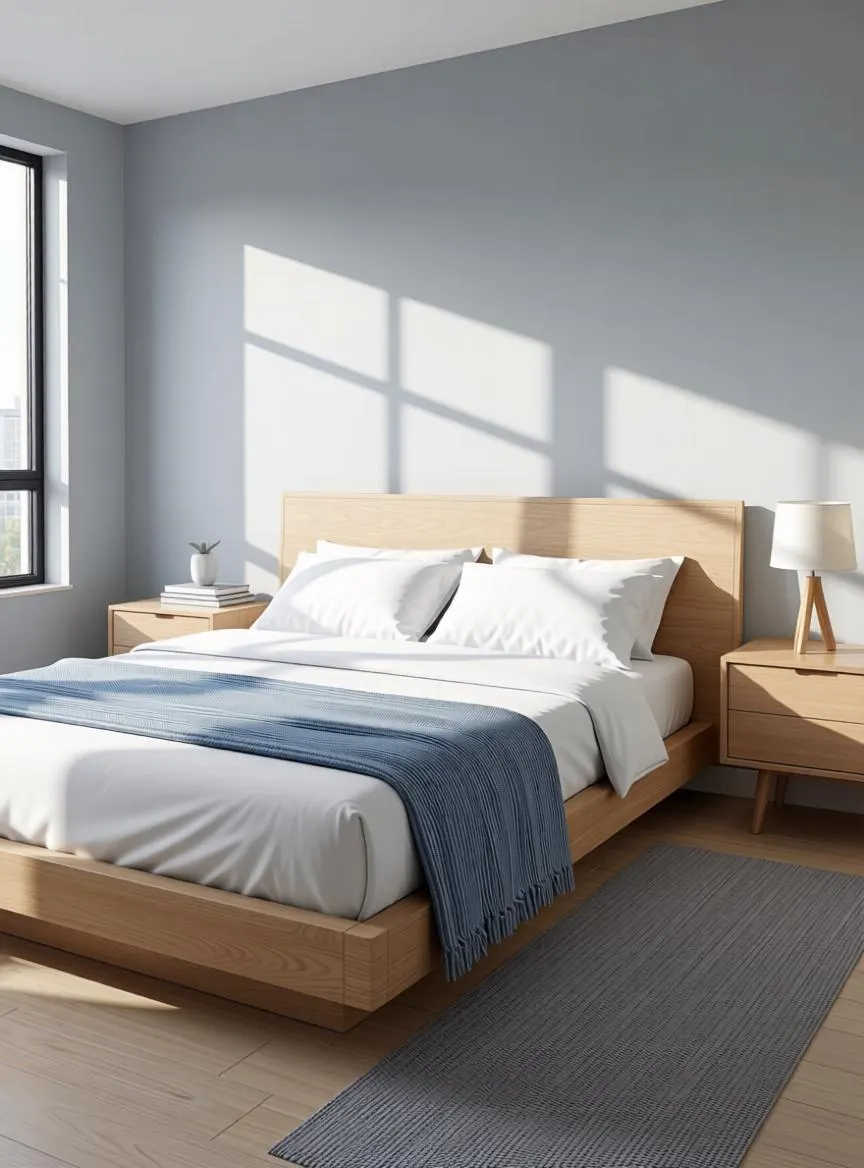
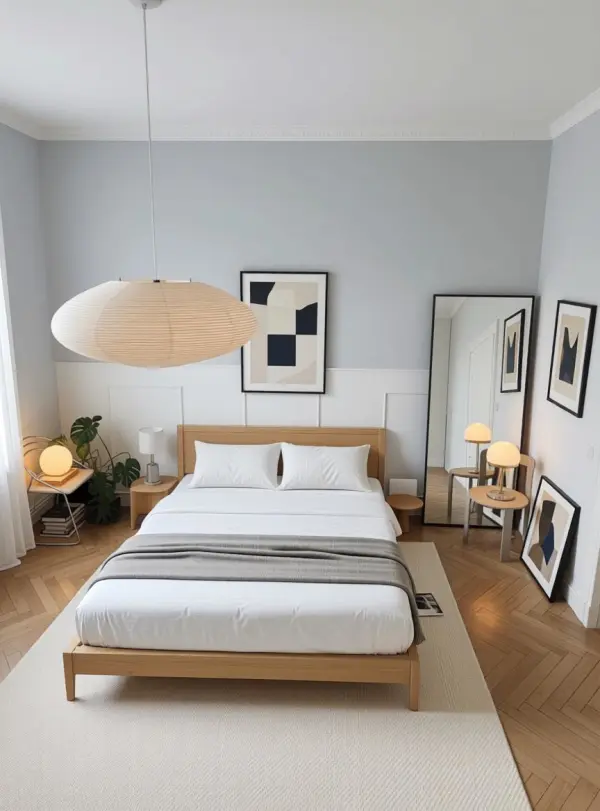
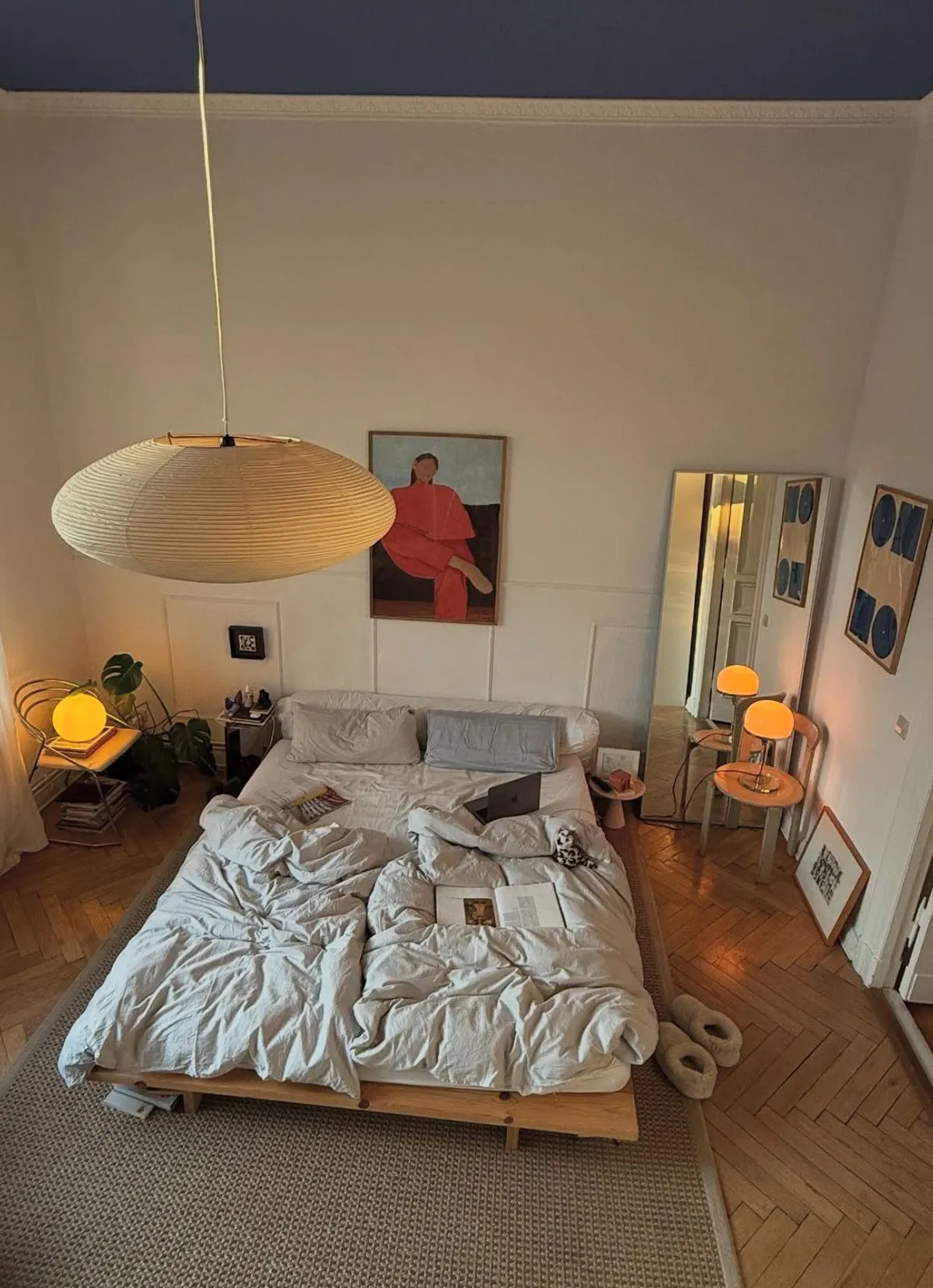
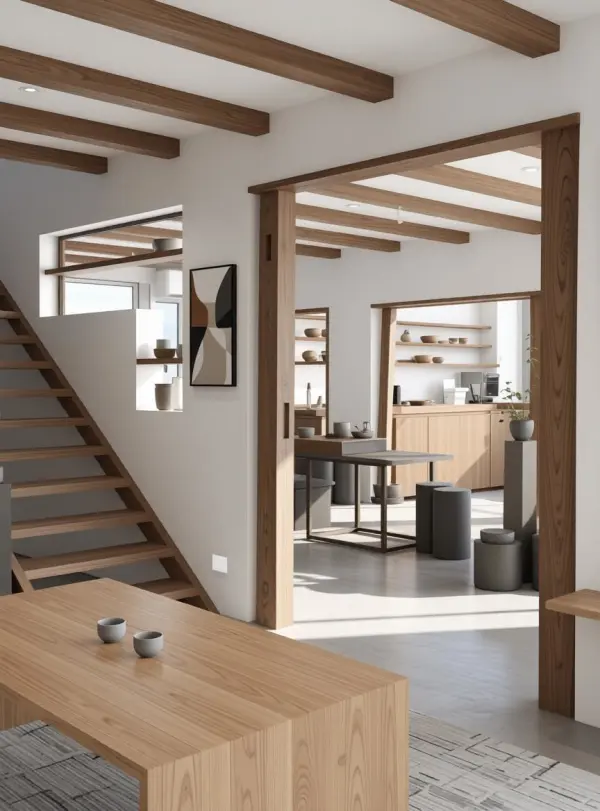
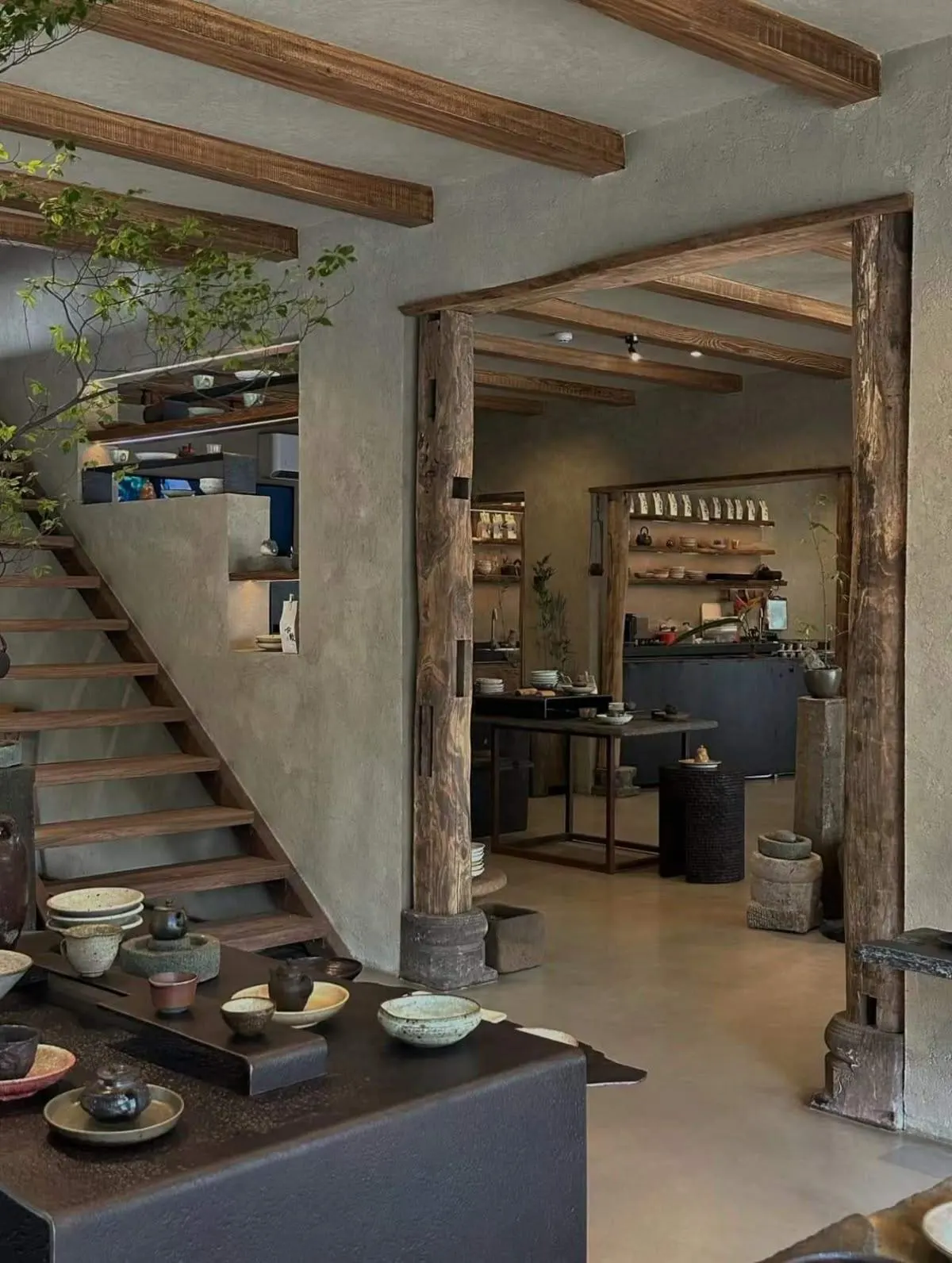
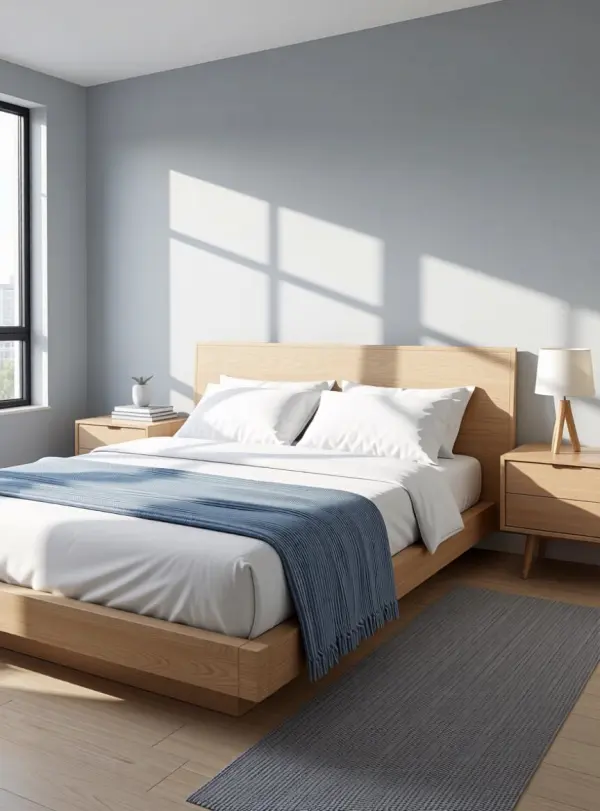
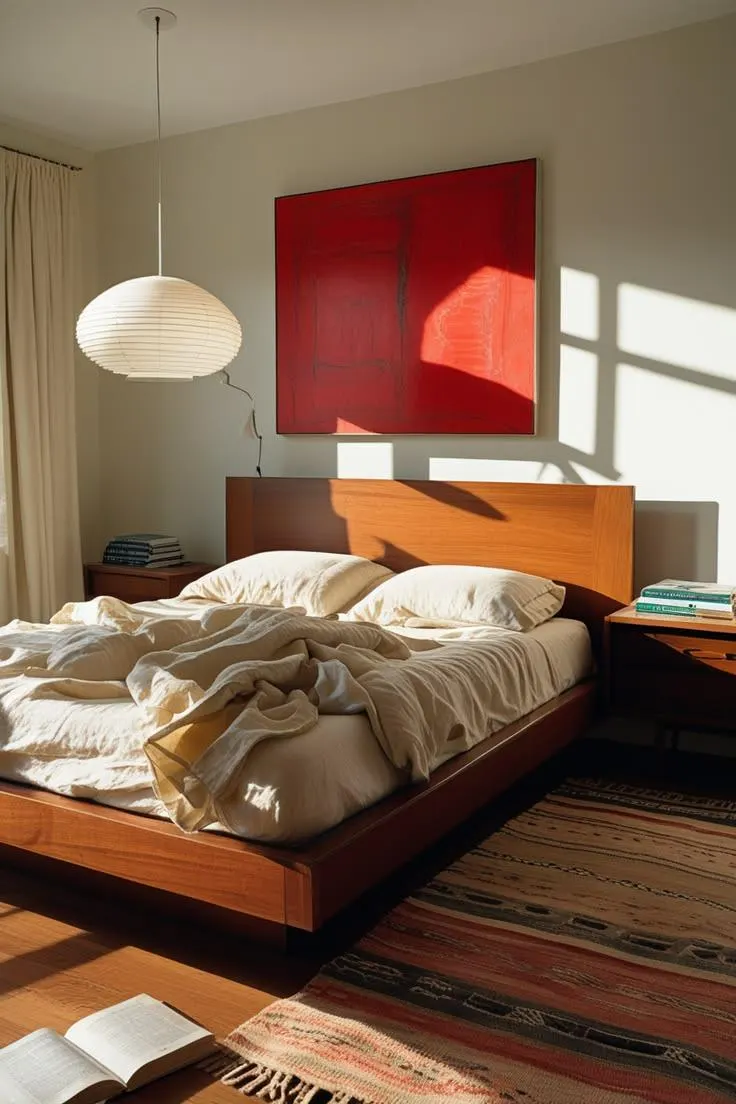
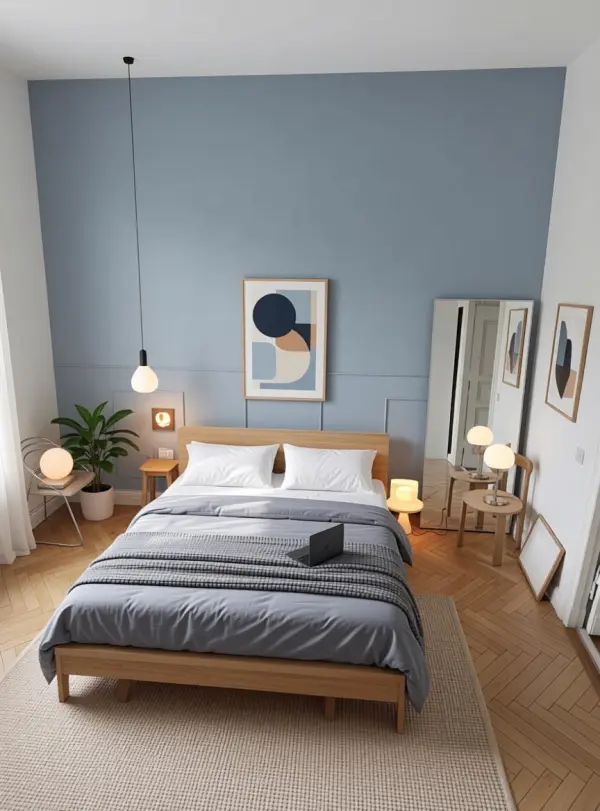
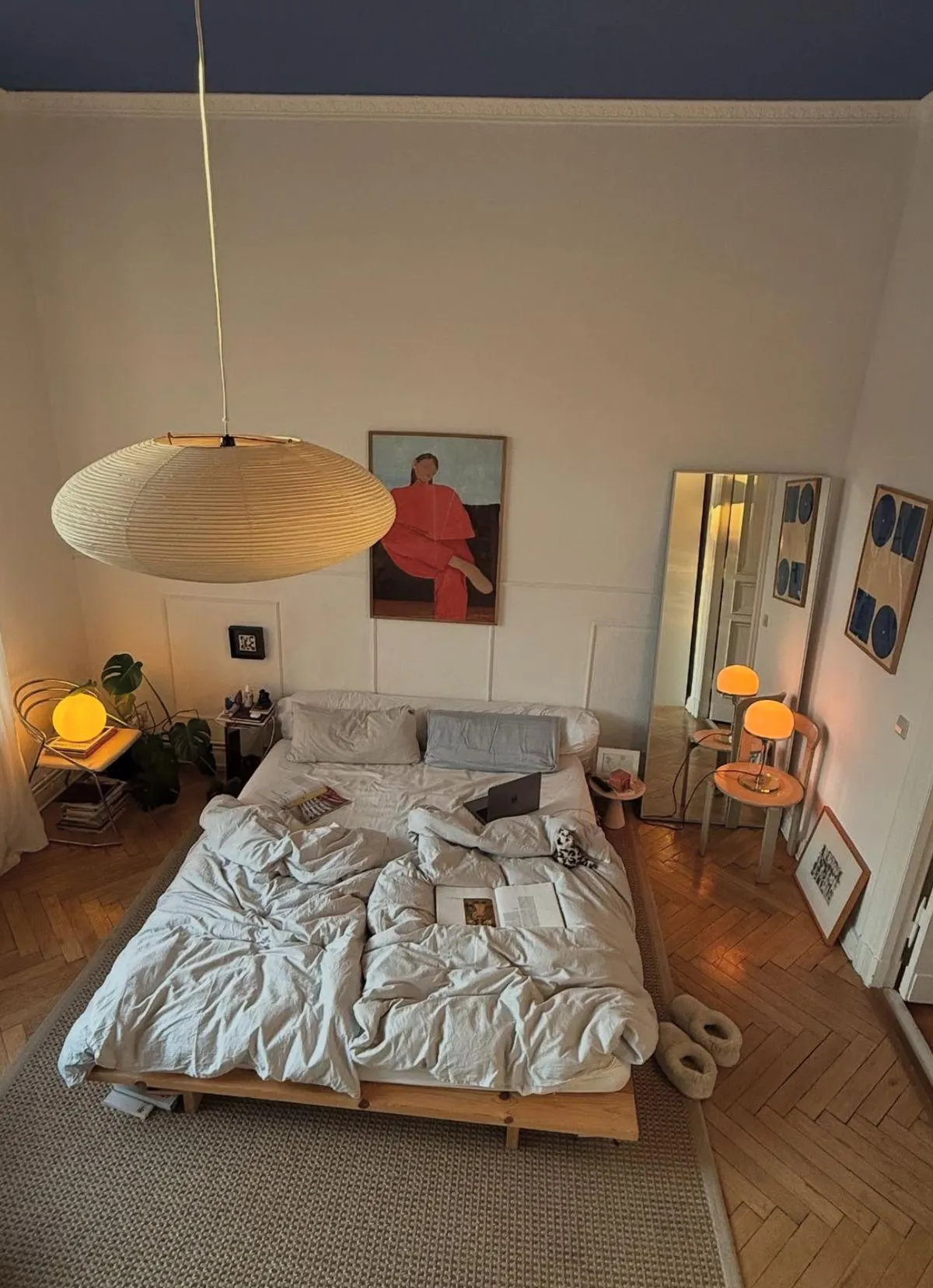
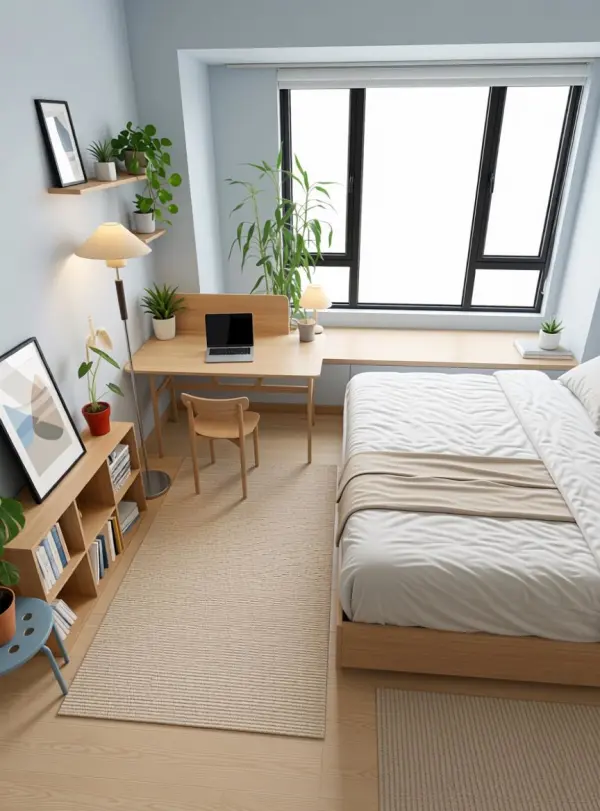
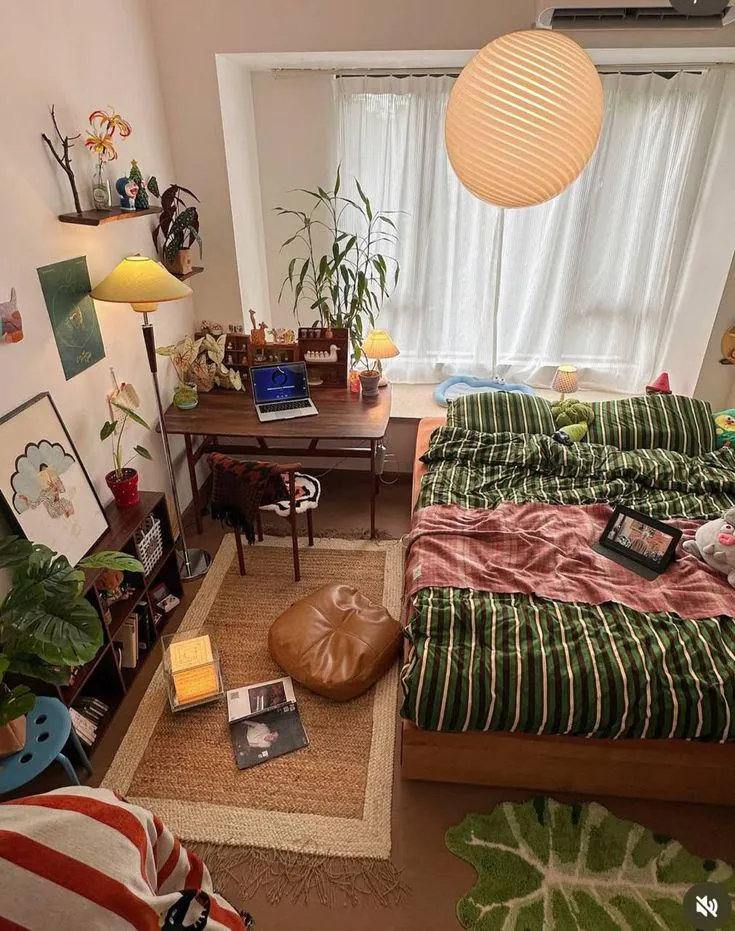
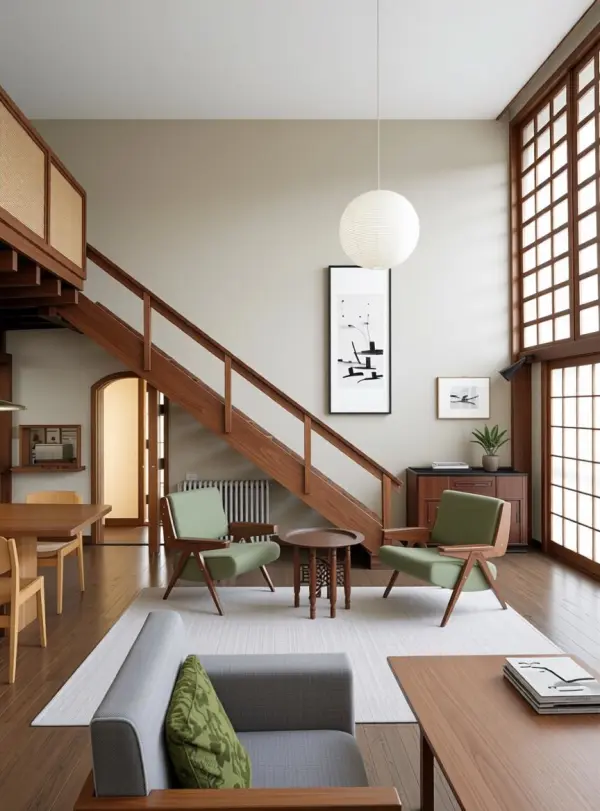
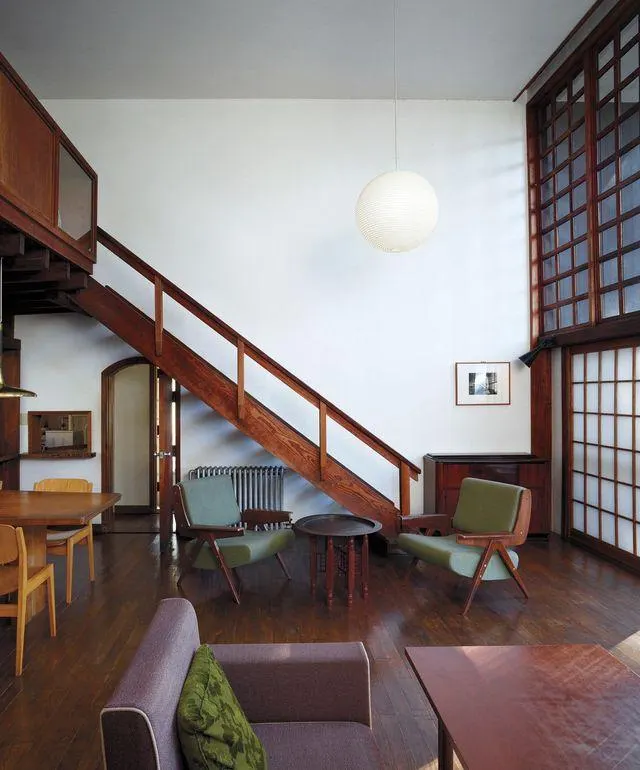
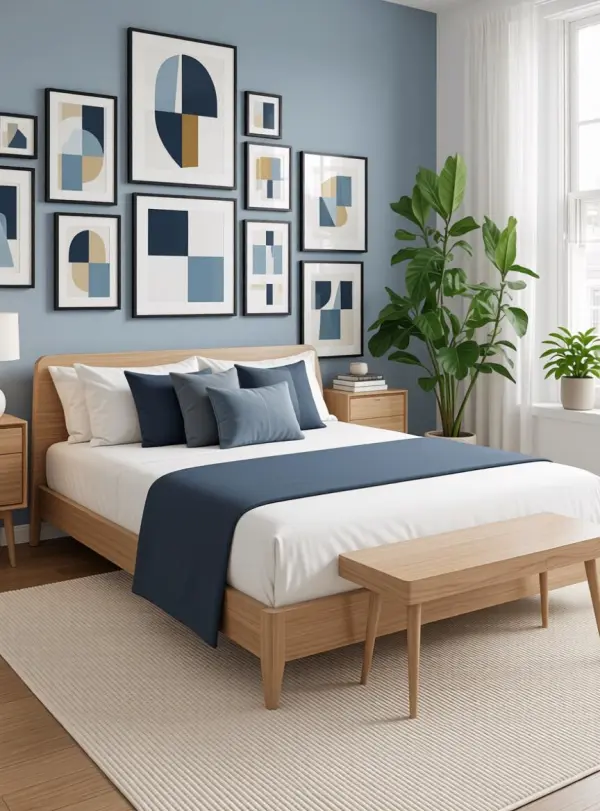
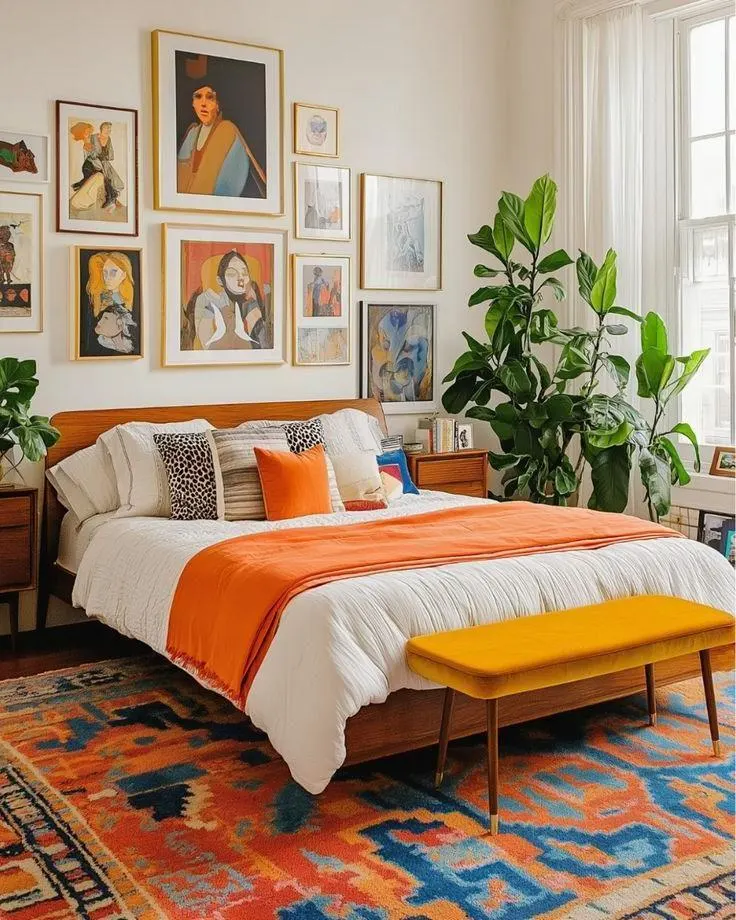
How to Use AI Room Design in 3 Steps
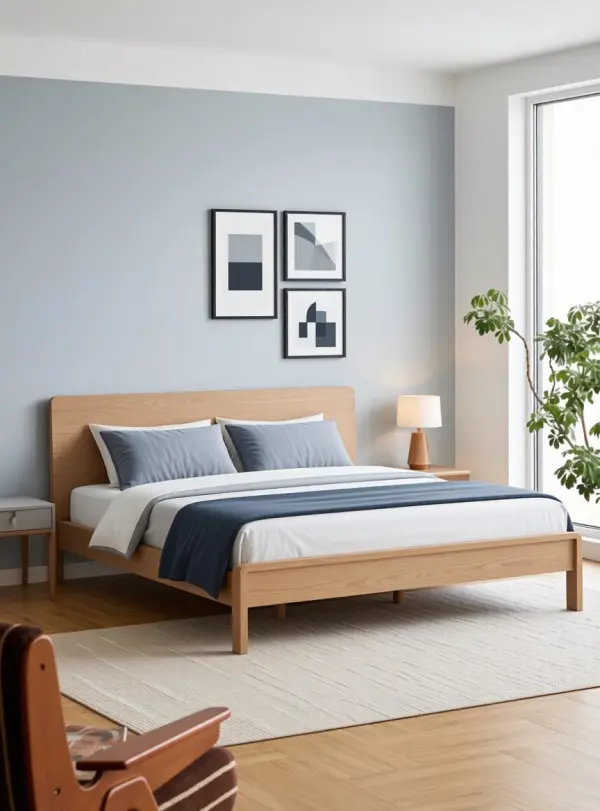
One photo, one interior design style — generate a visual redesign draft
Upload a Room Photo
Drop in one wide-angle shot of the room you want to redesign. Living room, bedroom, kitchen, home office — all work when the structure is visible. PNG, JPG, or WebP up to 10MB. Daytime light gives the cleanest result.
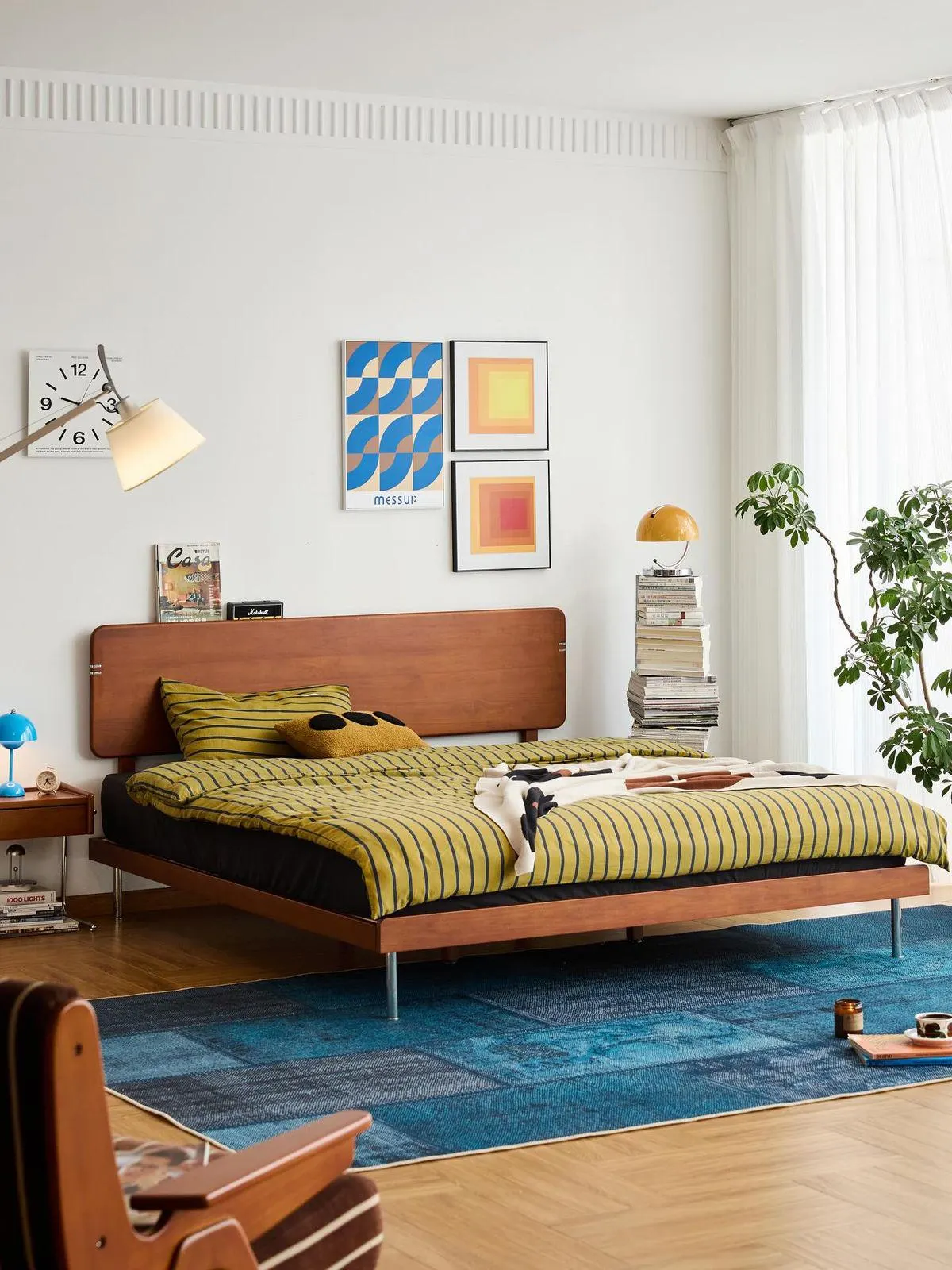
Pick or Describe the Style
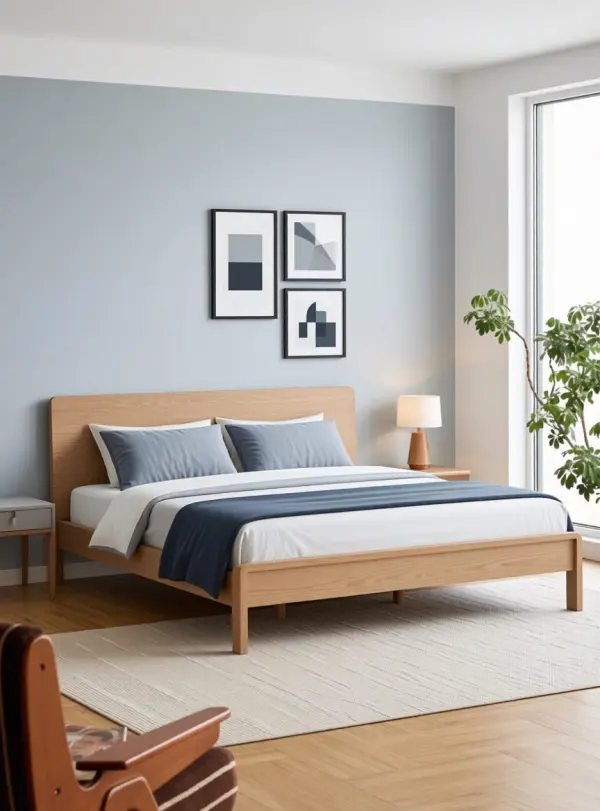
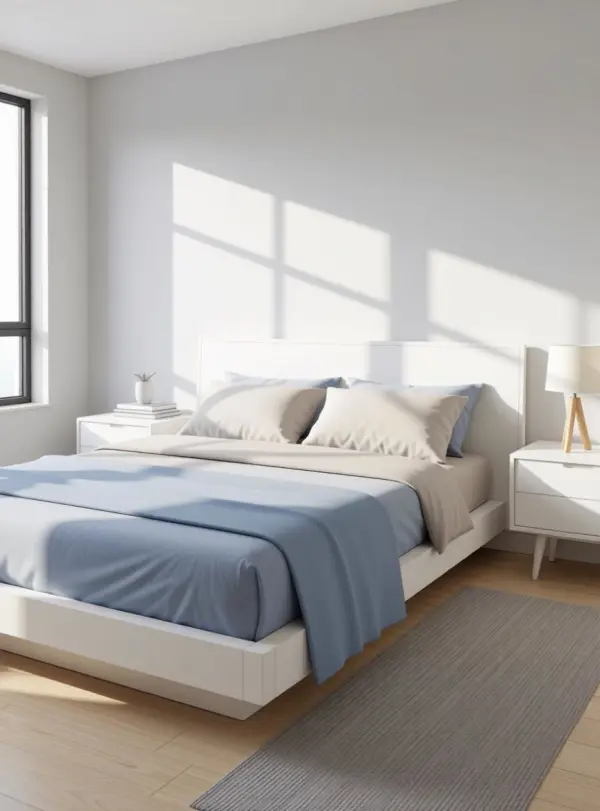
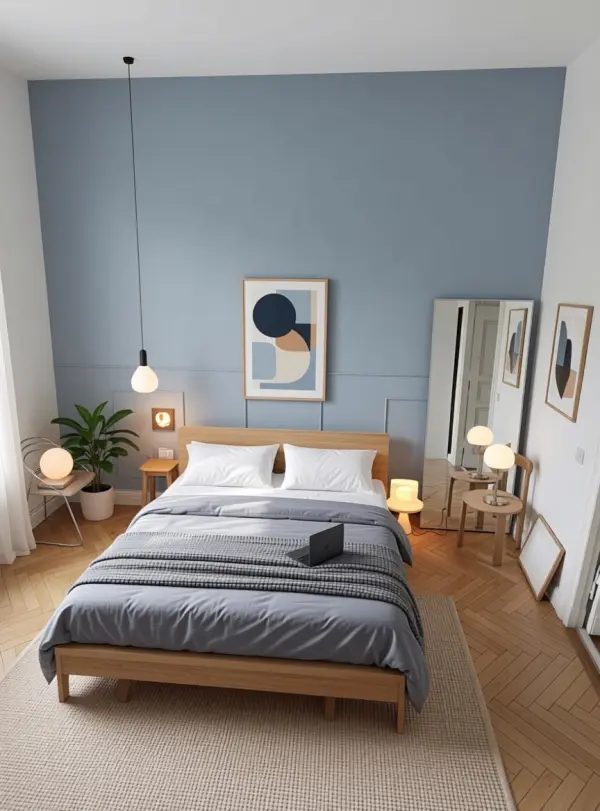
Choose from preset directions — modern, minimalist, Japandi, scandi, mid-century, industrial, bohemian — or type your own brief. The AI keeps the room structure and reimagines furniture, color, and finishes to match.
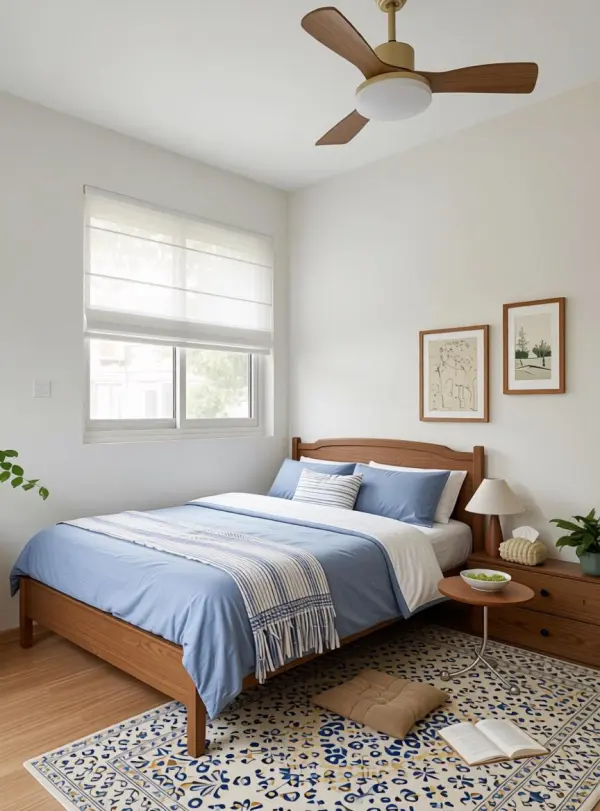
Download or Re-prompt
Save the redesigned room as a high-resolution PNG with no watermark. Want a different direction? Switch the style word, ask for warmer lighting, or specify materials — then run another generation.
Why Homeowners and Designers Pick iMideo
Layout and Windows Preserved
The AI redraws furniture, finishes, and decor while trying to preserve room shape, ceiling height, doors, and window positions from the source photo.
Natural Lighting Stays Realistic
Daylight direction and shadows from your source photo guide the render, which helps redesign concepts feel connected to the original room.
Style Presets and Custom Briefs
Modern, minimalist, Japandi, scandi, mid-century, industrial, bohemian — pick a preset or describe your own direction in plain English.
Clean PNG, No Watermark
Output downloads as a high-resolution PNG for Pinterest boards, real estate drafts, contractor briefs, and social posts — no watermark after sign-in.
Photos Not Used for Training
Your room photos are processed only to generate your render. They are not stored long-term, not used to train models, and not shared with third parties.
Pay Per Render
No subscription, no minimum spend. Test multiple directions per room with pay-per-render credits. See pricing.
What Homeowners and Designers Say
Mei L.
Homeowner Renovating
We wanted to compare several style directions before paying for a full design round. Tested four directions on this, picked one, and sent the strongest visual reference to the contractor.
Daniel R.
Real Estate Agent
Vacant listings are hard for buyers to imagine. Virtual staging with this gives me a quick furnished draft before deciding which rooms need professional staging or extra photography.
Priya N.
Interior Designer
I use it for client kickoff decks. Instead of starting with blank references, I show three style directions in the discovery meeting and use the reactions to shape the real design brief.
Tom B.
Airbnb Host
I run three short-term rentals and refresh the look every season. Instead of only scrolling Pinterest, I generate three directions, pick the keeper, and use it as a shopping reference.
Anya L.
First-Time Apartment Buyer
I bought an empty unit and could not picture how it would feel furnished. Ran the listing photos through this in three styles — got a clear sense of what to buy, what to skip. Move-in week was way less stressful.
Hiro T.
Architecture Student
Studio crit needs presentation visuals on a budget. I render proposed renovation directions from existing photos here and use them as early visuals before more detailed modeling.
Lauren M.
Property Manager
Owners want refresh proposals before greenlighting capex. I show them three style directions with this, then use the chosen direction to build the actual proposal.
Tomás F.
Cafe Owner
Refit time. I shot the empty cafe interior, prompted three vibes — industrial, warm scandi, mid-century — and picked the one that fit the brand. Showed the contractor the render as a brief and saved a round of clarifying calls.
Ready to try AI room design?
Upload one room photo and get an AI interior design draft in your chosen style — no 3D software, no watermark. Sign in to generate and test different directions.