
Introduction
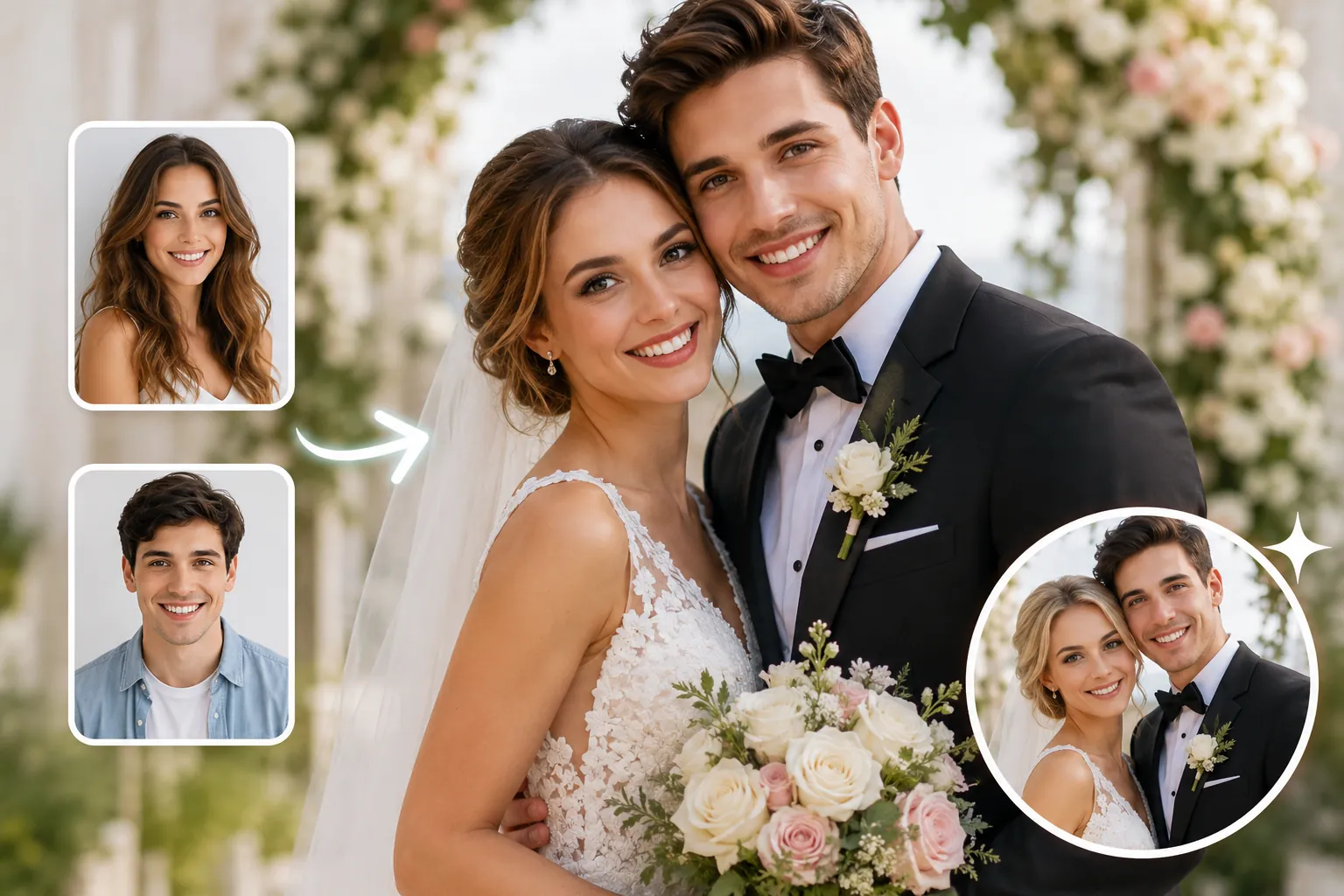
A wedding face swap lets you fix the small things that almost ruined an otherwise perfect photo: a relative who couldn't travel, a guest blinking at the worst moment, or a face turned away during the first kiss. This tutorial shows couples exactly how to do it, step by step.
Wedding images are harder than casual selfies. Veils soften edges, reception lighting runs warm, and formal poses lock in specific angles you have to match. Get those details right and the swap reads as a real memory, not an obvious edit.
You'll learn how to pick a source face, align and blend it using AI Face Swap Online, handle tricky group shots, and clean up edges around hair and veils. By the end, you'll have print-ready and share-ready versions for albums, thank-you cards, and social posts.
Key Takeaways
- A successful wedding face swap starts with a source photo that matches the original's angle, lighting direction, and resolution—mismatched inputs cause most failed results.
- Single portraits are the easiest to swap; group shots need careful alignment so neighboring guests stay untouched.
- Warm reception lighting and veils demand post-swap touch-ups for skin tone, hair edges, and soft-light glow.
- Export two versions: a high-resolution file for printed albums and a lighter file for social posts and thank-you cards.
- Want motion next? Try the video face swap tool or add movement with the photo animation tool.
Main Concept Explained
A wedding face swap means taking a face from one photo and placing it into a wedding shot so it looks like it belonged there all along. The goal is not a quick joke edit. It is a believable result that holds up at album-print size and survives close inspection from family.
People reach for this for a few clear reasons. A grandparent who passed before the day can be added to a group portrait. A guest who blinked in the only good shot of the toast can be fixed. A face from a sharper frame can replace the same person caught mid-blink in the framed keeper.
The work happens in two layers. First, the swap itself: aligning the source face to the target head so angle, tilt, and proportions match. Second, the blend: matching skin tone to warm reception light, softening edges near a veil or loose hair, and keeping the soft-focus glow that wedding lenses produce.
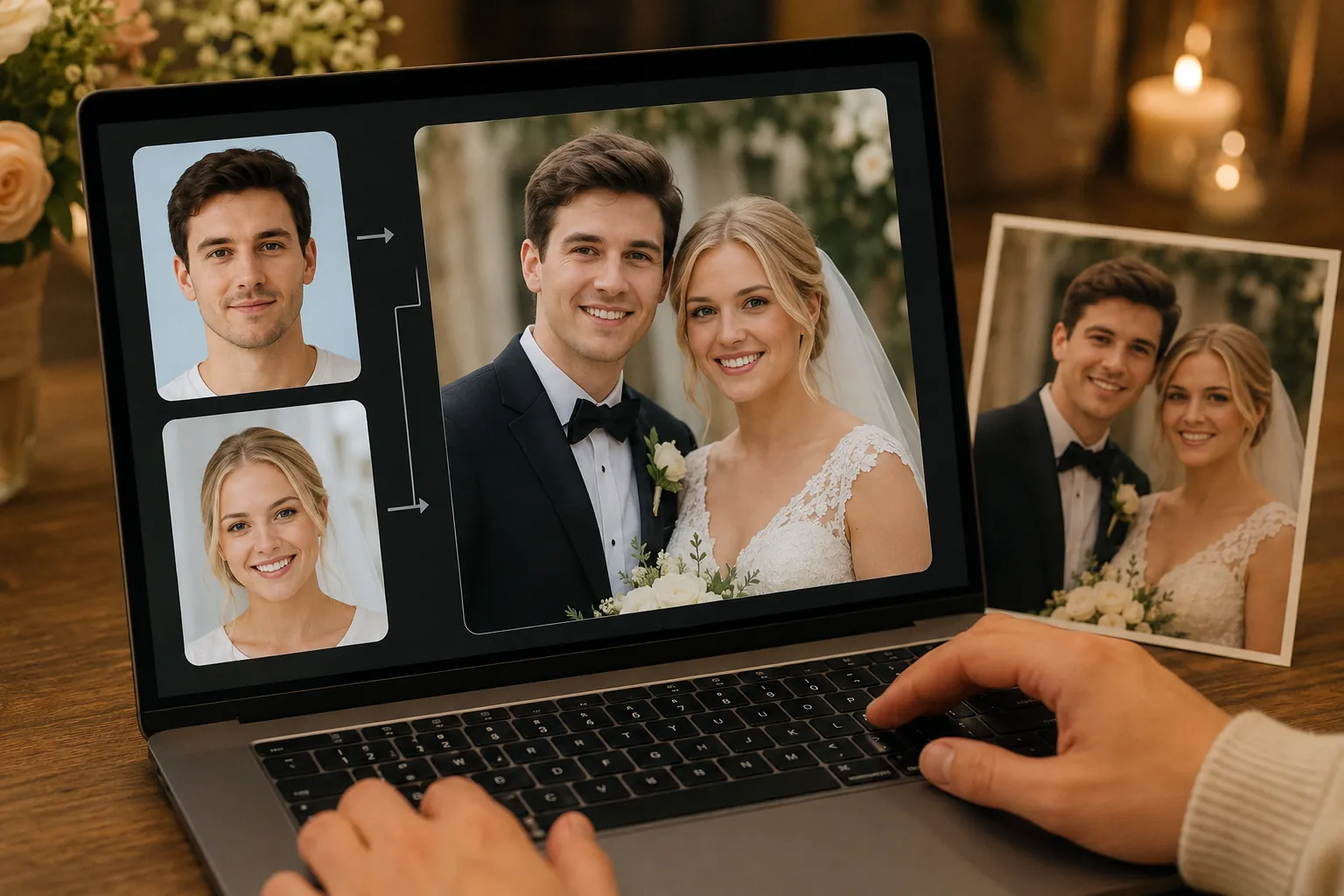
Concretely, you upload a source photo and a target wedding photo, let the tool map the face onto the target head, then review and refine. Single portraits are the easiest case. Group shots demand more care, because a clean edit must change one face without disturbing the guests on either side.
Stills are only part of the picture. If you want the same effect in a first-dance clip or a reel, a video face swap tool applies the swap across frames instead of a single image. For the broader background on how the technology decides what to keep and what to replace, the AI face swap guide covers the fundamentals.
The rest of this tutorial breaks the process into steps so each decision, from picking a source face to exporting a print-ready file, is deliberate rather than guesswork.
How to Apply It
Start by picking a source face that matches the wedding shot's angle, lighting direction, and resolution. If the bride is turned three-quarters toward the window, a flat passport-style headshot will fight you. Hunt for a photo where the head tilt and shadow side already line up.
Next, open wedding face swap and upload both images. Set the original wedding photo as the target and your chosen portrait as the source. For a single-portrait swap, let the tool auto-detect the face, then nudge the alignment so the eyes and jawline sit naturally under the veil.
Group shots need a steadier hand. When you want to replace one guest in a long row, crop tightly around that single face before swapping so neighboring guests stay untouched. Run the swap, then drop the result back into the full-resolution frame. This keeps the people on either side from warping.
After the swap, focus on blending. Warm reception lighting tends to push skin toward orange, so balance the new face's tone against the surrounding shoulders and arms. Soften any hard edge where hair meets the veil, and add a touch of glow if the rest of the image carries that dreamy soft-light quality.
Finally, save two versions. Export a print-ready, high-resolution file for the album and thank-you cards, then create a lighter, web-sized copy for social posts. If you want deeper background on alignment and lighting tricks, the AI face swap guide walks through each step in more detail.
AI Face Swap Online
Swap faces in photos with AI. Upload two images to blend a source face into a target photo while preserving expressions, lighting, and context where possible.
Free to start • No credit card required • Professional quality

Common Pitfalls
The fastest way to ruin a wedding face swap is mismatched lighting. If your source selfie was shot under cool daylight and the reception glowed warm and golden, the pasted face reads instantly fake. Always match color temperature before you blend.
Angle drift is the second offender. Couples grab a head-on selfie to swap into a three-quarter pose, and the result looks tilted or flat. Pick a source where the face turns the same direction as the wedding shot.
Watch the edges too. Veils, loose curls, and soft focus hide blending seams, but they also trap hard outlines if you rush the cutout. Feather hair edges gently and let the veil's translucency do some of the work.
Finally, don't over-sharpen. Bridal portraits lean dreamy and soft, so a crisp, over-processed face fights the mood. For a deeper walkthrough of clean results, see our AI face swap guide.
Real-World Examples
Real couples reach for a wedding face swap for a handful of recurring reasons. Seeing how others solved them makes your own edit feel less daunting.
One bride's grandfather passed away months before the ceremony. She took a sharp portrait of him from a family dinner, matched its three-quarter angle to a reception group shot, and placed him beside her at the head table. The warm string lights in both photos made the skin tones blend almost instantly.
Another common case: the perfect first-dance frame where the groom blinked. Swapping his open-eyed face from a burst shot taken two seconds later fixed it without redoing hair, veil, or lighting.
Photographers also use swaps to merge two near-identical group poses, keeping the best smile from each guest in a single row. The trick is editing one face at a time so neighbors stay untouched.
For deeper technique across scenarios, the AI face swap guide breaks down angle and resolution matching step by step.
Conclusion
A wedding face swap works well when you respect the source material: match the angle, mind the warm reception lighting, and blend hair edges around the veil with a light touch. The technique is reliable for restoring a missing relative or rescuing a closed-eye moment, less so when the source photo fights the original pose.
Our recommendation is simple. Start with one clean portrait swap before tackling crowded group shots, keep a high-resolution original for prints, and export a separate compressed copy for social posts and thank-you cards.
When you are ready, upload your two images to AI Face Swap Online and follow the alignment steps from earlier in this guide. If you want broader context on settings and edge cases across photo types, our AI face swap guide goes deeper. Pick your best portrait, run the swap, and refine from there.
FAQ
Is face swap appropriate for wedding photos?
Yes, when used honestly. Adding a relative who couldn't attend or fixing a closed-eye moment is widely accepted. Treat the edit as a keepsake, not a fabrication, and keep an unedited original on file for the couple's records.
Should I tell the bride and groom before face swapping?
Always ask first. Wedding photos are deeply personal, and couples may have strong feelings about altered memories. A quick conversation prevents surprises, confirms which images they want touched, and keeps the final album something everyone is comfortable sharing.
What wedding face swap looks tasteful, not weird?
Match the source angle, lighting, and resolution to the target shot, then blend skin tone and hair edges around the veil. Subtle restoration reads as natural. Our AI face swap guide covers these blending techniques in depth.
Can I include guests in wedding face swap edits?
You can, but isolate the single face you're changing in group shots so neighboring guests stay sharp and undistorted. Get consent from anyone whose likeness you add, and avoid swapping people into moments they never actually attended.
How long do good wedding face swap edits take to make?
A clean single-portrait swap takes a few minutes once your source photo is chosen. Group shots and heavy touch-ups around veils or warm reception lighting can stretch to fifteen or twenty minutes per image for a polished, print-ready result.