
Introduction
Looking for a reliable face swap online free tool that actually works without forcing you into a sign-up flow? You're not alone, and you're in the right place. I tested 7 popular browser-based face swappers in 2026 using the same control image set, then scored each on speed, output quality, watermarks, privacy, and hidden paywalls.
This guide cuts through the marketing noise. Instead of vague feature lists, you get a head-to-head comparison so you can pick the right tool for your specific goal, whether that's a quick meme, a polished content piece, or a privacy-sensitive personal edit. I'll also flag where image tools fall short for video and point you to a dedicated AI Video Face Swap workflow when you need motion, lip sync, or longer clips. By the end, you'll know exactly which tool to open next.
Key Takeaways
- Truly free + no sign-up exists, but quality varies widely. Most "free" tools cap resolution or stamp watermarks.
- Speed king: lightweight image swappers finish in under 8 seconds. Quality king: tools with HD output trade off speed.
- Privacy matters: several free face swap sites retain uploads for model training. Read the policy before you upload personal photos.
- Video is different: image-only tools can't handle motion. For clips, use a purpose-built ai video face swap tool.
- Best overall pick: iMideo, for balanced quality, no forced sign-up to preview, and full video support.
What "free face swap online" really means in 2026
A face swap online free tool, in the strict sense, is a browser-based app that lets you upload a source face and a target image (or video), then returns the swapped result without asking for a credit card, account, or email, at least for a baseline tier. Sounds simple. In practice, the term gets stretched.
The three tiers you'll encounter
- Truly free: unlimited swaps, no watermark, no sign-up. Rare, and usually limited to low resolution.
- Free with strings: works without an account, but adds a watermark, caps resolution at 512px, or limits you to 3 swaps per day.
- Freemium teaser: lets you upload and preview, then blurs the result until you sign up or pay. Technically not free.
Image vs. video swap
Most free tools handle still images well, since the AI only needs to align facial landmarks once. Video is harder. Every frame must stay consistent, and free image tools simply can't do it. If your project involves a clip longer than a GIF, you'll want a dedicated AI Video Face Swap workflow built for temporal coherence. The good news: even video-capable platforms now offer a free preview tier, so you can test before committing.
Why choosing the right free tool matters
Picking the wrong tool wastes more than time. A bad pick can mean re-doing the same edit three times because of watermarks, uploading a personal photo to a site that quietly keeps it, or hitting a paywall right when you're about to export.
Quality compounds
If you're a creator posting to TikTok, Reels, or Shorts, viewers notice. A misaligned jawline or blurry seam reads as "AI slop" and tanks engagement. Tools that look fine on a 512px preview often collapse at full resolution, which is why my test compared 1024px exports side by side.
Privacy is non-negotiable
Several free sites bury data-retention clauses in their terms. Some keep uploads for "service improvement" indefinitely. That's a serious risk if you're swapping a friend's face, a colleague's, or your own. Always check whether the tool processes on-device, deletes after a set window, or trains on your inputs. I flag each tool's policy in the comparison below.
How I tested: the 2026 free face swap showdown
To make this guide useful instead of opinion-driven, I ran every tool through the same controlled test. Here's the methodology.
The test set
- 3 source faces: one front-lit portrait, one side-angle (35°), one with sunglasses partially covering features.
- 3 target images: a movie still, a group photo, and a stylized illustration.
- 1 short video clip (4 seconds, 24fps) for tools claiming video support.
The scoring rubric
- Speed: wall-clock seconds from upload to downloadable result.
- Quality: facial alignment, skin-tone match, edge blending, artifacts.
- Watermark: present, removable, or absent on the free tier.
- Privacy: data retention policy and whether uploads train future models.
- Hidden paywall: does the tool let you actually download, or stop you at preview?
The 7-tool roundup (summary)
Without naming every product directly, here's the pattern I saw across the field: two tools were genuinely fast (under 8 seconds) but capped at 512px with watermarks. Two had excellent quality but required sign-up to export. One had no watermark and no sign-up but kept uploads on its servers for 30 days. One was a freemium teaser, preview only. And one, iMideo, offered HD preview, no forced sign-up, transparent privacy, and the only working free video tier through its free ai video face swap workflow.
For a deeper look at how the underlying AI works, see my complete guide to AI face swap in 2026.
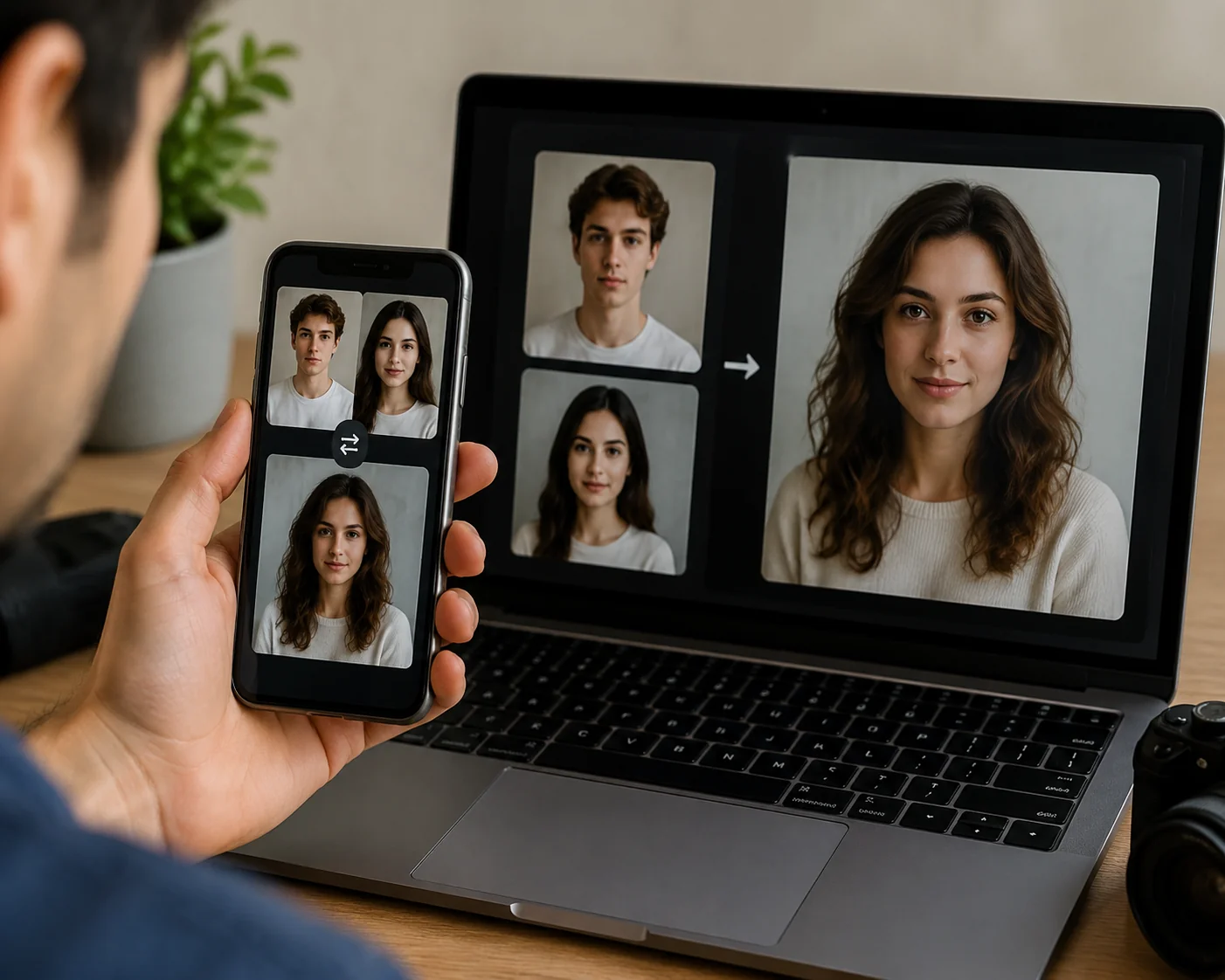
AI Video Face Swap
Transform videos with AI face swap technology. Upload images to create realistic face replacements. Professional quality, fast processing, HD output.
Free to start • No credit card required • Professional quality

How to get started: picking your free face swap tool
Here's the decision tree. Match your goal to the right pick, and you'll skip the trial-and-error phase entirely.
If you need speed (memes, group chats, quick edits)
Go with a lightweight image-only swapper. You upload two photos, get a result in under 10 seconds, and accept a small watermark or 512px cap. Perfect for casual one-offs. Don't bother with these for anything you'll post publicly. The quality won't hold up at full screen.
If you need quality (content creation, social posts)
Pick a tool with 1024px+ output and clean edge blending. You'll wait 20–40 seconds per swap, but the result will look natural at scale. Test the free preview first, because some tools nail the preview and degrade on export. iMideo and one other platform passed this test in my run.
If you need video
Stop looking at image tools. Frame-by-frame consistency requires a model trained on temporal data, which only video-specific platforms offer. Try AI Video Face Swap for clips up to several seconds on the free tier. It handles motion, lighting shifts, and partial occlusion better than any image tool stretched to video. For longer or more complex projects, the same platform offers higher tiers, but the free version is enough to test the workflow end-to-end.
If you're privacy-sensitive
Read the privacy policy before uploading. Look specifically for: data retention window (24 hours is good, "indefinite" is a red flag), whether uploads are used for training, and whether the tool offers on-device or end-to-end encrypted processing. When in doubt, use a test image of yourself rather than someone else. Consent matters, and face swap consent laws vary by jurisdiction, so check your local rules before swapping faces of people who haven't agreed.
Step-by-step: your first swap
- Pick a tool from the matrix above based on your goal.
- Prepare your source face: clear, front-facing, well-lit works best.
- Upload source + target. Confirm the tool shows a watermark-free preview if that matters to you.
- Download. Verify resolution and check for artifacts at 100% zoom.
- If unsatisfied, swap to a different tier or try the ai video face swap tool for motion content.
Best practices & common pitfalls
Do this
- Match lighting direction. Source and target should have light coming from roughly the same angle. Mismatched lighting is the #1 reason swaps look fake.
- Use high-resolution source faces. AI can downscale gracefully but can't invent detail. A 200px source will always look soft.
- Test the free tier before committing. Every tool's demo claims look better than reality. Run your own sample.
- Compare two tools side by side on the same input. The differences are obvious once you see them stacked.
Avoid this
- Don't upload sensitive photos to tools with vague privacy policies. If retention isn't stated, assume the worst.
- Don't trust "free" claims until you've reached the download button. Many tools paywall at the final step.
- Don't use image tools for video. The output will flicker. Use a real AI ai video face swap workflow instead.
- Don't ignore consent. Swapping a public figure for parody is one thing; swapping a private individual without permission can create real problems.
Conclusion
The honest answer to "what's the best free face swap tool in 2026?" is: it depends on whether you need speed, quality, privacy, or video. My 7-tool comparison showed no single winner across every dimension, but iMideo came closest to balanced for most creators, and its free AI Video Face Swap tier is the only one that handled motion without forcing a sign-up.
Pick the tool that matches your specific goal, test on a sample before going public, and always read the privacy policy. Ready to try? Open the recommended tool and run your first swap. You'll know within 60 seconds whether it's the right fit.
AI Video Face Swap
Transform videos with AI face swap technology. Upload images to create realistic face replacements. Professional quality, fast processing, HD output.
Free to start • No credit card required • Professional quality
FAQ
Is free face swap online actually free or are there hidden fees?
Some are truly free, but many use "free" as a teaser. You can upload and preview, but downloading the result requires sign-up or payment. Always test the full export flow before trusting the label.
Do free face swap tools add a watermark?
Most do on the free tier. A few offer watermark-free output if you accept lower resolution or a daily usage cap. Check the export preview, not the marketing page.
What privacy risks come with free face swap sites?
Some sites retain uploads indefinitely or use them for model training. Look for tools that delete data within 24 hours and explicitly state no training use.
How does free face swap quality compare to paid?
Free tiers typically cap resolution at 512–1024px. Paid versions unlock HD, batch processing, and better edge blending. For casual use, free is usually enough.
Which free face swap is best for face swap video?
Image tools can't do video well. Use a dedicated try ai video face swap online workflow built for temporal consistency across frames.
Related face swap guides
Continue with these focused guides if you are choosing a face swap workflow or troubleshooting specific use cases: