
What changed for AI video generators in 2026
The biggest change this year was an exit. OpenAI shut down the Sora web and app on April 26, 2026, and the Sora API on September 24, 2026, according to OpenAI's help center. If you built a workflow on Sora 2, you now need a replacement.
The rest of the field got better and cheaper.
Google's Veo 3.1 generates audio with the picture. Kling 3.0 and Seedance 2.5 handle longer, more consistent shots. MiniMax H3, Wan 3.0 and newer open-weight models pushed prices down, so budget models now make a five-second clip for well under a dollar, while premium models with audio still cost a few dollars per clip.
This guide compares eight of the best AI video generators that are live today. We checked each one against its own pricing page in October 2026, and we say plainly which jobs each one is good and bad at.
How we compared them
We skipped benchmark scores. They change with every release and rarely match what you see on your own prompts. Instead we compared four things you can check yourself:
- Price: the entry plan, and what one short clip costs in credits.
- Inputs: text, a starting image, reference images, or an existing video.
- Length and resolution: the longest clip per generation and the top resolution.
- What it is best at: realism, motion, consistency, or speed of iteration.
One more distinction matters. Some products build their own model (Google, Kling, Runway, Luma). Others are platforms that host many models in one place (iMideo, Pika). Platforms let you switch models when one fails on a prompt; first-party tools often get new model versions first.
AI video generators at a glance
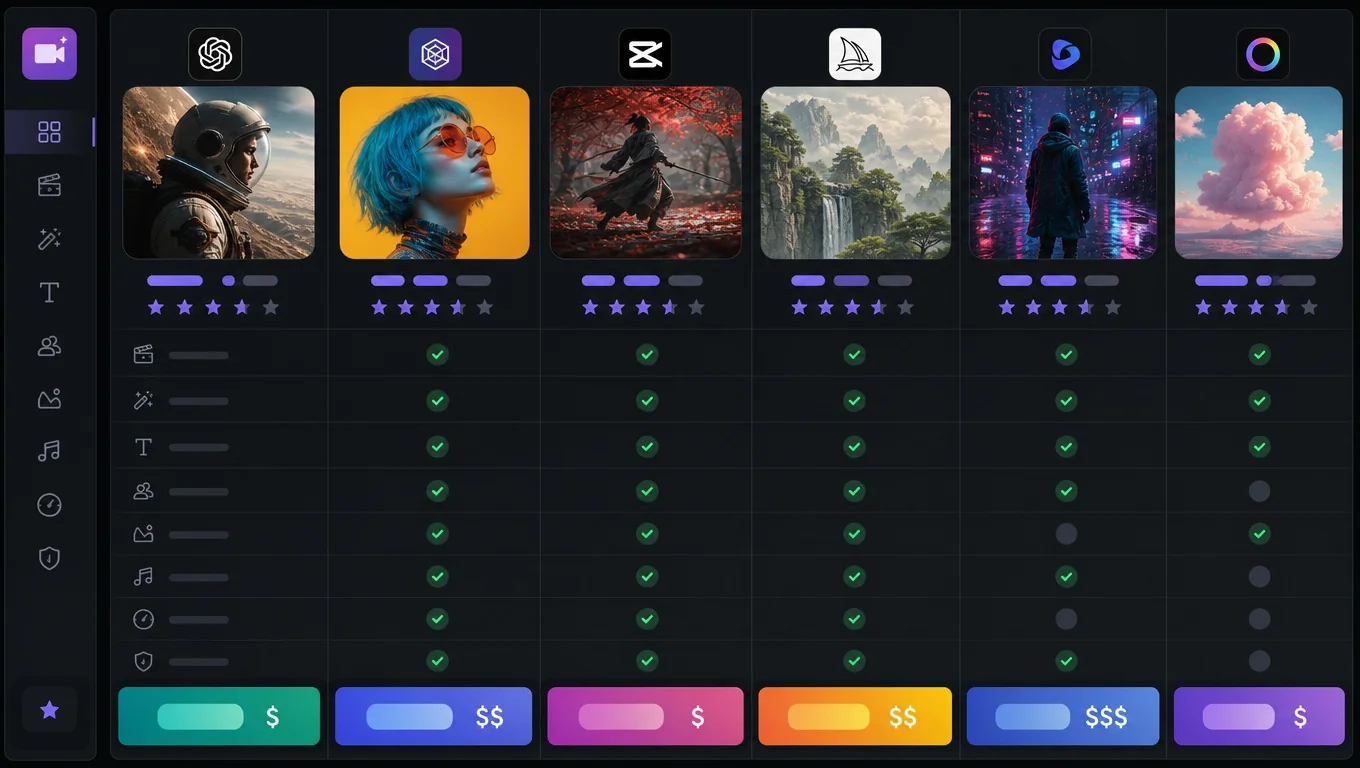
| Tool | Type | Best for | Entry price | Free option |
|---|---|---|---|---|
| Google Veo 3.1 | Own model | Realism with sound | Google AI Pro, $19.99/month | Limited trials |
| Kling 3.0 | Own model | Long, consistent shots | Standard, $6.99 first month | Yes, non-commercial |
| Runway Gen-4.5 | Own model + editor | Directed, editable shots | $12/month | 125 one-time credits |
| Seedance 2.5 | Model (ByteDance) | Motion and multi-shot scenes | Via platforms | Depends on platform |
| MiniMax H3 (Hailuo) | Own model | Low cost per clip, references | Via Hailuo or platforms | Depends on platform |
| Luma (Ray3) | Own model + others | HDR and video-to-video | Plus, $30/month | No |
| Pika | Platform | Many models, quick tests | Starter, $10/month | Packs only |
| iMideo | Platform | Many models plus editing tools | $7.49/month billed yearly | Trial credits |
Prices are from each vendor's pricing page in October 2026. Kling, Runway and Pika also show discounted first-month or annual prices; check before you subscribe.
1. Google Veo 3.1
Veo 3.1 is Google's current video model; Zapier's 2026 roundup calls it the best all-around AI video model. Its distinguishing feature is native audio: dialogue, ambient sound and effects come out with the picture, so a talking scene does not need a separate voice step.
You can use it through Gemini and Flow with a Google AI plan (Google AI Pro is $19.99/month), or through the Gemini API, which bills per second of video. Many third-party platforms, including iMideo, also offer Veo 3 Fast and Veo 3.1 Fast.
If you mainly want talking presenters rather than cinematic shots, an avatar tool fits better; see our AI video agent comparison for HeyGen and similar products.
Where it fits: realistic people, product shots and anything that needs sound. Where it does not: long clips, since it works in short segments, and tight budgets, since it is among the more expensive models per second.
2. Kling 3.0
Kling, from Kuaishou, is the tool many creators reach for when a clip needs to stay consistent over more than a few seconds. Version 3.0 added native audio, multi-shot generation and 4K output.
Kling's own plans start with a free Basic tier (no commercial use), then Standard at $6.99 for the first month with 660 credits, and Pro at $25.99 for the first month with 3,000 credits. Renewal prices are higher, so read the plan page before you commit. Kling 3.0 is also available on several platforms.
Where it fits: character scenes, longer motion, and creators who generate often. If you need the same face across several clips, a face swap pass after generation is often more reliable than prompting for it. Where it does not: if you need commercial rights on the free tier.
AI Image to Video Generator
Turn a photo into an AI video online. Upload an image, choose Veo, Sora, Kling, Seedance, Runway, or PixVerse, and export MP4 in 480p, 720p, or 1080p.
Free to start • No credit card required • Professional quality
Start Creating Free →3. Runway Gen-4.5
Runway is a video editor that also makes its own models, and that combination is its strength. You generate a shot with Gen-4.5, then trim, extend or restyle it in the same app.
Plans start at $12/month, with a Free plan that includes a one-time deposit of 125 credits. Gen-4.5 uses 12 credits per second, so a 5-second clip costs 60 credits and the Standard plan's 625 monthly credits cover about 52 seconds of Gen-4.5 video.
Where it fits: filmmakers and editors who want control over each shot. Where it does not: high-volume generation on a budget.
4. Seedance 2.5
Seedance is ByteDance's video model family, and 2.5 is the current top version. It is known for fluid motion and for multi-shot scenes that cut between angles in one generation. Seedance 2.0 and the lighter 1.x versions remain available for cheaper drafts.
You mostly reach Seedance through ByteDance products (Dreamina, Pippit) or through platforms. Prices vary by host: Luma lists Seedance 2.5 image-to-video at 78 credits per second at 720p, and Pika estimates 122 credits for a 5-second 720p clip.
Where it fits: dance, action and anything where motion quality matters most. Short vertical clips for social are a natural use; our photos to TikTok guide walks through the format. Where it does not: the cheapest possible drafts, where 1.x or MiniMax costs less.
5. MiniMax H3 (Hailuo)
MiniMax H3 is the model behind Hailuo AI and one of the best values in 2026. It supports text to video, image to video, reference images, video editing and extension, and it is cheap per second. On Luma's price list it costs 28 credits per second at 768p, a third of Seedance 2.5 at a similar resolution.
We used MiniMax H3 for our own agent demo: a 5-second image-to-video clip, then a 5-second extension, both at 768p.
Where it fits: iterating quickly from your own images, and extending clips. Where it does not: when you need the absolute top realism, where Veo 3.1 still leads.
6. Luma (Ray3)
Luma builds its own Ray models and also hosts third-party ones (Seedance, Kling, Veo, MiniMax) in one app. Ray3 can output HDR, and Luma is strong at video-to-video: restyling or reframing footage you already have.
Plans start at Plus for $30/month with 10,000 credits and commercial use. There is no free plan.
Where it fits: teams who want one subscription for many models plus HDR. Where it does not: occasional users, since the entry price is the highest here.
7. Pika
Pika started with its own model and has become a platform. It now hosts Seedance 2.5, MiniMax H3, Wan 3.0 and Google models alongside Pika 2.5, plus apps for swaps, product ads and motion transfer.
The Free plan has no monthly credits (packs only). Starter is $10/month for 900 credits but has no commercial license; Creator at $35/month adds it.
Where it fits: trying several models side by side. Exports carry no watermark even on the Free plan, which is rarer than it should be; if a different tool left one on your clip, see our watermark remover tests. Where it does not: commercial work on the cheapest plan.
8. iMideo
Full disclosure: iMideo is our product. It is a platform rather than a model.
On the image to video page you pick from Veo 3 and 3.1 Fast, Seedance 2.5, 2.0 and 1.x, MiniMax H3, Kling v3.0 and earlier versions, Wan 3.0 and 2.7, HappyHorse 1.1, Runway Gen-4, Grok Imagine, LTX-2 and others. The model menu shows a credit range for each one before you generate.
The difference from other platforms is the editing around the model: video extension, upscaling, watermark removal, face swap, and an AI video agent that picks the tool for you from a chat (we compared it with other agents in best AI video agents). Plans start at $7.49/month billed yearly for 150 credits a month, and credits do not expire.
Where it fits: people who want many models and the finishing tools in one place. Where it does not: if you only ever use one model, its maker's own app may be cheaper.
How to choose an AI video generator
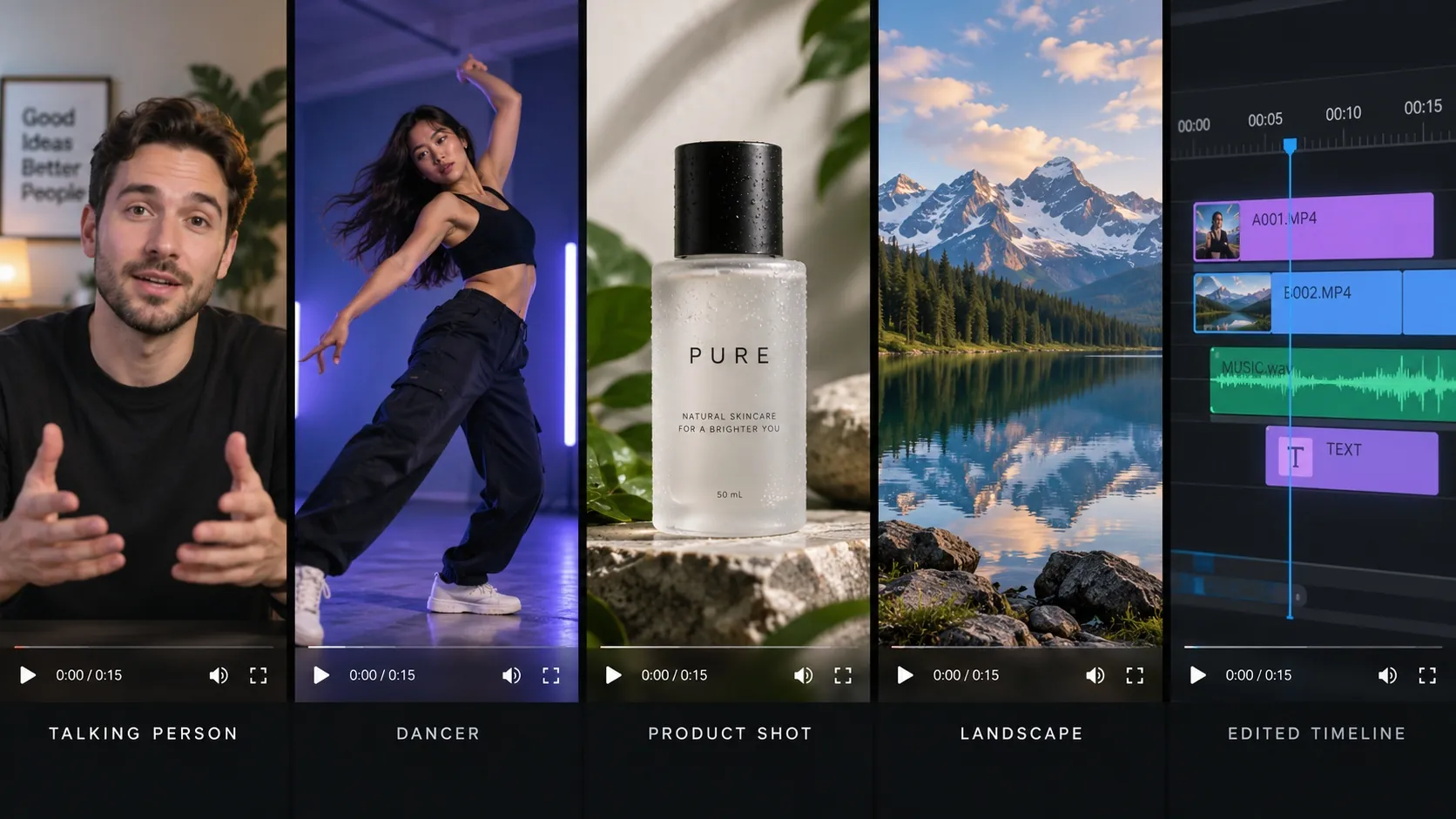
The best AI video generator is the one that handles your most common shot. Start from the clip you need, not from a ranking.
- Realistic people talking, with sound: Veo 3.1.
- A character that stays consistent for 10 seconds or more: Kling 3.0.
- Shots you will edit frame by frame: Runway.
- Dance, sports and fast motion: Seedance 2.5.
- Cheap drafts from your own photos, then extending them: MiniMax H3.
- Restyling footage you already shot: Luma or a video-to-video model.
Two habits cut costs on any of them.
Test at the lowest resolution and length first, and only upscale the take you keep. And get the starting image right before animating it, since an image costs a fraction of a video.
Our image to video guide covers prompts that hold up across models, and if you start from a portrait, head swap vs face swap explains which edit keeps a face stable once it moves.
What to use instead of Sora
Sora 2 was strongest at realistic, physics-aware scenes from text. The closest replacements are Veo 3.1 for realism and sound, and Kling 3.0 or Seedance 2.5 for longer motion. If you used the Sora API, WaveSpeed published a migration guide pointing to Seedance 2.5, Wan 3.0 and MiniMax H3.
If you still have Sora content, OpenAI says you can export it from the Sora sunset page before your data is deleted. For agent-style tools that chain several models in one chat, see our AI video agents comparison.
Frequently asked questions
What is the best AI video generator in 2026?
For realism with sound, Google Veo 3.1. For long, consistent shots, Kling 3.0. For motion, Seedance 2.5. For low cost per clip, MiniMax H3. Platforms such as iMideo, Pika and Luma let you use several of these in one place.
Is Sora still available?
No. OpenAI discontinued the Sora web and app on April 26, 2026, and the Sora API on September 24, 2026.
Is there a free AI video generator?
Kling has a free Basic plan without commercial rights, and Runway gives 125 one-time credits. Pika's Free plan has no monthly credits but lets you buy packs. Most other tools give trial credits rather than a free plan.
How much does an AI video cost to make?
A 5-second 720p clip costs roughly $0.25 to $0.50 on budget models such as Kling Standard or Wan 3.0, and around $1 to $2 on Runway Gen-4.5 or Seedance 2.5. Premium models with audio, such as Veo 3.1, cost more per second.
Which AI video generator makes the longest videos?
Most models generate 5 to 15 seconds per clip. For longer videos, generate in segments and extend each clip; Kling, MiniMax H3 and iMideo all have an extend option.
Do AI video generators add sound?
Some do. Veo 3.1, Kling 3.0 and Seedance 2.x can generate audio with the video. For others, add music or effects in a separate step, as described in our AI sound effects guide.
Conclusion
Sora's shutdown did not leave a gap for long. Veo 3.1 now covers realism with sound, Kling 3.0 and Seedance 2.5 handle longer and faster motion, and MiniMax H3 made good-enough clips cheap enough to iterate freely. Runway and Luma add editing around their own models, while Pika and iMideo let you switch models per prompt instead of per subscription.
So which is the best AI video generator? There is no single winner in 2026, and any list that names one is guessing at your use case. The best AI video generator for you is the one that handles your most common shot at a price you can repeat every week.
The fastest way to find it is a small test.
Write one prompt that represents your typical clip, run it at five seconds and the lowest resolution through two or three of the tools above, and compare both the takes and the credits spent. Keep the one that got closest on the first try, and only then pay for longer, higher-resolution versions.